HeadsUp Warnings
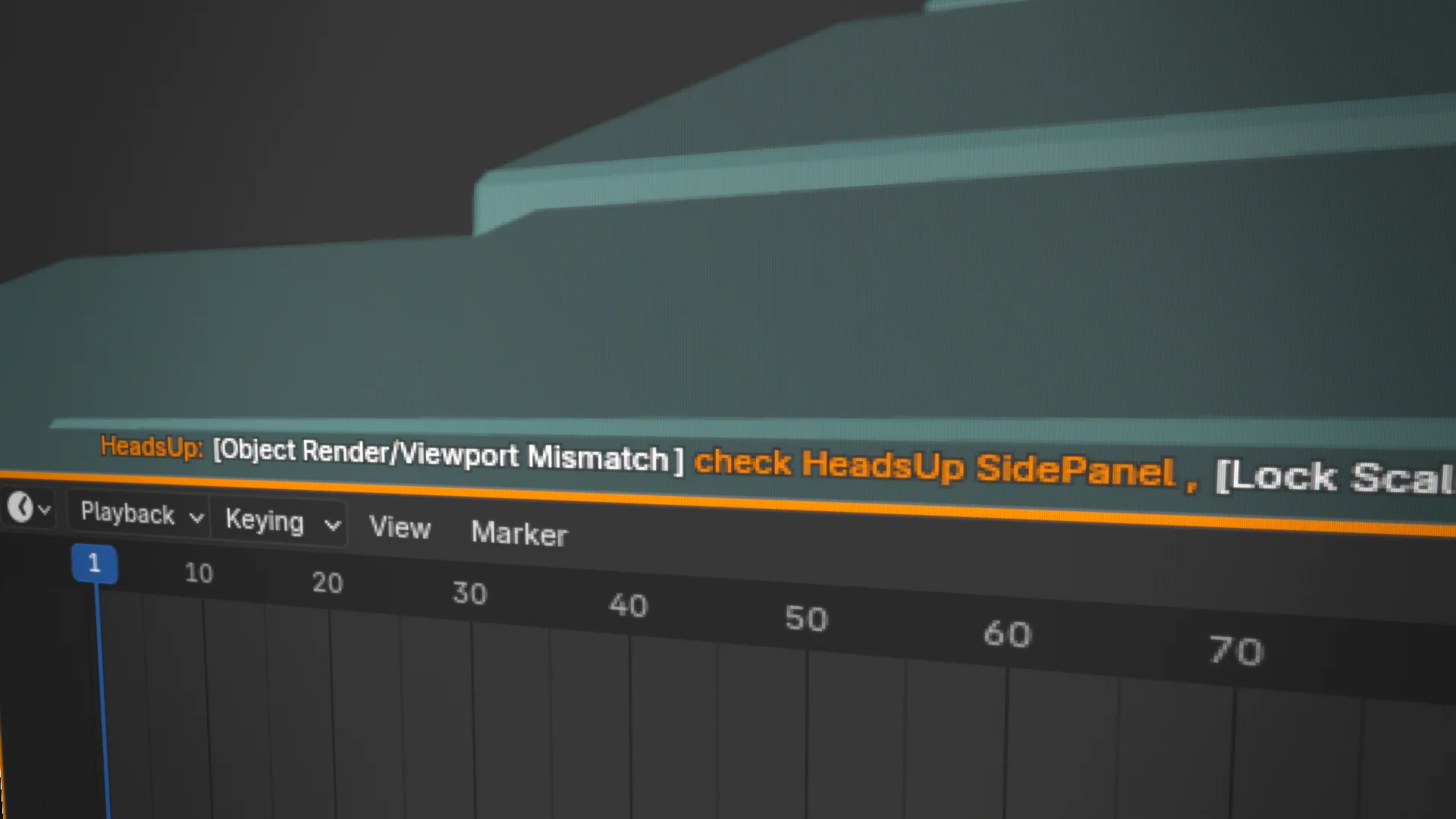
HeadsUp Warnings displays contextual Blender alerts in the 3D Viewport and compositor. Review its warning options, compatibility and file permission.
Published software and plugin guides for Blender. Page 79 of 196.
Read the software guideHeadsUp Warnings displays contextual Blender alerts in the 3D Viewport and compositor. Review its warning options, compatibility and file permission.
Hedge It is a Blender add-on that turns objects into hedges. Set quality and density in Geometry Nodes, then realize instances and apply the modifier.
Create helixes around lines or Bezier curves in Blender. Helix Generator also models ropes and braids; review its workflow and version list before installing.
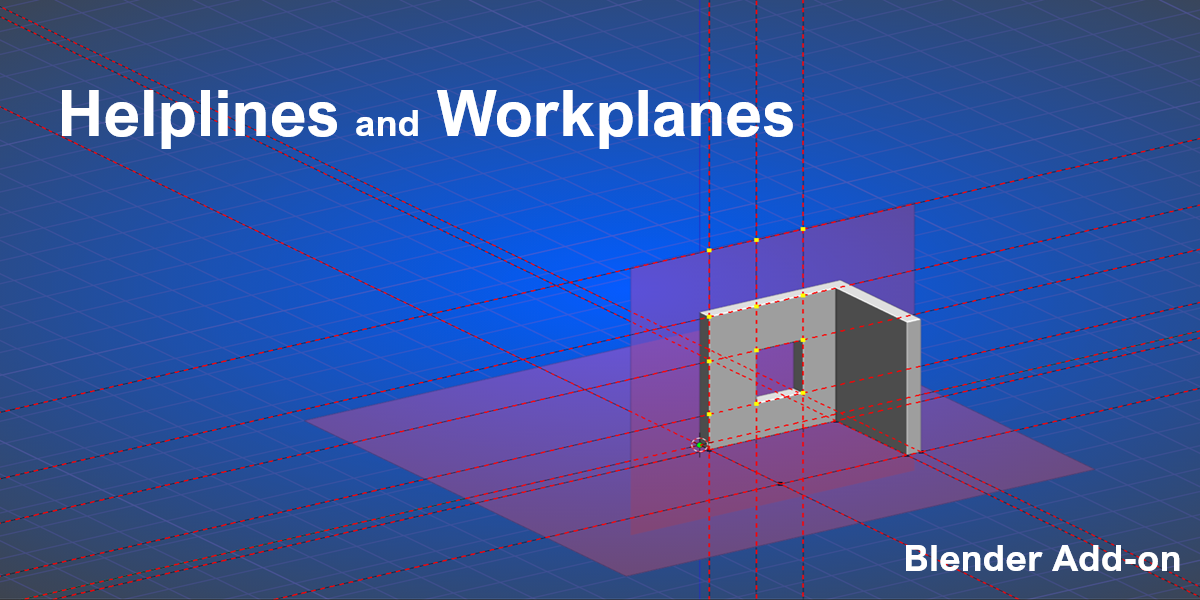
Add CAD-style lines, workplanes, polylines and snap rectangles in Blender with Helplines And Workplanes. Check the release notes for your Blender version.
Direct Blender product shots with ten editable camera rigs. Compare Lite and Pro, see supported setups, and check the sequencing and continuity limits.
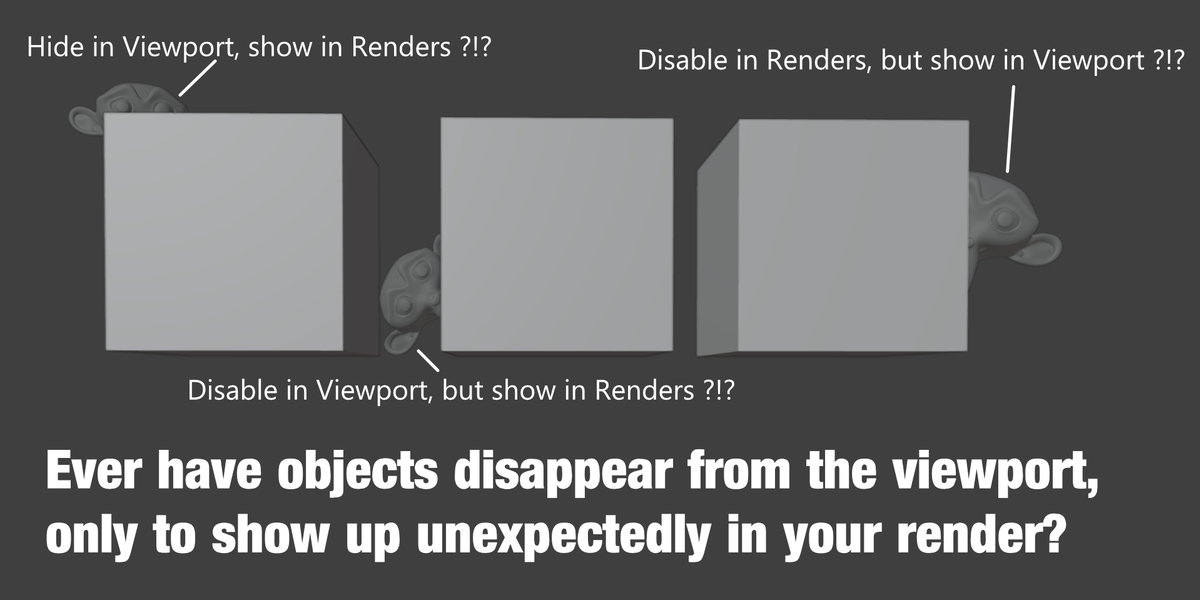
Hide & Seek 2.0 finds Blender objects by viewport or render state, with temporary previews, isolation, collection controls and reversible render syncing.
Save named Blender visibility setups for objects and collections with Hide 'N Work. Learn how HideSnapshots work and check the Blender versions listed.
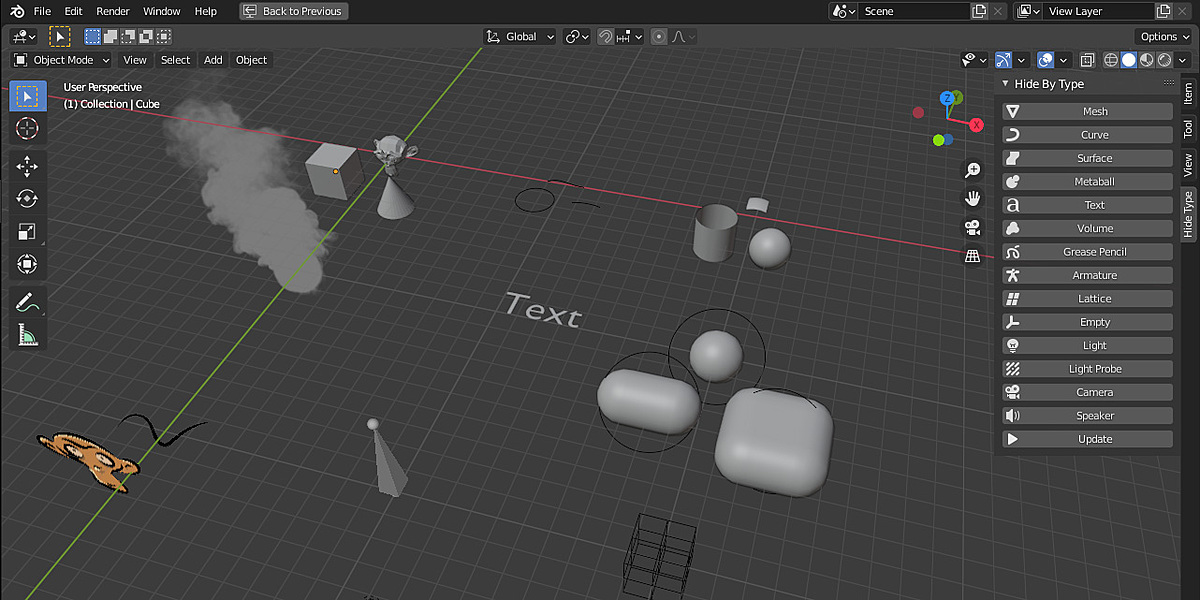
Hide By Type hides and unhides Blender objects by type. Its feature text reaches Blender 4.2, but the Details list ends at 3.5.
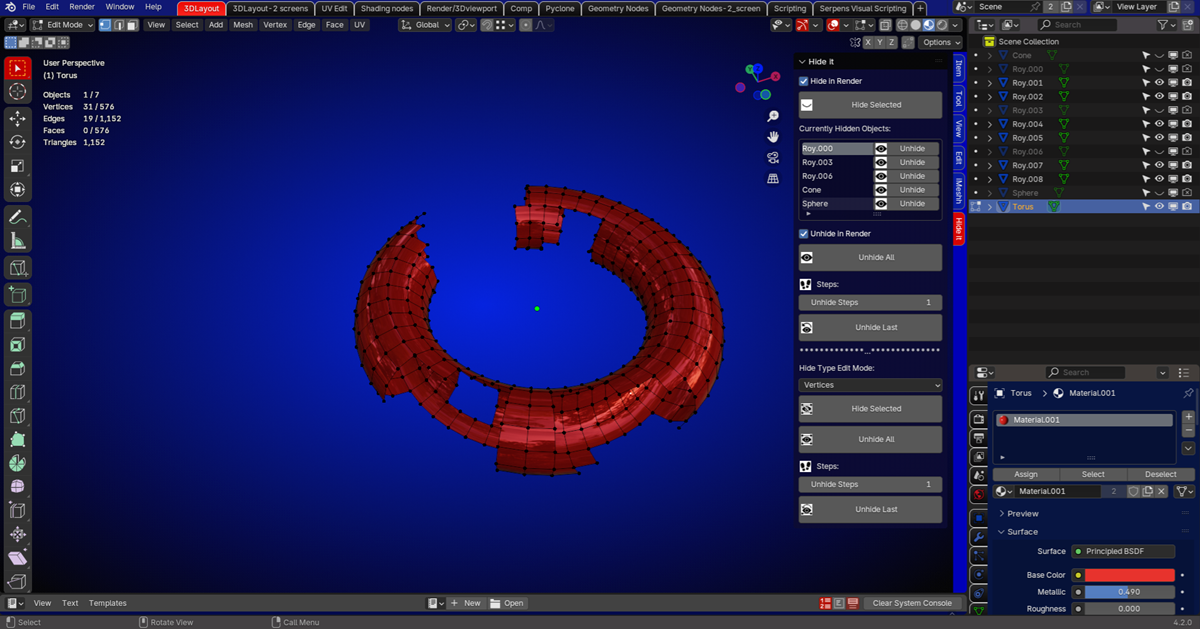
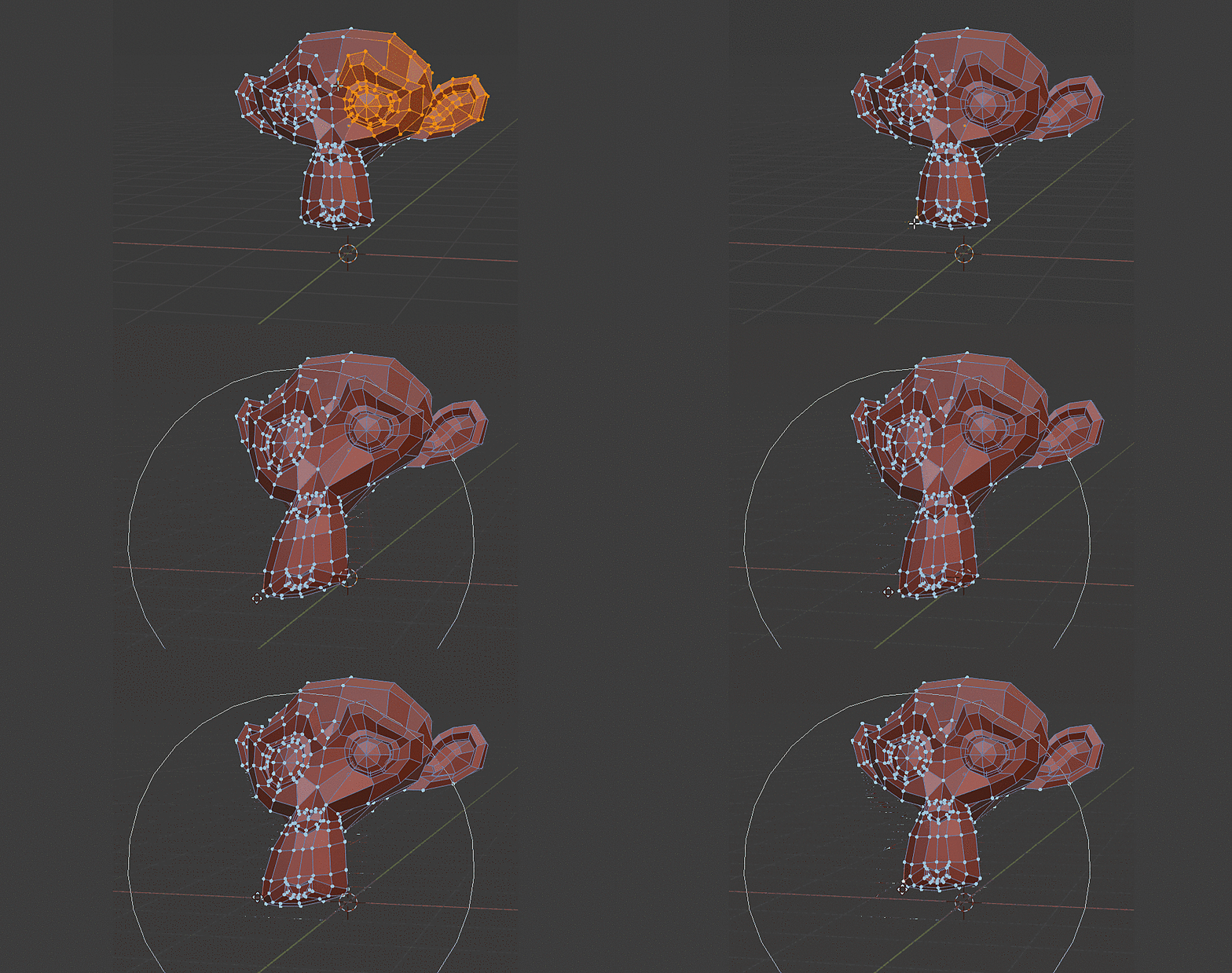
Hide Only Vertex [Lock Vertex] hides mesh vertices or curve points while faces stay visible. Check shortcuts, compatibility and limits before downloading.
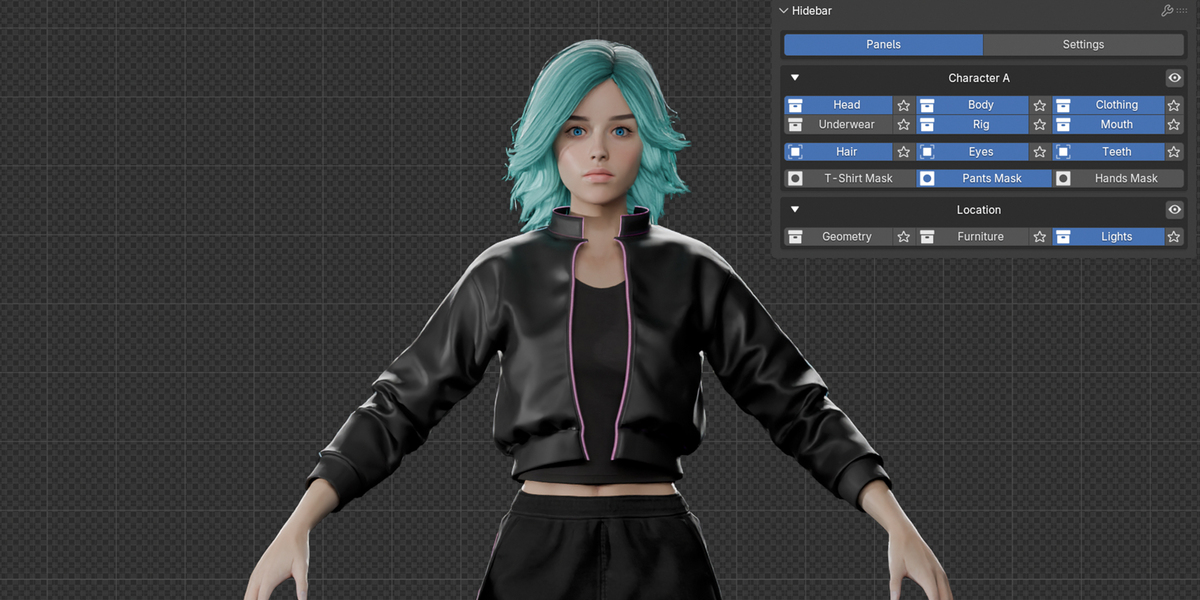
Hidebar groups Blender collection, object, and mask modifier visibility in custom panels. Export panel setups as JSON and reuse them in another project.
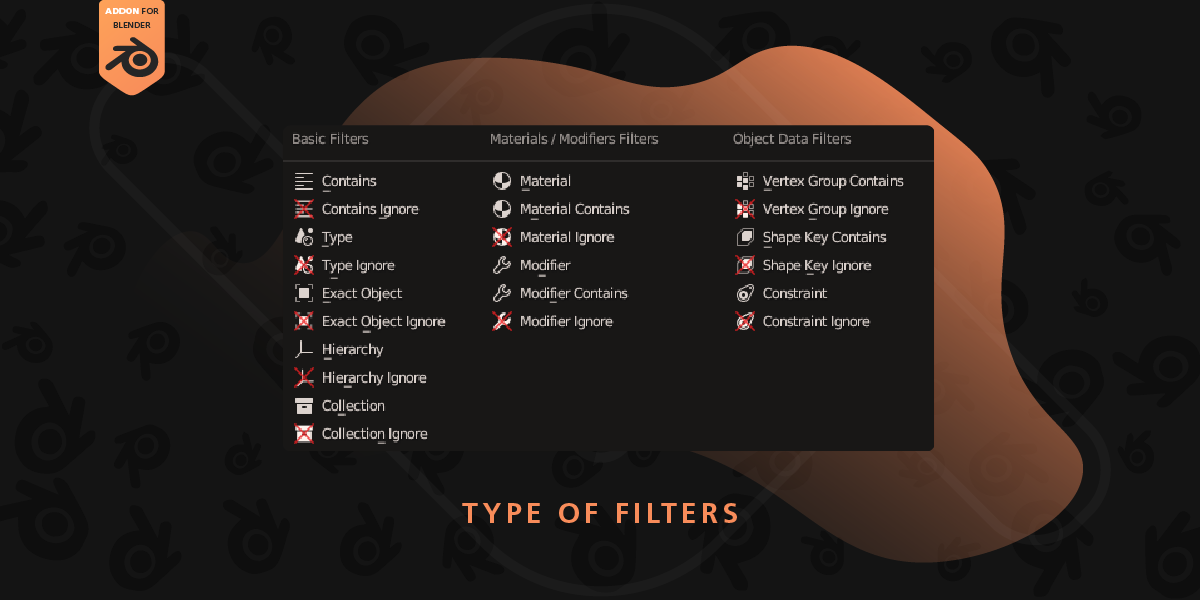
Hidemanager filters Blender objects by name, type, hierarchy, collection, material, and more. Compare Lite and Pro, then check compatibility on the seller page.
HiFi Architecture Builder v4.6.7 adds several generators and improves existing ones. Blender 4.2 LTS and newer are listed as compatible.
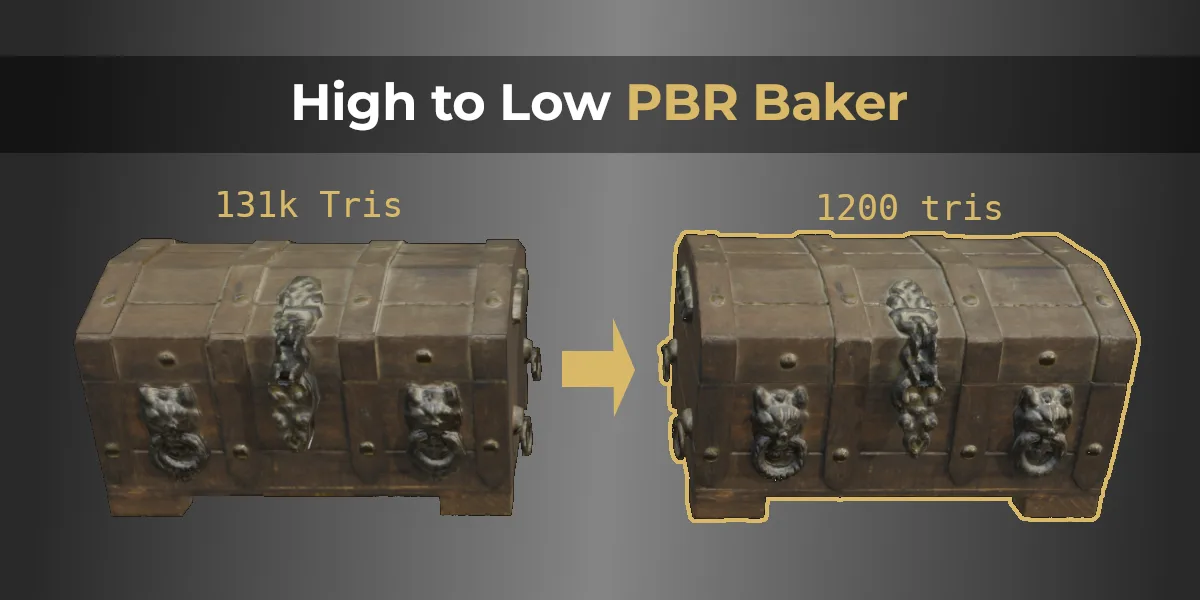
Move PBR detail from a high-poly model onto a low-poly model in Blender. High To Low Poly Pbr Baker adds an N-panel workflow for baking maps.
Highlighter is a Blender add-on that creates syntax-highlighted 3D text in the viewport. Choose a Pygments style, set default fonts, or reapply highlighting.
HiPhyEngine couples cloth, hair, soft body and rigid body simulation in Blender, with an MPM solver for snow and sand. Check setup and licensing.
Connect vertices, select sharp edges and generate smoother, higher-resolution meshes in Blender. Check HiPoly’s Blender version and setup.
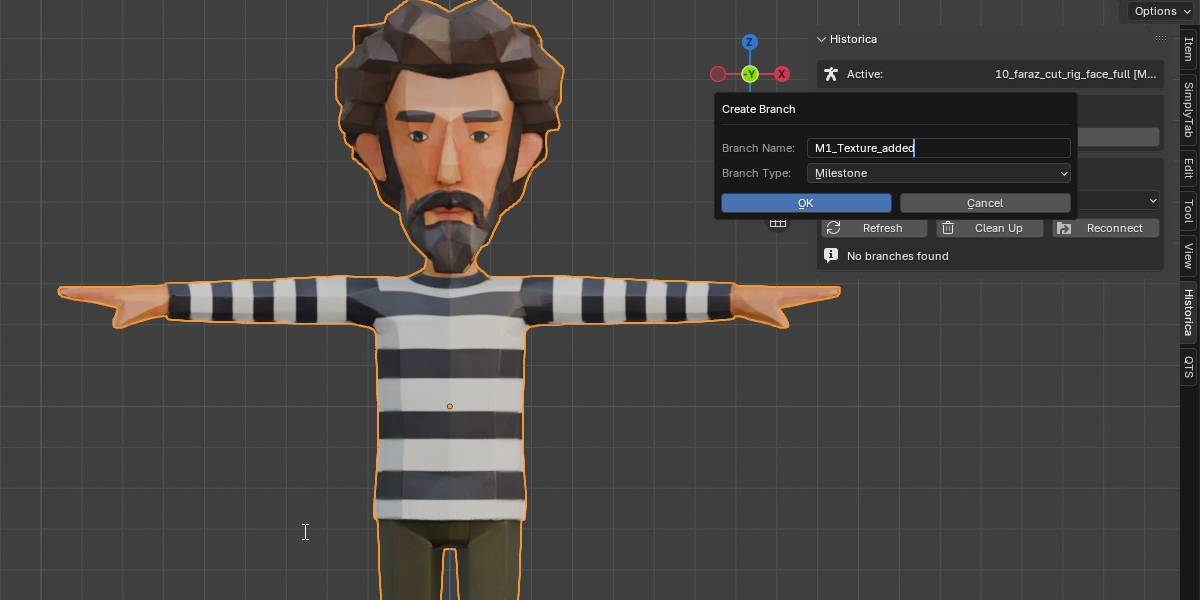
History Bookmark Pro tracks compatible Blender actions, rolls back to a selected step, and saves scene bookmarks. Check version support before installing.
Hold My Cam is a Blender add-on for one-click realistic camera animation on Blender 4.0 and 4.1; find its option in the viewport's right-click menu.
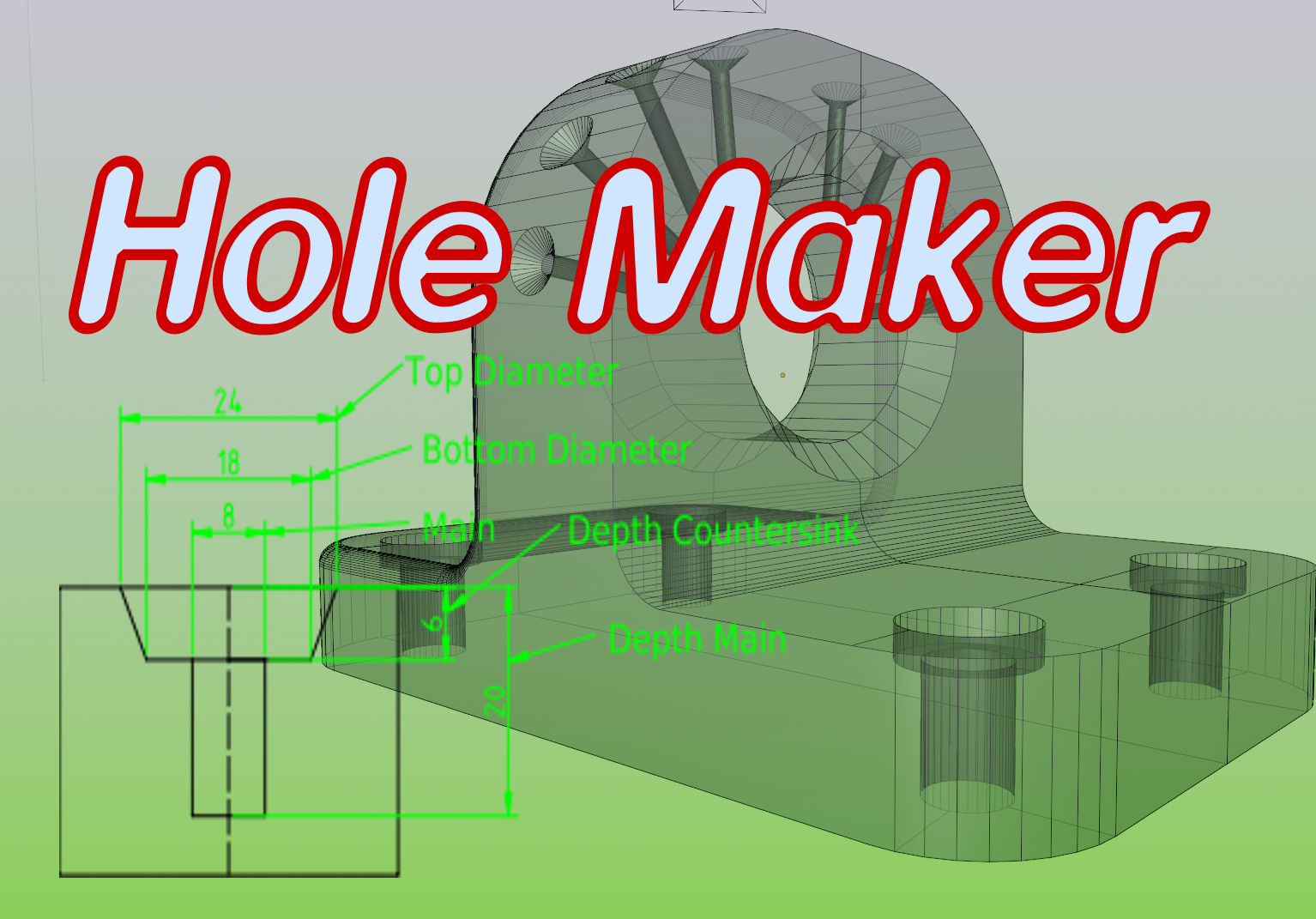
Hole Maker creates Blender mesh holes from a chosen vertex, with controls for diameter, depth, direction and countersinks. Check the listing for compatibility.
Clean circular CAD-style through-holes in imported Blender meshes with Hole Remover. Preview detections, filter by diameter, and test removal on a duplicate.
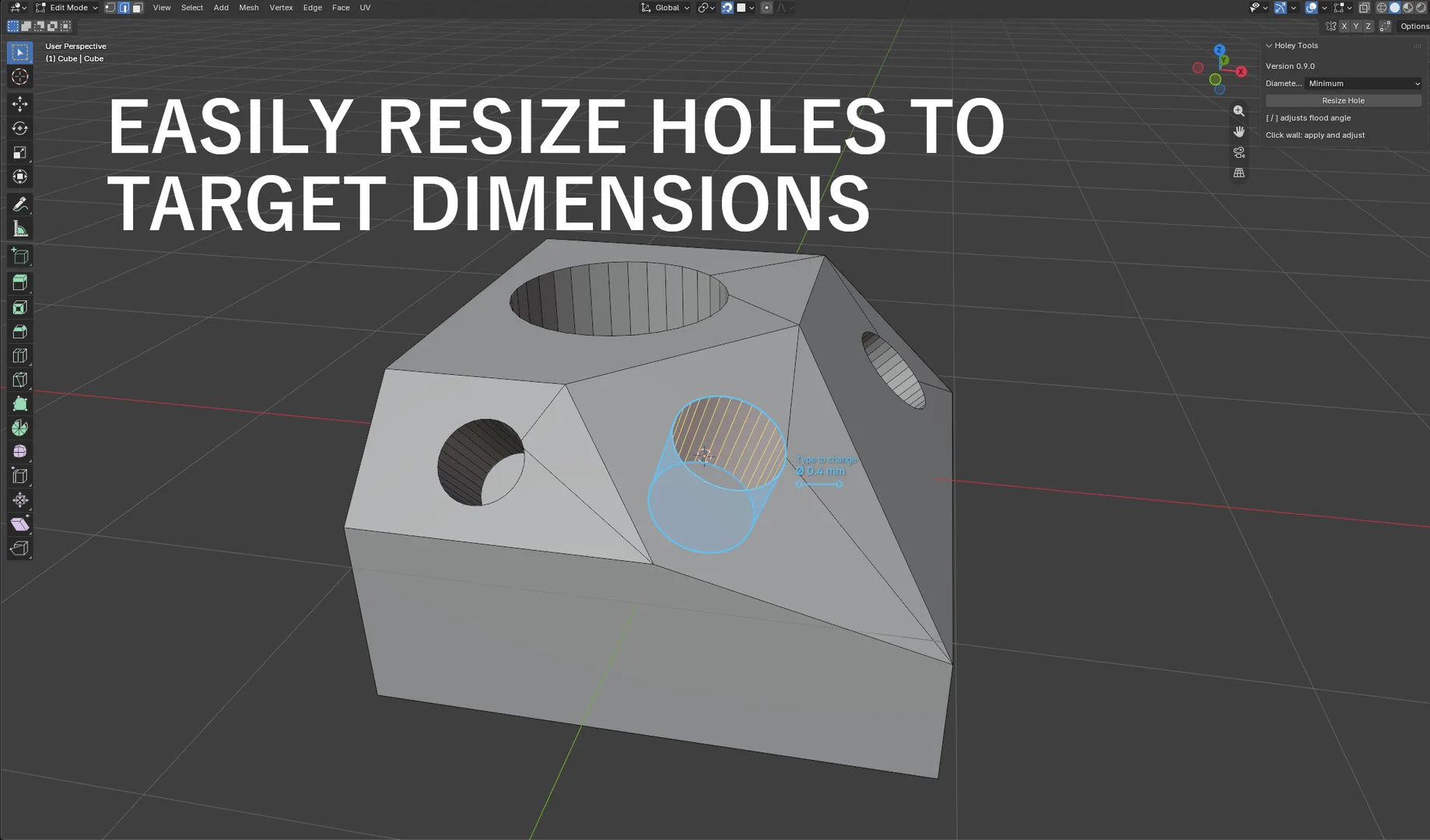
Holey Tools is a Blender add-on for working with holes in meshes. See its Blender 5.2.0+ requirement, version 1.0.0, and official listing.