LayerGenerators
Generate text characters, colored solids, and vector icons with LayerGenerators for After Effects. Review tools, setup, compatibility, and license terms.
Browse published guides by application, developer or task. Check product details before downloading. Page 155 of 337.
Generate text characters, colored solids, and vector icons with LayerGenerators for After Effects. Review tools, setup, compatibility, and license terms.
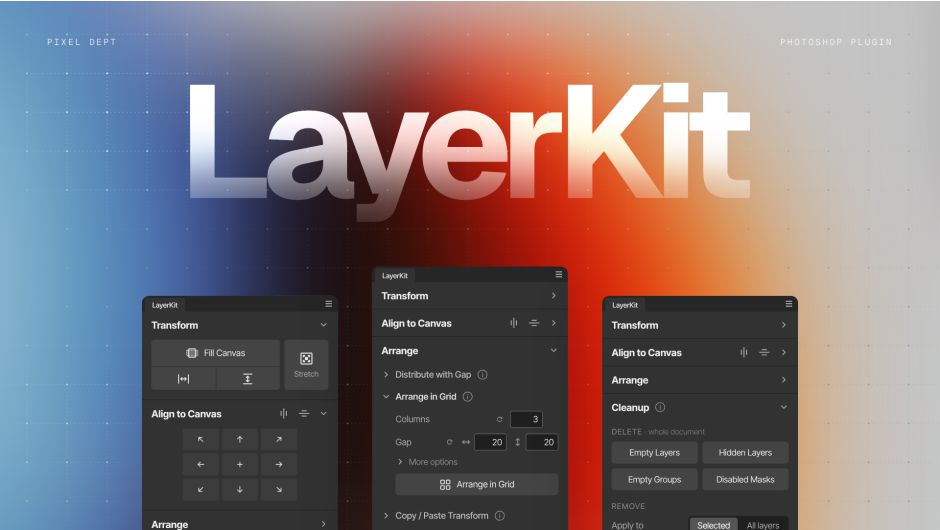
LayerKit adds alignment, spacing, grid, transform and cleanup tools to Photoshop. Check its system requirements and name-your-price terms.
Export a .cube LUT from an After Effects layer with effects for use in other software. Check the supported After Effects versions and single-computer license.
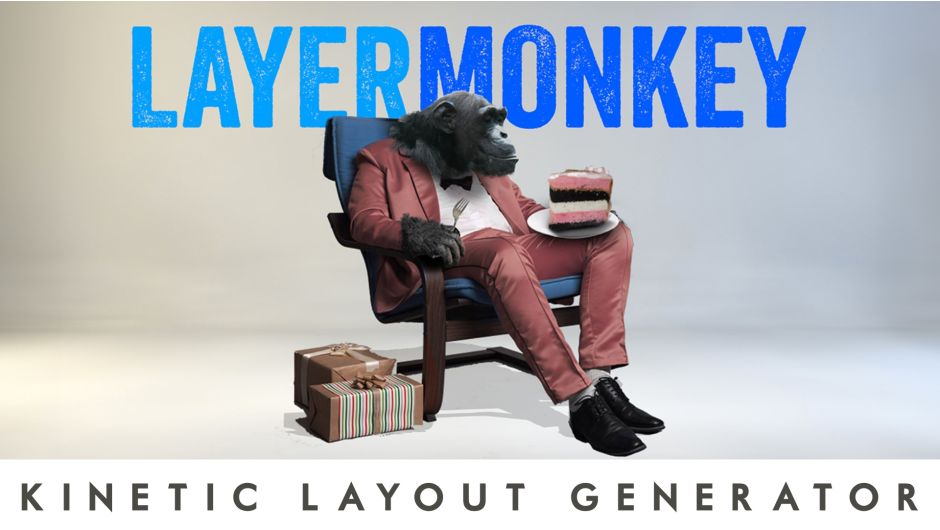
LayerMonkey builds animated layer layouts in After Effects with camera and marker controls. See supported layer types, timing tools and listed AE versions.
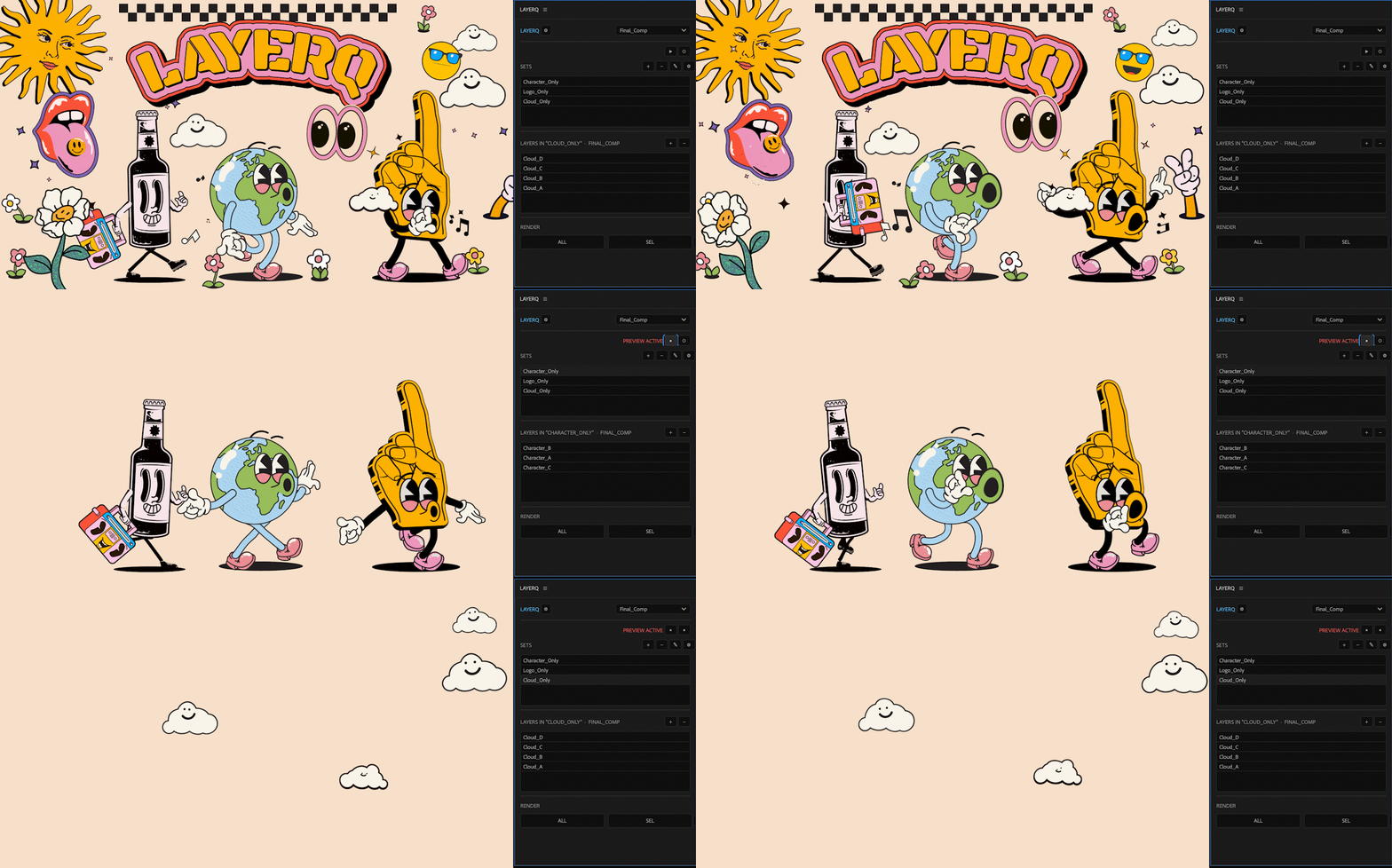
Save named layer-visibility sets, preview with Solo, and batch-render selected variations across nested After Effects compositions with per-set export settings.
Render After Effects layers with LayerRender using FFmpeg codecs and presets. See the layer-range workflow, bit-depth options, trial limits, and compatibility.
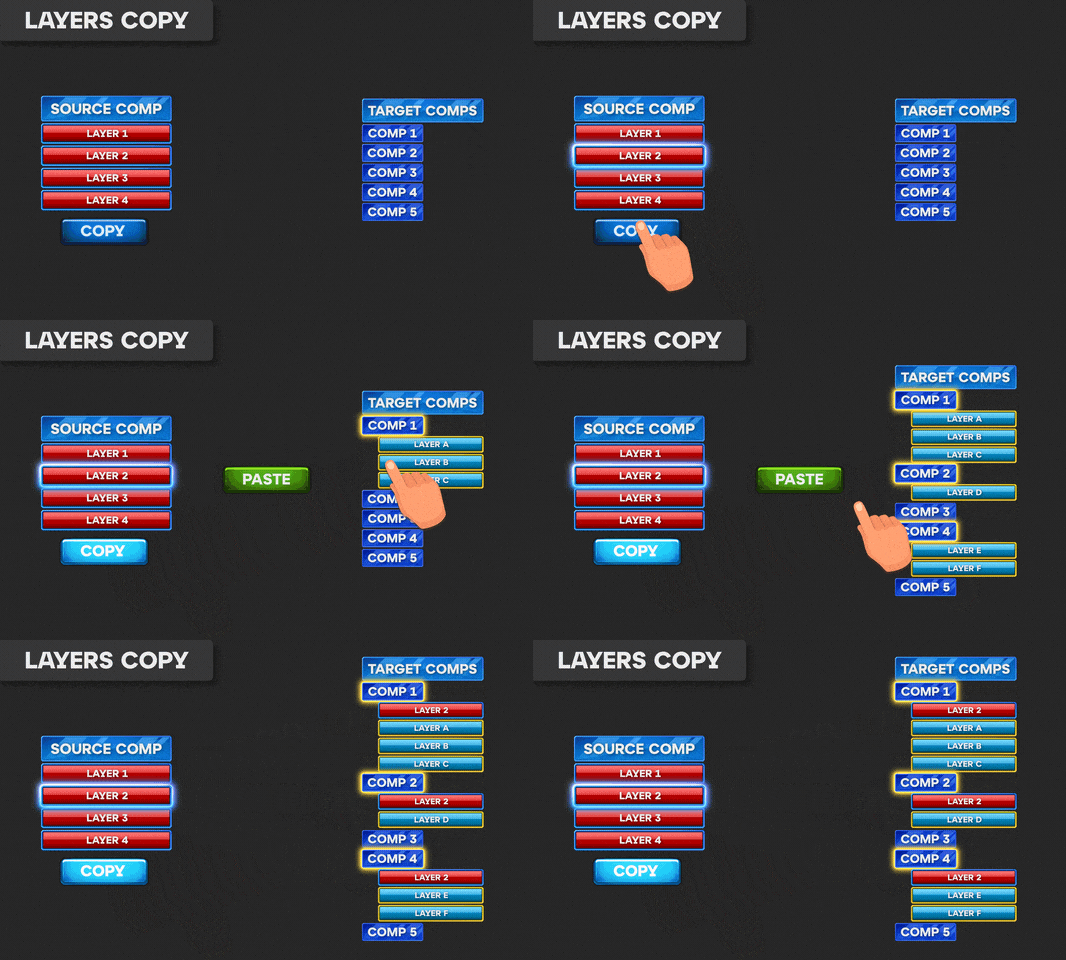
Copy, replace or remove After Effects layers, effects, properties and masks across compositions; batch-change duration, frame rate, resolution and switches.
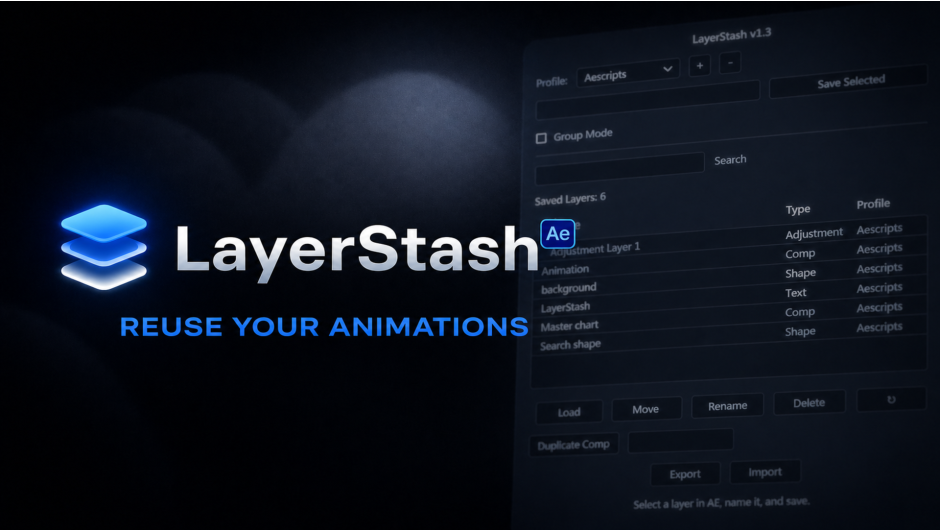
LayerStash saves After Effects layers with effects and keyframes for reuse across projects. Review its profiles, group loading, file exports and compatibility.
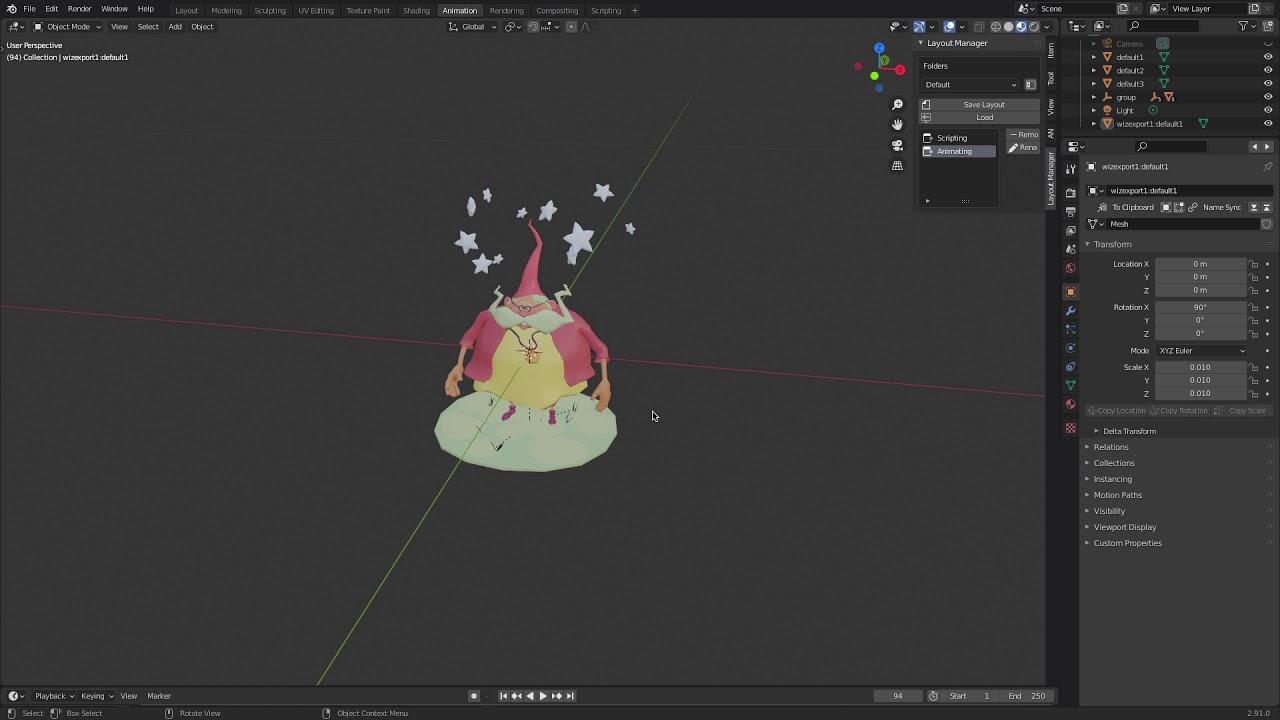
Layout Manager saves Blender workspace layouts as presets and restores them on demand. Review Dopesheet tools, JSON import/export, and Blender versions.
Distribute After Effects layers and keyframes along an adjustable Bézier curve, edit or save curve presets, and choose the playhead or first item as the start.
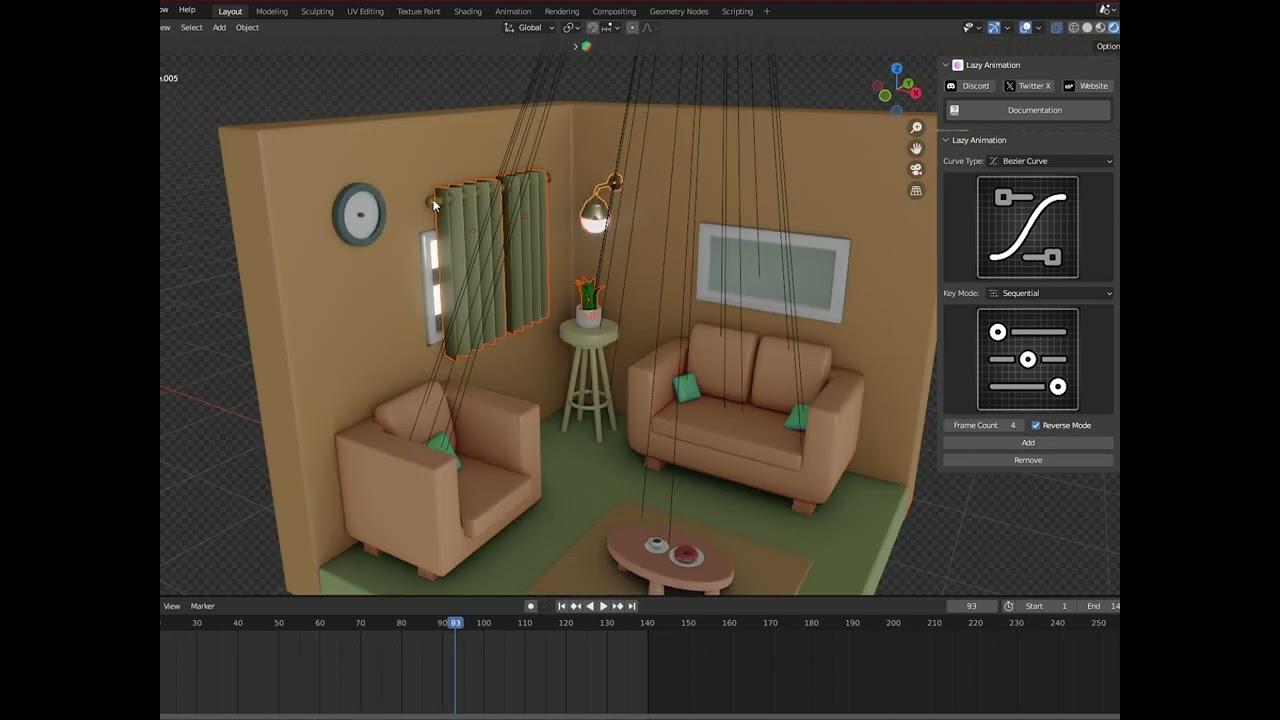
Lazy Animation for Blender creates object keyframes, follows custom curves, syncs objects, and reverses motion. Check its modes and keyframe warning.
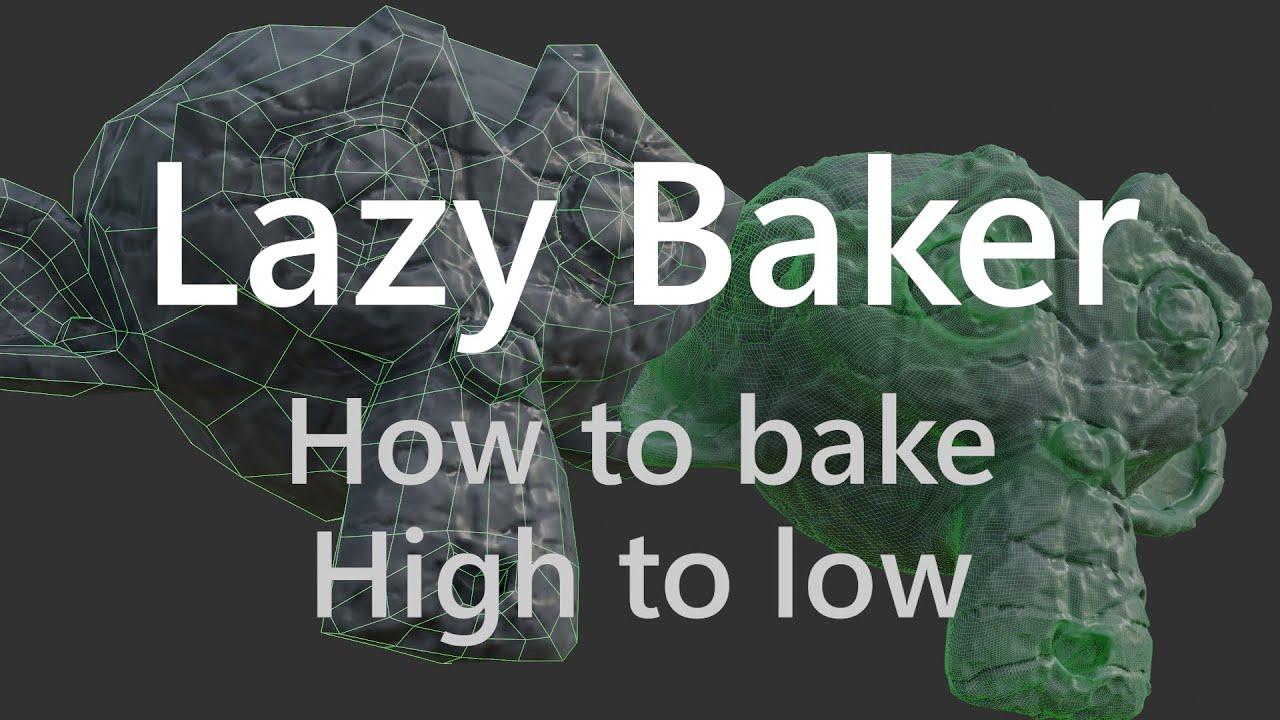
Lazy Baker organizes Blender bake jobs into lists, with per-item settings, high-to-low transfers and extra map types. Check version support before downloading.
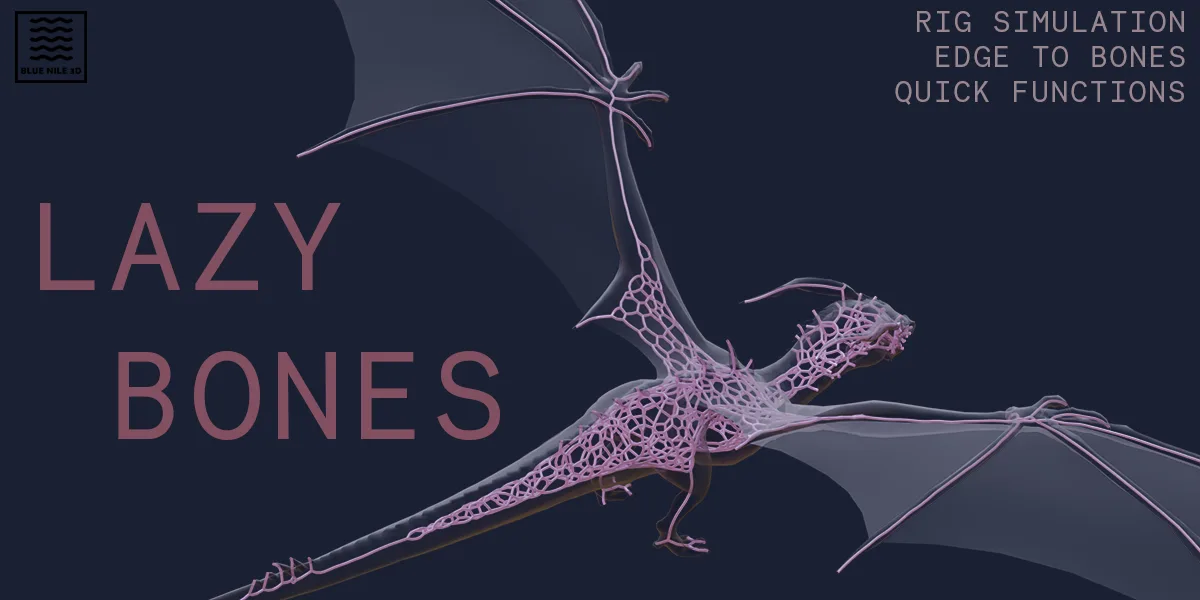
Lazy Bones are for mesh-to-edge simulation and edge-to-bone rigging, with cleanup and manual refinement. Check Blender compatibility before setup.
Apply color correction, lens effects and film grain with Lazy Composer: One-Click Film Emulation Addon in Blender's viewport compositor for Cycles and Eevee.
Create hand-drawn or procedural mesh cracks in Blender, split fracture pieces, set up rigid bodies, and manage physics caches with Lazy Cracker.
Lazy Gizmo adds drag-based rotation controls to Blender’s 3D View. See its modes, shortcuts, supported pivots, and the Blender version listed by its developer.
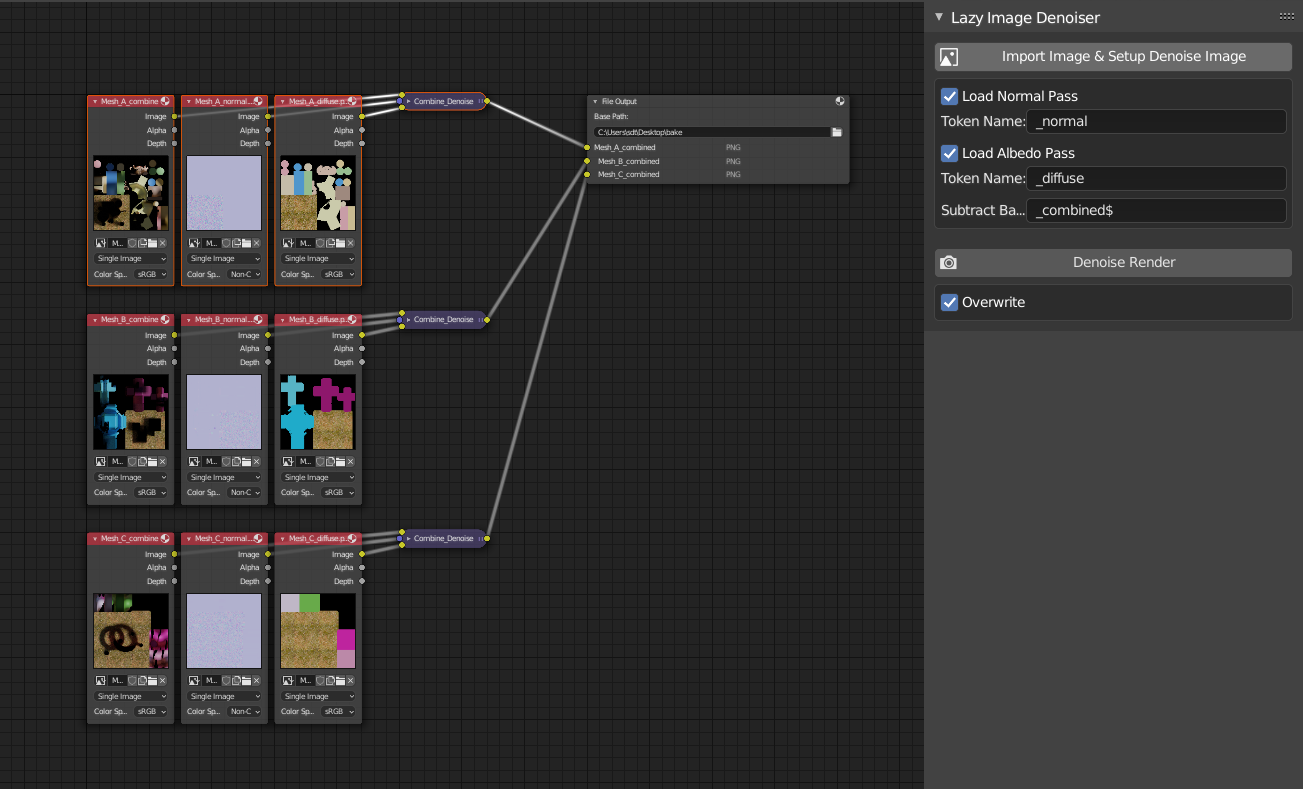
Lazy Image Denoiser is a Blender add-on using Blender's Composite Editor Denoise node on batches of rendered and baked images. The license is GPL.
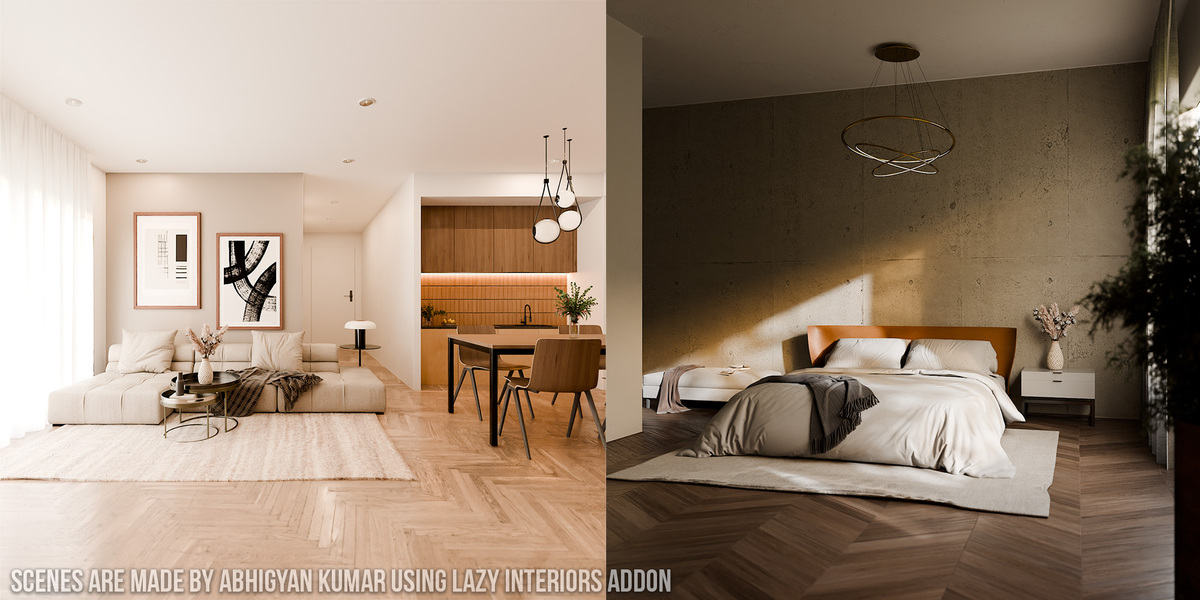
Lazy Interiors Addon is a Blender add-on with 380 assets, 34 scenes, 60+ materials and Quick Snap Tools; check storage estimates and compatibility.
Lazy Keyset is a Blender add-on for stepped keys, matching-bone shape-key edits, and two-point transforms. Check listed versions before downloading.
Lazy Lighter's camera-relative Blender rigs continue as Chiaro 3.0, with 68 rigs, animated lighting, haze and a changed upgrade path.
Lazy Shapekeys [Shape Keys Folder & Utility] is an add-on for shape keys. In Blender 5.0+, item dragging is unsupported; its menu misses 5.0 changes.
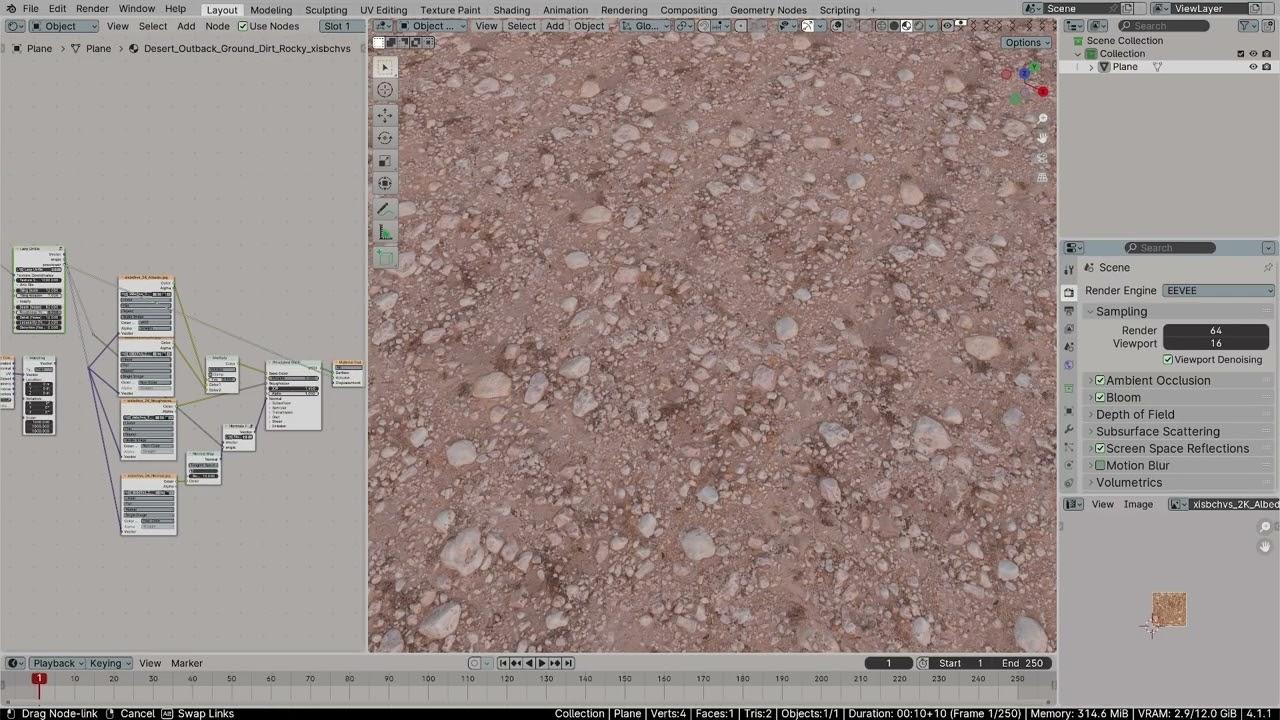
Lazy Untile (One-Click Untile With Normals Fixer) is a Blender add-on that removes tiling from image textures and includes a normals fixer nodegroup.
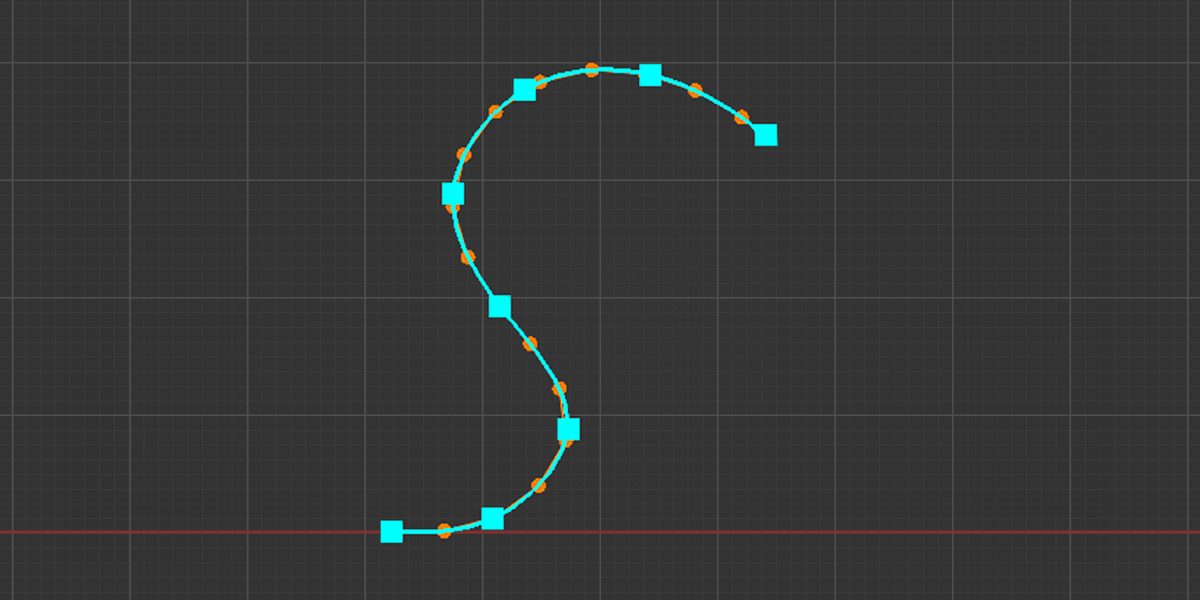
Lazy Utils are Blender tools for reshaping edges, UVs, curves and bones, with Curve Sculpt, Anchor Deform and ReBevel. Check listed Blender versions.
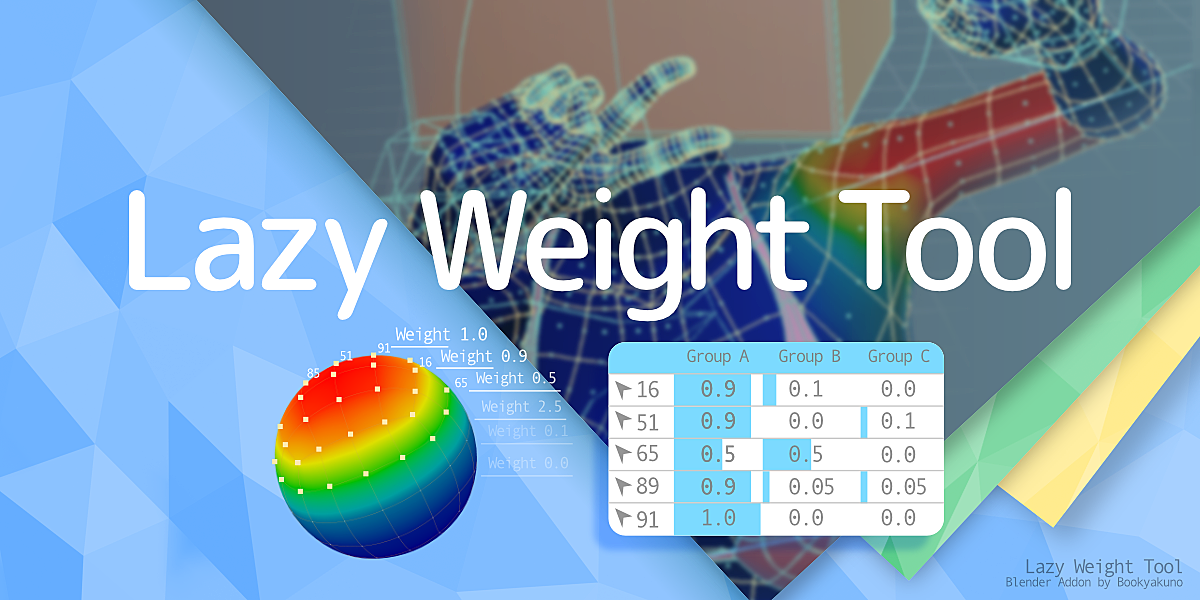
Lazy Weight Tool adds a vertex-weight table, numeric assignment, clipboard transfer, and mesh-style selection to Blender's Weight Paint mode.