Mocap Bone Lock
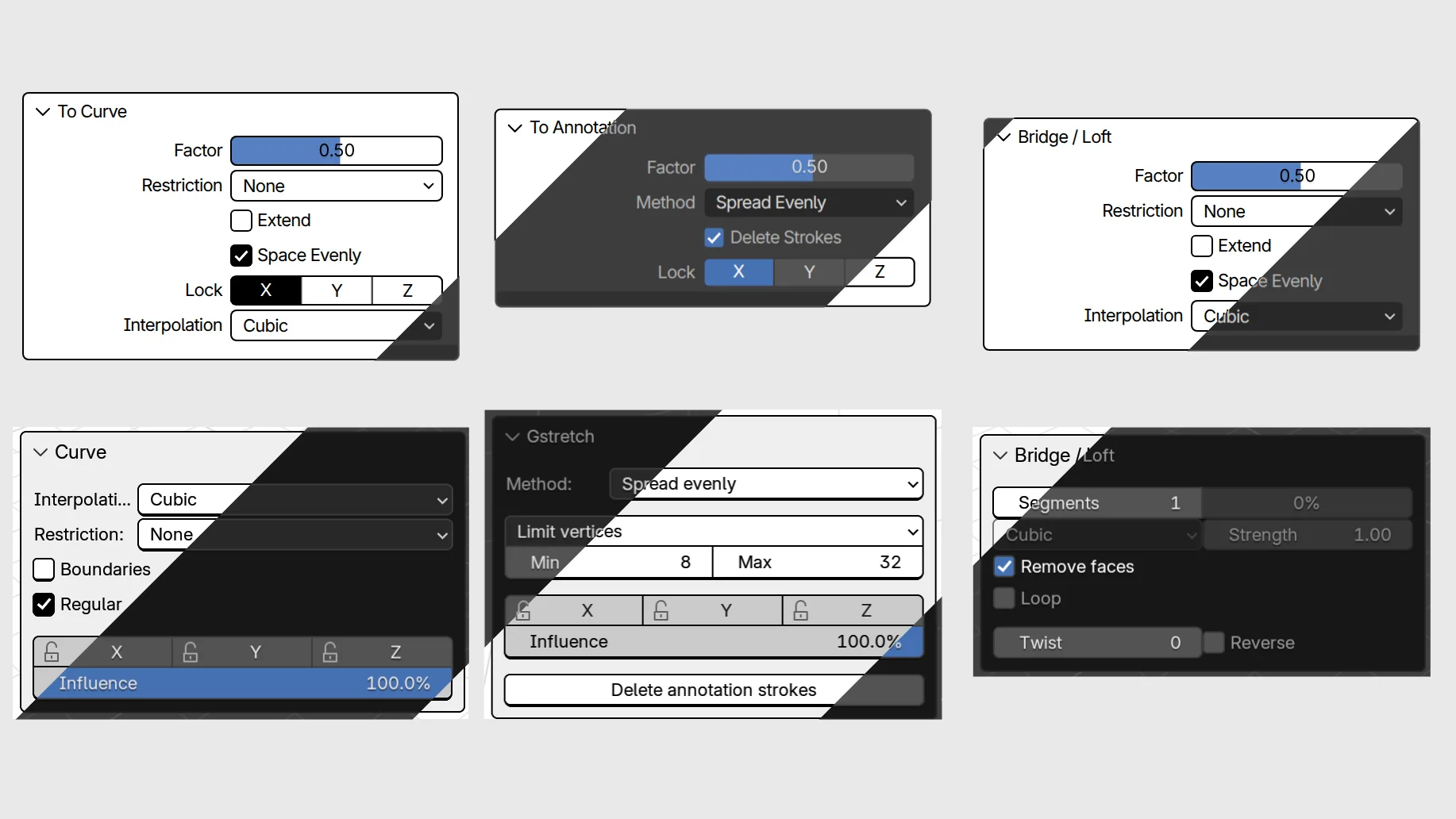
Mocap Bone Lock is a Blender add-on for foot sliding after retargeting, with manual and automatic locks, previews, fades, and an NLA workflow before baking.
Browse published guides by application, developer or task. Check product details before downloading. Page 183 of 337.
Mocap Bone Lock is a Blender add-on for foot sliding after retargeting, with manual and automatic locks, previews, fades, and an NLA workflow before baking.
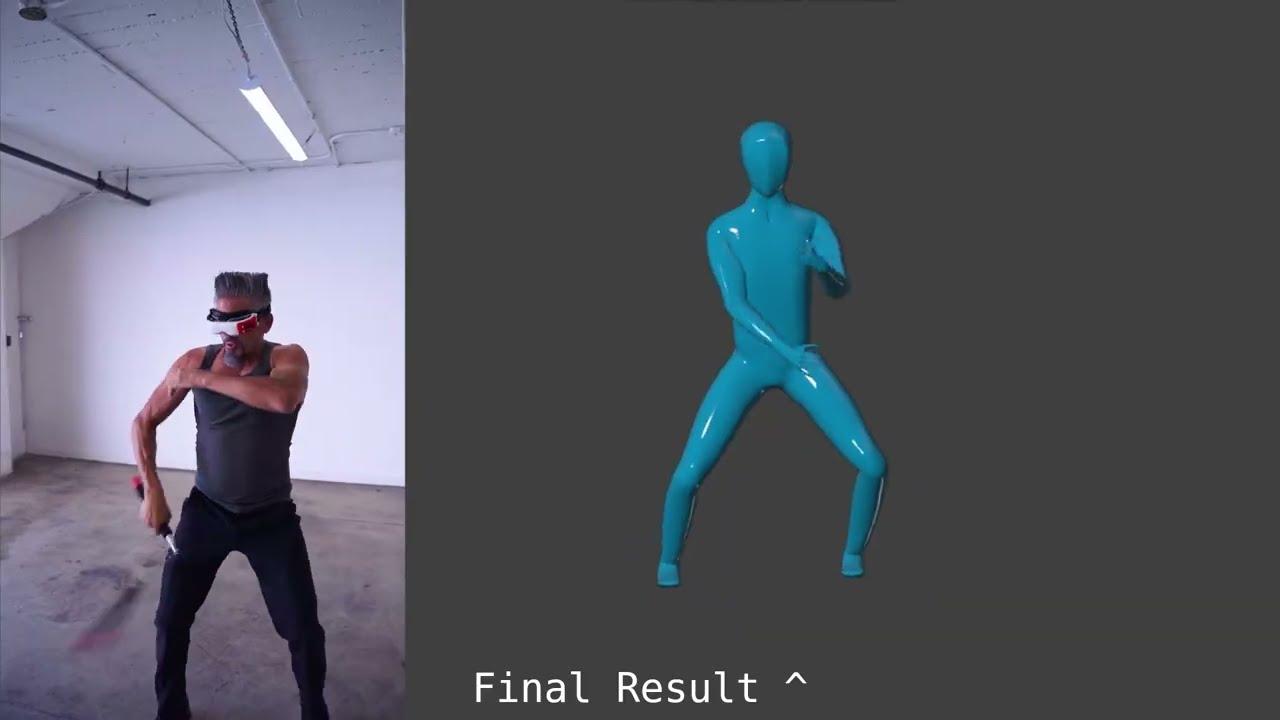
Mocap Lite captures body, facial and finger motion from video or images in Blender. Review its webcam option, workflow and version compatibility.
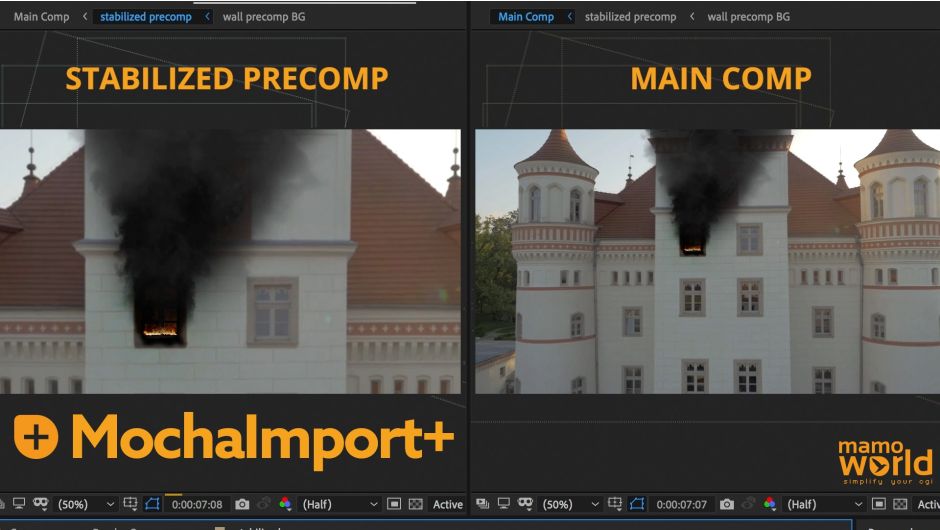
MochaImport+ is a Mocha-to-After Effects tool for moving tracks to masks and layers, refining them with keyframes and retouching in stabilized precomps.
Capture a Blender area in Dark and Mockup themes, then paste the paired result into Penpot. Check setup, Blender versions, permissions and known limits.
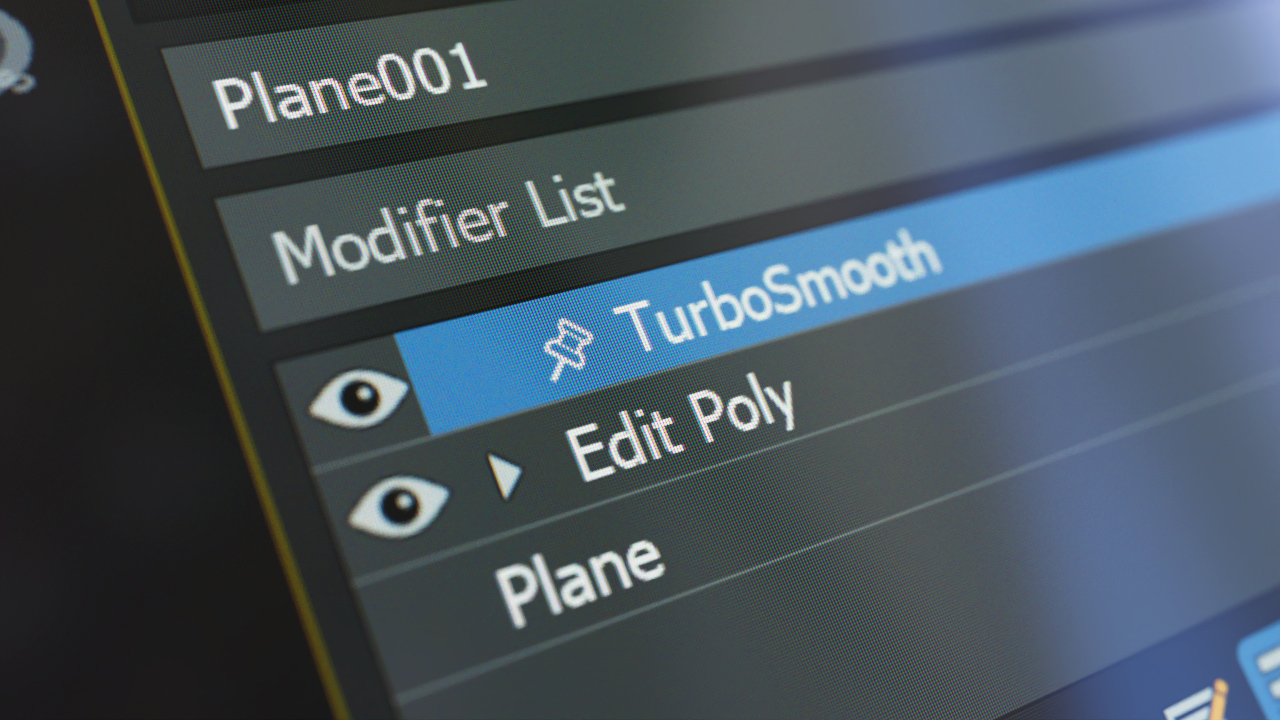
Mod Pinner keeps a chosen modifier at the top of a 3ds Max stack. See its toggle, label settings, Lite limits, setup steps, and version support.
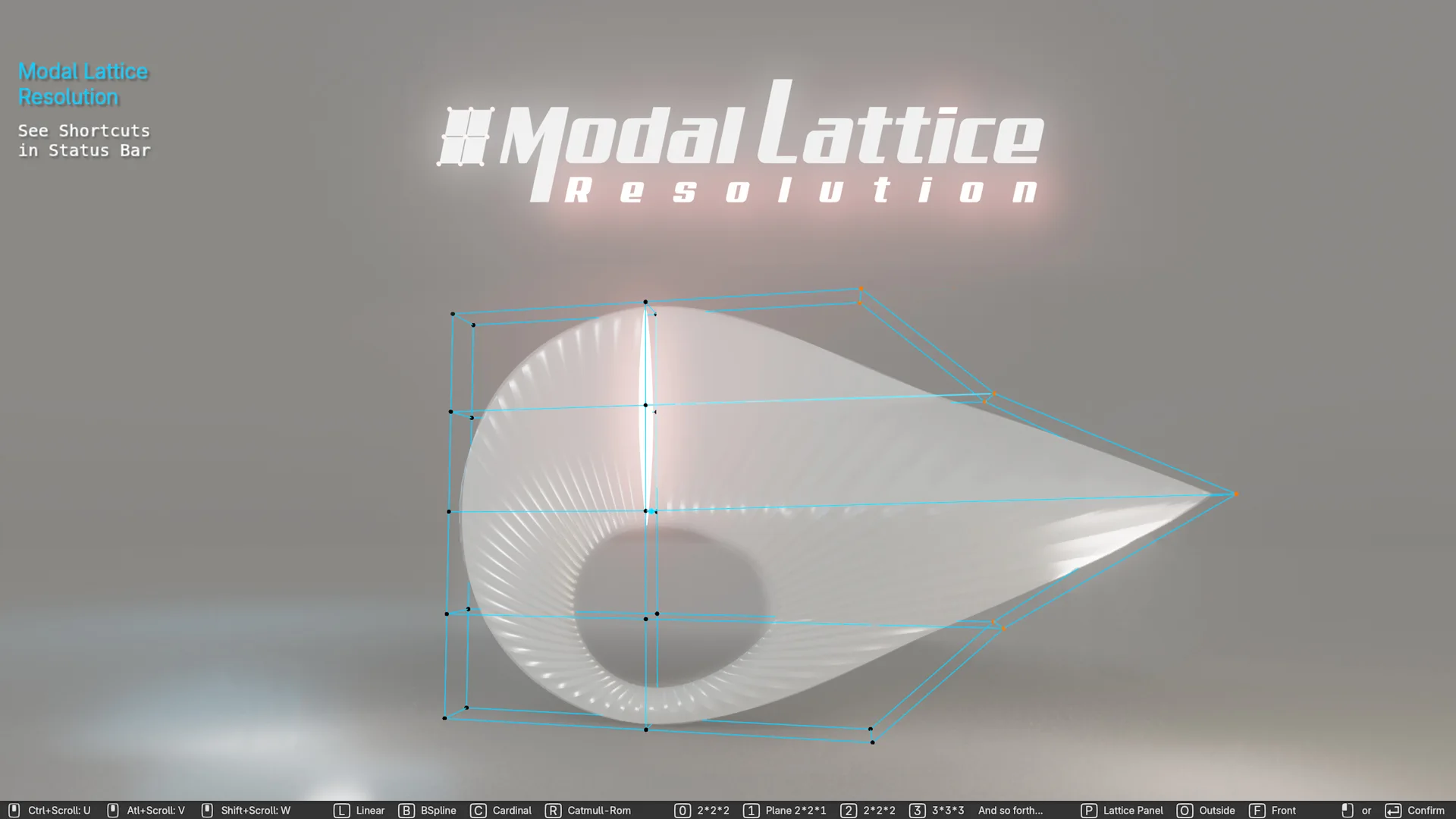
Modal Lattice Resolution is a Blender 4.2+ add-on for creating and adjusting viewport lattices, with U, V, W resolution controls and four interpolation modes.
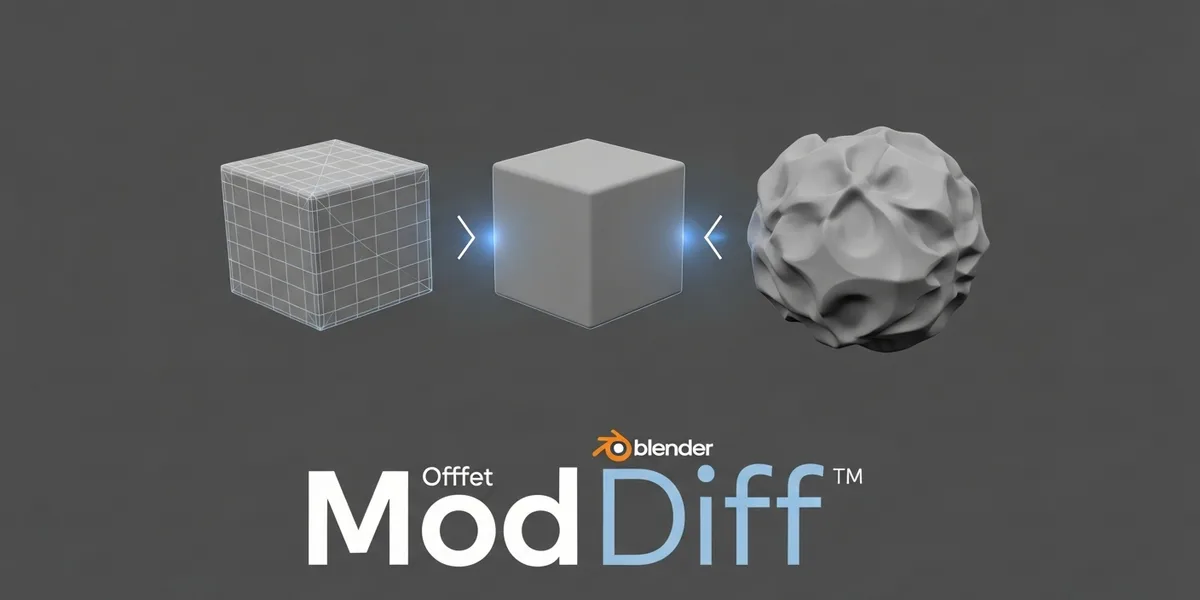
ModDiff creates applied copies of Blender objects for side-by-side checks, with bounding-box offsets, a Multiplier, and editable object suffixes.
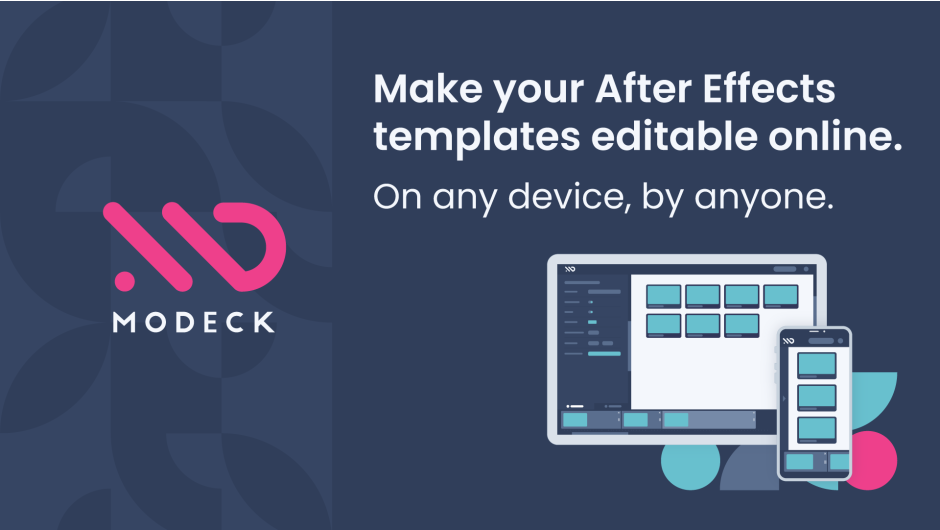
MoDeck.io After Effects Template Automation is a browser editor for After Effects MOGRTs, with spreadsheet or JSON video batches rendered on your machine.
MoDeck.io Upfront Subscription is listed at $0.00; buyers are directed to its recurring version. Compare workflow, render needs, limits, and plans.
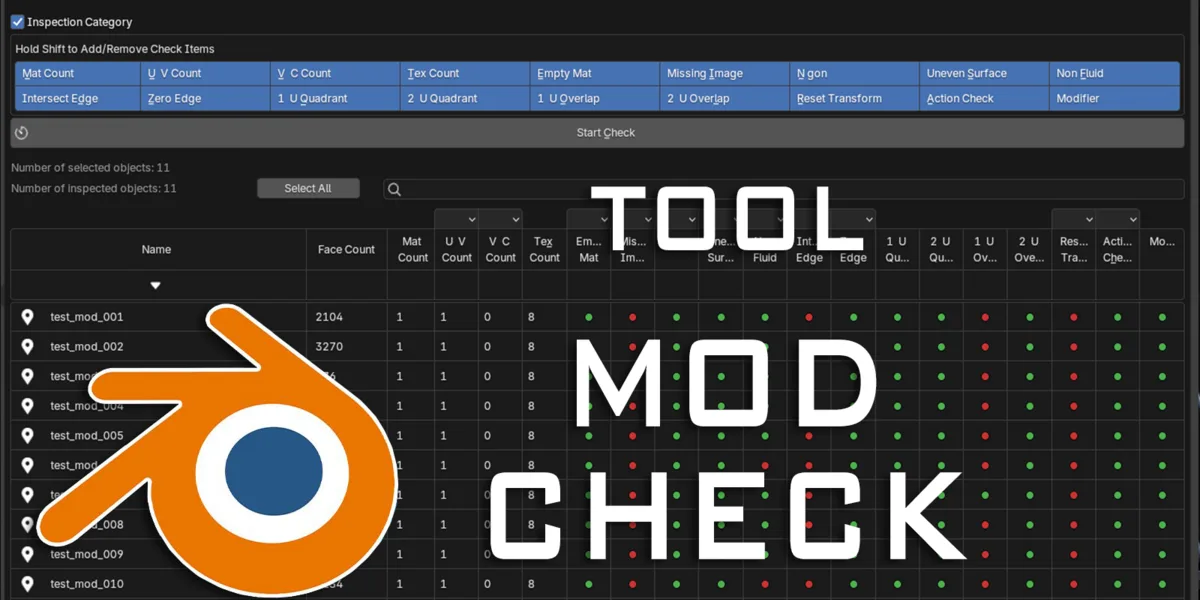
Model Check batch-checks Blender model data against a specification before engine import. Review its compatibility range, GPL listing, documentation and demo.
Model Finalizer bundles batch modifier, shape key, weight and mesh cleanup tools for Blender character export. Check its listed versions and support status.
Connect Revit to an MCP-compatible AI app with 79 tools in Model MCP for queries, checks, reports, exports, and edits. Review setup, privacy, and limits.
Modeler Pro 1.9 - Toolkit Addon is a Blender add-on with tools for bevels, modifiers, collections, primitives and exporting. Check version notes and setup.
Modeling Cloth is a Blender tool for interactive cloth shaping, wrinkles, shrinking cloth around objects, and mixing softbody with cloth effects.
Modeling Cloth Pro creates clothing and cloth effects in Blender, with extra features and a 10x speedup in bend and stretch solving over previous versions.
Modeling Flow groups Blender modifier shortcuts, edit combos, selection tools and object data. See its listed versions and GPL license before installing.
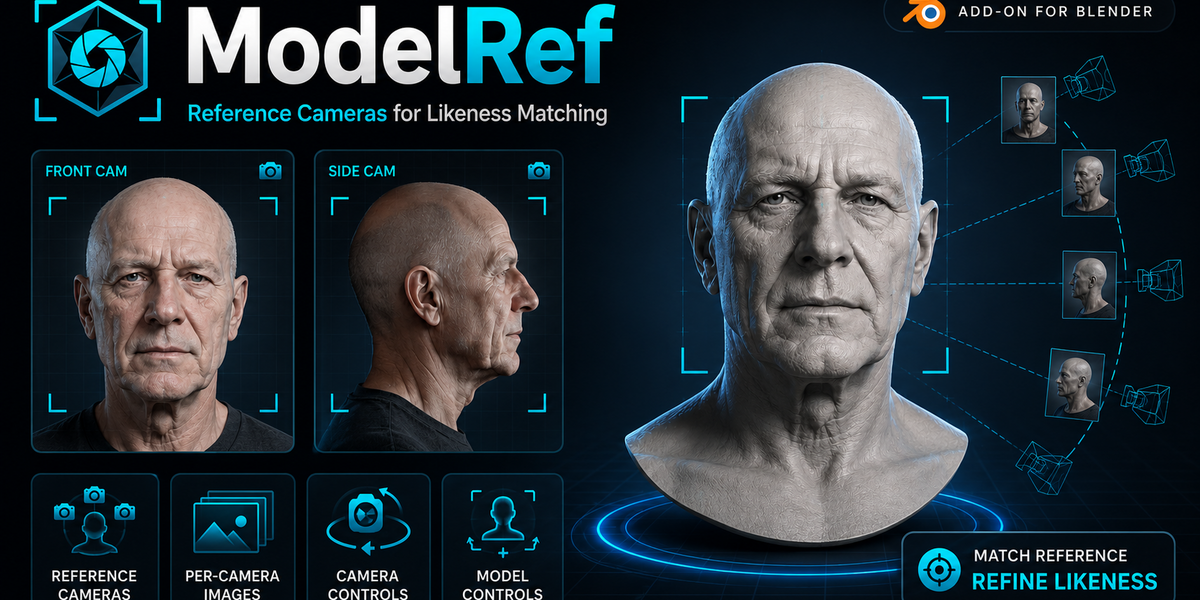
ModelRef is a Blender add-on for manually matching models to camera references, with per-view framing and image controls. Compare Lite and Pro.
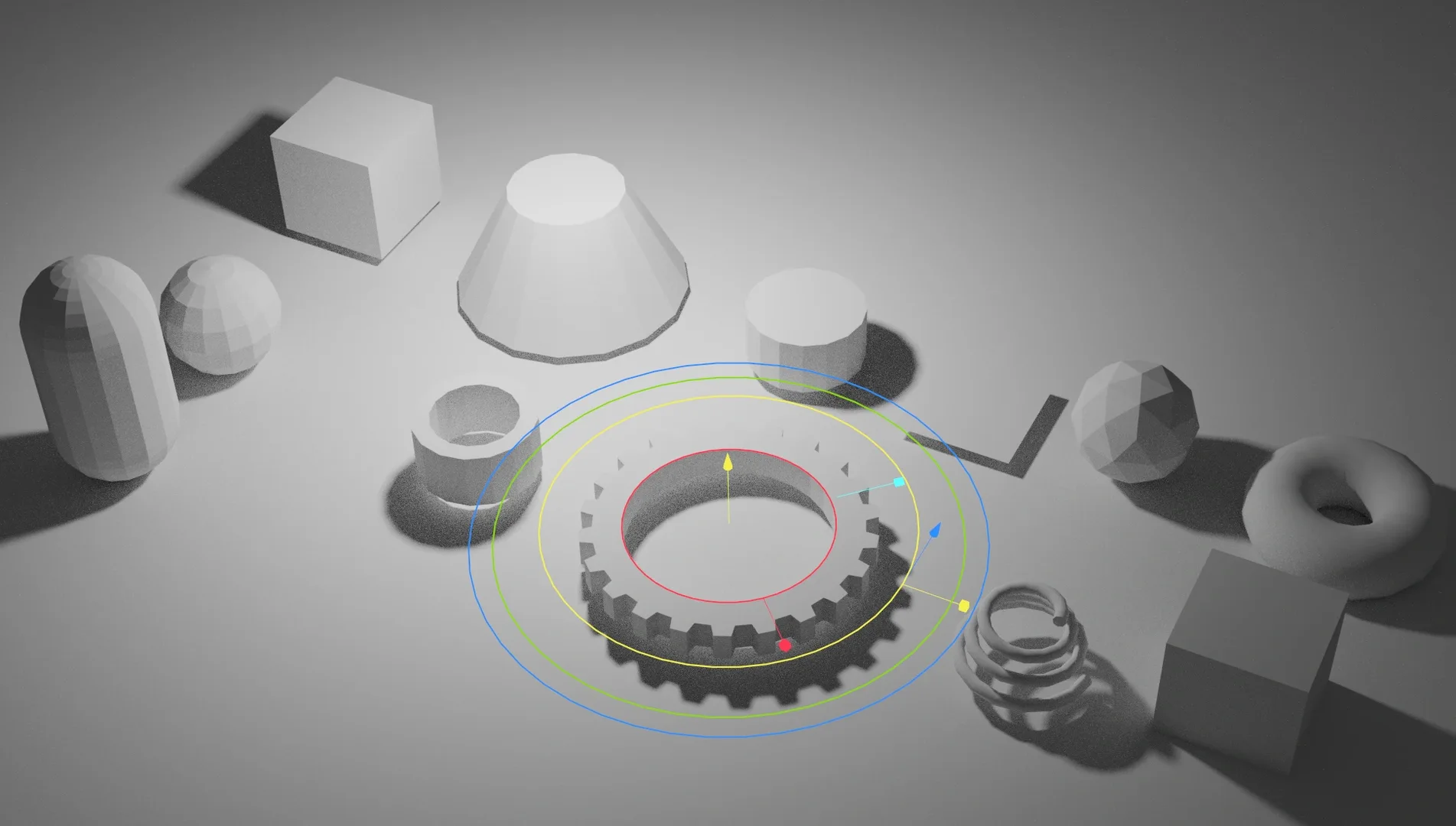
Modern Primitive adds 13 Geometry Nodes primitives to Blender, with viewport gizmos, modifier controls and conversion tools. It requires Blender 4.3.0 or later.
Pick Material UI or Flat UI colors in Adobe apps, create shades from a color, and copy HEX, RGB or RGBA values. Check supported versions.
Modern UI Color Palettes Trial is a 60-day, limited-functionality Adobe extension; review the catalog's app list and uninstall advice before upgrading.
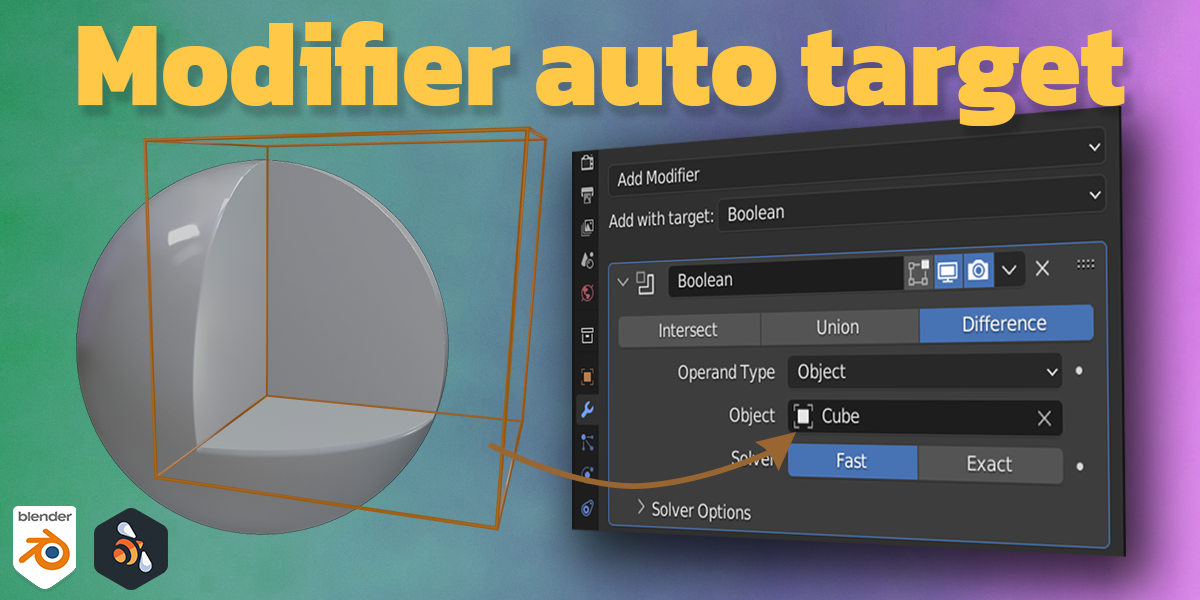
Modifier Auto Target uses Blender selection order to assign modifier targets, with a custom 3D Viewport shortcut and listed support through version 3.4.
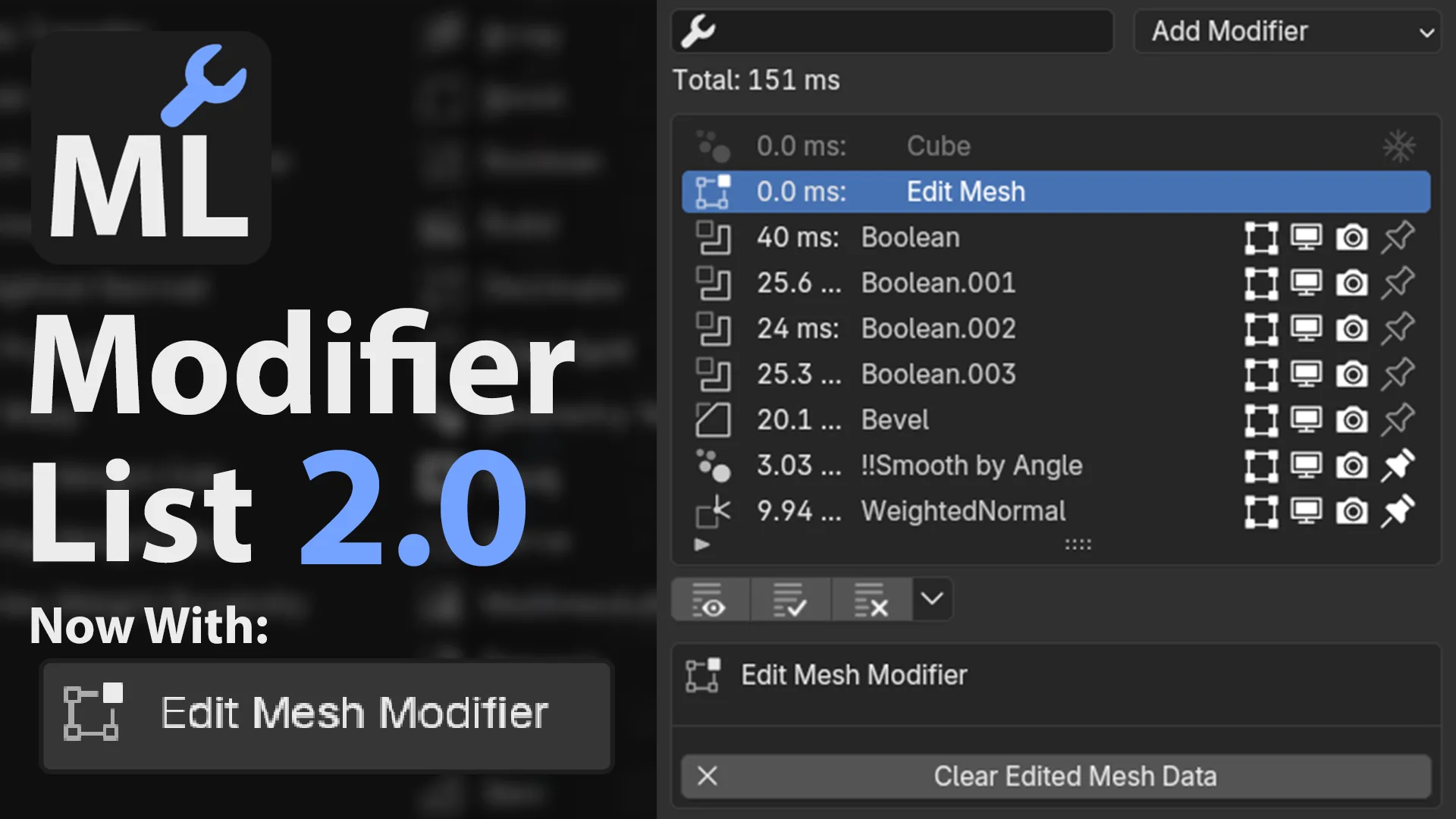
Modifier List adds an Edit Mesh Modifier, timing readouts, and list-mode shortcuts to Blender; full Geometry Node support requires Blender 5.2+.