Qol Tools: Frameflipper
Qol Tools: Frameflipper is for comparing Blender timeline frames; set two targets and flip between them without adding keyframes or changing the animation.
Browse published guides by application, developer or task. Check product details before downloading. Page 234 of 337.
Qol Tools: Frameflipper is for comparing Blender timeline frames; set two targets and flip between them without adding keyframes or changing the animation.
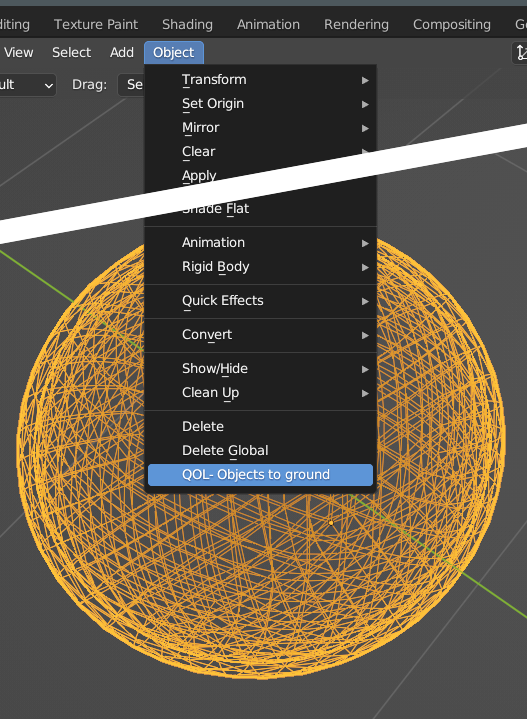
Place selected Blender objects on the ground from the Objects menu with QOL Tools: Ground Objects. A tweak menu lets you adjust the operation.
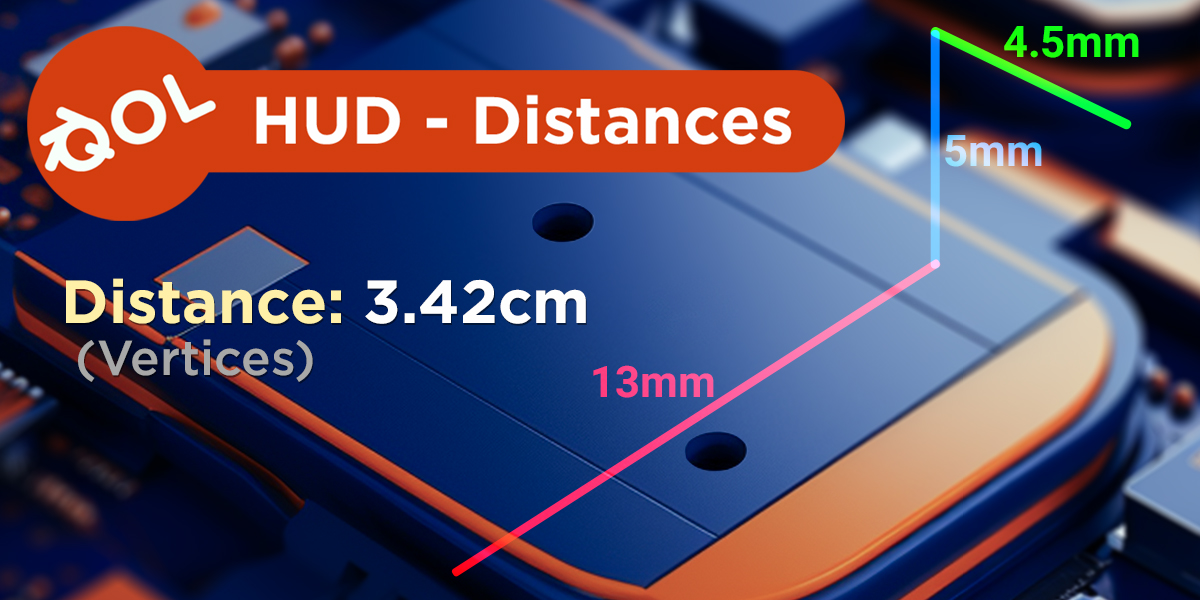
Qol Tools: Hud - Distances are for checking separation between selected items; lock mode updates the reading as they move or animate.
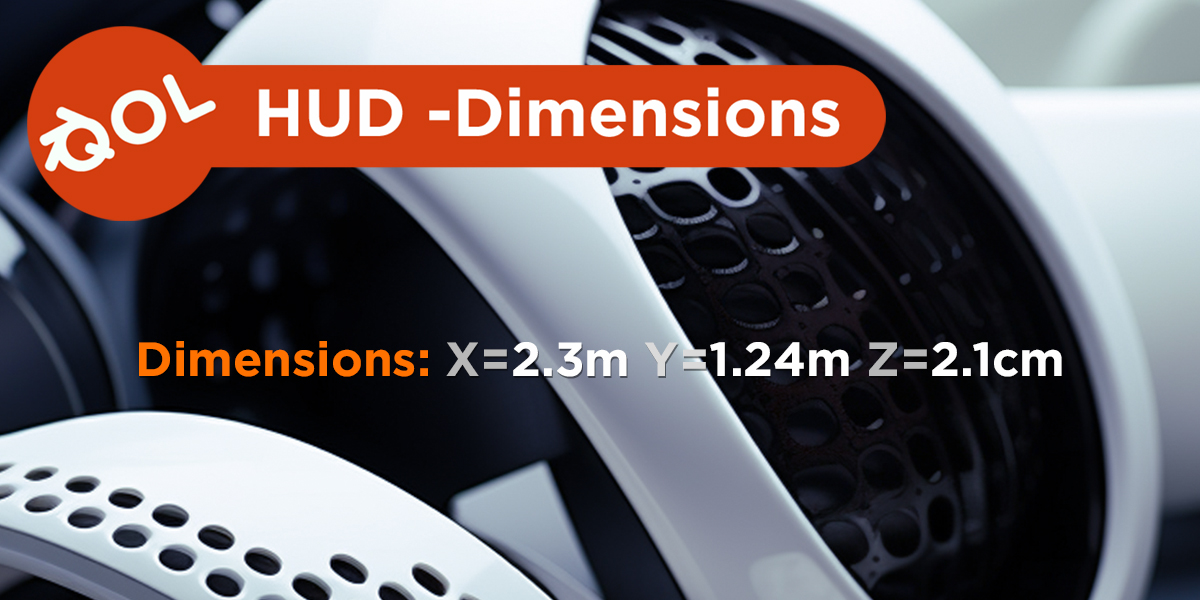
Qol Tools: Hud-Dimensions keeps Blender object dimensions visible, with adjustable HUD placement and color, direct size control, and a scale warning.
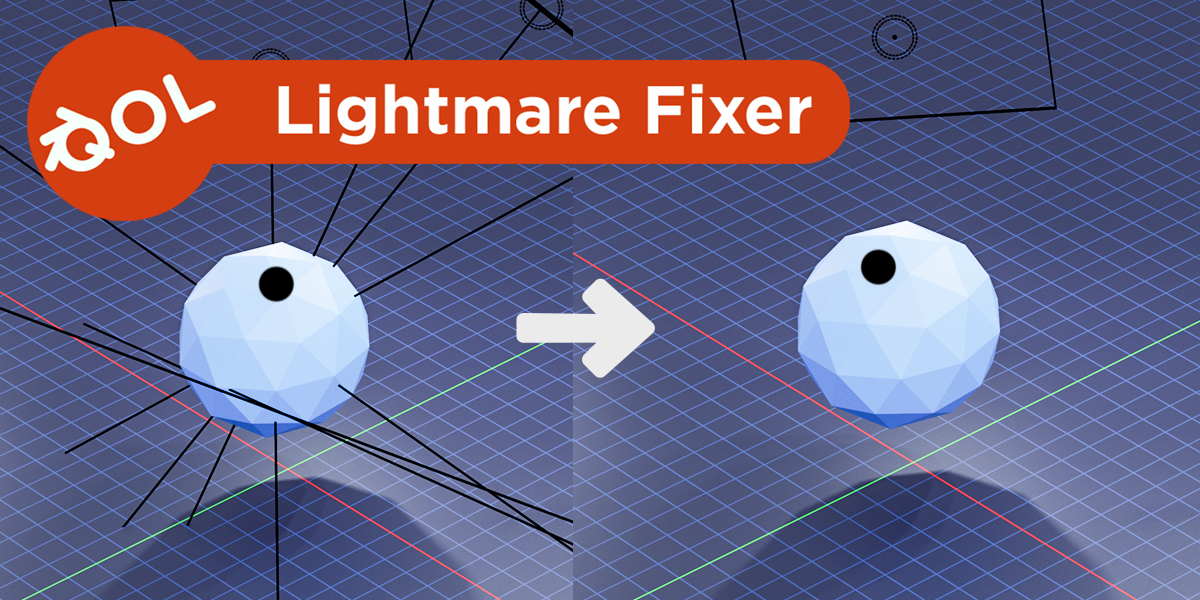
Qol Tools: Lightmare Fix is a Blender add-on that clears Cycles viewport clutter. One View-menu action sets all lights' custom distances to zero by default.
Qol Tools: Link Widget adds a Blender widget showing instance status and count for the active object, with modifier-key clicks to manage instances.
Draw Blender polygons without creating an object first. PolyPal adds fillets, chamfers, freehand drawing, and grid snapping in orthographic views.
Qol Tools: Quick Boolean runs booleans from Blender’s right-click menu. It supports multiple objects, material transfer, solvers, and modifier retention.
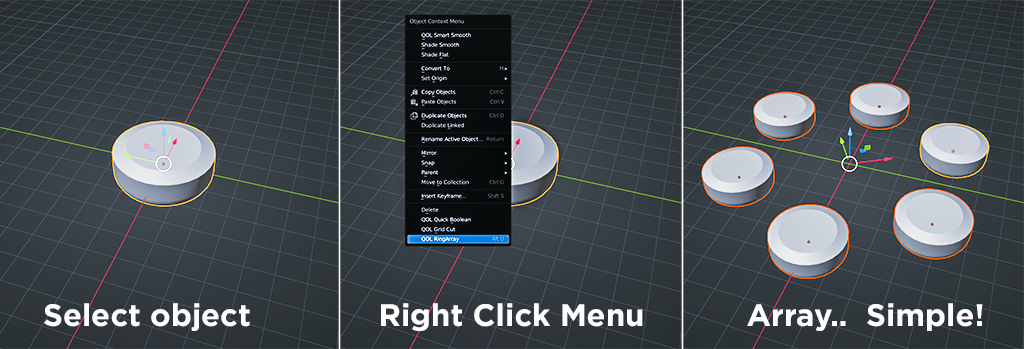
Qol Tools: Ringarray is a Blender add-on for circular arrays, with linked-object arrays or single-mesh output. Check listed versions before installing.
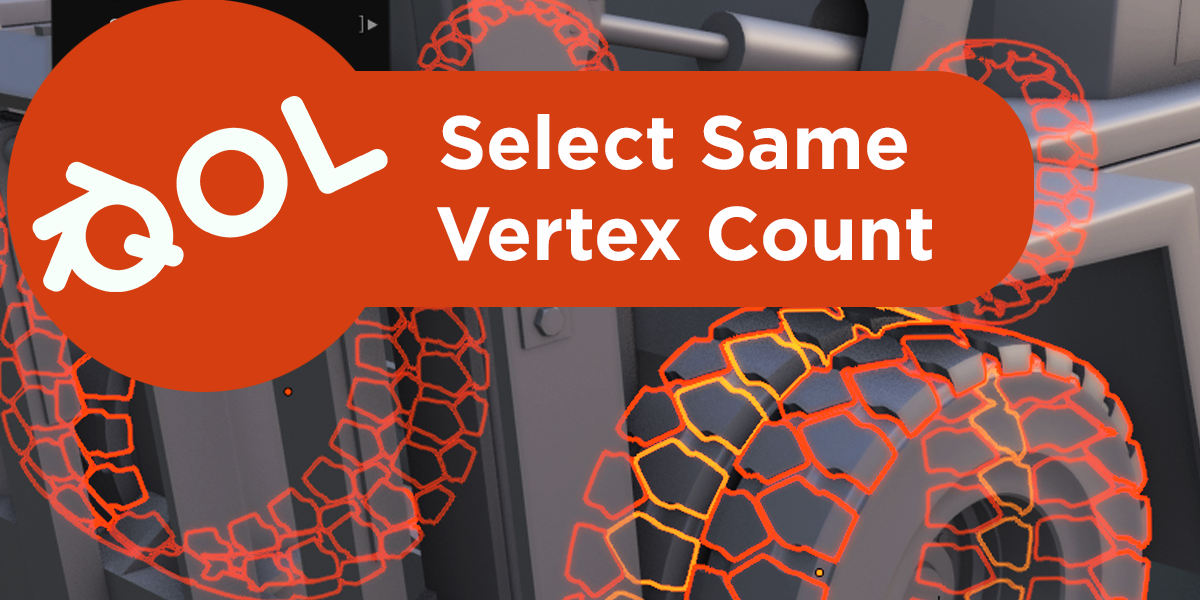
Qol Tools: Select Same Vertex Count is a Blender add-on that matches objects to the active object's vertex count, with wiggle room for a few extra vertices.
Qol Tools: Spec Lighting Ops adds soft-light placement, light linking and per-light shape, position and color controls for Cycles in Blender.
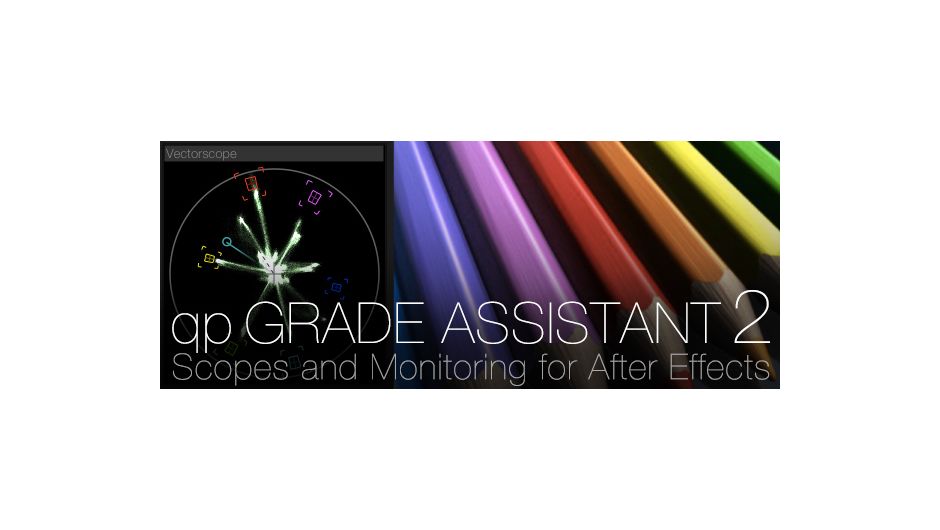
qp Grade Assistant 2 adds five monitoring scopes, flexible layouts, and comparison controls to After Effects. Review its features and trial details.
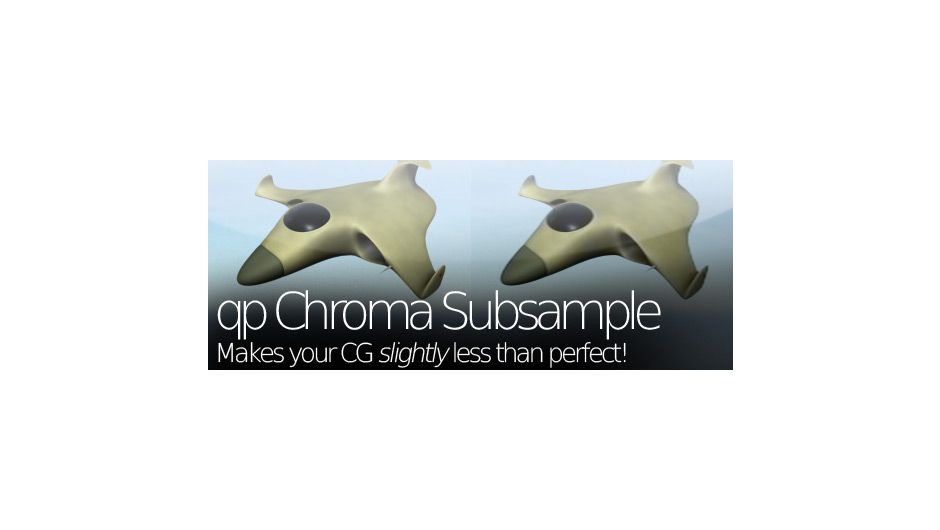
Simulate chroma subsampling in After Effects to bring CG closer to video plates. Choose from five modes, including VHeSque for a VHS-style effect.
Add a QR code automatically to finished Blender renders with Qr Signature, then adjust its location, indent, and color. Check listed versions before installing.
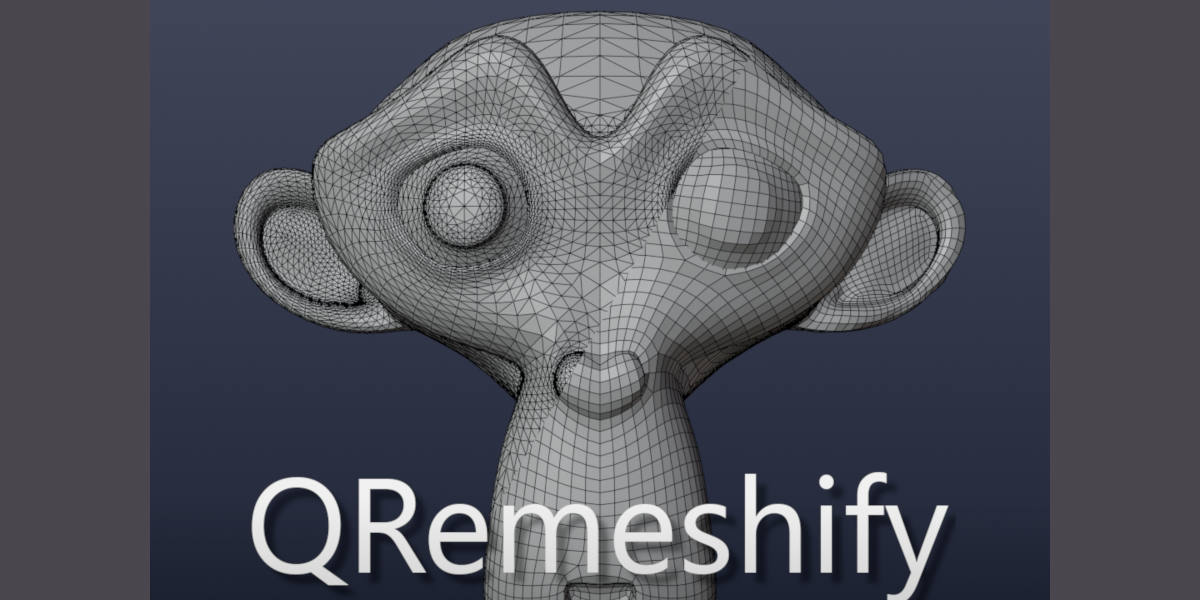
Qremeshify is a Blender quad remesher with symmetry and edge-flow guides from edges marked as seams or sharp, material boundaries, and face set boundaries.
Qshot 2 is a Blender add-on that stacks camera moves into one animation. Review shot controls, version support, and the 2.1.3 update before installing.
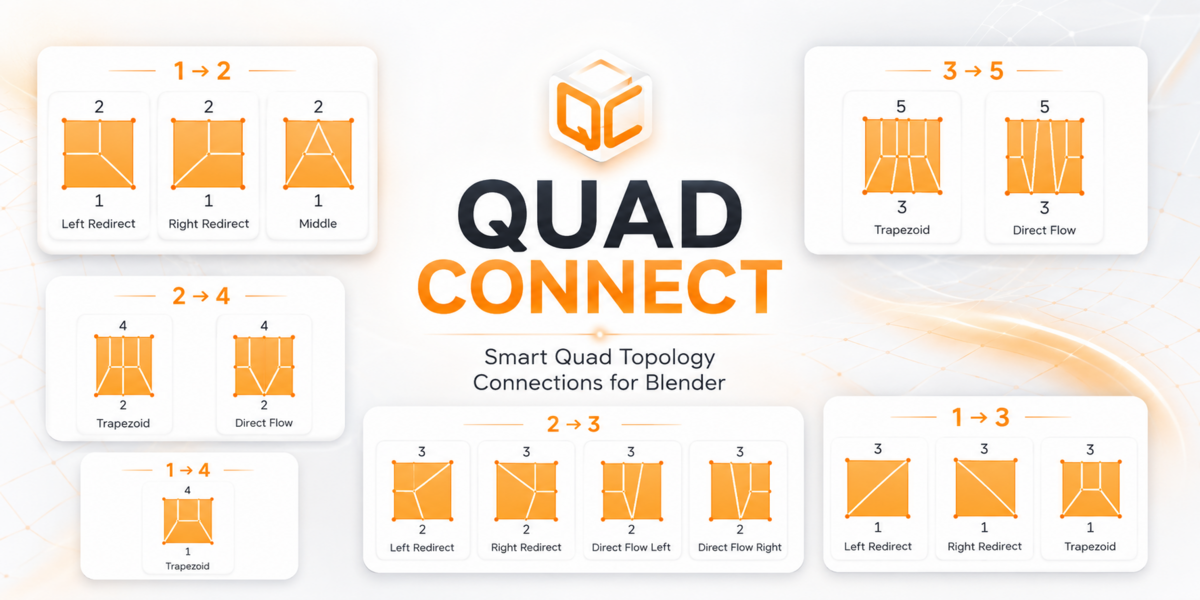
Quad Connect - Intelligent Edge Bridging For Clean Quad Topology is a Blender add-on for uneven edge bridging in Edit Mode. See listed versions and license.
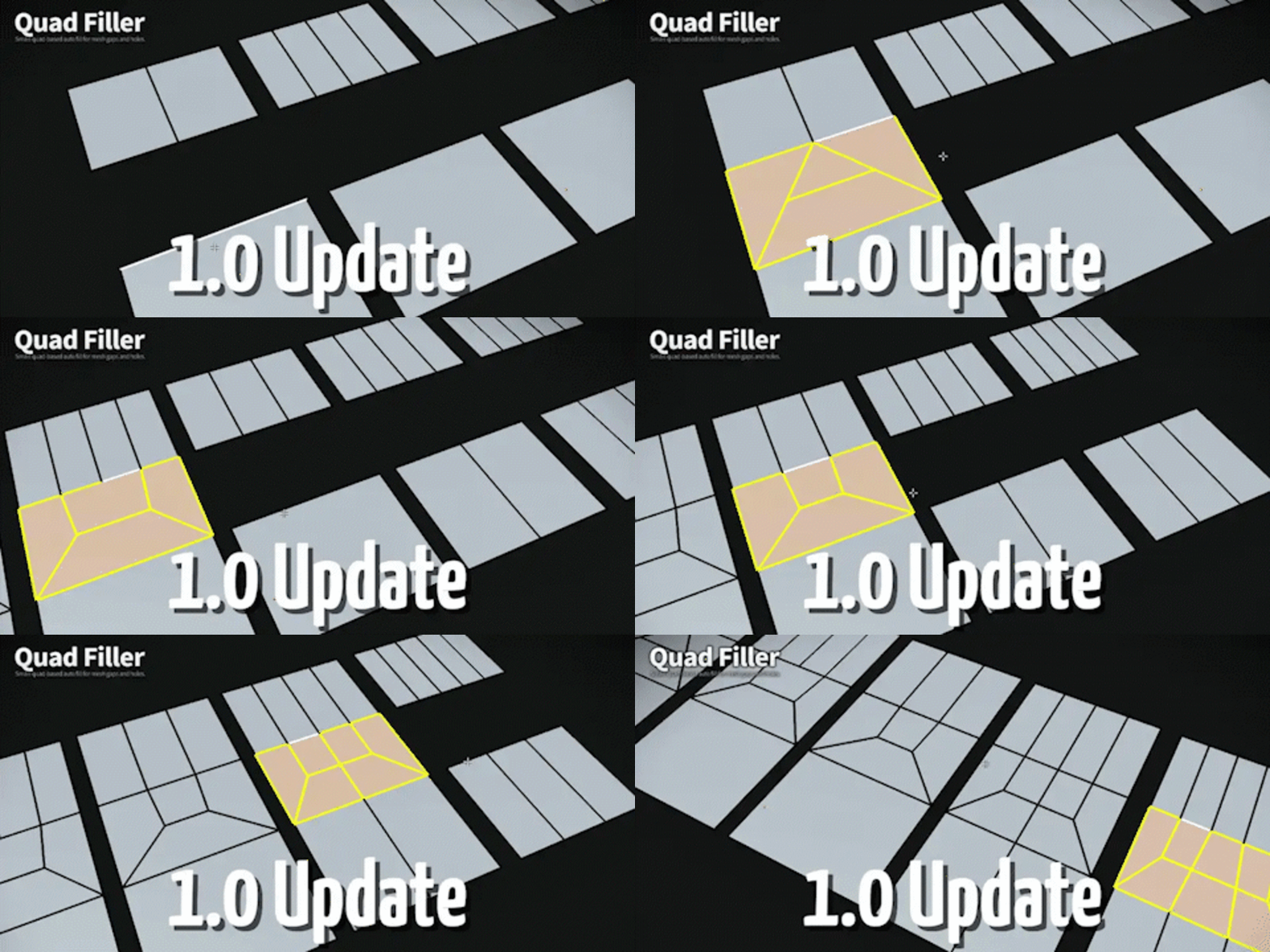
Quad Filler 1.0 (2026 New Update) is a Blender add-on bridging two open edge chains into quad-first results, with expanded bridging modes and shortcuts.
For manual Blender retopology, Quad Maker offers vertex, quad, border and loop tools. Listed Blender support spans 4.2 to 5.3; check it before installing.
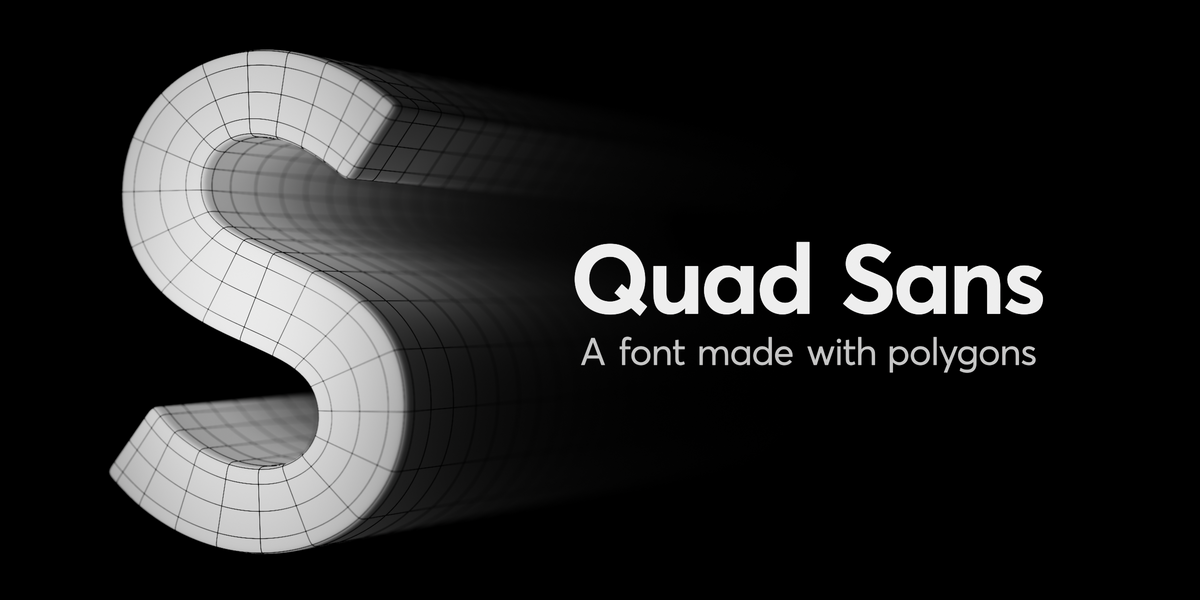
Quad Sans is a Blender font described as producing 3D text with quad faces. Check its Blender 4.5 to 5.2 listing and GPL terms before downloading.
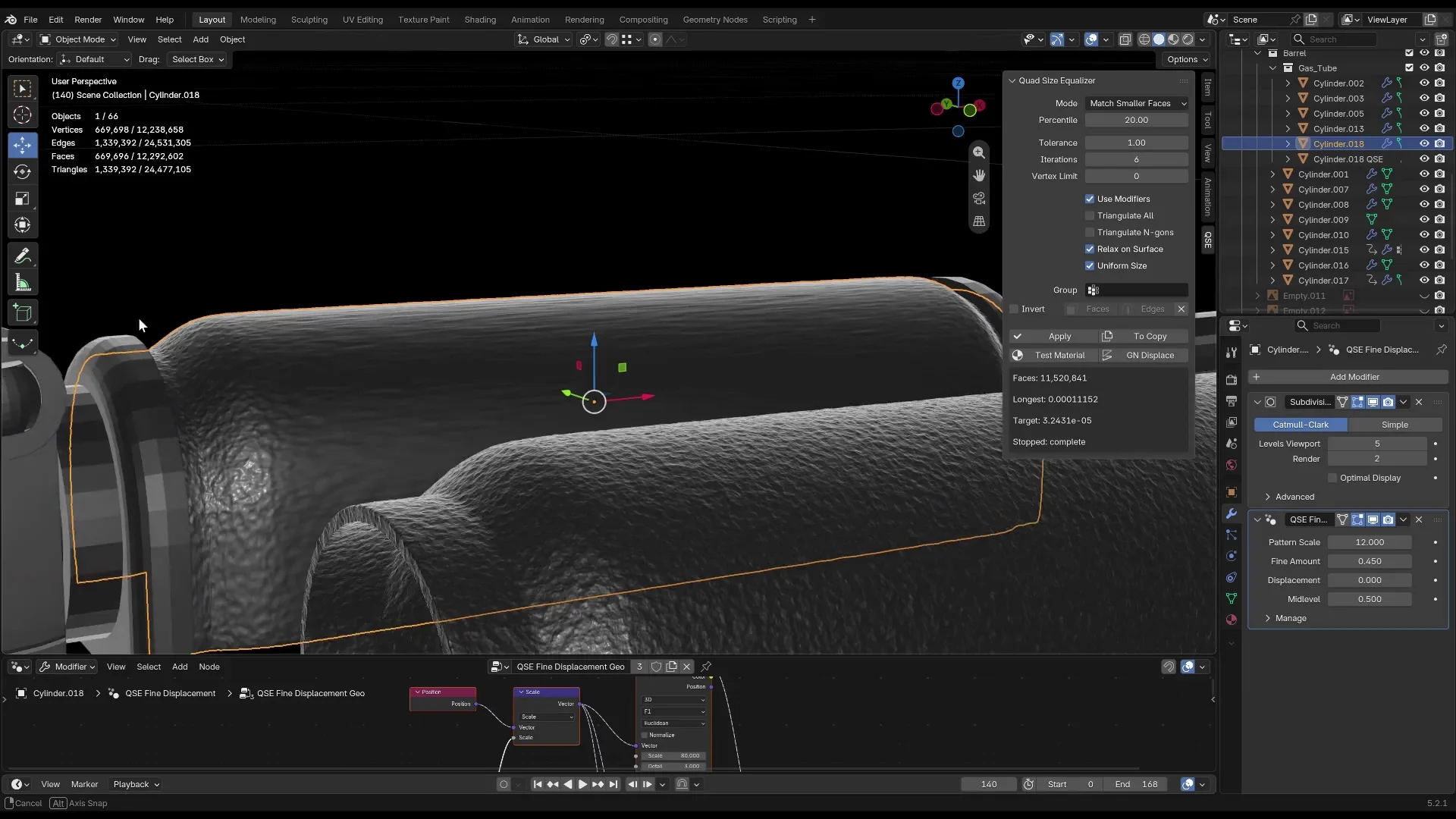
Equalize quad sizes after Subdivision Surface or Bevel in Blender 5.2+. Choose an edge-length target, refine mesh density, and preserve the shape.
Quad Splitter makes horizontal and vertical splits, three-way cuts, and continuous Split Rolls. Version 3.5.1 requires Blender 4.2.0 or later.
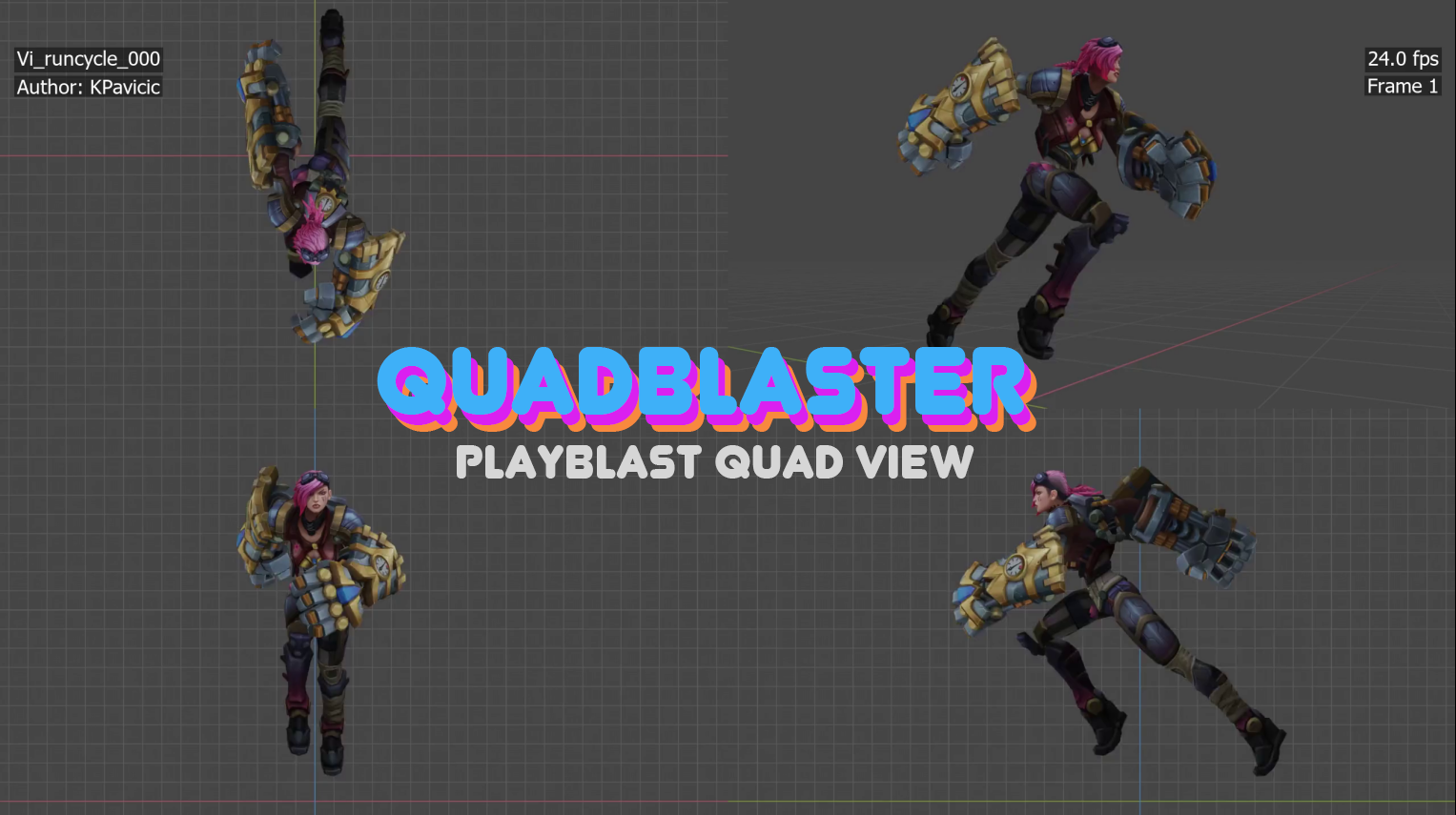
Quadblaster adds metadata, four-view collages and filename controls to Blender playblasts. Check FFmpeg setup, output options and tested version details.