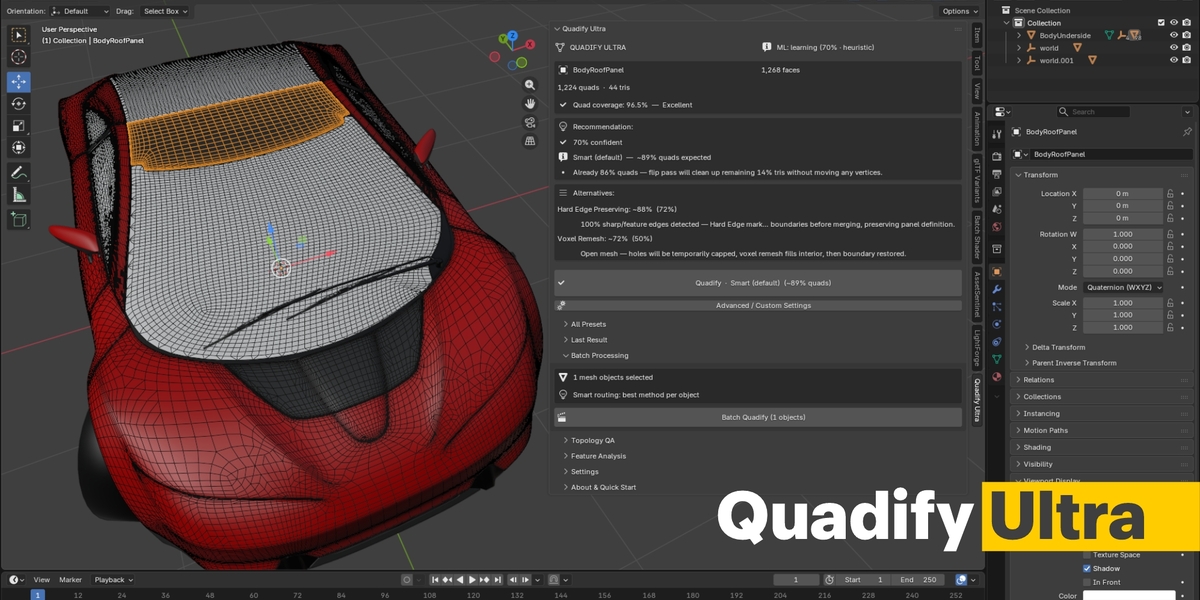
Quadify - Clean Quad Retopology For Blender Meshes
See how Quadify restores quads on triangulated imports and rebuilds AI or scan meshes in Blender. Compare its shape checks, edition features, and limits.
Browse published guides by application, developer or task. Check product details before downloading. Page 235 of 337.
See how Quadify restores quads on triangulated imports and rebuilds AI or scan meshes in Blender. Compare its shape checks, edition features, and limits.
Quadify Bridge - Ai Mesh Pipeline is a Blender bridge for Meshy, Rodin, and Tripo; its listing allows standalone use, but documentation requires Ultra 1.3.0+.
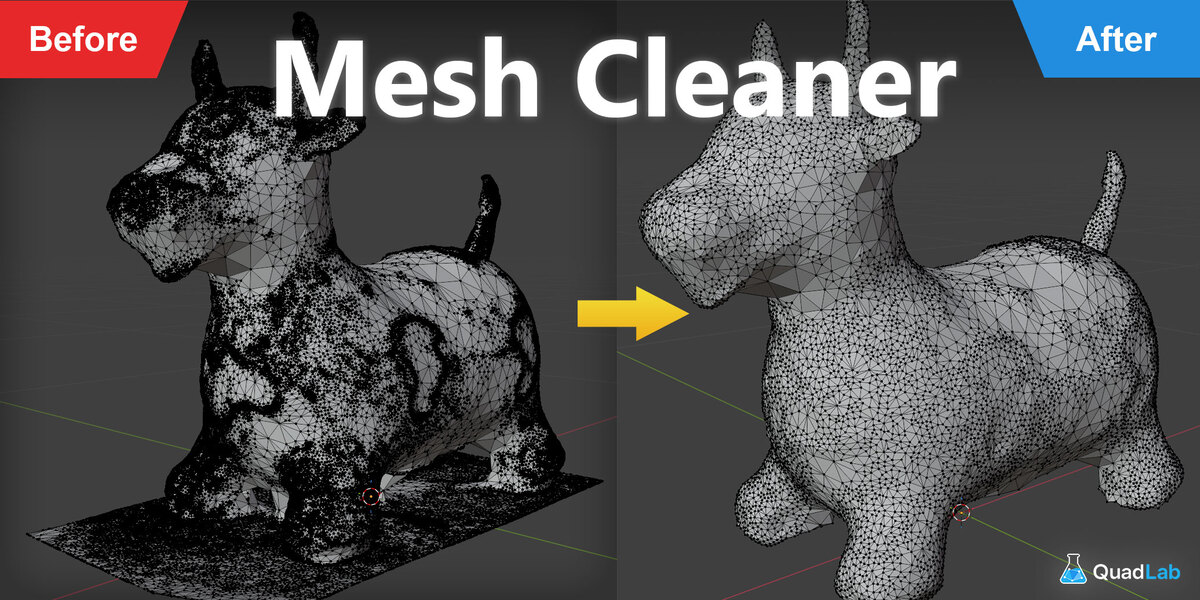
Quadlab Mesh Cleaner is a Blender add-on for analyzing and preparing irregular meshes before remeshing, export, or manual retopology.
Draw quad strips across broad model areas in Blender with QuadPatch. Review its path highlighting, count and segment controls, and surface relaxing.
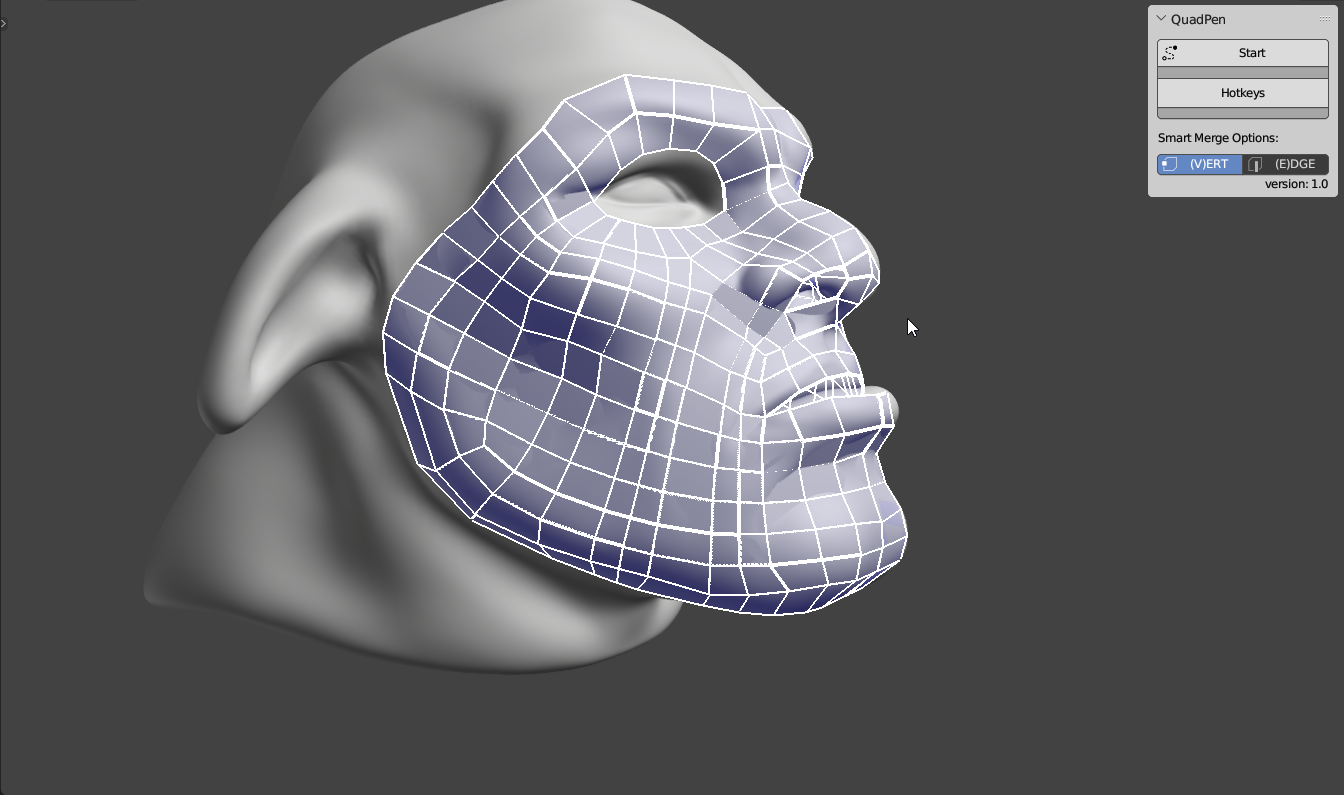
Quadpen - Retopology Tool is a Blender add-on for drawing quads over meshes, with guide editing, segment controls, shortcuts and version notes.
quadrateFX is an After Effects tool for treemap-style vector patterns, with randomized layouts and custom-layer luminance or RGB sampling.
Quadwrap - Retopology Tool wraps quads around arms, fingers, legs and horns in Blender, with controls for rings, bridge cuts and end caps.
Quake Animation Tools are four Blender add-ons for procedural camera motion, F-curve modifiers, handheld presets, and audio-reactive properties.
Quake Handheld Camera adds procedural Blender motion with 30+ presets, random shakes on a selected axis, and mixed location/rotation channels.
Add procedural camera motion and shake in Blender with Quake Motion Camera. See its presets, custom controls, camera tools, and version notes.
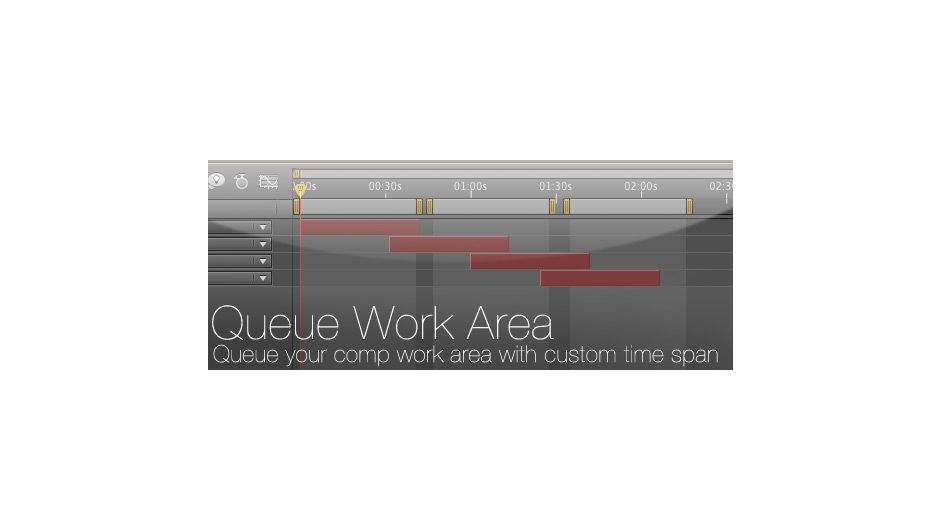
Queue Work Area sends After Effects compositions to the Render Queue with custom work-area durations. Review its panel and script modes before installing.
QueueMaster automates After Effects render settings, output modules, paths and versioning. See how Quick Labels and shared settings help teams.
QueueUp saves a separate output folder and render settings for each After Effects job. See how it routes previews and final renders, plus version notes.
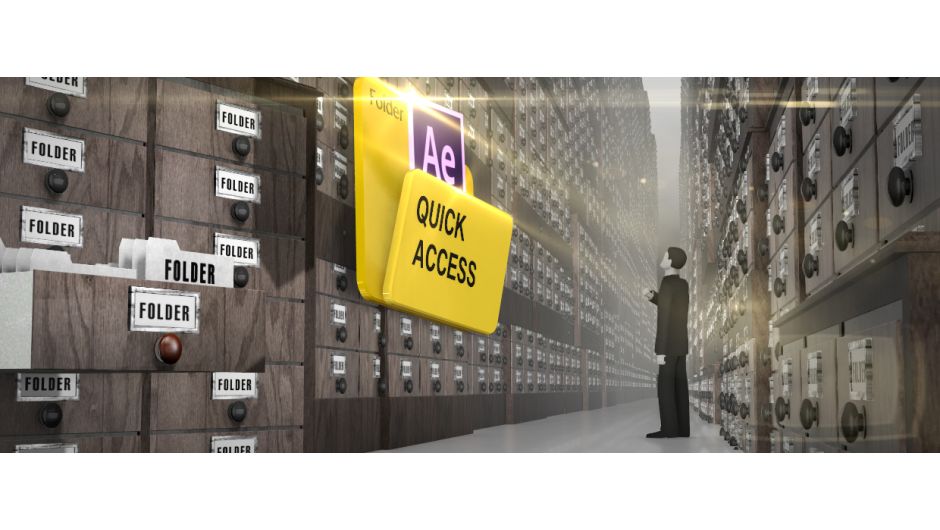
Quick Access 2 is an After Effects path utility with selected-layer PNG renders and JPG composition output when a JPG preset is available. Check compatibility.
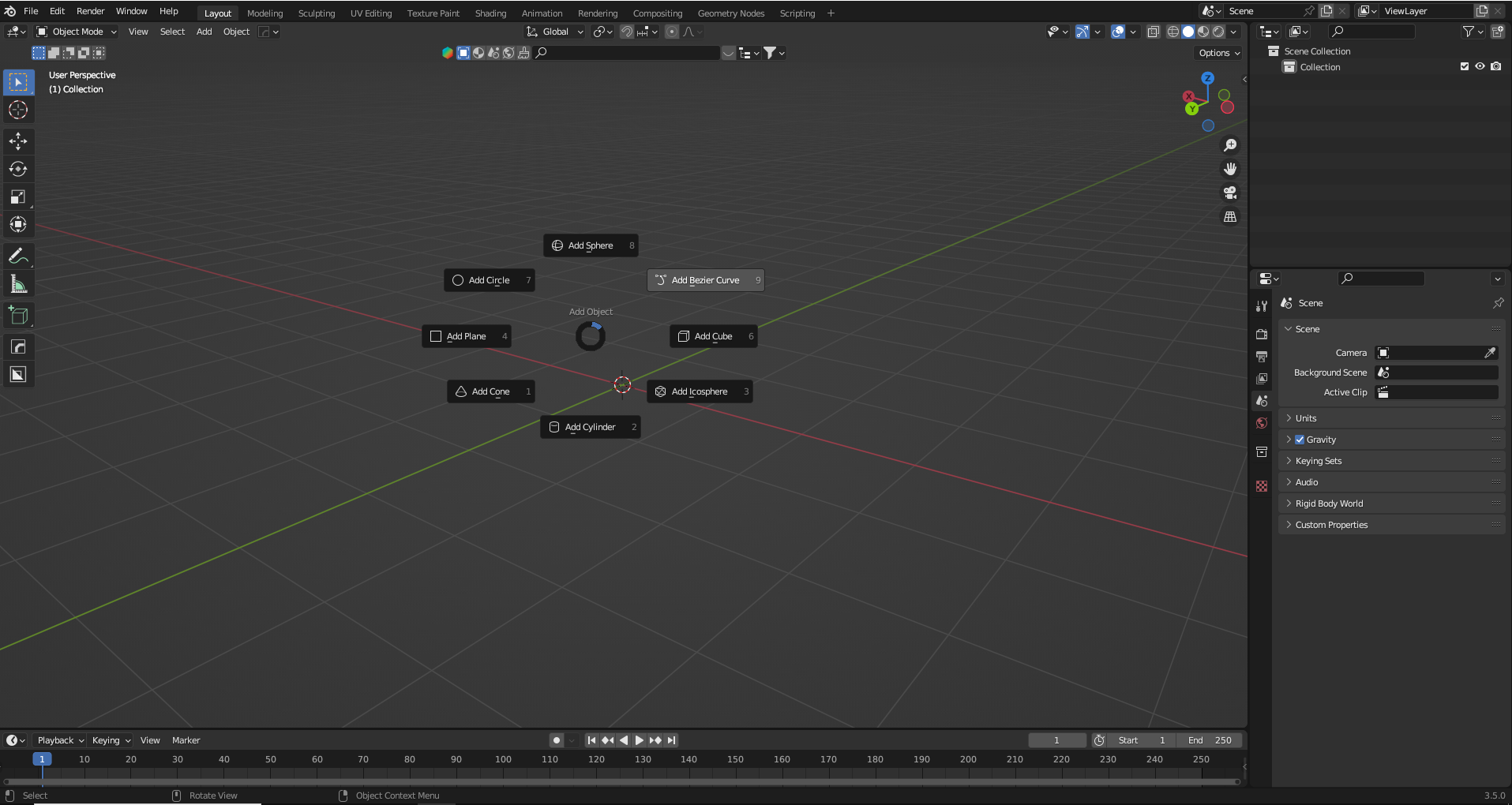
Add common basic meshes in Blender with an Alt + Q pie menu. Quick Add Objects works in Object and Edit modes; review setup steps and listed versions.
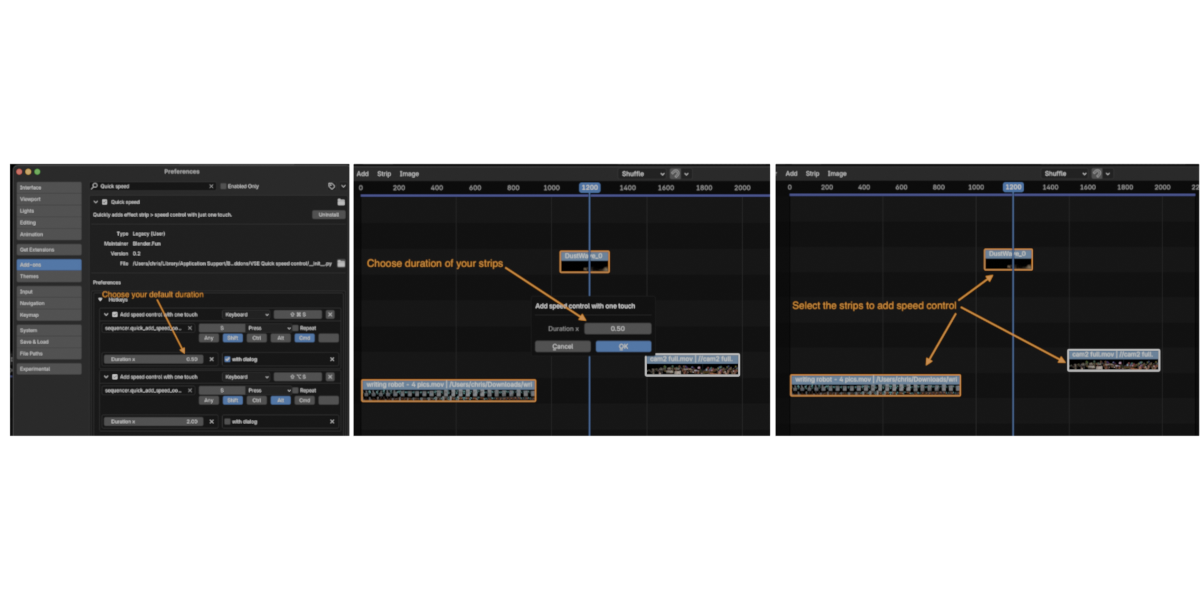
Add speed control effect strips to multiple selected Blender VSE strips at once. See its listed Blender versions, GPL license, and placement tip.
Quick Align for Blender provides six alignment and six distribution modes, with automatic or manual axes and targets for the selection or active object.
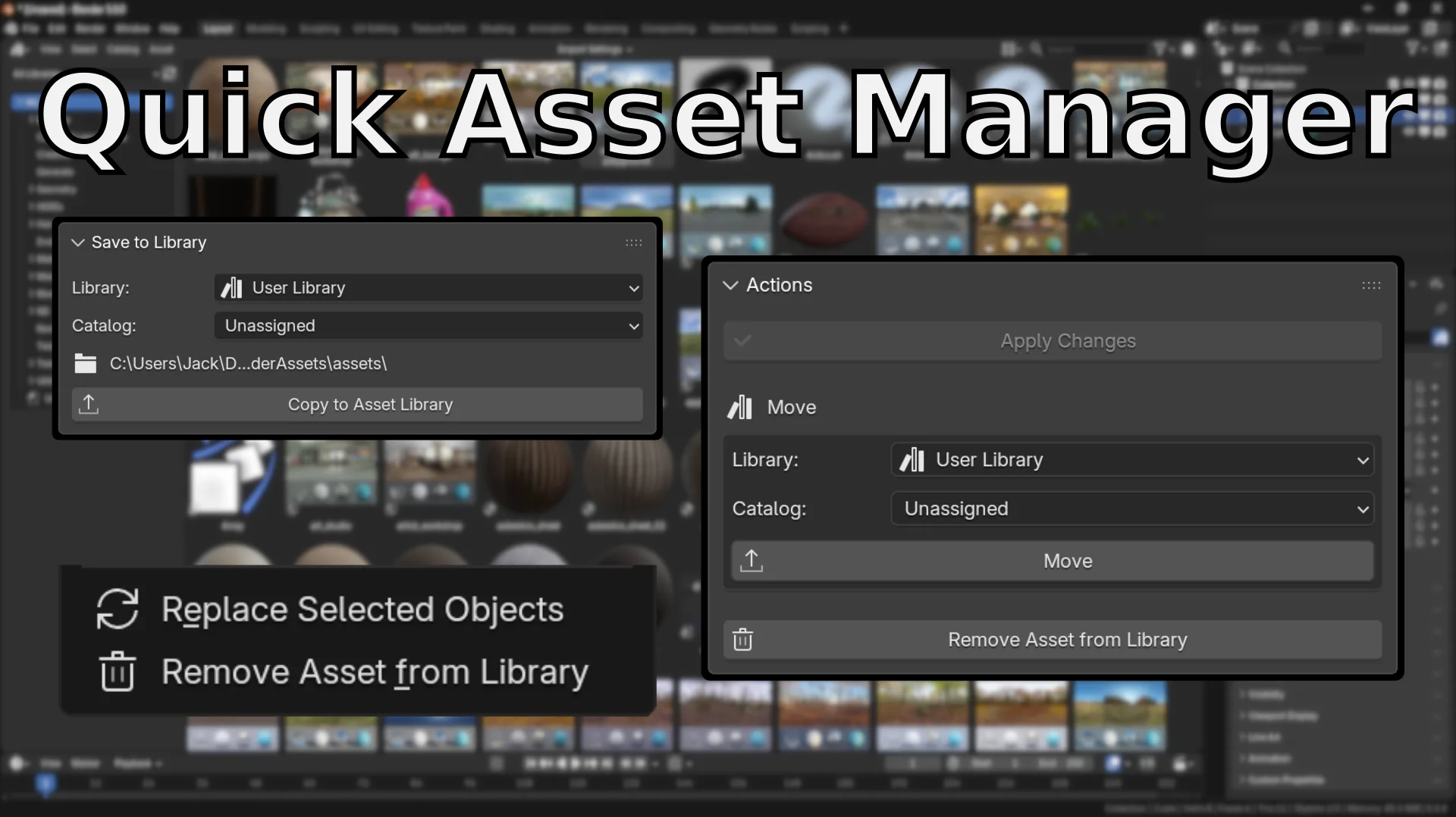
Quick Asset Manager creates, edits, organizes, or deletes local Blender asset files. The catalog lists Blender 4.2.0 as the minimum for version 2.1.1.
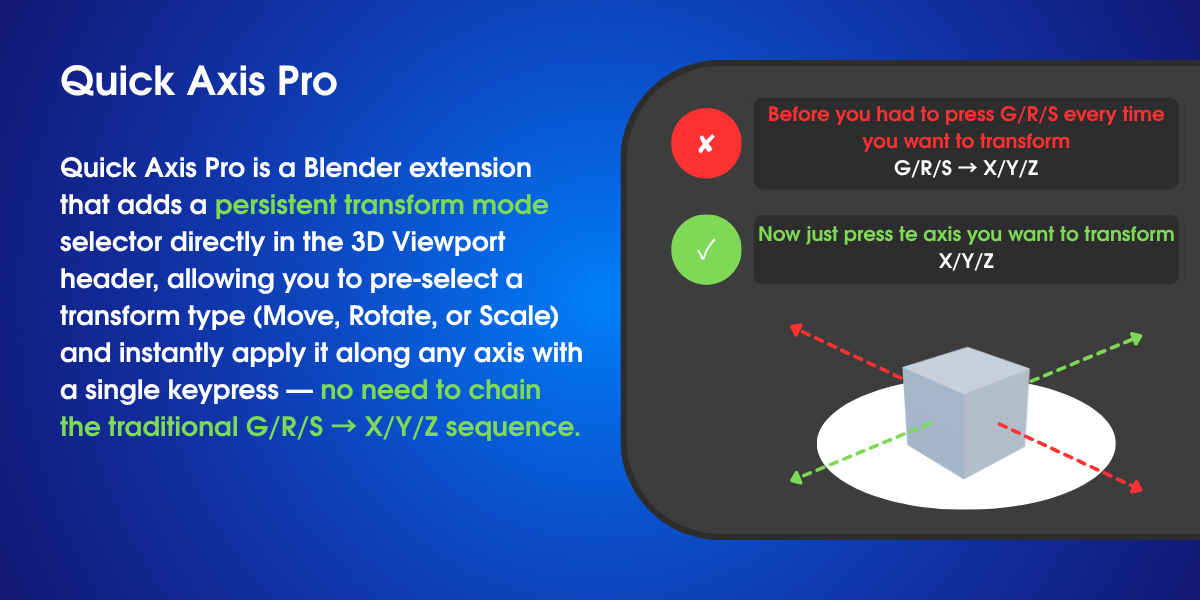
Quick Axis Pro adds Move, Rotate and Scale controls to Blender's 3D Viewport, with axis shortcuts and remappable keys. Check compatibility before installing.
Quick Baker bakes PBR, Mesh, Principled BSDF, and Cycles maps in Blender, with multi-object support, automatic cage setup, and UDIM baking.
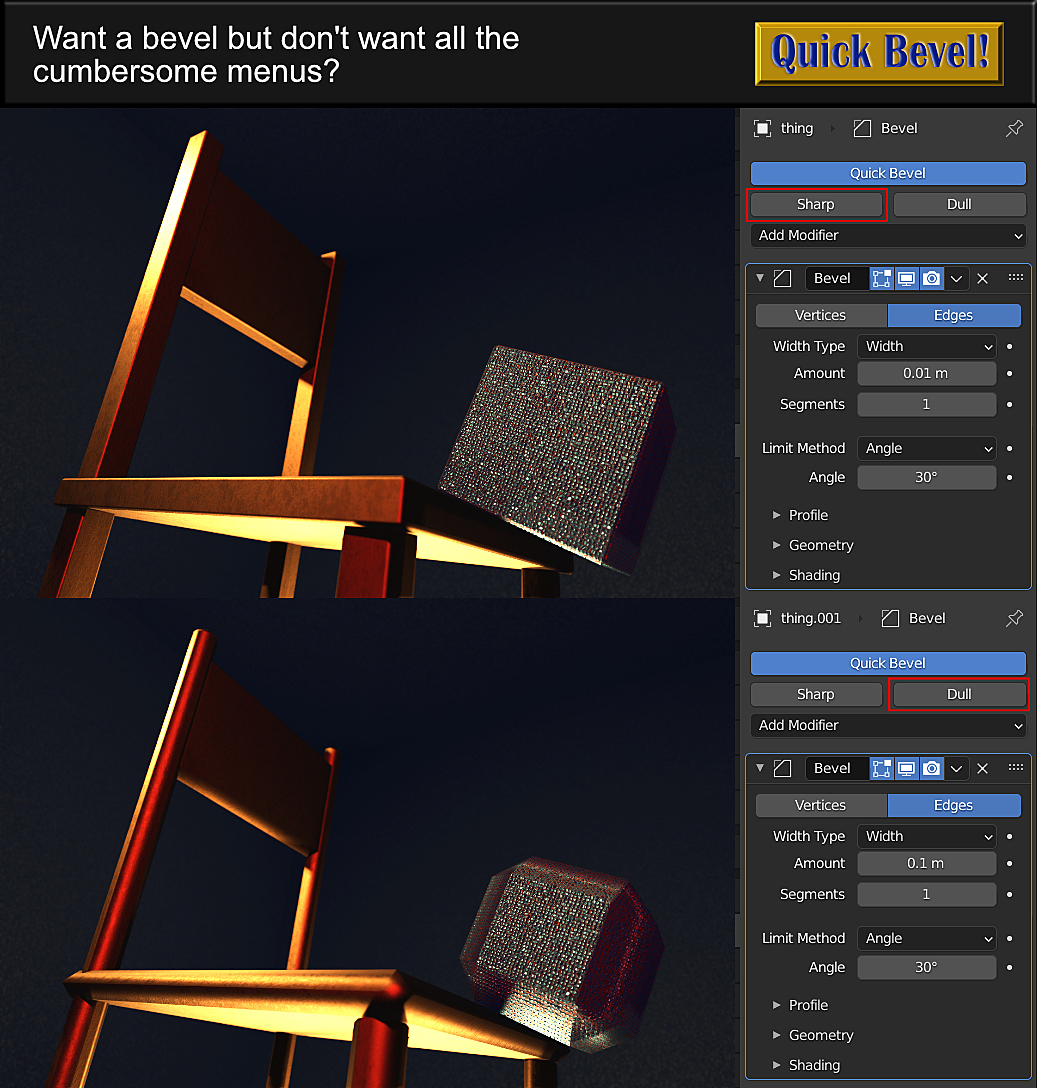
Quick Bevel adds sharp or dull bevels in Blender’s Modifiers tab, with auto-smooth and harden normals enabled. Listed versions: 2.9, 2.91, 2.92 and 2.93.
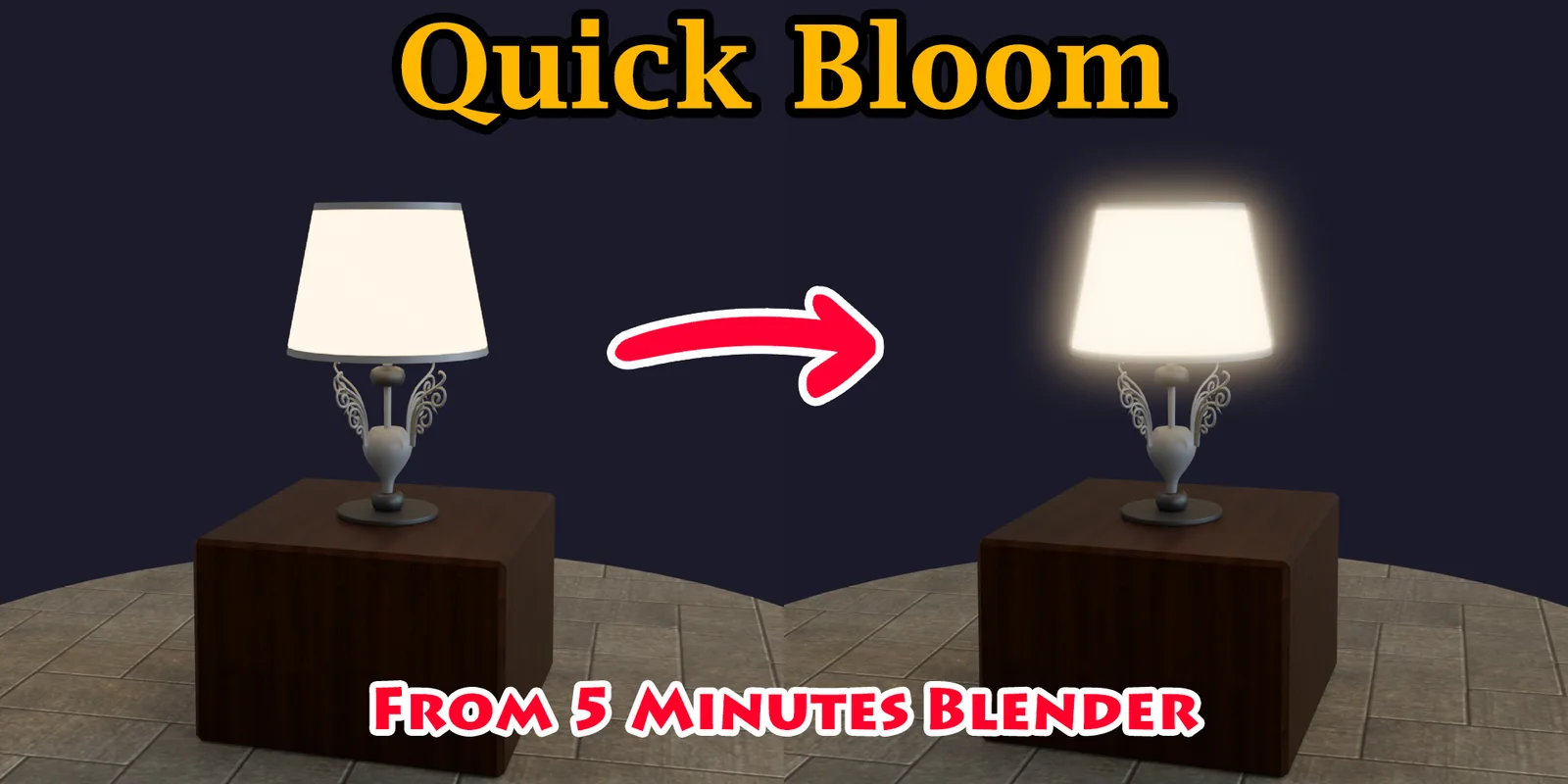
Quick Bloom is a free Blender add-on with adjustable Bloom for Eevee and Cycles plus optional blur. Check both Blender version statements before installing.
Quick Boolean is a 3ds Max tool for preset ProBoolean operations, with reverse commands and Fix Normal. Check version, price and setup before downloading.