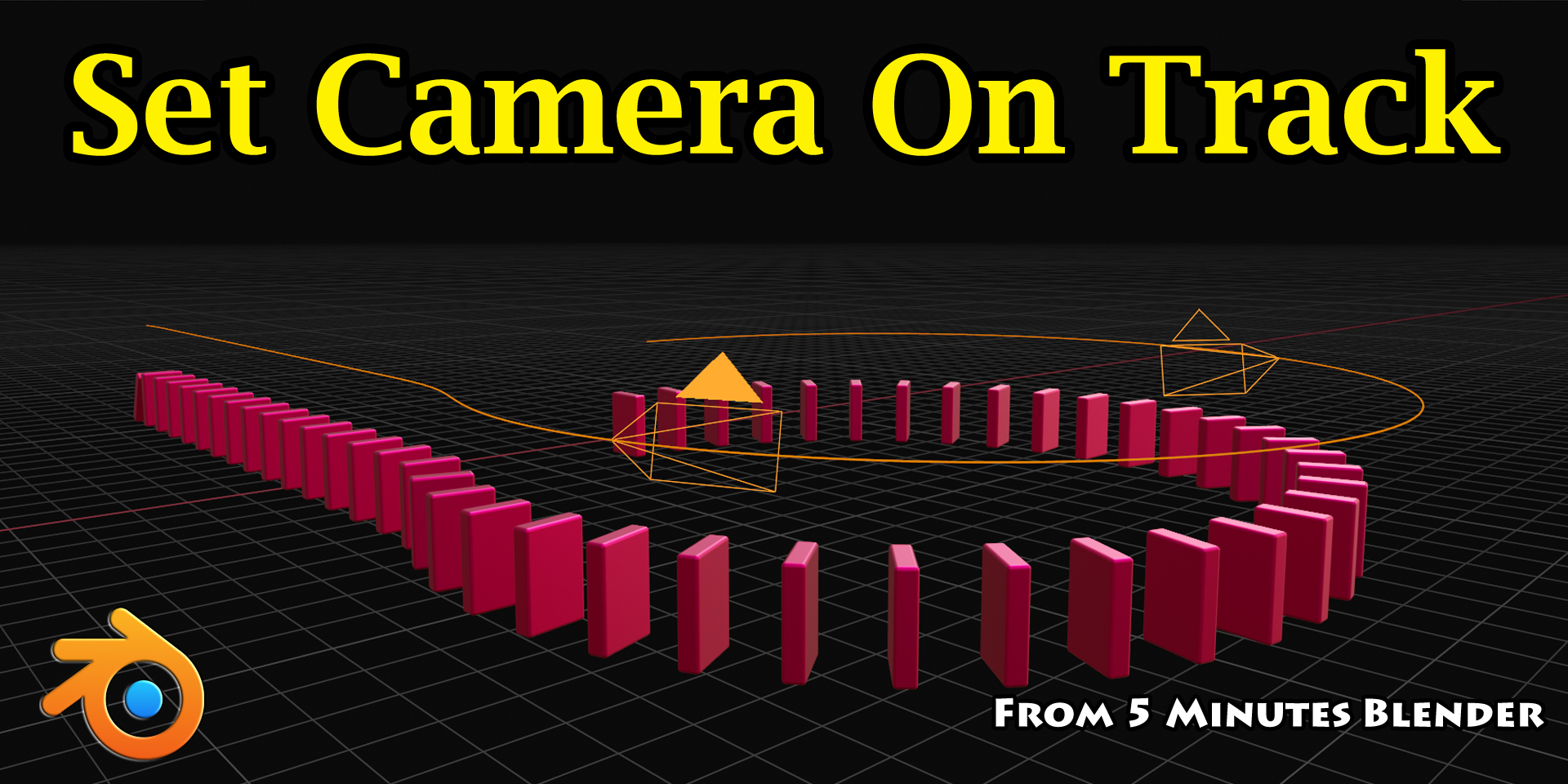
Set Camera On Track
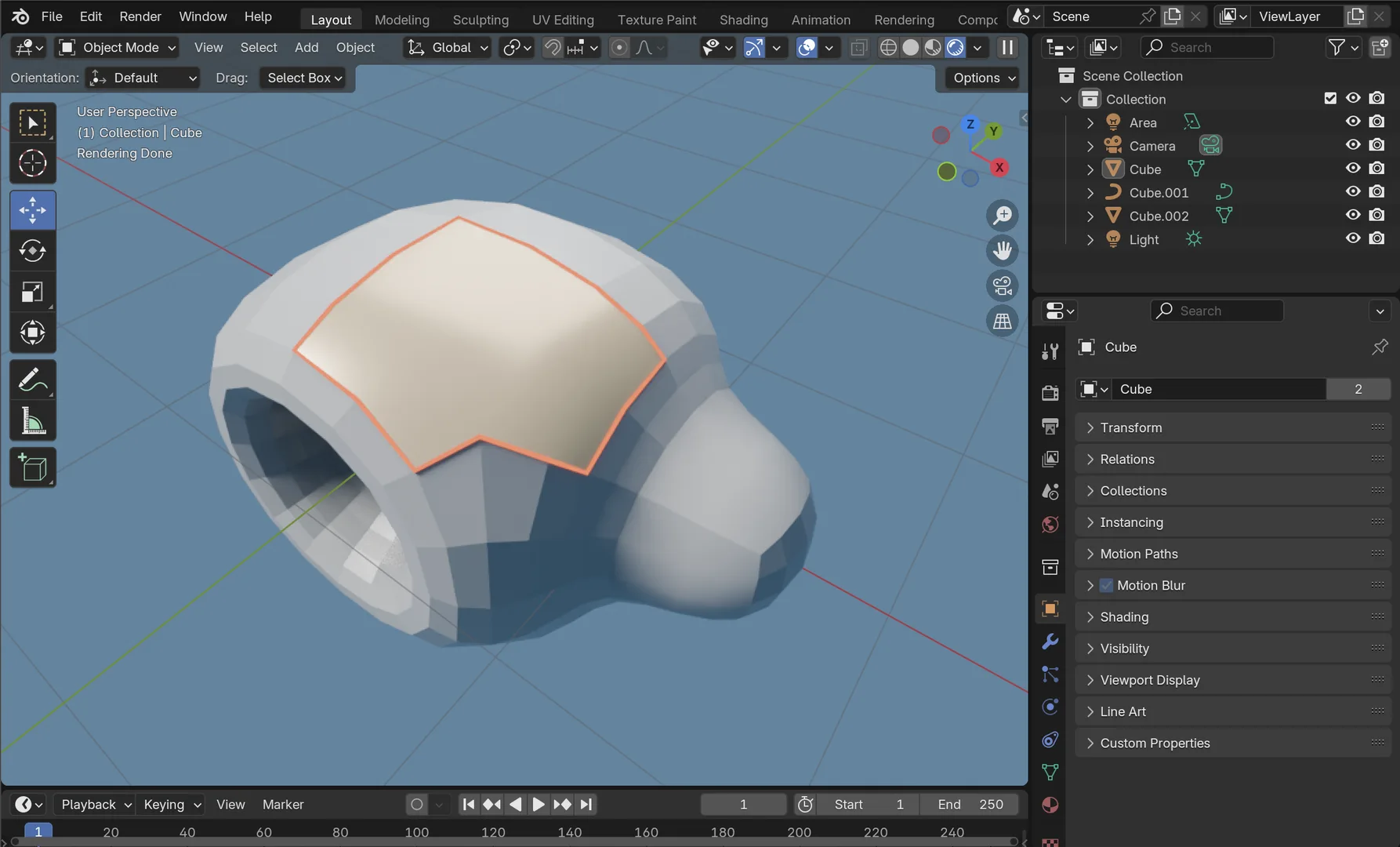
Set Camera On Track creates Blender camera paths around objects or across collections. See how target selection, ordering, smoothing, and frame controls work.
Browse published guides by application, developer or task. Check product details before downloading. Page 265 of 337.
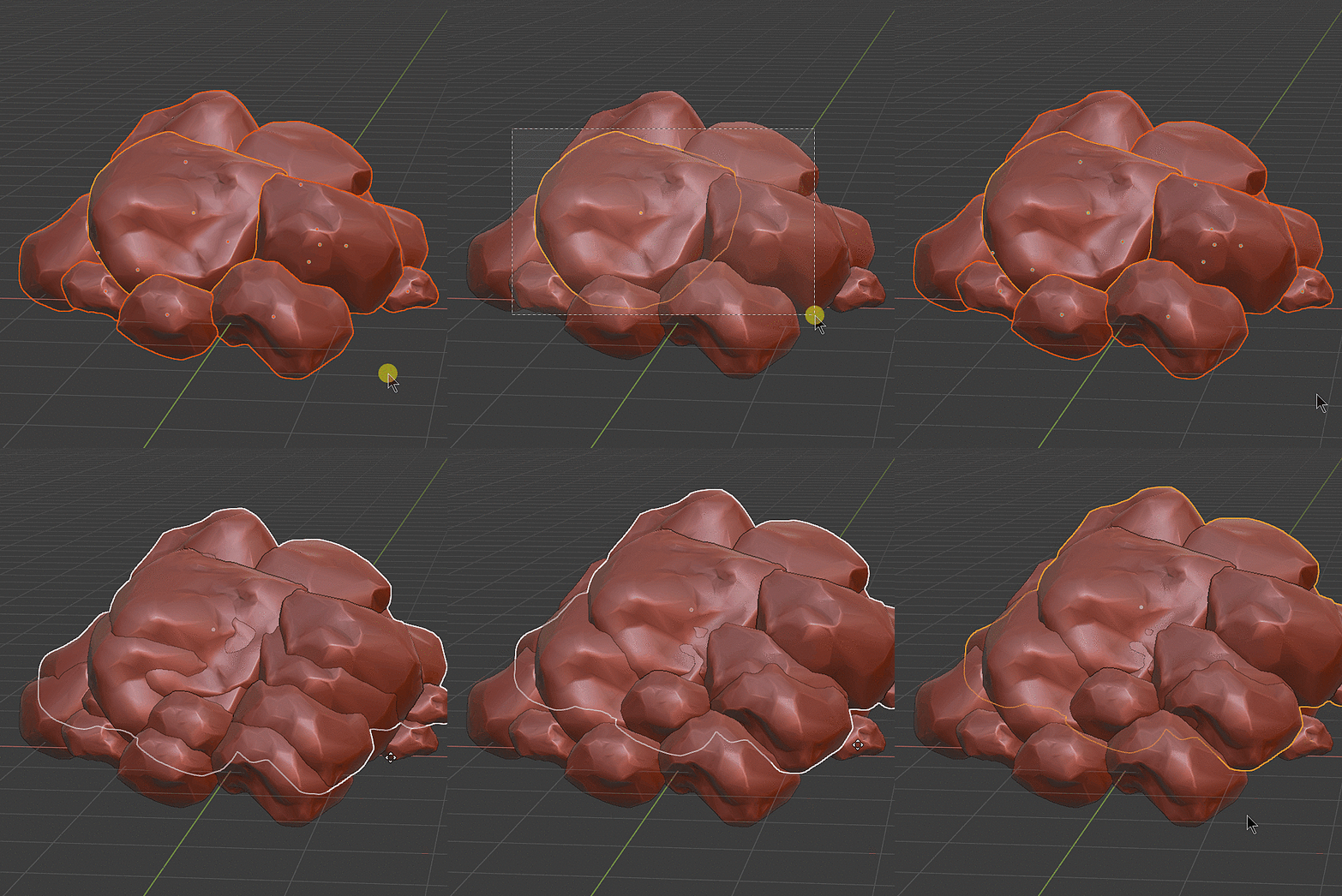
Set Camera On Track creates Blender camera paths around objects or across collections. See how target selection, ordering, smoothing, and frame controls work.
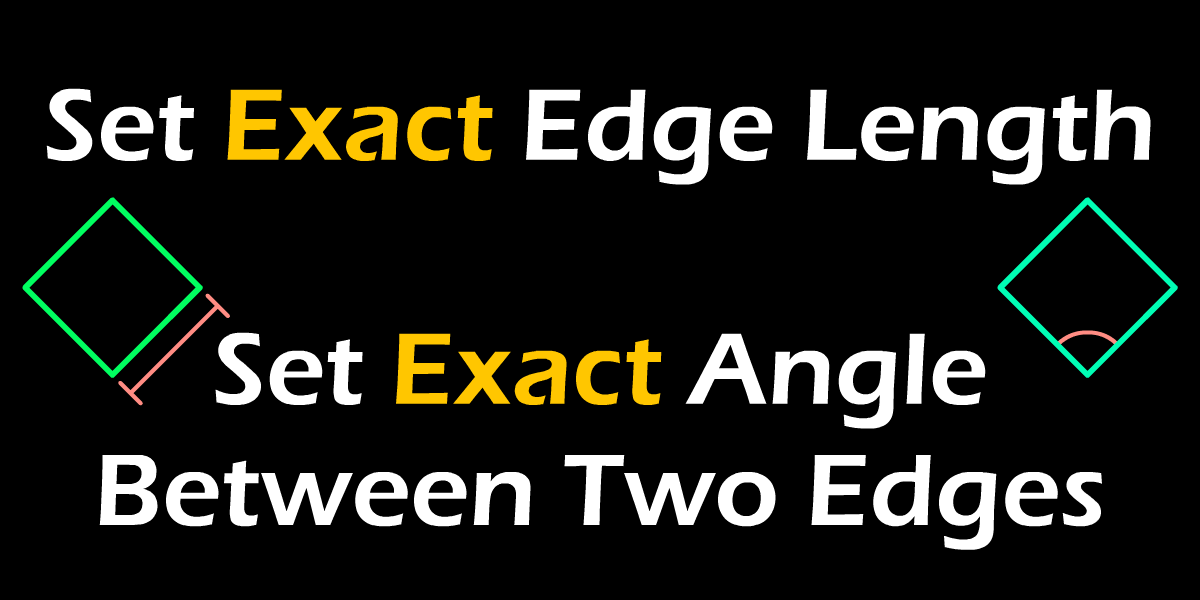
Set Exact Edge Length is a Blender add-on for setting exact edge lengths and angles from Blender’s right-click menu. Check Blender versions and GPL terms.
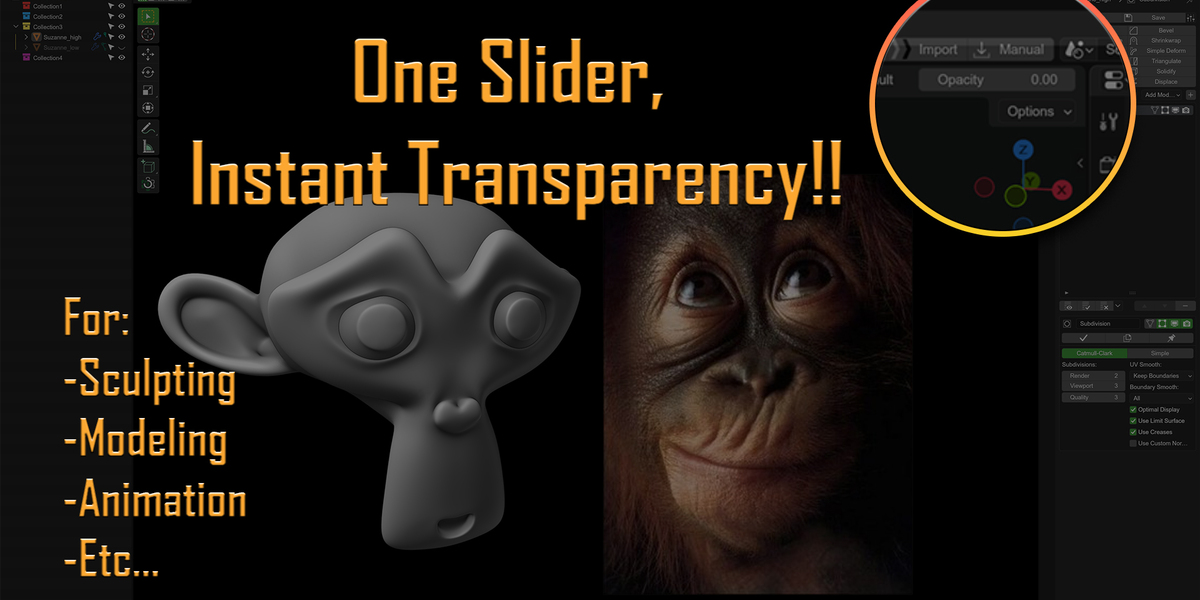
Make Blender transparent with Set Opacity's 50 to 100 percent viewport slider, keeping reference images visible while you sculpt, model, animate, or texture.
Set Origin & Local Axes is a Blender add-on for mesh objects, with geometry, object and cursor references for origin and axis operations.
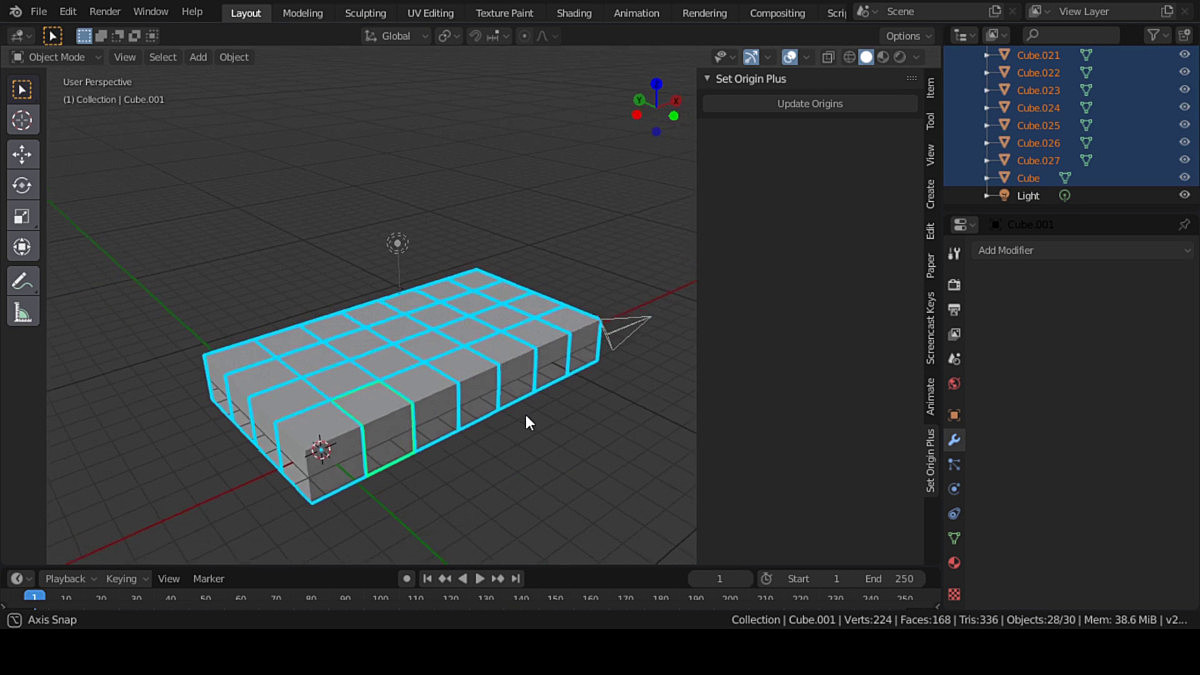
Set Origin Plus sets Blender object origins to selected faces, including bottom-face placement. Check its listed Blender versions before installing.
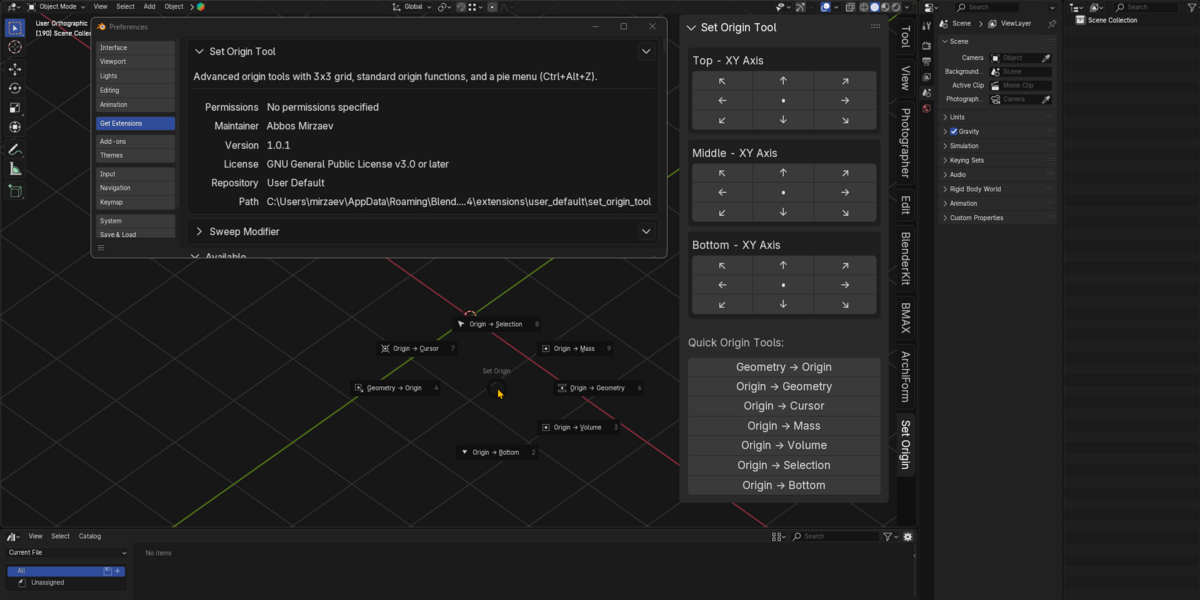
Place Blender object origins with a 3×3 grid, quick operations, and a Ctrl+Alt+Z pie menu. See the modes and object types Set Origin Tool supports.
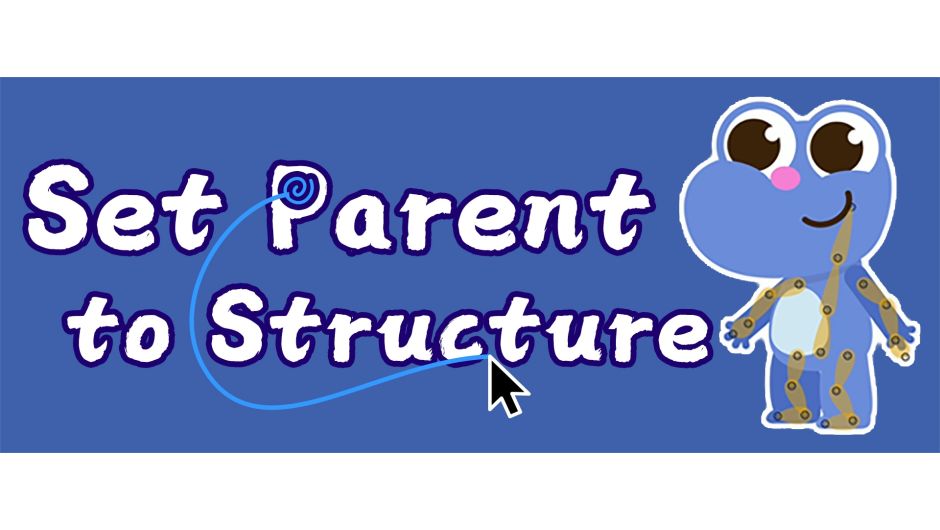
Automate parent-child links between After Effects layers and a character skeleton. Check Duik support, compatibility and license terms on the developer's page.
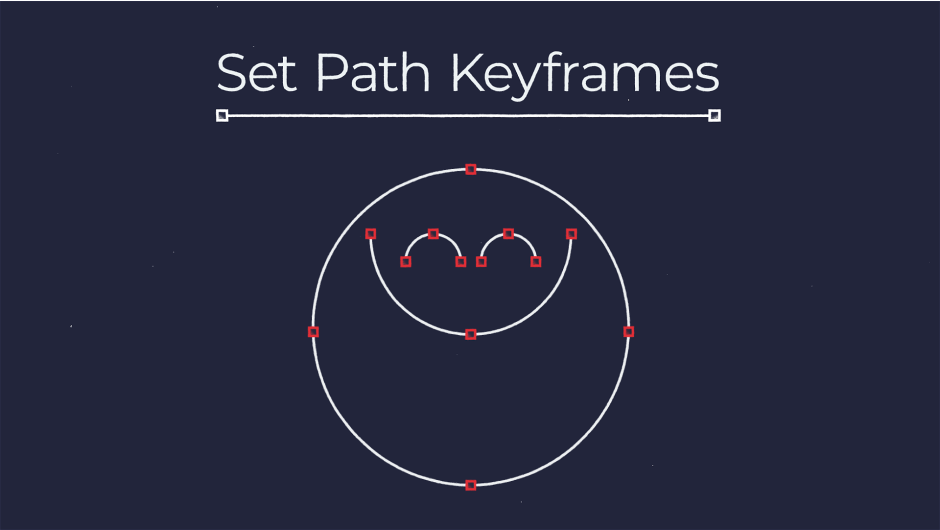
Set Path Keyframes are for After Effects; the script adds path keys at the playhead or removes them if all selected Shape Layer paths are keyed.
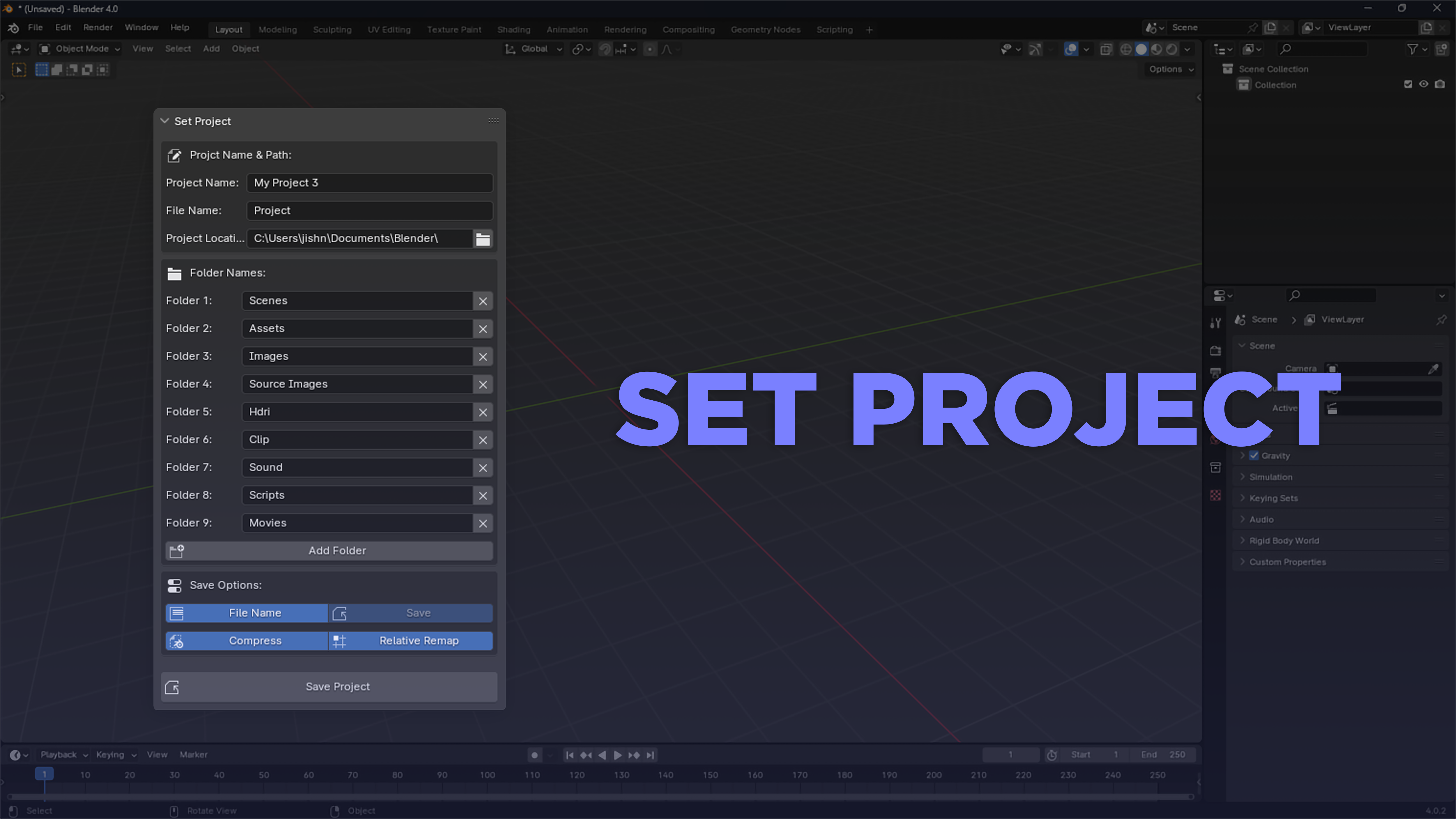
Organize Blender projects with Set Project presets, folder controls and configurable save options. Check the listed Blender versions and GPL license.
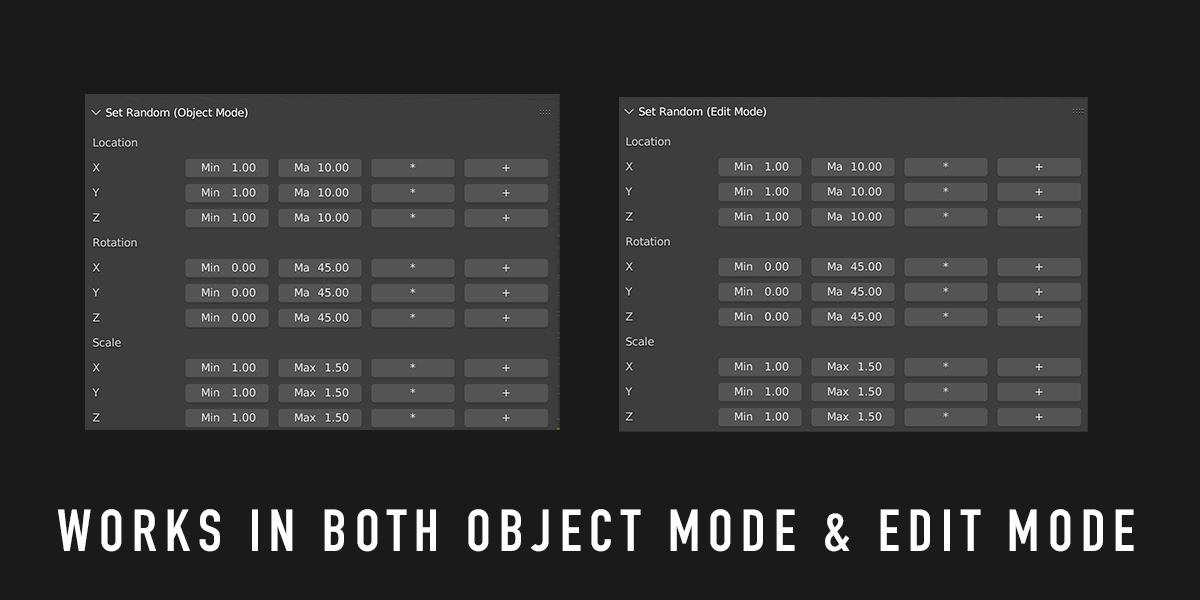
Set Random Plus adds reset and incremental random transforms for Blender objects and mesh selections. Check the listed versions and GPL terms on Superhive.
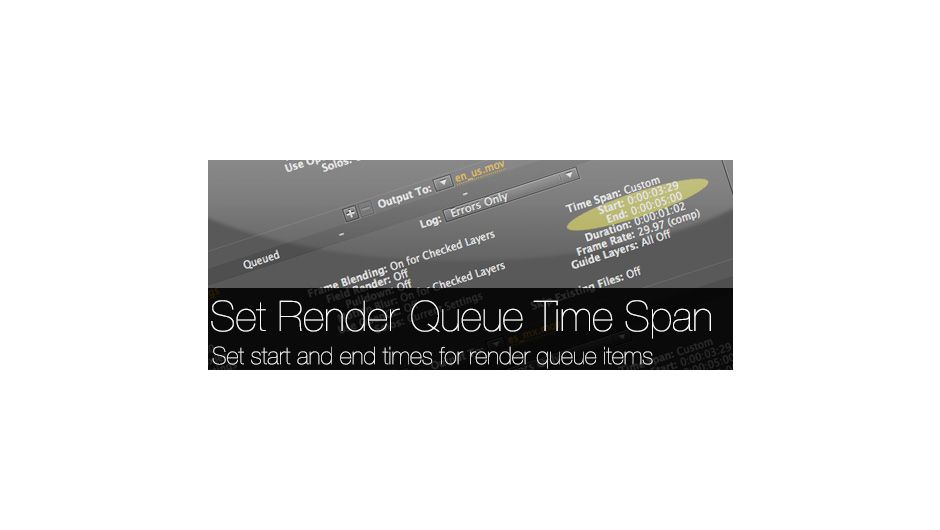
Set work-area, composition-length, or custom time spans for After Effects render queue items, then choose which queued items the script updates.
Set Smooth Group for Blender smooths selected faces and marks boundary edges sharp. See its hotkey and adjustable options in version 1.1.0.
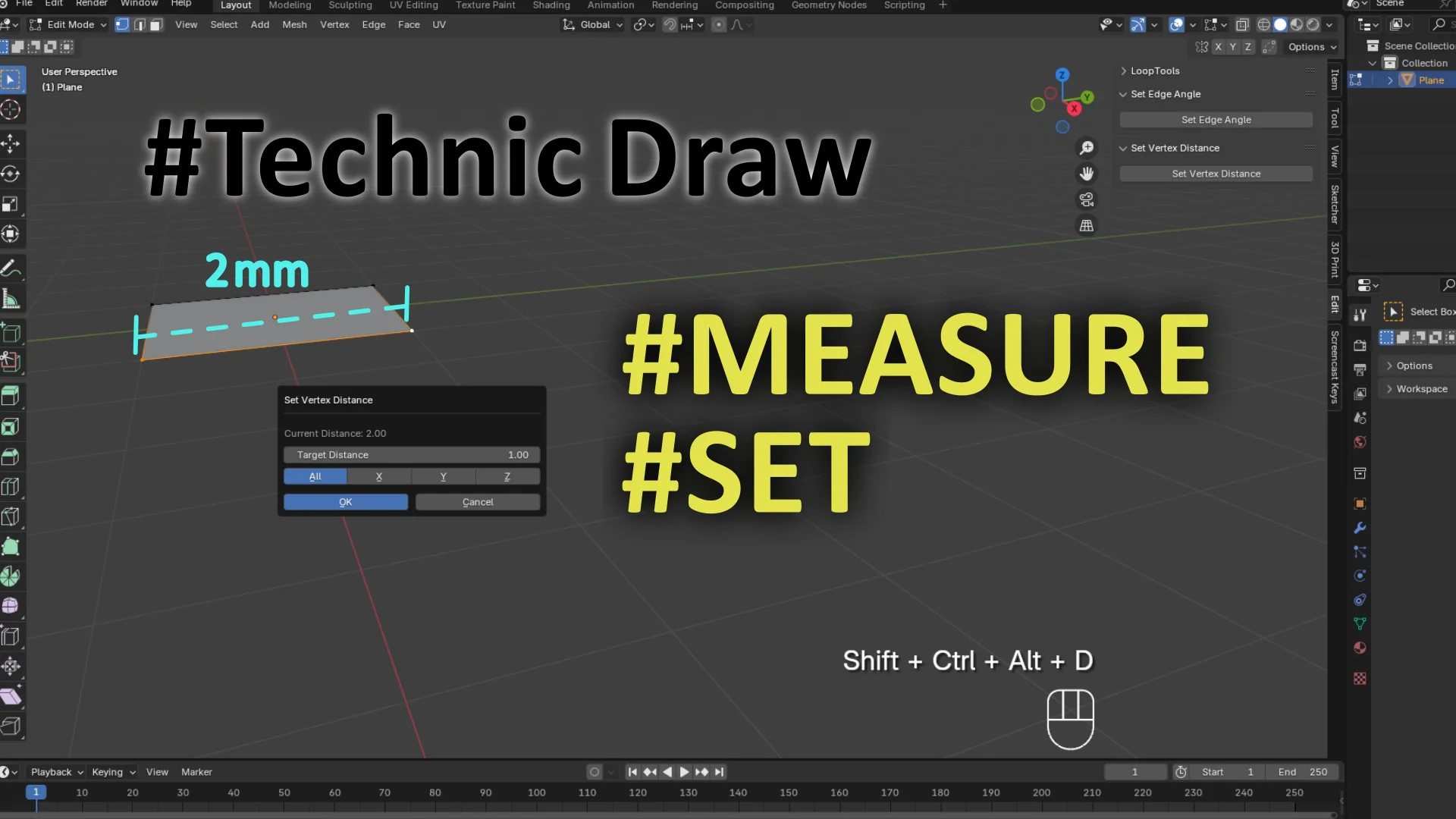
Set exact spacing between two Blender vertices with axis control and single-vertex or connected-component movement. Check version 2.0.0 requirements.
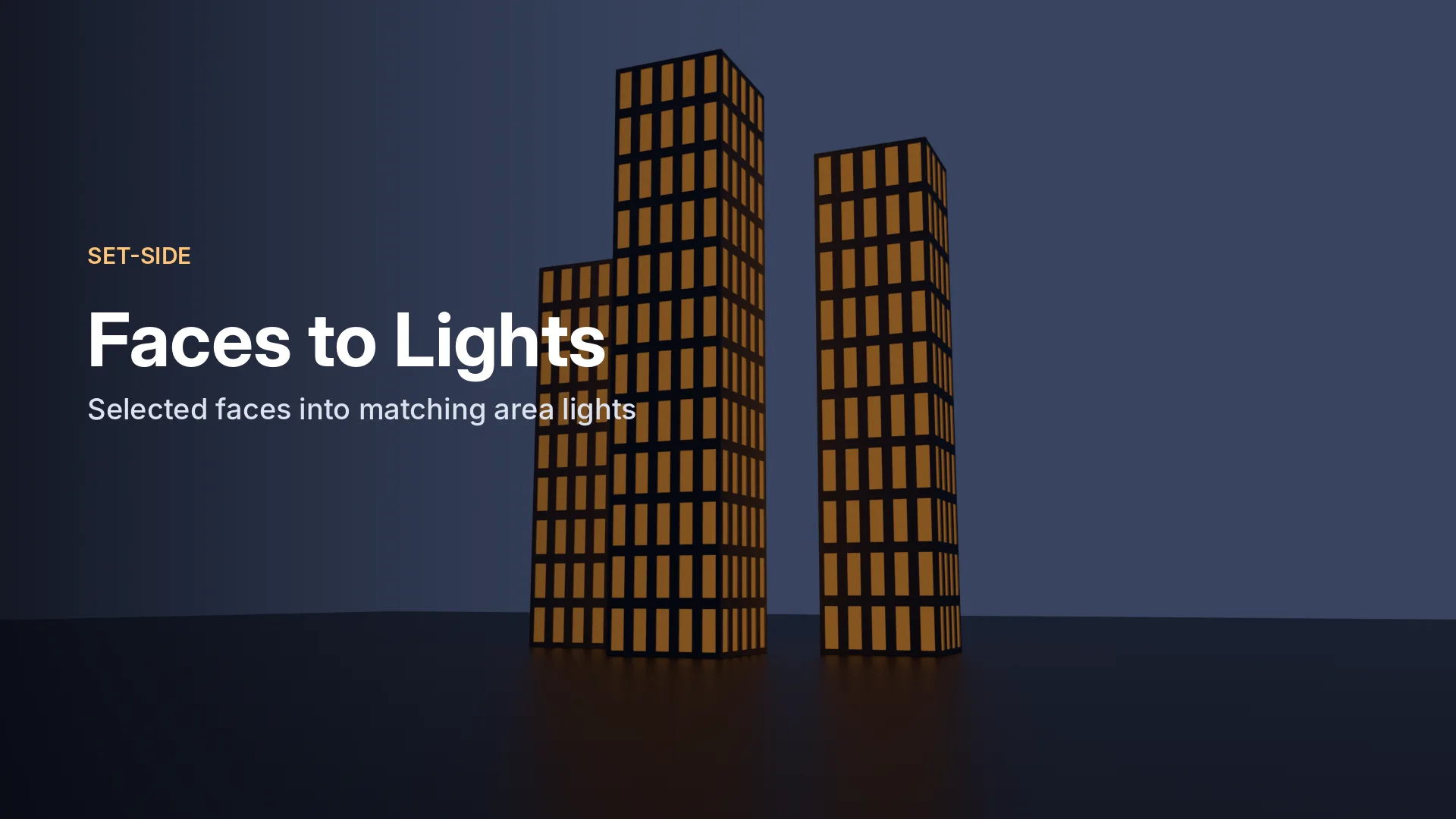
Turn selected Blender mesh faces into area lights, edit their power and glow together, merge similar faces, and check the workflow's limits.
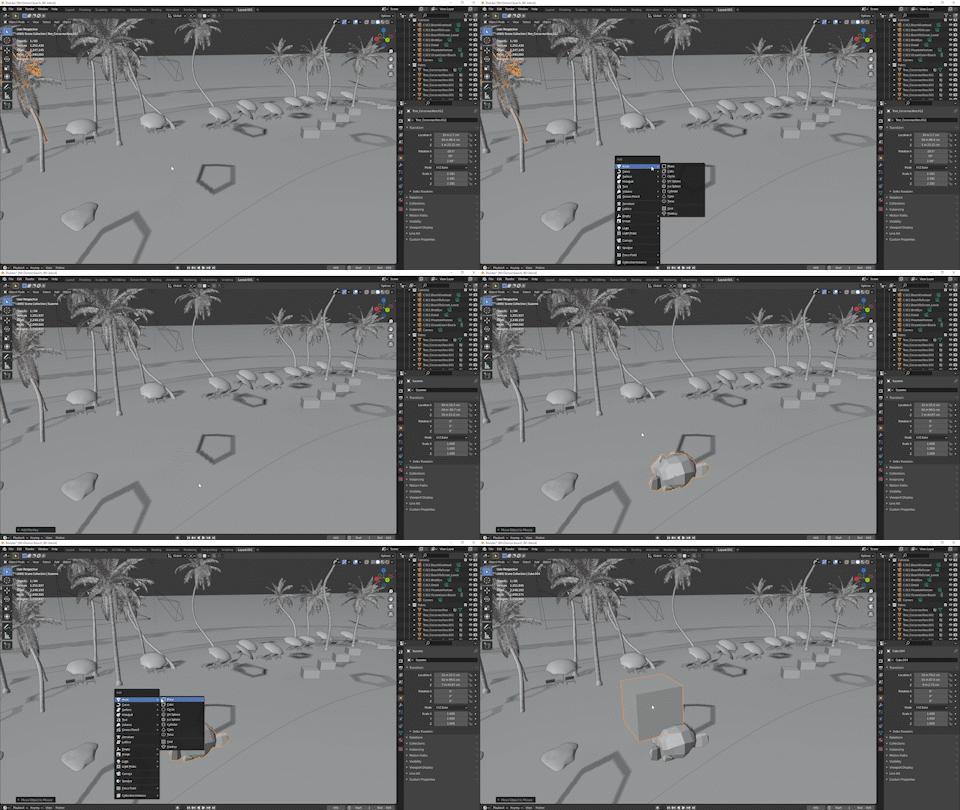
SetIt - Object to Mouse places an active, unparented Blender object at the pointer, adjusts its distance, or sets it on another object's surface.
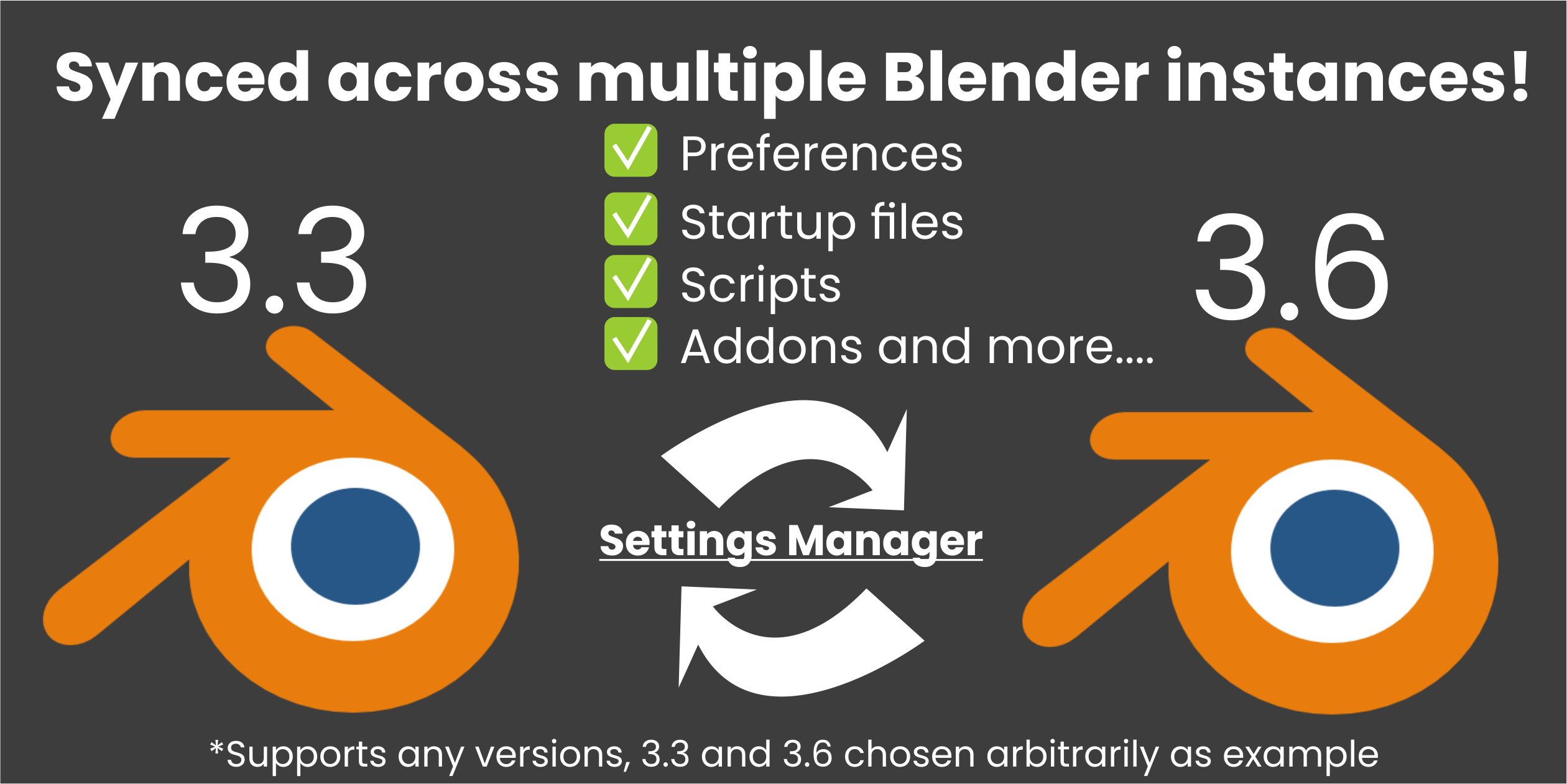
Settings Manager is a Blender add-on for settings configurations, shared add-on access, and ZIP or directory import and export. Check compatibility.
Setup Static Object prepares Blender objects as static meshes for games, with controls for modifiers, transforms, link duplication, and feature edges.
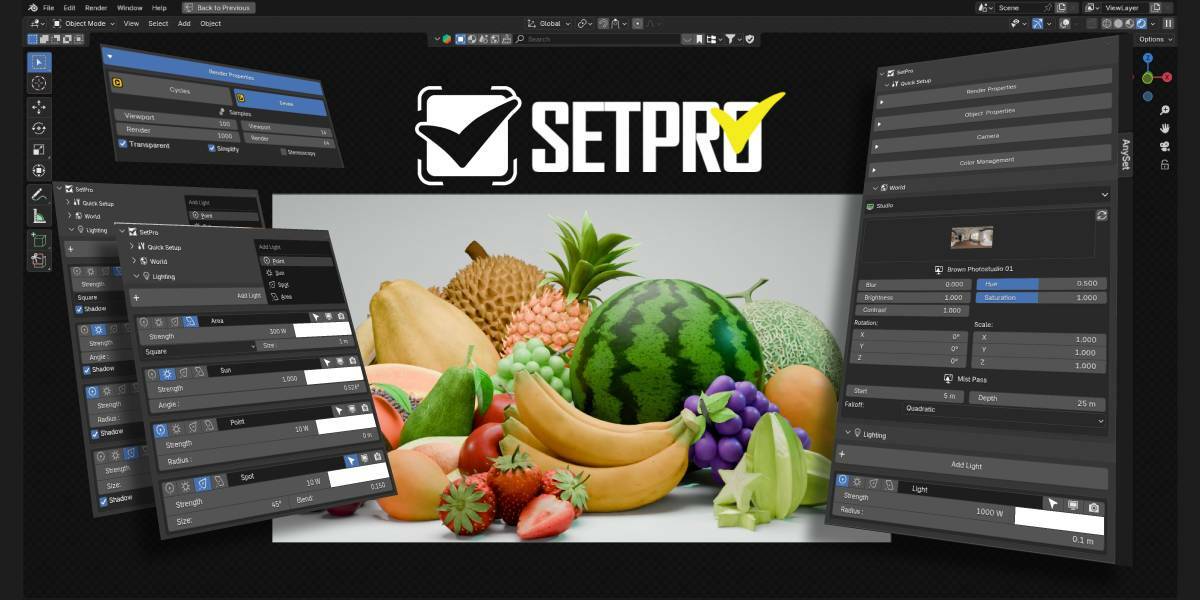
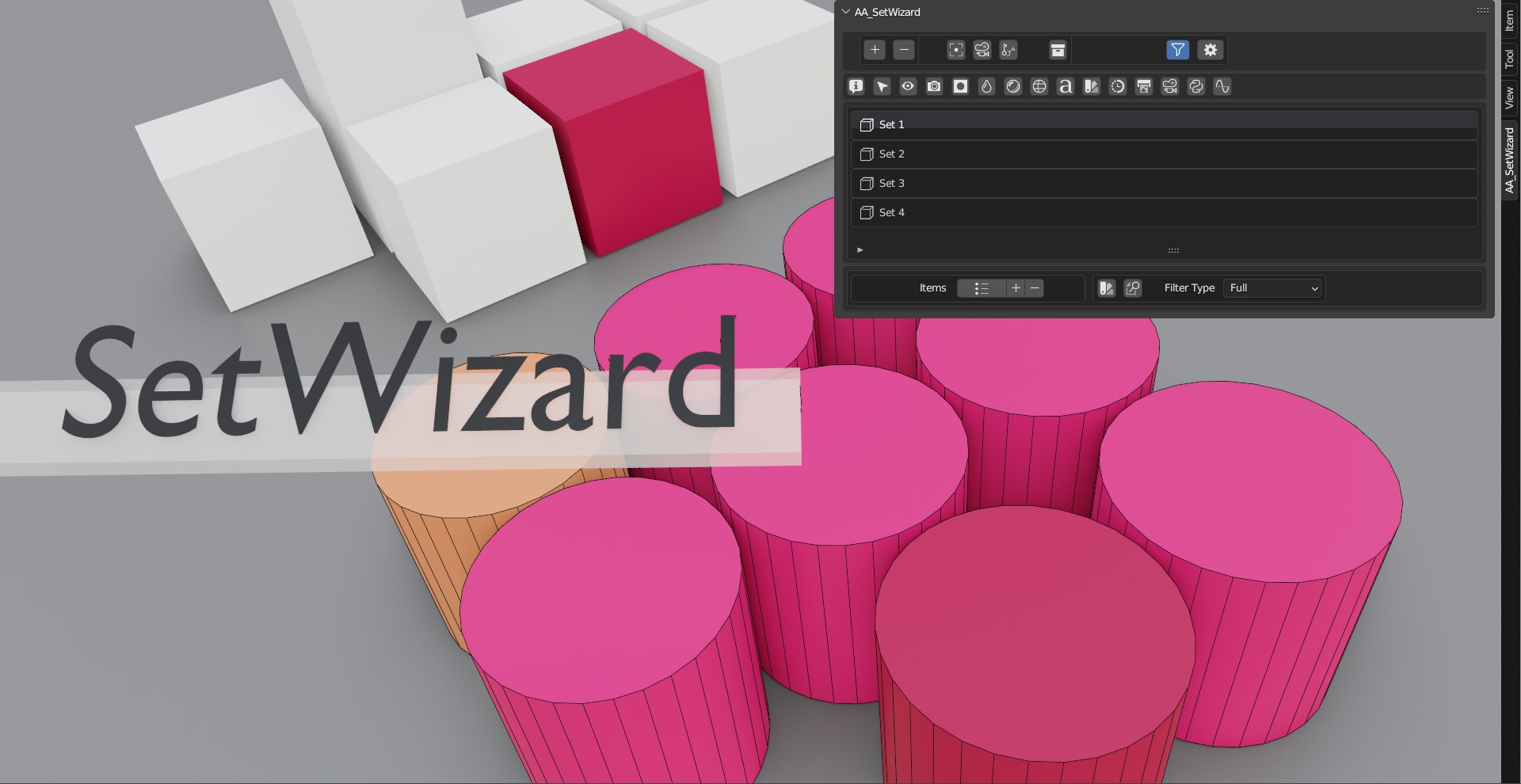
SetWizard for Blender groups reusable selection sets with object visibility controls, camera switching, frame ranges, outliner search and output settings.
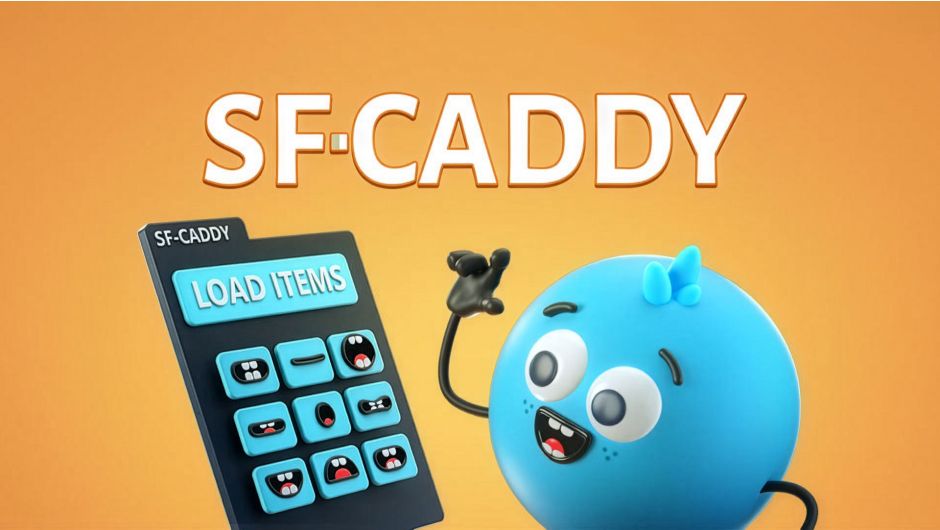
SF Caddy is an After Effects tool for asset replacement, character animation, and marker-based lip-sync, with panel controls and timeline keyframes.
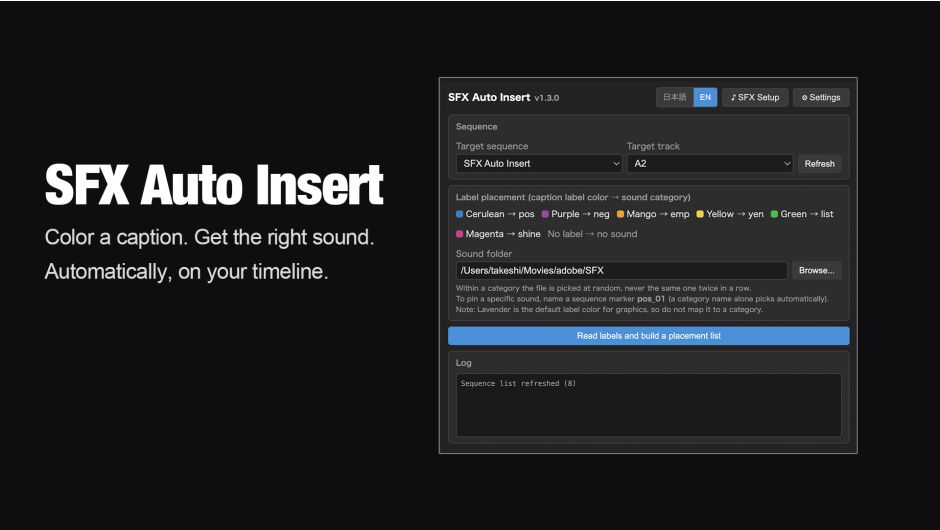
Review sound-effect placements in SFX Auto Insert for Premiere Pro, map caption colors to categories, and pin cues to markers. View the features and free trial.
SFX Panel Lite registers reusable sound effects for Premiere Pro, with volume, frame offset and trim. Check its three-effect limit and system requirements.
For repeat sound-effect work, SFX Panel Pro places SFX with saved volume, offsets and trims; Pro adds video-track batch placement and settings export/import.
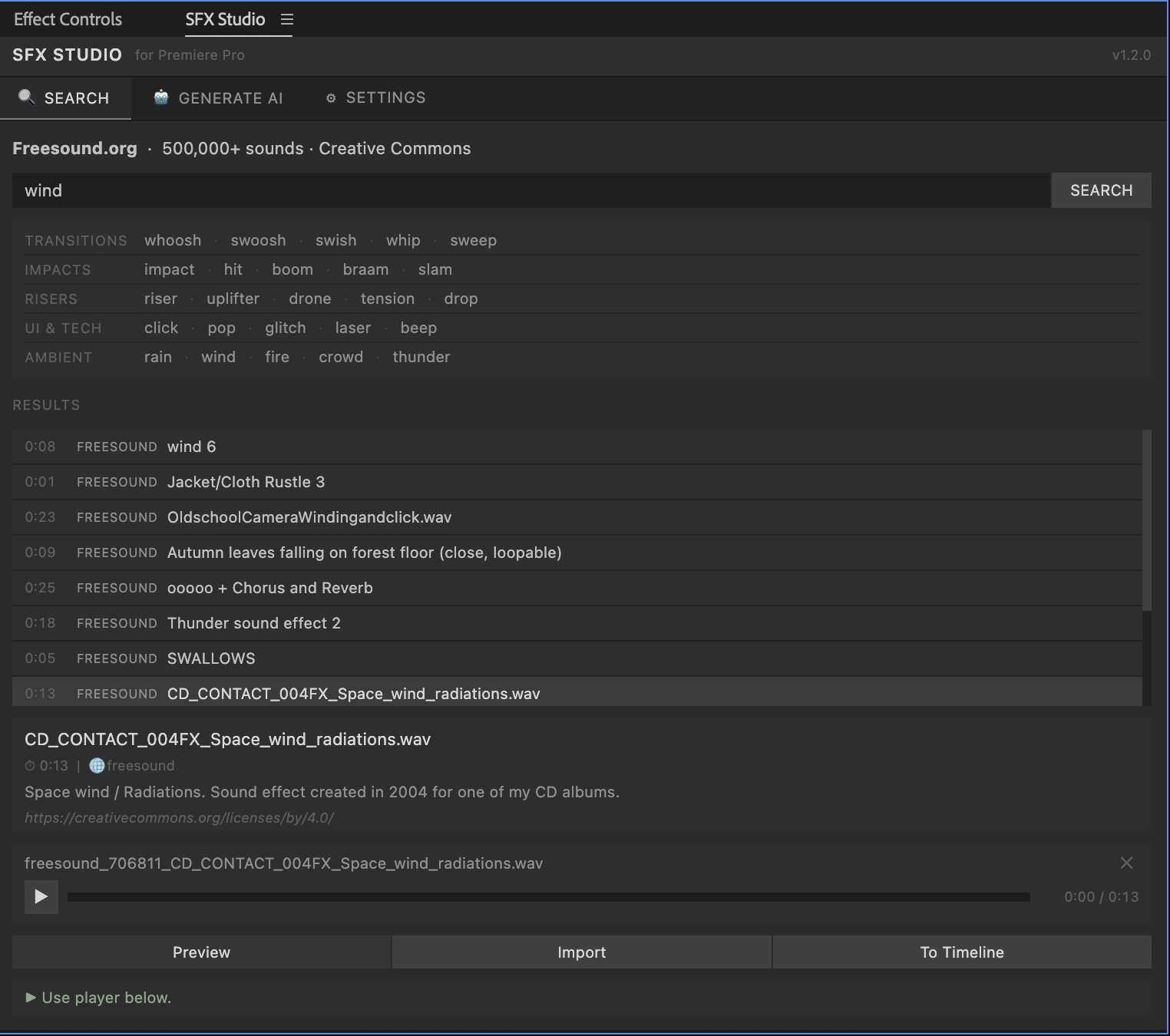
Sfx Studio searches Freesound’s 500,000+ Creative Commons sounds in Premiere Pro. Preview and place clips, or generate custom effects with ElevenLabs.