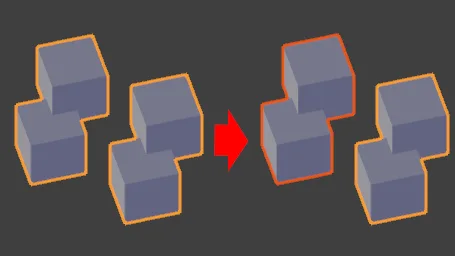
Selected_Bones_To_Vertex_Group
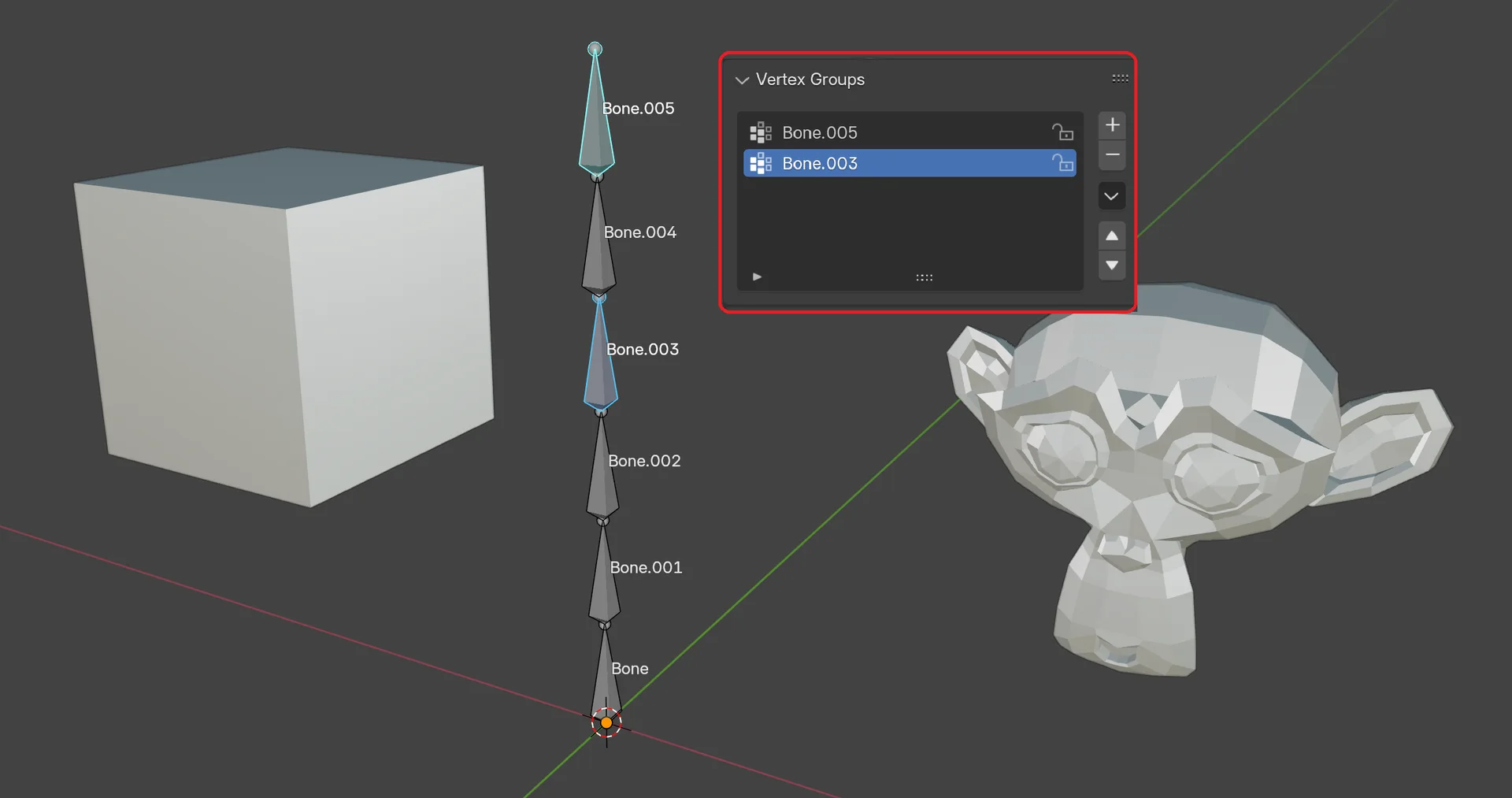
Selected_Bones_To_Vertex_Group adds or removes selected bones from vertex groups on several Blender meshes. See the workflow and Blender 4.2+ support.
Browse published guides by application, developer or task. Check product details before downloading. Page 264 of 337.
Selected_Bones_To_Vertex_Group adds or removes selected bones from vertex groups on several Blender meshes. See the workflow and Blender 4.2+ support.
Selectedtovertexcolor is a Blender add-on for vertex colors. Object Mode supports random colors; Edit Mode offers sharp masking. Check version notes.
SelectedVert_Weight_to_0.ms sets each vertex's selected-bone weight to zero in 3ds Max; version 2.5 lists compatibility with versions 6, 7 and 8.
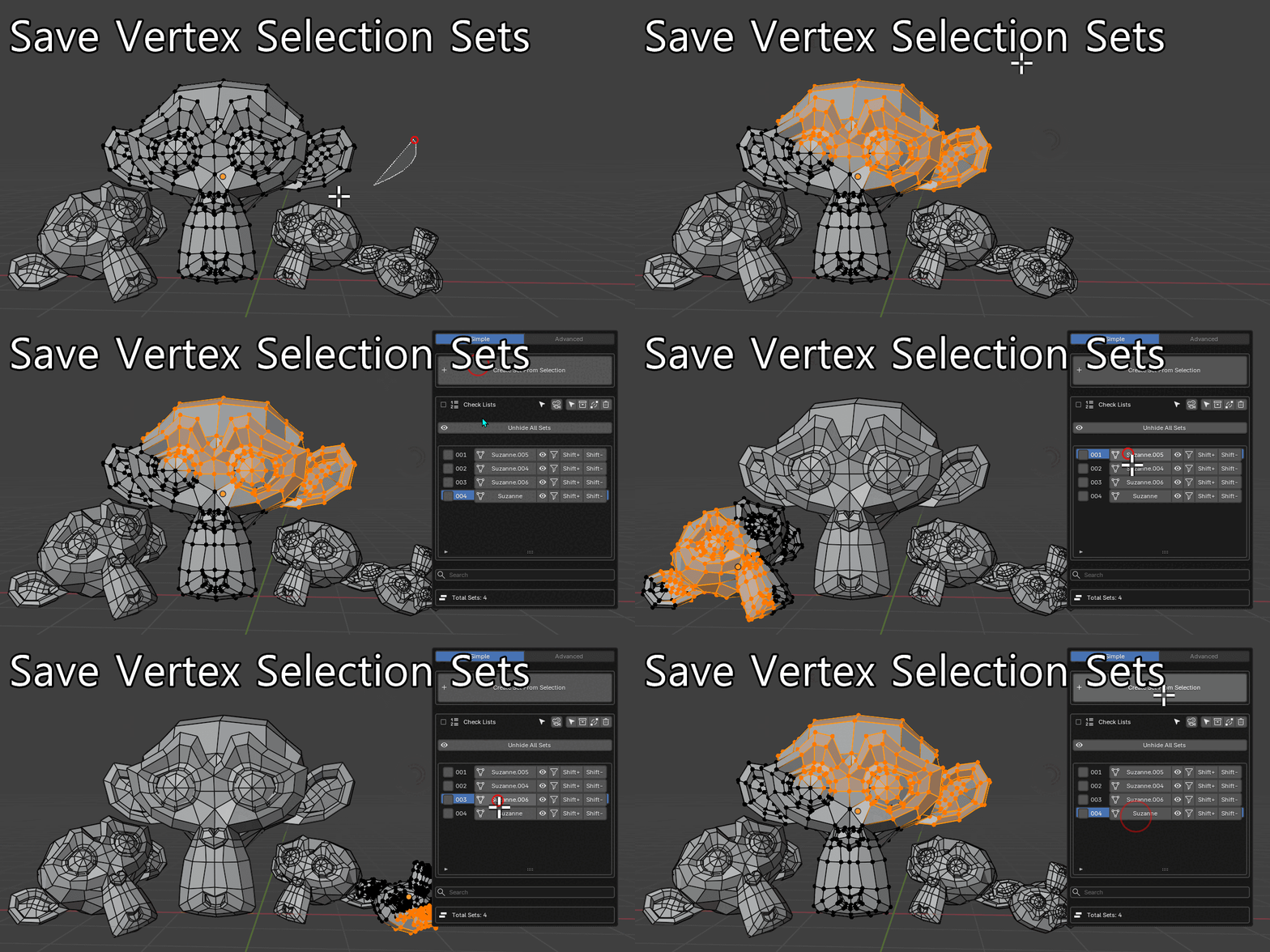
Save Blender object, bone, and mesh selections for reuse. Control visibility, make sculpt masks, mirror sets, and switch cameras; check version support.
Selection Mode Cycler is a Blender add-on for cycling mesh selection modes in Edit Mode, with UV editing and UV Sync Selection added in version 1.1.0.
Selection Toolbox for 3ds Max selects by viewport, material, instance, class, modifier, wirecolor or name. Check compatibility and terms before downloading.
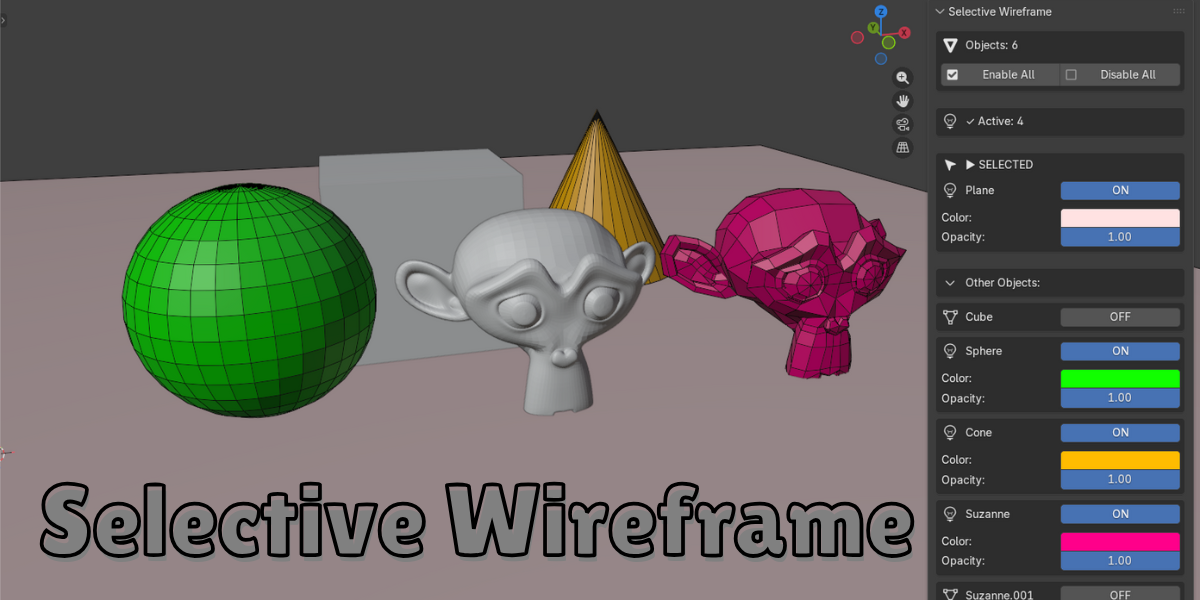
Selective Wireframe - Per-Object Wireframe Control is a Blender add-on for per-mesh overlays, color and opacity controls, with Solid-mode color limits.
Select project items or timeline clips with Selector for Premiere Pro, using filters for names, folders, or sequence use and reusable presets.
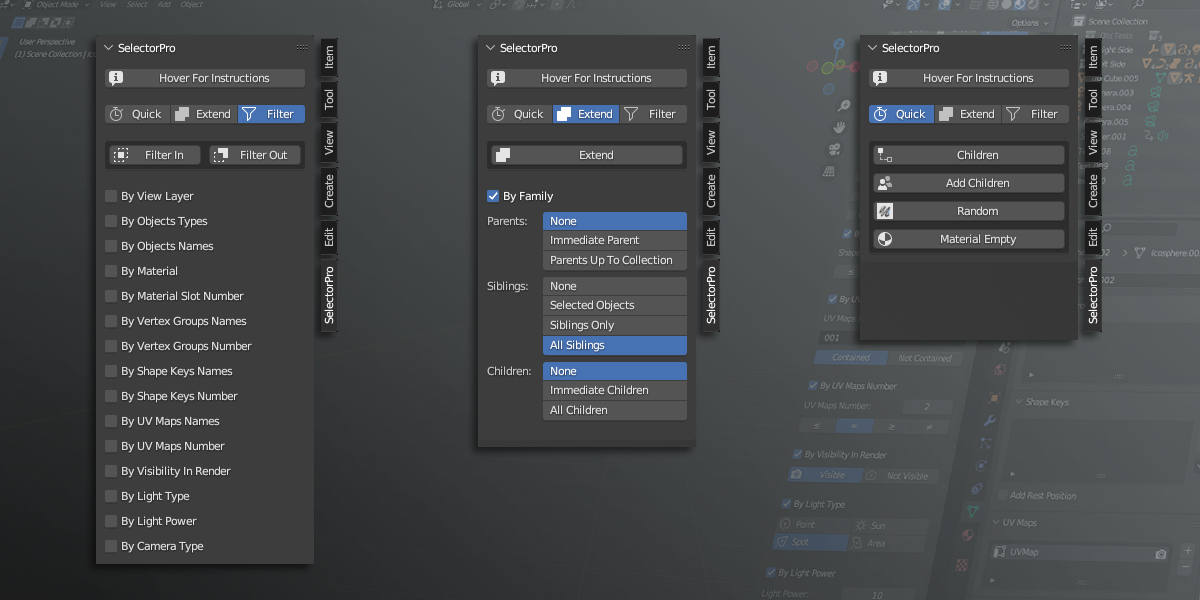
SelectorPro filters Blender selections by object attributes and scene context, then extends them through family relations. Learn how its four tabs work.
Selects all UV islands on one UDIM is a Blender add-on for selecting one tile’s islands and faces with Alt+L; version 1.2.0 requires Blender 4.2.0 or newer.
Convert hand-drawn lines into After Effects mask paths with SenNazoli Lines to Paths. Check line specs, path extension and reversal, trial functionality, and compatibility.
Separate by Collision splits loose mesh parts and keeps colliding parts together. Compare Surface and Bounding box modes; it supports Blender 4.2+.
Separate Loose Plus helps edit loose meshes in Blender 4.2+ and merge them back. Review its workflow, compatibility, license, and installation details.
ShadowCory's Almost Useful Artist's Tools
Separate loose meshes in Blender with one click, then reset each piece's origin for editing. See the listed version range and installation notes.
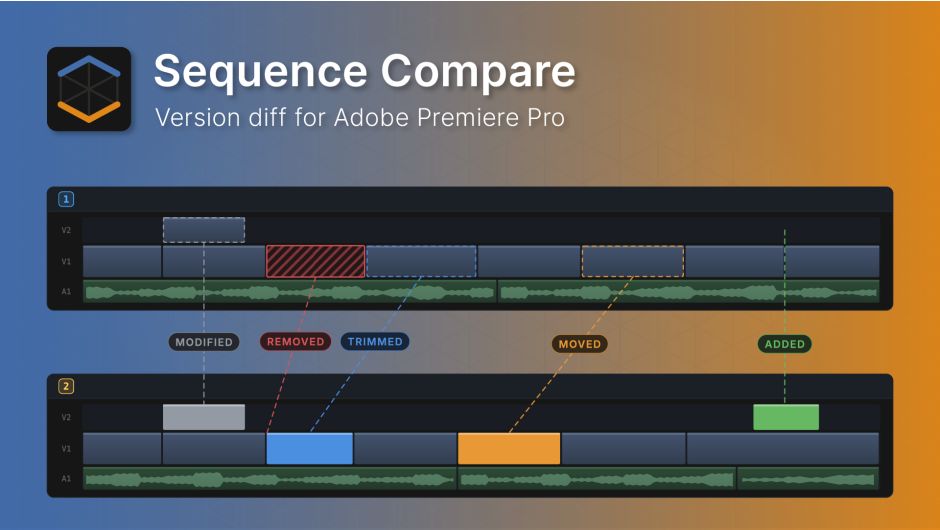
Compare Premiere Pro sequences with Sequence Compare. Review clip, timing, track, effect and audio changes, then jump to each difference or export a CSV.
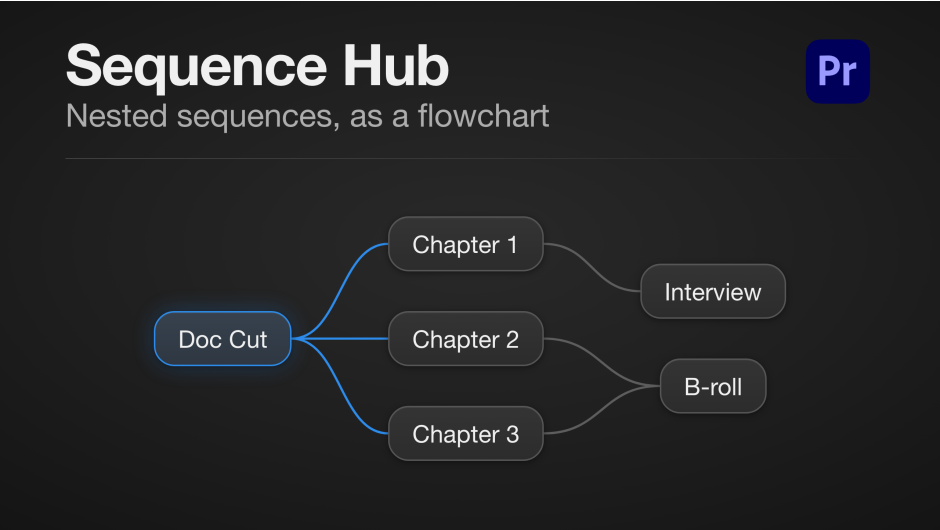
Sequence Hub maps nested Premiere Pro sequences, opens them from its flowchart, and follows the active sequence. Check its Premiere Pro 26.2+ requirement.
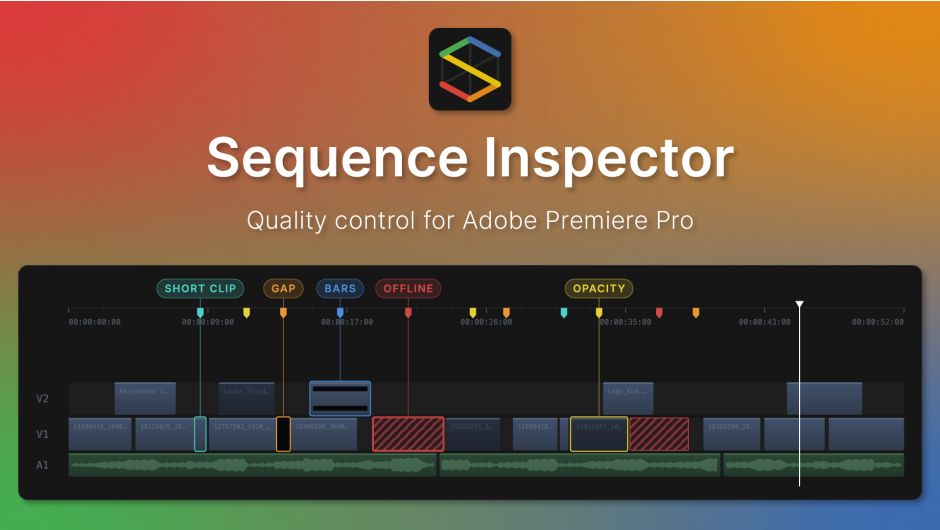
Sequence Inspector is a Premiere Pro panel that flags gaps, black frames, offline media, opacity issues and title misspellings with timecoded markers.
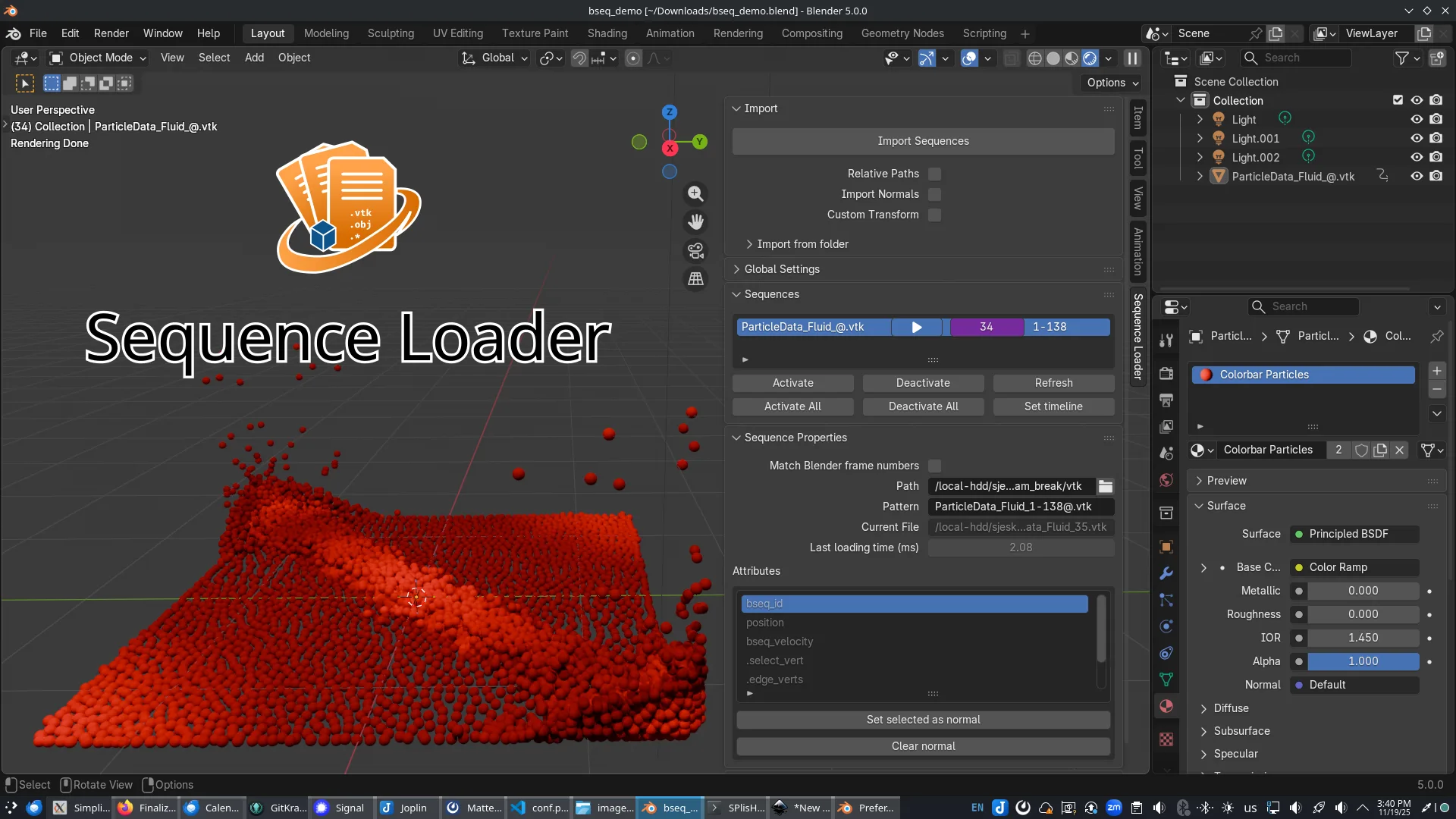
Load mesh, particle and point-cloud sequences in Blender with Sequence Loader's just-in-time loading; confirmed mesh formats include OBJ, PLY and VTK.
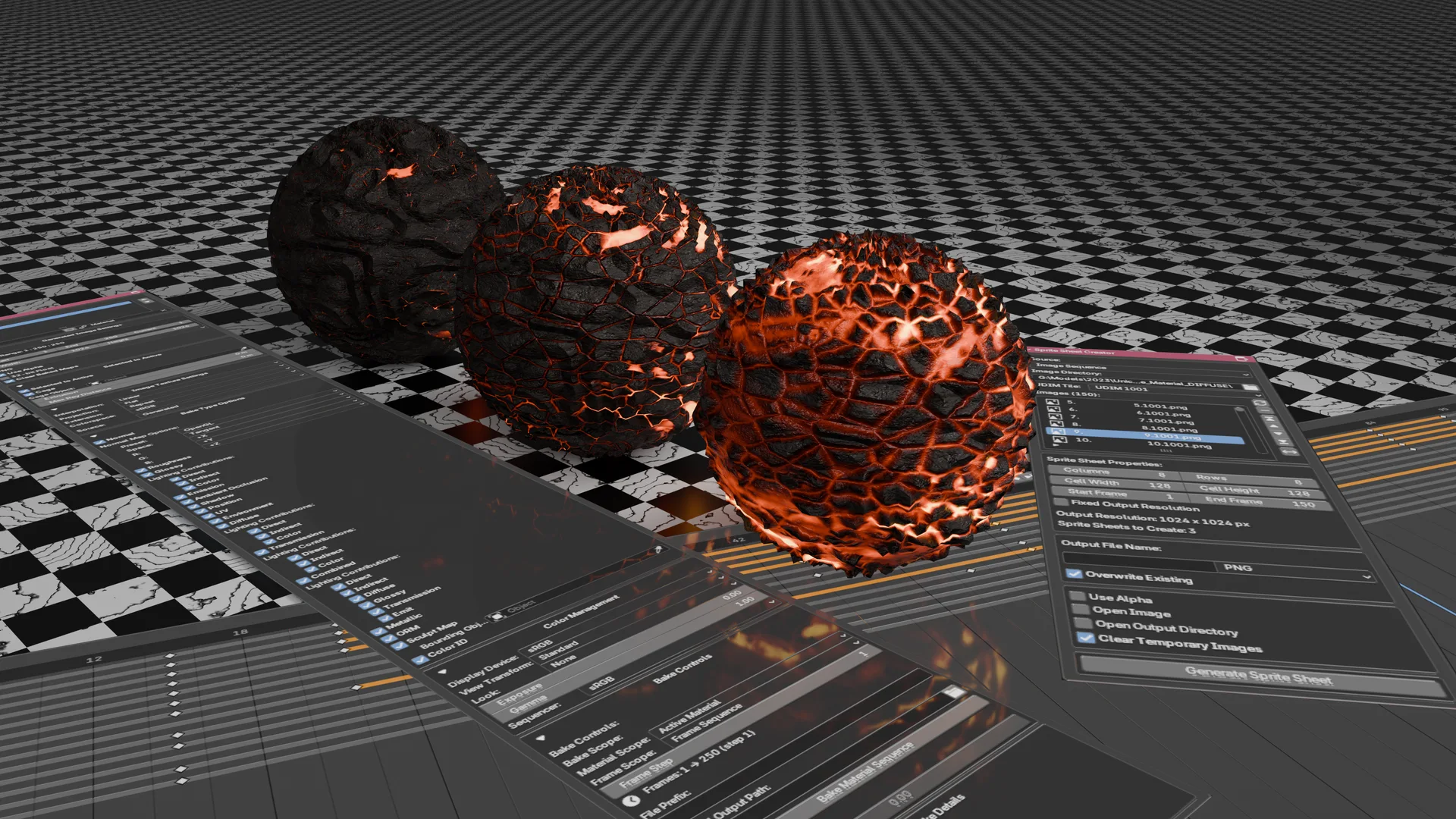
Sequenced Bake is a Blender add-on for baking material sequences and generating sprite sheets. Version 1.2.1 requires Blender 5.0 or later.
Build Blender add-ons with Serpens 3 using node graphs, custom panels, pie menus and modal tools. Check its documentation and listed Blender compatibility.
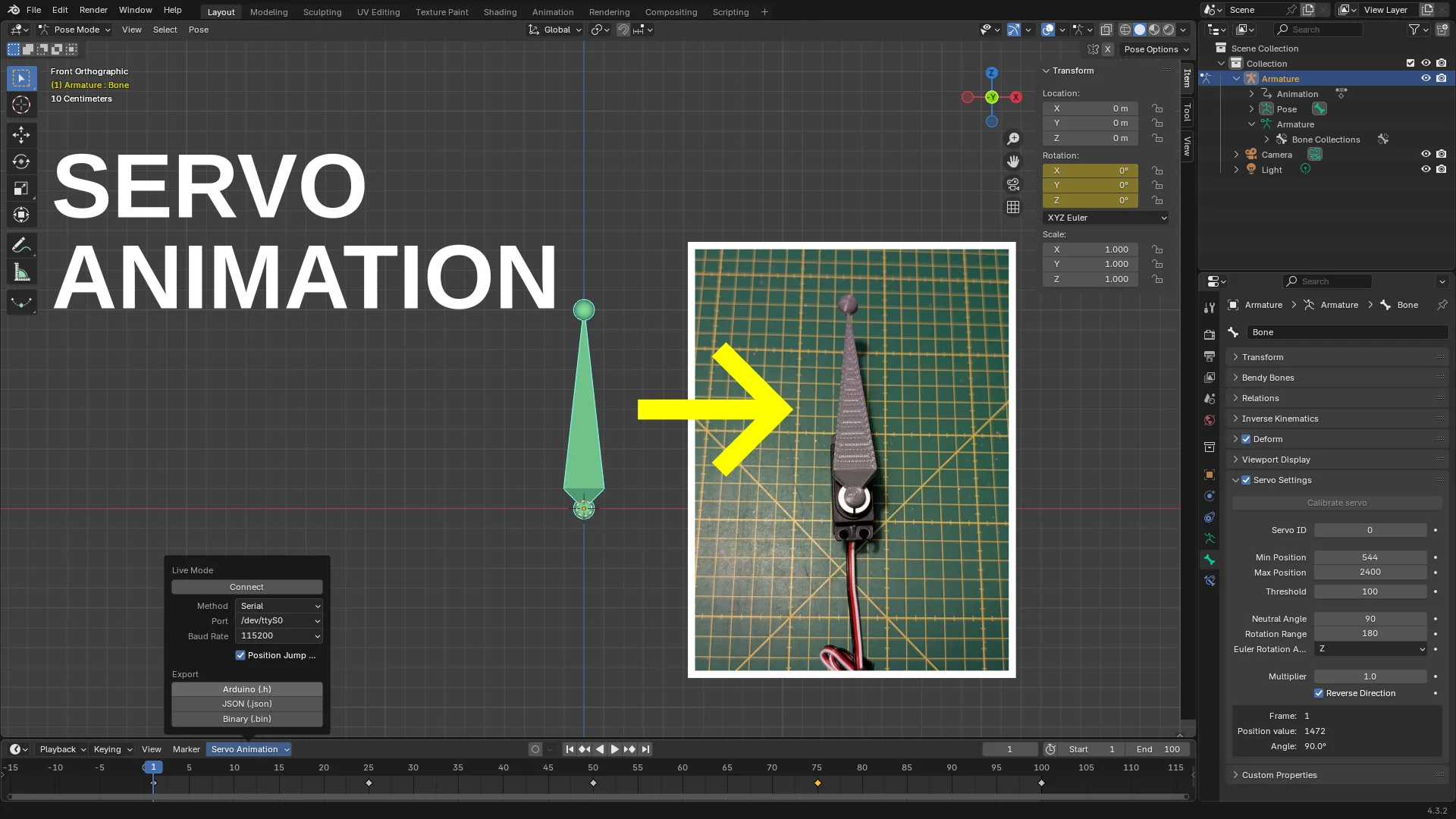
Servo Animation exports Blender armature motion as servo positions and supports Serial or WebSocket live mode. It is listed for Blender 4.2 and newer.
Search production music in Premiere Pro with Servo.music, audition previews against the timeline, license tracks, and generate cue sheets from timeline use.