Pose2Sim Blender
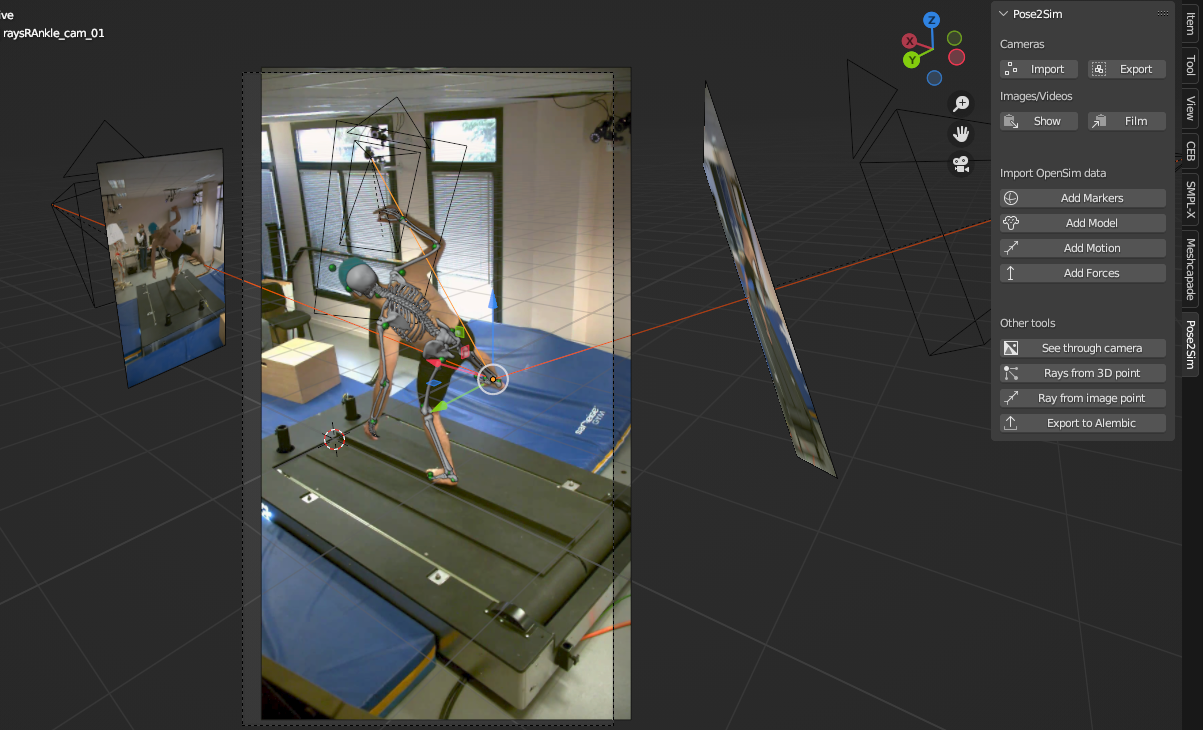
Pose2Sim Blender imports camera calibration, markers and OpenSim motion data into Blender. Check format support and installation notes in the README.
Tools for organizing files and automating repeated tasks in creative applications. Browse by application or search for a task. Page 105 of 163.
Pose2Sim Blender imports camera calibration, markers and OpenSim motion data into Blender. Check format support and installation notes in the README.
Posingatwill adds mouse controls for bone rotation and roll on Blender FK rigs. Learn the ring workflow, installation steps, license, and system requirements.
Measure the distance between two 3ds Max objects or two vertices on one object with Position measure by Chuggnut. See the developer page for current details.
Position scaler changes spacing between selected 3ds Max objects without resizing them. See the fence-post example and check Chuggnut's page for details.
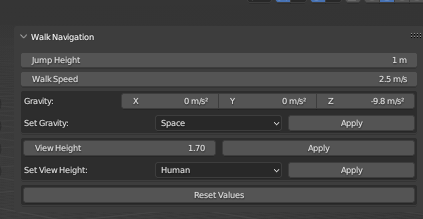
Explore Blender scenes from within POV: Point Of View. Adjust gravity, jump height, walk speed, and view height for an interior walkthrough.
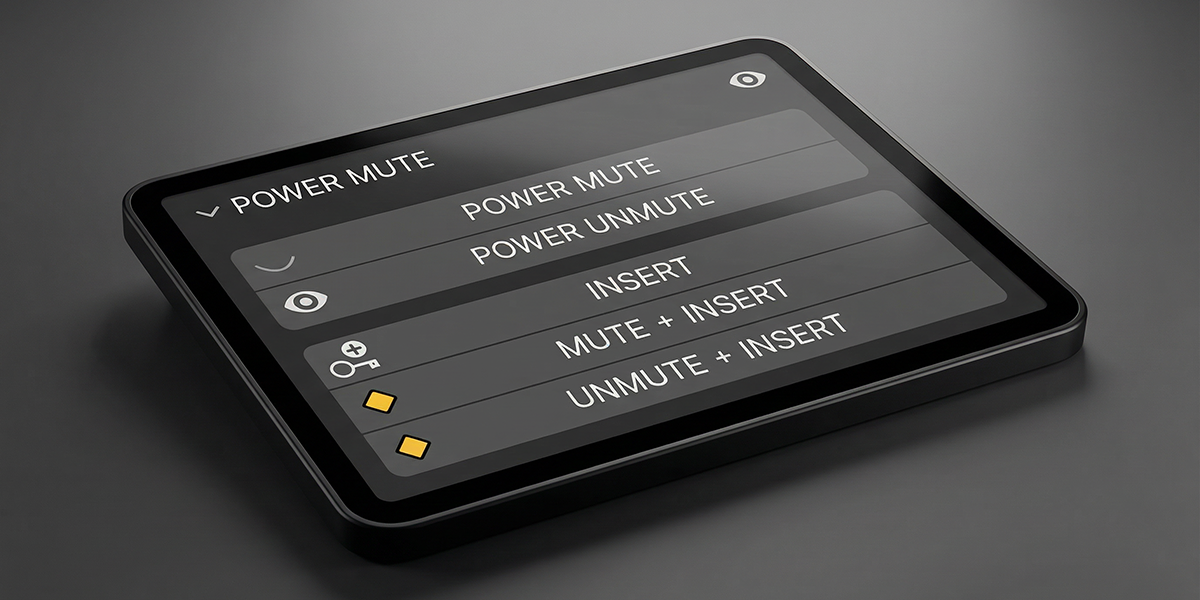
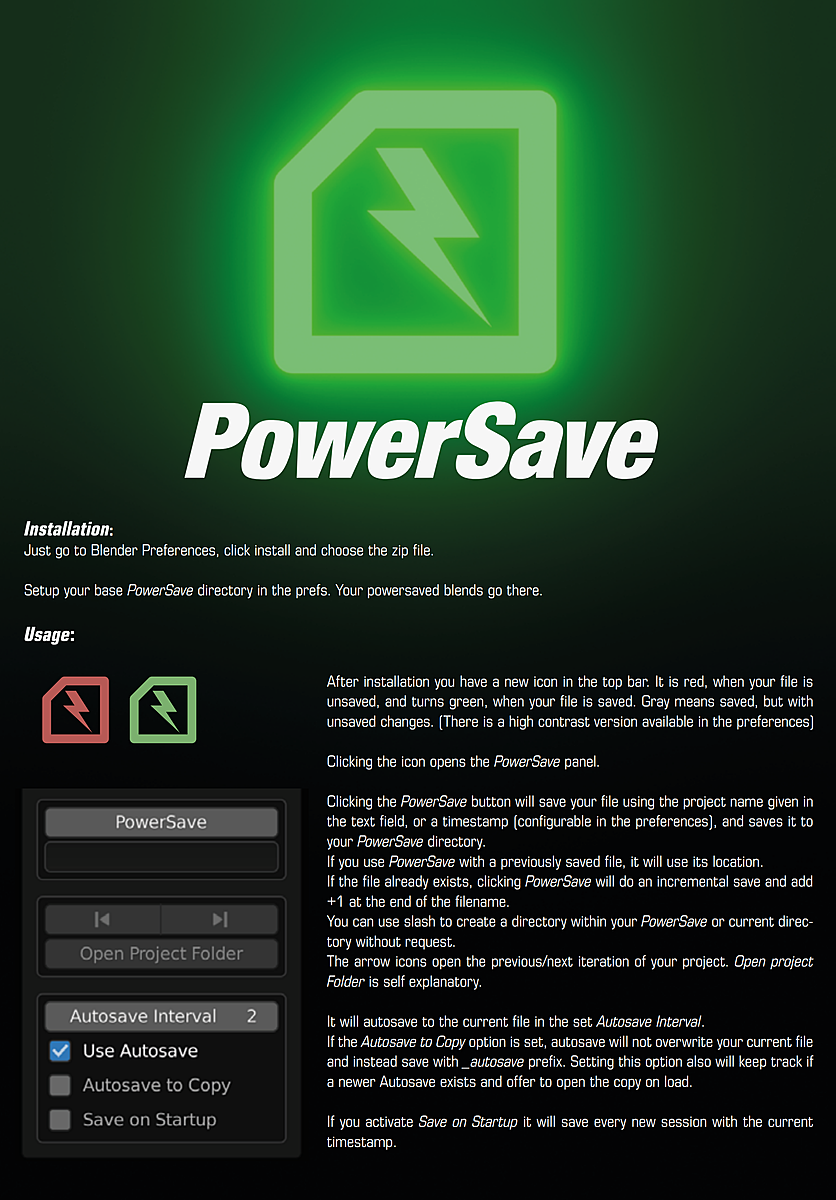
Power Mute is a Blender add-on for muting scenes, isolating objects for transparent renders, and keyframing visibility in Cycles or Eevee.
Power Null is listed as free for After Effects, with draggable placement, snapping, parenting and property links. The listing names AE 2025, 2024 and 2023.
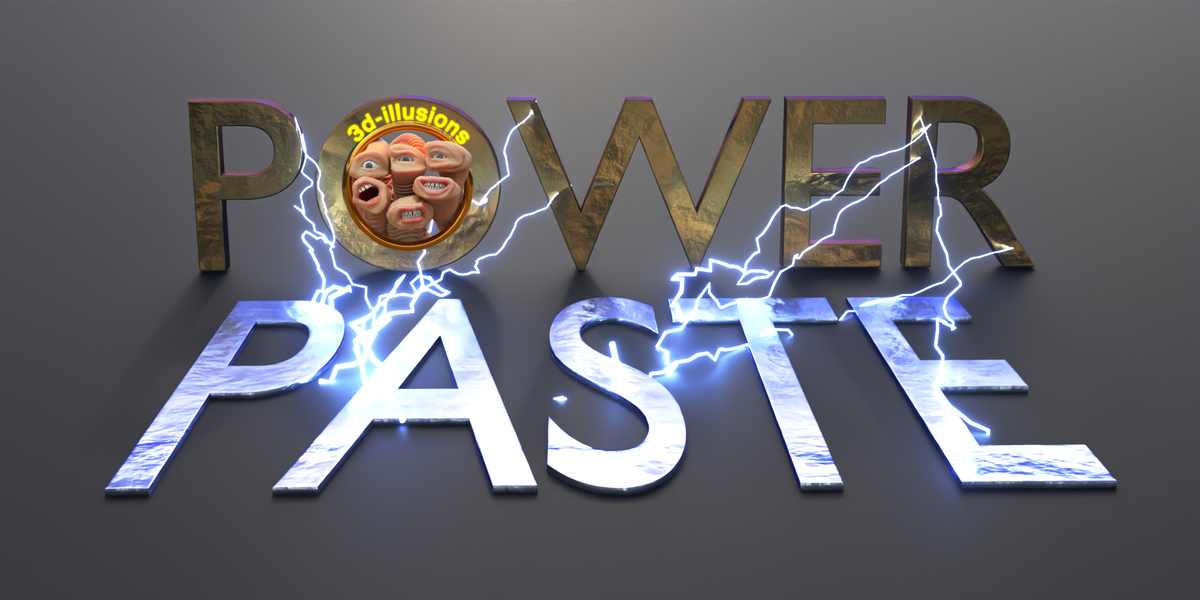
Power Paste is a Blender add-on for pasting clipboard images into editors and processing them for height or displacement use with Ctrl+Shift+Alt+V.
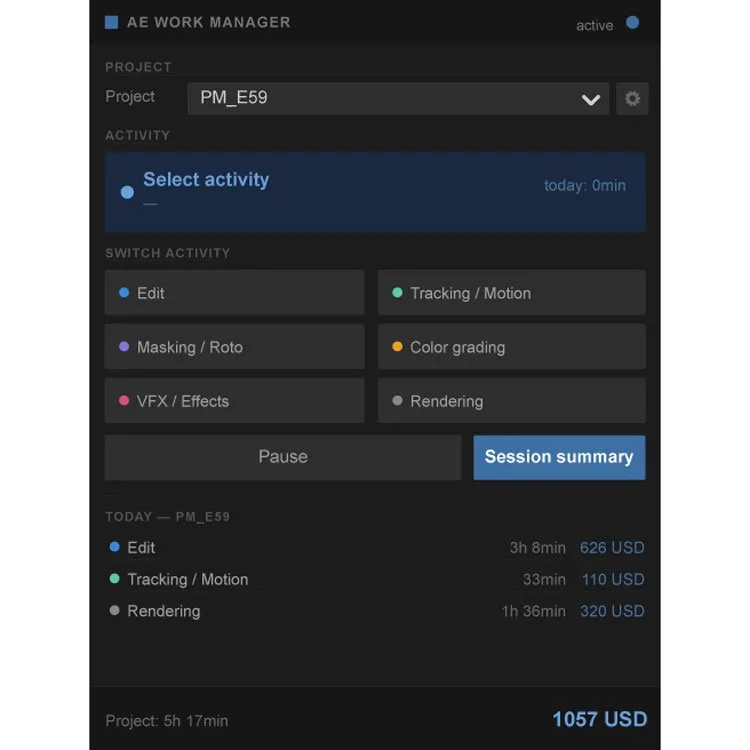
Power Robot AE Work Manager tracks time by activity and calculates costs in After Effects. Compare its reports and check compatibility before downloading.
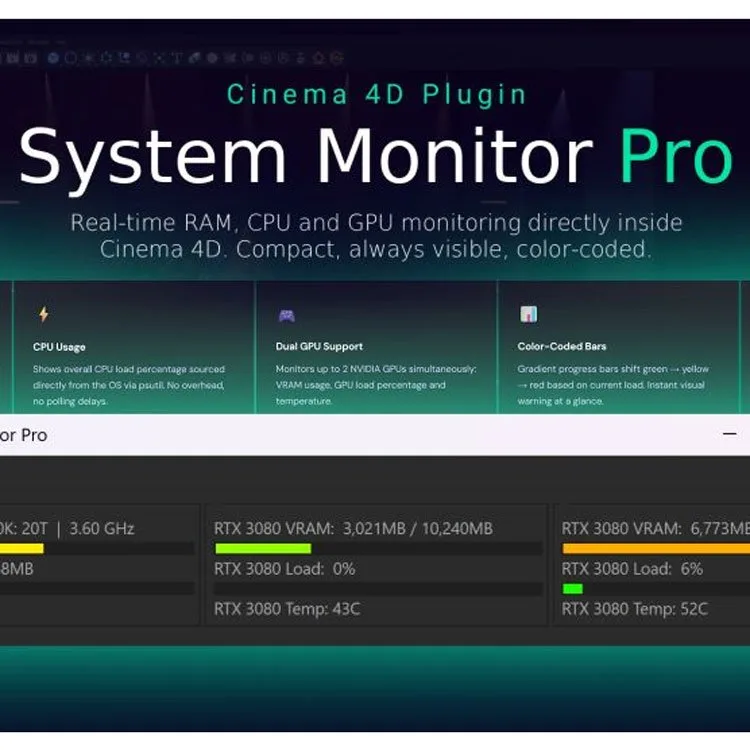
Power Robot System Monitor Pro displays RAM, CPU and NVIDIA GPU readings inside Cinema 4D on Windows. Check supported versions and hardware before downloading.
Explore Power Sequencer for Blender: cut, trim, select and join strips, then add transitions in the Video Sequencer. Check version 2.0.4 compatibility.
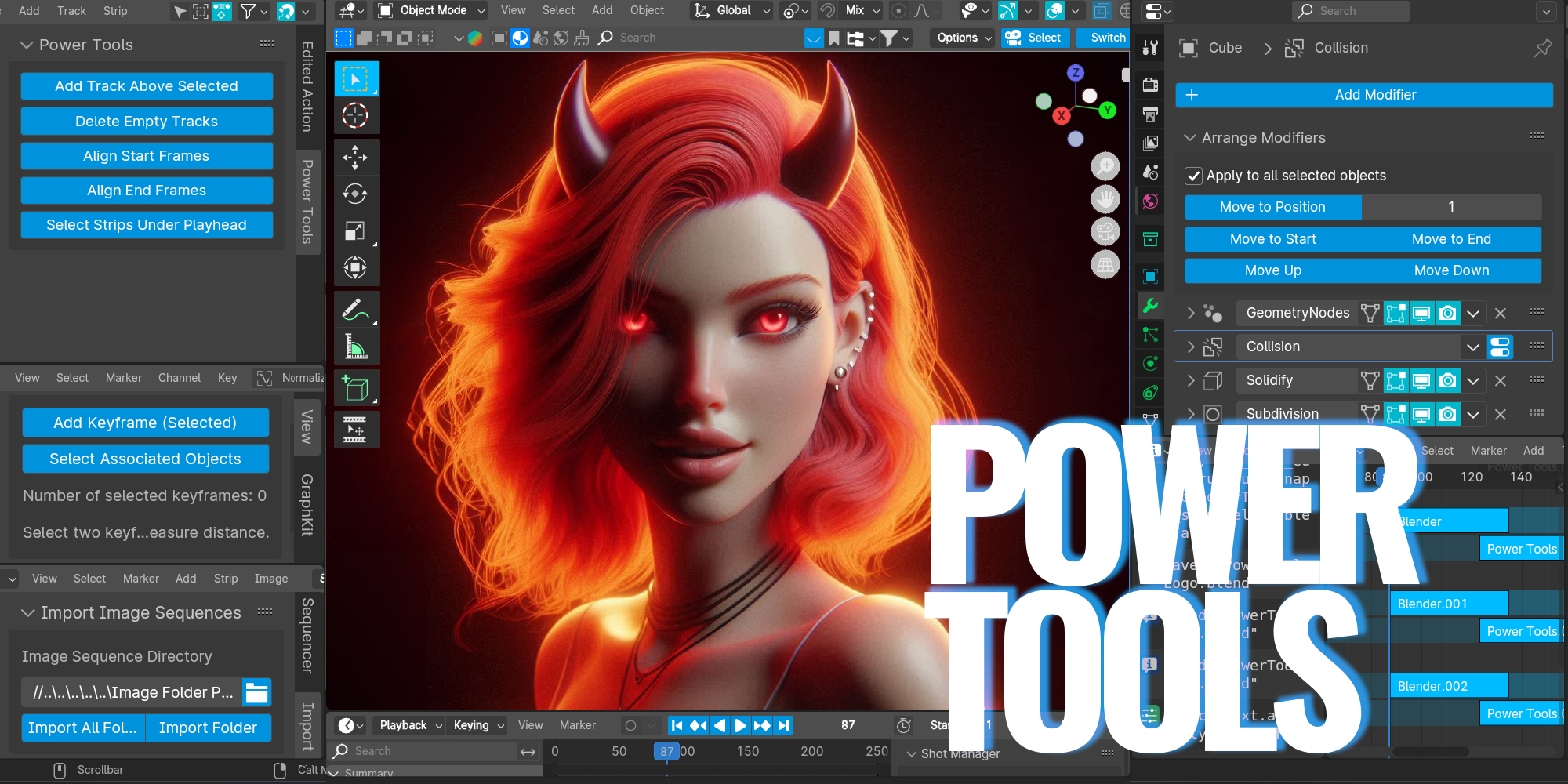
Organize modifiers across selected objects, manage NLA strips, and import video or image sequences in Blender with aPOP's Power Tools add-on.
Back up chosen Blender and add-on preferences with PowerBackup, then restore selected items while leaving others intact. Check its documented limits.
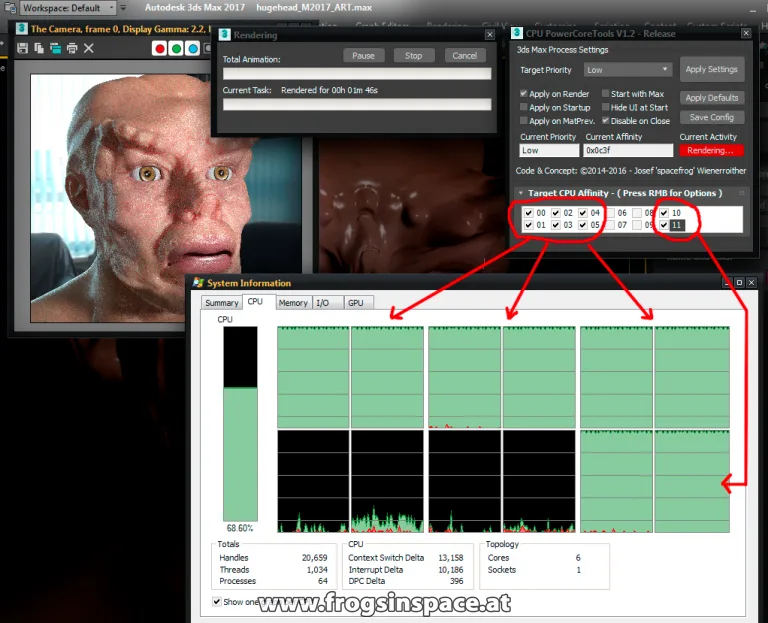
PowerCoreTools sets 3ds Max render priority and CPU affinity, then restores both. The catalog lists it as free; check the developer for licensing.
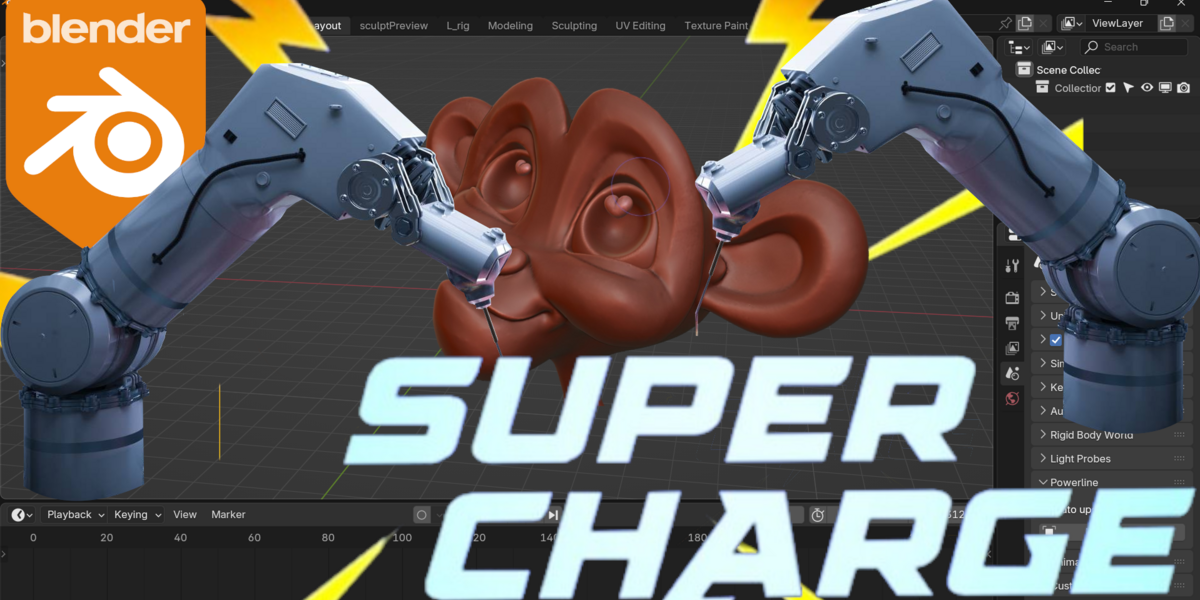
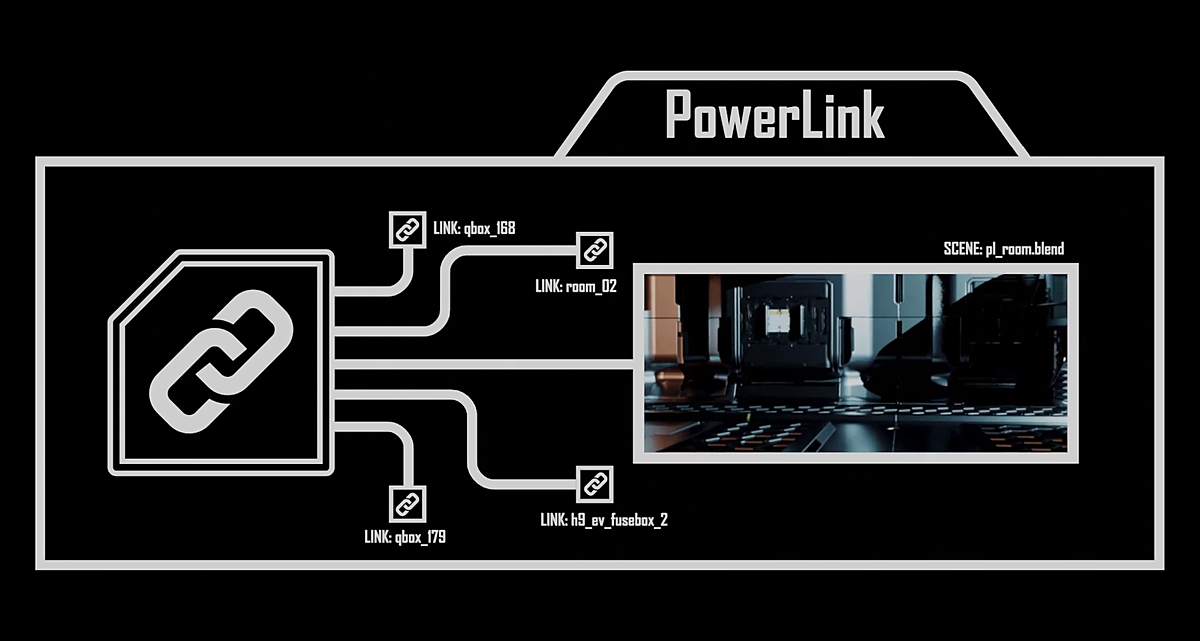
Powerline is a Blender add-on for file versioning, motion capture retargeting, automation and rigging. Check Filemanager dependencies before downloading.
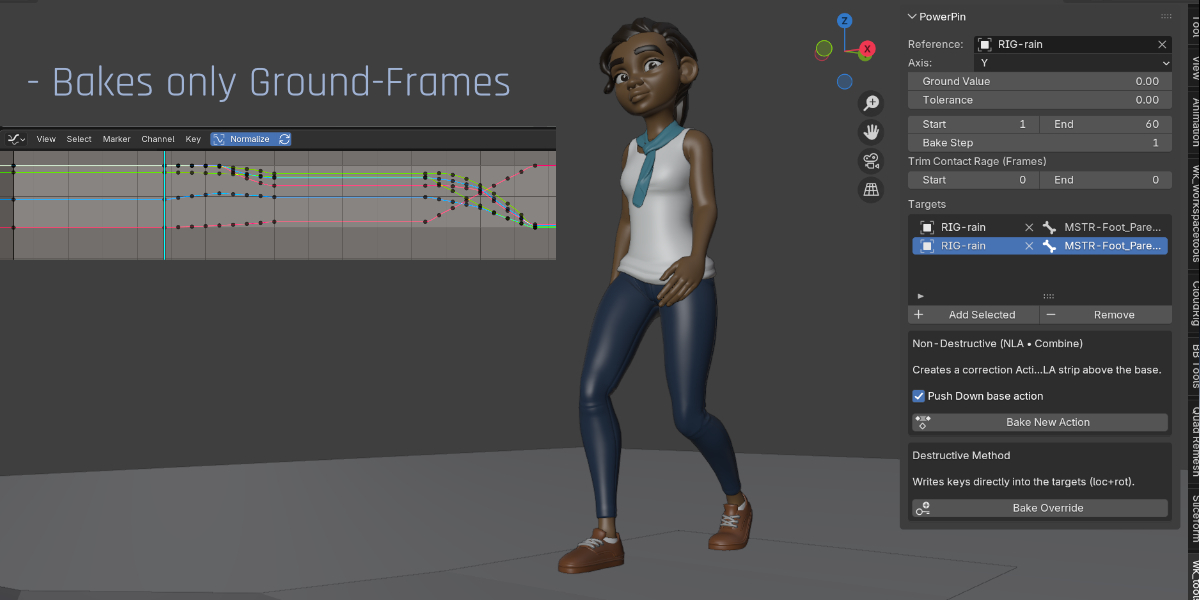
Powerpin for Blender pins feet during walk-cycle contact, then bakes corrections to an NLA strip or F-curves. Review the setup and compatibility details.
PowerSearch 3 is a Premiere Pro search panel for clips, sequences, markers, SRT captions and imported transcripts; aescripts lists it as discontinued.
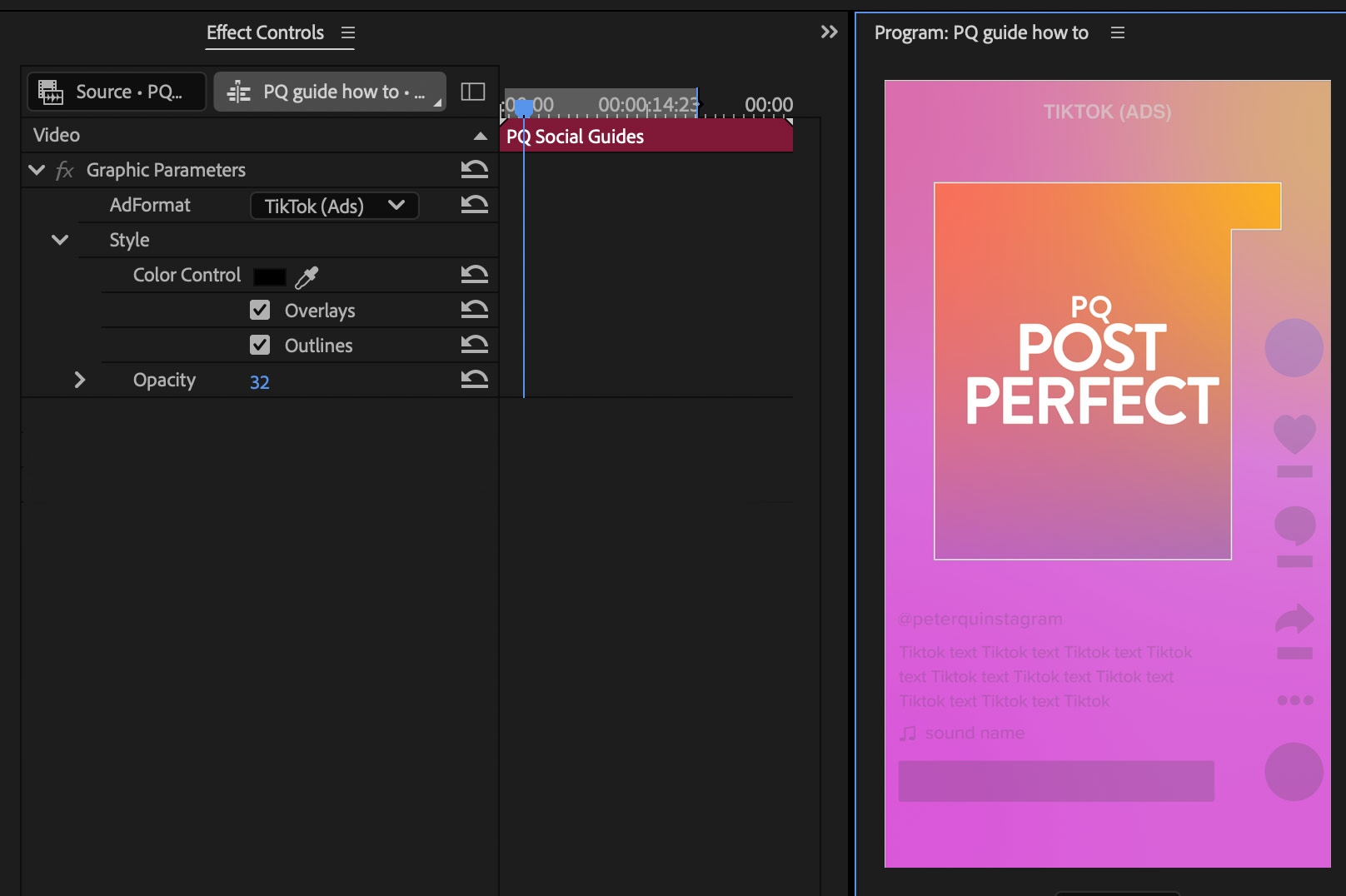
PQ PostPerfect adds safe-area guides for TikTok, Instagram Reels and YouTube Shorts in Premiere Pro. Check the listing for compatibility details.
See which Blender object is under your cursor before selecting it. Adjust hover sensitivity, choose object types, and manage selections in the 3D Viewport.
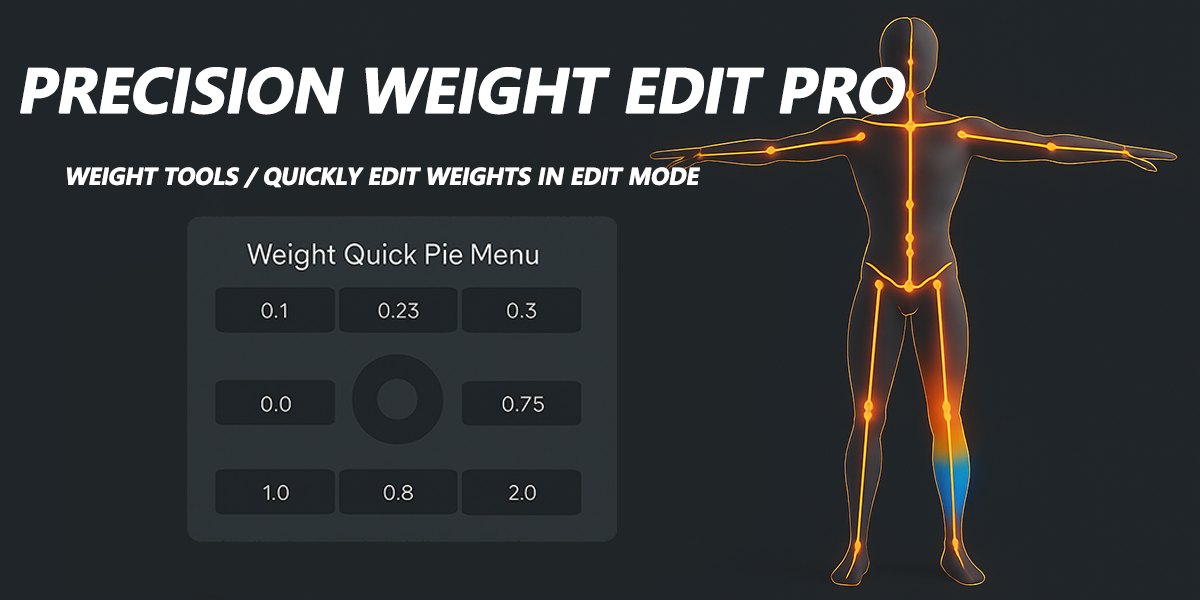
Edit Blender vertex weights with group limits, bone switching, mirroring and transfer modes. Check the Superhive listing for compatibility and license details.
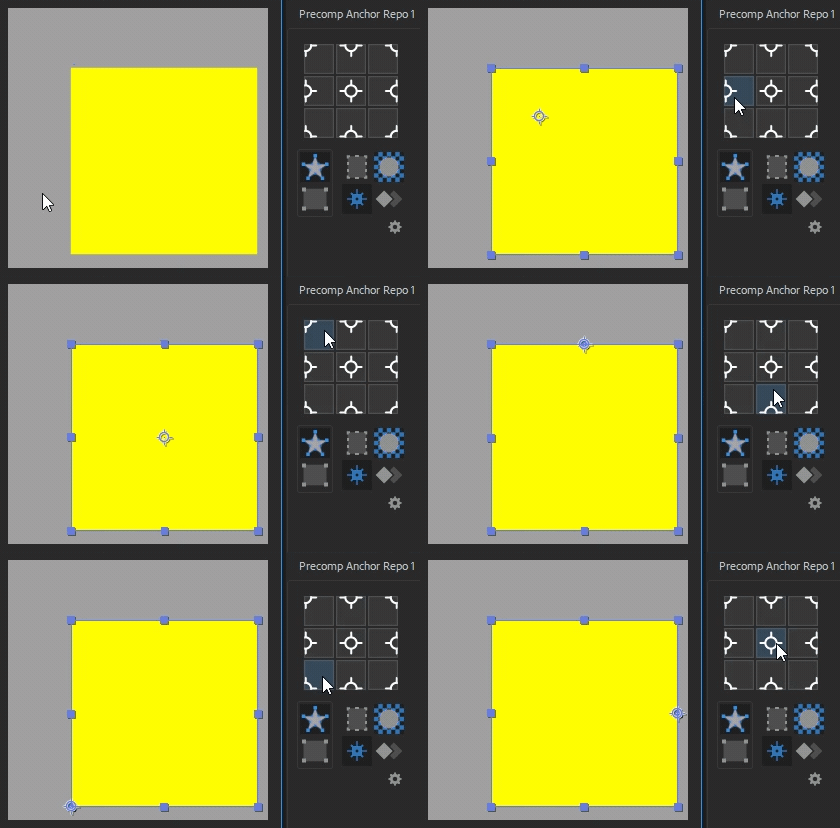
Precomp Anchor Repo is an After Effects script aligning anchors and positions to layer, composition, parent or precomp content areas. Get the trial.