Sculpt Mask FaceSets Tools
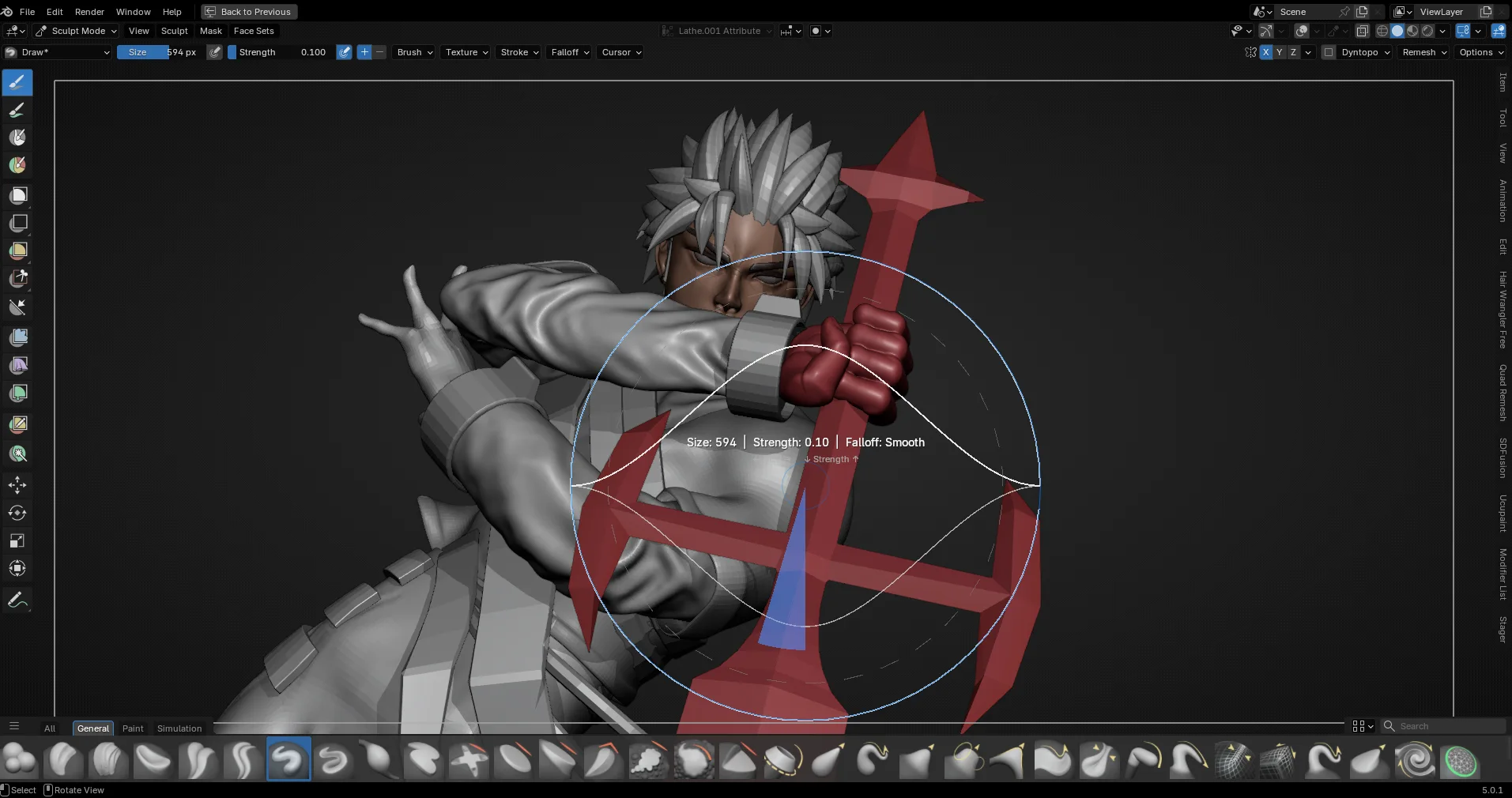
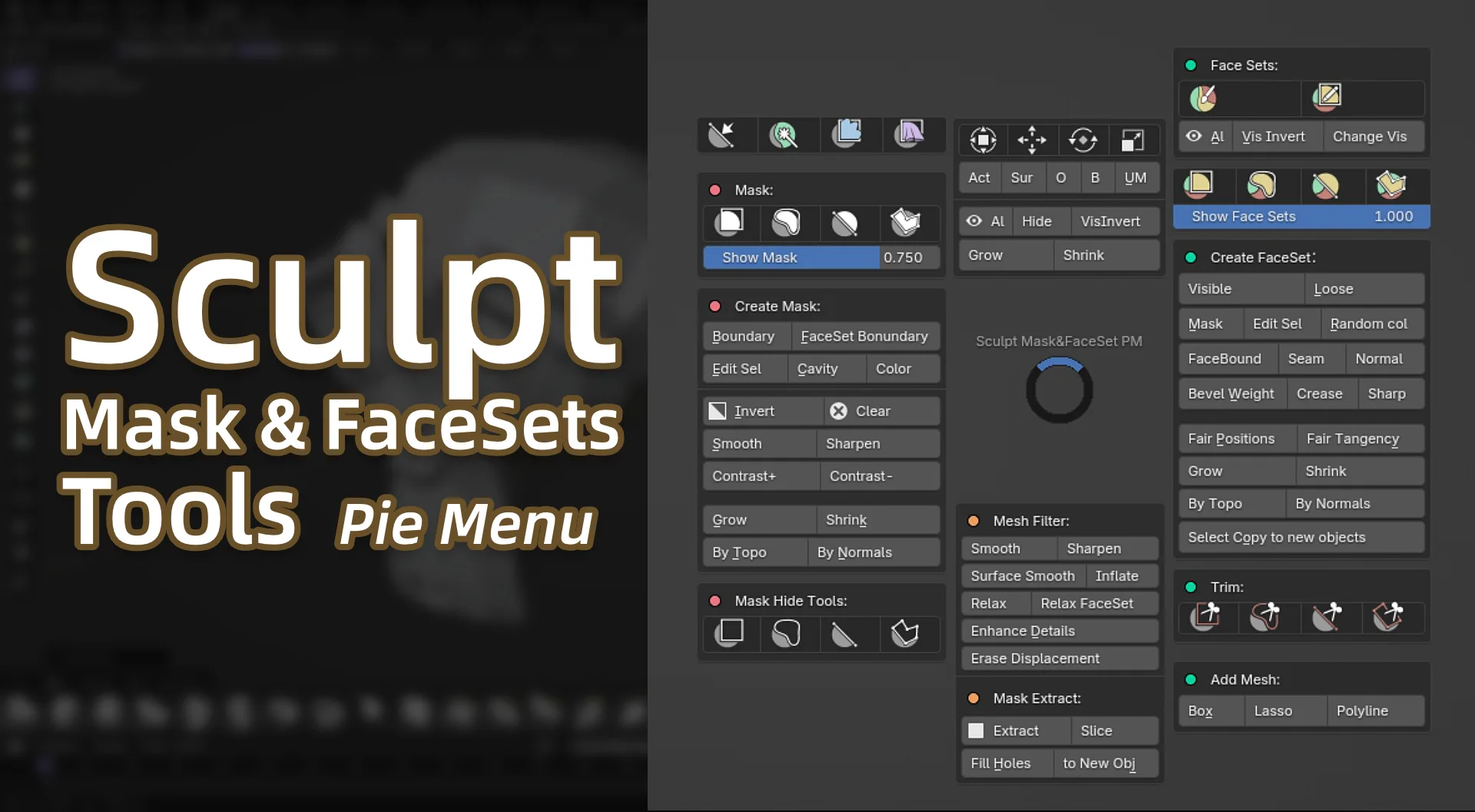
Sculpt Mask FaceSets Tools for Blender 5.2+ adds mask brushes, boundary modes, Global Auto-Masking controls, and hide/delete on Masks and Face Sets.
Tools for organizing files and automating repeated tasks in creative applications. Browse by application or search for a task. Page 125 of 163.
Sculpt Mask FaceSets Tools for Blender 5.2+ adds mask brushes, boundary modes, Global Auto-Masking controls, and hide/delete on Masks and Face Sets.
Map Blender orbit, pan, dolly, roll, and zoom to mouse gestures with Sculpt Navigation, a tablet add-on for sculpting and painting.
Sculpt UVs are for painting, erasing, moving, and smoothing UV seams on the original mesh in Blender 5.0 and newer, using single-object Edit Mode.
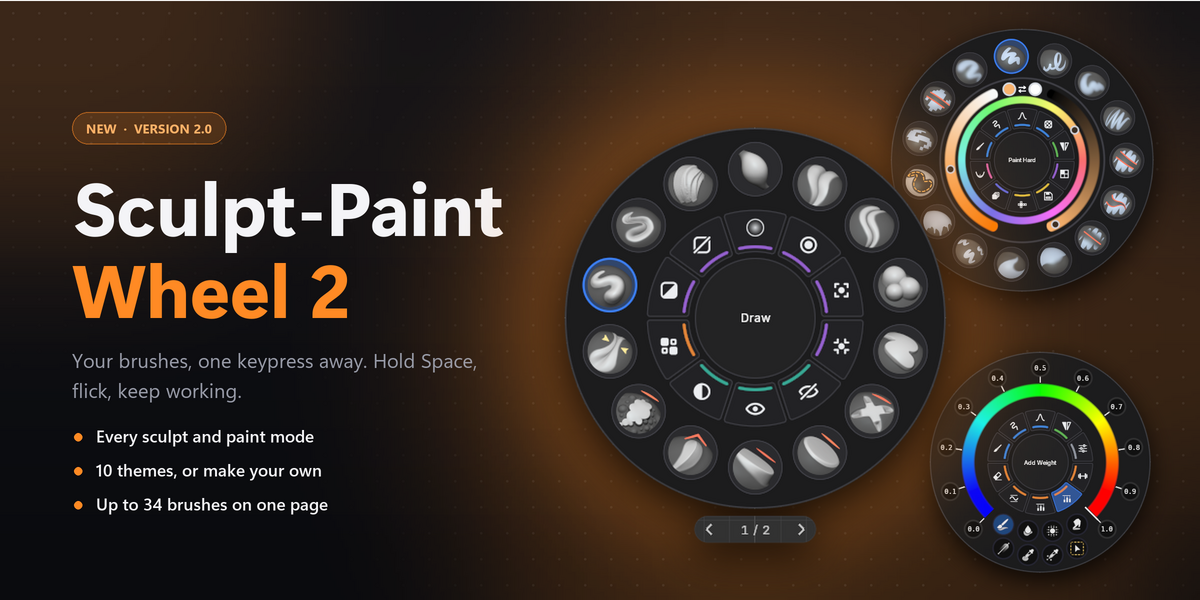
Use a cursor-centered Sculpt-Paint Wheel in Blender 5.1+ for sculpt, paint and Grease Pencil modes, with adjustable brushes, custom buttons and themes.
SDVI Rally Access brings Rally workorders and metadata into Premiere Pro for manual QC, compliance edits and versioning. Check the workflow and compatibility.
SDVI Rally Access - Legacy is a Premiere Pro QC panel for Rally work orders. It covers captions and metadata; Premiere Pro 26.2 is its last supported version.
Use Sdwebuitools to add Stable Diffusion images to Blender with txt2img, inpainting and up to three ControlNet units. It requires Windows, WebUI and ControlNet.
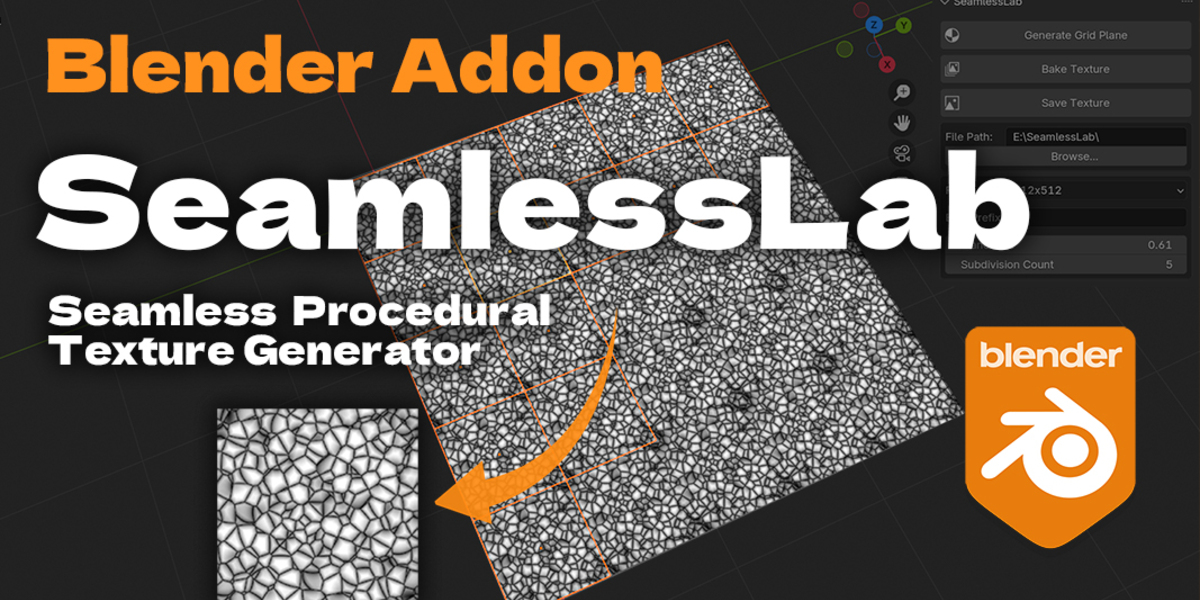
Preview tileable Noise and Voronoi materials in a Blender grid, then bake padded PNG textures from 64px to 8K with SeamlessLab. Review the workflow.
Replace text in Premiere Pro clip and marker names or metadata within a chosen range, and undo changes made by Replace. Check Adobe Exchange before installing.
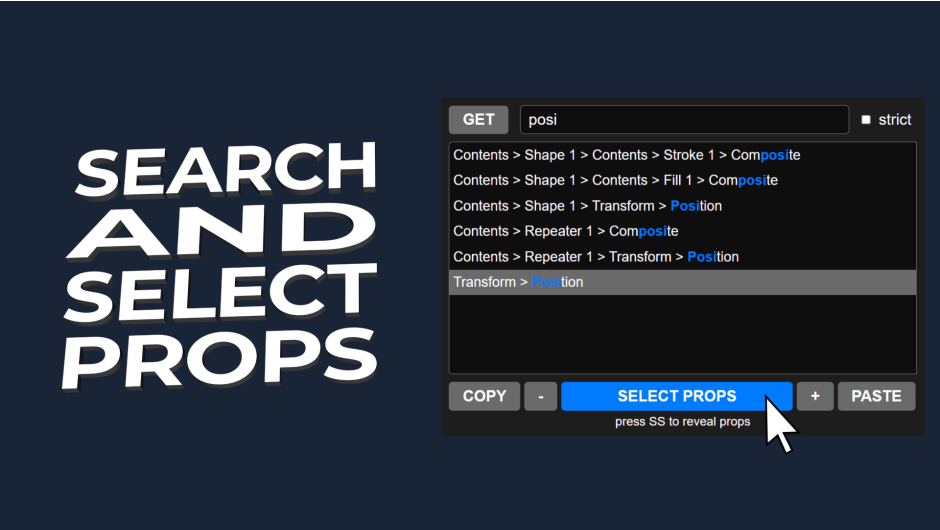
Search and Select Properties for After Effects supports property search, multiple selection, optional Strict mode and copy/paste. Check versions and trial.
Search Assistant searches the web and stock sites from After Effects and Premiere Pro, with license-type filters. Review each image's terms before use.
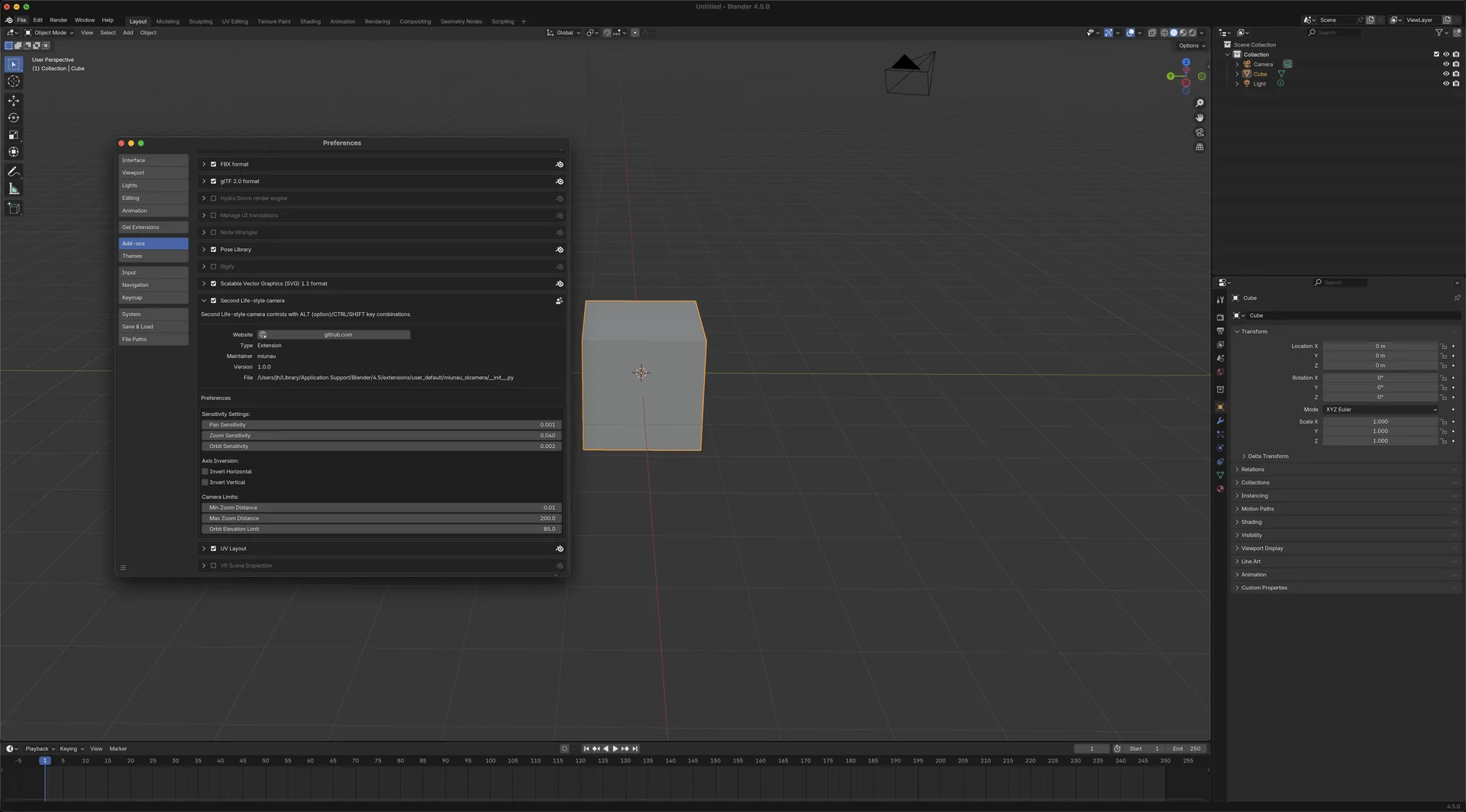
Use Second Life-style camera to focus, orbit, zoom and pan Blender's 3D View with Alt, Ctrl and Shift. See the supported Blender version and mouse controls.
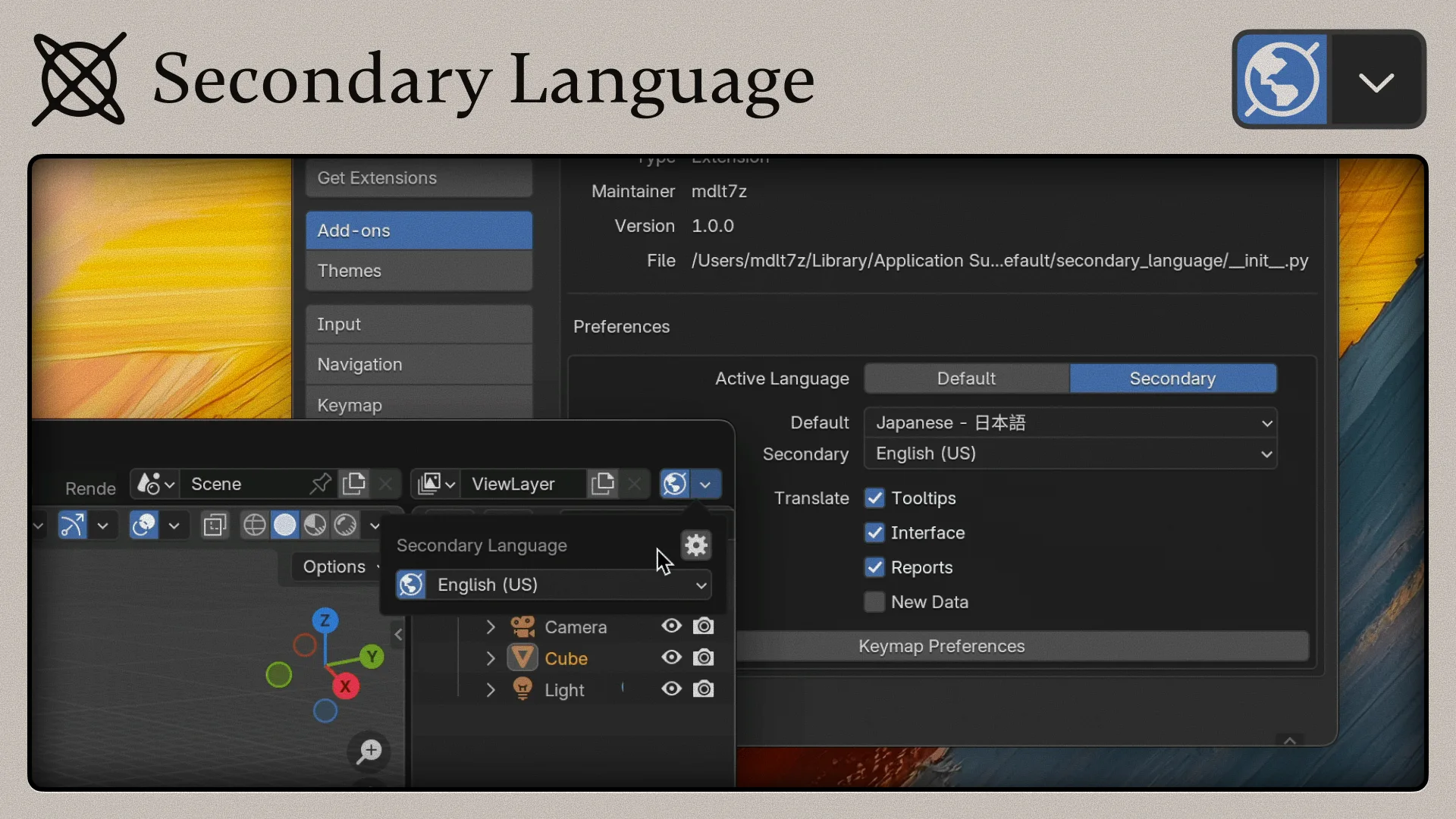
Switch between two Blender interface languages with Secondary Language’s configurable keymap. Version 1.1.0 supports Blender 5.0 and newer.
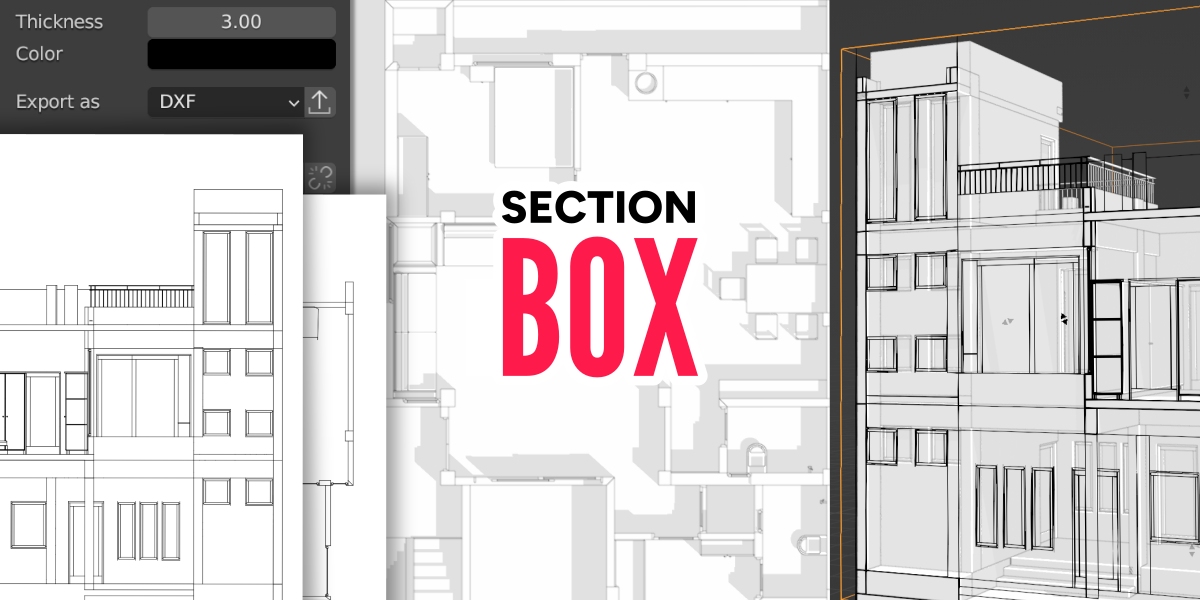
Create cross sections, elevations, dimensioned floor plans, presentation views and layered DXF exports in Blender with Section Box by Ruben Messerschmidt.
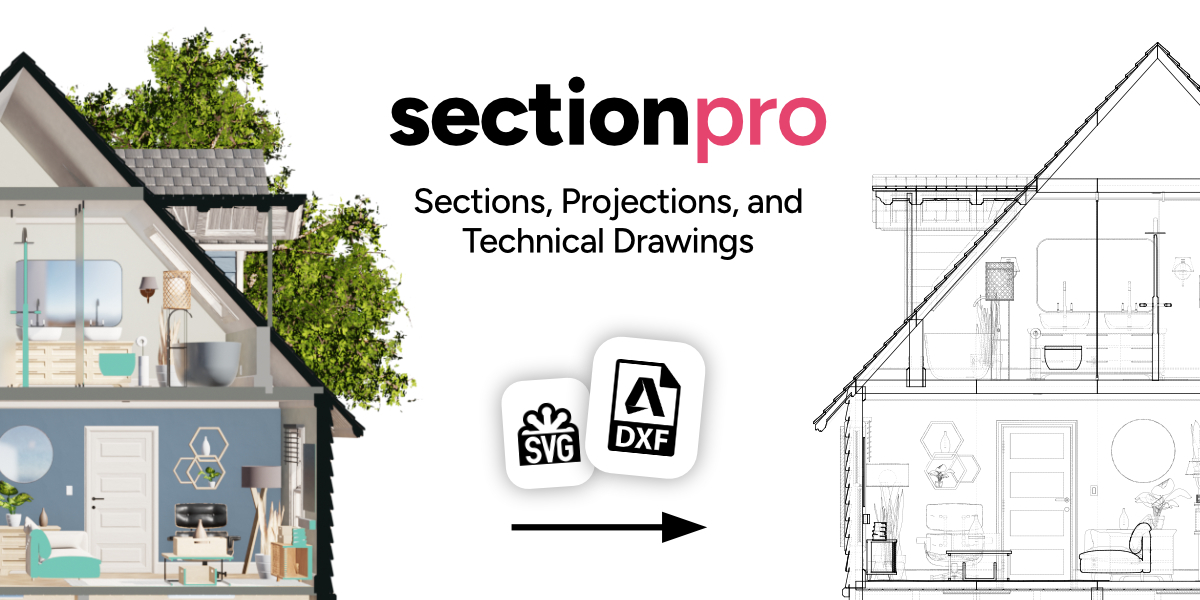
Create floor plans, elevations and 2D technical drawings with Section Pro's angled cuts in Blender, then export layered linework to DXF or SVG.
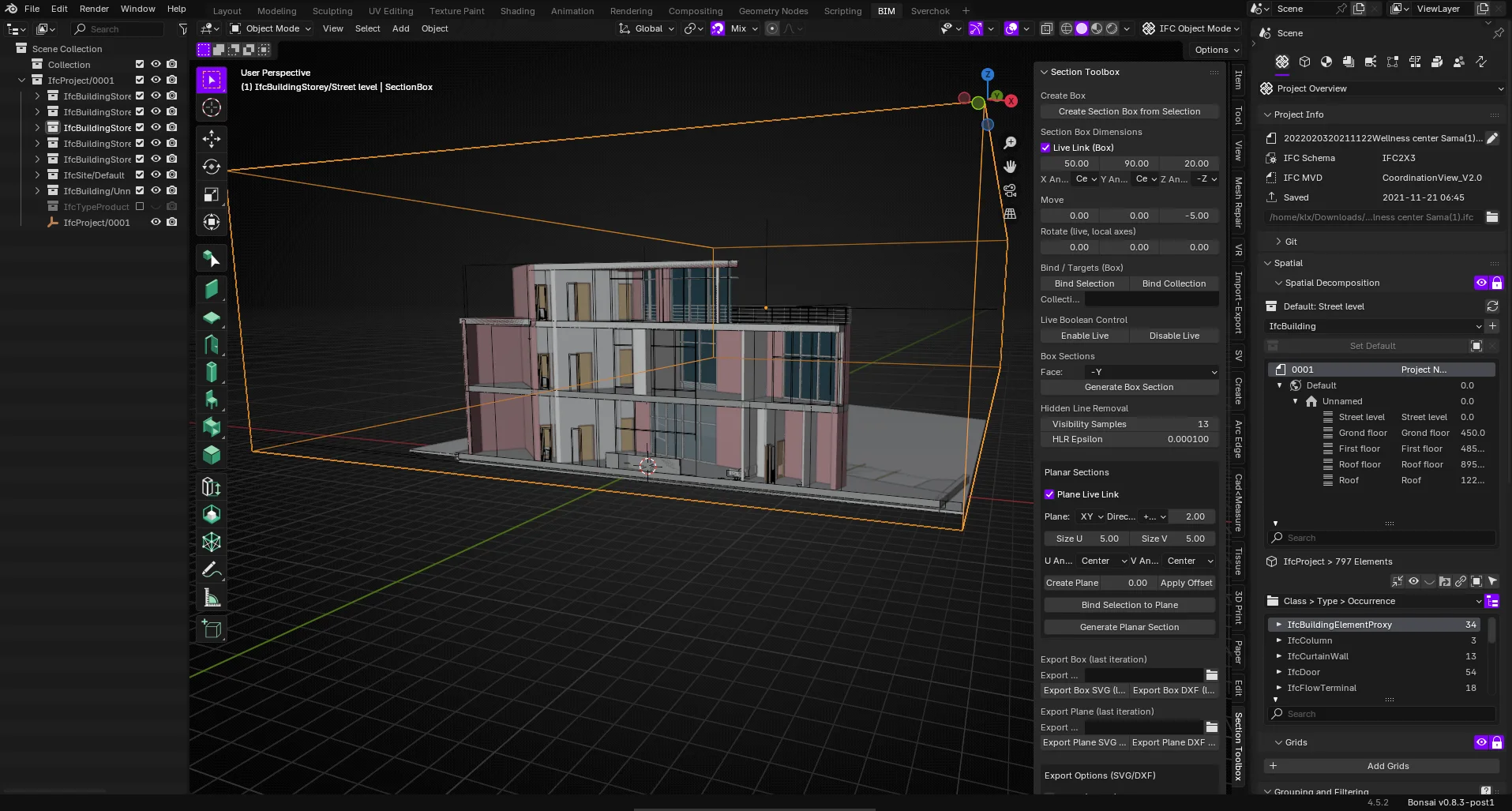
Section Toolbox is a Blender add-on for adjustable section boxes and planar cuts with view-aligned SVG/DXF exports. Check the listed Blender 4.2.0 minimum.
Adjust section view elevation ranges and export material QTO values to Excel with the Section view Elevation range and QTO Table tool for Civil 3D.
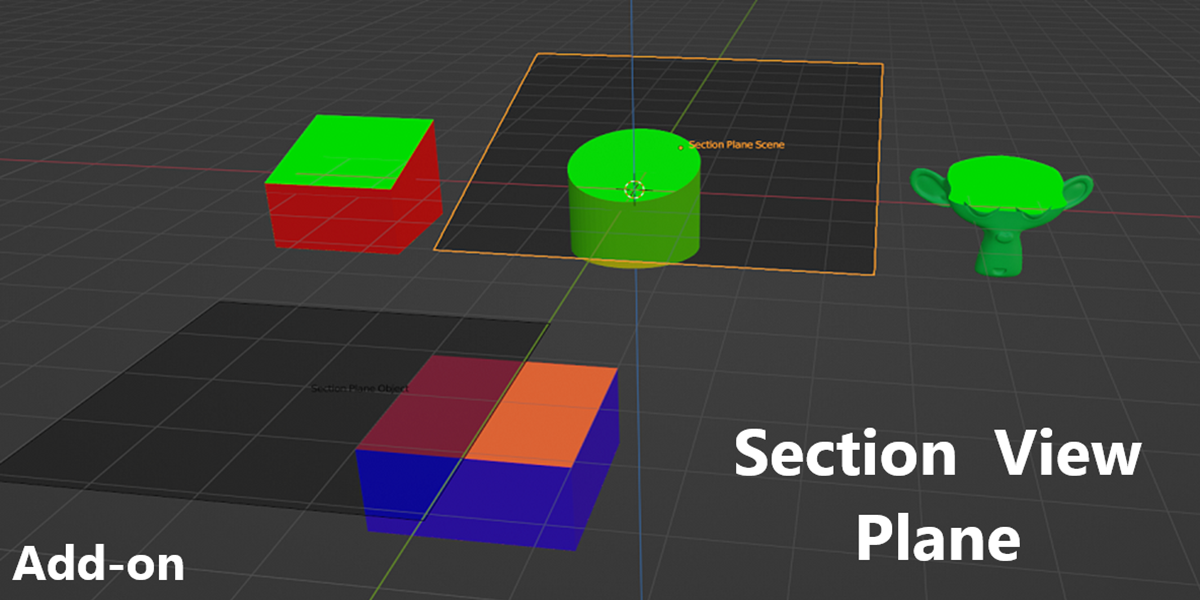
Section View Plane lets you inspect Blender objects or scenes using movable cuts, color controls and restore tools. Check downloads for your Blender version.
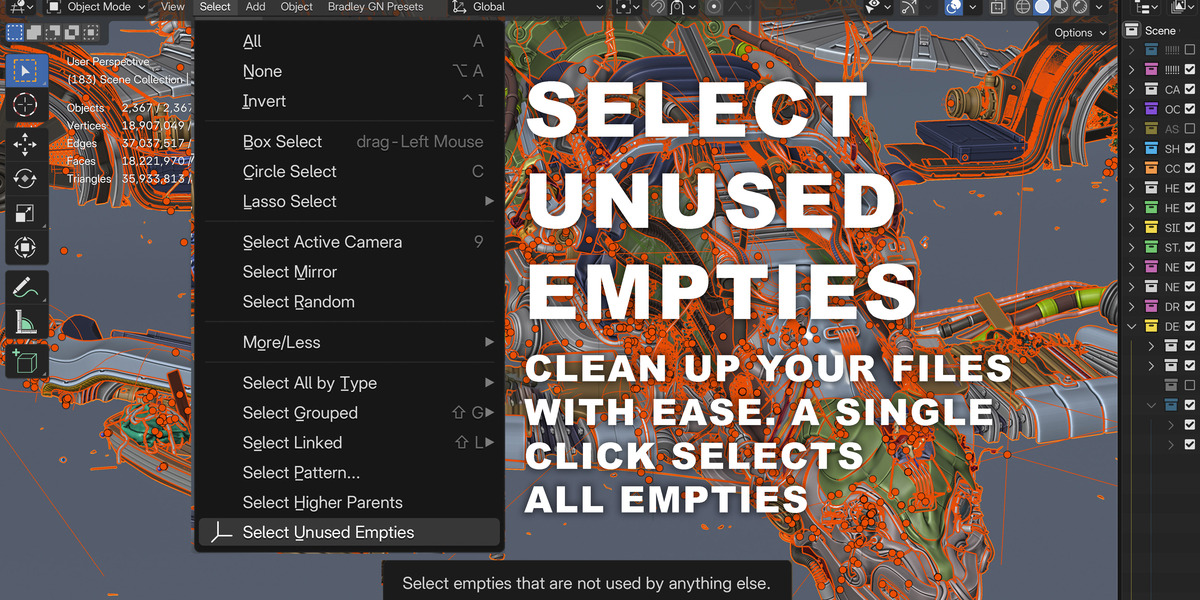
Select And Clean Unused Empties finds Blender empties that meet its dependency checks and selects them in the current View Layer for review.
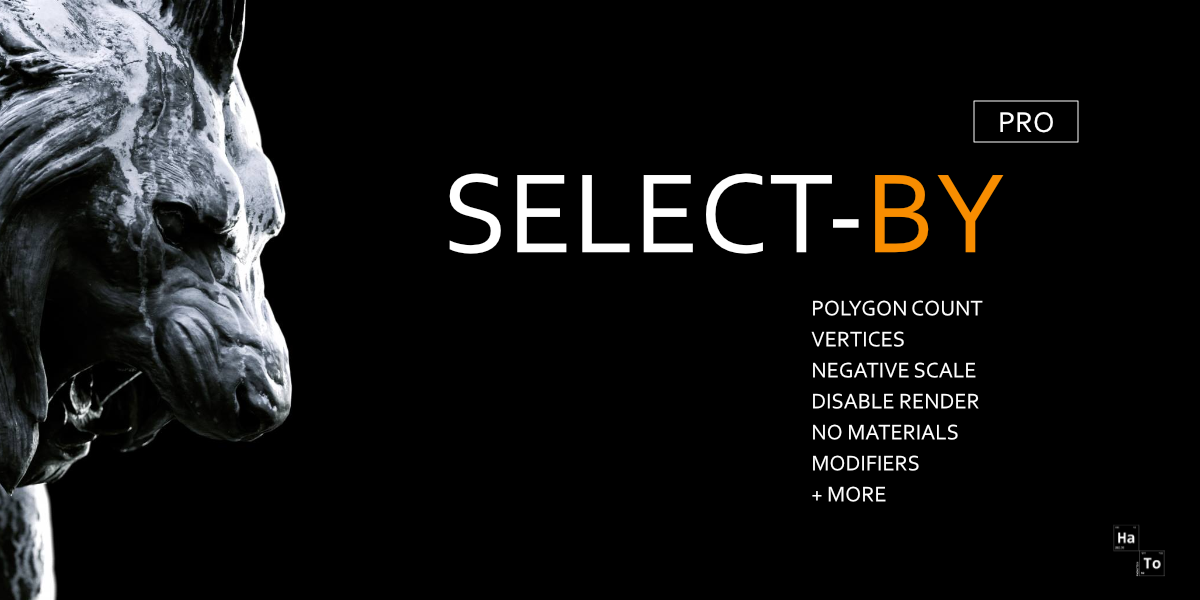
Select Blender objects by polycount, transforms, materials and modifiers. Select By stores selections and changes render state. Check the Blender version list.
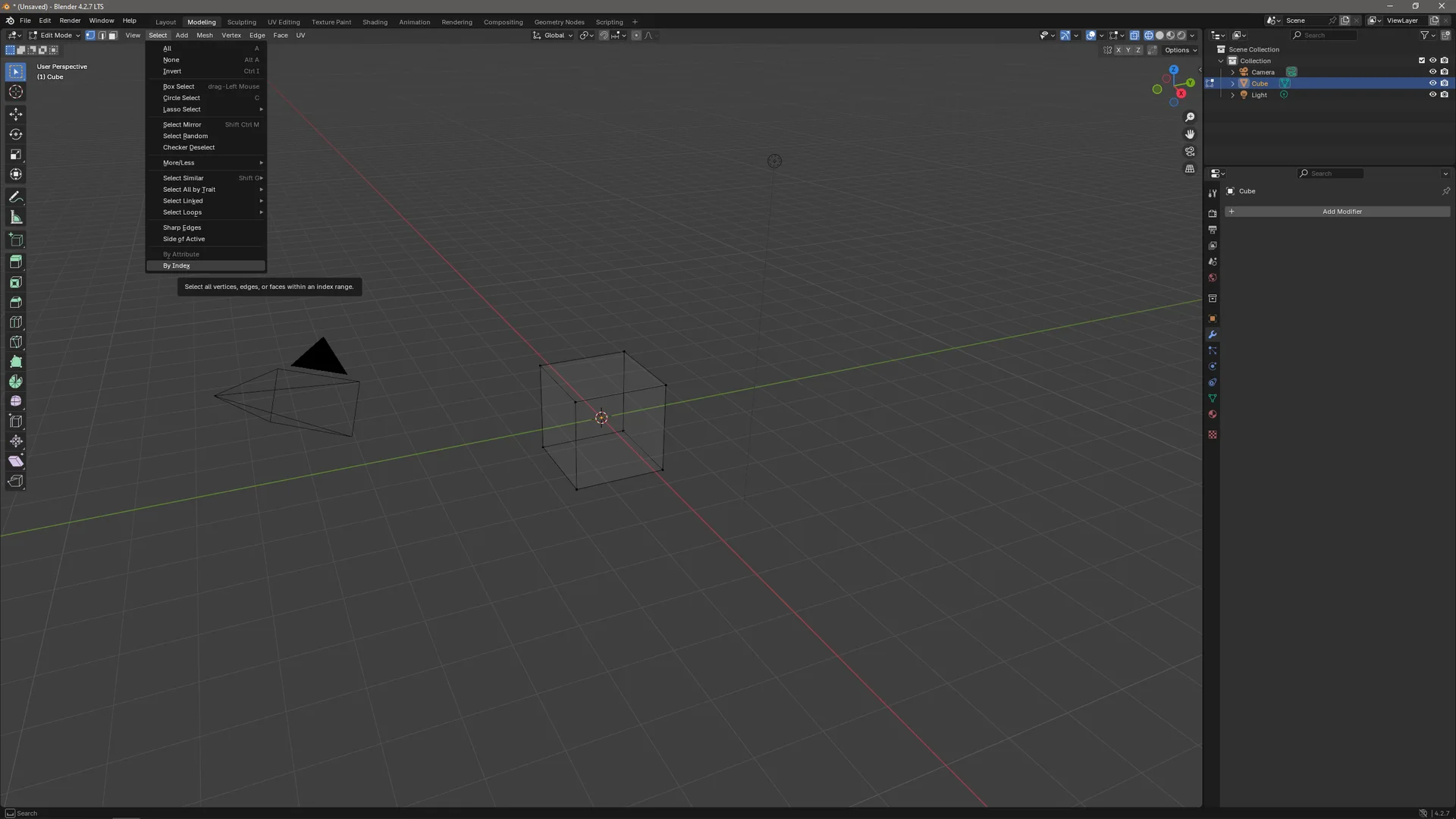
Select vertices, edges, or faces by index in Blender Edit Mode. Set a start and stop range or use Count mode, then replace or add to the current selection.
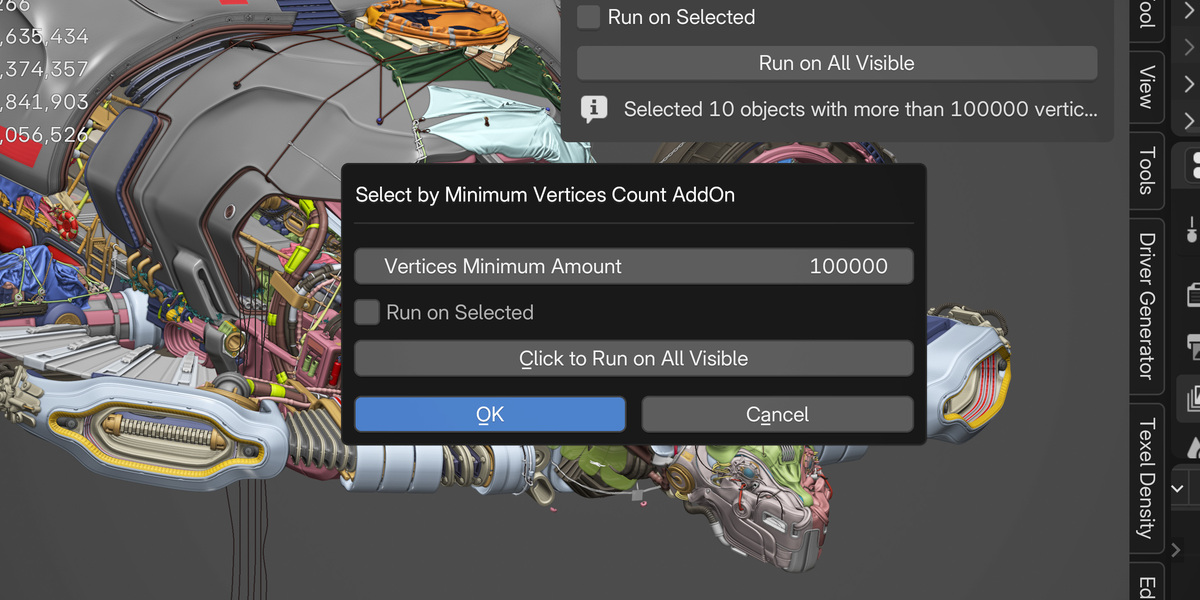
Select By Minimum Vertices Count Add-On is a tool for selecting Blender objects that meet or exceed a viewport vertex threshold, modifiers included.
Select Circle Radius Keymap adjusts Select Circle's radius with PageUp and PageDown in Blender 2.9x; support for later releases is unconfirmed.
Select After Effects layers by ranges or repeating steps, add or remove targets, and refine selections with directional shortcuts and live readouts.