Timeline Memory
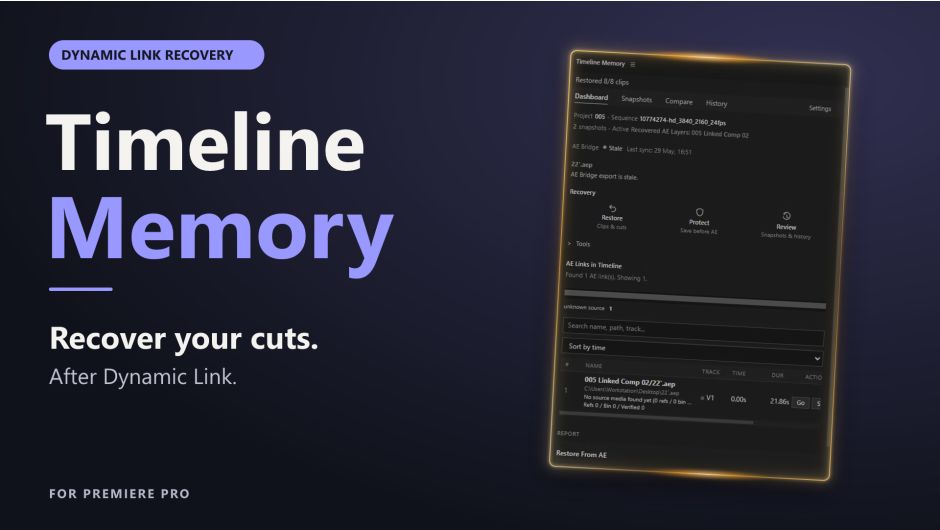
Timeline Memory saves Premiere Pro timeline snapshots before After Effects Dynamic Link, then helps review and restore available clips and edit points.
Tools for organizing files and automating repeated tasks in creative applications. Browse by application or search for a task. Page 148 of 163.
Timeline Memory saves Premiere Pro timeline snapshots before After Effects Dynamic Link, then helps review and restore available clips and edit points.
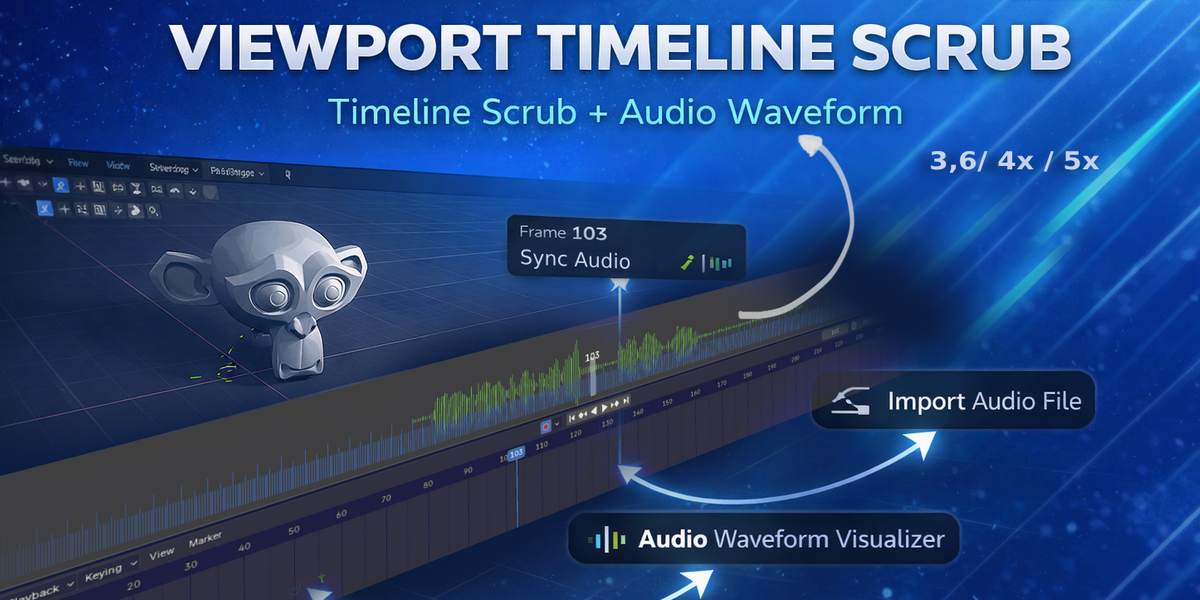
Timeline Scrub On Viewport puts Blender keyframe scrubbing in the 3D Viewport with a filtered HUD. Review controls and version requirements.
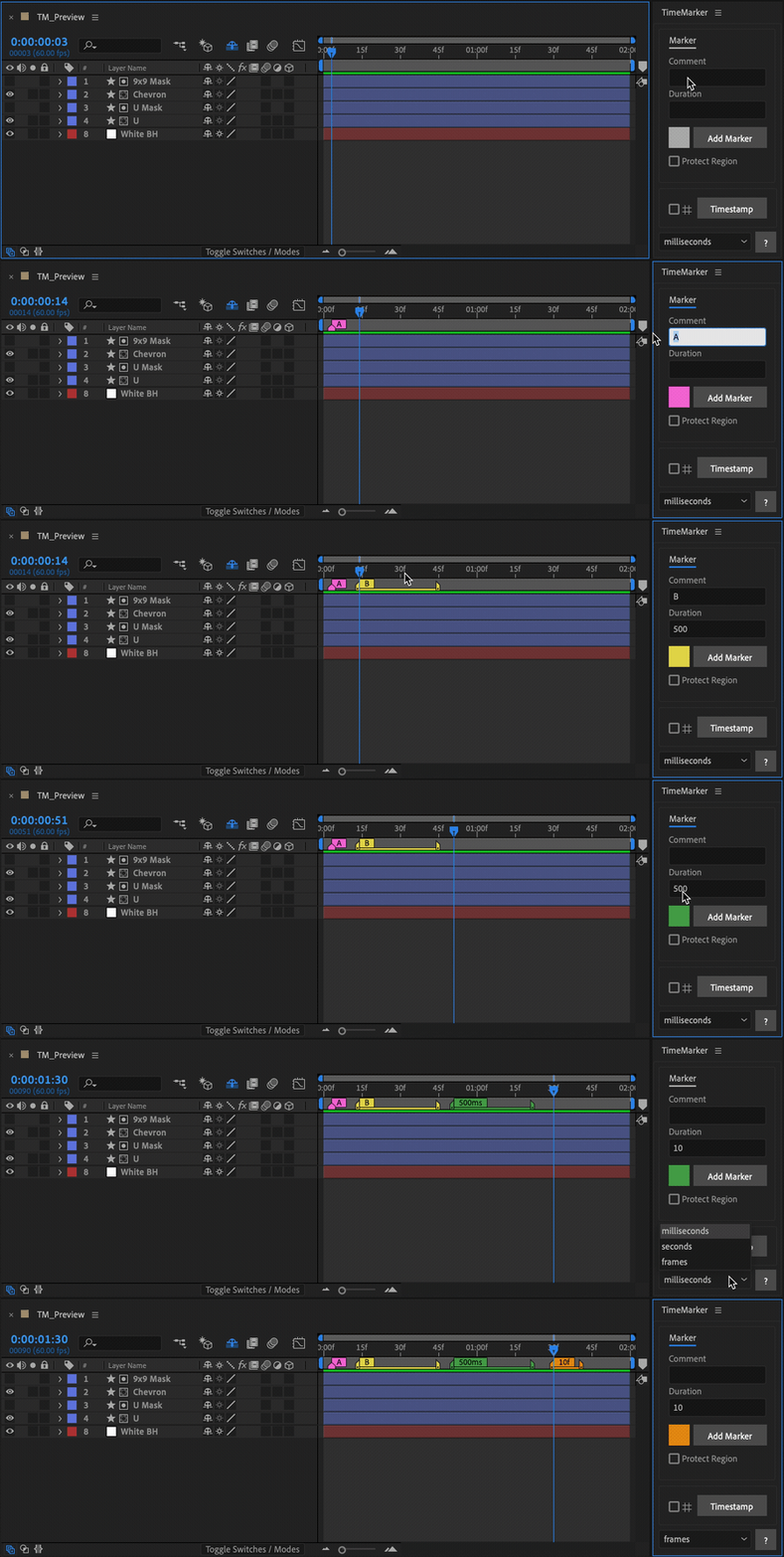
TimeMarker for After Effects adds custom markers, timestamps, durations, and protected keyframe regions. Check compatibility and use its free trial.
Timeme separates work time, active time, time the project is open and render time. Check autosave behavior and Blender version notes before installing.
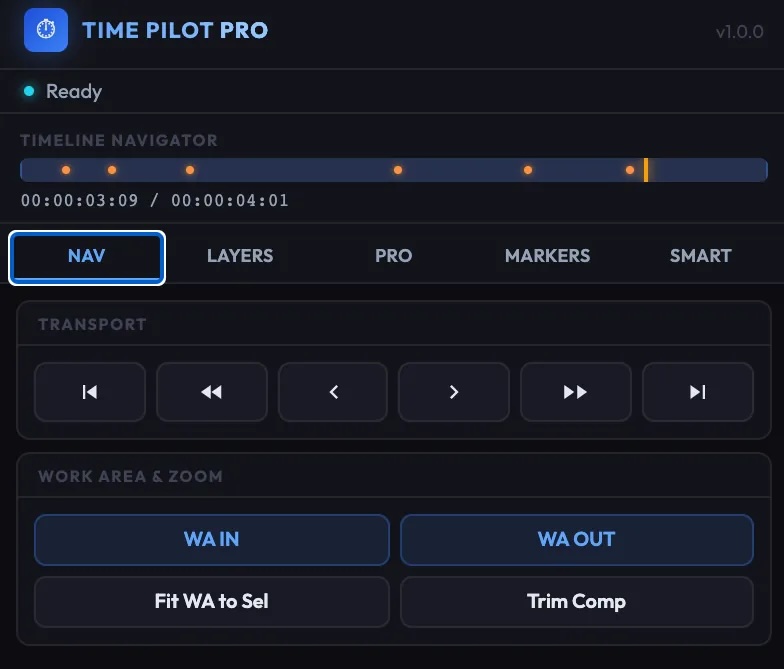
TimePilot Pro adds context-aware timeline navigation, a live radar, layer trimming, and marker tools to After Effects. Review its modes and supported versions.
Tiny Backup adds a File-menu button for timestamped Blender backups in a separate folder. Check the listed Blender 4.2.0 minimum before installing.
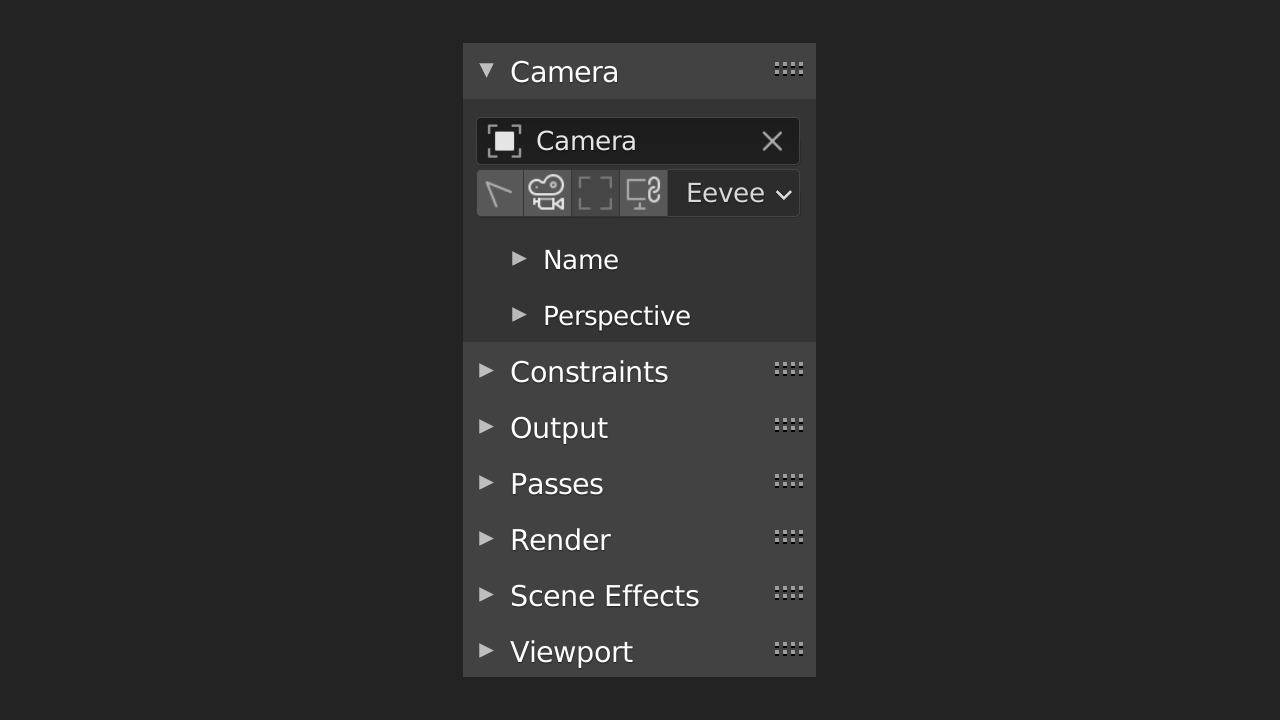
Tmg Camera Tools organizes Blender camera settings in a Tools panel. Check its listed version, GPL license, docs, and GitHub source before installing.
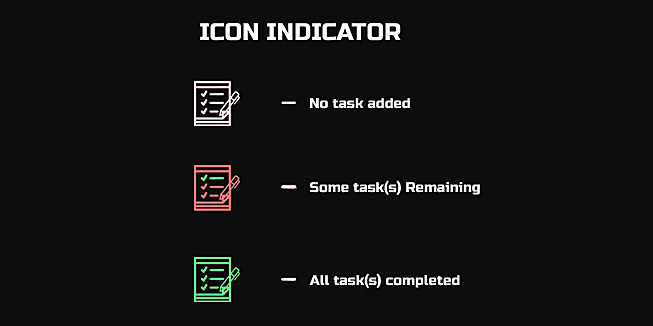
To-Do Task Manager is a Blender add-on for project task lists, subtasks, flexible panels and save status. Its compatibility list ends with Blender 2.93.
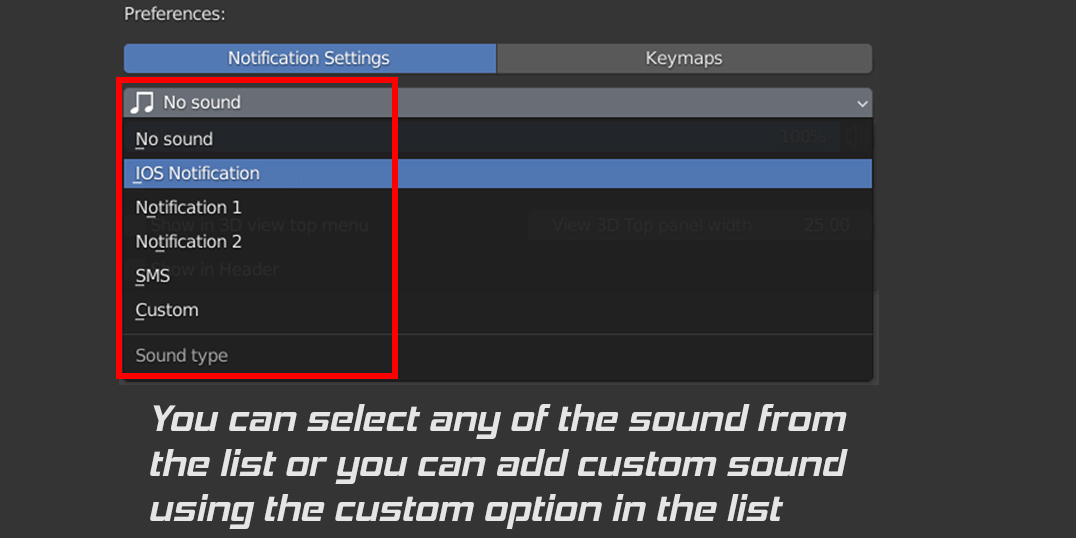
See how To-Do Tasks Manager Pro handles Blender task lists: per-task reminders, a custom reminder sound, a keymap-opened overlay, and save/load support.
ToeJam is a Mac status bar utility for After Effects that triggers an autosave by terminating the app. Review its requirements, version history, and pricing.
Together Ai: All-In-One Ai Toolbox is a Blender add-on for image-to-3D, PBR materials, depth estimation and image processing. Review hardware and setup.
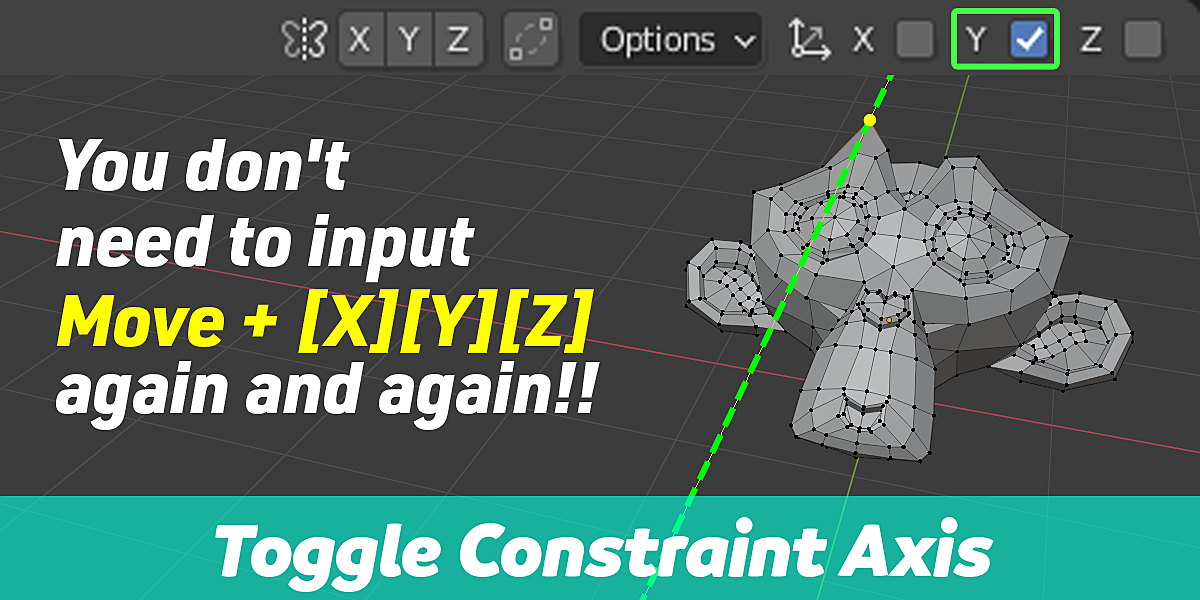
Toggle Constraint Axis adds View 3D header checkboxes and default Ctrl+Alt+X/Y/Z hotkeys. Check versions and keymap caveats before installing.
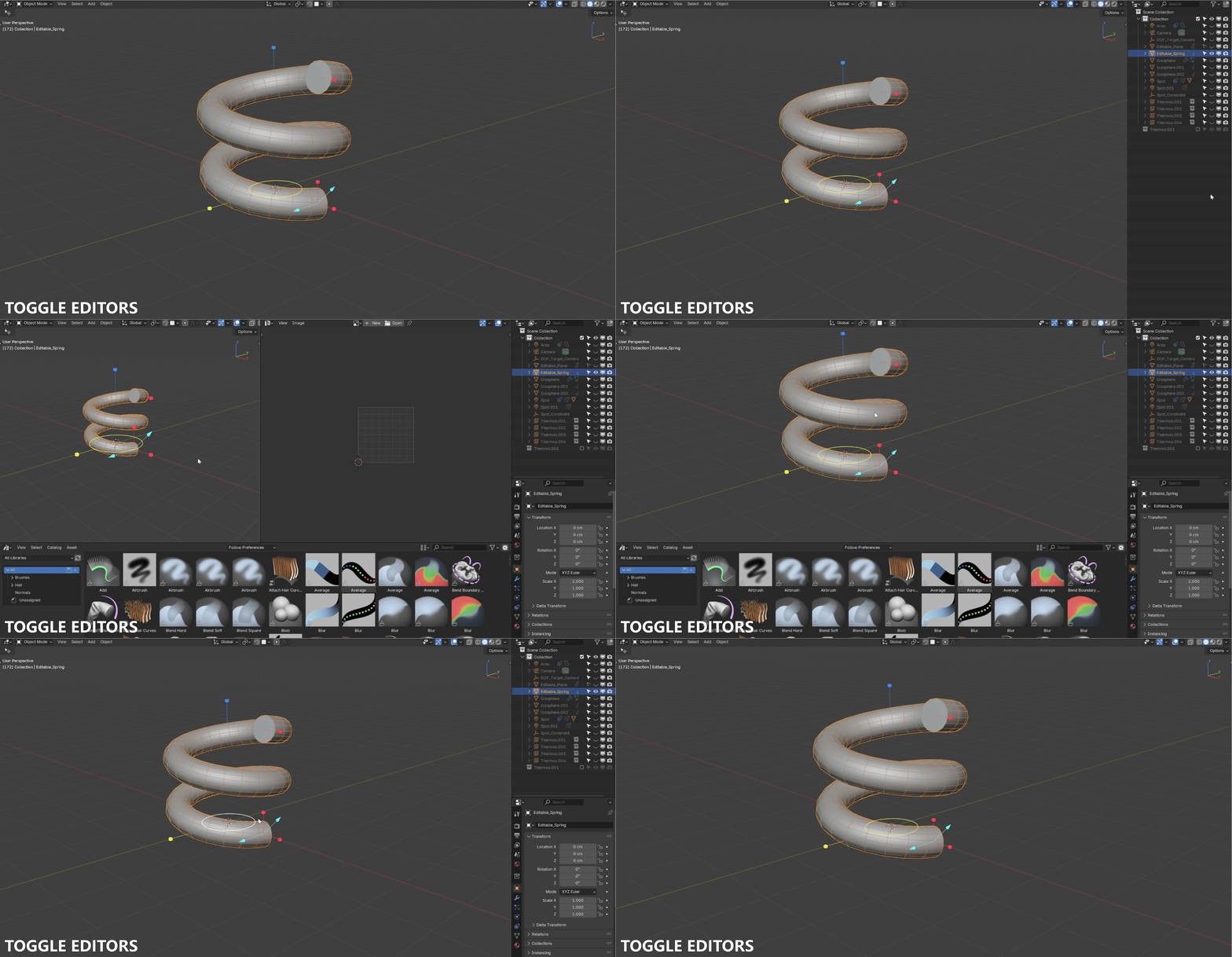
Switch Blender editor types and adjust workspace areas with Toggle Editors by Pitiwazou. Review its compatibility, shortcut settings and documentation.
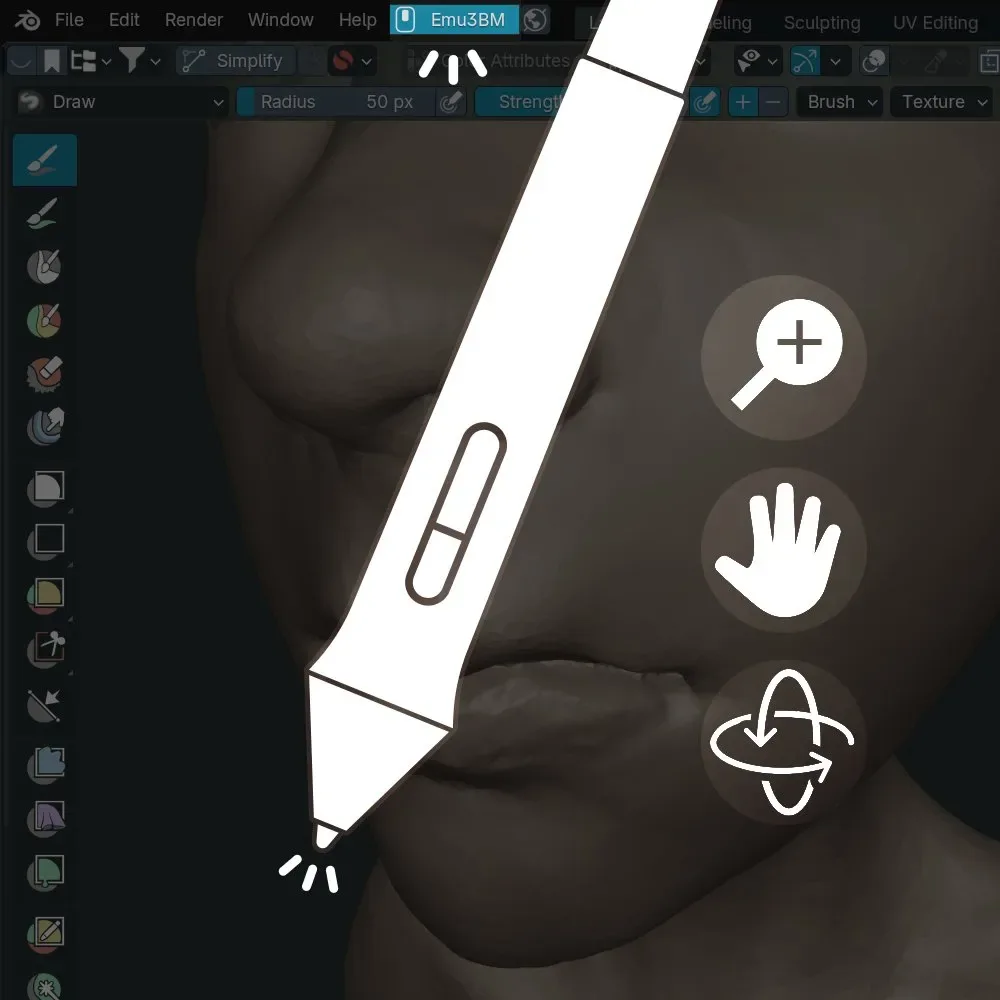
Toggle Emulate 3 Button Mouse adds a mouse-icon button beside Blender’s topbar menus for graphics-tablet users without a center mouse button.
Toggle Language is a Blender add-on for switching between two interface languages by hotkey, plus quick actions for Blender preferences and scene tools.
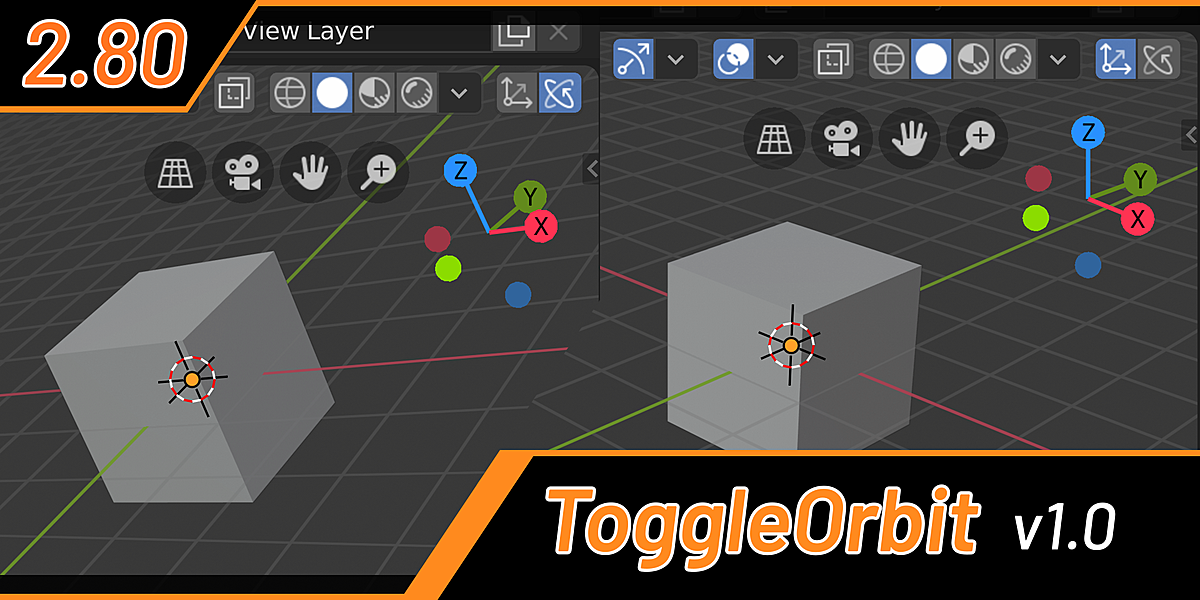
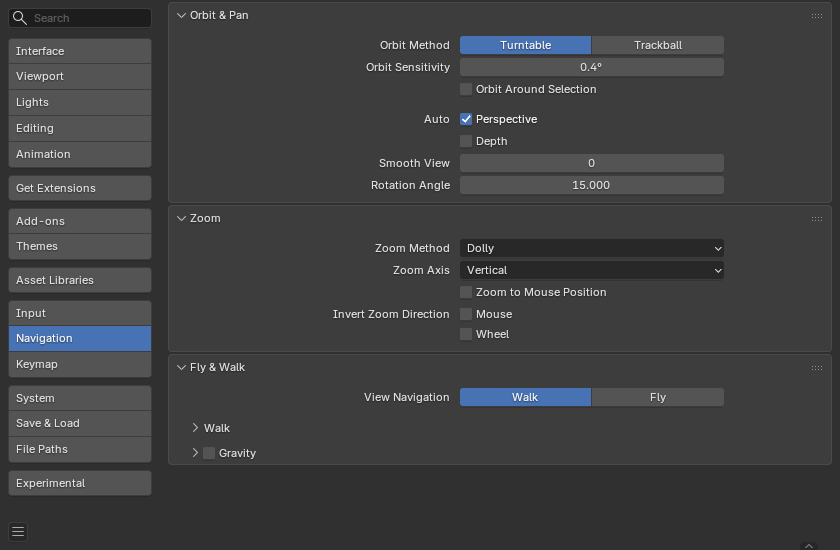
Switch Blender’s 3D Viewport Orbit Method with a grave-accent hotkey or optional header buttons. Check the installation notes and documented Blender versions.
Toggle Orbit Method (Turntable / Trackball) is an add-on using Alt+O. Blender 4.2.0 is the minimum; a review says it seemed to work only in Object Mode.
Toggle Socket Visibility controls Blender node inputs and outputs from a sidebar panel or keymap pop-up. See its settings, compatibility, and current limits.
Toggle Vertex Colors adds a 3ds Max button for render-time vertex-color switching. Review material support and version requirements before downloading.
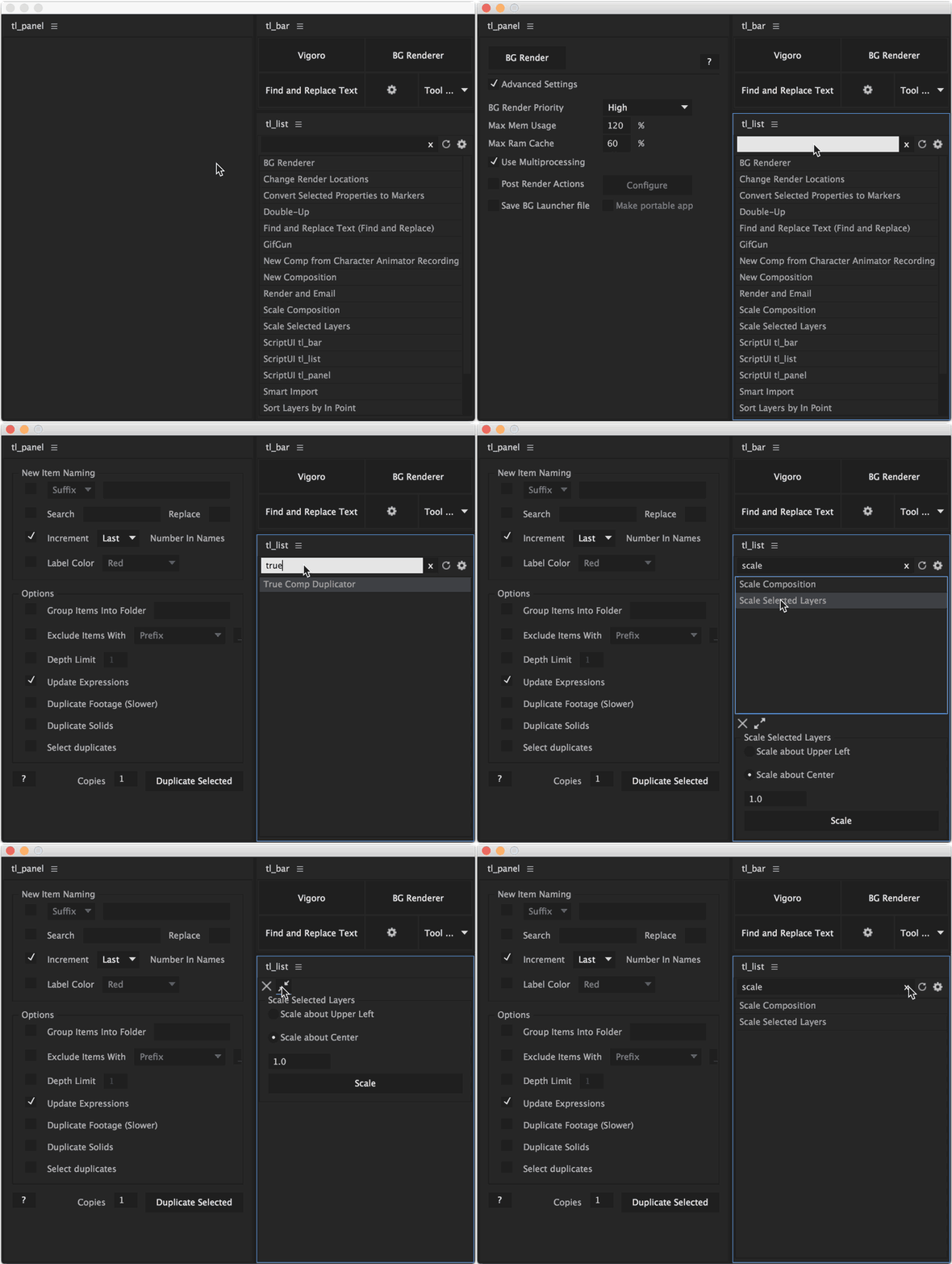
Tool Launcher organizes After Effects scripts, expressions, commands and effects in searchable lists or custom toolbars. Check compatibility first.
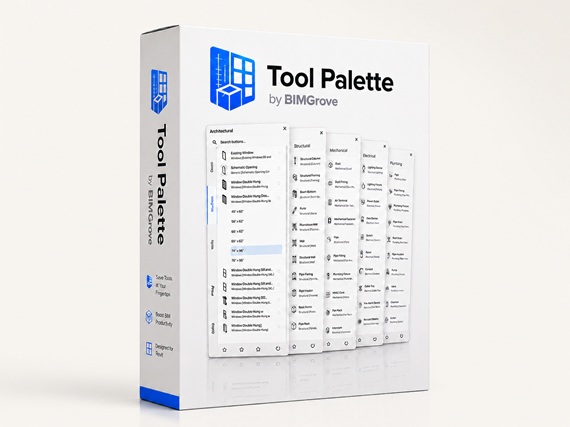
Tool Palette Free is listed as a Revit add-in with five read-only palettes, family search, favorites, and a dockable panel. Compare its Marketplace features.
Export visible Revit 3D-view geometry with Toolbelt, then share browser-based model reviews with clients. See navigation tools and export limits.