MarkerMover
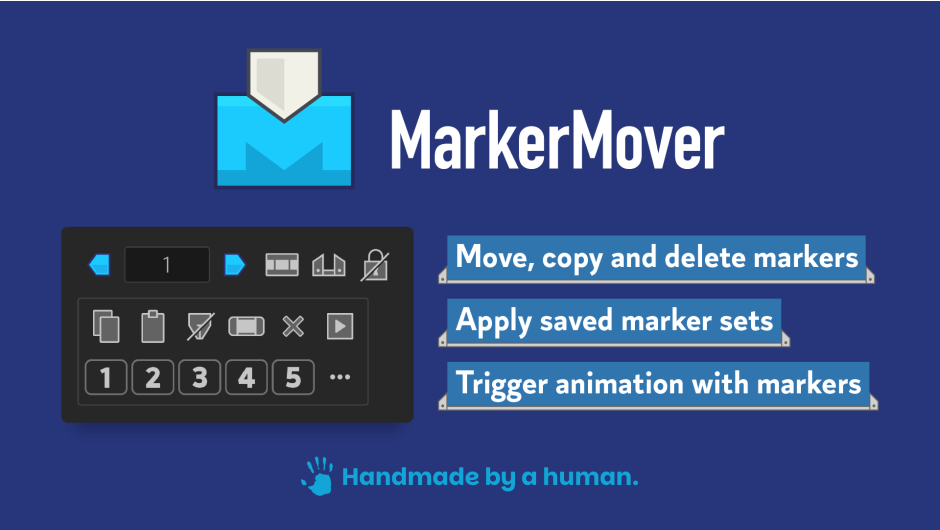
MarkerMover is an After Effects panel for moving and copying markers, saving work-area settings, and using marker triggers to repeat property animation.
Tools for organizing files and automating repeated tasks in creative applications. Browse by application or search for a task. Page 79 of 163.
MarkerMover is an After Effects panel for moving and copying markers, saving work-area settings, and using marker triggers to repeat property animation.
Markers Command Center is a Premiere Pro panel for sequence and clip markers, review-note imports, AI timeline edits, and marker exports.
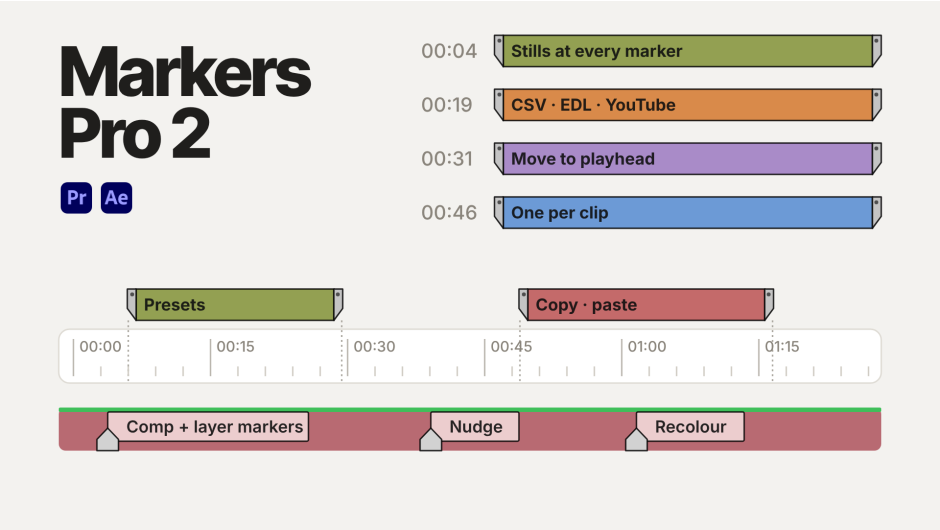
Markers Pro 2 gives Premiere Pro and After Effects editors a visual marker panel for batch renaming, presets, import and export, and still frames.
Markers Sync is an After Effects script for syncing composition and layer markers, with merging and retiming options. Check the license type before buying.
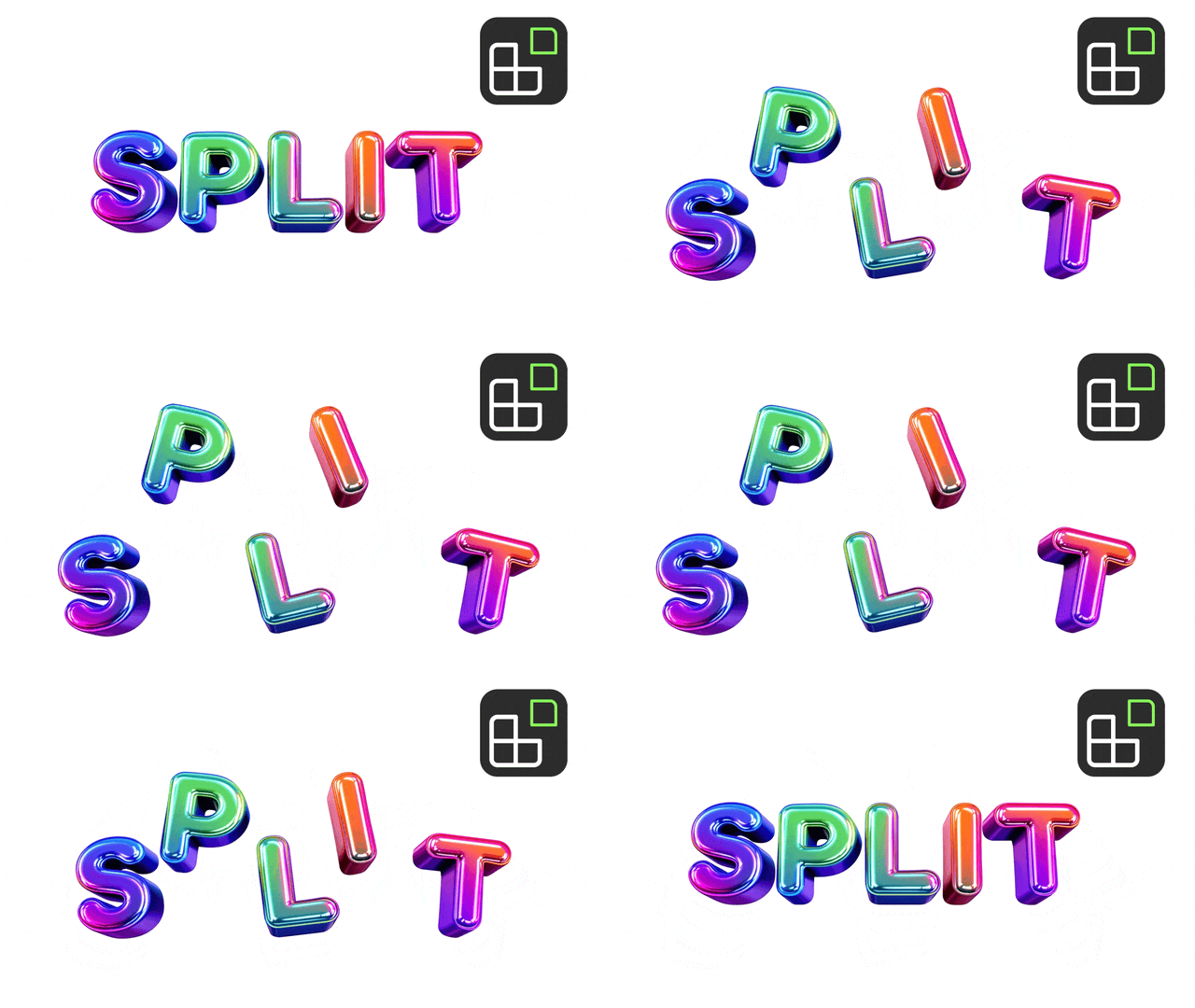
Split After Effects masks into separate layers, batch rename layers, crop precomps to content bounds, and stagger layer start times with Mask & Layer Splitter.
Mask Follow tracks characters, objects and names in Premiere Pro, then creates camera-follow motion. See its workflow, requirements and model selection on Mac.
Mask Unlinker lets you move After Effects layers without shifting masks. Learn its unlink and relink steps, 3D limits, compatibility, and license terms.
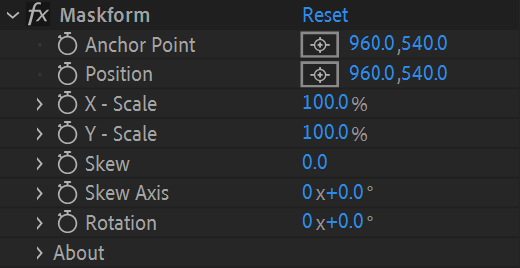
Maskform 2 is an After Effects mask tool with numeric transform controls, mask motion paths, and options to toggle, bake or remove transformations.
MASKit converts paths from selected After Effects shape layers into named masks. Review its workflow, unsupported shapes, trial limits, and licensing terms.
MaskPro helps After Effects users manage masks, convert shapes, create mattes and pre-compose by mask or bounds. Check supported versions and license terms.
Masks to Cropped Layers II separates After Effects masks into cropped solids or pre-comps, with controls for sizing, time range, padding and mask selection.
Split After Effects masks into cropped solids or pre-comps for vector animation and VFX work, with controls for crop bounds, padding, and position rounding.
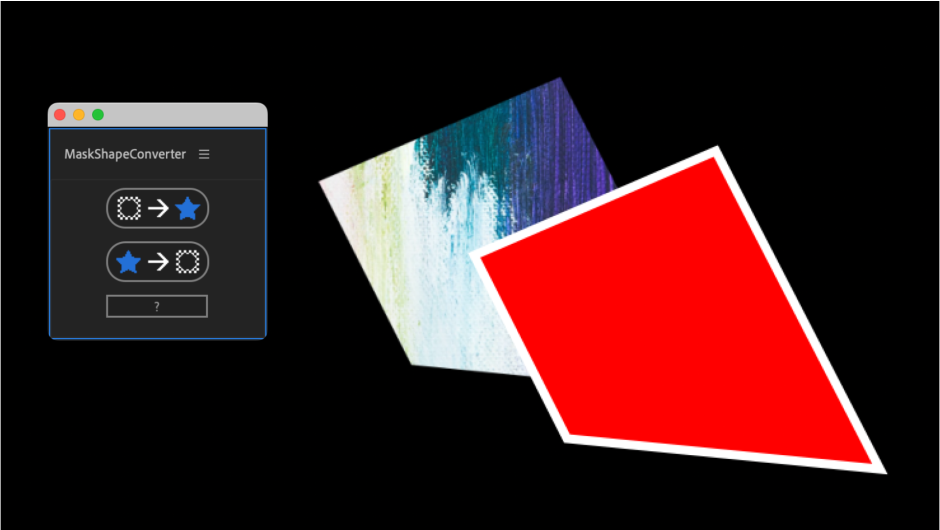
Convert masks to shape layers and shape paths to masks in After Effects. See the selection steps, conversion options, supported versions, and licensing details.
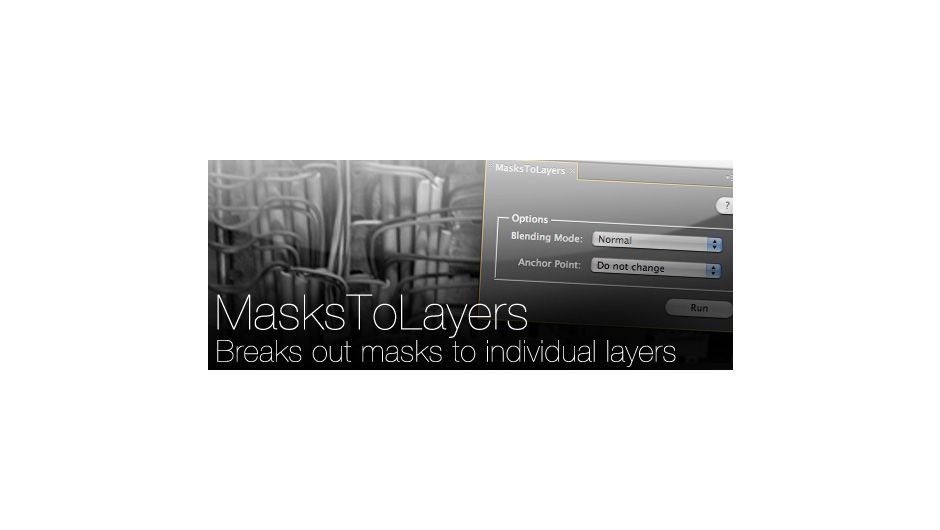
MasksToLayers are for splitting one layer's masks into separate After Effects layers, with per-layer blending modes and optional anchor-point centering.
MaskToVertexColorPro is an add-on for converting mask maps to vertex color alpha, with channel choices, UV tools and batch processing in Blender 4.2+.
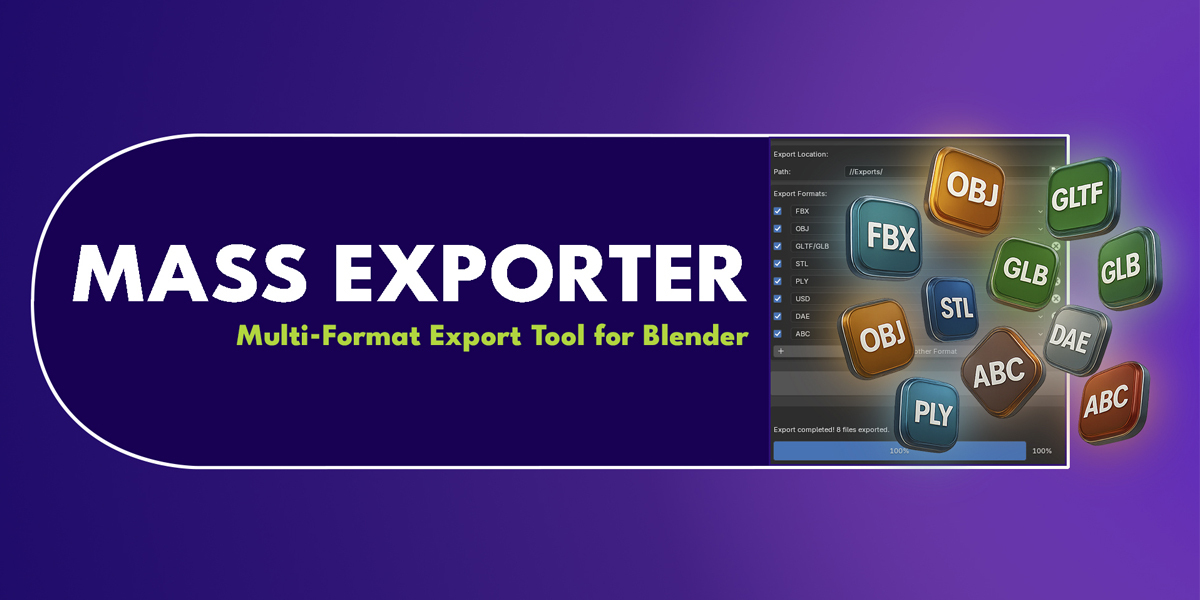
Mass Exporter combines Blender exports across eight formats and six scopes, with presets and naming controls. Review v1.0 limits and Blender support.
Mass Keyframe adds property-menu actions to animate selected objects and copy the active object's value across them. Requires Blender 5.1 or later.
Mass Renamer - Rename Thousands Objects In Second is a Blender add-on for batch naming, with filters for wildcard or regex matching and hierarchy naming.
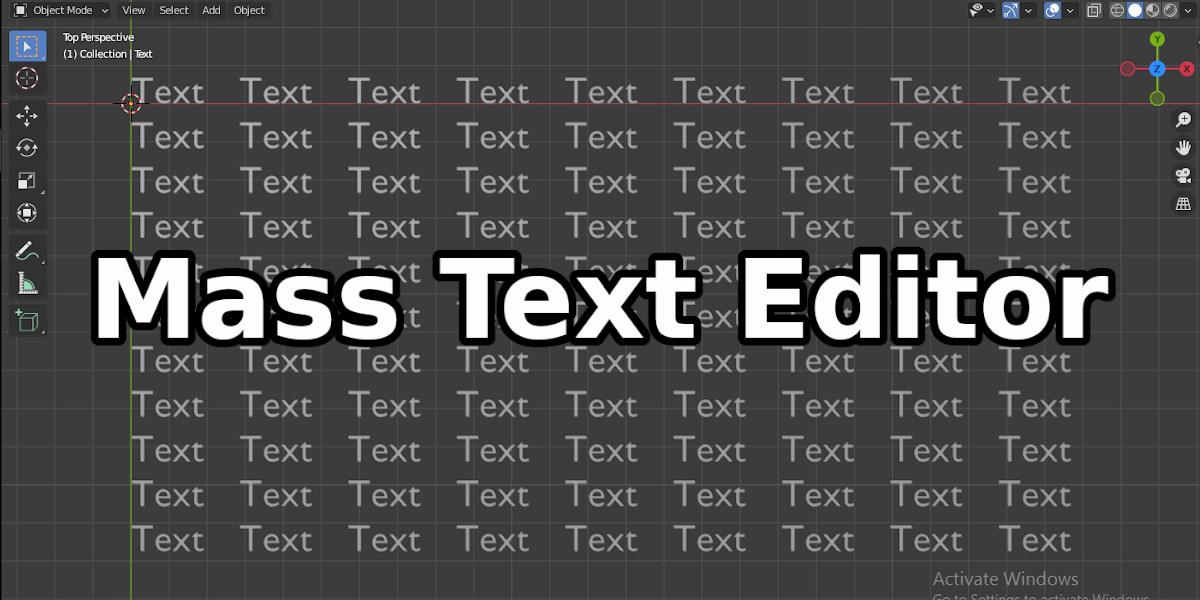
Mass Text Editor is a Blender add-on for batch edits: add prefixes or suffixes to selected or all scene text; set font and size using a reference object.
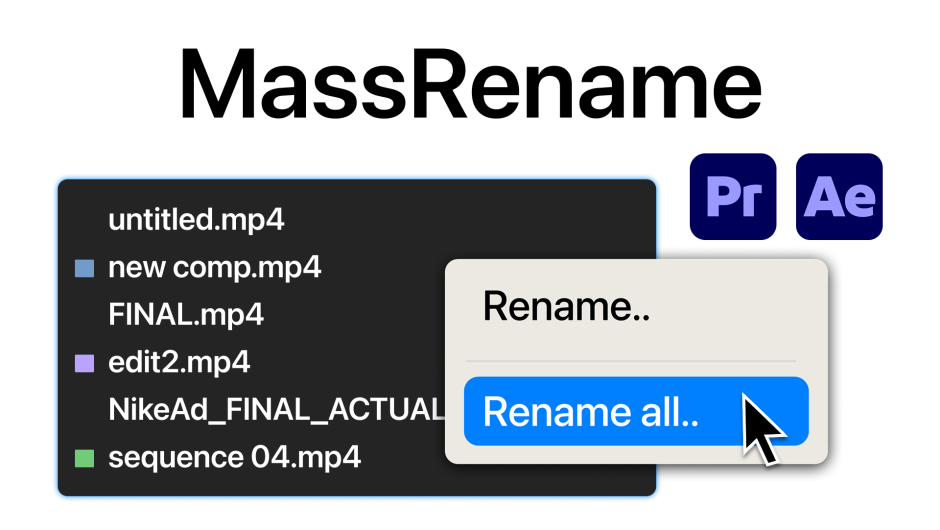
MassRename batch-renames selected clips in Premiere Pro and project items or composition layers in After Effects, with pattern controls and a live preview.
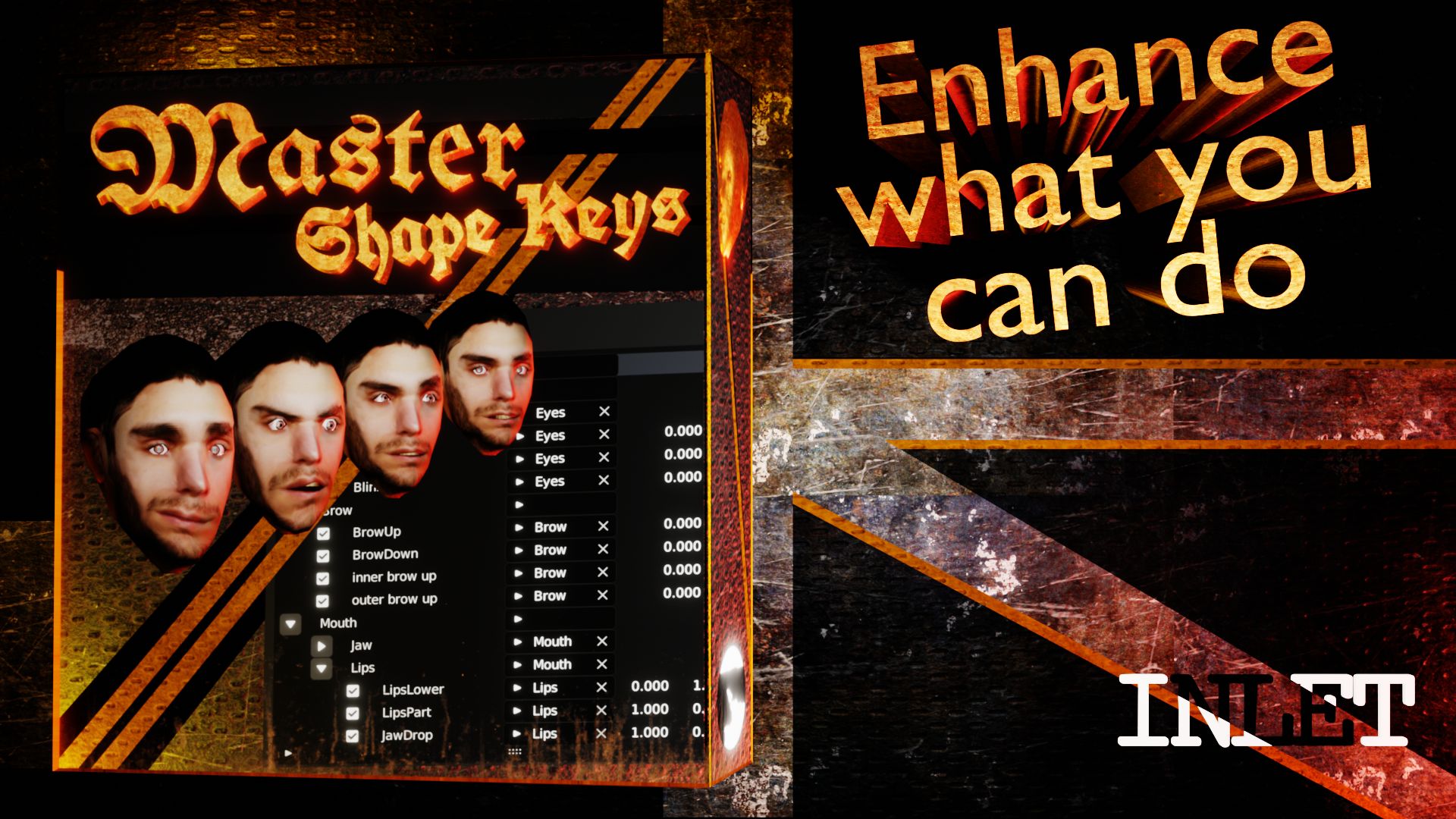
Master Shape Keys are a Blender add-on for generating, combining, and syncing shape keys, organizing collections, and baking animation for export.
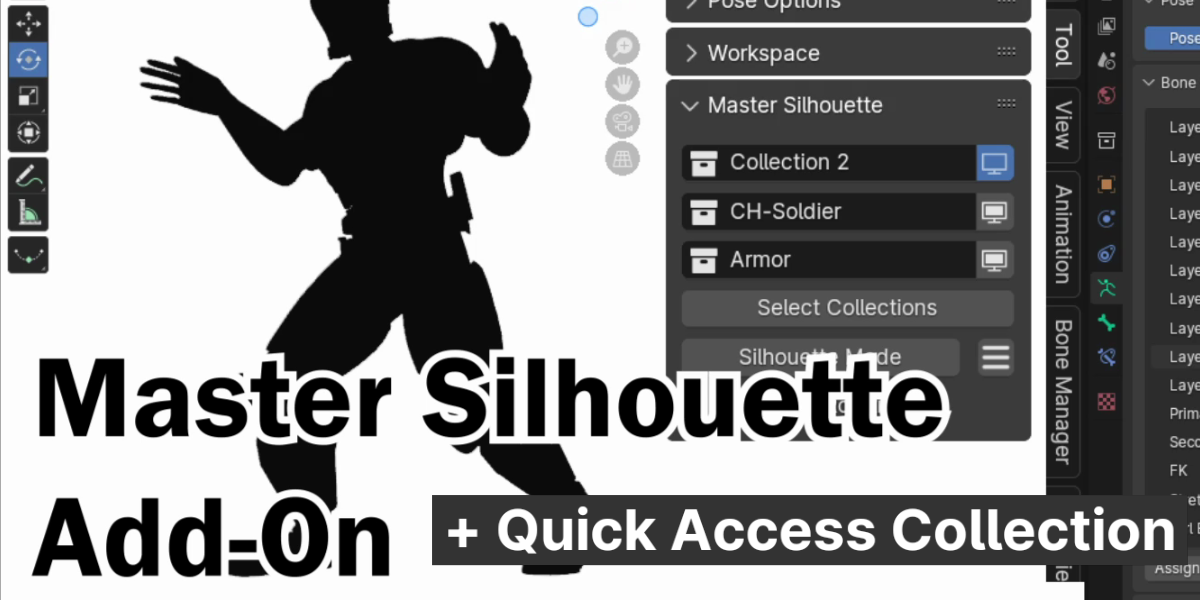
Master Silhouette Addon adds silhouette mode, color controls, rotation lock and collection filtering for Blender. Check the 4.2+ requirement and GPL terms.
MasterMoldSizer prepares precise 3D master models for mold making in Blender. Check the Blender 4.2+ requirement and file access on its official listing.
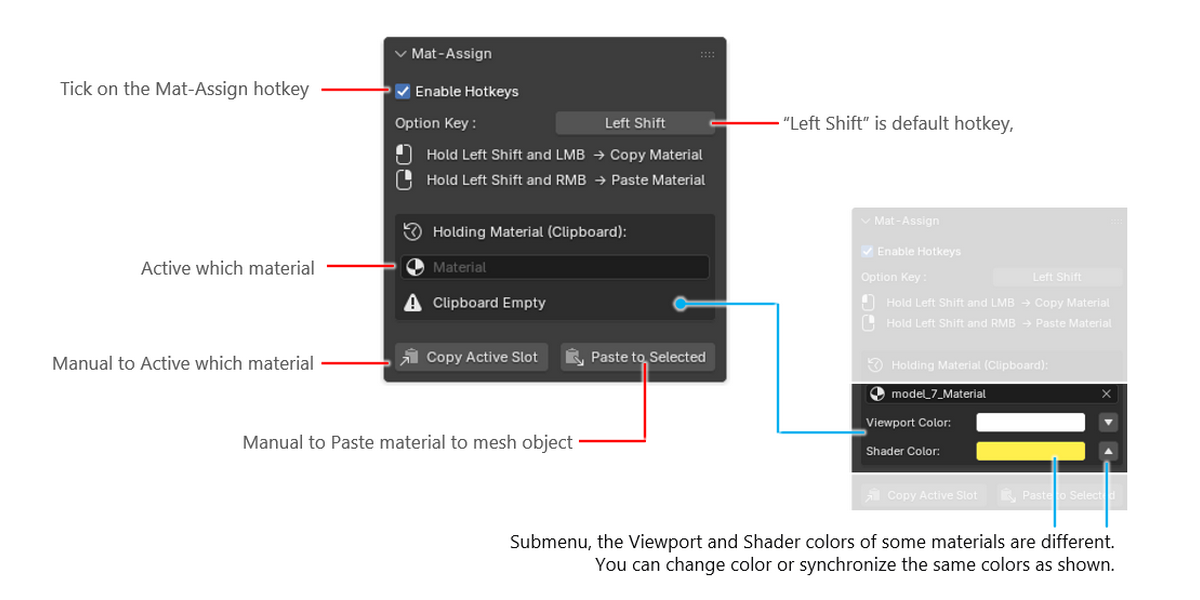
Mat Assign is a Blender add-on for copying and pasting materials at the cursor, syncing viewport and shader colors, and creating a Principled BSDF if needed.