Quick Edit
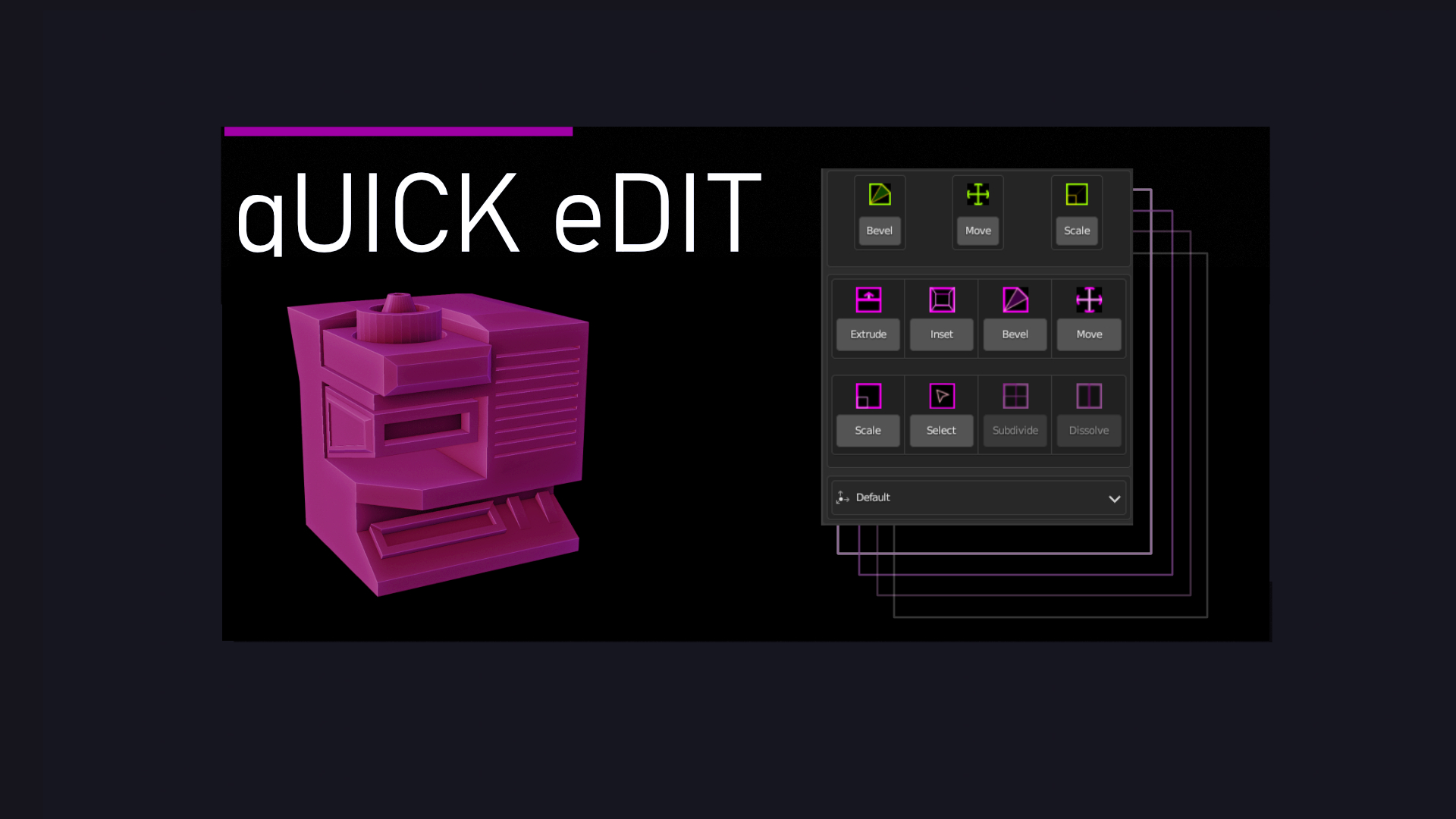
Quick Edit is a Blender add-on for edge and face edits. Its listing gives Blender 3.0 to 5.2; Bool It has a Quick Edit panel, and the hIVE Bundle includes it.
Published software and plugin guides for Blender. Page 135 of 196.
Read the software guideQuick Edit is a Blender add-on for edge and face edits. Its listing gives Blender 3.0 to 5.2; Bool It has a Quick Edit panel, and the hIVE Bundle includes it.
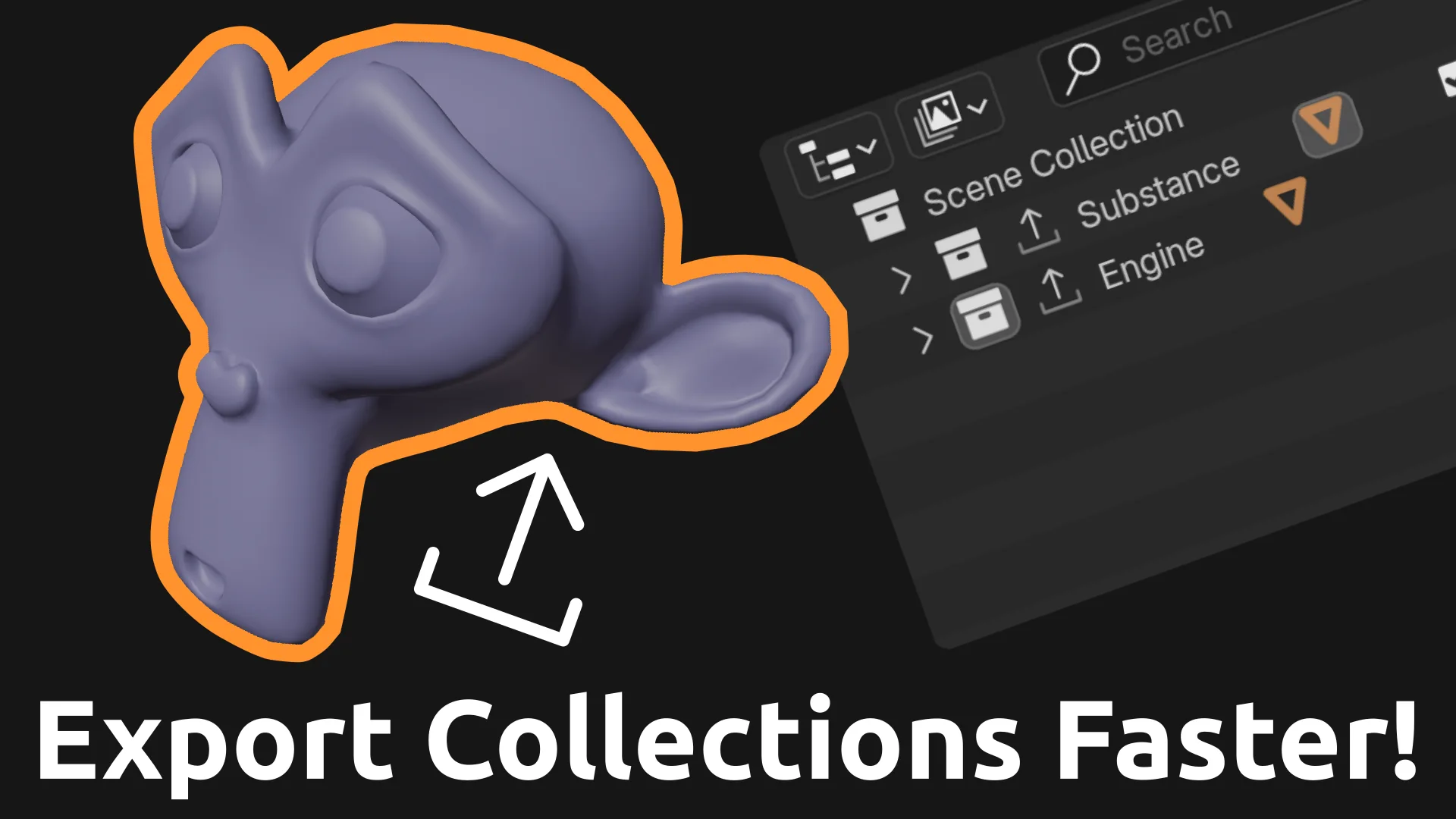
Quick Export searches from the active object's collection for the first collection with exporters. Blender 4.2.0 or later is required.
Assign color to whole meshes or selected faces in Blender. See how Quick Face Color handles material slots, palette choices, installation and compatibility.
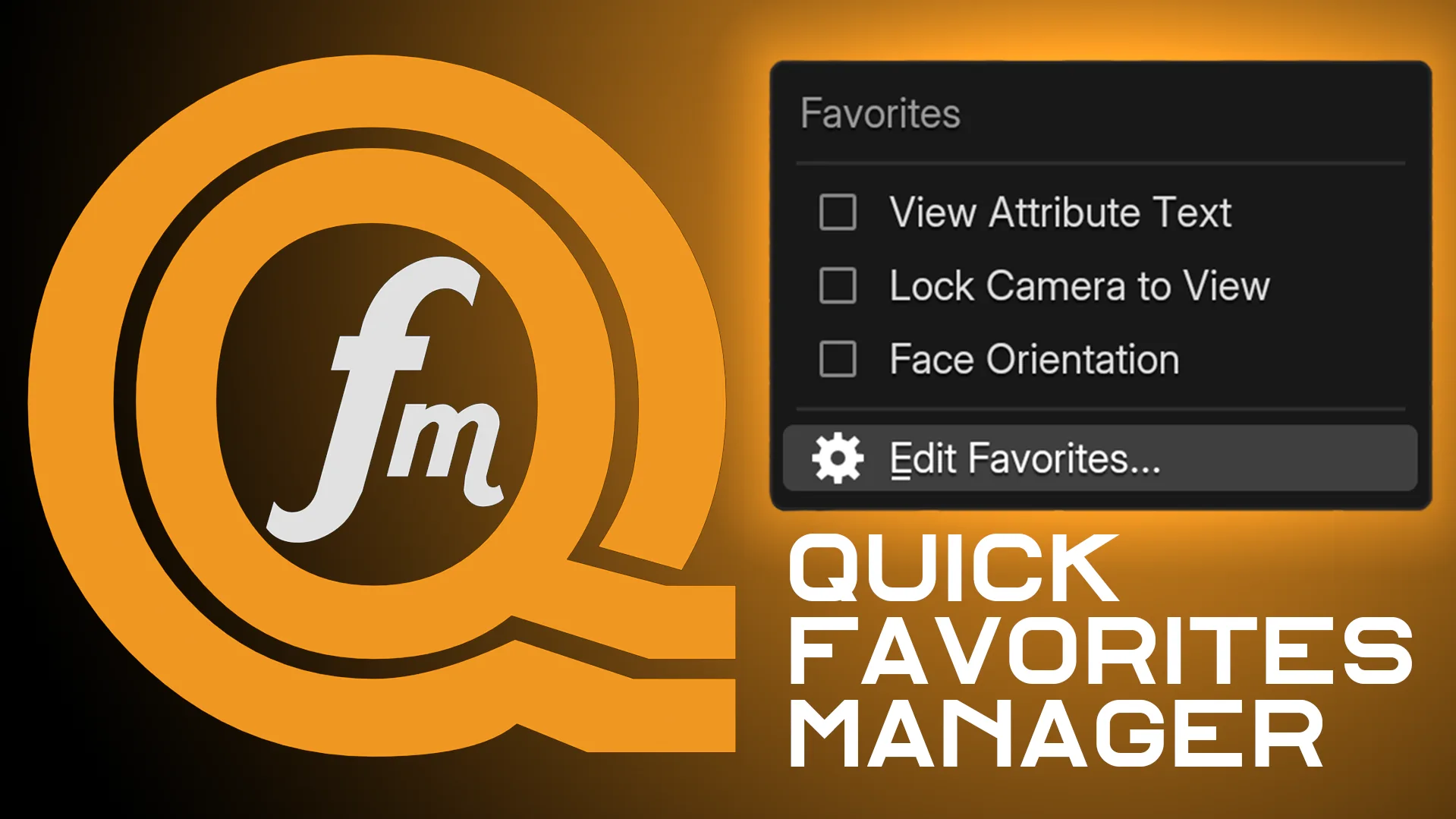
Quick Favorites Manager organizes Blender favorites by mode and editor, with categories and JSON import/export. Check Blender version support before installing.
Quick Favorites Pro adds mode-specific favorites in Blender with custom layouts, colors and icons. Hold Q, hover over an action and release to run it.
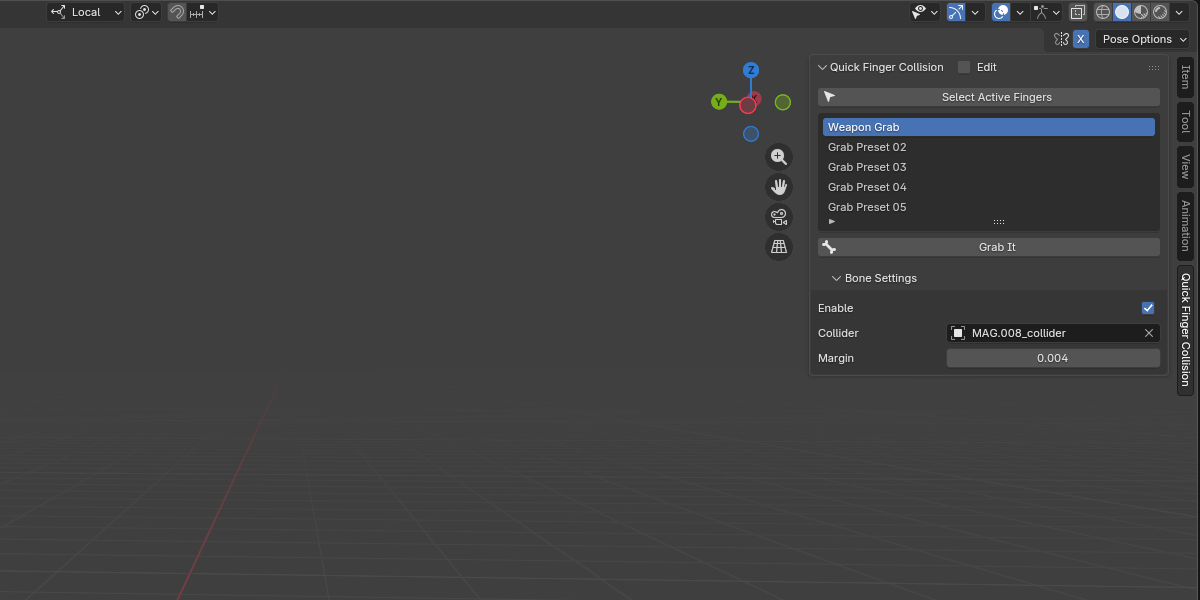
Quick Finger Collision is a Blender add-on for collision-aware finger posing. Its listings give different Blender ranges; check Superhive for your version.
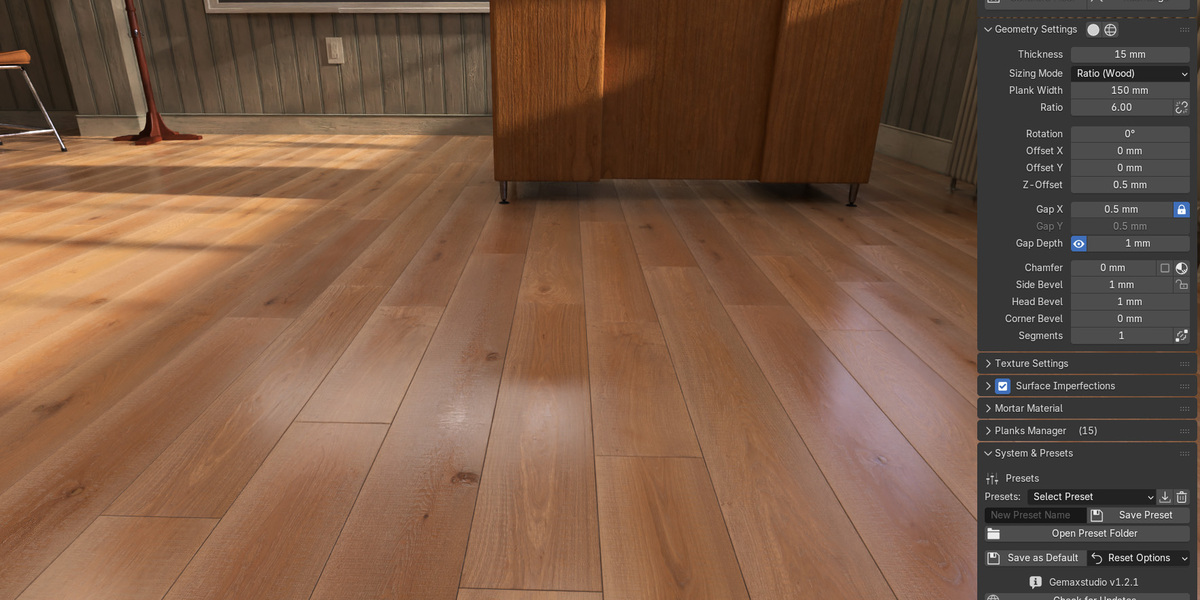
Quick Floor Pro 1.2.5 builds varied wood and tile layouts in Blender with pattern presets, texture variation and color controls. Check Blender support.
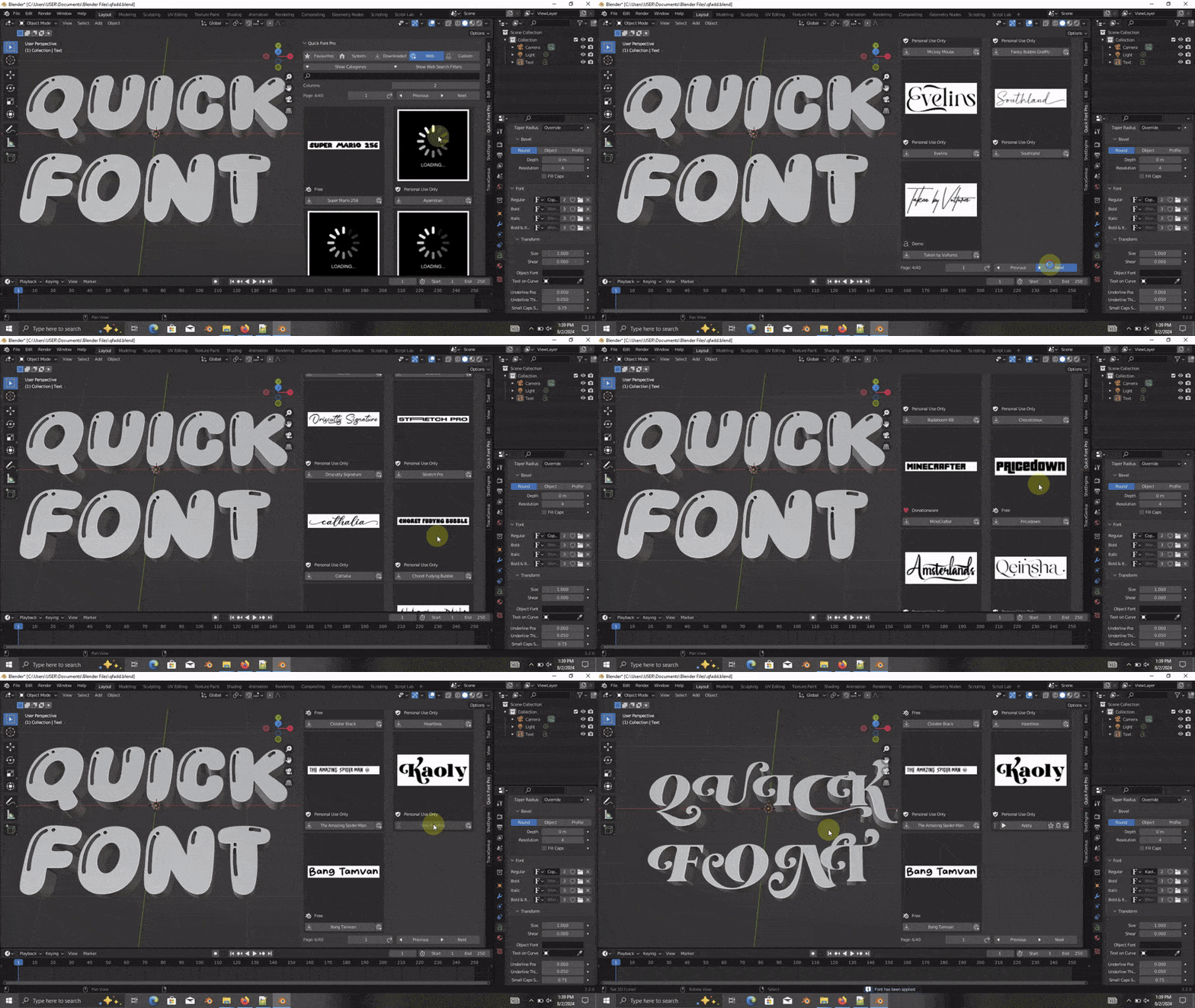
Browse more than 87,000 online fonts, search installed typefaces, and preview them on Blender text objects with Quick Font by Russel Studios.
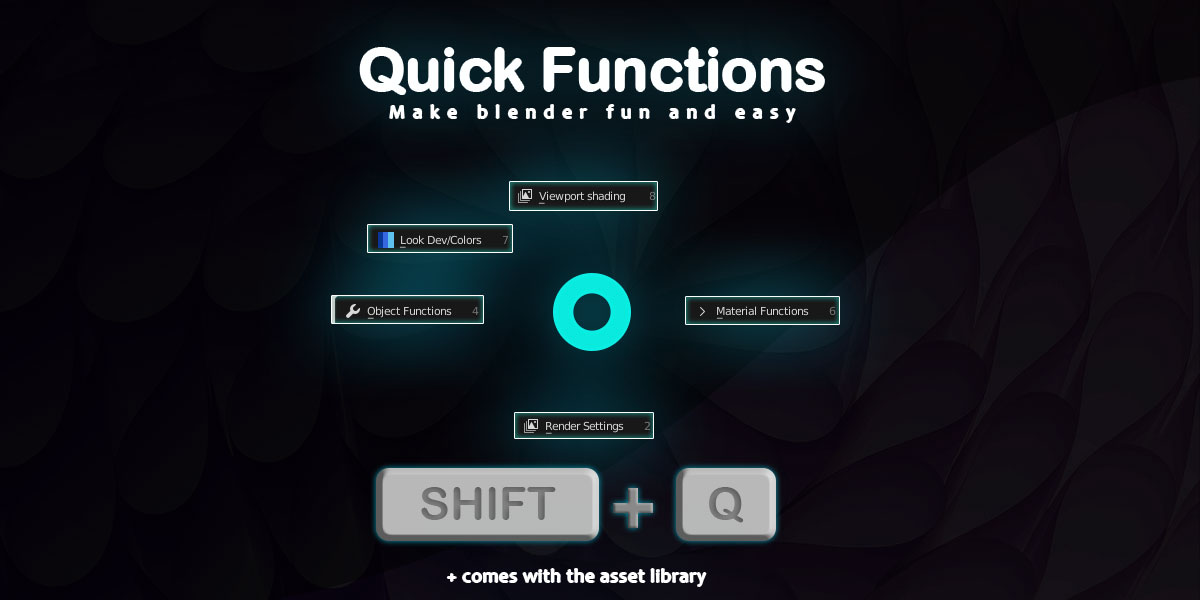
Quick Functions groups Blender scene, render and shader-node tools in context-sensitive Shift+Q pie menus, with one-click setup and texture controls.
Group Blender objects as regular instances with Ctrl+G, edit them in a Library scene, and use dedicated shortcuts to ungroup or manage instances.
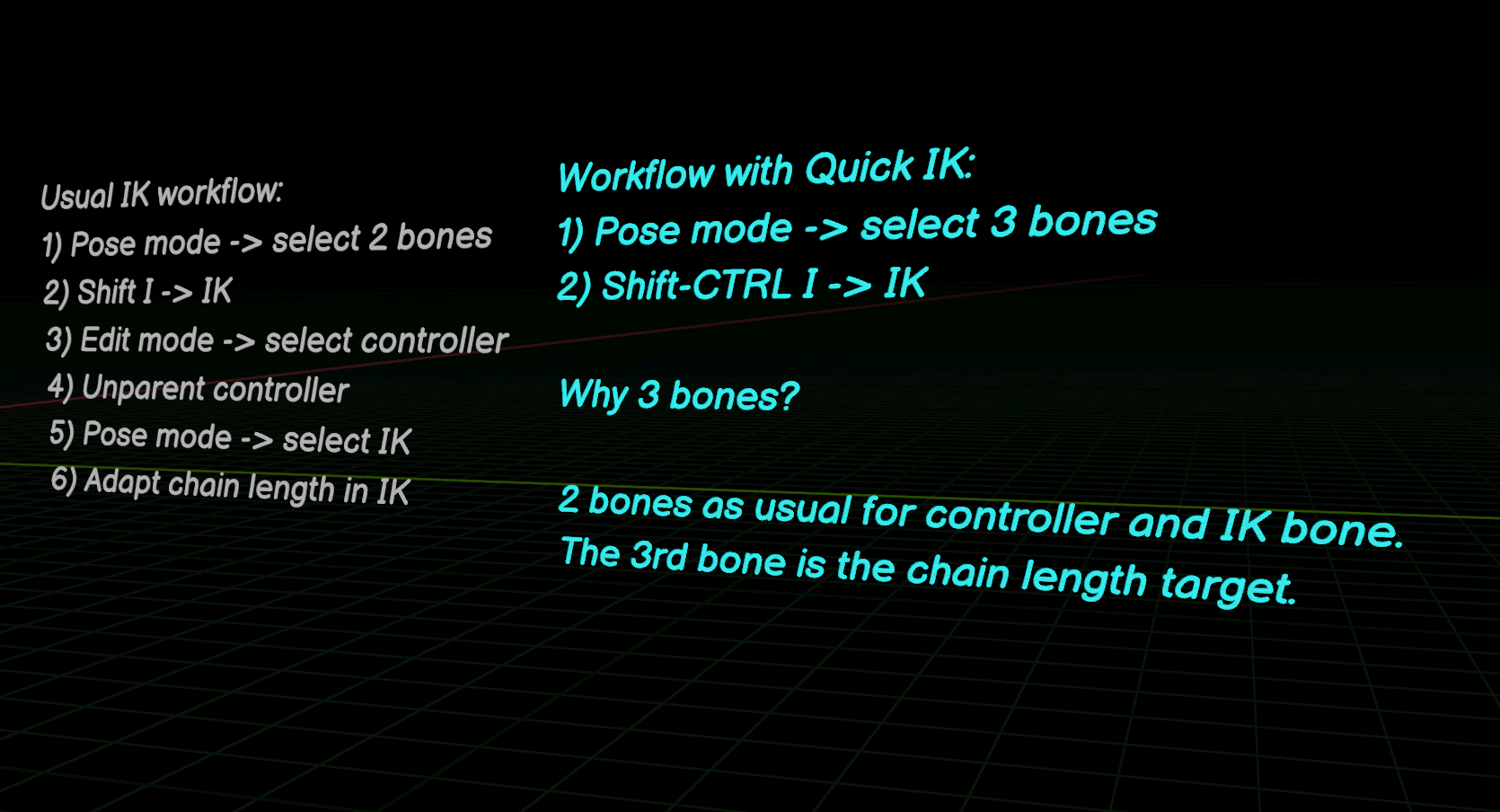
Quick IK is a Blender add-on: select three bones and press Shift-CTRL-I to set up an IK chain. Version 0.2 adds pole-target setup with Shift-CTRL-P.
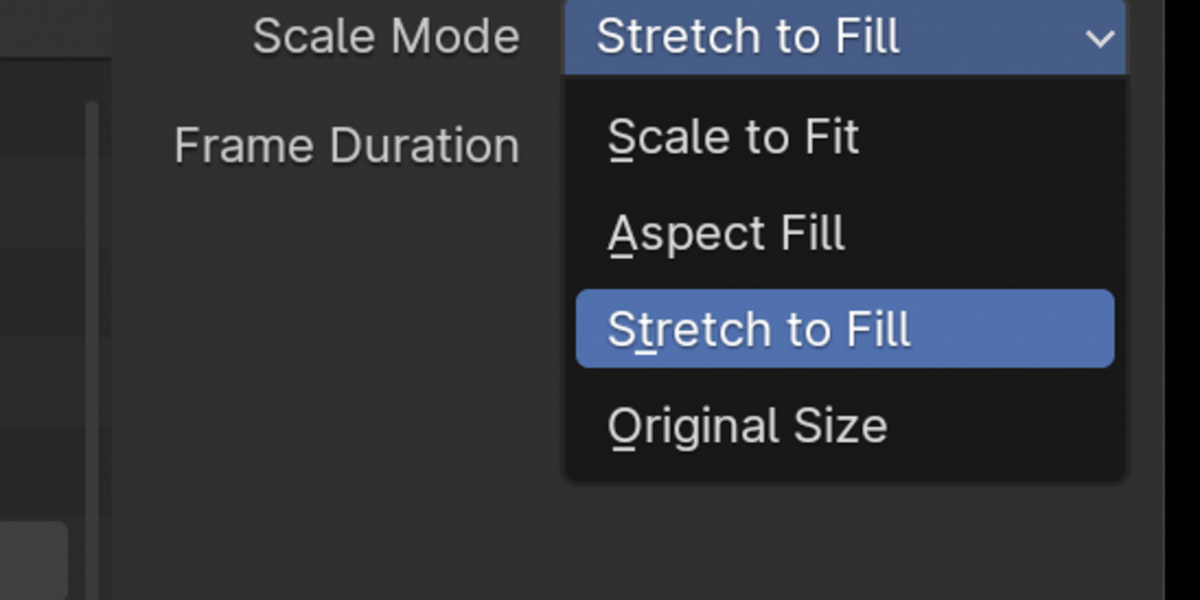
Quick Image Scale imports image folders into Blender’s Video Sequencer with fit, fill, stretch and original-size modes plus frame-duration controls.
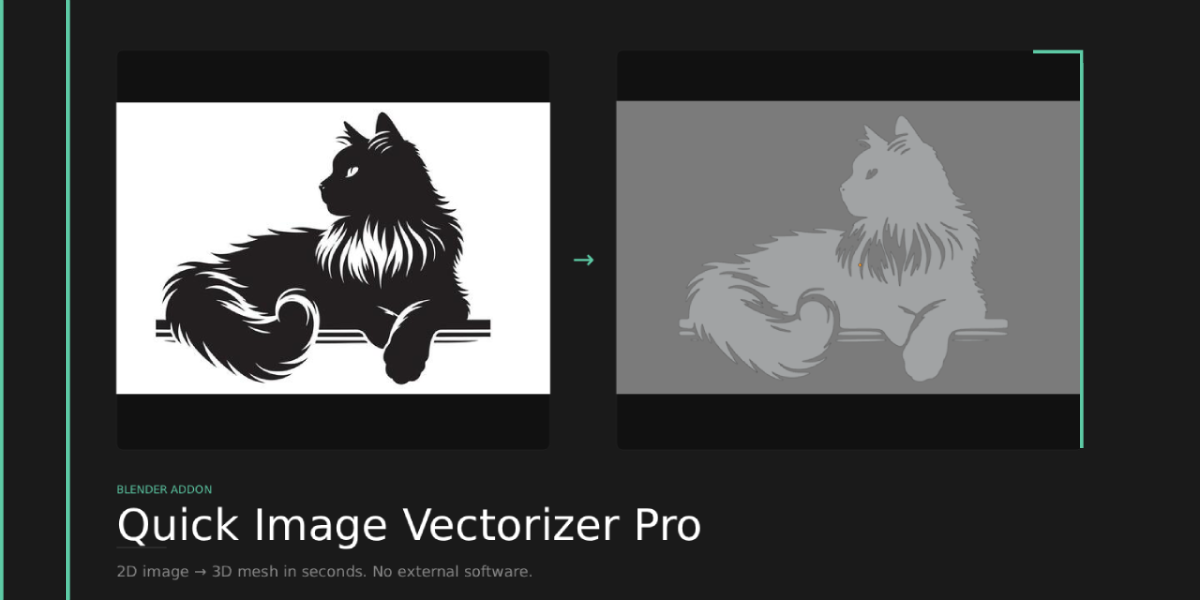
Quick Image Vectorizer Pro traces PNG, JPG, or BMP images into Blender meshes or curves, with batch processing and calibrated SVG export. Review setup first.
Quick J ( Connect Vertex Path ) is a Blender add-on for connecting vertices under the cursor with J. You can adjust hover radius and selection behavior.
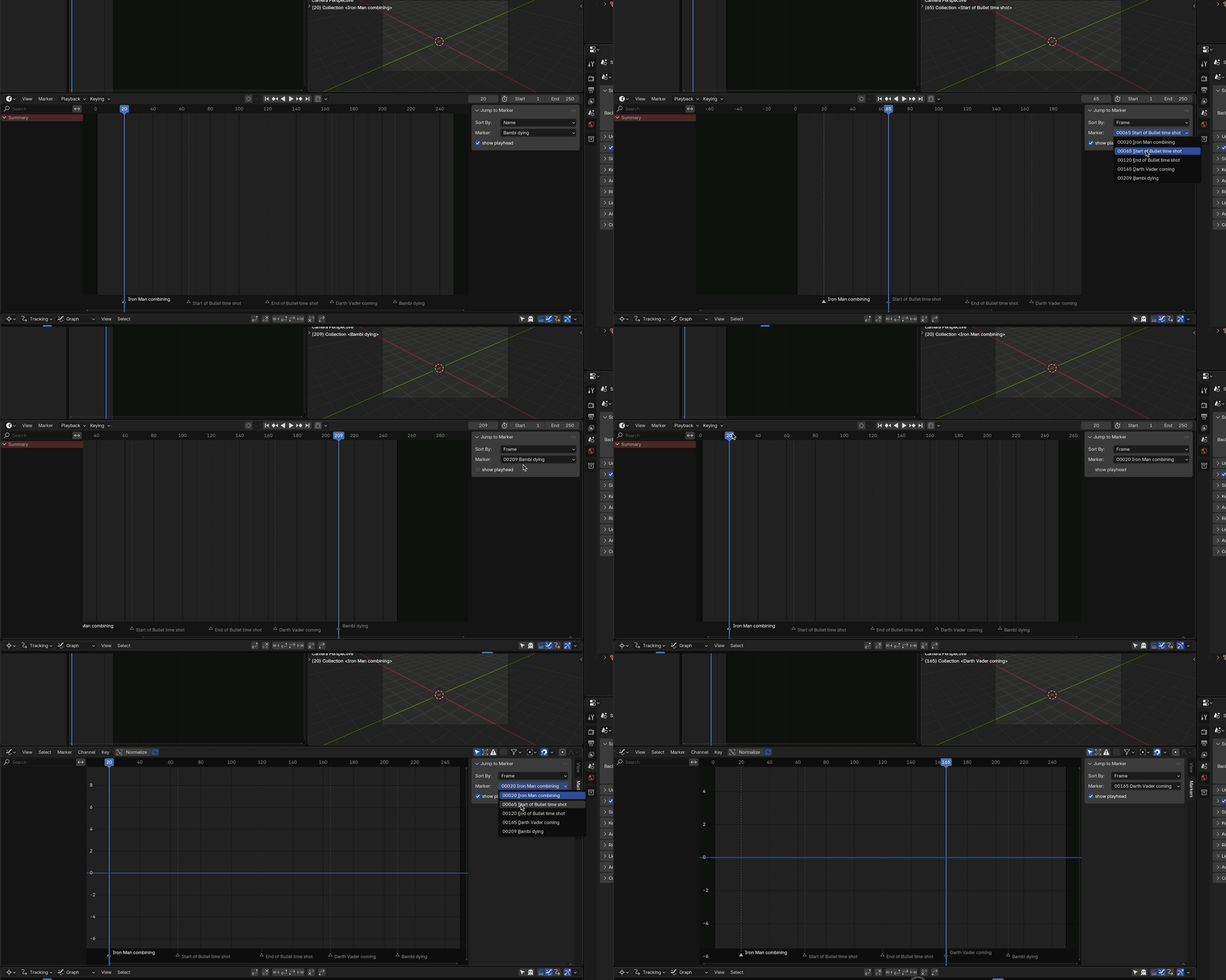
Quick Jump To Marker lets you select named Blender timeline markers from the Timeline or Graph Editor, sort by name or frame, and center the view.
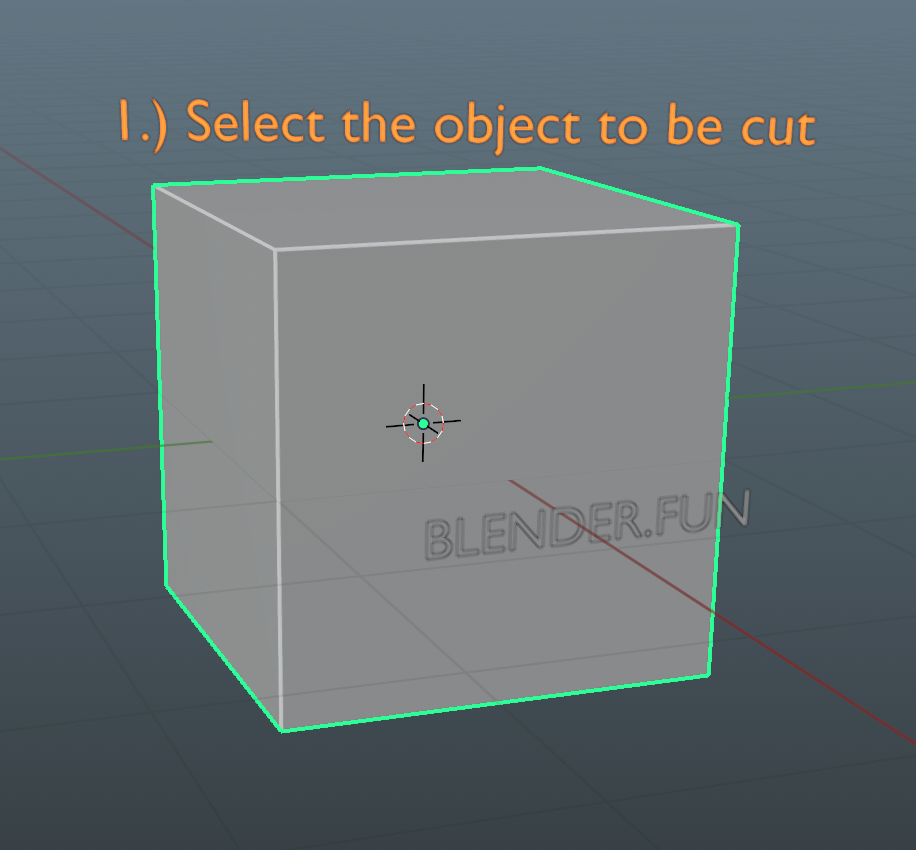
Quick Knife cuts one Blender object with another using Ctrl+Shift+K. Review its three-step workflow, listed Blender versions and GPL license.
Quick Landscape is a Blender add-on for preset terrain, tree scattering, fog and materials. Check version notes for Blender compatibility.
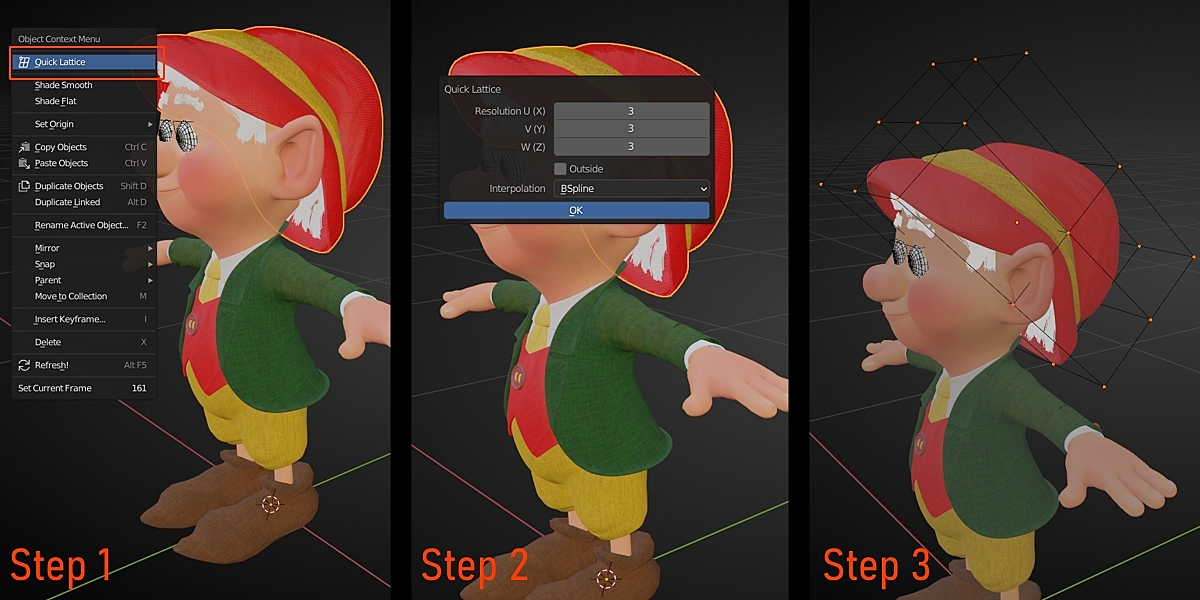
Quick Lattice automates Blender lattice cage setup, including size, rotation, resolution and interpolation. Check version support and the rotated-pivot caveat.
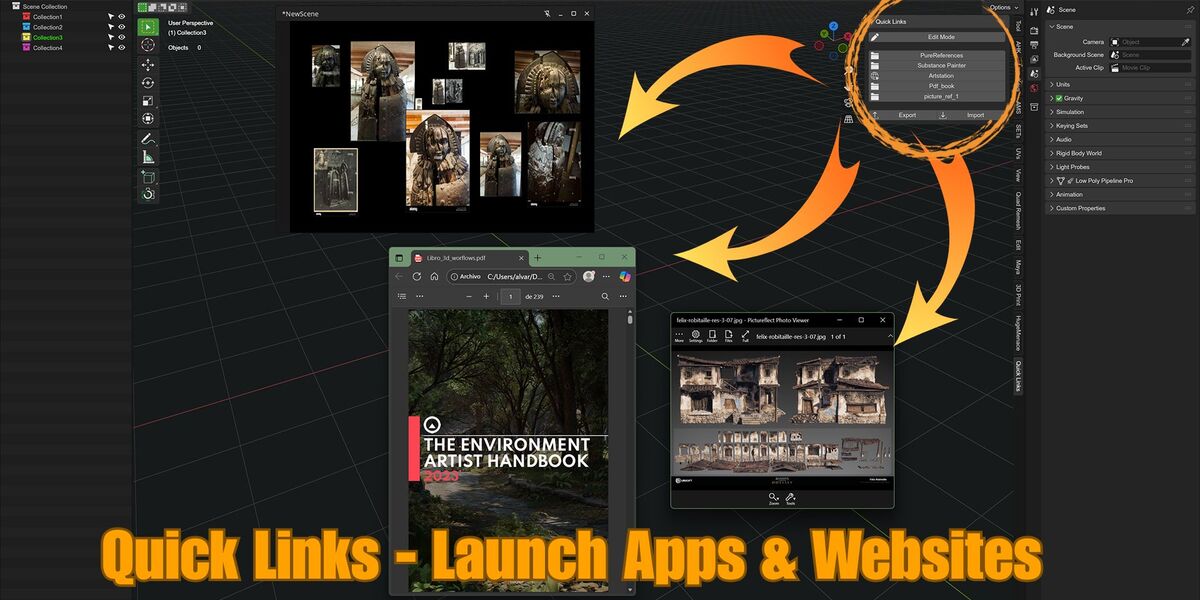
Quick Links - Launch Apps & Websites From Blender is a sidebar launcher for programs, websites, files, and folders, with JSON export and import.
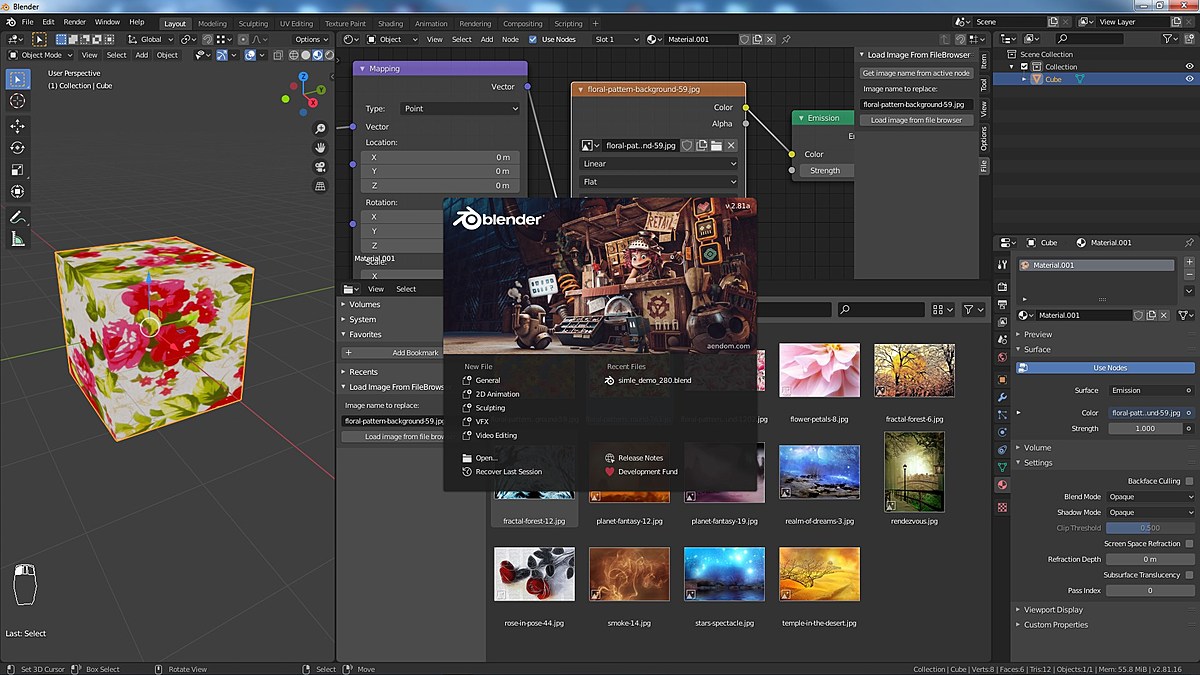
Quick Load previews and swaps images in Blender's File Browser, with node and face shortcuts for Blender 2.76+ and 2.80+. See workflow and version notes.
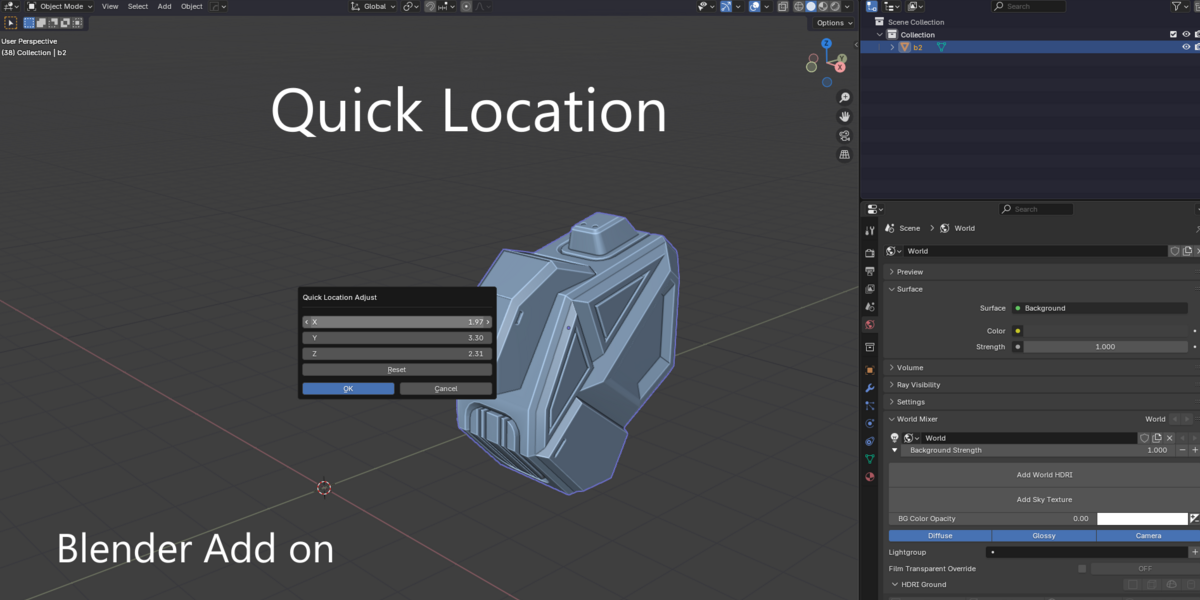
Adjust Blender object positions from a popup with X, Y, and Z sliders, a one-click reset, and a customizable hotkey. See how Quick Location works.
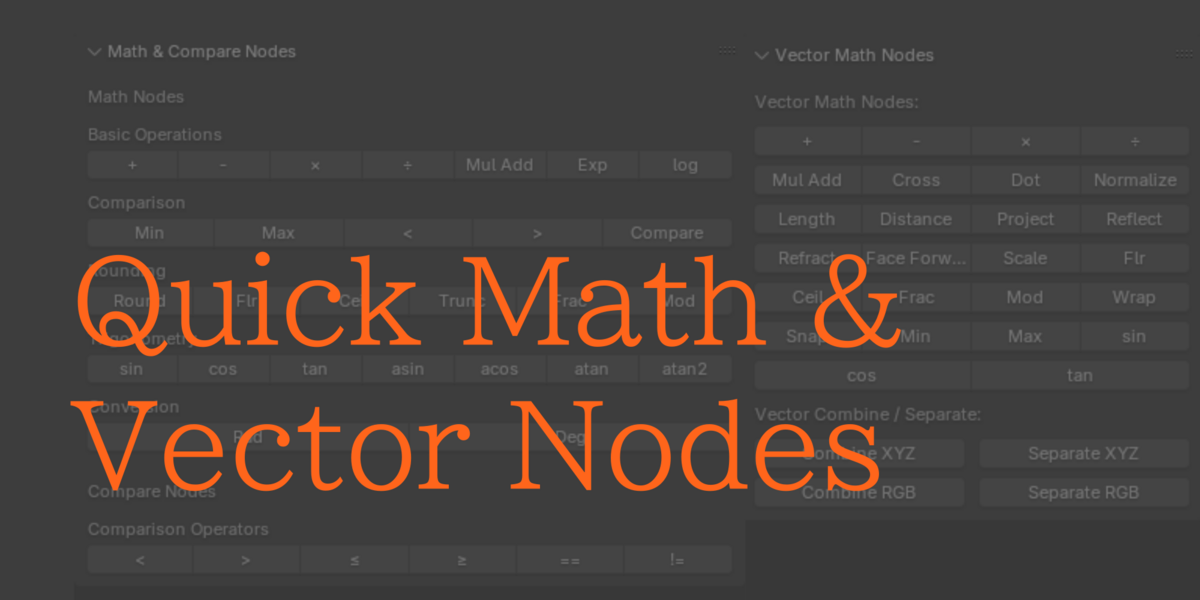
Quick Math Nodes adds Math and Vector Math nodes in Blender’s Shader and Geometry Node Editors, with selectable arithmetic, trigonometric and vector operations.
Quick Measure measures object length in any Blender mode, with optional snap and multiple readings, and saves them. Check compatibility before installing.
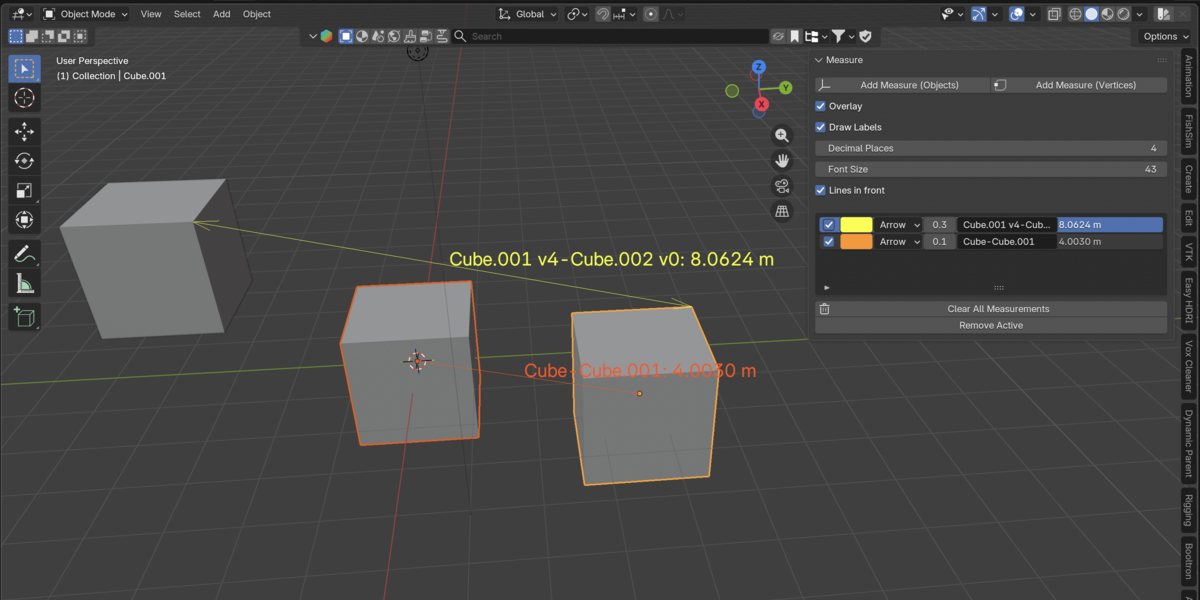
Quick Measure2 checks distances between objects, vertices, and points in Blender's viewport. Review Blender 2.93 to 5.1 support and the render limit.