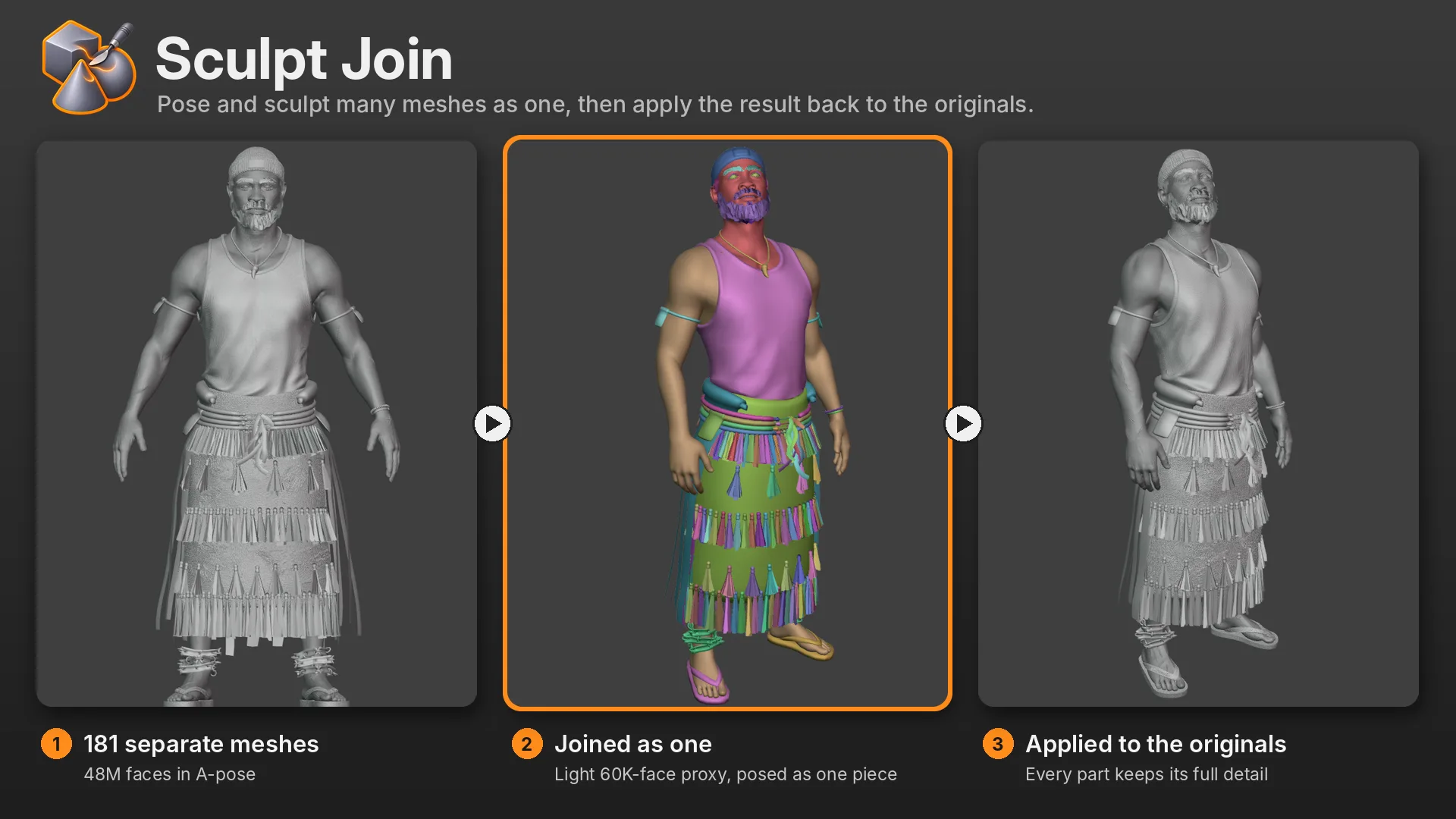
Sculpt Join
Sculpt Join joins visible meshes for sculpting or posing; you can apply new vertex positions to the originals. Version 0.1.0 requires Blender 4.2.0.
Published software and plugin guides for Blender. Page 151 of 196.
Read the software guideSculpt Join joins visible meshes for sculpting or posing; you can apply new vertex positions to the originals. Version 0.1.0 requires Blender 4.2.0.
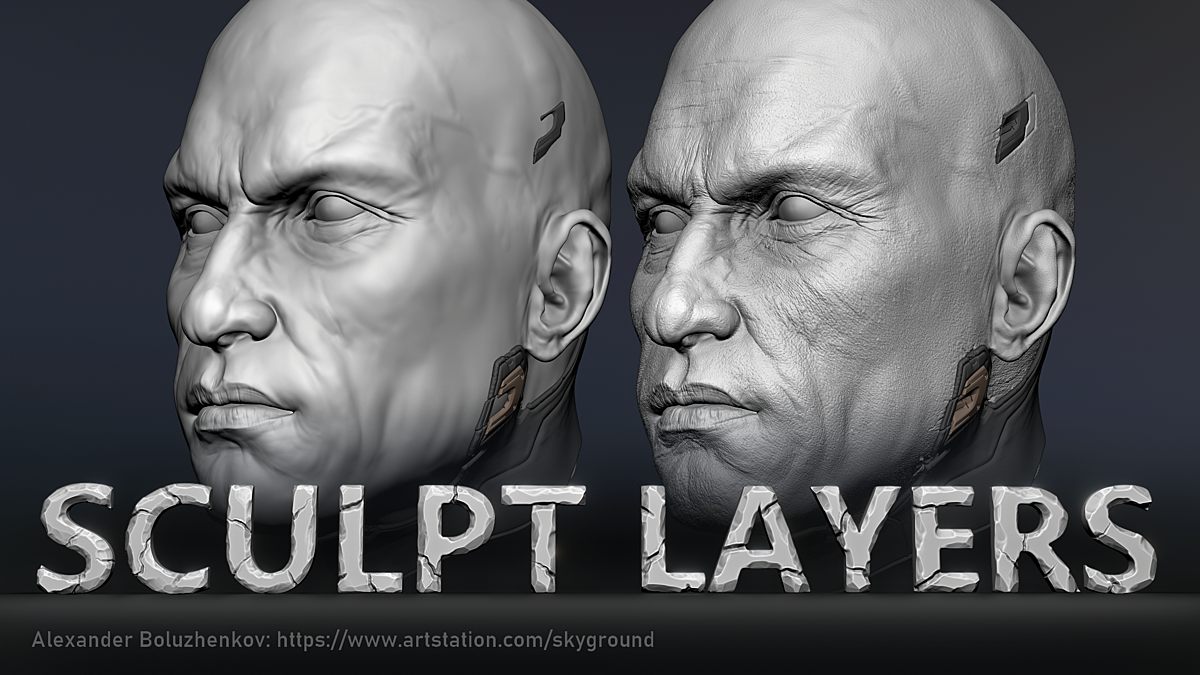
Sculpt Layers are a Blender addon for keeping a base mesh while building detail in separate layers, with Multires support and ZBrush layer import.
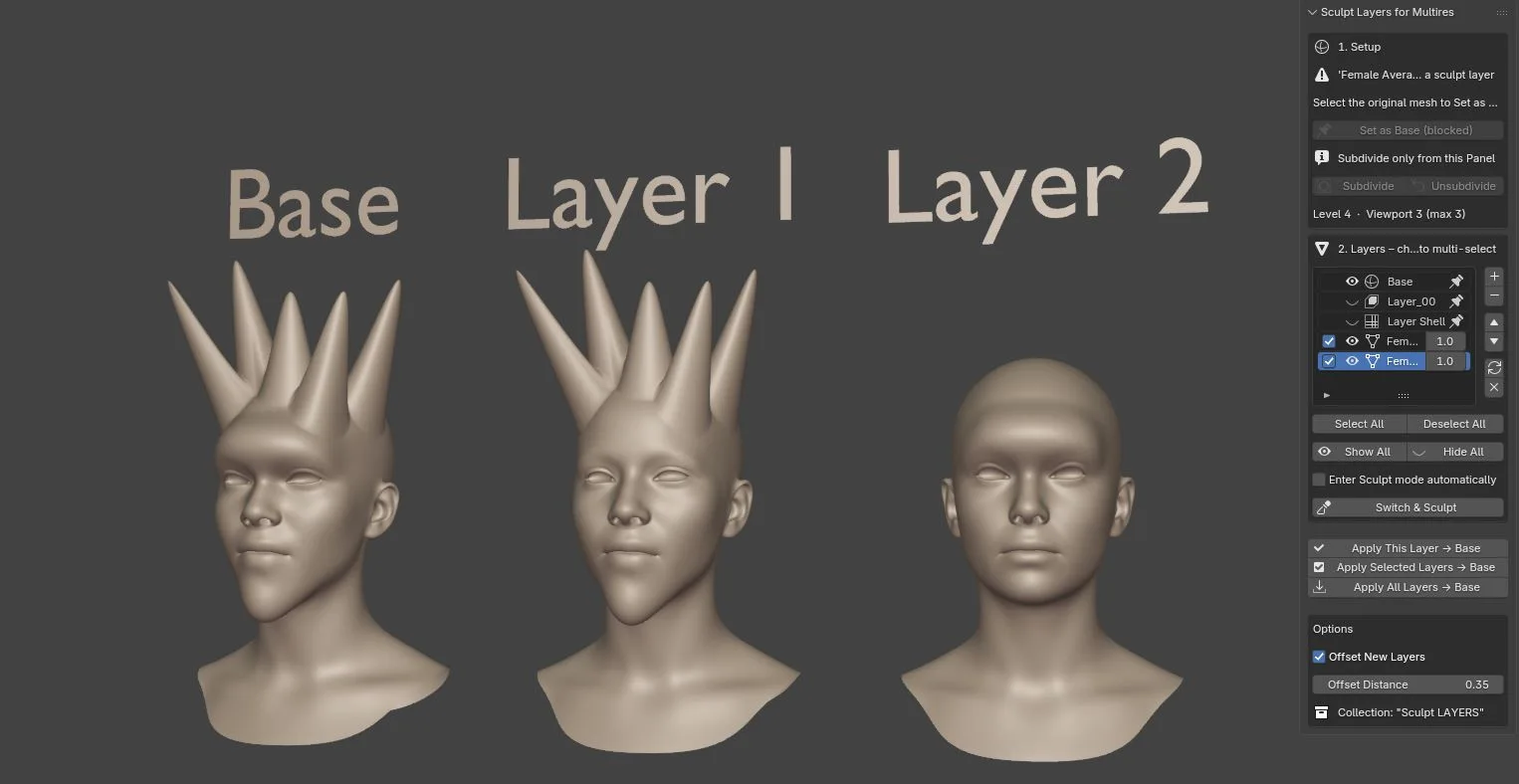
Sculpt Layers for Multires are a Blender add-on for per-mesh sculpt layers with strength control; one reviewer describes adding wrinkles and clothing folds.
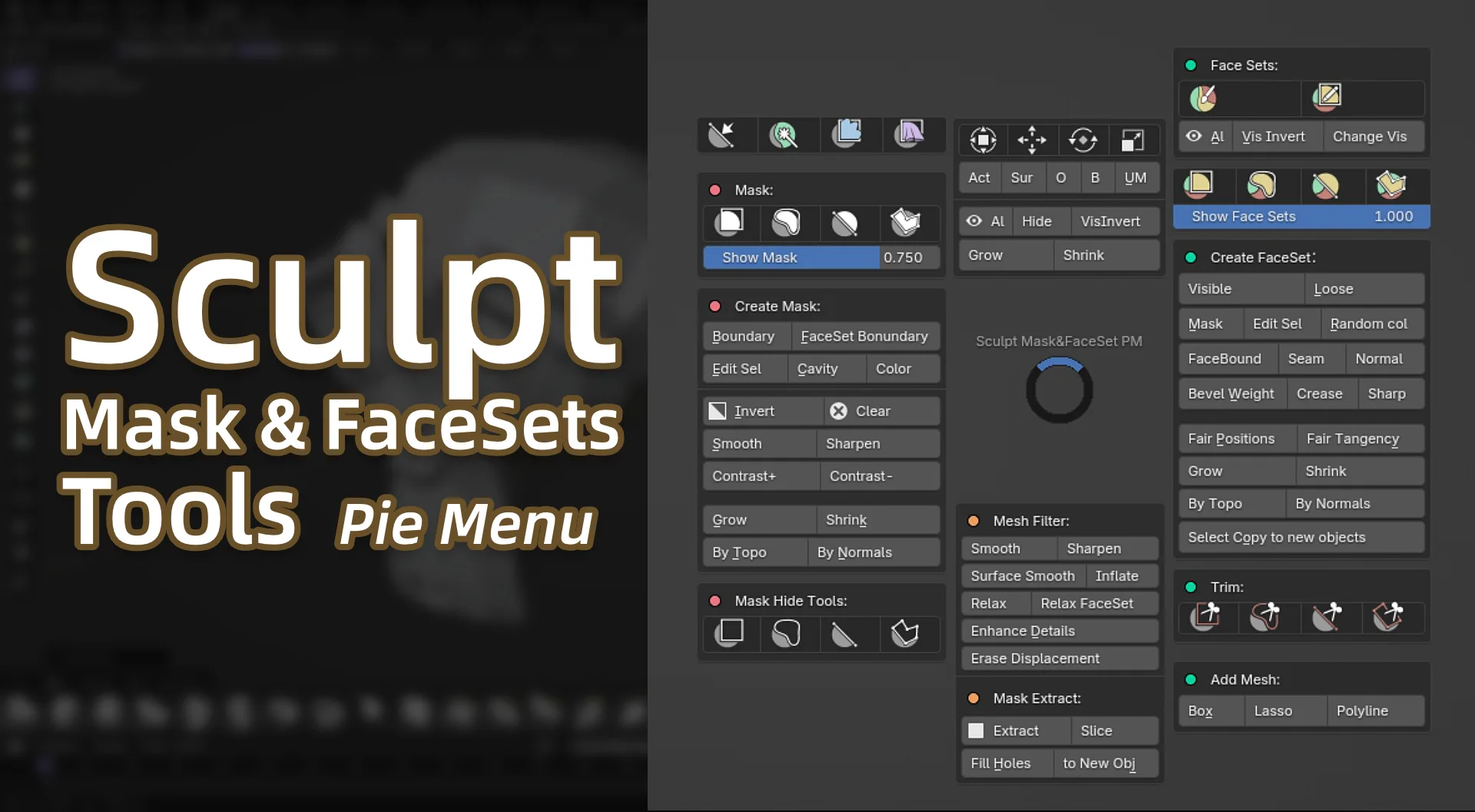
Sculpt Mask FaceSets Tools for Blender 5.2+ adds mask brushes, boundary modes, Global Auto-Masking controls, and hide/delete on Masks and Face Sets.
Map Blender orbit, pan, dolly, roll, and zoom to mouse gestures with Sculpt Navigation, a tablet add-on for sculpting and painting.
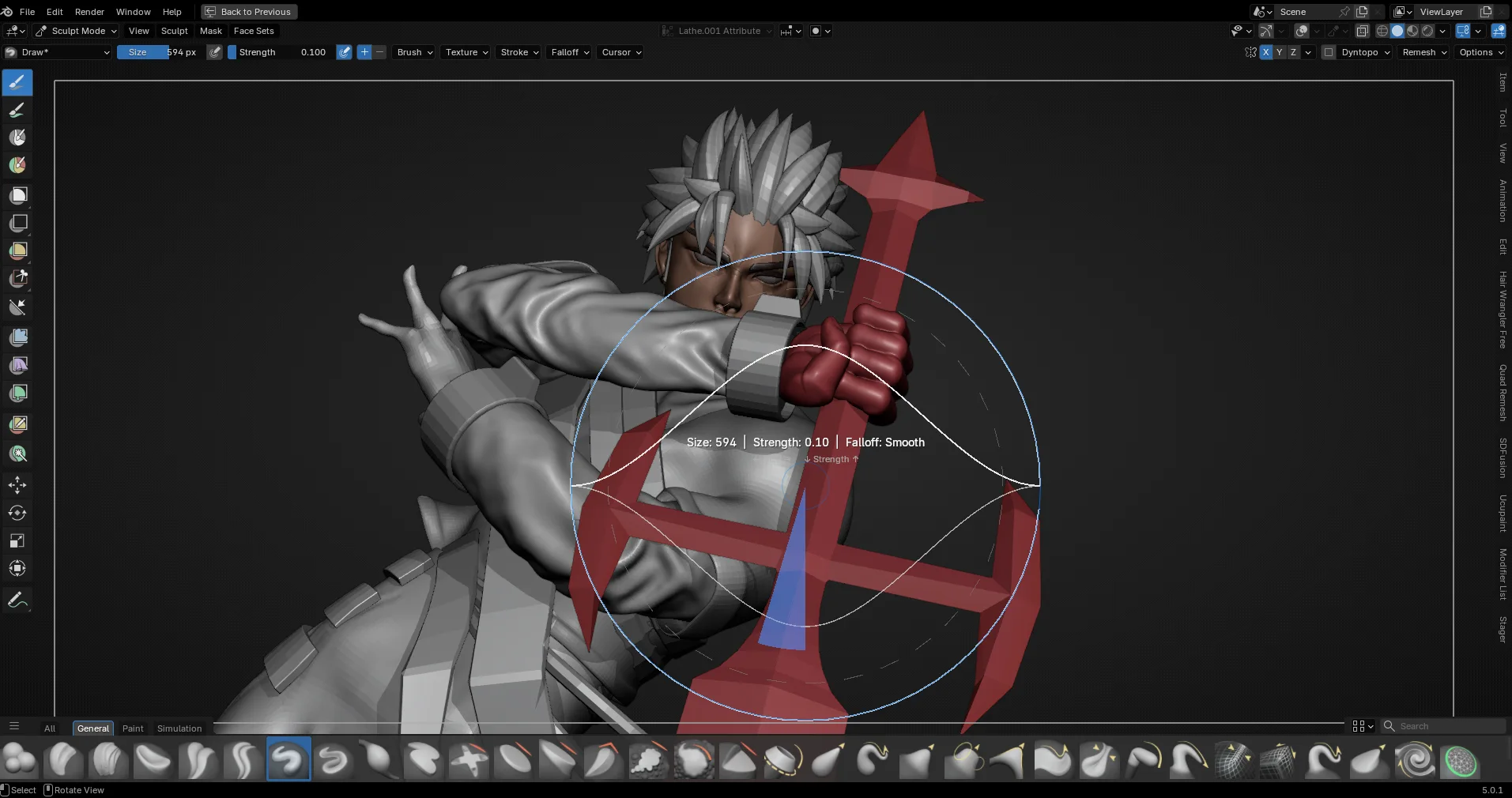
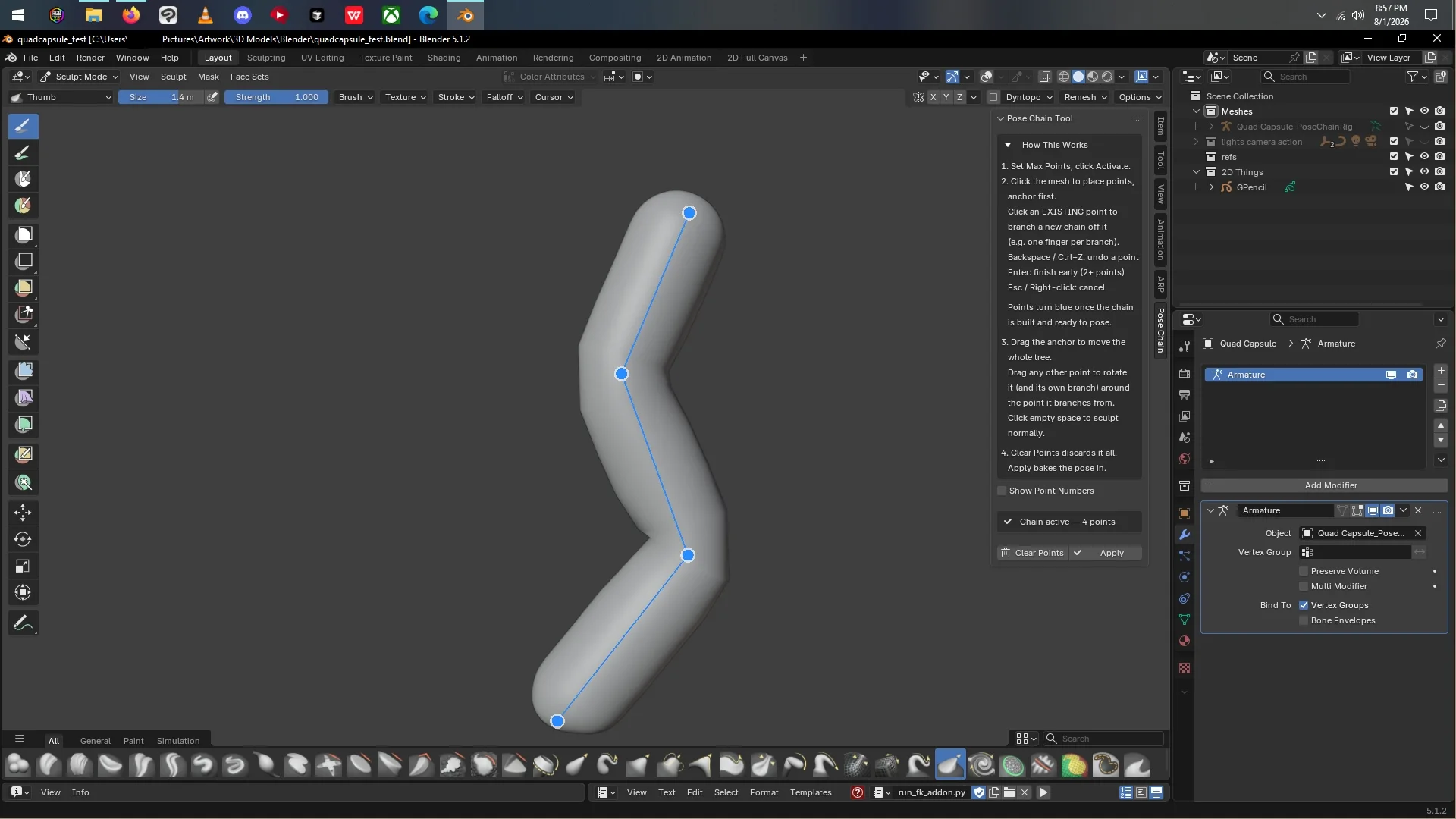
Sculpt Pose Chain Tool places FK chain points in Sculpt Mode to pose a mesh. Blender 4.3.0 is the listed minimum host version for release 1.6.1.
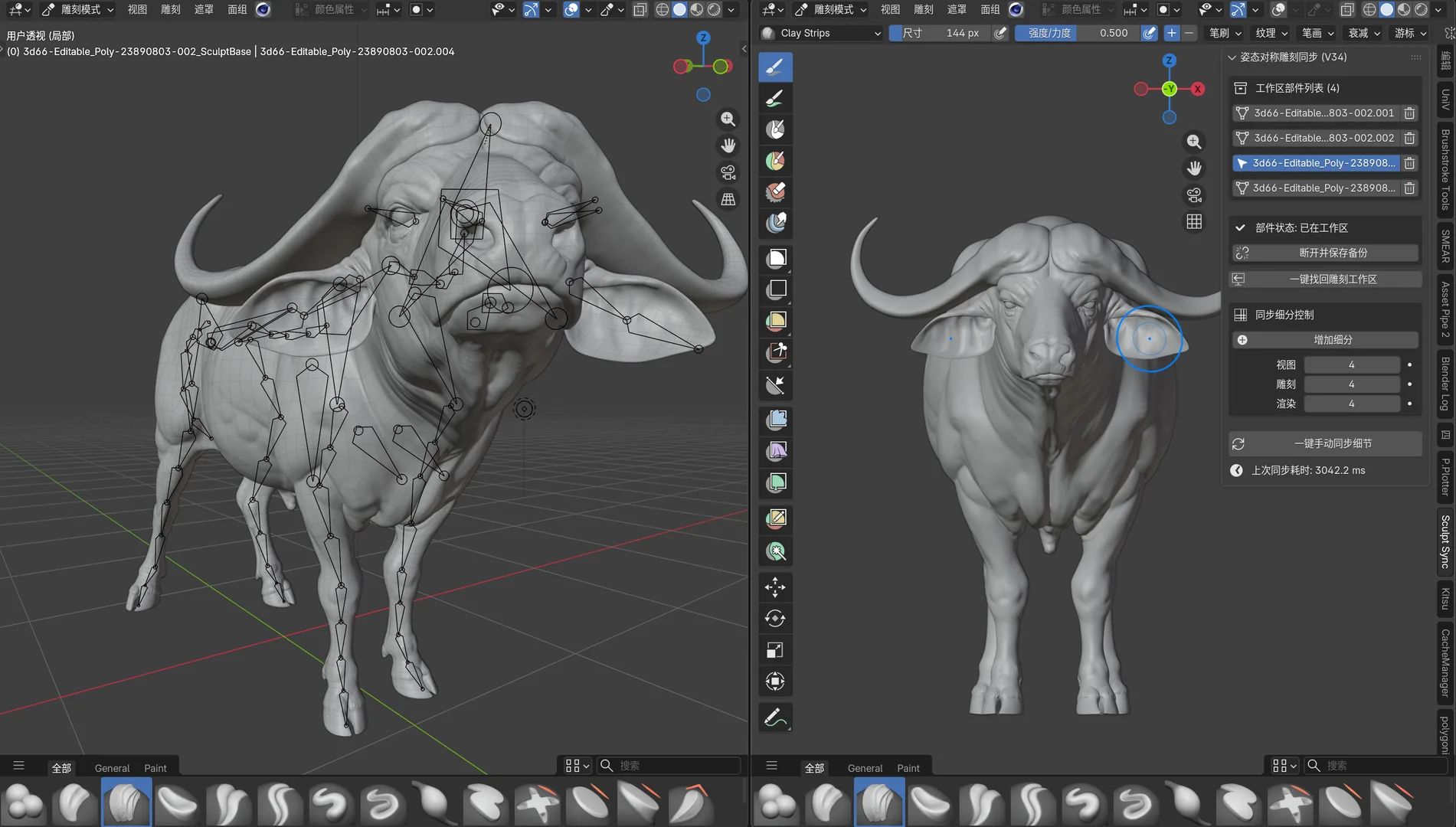
See how Sculpt Pose Sync lets Blender artists sculpt rigged characters in a rest pose, compare the posed preview, and archive sculpt meshes.
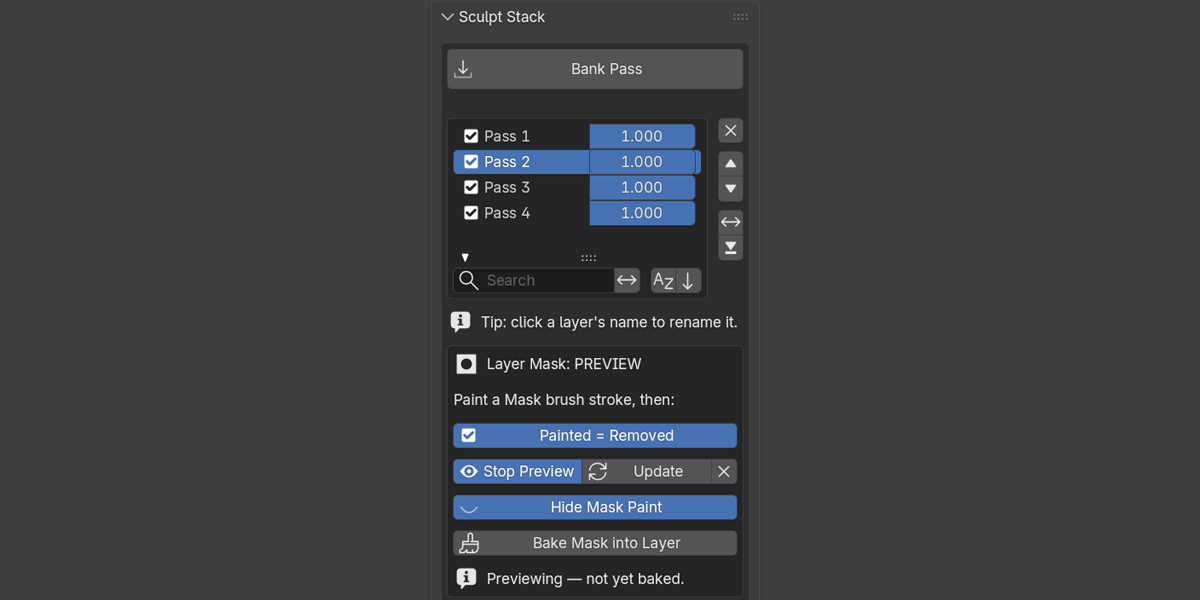
Capture Blender sculpt passes as adjustable layers, mask regions, and bake only when ready. See the workflow, setup requirements, and topology limits.
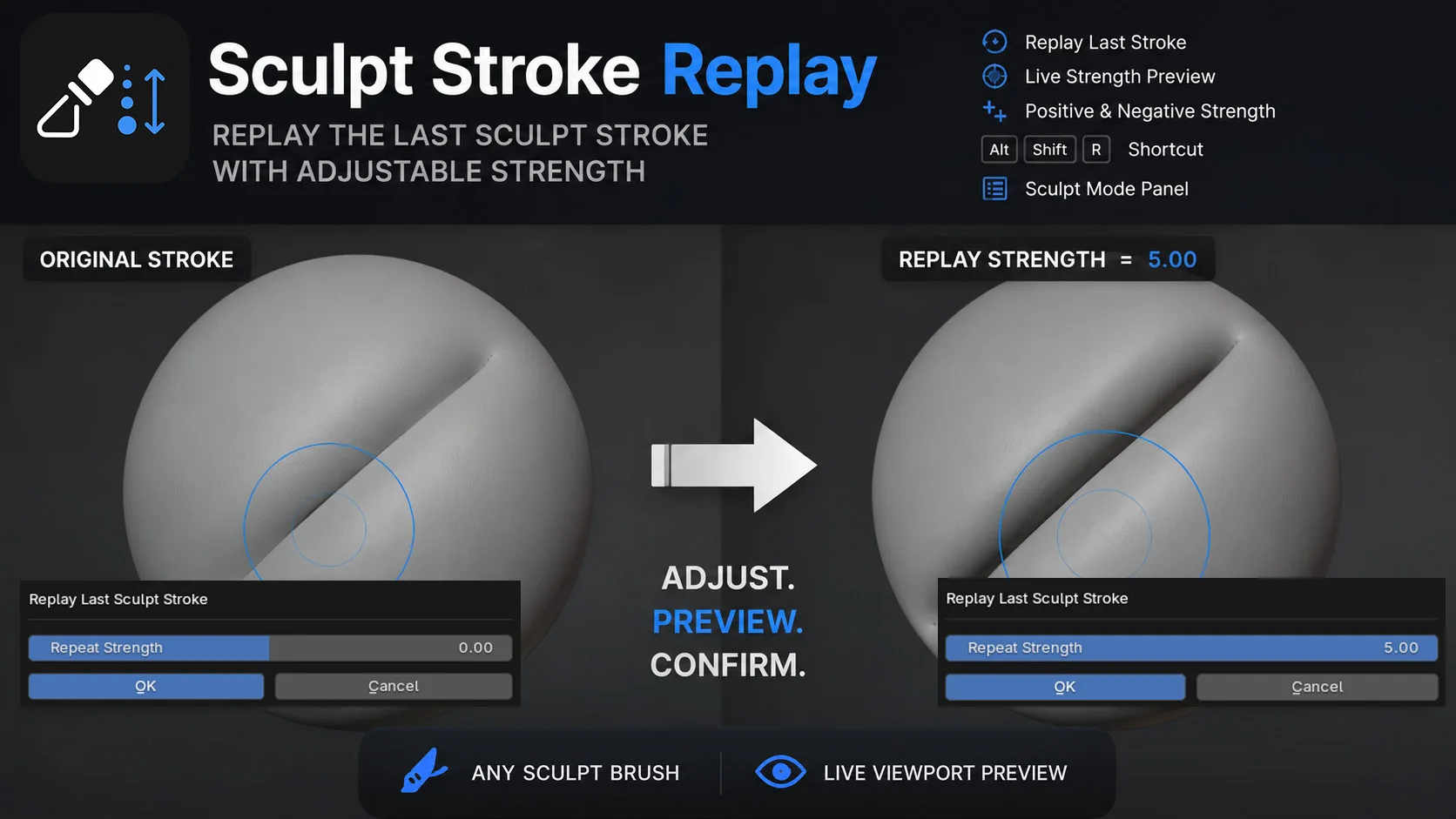
Sculpt Stroke Replay repeats a recent Blender sculpt stroke with adjustable strength and a live preview. Check its workflow, version support, and limits.
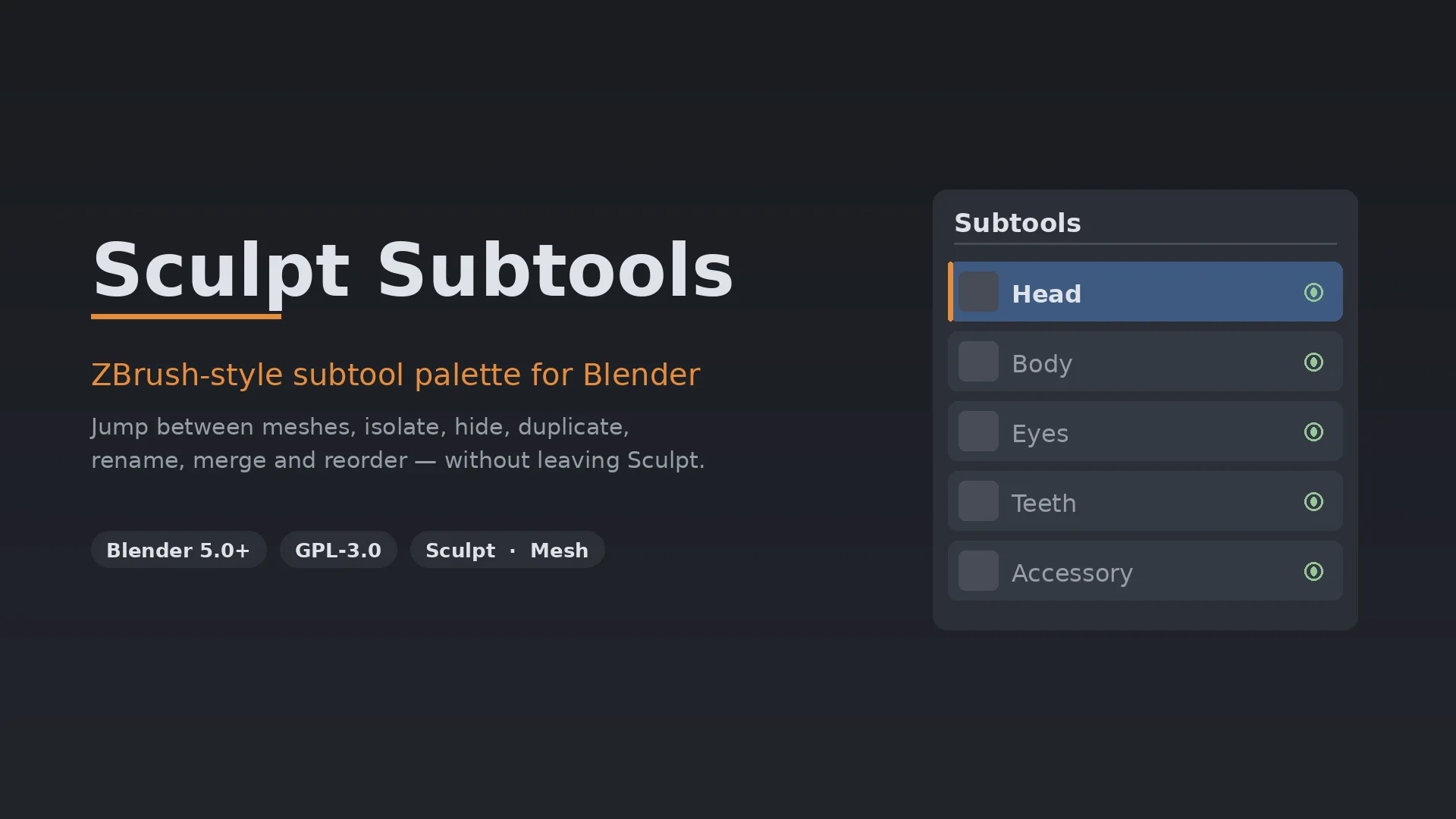
Sculpt Subtools are a ZBrush-style subtool palette for sculpting and organizing meshes; Blender 5.0.0 is the listed minimum. Check version support first.
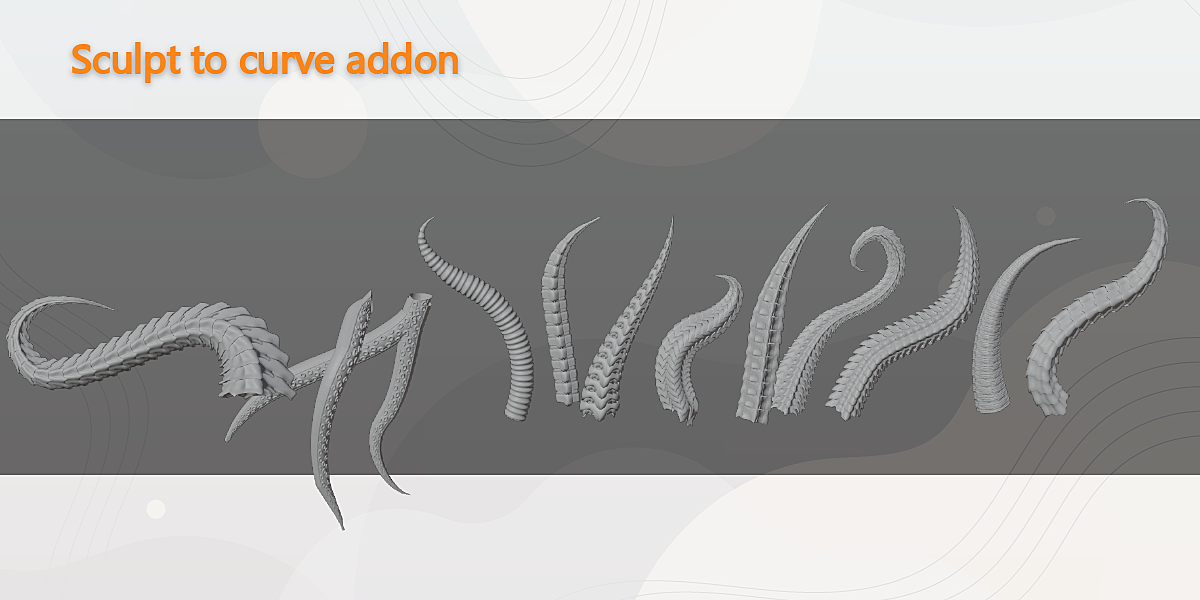
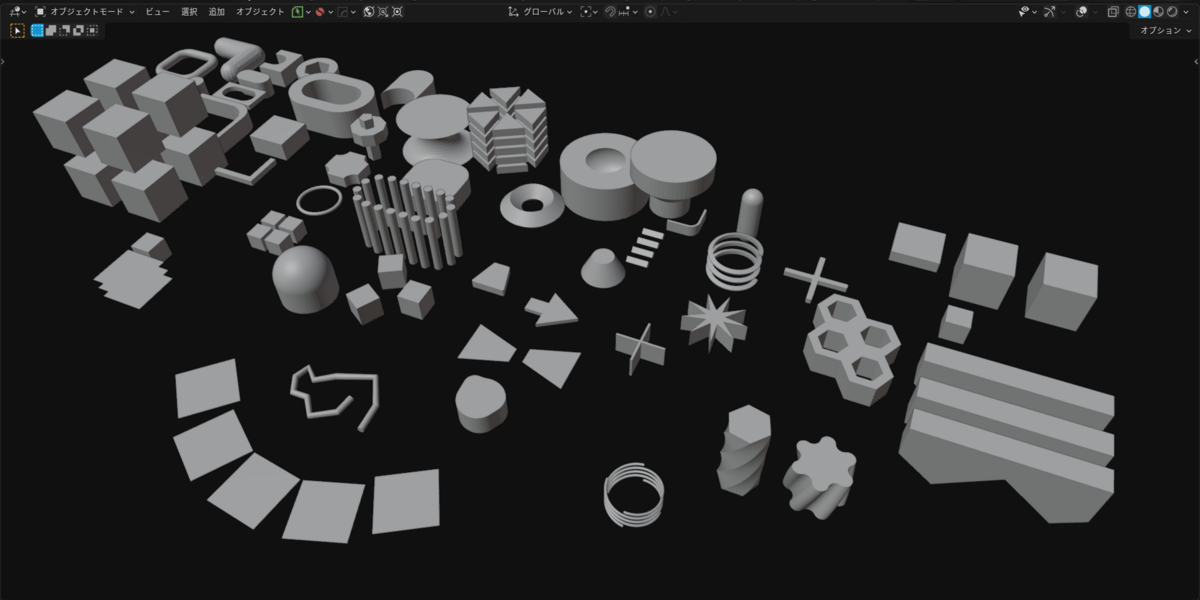
Shape horns, tentacles, teeth, scales, and chains along editable curves in Blender. See Sculpt To Curve's mesh library, controls, and version 4.0 features.
Explore Sculpt Toolkit for Blender: quad remeshing, envelope basemesh creation, boolean operations, sculpt mask tools, and viewport lighting controls.
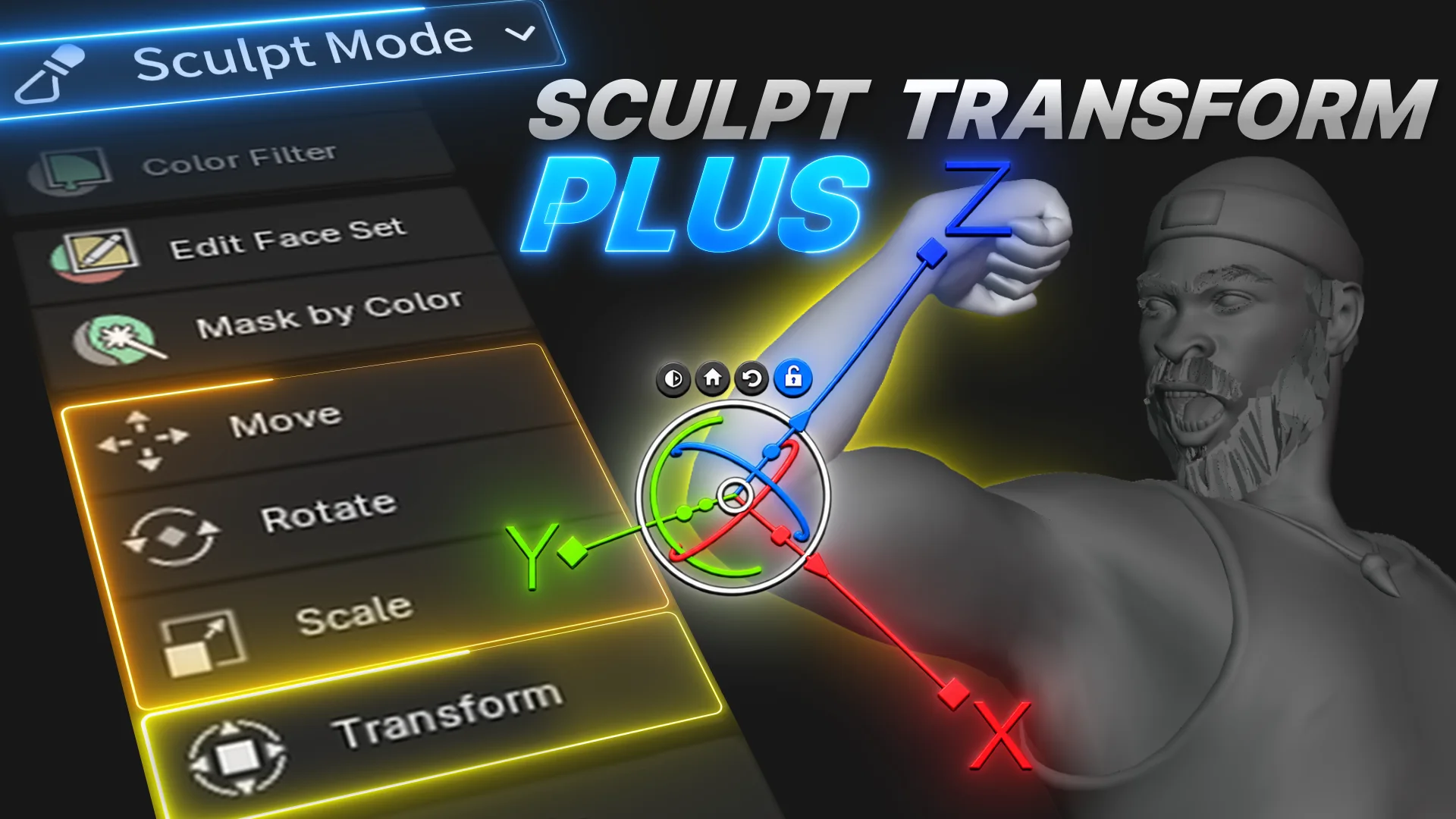
Sculpt Transform Plus is a Blender add-on that aligns its gizmo with its pivot, places pivots on mesh surfaces, and remembers them per object. Blender 5.3+.
Sculpt UVs are for painting, erasing, moving, and smoothing UV seams on the original mesh in Blender 5.0 and newer, using single-object Edit Mode.
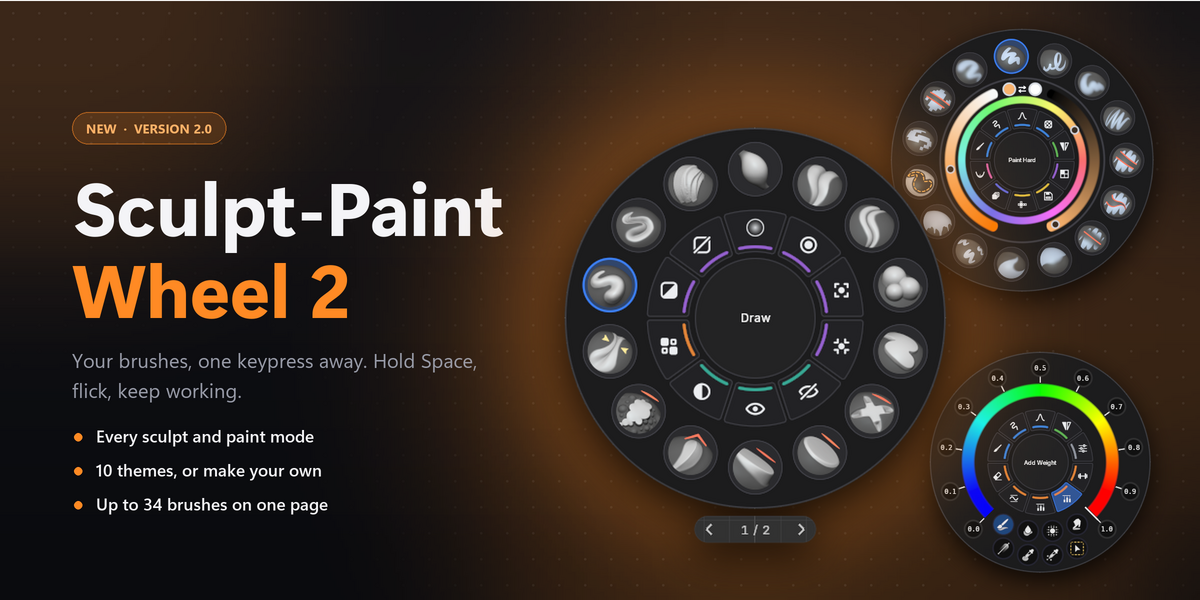
Use a cursor-centered Sculpt-Paint Wheel in Blender 5.1+ for sculpt, paint and Grease Pencil modes, with adjustable brushes, custom buttons and themes.
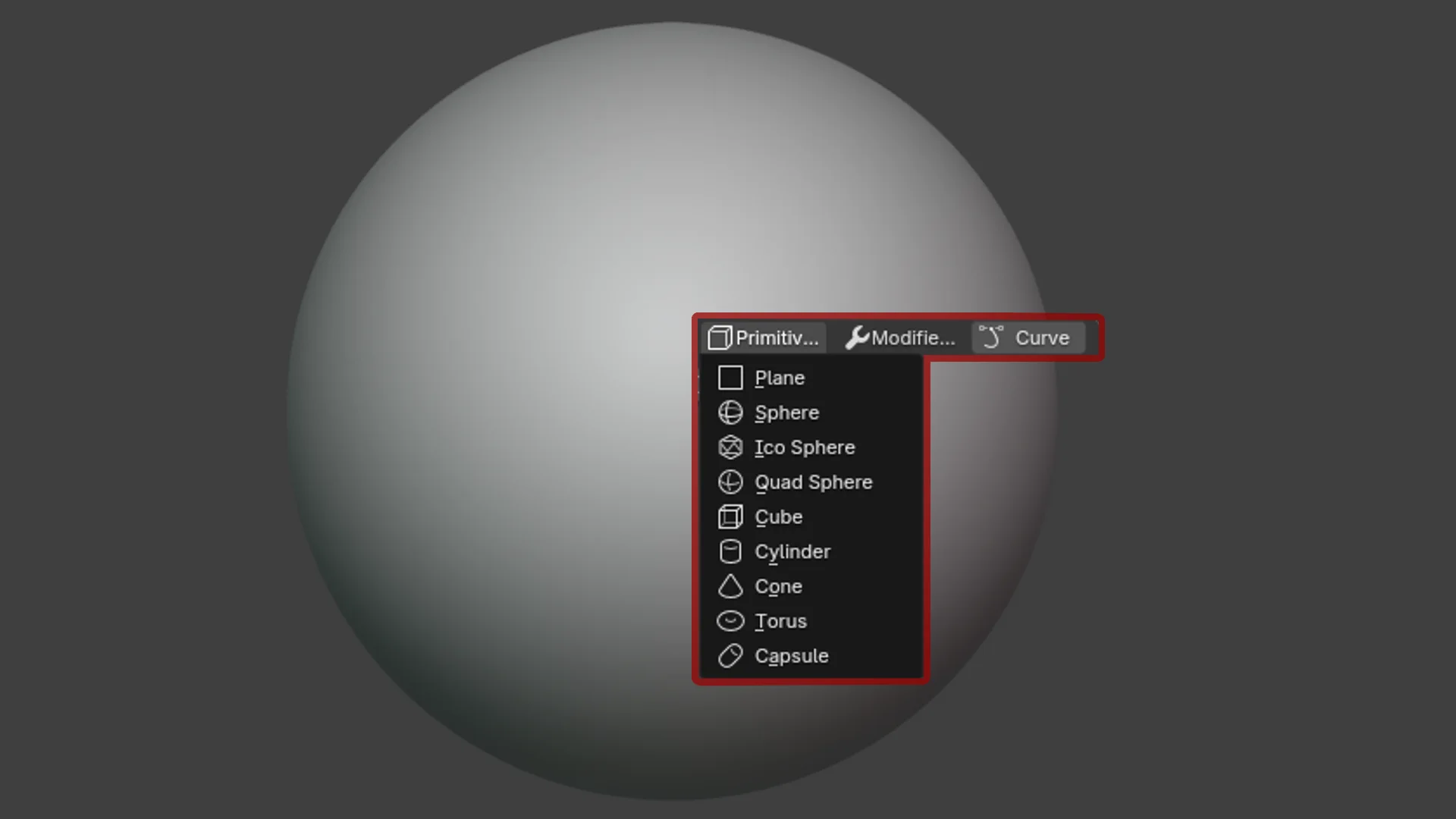
Use Sculpting Extra Meshes + Curve to add primitives, join objects, use Boolean and mirror tools in Sculpt Mode, and return editable curves to sculpting.
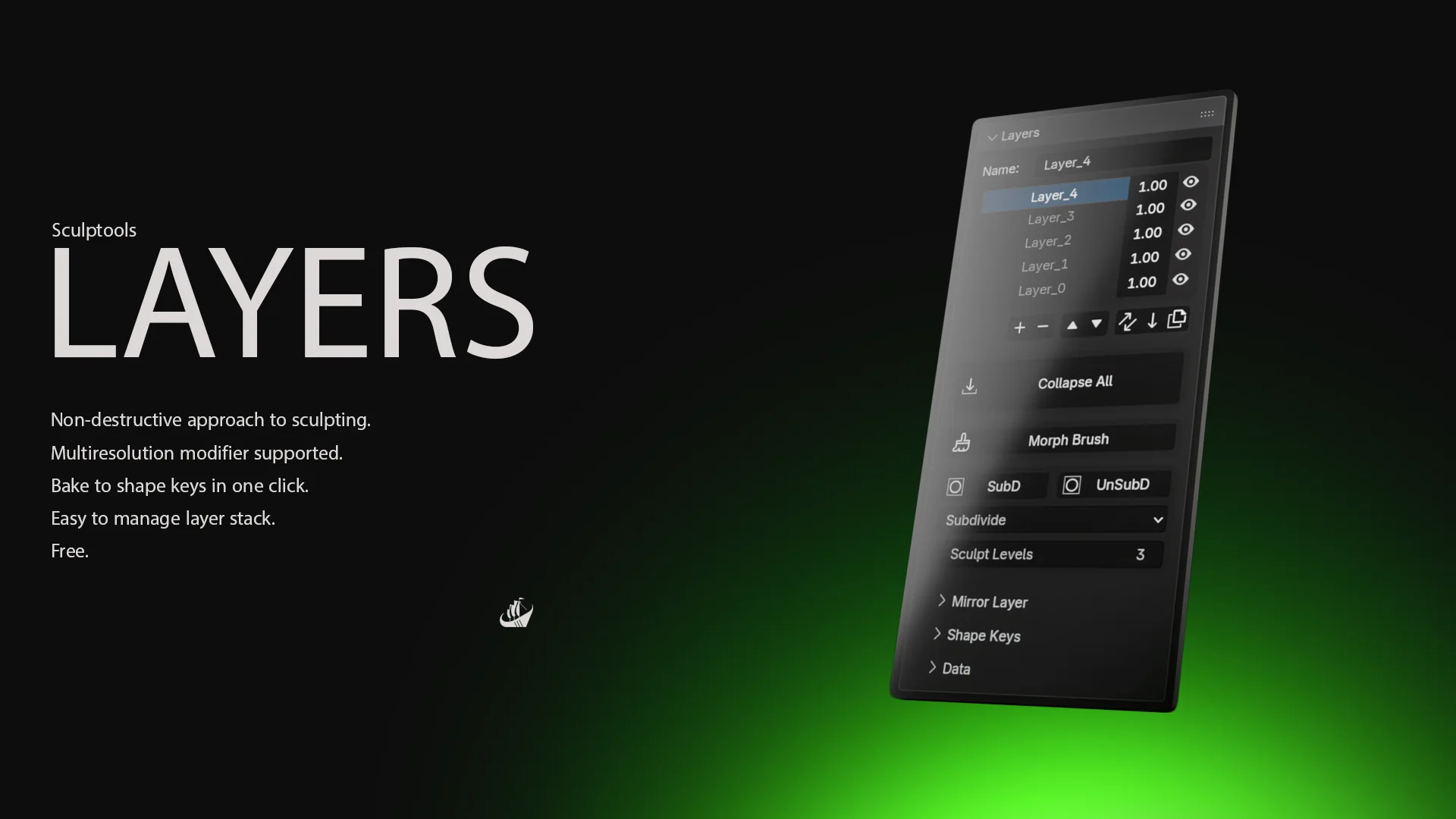
Explore Sculptools: Layers, a Blender add-on for non-destructive sculpting, with version 1.1.0 and a minimum Blender version of 4.5.0. Check the listing.
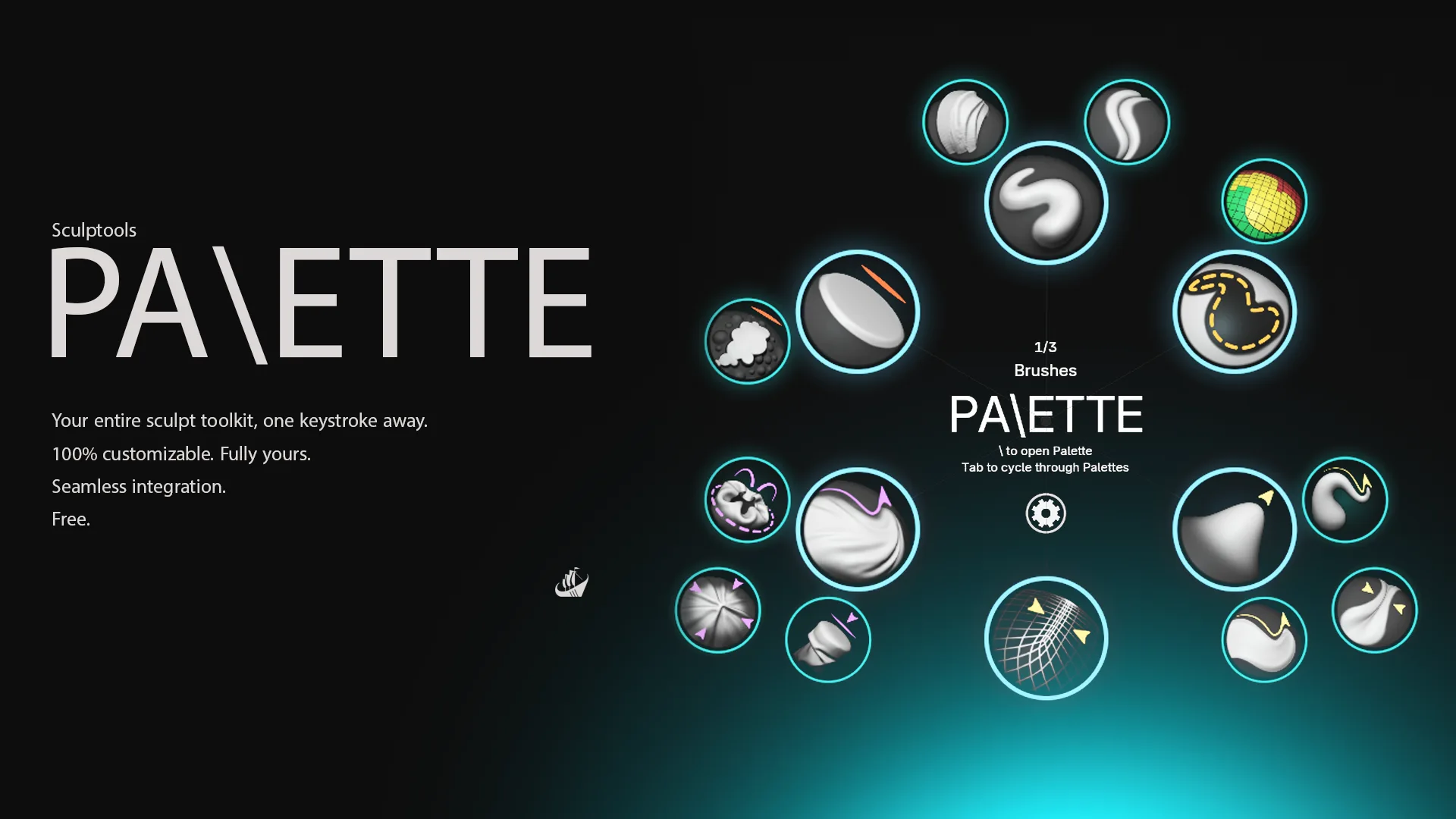
Sculptools: Palette adds a radial palette for Blender sculpt brushes and tools. Check the 1.4.0 release details and Blender 4.5.0 compatibility.
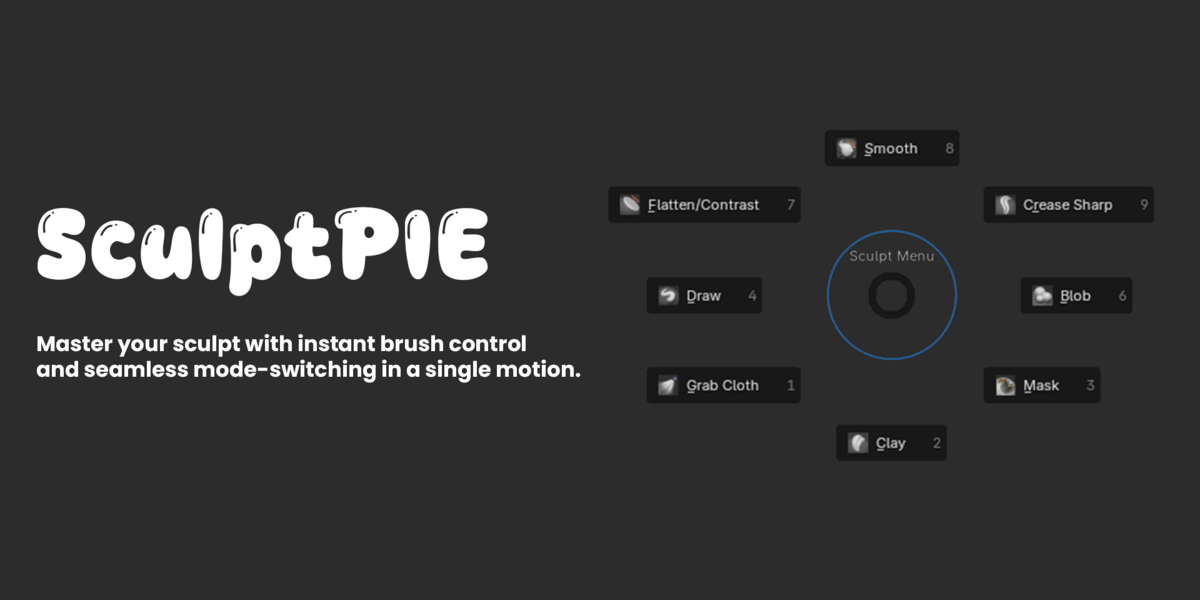
SculptPie puts brush selection, radius, strength and direction in an eight-slot Blender pie menu. See its shortcuts and Blender 5.0 test status.
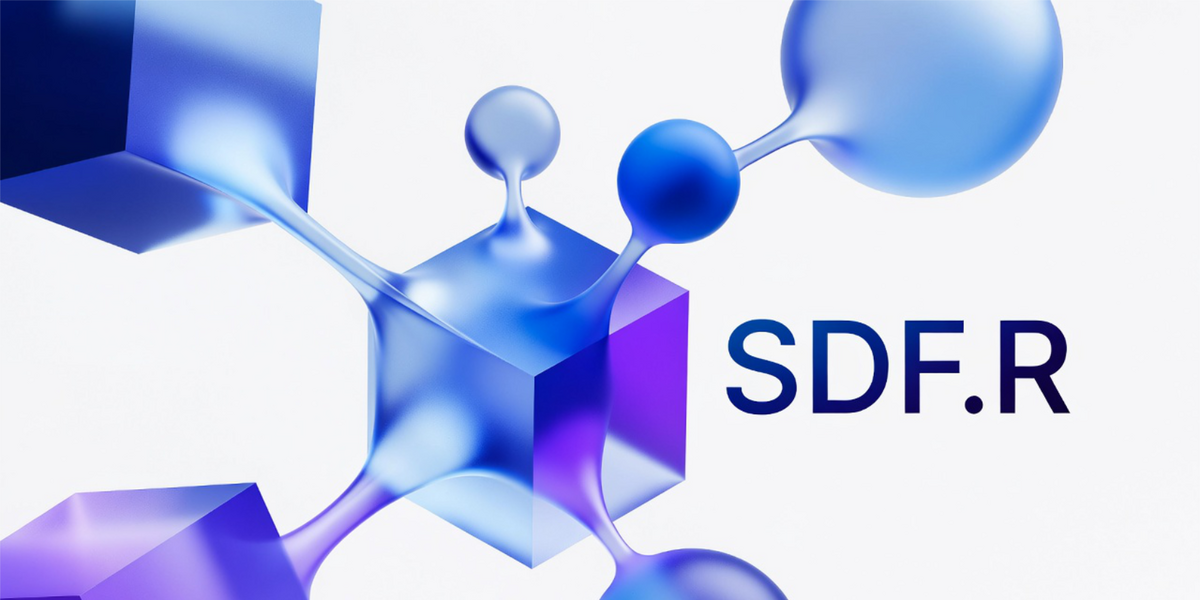
Sdf.R adds GPU-based SDF modeling to Blender, with live previews, Boolean operations, curves, procedural fields, and editable mesh output.
SDFusion organizes Blender Boolean cutters into ADD/SUB layers, with modifier and native SDF Geometry Nodes editions. Compare their workflows and setup.
Use Sdwebuitools to add Stable Diffusion images to Blender with txt2img, inpainting and up to three ControlNet units. It requires Windows, WebUI and ControlNet.
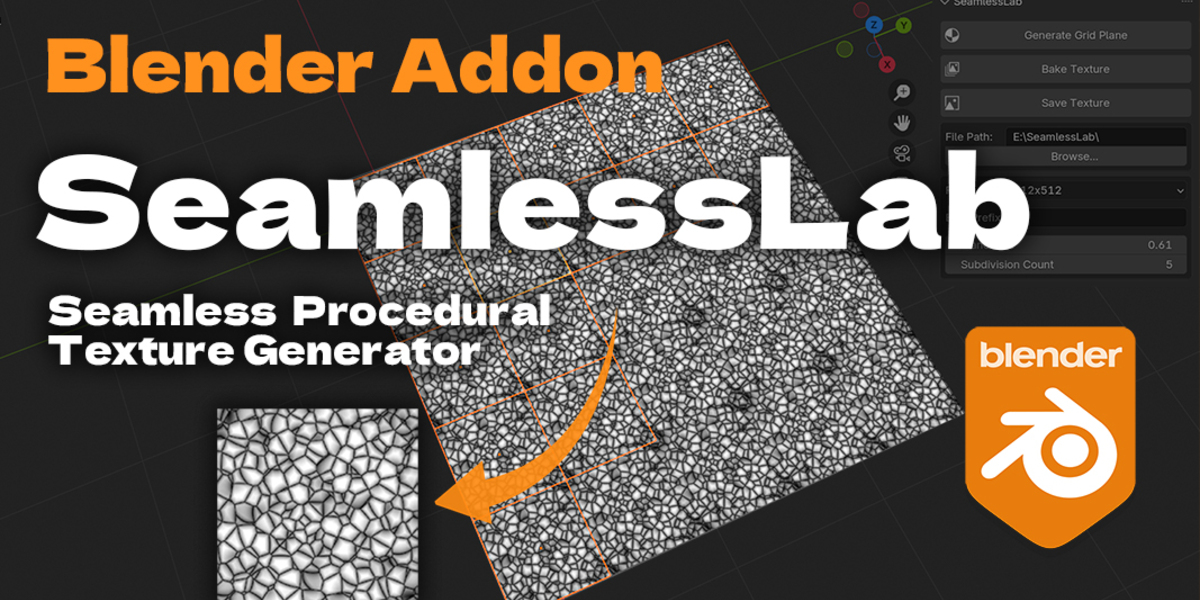
Preview tileable Noise and Voronoi materials in a Blender grid, then bake padded PNG textures from 64px to 8K with SeamlessLab. Review the workflow.
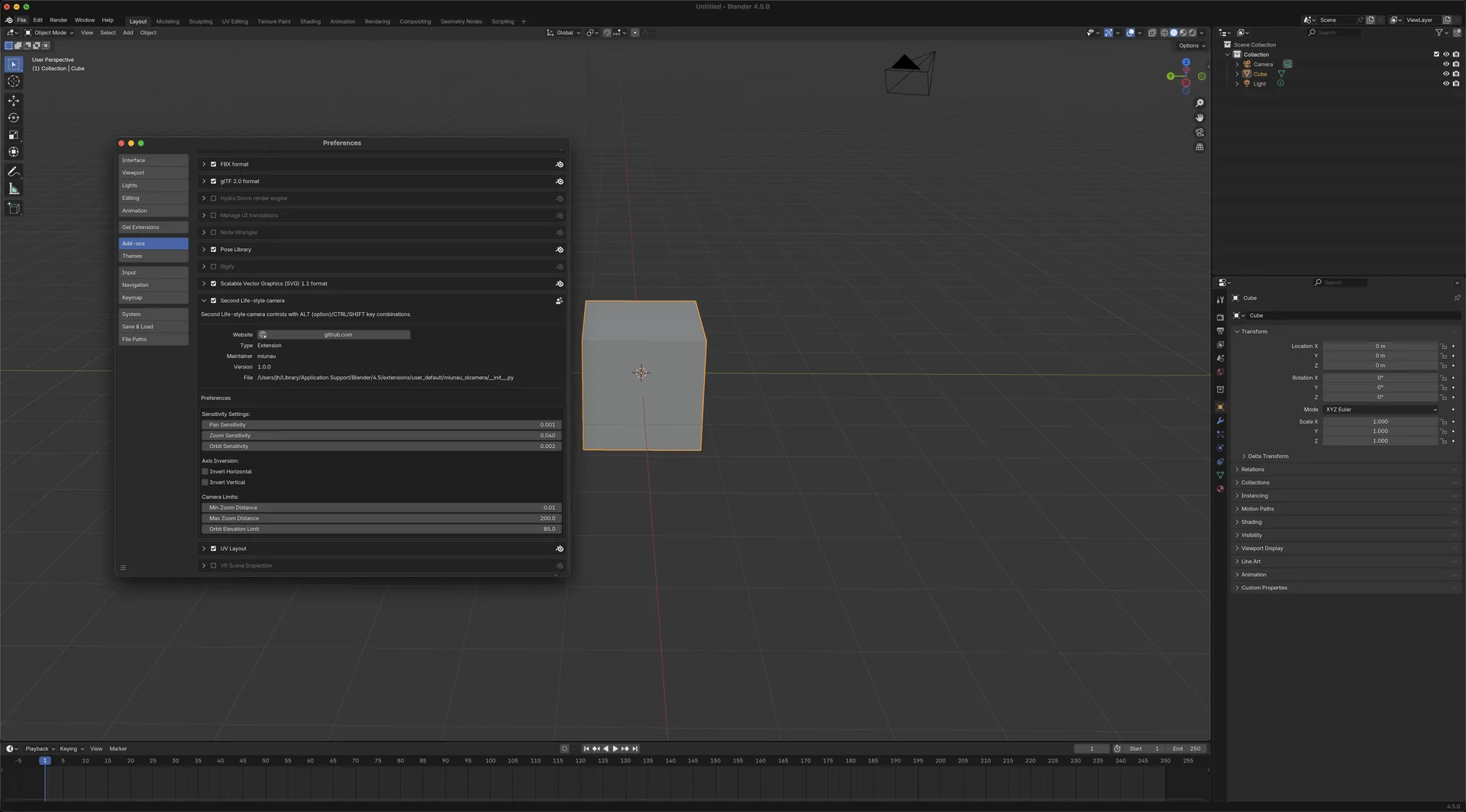
Use Second Life-style camera to focus, orbit, zoom and pan Blender's 3D View with Alt, Ctrl and Shift. See the supported Blender version and mouse controls.