Secondary Language
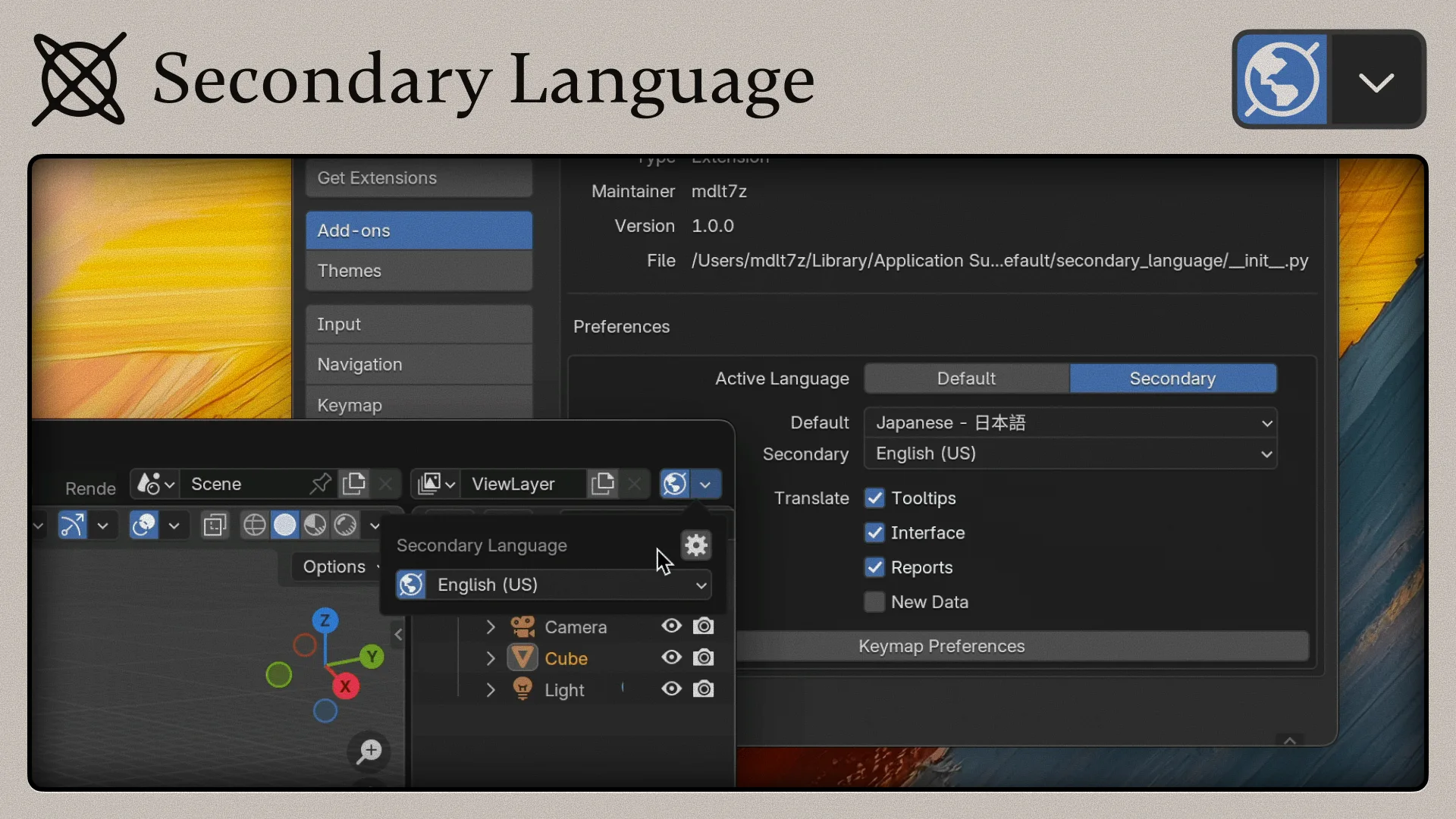
Switch between two Blender interface languages with Secondary Language’s configurable keymap. Version 1.1.0 supports Blender 5.0 and newer.
Published software and plugin guides for Blender. Page 152 of 196.
Read the software guideSwitch between two Blender interface languages with Secondary Language’s configurable keymap. Version 1.1.0 supports Blender 5.0 and newer.
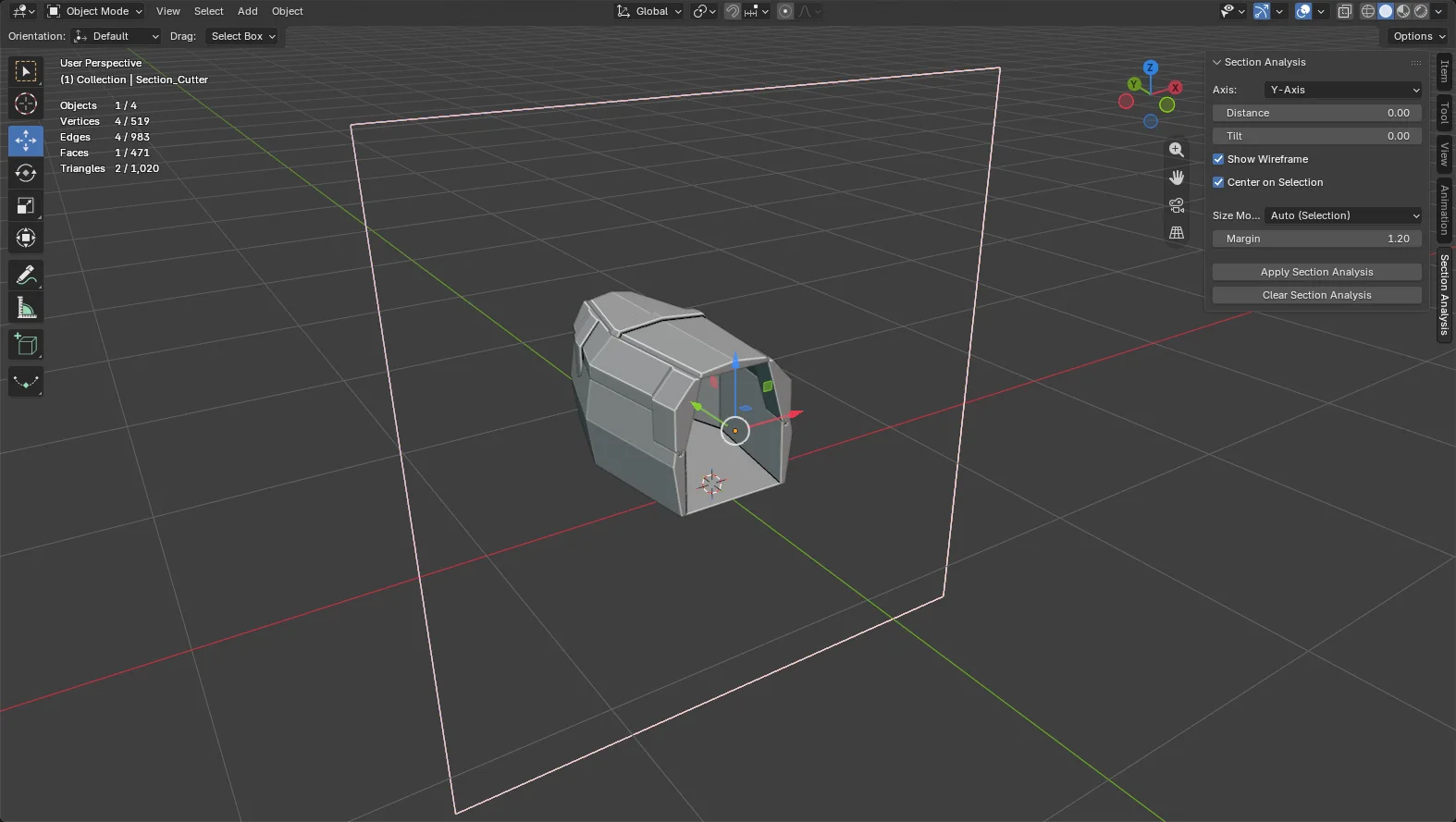
Section Analysis Tool for Blender creates cross-sections and analyzes internal geometry. Check its version, Blender requirement and license before installing.
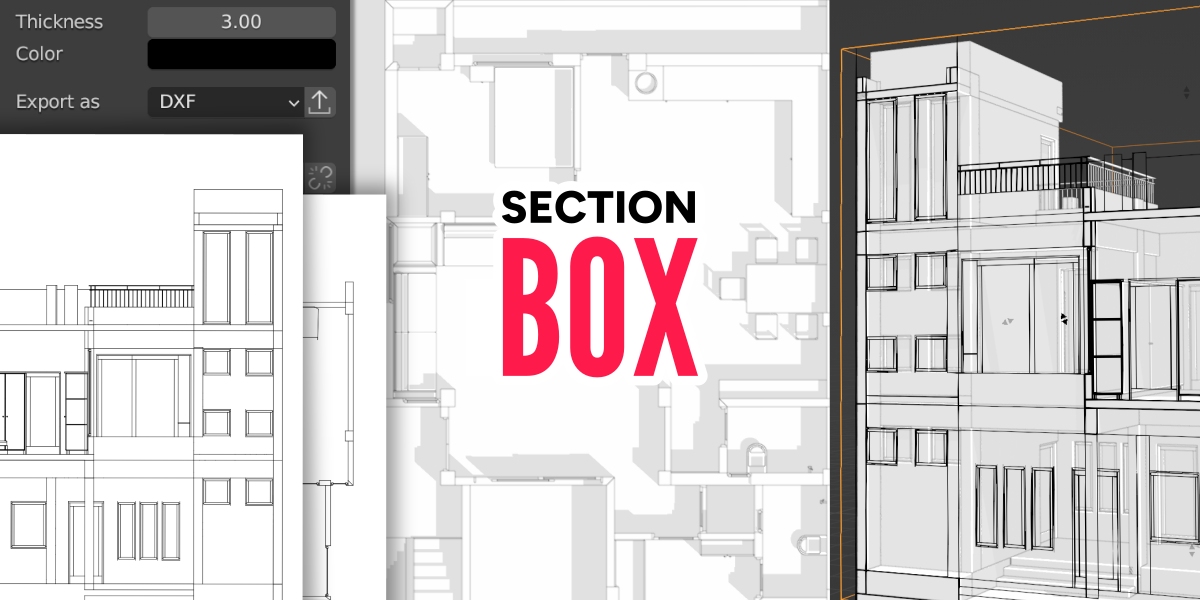
Create cross sections, elevations, dimensioned floor plans, presentation views and layered DXF exports in Blender with Section Box by Ruben Messerschmidt.
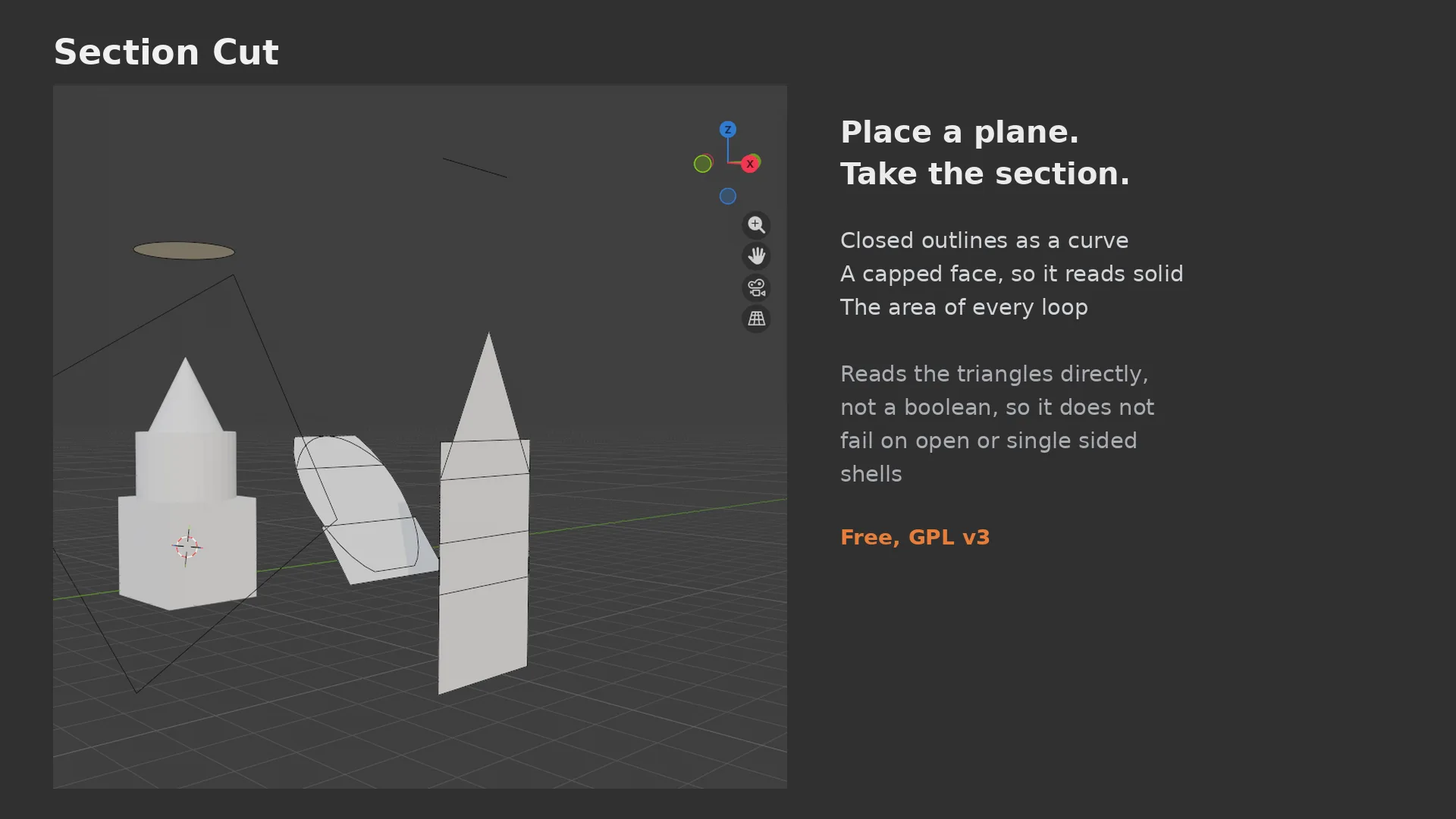
Section Cut 1.0.1 is a Blender add-on for placing a plane and taking a section as real geometry. It requires Blender 4.2.0 or later.
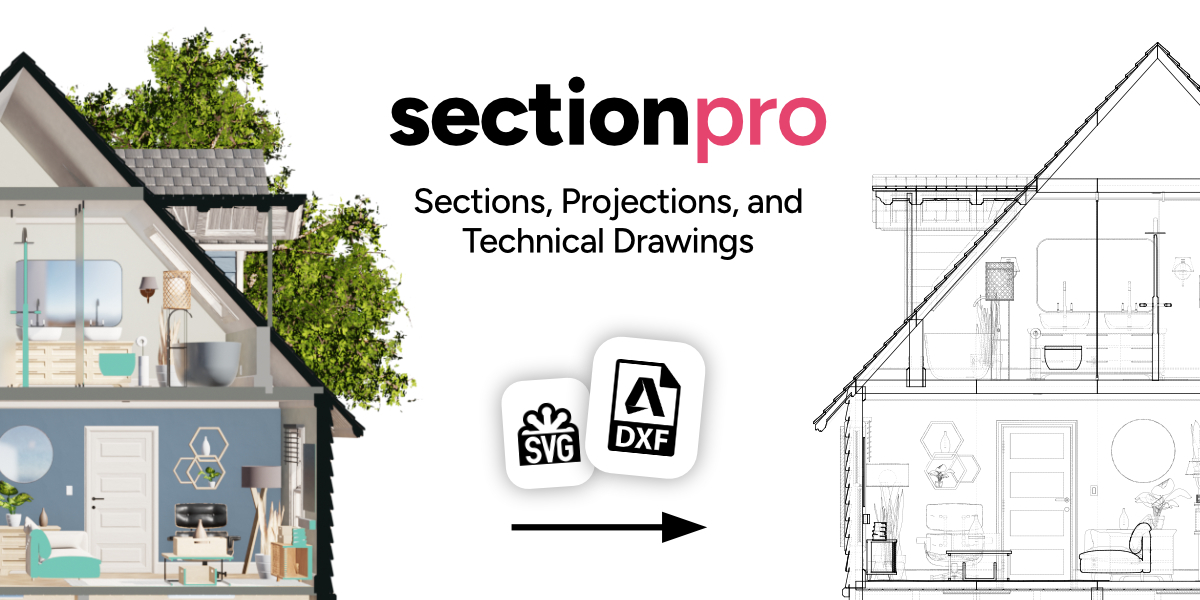
Create floor plans, elevations and 2D technical drawings with Section Pro's angled cuts in Blender, then export layered linework to DXF or SVG.
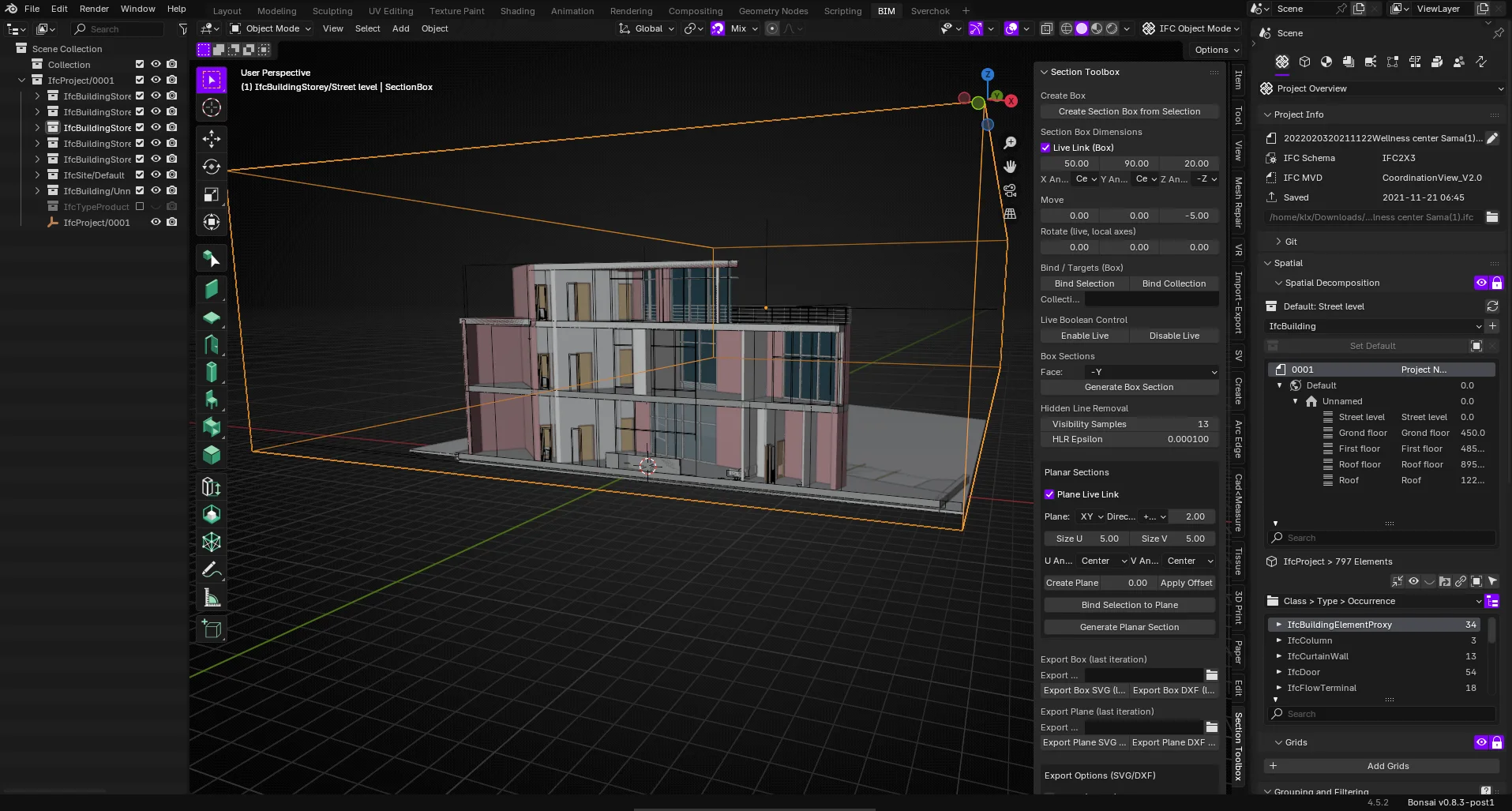
Section Toolbox is a Blender add-on for adjustable section boxes and planar cuts with view-aligned SVG/DXF exports. Check the listed Blender 4.2.0 minimum.
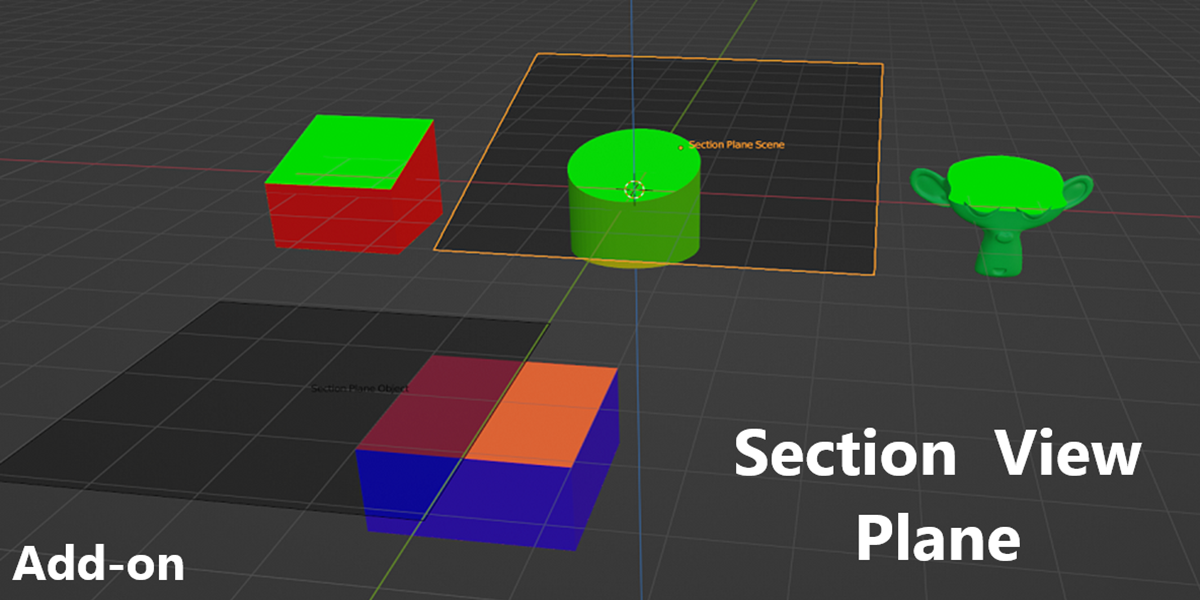
Section View Plane lets you inspect Blender objects or scenes using movable cuts, color controls and restore tools. Check downloads for your Blender version.
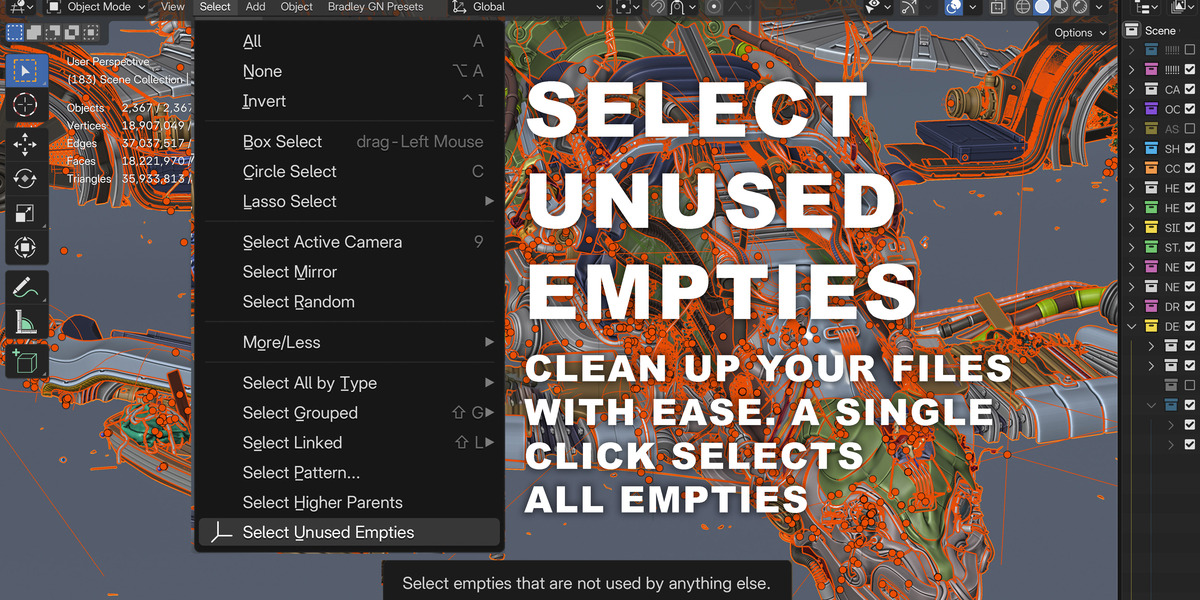
Select And Clean Unused Empties finds Blender empties that meet its dependency checks and selects them in the current View Layer for review.
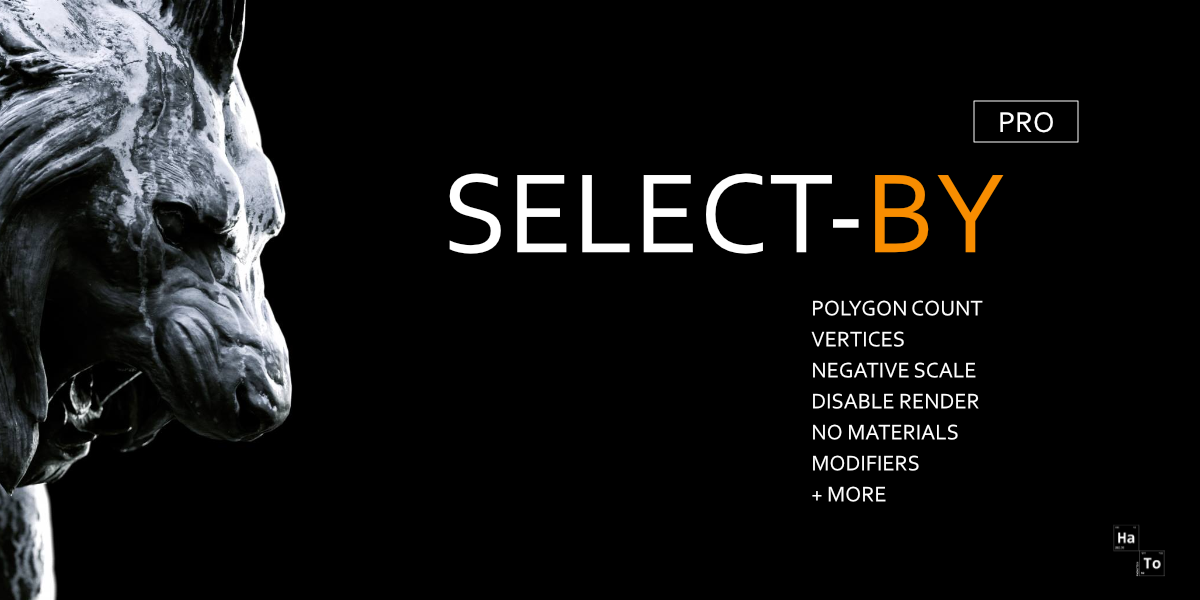
Select Blender objects by polycount, transforms, materials and modifiers. Select By stores selections and changes render state. Check the Blender version list.
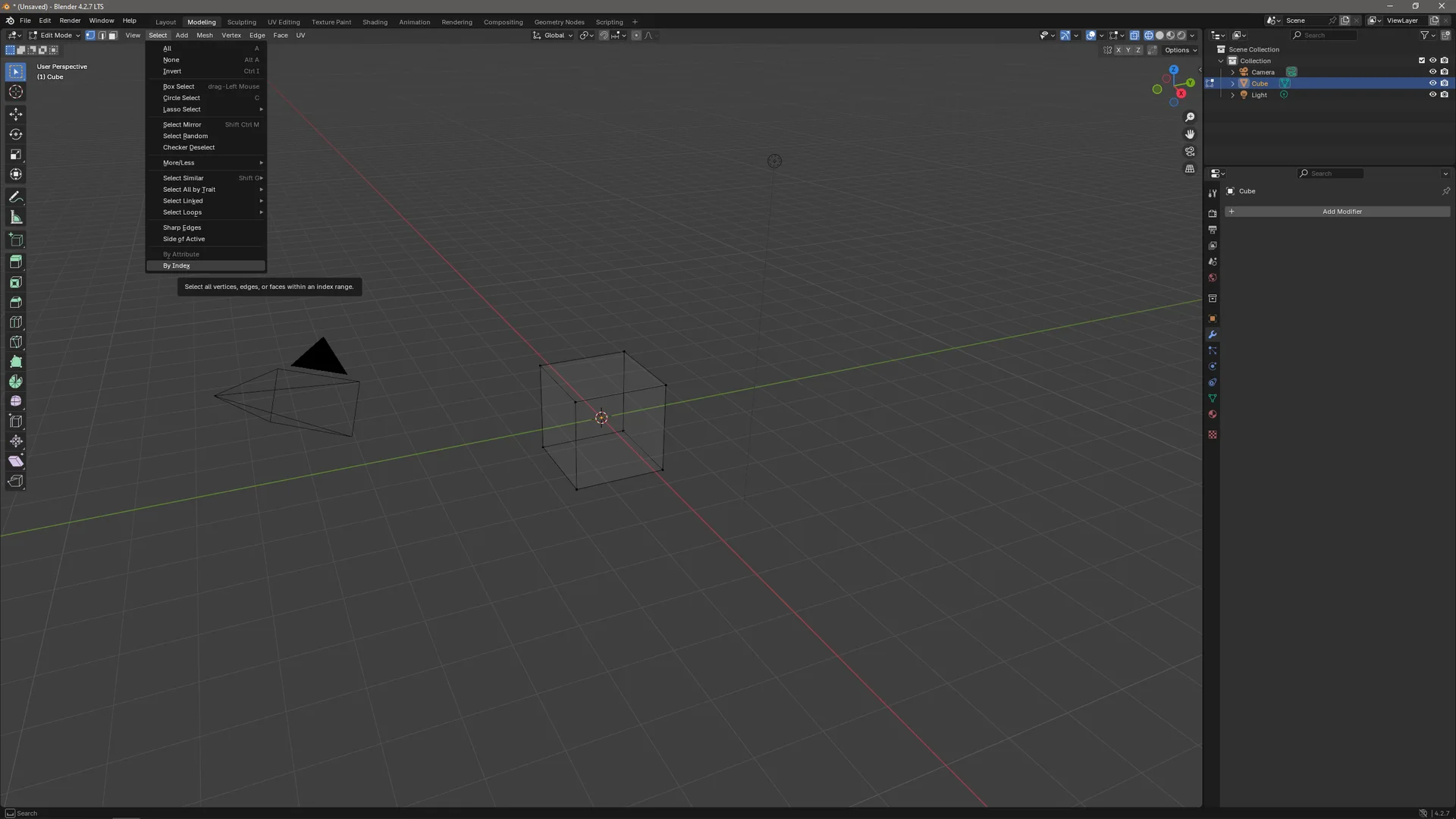
Select vertices, edges, or faces by index in Blender Edit Mode. Set a start and stop range or use Count mode, then replace or add to the current selection.
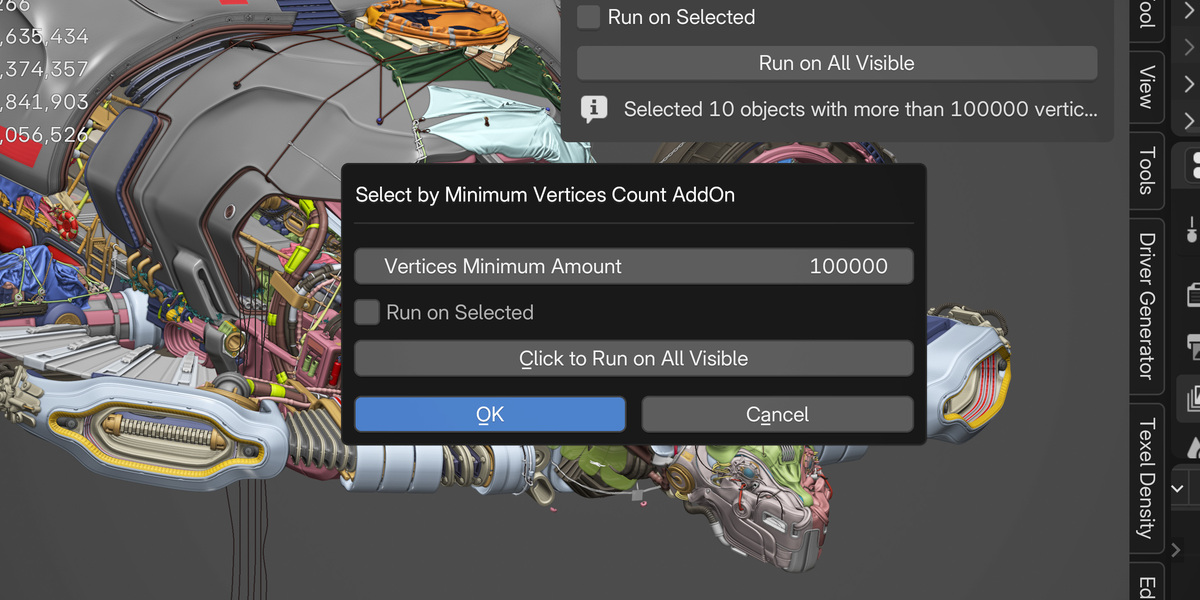
Select By Minimum Vertices Count Add-On is a tool for selecting Blender objects that meet or exceed a viewport vertex threshold, modifiers included.
Select Circle Radius Keymap adjusts Select Circle's radius with PageUp and PageDown in Blender 2.9x; support for later releases is unconfirmed.
Select Flow combines object selection, origin placement, filtering, mesh checks, and saved selections. Its listing reports support for Blender 4.5 to 5.0.
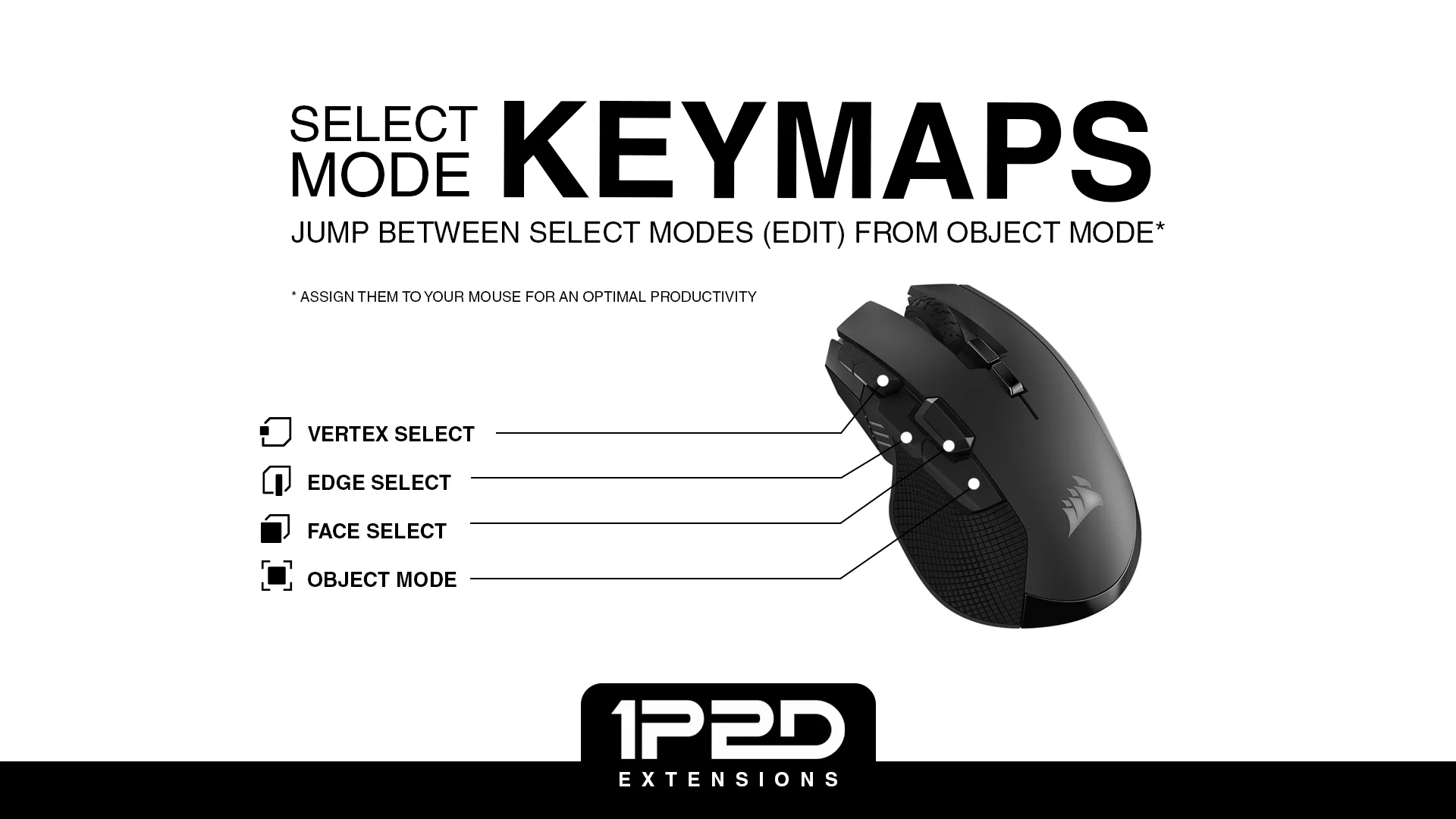
Set Blender shortcuts for Object/Edit Mode and Face, Edge, or Vertex Select. Select Mode Keymaps 1.0.1 supports Blender 4.5.0 and later.
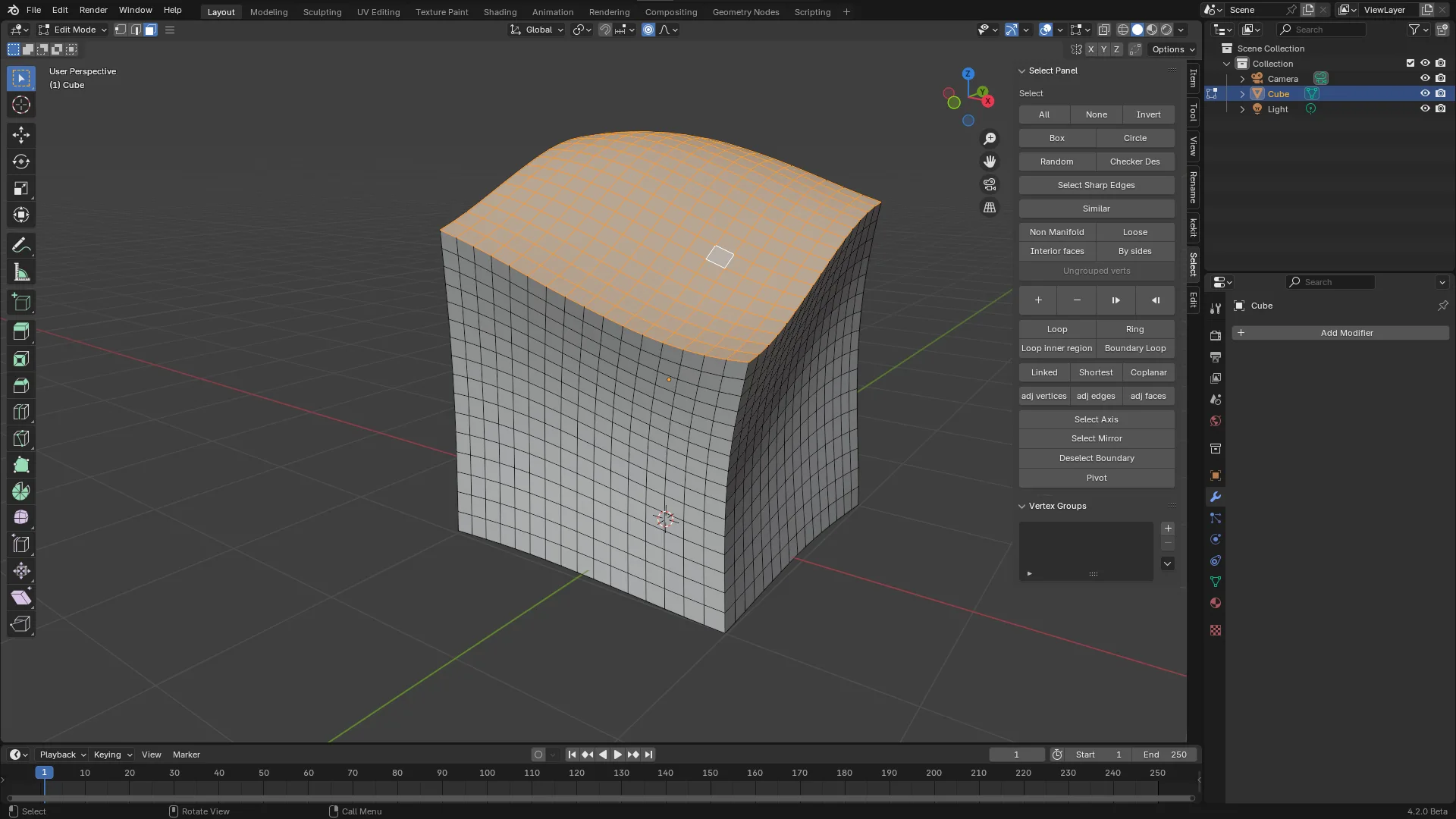
Select panel is a Blender add-on for built-in selection tools and viewport shortcuts to select an island, select next, or grow or shrink a selection.
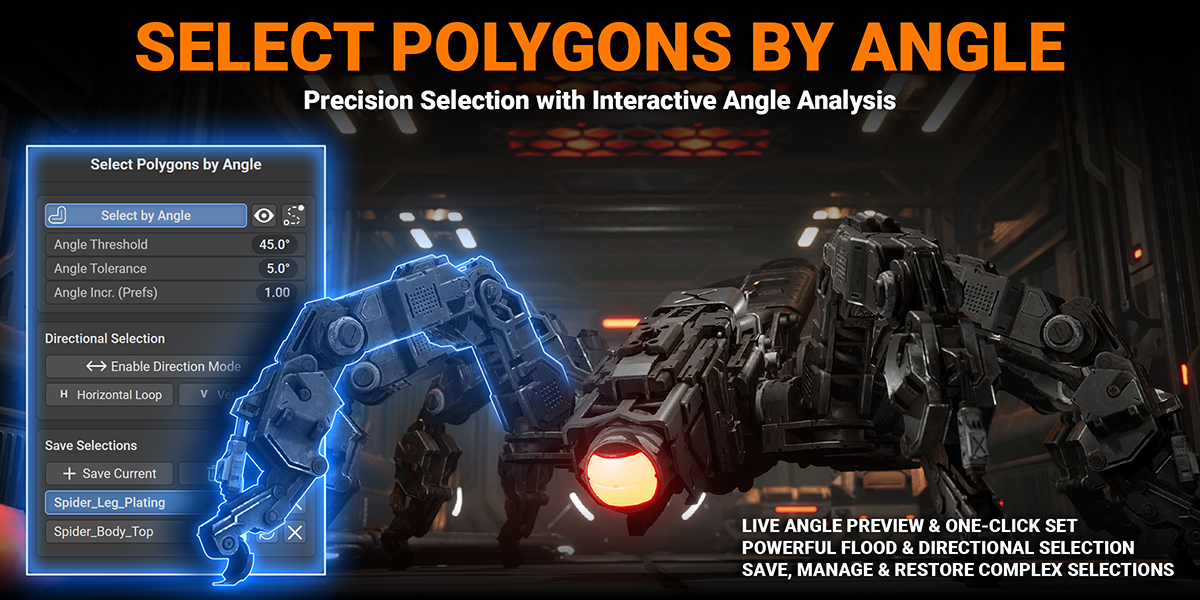
Select Polygons By Angle adds angle-based flood fill, quad loops, preview and saved sets to Blender. Check supported Blender versions before installing.
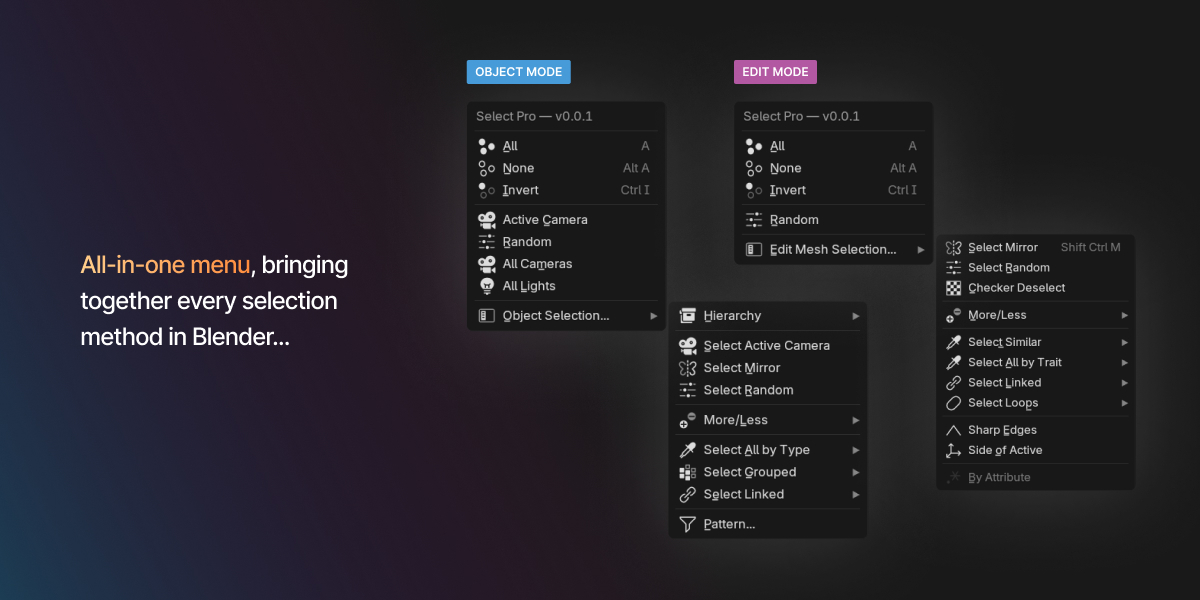
Select Pro is a Blender add-on with context-aware tools for mesh selection in Edit Mode and object hierarchy, size, and name matching in Object Mode.
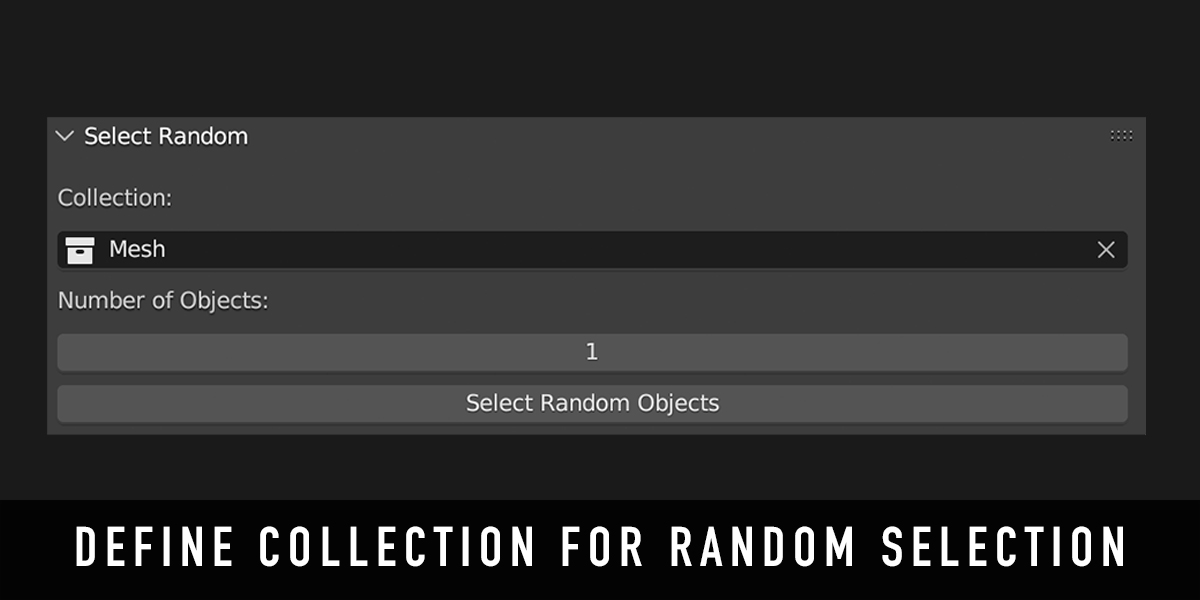
Select Random Plus is a Blender add-on for random mesh selection and object-mode selection by count. Vertex groups filter vertices; collections filter objects.
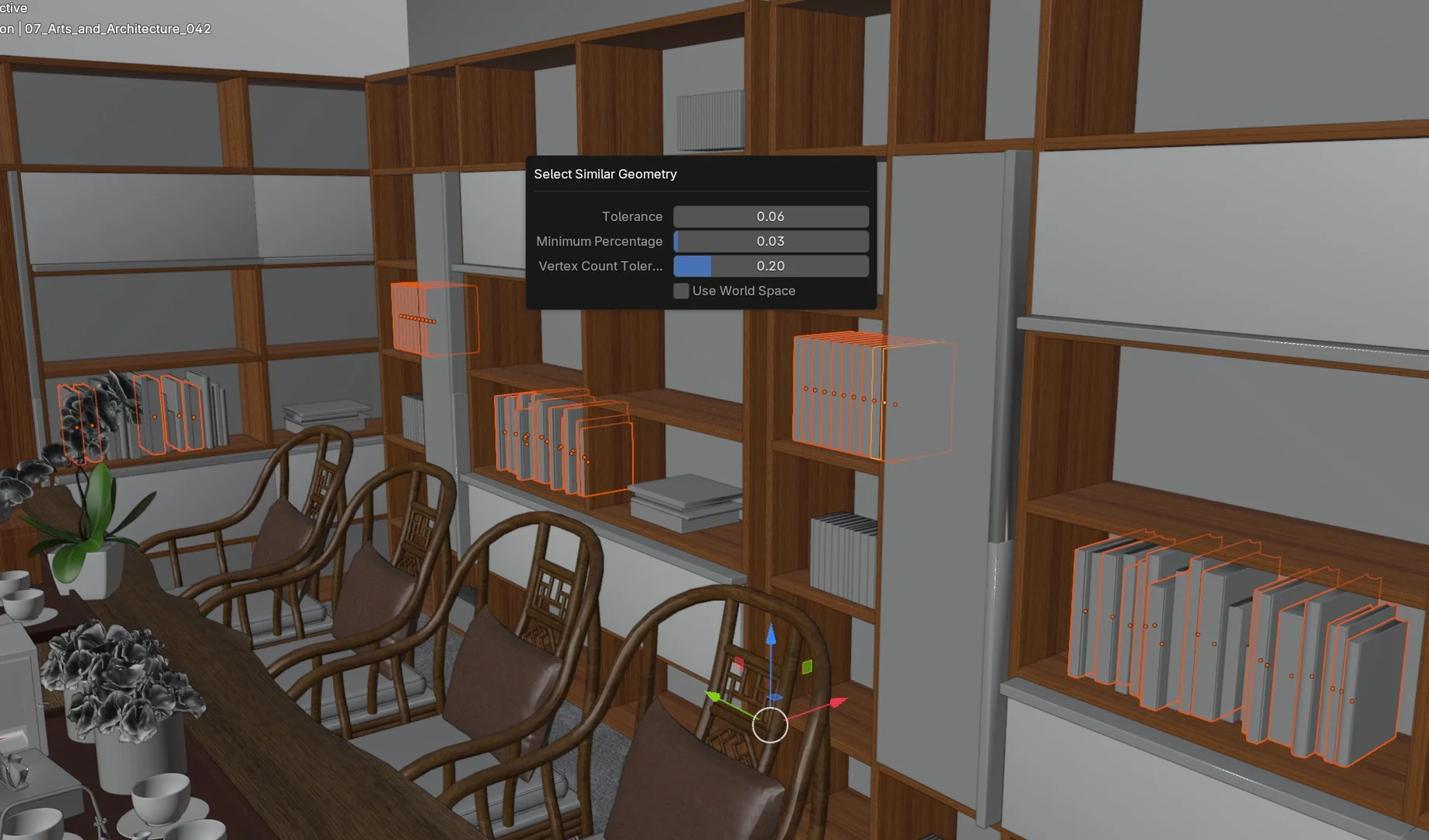
Select Similar Geometry compares Blender mesh vertices by position. Adjust tolerance, threshold and coordinate space, then check Blender 5.0+ compatibility.
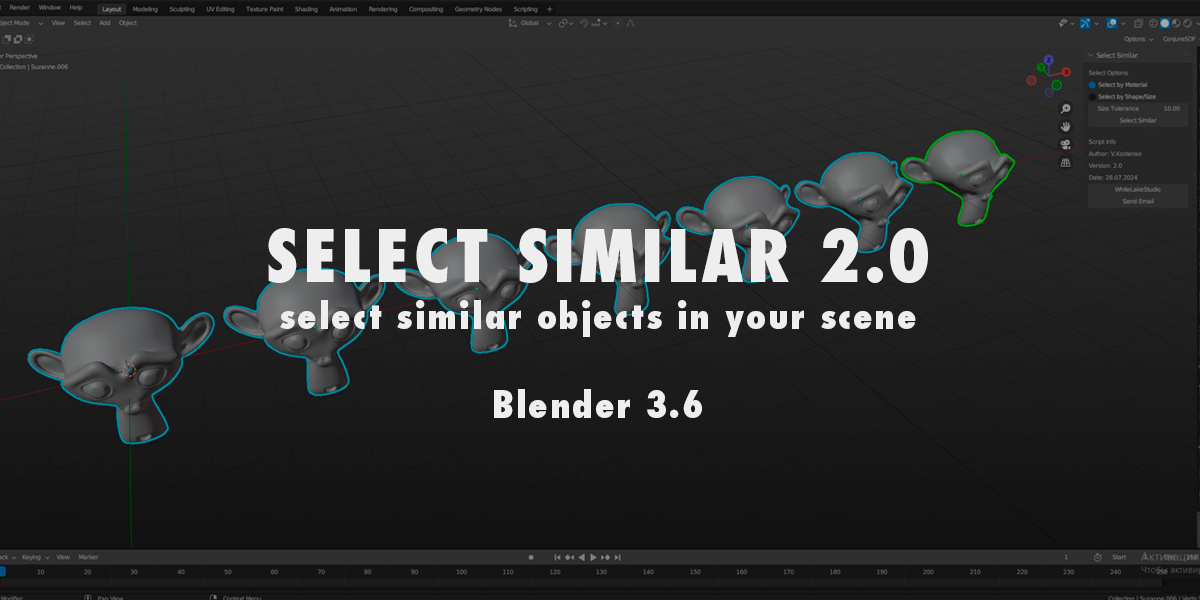
Find differently named objects by similar size, instance copies, or shared material in crowded Blender scenes with Select Similar Objects (Blender 3.6).
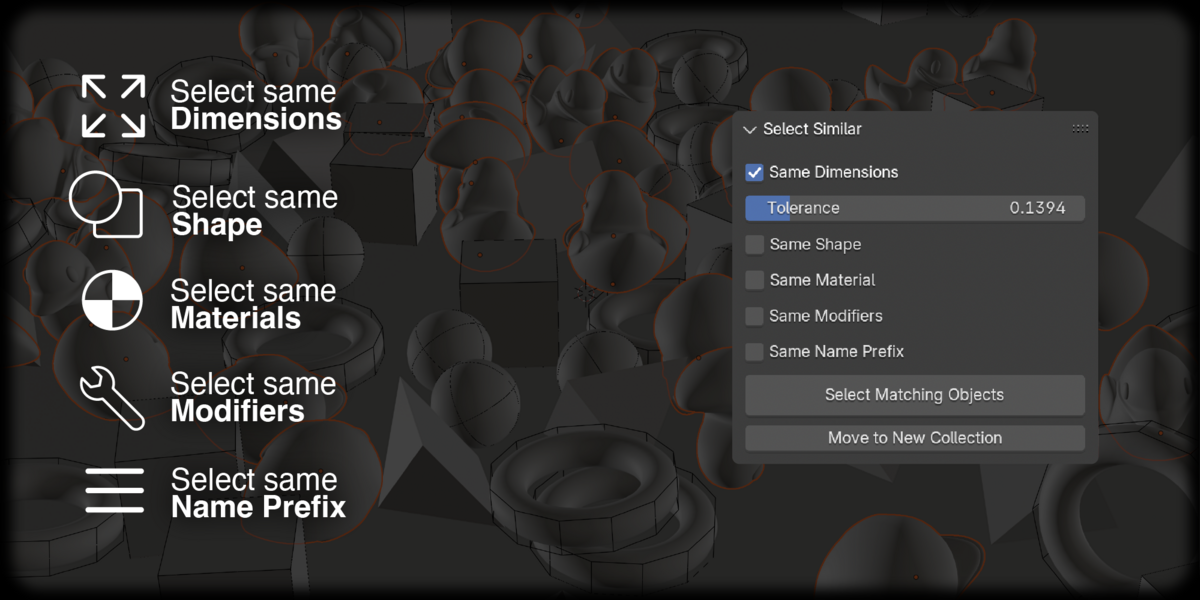
Select Similar Tools selects Blender objects by properties or name prefix and groups them in a collection. Check Blender compatibility before installing.
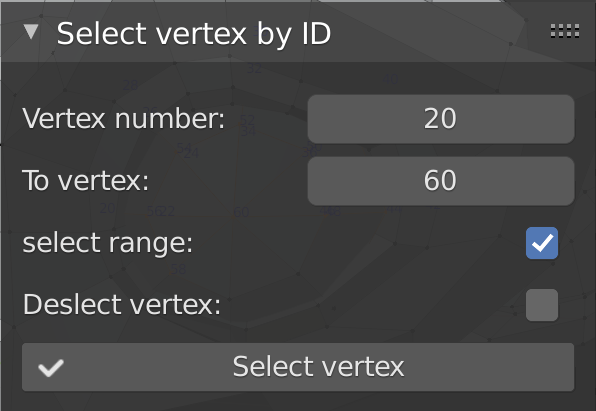
Select a Blender mesh vertex by its index, or choose a range. Learn how to show indices in the viewport and check the add-on's listed Blender versions.
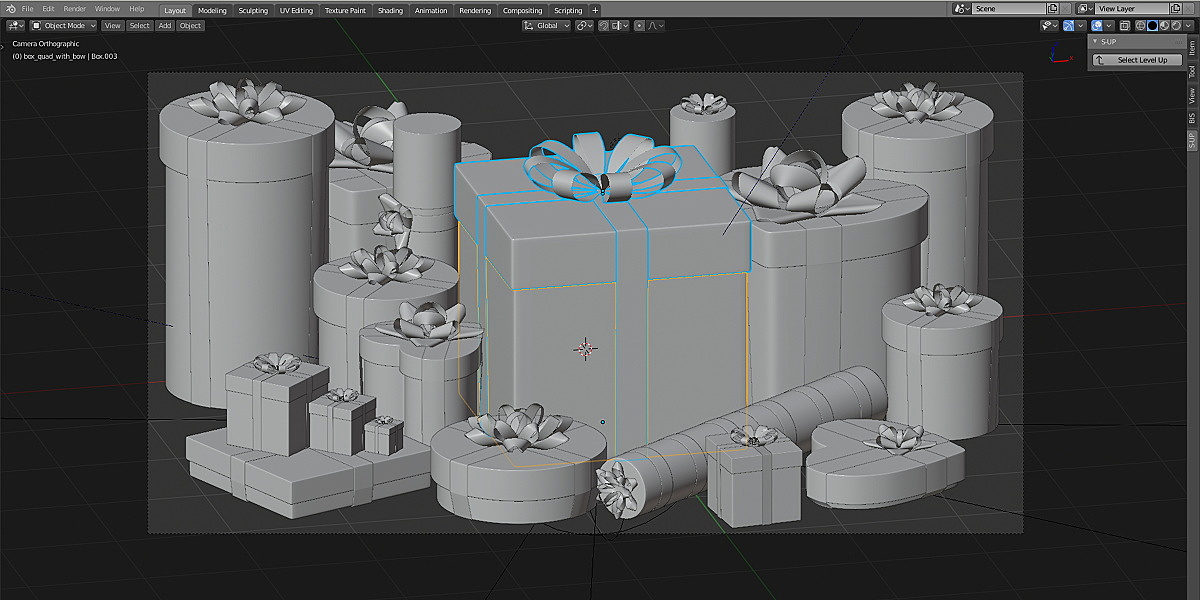
Select-Up is a Blender add-on for collection selection. Its listing names versions through 3.6; the Blender Version field ends at 3.4. Install from ZIP.
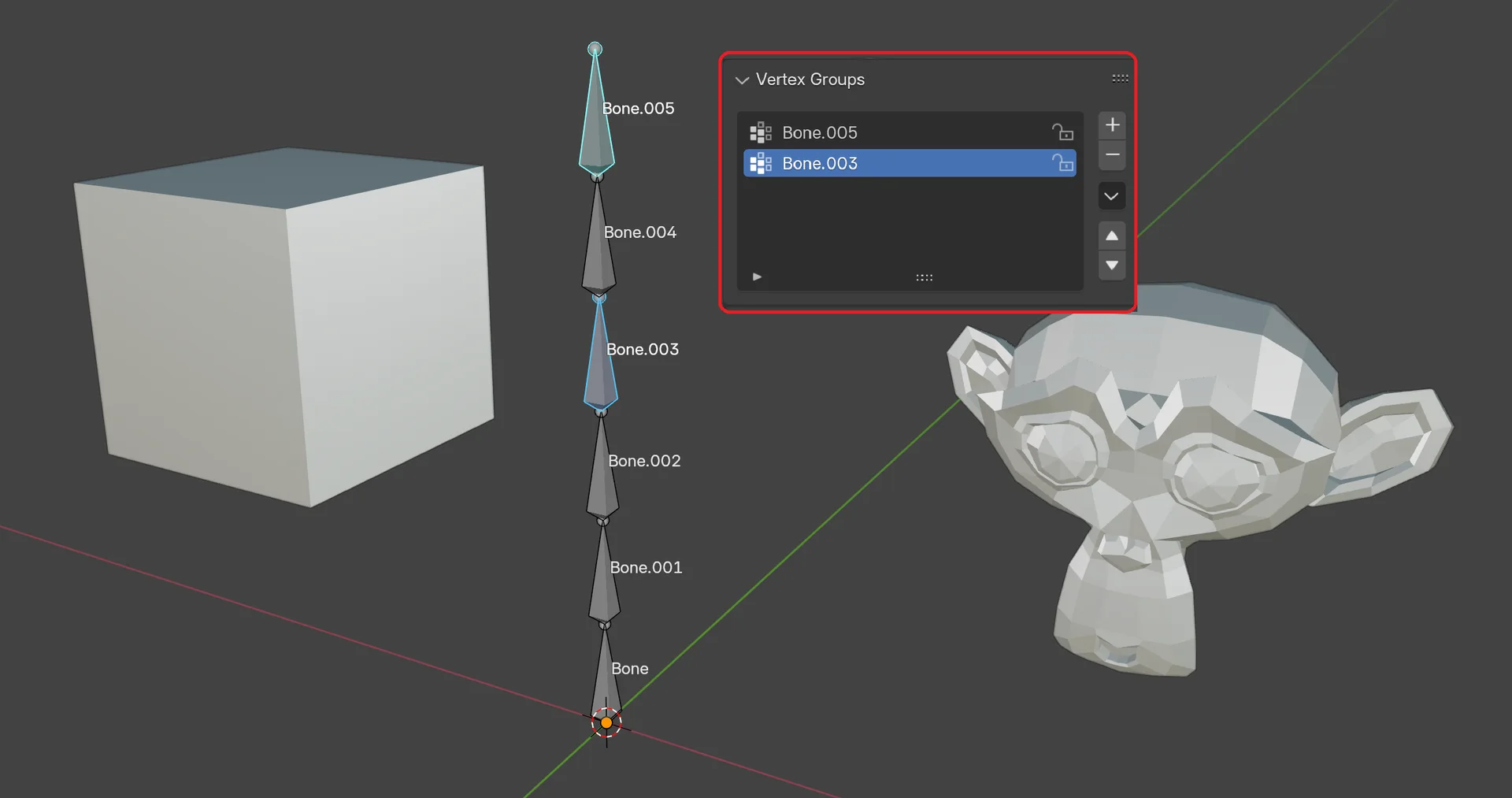
Selected_Bones_To_Vertex_Group adds or removes selected bones from vertex groups on several Blender meshes. See the workflow and Blender 4.2+ support.