Selectedtovertexcolor
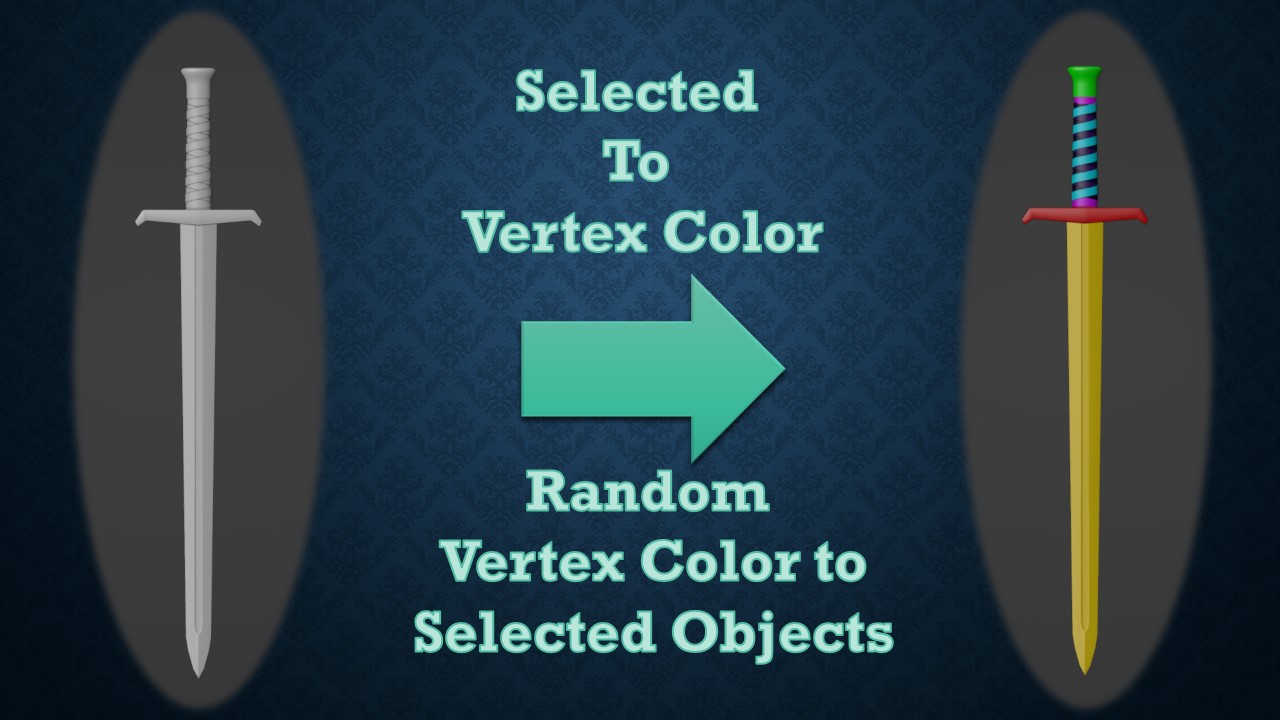
Selectedtovertexcolor is a Blender add-on for vertex colors. Object Mode supports random colors; Edit Mode offers sharp masking. Check version notes.
Published software and plugin guides for Blender. Page 153 of 196.
Read the software guideSelectedtovertexcolor is a Blender add-on for vertex colors. Object Mode supports random colors; Edit Mode offers sharp masking. Check version notes.
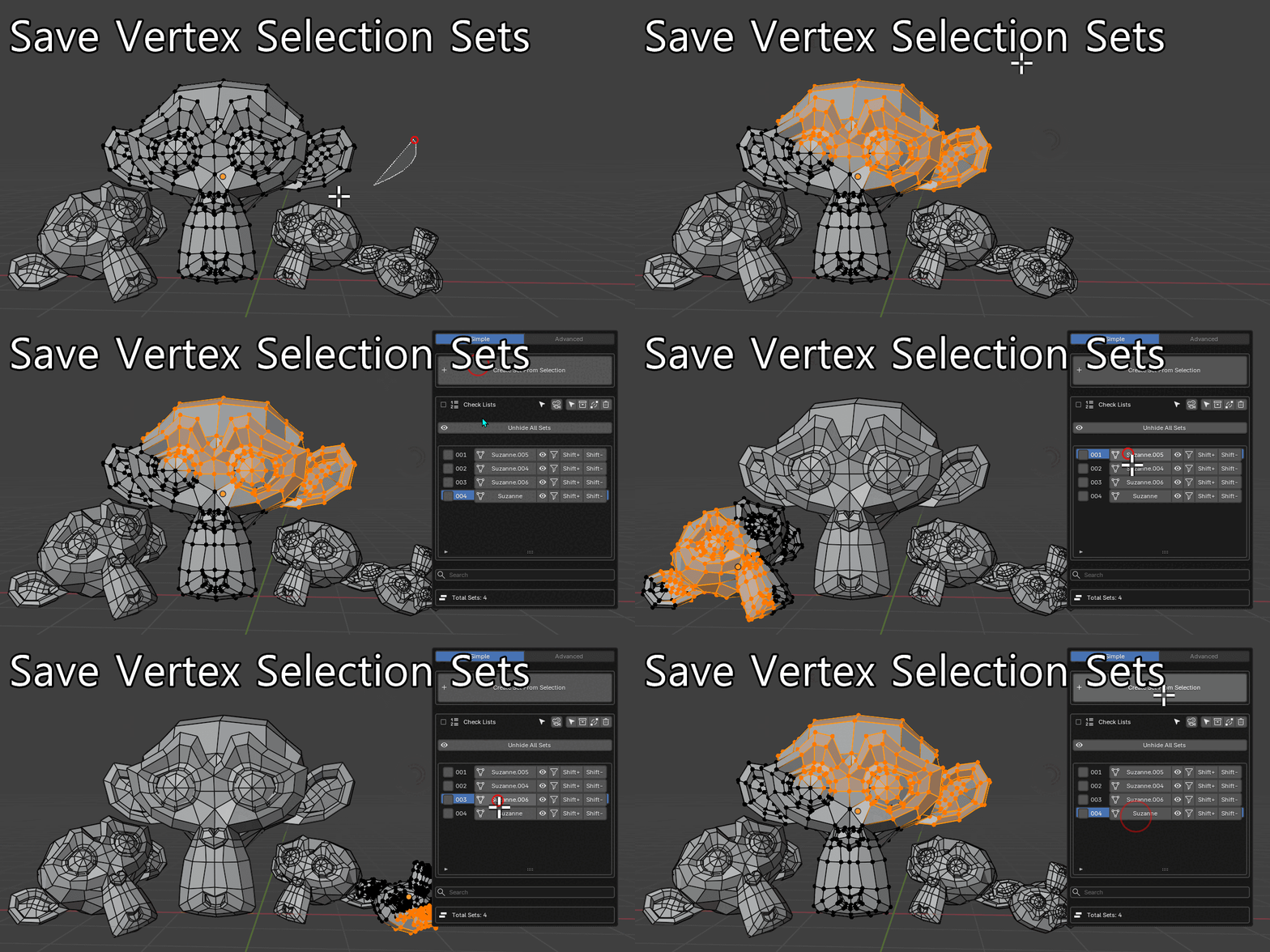
Save Blender object, bone, and mesh selections for reuse. Control visibility, make sculpt masks, mirror sets, and switch cameras; check version support.
Selection Mode Cycler is a Blender add-on for cycling mesh selection modes in Edit Mode, with UV editing and UV Sync Selection added in version 1.1.0.
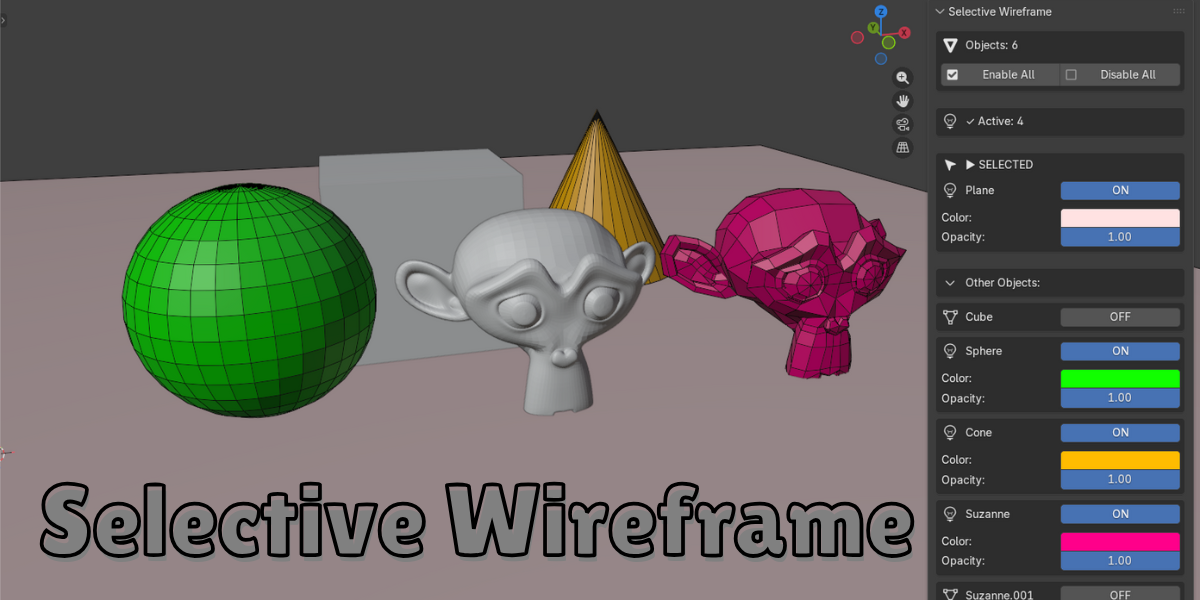
Selective Wireframe - Per-Object Wireframe Control is a Blender add-on for per-mesh overlays, color and opacity controls, with Solid-mode color limits.
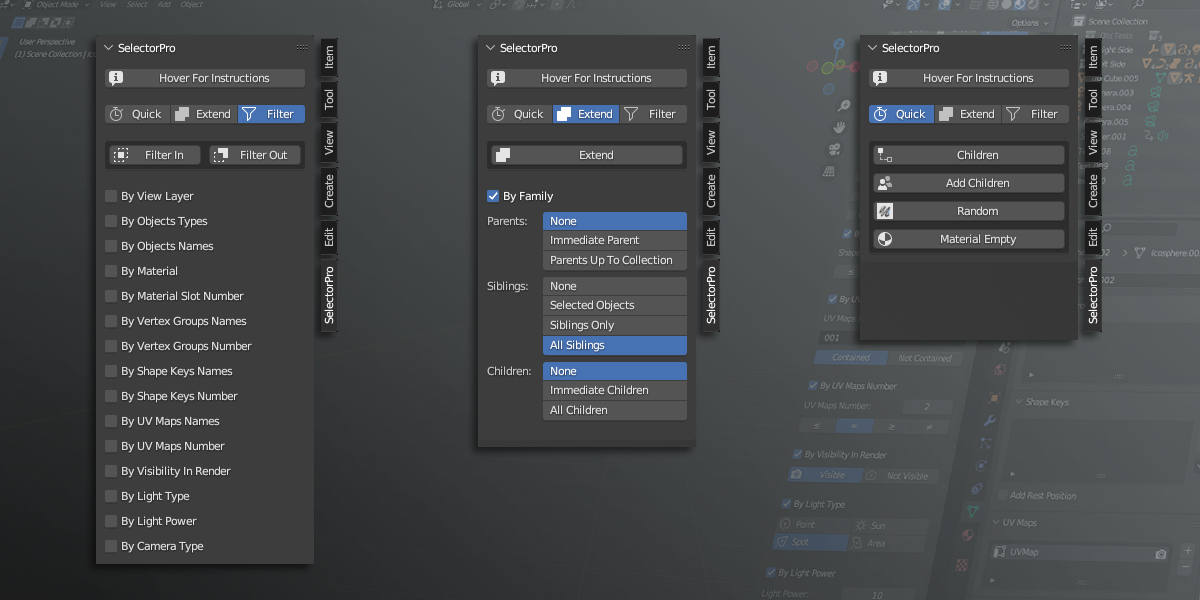
SelectorPro filters Blender selections by object attributes and scene context, then extends them through family relations. Learn how its four tabs work.
Selects all UV islands on one UDIM is a Blender add-on for selecting one tile’s islands and faces with Alt+L; version 1.2.0 requires Blender 4.2.0 or newer.
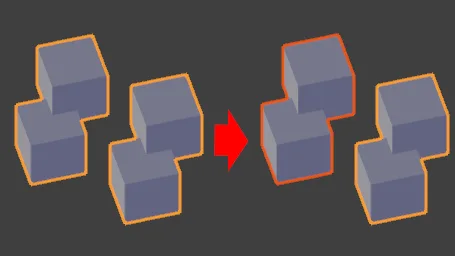
Separate by Collision splits loose mesh parts and keeps colliding parts together. Compare Surface and Bounding box modes; it supports Blender 4.2+.
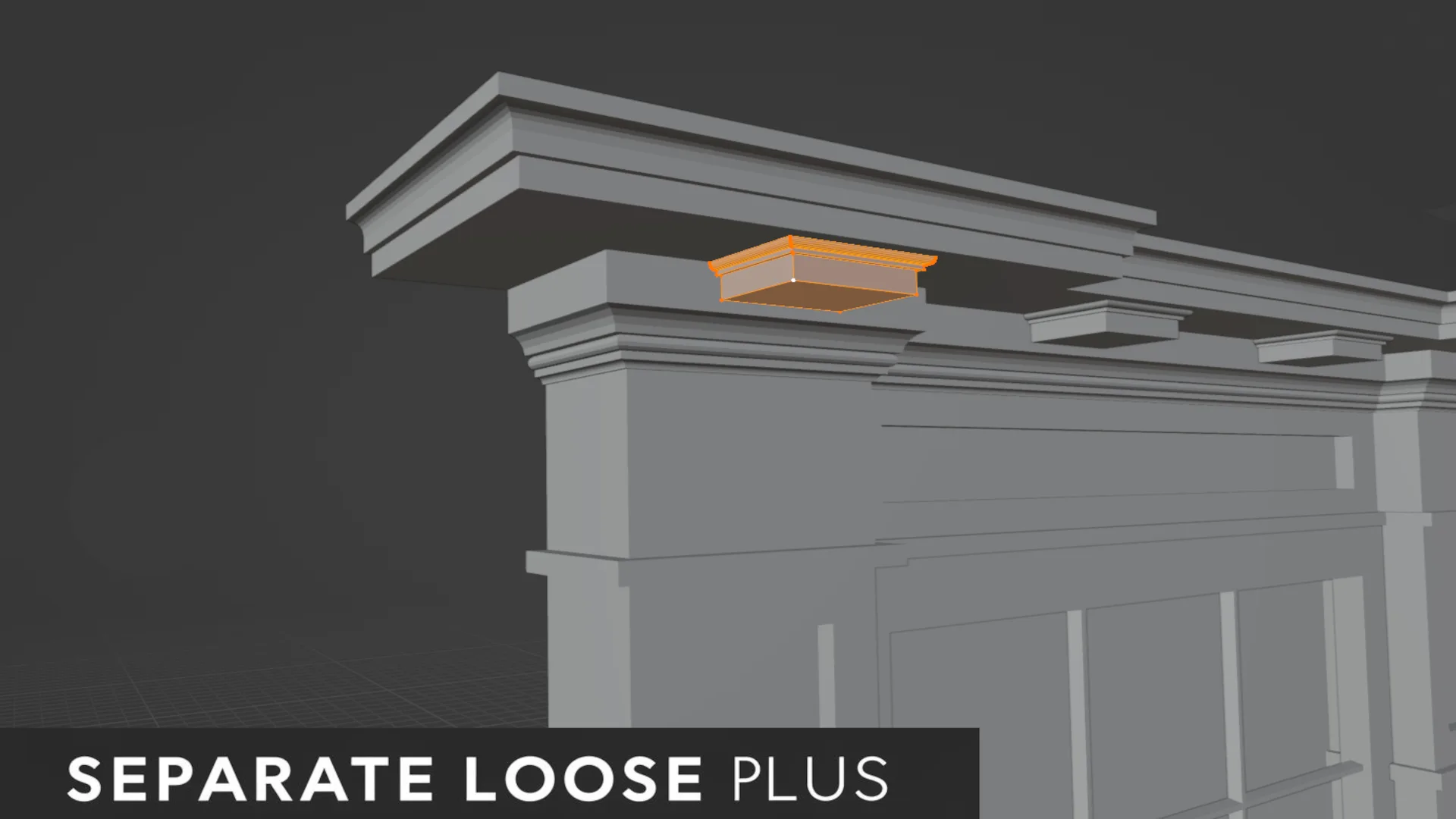
Separate Loose Plus helps edit loose meshes in Blender 4.2+ and merge them back. Review its workflow, compatibility, license, and installation details.
ShadowCory's Almost Useful Artist's Tools
Separate loose meshes in Blender with one click, then reset each piece's origin for editing. See the listed version range and installation notes.
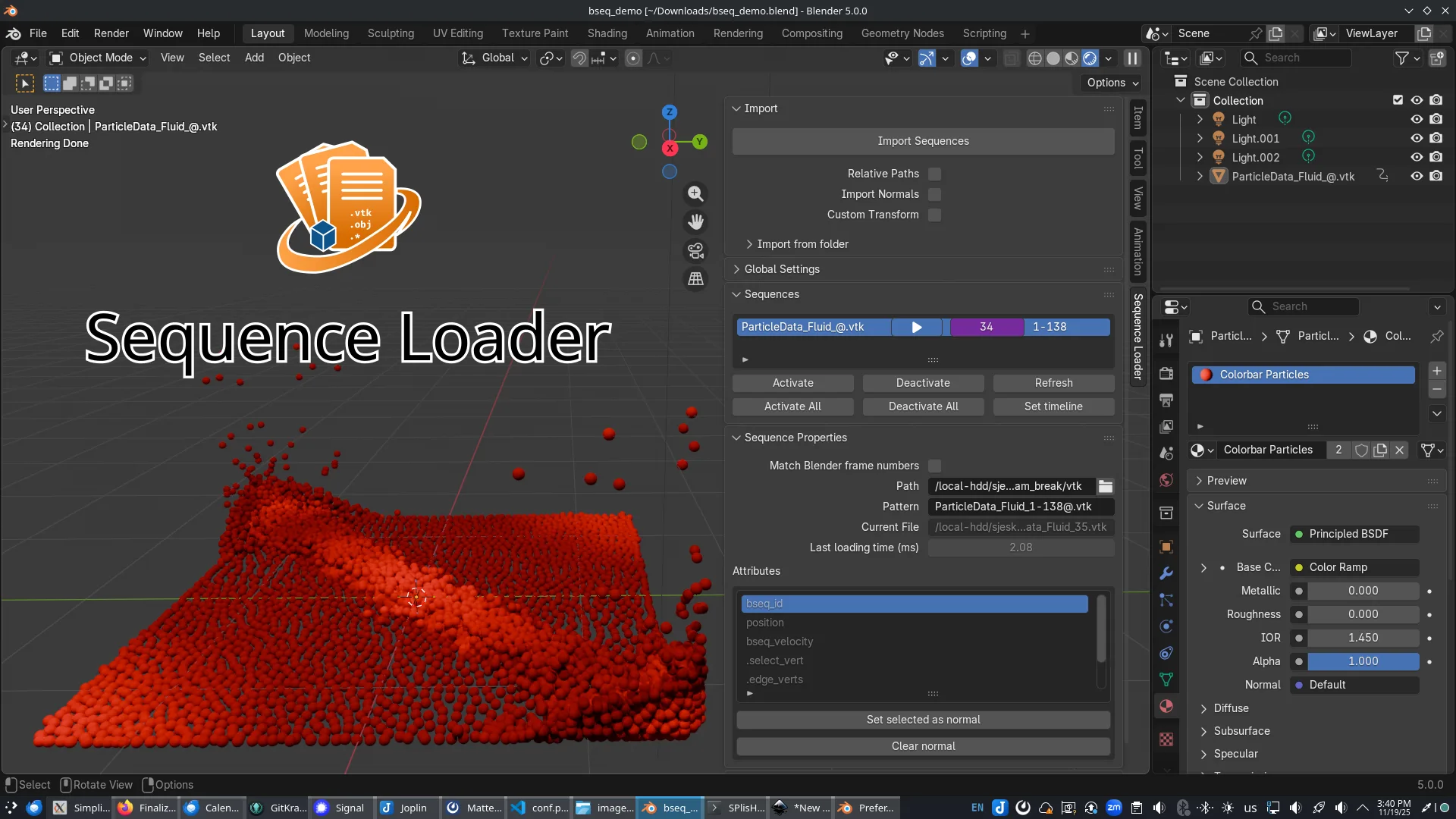
Load mesh, particle and point-cloud sequences in Blender with Sequence Loader's just-in-time loading; confirmed mesh formats include OBJ, PLY and VTK.
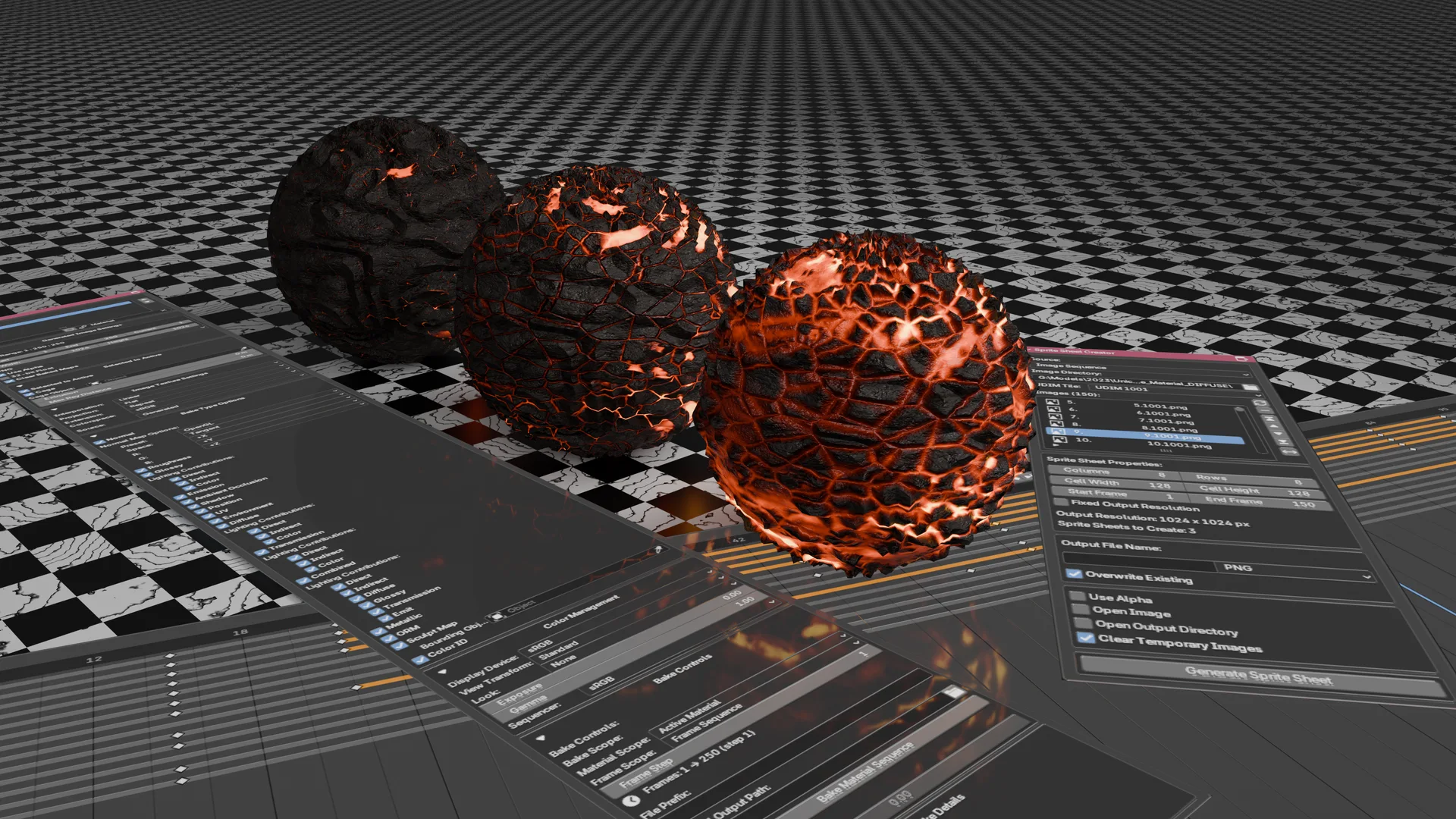
Sequenced Bake is a Blender add-on for baking material sequences and generating sprite sheets. Version 1.2.1 requires Blender 5.0 or later.
Build Blender add-ons with Serpens 3 using node graphs, custom panels, pie menus and modal tools. Check its documentation and listed Blender compatibility.
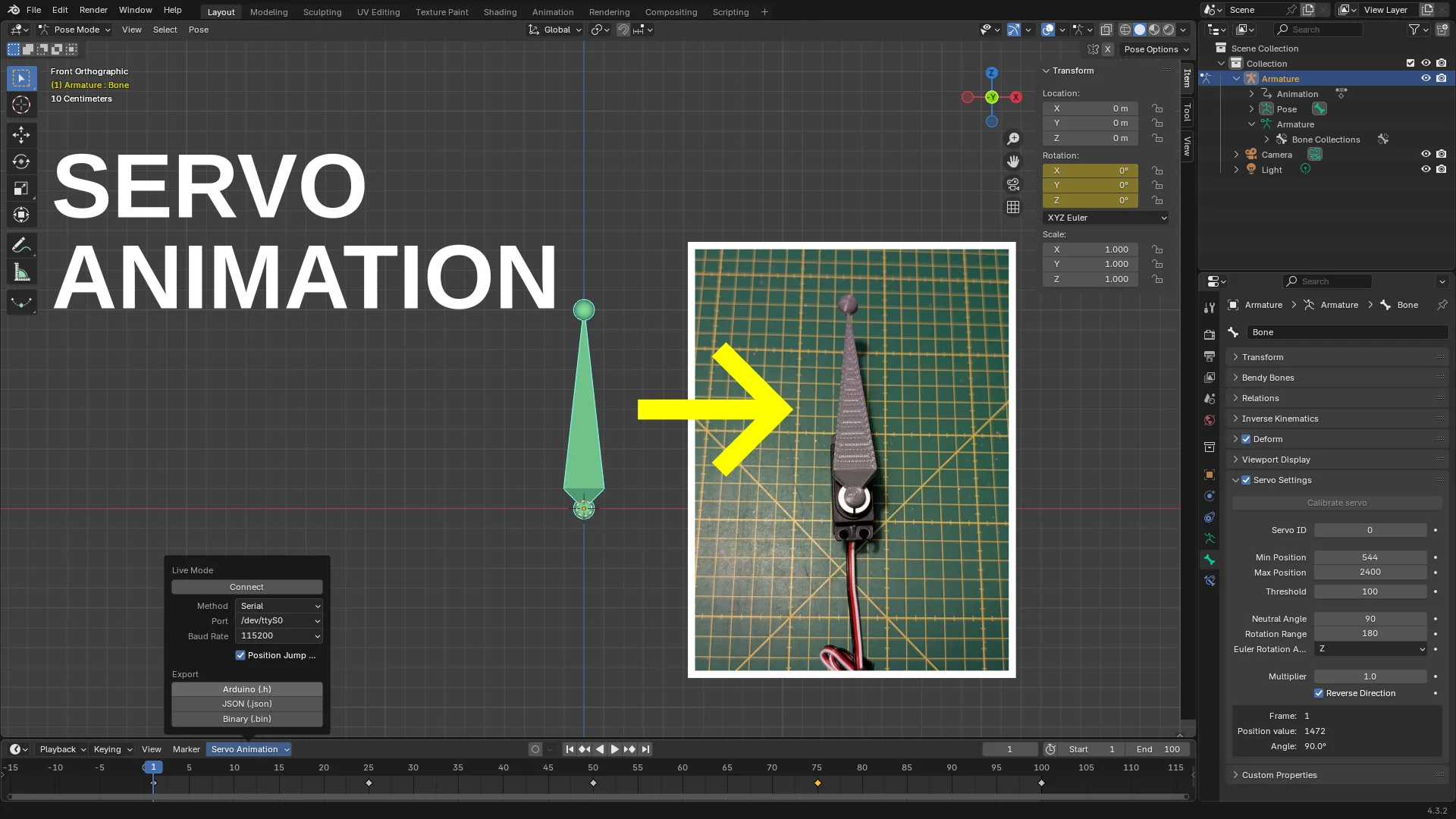
Servo Animation exports Blender armature motion as servo positions and supports Serial or WebSocket live mode. It is listed for Blender 4.2 and newer.
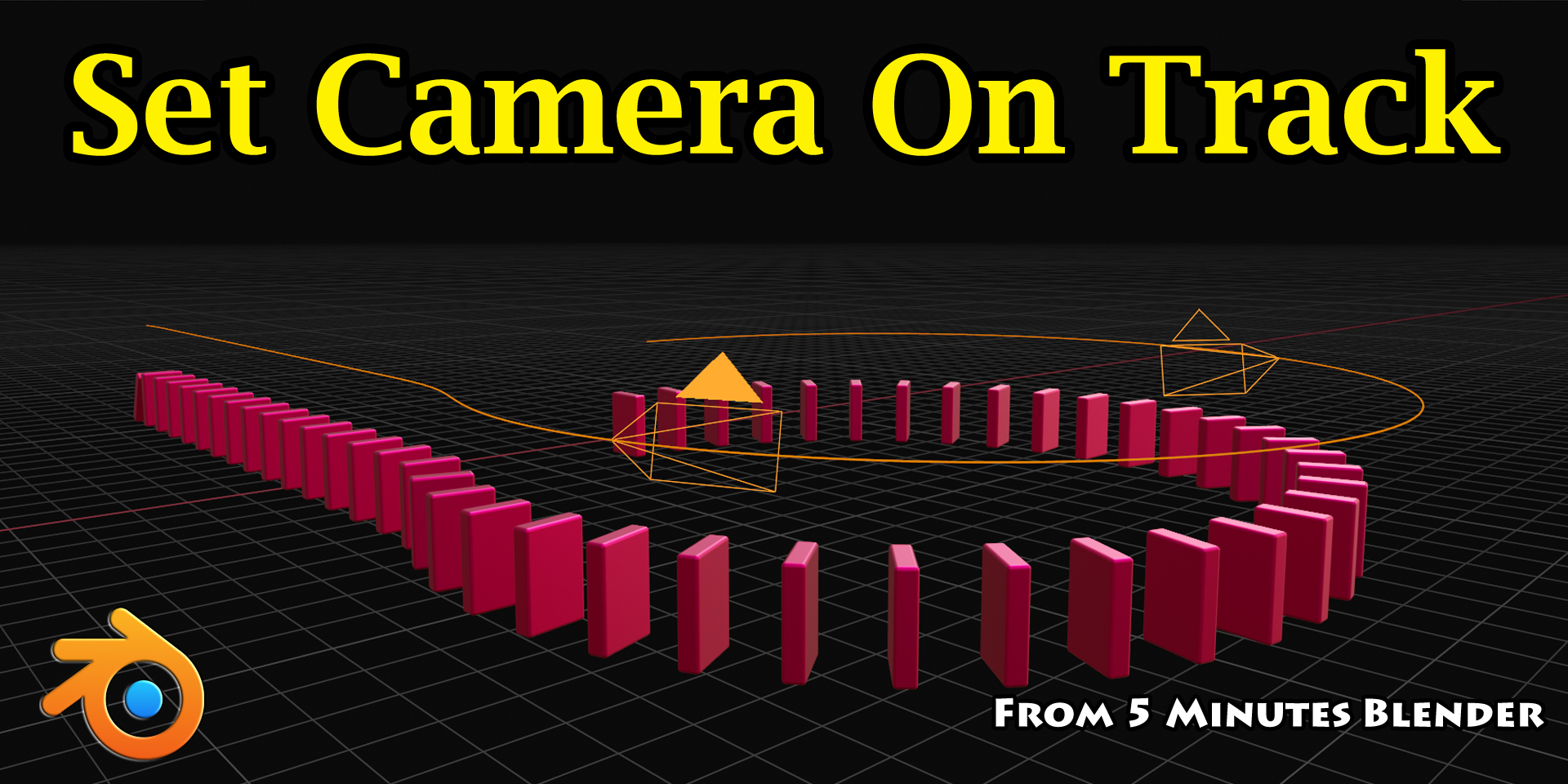
Set Camera On Track creates Blender camera paths around objects or across collections. See how target selection, ordering, smoothing, and frame controls work.
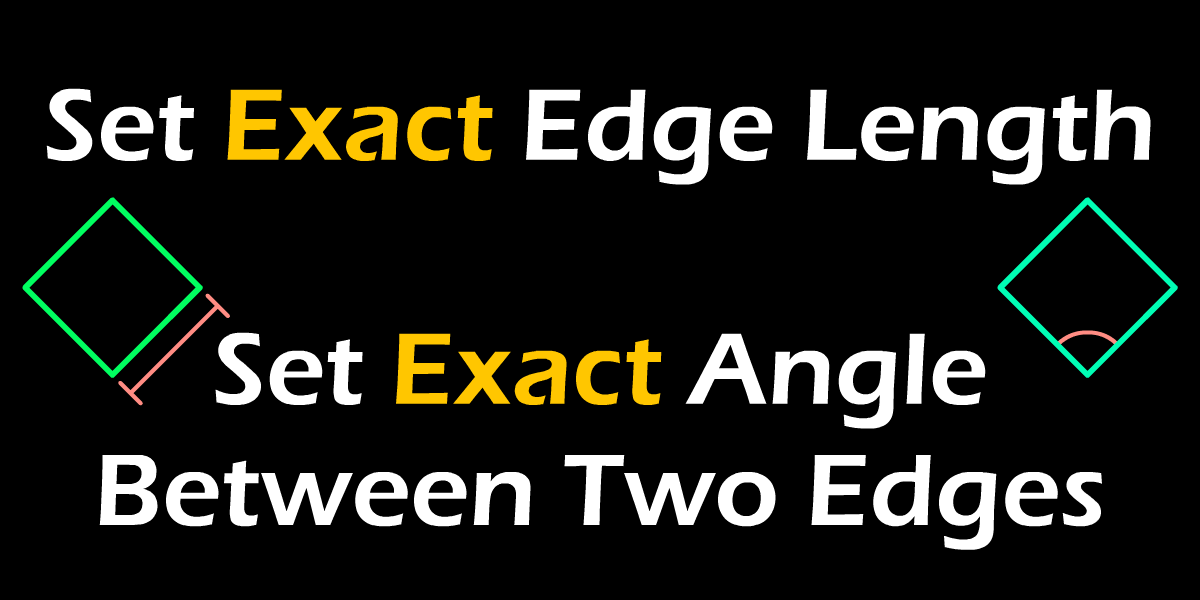
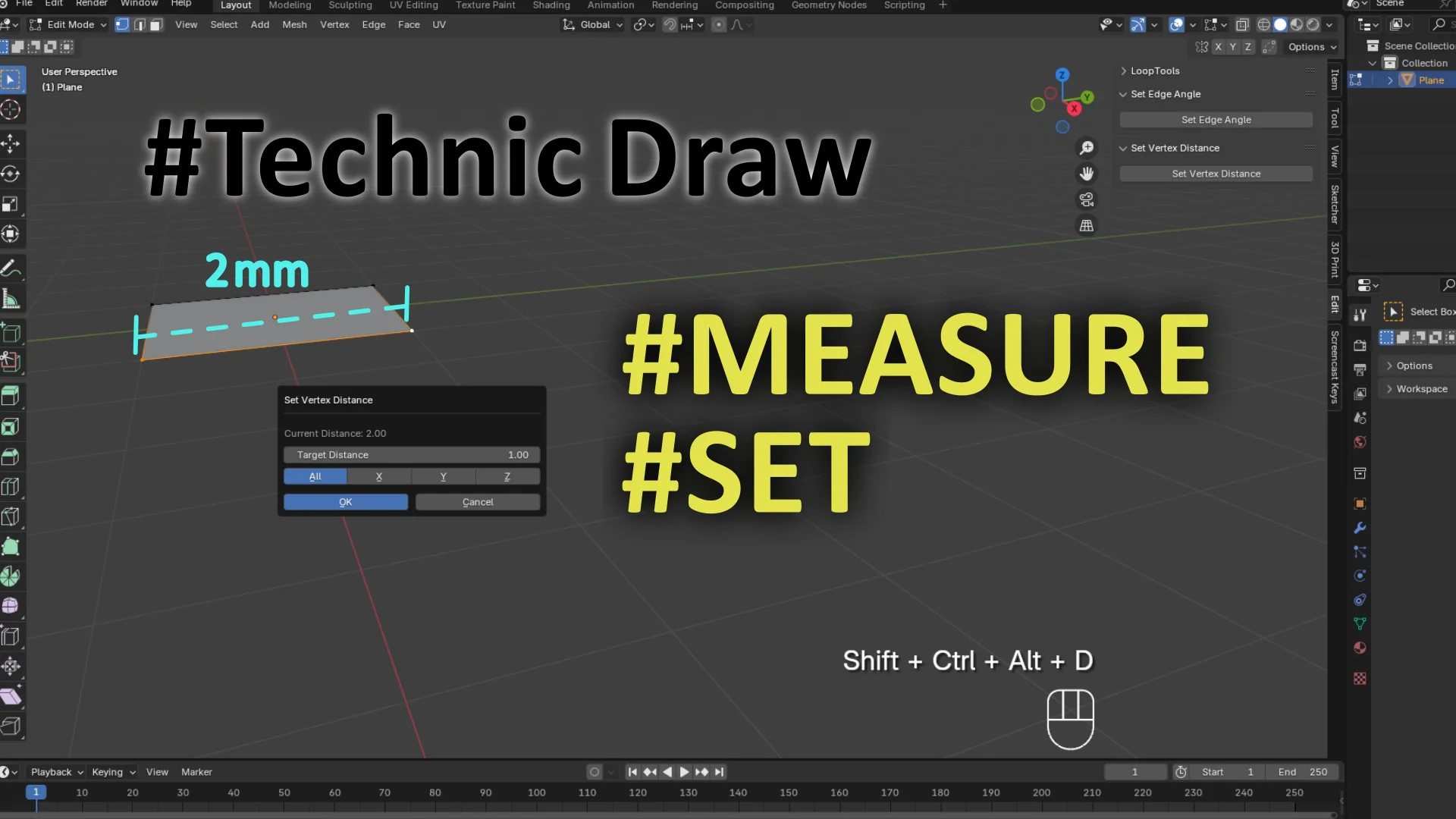
Set Exact Edge Length is a Blender add-on for setting exact edge lengths and angles from Blender’s right-click menu. Check Blender versions and GPL terms.
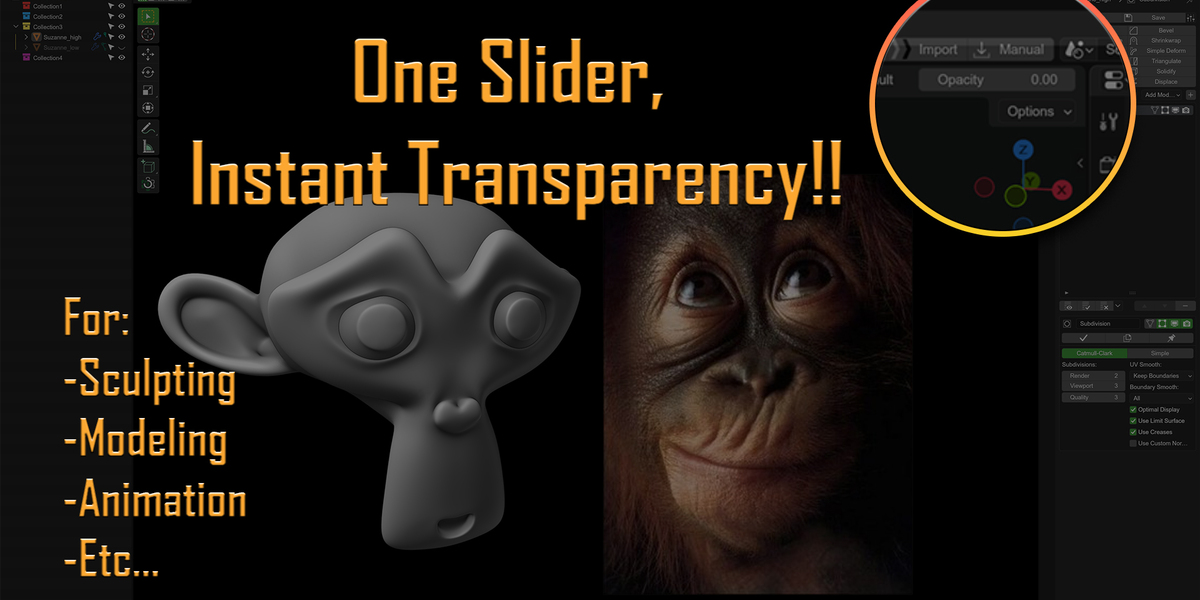
Make Blender transparent with Set Opacity's 50 to 100 percent viewport slider, keeping reference images visible while you sculpt, model, animate, or texture.
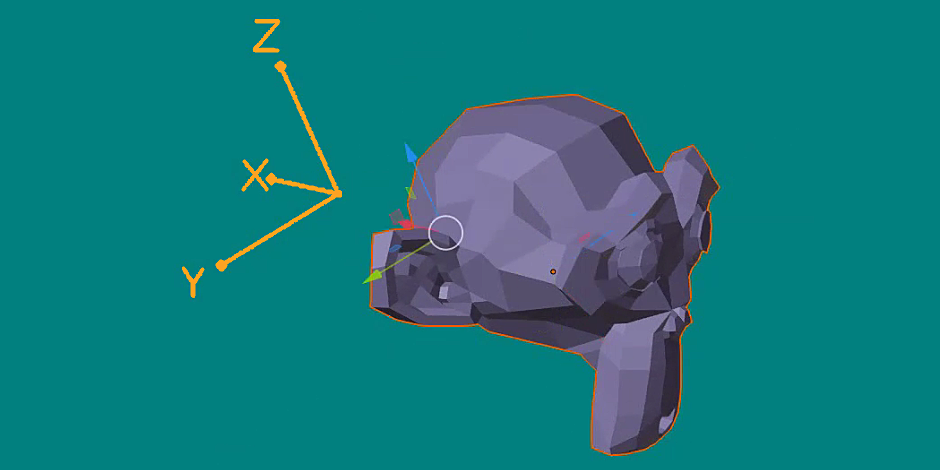
Set Origin & Local Axes is a Blender add-on for mesh objects, with geometry, object and cursor references for origin and axis operations.
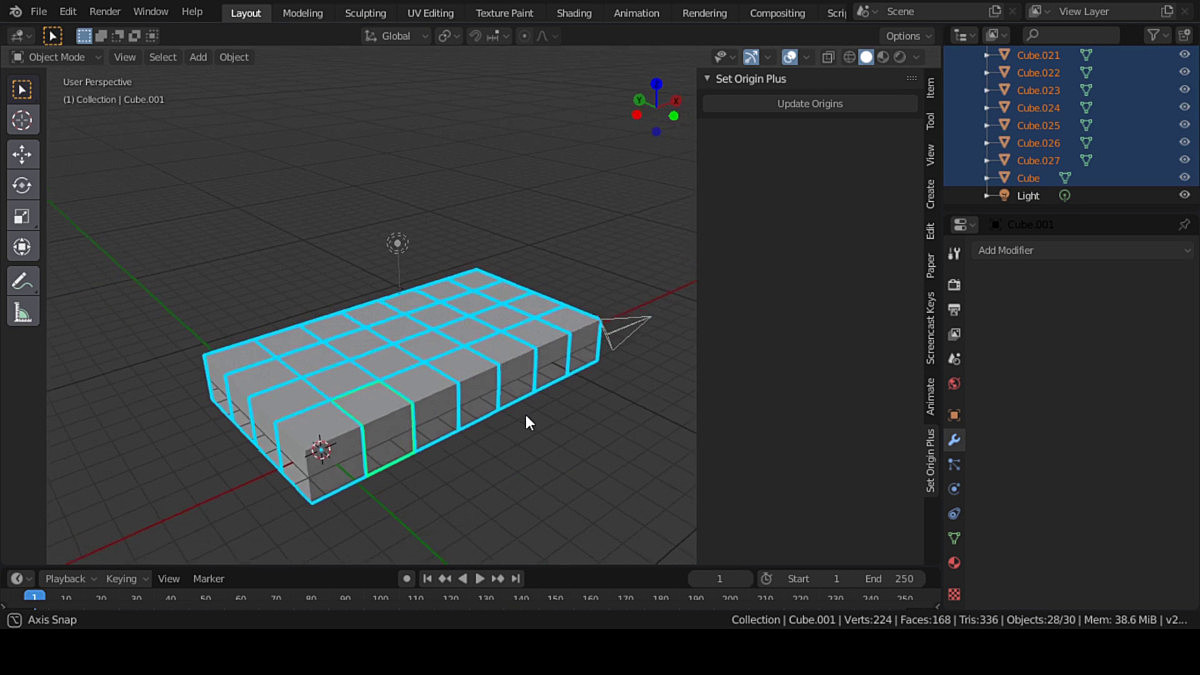
Set Origin Plus sets Blender object origins to selected faces, including bottom-face placement. Check its listed Blender versions before installing.
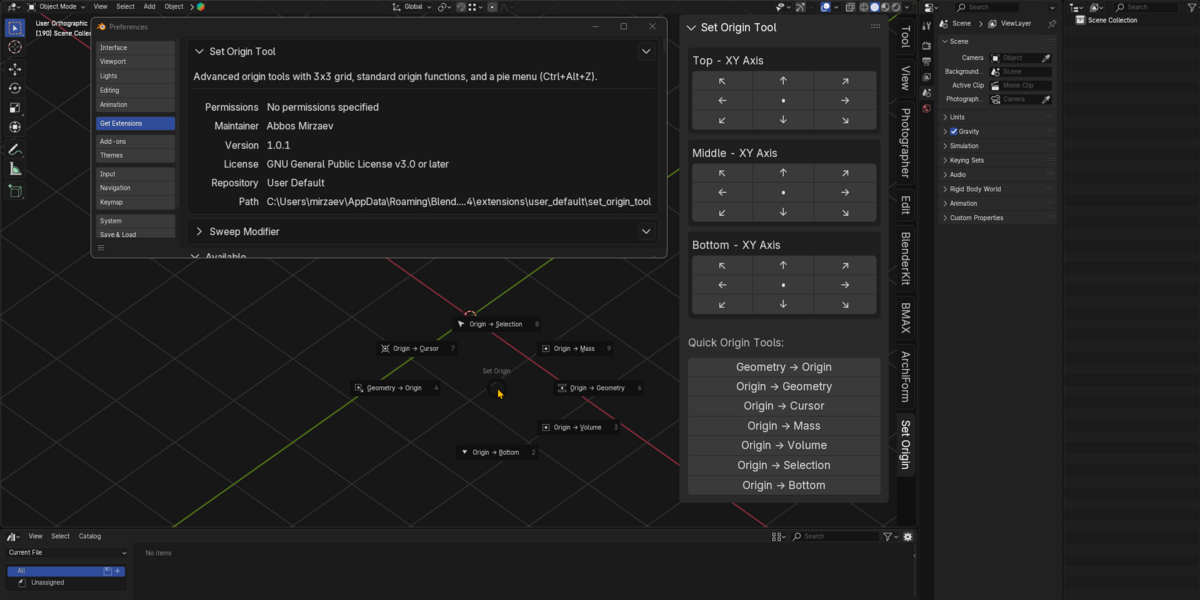
Place Blender object origins with a 3×3 grid, quick operations, and a Ctrl+Alt+Z pie menu. See the modes and object types Set Origin Tool supports.
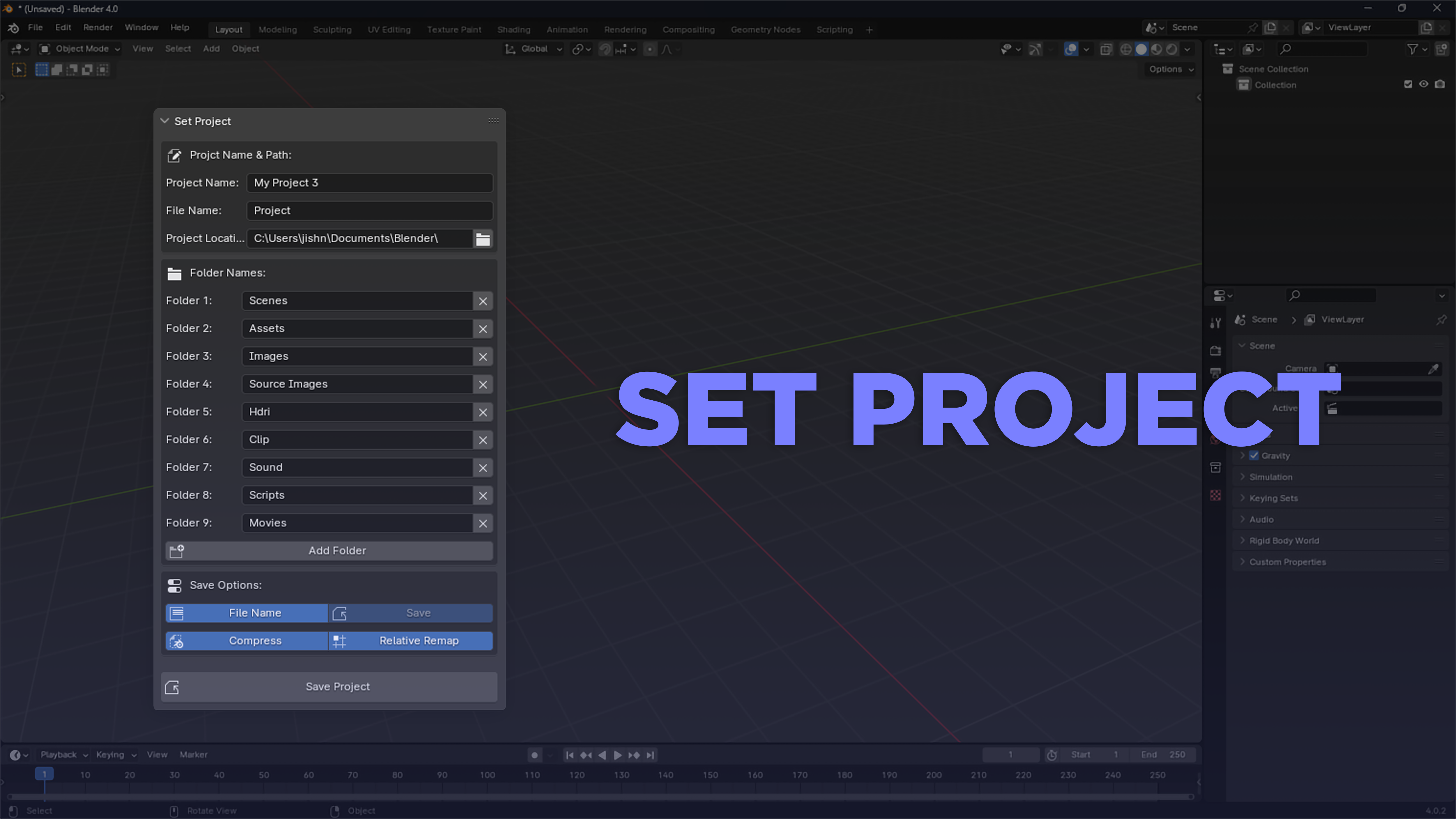
Organize Blender projects with Set Project presets, folder controls and configurable save options. Check the listed Blender versions and GPL license.
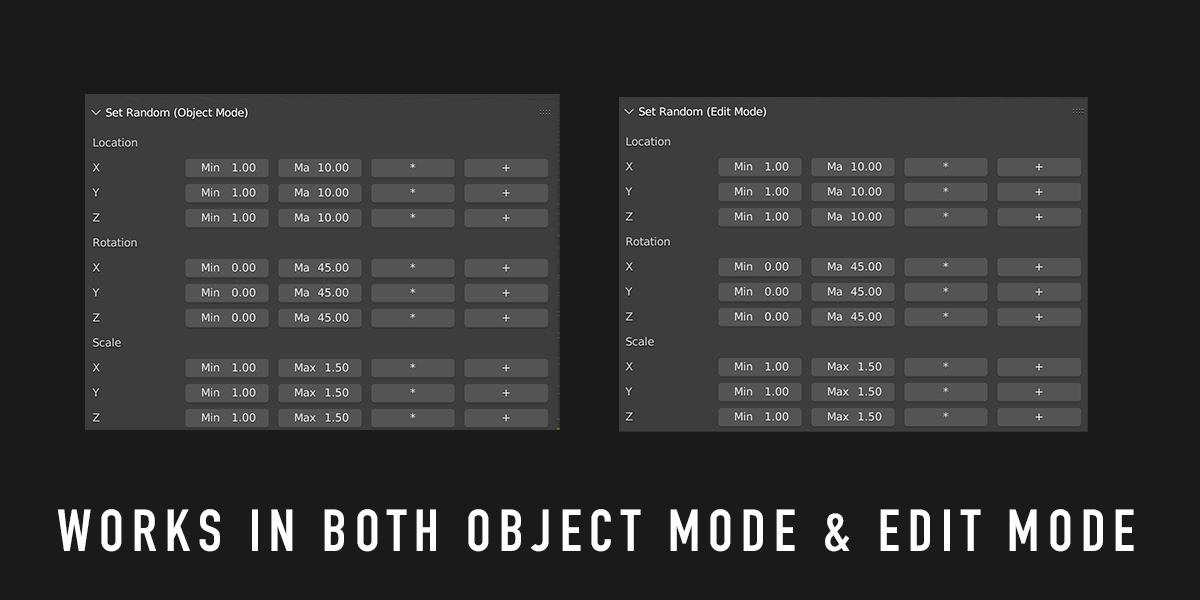
Set Random Plus adds reset and incremental random transforms for Blender objects and mesh selections. Check the listed versions and GPL terms on Superhive.
Set Smooth Group for Blender smooths selected faces and marks boundary edges sharp. See its hotkey and adjustable options in version 1.1.0.
Set exact spacing between two Blender vertices with axis control and single-vertex or connected-component movement. Check version 2.0.0 requirements.
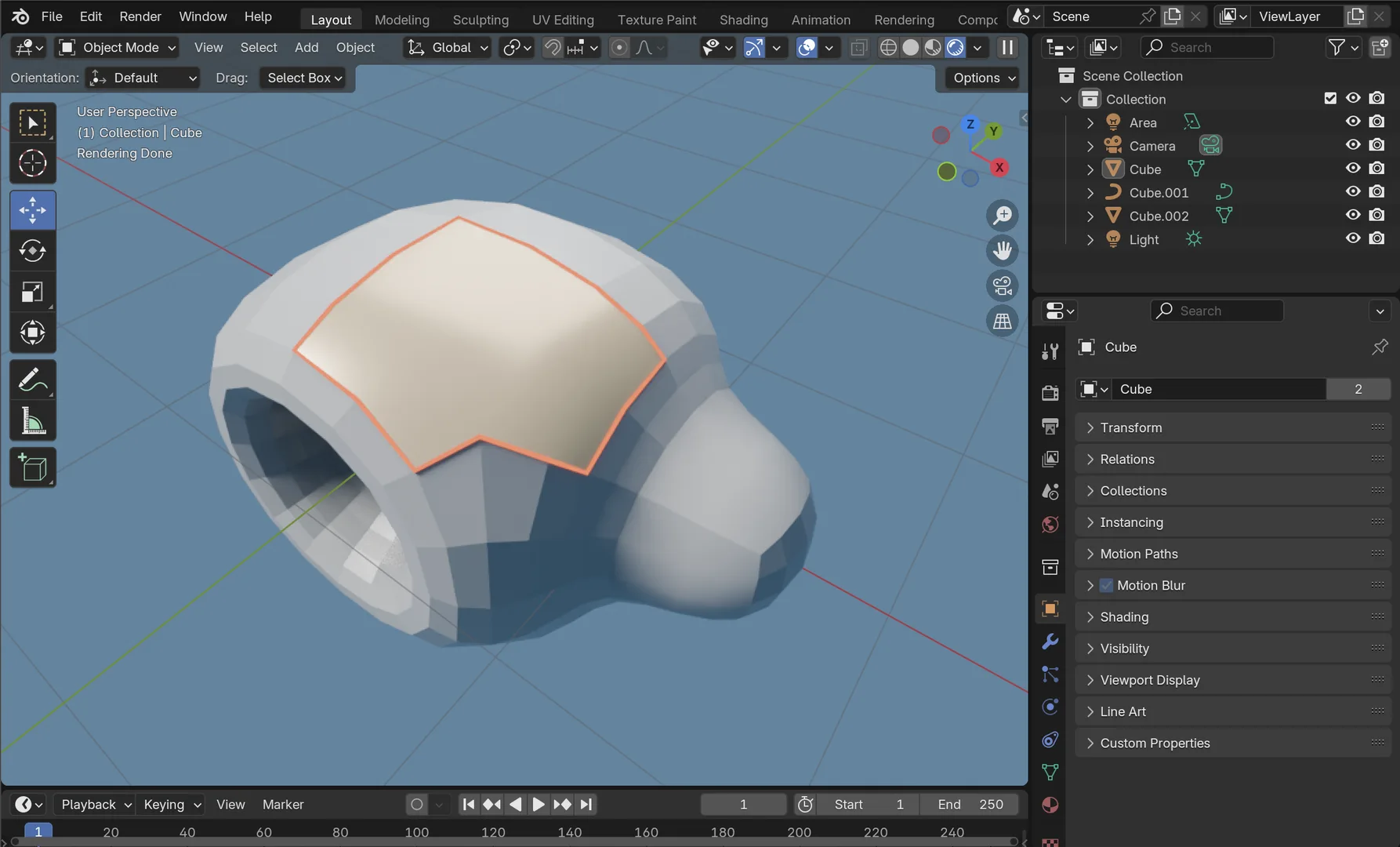
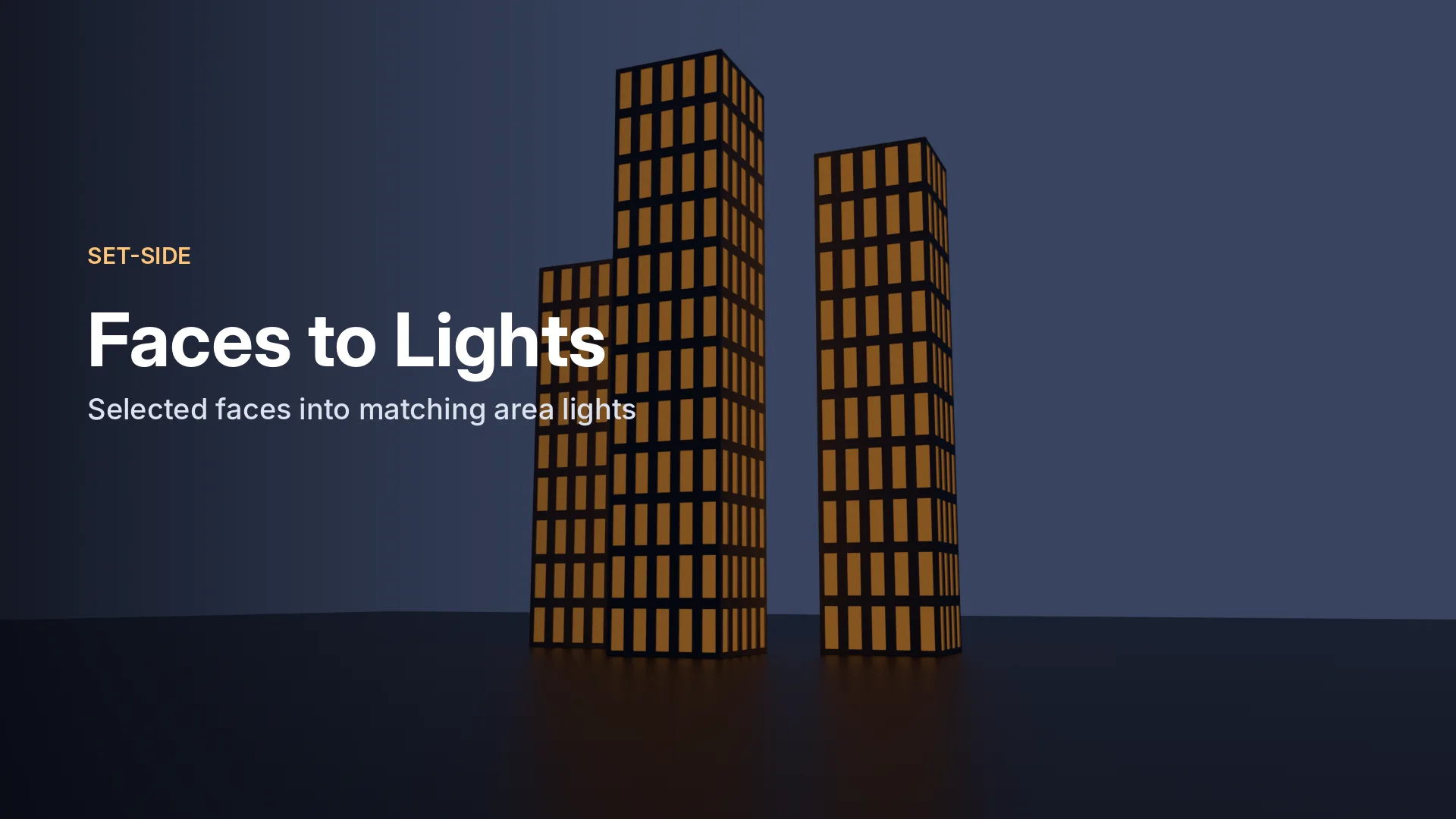
Turn selected Blender mesh faces into area lights, edit their power and glow together, merge similar faces, and check the workflow's limits.