Max Spline Tools
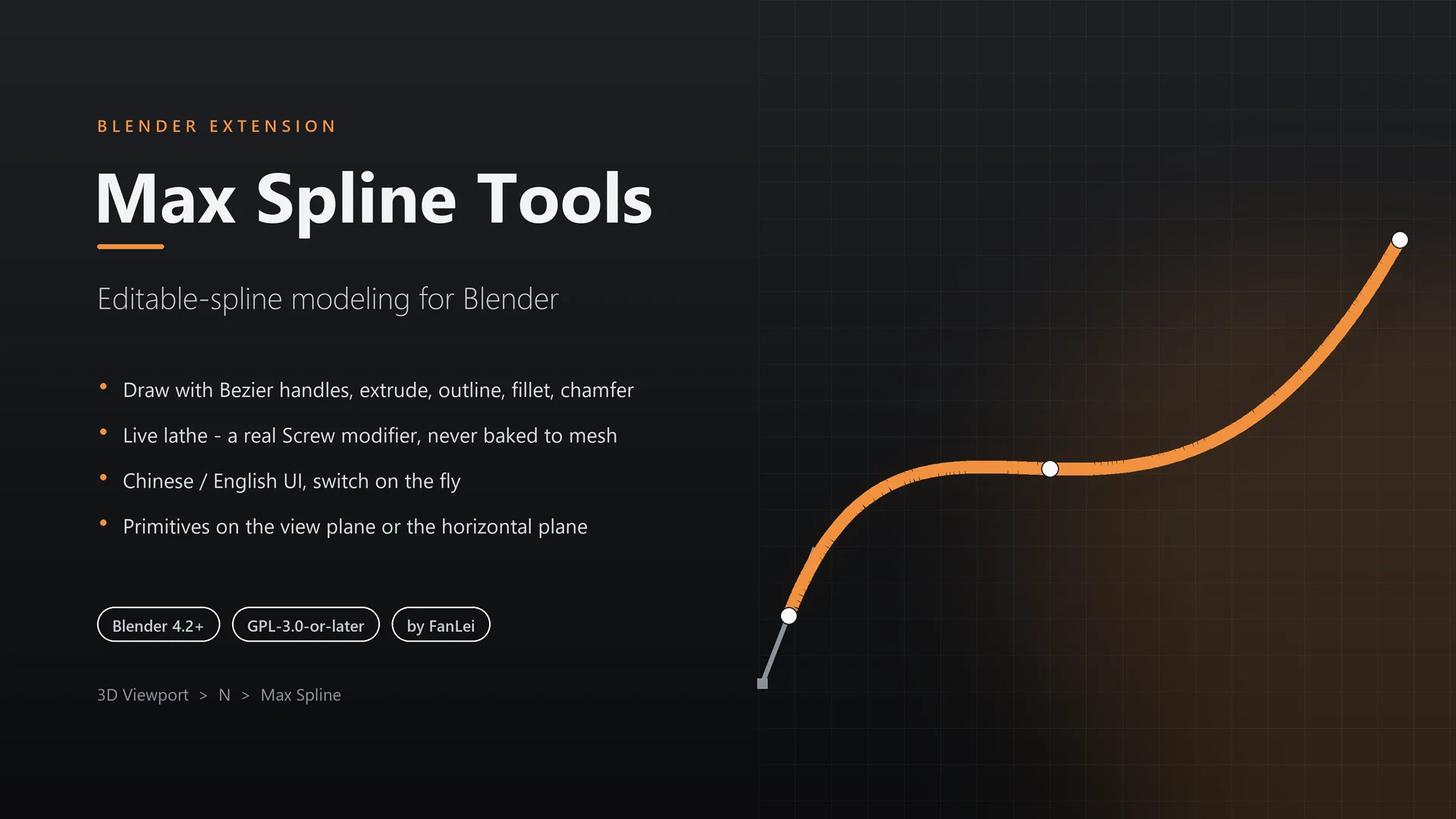
Max Spline Tools are a Blender add-on for drawing and editing splines, with English and Simplified Chinese UI; Blender 4.2 LTS or newer is required.
Browse published guides by application, developer or task. Check product details before downloading. Page 172 of 337.
Max Spline Tools are a Blender add-on for drawing and editing splines, with English and Simplified Chinese UI; Blender 4.2 LTS or newer is required.
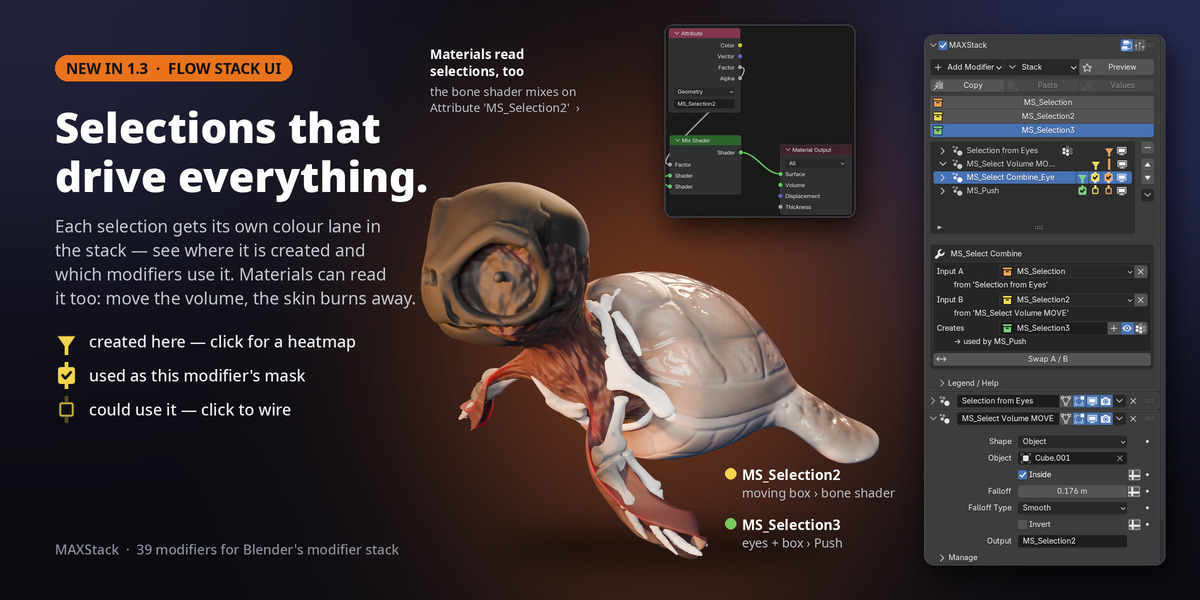
See how Max Stack adds 39 Blender modifiers, live selection masks, viewport gizmos, FFD and spline tools to the standard modifier stack.
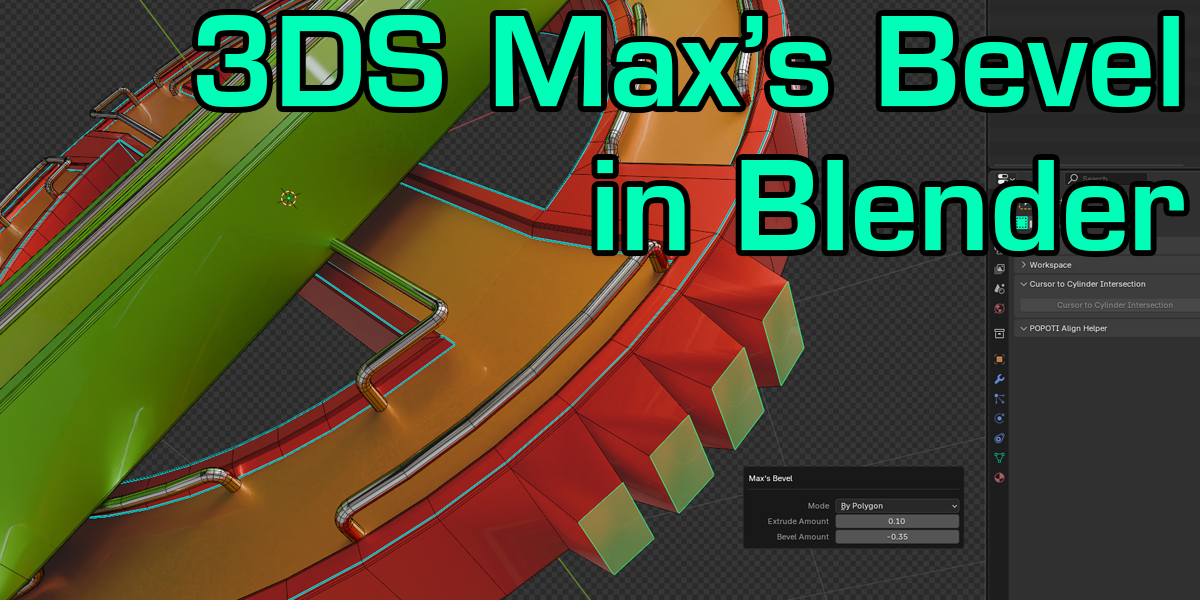
Max-Style Bevel combines face extrusion and outlining in Blender, with Group, Local Normal, and Polygon modes plus automatic internal-geometry cleanup.
MaxBatch - Advanced Batch Render Manager is a 3ds Max tool for queuing cameras and external .max files with per-job controls and Telegram updates.
Recreate the Cornell Box in 3ds Max with maxCornellMaker, using Cornell's original measurements. Check its listed version requirements and area-light setup.
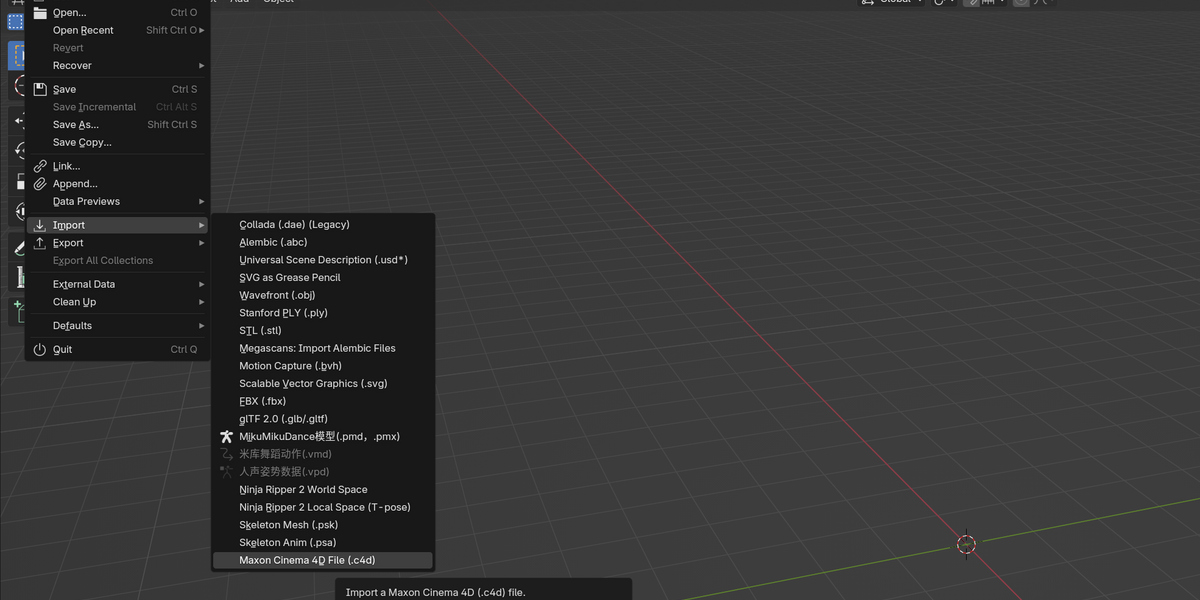
Import .C4D projects into Blender with this add-on. Compare supported assets and Blender versions, check macOS licensing, and confirm the current seller price.
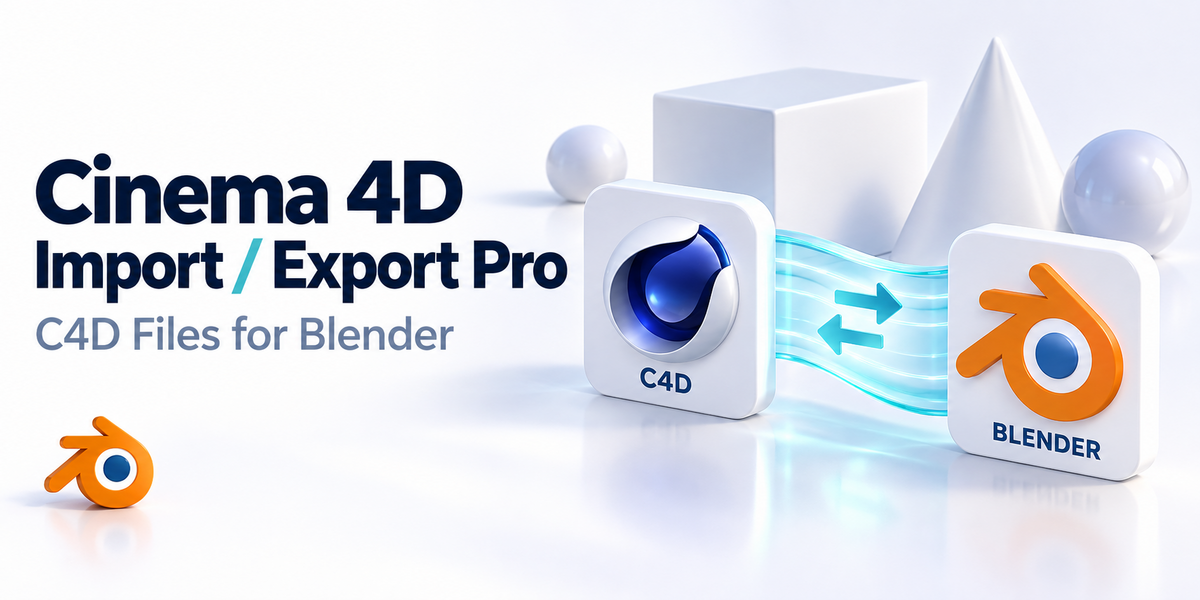
Import .c4d projects into Blender and export scenes with Maxon Cinema 4D Import-Export Pro. Review features, version notes and Linux file privacy.
Give the 3ds Max Python (PyMXS) editor a dark palette with MaxPyDarkTheme. Review its tested version, administrator setup steps, and recovery option.
Maya Custom Mesh Pro is a Blender add-on that adds per-shape controls for cubes, spheres, cylinders, cones, and toruses to the Add Menu.
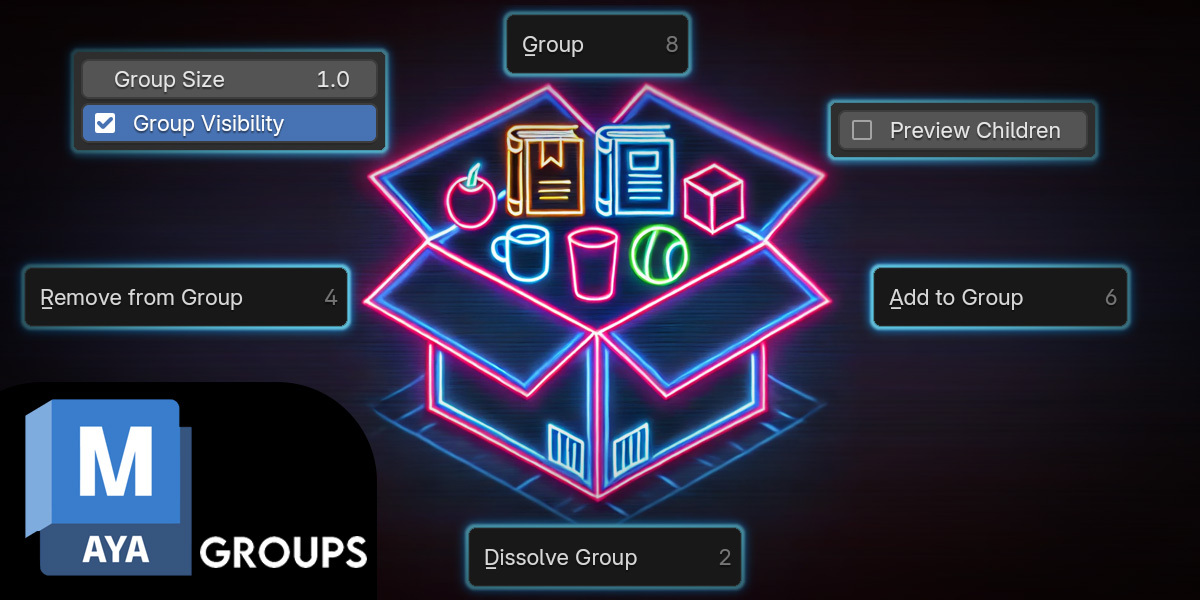
Maya Groups - Industry Standard Grouping is a Blender extension for parented object groups, with hierarchy selection, child preview, and visibility controls.
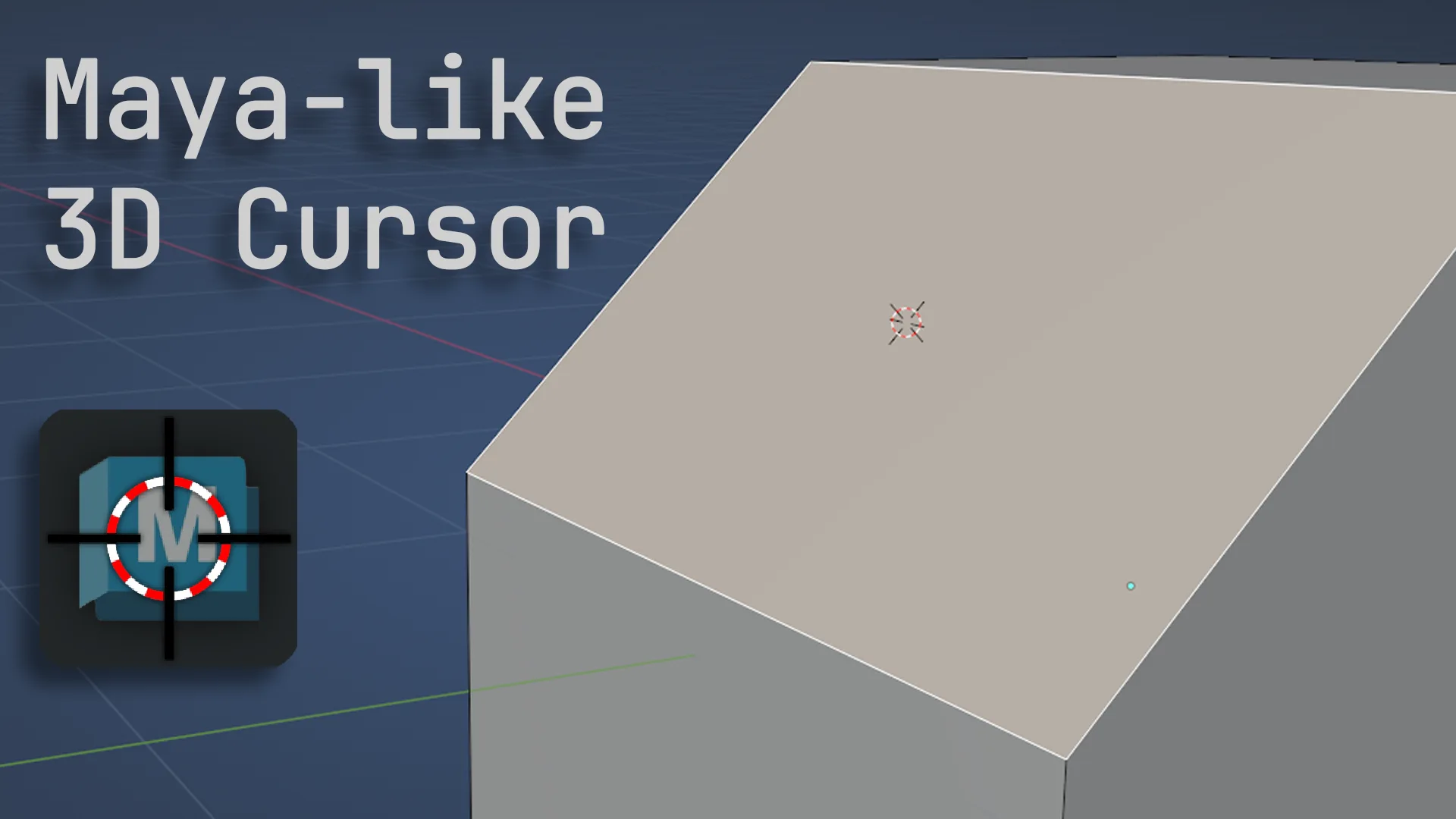
Maya Pivot sets Blender's 3D cursor position, orientation and Z axis from selected faces. See its Edit Mode workflow and Blender 4.2+ support.
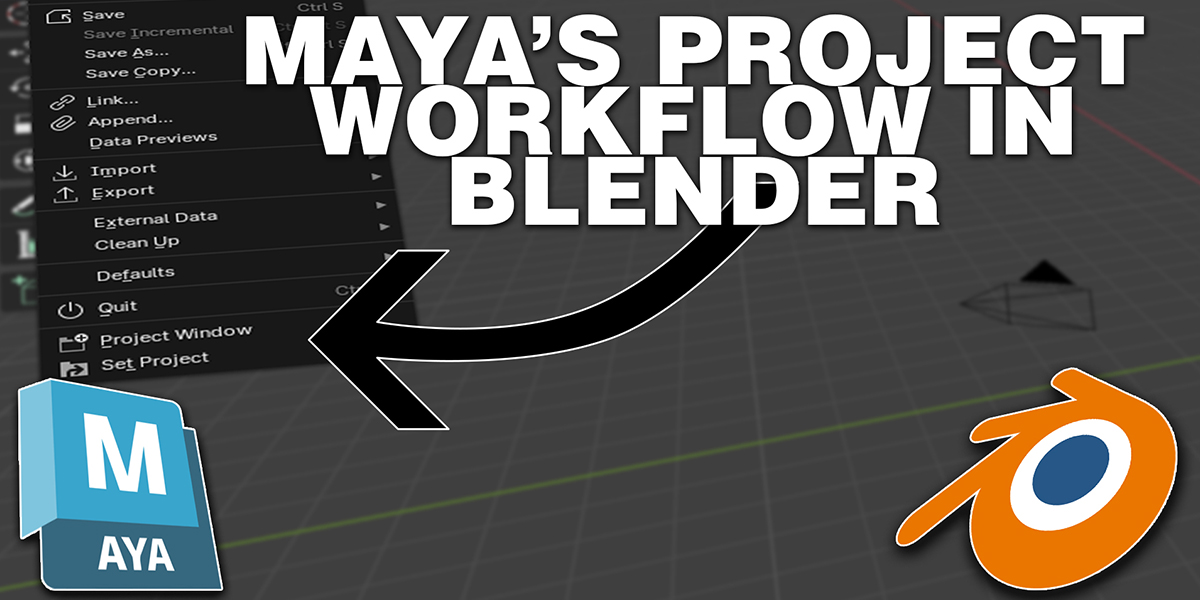
Maya Project Workflow adds Project Window and Set Project to Blender's File menu, creating project folders and linking them for saves, renders, and file lookup.
Maya Shelf & Navigation brings Maya-style navigation, a shelf-like sidebar and workflow tools to Blender. Check its platform and version support.
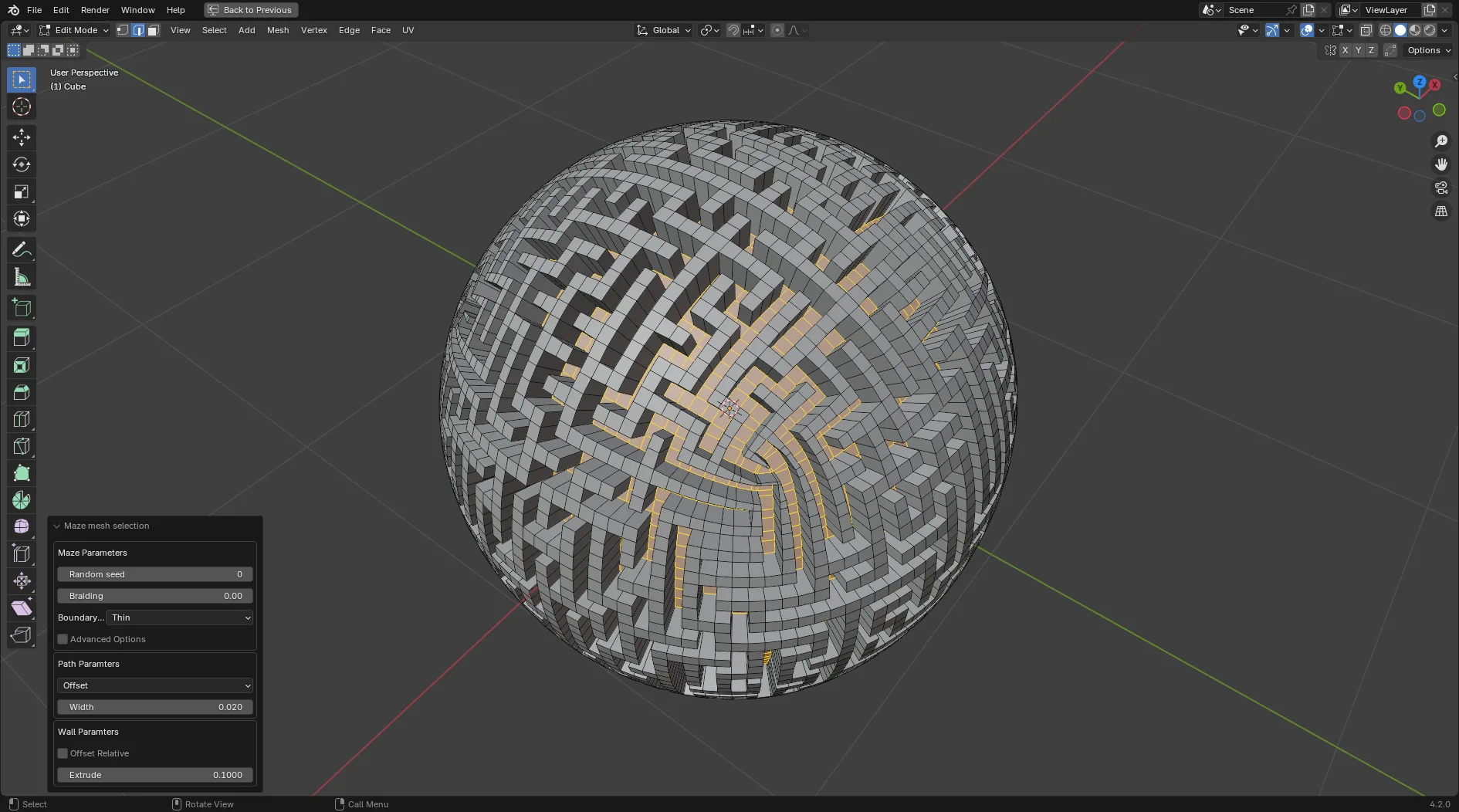
Maze any Mesh is a Blender add-on for creating mesh mazes. With faces, it supports path width and wall height; face-free networks produce 3D mazes.
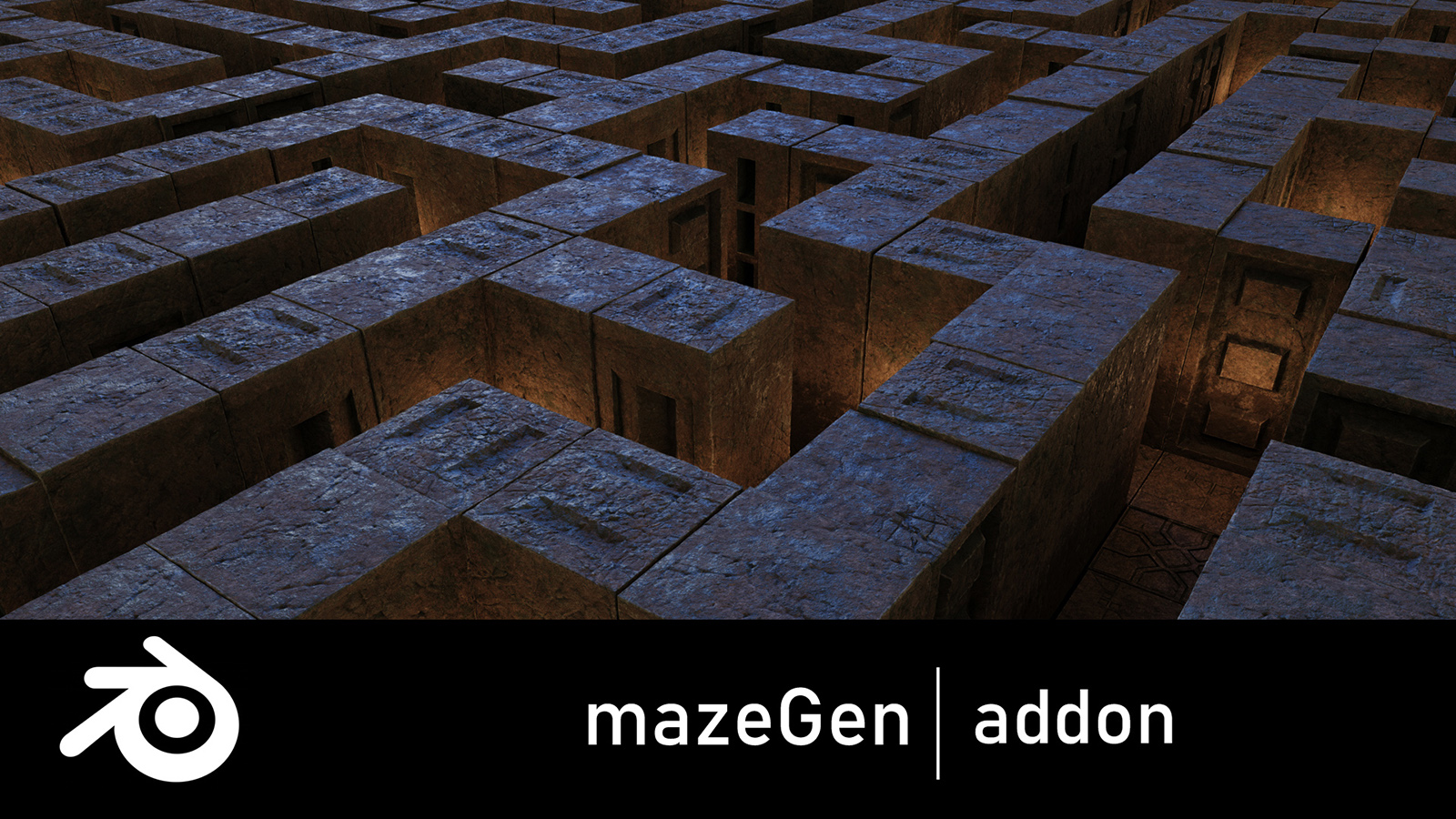
Maze Gen is a Blender add-on for customizable mazes, tile editing, lighting, animation and a route guide. The listing names Blender versions 3.0 to 4.0.
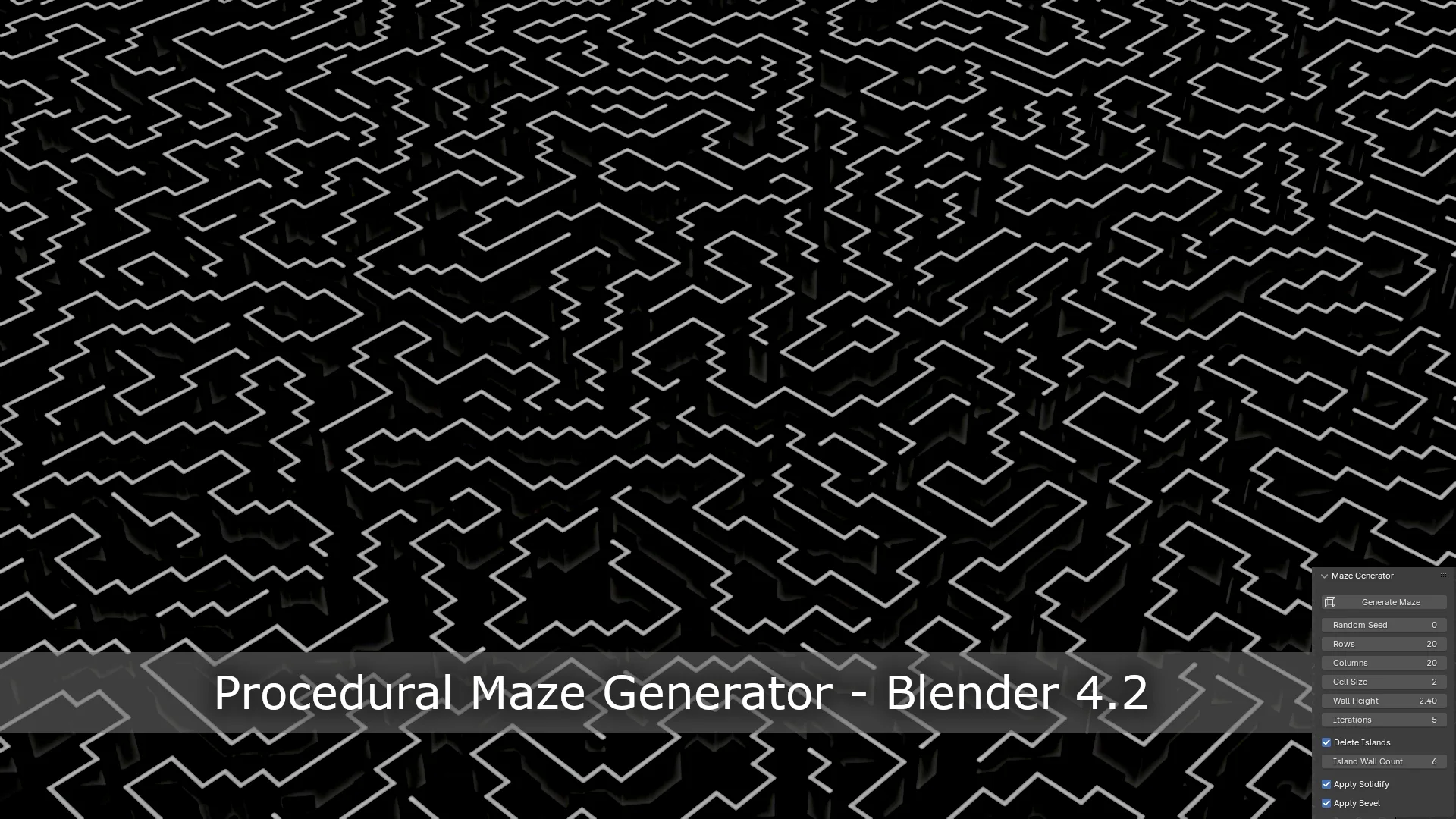
Create random mazes in Blender with Maze Generator. Set dimensions and seed; choose whether to include boundary openings, and check compatibility.
Explore Maze Generator Pro for Blender, with presets, themes and physics. Check its Blender 4.2.0 minimum, release details and GPL-3.0-or-later license.
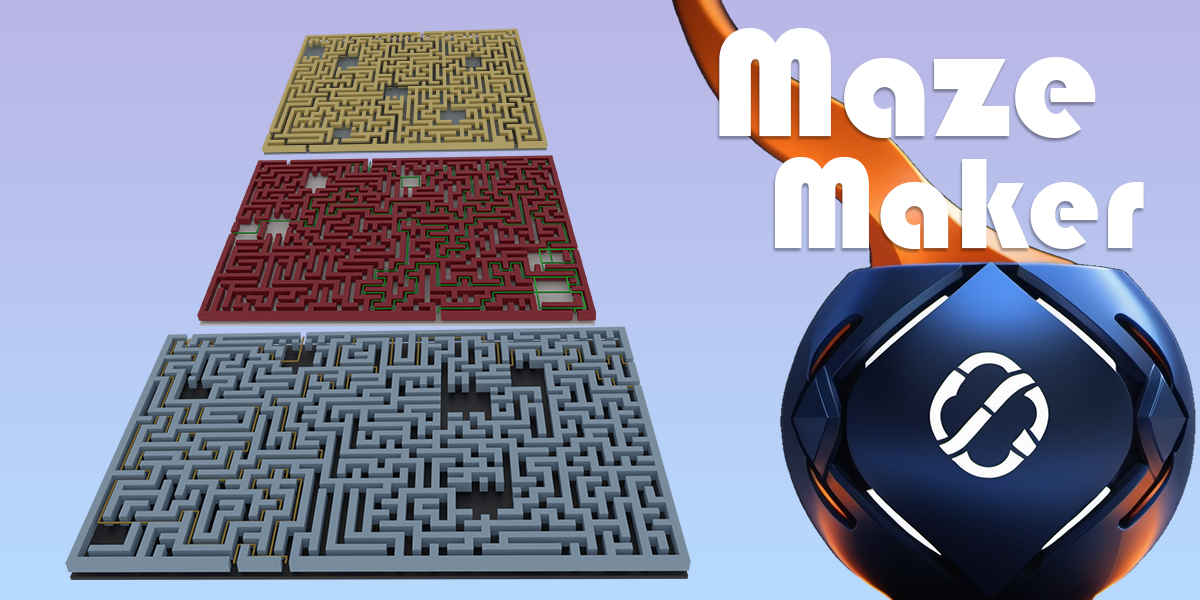
Maze Maker creates Blender mazes from custom floor shapes, with rooms, loops and a BFS path curve. See supported versions and setup steps.
mazeFX is an After Effects maze tool. Use masks to shape mazes, set solution endpoints, reuse a static seed, and create one shape layer or separate layers.