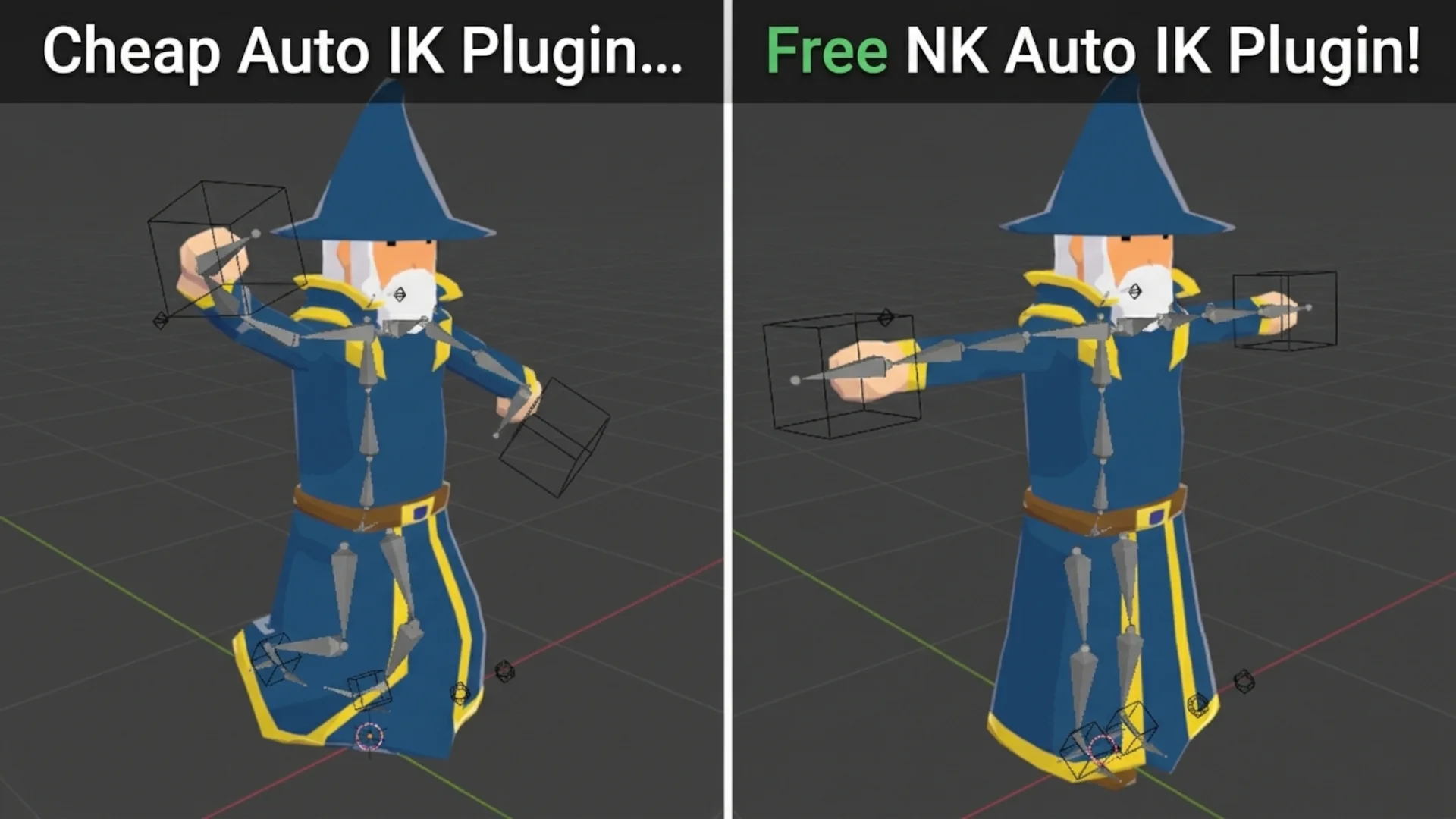
NK Auto IK
Set up IK controls for a Blender humanoid armature with NK Auto IK. Preview detected limbs, adjust bend options, or select bones manually.
Browse published guides by application, developer or task. Check product details before downloading. Page 197 of 337.
Set up IK controls for a Blender humanoid armature with NK Auto IK. Preview detected limbs, adjust bend options, or select bones manually.
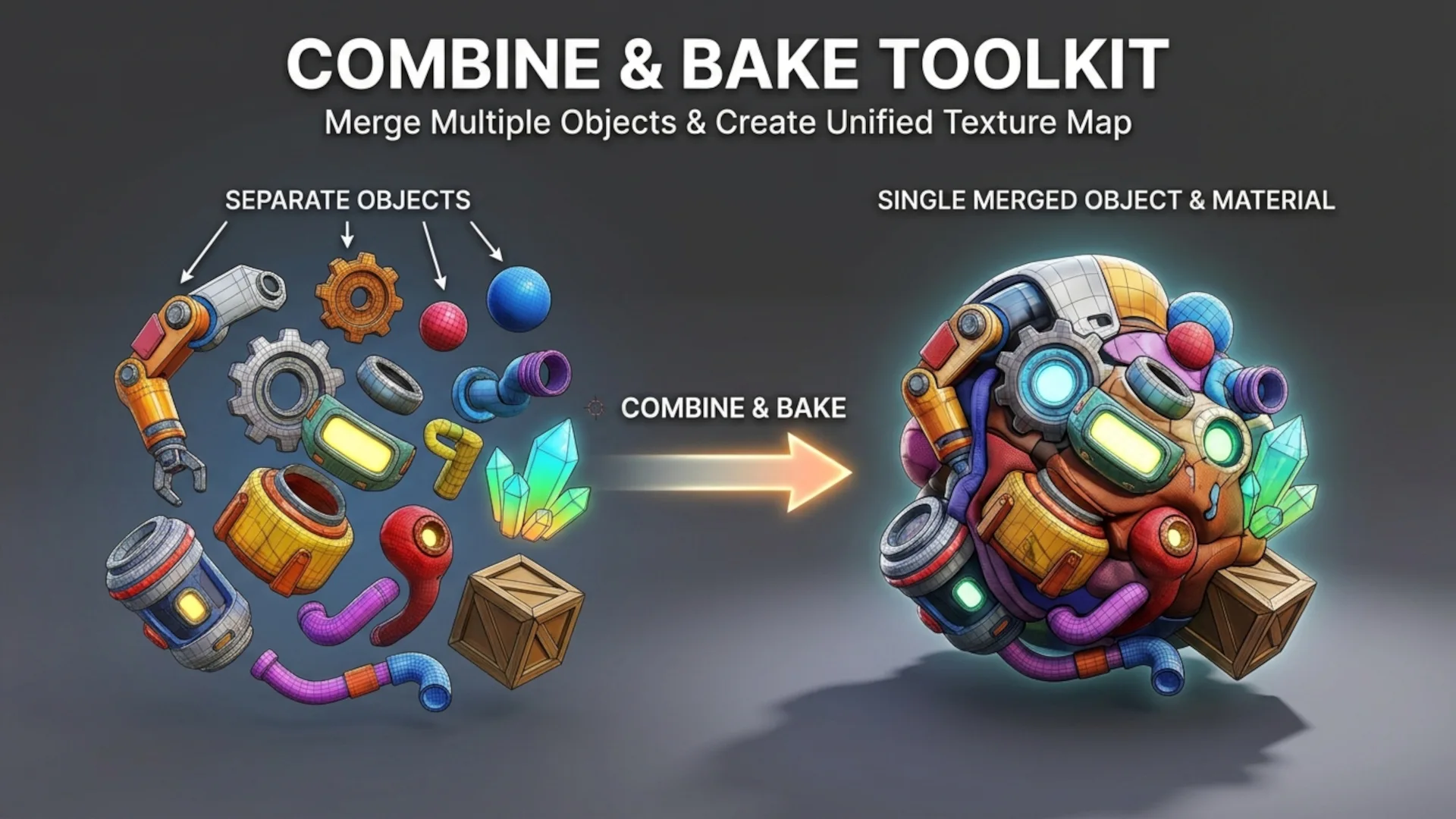
NK Combine & Bake is a Blender add-on for combining meshes, creating atlas UVs, and baking selected material channels with Cycles into texture maps.
NLA Batch Editor adds batch pushdown, track and strip editing, and selection tools to Blender's NLA Editor. Check its features and Blender 4.2+ compatibility.
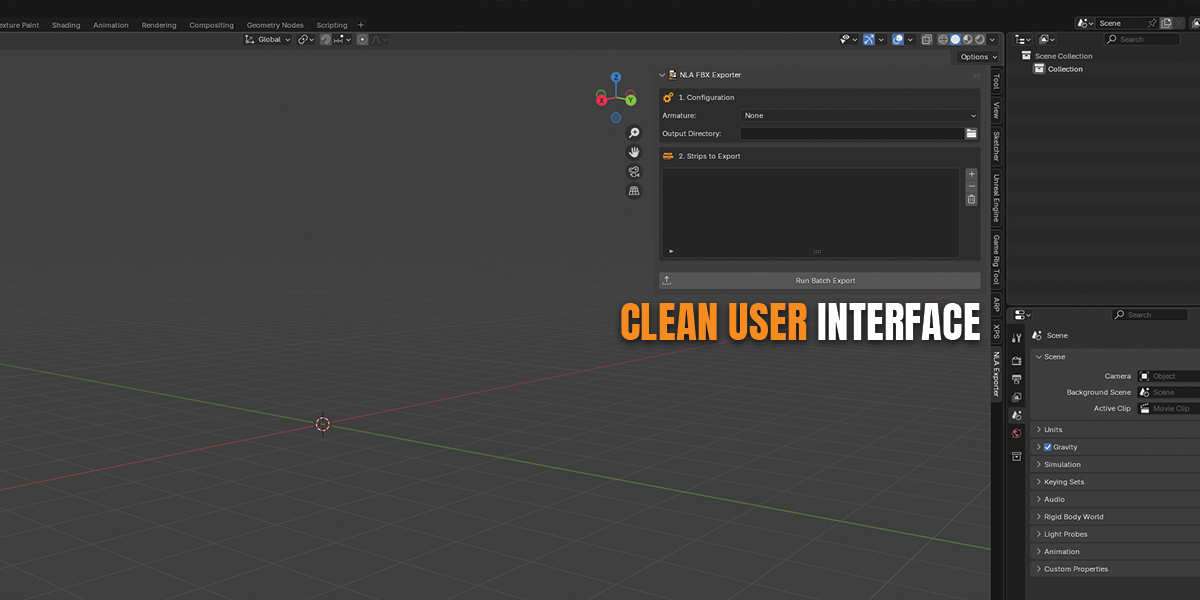
Export Blender NLA strips as FBX or glTF files with Nla Batch Exporter. Set per-strip timing and names, with presets for Unreal Engine 5, Unity, and Godot.
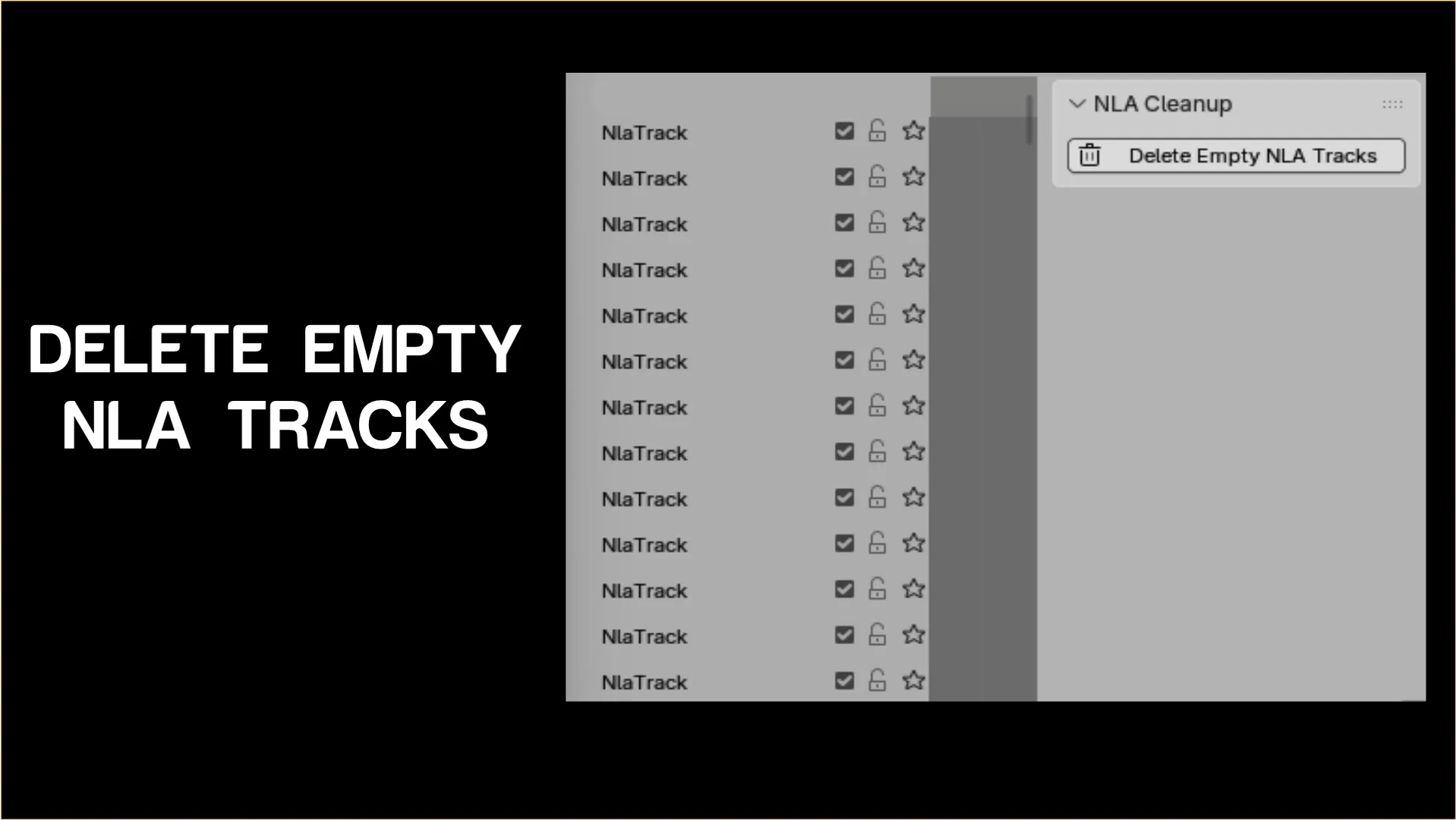
Remove empty NLA tracks, including shape key tracks, with NLA Empty Track Cleanup RKNZ. Blender lists 4.2.0 as the minimum; only 5.0.1 is developer-tested.
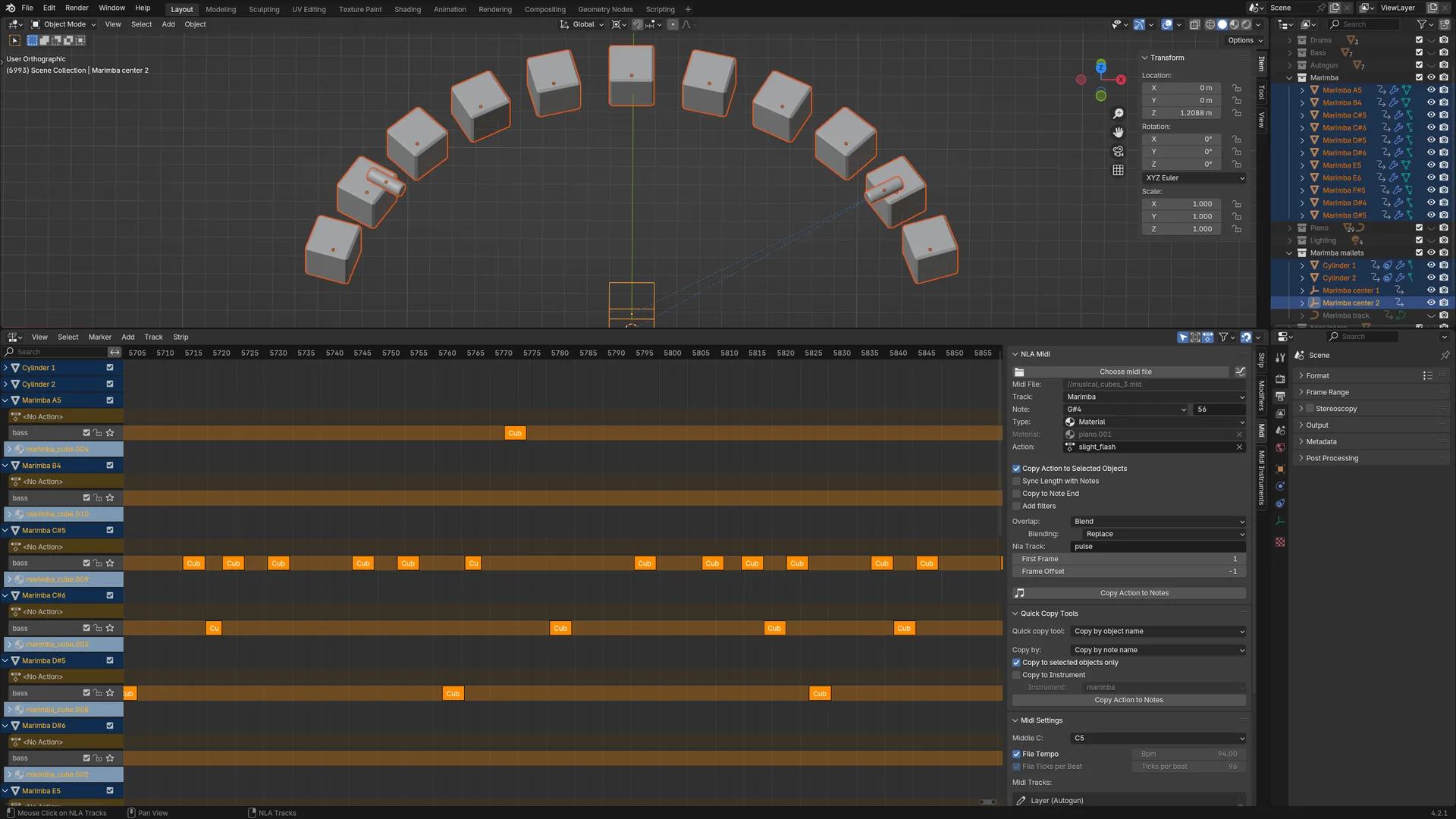
NLA Midi Copier copies Blender actions to MIDI notes and generates Graph Editor keyframes from MIDI data. Check its setup and version details.
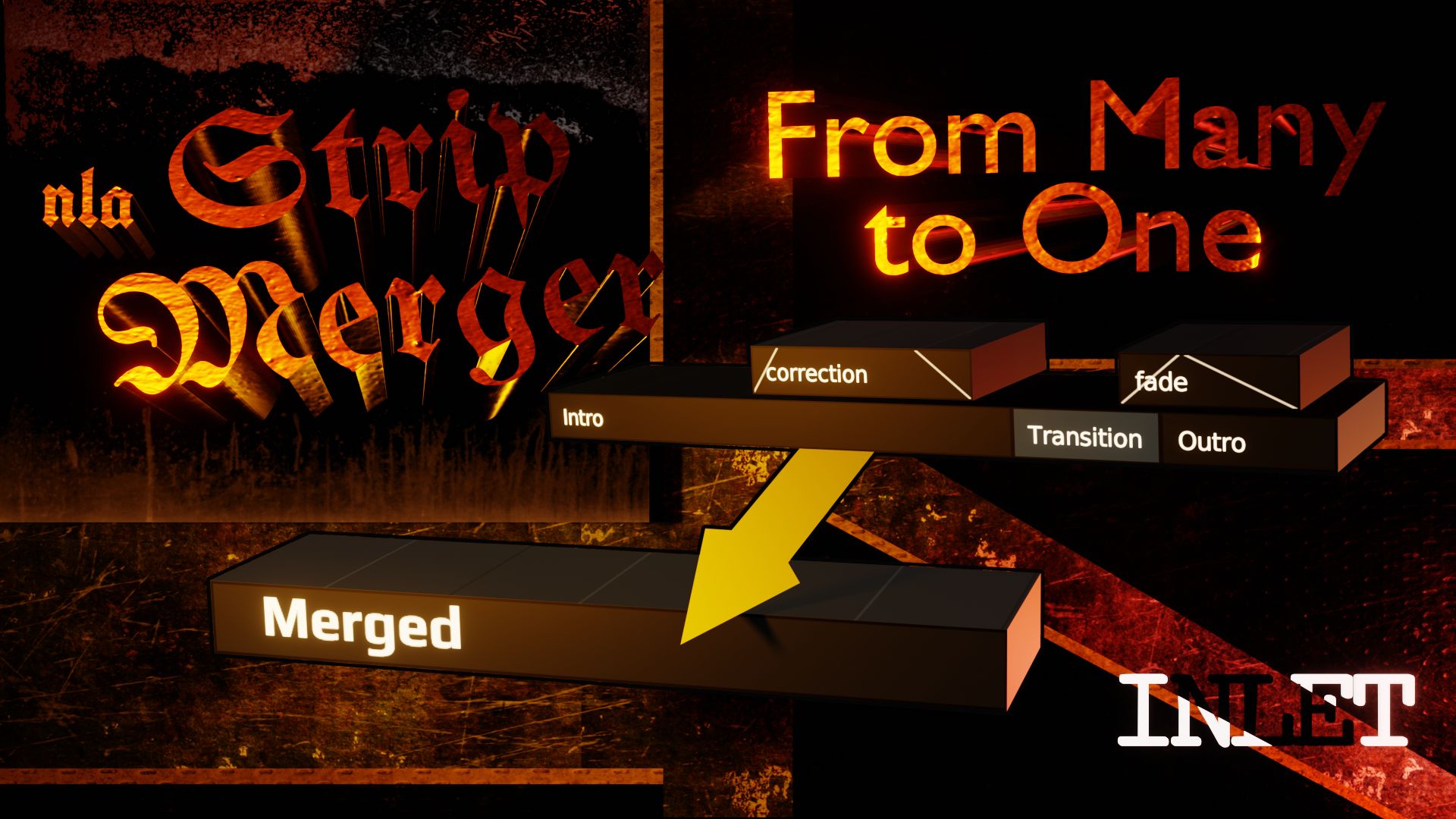
NLA Strip Merger - Baking Better merges selected NLA strips, applying animated time and influence; NLA Merger Plus bakes object and bone animation together.
Nla Tools for Blender adds bone custom-property baking and NLA strip operators. Check the creator page for supported versions and current availability.
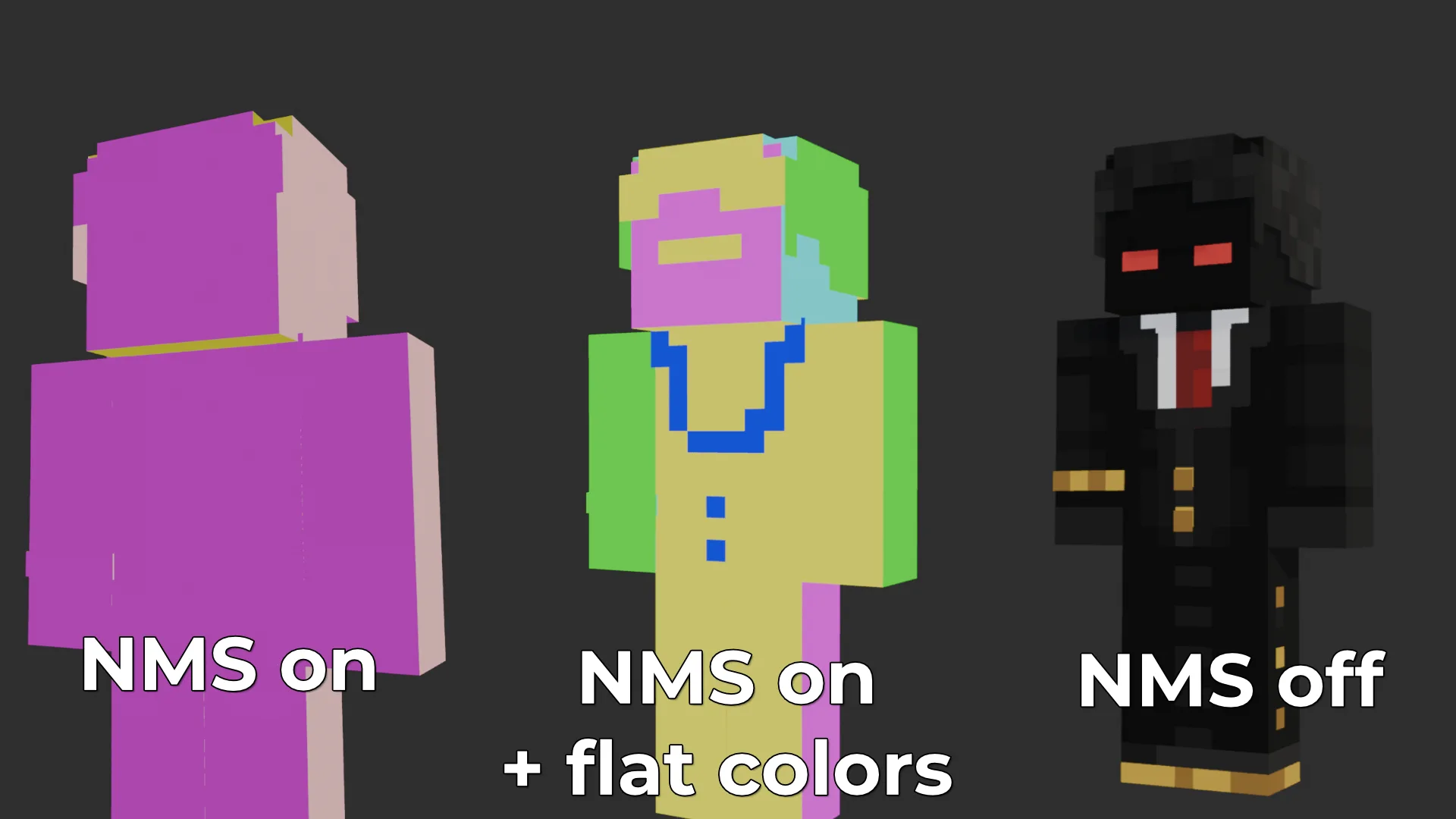
NMS Shader Add-on is a Blender extension for normal-based flat shading in Minecraft thumbnails. Version 1.0.0 supports Blender 4.2 and newer.
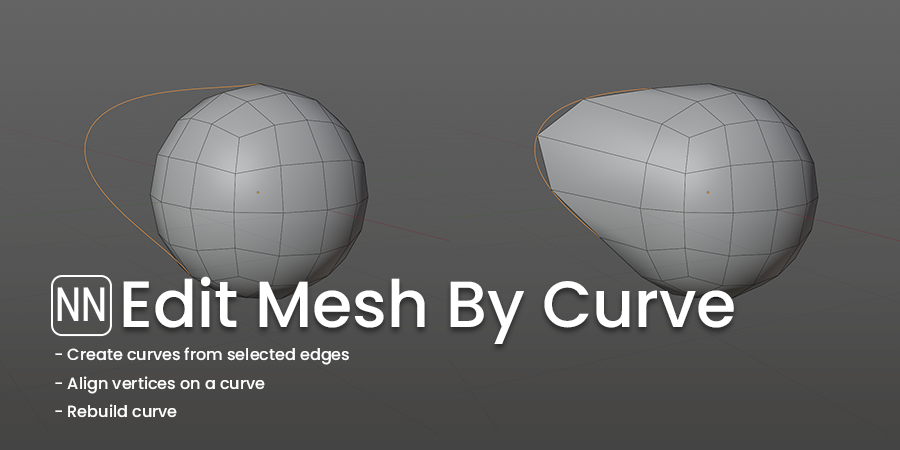
Turn selected mesh edges into Bézier curves with Nn Edit Mesh By Curve; reshape them, then fit by original proportions or even spacing. Check its limits.
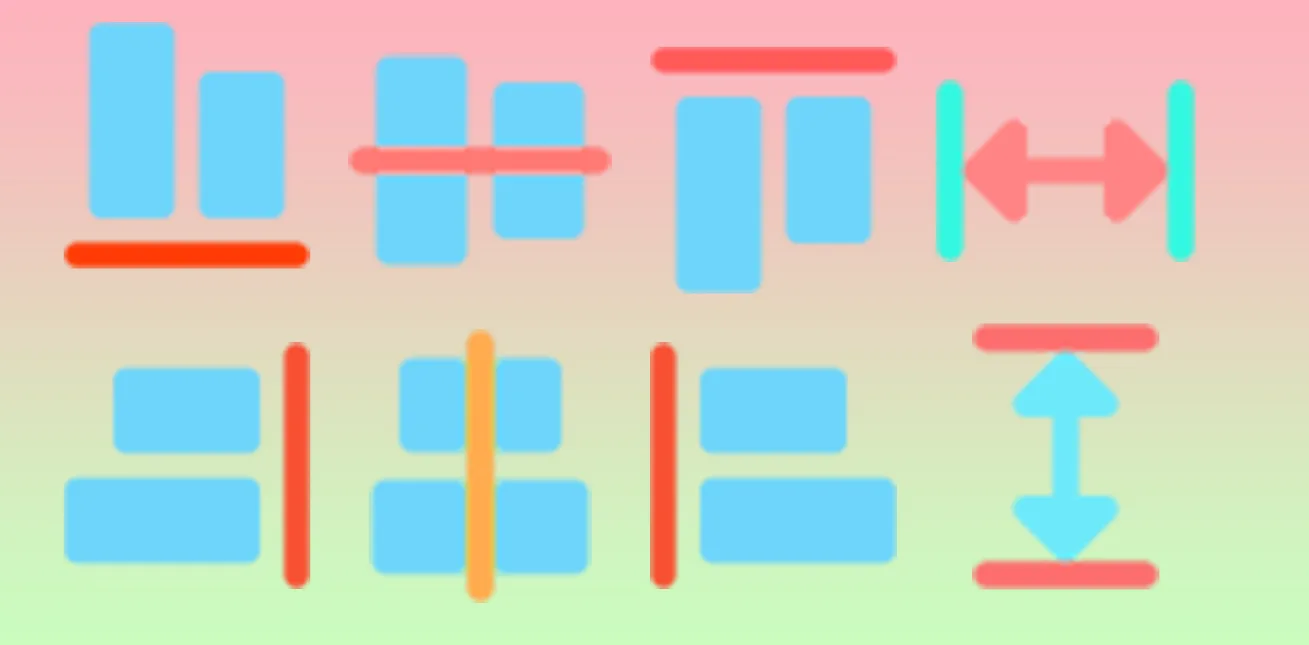
Node Align(节点对齐) puts Blender node alignment in a Shift+Q or Ctrl+Q pie menu, with edge, distribution, grid, spacing, and link-straightening tools.
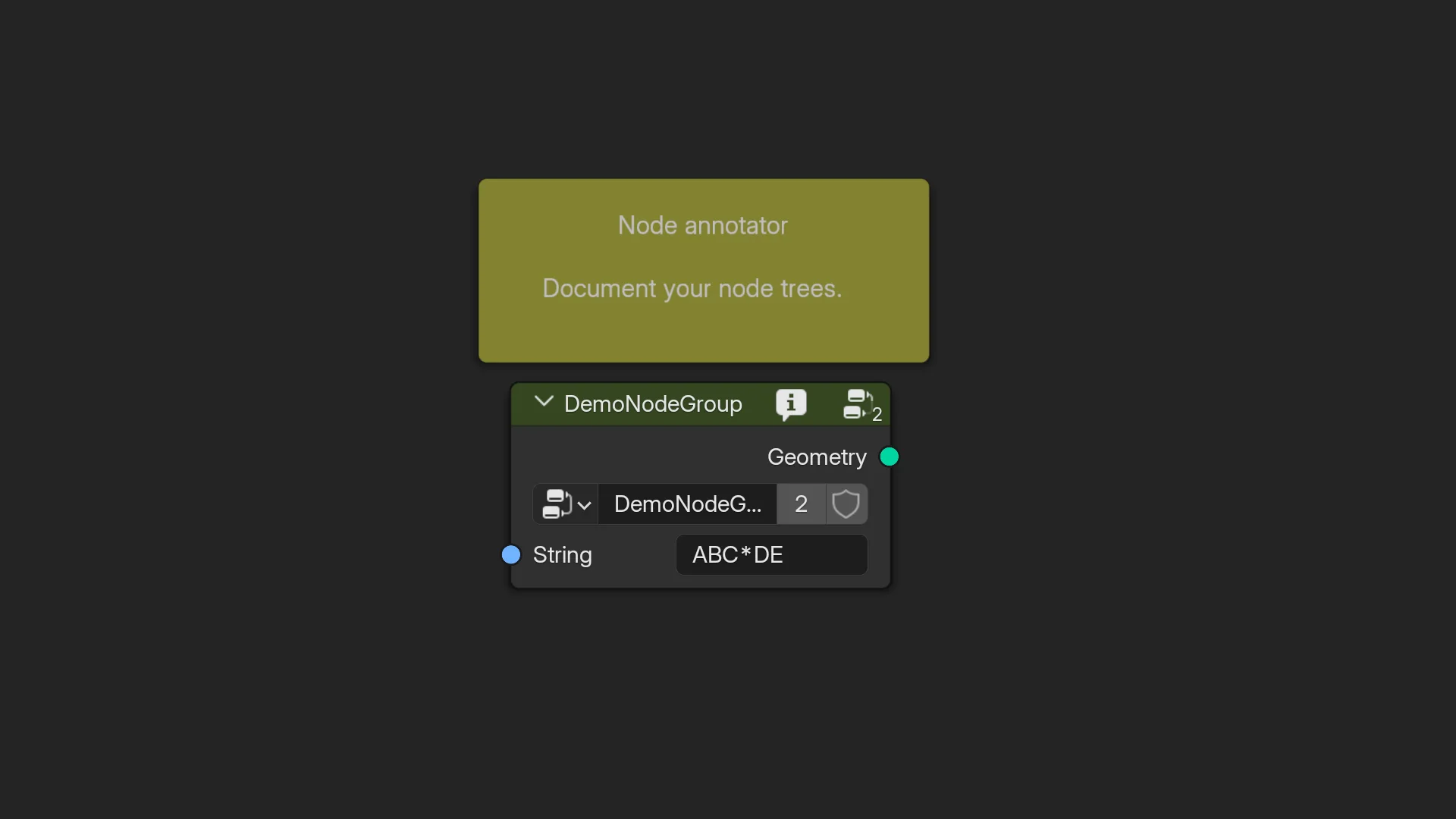
Node Annotator adds graph annotations, node-group descriptions, and search-and-replace tools to Blender. Version 0.4.3 requires Blender 4.2.0 or later.
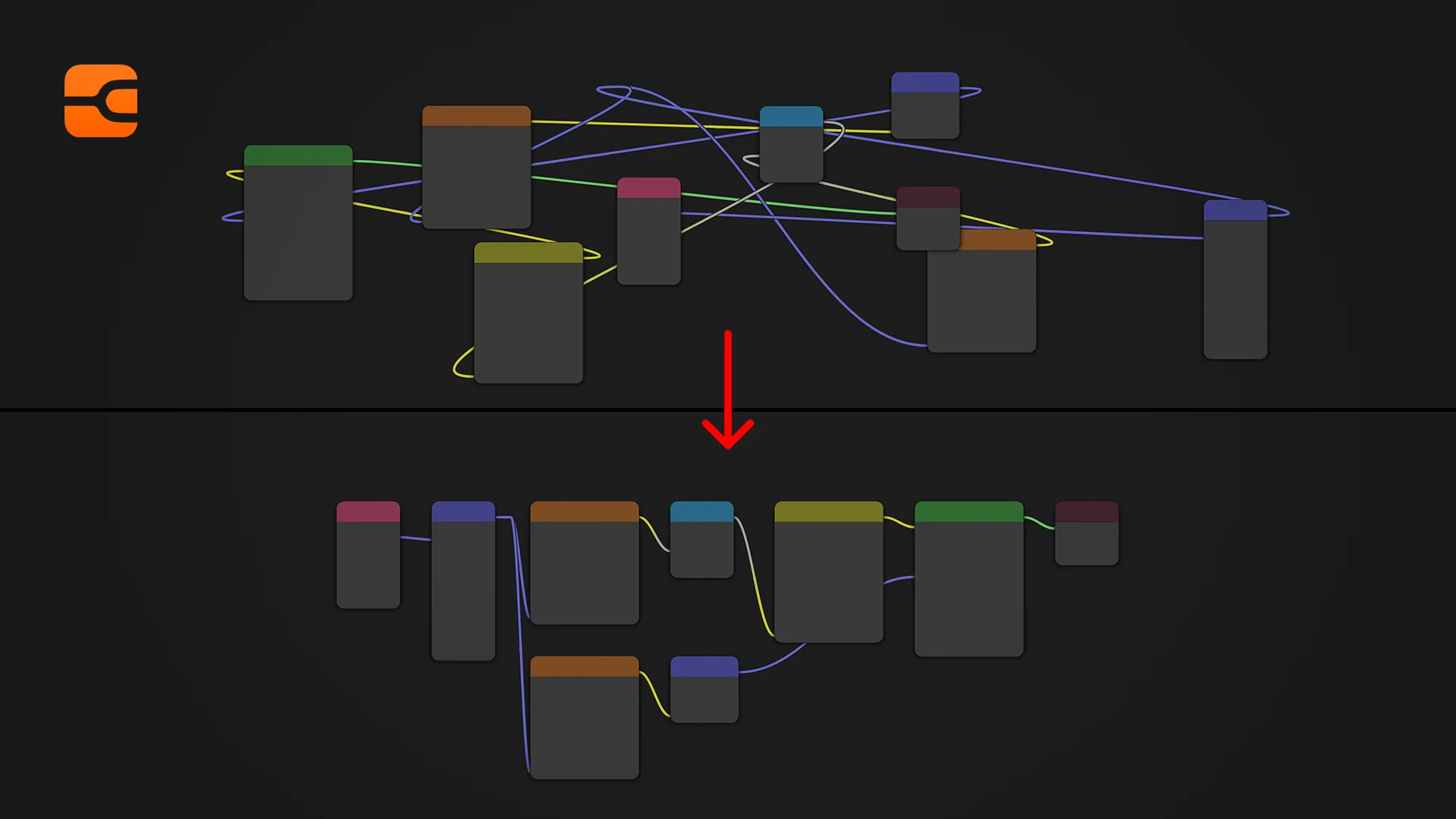
Node Arrange lays out Blender node trees in one click with adjustable settings. It includes shortcuts for selected nodes and requires Blender 4.2.0 or later.
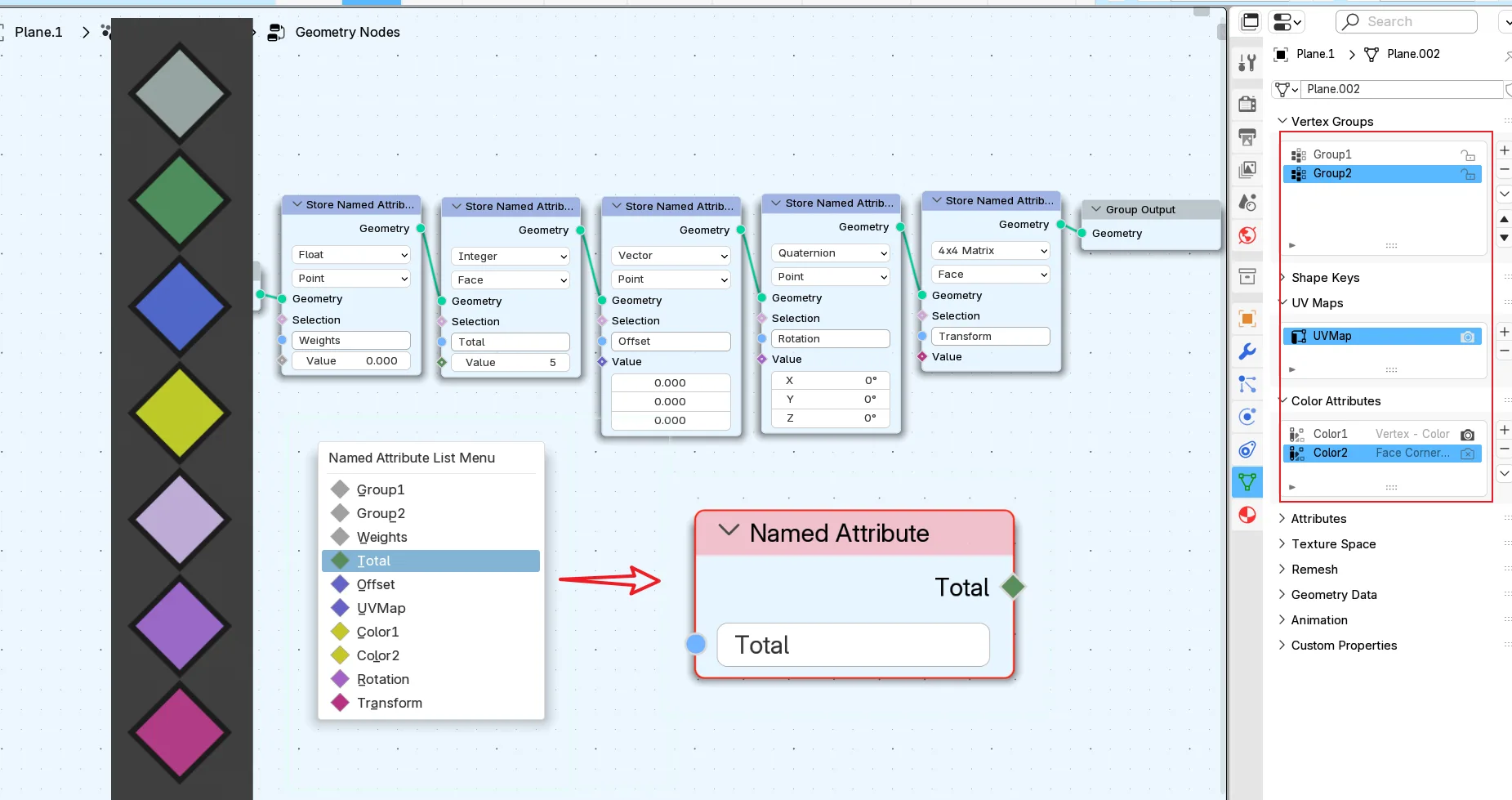
Node Attribute List(节点属性列表) adds attribute nodes from a list in Geometry and Shader Nodes. Check its shortcuts and Blender 4.2.0+ support.
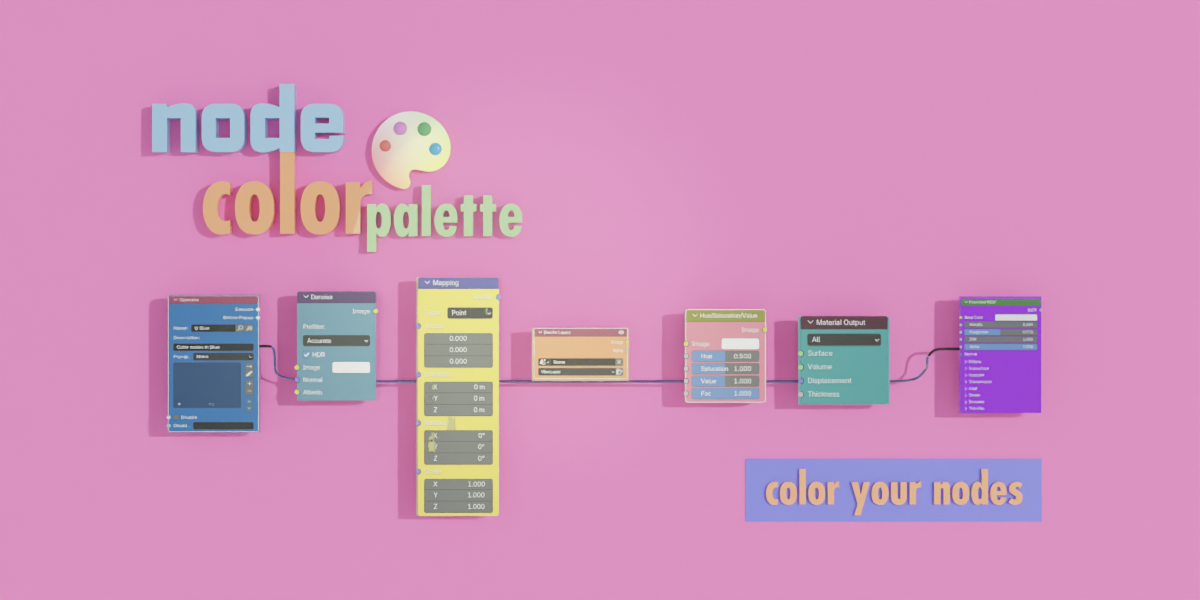
Node Color Palette colors Blender nodes in shading, compositing, geometry and visual scripting editors. Review Lite and Studio features and version notes.
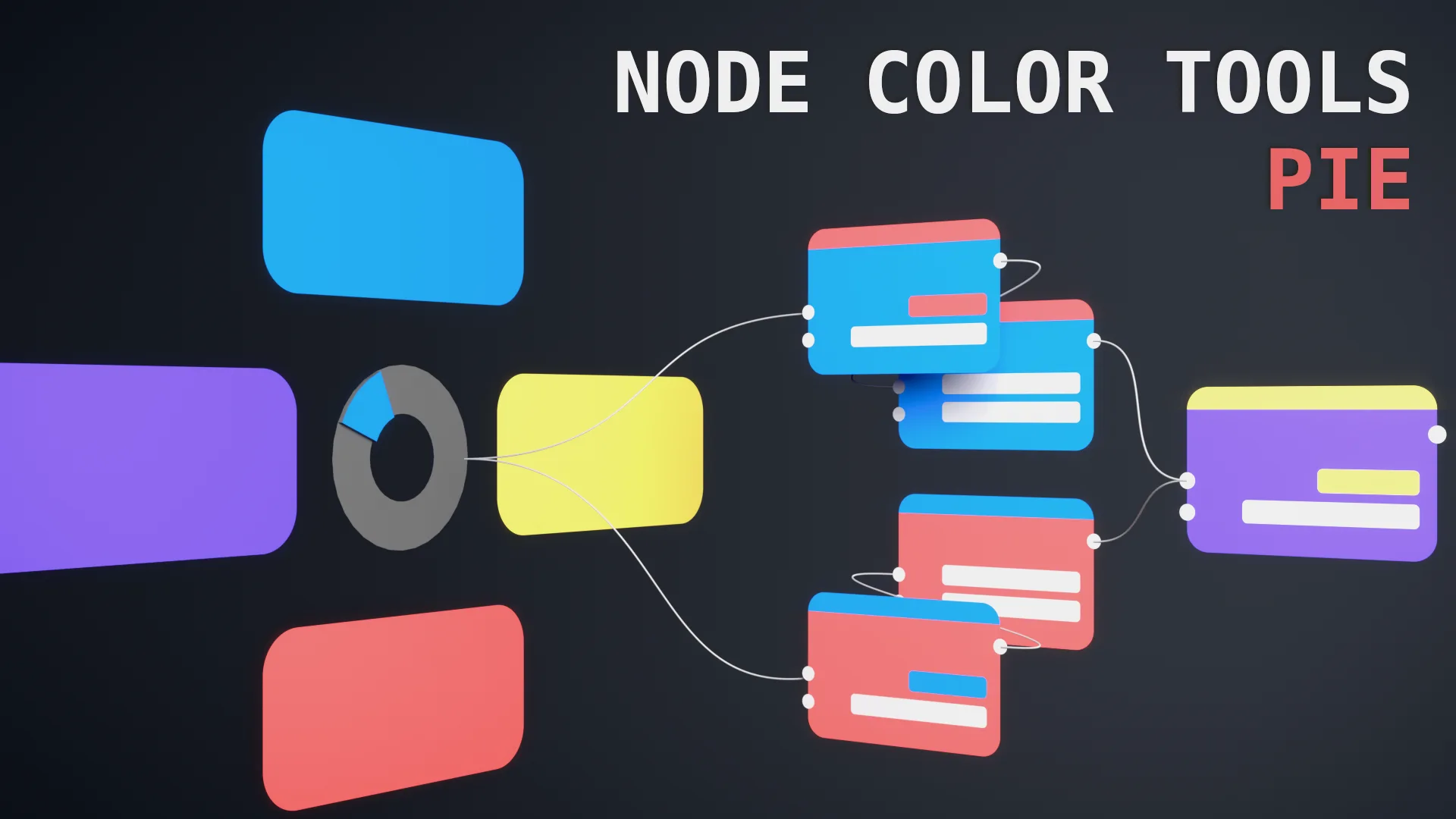
Color selected Blender nodes with preset or saved colors, random assignment, copying, and removal. Compare the two pie menus and sidebar controls.
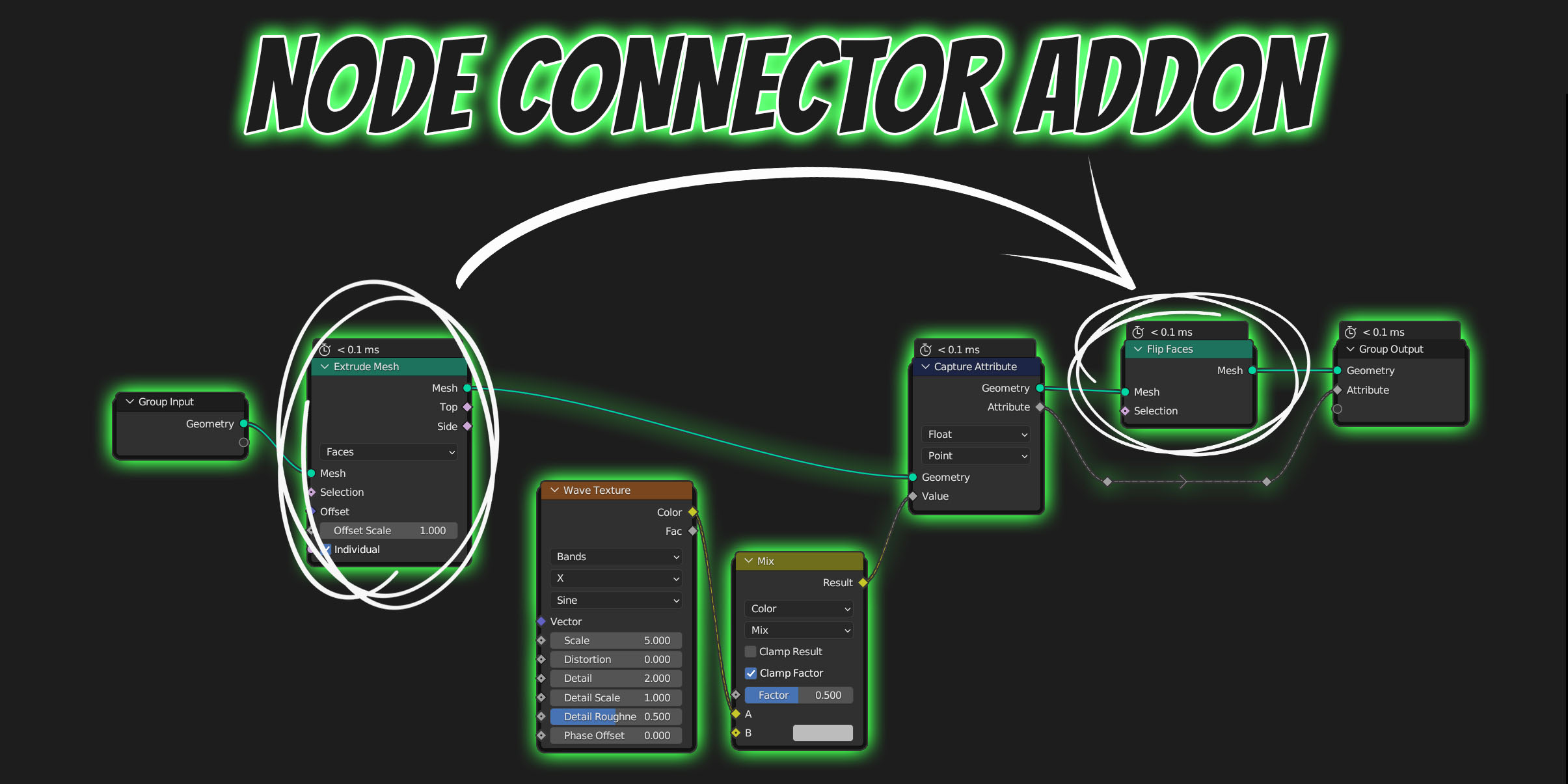
Connect Blender nodes to up to five saved targets from the N panel, context menu or a shortcut. Check socket options and Blender version details.
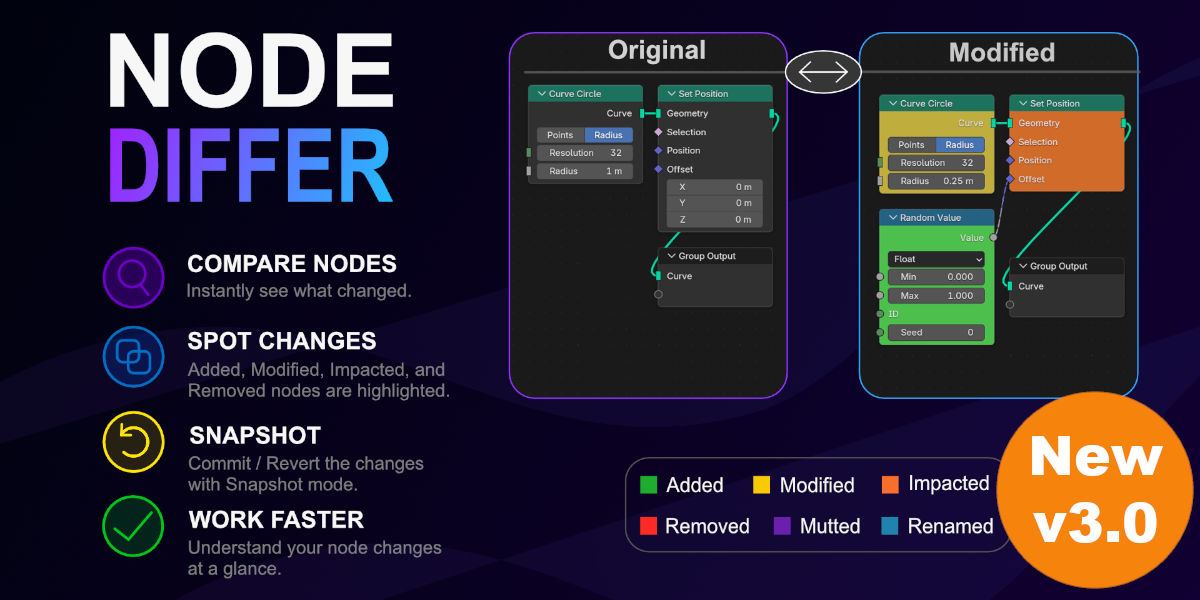
Compare node groups in Node Differ against snapshots, earlier .blend files, or saved versions, then inspect changed settings, connections, and removed nodes.
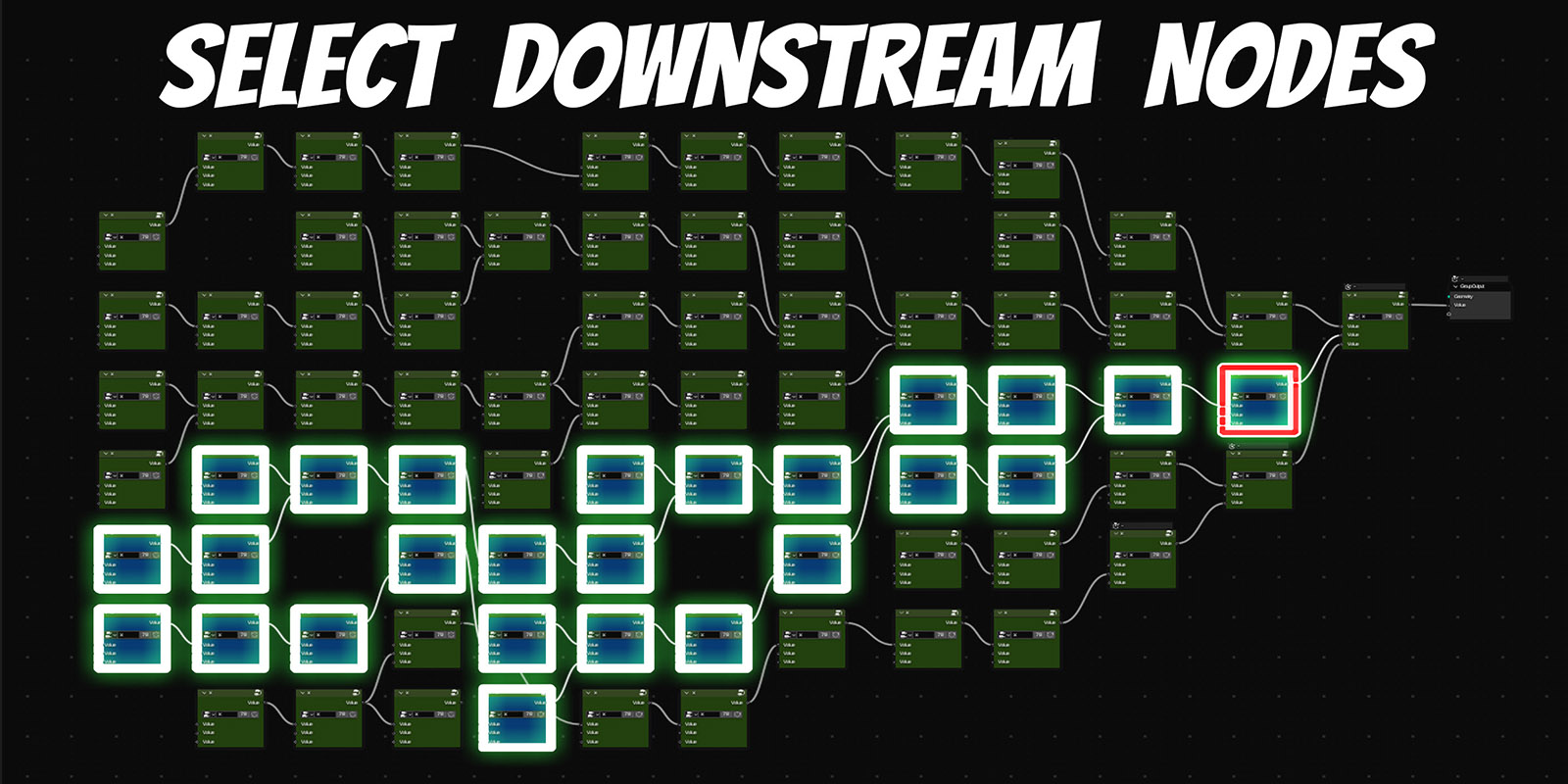
Select Blender nodes upstream or downstream with four operators, one-step choices, and custom shortcuts. Check the listed version before installing.
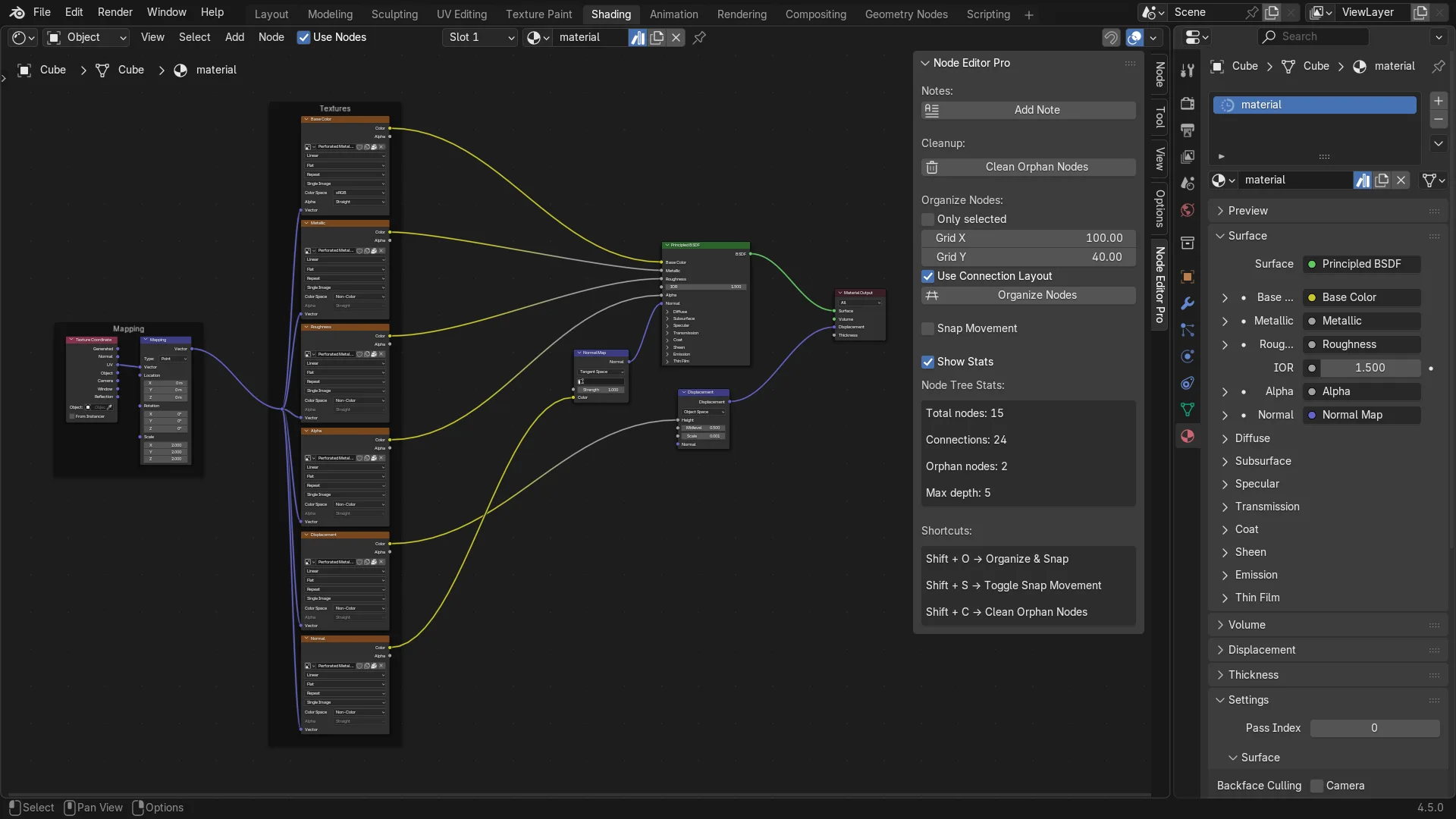
Explore Node Editor Pro for Blender: auto-layout, snapping, cleanup, notes and tree statistics. Version 0.5.0 requires Blender 4.2.0 or later.
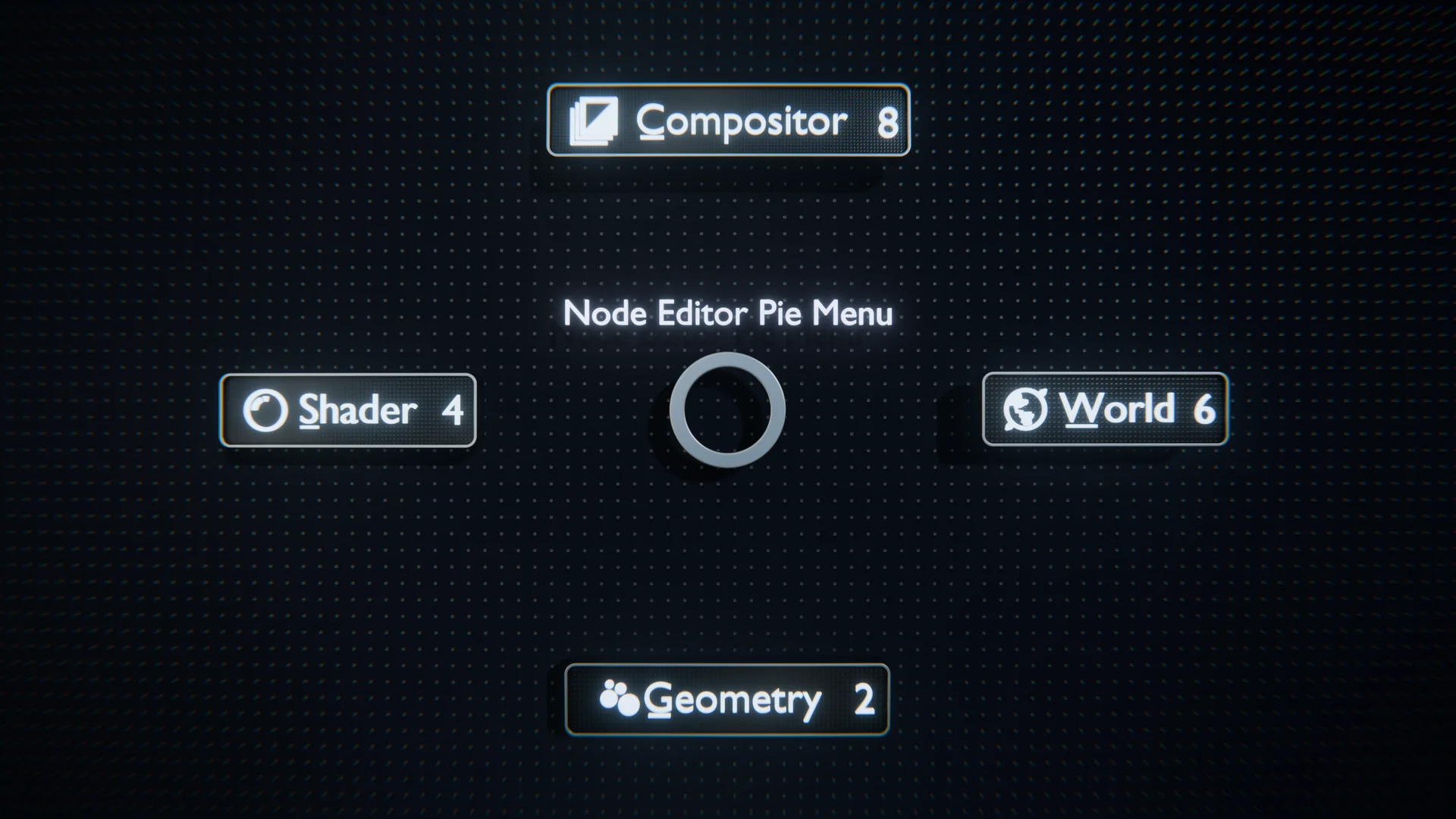
Node Editor Switcher adds a pie menu, header buttons, and shortcuts for Blender's four node editors. Check compatibility and configure its shortcuts.