Addon Controller - Enable/Disable, Sort & Search Addon Manager
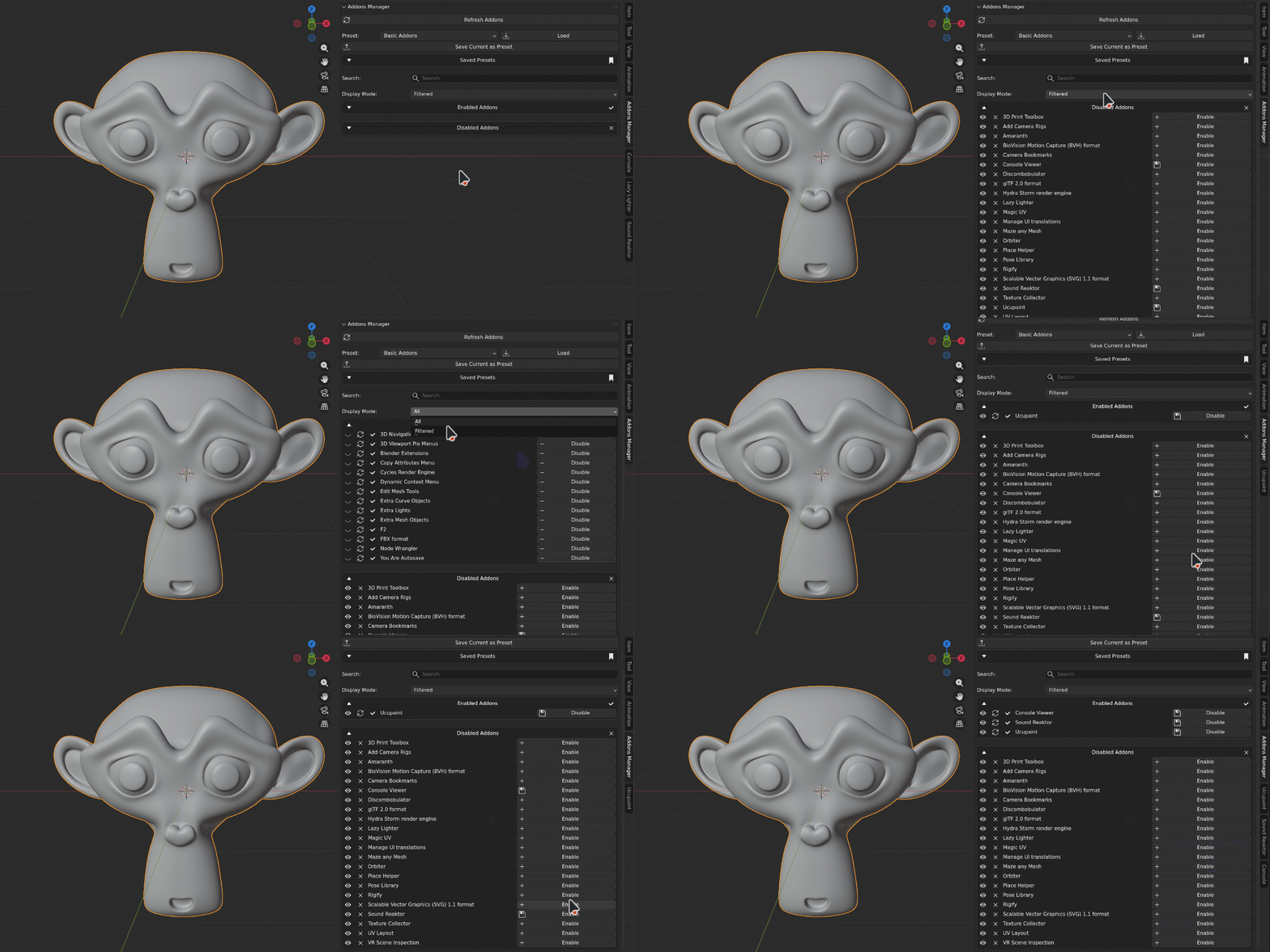
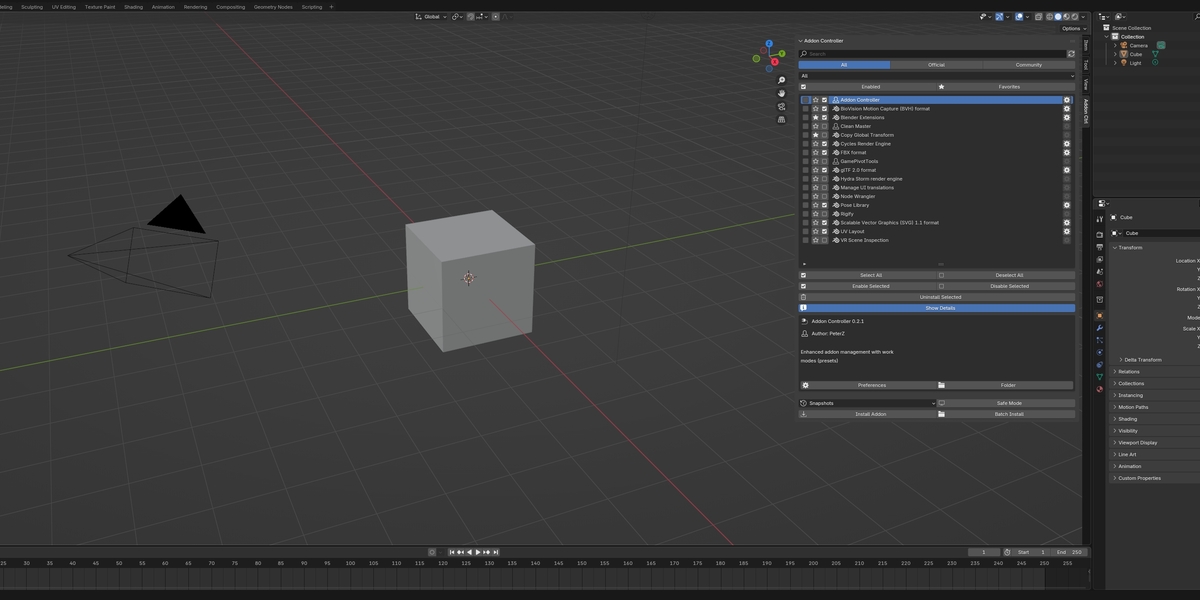
Addon Controller - Enable/Disable, Sort & Search Addon Manager works in Blender with search, batch actions, snapshots, Safe Mode and load-time checks.
Browse published guides by application, developer or task. Check product details before downloading. Page 6 of 337.
Addon Controller - Enable/Disable, Sort & Search Addon Manager works in Blender with search, batch actions, snapshots, Safe Mode and load-time checks.
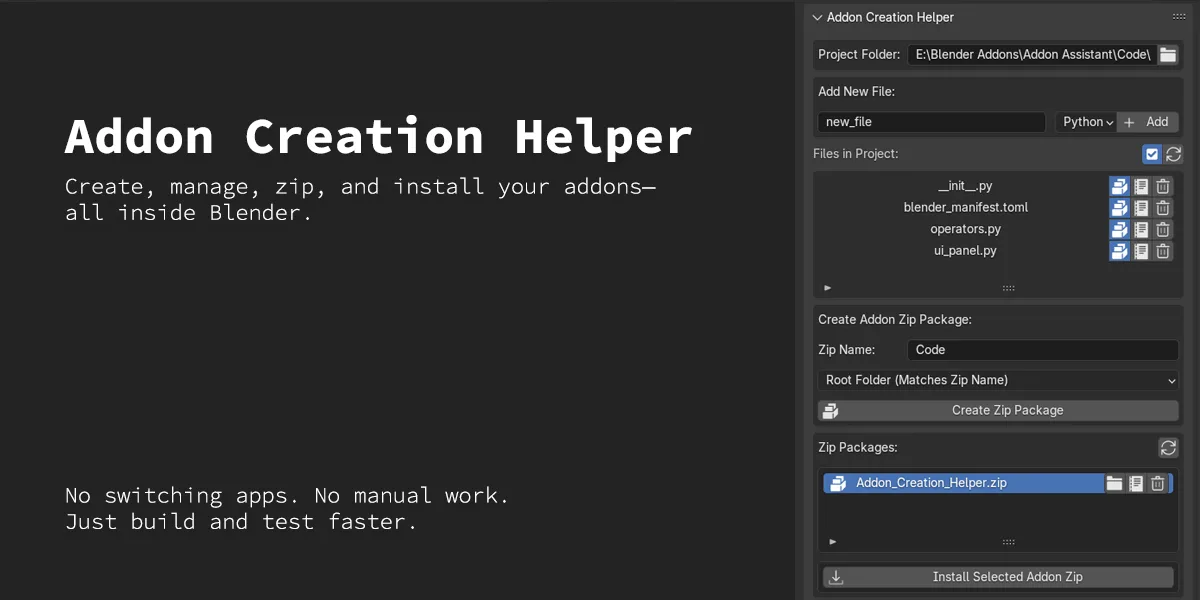
Addon Creation Helper is a Blender add-on for managing project files, choosing ZIP layouts, and installing test builds from the Text Editor sidebar.
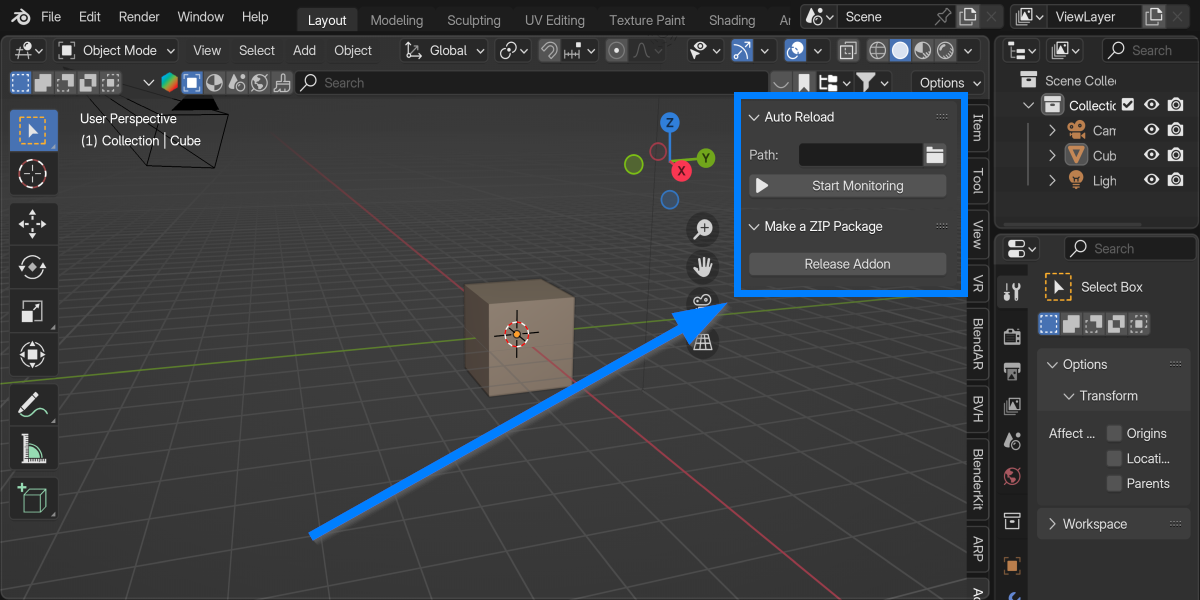
Reload Blender add-ons when files change, then package release ZIPs with Addon Dev Tools. Check Blender compatibility and the caveat for deeply nested modules.
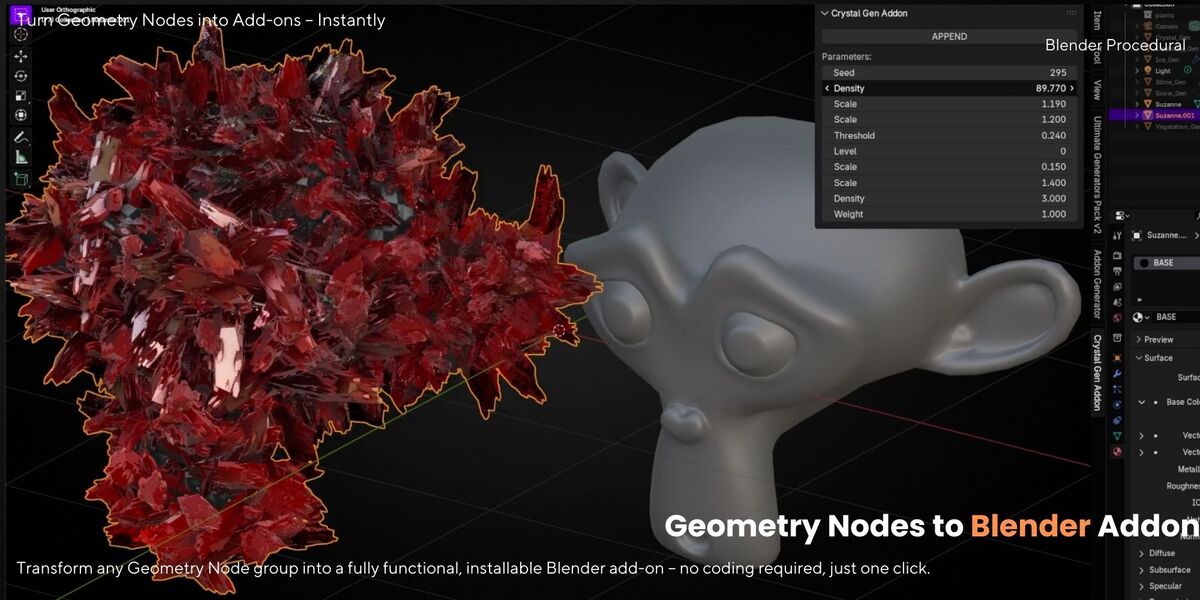
Addon Generator converts a Blender Geometry Nodes group into an installable ZIP add-on, with generated Python and an N-Panel for exposed parameters.
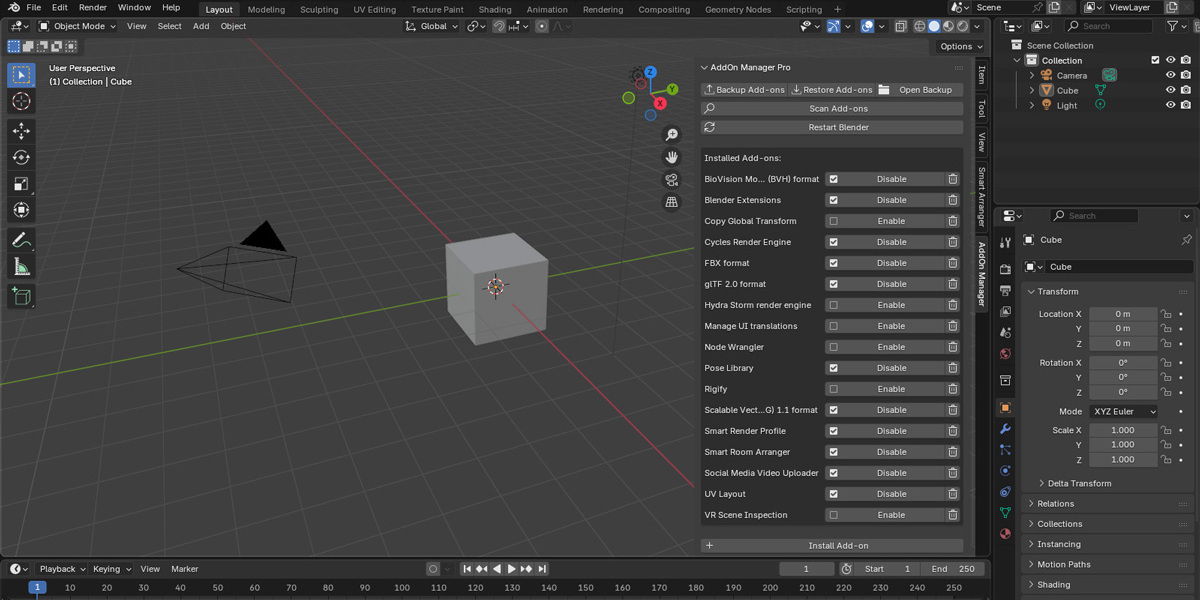
Addon Manager Pro is a Blender add-on for managing add-ons and extensions, with search, backup, restore and JSON profiles. Check version support.
Translate installed Blender add-ons and extensions with Addon Translator. Choose online or offline engines, export text, and restore original interfaces.
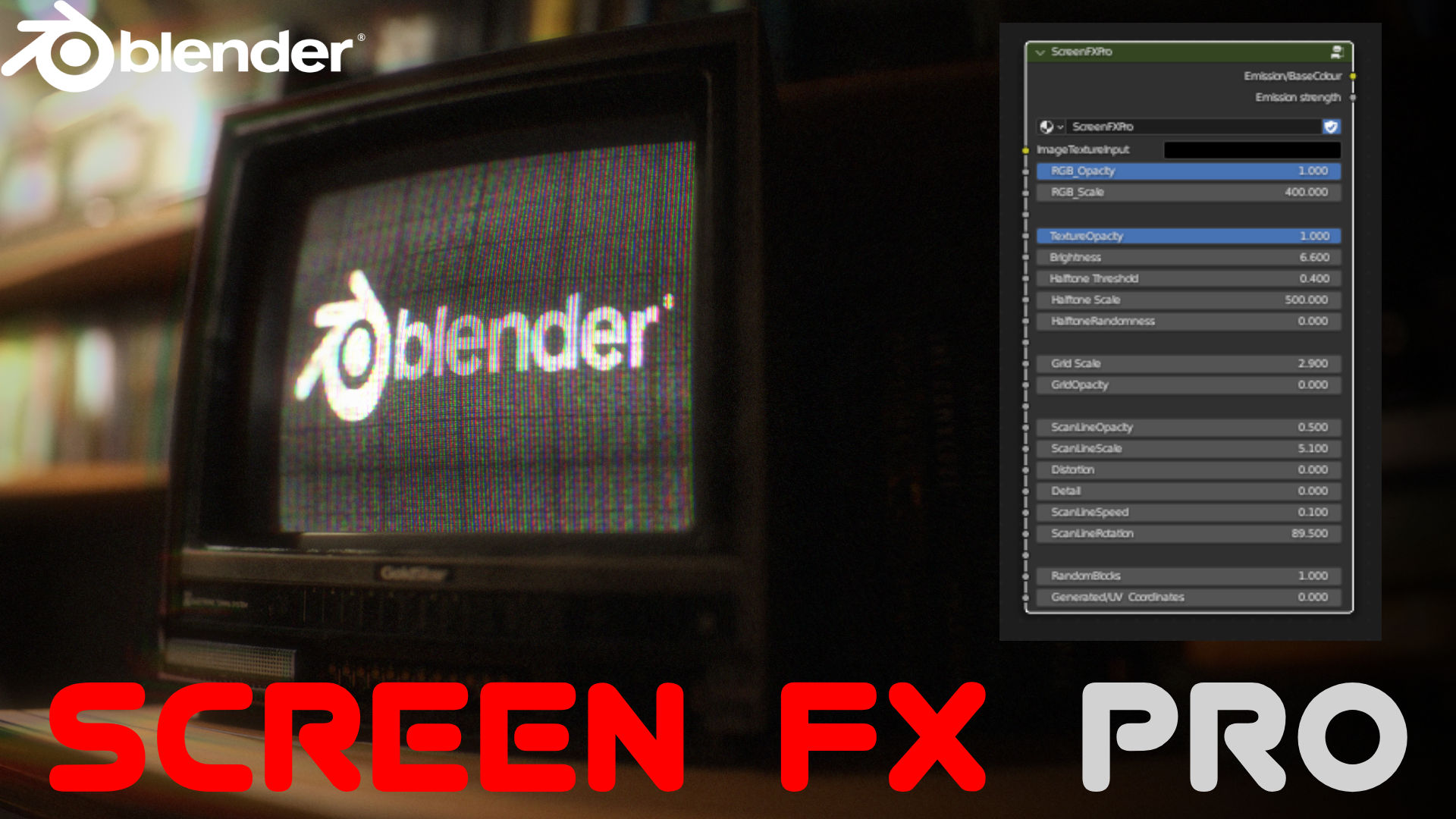
Addon: Screen Fx Pro adds RGB pixel, halftone, grid and scanline effects to Blender 3.0–3.6 scenes via an appendable node tree for Cycles and Eevee.
Addon_Show_Saved_File_Version shows which Blender version saved the open file. The listing names Blender 2.93 and 3.0 through 3.4 as compatible.
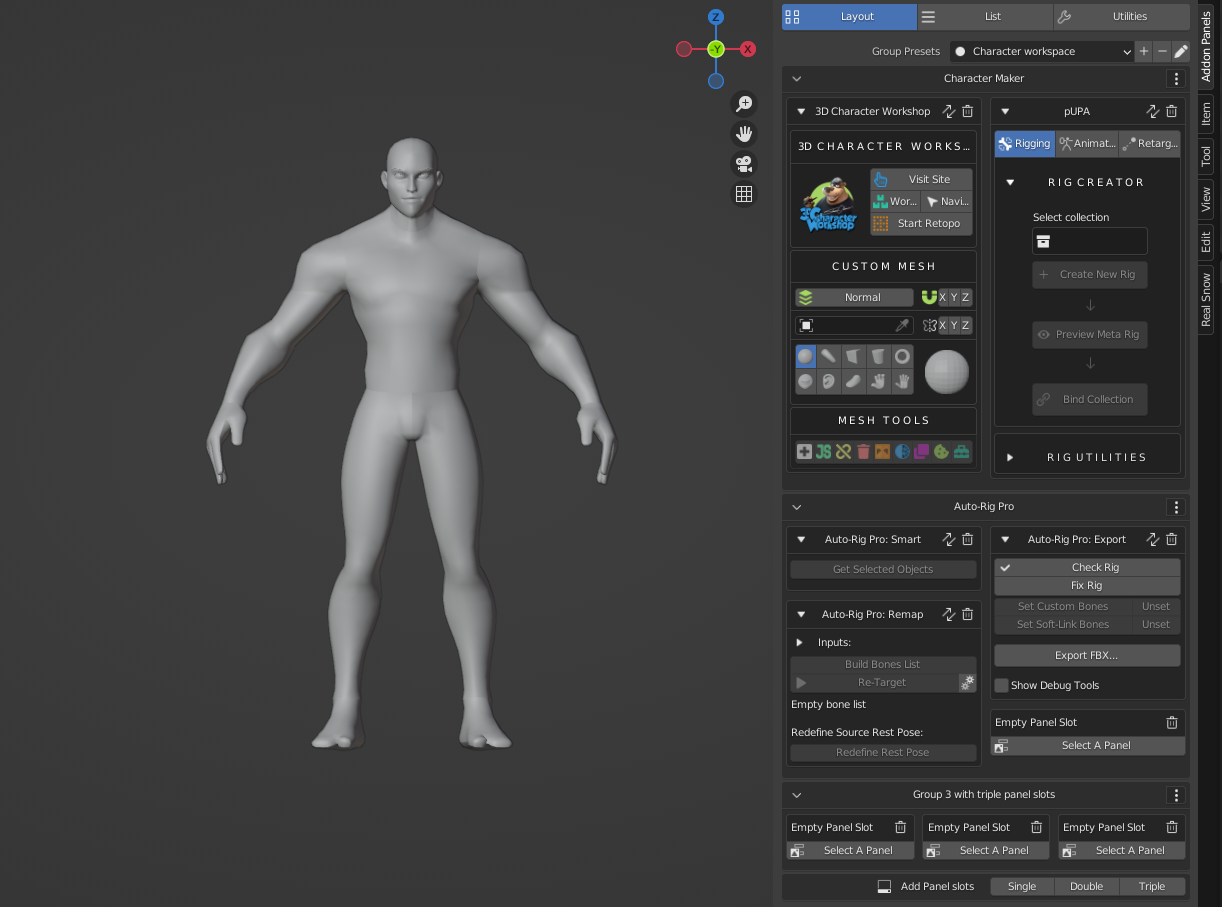
Addonpanel Manager organizes Blender’s N-Panel with grouped add-on panels and saved layouts. Development is paused; check version support before downloading.
Addons Manager organizes Blender add-ons with search, presets, saved preferences and hot reload. Check compatibility and docs on SuperHive.
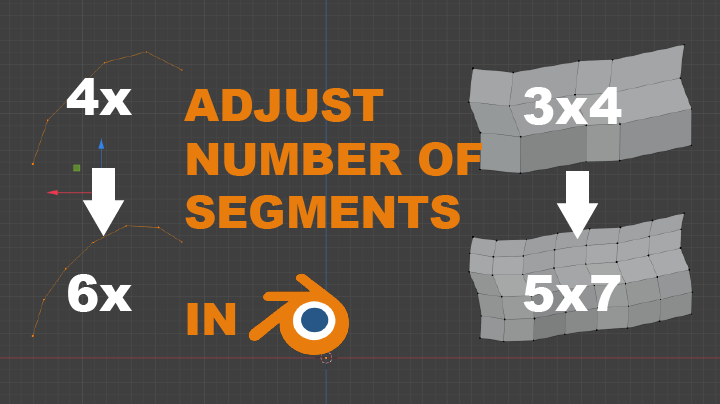
Adjust Segments resamples Blender polylines and quad surfaces. Set a direct count or increment, choose even spacing, and review compatibility.
Adobe Acrobat Pro edits and compares PDFs, converts scans with OCR, prepares forms for signatures, and redacts sensitive content before documents are shared.
Adobe Acrobat Reader is a free PDF app for reading, annotating, filling and signing PDFs. Compare its tools with Acrobat Pro on desktop and mobile.
Adobe Acrobat Standard is for editing and converting PDFs, organizing and password-protecting documents, and collecting e-signatures with response tracking.
See how After Effects handles animated titles, compositing, tracking, 3D scenes, Adobe app workflows, plus current system and subscription requirements.
Make frame-by-frame character animation and interactive web content in Adobe Animate, then publish to HTML5 Canvas, WebGL, video, or custom formats.
Record, edit, mix, and restore audio in Adobe Audition. Compare waveform and multitrack workflows, inspect spectral views, and work on podcasts or video.
Edit HTML, CSS and JavaScript in Adobe Dreamweaver’s code and Live views. Organize site files, review Git tools, and check current plans.
Adobe FrameMaker authors structured and unstructured technical content, reuses material, and publishes PDF, HTML5, EPUB, and more. Review its fit.
Adobe Fresco combines pixel, vector, and live brushes with animation and artwork export. Explore its drawing workflow and check device support.
See how Adobe InCopy supports writing and editing in an InDesign workflow, with assignments, layout context, tracked changes, and file handoffs.
Adobe InDesign helps you build books, brochures, magazines, and PDFs with precise page layout and typography for print and digital publishing projects.
Adobe InDesign Server automates document creation for publishing workflows. Review its SDK, developer requirements, and licensing before planning a solution.
Adobe Lightroom edits and organizes photos across desktop, mobile, and web. Explore its cloud library, core editing tools, and how it differs from Classic.