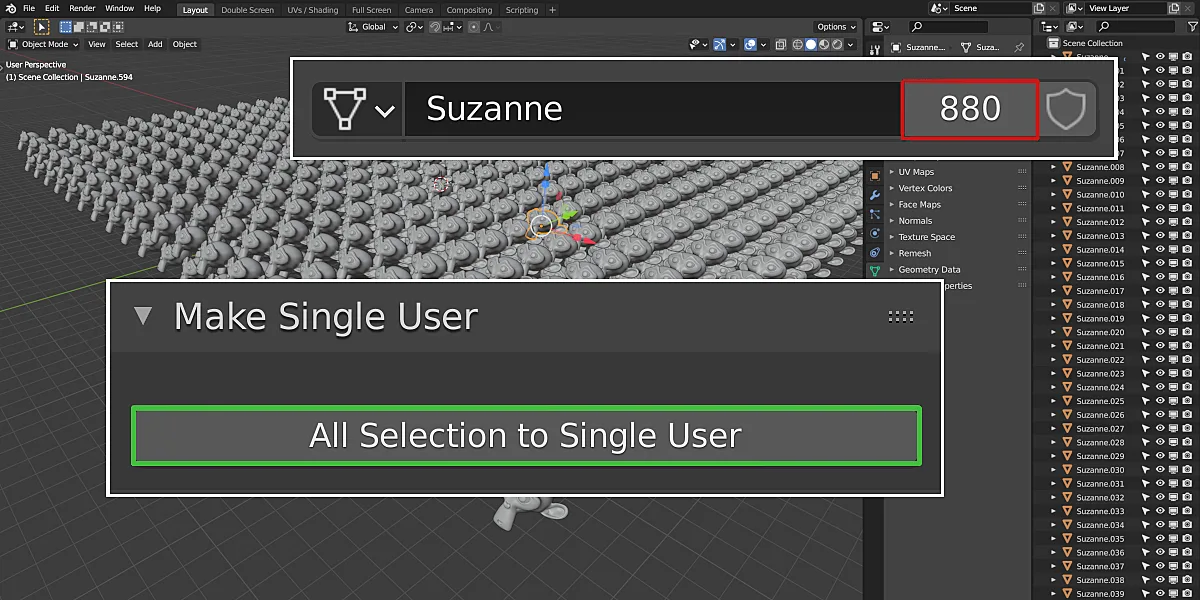
Multiple Single Users
Multiple Single Users are used to make selected linked duplicates single-user in one click. Check listed Blender versions and license before installing.
Tools for organizing files and automating repeated tasks in creative applications. Browse by application or search for a task. Page 89 of 163.
Multiple Single Users are used to make selected linked duplicates single-user in one click. Check listed Blender versions and license before installing.
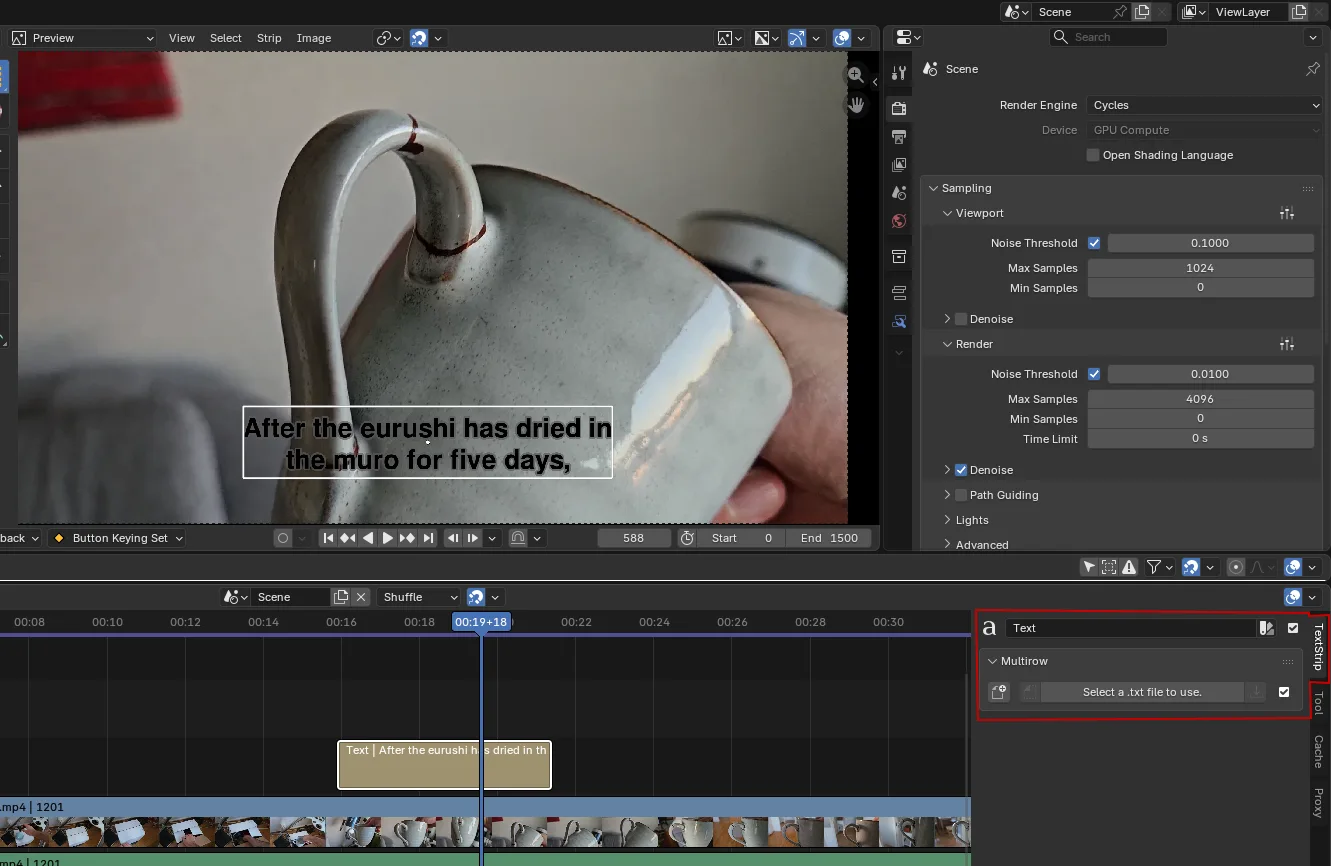
Add multiple rows to Blender TextStrips with Multirow, an add-on by flakmoppen. Version 1.0.1 lists Blender 4.4.3 as its minimum supported version.
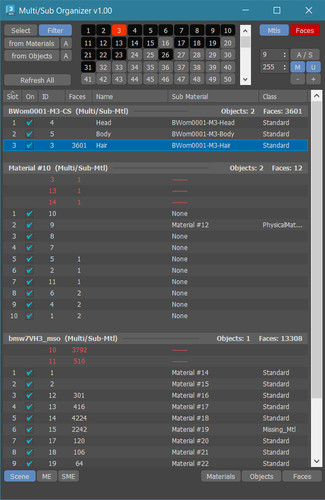
Organize 3ds Max Multi/Sub-Object materials and linked Face IDs with synchronized updates, sorting, filtering and diagnostics in EditPoly or EditMesh.
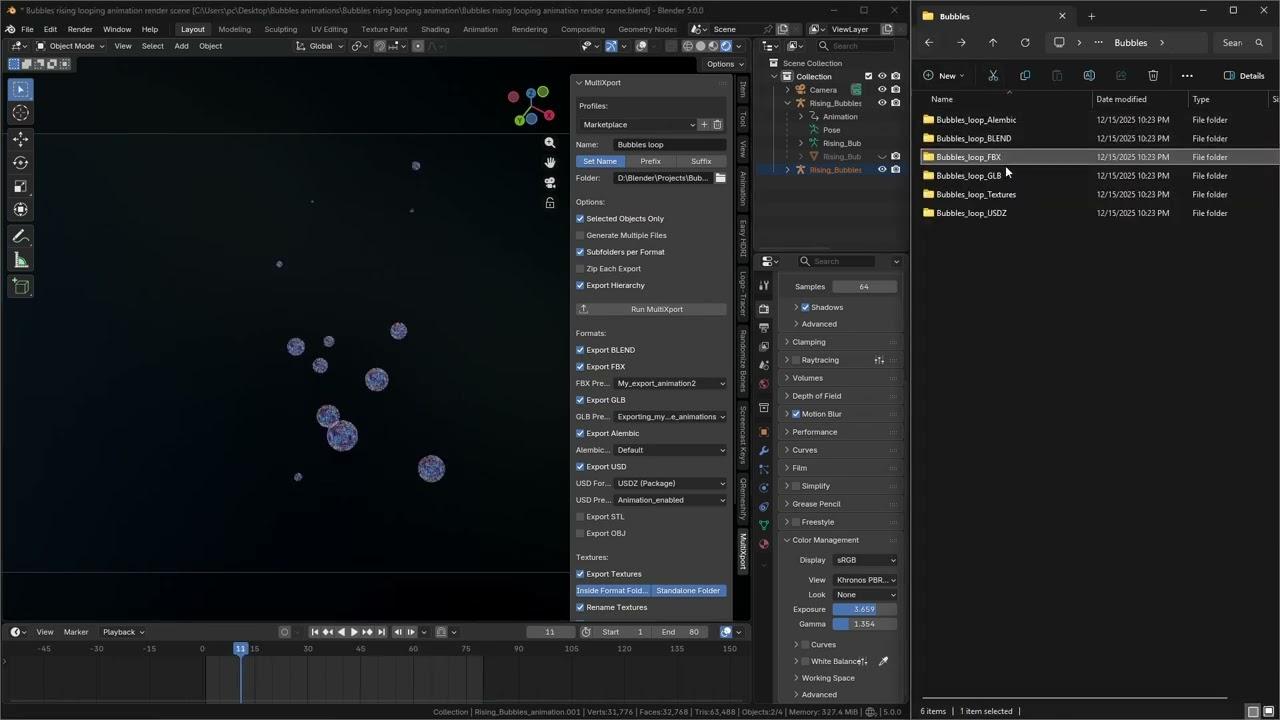
Multixport Pro batches Blender exports across BLEND, FBX, GLB, USD, Alembic, STL and OBJ, with saved profiles, naming controls and texture options.
Muscle Setup for 3ds Max places a bone or Flex-modified cylinder between two points. The catalog lists the .mcr macroscript as a free download.
Build and review cue lists with Music Cue Sheet Uploader's filters, clip merging and editable preview; upload them to EditingTools.io Cue Sheet Manager.
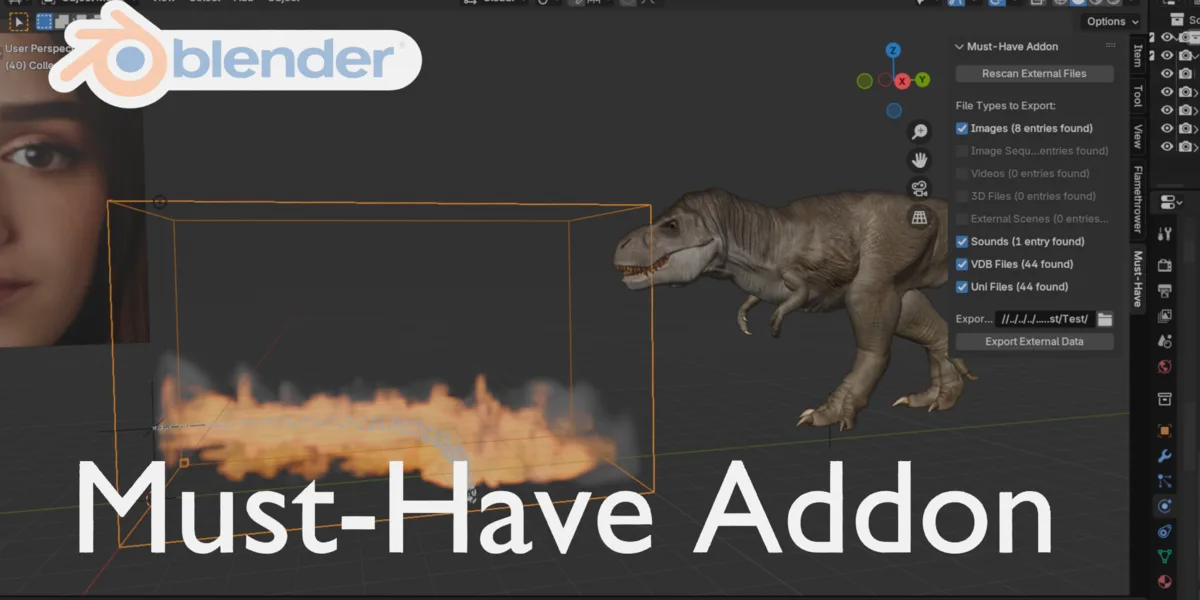
Must-Have Addon is a Blender add-on that gathers external files into one folder, saves a _copy blend file with updated paths, and records original locations.
Mustard Simplify is a Blender add-on that reduces viewport load during animation, with object exceptions and scene analysis. Blender 4.3+ is required.
Mv Low Poly Painter (Automated Uv System) is a Blender add-on that assigns colours and gradients to selected faces through a UV atlas, with reusable palettes.
Run MAXScript in mxseditor with the mxseditor code snippet generator; edit its codeSnippet function and check for global Ctrl+Tab conflicts before setup.
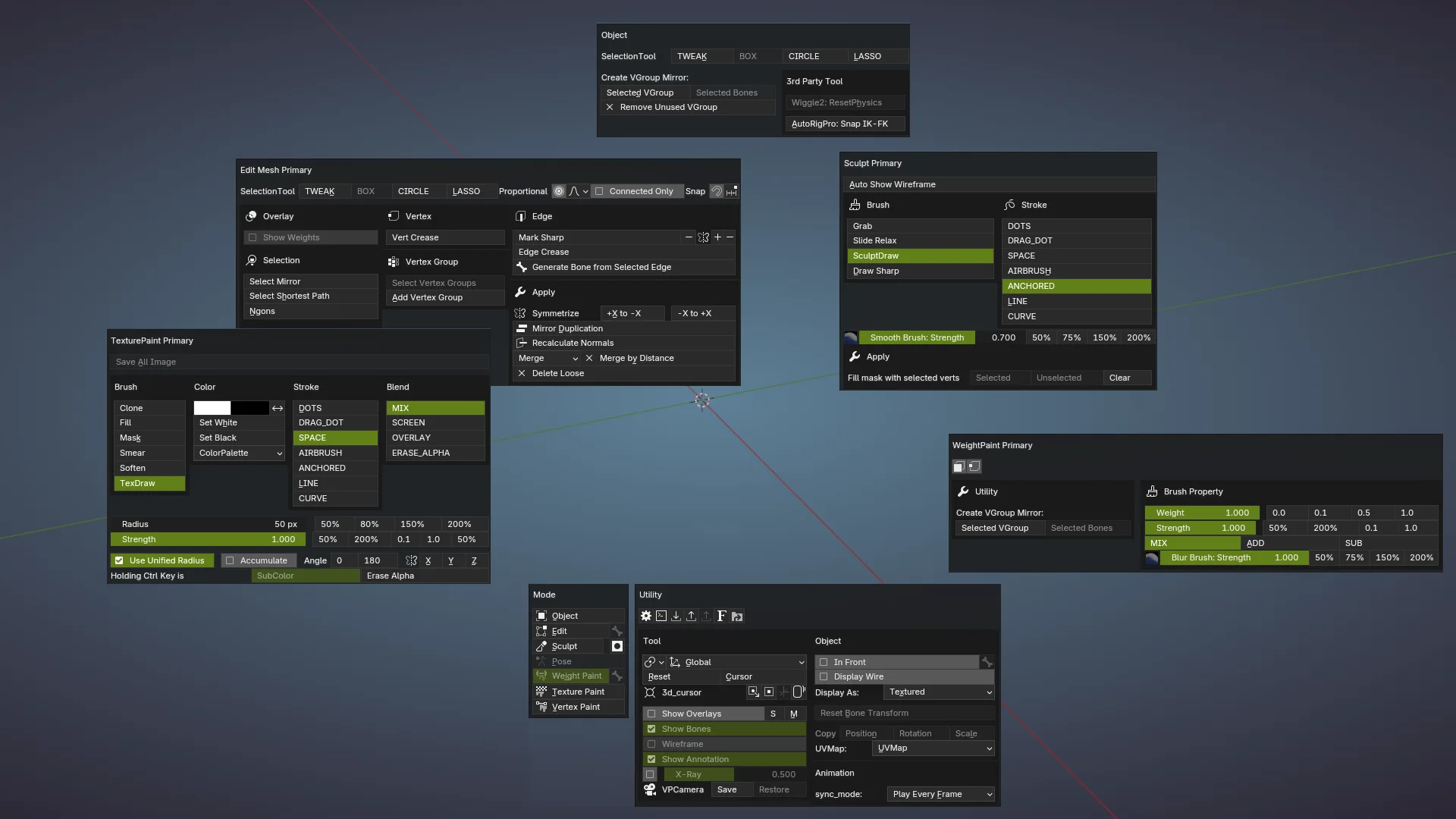
My Best Pie Menu Ever groups Blender brushes, settings, and mode-specific tools in a W-key pie menu. Version 2.9.1 requires Blender 4.3.0 or later.
MZP Maker packages MaxScript as self-installing .mzp files or encrypts .ms files separately. Review its icon support and installer options.
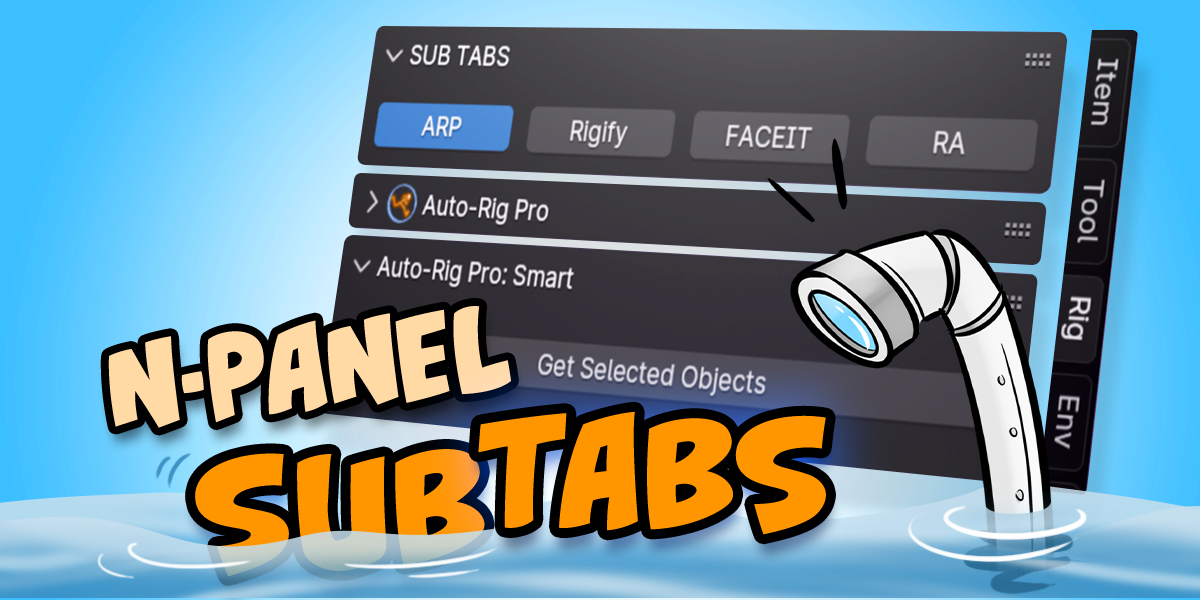
Organize Blender’s right sidebar with tab categories, Shift multi-select and workspace settings. Check supported editors and add-on conflicts before setup.
Organize Blender add-on tabs with N-Panel Manager in supported editors; it excludes the UV Editor, and a second N-panel tab manager can conflict.
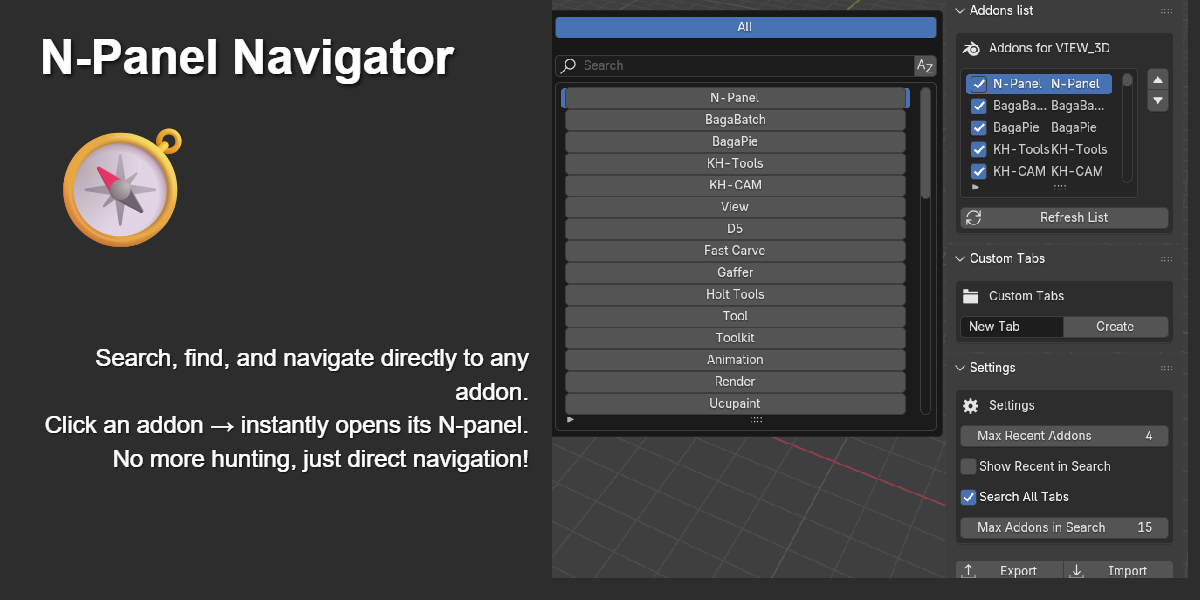
Find Blender add-ons with N-Panel Navigator: search with F7, open panels in supported editors, or group add-ons in custom tabs. Check Blender versions.
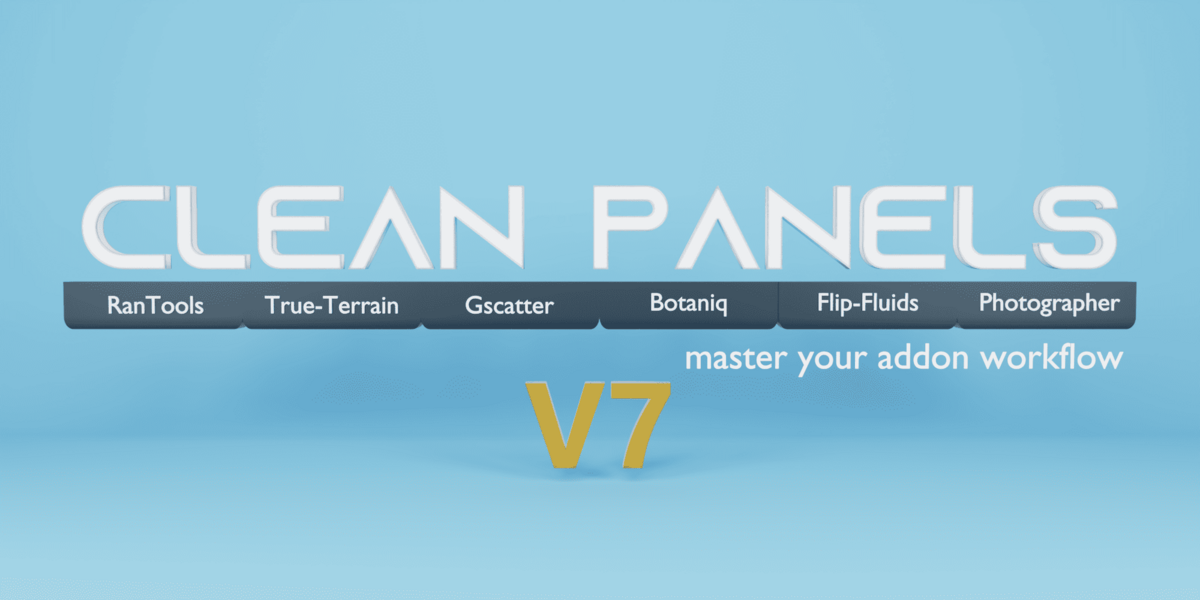
Organize Blender add-on access with N-Panel Organizer - Clean Panels: viewport icons, filtered tabs, top-bar dropdowns and pie menus. Check compatibility.
N-Panel Search finds Blender add-on tabs across workspaces, with fuzzy matching and recent searches. Listings differ on Blender versions; check yours.
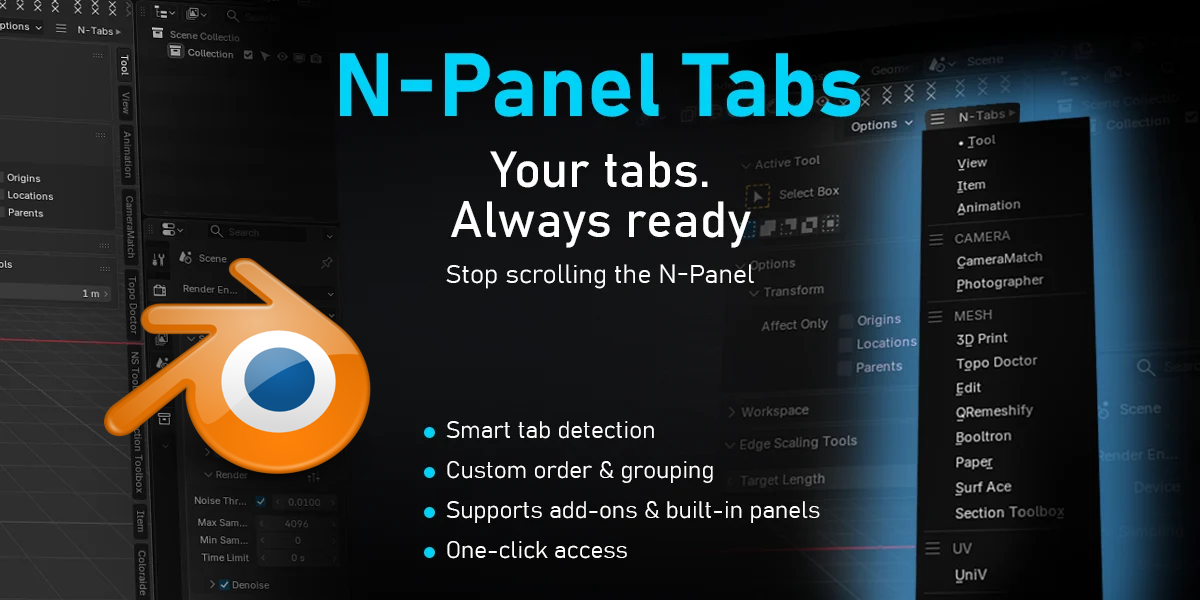
See how N-Panel Tabs adds a Blender viewport dropdown, refreshes available tabs, and lets you rename, hide, reorder, sort, or group them.
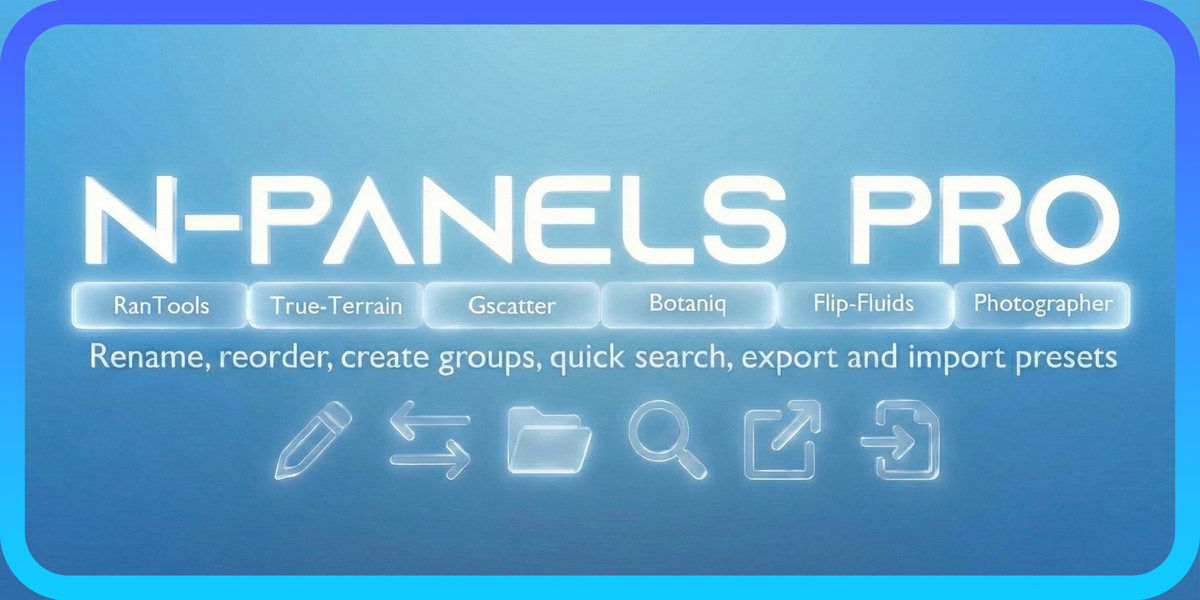
Organize Blender's N-Panel with custom tab groups, quick search, adjustable controls, and JSON presets. See how N-Panels Pro fits your workflow.
N00Dle Red styles Blender with a dark neutral background, warm red and orange accents, and muted icons. Check compatibility and installation steps.