Animazing - Animation Tools
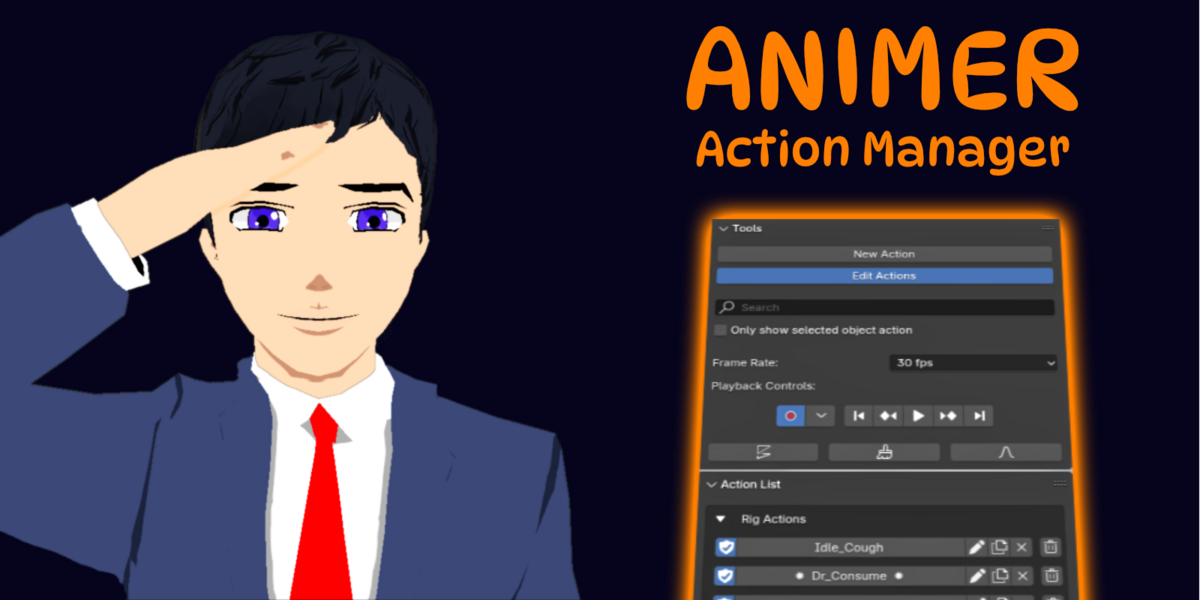
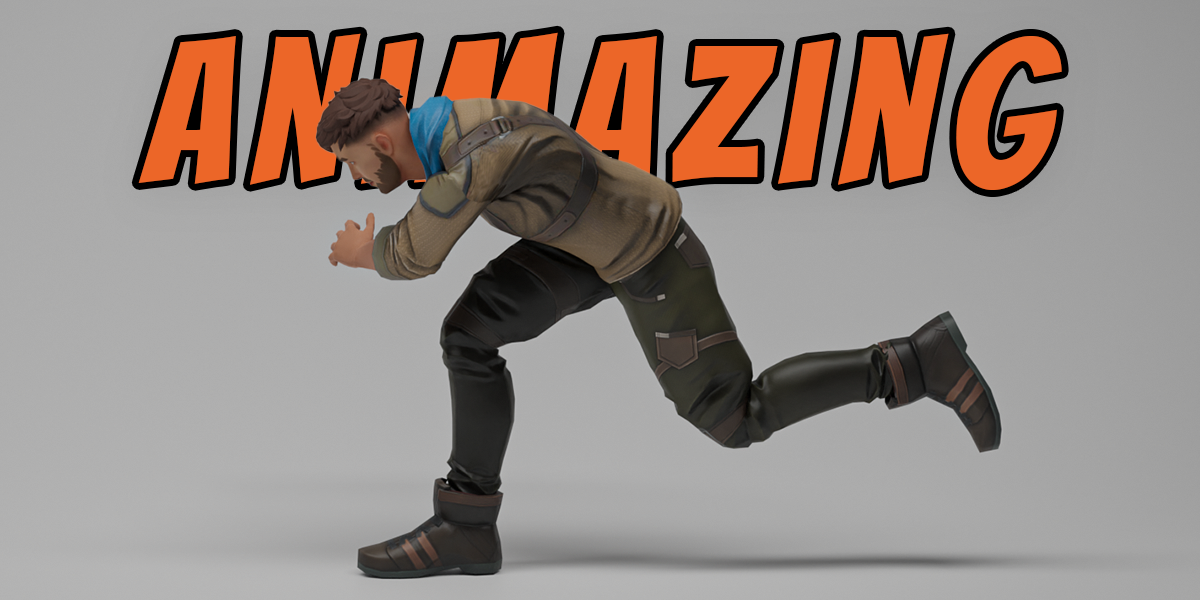
Animazing - Animation Tools is a Blender add-on for character animation, in-place clips, Graph Editor curves, keyframes, foot locking and timeline setup.
Tools for organizing files and automating repeated tasks in creative applications. Browse by application or search for a task. Page 9 of 163.
Animazing - Animation Tools is a Blender add-on for character animation, in-place clips, Graph Editor curves, keyframes, foot locking and timeline setup.
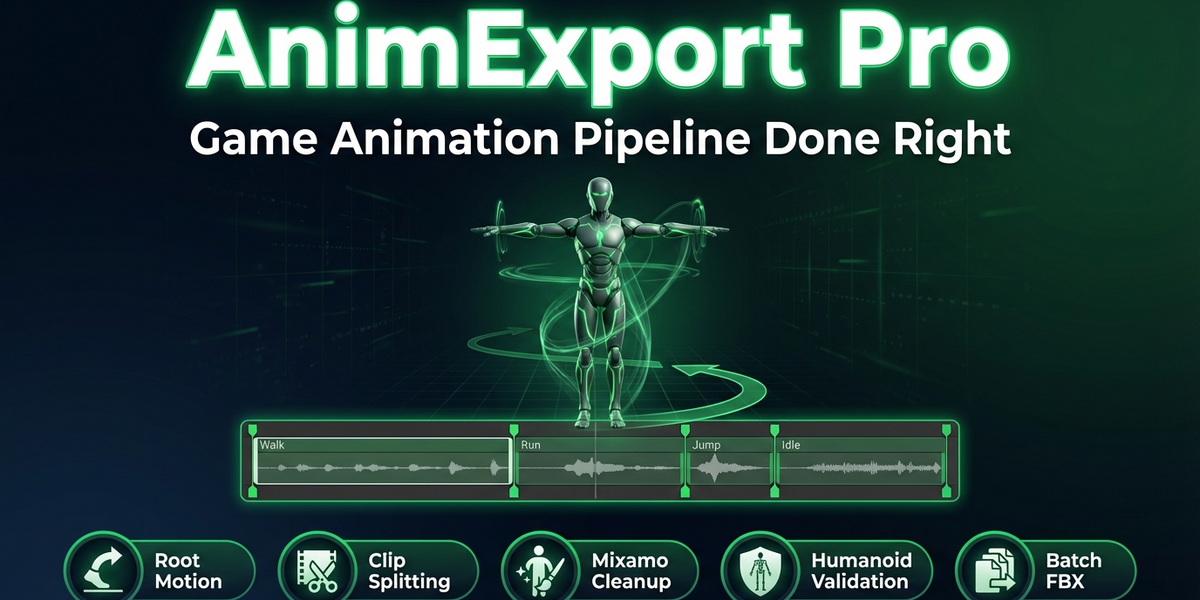
AnimExport Pro prepares Blender animations for Unity or Unreal with root motion, clip splitting, Mixamo cleanup and FBX batch export. Read the docs.
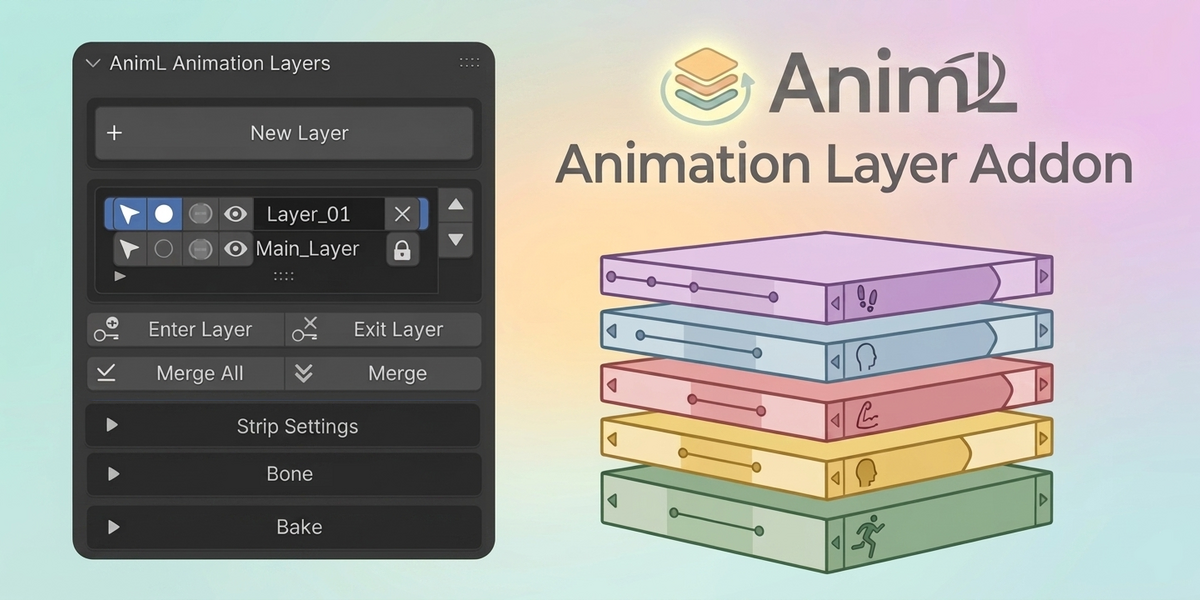
AnimL Animation Layers adds non-destructive NLA layers to Blender, with Merge, Bake, range-based baking, and a live viewport overlay. Check version support.
AnimLayerCleaner is a 3ds Max utility for checking and cleaning bugged animation layers linked to slow performance. See how to add it to a toolbar.
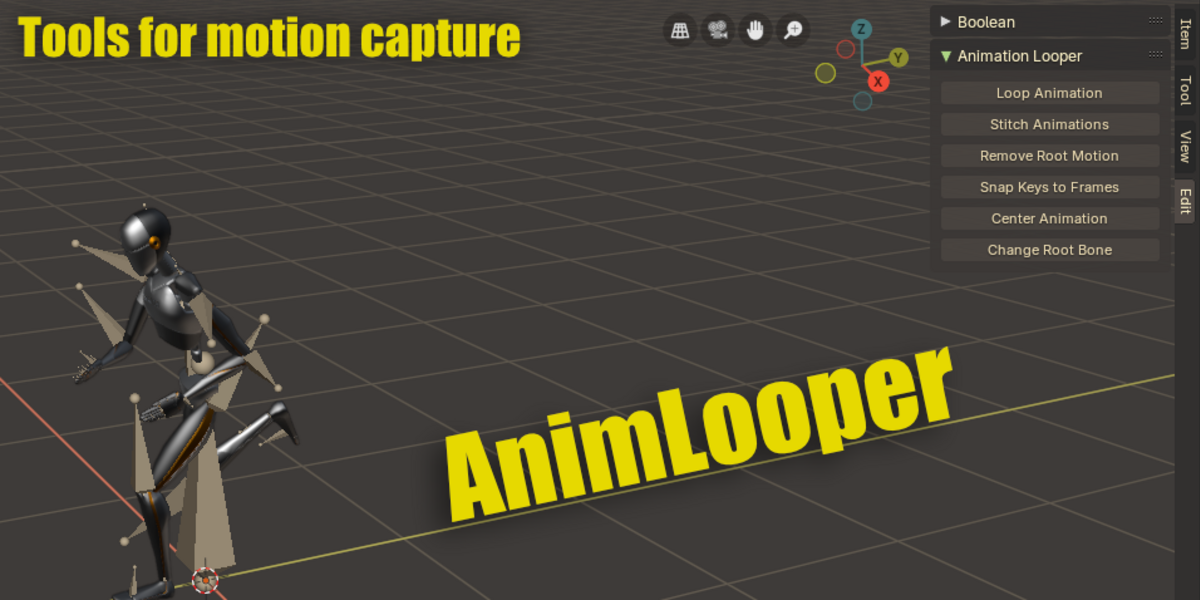
Animlooper - Tools For Motion Capture is a Blender add-on for looping clips and editing root motion. Check its Blender 4.2 listing before installing.
Blender animators can use Animtoolbox - Character Animation Toolset to build temporary rig controls, edit motion paths and retime keyframes.
Annotation Show In Front Toggle is a Blender add-on for toggling X-ray display in the upper annotation panel. Check compatibility before downloading.
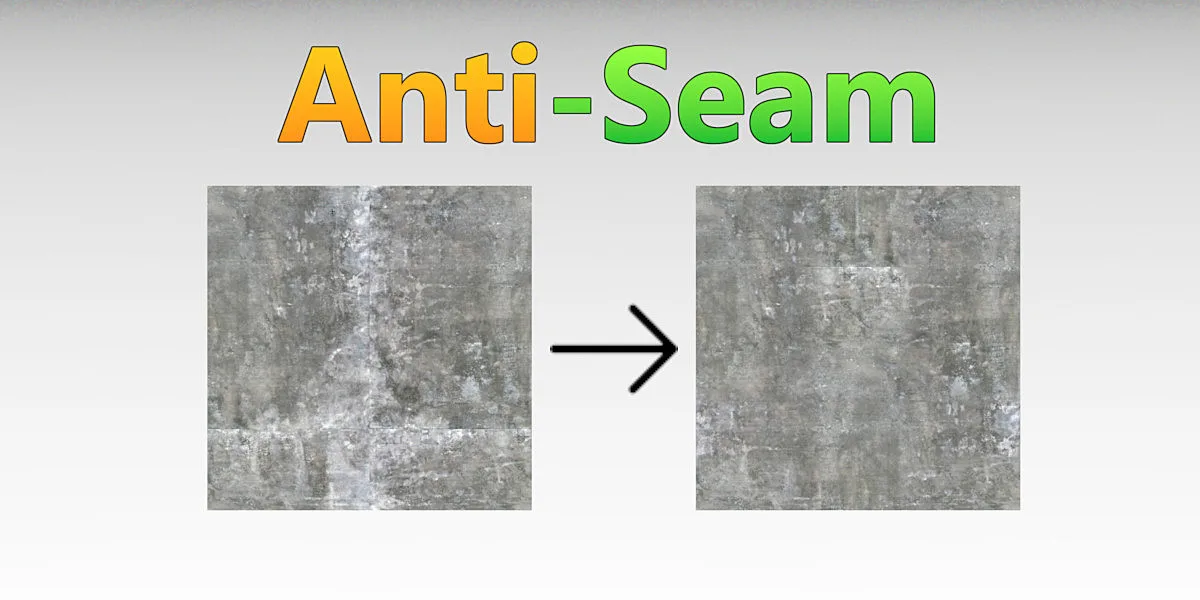
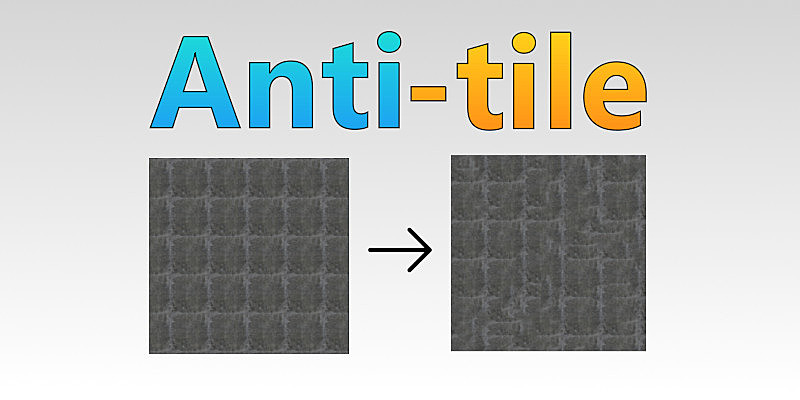
Free Anti-Seam for Blender removes seams from tiled image textures. See its one-click seam removal, video support and tested versions before installing.
Anti-Tile uses triple-layer blending and per-object variation to break up repeating textures in Blender. Review its PBR workflow and version notes.
Any Hair Any Mesh - Hair Utilities are Blender add-on tools for hair transfer, transform application and origin matching. Check listed versions and editions.
Add spin or zoom blur in Premiere Pro, place its center, and animate the controls. Review supported versions and playback behavior before using it in a project.
AO Connector automates Blender ambient occlusion setup, detects existing PBR and ORM textures, and processes selected objects together. Review its controls.
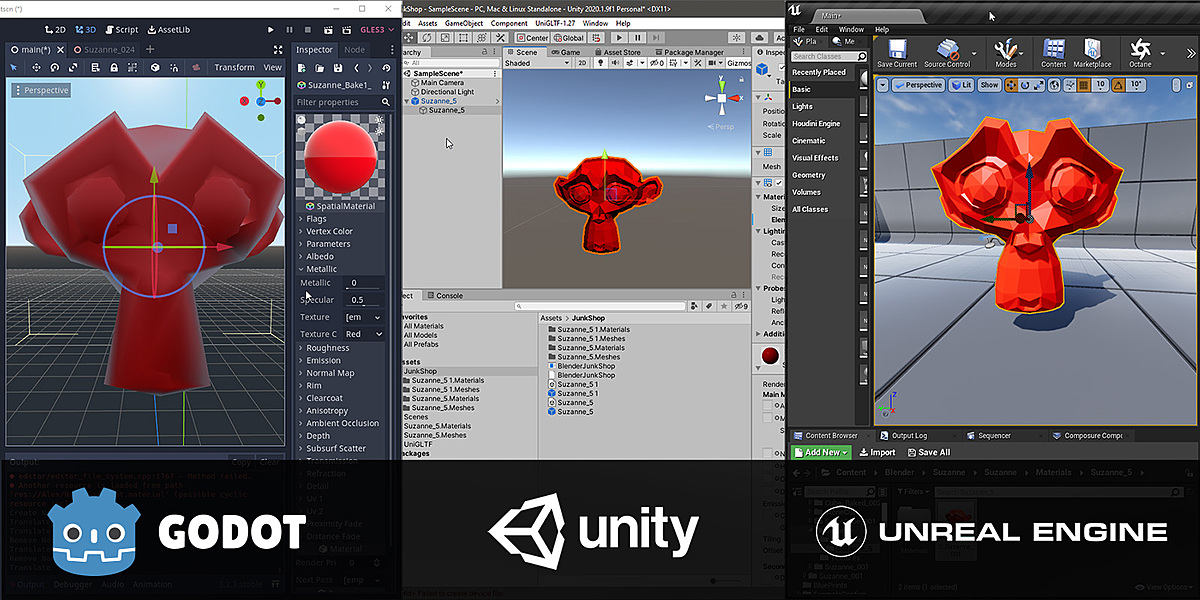
Ap Gametools are a set of Blender tools for static model cleanup, UVs, textures and export to Unity, Unreal and Godot. Check listed Blender versions.
Ap Navigation adds Unreal and Unity style WASD movement to Blender, with documented keymaps, setup instructions, and notes on untested operating systems.
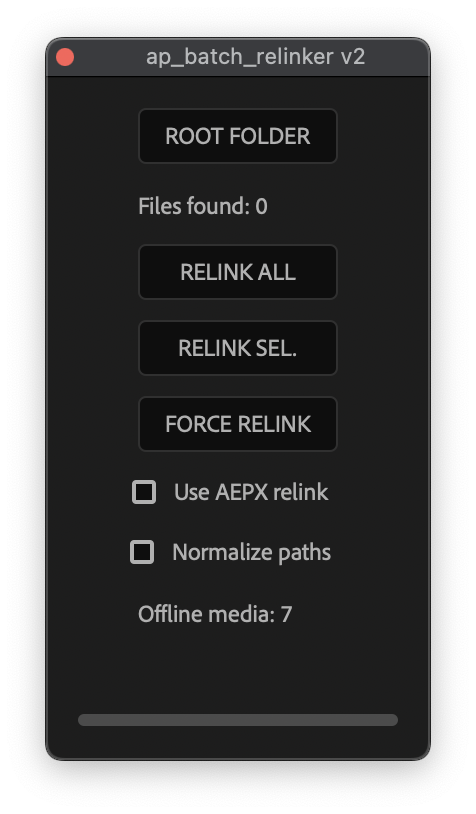
ap_batch_relinker relinks After Effects media from a new root folder, matches names despite special characters, and preserves PSD, PSB, and AI layers via AEPX.
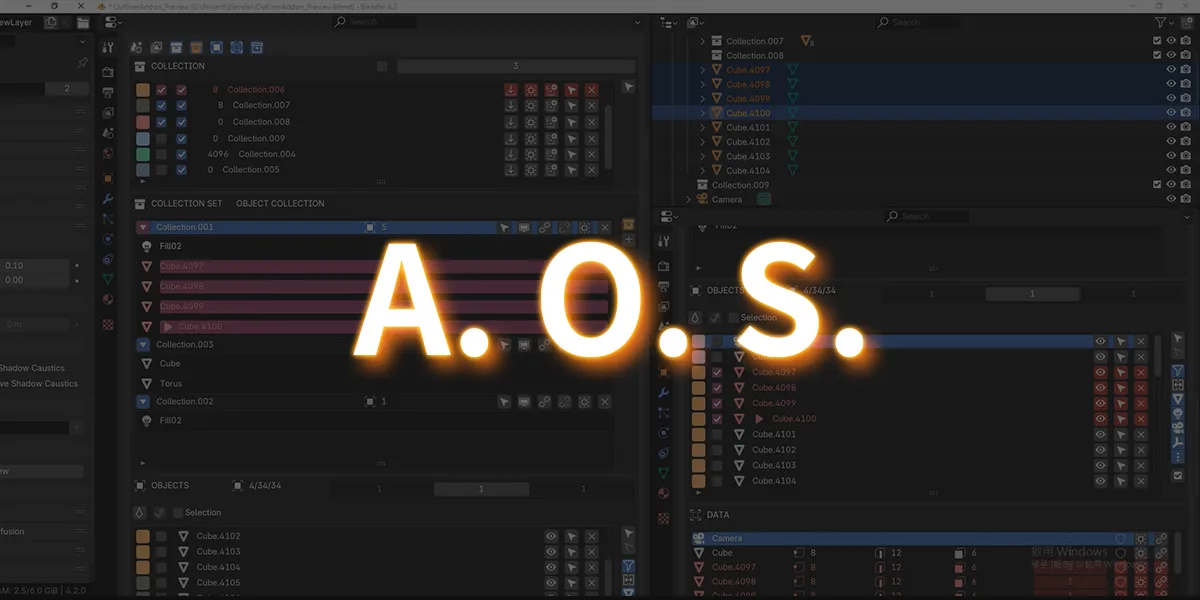
Aplus Outliner Supporter adds Blender panels for scenes, collections, objects and light groups. Check version 1.24 and Blender compatibility before installing.
AppDisplay groups 3ds Max objects with scripted modules. Compare display, materials, and identity modes, inspect group counts, and select objects in the scene.
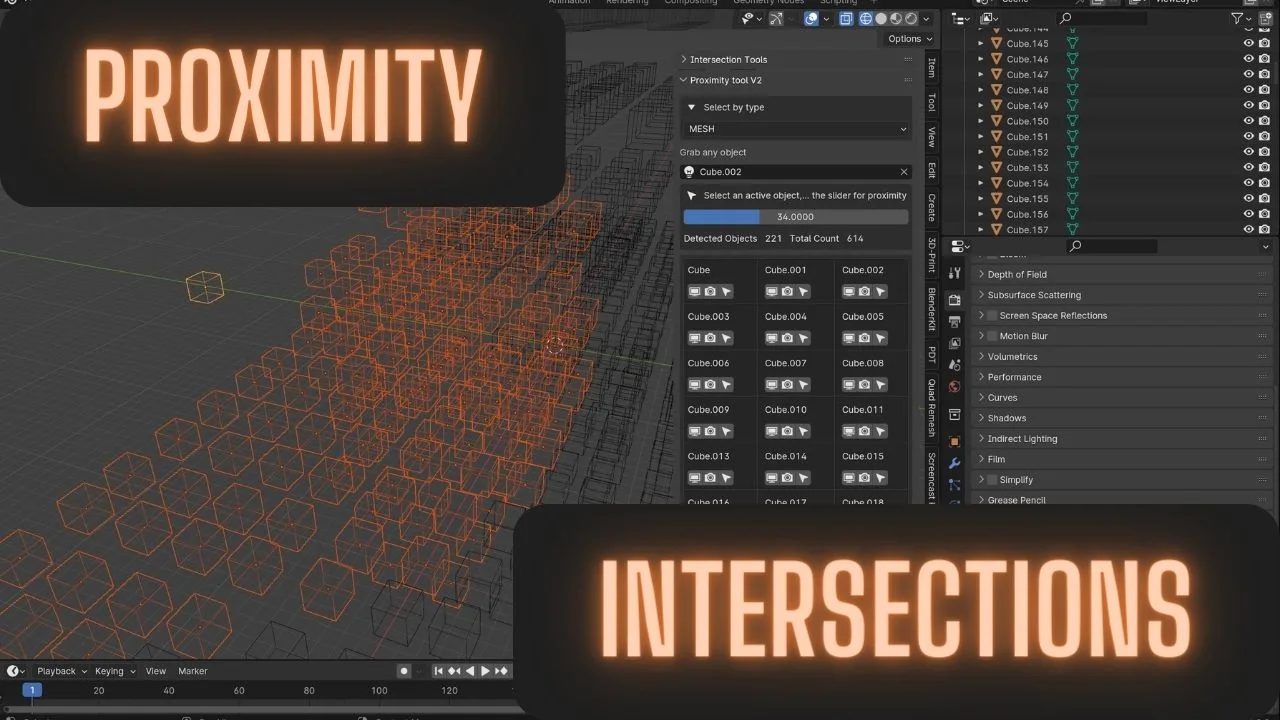
Apv Selection Tool "Advanced Proximity Viewer" is a Blender add-on for edge intersection on empties and mesh proximity selection, with live counts.
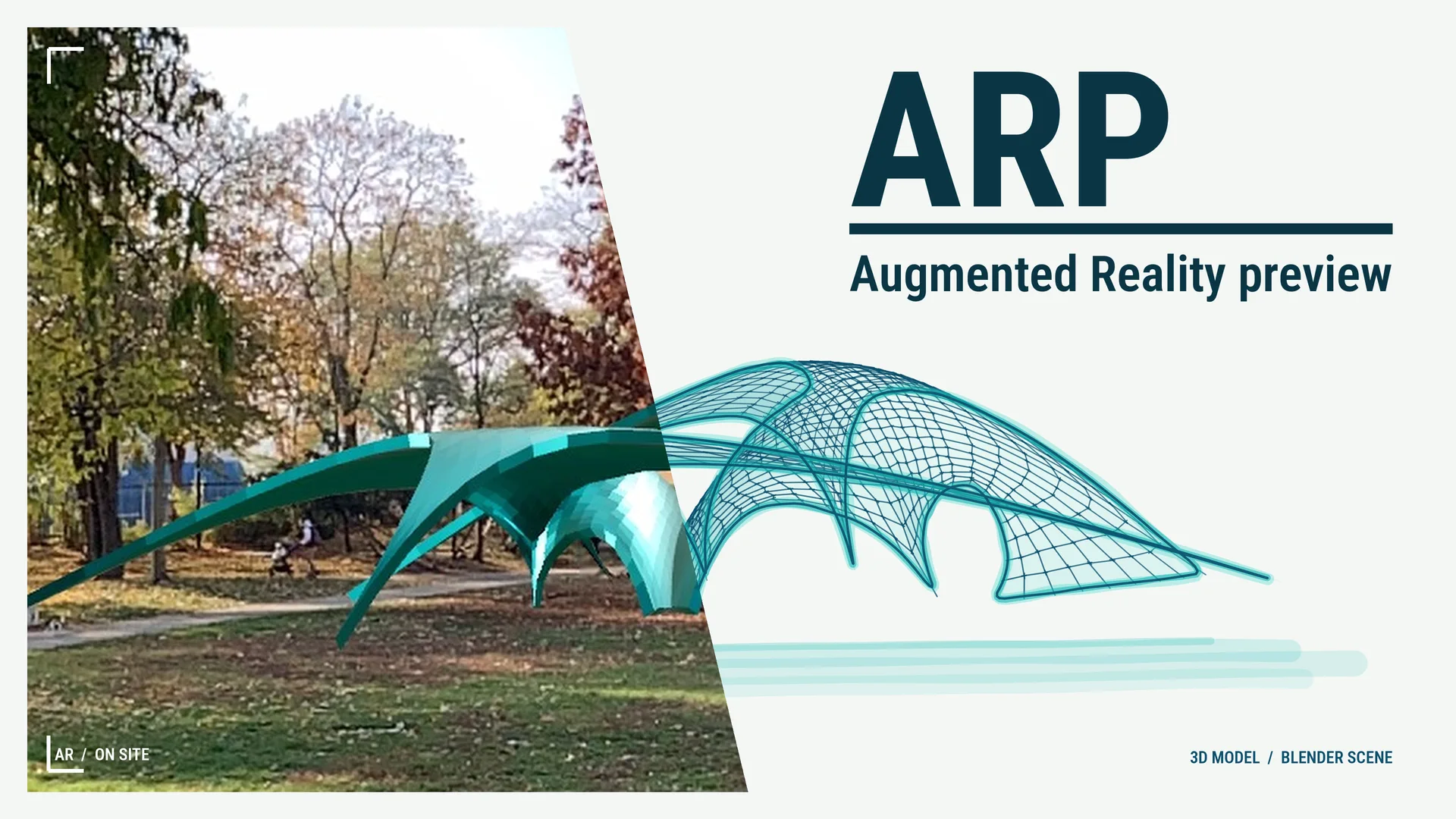
Preview Blender scenes at 1:1 scale on an iPhone or iPad. AR Preview exports a USDZ for iOS Quick Look over local Wi-Fi. Check requirements.
AR-media is a 3ds Max export plugin for AR/VR experiences in Studio; check model requirements and view models with its free Player app for iOS and Android.
ArabicText handles right-to-left Arabic and Farsi text in After Effects, including medial letterforms. Check its listed app versions and licensing terms.