Pylinking
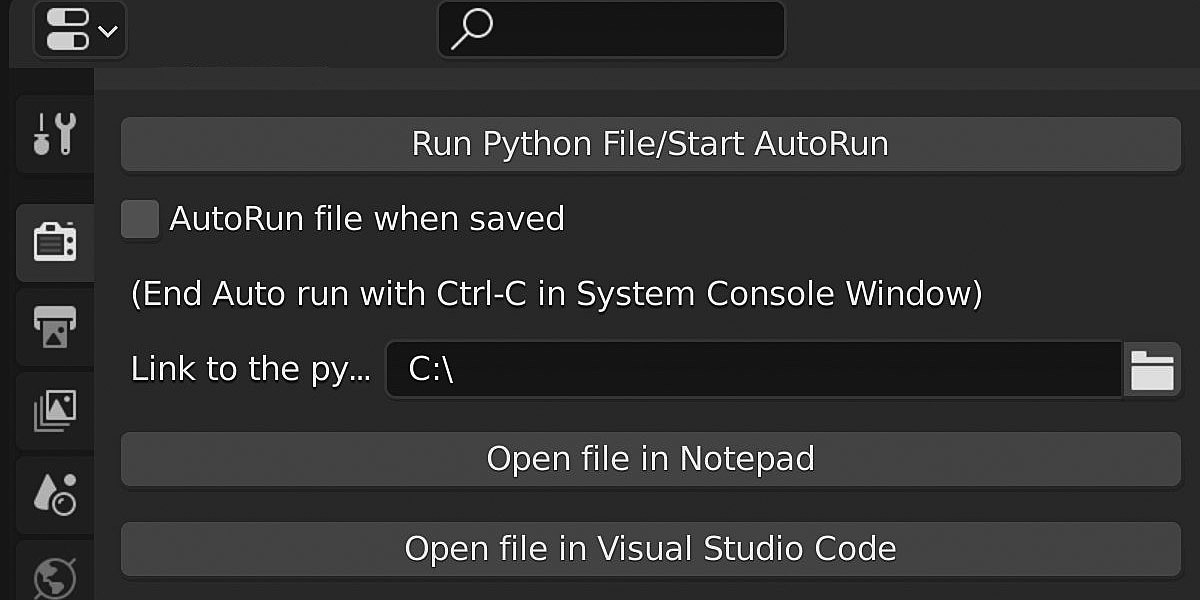
PyLinking is a Blender add-on for running external .py files in Blender. Edit them in another tool and use GitHub for version control.
Published software and plugin guides for Blender. Page 132 of 196.
Read the software guidePyLinking is a Blender add-on for running external .py files in Blender. Edit them in another tool and use GitHub for version control.
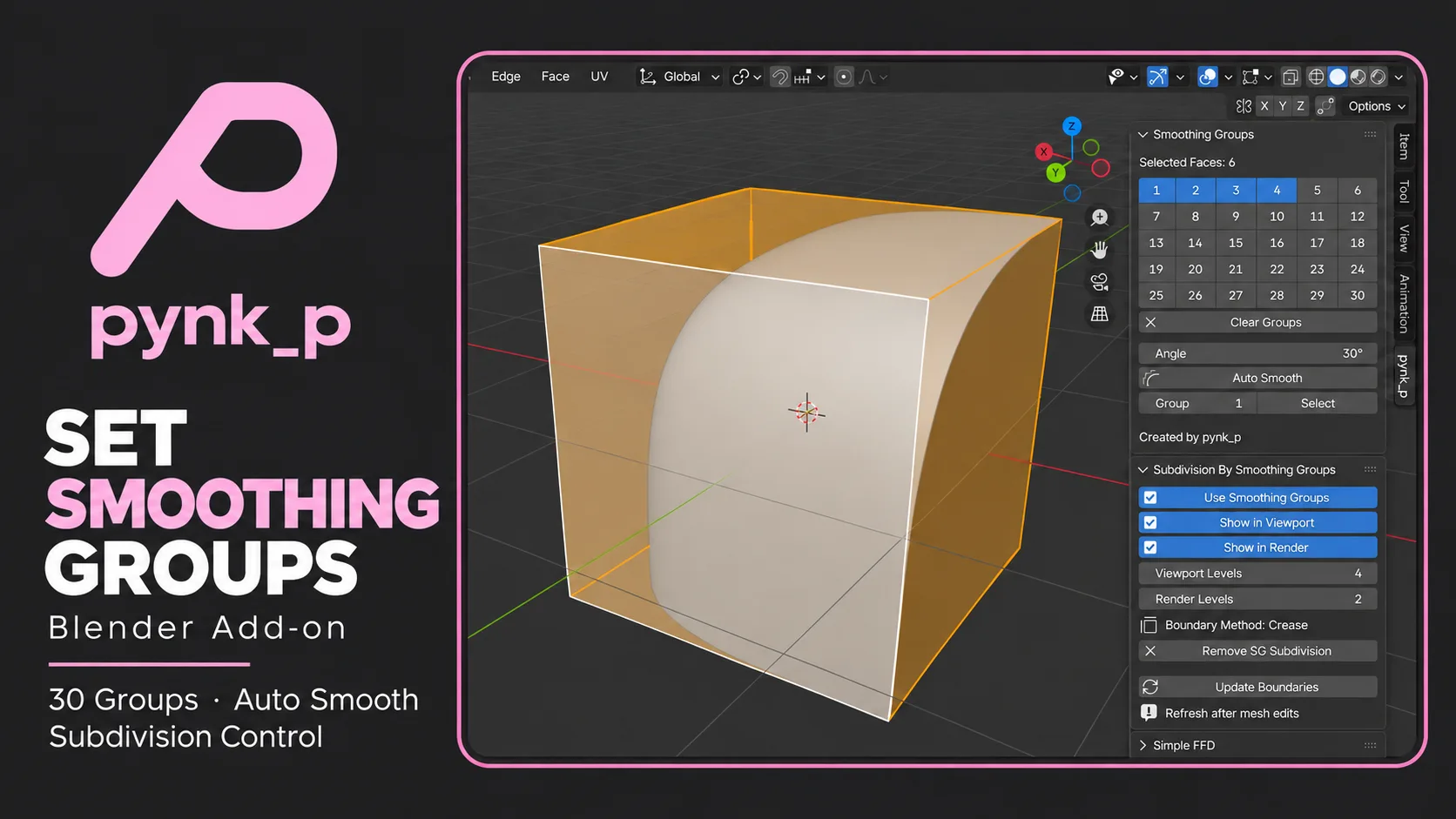
Assign overlapping face groups, classify faces by angle, and control crease-based subdivision in Blender 4.5.5 or later with pynk_p Smoothing Groups.
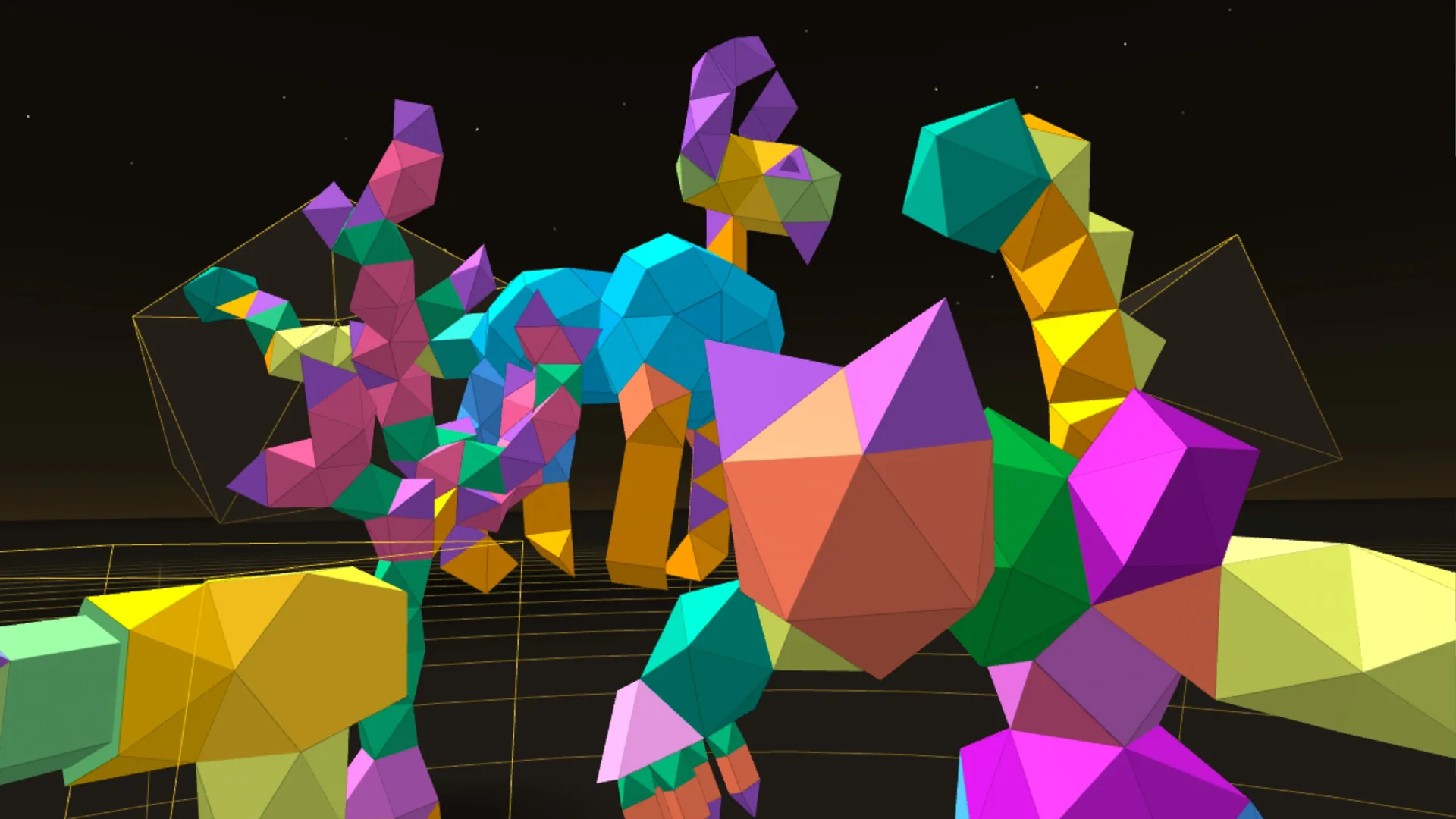
Pythagoras Engine: Form is a Blender add-on for face-by-face polyhedral modeling, with 55 modules, carving, posing, asset-library saves and JSON exchange.
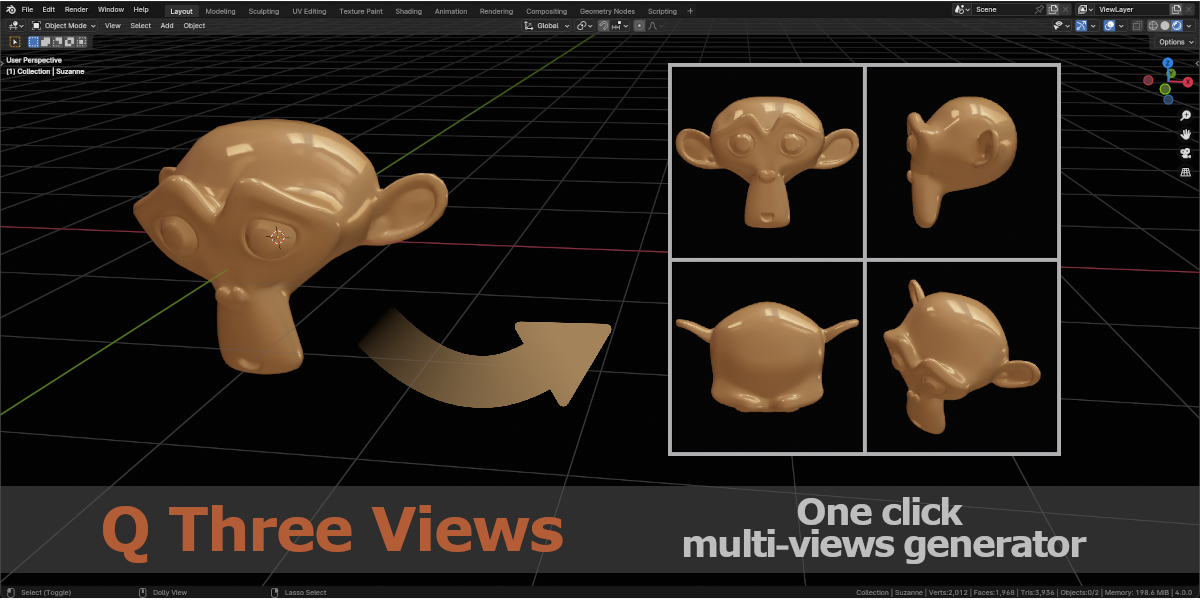
Q Three Views composes Blender renders of objects or scenes in a grid. The seller says some Grease Pencil objects using LineArt can render inaccurately.
QFG Dynamics 1.0.2 is a Blender add-on for field-driven 6-DoF physics, scientific geometry and scripting; some modules use reduced-order models.
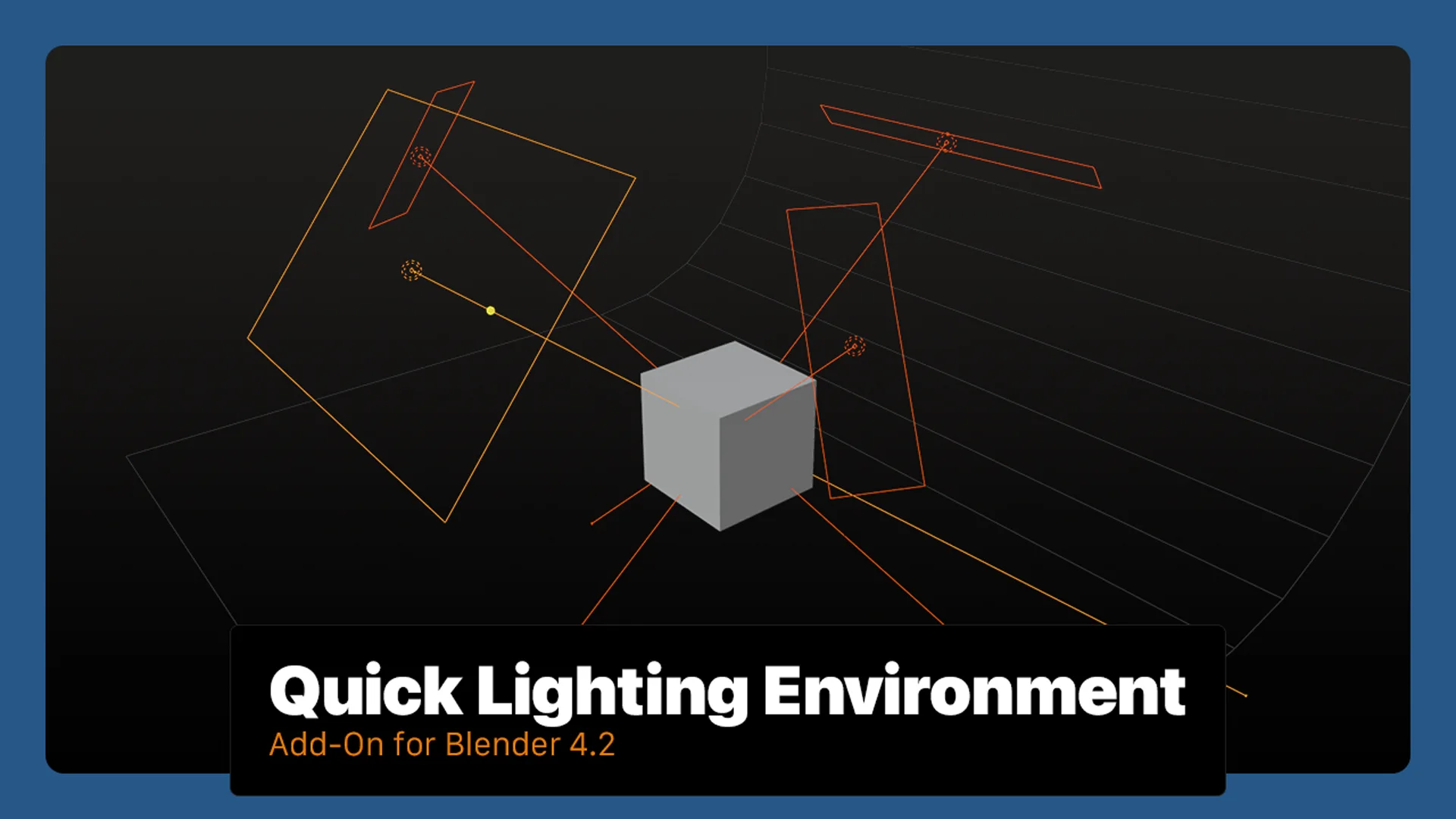
QLE adds a World, four Area Lights, a tracking target and backdrop to Blender. Find its panel and cleanup controls; QLE requires Blender 4.2.0 or later.
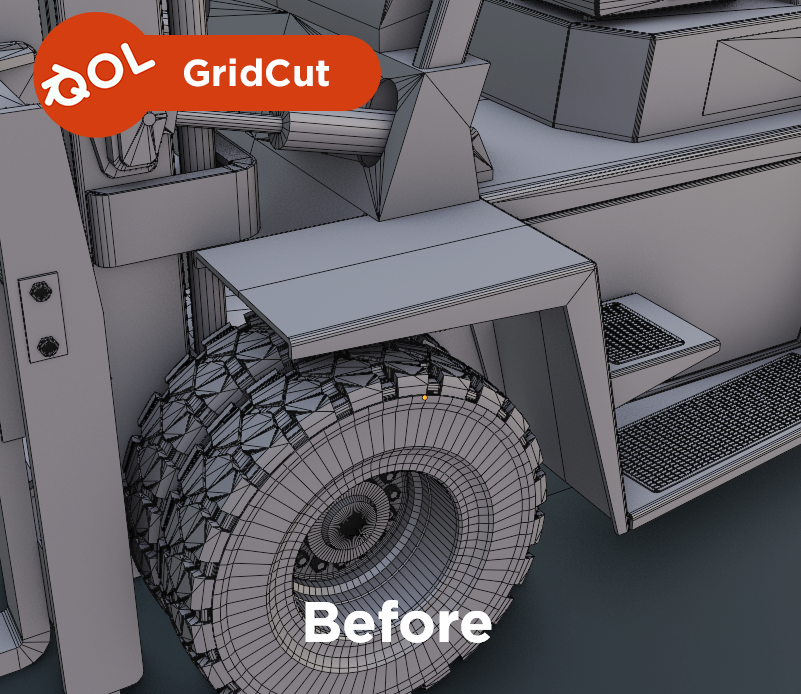
Qol Gridcut slices a selected Blender mesh with even cuts across any or all axes. Check the listed Blender versions, refinement options and GPL license.
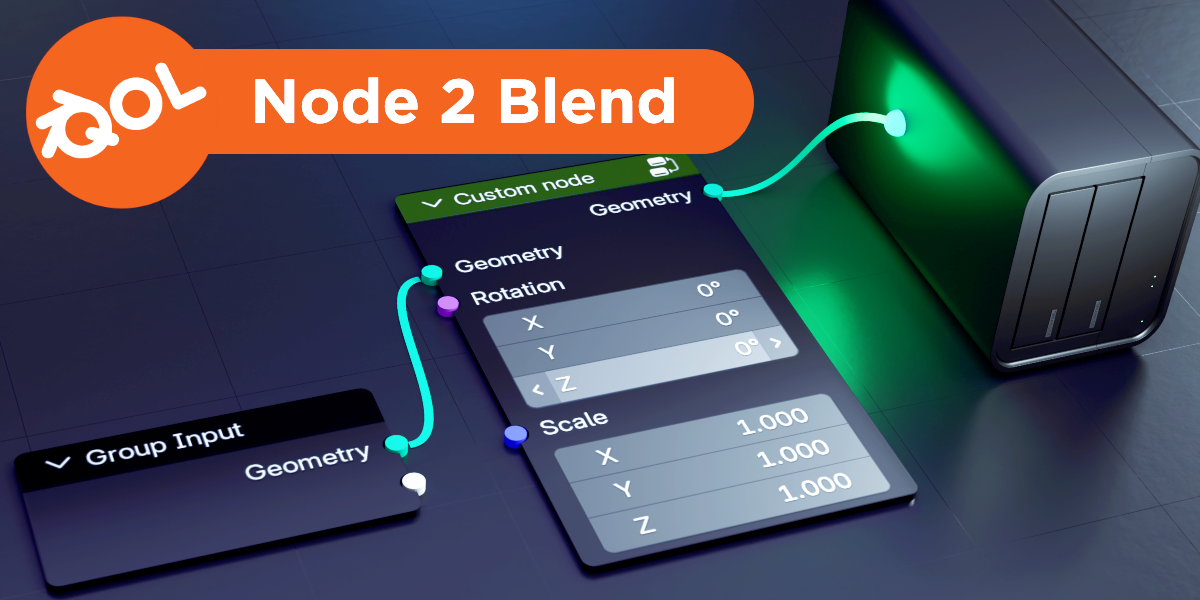
Qol Node 2 Blend is a Blender add-on for saving Geometry Nodes and Shader Editor nodegroups as reusable presets; Blender 4.5 is the listed version.
Save named Blender object and mesh-component selections with Qol Selection Bookmarks. Add or remove items in the N-Panel, then recall a selection later.
Qol Tools: Bonus Tools 1 is a Blender addon pack for mesh cleanup, transforms and origins; the listing names Blender versions 3.0 to 3.6 and 4.0 to 4.2.
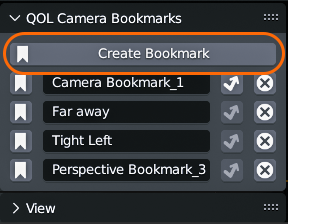
Save Blender camera and viewport angles with Qol Tools: Camera Bookmarks. Use its mini button while the panel is closed, and check versions before installing.
Qol Tools: Frameflipper is for comparing Blender timeline frames; set two targets and flip between them without adding keyframes or changing the animation.
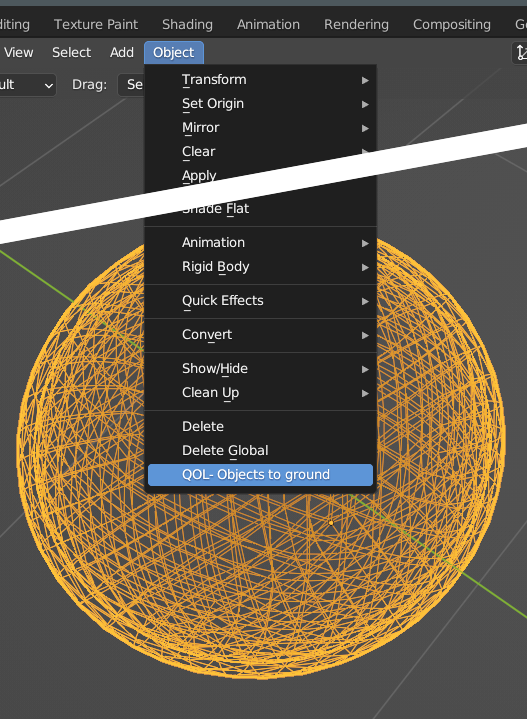
Place selected Blender objects on the ground from the Objects menu with QOL Tools: Ground Objects. A tweak menu lets you adjust the operation.
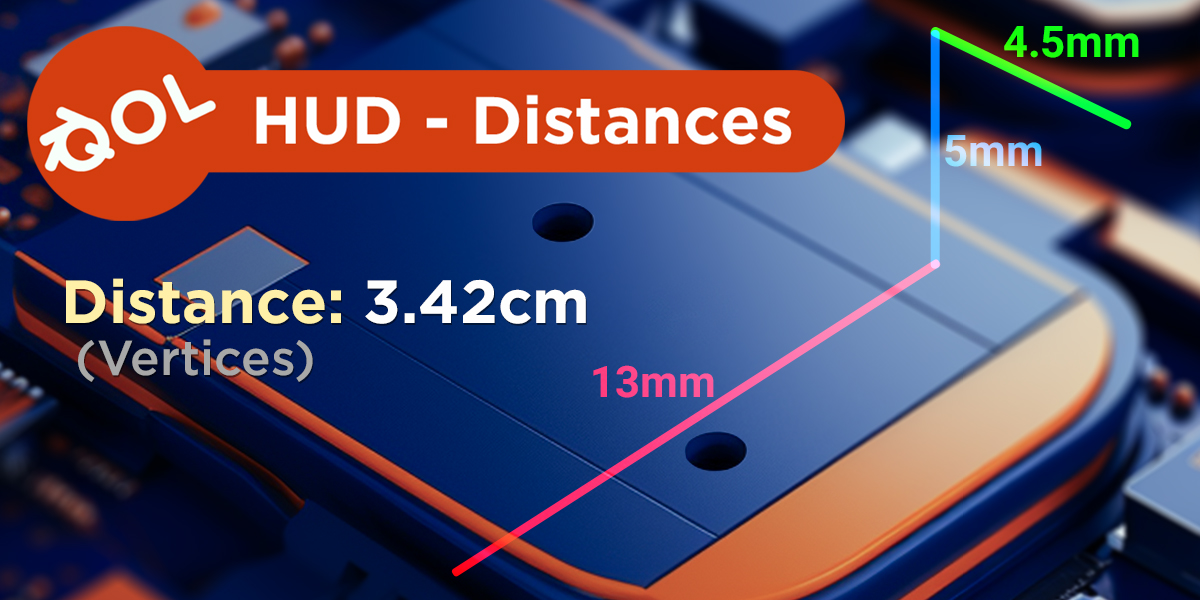
Qol Tools: Hud - Distances are for checking separation between selected items; lock mode updates the reading as they move or animate.
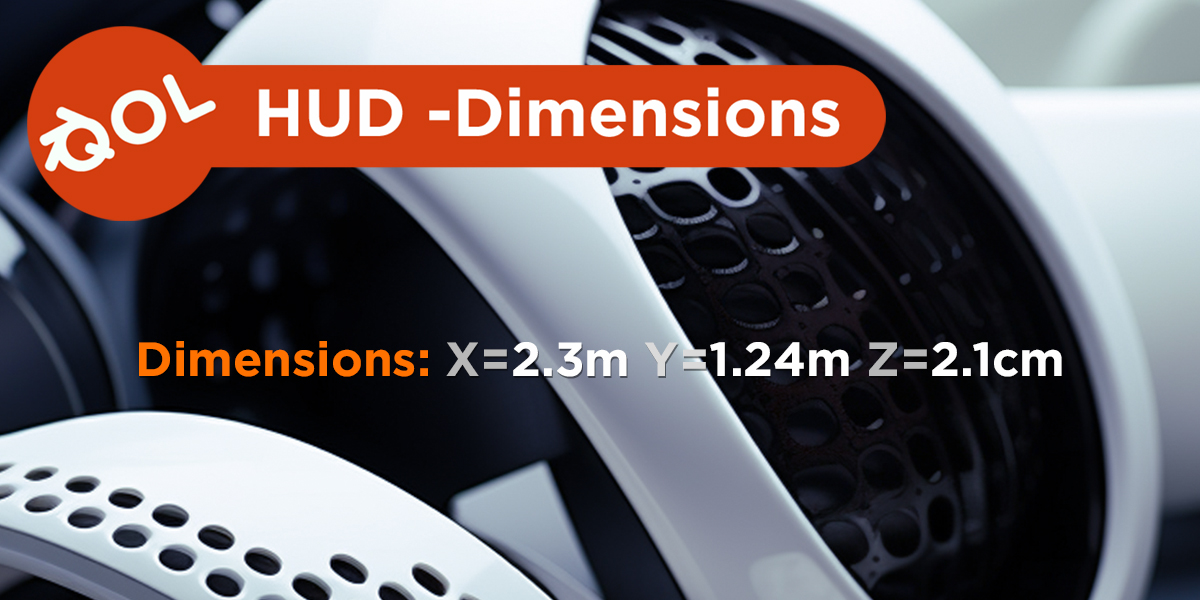
Qol Tools: Hud-Dimensions keeps Blender object dimensions visible, with adjustable HUD placement and color, direct size control, and a scale warning.
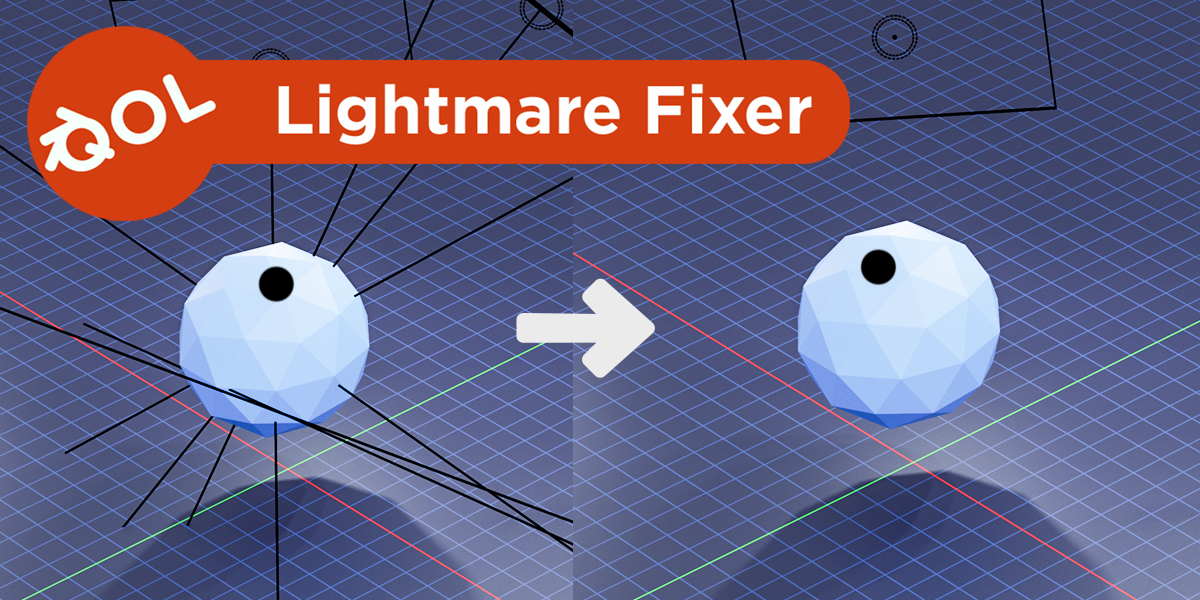
Qol Tools: Lightmare Fix is a Blender add-on that clears Cycles viewport clutter. One View-menu action sets all lights' custom distances to zero by default.
Qol Tools: Link Widget adds a Blender widget showing instance status and count for the active object, with modifier-key clicks to manage instances.
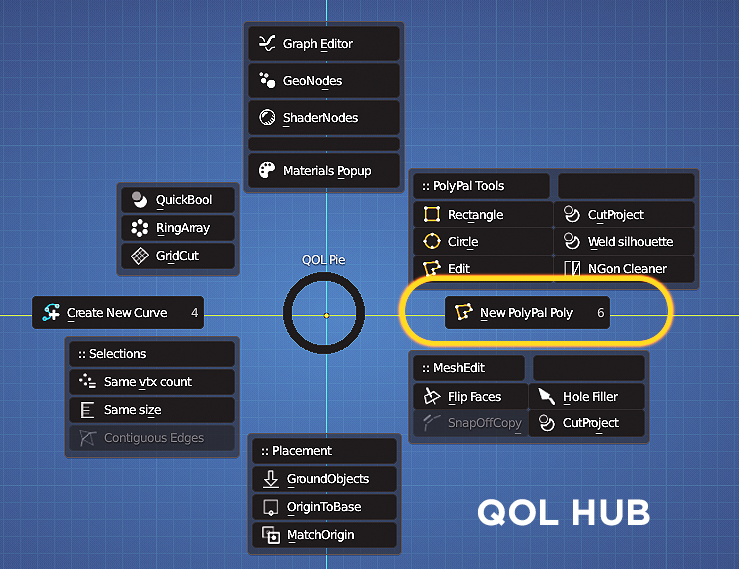
Draw Blender polygons without creating an object first. PolyPal adds fillets, chamfers, freehand drawing, and grid snapping in orthographic views.
Qol Tools: Quick Boolean runs booleans from Blender’s right-click menu. It supports multiple objects, material transfer, solvers, and modifier retention.
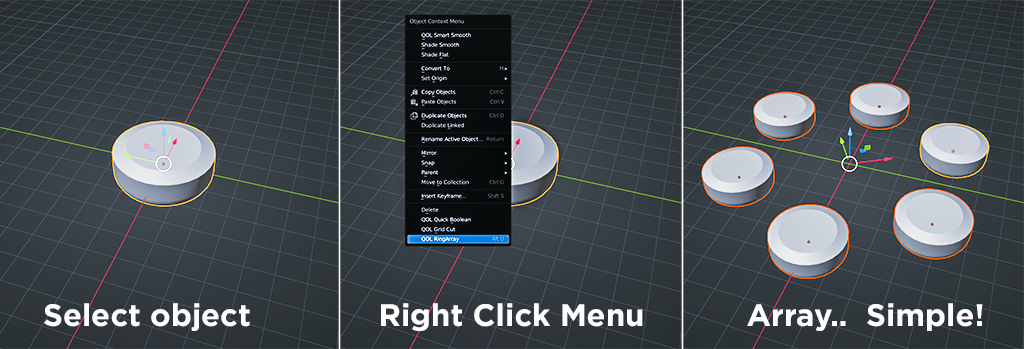
Qol Tools: Ringarray is a Blender add-on for circular arrays, with linked-object arrays or single-mesh output. Check listed versions before installing.
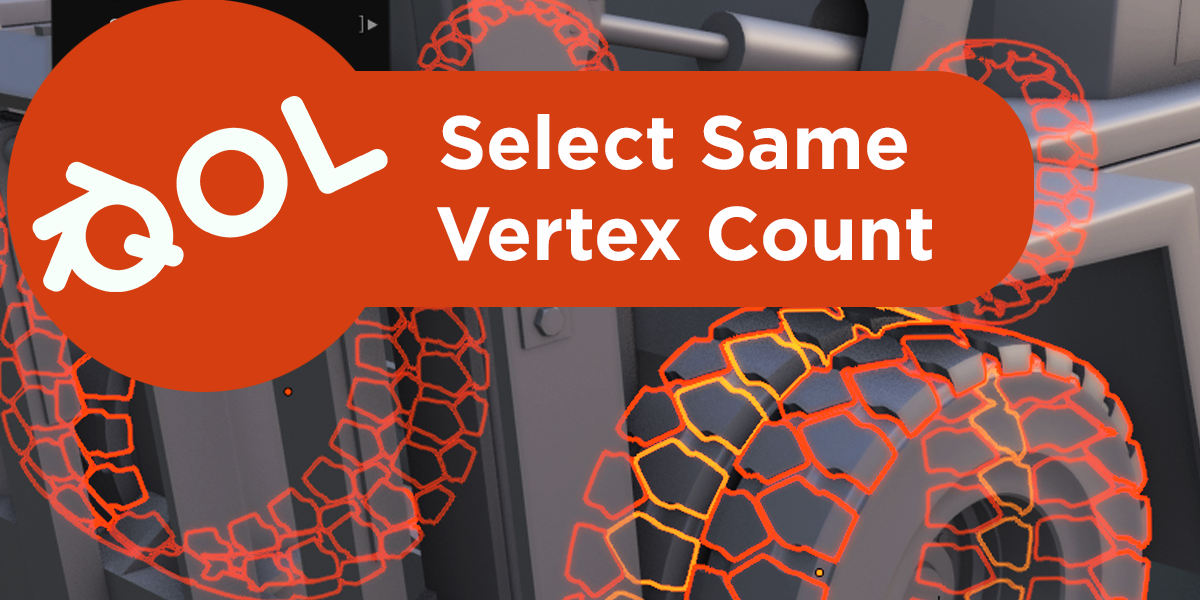
Qol Tools: Select Same Vertex Count is a Blender add-on that matches objects to the active object's vertex count, with wiggle room for a few extra vertices.
Qol Tools: Spec Lighting Ops adds soft-light placement, light linking and per-light shape, position and color controls for Cycles in Blender.