Bone Widget
Create and reuse custom bone shapes, then manage rig colors with Bone Widget for Blender. Check its Blender 4.2 compatibility, installation route, and license.
Published software and plugin guides for Blender. Page 30 of 196.
Read the software guideCreate and reuse custom bone shapes, then manage rig colors with Bone Widget for Blender. Check its Blender 4.2 compatibility, installation route, and license.
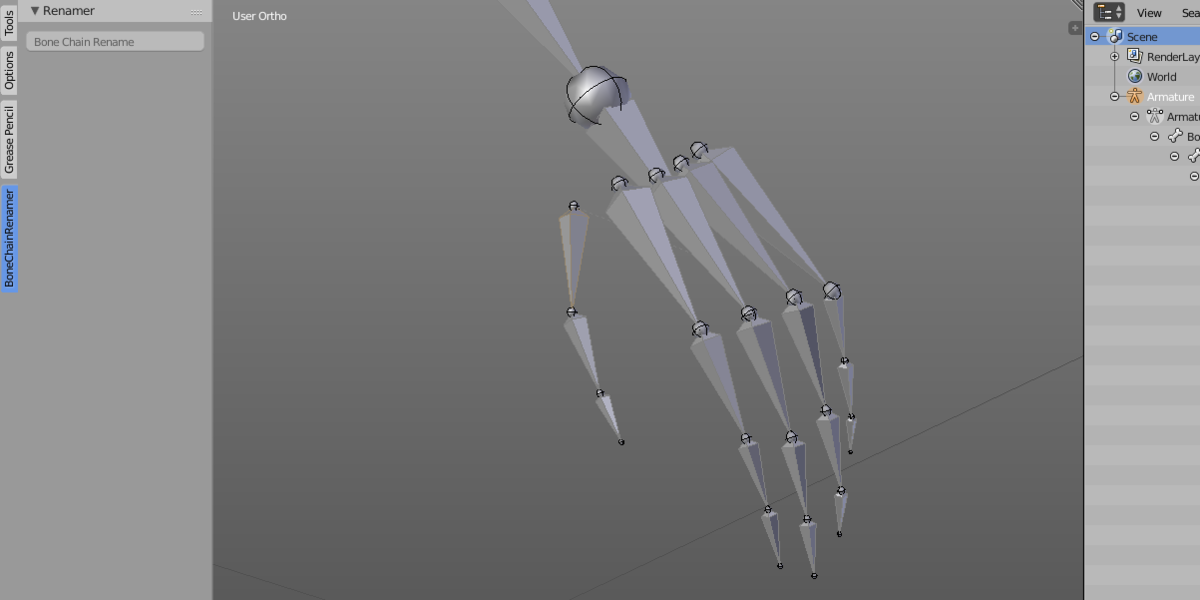
Rename Blender bone chains from a chosen root name with BoneChainRenamer. Review its listed Blender versions, GPL license and release history before use.
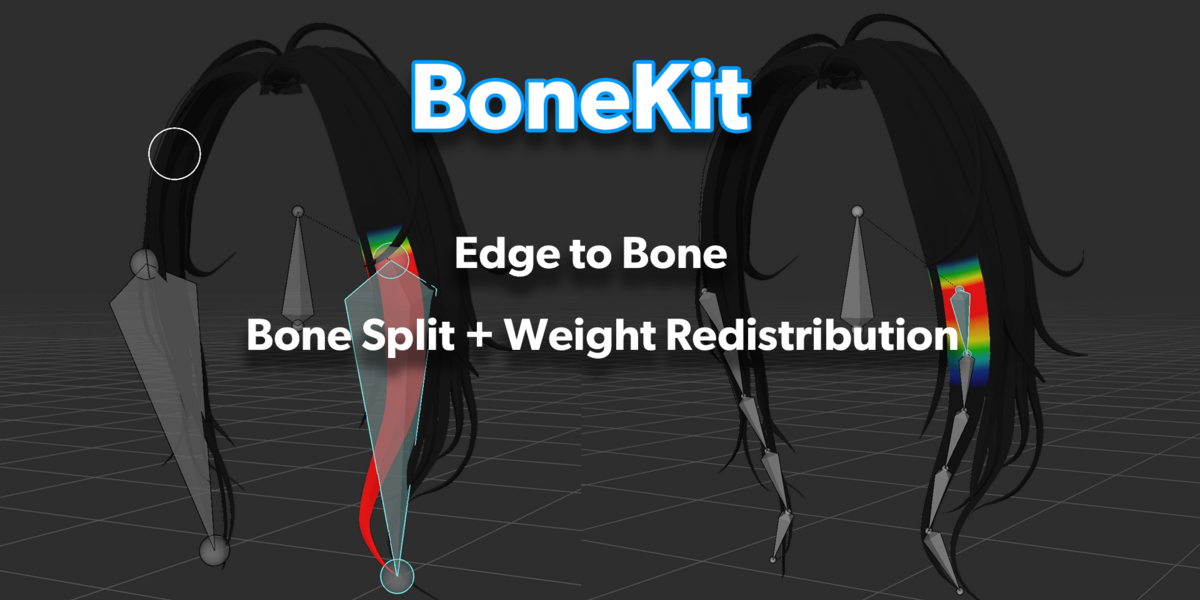
Build bone chains from mesh edges and split bones in BoneKit. BoneKit redistributes weights for already-weighted bones and was tested on Blender 5.1.
Bonera - Manual Rigging Toolkit is a Blender add-on of separate operators for chains, IK, bone shapes and name lists. Read the docs for its rigging tools.
Bonerng - Randomize Bones Pose Blender Addon randomizes bone rotation, location, and scale with adjustable noise and automatic keyframing.
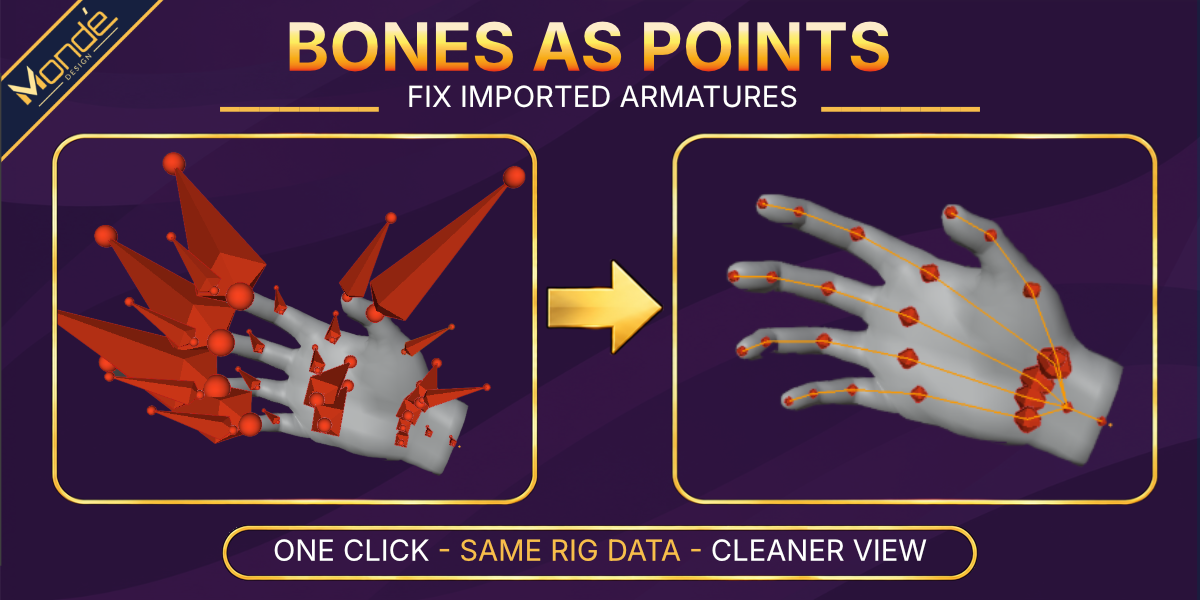
Bones As Points changes Blender armature display to points for imported rigs. See how exports behave, the listed Blender compatibility and known limits.
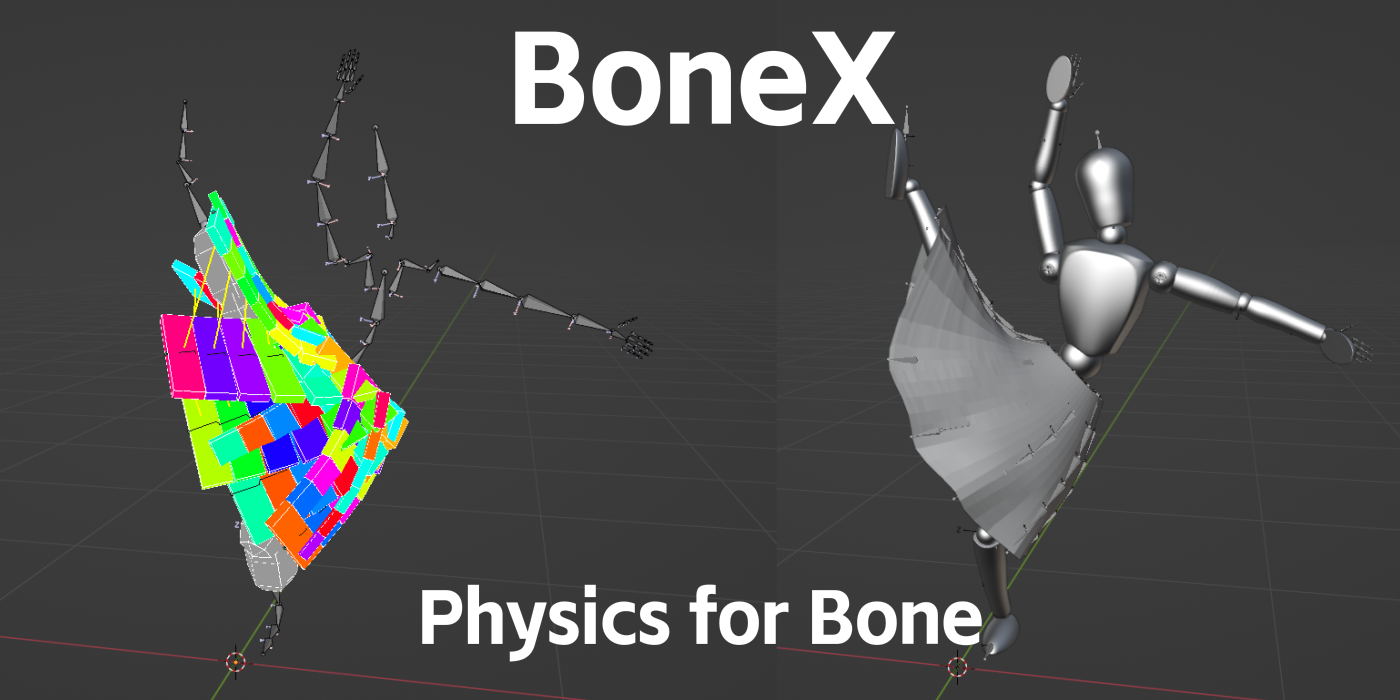
Add BoneX's PhysX-driven bone physics to Blender character animation with adjustable rigid bodies, soft connections, collision groups and substeps.
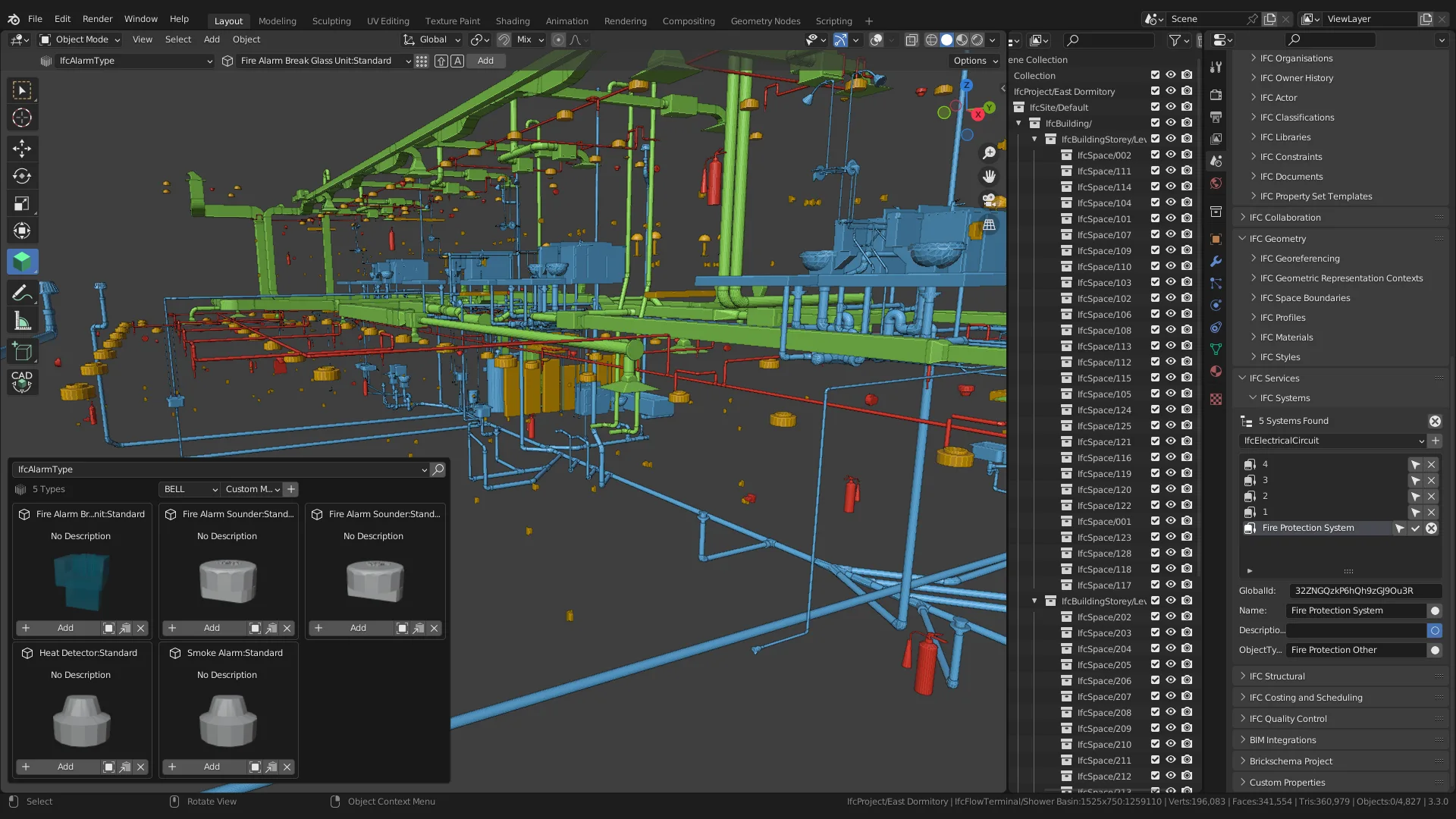
Bonsai adds native IFC authoring to Blender for building models, project data, drawings and schedules. Review its BIM workflow and Blender compatibility.
Align Blender objects along a path, match corresponding points, use bounding-box references, or arrange items on a grid with Bonus Tools.
Generate varied book stacks and covers with Book Wizard 2: Books Creation Tools. The Covers Generator needs Cycles and the supplied base-book material.
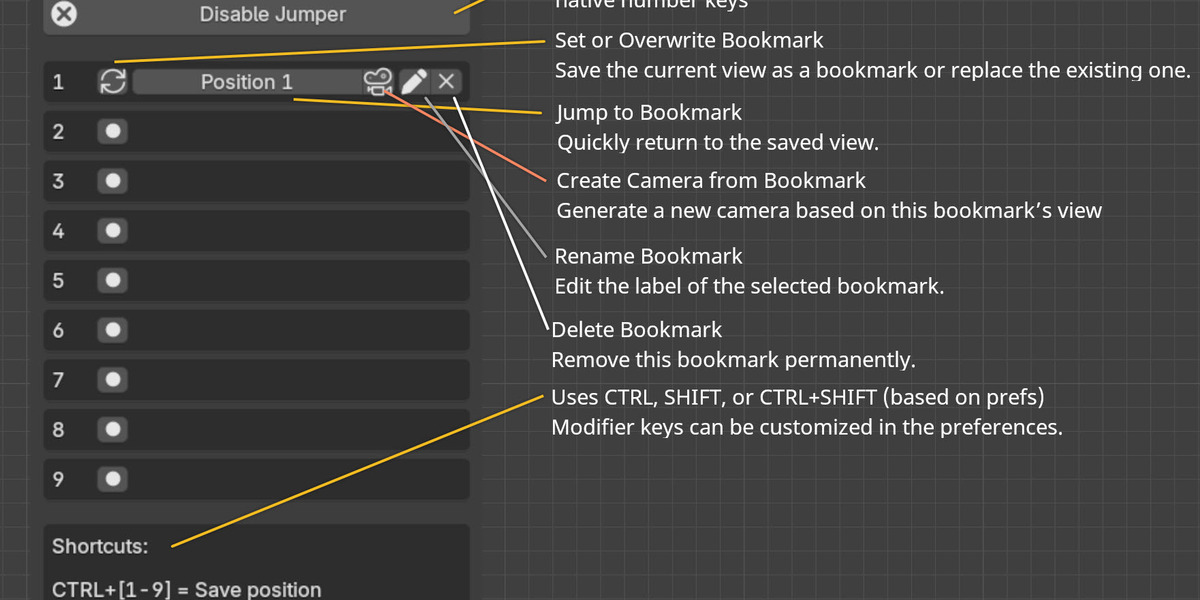
Save Blender viewport and camera views with hotkeys in Bookmark Jumper, group up to 45 positions in sets, and preview them with automatic thumbnails.
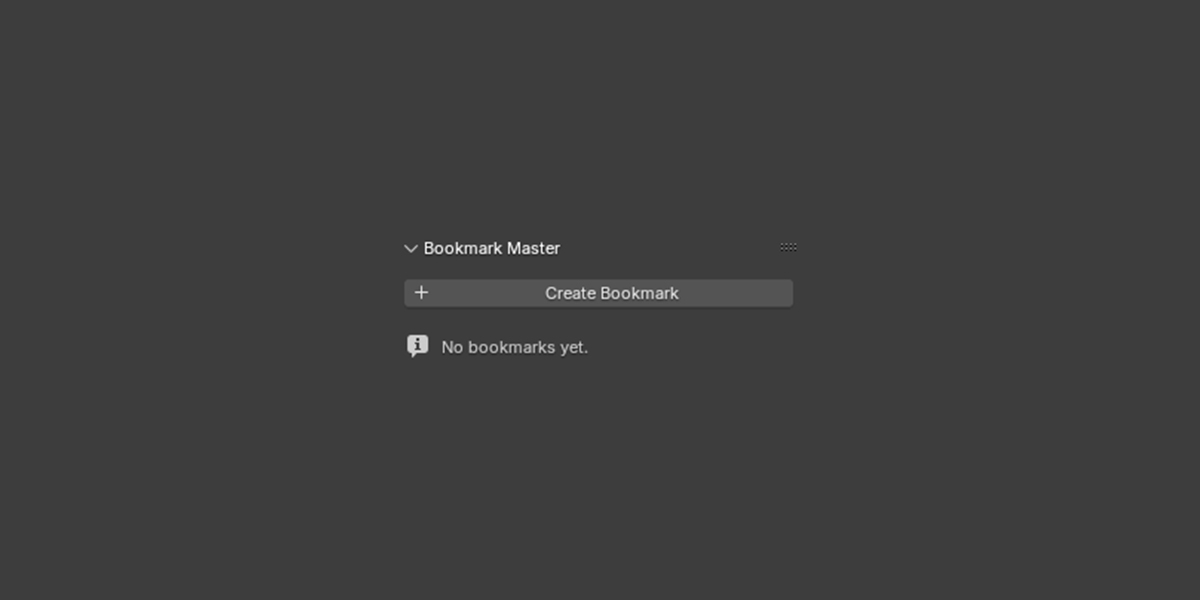
Bookmark Master saves a Blender 3D View's position, rotation, and zoom so you can label and revisit useful viewpoints from the viewport sidebar.
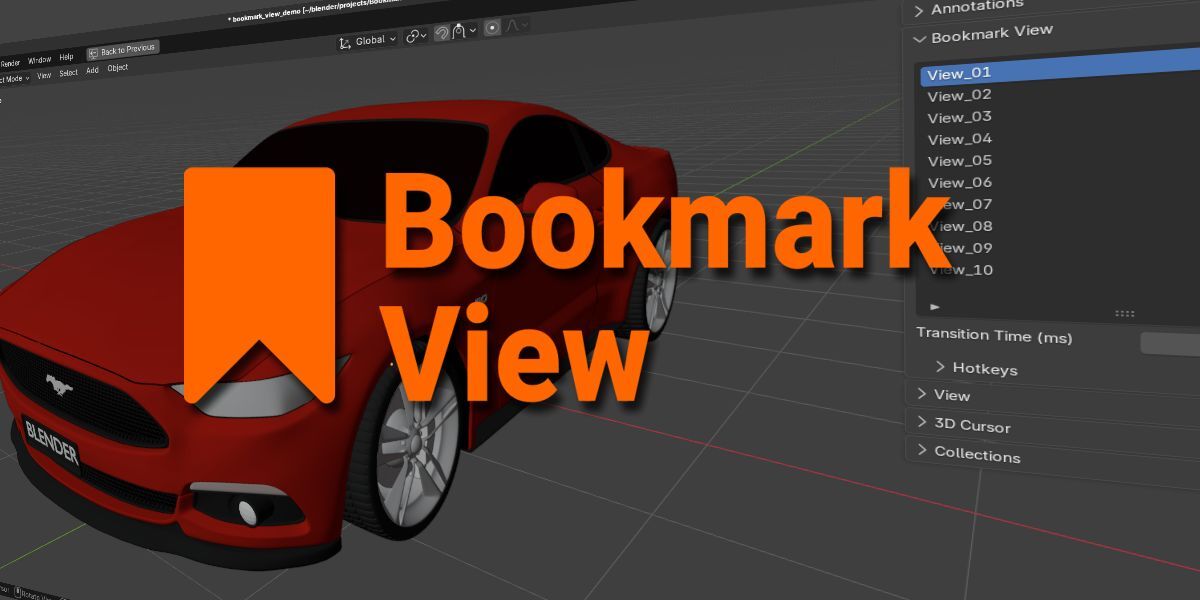
Bookmark View saves Blender 3D viewport positions so you can return with one click. See how its bookmarks, shading options and lens recall work.
Use Bool It for Blender object-mode booleans, part-by-part modifiers and quick edge or face edits. See how its union and subtraction workflow works.
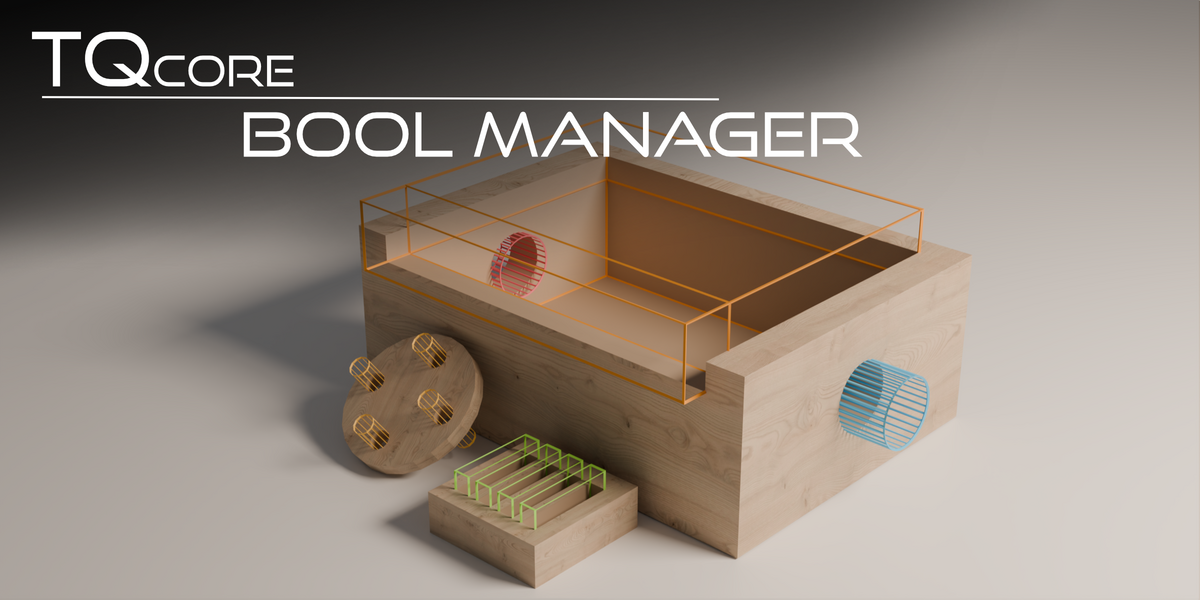
Organize Blender boolean cutters with Bool Manager's viewport selection, nested groups, display controls, and Exact or Fast calculation modes.
Bool Tool adds brush boolean operators, Carver cutters and modifier utilities to Blender hard-surface modeling. Check its current version and requirements.
Add bevel-friendly boolean operations to Blender SubD models with Boolean Bevel Addon. Review its Geometry Nodes workflow, mesh needs, and version cautions.
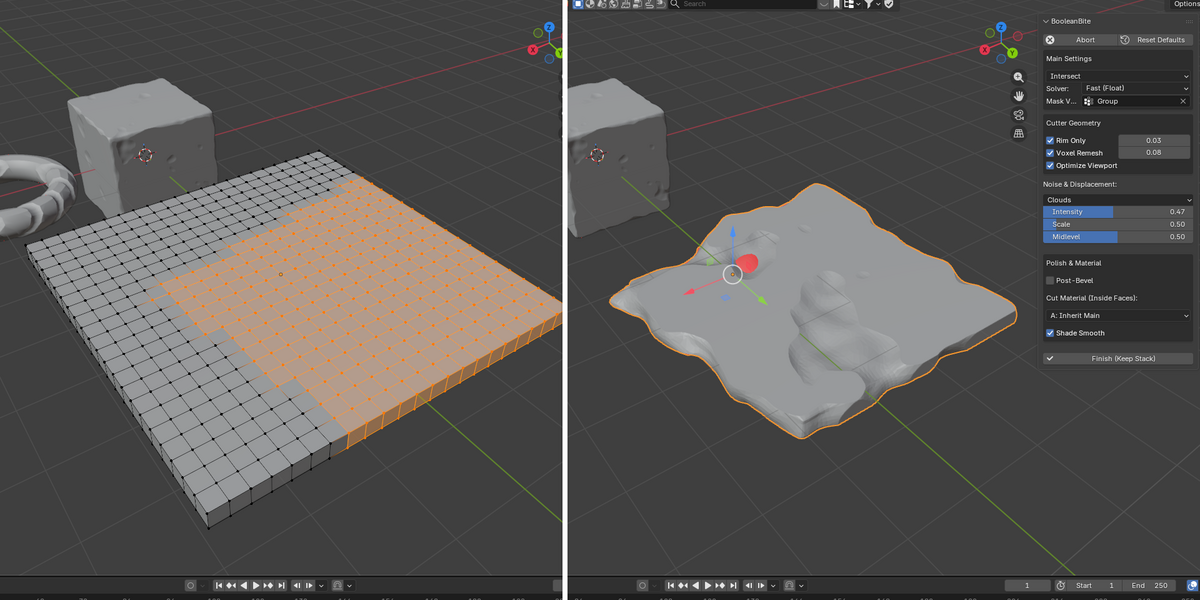
Add Blender edge damage with BooleanBite's linked cutter, noise presets, vertex masks, custom inner materials, bevel options and a bake mode.
Use Boolit to keep Blender boolean operations editable, with toggles for rapid concept and hard-surface work. Review the listing for Blender 5.1 details.
Explore Booltron for Blender: boolean tools for many objects, destructive and non-destructive workflows, Curve and Text support, and version details.
Save named render borders in Blender with Border Buddy. Capture one in camera view, name it in Output Properties, then select it later. Check compatibility.
Botton_Remove cleans Blender scenes by category and records supported removals in a timestamped history; Quick Cleanup creates no history entries.
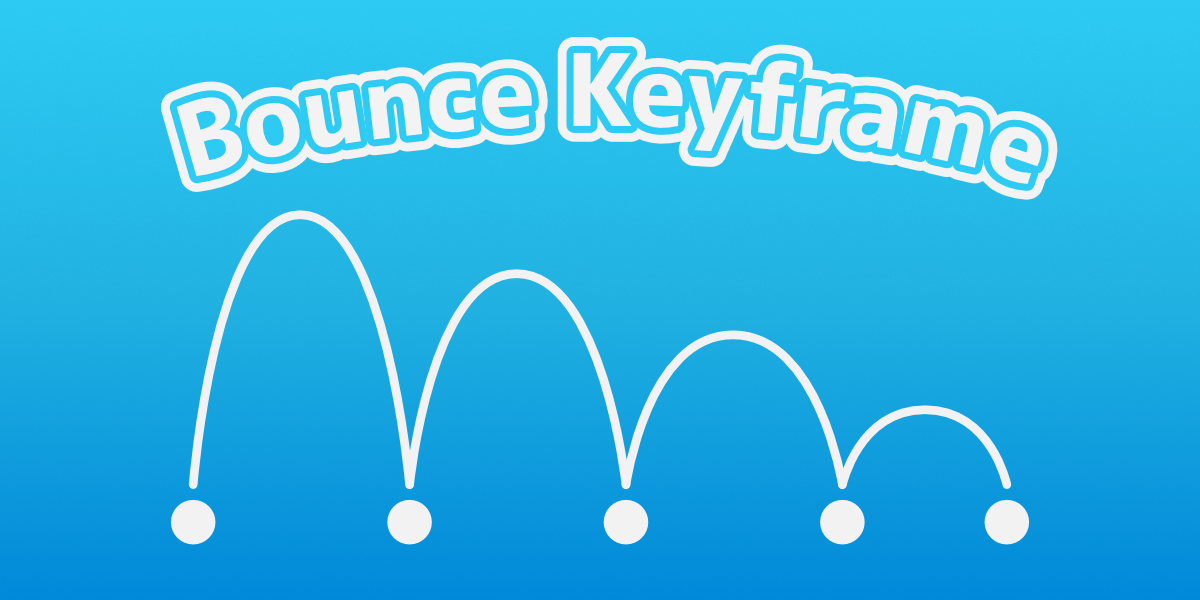
Bounce Keyframe is a Blender add-on that turns a keyframe into a bounce shape. Check listed Blender versions, its Creative Commons license and demo video.
Remesh Blender meshes with boundary and edge retention options. Border reduction prioritizes fewer polygons; feature edges may not be fully retained.