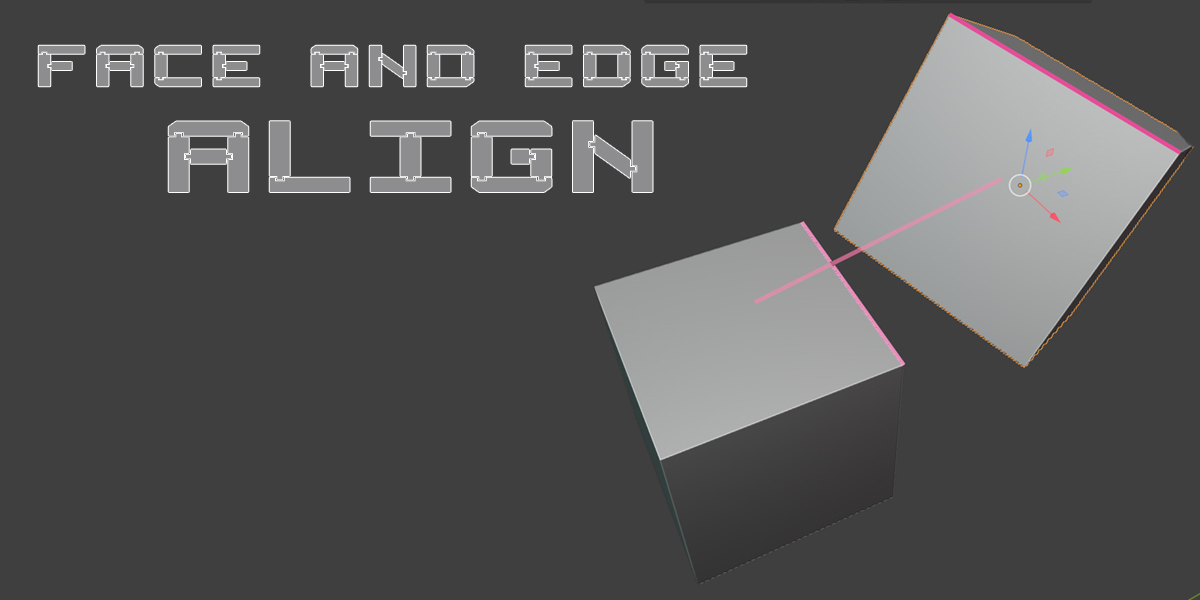
Face And Edge Align
Face And Edge Align is a Blender add-on for face alignment across objects, with parallel and snap edge modes, automatic orientation and live feedback.
Browse published guides by application, developer or task. Check product details before downloading. Page 108 of 337.
Face And Edge Align is a Blender add-on for face alignment across objects, with parallel and snap edge modes, automatic orientation and live feedback.
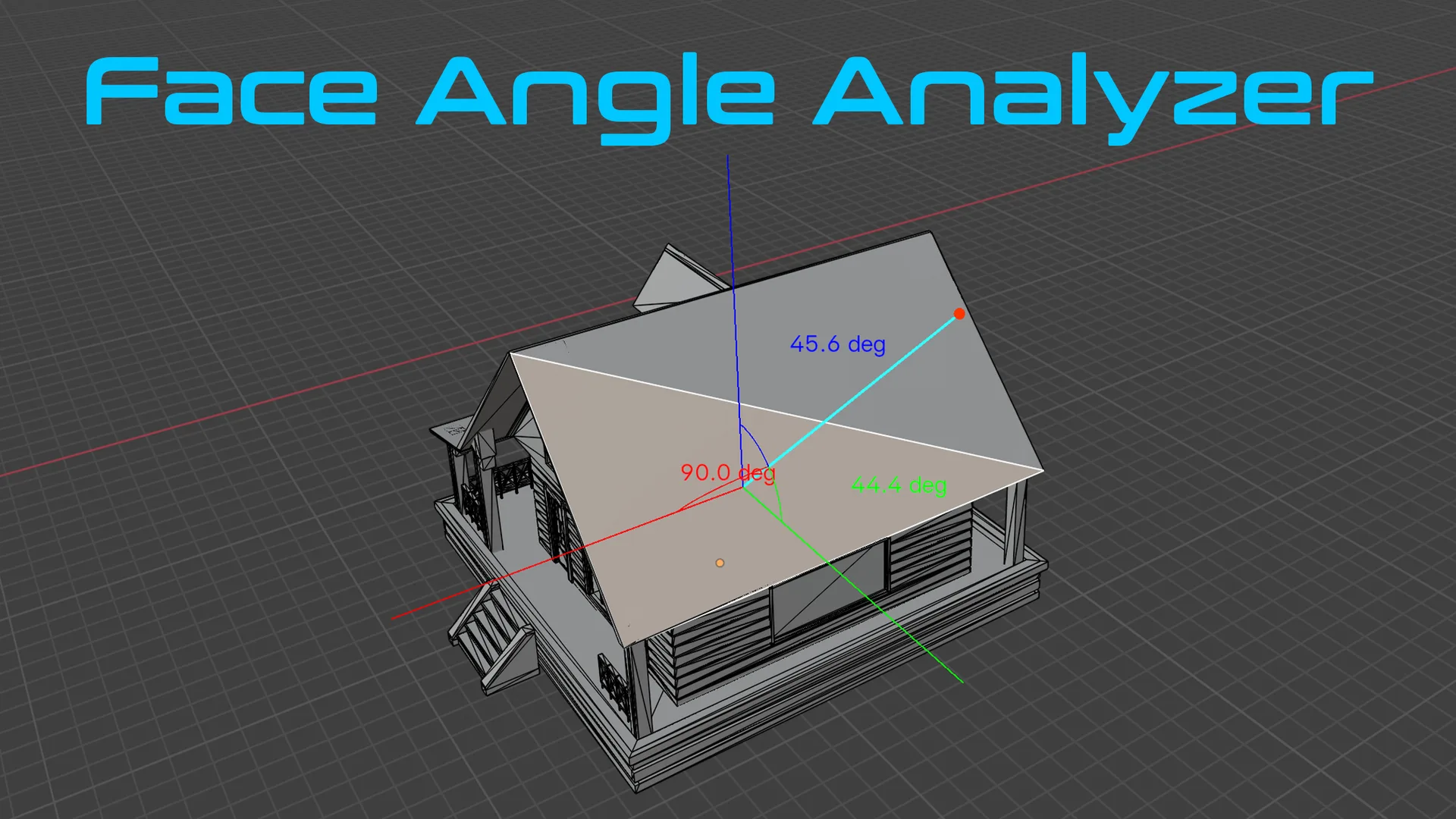
Measure Blender face angles against global axes and see alignment rotations in the viewport. Check its Edit Mode workflow and minimum version.
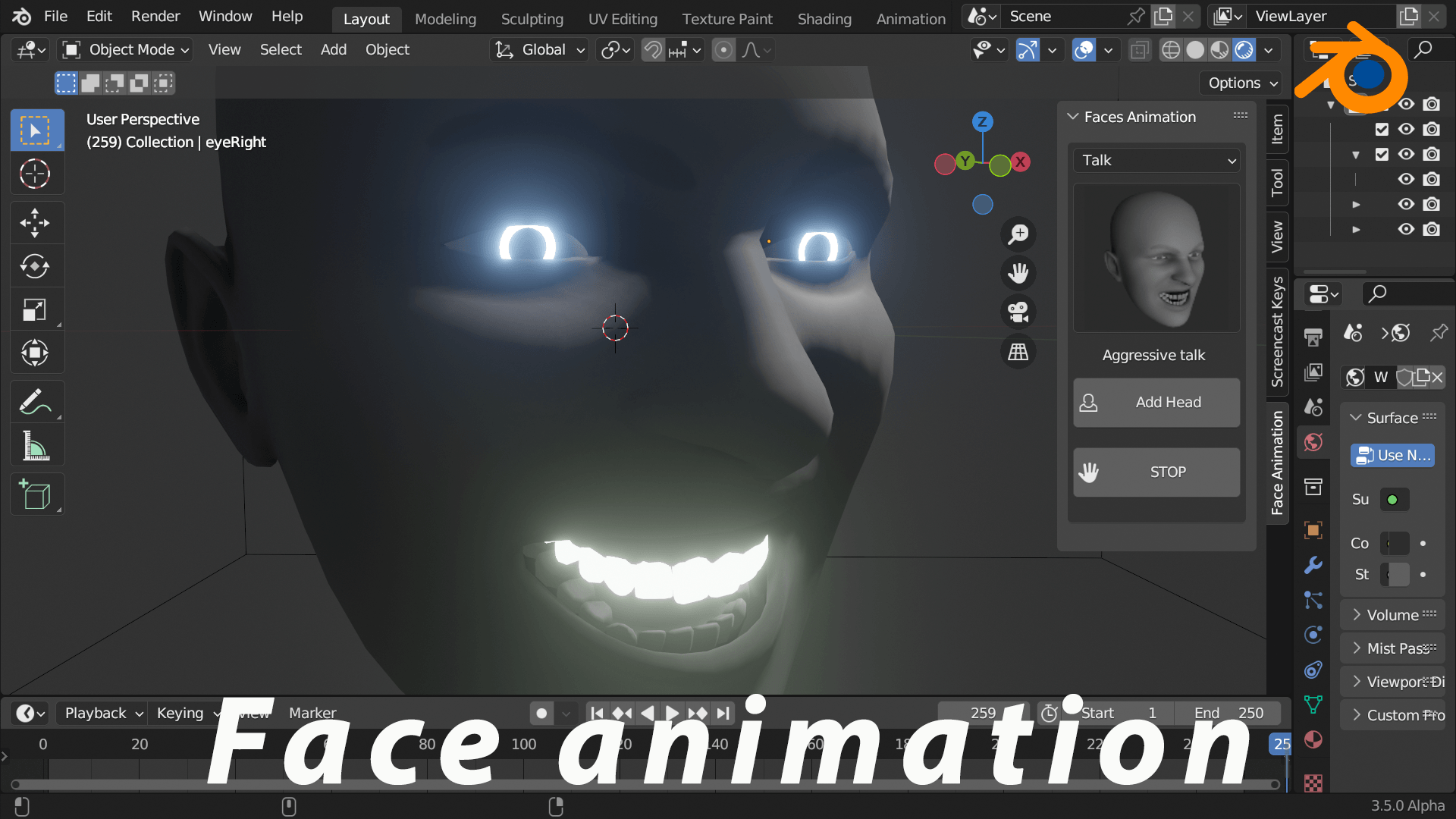
Face Animation is a Blender add-on for editable heads and combined facial animations. Check supported Blender versions, Faceit retargeting, and GPL licensing.
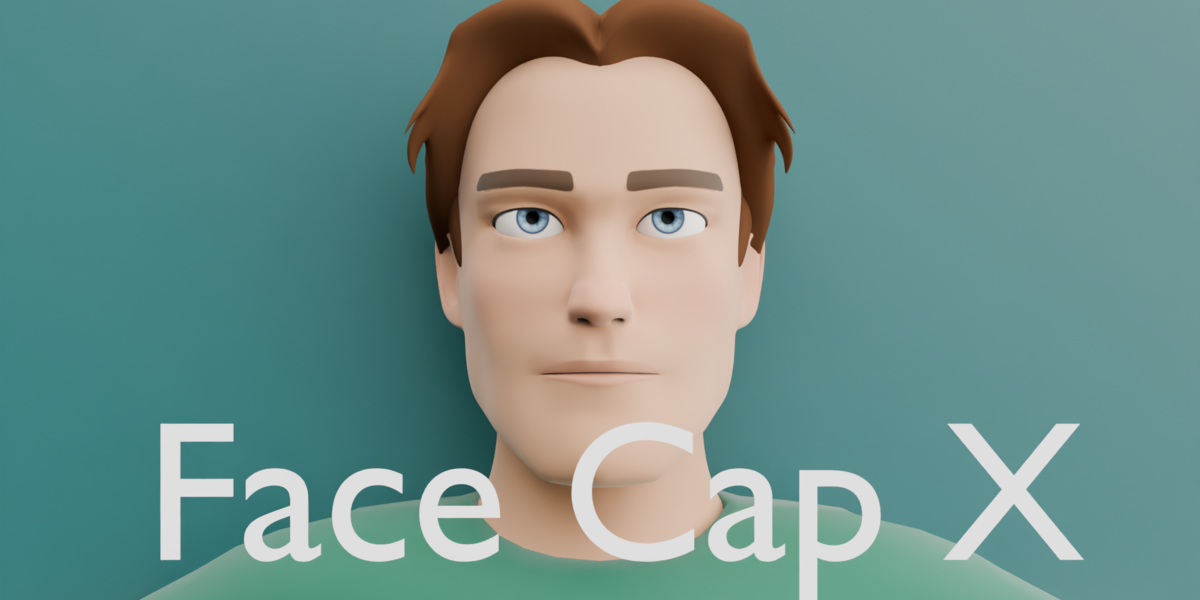
Face Cap X is a Blender add-on for webcam facial capture. Check Auto-Rig Pro rigs, Blender compatibility, macOS on Apple Silicon and no eye tracking.
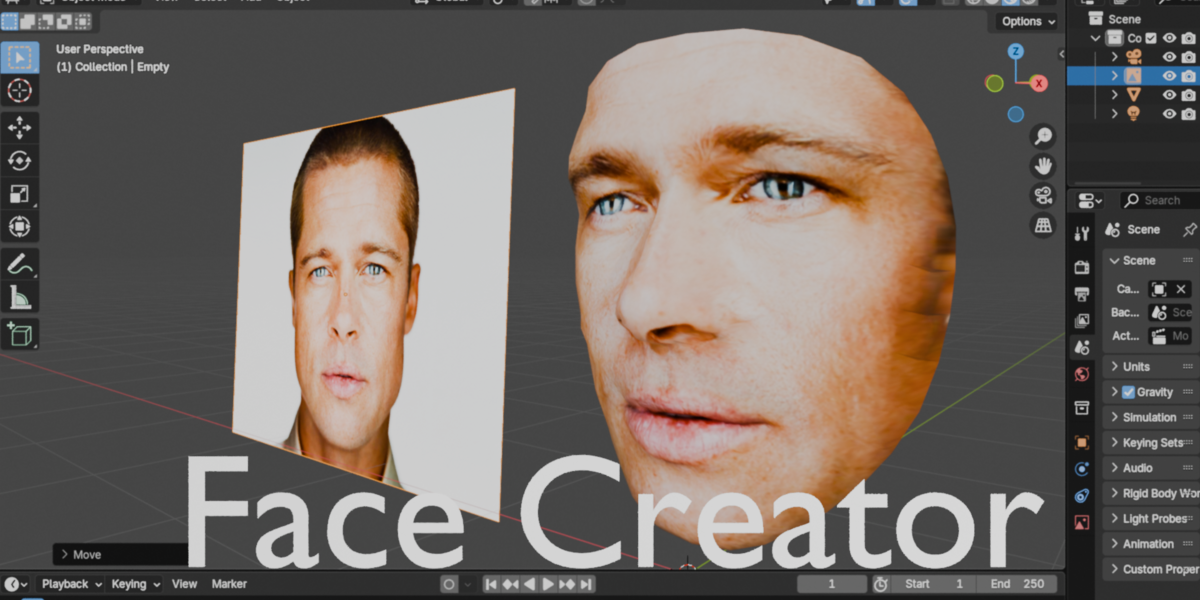
Face Creator is a Blender add-on that turns a photo into a 3D face model with a material in one click. Check its Blender version and platform support.
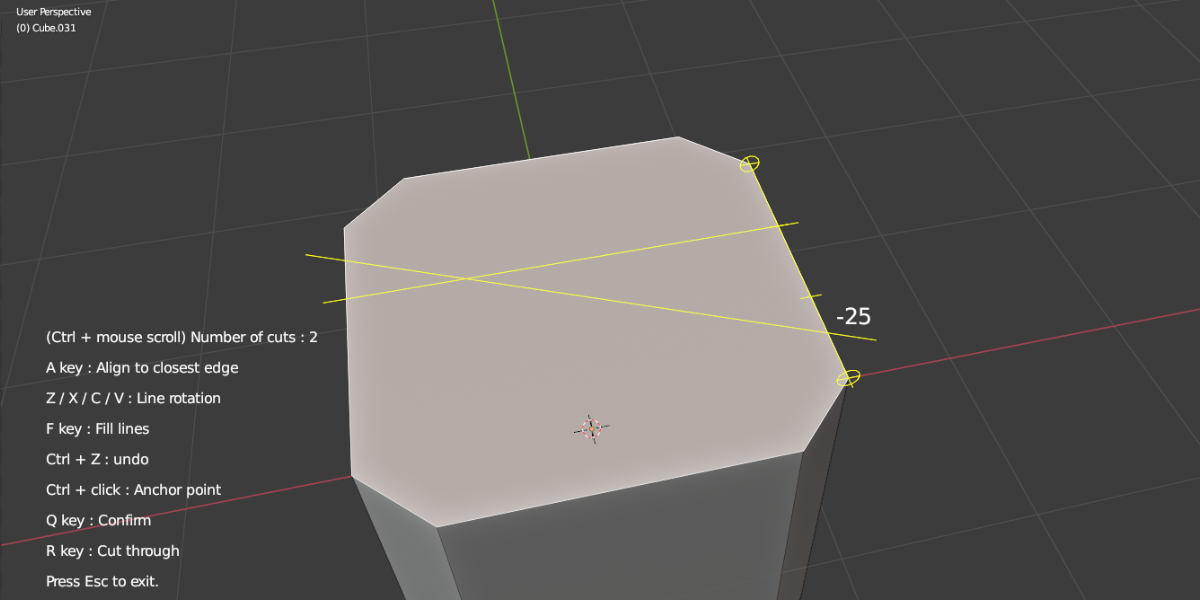
Cut Blender ngons with snapping points, angled lines, and mesh-wide projection. See Face Cutter's Edit Mode steps, cut-through controls, and setup notes.
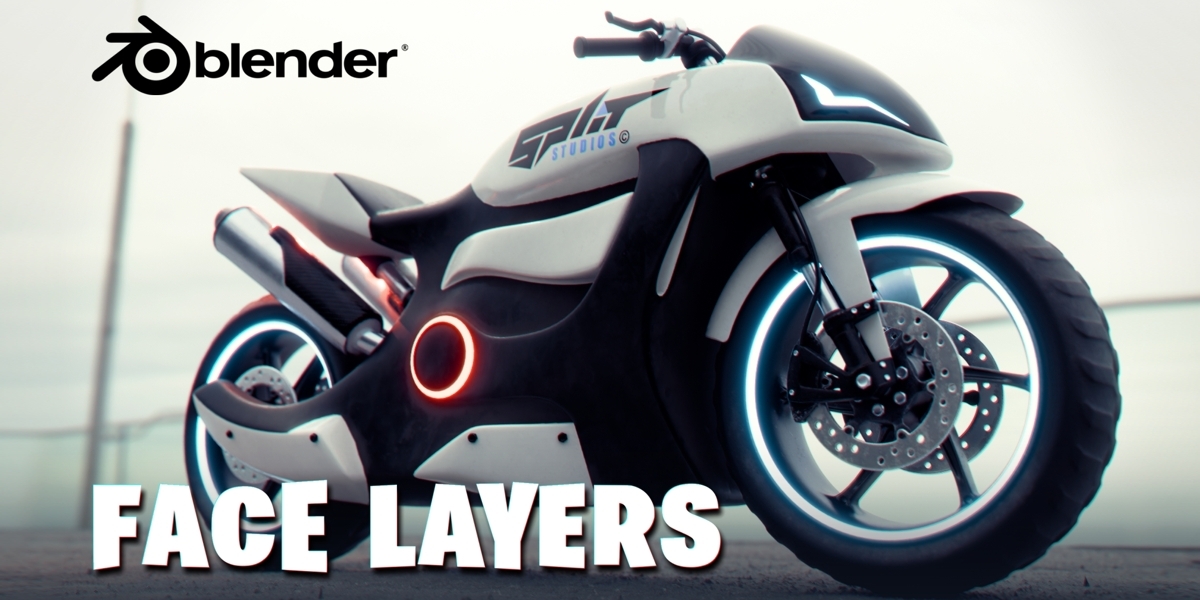
Face Layers Add-On organizes mesh faces into layers for selection, hiding and material assignment. Check Blender 4.0 to 5.2 compatibility and review the docs.
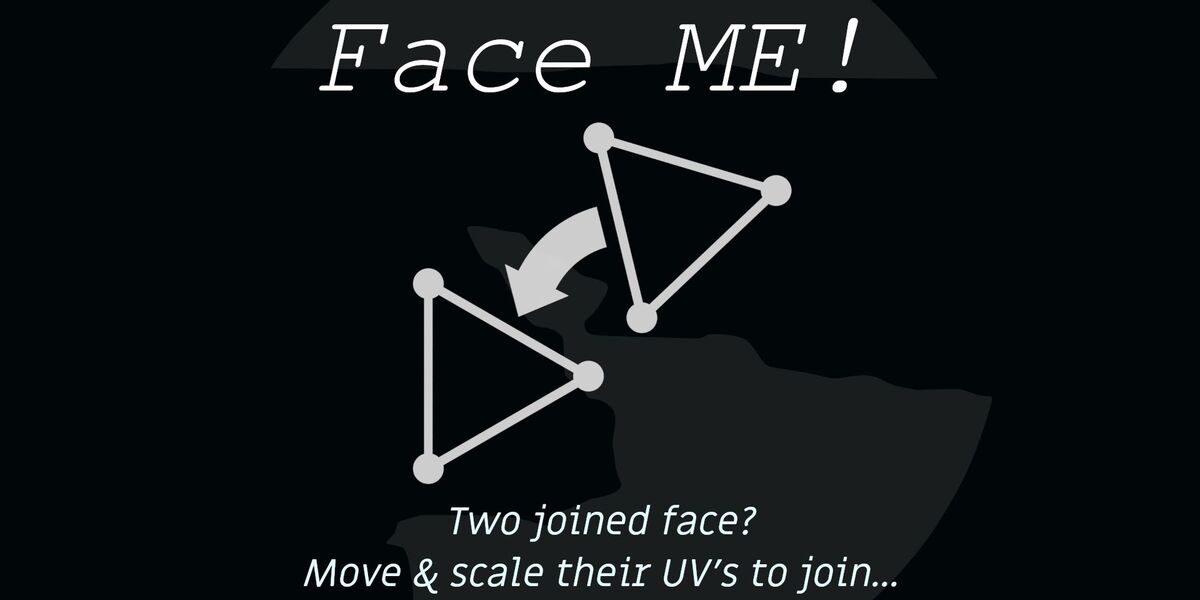
Face Me! - Uv Utility aligns a selected face's UVs to the active face, with move, rotate and scale adjustments in Blender 3.6 through 5.0.
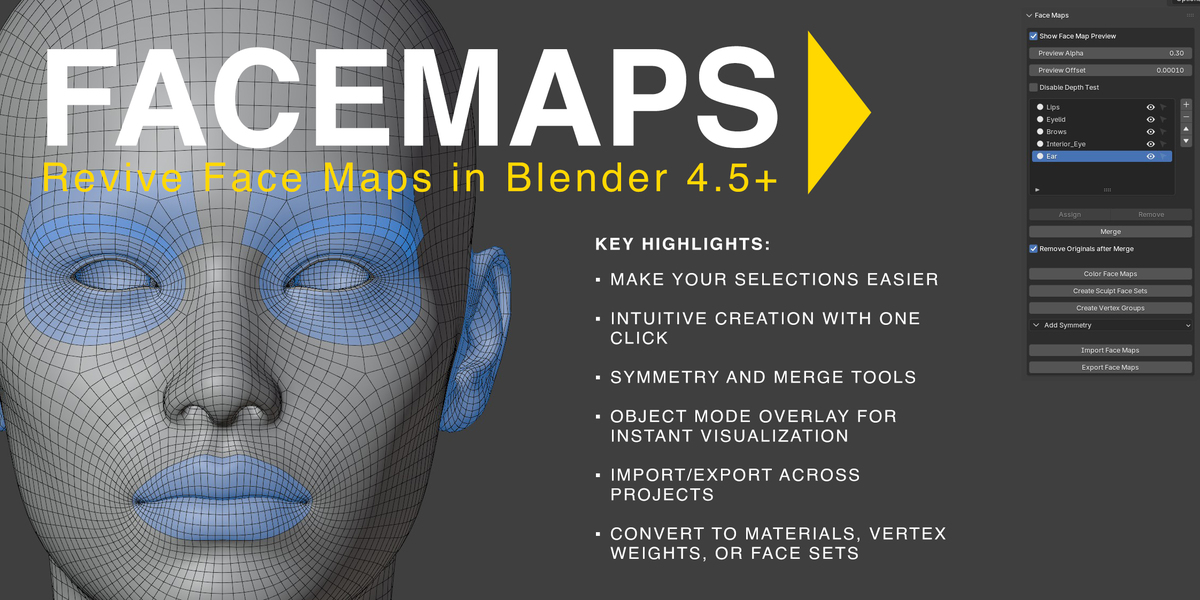
Face Set Operators for Blender turns sculpt face sets into material slots, UV seams, vertex groups, or attributes. Check its features and Blender compatibility.
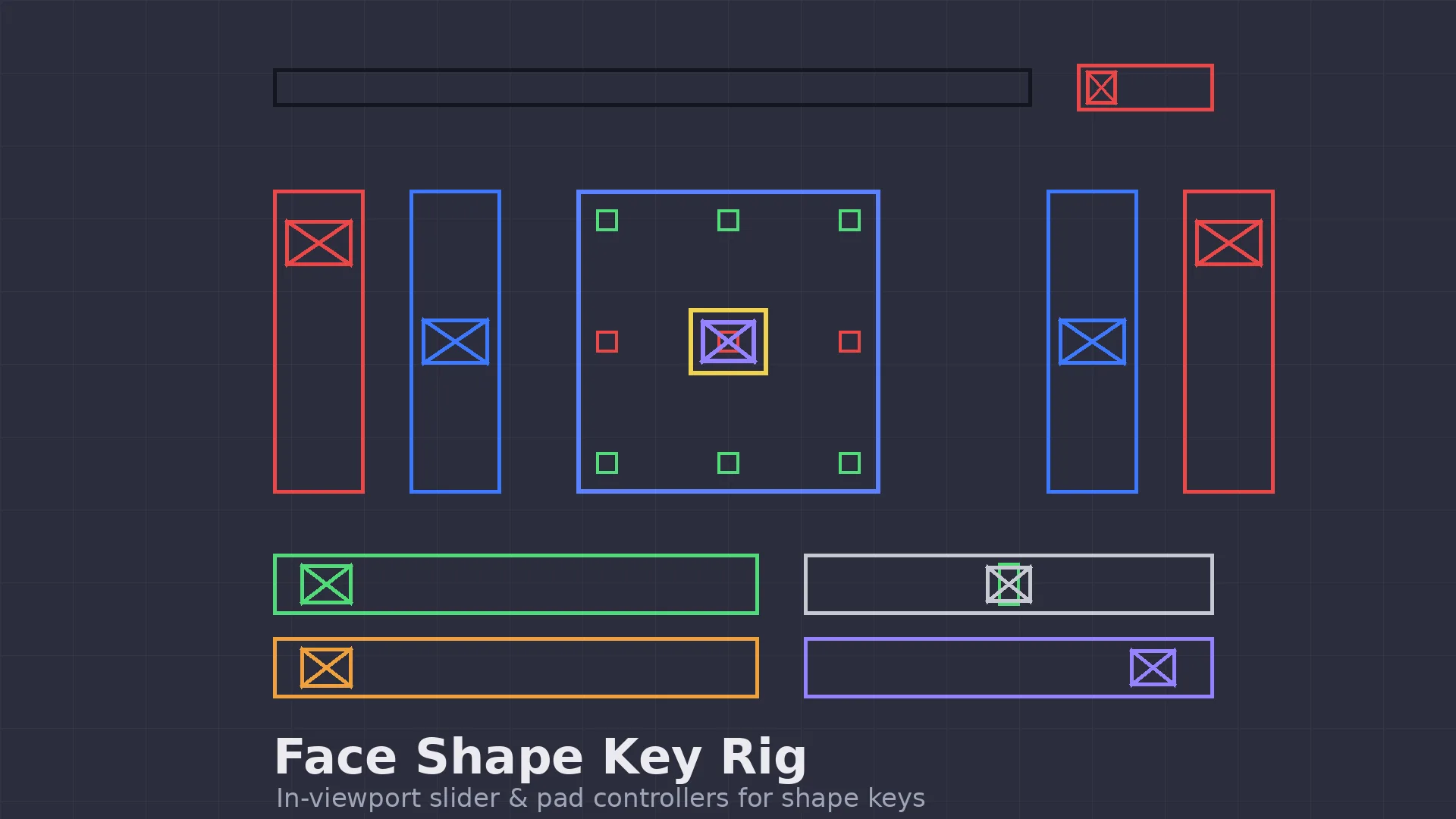
Face Shape Key Rig is a Blender add-on for shape keys, live facial capture and audio lip sync. Version 1.0.244 needs Blender 5.2+; Mesh Parts are experimental.
Face Swapper is a local GPU plugin for face replacement, age blending and morphing, with compatible host versions and early-access requests.
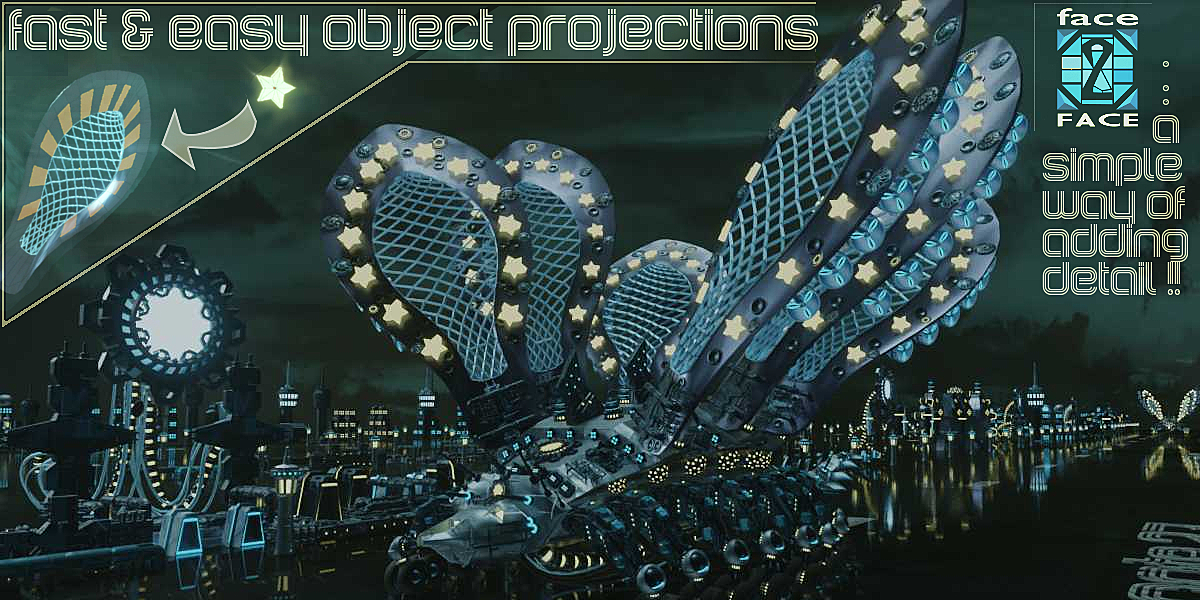
Face2Face projects objects onto selected Blender faces and lets you adjust placements together. Review modifier uses, setup, and listed Blender versions.
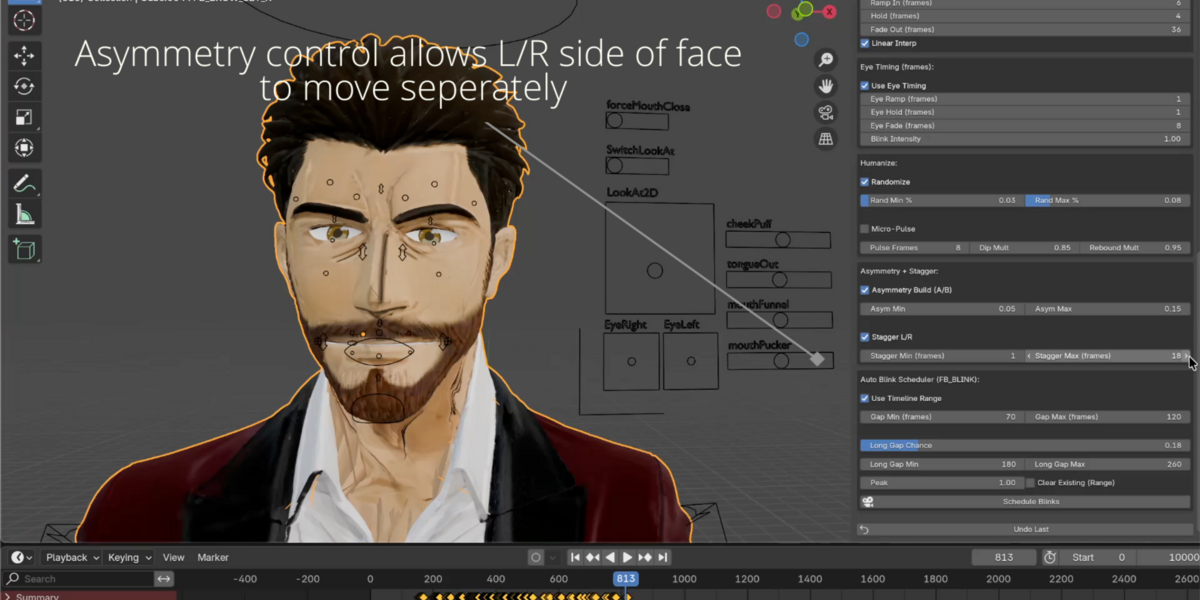
FaceBeats Pro adds editable emotion keys and eye acting over baked ARKit or Faceit capture in Blender 4.5–5.2. See the workflow and controls.
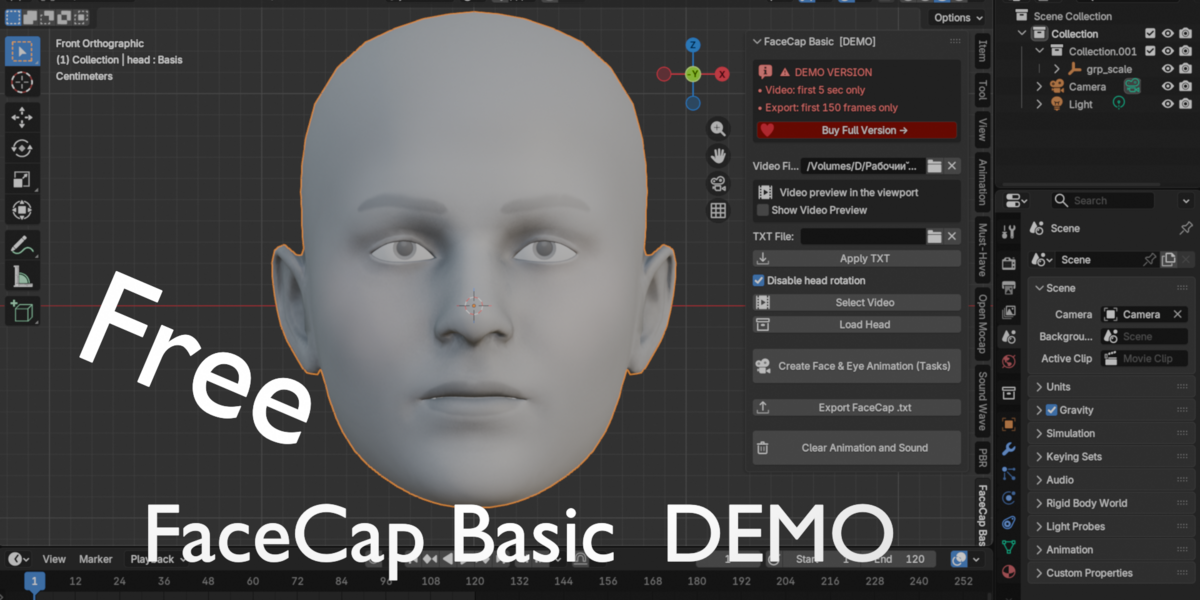
Capture facial animation from MP4, MOV, or AVI clips in Facecap Basic Demo for Blender, with 52 ARKit-compatible blendshapes and custom rig support.
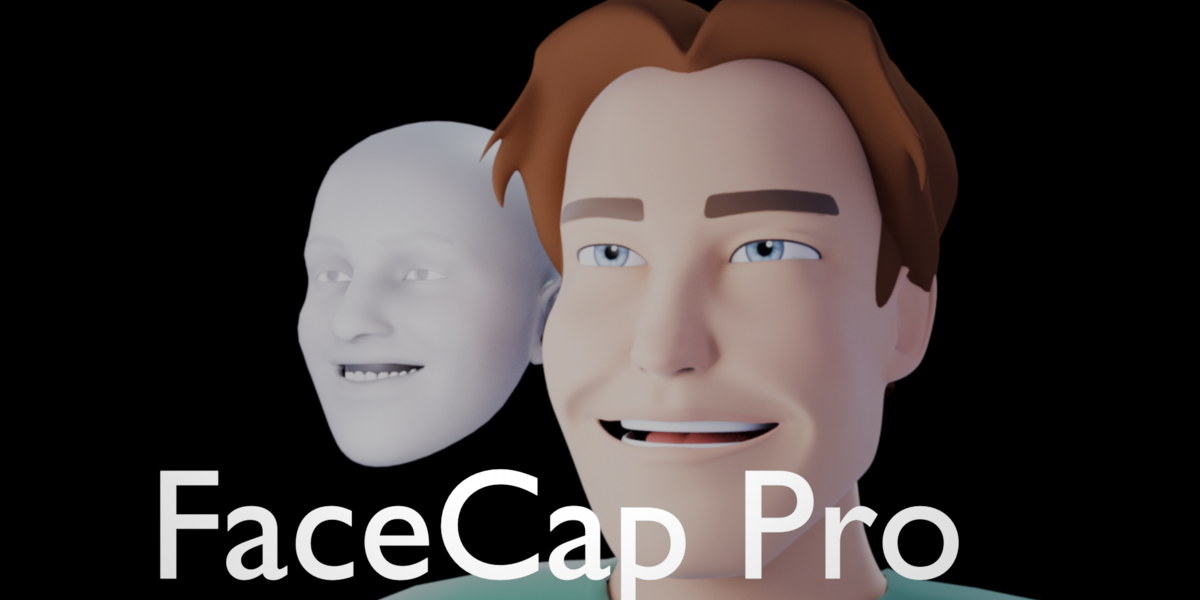
Turn MP4, MOV or AVI footage into Blender facial animation with Facecap Pro's 52 ARKit-compatible blendshapes and Auto-Rig Pro transfer. Check setup.
Facetor changes round-shape segmentation while preserving its silhouette. Blender 4.2.0 is the minimum version; release 1.0.1 is under GNU GPL v3.0 or later.
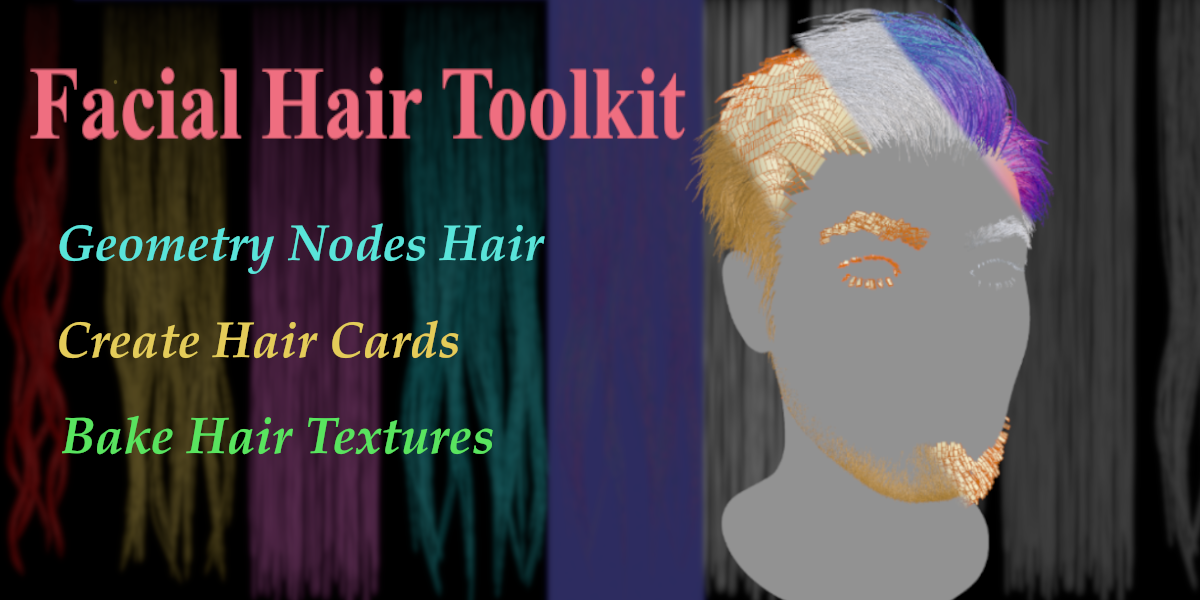
Use Facial Hair Toolkit in Blender for preset character hair, strand controls, hair cards and texture baking. Review setup and compatibility before installing.
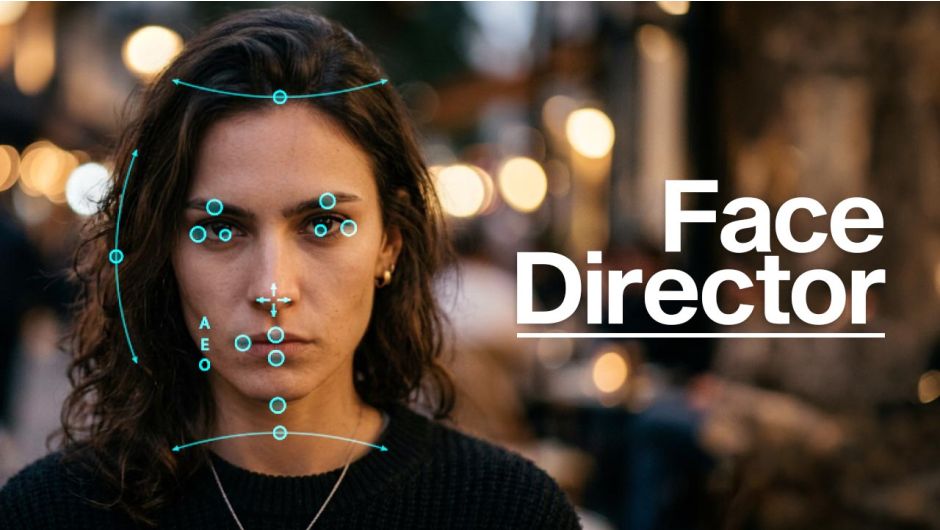
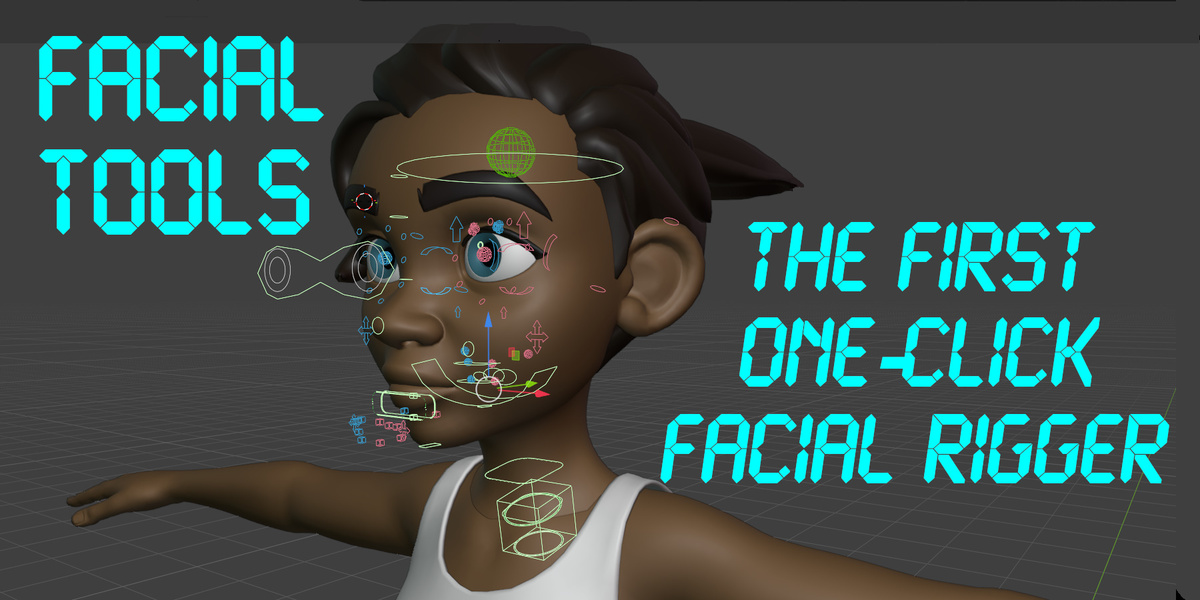
Explore Facial Tools' Blender workflow for automatic facial detection, binding, 60 animation presets, and FBX or glTF export. Check supported versions.
Factory Asset Validation for AutoCAD® compares Factory Design Utility IDs with Vault .faf files. Review missing or mismatched assets and export results to CSV.
Fade It! fades selected After Effects layers in and out with linear, ease, blink or crazy styles; layer markers let you adjust transition duration.