HandyCam
HandyCam adds orbit, target, lens, dolly-zoom and handheld controls to After Effects cameras, with baking for project handoff. Check its AE compatibility.
Browse published guides by application, developer or task. Check product details before downloading. Page 136 of 337.
HandyCam adds orbit, target, lens, dolly-zoom and handheld controls to After Effects cameras, with baking for project handoff. Check its AE compatibility.
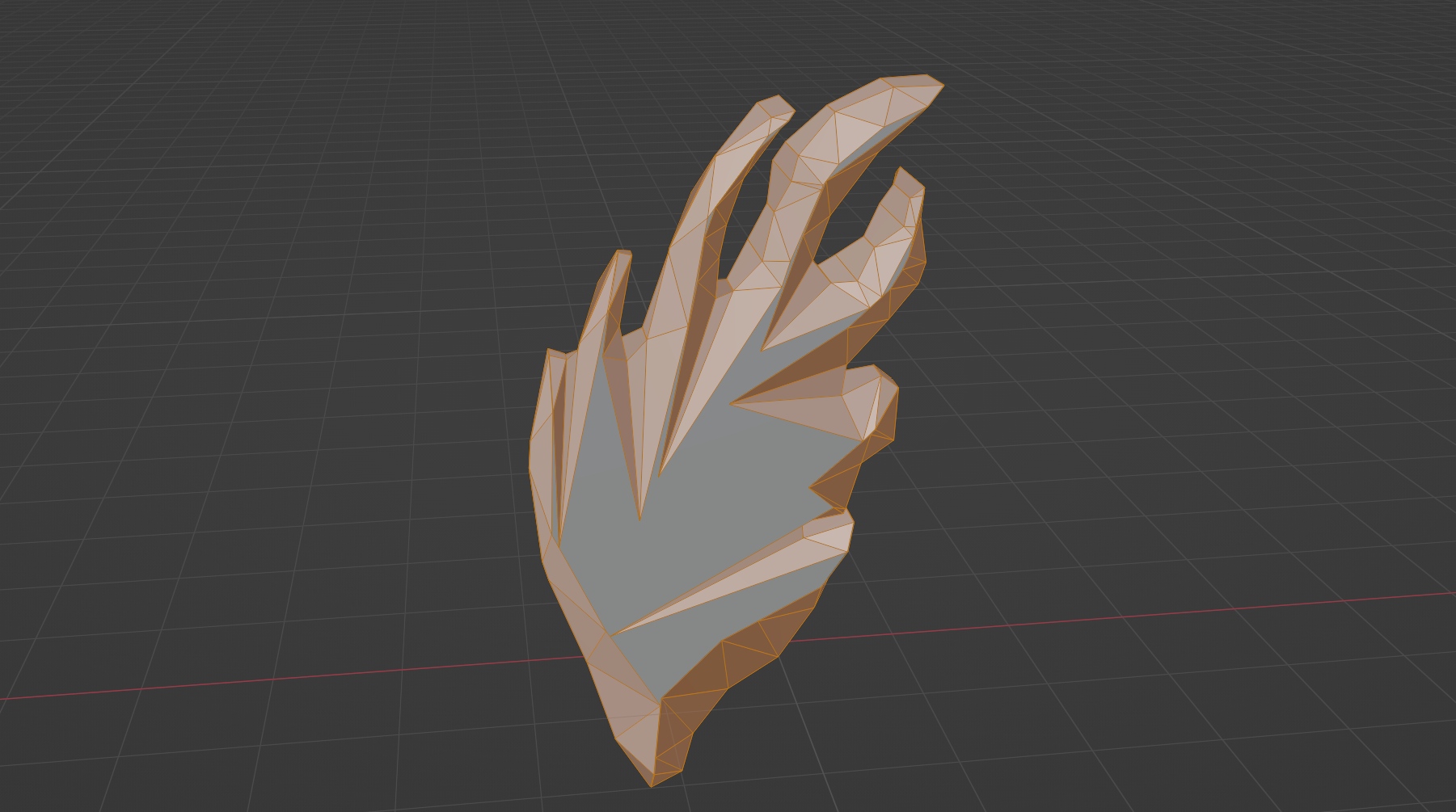
Hard Bevel is a Blender add-on for selected faces and edges, with n-gon support and adjustable cuts. Review its workflow, settings, and compatibility.
Explore Hard Ops for Blender, with viewport tools for booleans, modifiers, mirroring and arrays. Review its features and check current compatibility.
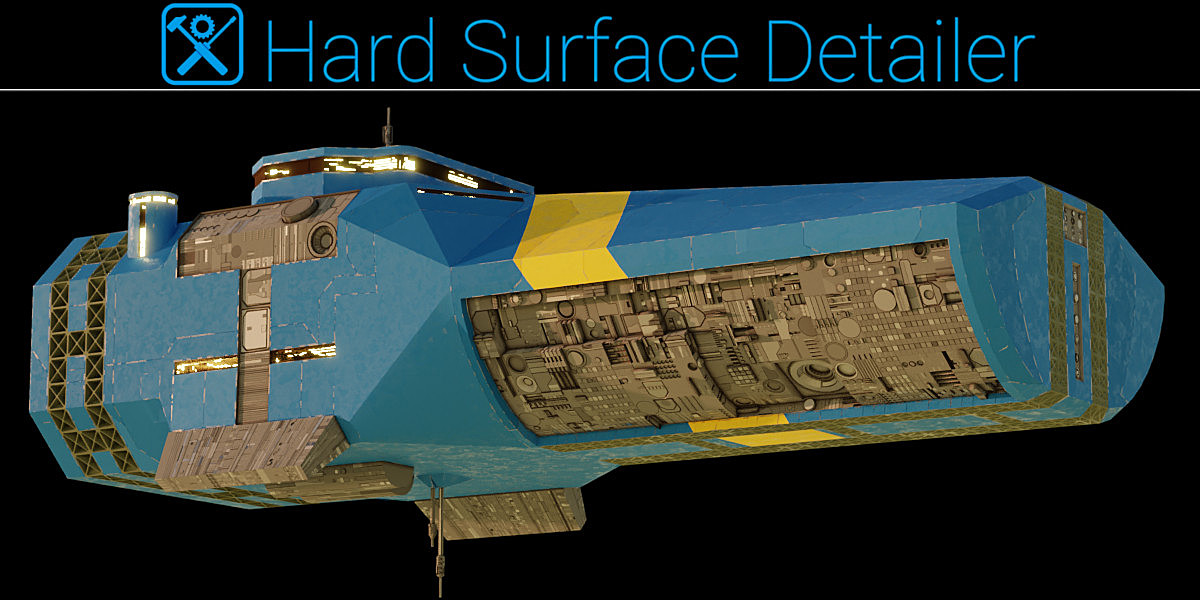
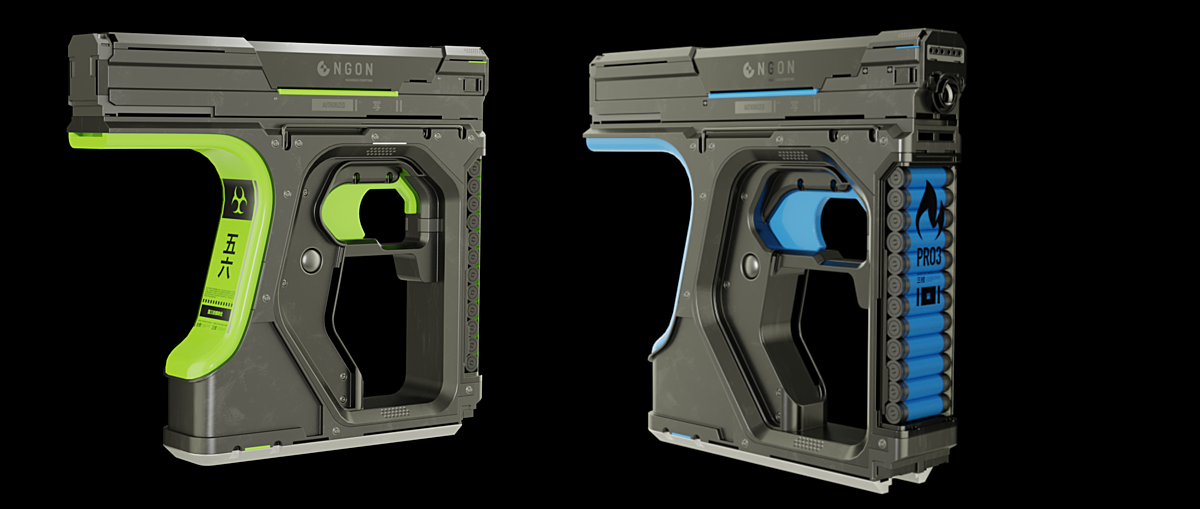
Generate sci-fi details on selected Blender quad faces with Hard Surface Detailer. Check current Blender compatibility before installing.
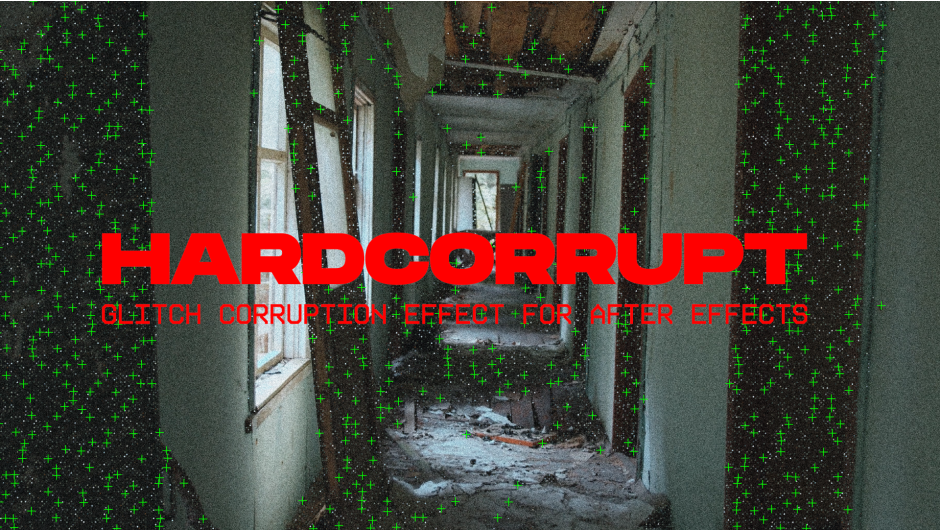
HardCorrupt applies block glitches in After Effects, with RGB splits, luma gating, noise, temporal freeze, matte outputs, and Windows-only compatibility.
Explore Hardops 26: Lead for Blender, with viewport modifiers, Boolean cuts, mirroring, circular arrays and render setup tools. Check Blender compatibility.
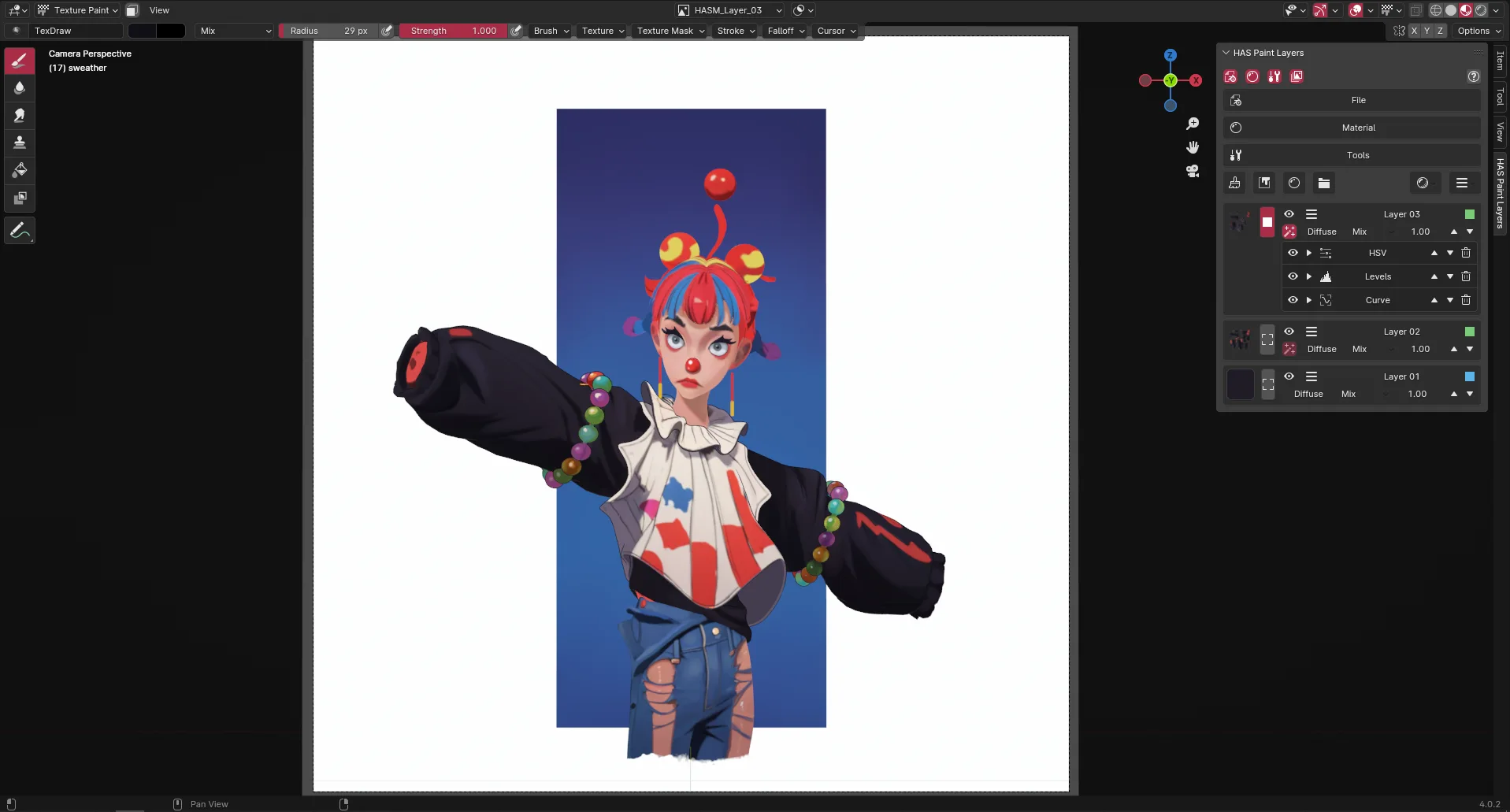
Explore HAS Paint Layers for Blender texture painting, with filters, masks and PBR tools. Check current compatibility before installing.
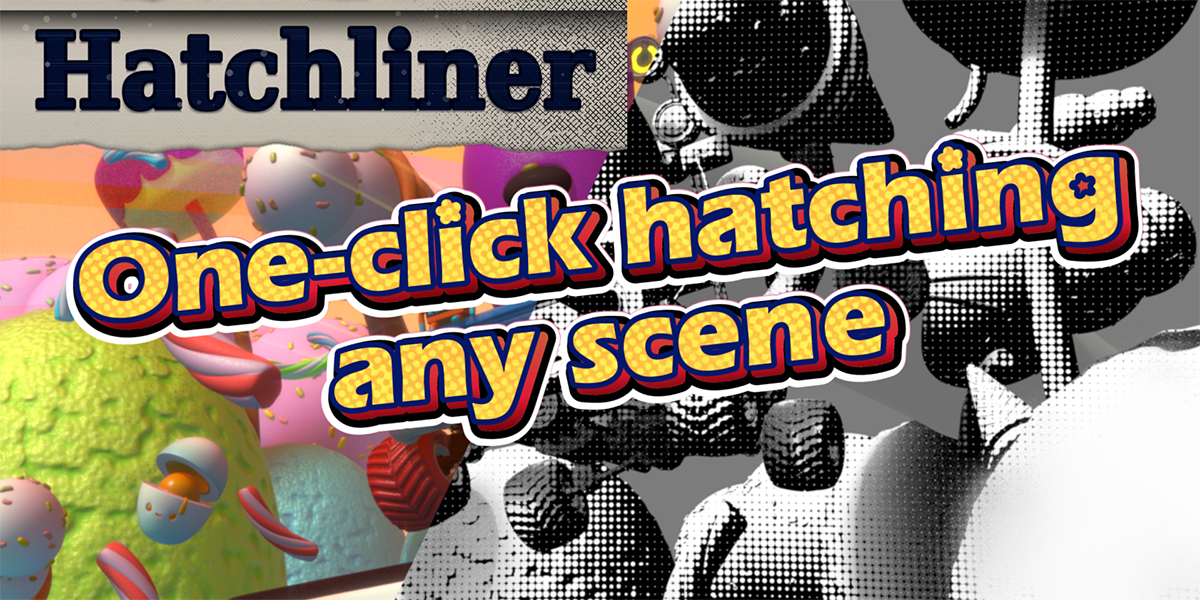
Explore Hatchliner's 27 anime and hatching style presets for Blender. Preview each, tune parameters, and apply by mesh, material, or scene.
Hawaiki AutoFix is a video effect for dead pixel repair, with a repair mask, directional sampling, manual fill, supported apps and system requirements.
Hawaiki AutoSplit builds split-screen layouts from video layers, with animation controls, reusable presets, and requirements for Mac hosts and FxFactory.
Compare eight hue bands, refine masks, and adjust color in Final Cut Pro, DaVinci Resolve, Premiere, After Effects, or Motion with Hawaiki Hue Finesse.
Hawaiki Keyer 5 keys green and blue screens with secondary mattes, AI tracking and edge tools in Resolve, Final Cut Pro, Premiere Pro, After Effects and Motion.
Hawaiki Super Glow is a video effect plug-in with six glow elements and matte, color and compositing controls for supported Mac editors; FxFactory is required.
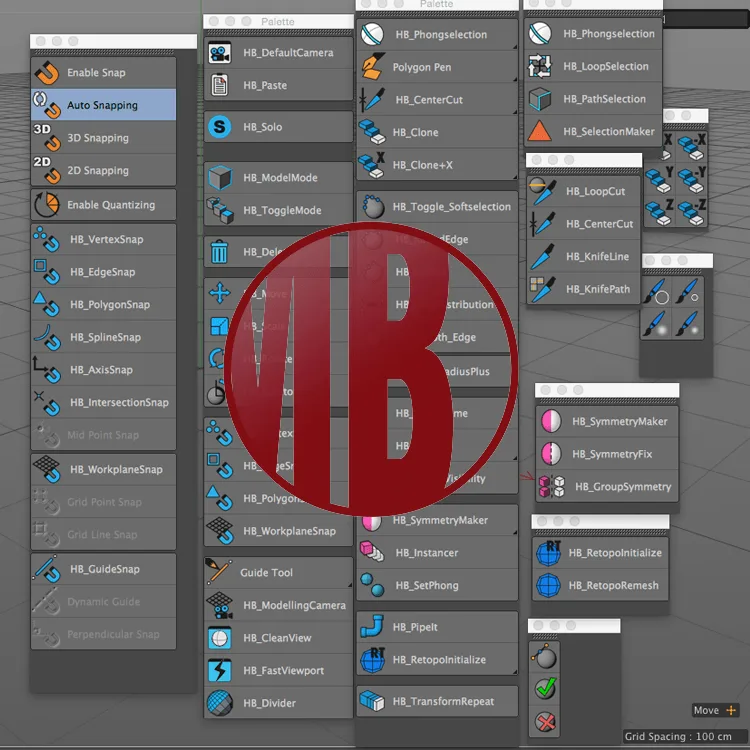
HB ModelingBundle includes 70+ Cinema 4D modeling scripts, shortcuts, a modeling layout and template scene. Check version support and MoGraph needs.
Prepare Blender HDR lightmaps and vertex colors with HDR Encoding Tools: RGBM or dLDR encoding, Unity export guidance, transparency handling, and cleanup.
Hdr Rotation is an add-on that rotates an HDR with Shift+right-drag in Blender's 3D View; version 1.0.7 lists 4.2.0 as the minimum Blender version.
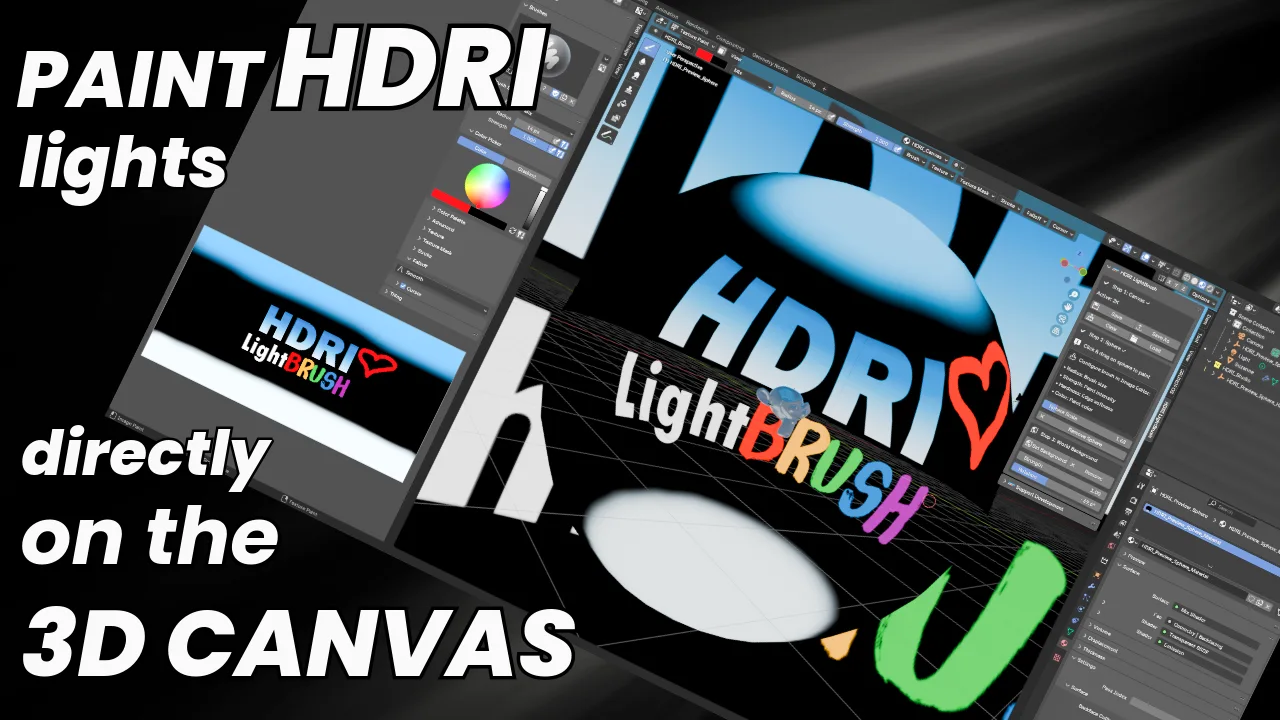
Paint and edit HDRI lighting on a 3D sphere in Blender with HDRI LightBrush. Review its brush controls, image formats and Blender compatibility.
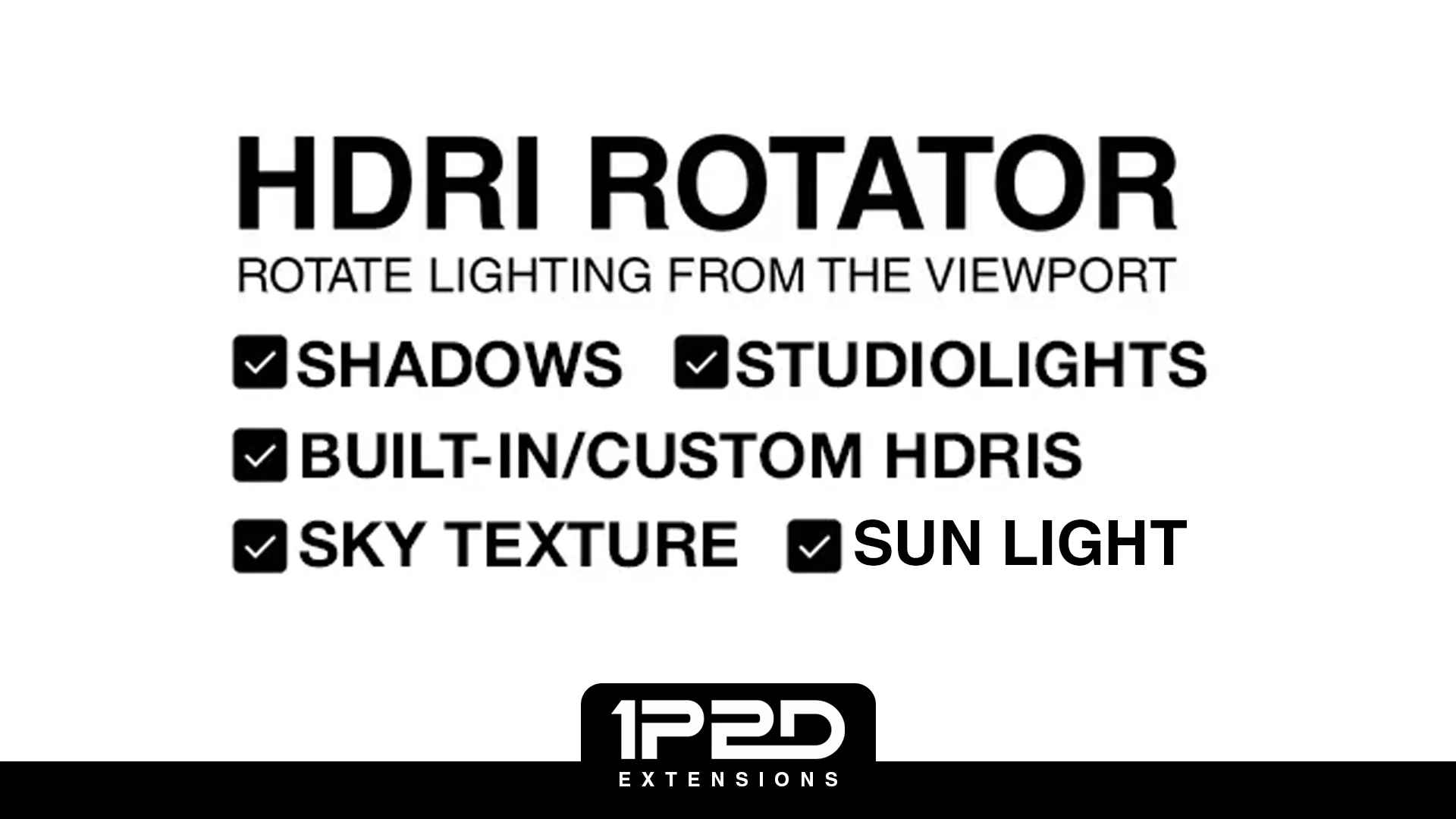
HDRI Rotator is an add-on for moving and rotating HDRIs, shadows, and lights from Blender’s viewport. Version 1.1.4 requires Blender 4.2.0 or later.
Animate paths as arrows in After Effects with built-in or custom heads, reversible direction, adjustable timing, double-sided arrows and head controls.
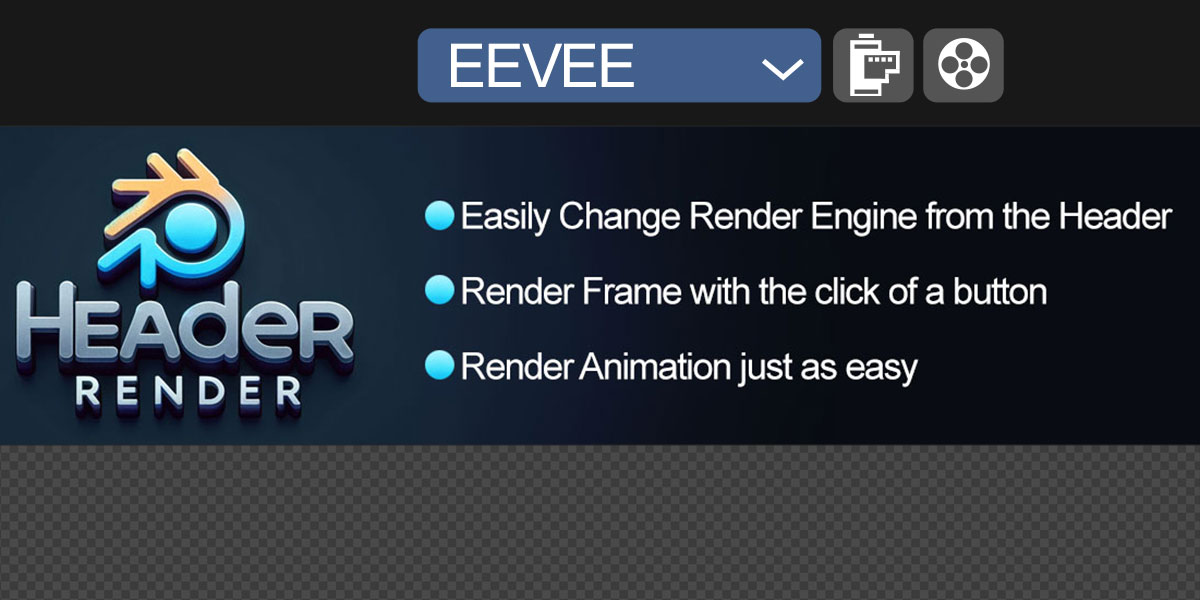
Header Render - Quick Render Settings adds an engine selector, frame and animation render buttons, and a camera check to Blender’s 3D Viewport header.
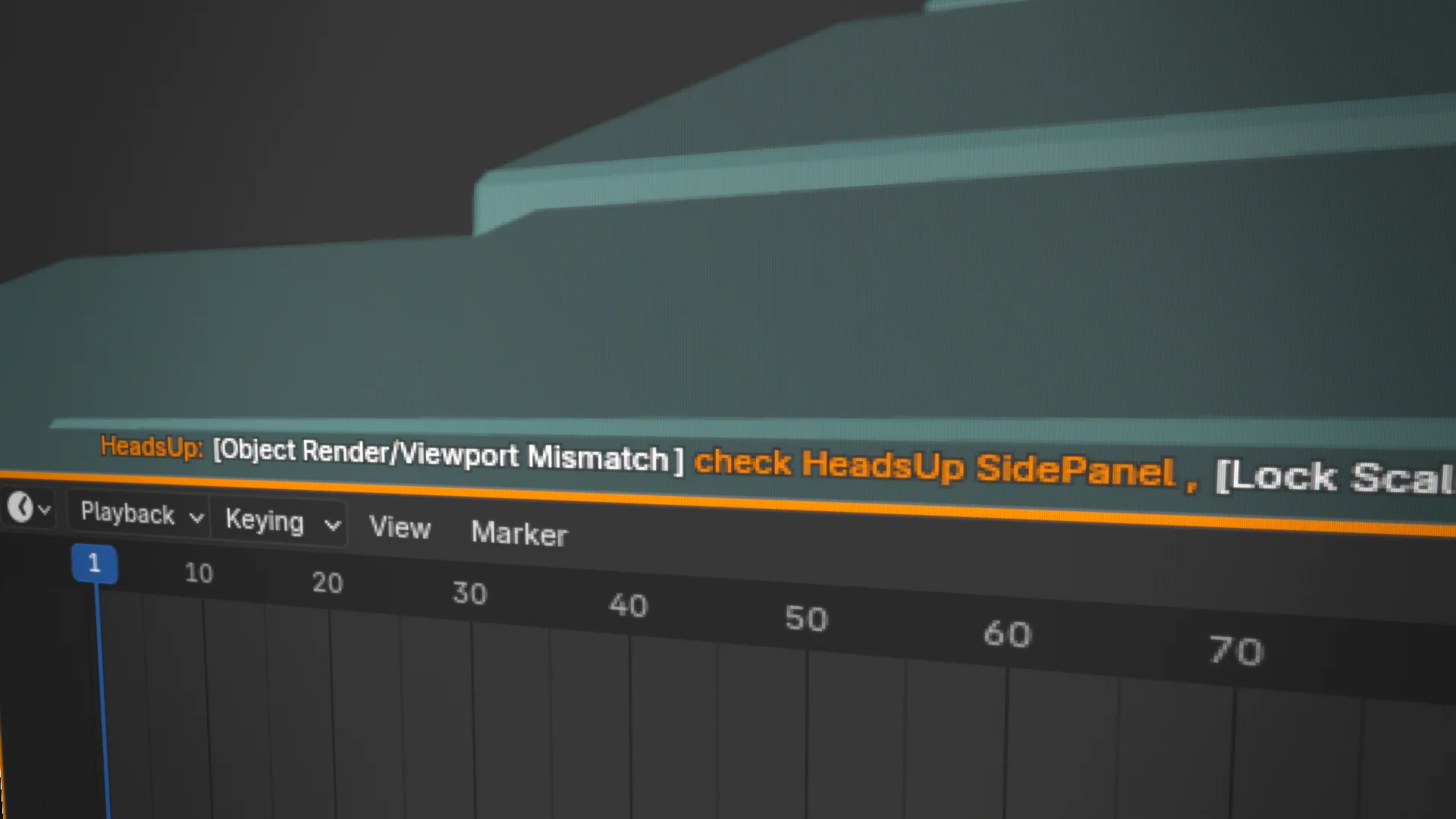
HeadsUp Warnings displays contextual Blender alerts in the 3D Viewport and compositor. Review its warning options, compatibility and file permission.
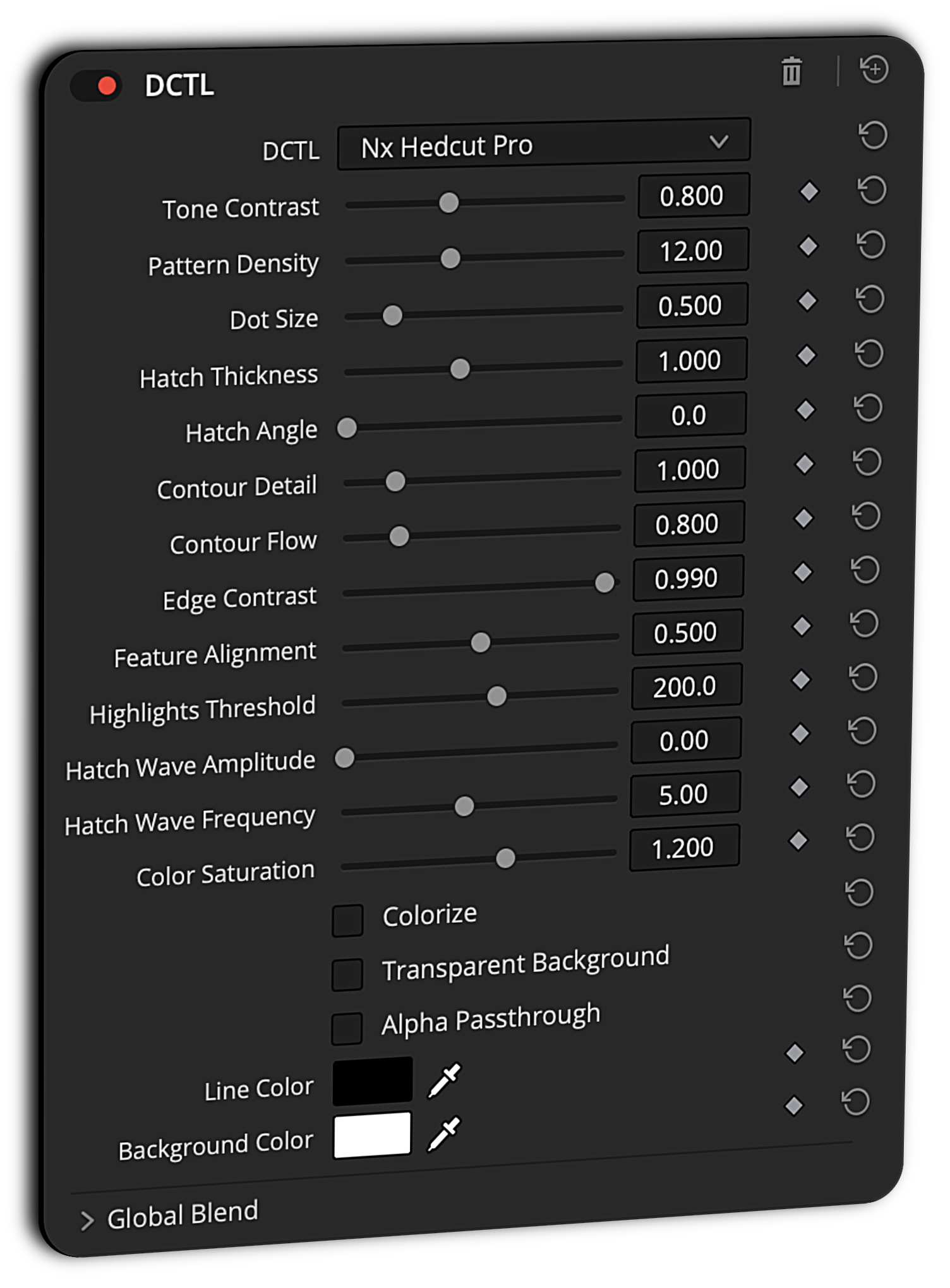
Create stippled portrait and intaglio engraving looks on video or stills in DaVinci Resolve with Hedcut Pro’s adjustable dots, line work and color controls.