Quick Replace
Quick Replace replaces selected objects from an active category list. Check Blender 3.3 to 5.2 support, its blockout use and GPL license before downloading.
Browse published guides by application, developer or task. Check product details before downloading. Page 239 of 337.
Quick Replace replaces selected objects from an active category list. Check Blender 3.3 to 5.2 support, its blockout use and GPL license before downloading.
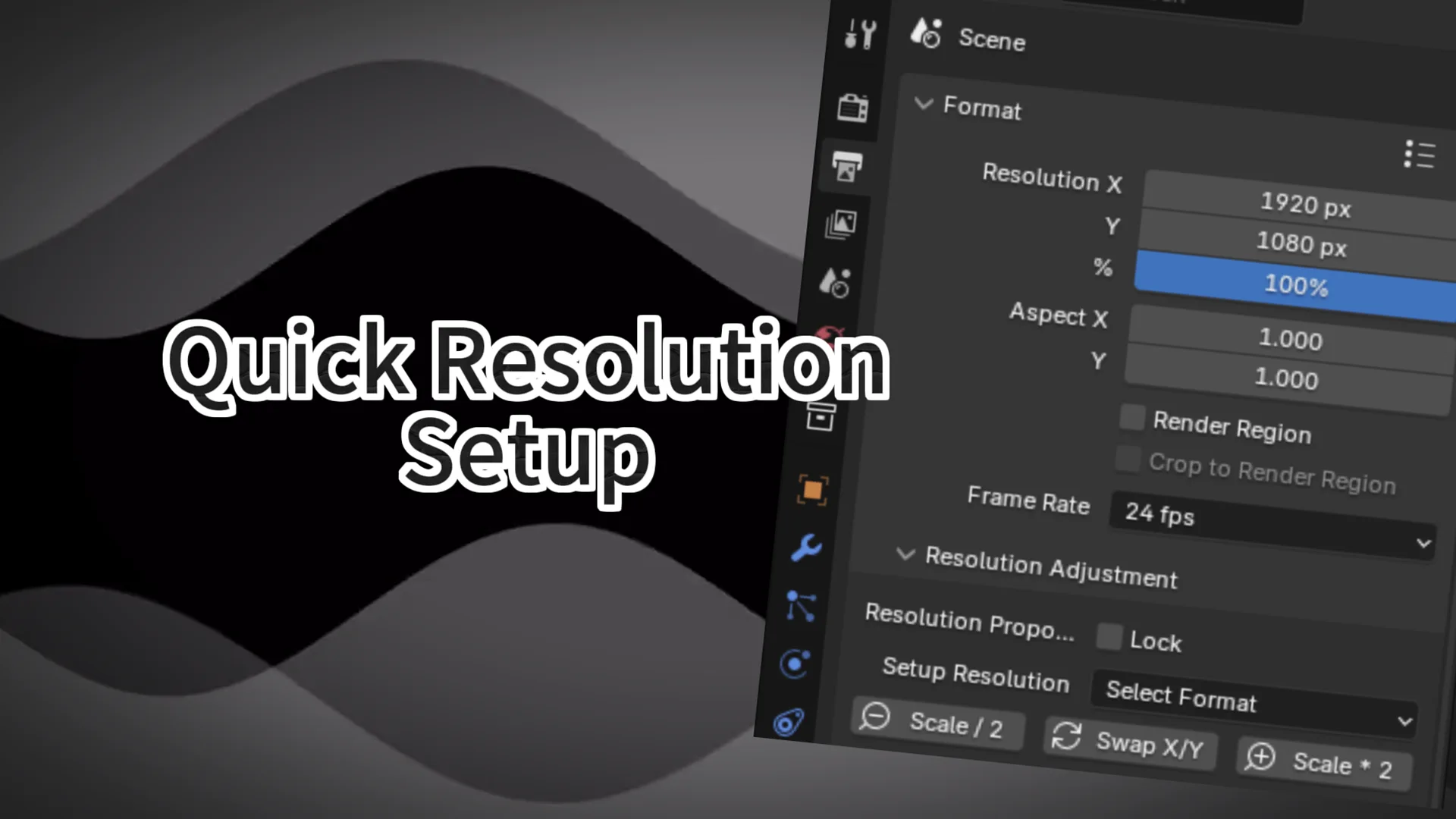
Quick Resolution Setup is a Blender add-on for output presets, ratio locking, 1× zoom and X/Y swapping; version 1.1.0 is listed for Blender 4.2 LTS and newer.
Quick Room is a Revit add-in that applies saved room names and writable text values. Map profile fields per project; empty fields clear room parameters.
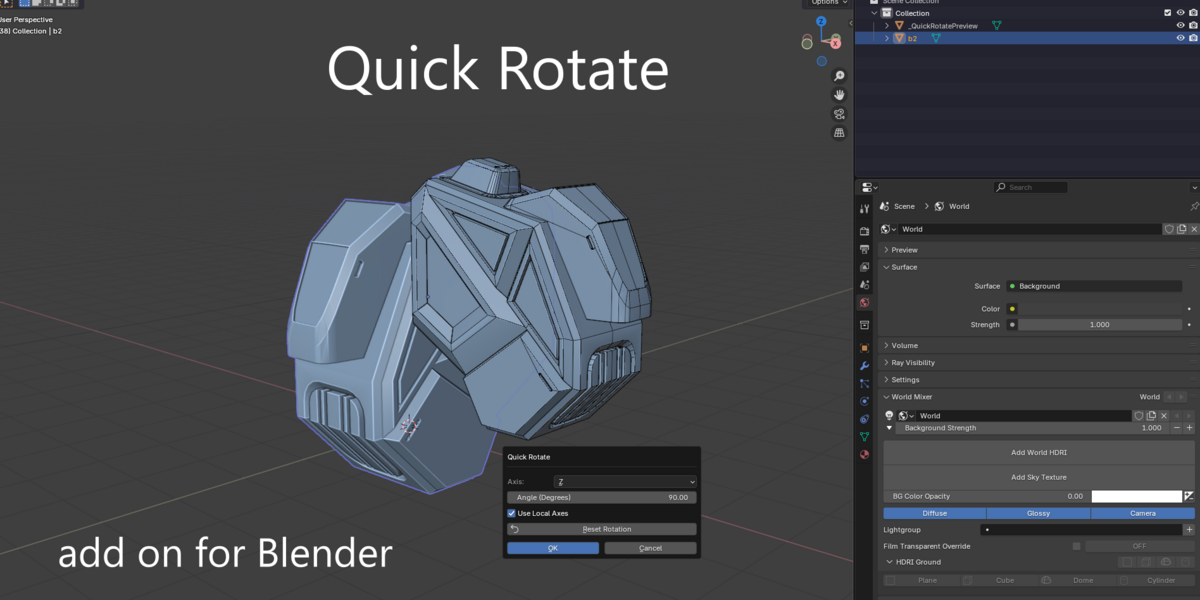
Quick Rotate is a Blender add-on for rotating the active object by axis and angle, with Local or Global orientation and a live popup preview before applying.
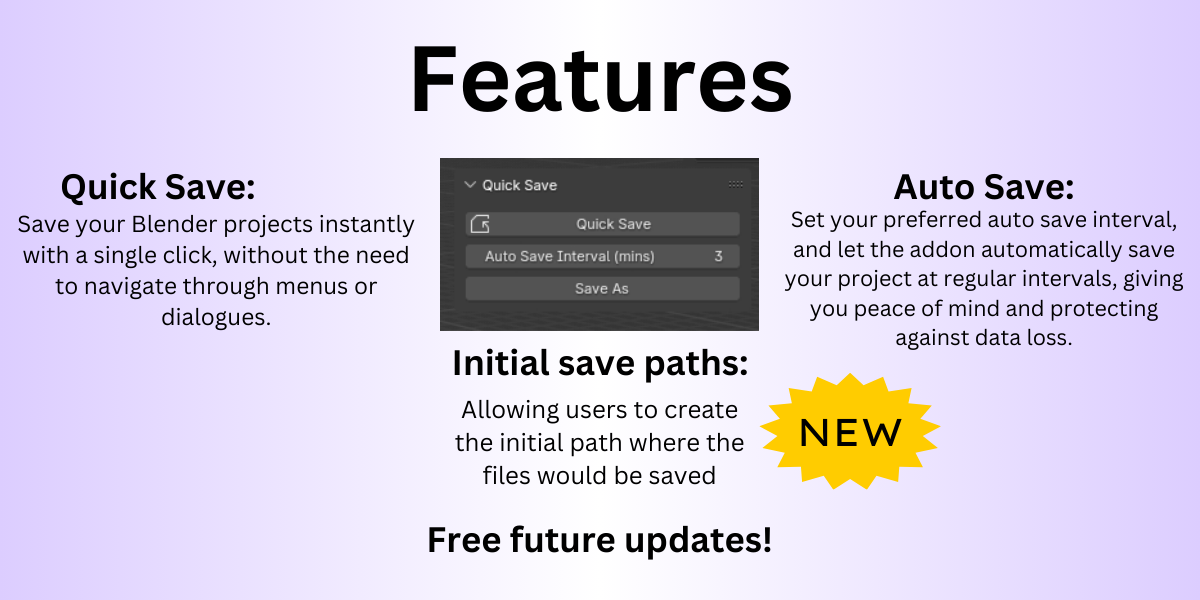
Quick Save for Blender adds one-click saves and adjustable autosave intervals in a 3D View panel. Check its compatibility and installation steps.
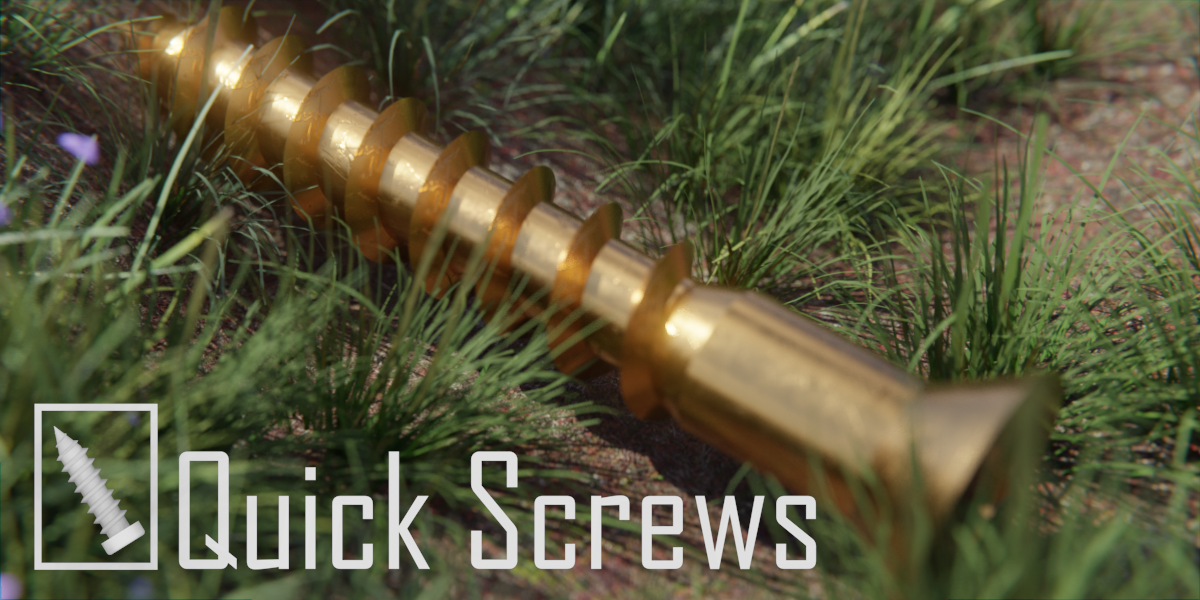
Quick Screws adds customizable procedural screws to Blender, with Standard and PRO options, cutter workflows, and listed support for Blender 3.1 through 4.1.
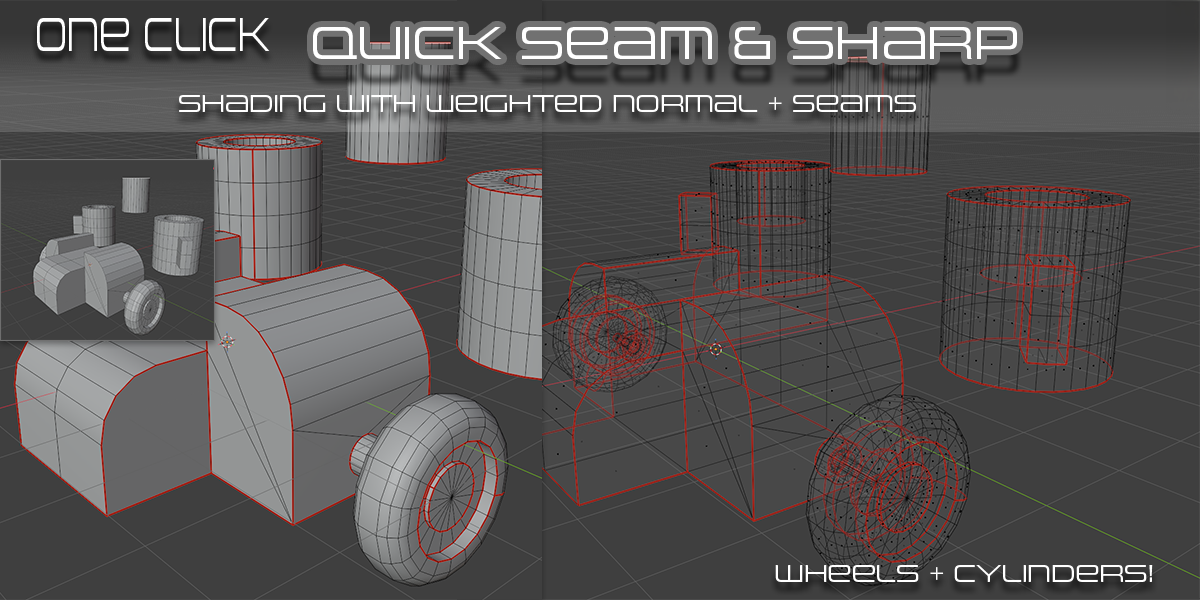
Quick Seam & Sharp automates Blender seams, sharp edges and bevel weights with angle controls, tube detection, planar cleanup and N-Panel toggles.
Quick Selection is a 3ds Max utility for category selection, stored objects, named sets, and pathname literals. Store Selection saves object names to an INI file.
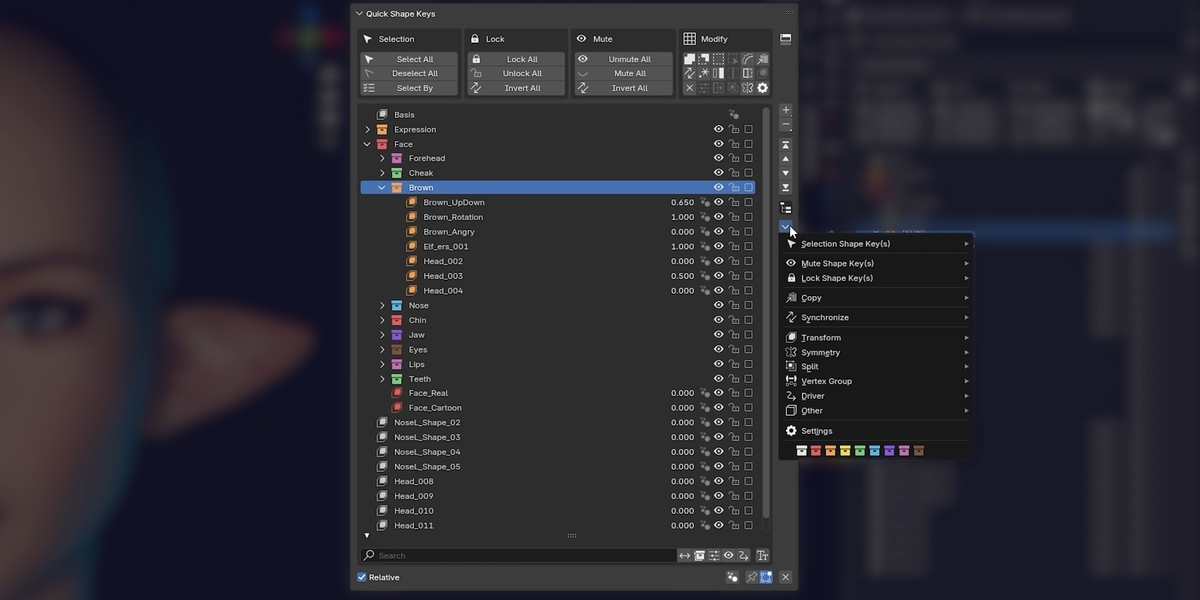
Organize Blender shape keys, then mirror, split, merge or transfer them with Quick Shape Keys. See how linked split works and check version details.
Quick Showcase sets up a camera ring and lights around an active Blender object, batch-renders the views, and assembles horizontal or vertical sprite sheets.
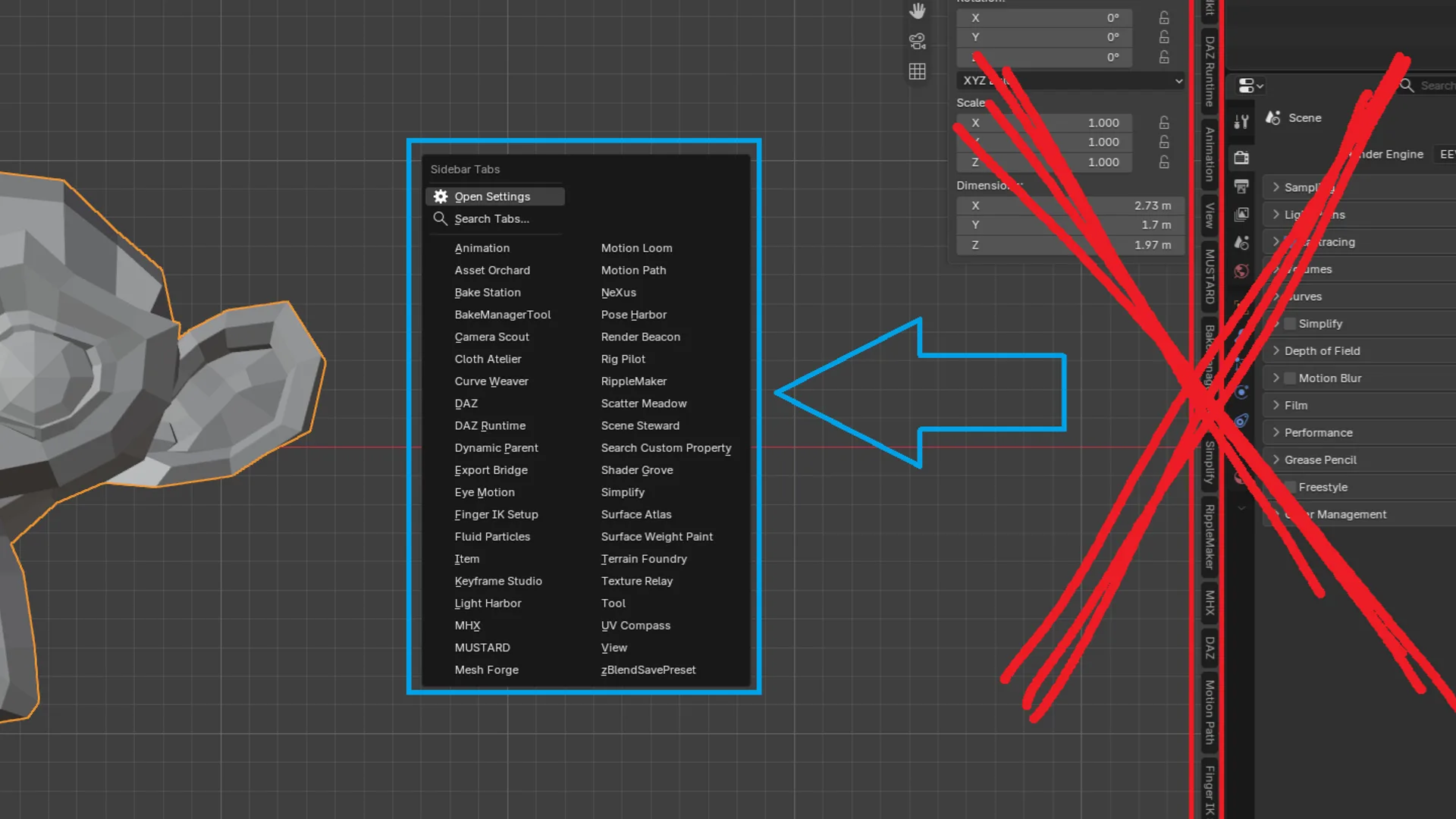
Quick Sidebar Switcher is a searchable popup for Blender sidebar tabs, with filters and sorting. Check the Blender version requirement before installing.
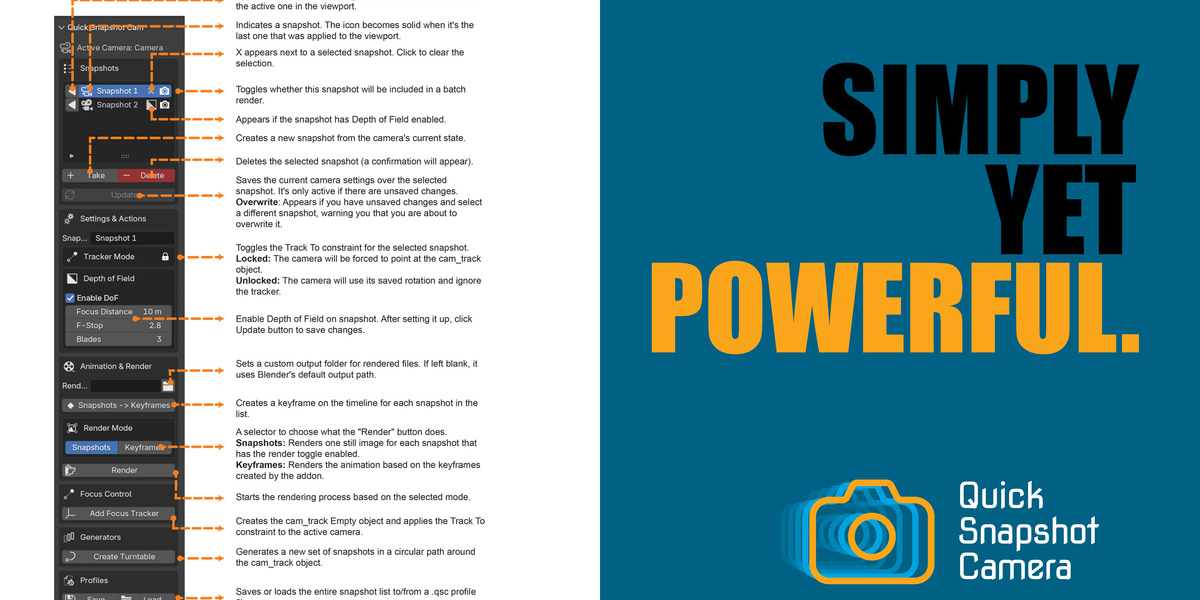
Quick Snapshot Camera is a Blender add-on for camera snapshots, animation keyframes, turntable shots and batch renders. Check compatibility before installing.
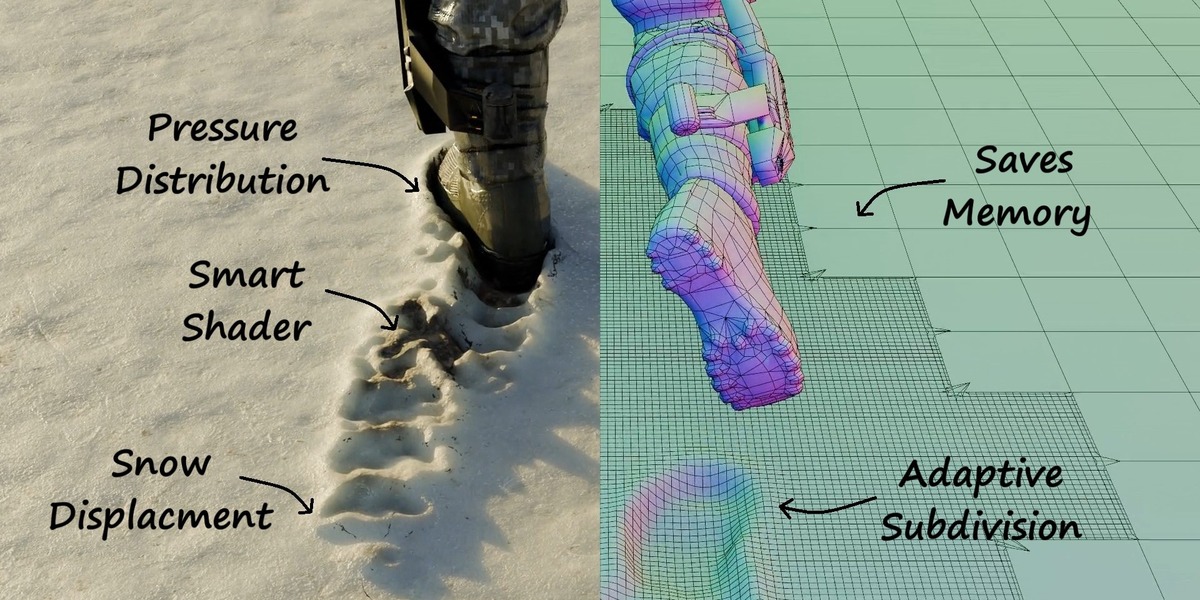
Quick Snow adds adjustable snow shaders, masks, PBR materials and geometry-node tools to Blender. Check the current version notes before installing.
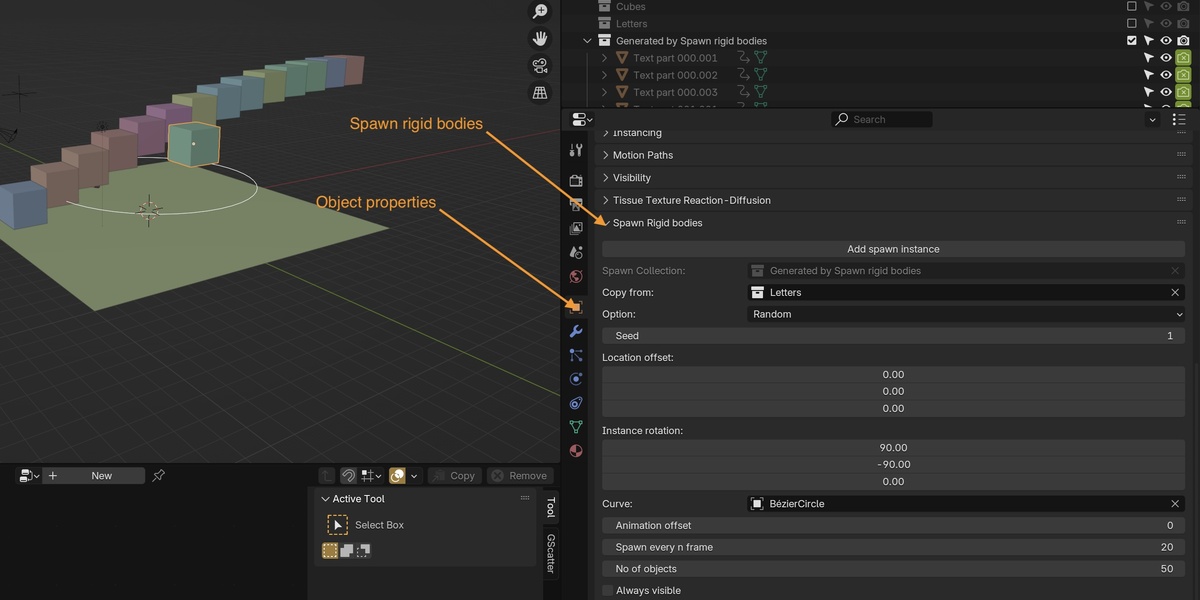
Quick Spawn Rigid Bodies adds rigid bodies in Blender with velocity, location offset, rotation, animation offset, and spawn order. Check the listing.
Explore Quick Studio for Blender: set up scenes with editable backgrounds, lighting and world controls. Check listed compatibility before installing.
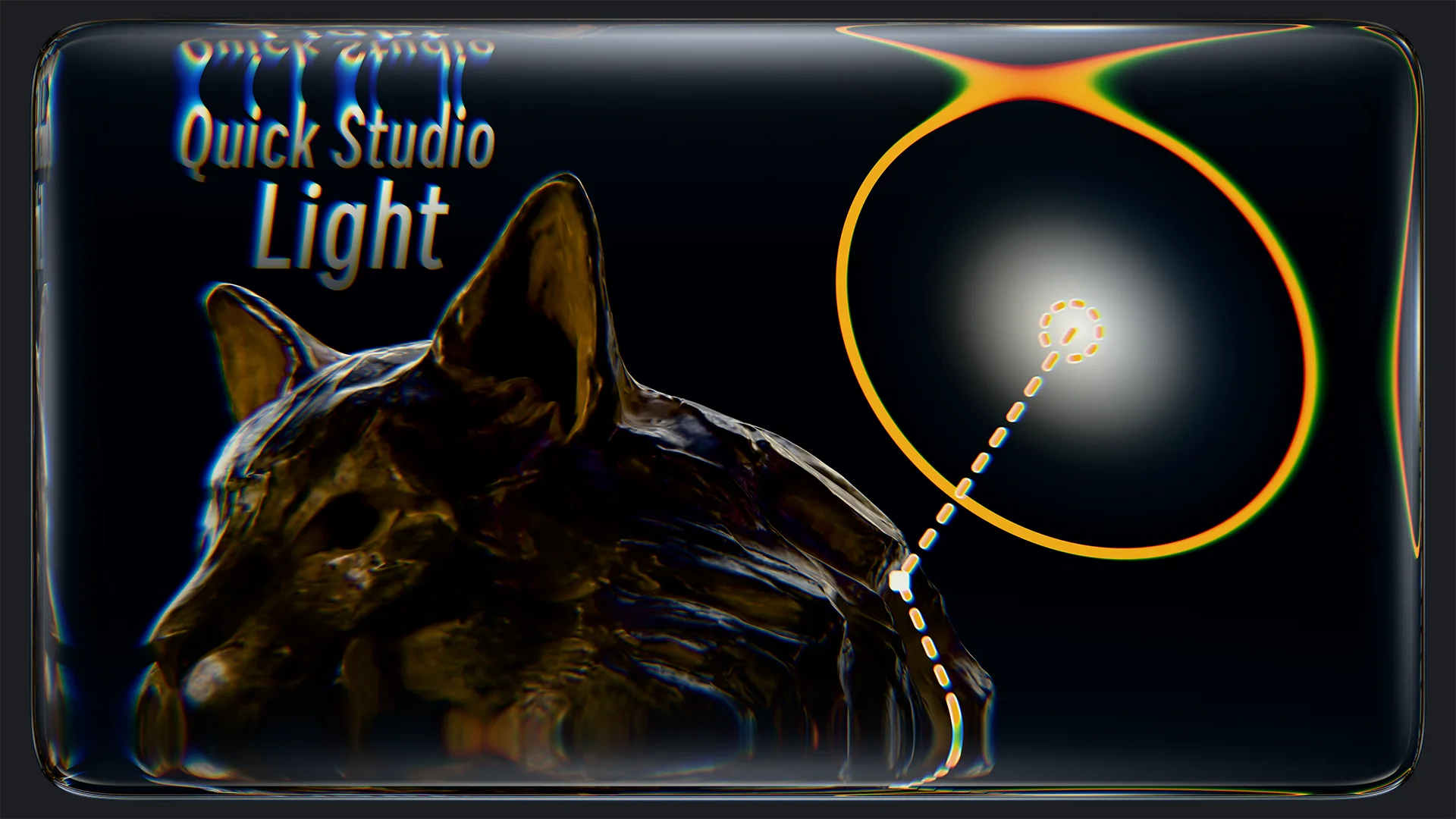
Quick Studio Light adds hover-based light placement, precision adjustment and selection by lit area. See its controls and Blender 4.2+ compatibility.
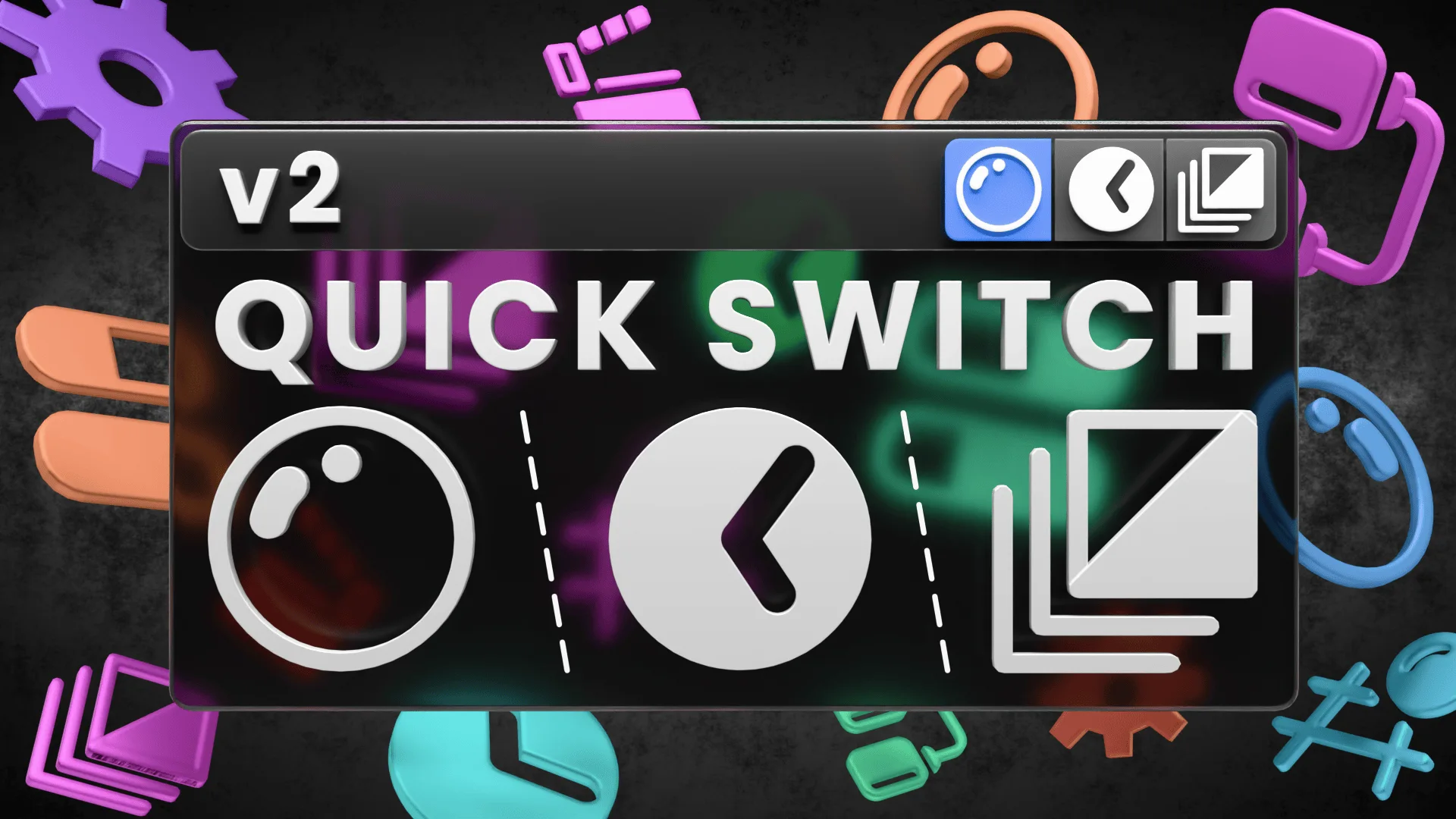
Quick Switch adds grouped editor buttons and keyboard cycling to Blender headers, with saved settings and JSON backup. Check its listed Blender support.
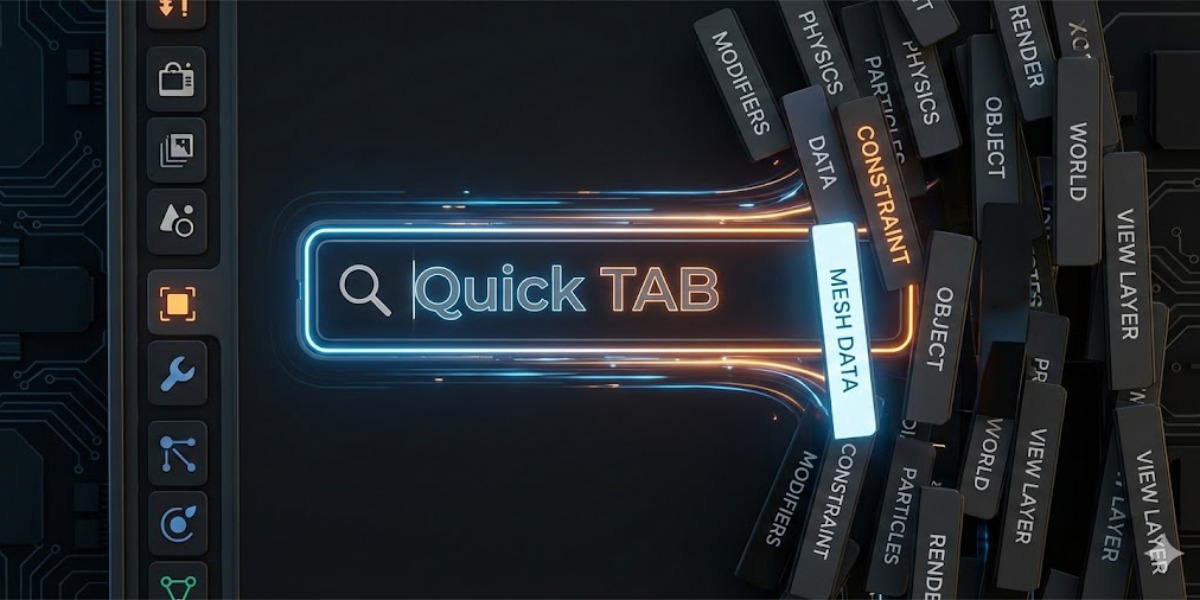
Search Blender’s N-Panel by tab and panel label, pin favorites, open a viewport popup, and group add-ons into task-based Decks in Quick Tab.
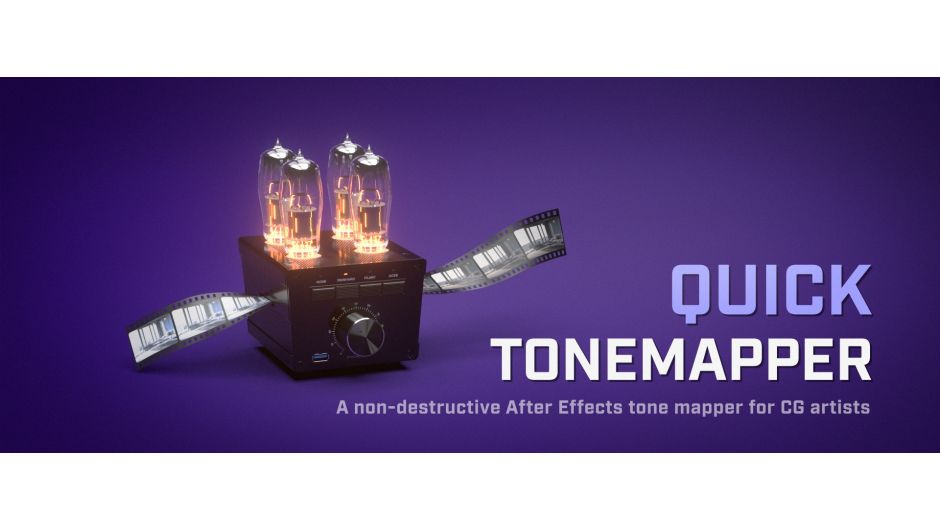
Quick ToneMapper applies Reinhard, Filmic and ACES curves to CG renders in After Effects, with aperture, shutter speed, ISO and white balance controls.
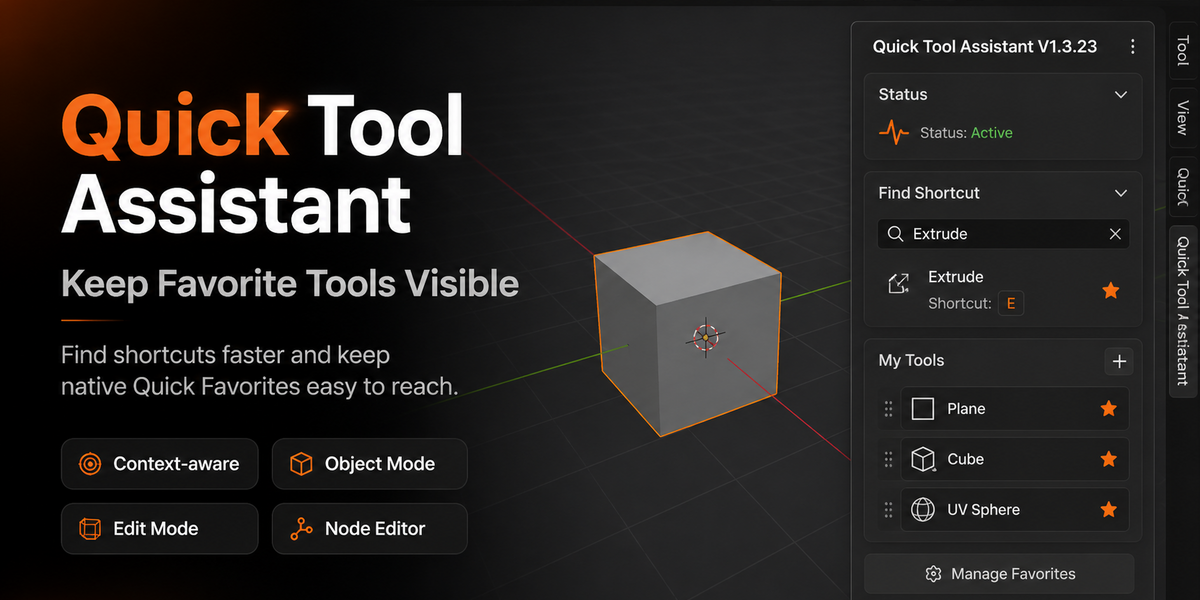
Quick Tool Assistant keeps Blender Quick Favorites in a context-aware sidebar and finds common shortcuts. Check setup and version support.
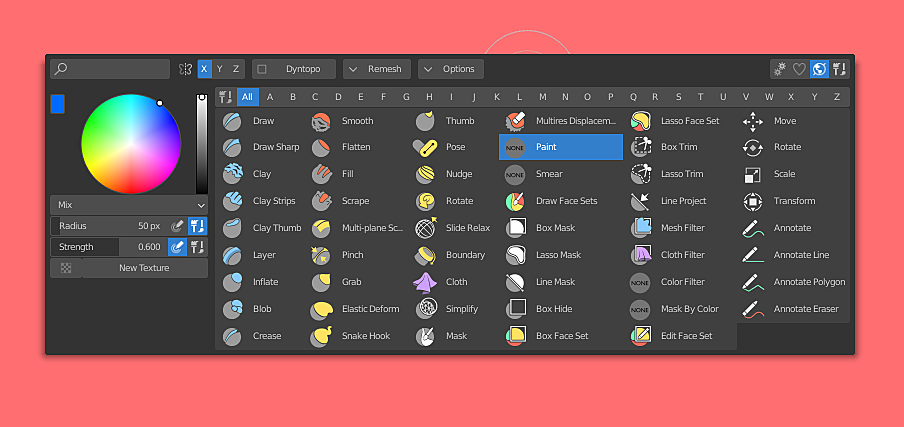
Quick Toolbox For Blender 2.8+ opens a mode-aware panel of tools and brushes with Spacebar or the editor button. The listing names releases through Blender 3.3.
Quick Tools are a Blender add-on. Its bundled AutoTex and Shake Cut get no feature updates; standalone AutoTex Matcher and Shake Cut receive them.
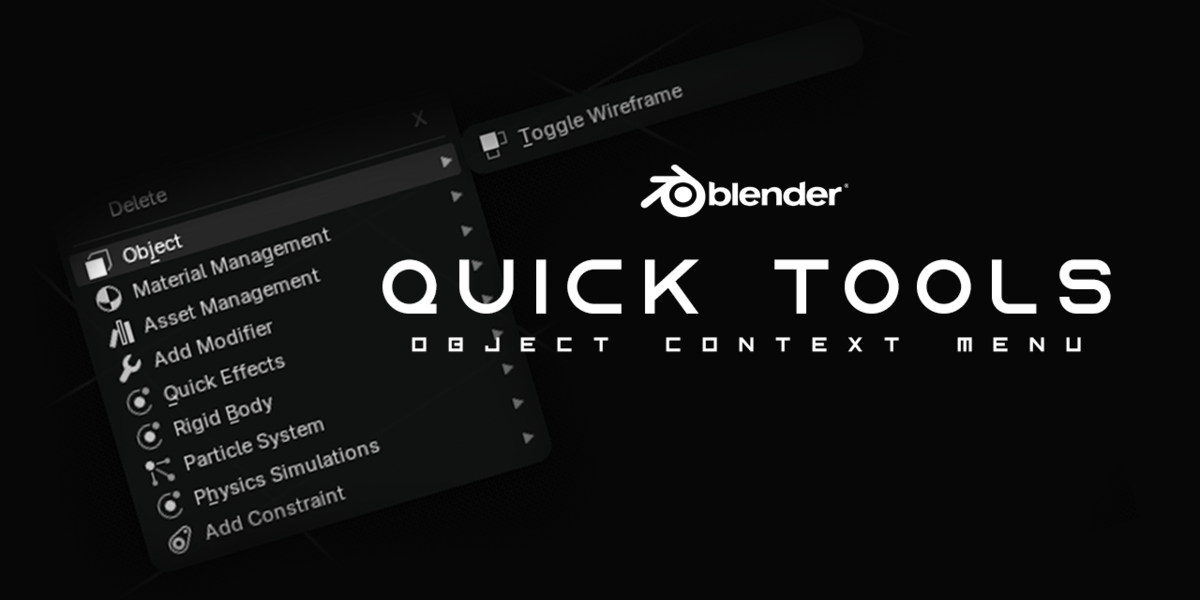
Quick Tools Menu is a Blender add-on for materials, modifiers, effects, physics and visibility in one context menu. Check versions before downloading.