Clay Switch
Clay Switch is a 3ds Max macro for switching between Clay and Default Shading. ScriptSpot lists its UI entries, the author's Tab shortcut and version 1.00.
Browse published guides by application, developer or task. Check product details before downloading. Page 66 of 337.
Clay Switch is a 3ds Max macro for switching between Clay and Default Shading. ScriptSpot lists its UI entries, the author's Tab shortcut and version 1.00.
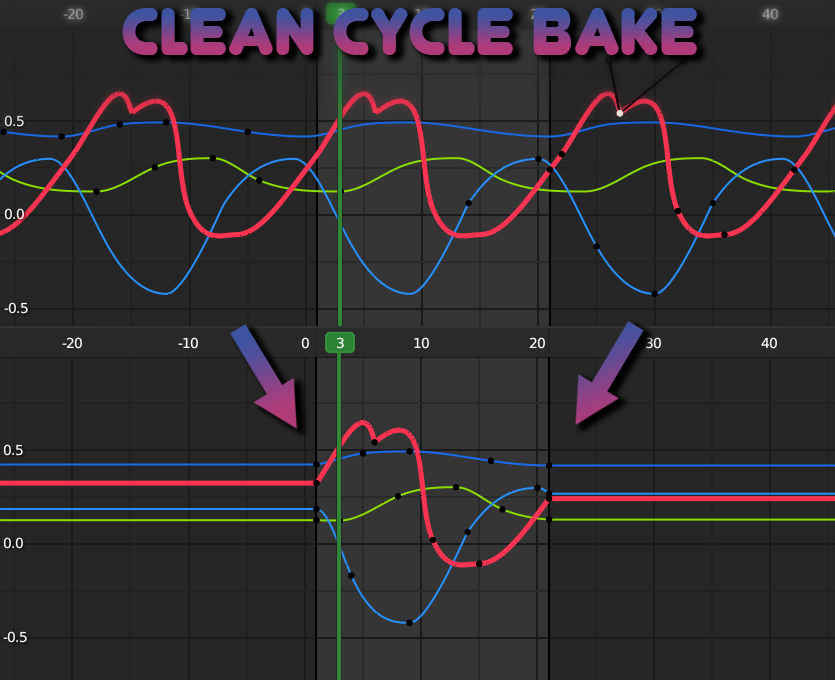
Clean Cycle Bake handles cycling Blender F-curves with existing keys, custom ranges, and a choice to overwrite or create an action. Check version support.
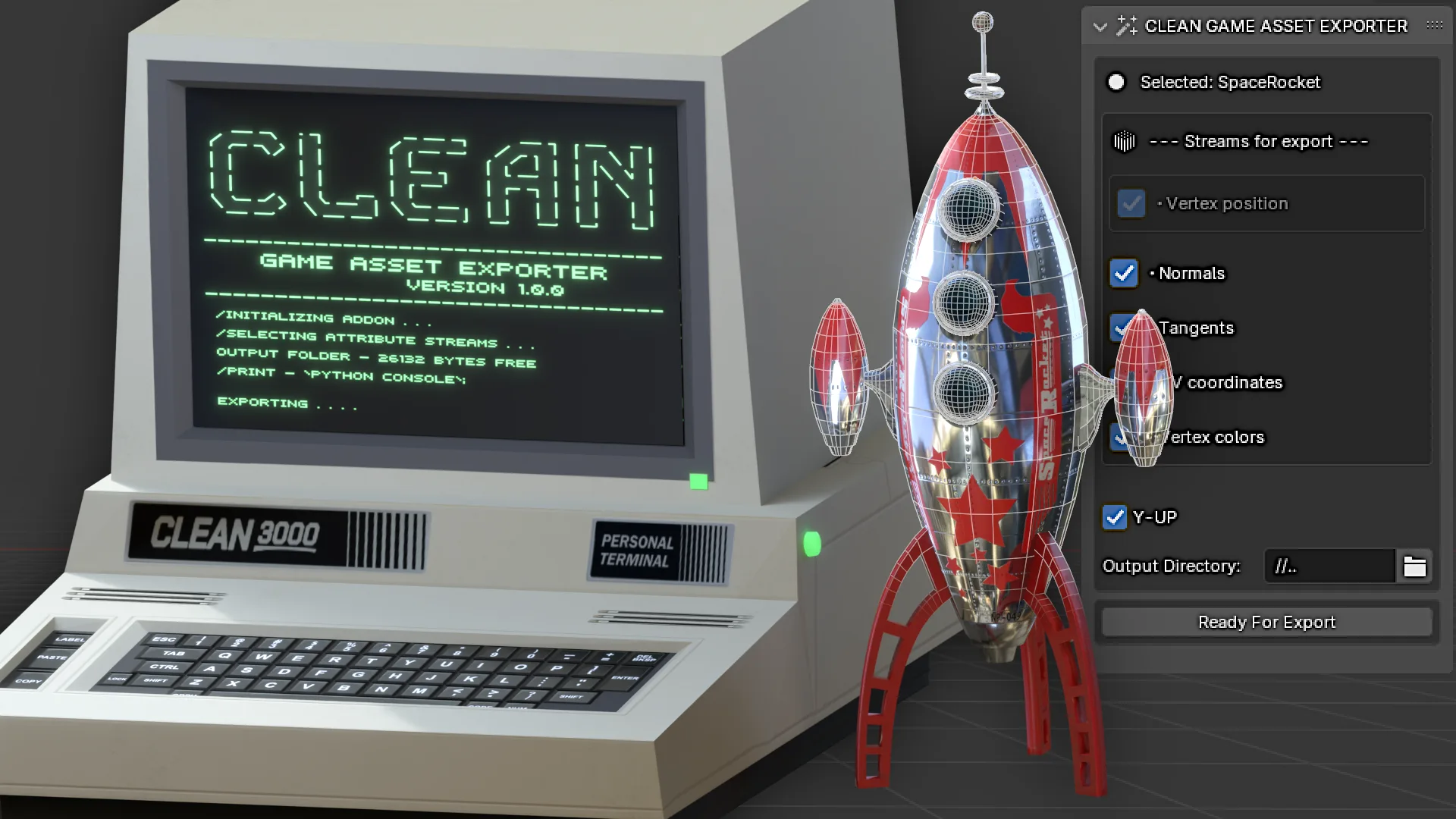
Clean Game Asset Exporter exports selected Blender meshes as Defold .buffer files. Blender 4.2.0 is the minimum for its listed 1.0.0 release.
Clean Graph is a Blender animation add-on with Draw Key and Animation Cursor tools, motion path handles and an animation tape. Check version support.
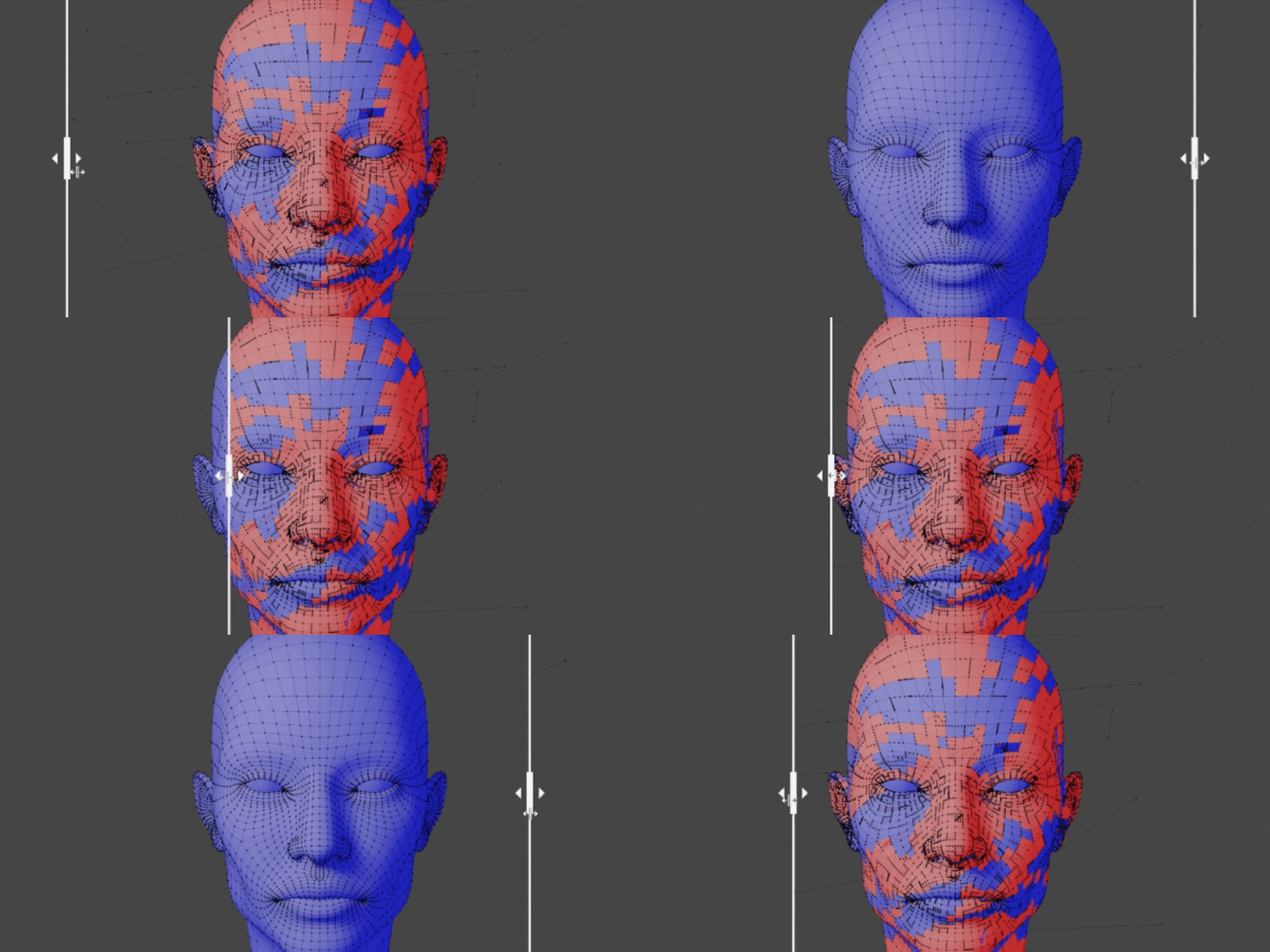
Clean Mesh removes stray Blender geometry and reorients normals through configurable analysis modes; correction time depends on mesh size and computer.
Clean Panels Pro lets you choose which add-ons load at startup; Delayed Addon Loading does not work with Blender installed through the Windows Store.
Clean .blend files with Vovrzull's Cleaning Blender File add-on. Remove file junk, run selected-object geometry cleanup, and clear empty material slots.
Cleanup Master edits shape and mask paths in After Effects with path cleanup, null linking, and onion skin. Check compatibility and trial limits.
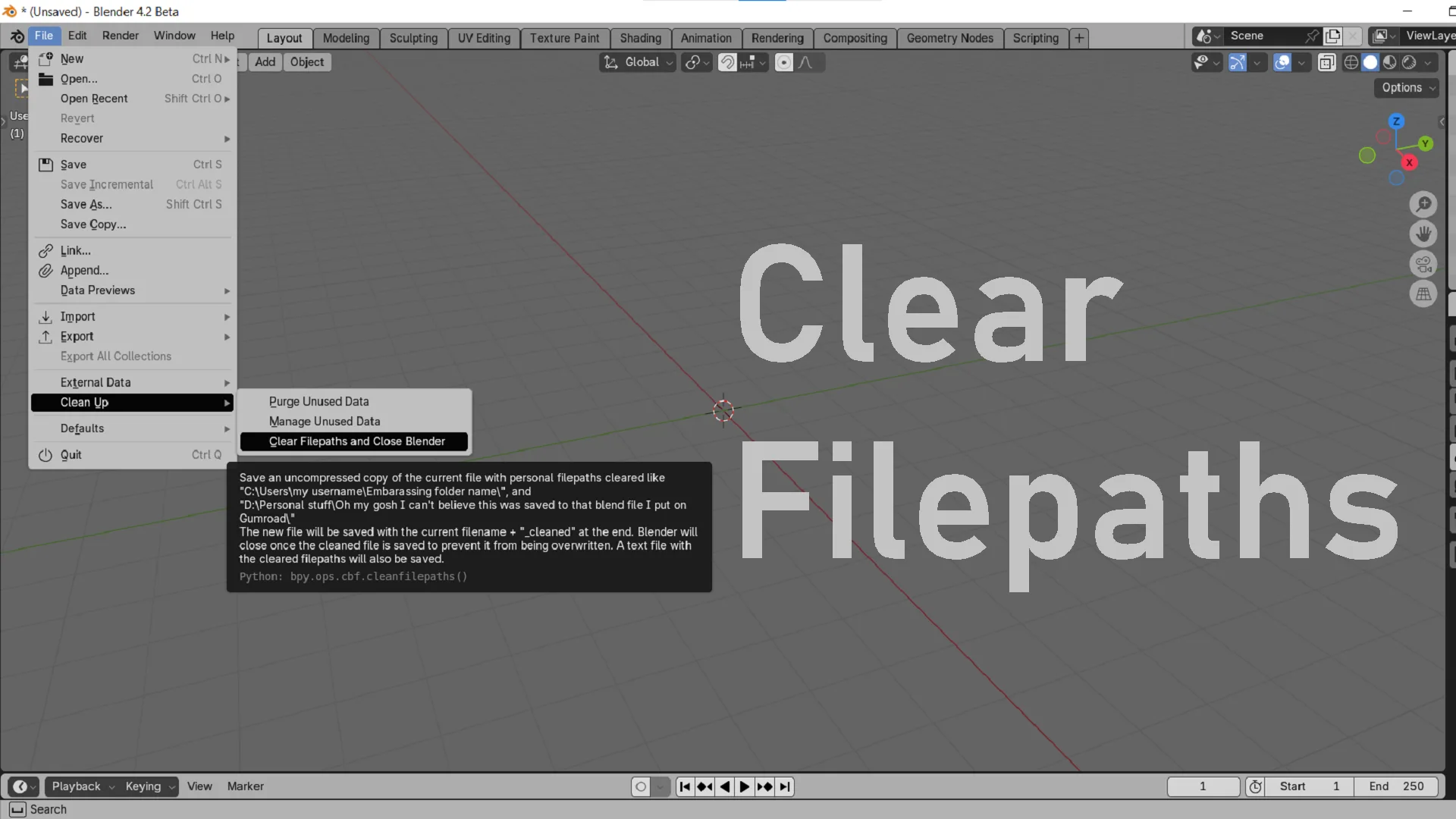
Clear Filepaths saves a copy of a Blender project without personal filepaths. See cleanup details, Blender 4.2+ compatibility and supported platforms.
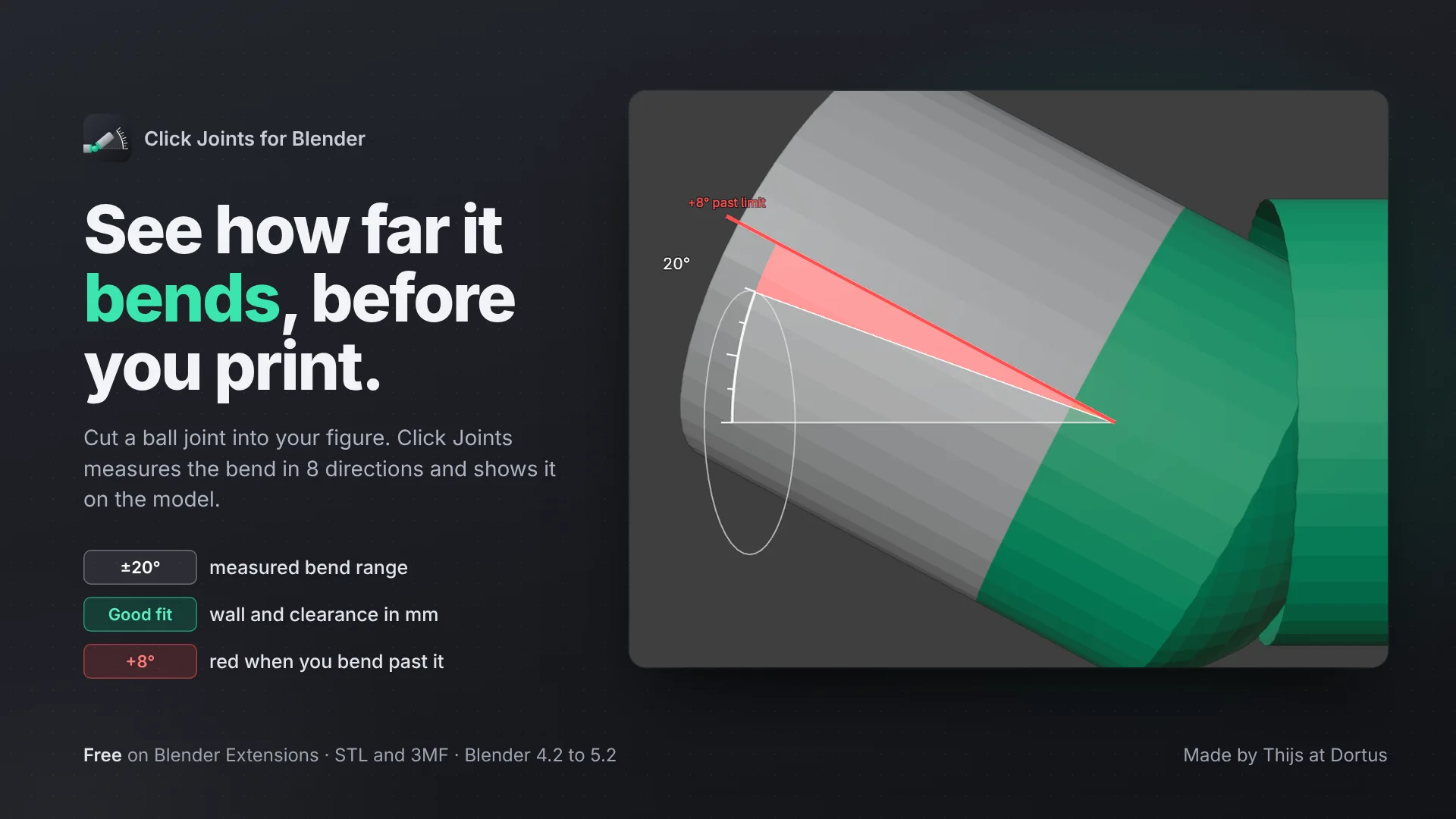
Make poseable figures in Blender with measured joint bend range, fit indicators and STL or 3MF export. Review Click Joints’ workflow and limits.
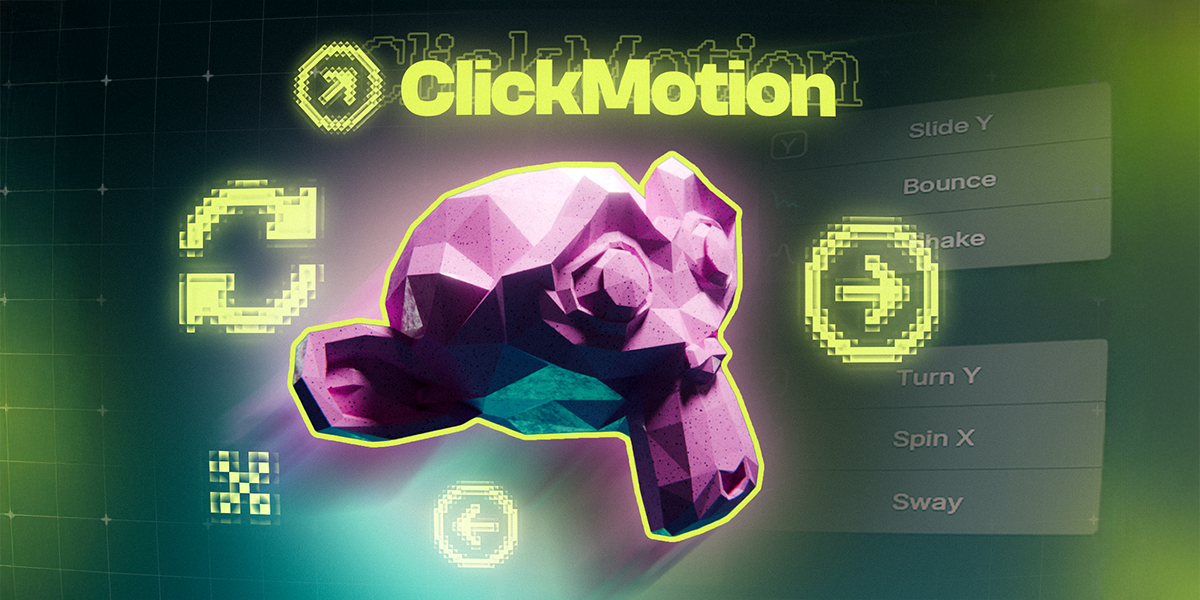
Click Motion is a Blender add-on for keyframed object animation, with motion, rotation, scale and FX presets, Auto Animate, timing and loop controls.
Click&PDF uses AutoCAD to batch-publish DWG folders as consolidated PDFs without changing source files. Review its Model Space scope and system requirements.
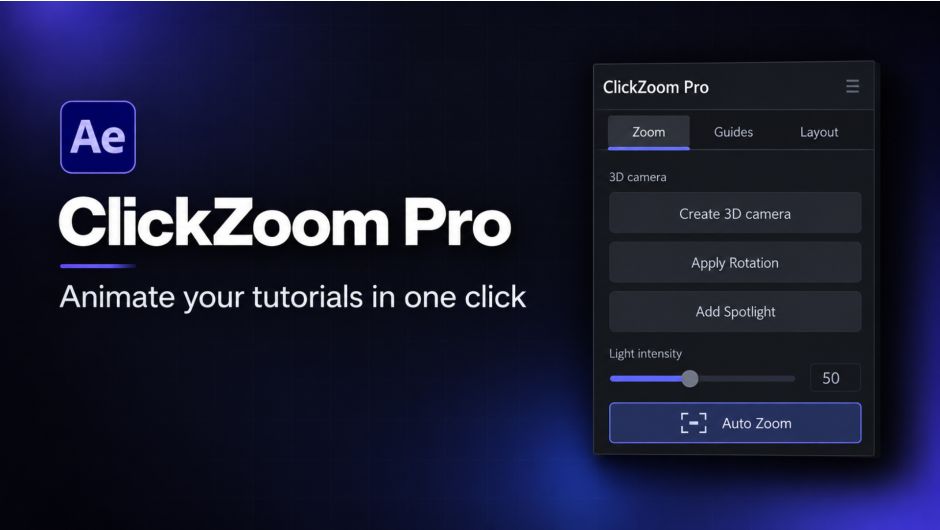
ClickZoom Pro adds automatic and manual zooms, animated guides, layouts, prompt cards and editable camera moves to After Effects screen-recording tutorials.
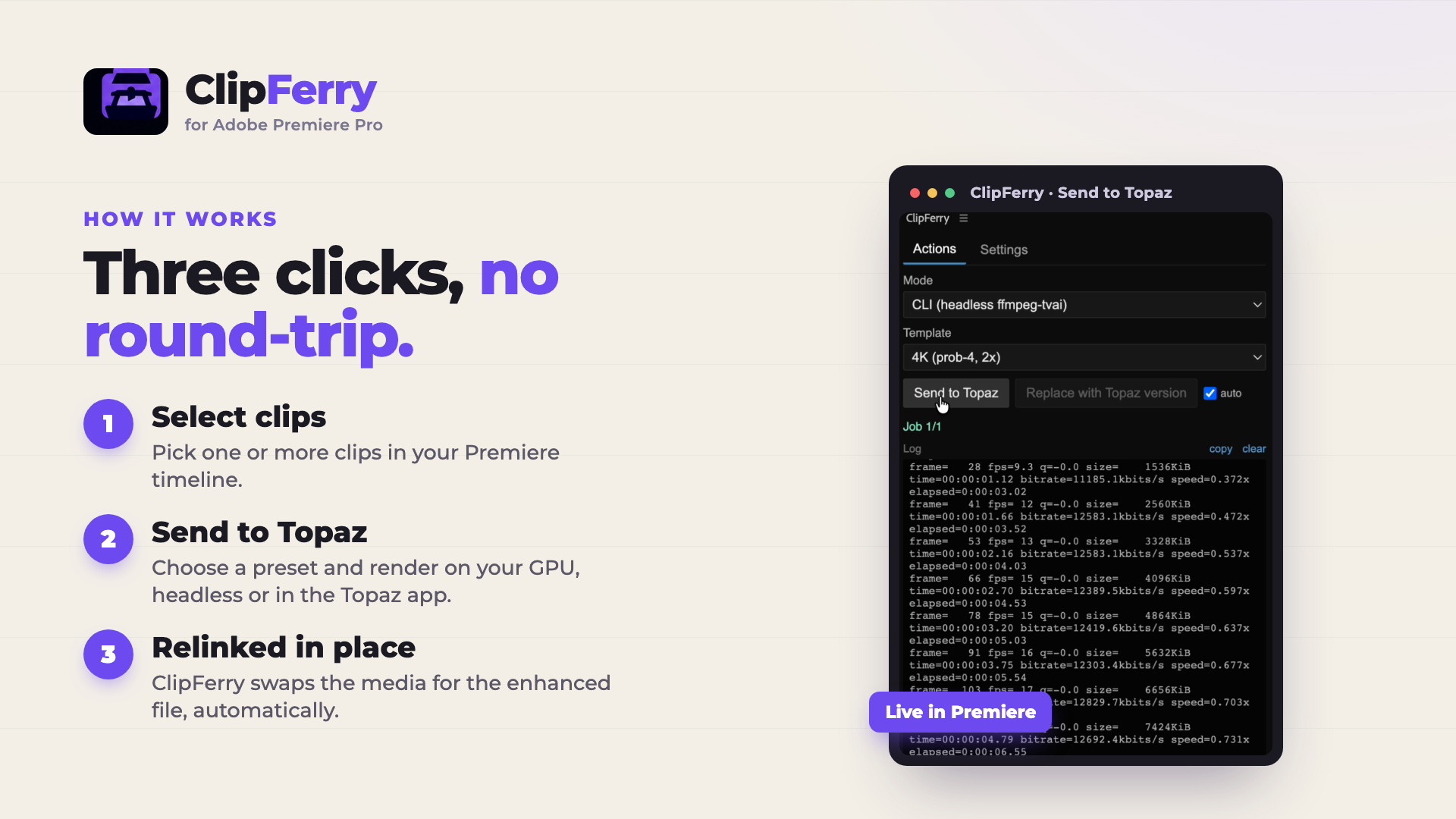
Create sequences for eligible clips in a selected Premiere Pro bin; Clip to Match Source Sequences lets you choose a destination and optional prefix.
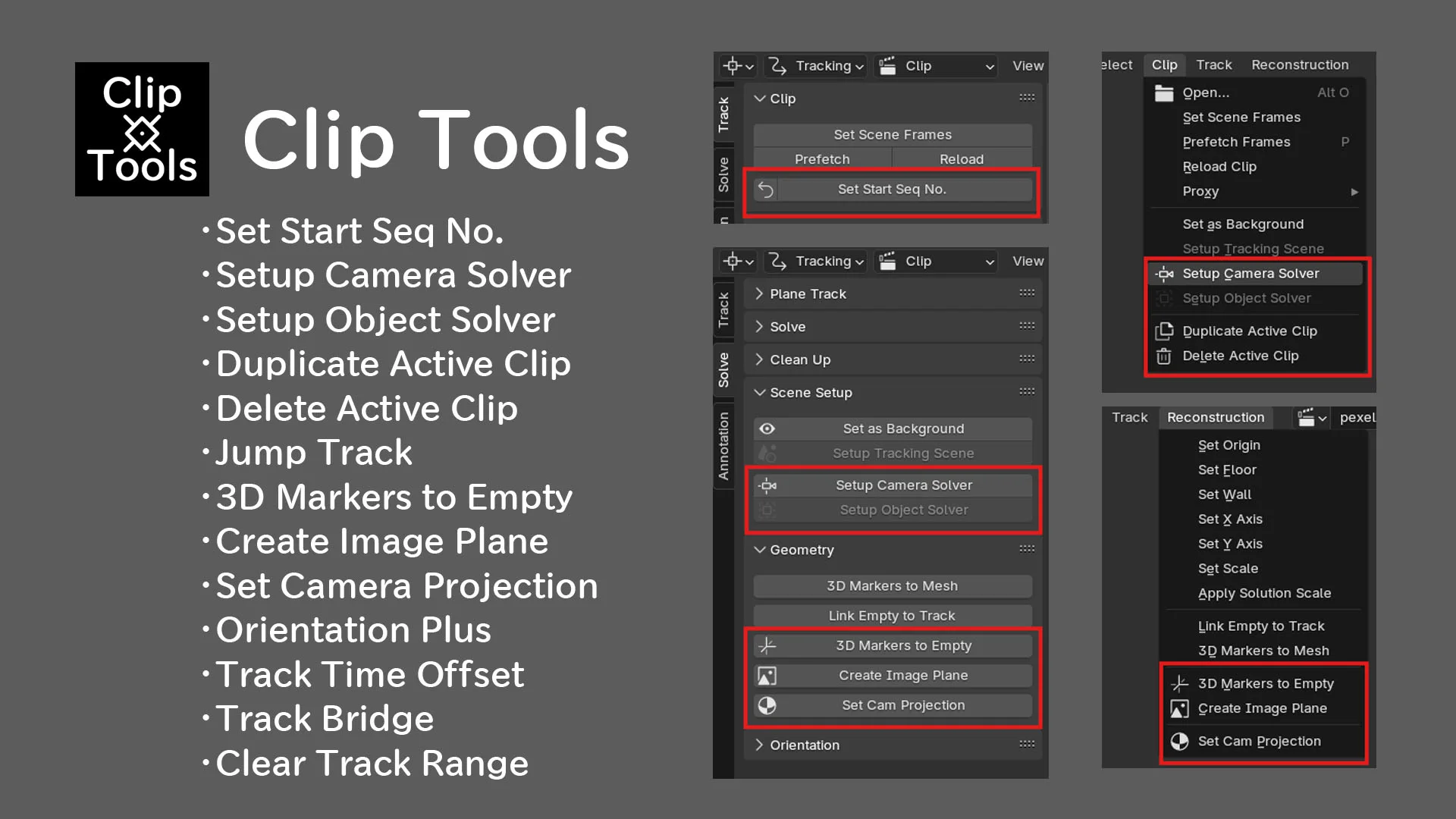
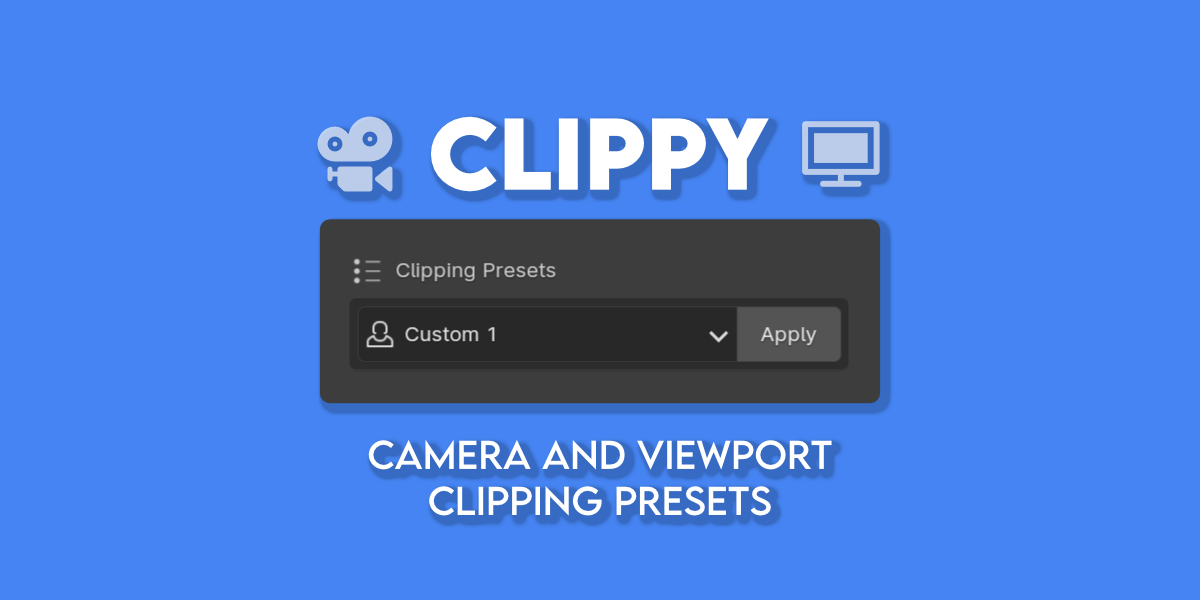
Clip Tools adds frame, tracking, solver, plane and mask utilities to Blender 4.2+. See what its Movie Clip Editor tools do before installing.
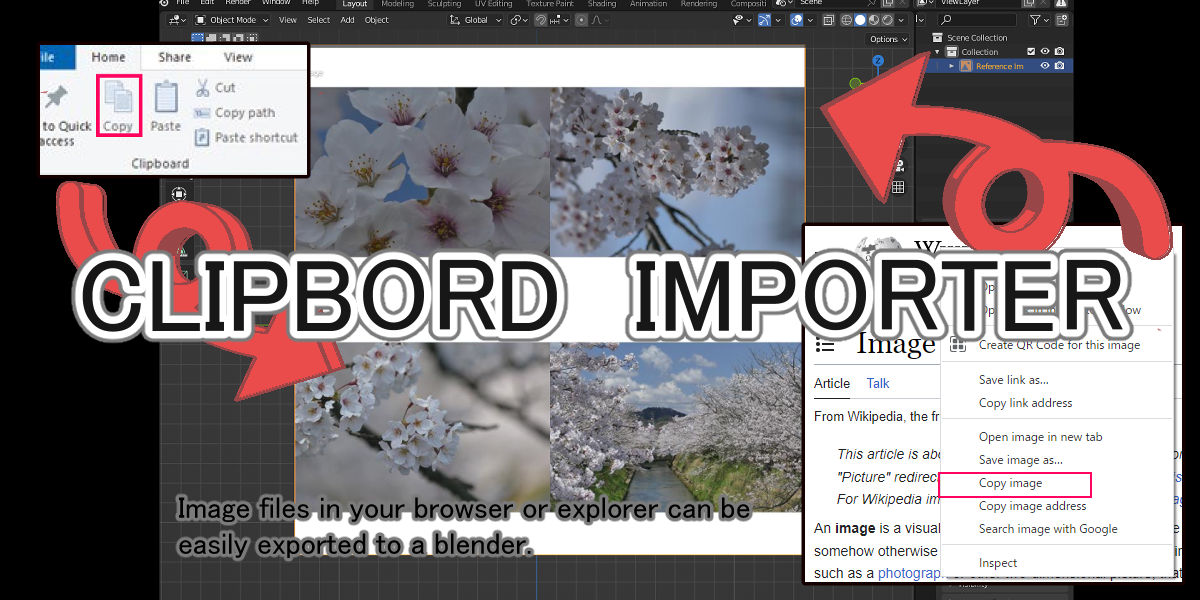
Clipboard Importer pastes website and Explorer images into Blender. See its initial key combination, Pillow requirement, and Blender 3.6 to 5.0 support.
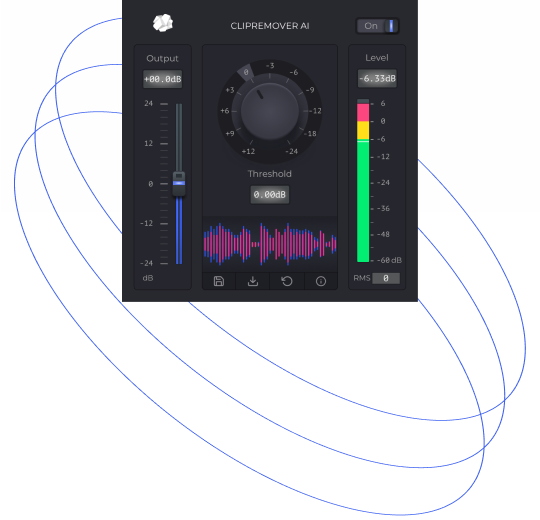
ClipRemover uses AI to reduce clipping artifacts in dialogue, vocals, and podcast audio. Check its plugin formats, standalone app, and free trial.
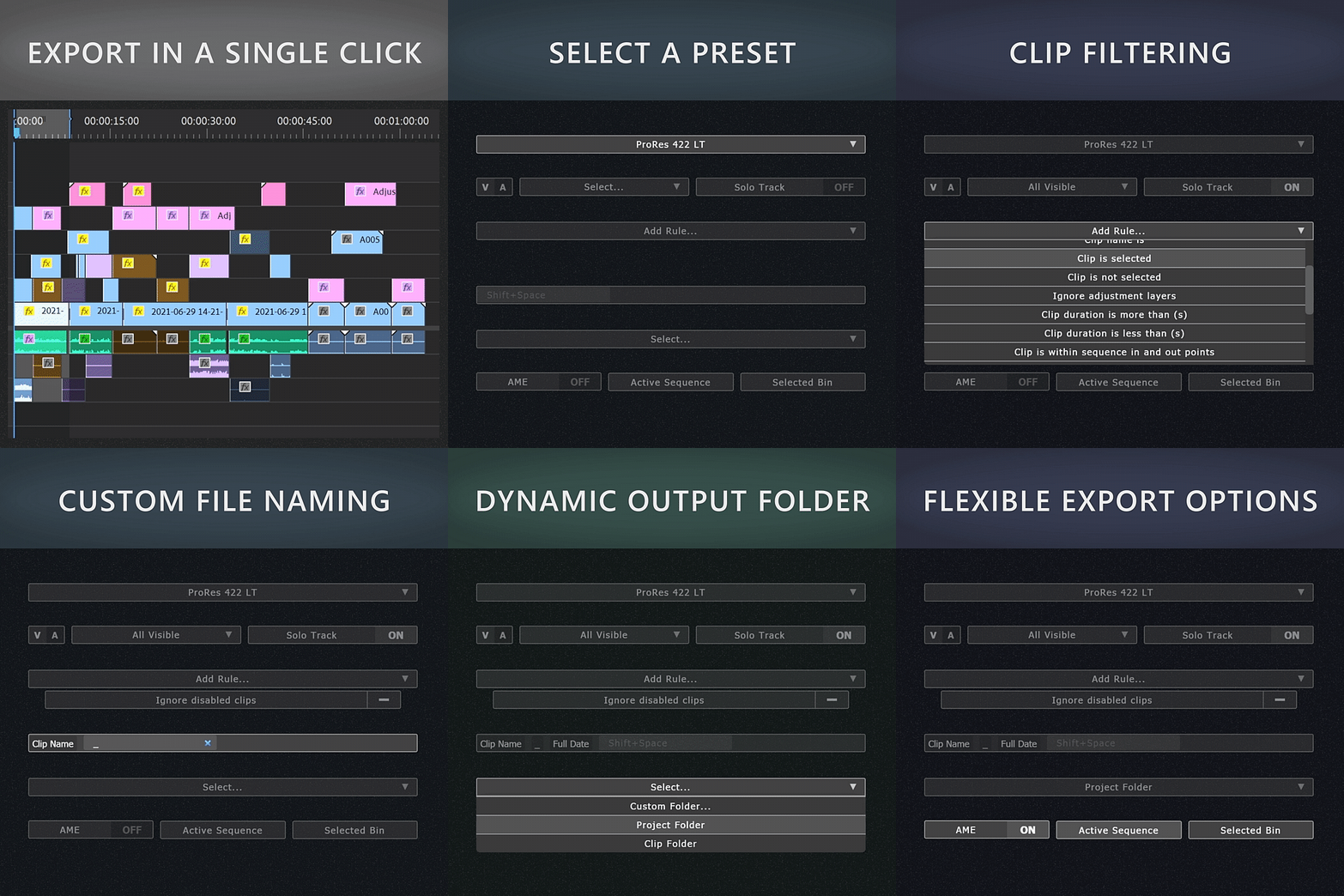
Export separate clips from a Premiere Pro timeline with effects, filters and filename tokens. Clips Exporter renders in Premiere Pro or Adobe Media Encoder.
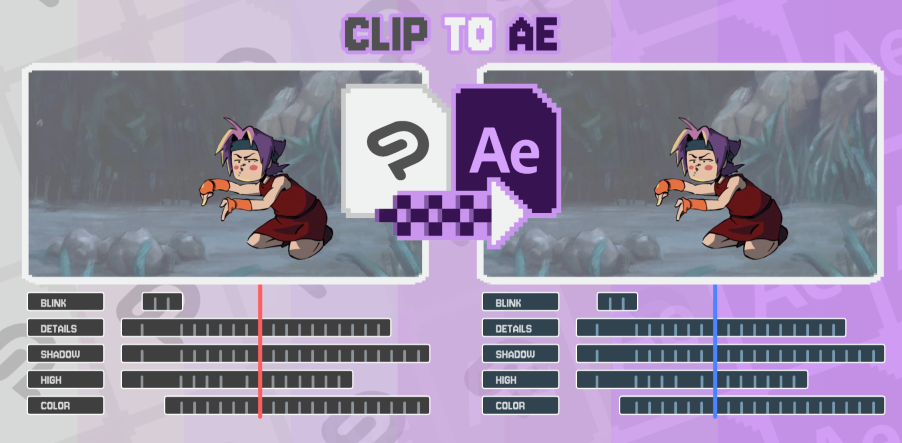
Import Clip Studio Paint animation into After Effects with layers, timing and opacity intact from a PSD and exposure sheet CSV, without image sequences.