Drag Zoom Pro for Adobe After Effects
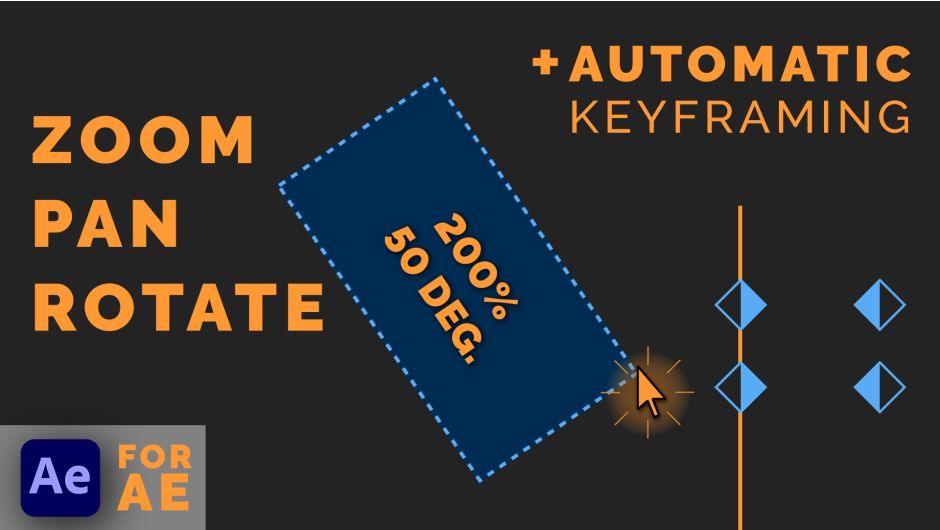
Draw a box around footage to create zooms with automatic keyframes and natural motion blur in After Effects. Check listed versions and license terms.
Browse published guides by application, developer or task. Check product details before downloading. Page 91 of 337.
Draw a box around footage to create zooms with automatic keyframes and natural motion blur in After Effects. Check listed versions and license terms.
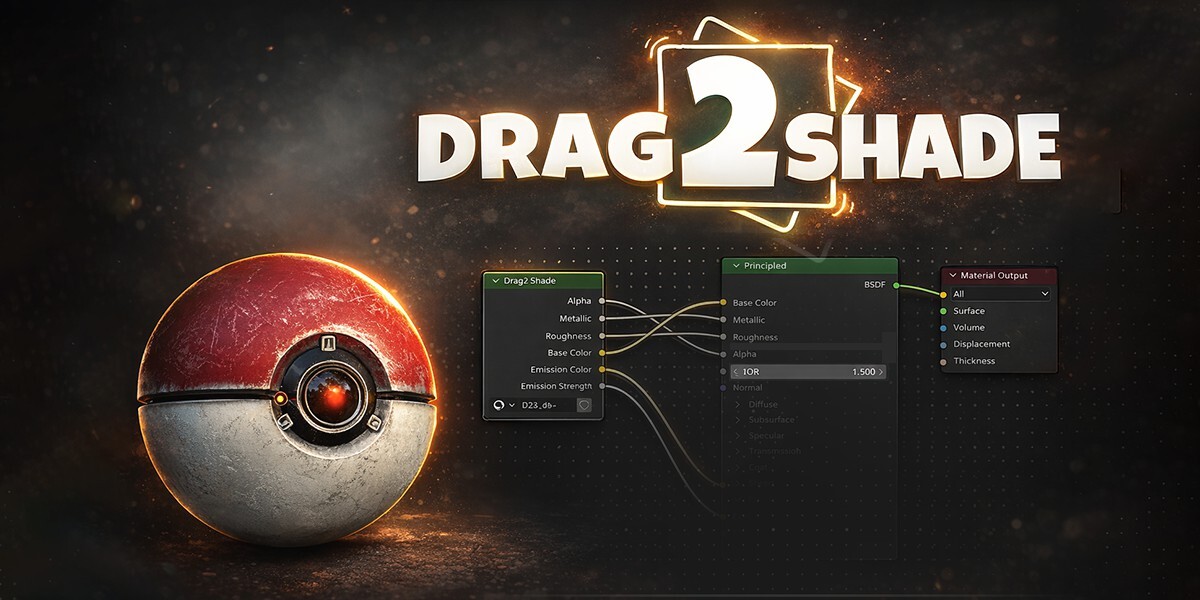
Drag2Shade routes image maps into Blender's Principled BSDF from the viewport, Shader Editor, or a folder. Check its version notes before installing.
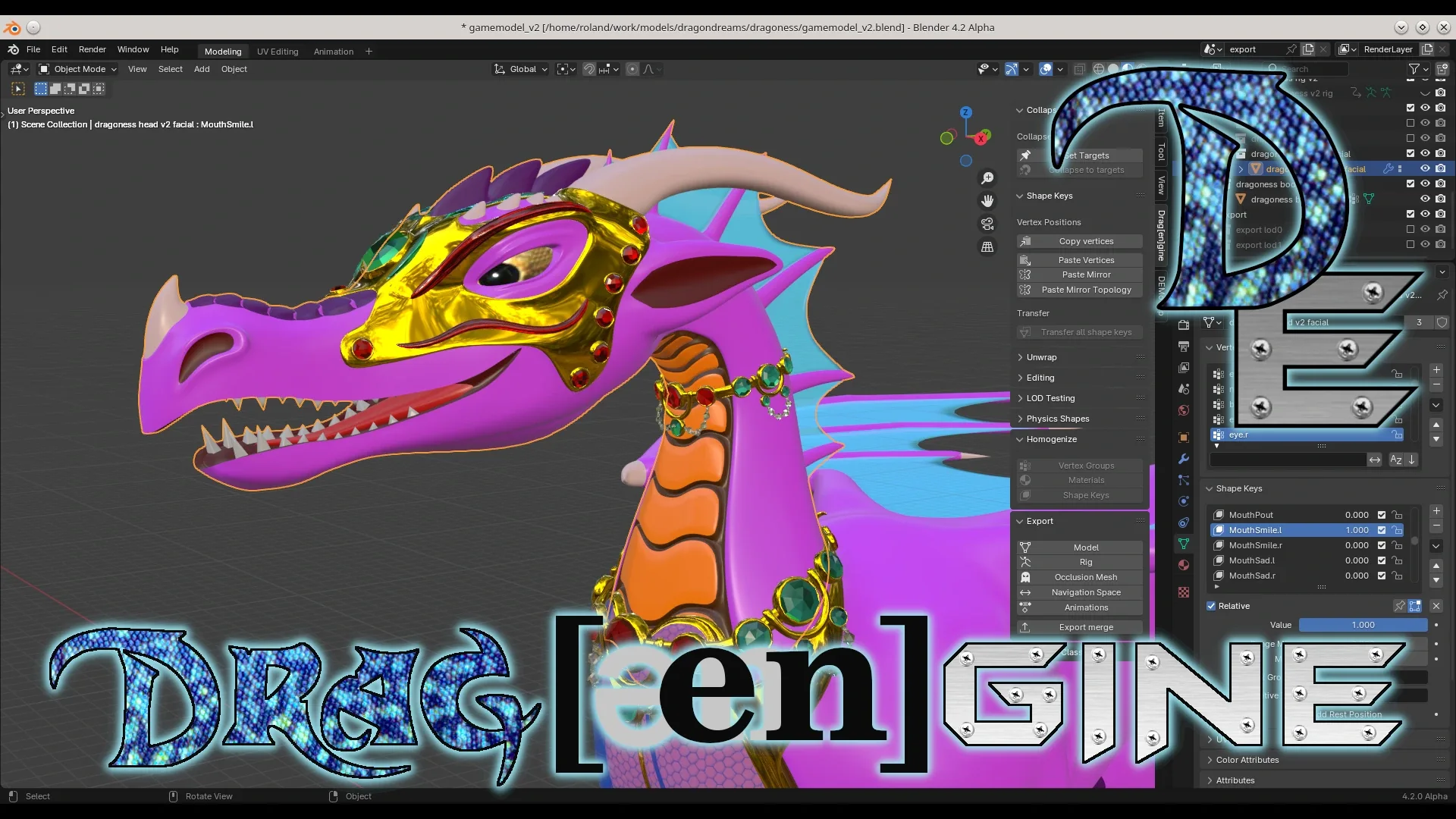
Drag[en]gine Import/Export exports models, rigs, animations, navigation spaces and occlusion meshes; it imports rigs and animations. Check support details.
MediaReactor Lite adds camera raw and other formats to Premiere Pro, After Effects and Media Encoder, with S3 and HTTP access and licensing requirements.
MediaReactor Workstation reads supported media in editing apps and from cloud assets; live-event editing requires a compatible recorder.
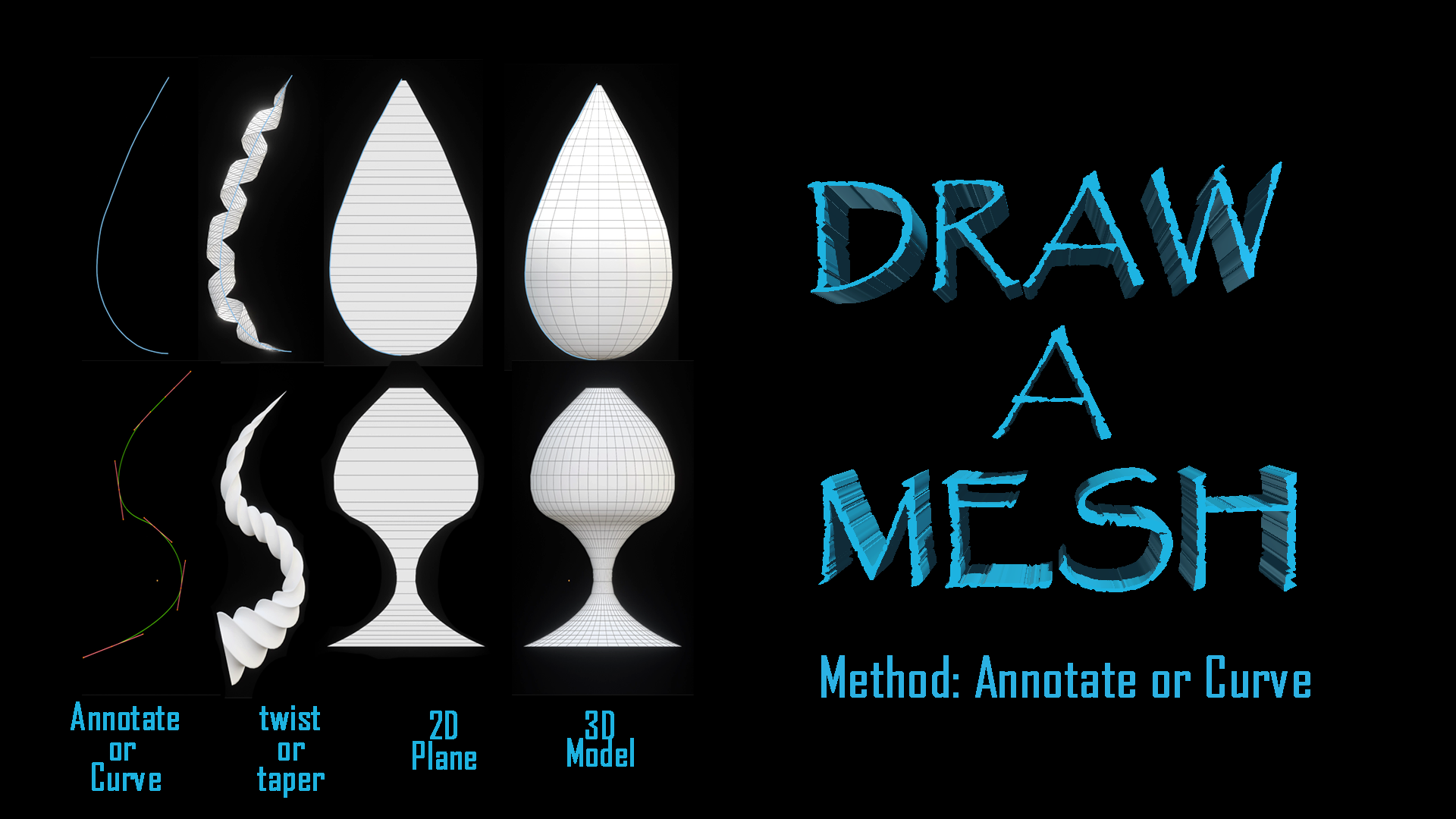
Draw A Mesh turns Blender annotate-pencil lines into models, with per-spline twist, editable curves, circular array, and mirror controls in version 1.1.
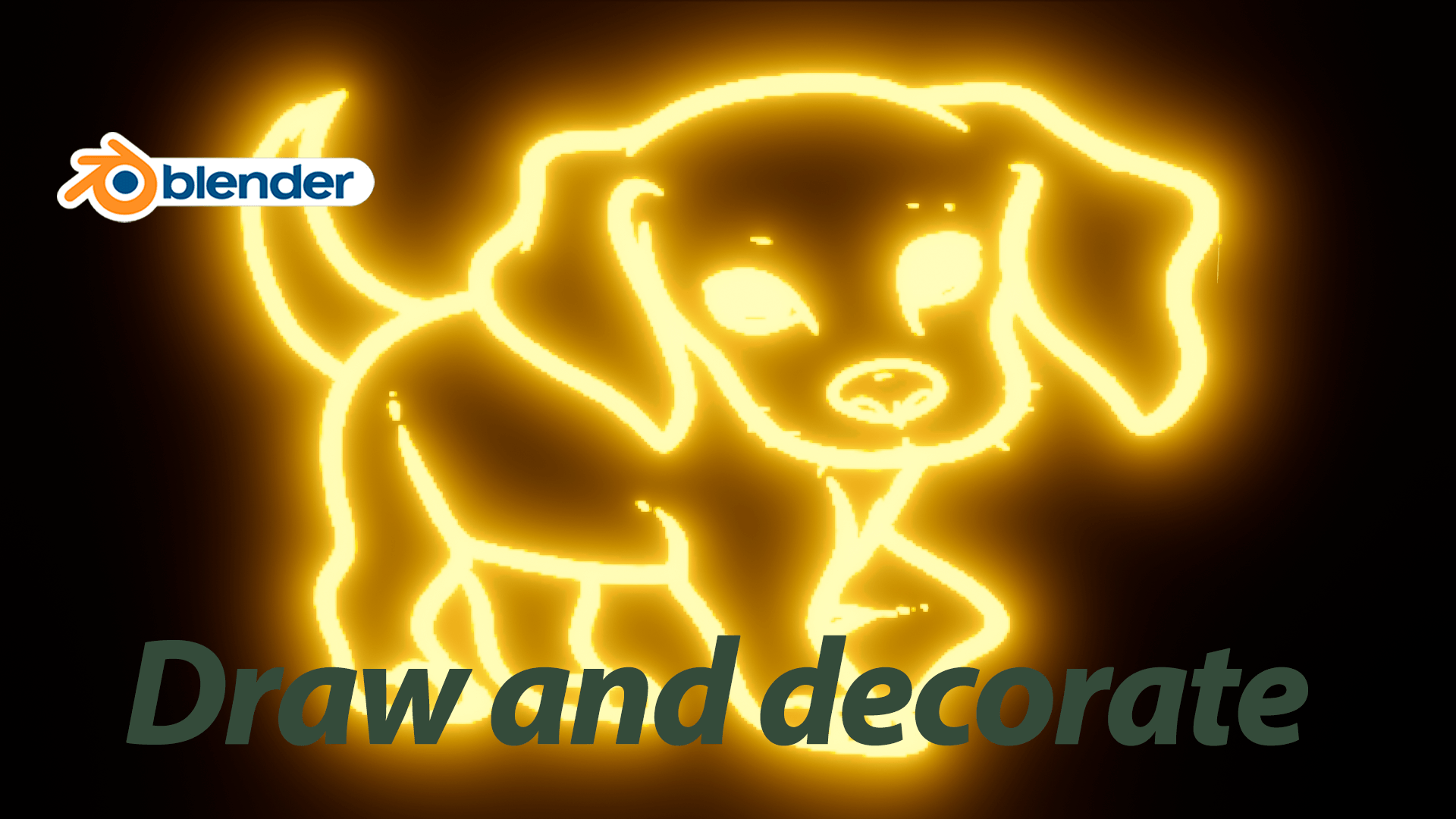
Bring hand-drawn or digitally made designs, signs, and inscriptions into Blender scenes with Draw And Decorate, a GPL-licensed add-on by studioromanrec.
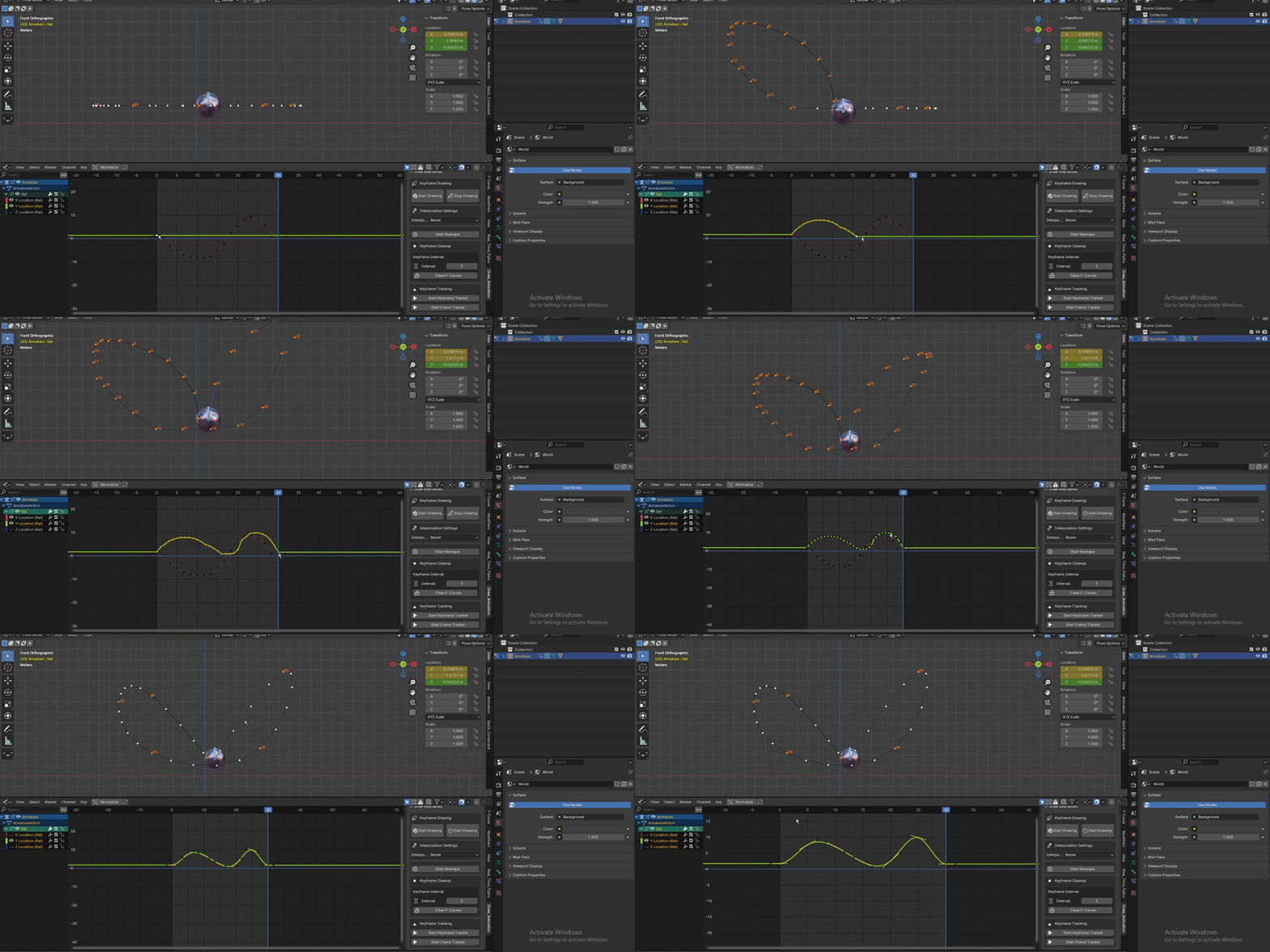
Draw Animation is a Blender graph-editor add-on for keyframe drawing. The listing gives Blender versions, a GPL license, and a Clean Graph option.
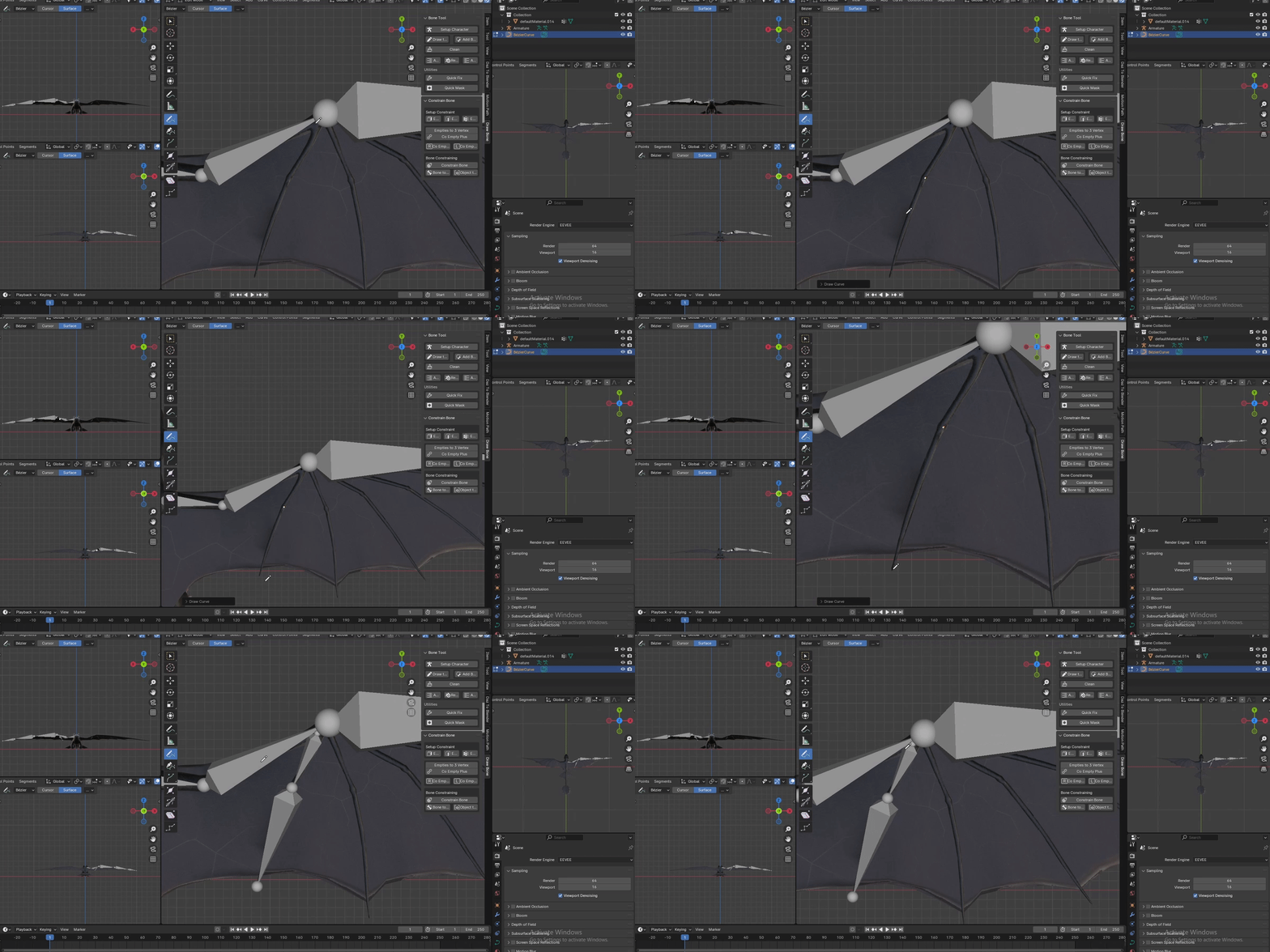
Draw Bone adds curve-based bone drawing, roll cleanup, a one-polygon weight paint fix, masking, IK constraints and animation transfer between armatures.
Draw Order Toolkit helps inspect 3ds Max scene draw order, reorder selected objects for game exports with transparency, and view polygon face indexes.
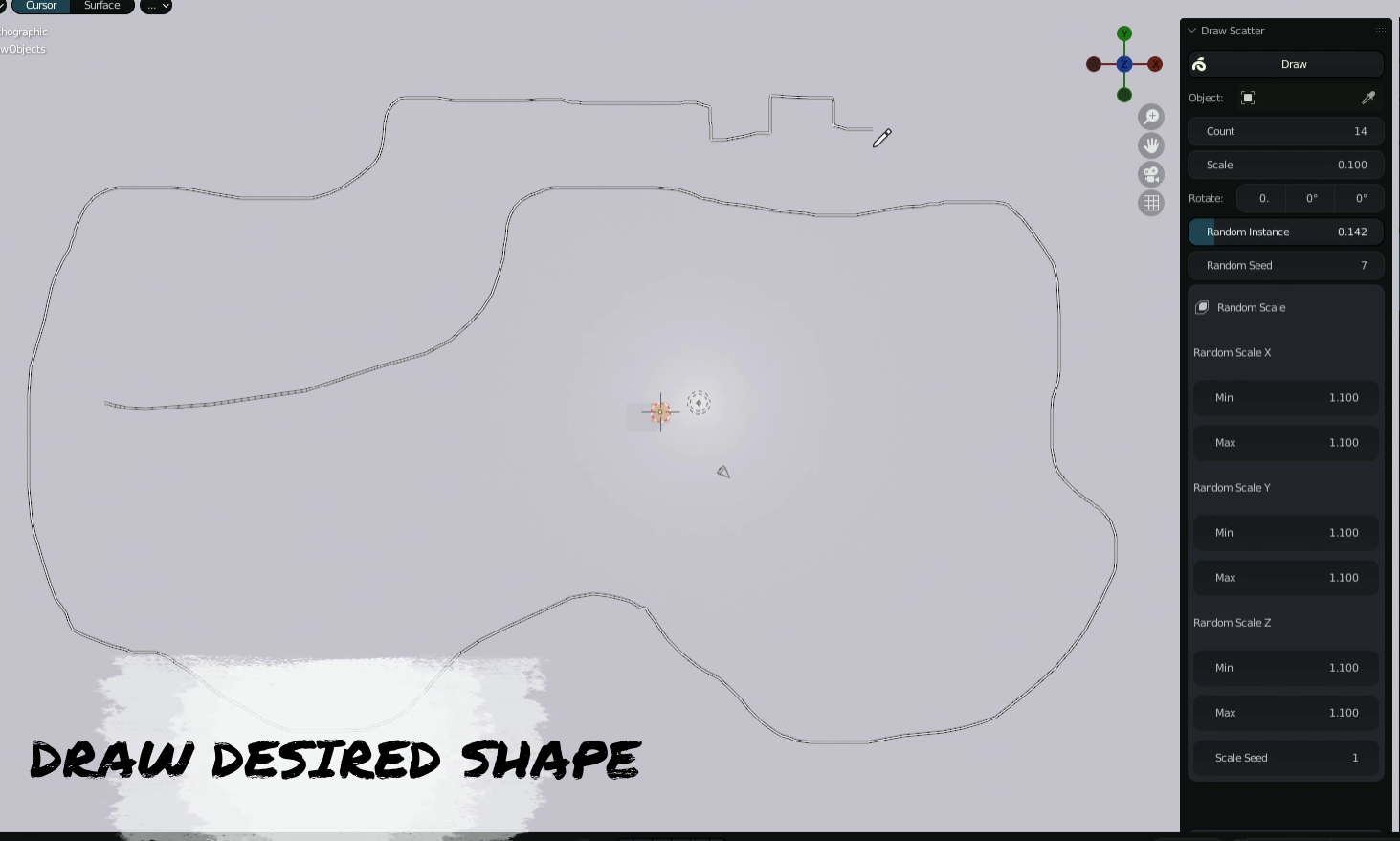
Draw Scatter Addon scatters selected objects along curves you draw in Blender, with count and size controls. Review its listed versions before downloading.
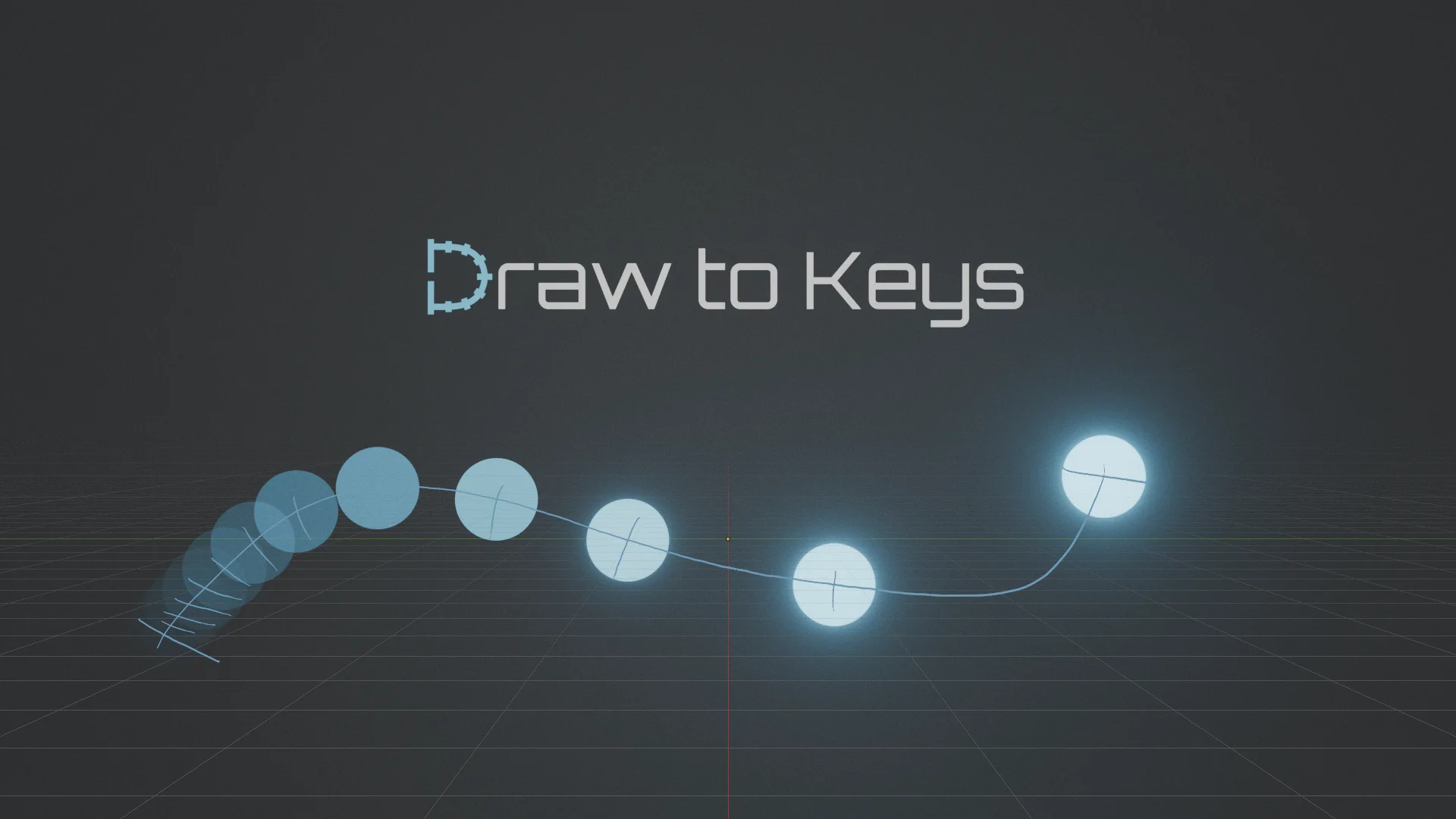
Draw to Keys turns Blender annotation strokes into location keyframes, with frame spacing, axes, and interpolation options. Review limits before installing.
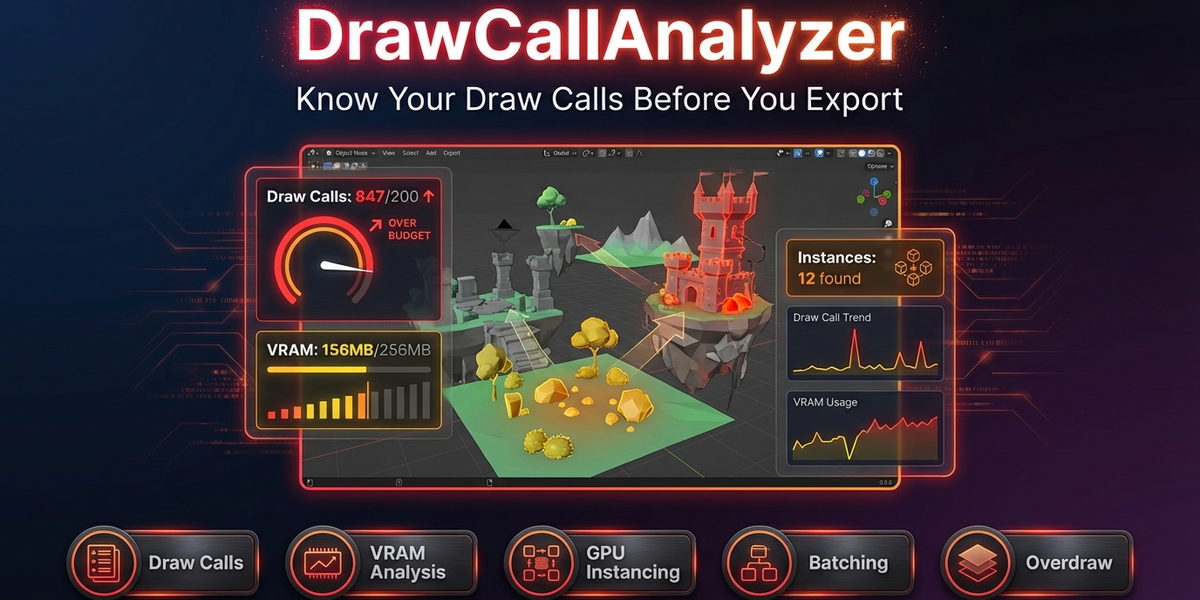
Review Blender scene draw calls, texture VRAM, batching, instancing and overdraw before export, with platform budgets, reports and snapshot comparisons.
Create Inventor part, sheet-metal, and assembly drawings in batches with layout presets you can duplicate, BOM options, naming rules, and reusable profiles.
Drawing Tools Pro automates Inventor view alignment, hole notes and dimensions, assembly view placement, and PDF, DWG, or DXF export. See the listing.
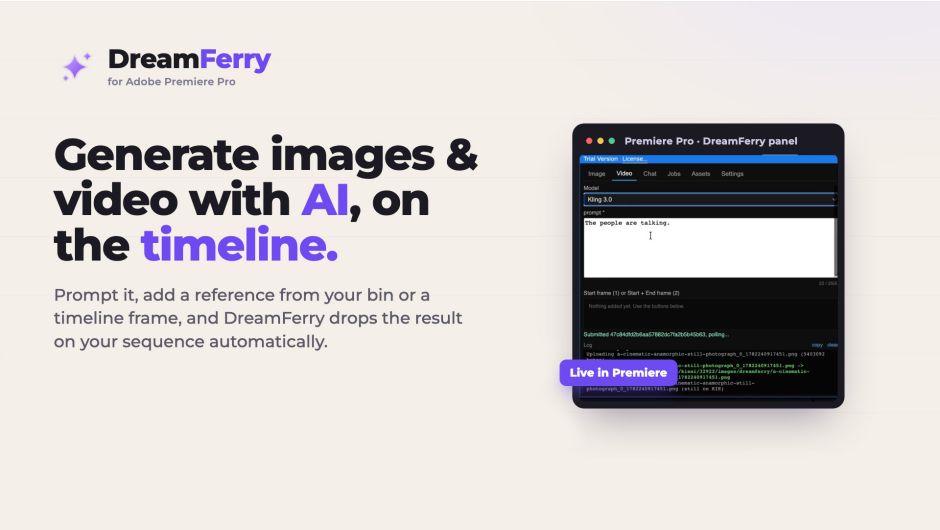
Generate images, video and AI chat inside Premiere Pro with DreamFerry. Use project references, then import results into a bin or place them at the playhead.
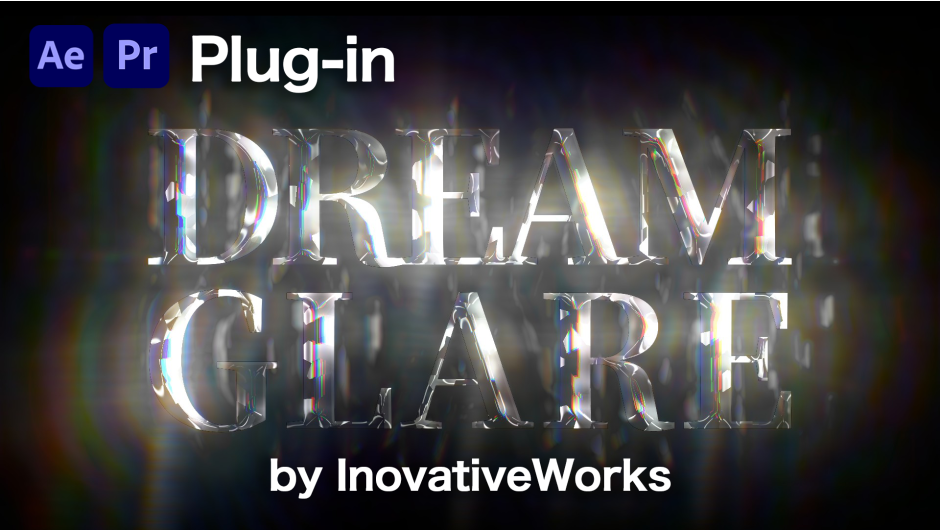
DreamGlare creates highlight-driven halation, prism streaks, eye glare and spectral edges on one layer in After Effects and Premiere Pro.
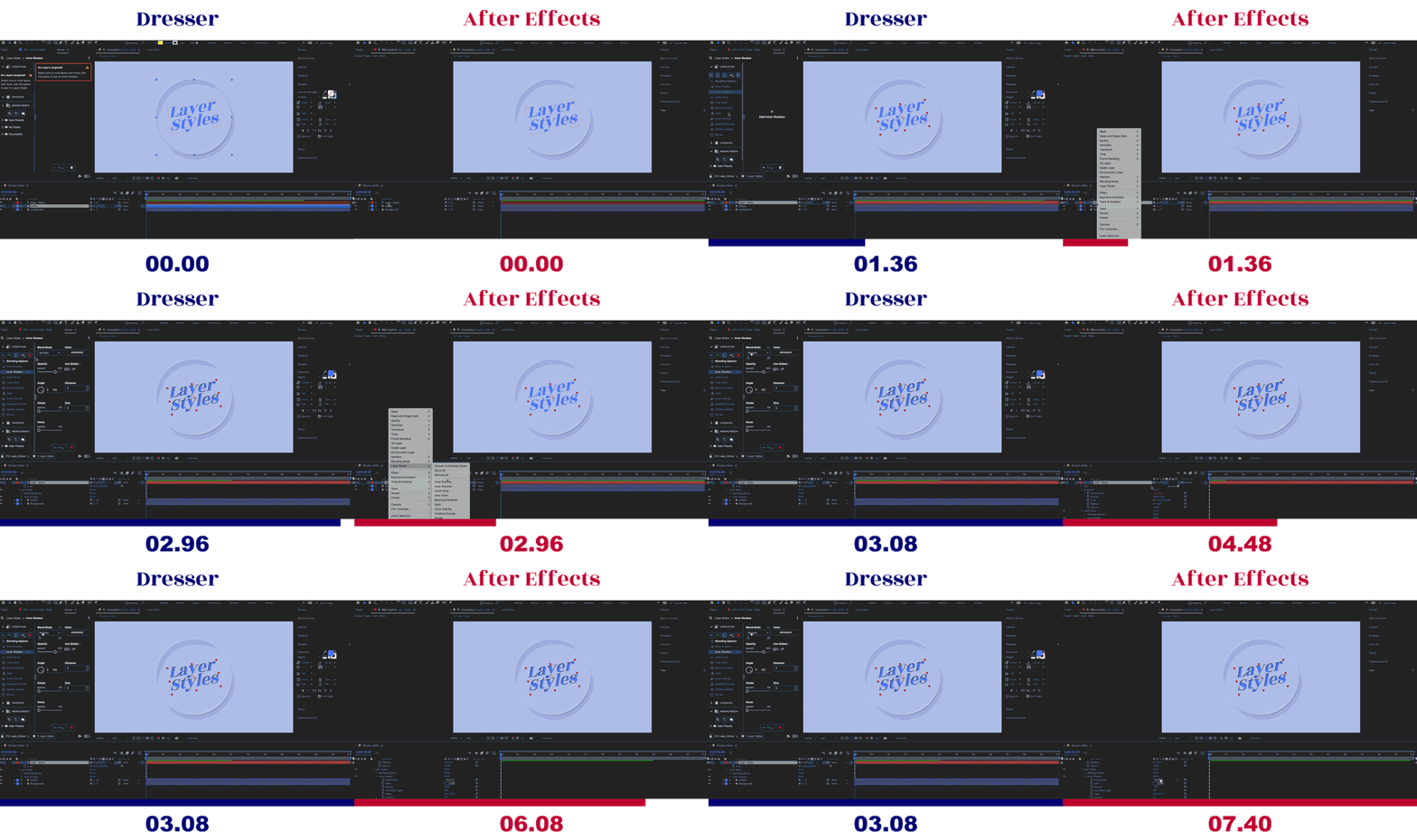
Dresser gives After Effects users one panel to apply and manage layer styles across layers, link style groups, and save or browse layer-style and .ffx presets.
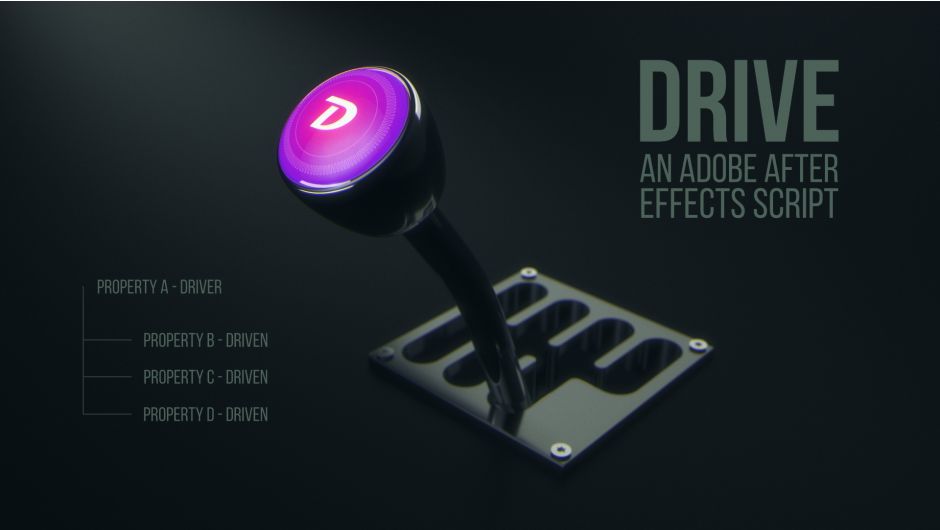
Drive for After Effects links one animated property to up to three numeric properties, maps values from keyframes, and offers linear or eased interpolation.
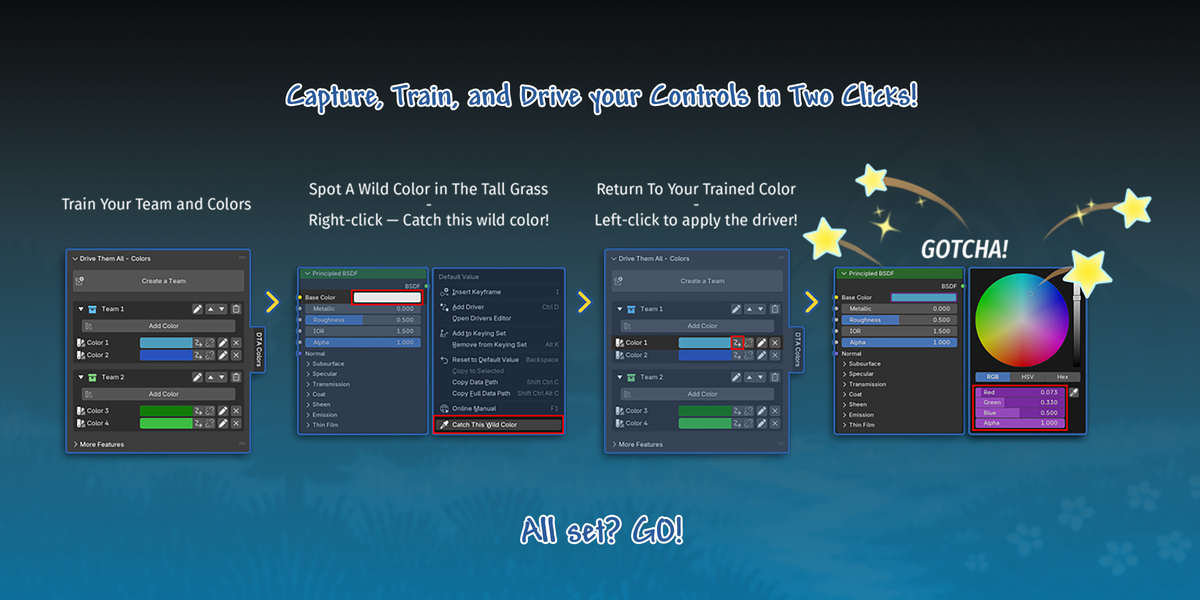
Drive Them All - Colors are a Blender add-on for color drivers. Capture Colors in Teams and apply a driver in two clicks; Blender 3.6 to 4.4 are supported.
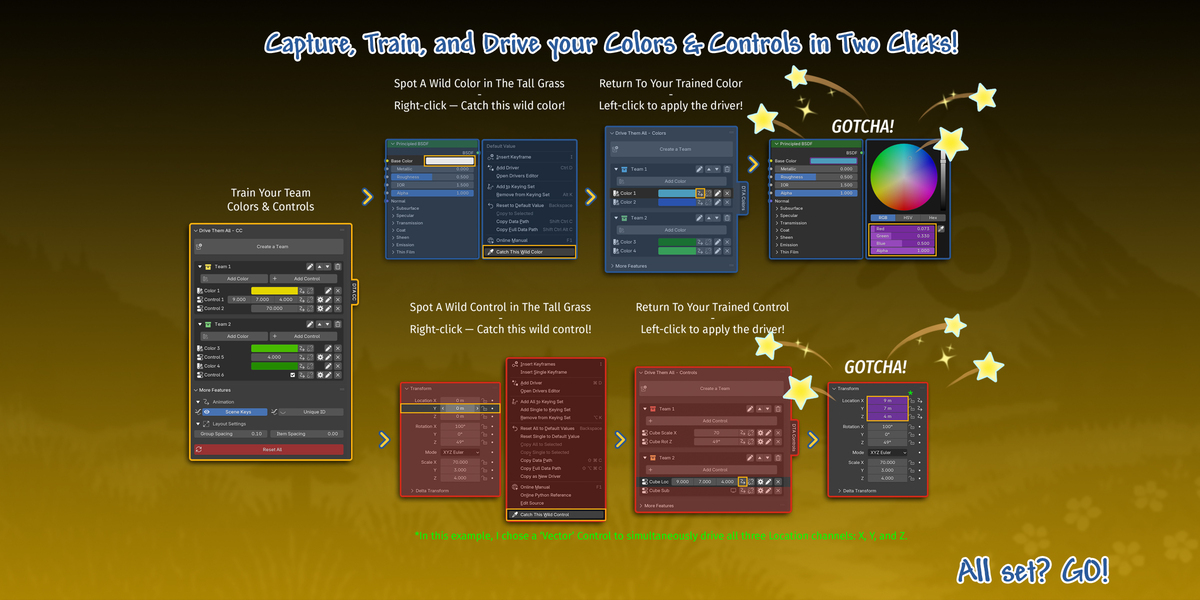
Organize Blender driver controls into Teams, link colors in two clicks, and drive vector or Boolean properties with Drive Them All - Colors & Controls.
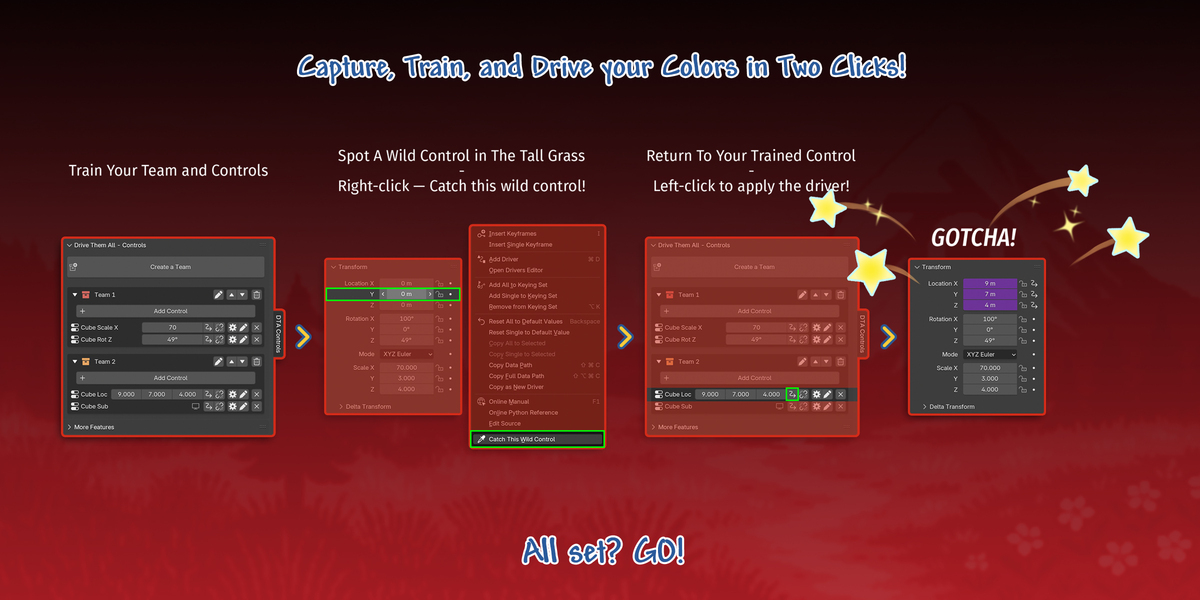
Organize custom property drivers in Teams with Drive Them All - Controls. Link Vector3 or Boolean values; check Blender compatibility and deletion effects.
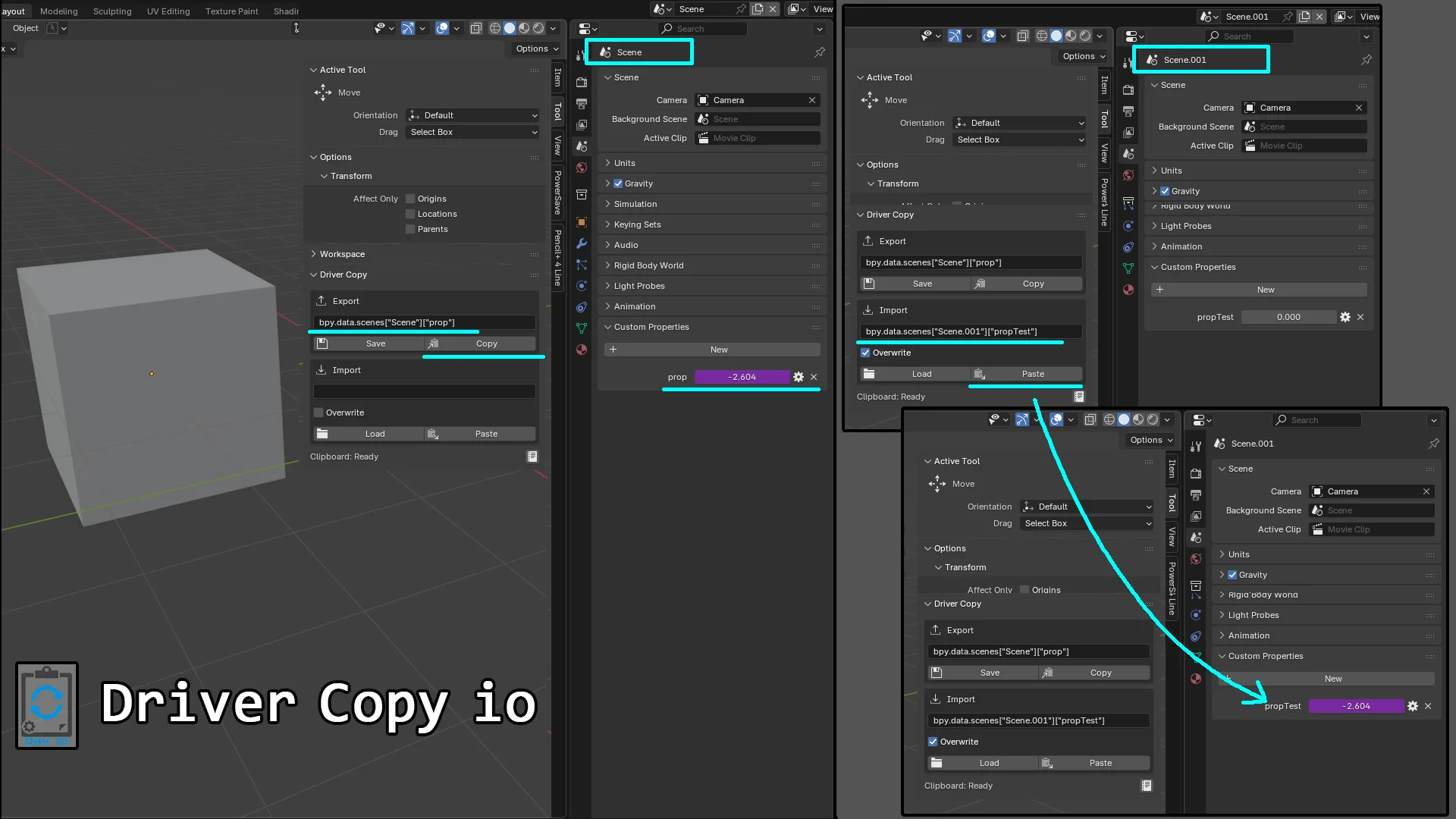
Copy Blender drivers as JSON with Driver Copy IO. Reuse setups across objects or projects while preserving variables, expressions, and target paths.