Marching Cube
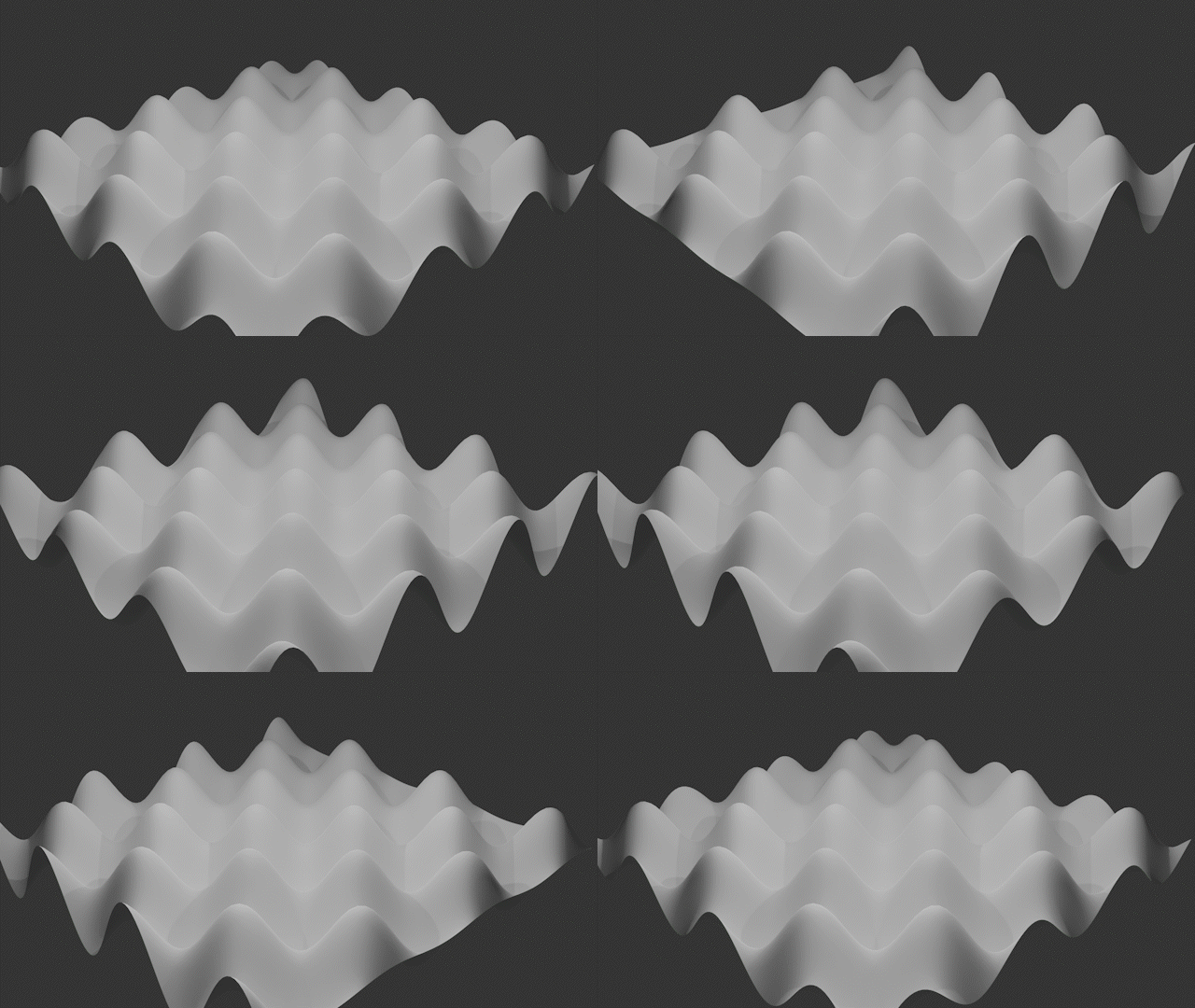
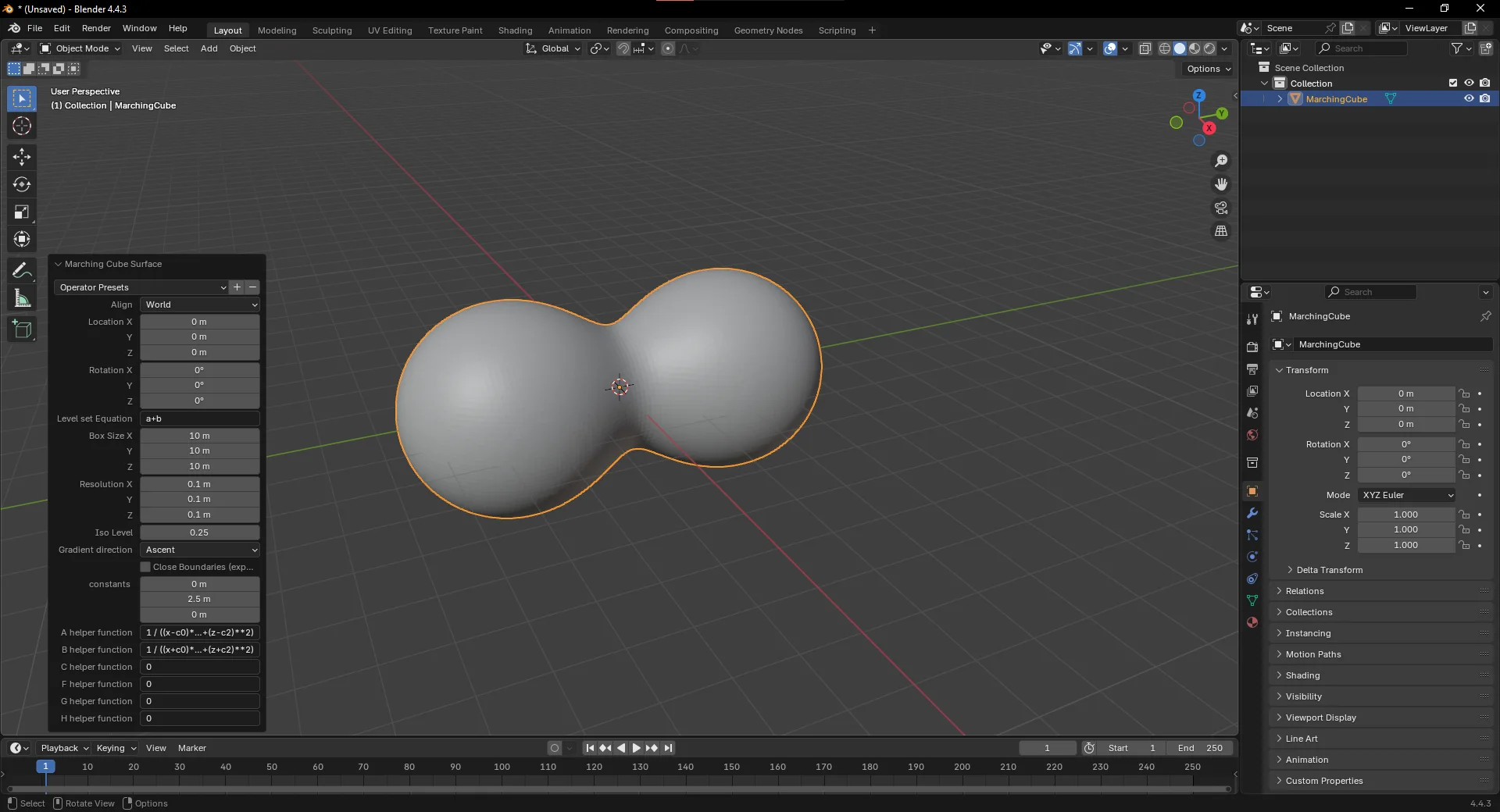
Marching Cube turns equation-defined surfaces into Blender meshes with the Marching Cubes algorithm. Check Blender 5.1 requirements and available builds.
Add-ons for building and editing 3D models, from mesh tools to sculpting utilities. Choose your 3D application to narrow the list. Page 27 of 52.
Marching Cube turns equation-defined surfaces into Blender meshes with the Marching Cubes algorithm. Check Blender 5.1 requirements and available builds.
Marking Menus adds shortcut pie menus in Blender for mode switches, contextual actions and modifier presets. Check Blender compatibility before installing.
Match Position is an After Effects tool to match layers, link 2D screen space to 3D, create nulls and distribute layers. A Cinema 4D version is included.
Matchstick is a Blender add-on for bending frames and trusses into timber-like geometry. Read about structural analysis, outputs and version compatibility.
Math To Mesh (Mtm) is a Blender add-on for equation-based meshes, two-axis function animation, and spherical meshes via scipy. Review setup and compatibility.
Matplus is a Blender paint layer add-on with real-time effects, 2D symmetry, and optimized texture baking. Check the listing for Blender version support.
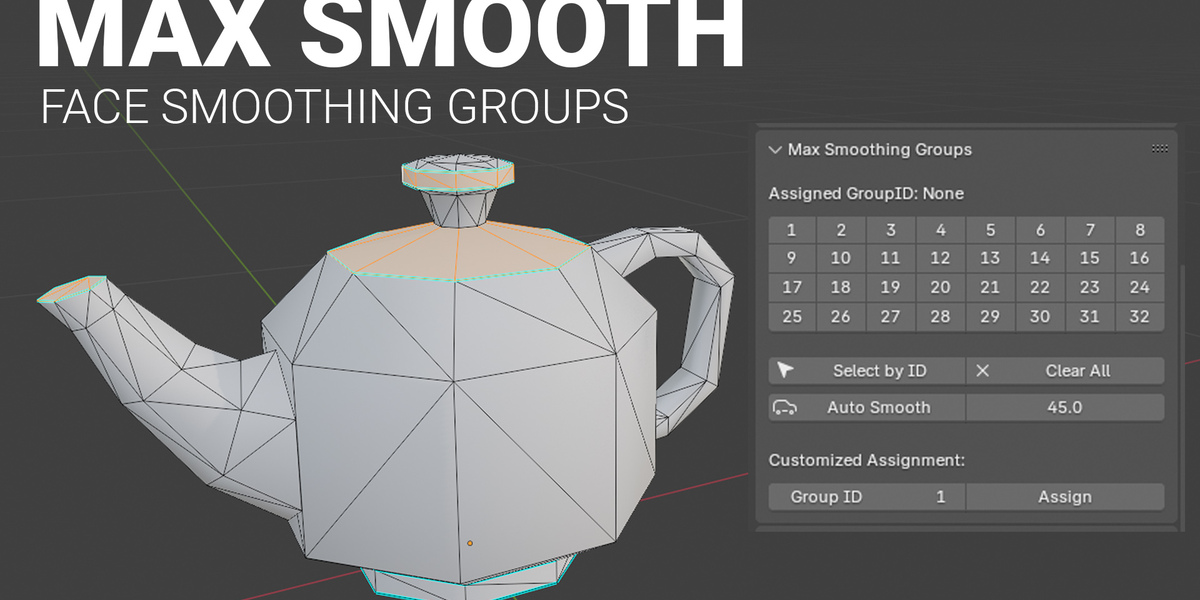
Max Smoothing Groups are a Blender add-on for numbered smoothing groups, edge sharpness and vertex normals. Check Blender versions before installing.
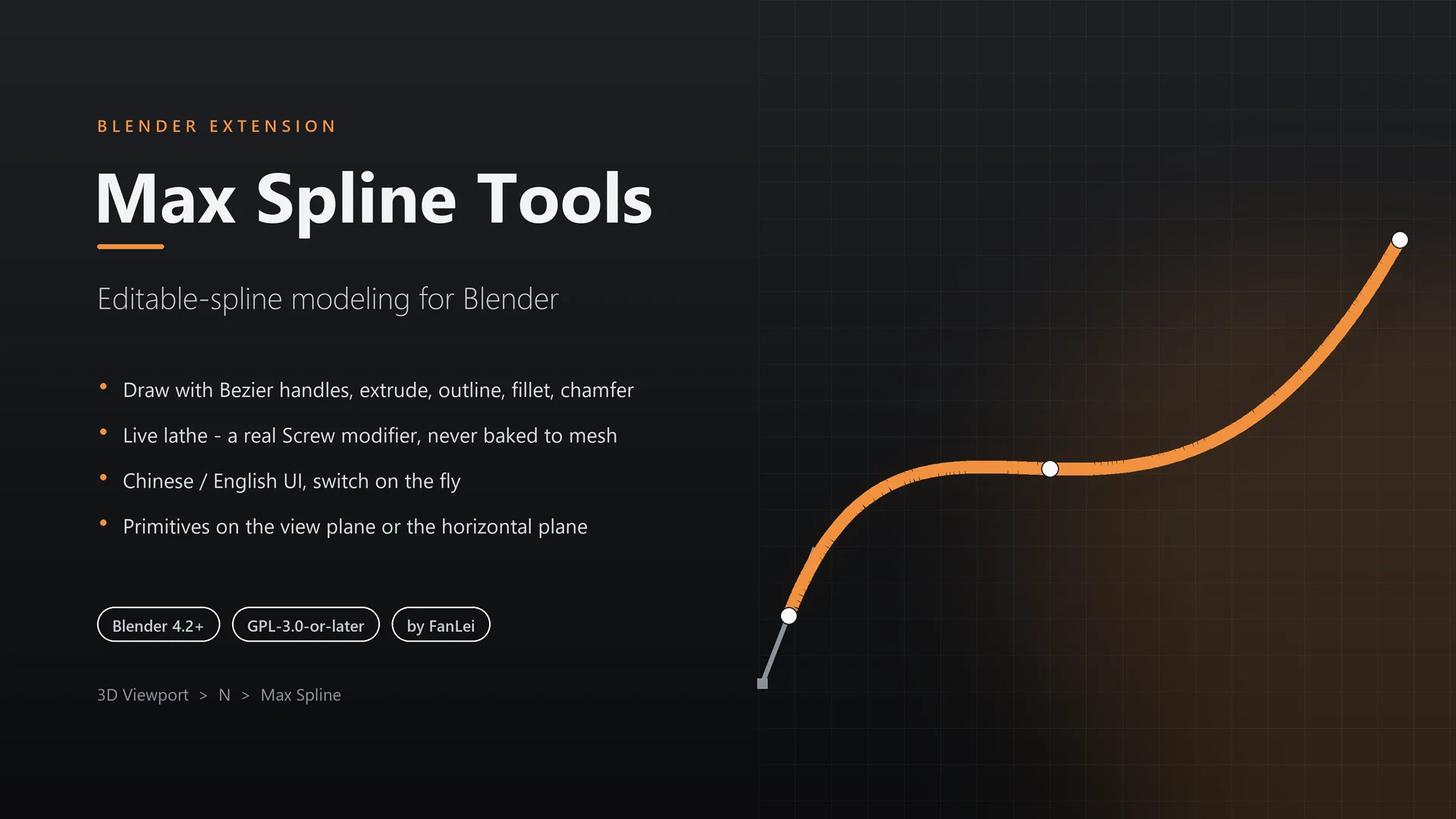
Max Spline Tools are a Blender add-on for drawing and editing splines, with English and Simplified Chinese UI; Blender 4.2 LTS or newer is required.
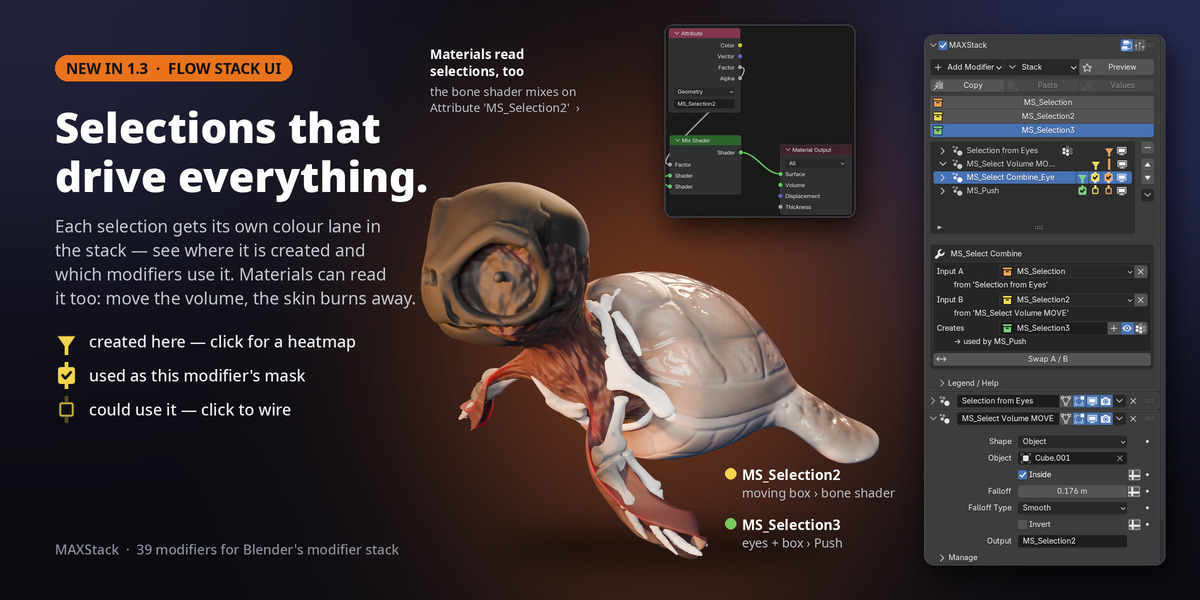
See how Max Stack adds 39 Blender modifiers, live selection masks, viewport gizmos, FFD and spline tools to the standard modifier stack.
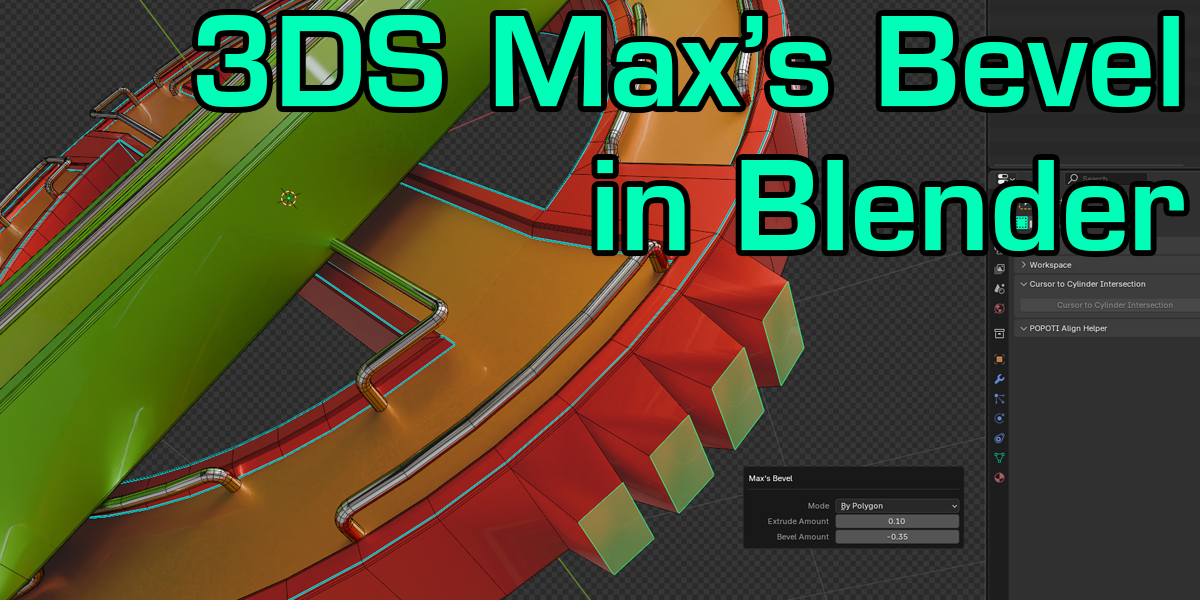
Max-Style Bevel combines face extrusion and outlining in Blender, with Group, Local Normal, and Polygon modes plus automatic internal-geometry cleanup.
Maya Custom Mesh Pro is a Blender add-on that adds per-shape controls for cubes, spheres, cylinders, cones, and toruses to the Add Menu.
Maya Pivot sets Blender's 3D cursor position, orientation and Z axis from selected faces. See its Edit Mode workflow and Blender 4.2+ support.
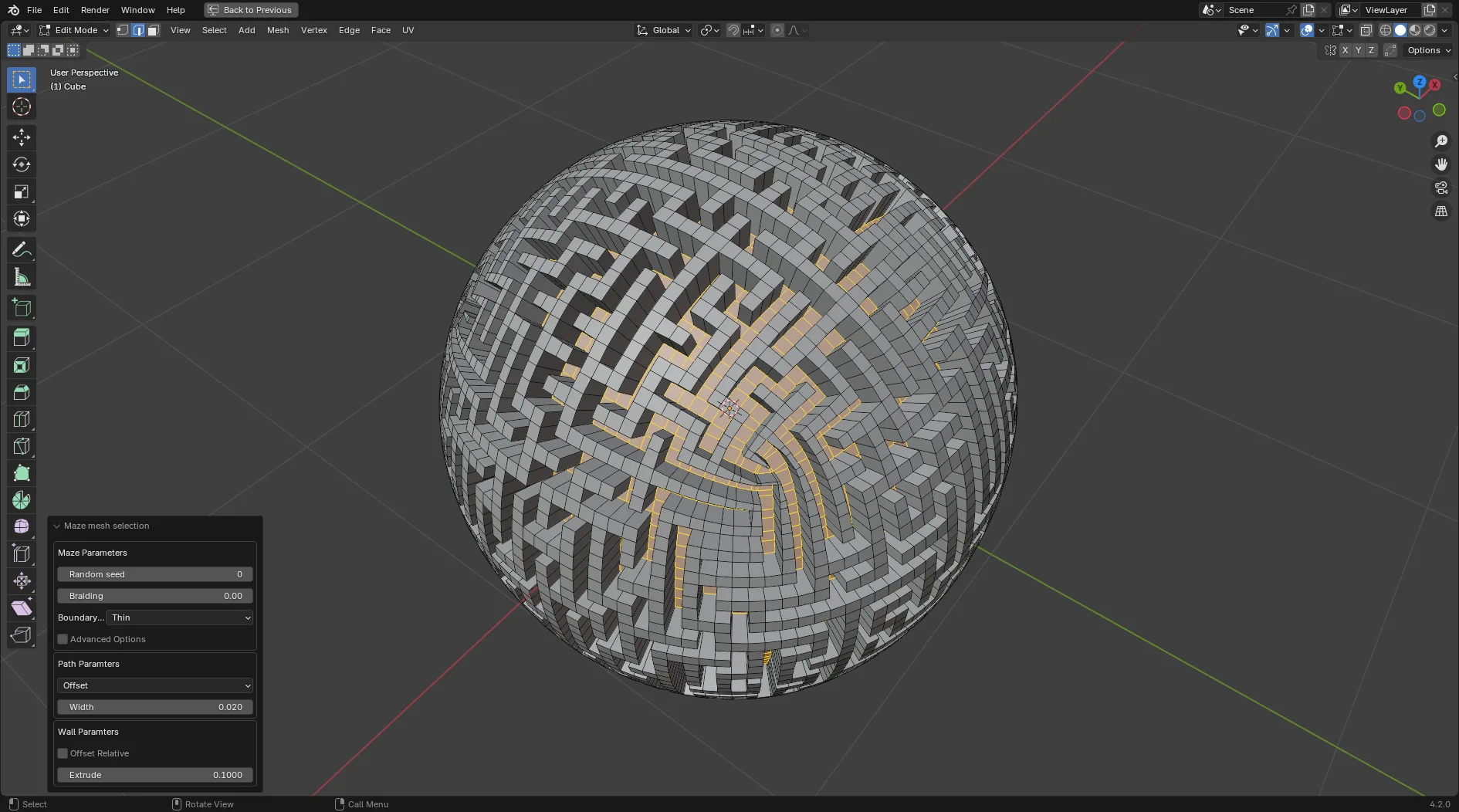
Maze any Mesh is a Blender add-on for creating mesh mazes. With faces, it supports path width and wall height; face-free networks produce 3D mazes.
Maze Gen is a Blender add-on for customizable mazes, tile editing, lighting, animation and a route guide. The listing names Blender versions 3.0 to 4.0.
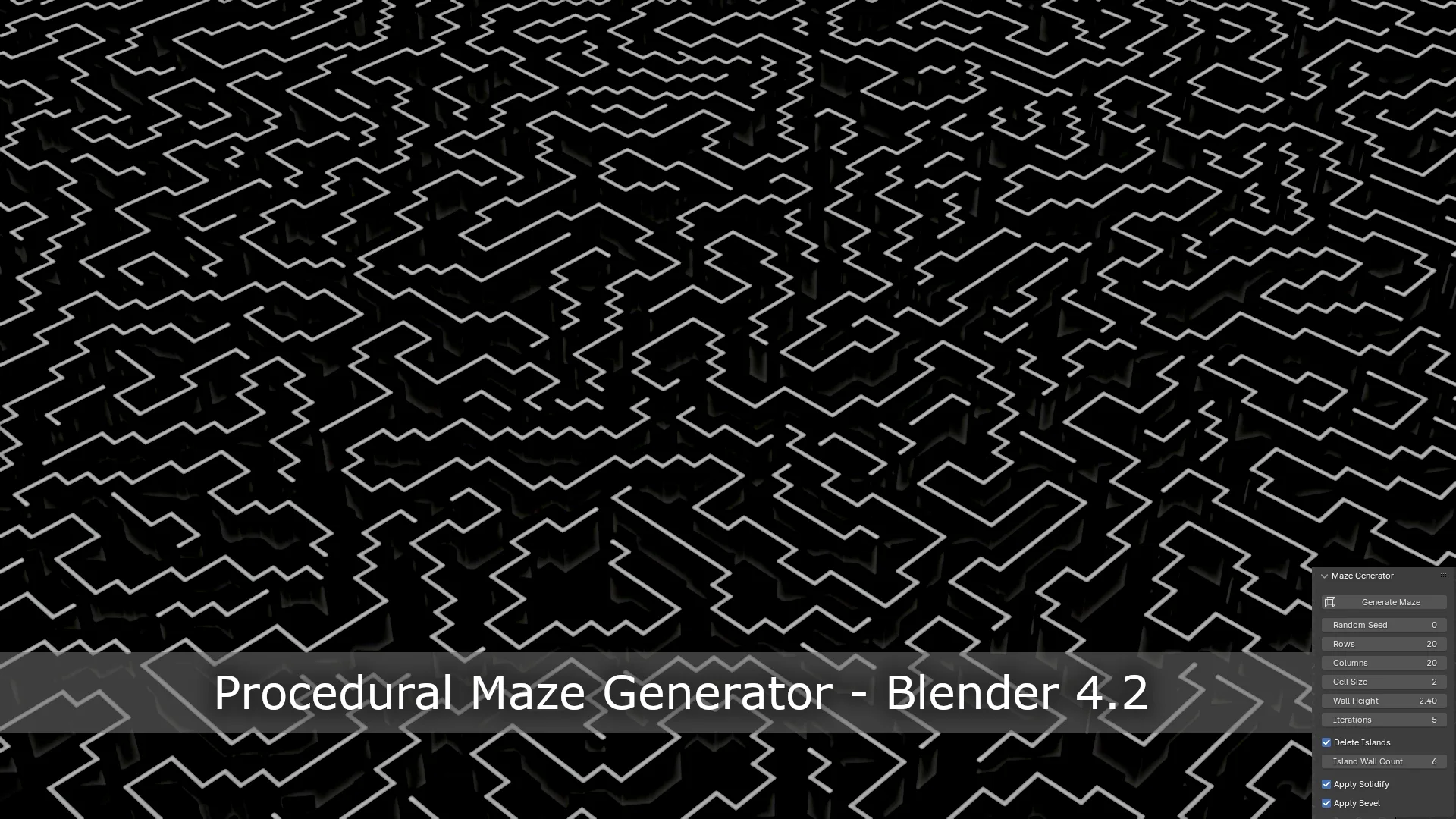
Create random mazes in Blender with Maze Generator. Set dimensions and seed; choose whether to include boundary openings, and check compatibility.
Explore Maze Generator Pro for Blender, with presets, themes and physics. Check its Blender 4.2.0 minimum, release details and GPL-3.0-or-later license.
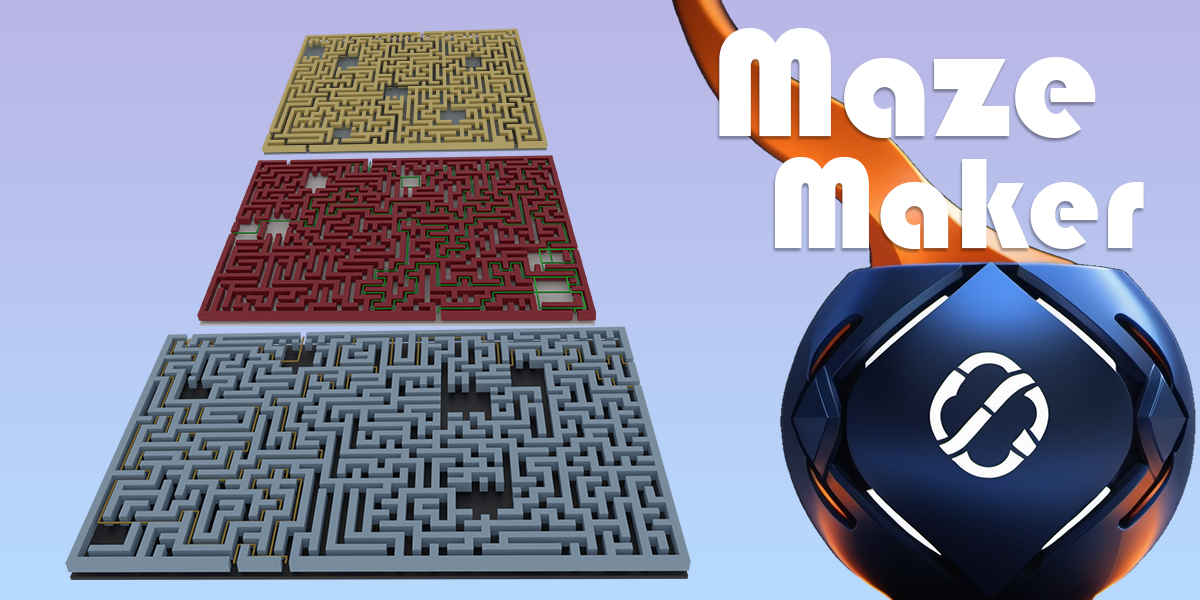
Maze Maker creates Blender mazes from custom floor shapes, with rooms, loops and a BFS path curve. See supported versions and setup steps.
Measure and Scale scales Blender objects uniformly from a measured span. Version 1.2.0 adds FACE snapping and unit cycling; Blender 4.2.0 or later is required.
Generate large Blender city systems from lines and planes, with road, environment, camera, and export tools. Check shader, RAM, and edition requirements.
Merge Master keeps mesh adhesion live in Blender, with topology and UVs intact until baking. See its workflow, Blender requirements and practical limits.
MergeTools keeps source meshes editable; the Full edition adds Difference cuts, seam controls, material blends, weld beads and baking with a recoverable backup.
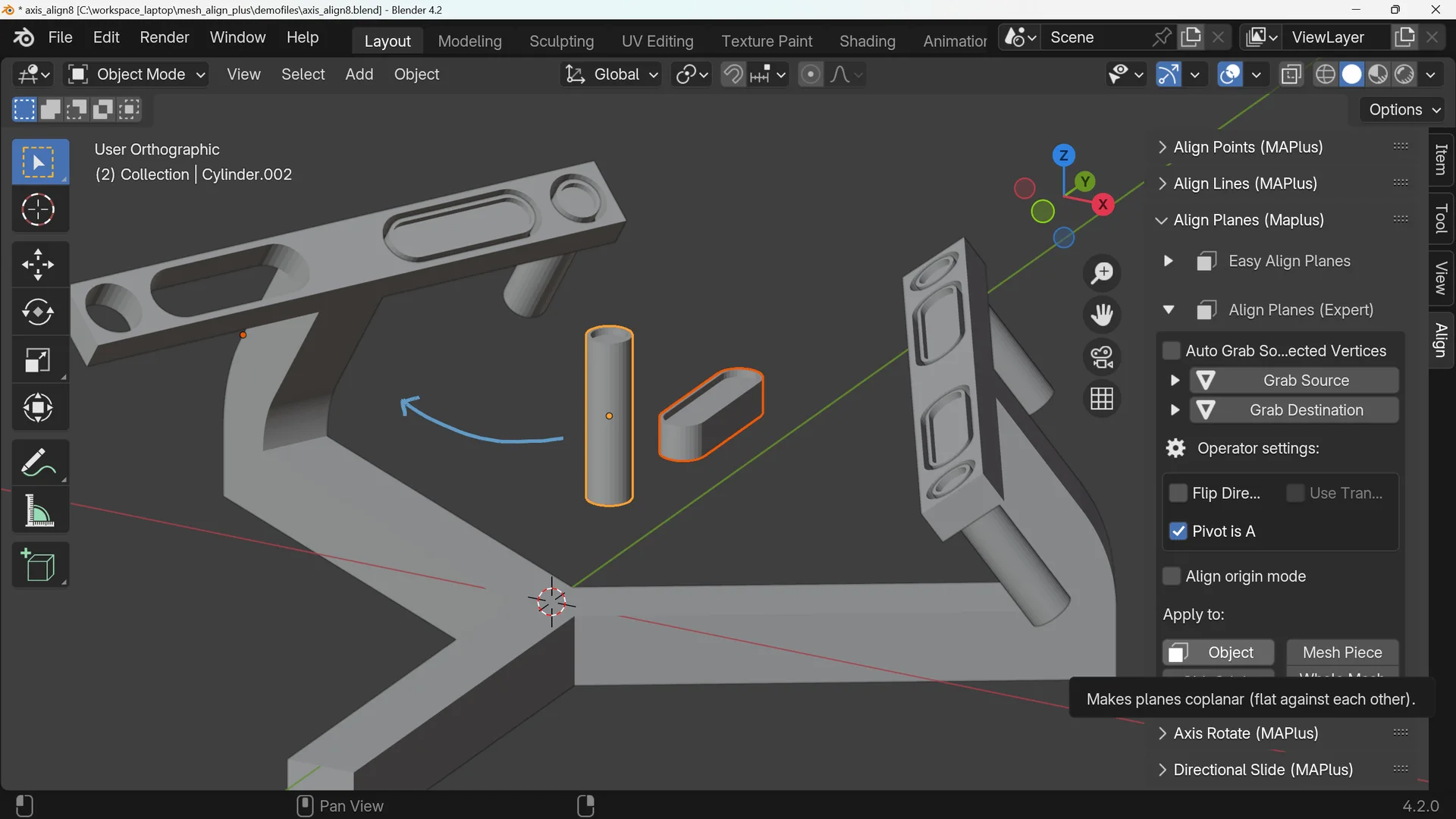
Mesh Align Plus aligns Blender objects and mesh parts from scene geometry. Match points, lines, planes, or edge lengths, and review the tool guide.
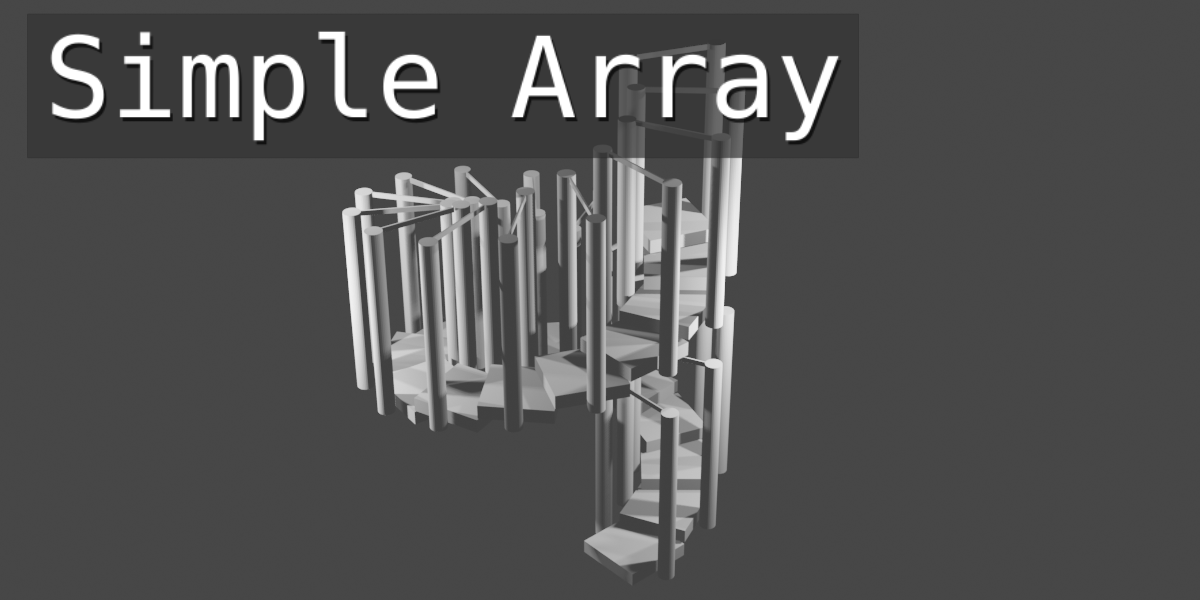
Mesh Array is a Blender add-on for arraying meshes and returning to earlier settings with presets. Its listing gives conflicting Blender version ranges.
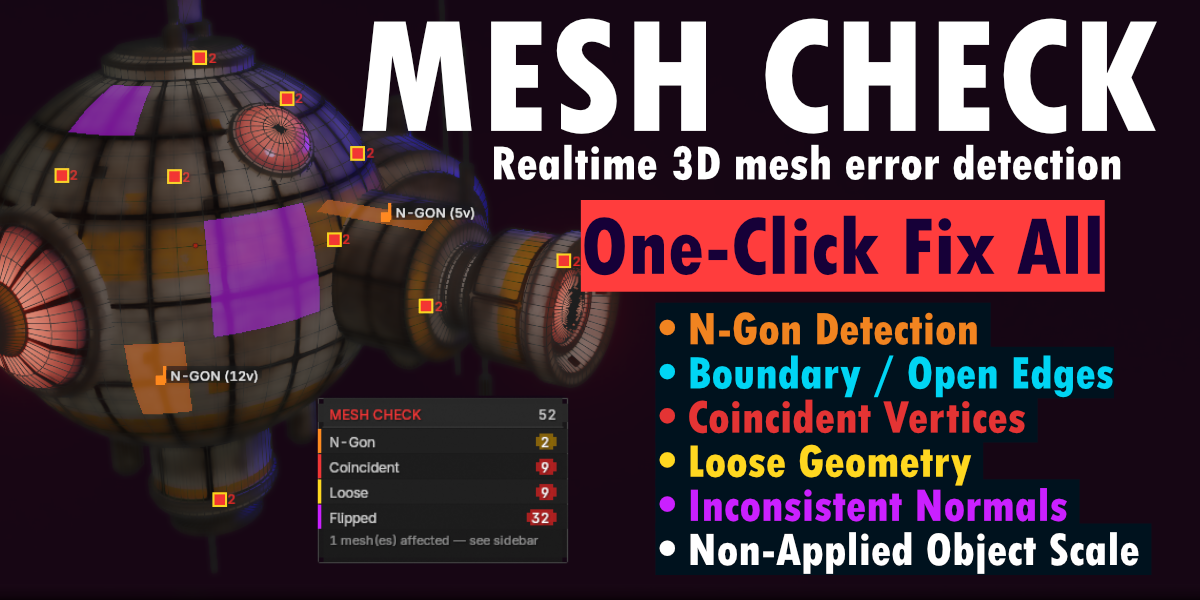
Mesh Check for Blender marks topology issues in the viewport, with targeted, undoable fixes and scanning controls. Check supported versions before installing.