Mesh Check Gpu Edition
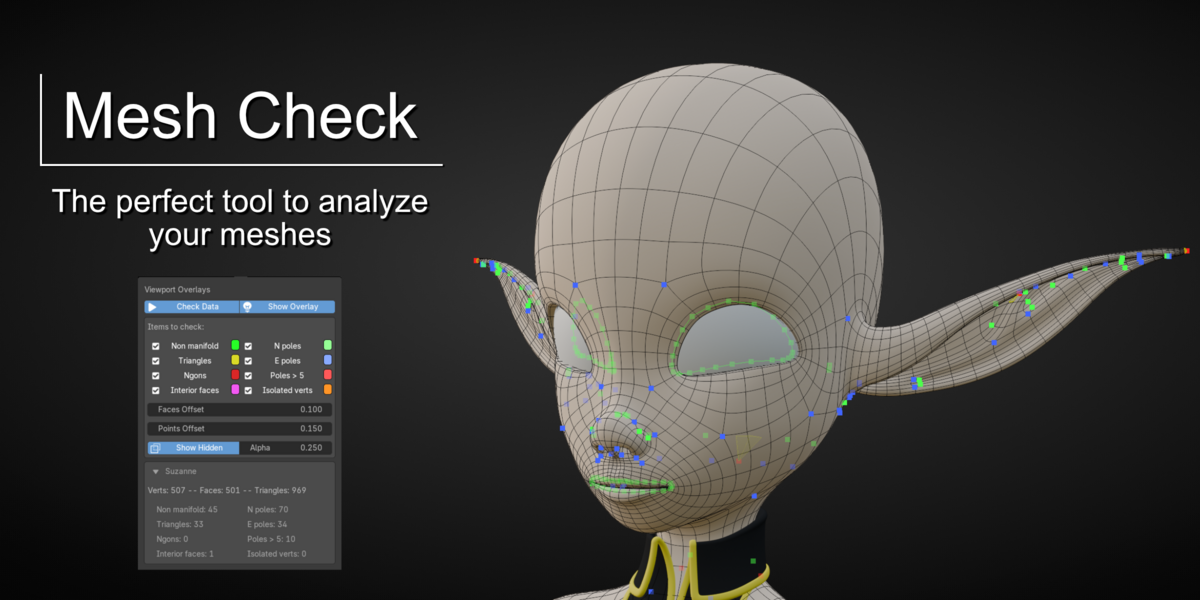
Mesh Check Gpu Edition is a Blender tool for topology checks, per-object counts, hidden highlights and a configurable draw limit on large meshes.
Add-ons for building and editing 3D models, from mesh tools to sculpting utilities. Choose your 3D application to narrow the list. Page 28 of 52.
Mesh Check Gpu Edition is a Blender tool for topology checks, per-object counts, hidden highlights and a configurable draw limit on large meshes.
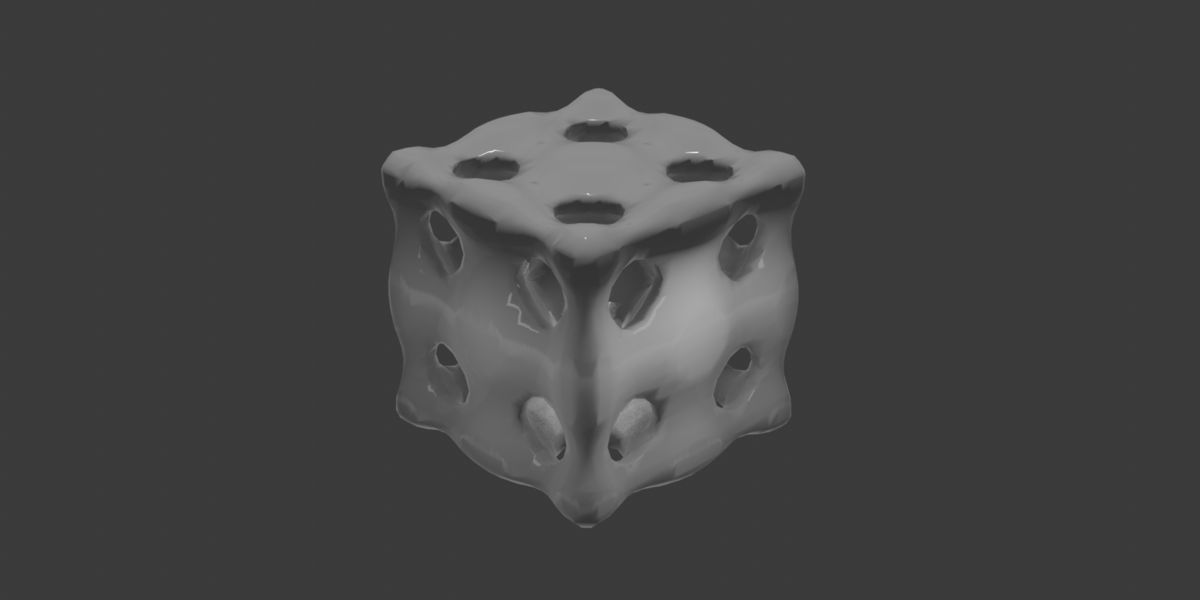
See how Mesh Cleanup Tool handles duplicate vertices, loose geometry, normals and issue selection in Blender, plus its Edit Mode shortcut and version range.
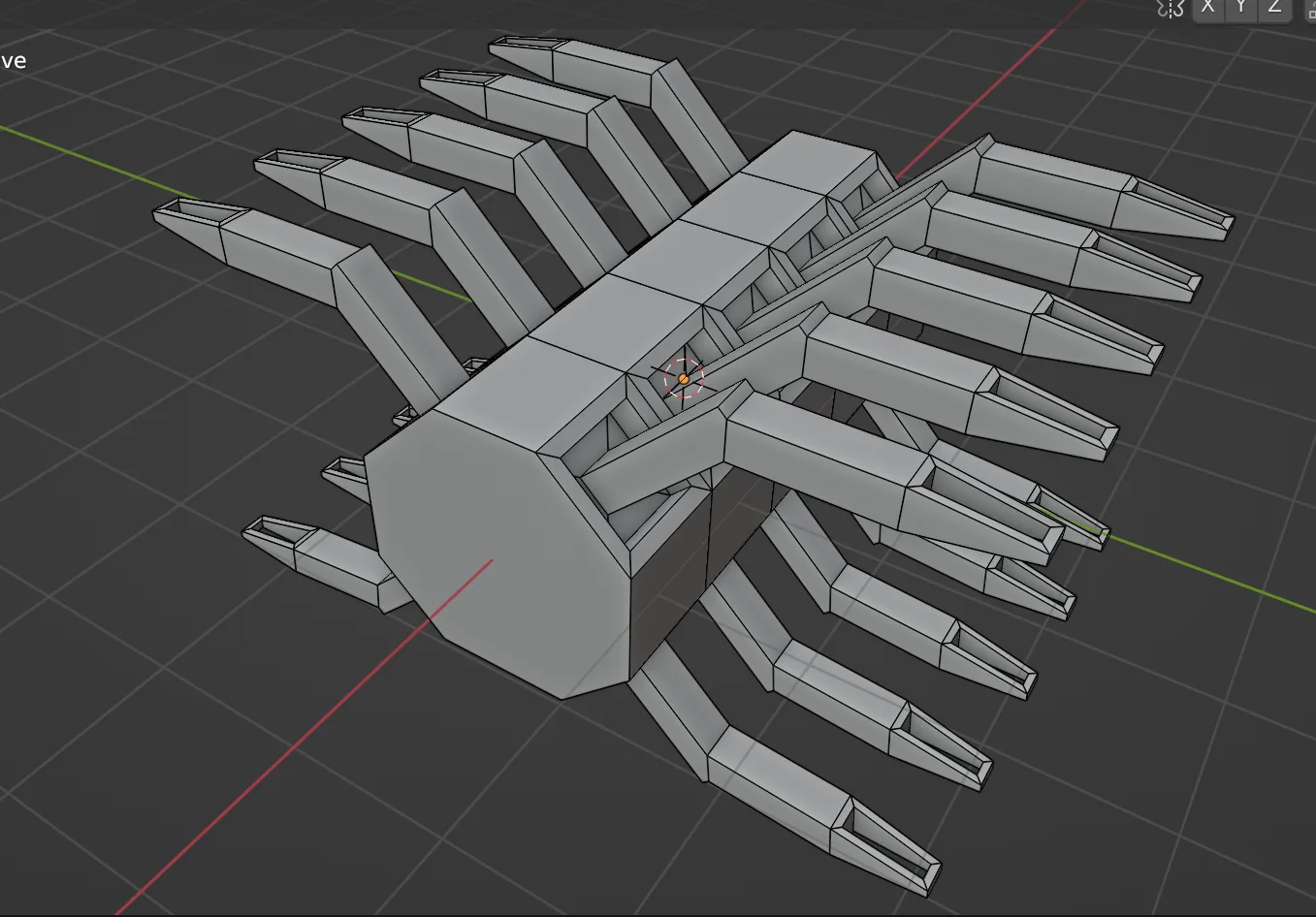
Mesh Copier copies Blender mesh detail from a closed edge ring or face and can include separated meshes. Review its flat-source limit and setup.
Mesh Designer adds editable procedural primitives and construction history to Blender. Compare Lite and Studio tools, animation support, and edit-mode limits.
Mesh Encyclopedia for Blender adds 500+ meshes and curves, from polyhedra to minimal surfaces, inside the 3D Viewport. Check listed Blender compatibility.
Mesh Filters are for combining filters to select faces, edges, and vertices in Blender. The non-destructive add-on supports Blender 4.2 LTS and newer.
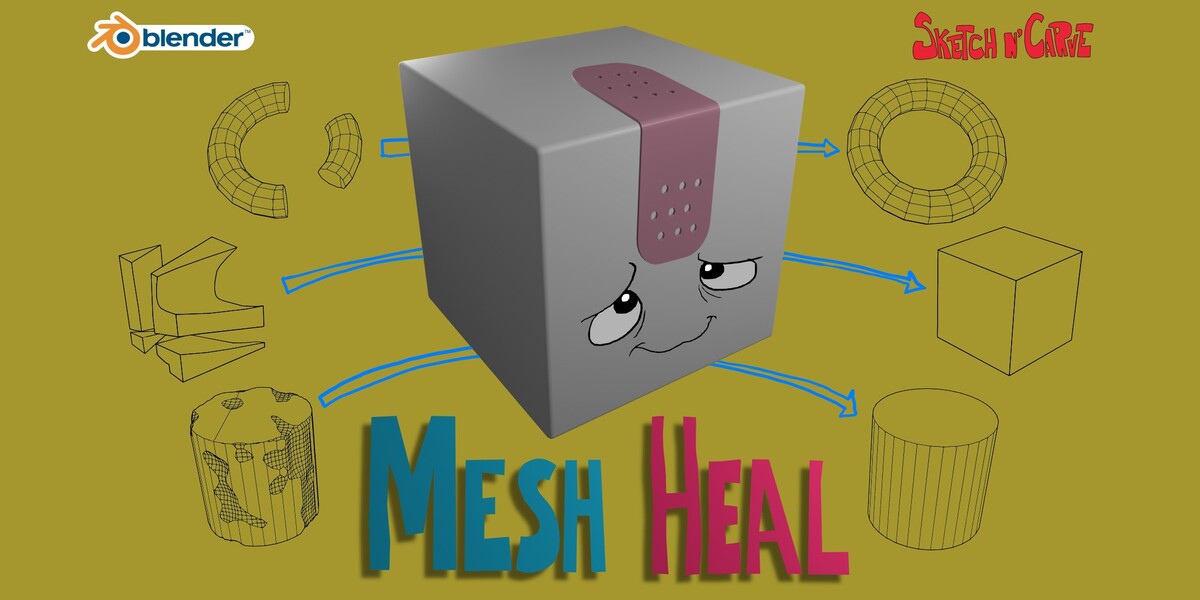
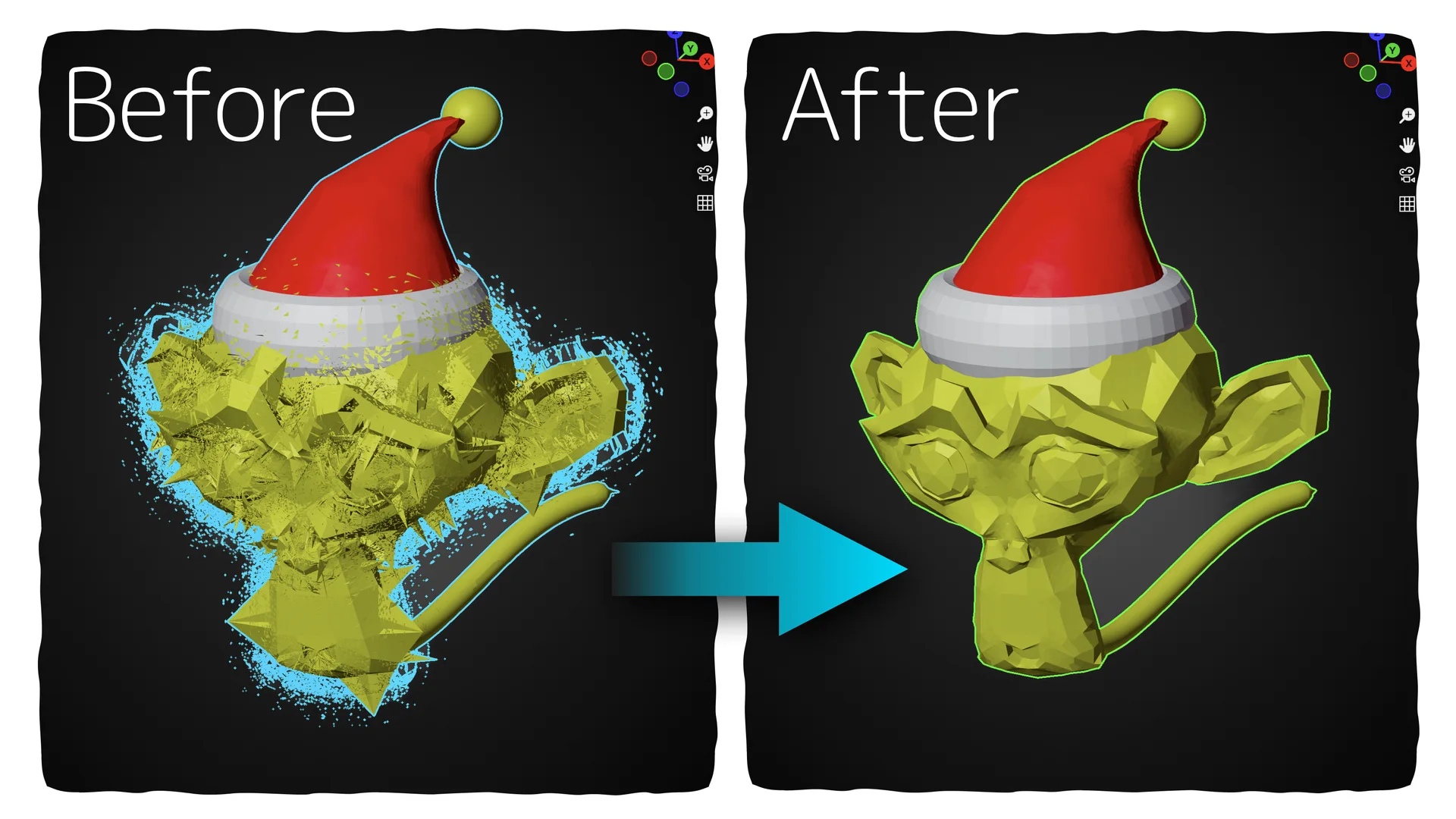
Mesh Heal is a Blender add-on for repairing cut faces, edges, corners, and holes when the remaining mesh supports reconstruction. Explore its repair options.
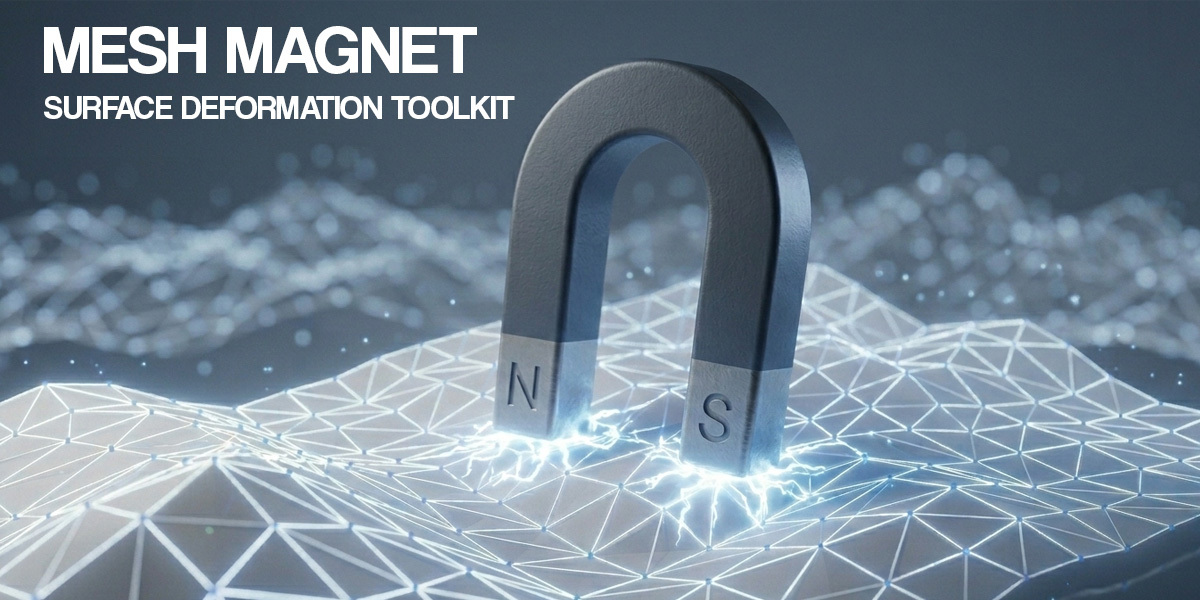
Mesh Magnet - Surface Deform Toolkit is a Blender add-on for clothing, hard-surface details, grooms, and scatter. Compare its modes and bind-pose setup.
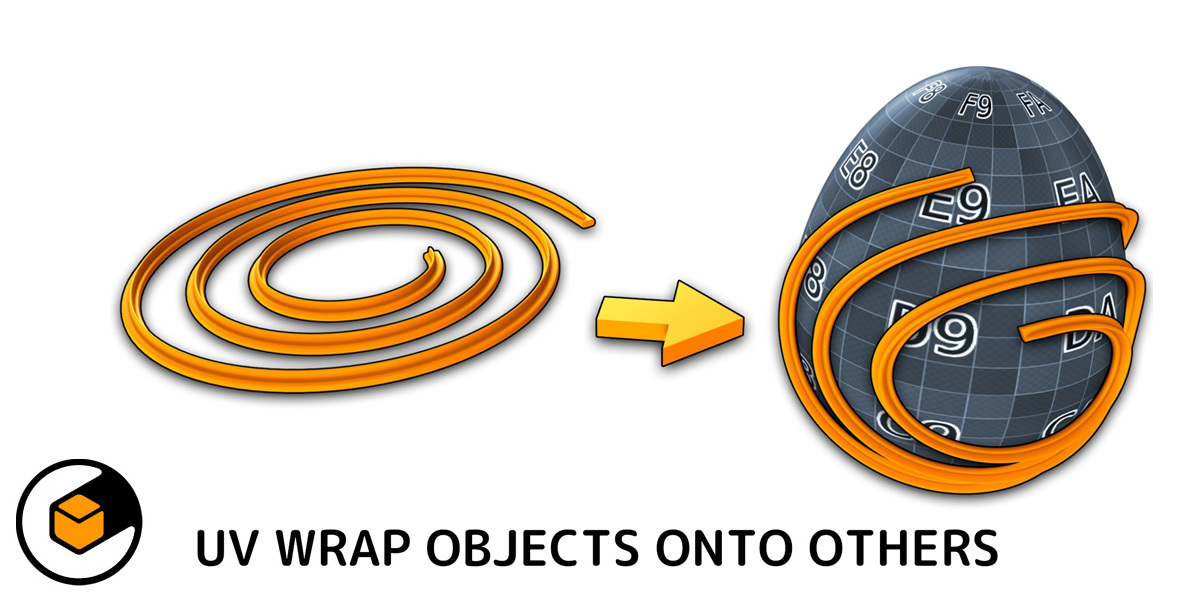
Mesh Materializer is a Blender add-on to wrap one object onto a UV-mapped target. Review controls, UV limits, output, and reported version ranges.
Place Blender meshes with viewport painting, precision snapping, erasing, and post-stroke edits in Mesh Painter. Check the documentation for setup and controls.
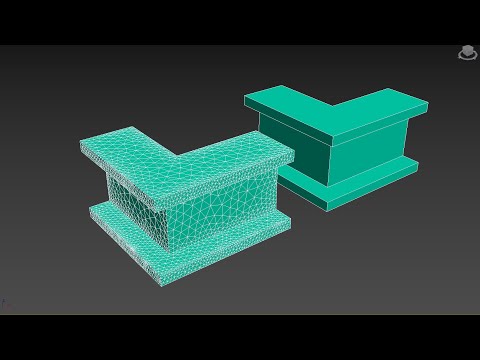
Use Mesh Project in 3ds Max to project one mesh onto another along the source object's vertex normals. Check version details before use.
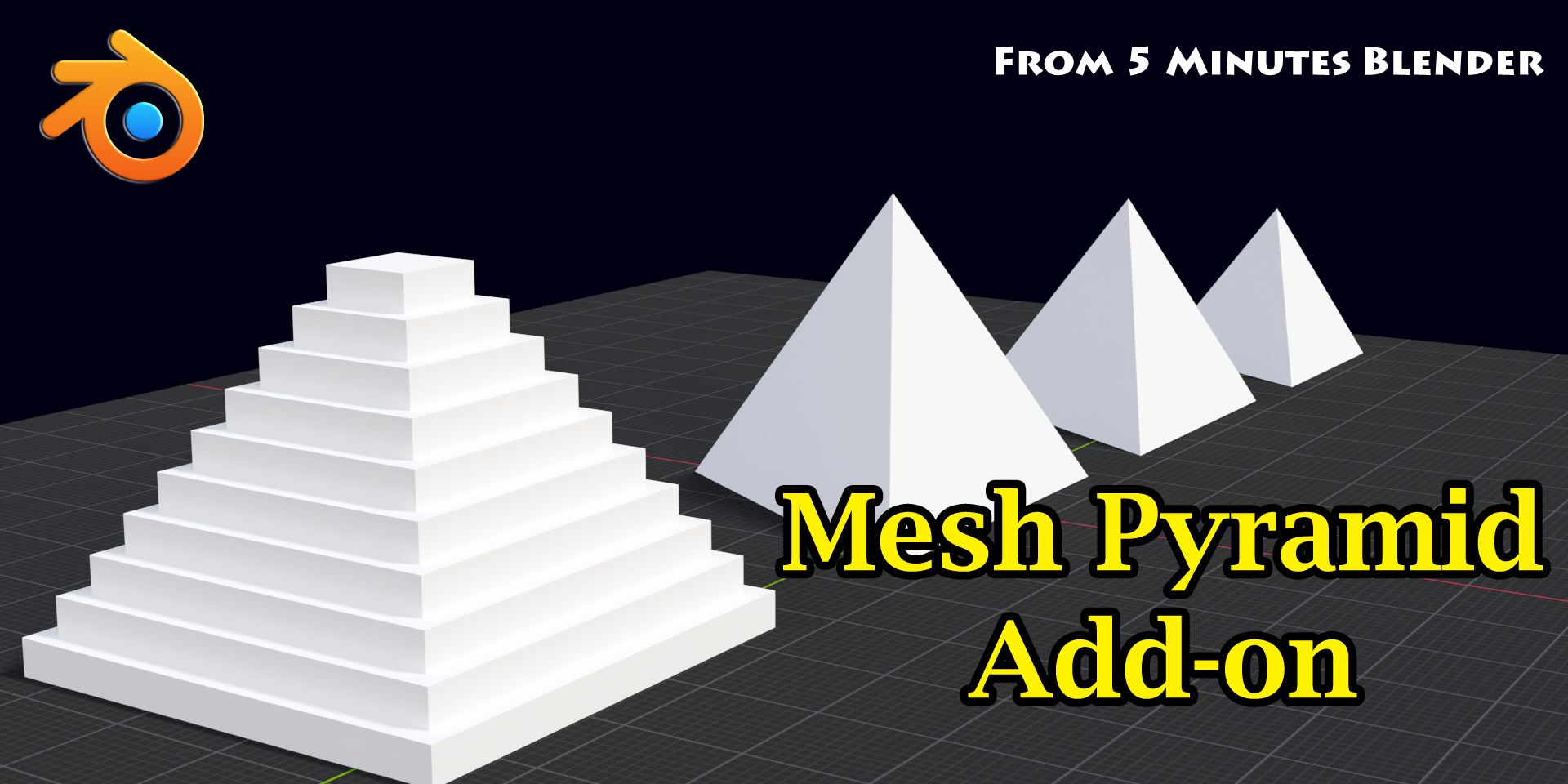
Mesh Pyramid Generator creates pyramids from sides, height, and length, with irregular or stepped forms. The listing names Blender 3.4 to 5.0.
Mesh Repair Tools groups Blender mesh-fixing controls in one adjustable toolbox for 3D-print cleanup. Review its scope, version requirements and setup.
Set slice count and spacing, preview thickness with Solidify, and prepare enumerated SVG curves for vector software and CNC cutting. Check compatibility.
See how Mesh Stuff's four Blender Edit Mode tools distribute, rotate, orient and mirror mesh geometry, plus its installation steps and Blender 4.4 test.
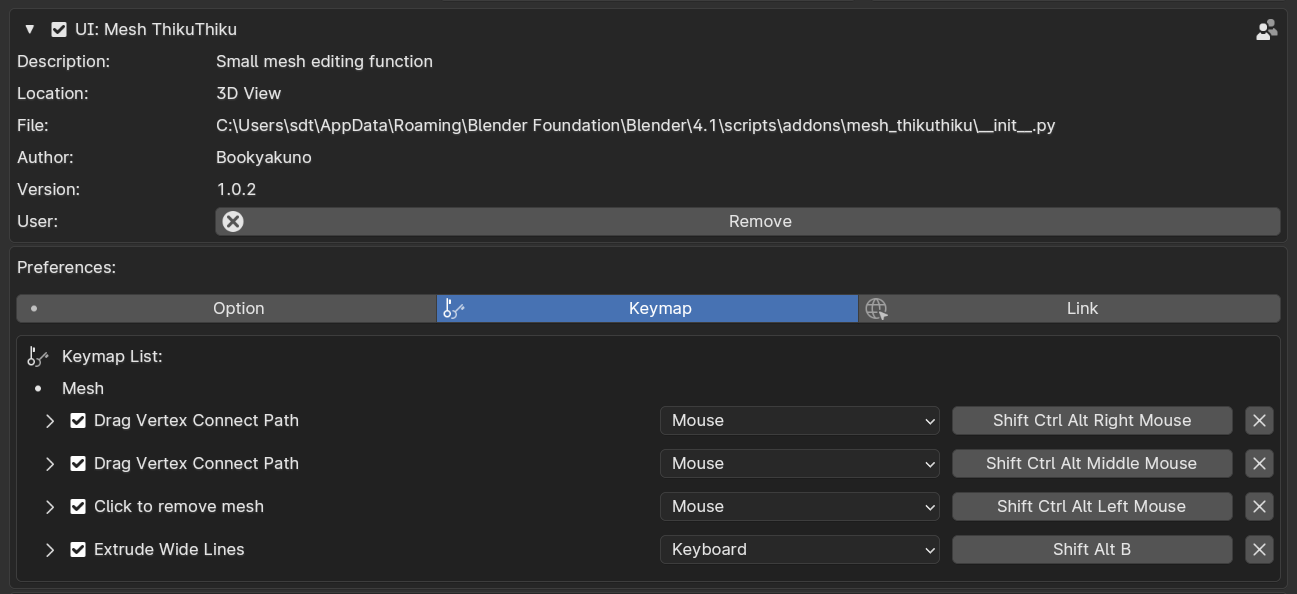
Mesh Thikuthiku is a Blender add-on for connecting and merging vertices, removing mesh or edges, and creating extrusion lines from selected edges.
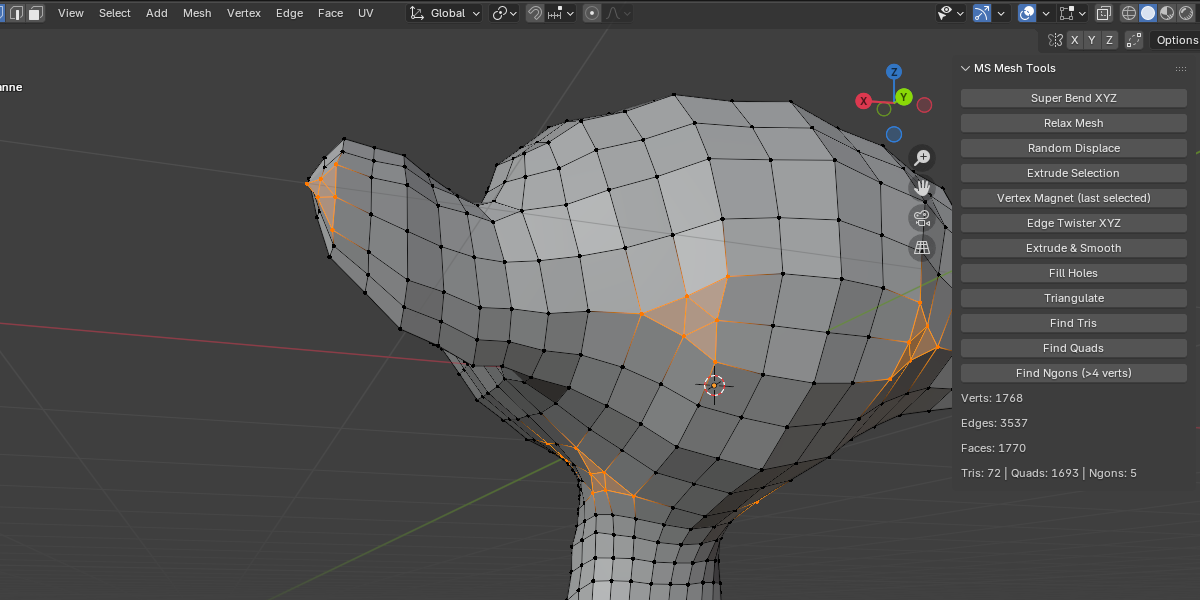
Mesh Tools for Blender groups vertex, edge and face editing with live mesh counts in one sidebar panel. Its listing covers Blender 4.0 through 4.5.
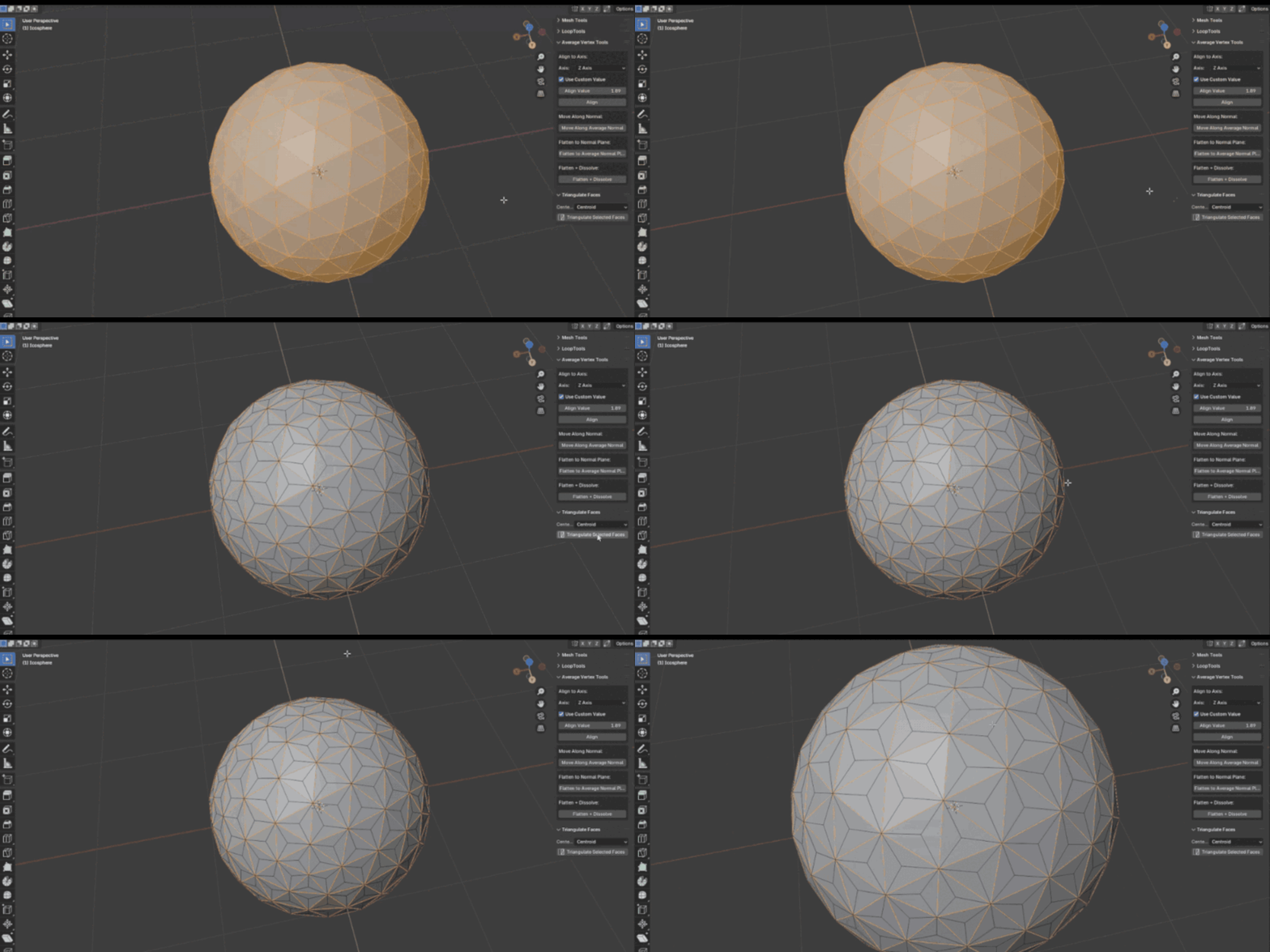
Mesh Tweaker is a Blender add-on for X, Y, or Z vertex alignment and face triangulation, especially n-gons, with three center types. Check listed versions.
Mesh Vault combines mesh generation, flipped-normal selection, hole filling, and arrays in one Blender add-on. Check its Blender range and GPL license.
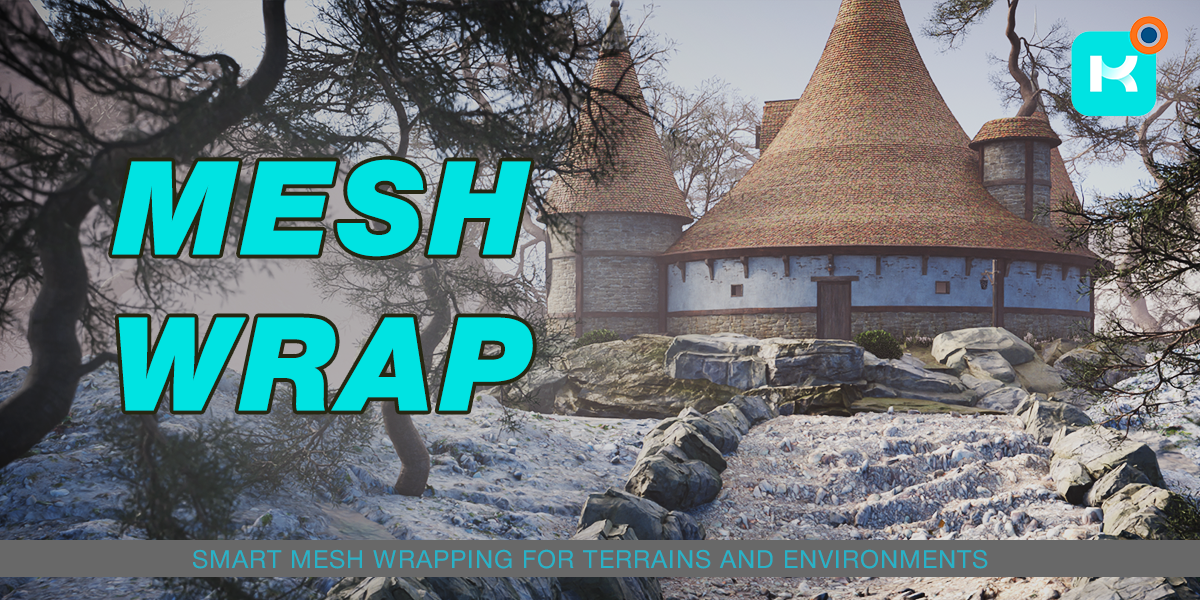
Mesh Wrap By Kiri Engine wraps terrain and surface scans onto Blender base meshes, retaining detail. It is listed for Blender 4.4 through 5.0 under GPL.
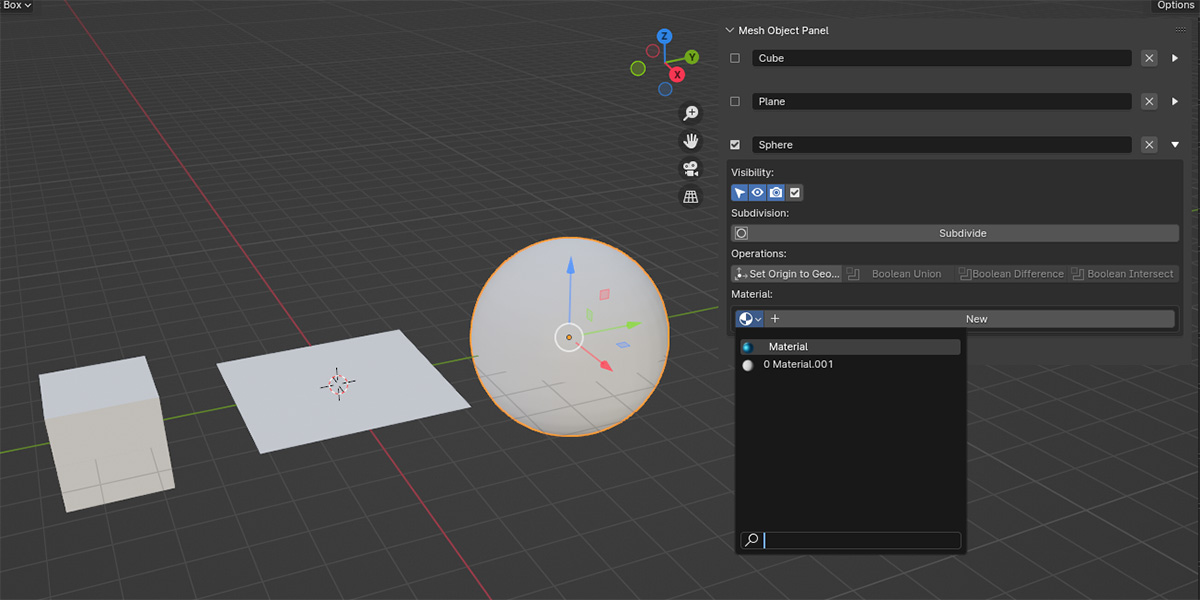
Meshcraft Pro is a Blender add-on that copies settings across selected objects, with Boolean, bevel, subdivision, material, and visibility controls.
Meshcutter cuts Blender meshes into capped parts with Boolean, bisect, and curve tools. See how its cut modes and snapping work across Blender 4.4 to 5.x.
Move mesh shapes, UVs, shape keys and vertex groups between Blender objects. Compare MeshDataTransfer's mapping methods and masks for your workflow.