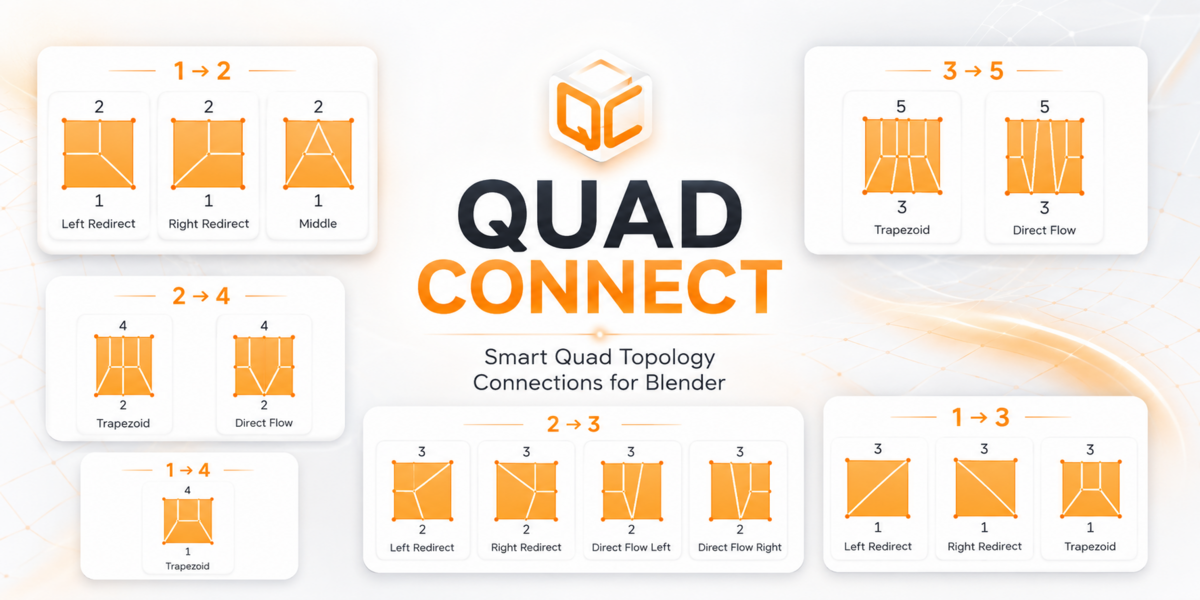
Quad Connect - Intelligent Edge Bridging For Clean Quad Topology
Quad Connect - Intelligent Edge Bridging For Clean Quad Topology is a Blender add-on for uneven edge bridging in Edit Mode. See listed versions and license.
Add-ons for building and editing 3D models, from mesh tools to sculpting utilities. Choose your 3D application to narrow the list. Page 37 of 52.
Quad Connect - Intelligent Edge Bridging For Clean Quad Topology is a Blender add-on for uneven edge bridging in Edit Mode. See listed versions and license.
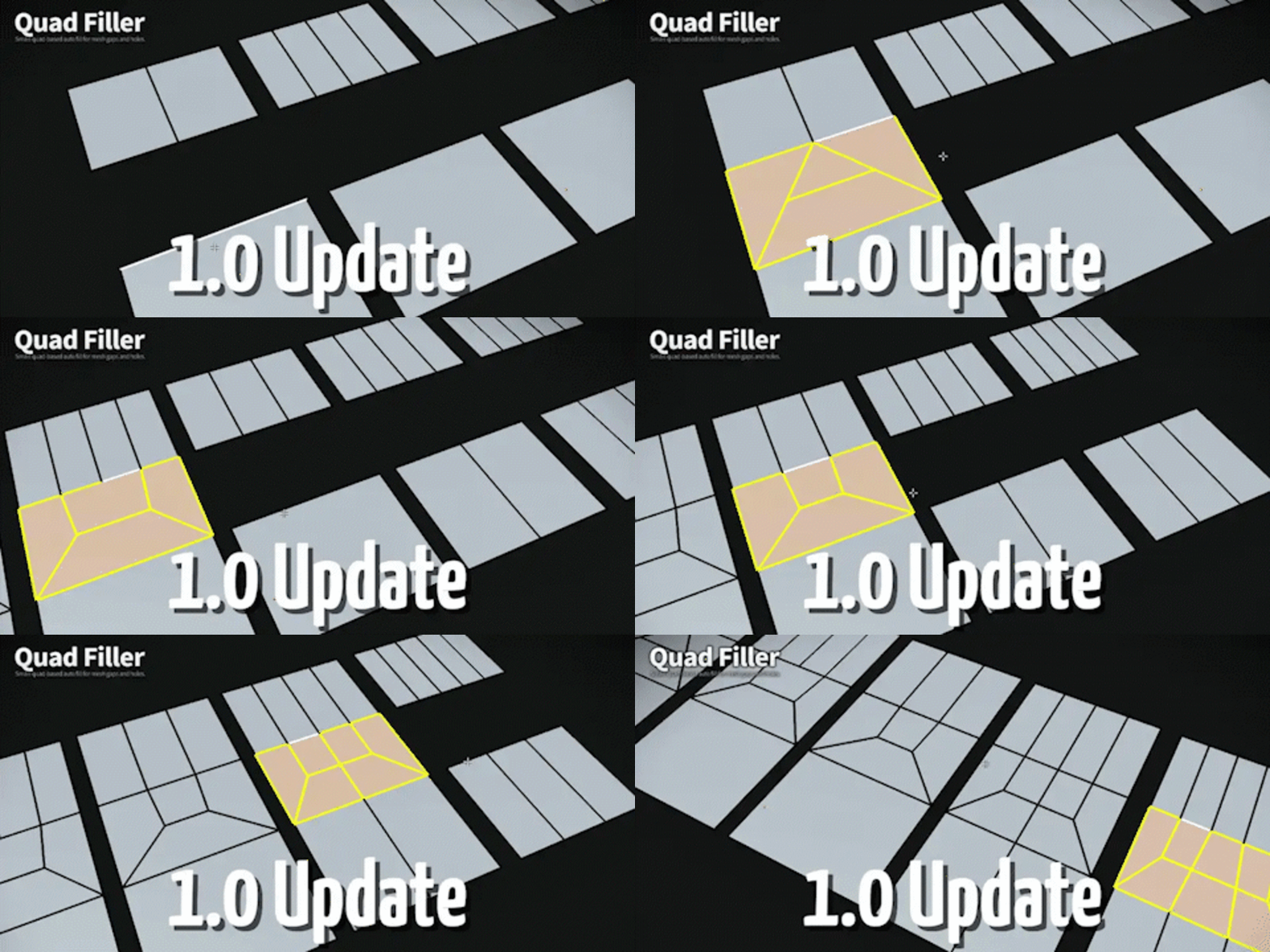
Quad Filler 1.0 (2026 New Update) is a Blender add-on bridging two open edge chains into quad-first results, with expanded bridging modes and shortcuts.
For manual Blender retopology, Quad Maker offers vertex, quad, border and loop tools. Listed Blender support spans 4.2 to 5.3; check it before installing.
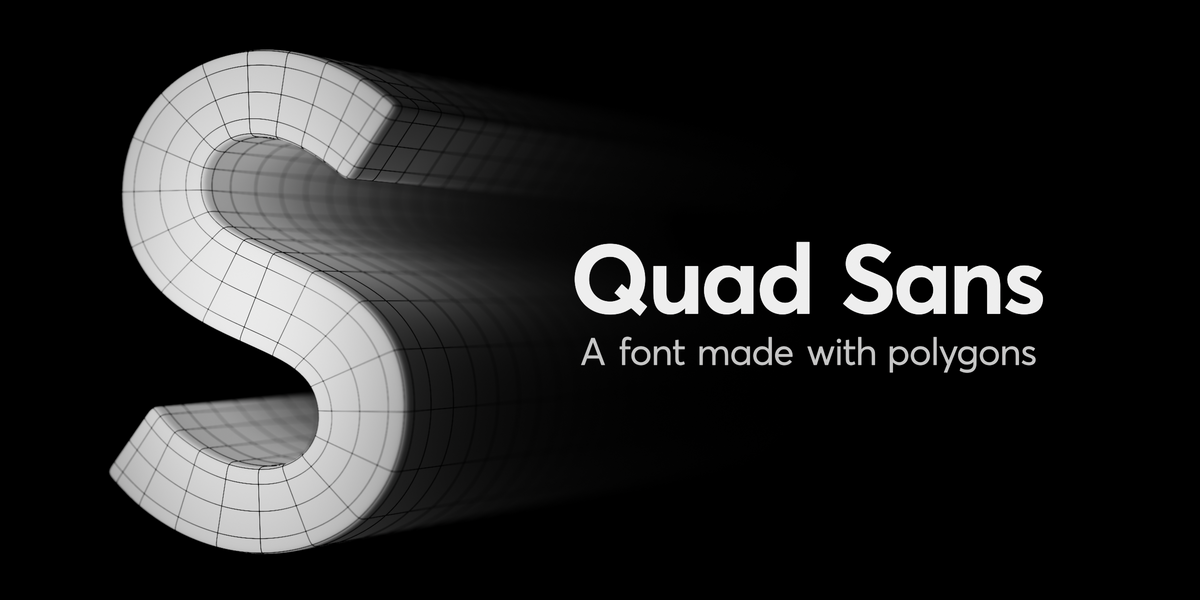
Quad Sans is a Blender font described as producing 3D text with quad faces. Check its Blender 4.5 to 5.2 listing and GPL terms before downloading.
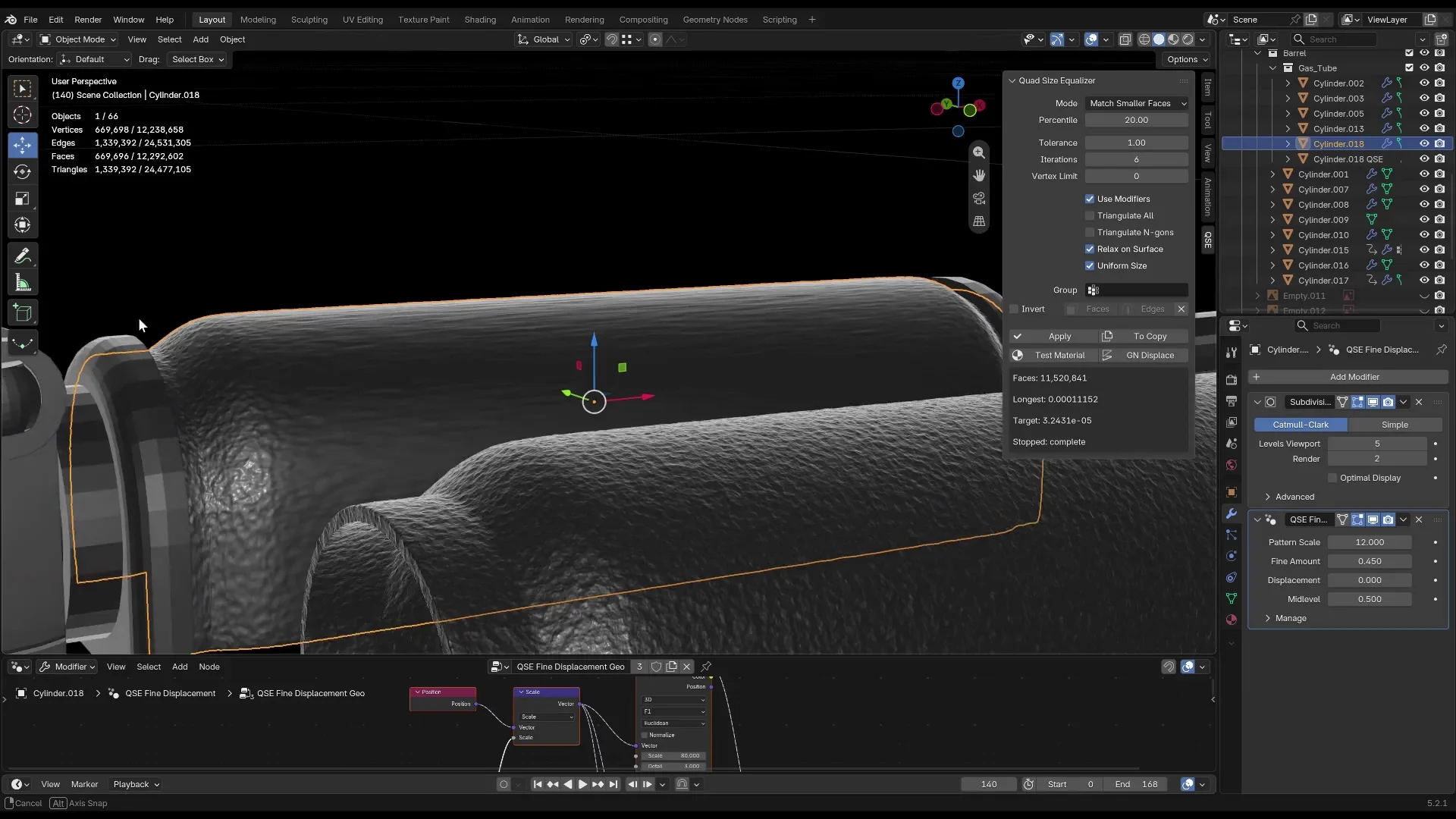
Equalize quad sizes after Subdivision Surface or Bevel in Blender 5.2+. Choose an edge-length target, refine mesh density, and preserve the shape.
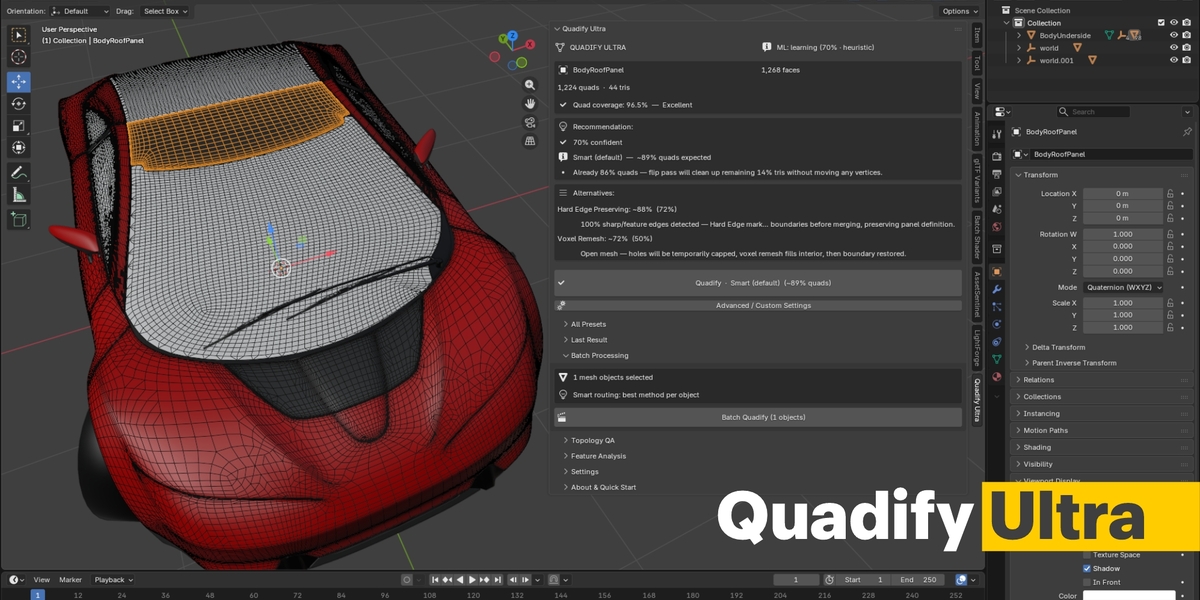
See how Quadify restores quads on triangulated imports and rebuilds AI or scan meshes in Blender. Compare its shape checks, edition features, and limits.
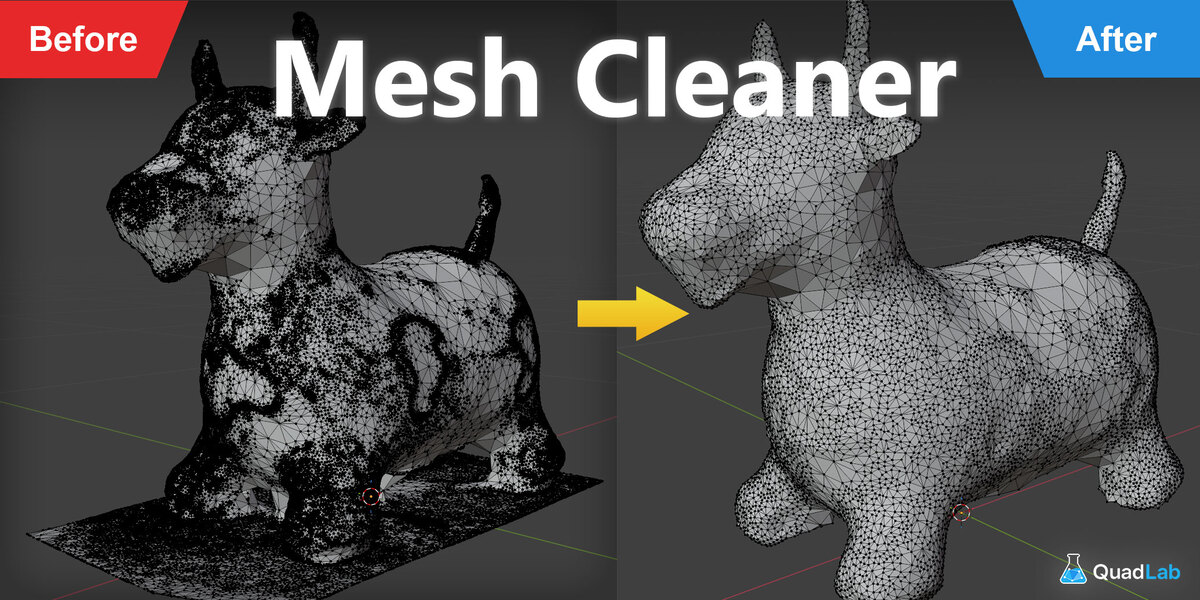
Quadlab Mesh Cleaner is a Blender add-on for analyzing and preparing irregular meshes before remeshing, export, or manual retopology.
Draw quad strips across broad model areas in Blender with QuadPatch. Review its path highlighting, count and segment controls, and surface relaxing.
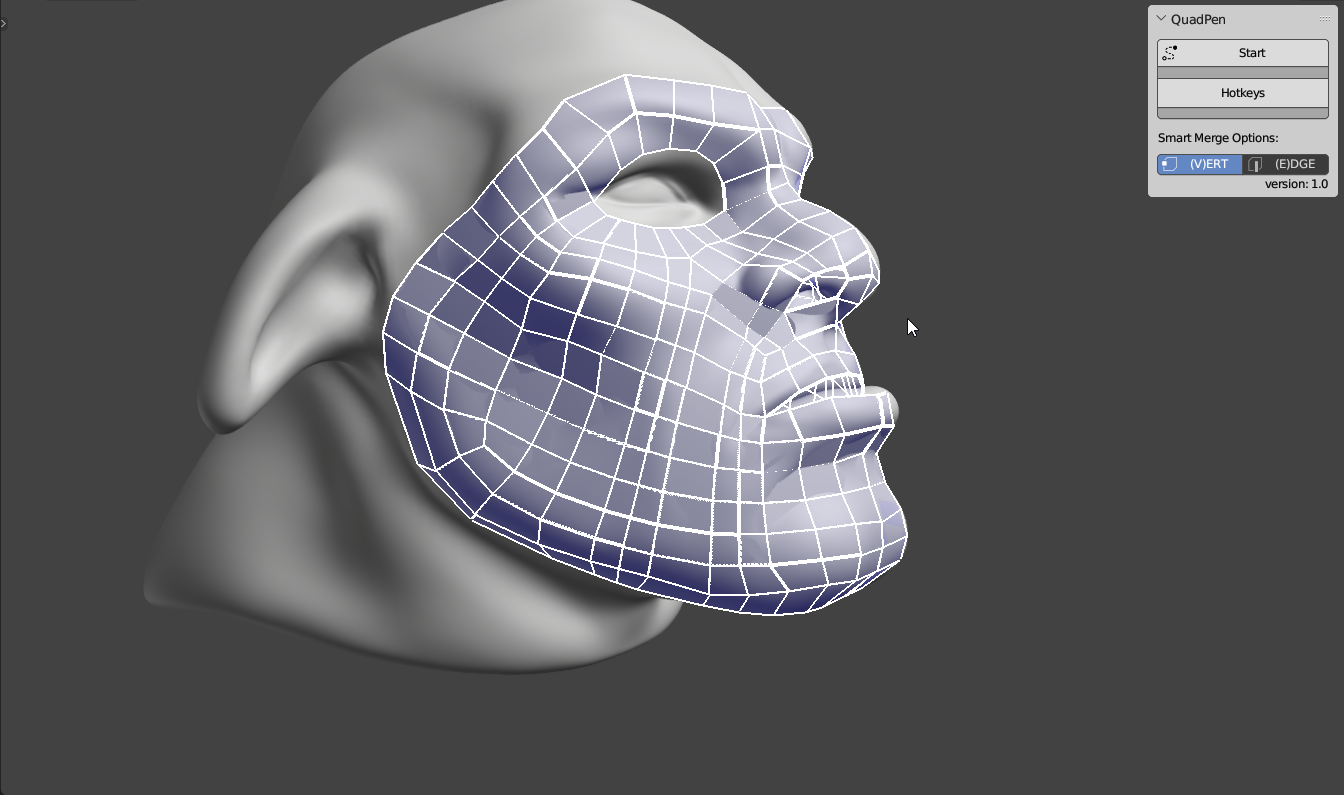
Quadpen - Retopology Tool is a Blender add-on for drawing quads over meshes, with guide editing, segment controls, shortcuts and version notes.
Quadwrap - Retopology Tool wraps quads around arms, fingers, legs and horns in Blender, with controls for rings, bridge cuts and end caps.
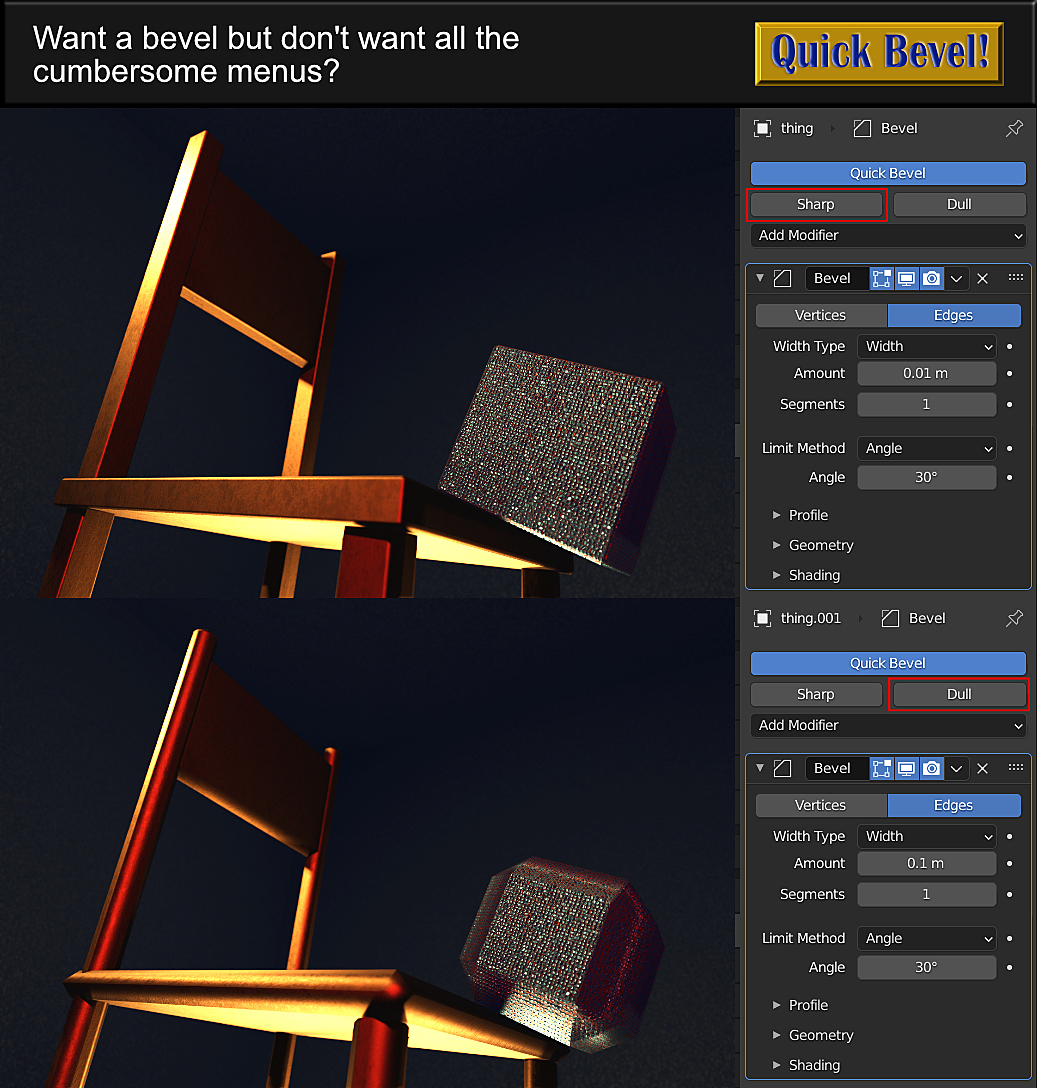
Quick Bevel adds sharp or dull bevels in Blender’s Modifiers tab, with auto-smooth and harden normals enabled. Listed versions: 2.9, 2.91, 2.92 and 2.93.
Quick Boolean is a 3ds Max tool for preset ProBoolean operations, with reverse commands and Fix Normal. Check version, price and setup before downloading.
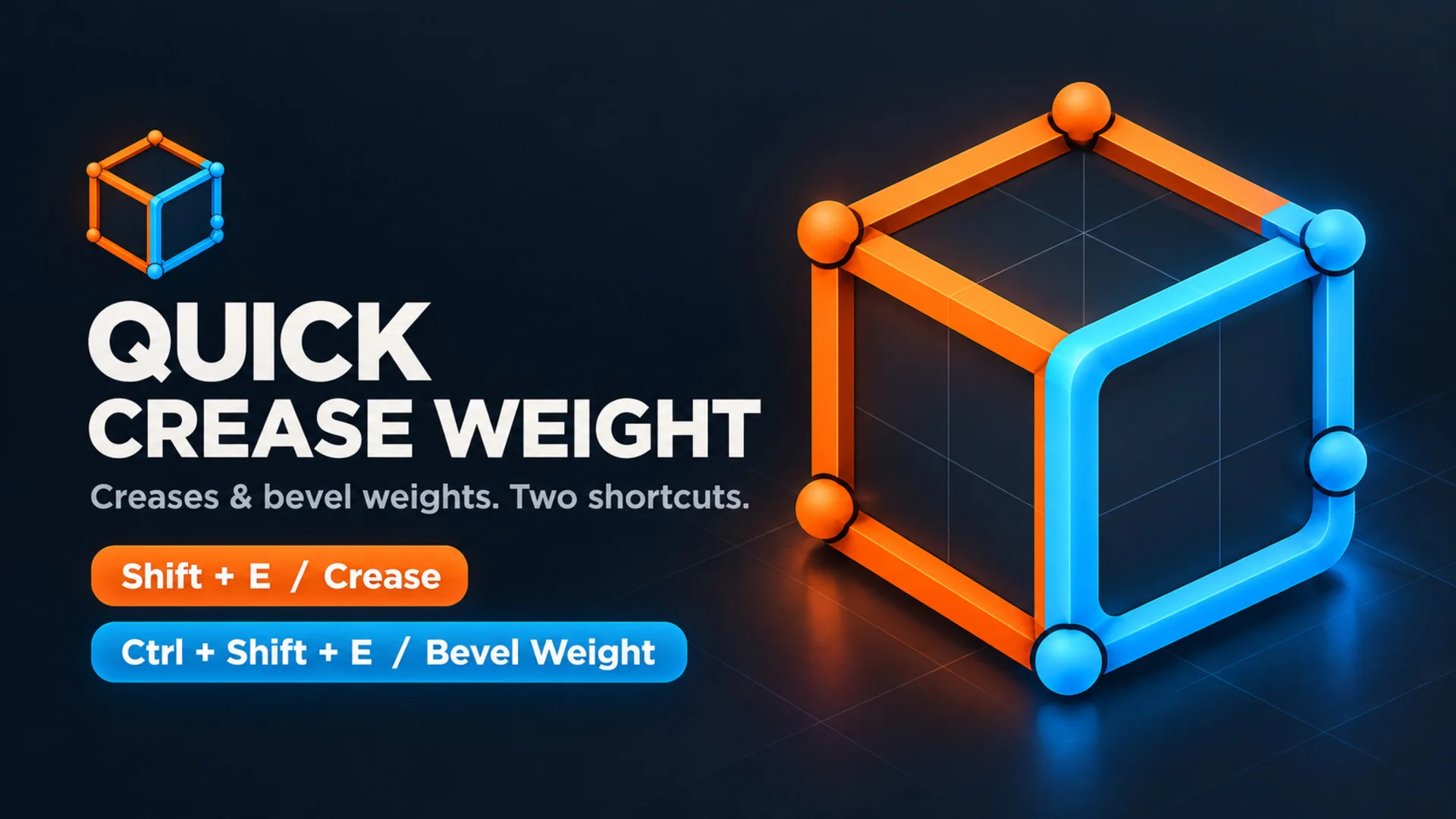
Quick Crease Weight edits mesh creases and bevel weights in Blender with live mouse controls, snapping, and cancel or undo support. Requires Blender 4.2+.
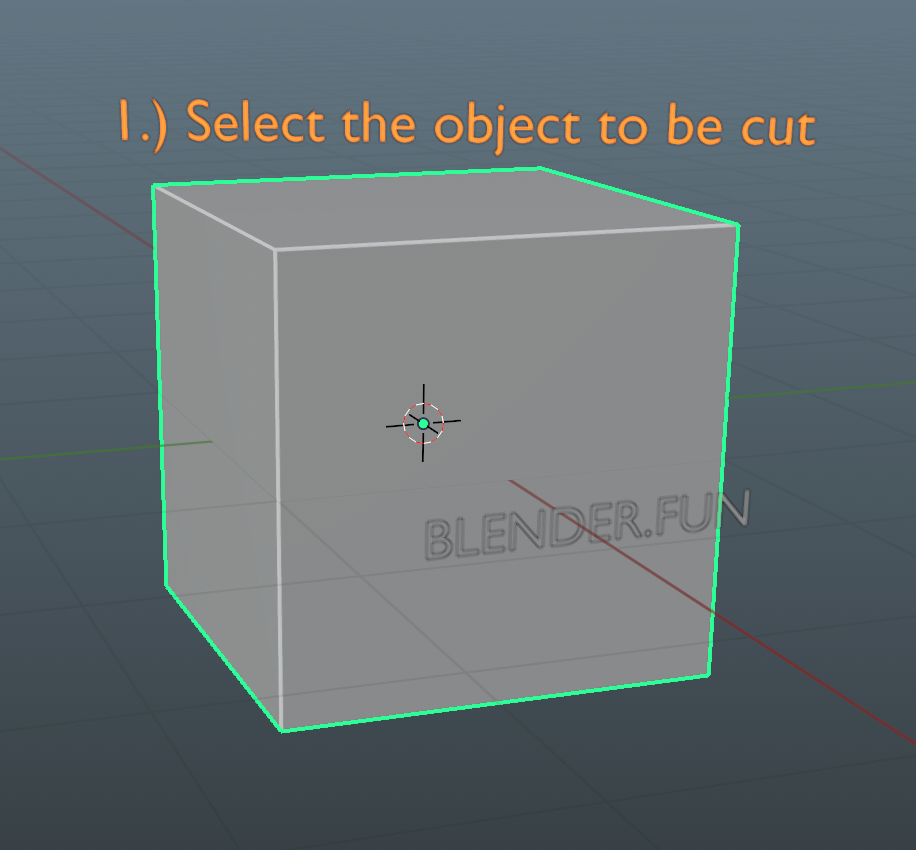
Quick Cut is Blender.Fun's Blender add-on for cutting along selected mesh edges. Use Shift-Q in Edit mode, choose Add Mesh Cut, and adjust its settings.
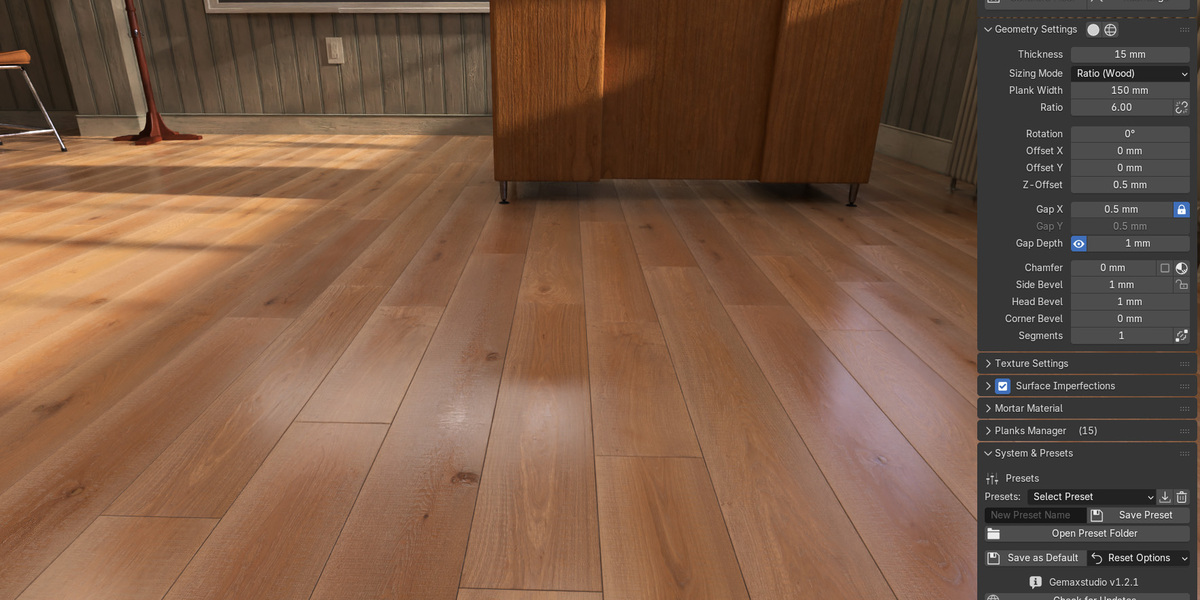
Quick Floor Pro 1.2.5 builds varied wood and tile layouts in Blender with pattern presets, texture variation and color controls. Check Blender support.
Group Blender objects as regular instances with Ctrl+G, edit them in a Library scene, and use dedicated shortcuts to ungroup or manage instances.
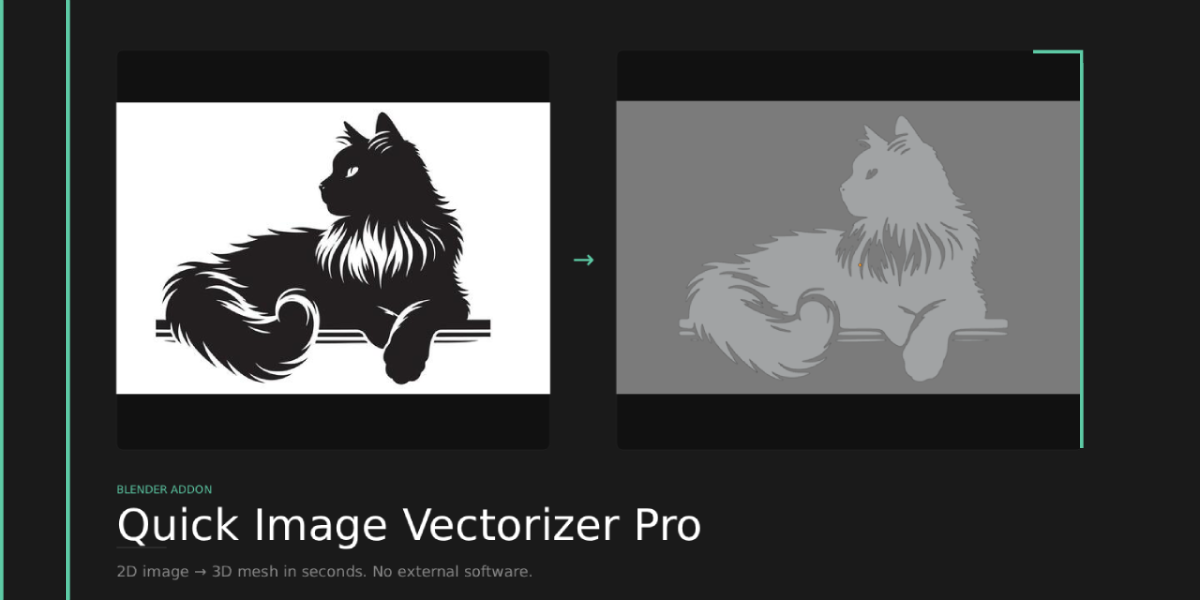
Quick Image Vectorizer Pro traces PNG, JPG, or BMP images into Blender meshes or curves, with batch processing and calibrated SVG export. Review setup first.
Quick J ( Connect Vertex Path ) is a Blender add-on for connecting vertices under the cursor with J. You can adjust hover radius and selection behavior.
Quick Knife cuts one Blender object with another using Ctrl+Shift+K. Review its three-step workflow, listed Blender versions and GPL license.
Quick Landscape is a Blender add-on for preset terrain, tree scattering, fog and materials. Check version notes for Blender compatibility.
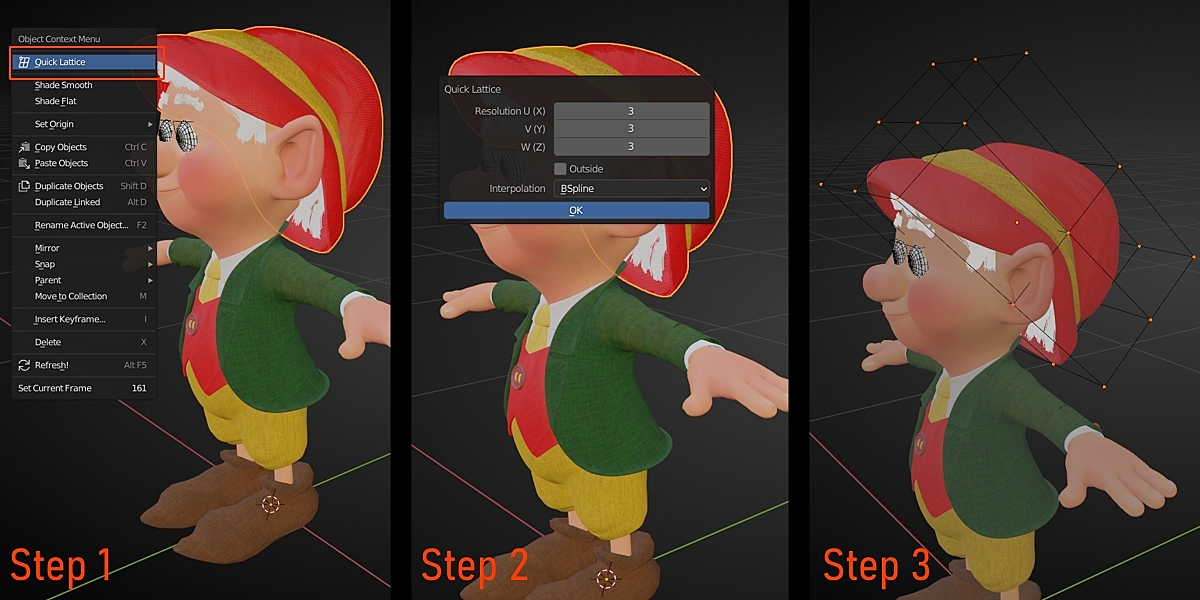
Quick Lattice automates Blender lattice cage setup, including size, rotation, resolution and interpolation. Check version support and the rotated-pivot caveat.
Quick Mushrooms are a Blender add-on with 15 textured models and animation support. It includes a free 1.44 GB photo pack; check compatibility and licensing.
Quick Object Explorer is a Blender add-on for object selection, duplication and Cast or Array modifiers. Versions listed: Blender 3.0 to 4.2.
Quick Object Scatter is a Blender add-on for placing object instances with clicks, along curves, or on drawn lines. It can randomize rotation and scale.