Inout
Inout is an After Effects effect for property transitions timed to layer in/out points, with sliders, markers, keyframe setup, and a 10-day trial.
Animation tools for motion design, including keyframe helpers and transitions. Filter by your editing or 3D application. Page 21 of 45.
Inout is an After Effects effect for property transitions timed to layer in/out points, with sliders, markers, keyframe setup, and a 10-day trial.
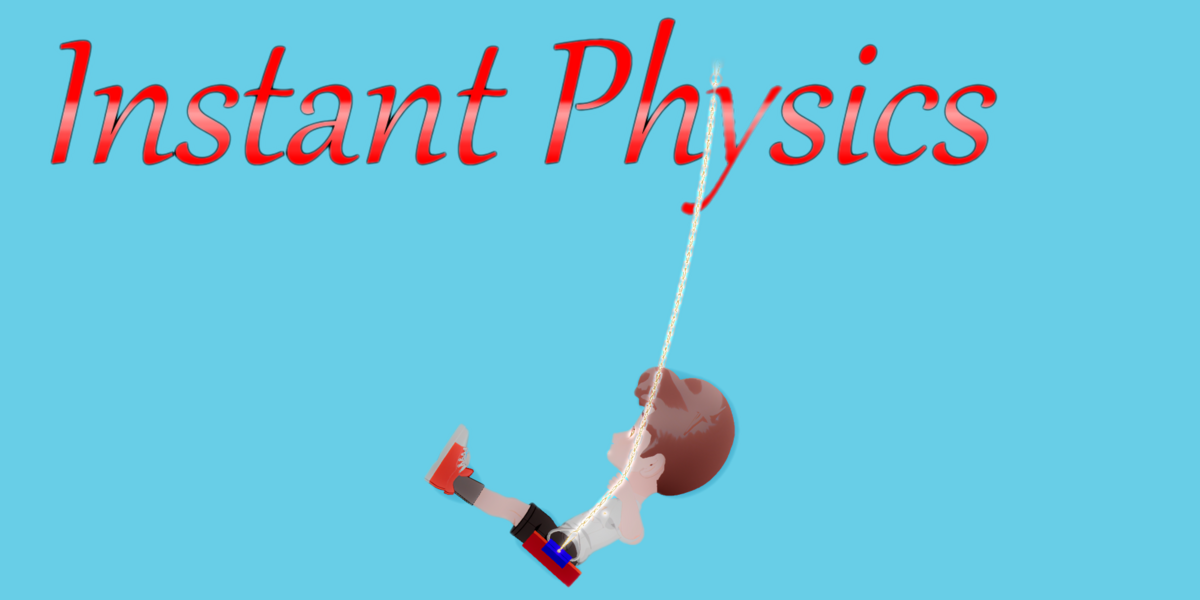
Add controlled secondary motion to existing Blender animation with location or rotation offsets. Review its multi-bone and procedural animation capabilities.
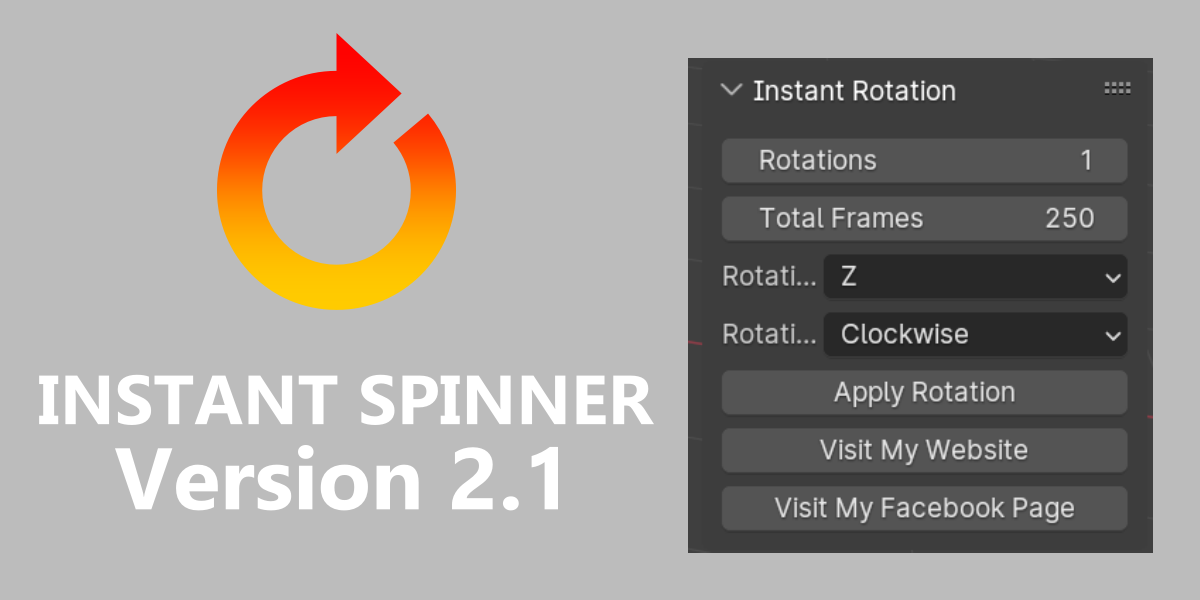
Set mesh rotation count, frame range, axis, and direction in Blender with Instant Spinner Pro. See listed compatibility and license details.
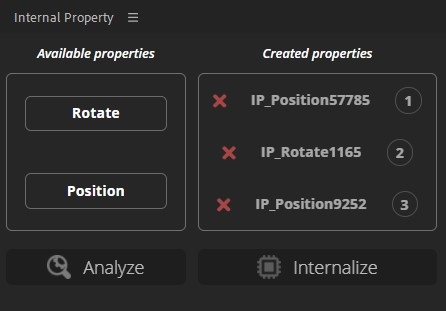
Re-key After Effects animation with Internal Property: adjust Position, Anchor Point or Rotation; keep prior keys and manage or remove internalized properties.
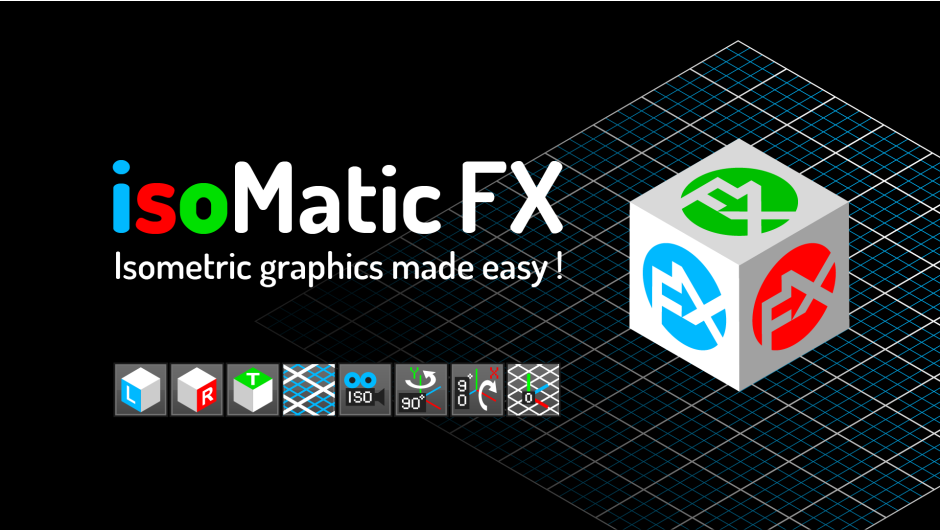
Create isometric graphics in After Effects with 2D layer orientations, a 3D camera, adjustable grids, and axis-constrained movement controls for animation.
Isometric Rigger adds three axis sliders for positioning After Effects layers in isometric space. See setup steps, compatibility limits, and license terms.
Joysticks n Sliders are an After Effects rigging tool for pose controls, sliders and replaceable artwork. Check compatibility and trial limits.
Change an After Effects property's last keyframe without moving the CTI. Jump Keyframe keeps its timing, easing and label color, with KBar shortcuts.
JustScrollit is an After Effects tool for animated credit rolls from text files, presets, or blank lists. Edit the composition and adjust column spacing.
Explore Kairos Abstract Addon for Blender: apply 17+ Geometry Nodes presets to mesh objects, animate reveal effects, and check listed version support.
Karton 2 creates responsive text boxes, reusable presets, and typewriter animations in After Effects, with MOGRT support for text edits in Premiere Pro.
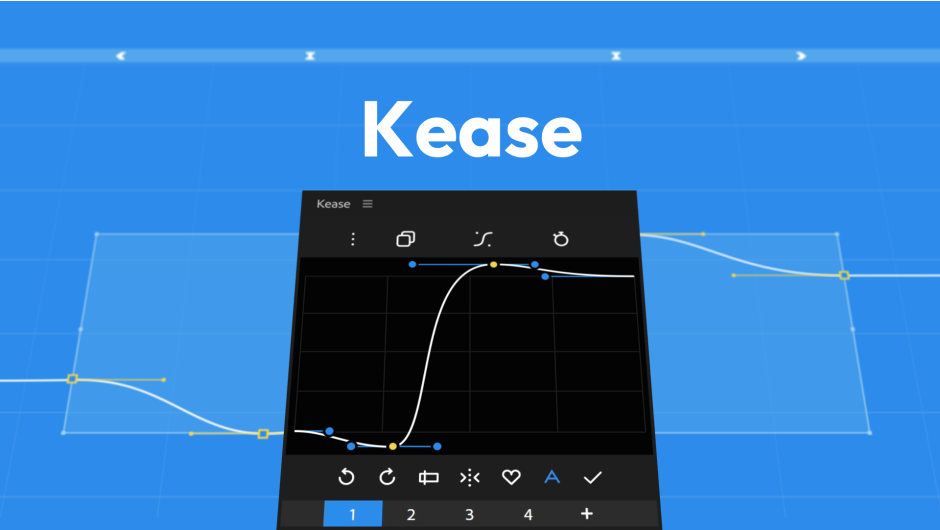
Shape reusable easing curves in After Effects with Kease. Compare standard and multi-keyframe workflows, position tools, compatibility, and Free/Pro limits.
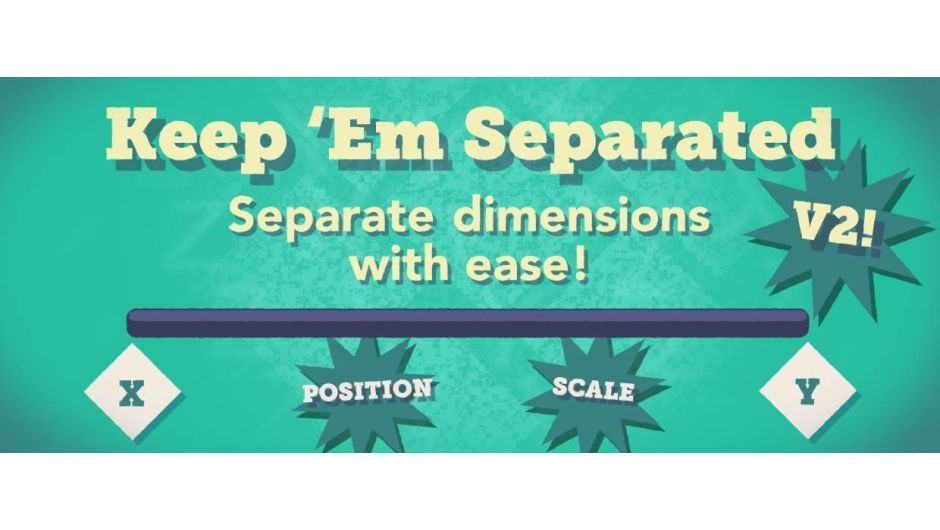
Keep 'Em Separated 2 separates or rejoins Position or Scale dimensions on 2D/3D After Effects layers, keeping keyframe timing; curved paths may become linear.
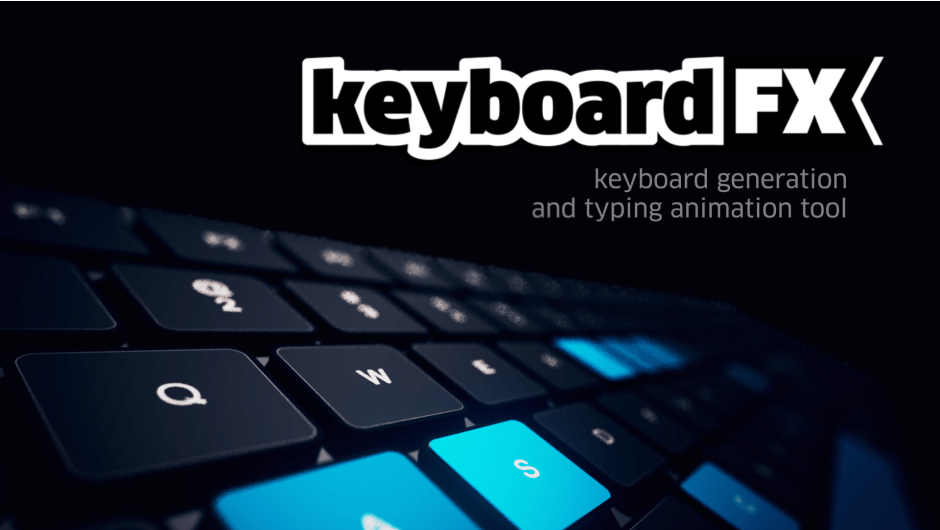
keyboardFX is an After Effects tool for custom keyboards, typing animations, speed or marker timing, special keys, mobile symbols, and 3D key presses.
KeyFast adds one-click controls for easing, layer staggering, keyframe alignment, Trim Paths, and adjustable motion settings in After Effects.
Adjust Blender animation timing with KeyFlow’s single slider, keep original animations intact, and save camera rigs for product shots or flythroughs.
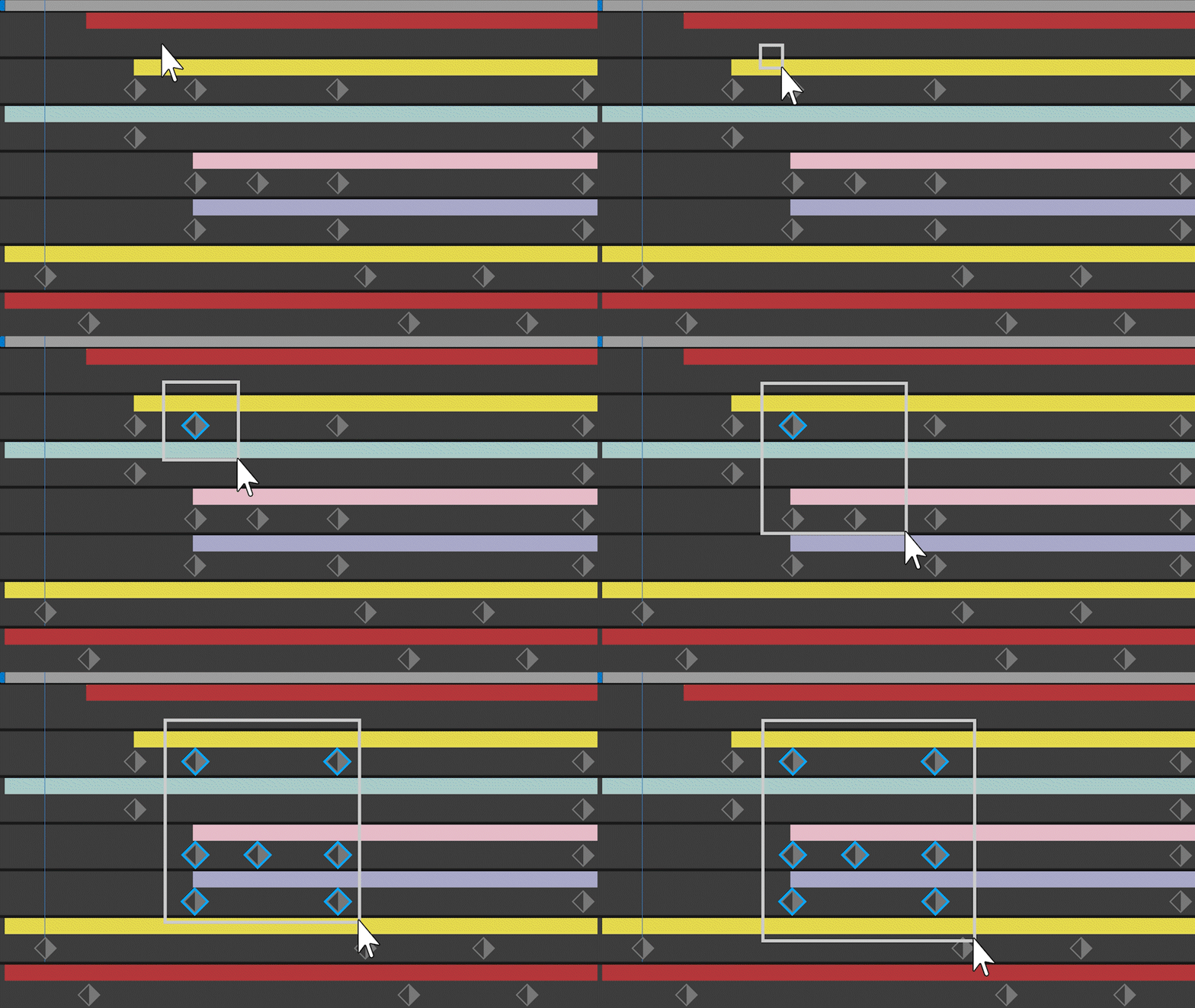
Keyframe Parent groups selected After Effects keyframes under a null to shift or stretch timing, preserve interpolation, and see retiming updates live.
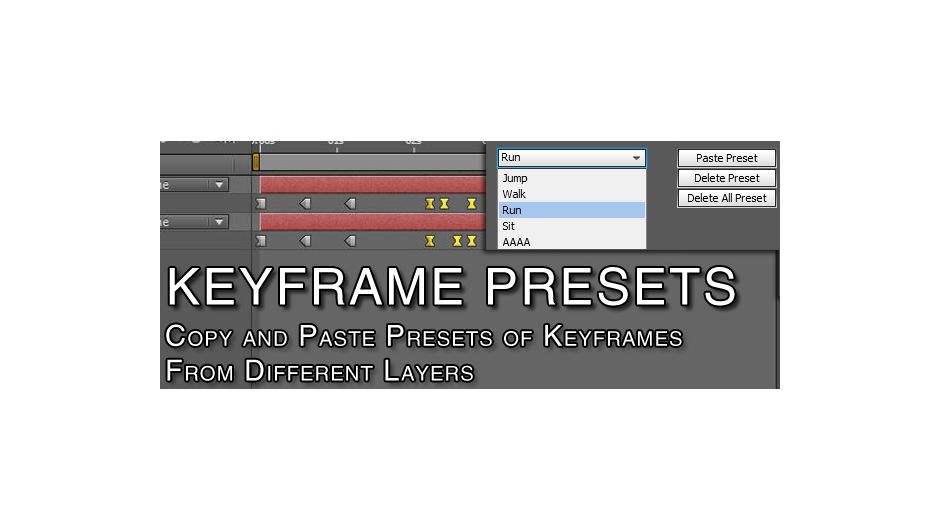
Reuse After Effects keyframes across layers with Keyframe Presets. Learn its transfer workflow, published version support, known limits, and licensing.
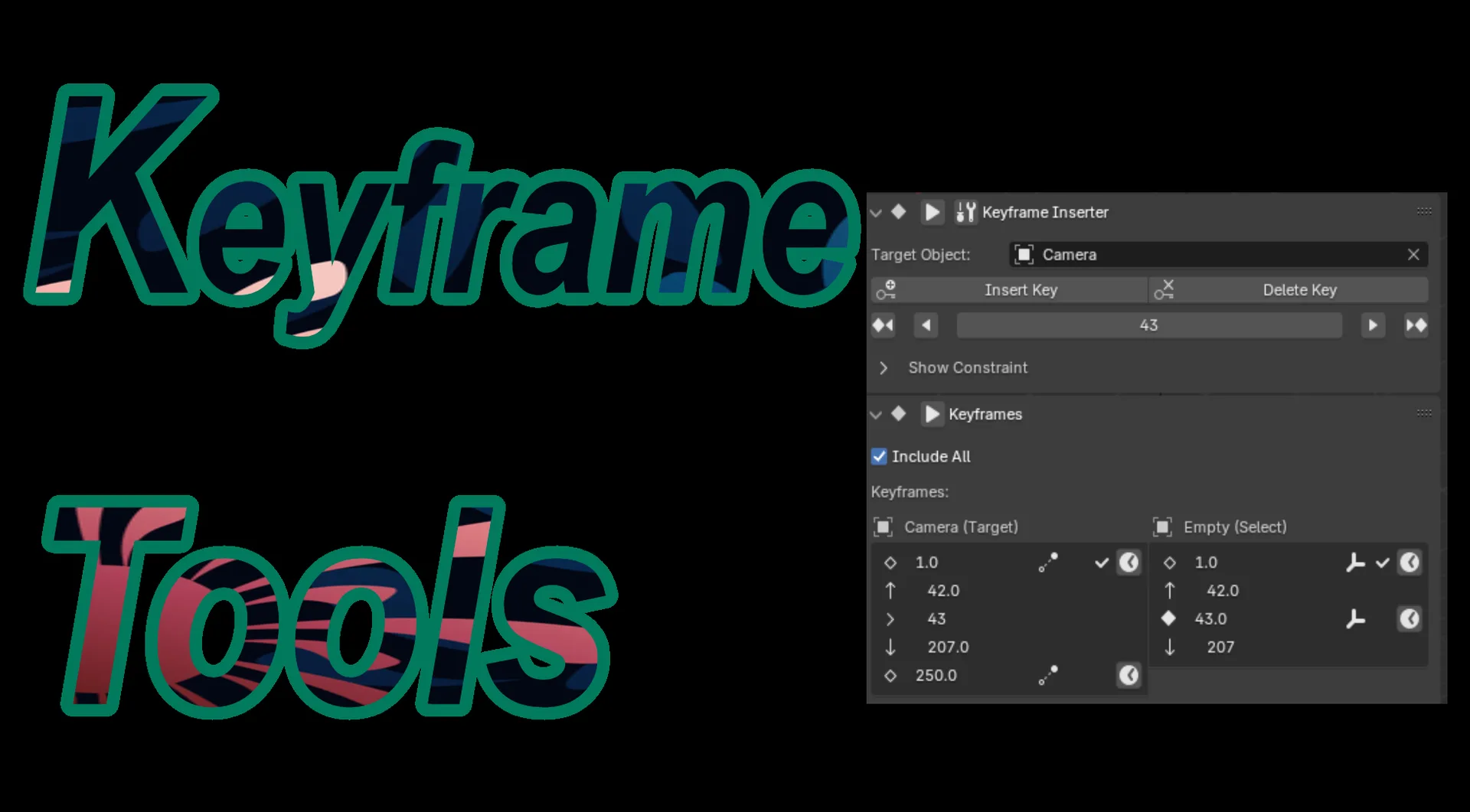
Keyframe Tools are for object keyframes and camera controls in Blender, with track constraint influence display. Check Blender 4.2.0 compatibility.
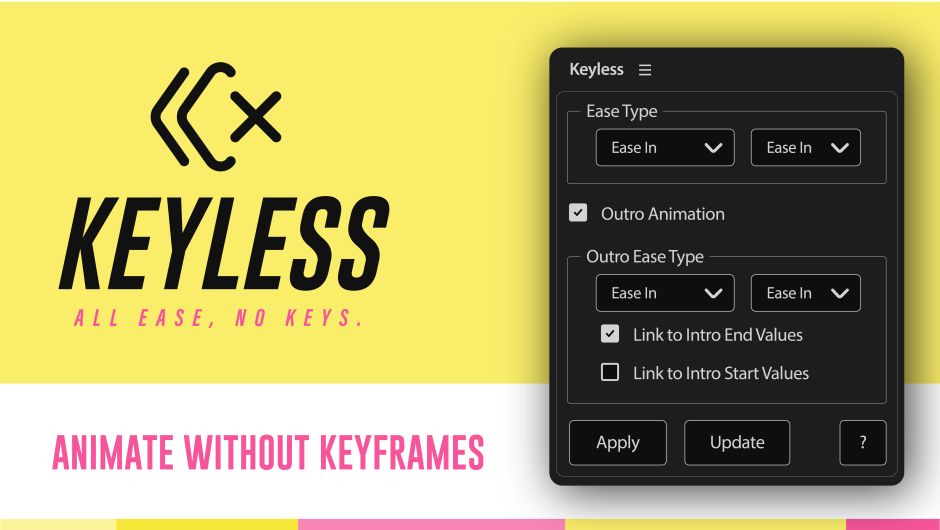
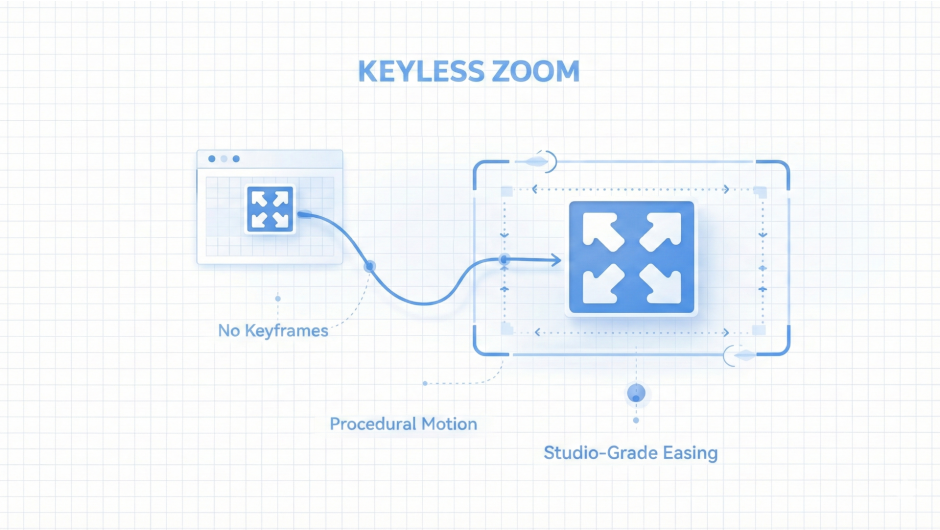
Keyless Zoom builds After Effects camera moves with live start and end previews, automatic 3D layer framing, adjustable easing, and keyframe baking.
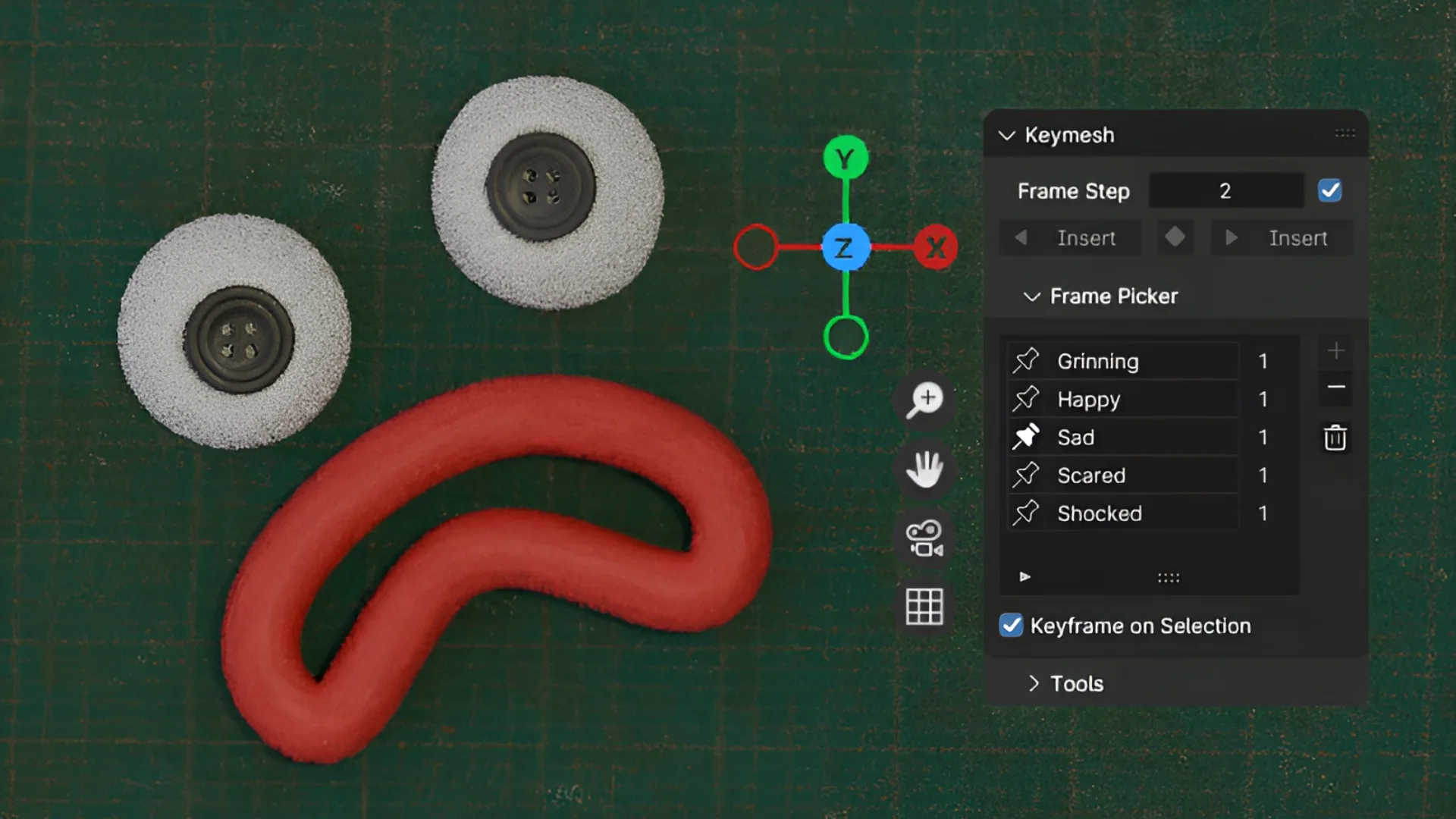
Learn how Keymesh builds stop-motion-style Blender animation from frame-by-frame object changes, and check its listed Blender version, tags, and license.
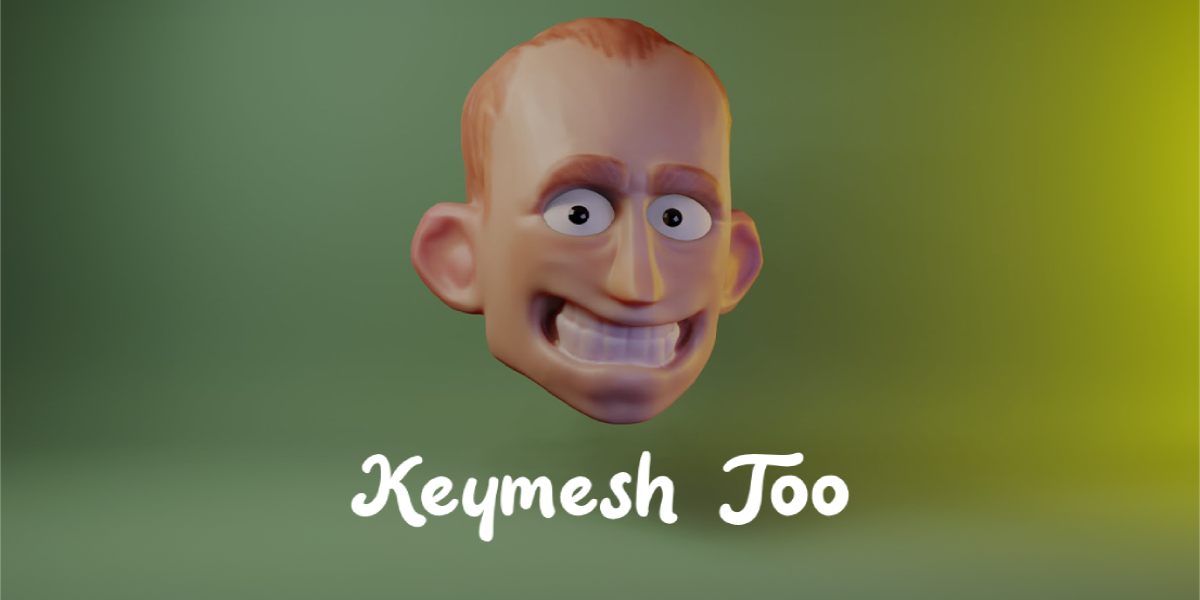
Keymesh Too is a Blender add-on for stop-motion and object versioning. The Blender 4.1-and-earlier build is free; for 4.2+, find Keymesh on Extensions.
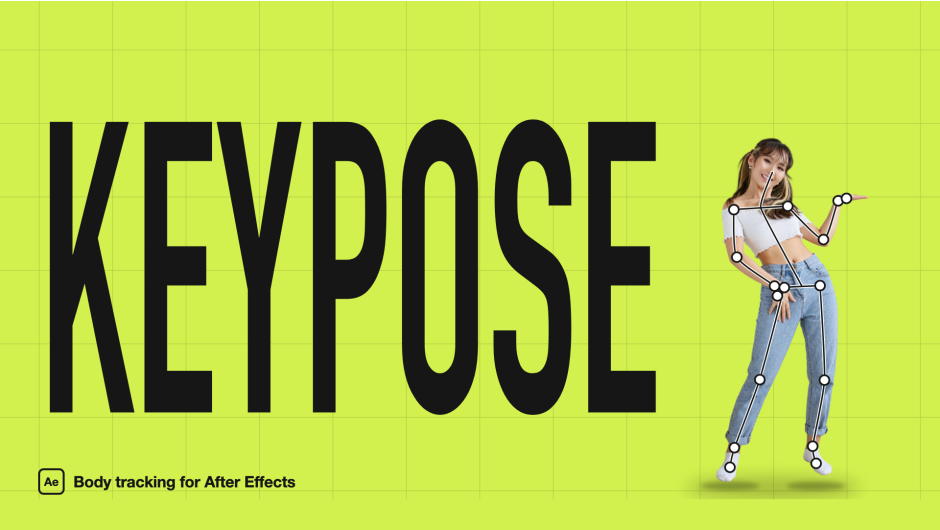
Track selected body points into After Effects nulls, attach layers or reframe around a person. Check supported systems, footage limits and trial terms.