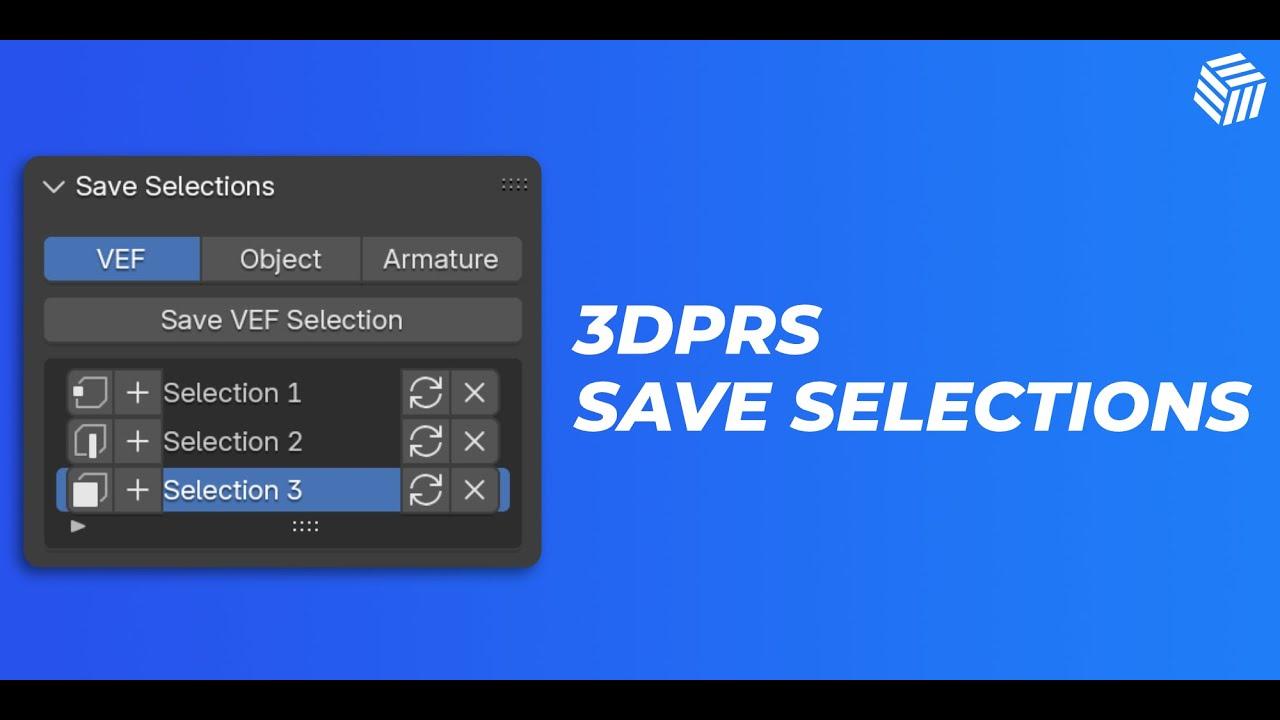
Save Selections
Save Selections stores vertex, edge, face, object and armature sets in Blender for quick recall. Review its controls, GPL license and compatibility.
Tools for organizing files and automating repeated tasks in creative applications. Browse by application or search for a task. Page 123 of 163.
Save Selections stores vertex, edge, face, object and armature sets in Blender for quick recall. Review its controls, GPL license and compatibility.
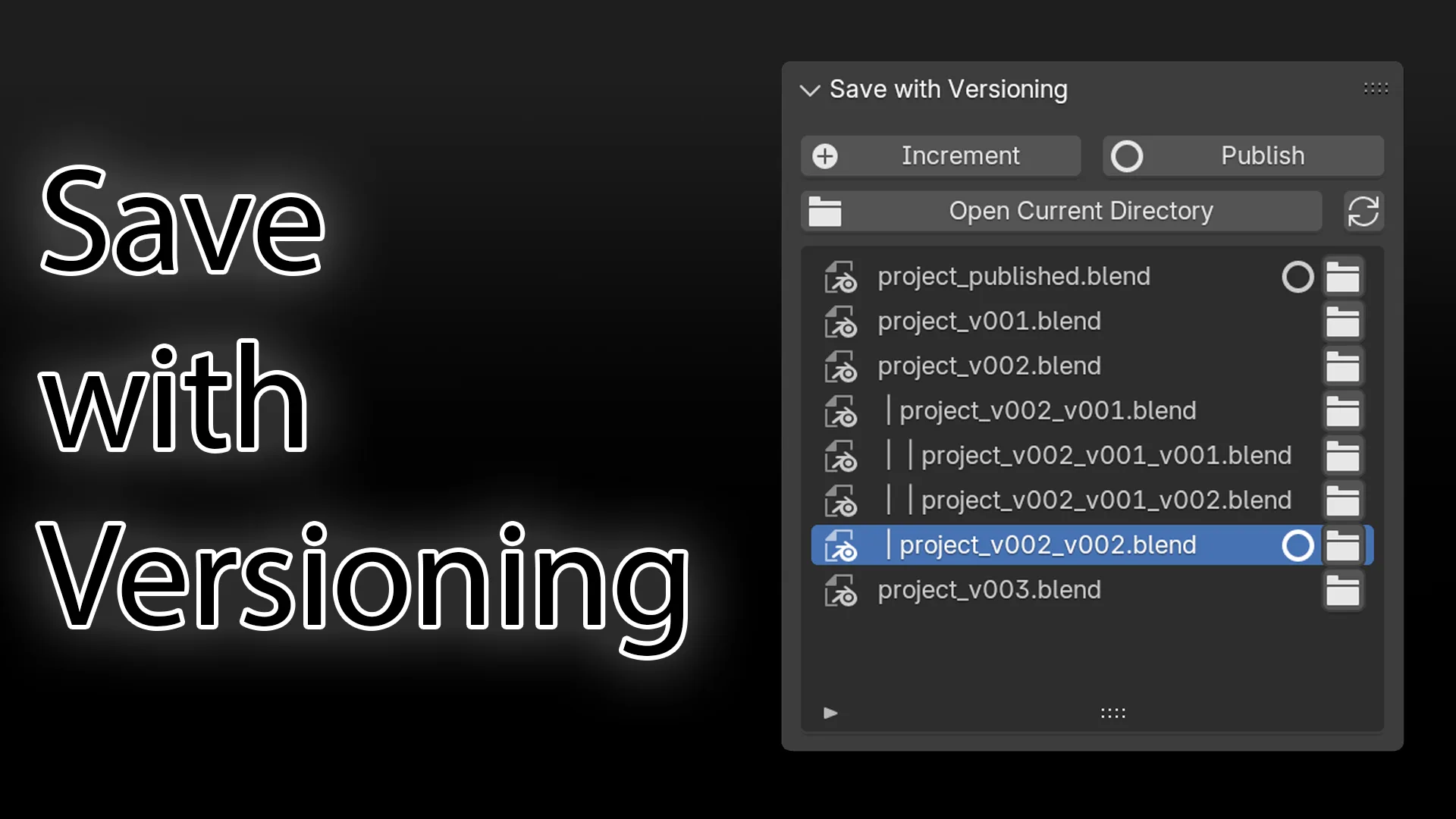
Save with Versioning creates numbered Blender files and a published file for asset links. Check its 2.1.1 release and Blender 4.2.0 minimum.
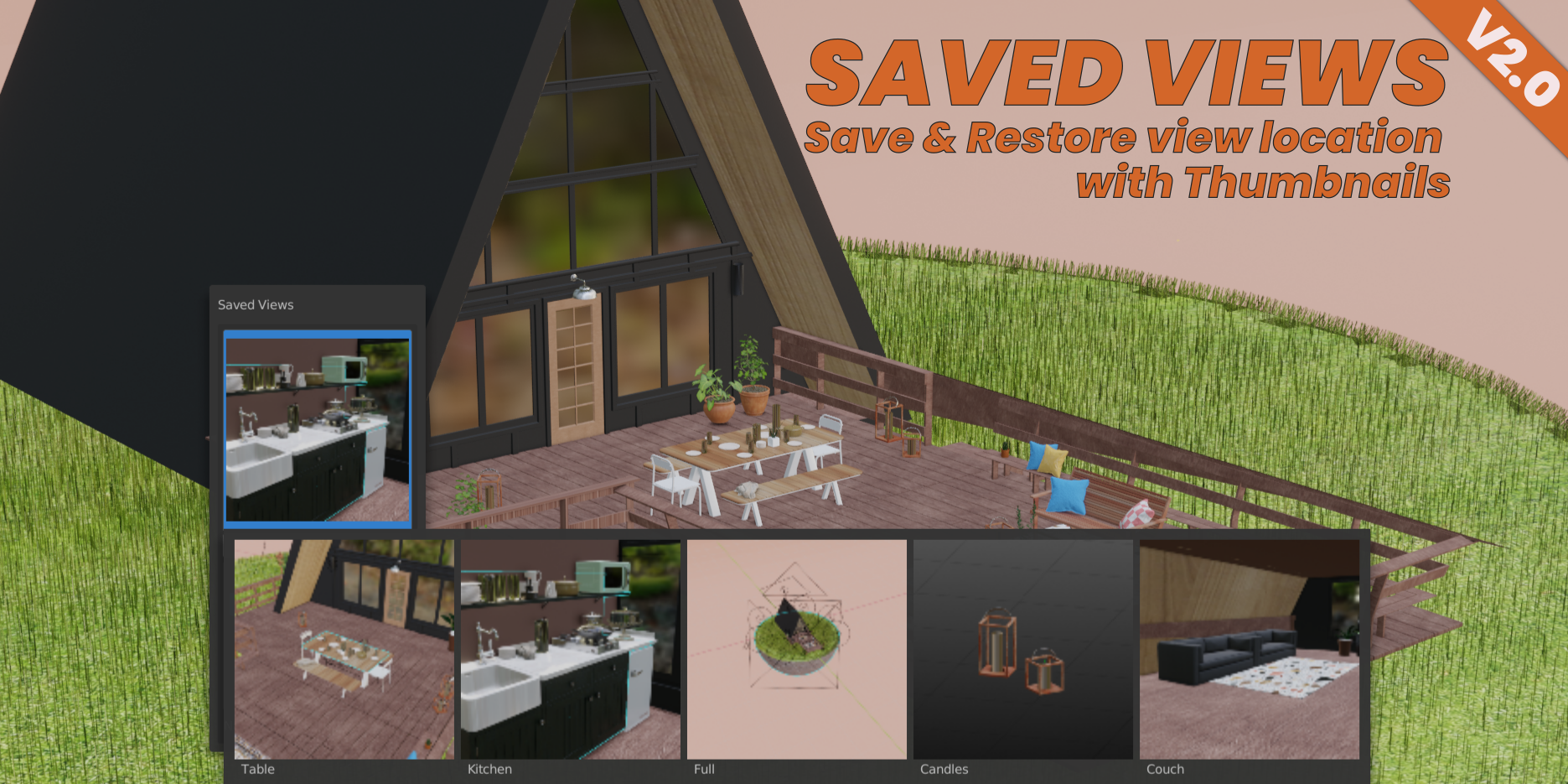
Saved Views for Blender saves viewport positions and rotation, with thumbnails, local view state, camera switching, and quick-save tools.
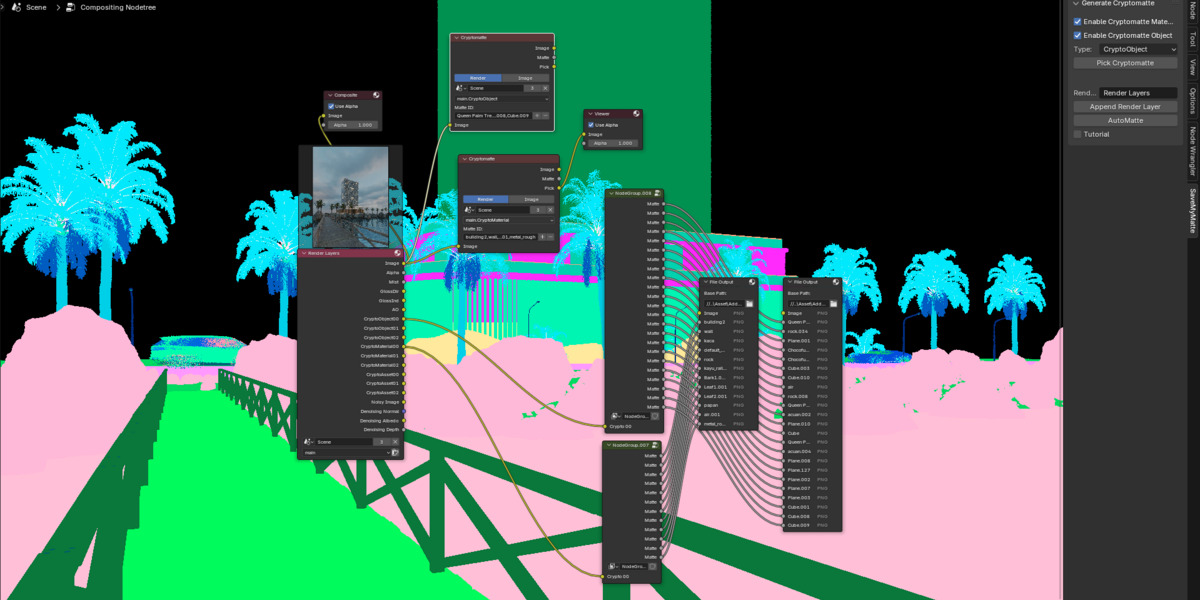
SaveMyMatte separates selected object or material Cryptomatte passes and saves them after rendering in Blender 4.2 to 5.0. Check setup and compatibility.
See how Scale Checker scans 3ds Max scenes for non-uniform scaling and writes flagged objects to a script file. Check compatibility before installing.
Move 3ds Max objects with Scale Move Tool: scale points to preserve object scale. Skewing Mode moves points proportionally; Quick Align aligns on X, Y or Z.
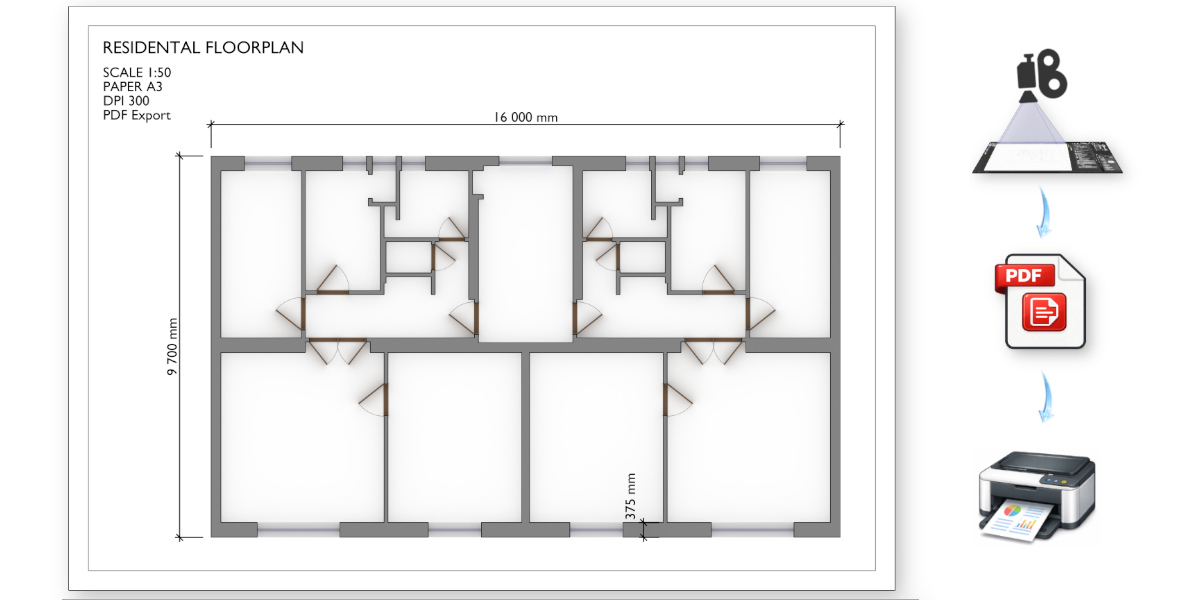
Scale Print Camera calculates Blender’s orthographic view and render resolution from scale, paper size and DPI. Print the true-size PDF at 100%.
Scanify searches selected drives or folders for Blender projects, with live results, filename search, date filters and optional backup-file scanning.
Scanova QR Codes are a Premiere Pro plugin for adding scannable codes and importing editable Dynamic QR Codes from a linked Scanova account.
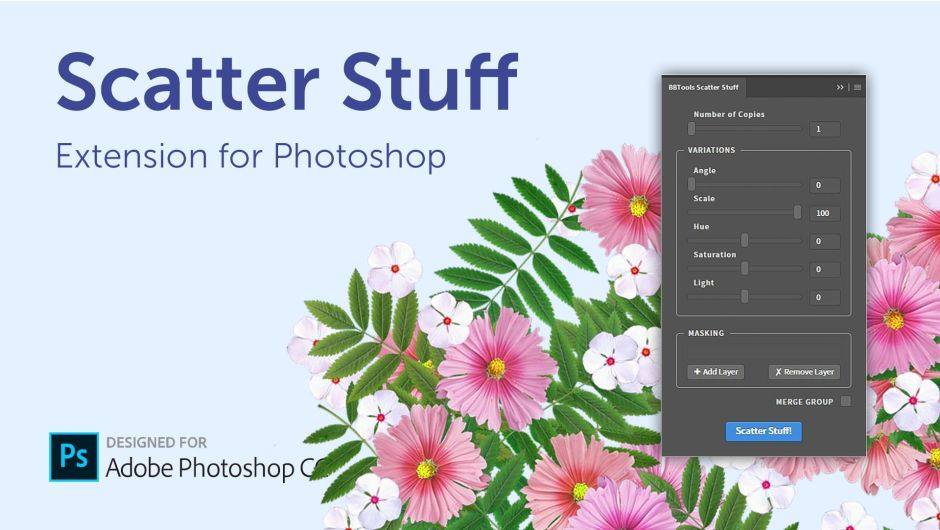
Scatter Stuff Photoshop Extension scatters text, smart objects or regular layers across a document, selection or mask. Check its controls and listed versions.
Scatter Tools for 3ds Max redistributes selected objects across surfaces, faces, spline points, or pivots. Review placement methods and compatibility notes.
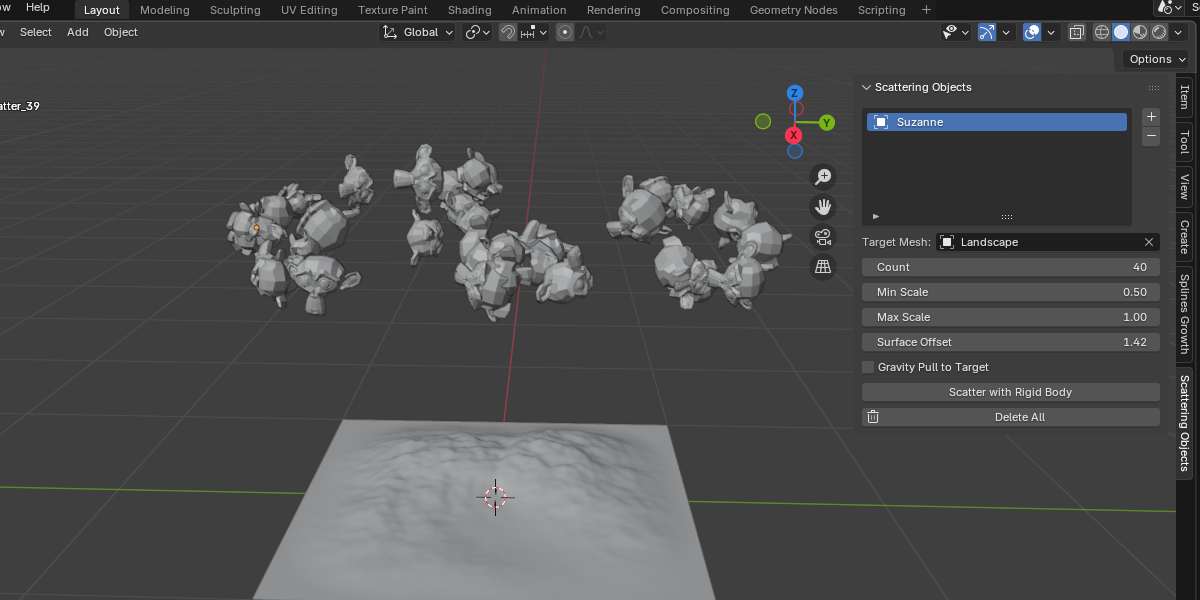
Scatter assets across a Blender target mesh with random rotation and scale, rigid body physics, and optional harmonic gravity. Review setup and controls.
See what Scene Information adds to Blender, where to find its Blend Info Panel, and which versions it supports. Check the current listing before installing.
The Scene MVR (.mvr) and GDTF (.gdtf) add-on imports GDTF fixtures and exchanges MVR scenes in Blender. For version 1.5.4, Blender 4.2.0 is the listed minimum.
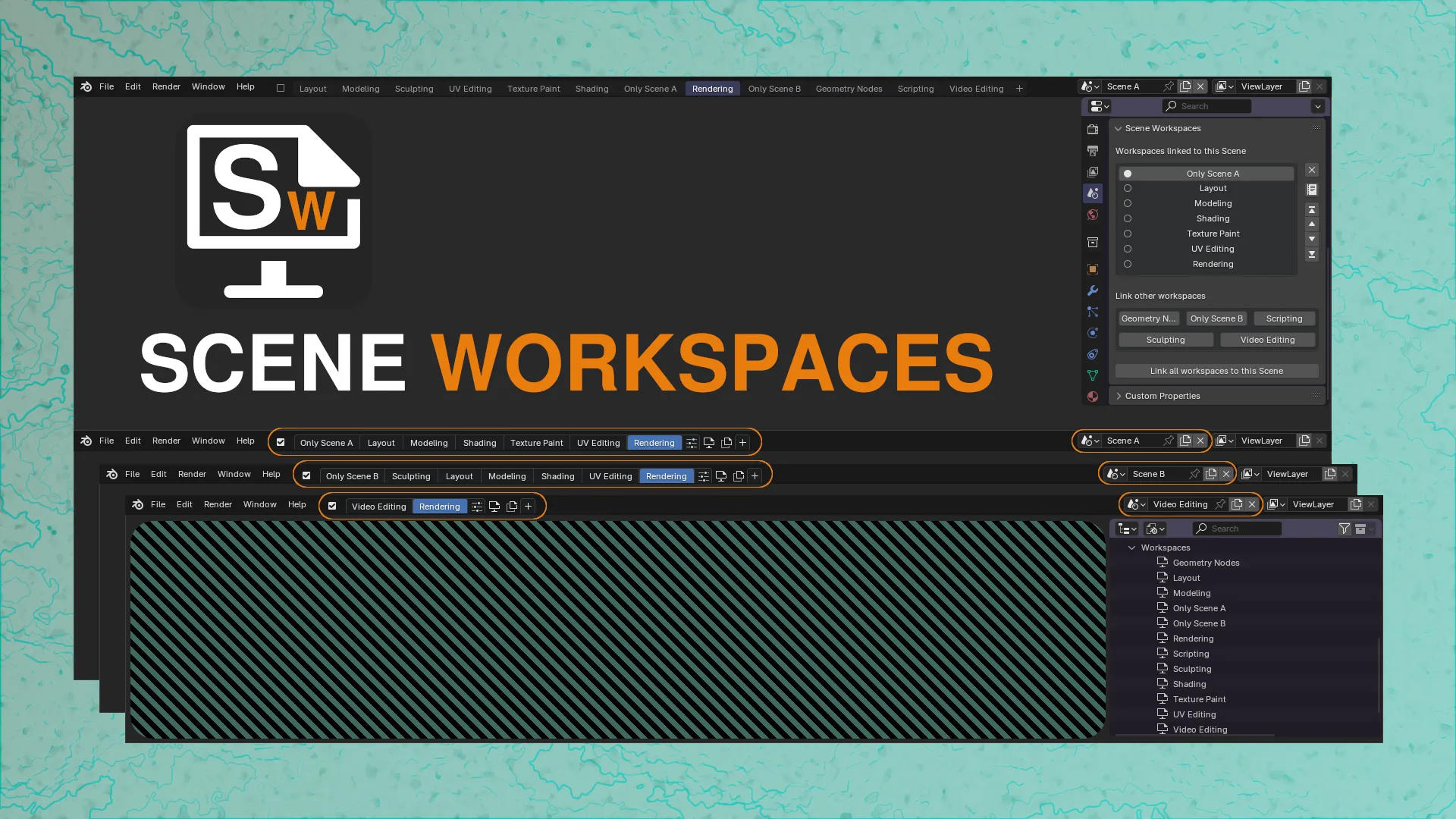
Scene Workspaces are a Blender add-on for filtering and ordering workspaces by scene, with shortcuts and automatic setup for empty lists when enabled.
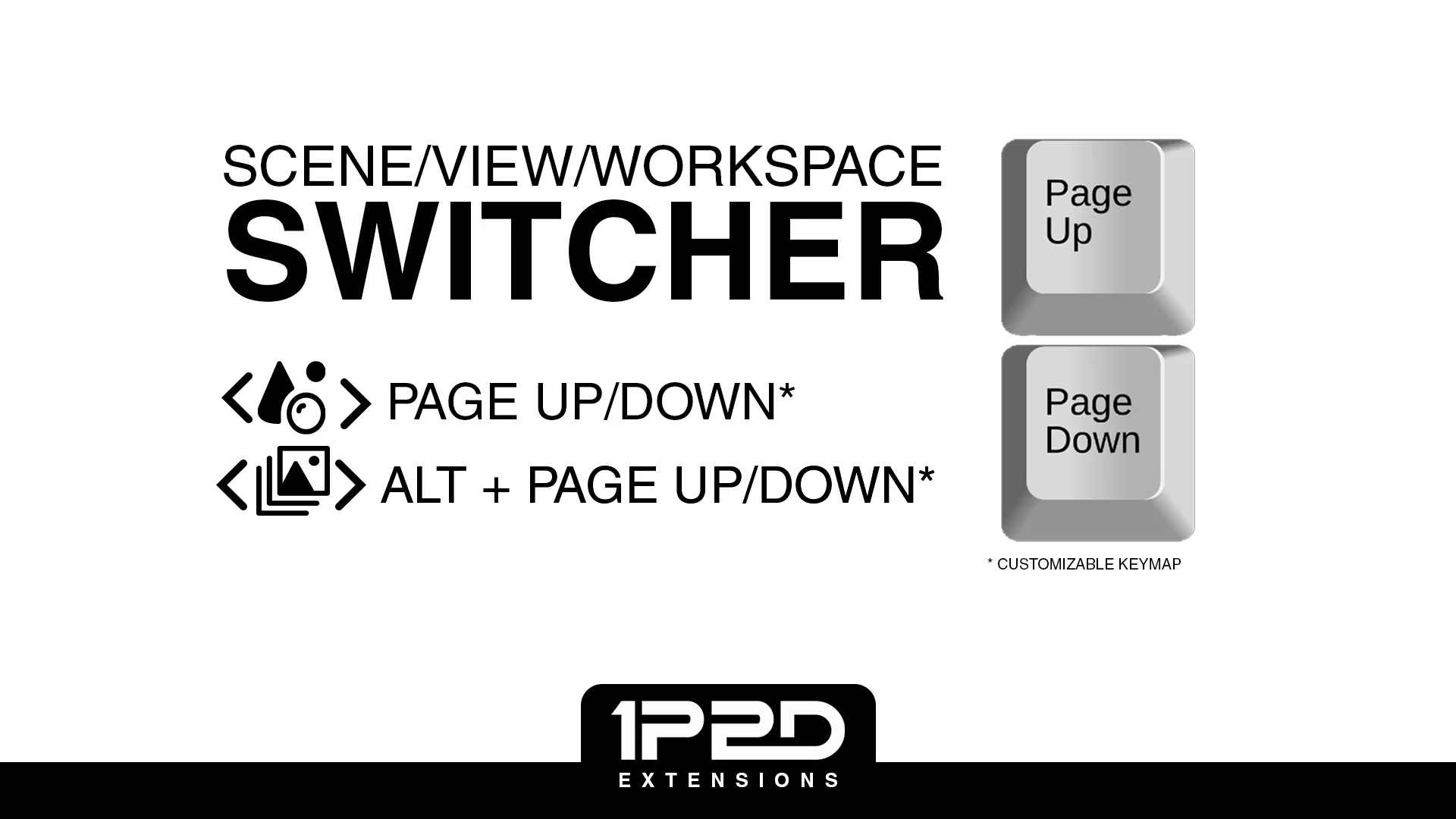
Scene/View/Workspace Switcher is a Blender add-on for scene and view layer shortcuts. The listing gives version 1.1.0 and minimum Blender version 4.2.0.
Explore SceneRunna’s six camera rigs, Cycles and Eevee lighting presets, gobos and props for Blender, plus the version 1.2 features and setup steps.
SceneShutter is a 3ds Max camera export tool for batch previews, with safe-frame crops, overlays and aspect-ratio controls before rendering.
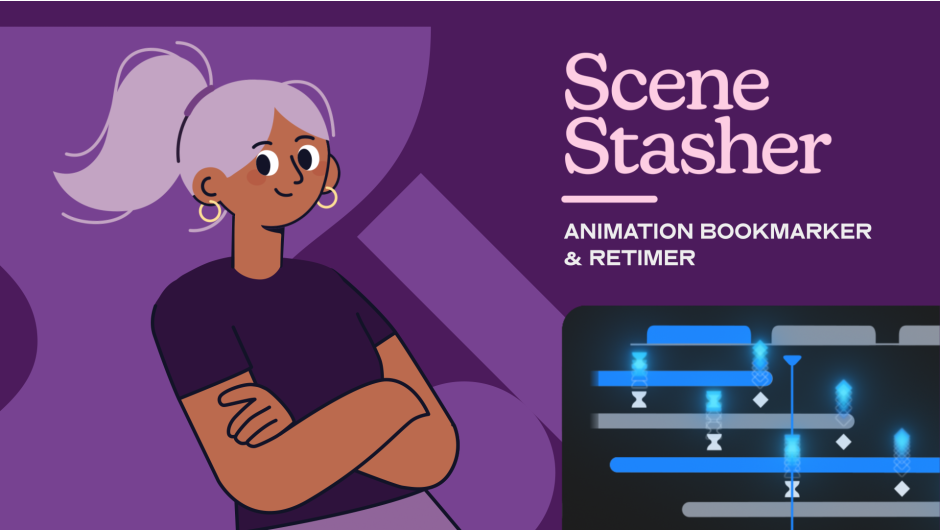
SceneStasher saves After Effects layer and keyframe selections as buttons, so you can revisit moments, move between comps, and retime animation blocks.
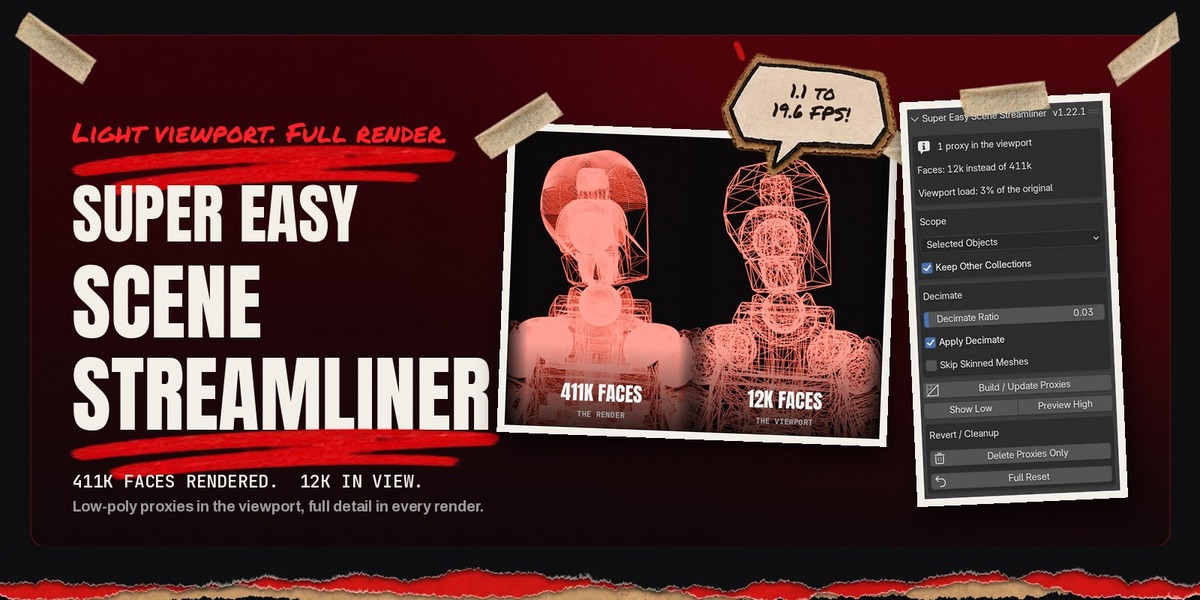
Scenestreamliner is a Blender add-on for lighter viewport proxies that keep originals for renders. See how it handles scope, ratios, rigs, and setup.
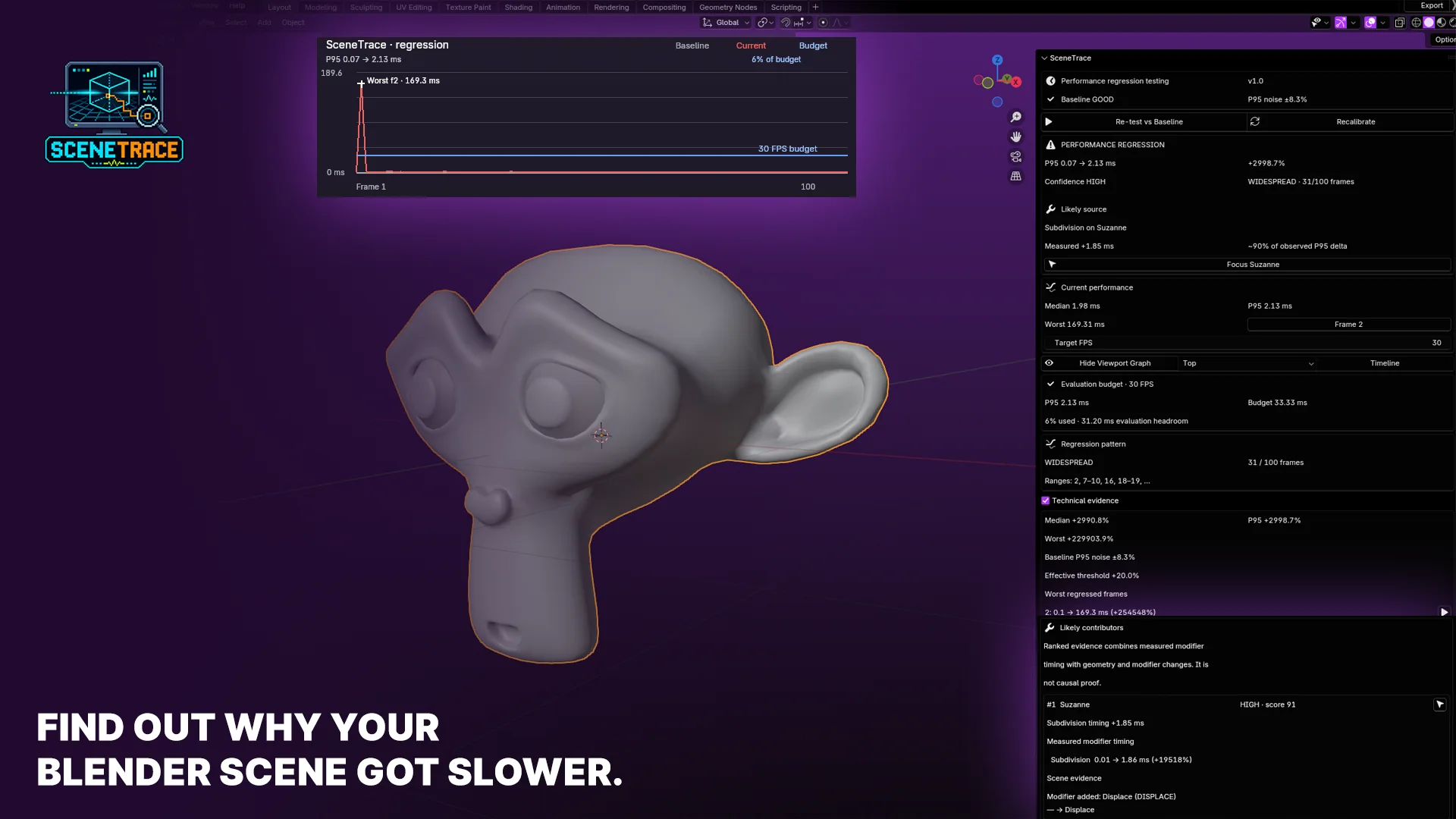
SceneTrace is a Blender performance tool with an interactive extension and headless CLI for scene and project tests. Compare baselines; inspect contributors.
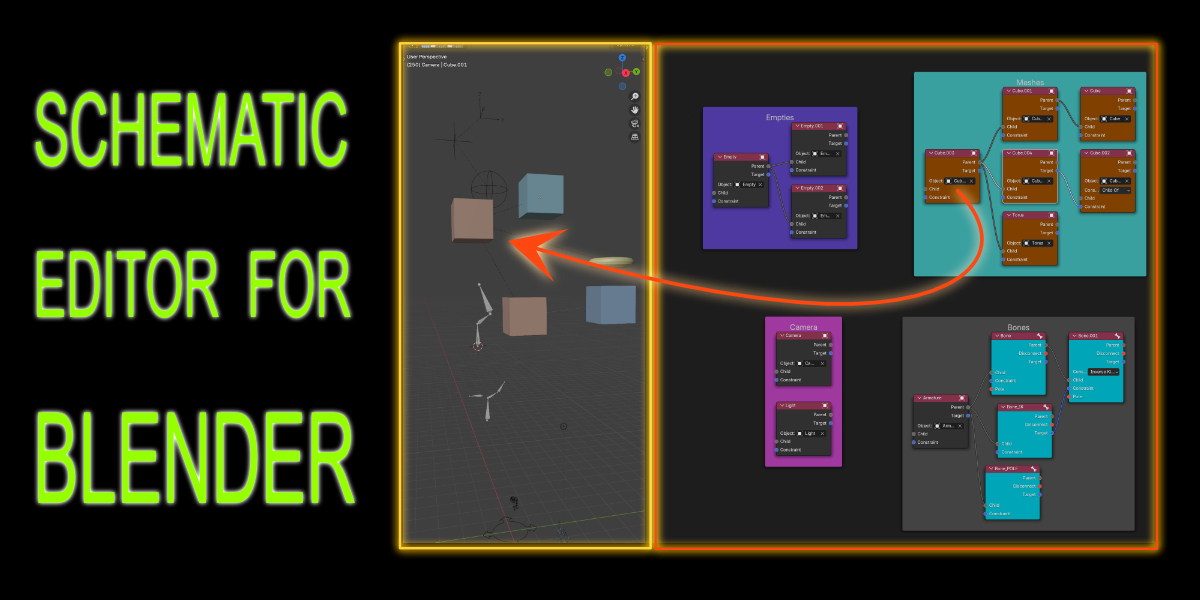
Schematic Editor is a Blender add-on for editing parenting and constraints in a node graph, with collection frames and scene sync. Check versions and limits.