Batch Bone Constraints
Batch Bone Constraints copies, adds, and removes constraints across Blender armatures. Review six modes, bone-name requirements, and Blender 4.2+ support.
Published software and plugin guides for Blender. Page 20 of 196.
Read the software guideBatch Bone Constraints copies, adds, and removes constraints across Blender armatures. Review six modes, bone-name requirements, and Blender 4.2+ support.
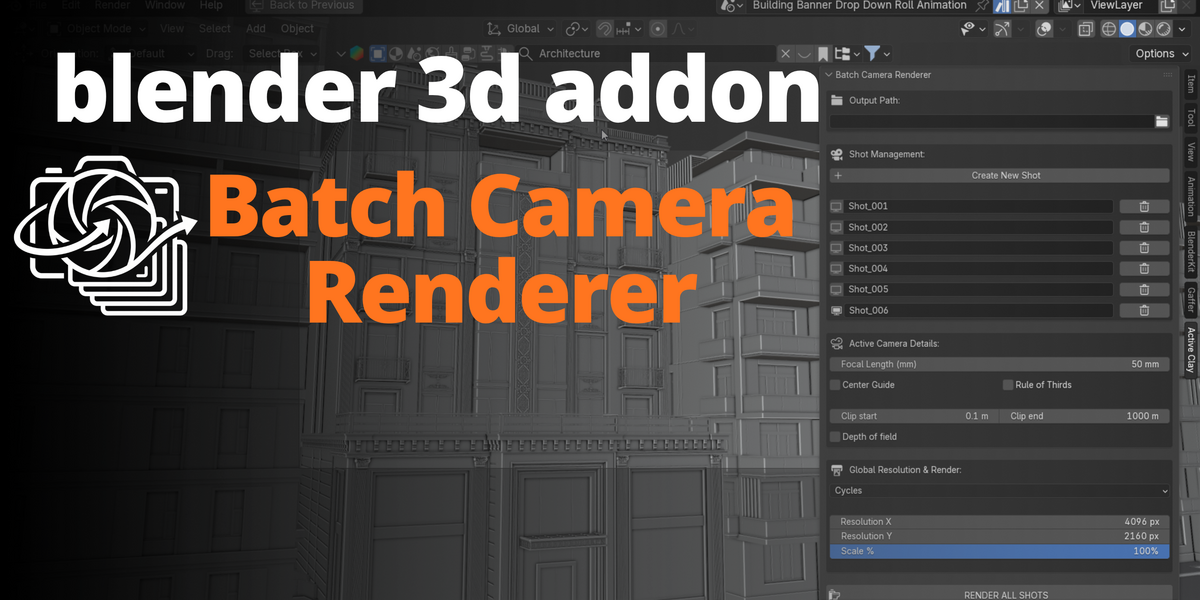
Batch Camera Renderer saves named Blender views, adjusts focal length and depth of field per shot, previews angles, and renders each to its own file.
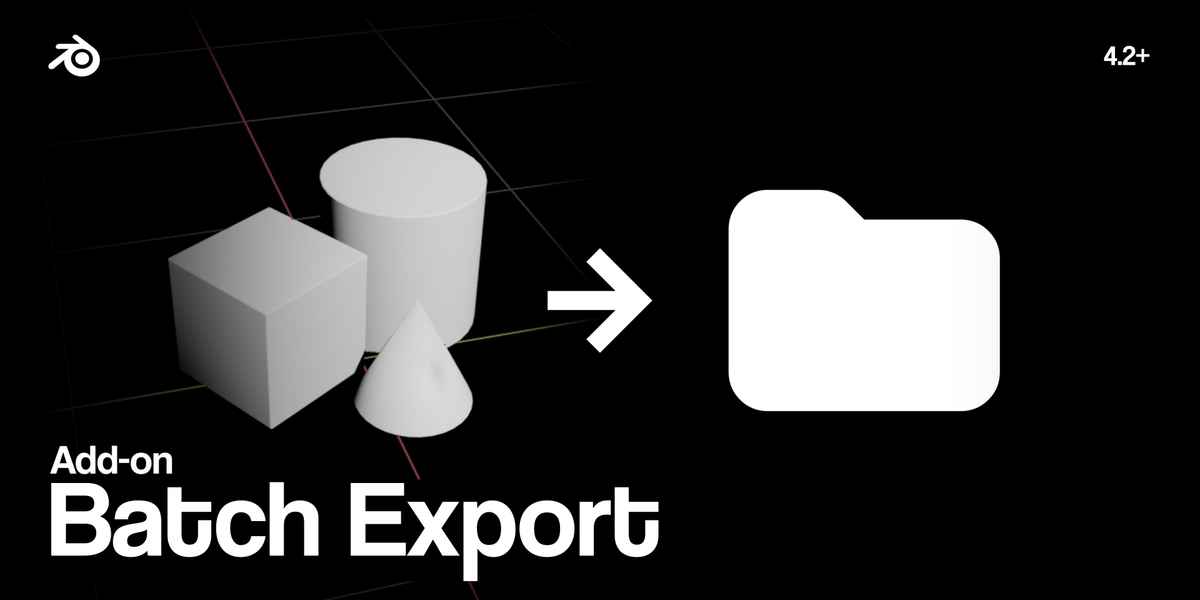
Batch Export writes selected Blender objects to separate GLB, FBX, OBJ, STL, or PLY files; Alembic batch export was added in add-on v1.3+.
Batch Export PRO queues Premiere Pro sequences with .epr presets, range exports, filename previews and per-export logs. Check compatibility before installing.
Batch Fbx Exporter exports selected Blender objects as separate, named FBX files, with scaling and unit options. The listing names Blender 4.0 and GPL.
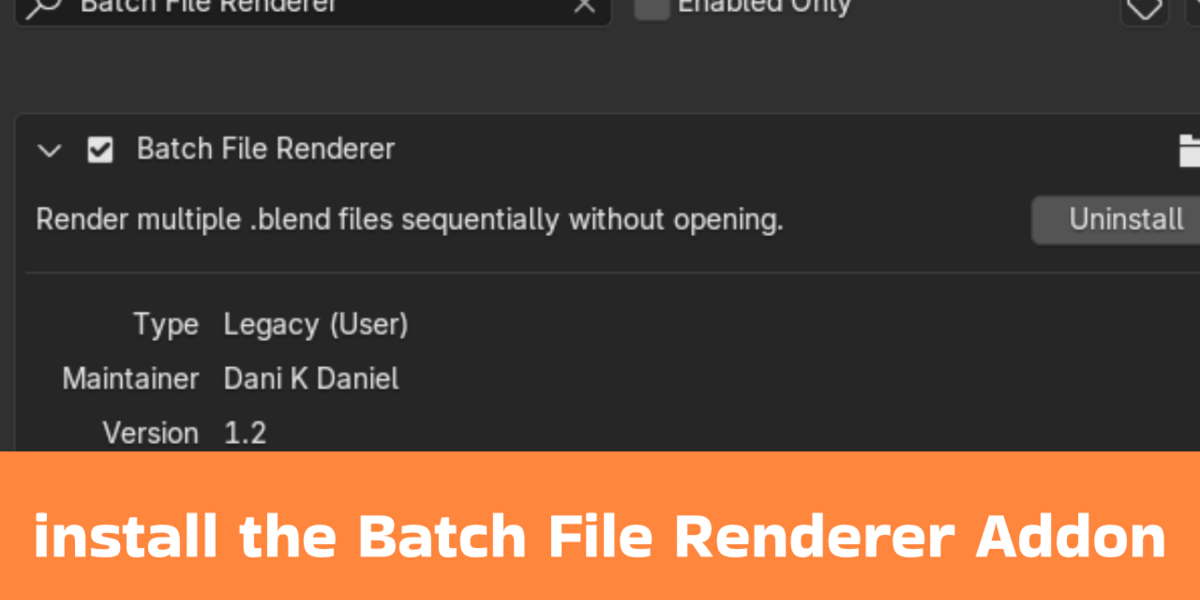
Queue .blend files for sequential background rendering in Blender, with per-project output paths, stop controls and version 1.3 frame-range review.
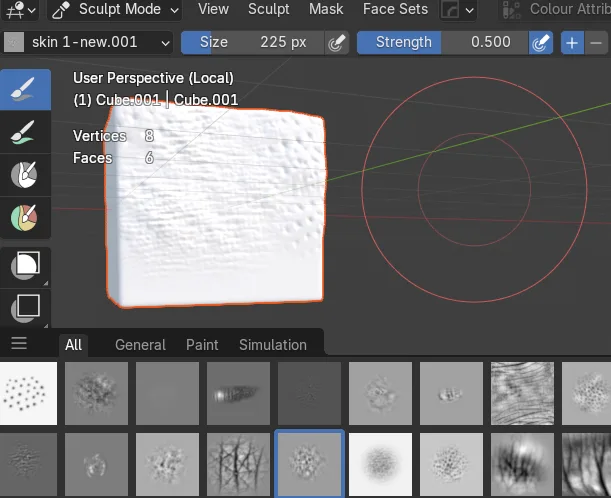
Batch Import Images to Brushes turns images into texture paint and sculpt brushes in Blender. Check Blender 4.4.0 support on the official listing.
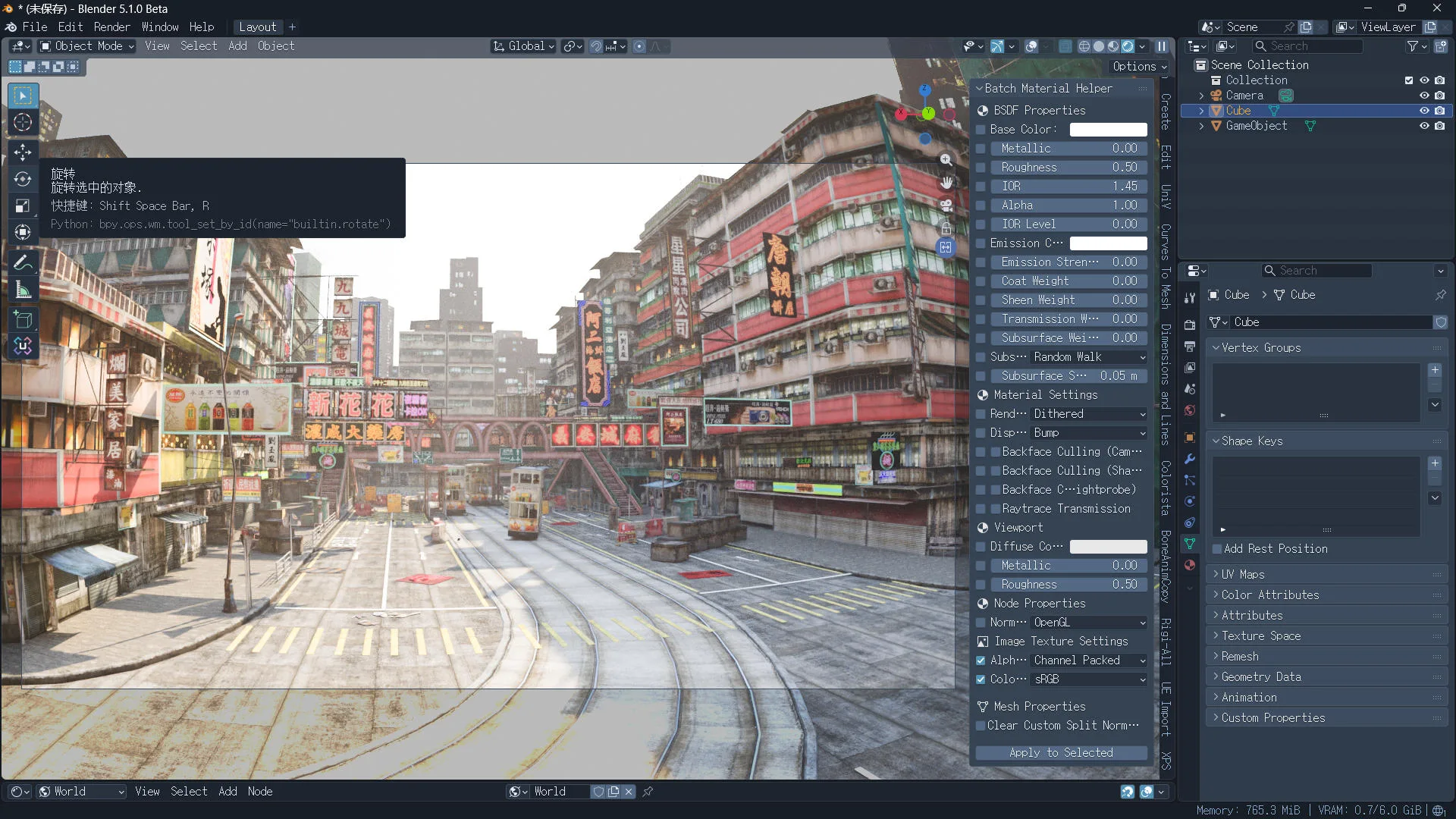
Batch Material Helper is a Blender add-on for bulk editing materials on selected objects. v1.0.8 lists Blender 4.2.0 as its minimum; see the listing.
Batch Obj Exporter is a Blender add-on for separate OBJ exports, with UV maps, scene positions and optional MTL files. Check Blender compatibility.
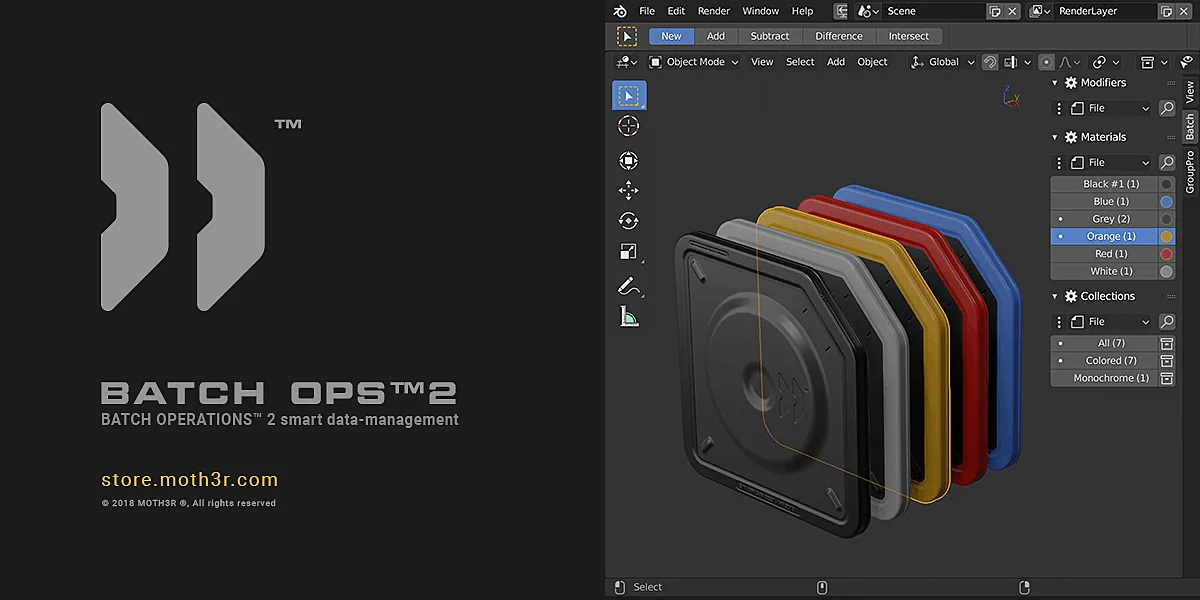
Manage Blender modifiers, materials and collections in batches with Batch Operations™ Smart Data-Manager. Check release compatibility before downloading.
Momentum Creative Technology Inc.
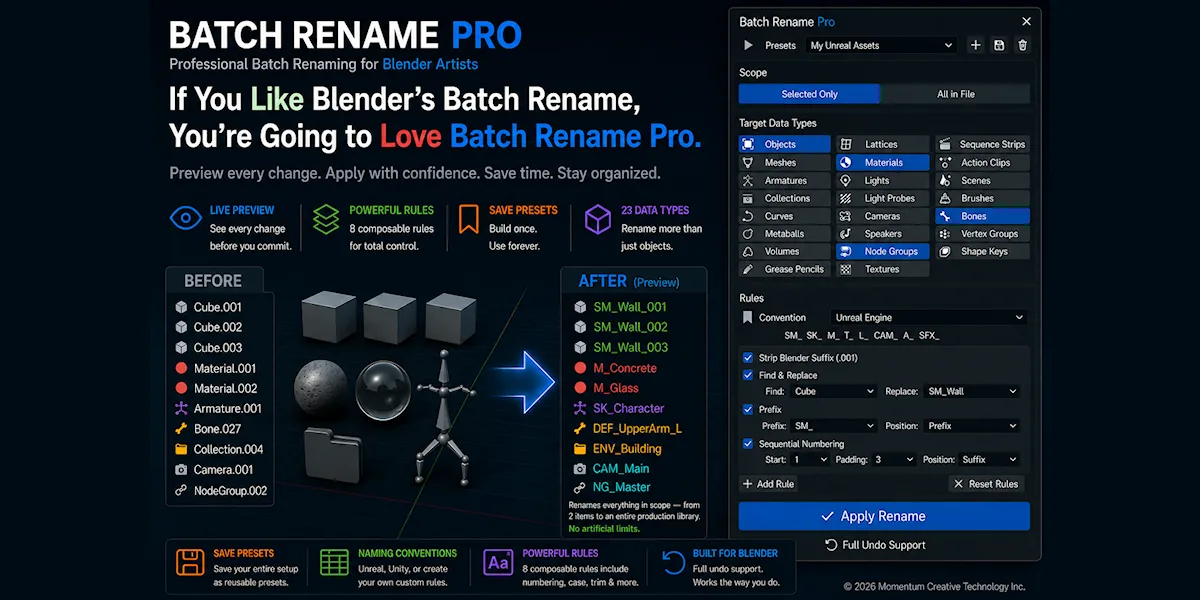
Batch Rename Pro is a Blender add-on for combining ordered rename rules, reusing presets, previewing names and undoing each operation in one step.
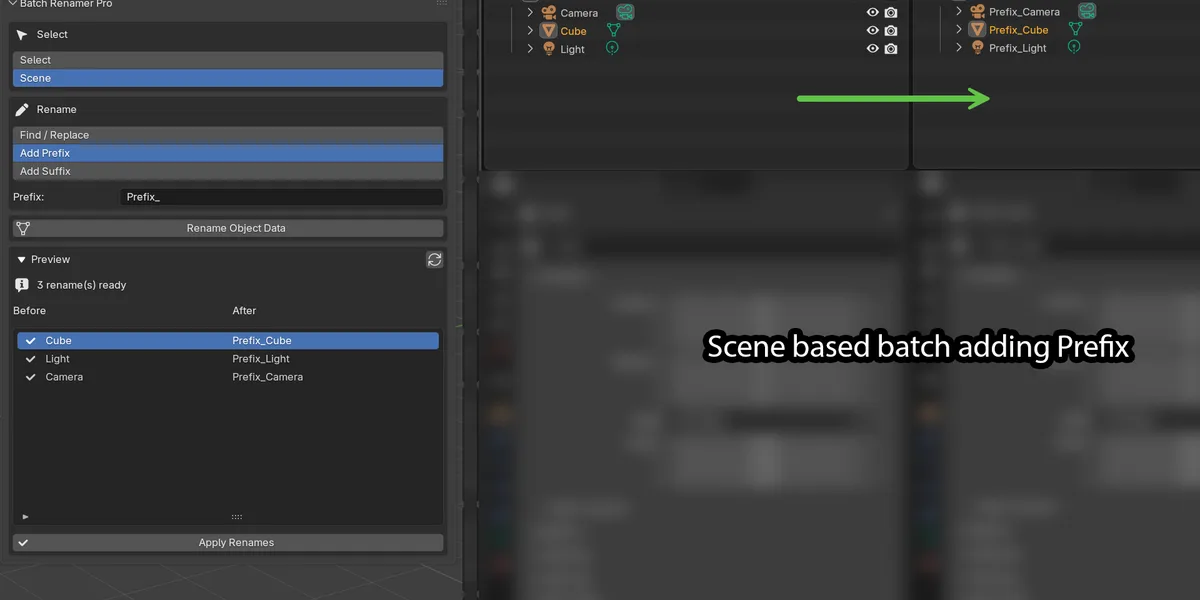
Rename Blender objects in batches with a before-and-after preview, regex, prefixes, scene filters, and duplicate-name handling. Tested with Blender 5.1.
Batch Render recursively renders .obj and .fbx files with camera fitting, material support and turntable generation. Check Blender support.
Batch Render Actions are for Blender animation renders, with each action in its own folder and an option to render one action on Blender 4.2 LTS and newer.
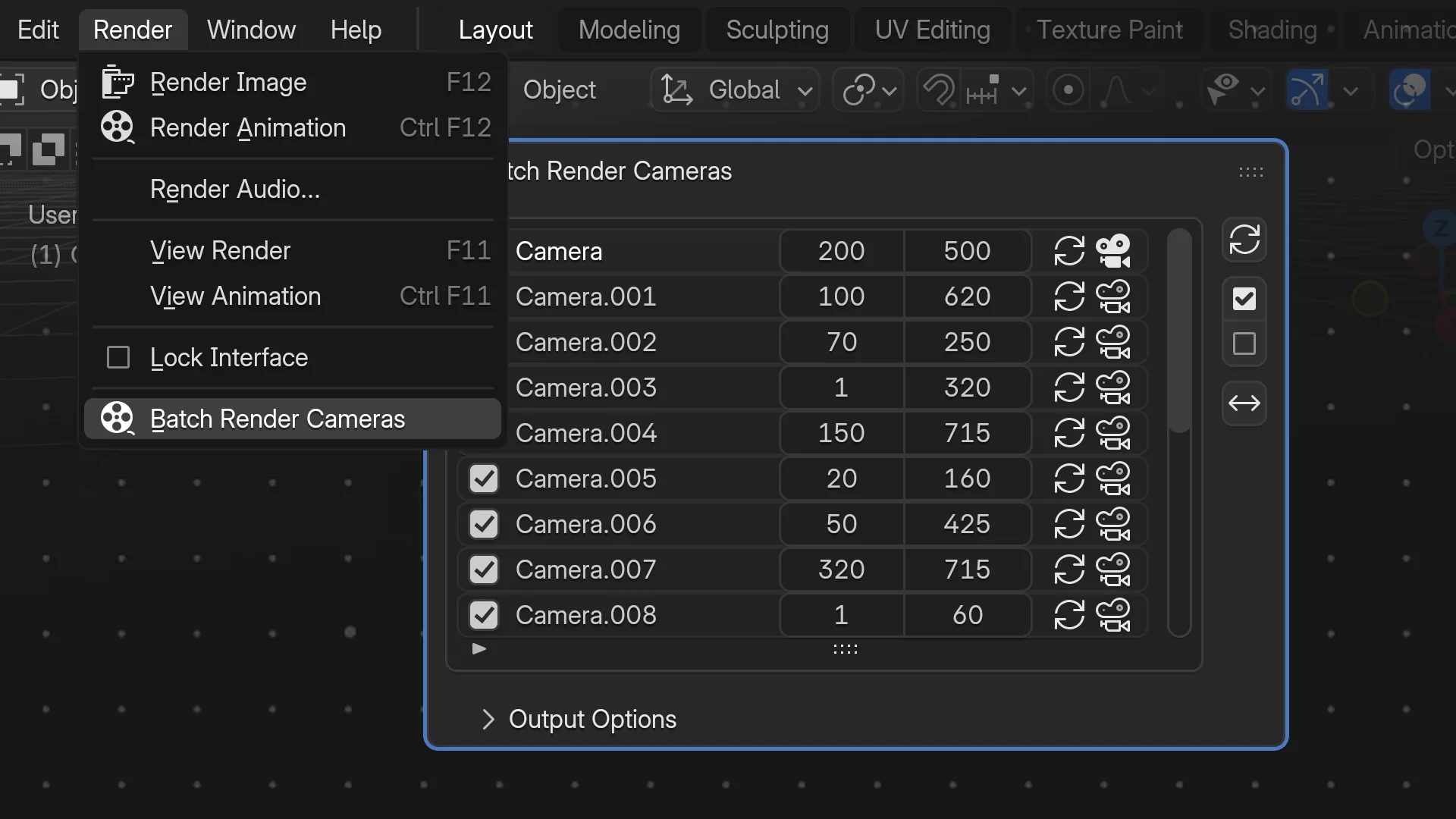
Render animations from selected Blender cameras with Batch Render Cameras. Blender 4.2.0 is the minimum; it requests permission to create output folders.
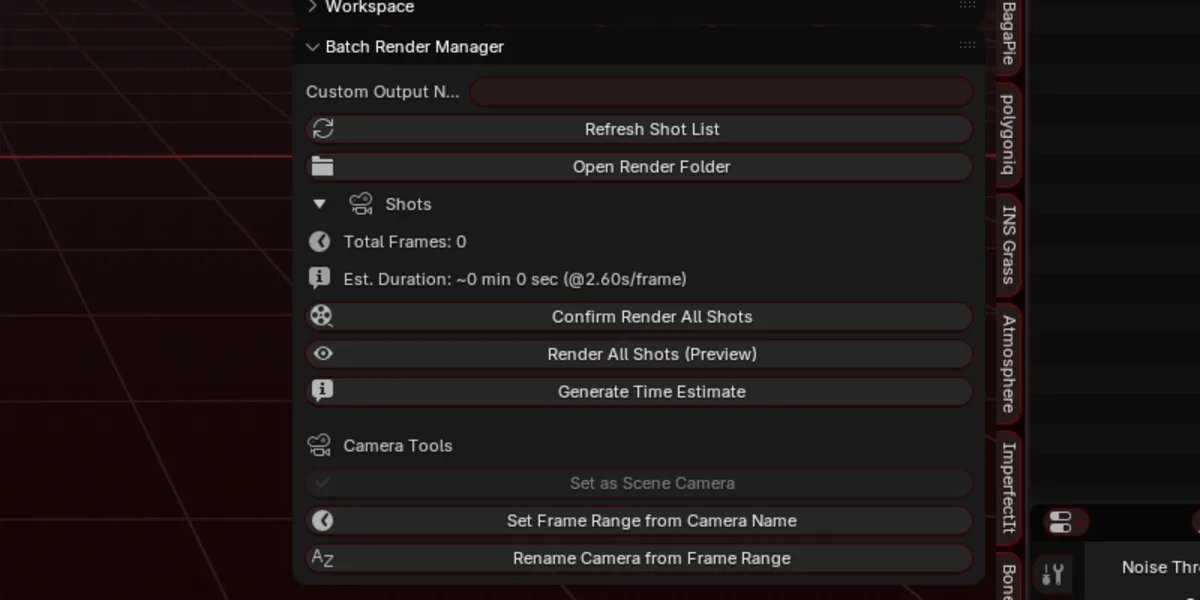
Batch Render Manager automates Blender shot rendering from camera frame ranges. Set shot priorities, preview with Workbench and save shots in separate folders.
Batch Render Pro is a Blender add-on. It saves beauty renders and enabled passes and can batch cameras and models. Blender 5.0+ is required; check formats.
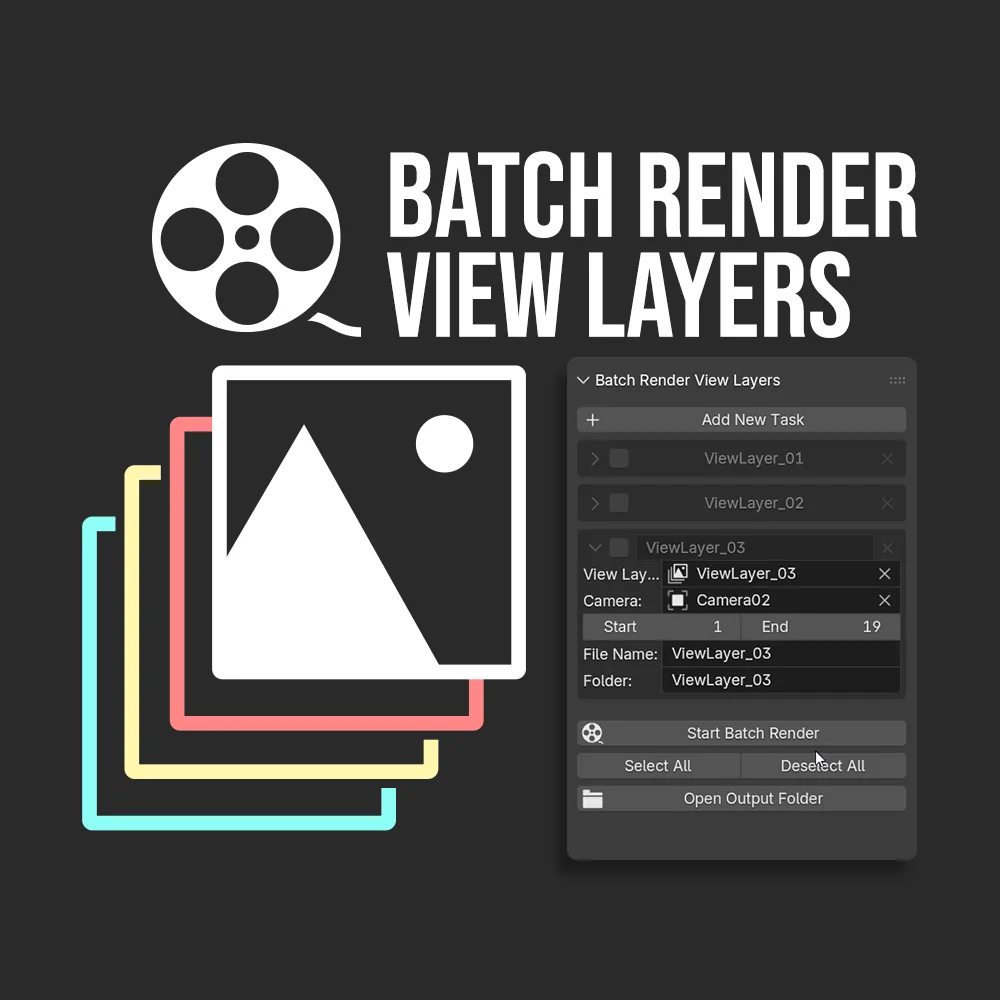
Set up Blender render jobs with a View Layer, Camera and Frame Range per task. Batch Render View Layers lists Blender 4.3.0 as its minimum version.
Batch Saving exports selected Blender objects as individual FBX files, with optional centering, auto-naming and cleanup. Check Blender support details.
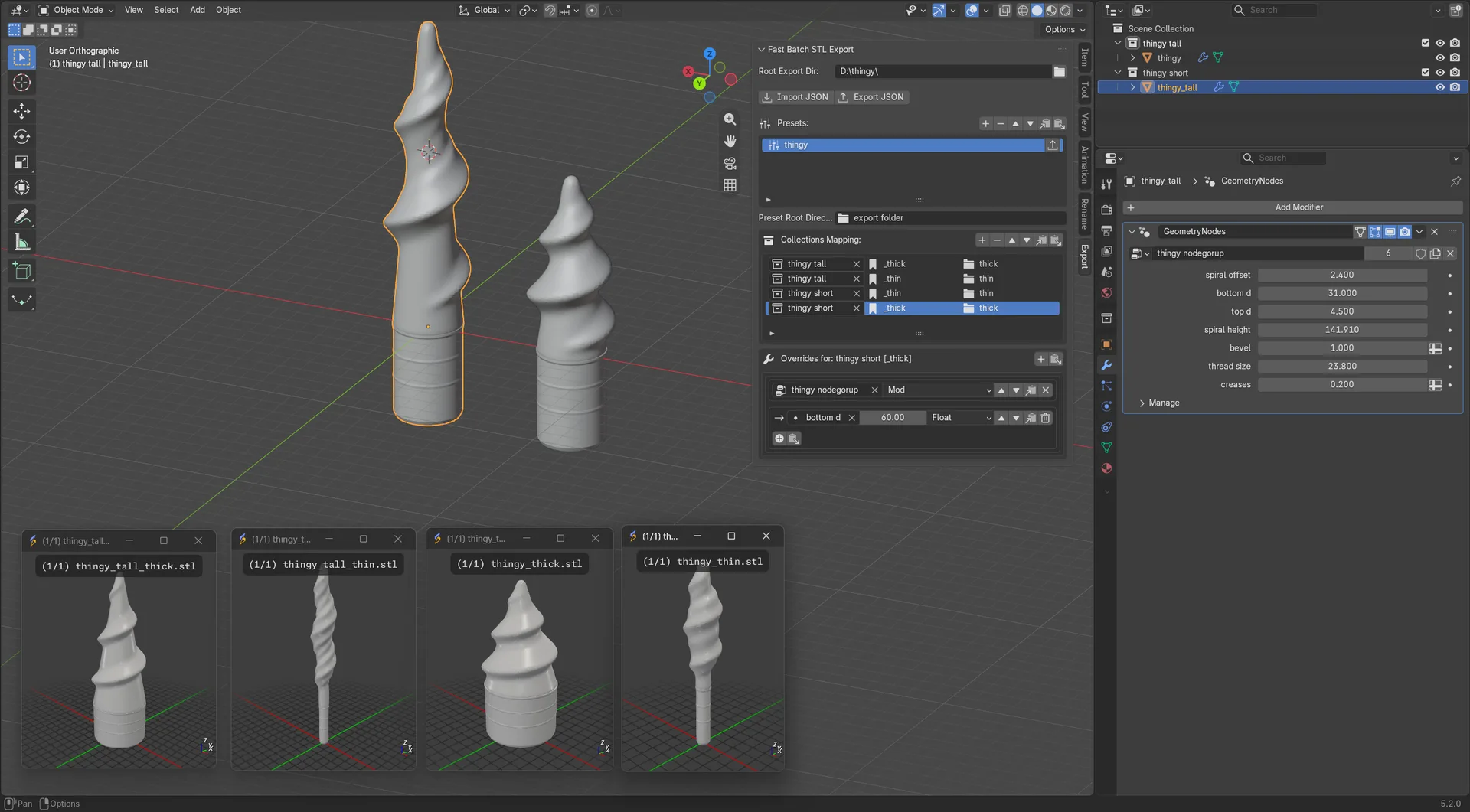
Batch STL Export with geometry nodes overrides: map collections to output folders. Version 7.0.0 supports Blender 5.2+; the add-on is discontinued.
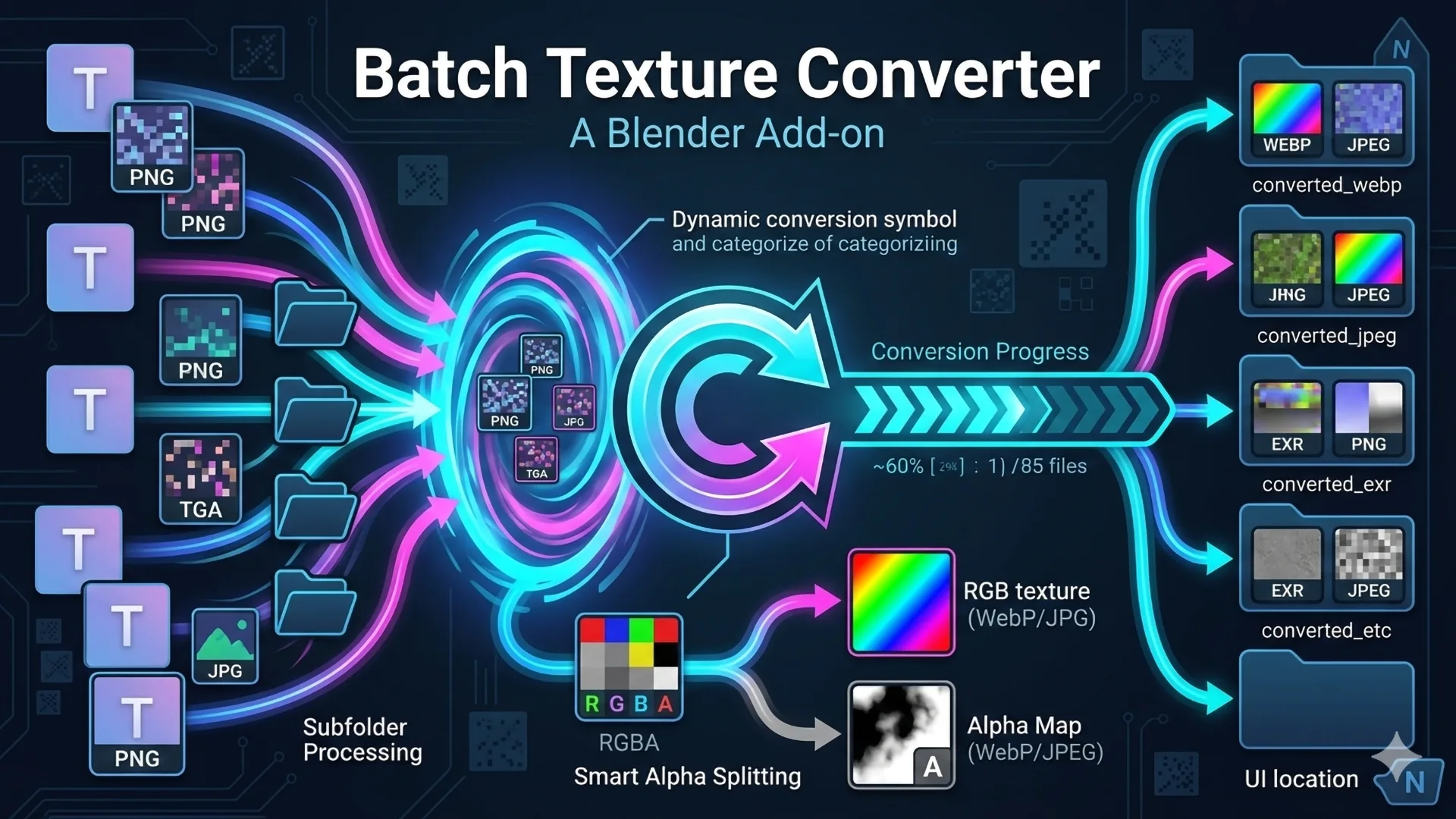
Convert texture formats in Blender with Batch Texture Converter: recursive scans, optional alpha splitting, and Compositor processing for Blender 5.0 or later.
Run a custom Python script across Blender .blend files with Batch Tool. Check folder setup, optional subfolder processing, and how scripts save changes.
Batch UV Tools manages selected Blender objects' UV maps: set active maps, set render channels, copy uniquely named channels and sync order. Check compatibility.
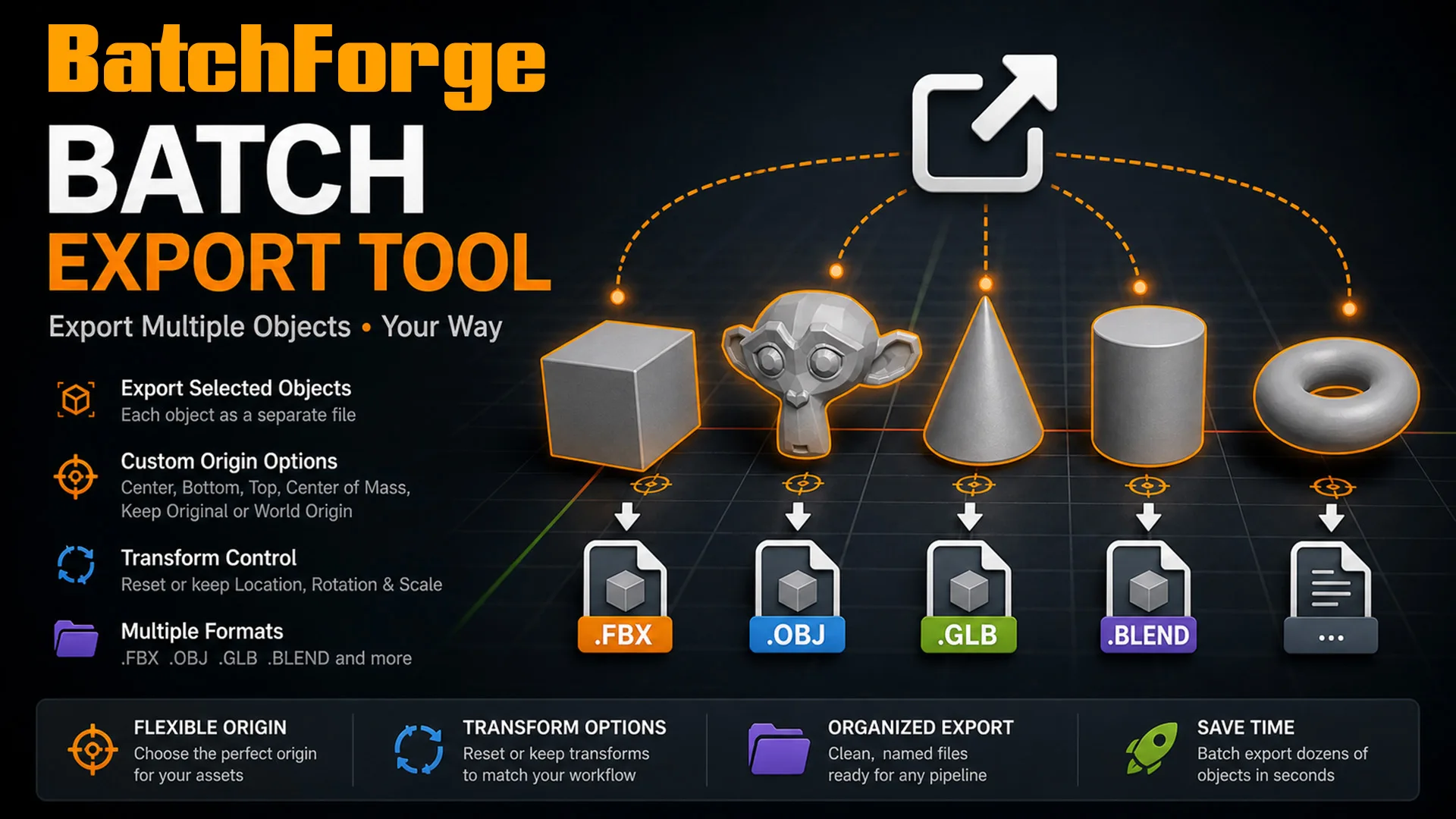
BatchForge: Batch Export Tool is a Blender add-on for exporting objects with custom origins, transforms and formats. Enable Create Log for per-object reports.