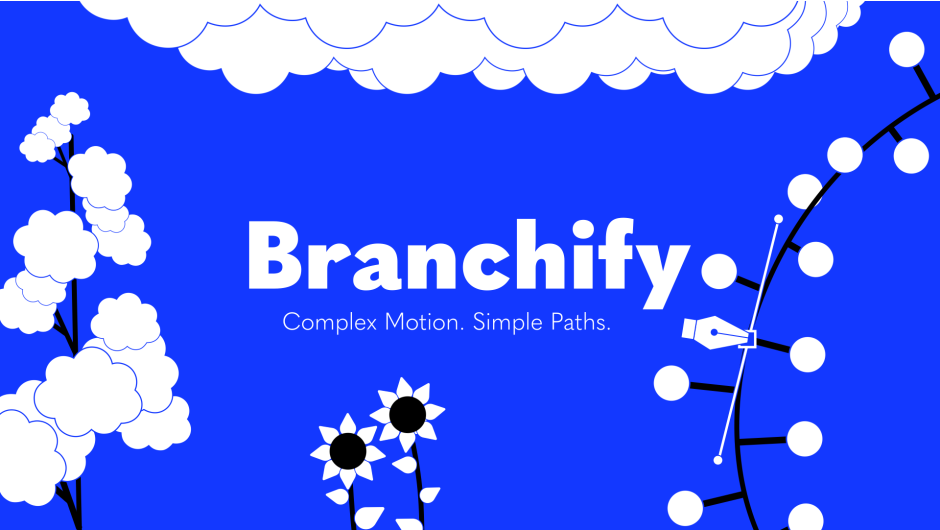
Branchify
Build animated branching setups from After Effects paths, then adjust growth, timing, wind, falloffs, custom assets, layer stacking and 3D depth in Branchify.
Animation tools for motion design, including keyframe helpers and transitions. Filter by your editing or 3D application. Page 10 of 45.
Build animated branching setups from After Effects paths, then adjust growth, timing, wind, falloffs, custom assets, layer stacking and 3D depth in Branchify.
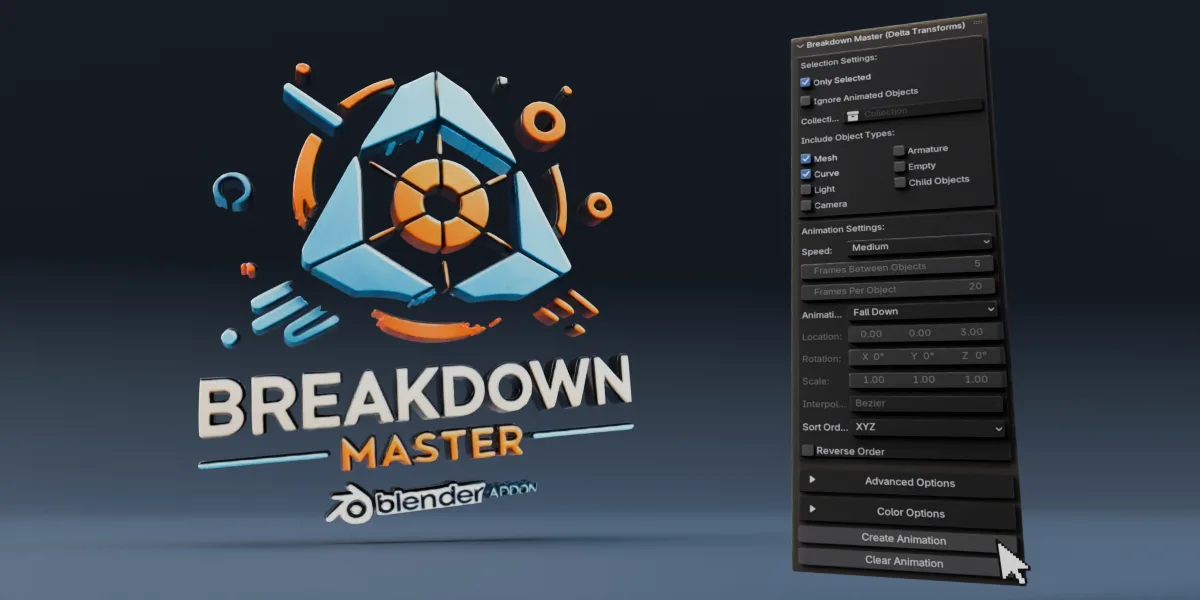
Breakdown Master - One Click Breakdown Maker animates Blender objects in sequence with timing, styles and optional color, wireframe or slider effects.
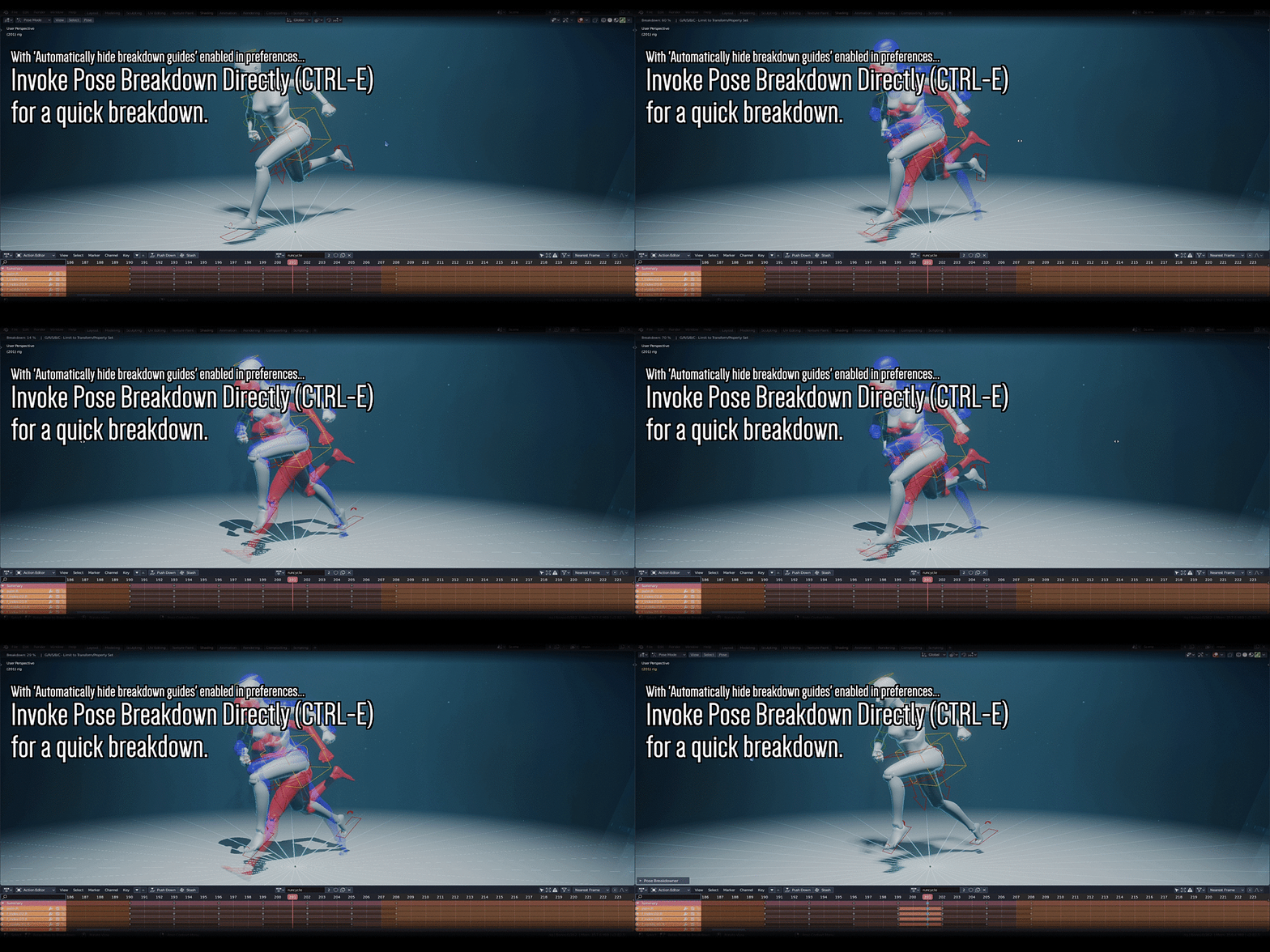
Breakdowner gives Blender animators onion-skin guides for previous and next keyed poses, skips interpolated frames, and offers configurable display controls.
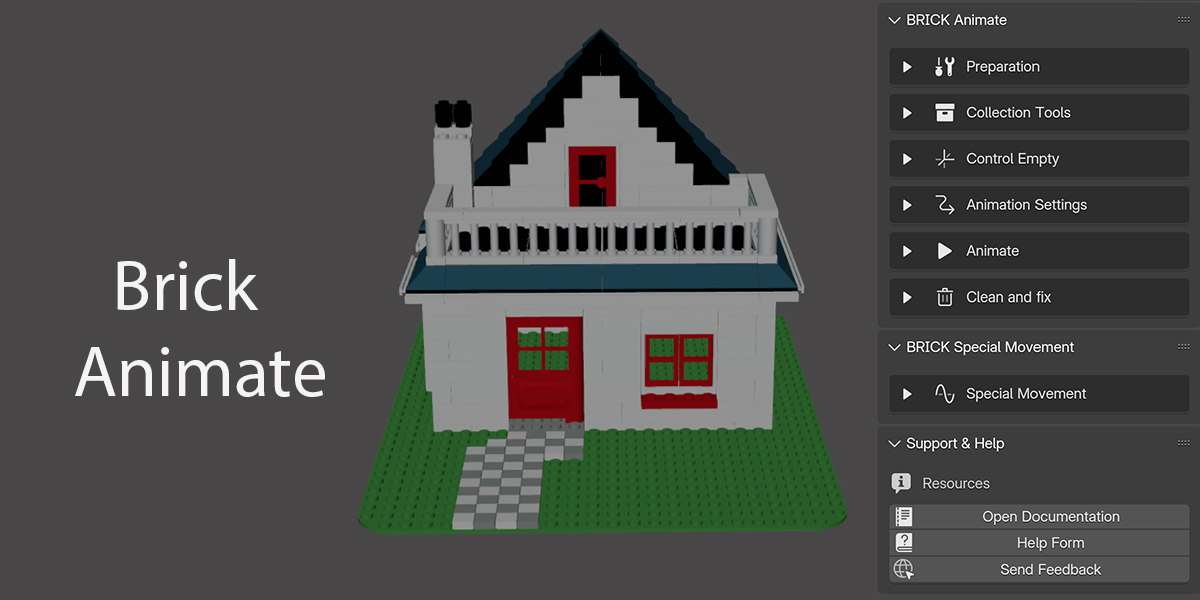
Brick Animate creates brick-style assembly and effects in Blender. Compare its modes and versions, then check compatibility before installing.
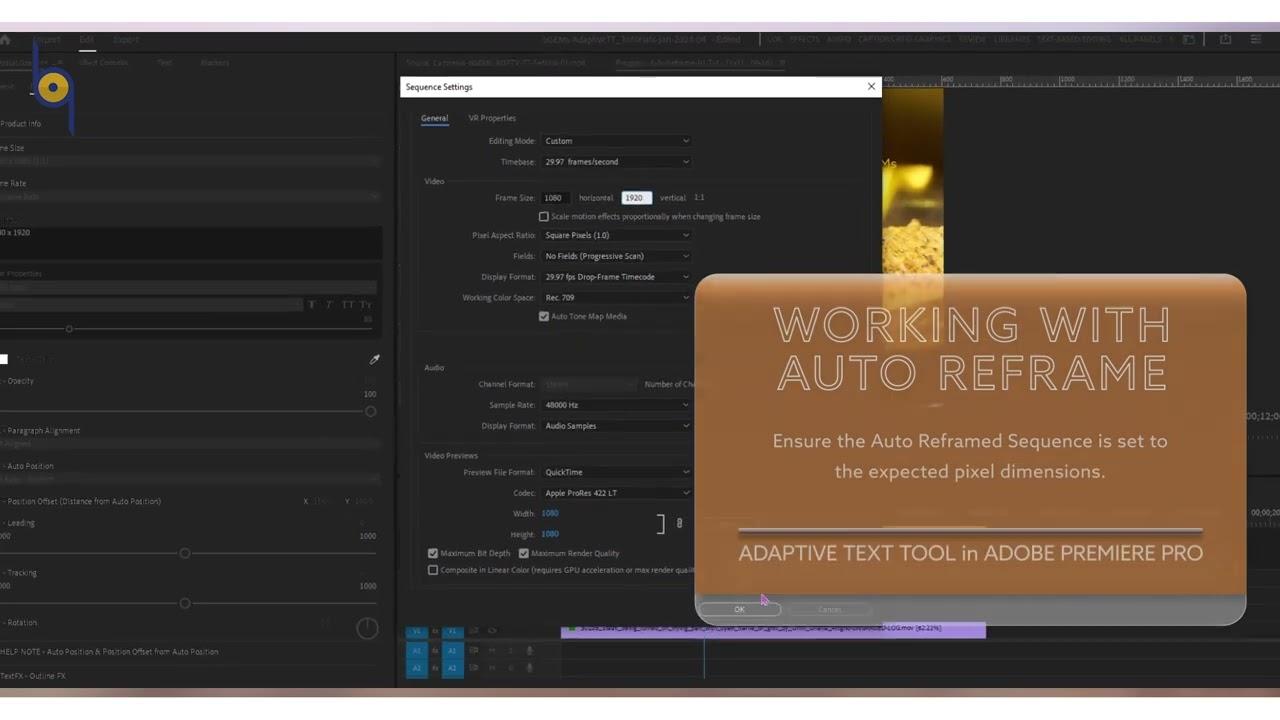
Animate text in Premiere Pro with broadcastGEMS Adaptive Text Tool. Switch one MoGRT among eight frame sizes; check compatibility before download.
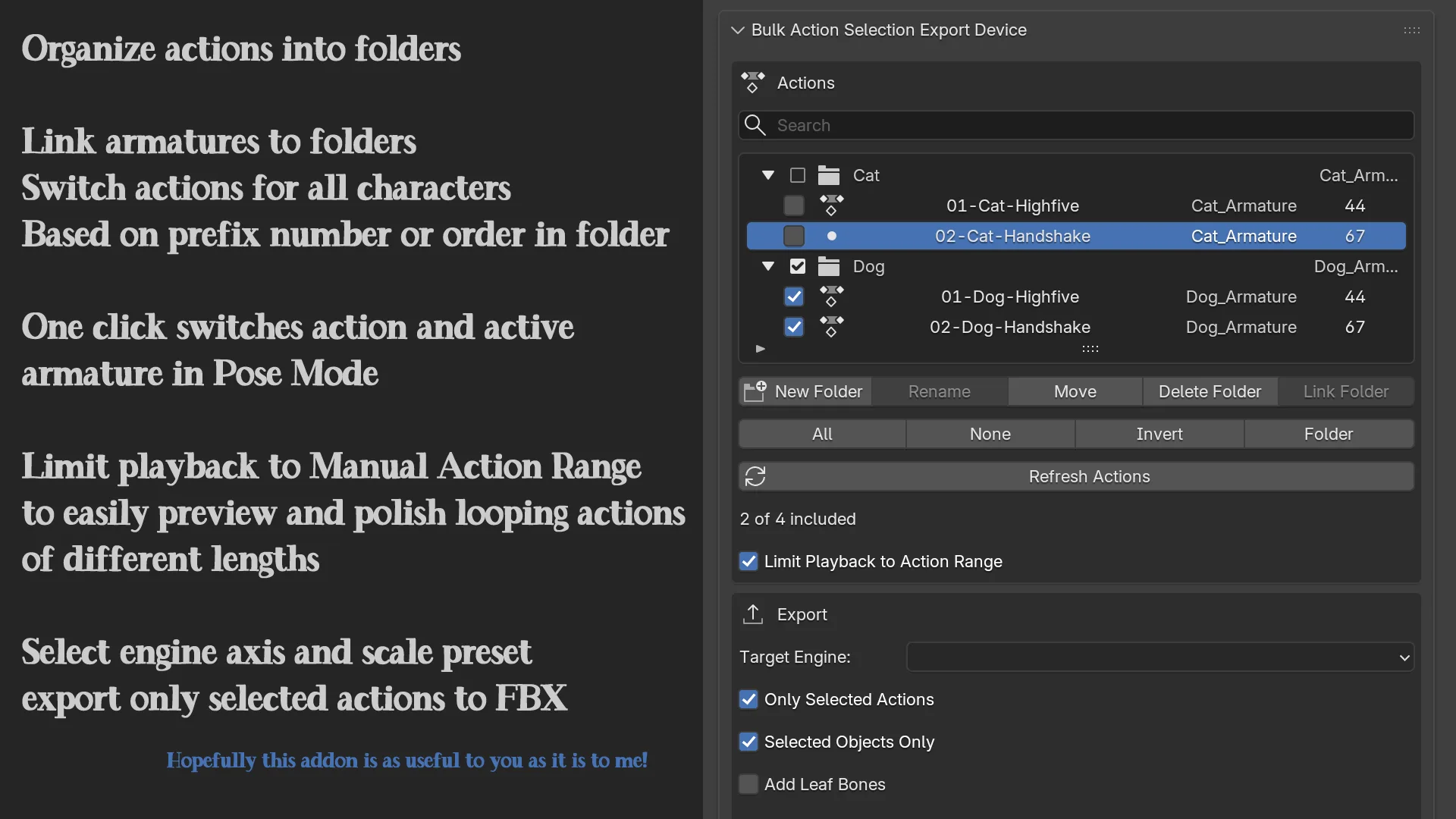
Organize Blender actions with Bulk Action Selection Export Device: link clips across armatures and export picked actions as FBX. Check compatibility.
Create wildstyle lettering with Burner Font Family's four component styles and three alphabets per style; Burner Color combines them in one color OpenType face.
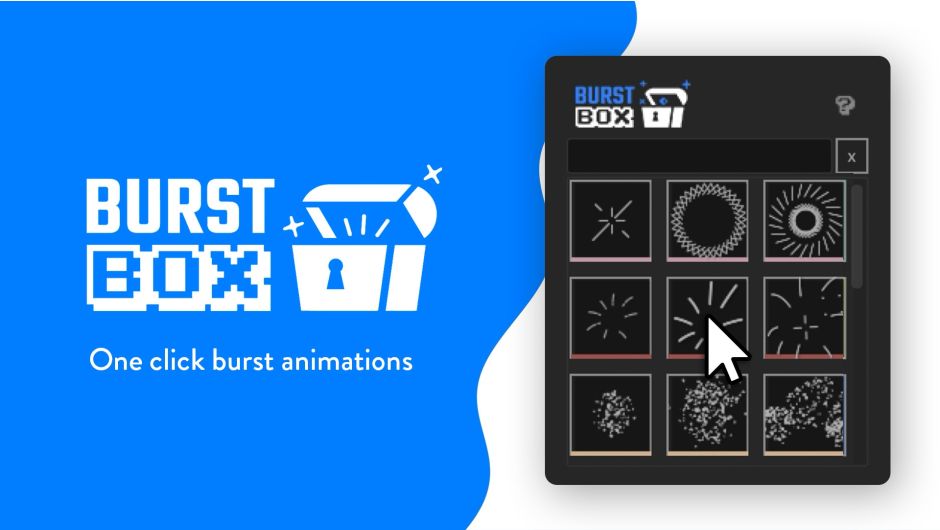
Make After Effects burst animations with 30 designs, edit repeated paths, and switch palettes. Check supported versions, trial terms, and license setup.
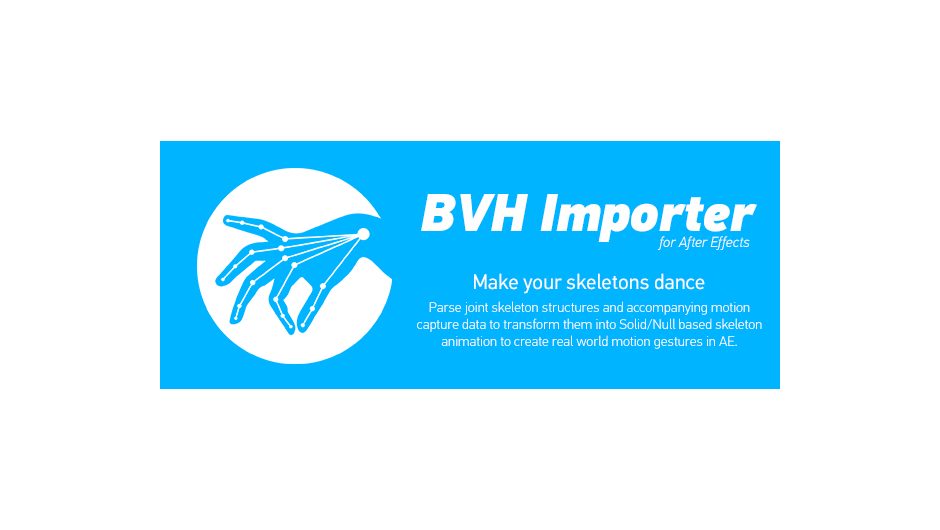
BVH Importer is an After Effects tool for importing BVH data as a solid/null-based skeleton animation. Check compatibility, set timing, and enable rest pose.
Cam Anim 3D includes 150+ vertical and horizontal camera animations for Blender. Review its Dolly Camera Rig workflow, render engines, and version notes.
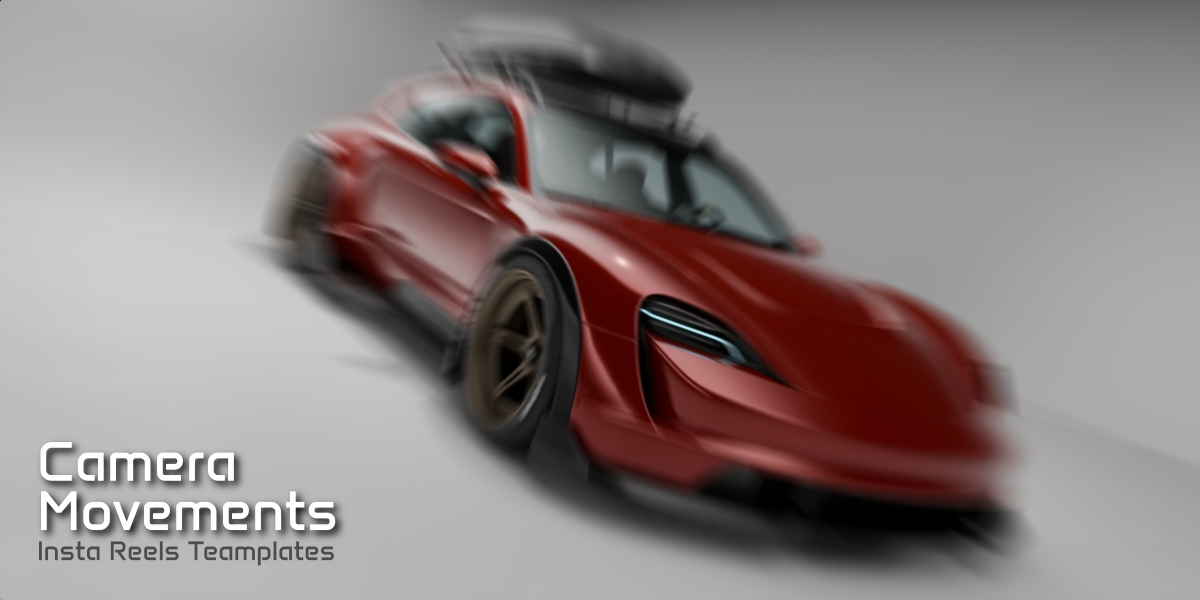
Cam Anim 3D - Project Showcase Camera Movements are Blender animations for orbit, loops, transitions and cinematic shots. Check versions and render engines.
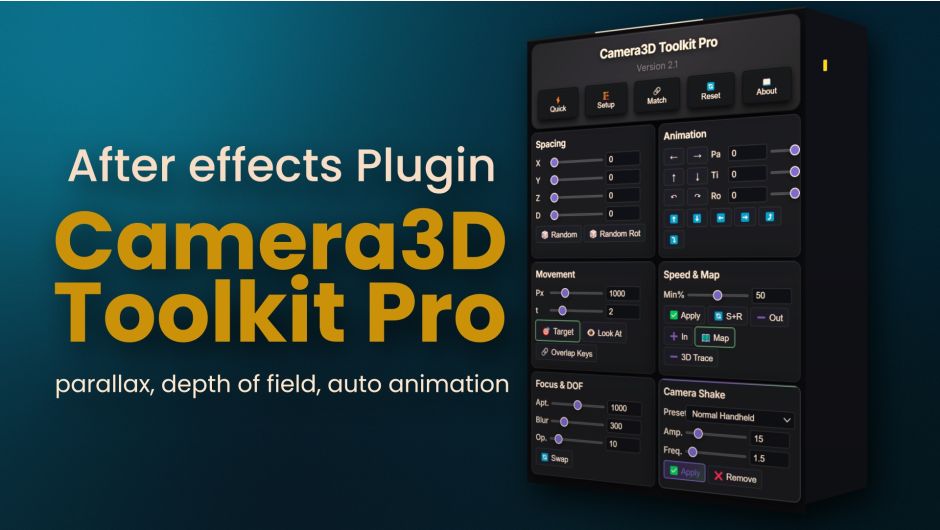
Build After Effects camera moves with one-click targeting, parallax spacing, focus controls, speed ramps, and shake presets. Check licensing and compatibility.
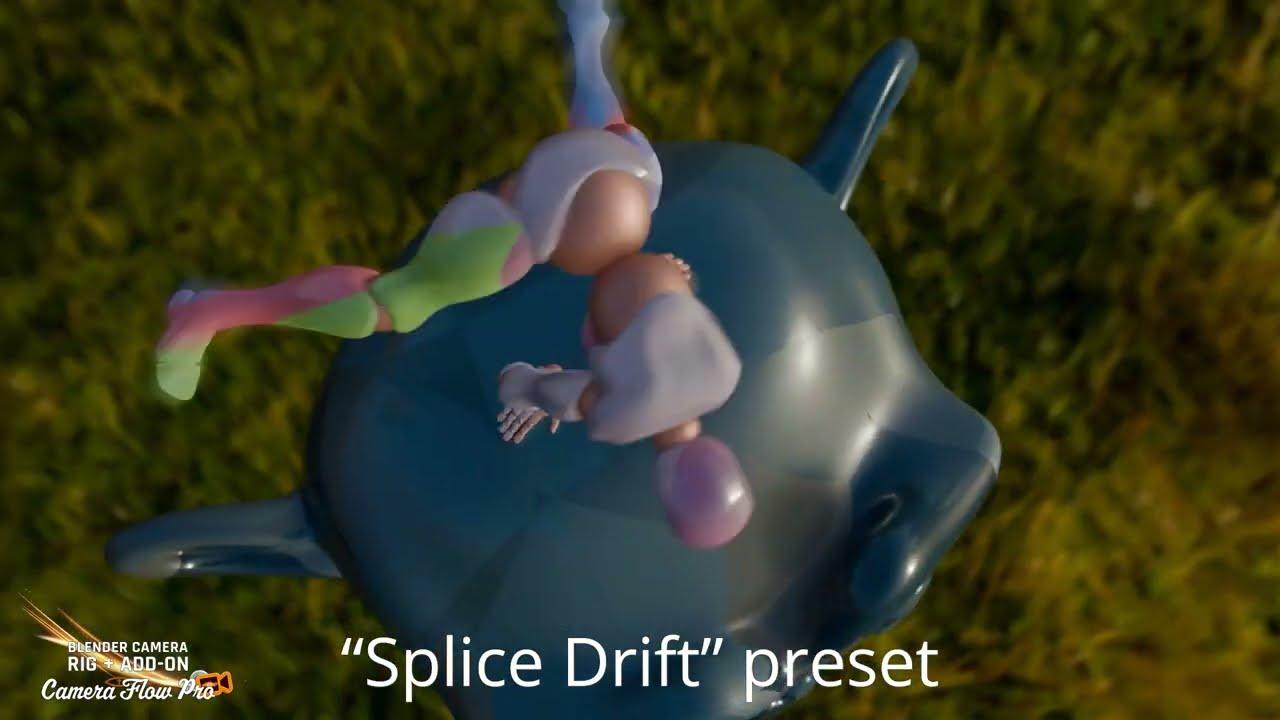
Camera Flow Pro is a Blender camera rig for smooth movement, tracking, looping shake, and keyframe baking. Check its workflow and Blender support.
Camera FX Pro adds speed ramps, shake, dolly zoom, object tracking and rack focus to Blender. Check Blender version support before installing.
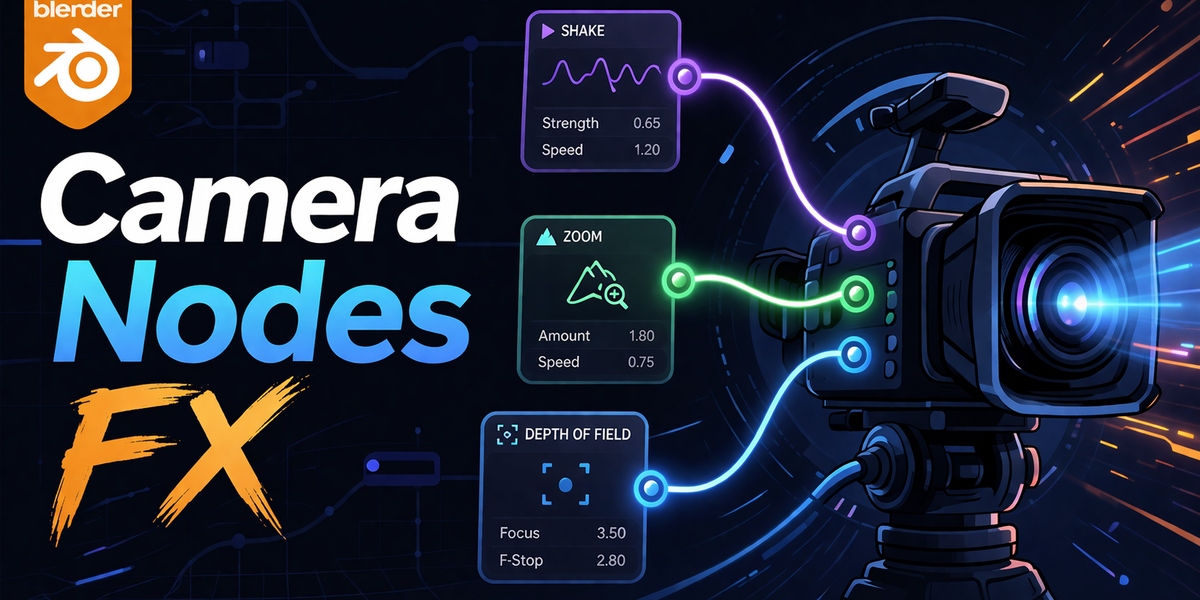
Build Blender camera motion with 78 nodes for shake, orbits, dolly zooms and focus pulls. Mix effects in a visual graph, then bake the rig to keyframes.
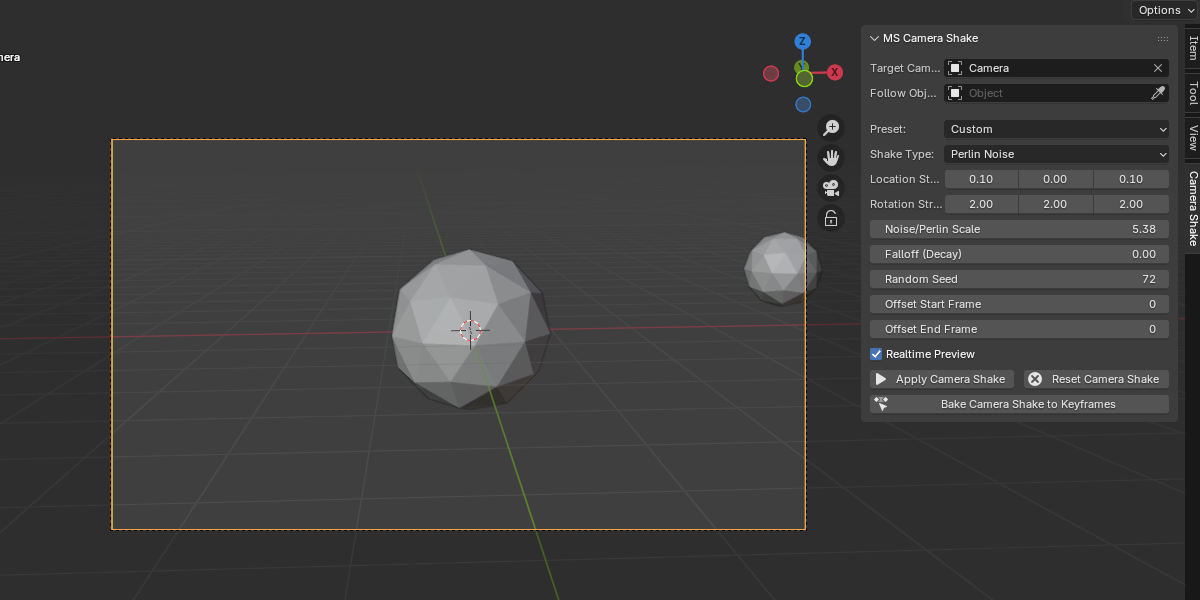
Add camera shake to Blender scenes with four styles, named presets, live viewport preview, follow-object support, and editable keyframe baking.
Camera Shake Blender Kit includes four effects, circular X/Y travel and linear Z motion. Check import options, listed Blender versions and update status.
Camera Shakify adds captured camera shake to Blender. Layer motions and animate their influence; version 0.5.1 requires Blender 4.4.0 or newer.
Camera Switch manages Blender scene cameras and creates movement through their positions. Review the listed Blender versions and v007 camera property option.
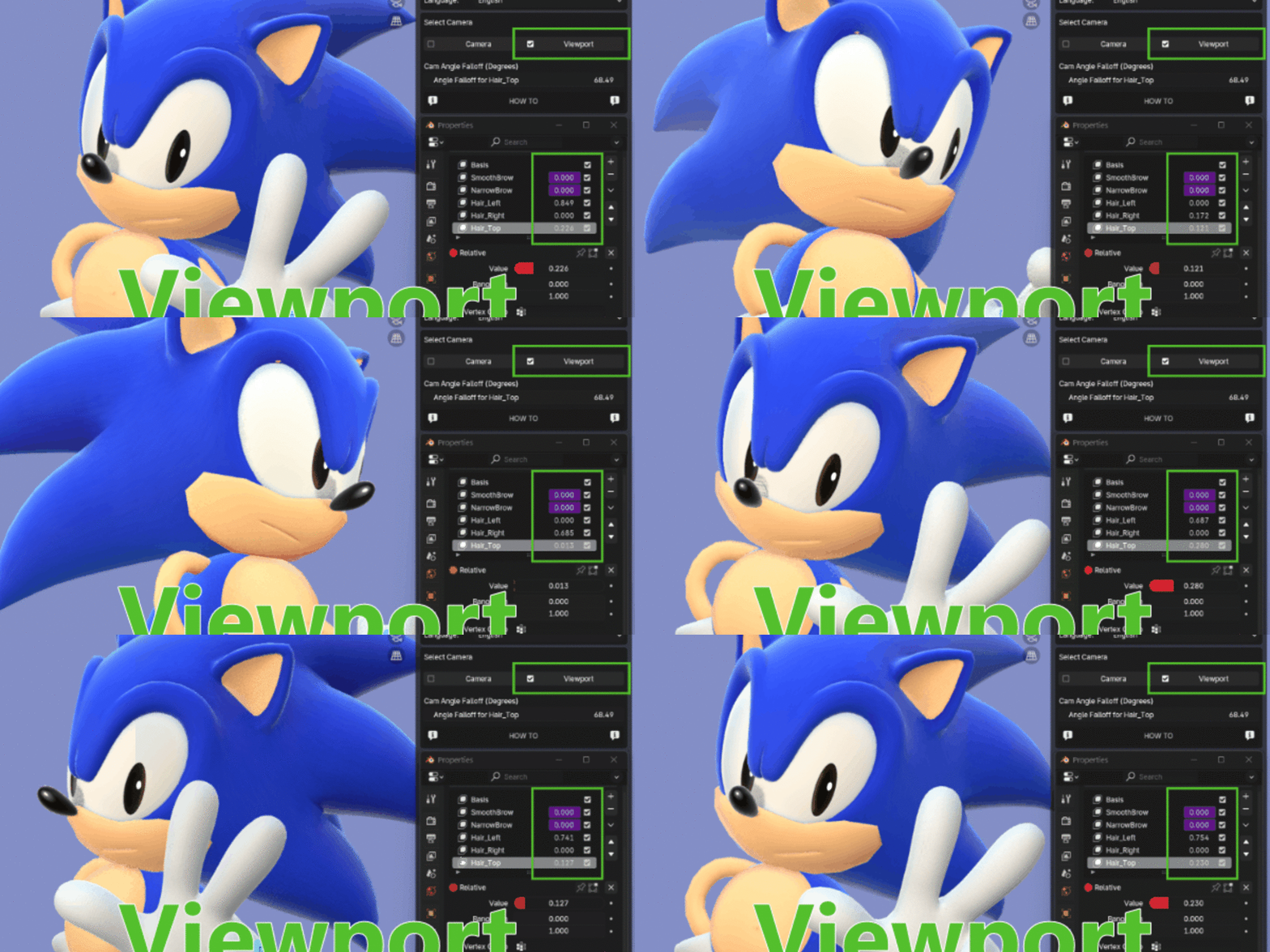
CamKeys links Blender shape keys and object properties to camera angle, with forced perspective, bone tracking, and camera-mode keyframe baking.