Quick Menu 3
Quick Menu 3 finds effects, scripts, presets, extensions and commands in After Effects from a keyboard-triggered panel. See its features and setup guide.
Tools for organizing files and automating repeated tasks in creative applications. Browse by application or search for a task. Page 113 of 163.
Quick Menu 3 finds effects, scripts, presets, extensions and commands in After Effects from a keyboard-triggered panel. See its features and setup guide.
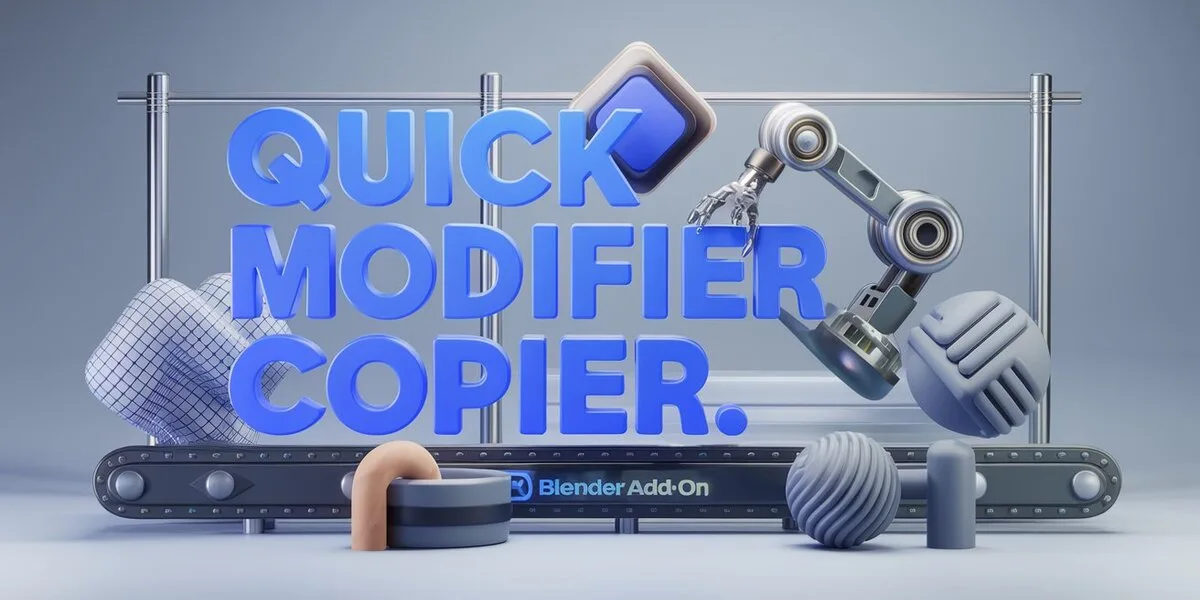
Copy one Blender modifier or a full modifier set with Quick Modifier Copier. Check its listed Blender versions and GPL license before downloading.
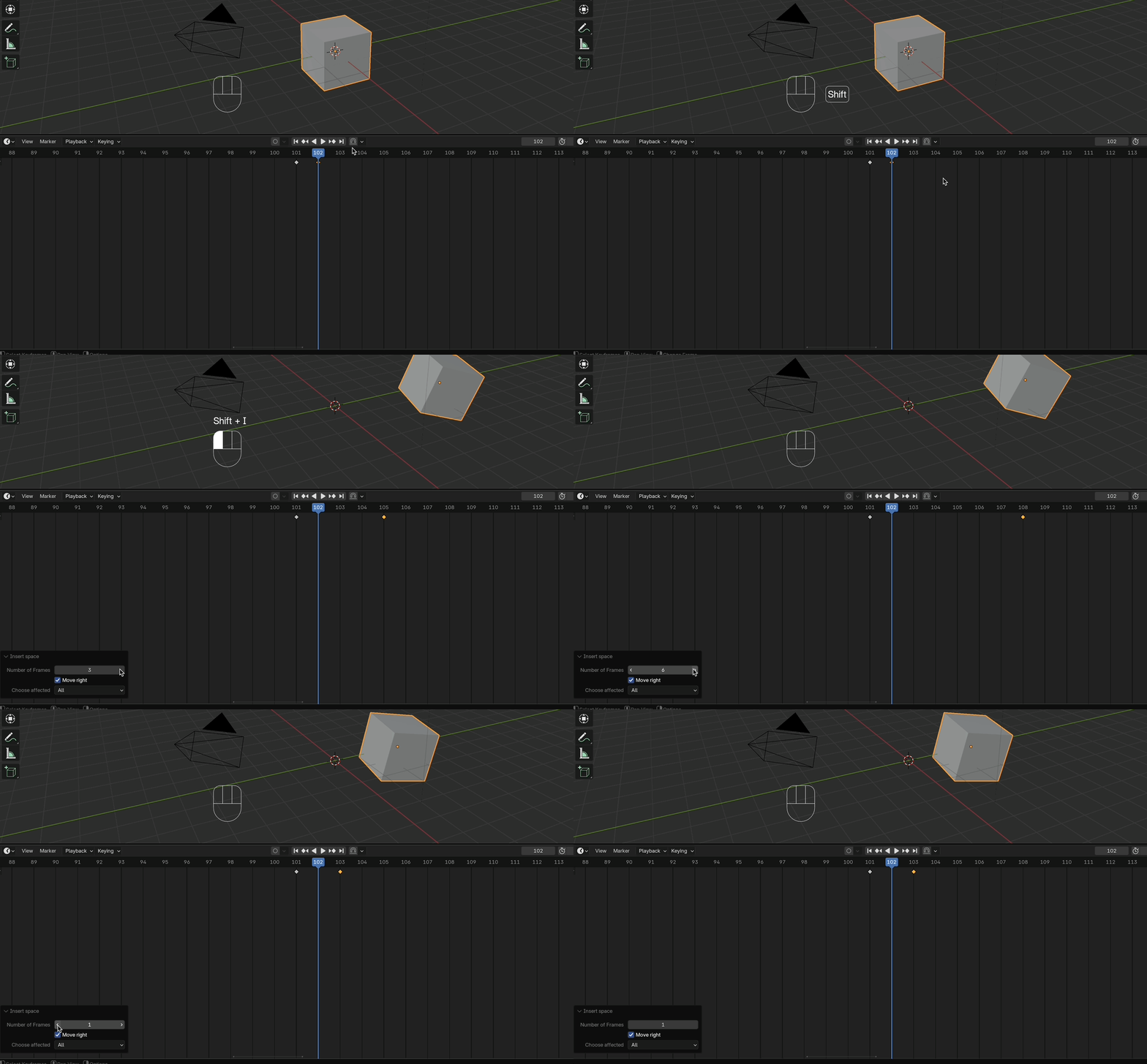
Quick Move Keyframes shifts Blender keyframes left or right from the current frame in the Graph Editor, Dope Sheet, or Timeline. Choose the scope.
Quick N-panel opens add-on tabs from Blender's 3D View N-panel. Version 1.1.0 requires Blender 5.0.0 or later; see Blender's install guide.
Quick Noise Modifier adds Blender Noise modifiers from a right-click on supported object, bone, or light properties, with settings in a 3D View pop-up.
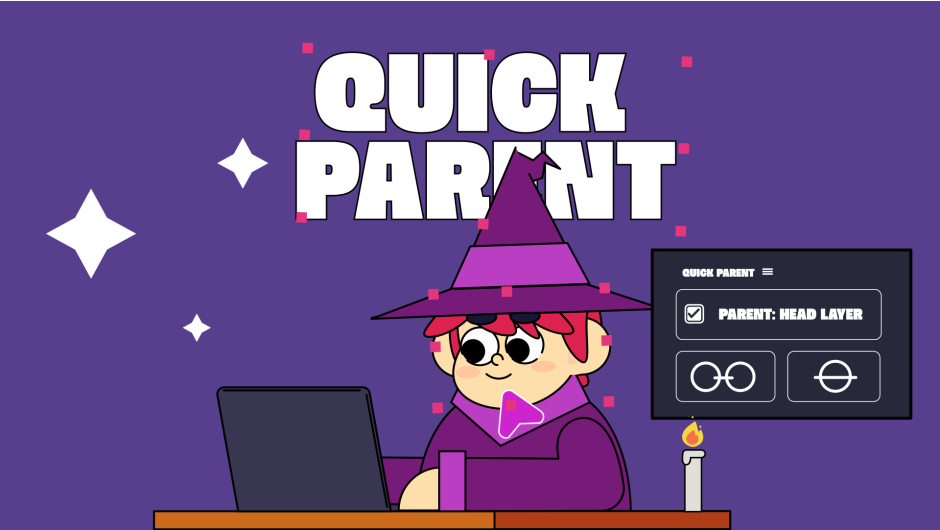
Quick Parent PRO for After Effects tracks layer selections to parent several layers at once, with one-click unparenting. Review the workflow and trial details.
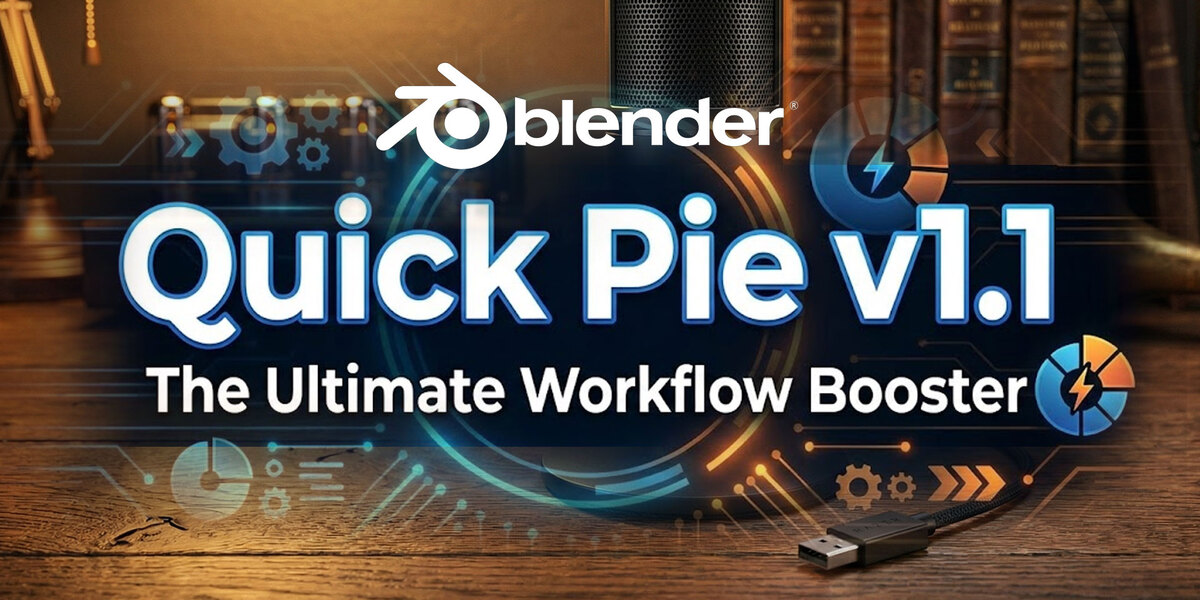
Quick Pie & Favorites puts Blender modifiers, mesh tools, materials, UV commands, and add-on panels in a mode-aware Q menu. See its features and setup steps.
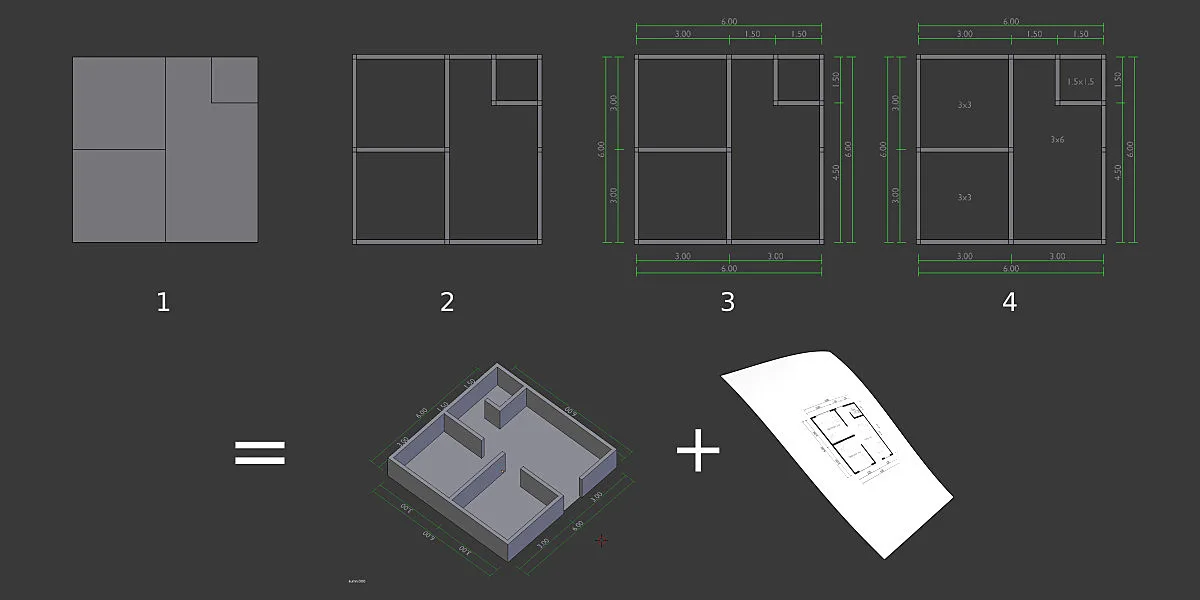
Quick Plan helps build Blender architectural plans with walls, dimensions, annotations and layered SVG export. Check setup and version support.
Quick Project Cleaner for Blender removes selected unused project data, previews deletions with Dry Run, and includes Blender's Orphans Purge.
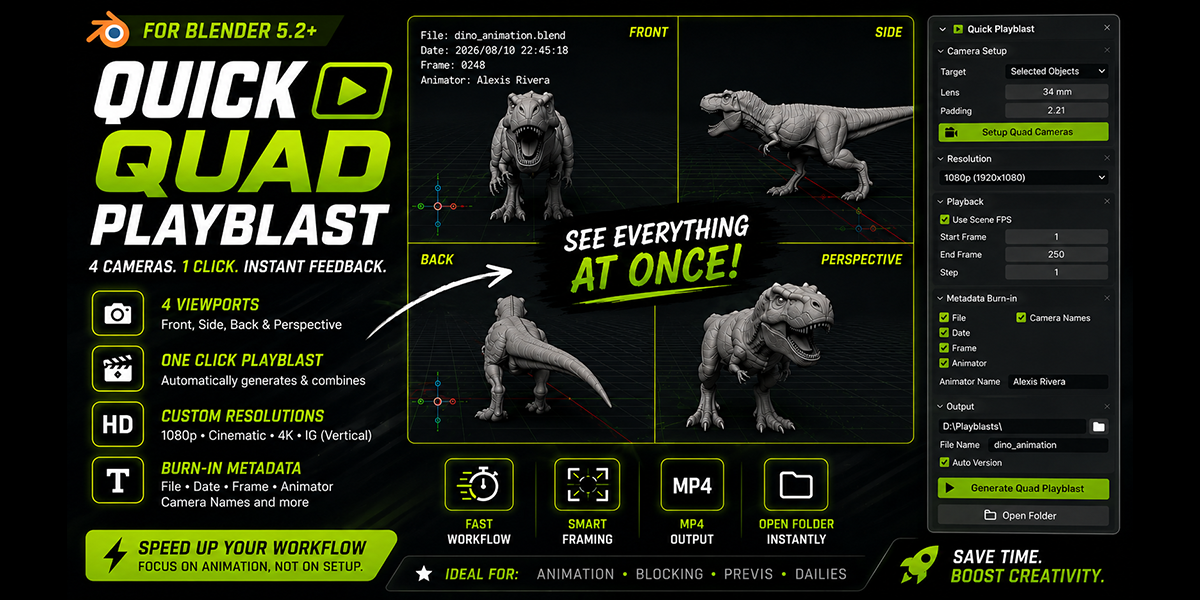
Create a Blender Quad View playblast with four cameras, smart framing, metadata, and custom resolutions. Follow the N-panel workflow and export an MP4.
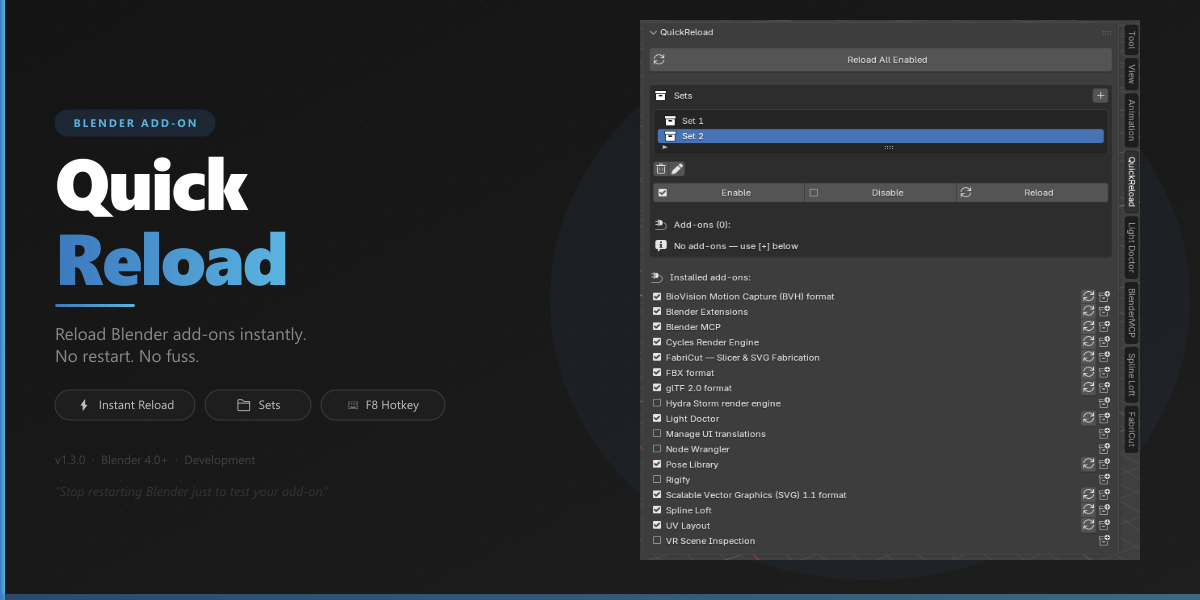
Quick Reload reloads one Blender add-on or all enabled add-ons without closing your scene. Group tools into sets to enable, disable, or reload together.
Quick Replace replaces selected objects from an active category list. Check Blender 3.3 to 5.2 support, its blockout use and GPL license before downloading.
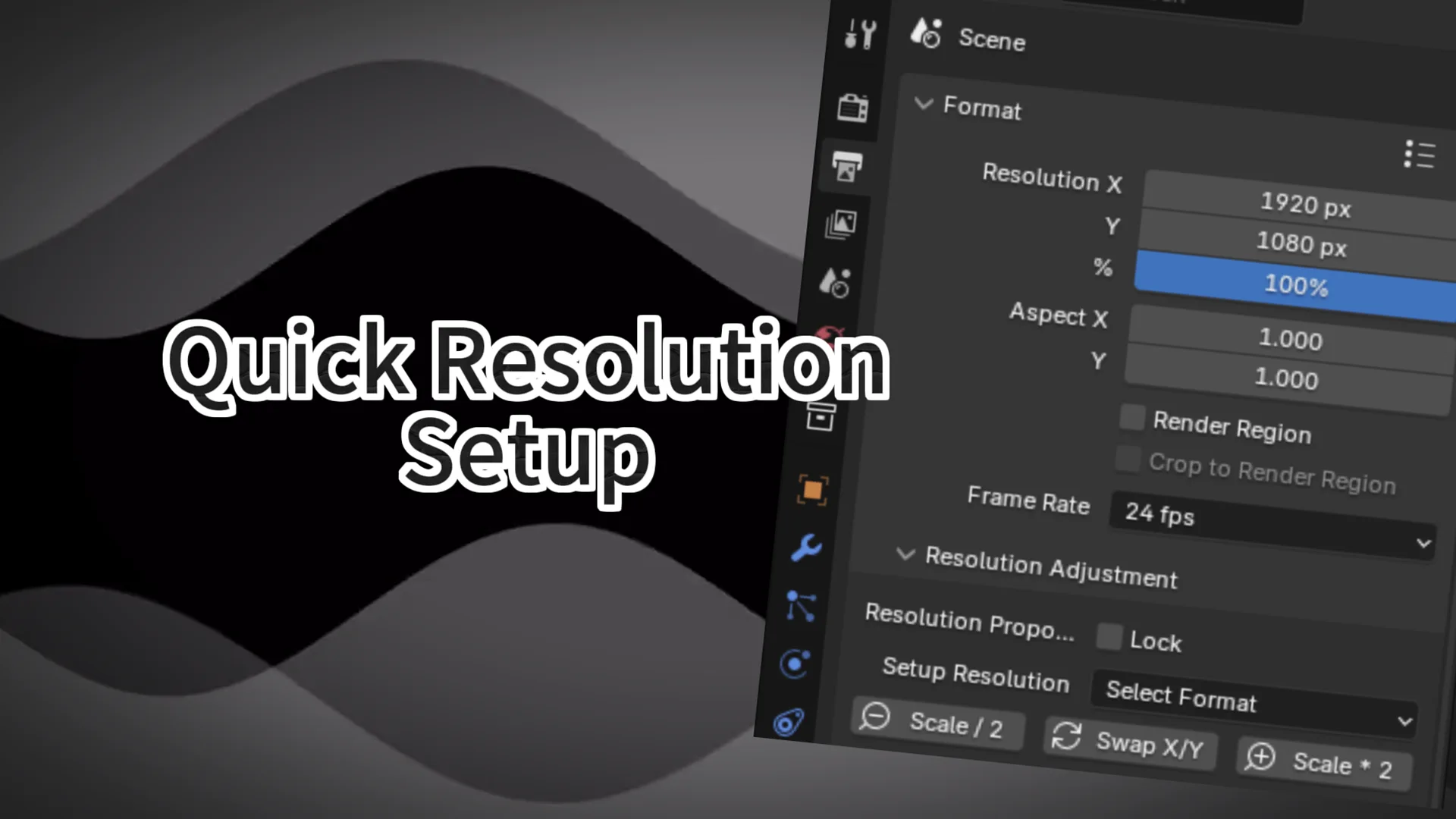
Quick Resolution Setup is a Blender add-on for output presets, ratio locking, 1× zoom and X/Y swapping; version 1.1.0 is listed for Blender 4.2 LTS and newer.
Quick Room is a Revit add-in that applies saved room names and writable text values. Map profile fields per project; empty fields clear room parameters.
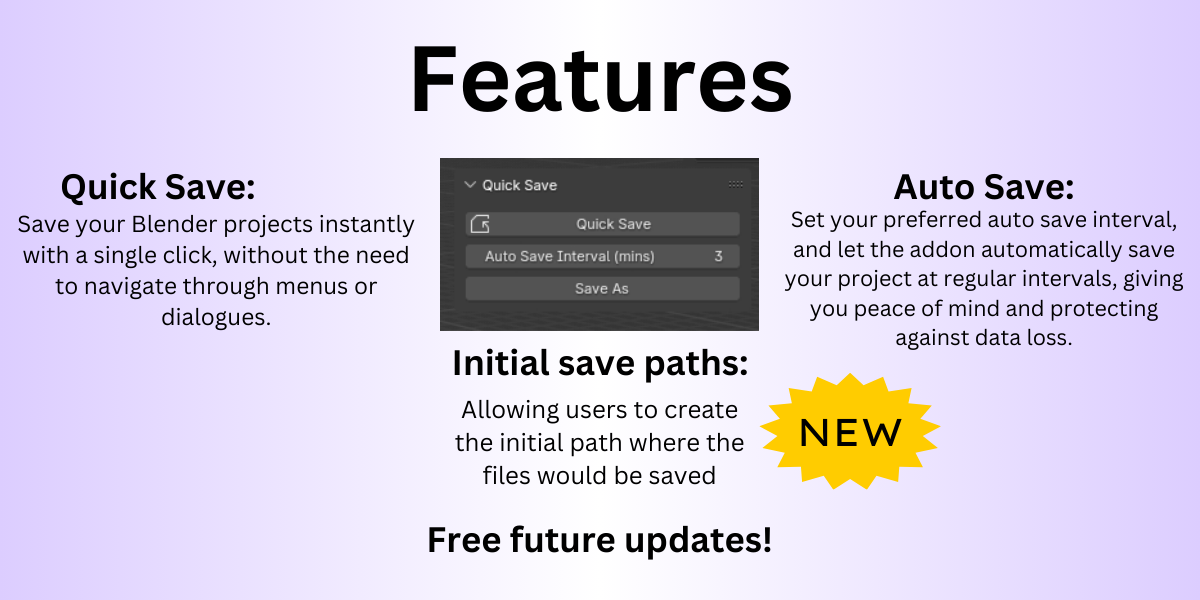
Quick Save for Blender adds one-click saves and adjustable autosave intervals in a 3D View panel. Check its compatibility and installation steps.
Quick Selection is a 3ds Max utility for category selection, stored objects, named sets, and pathname literals. Store Selection saves object names to an INI file.
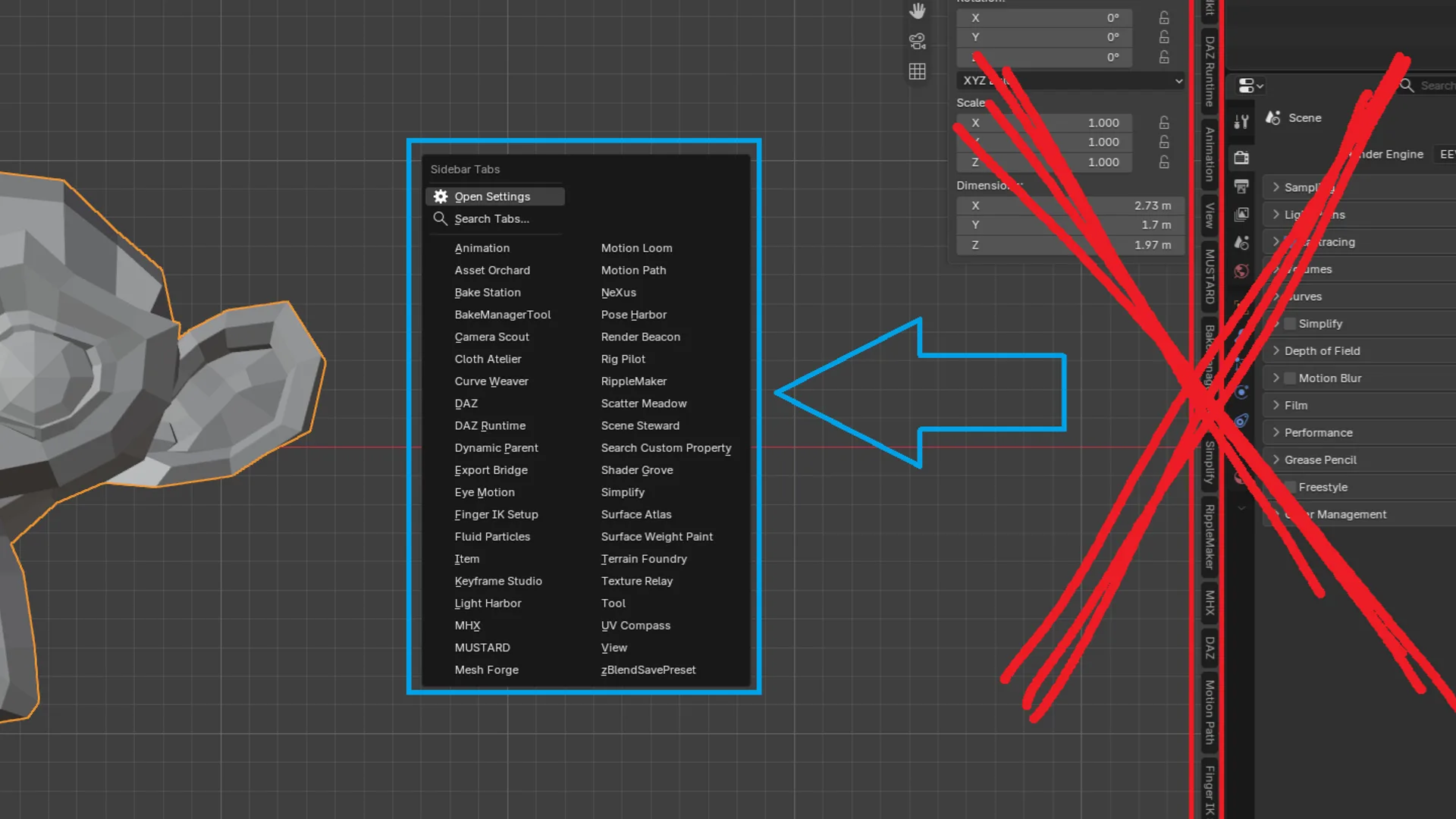
Quick Sidebar Switcher is a searchable popup for Blender sidebar tabs, with filters and sorting. Check the Blender version requirement before installing.
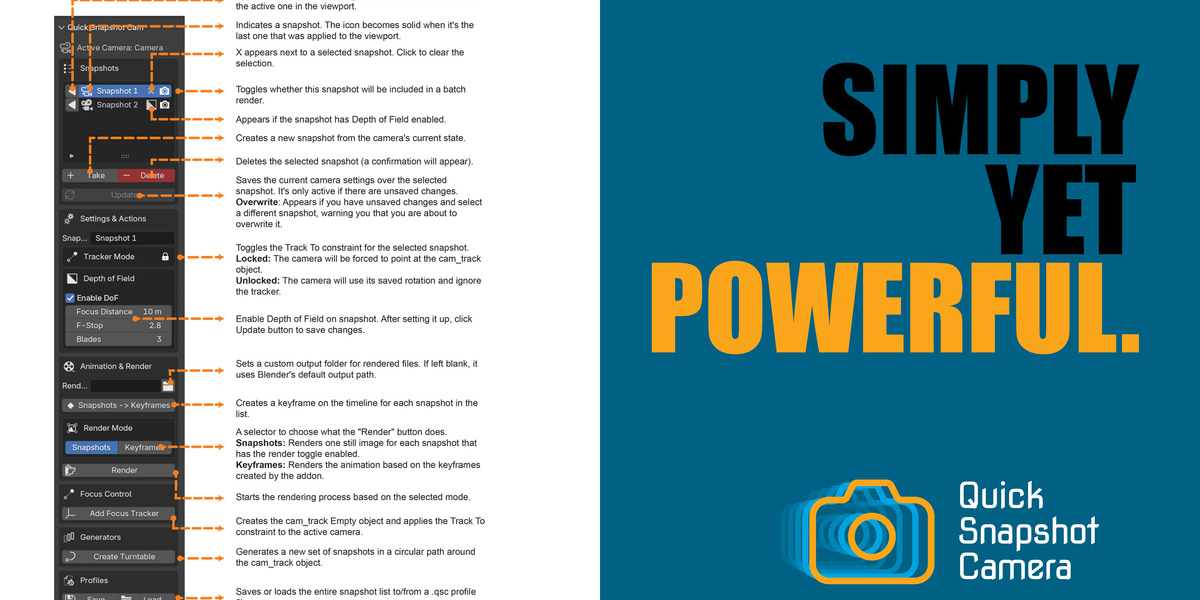
Quick Snapshot Camera is a Blender add-on for camera snapshots, animation keyframes, turntable shots and batch renders. Check compatibility before installing.
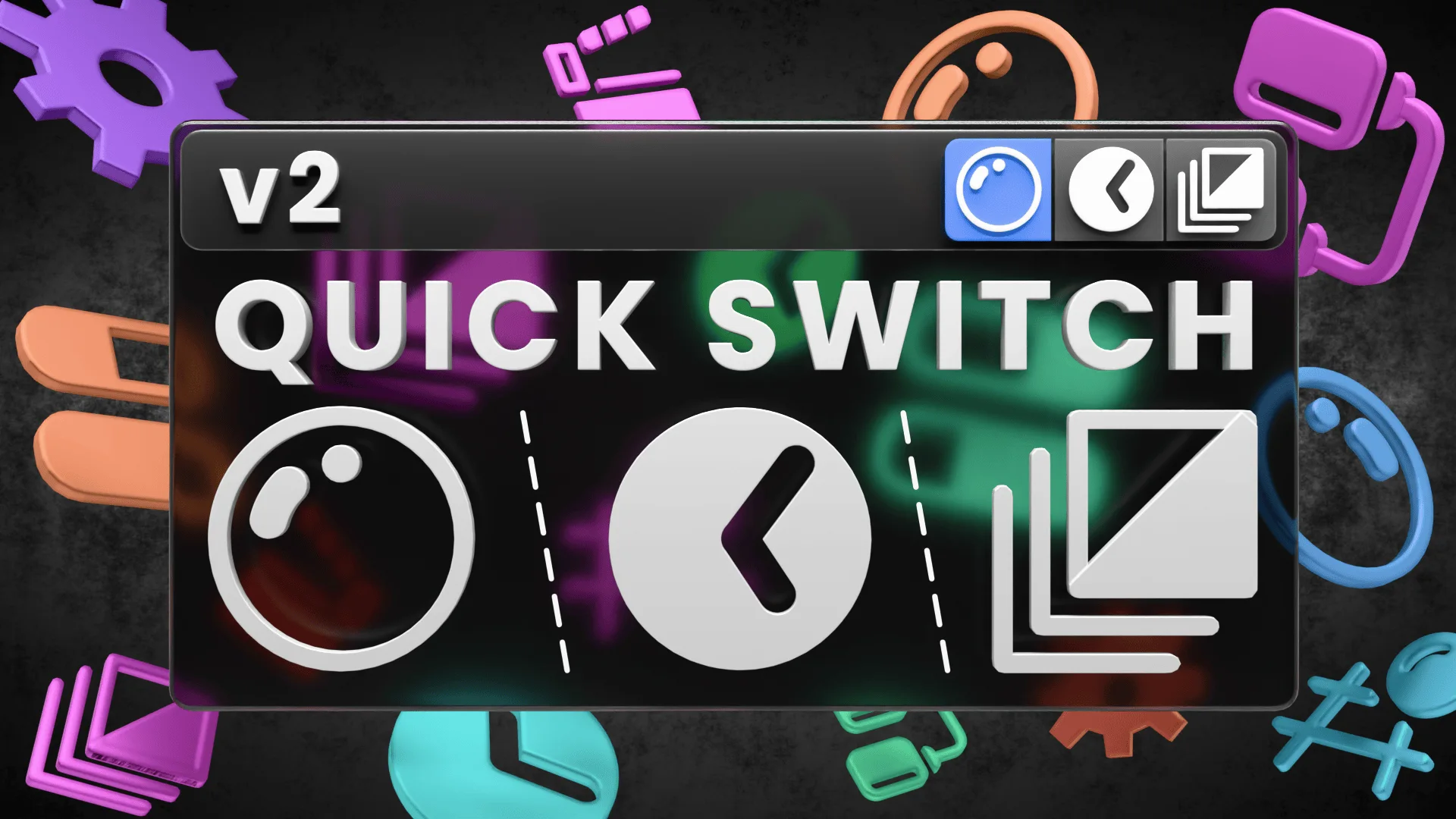
Quick Switch adds grouped editor buttons and keyboard cycling to Blender headers, with saved settings and JSON backup. Check its listed Blender support.
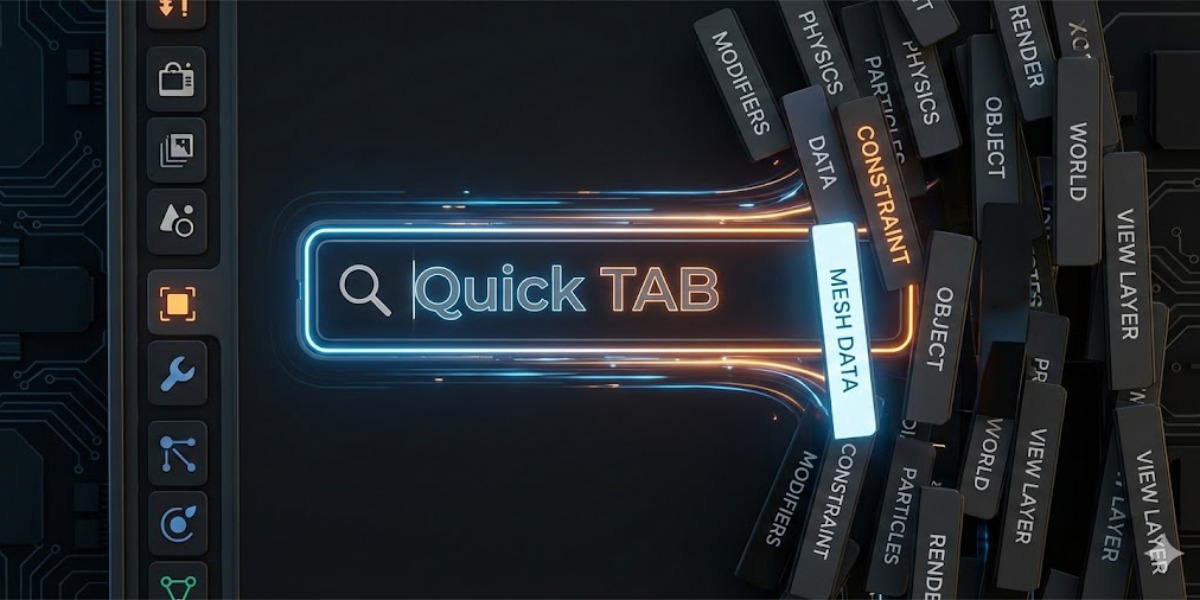
Search Blender’s N-Panel by tab and panel label, pin favorites, open a viewport popup, and group add-ons into task-based Decks in Quick Tab.
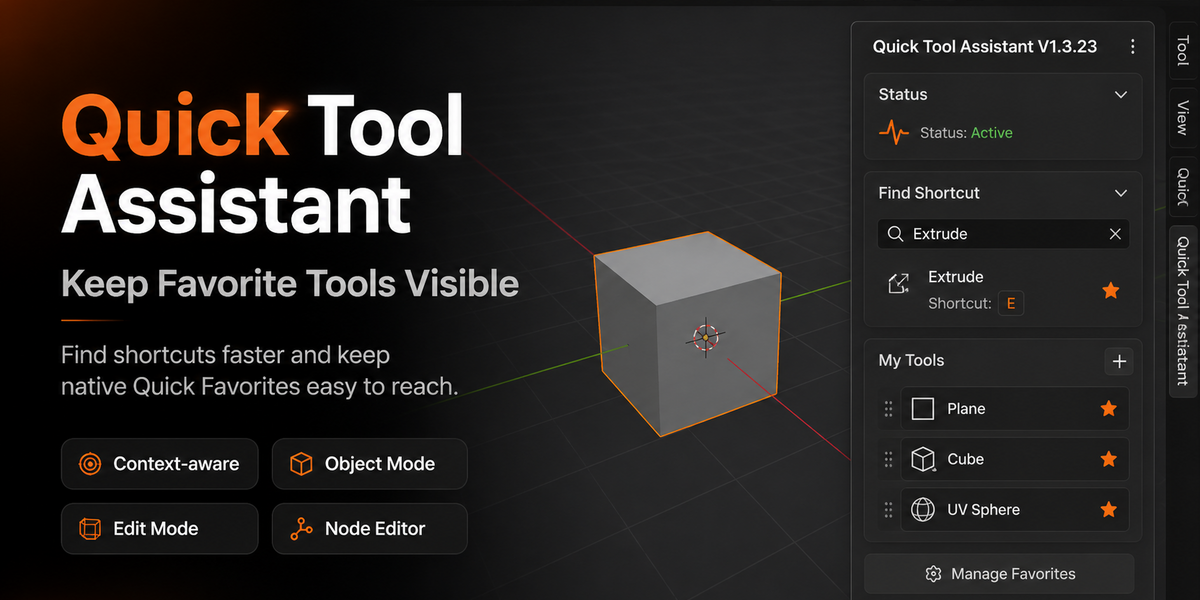
Quick Tool Assistant keeps Blender Quick Favorites in a context-aware sidebar and finds common shortcuts. Check setup and version support.
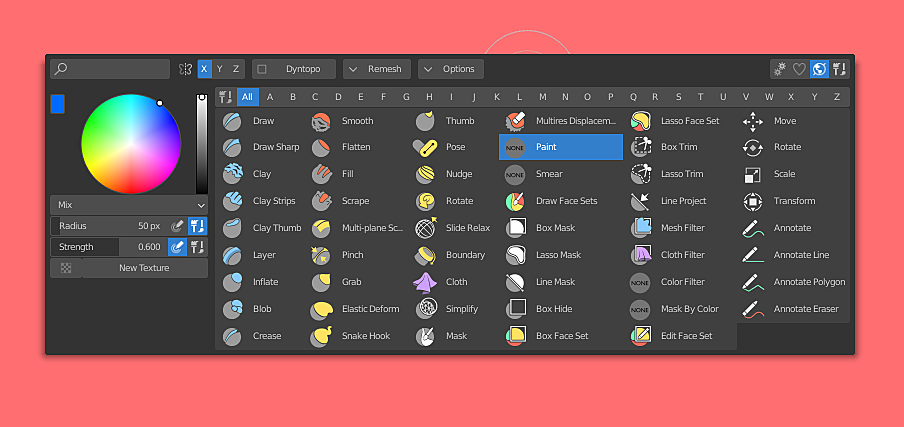
Quick Toolbox For Blender 2.8+ opens a mode-aware panel of tools and brushes with Spacebar or the editor button. The listing names releases through Blender 3.3.
Quick Tools are a Blender add-on. Its bundled AutoTex and Shake Cut get no feature updates; standalone AutoTex Matcher and Shake Cut receive them.