Imessage After Render
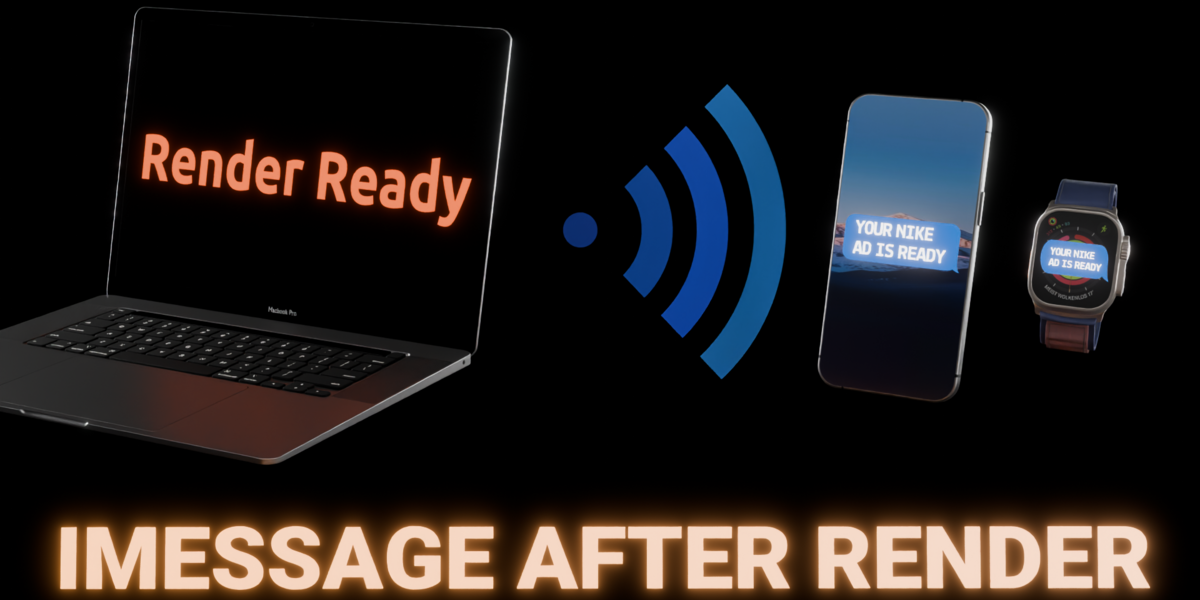
Get render alerts with iMessage After Render for Blender: an iMessage on iPhone, iPad, or Apple Watch, a Mac sound, or both. Choose from 80+ sounds.
Tools for organizing files and automating repeated tasks in creative applications. Browse by application or search for a task. Page 67 of 163.
Get render alerts with iMessage After Render for Blender: an iMessage on iPhone, iPad, or Apple Watch, a Mac sound, or both. Choose from 80+ sounds.
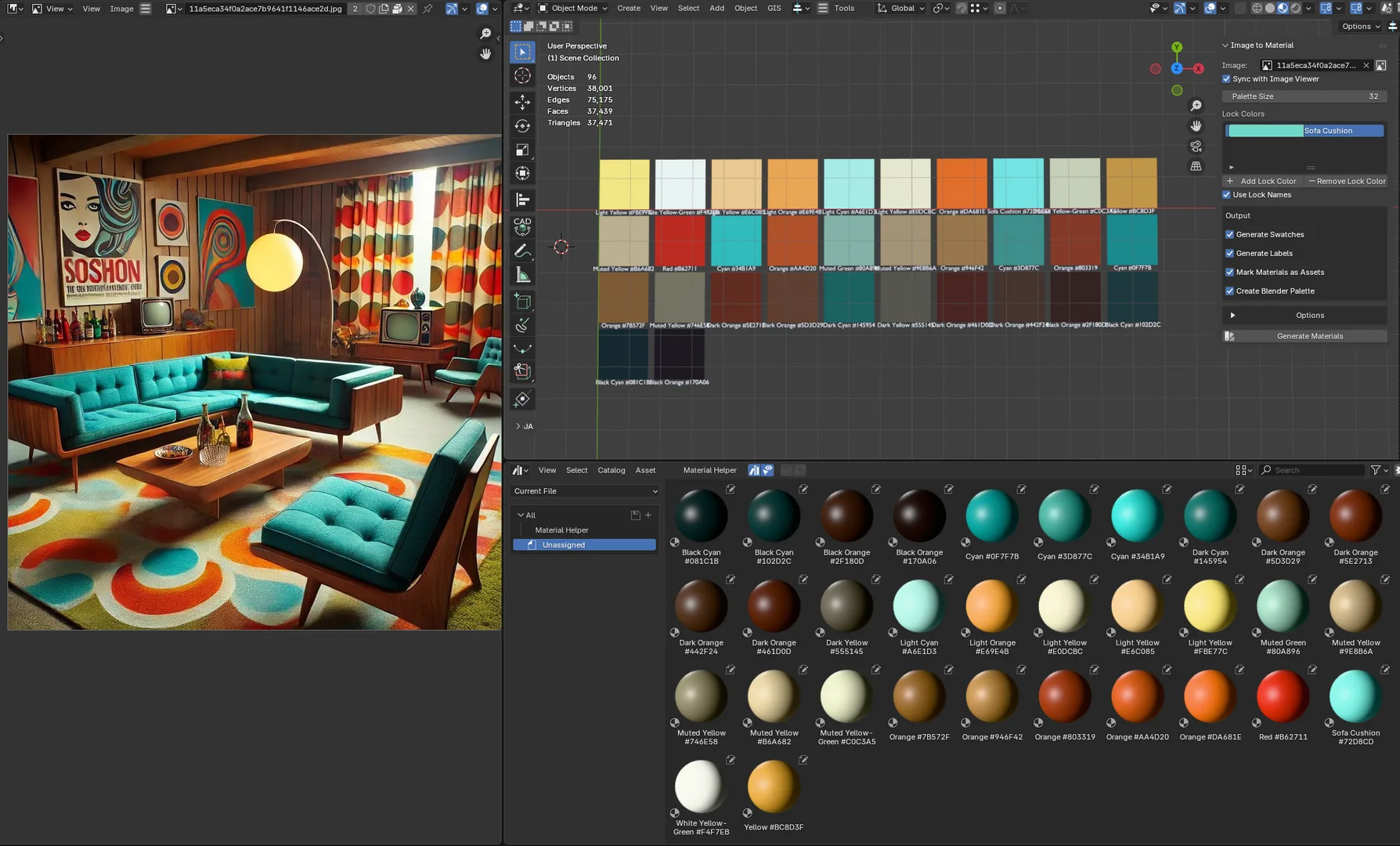
Turn reference images into Blender materials, swatches and palettes, then add PMS matches and sampled-area callouts with img2mat_pro.
Immigration handles After Effects imports and batch replacements with image sequence, folder hierarchy, match preview, filtering, and proxy tools.
Imperfekt adds 65+ procedural Blender surface effects and a fingerprint generator. See how UV mapping and node setup affect its workflow before installing.
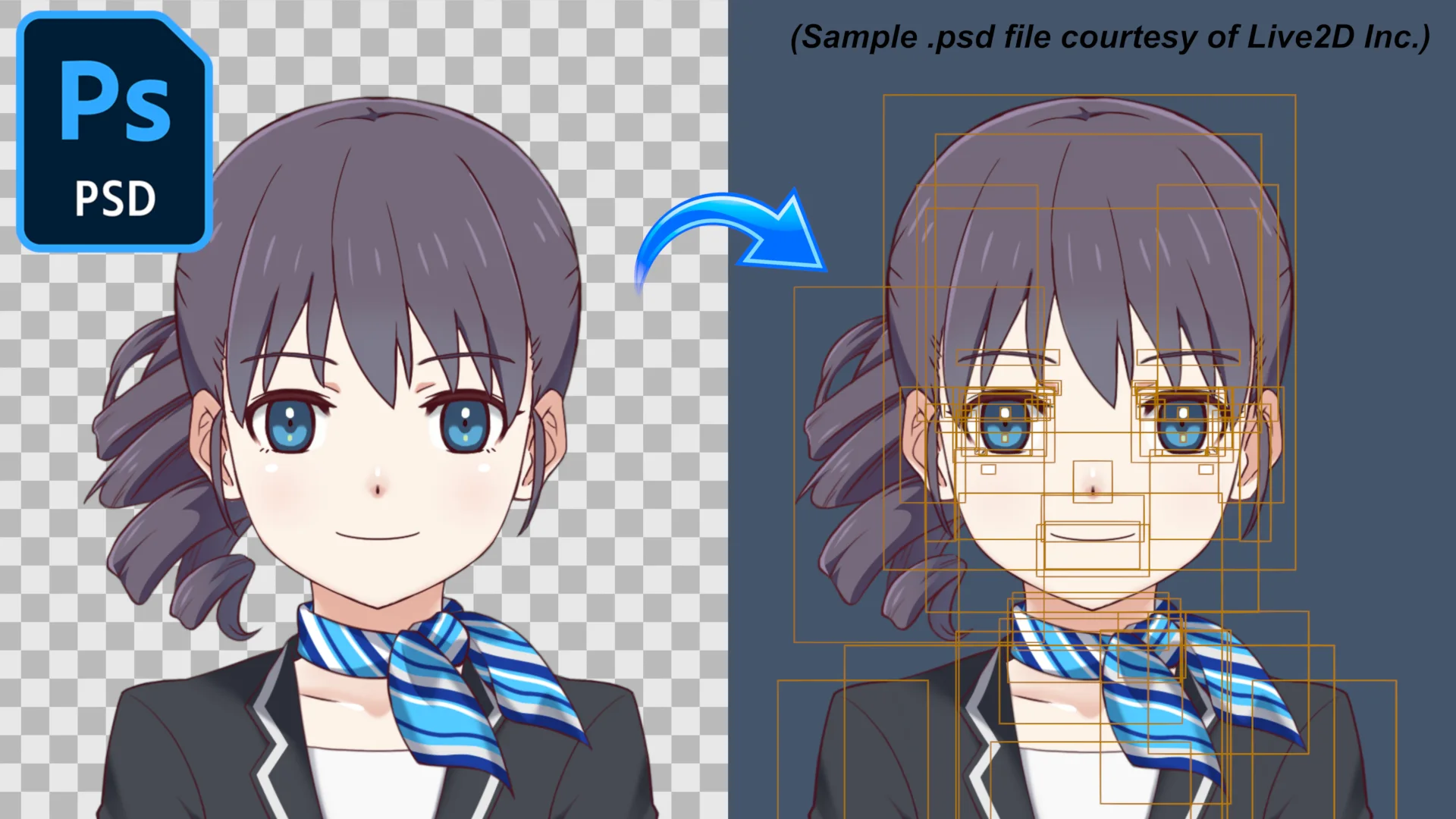
Bring layered Photoshop .PSD artwork into Blender as mesh planes. Check the Blender 4.2 minimum, choose a platform package, and review installation guidance.
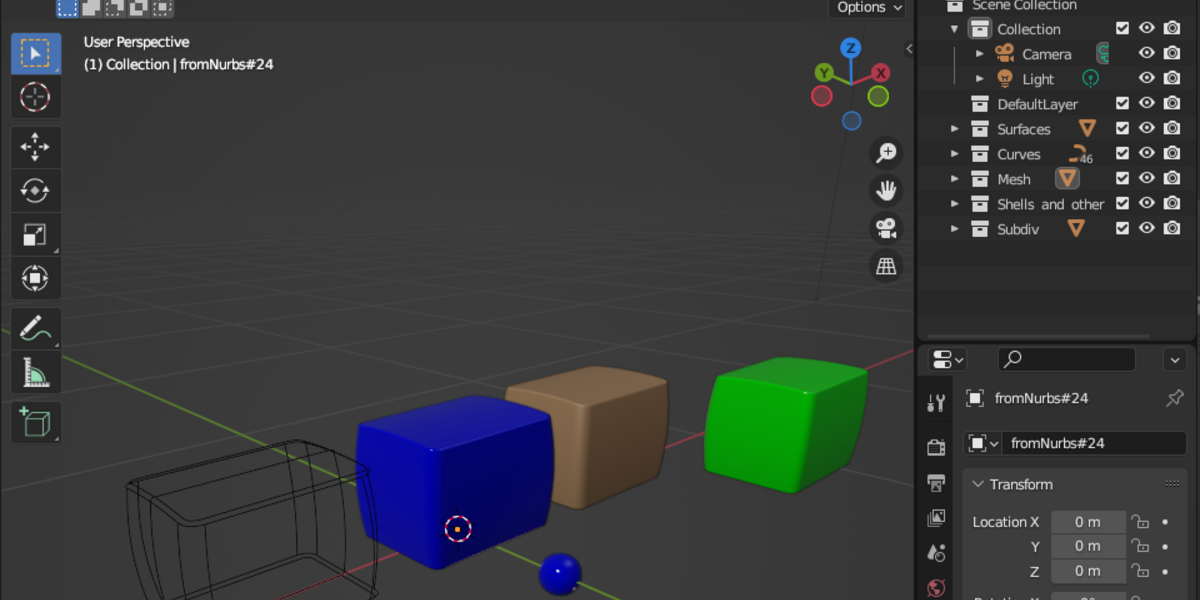
Import Alias converts Alias NURBS data to Blender meshes and imports curves, meshes, and subdivision data. Check compatibility before installing.
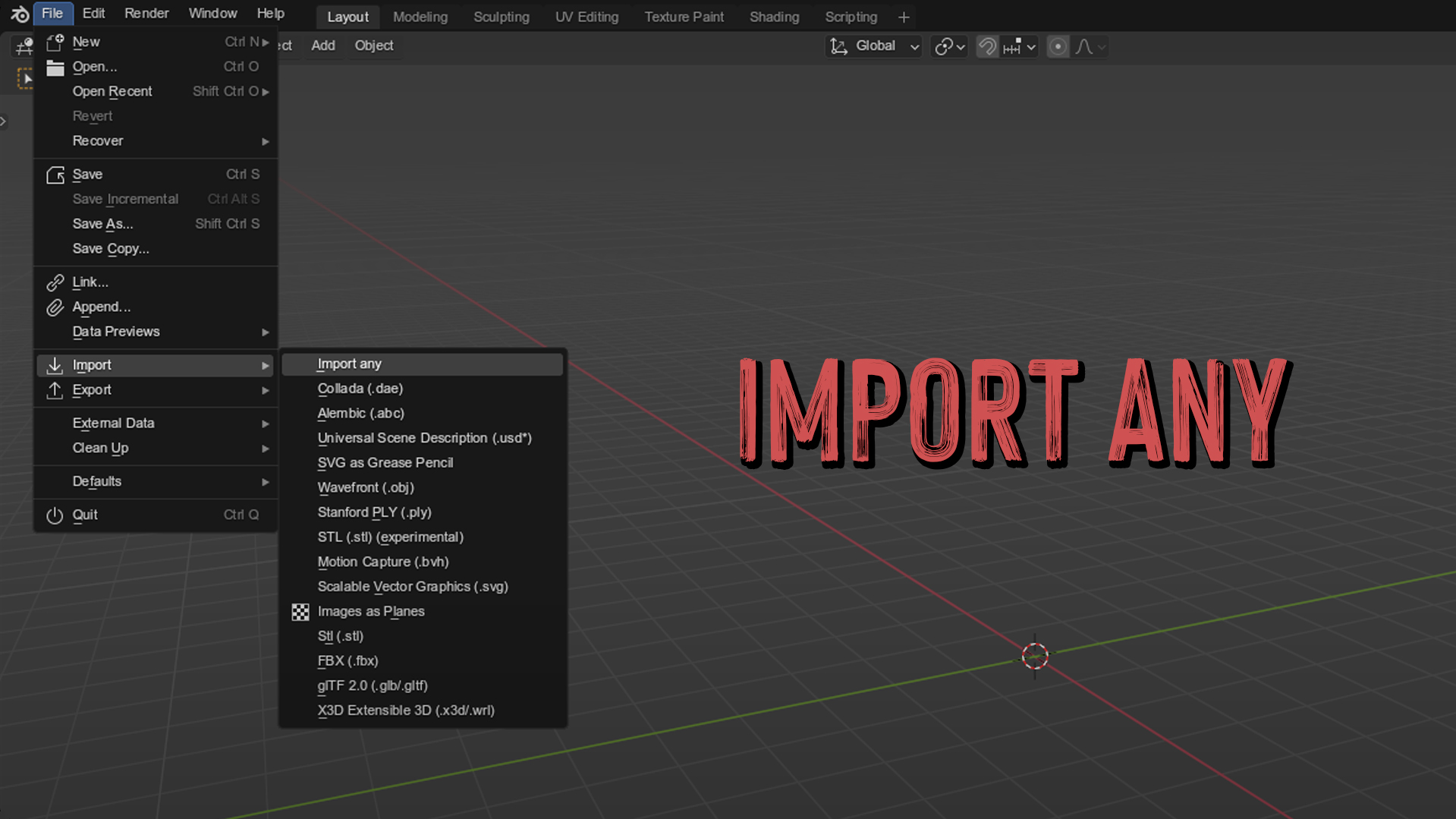
Import Any brings Blender file imports into one menu, with clipboard paths, batch importing and model offsets. Review supported formats and version details.
Import AutoCAD DXF files into Blender with the 0.9.10 add-on. It requires Blender 4.2.0+ and file access; it is offered as-is with limited support.
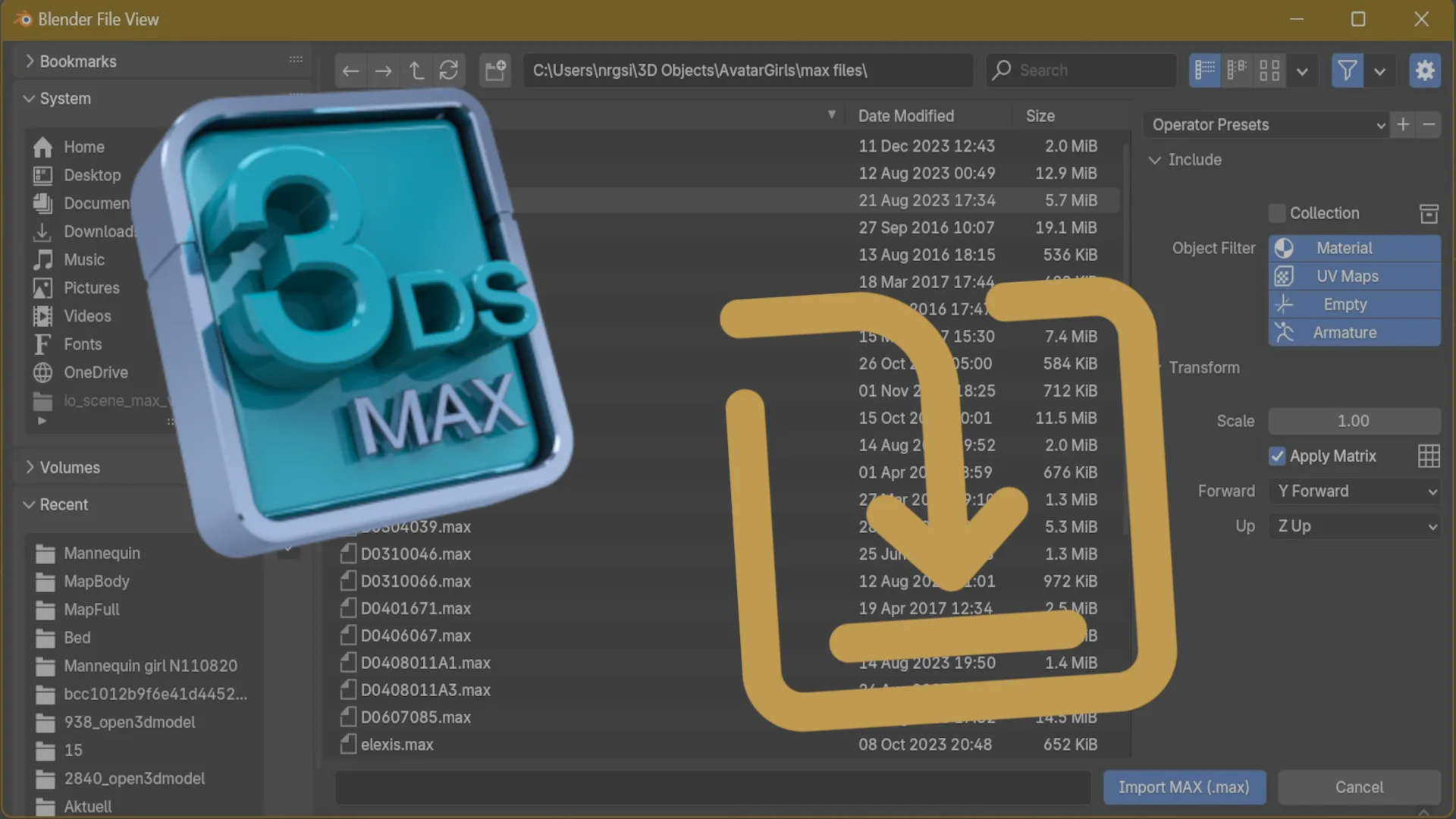
Import Autodesk MAX (.max) files in Blender with mesh, material, and texture-coordinate support. Check Blender compatibility and linked texture paths.
Import BrushSet loads image files from a folder in Blender. Version 1.3.3 is listed for Blender 4.2 LTS; 4.3 and later are unsupported.
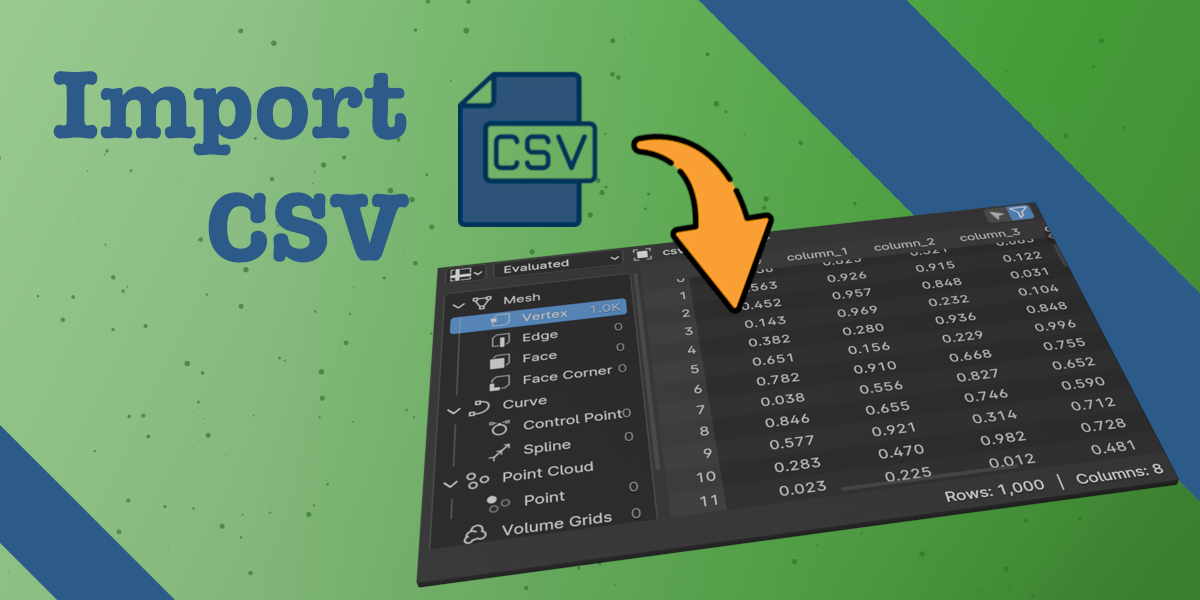
Import Csv loads numeric CSV rows into Blender mesh points as Named Attributes for Geometry Nodes and shader work. Review version support before downloading.
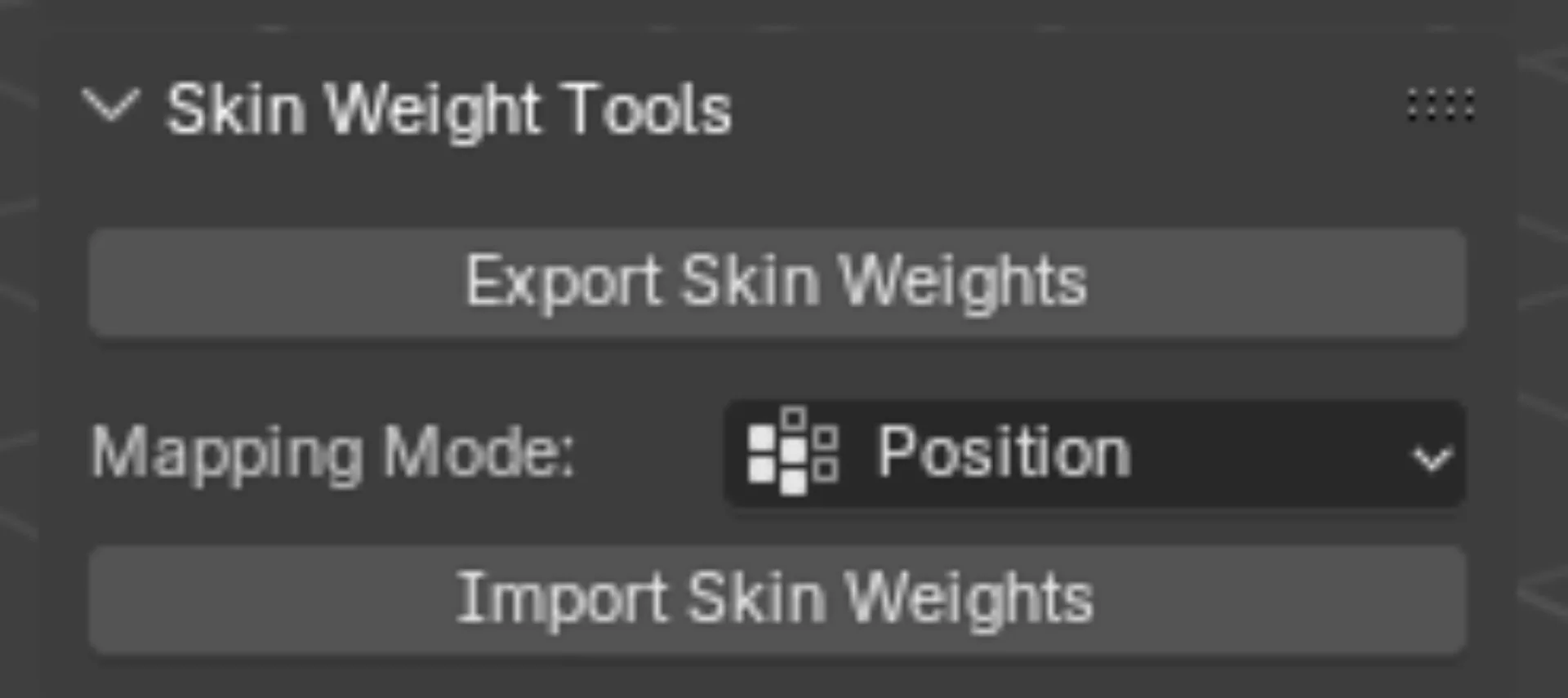
Import Export Skin Weights are transferred between meshes through JSON using Position or UV mapping in rigging; version 1.0.1 requires Blender 4.2.0.
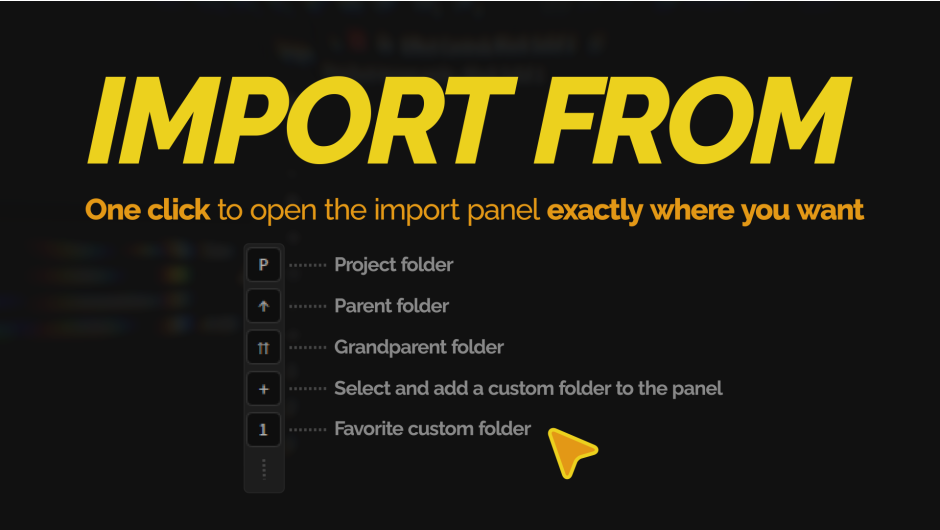
Import From opens After Effects import dialogs at project-relative folders or saved favorites. Alt/Option-click opens those paths in Finder or Explorer.
Import Full Collections links Blender data under an incrementally named Merged Collection and gathers unassigned objects. Check Blender 4.0 details.
The Import Illustrator Files script imports .ai, .dxf and .dwg into 3ds Max as splines. Save .ai files in Illustrator 8; SVG support requires 3ds Max 2025.2+.
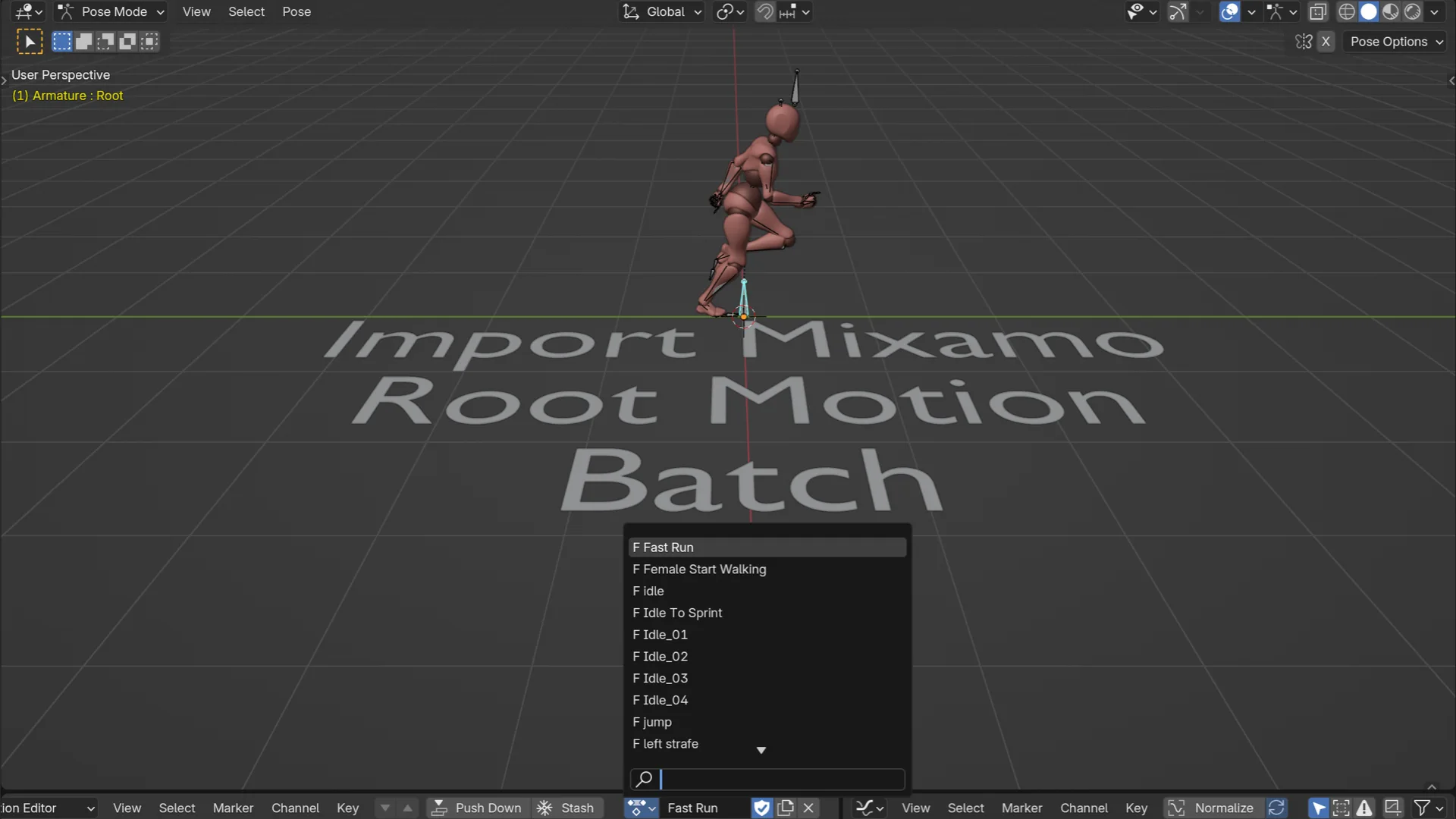
Import Mixamo - Root Motion is a Blender add-on for batch importing Mixamo FBX files and baking displacement onto a root bone.
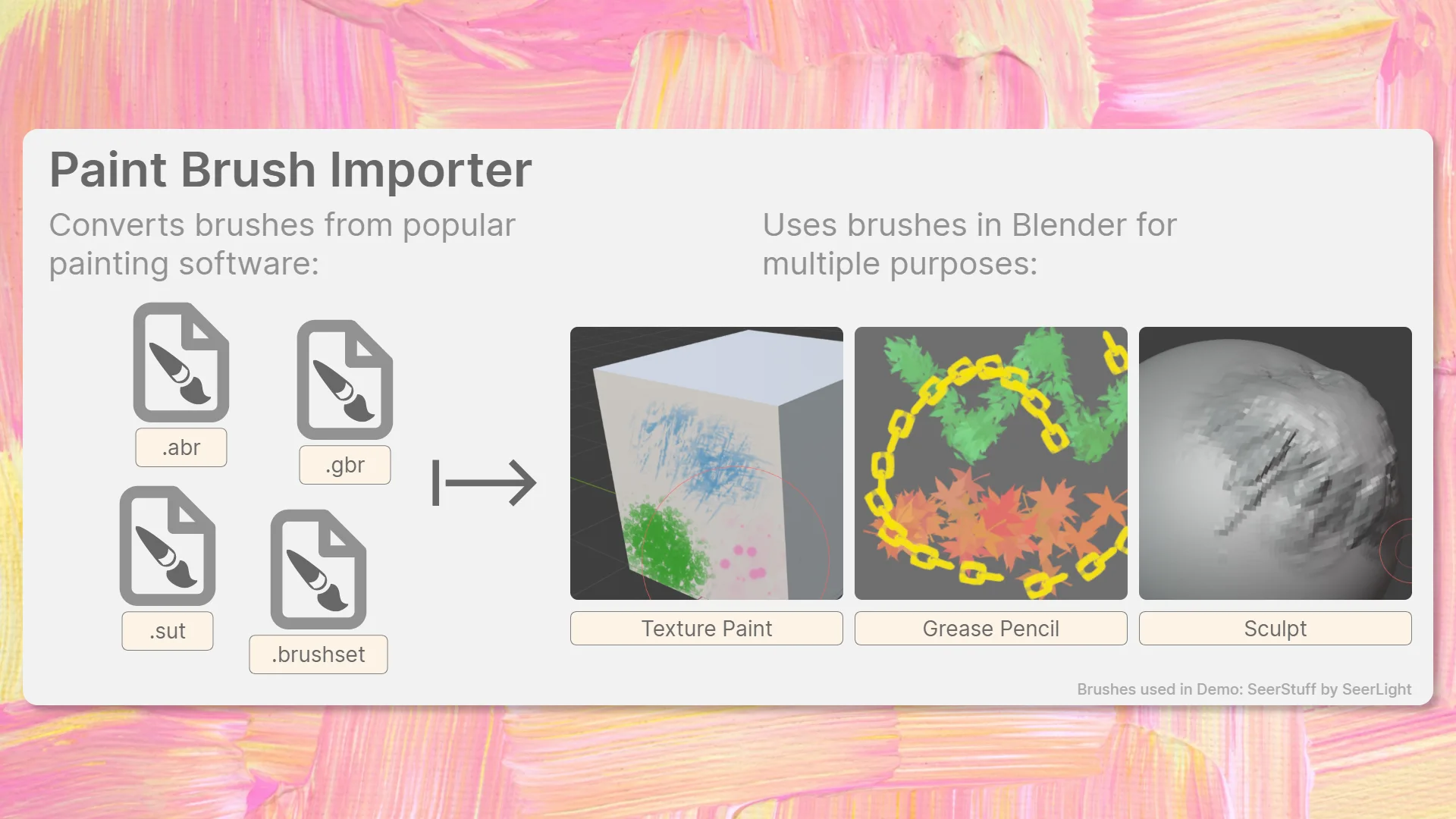
Import Paint Brushes converts .abr, .gbr, .gih, .brushset and .sut to Blender brushes. Krita .bundle imports need Pixel Engine; SVG textures are unsupported.
Import Palettes are for Blender 4.2+. Version 1.0.5 handles ASE, GIMP GPL and JASC/Gale PAL files; it cannot process LAB swatches or Krita's KPL files.
Import PNG Palette brings Lospec and other PNG palettes into Blender. It can merge similar colors, limit palette size, and skip transparent pixels.
Import a folder of SVG cuts into Blender, order them by filename, and assemble them with extrusion and distance options. Requires Blender 4.2 or later.
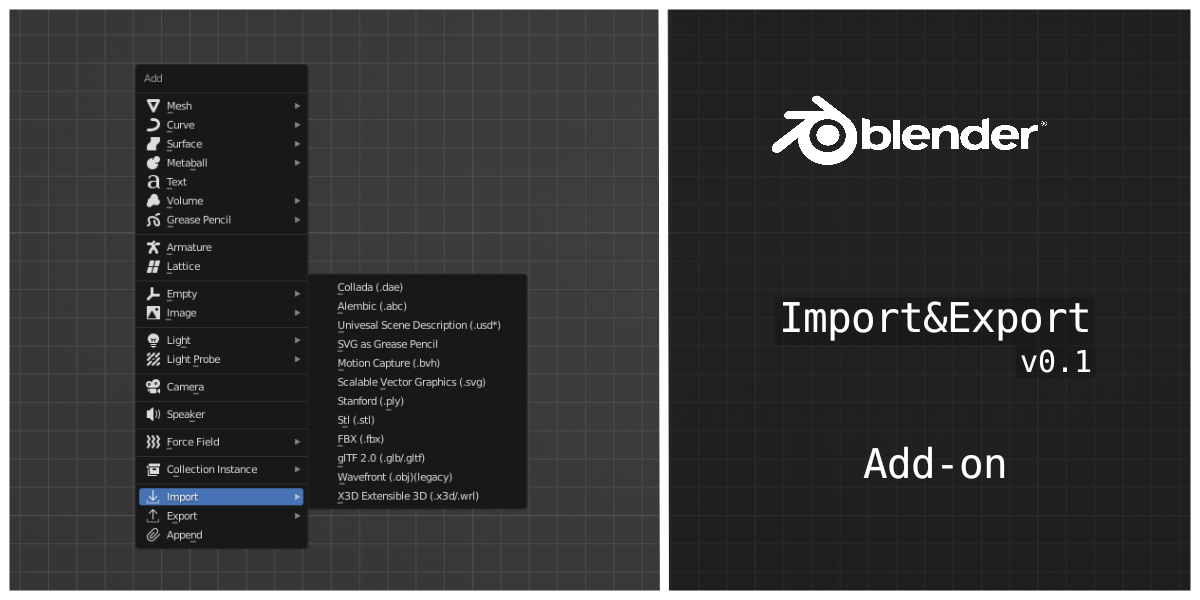
Use the Import&Export Blender add-on to import, export, or append files from the 3D Viewport Add menu. See supported formats and listed Blender versions.
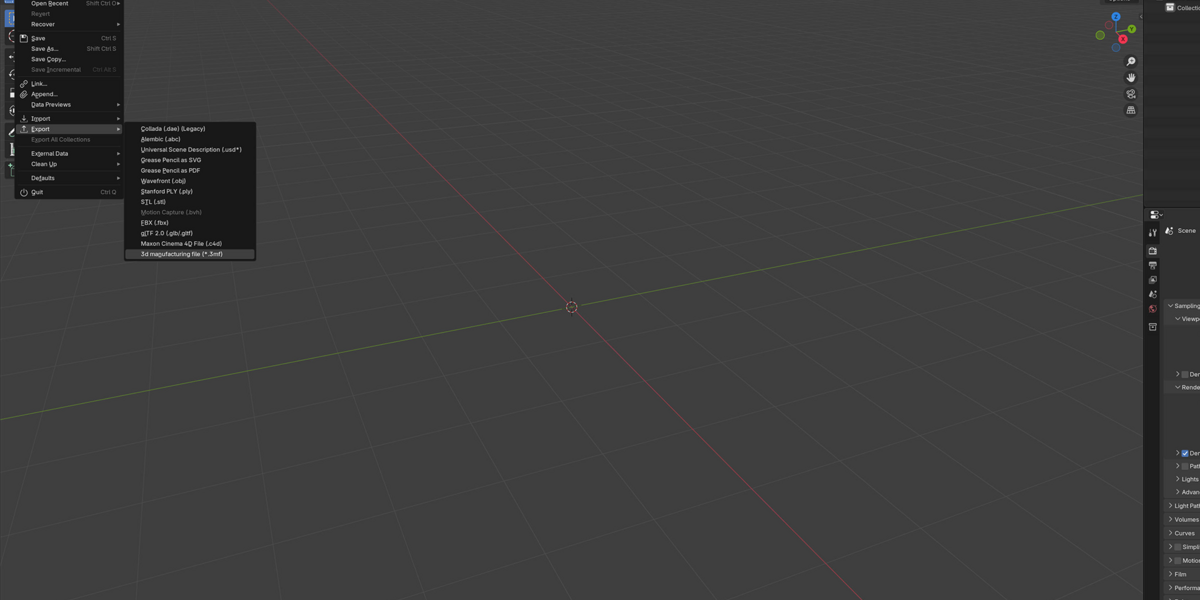
Move 3MF models between Blender and 3D printing software with hierarchy-aware import, optional mesh merging, and selected-object or scene export.
ImportObj is a 3ds Max OBJ importer with vertex colors, scale and spacing. For PBR textures in V-Ray or Corona, set the render engine before importing.