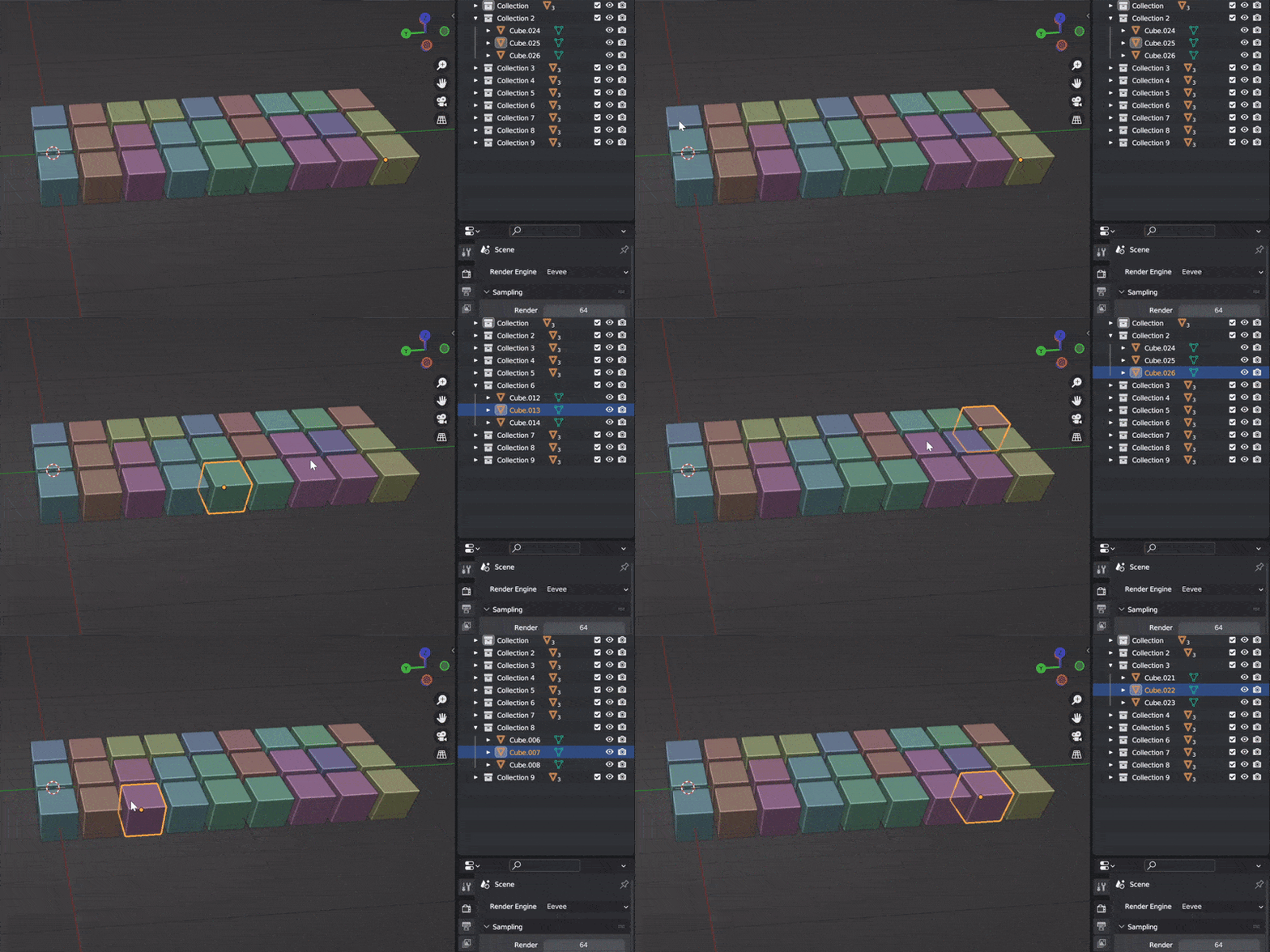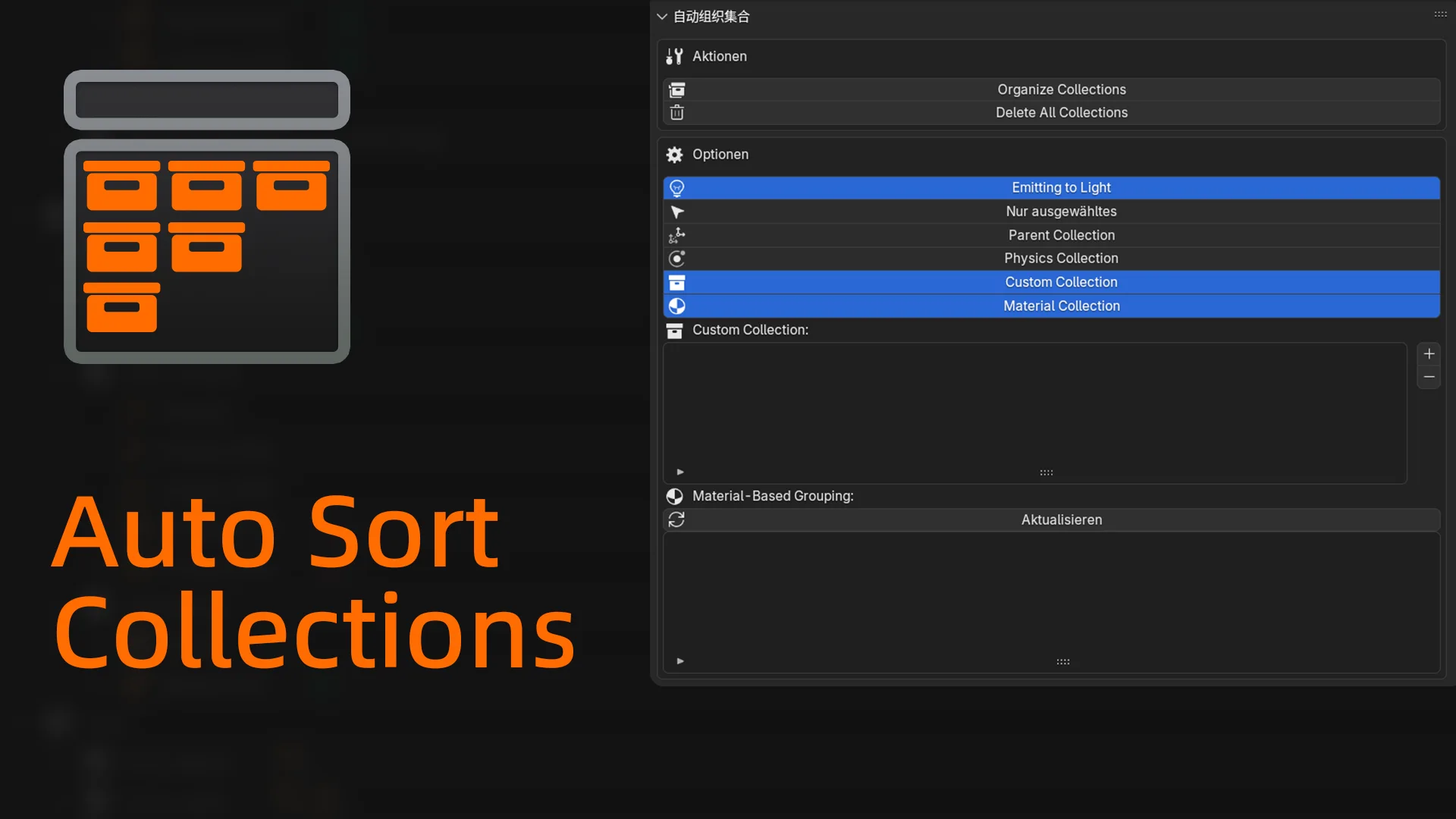
Auto Sort Collections
Auto Sort Collections organizes Blender collections automatically. Check its Blender 4.2.0 minimum, version 1.0.4 listing, and installation reference.
Published software and plugin guides for Blender. Page 15 of 196.
Read the software guideAuto Sort Collections organizes Blender collections automatically. Check its Blender 4.2.0 minimum, version 1.0.4 listing, and installation reference.
Auto Sprite is a Blender add-on for making sprite sheets from renders or image sequences, with Builder and Loader. Check Blender versions before installing.
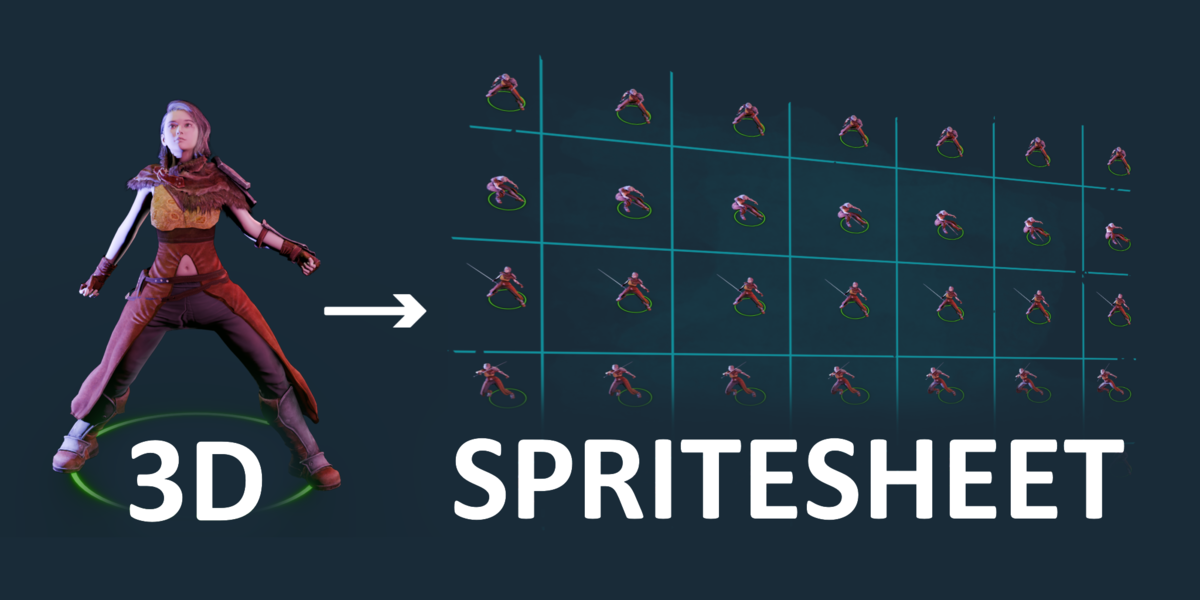
Render Blender scenes into sprite sheets with camera rings, NLA track rows, flexible frame steps, and an in-Blender player for checking animations.
Auto Stop Free is a Blender add-on that stops playback and recording at the scene's end frame, helping protect auto-keying input and rigid-body physics caches.
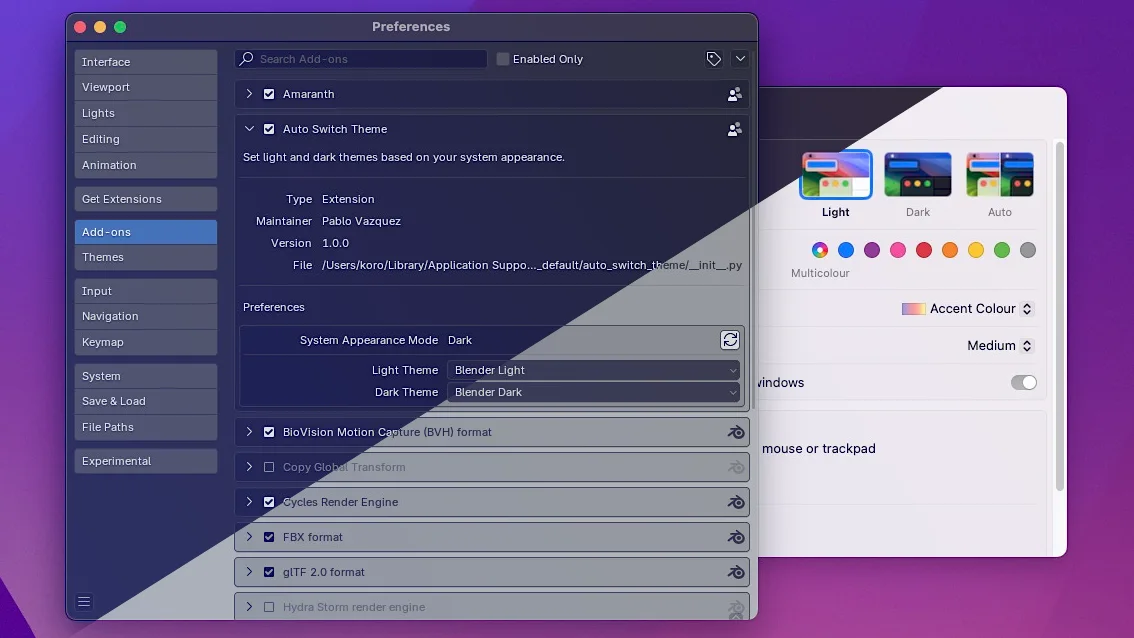
Auto Switch Theme is a Blender add-on that matches light or dark themes to system appearance. Choose both themes, then restart Blender or refresh Preferences.
Keep Blender object and data-block names aligned with Auto Sync Object Data Names; set prefixes for new data names and manually sync objects.
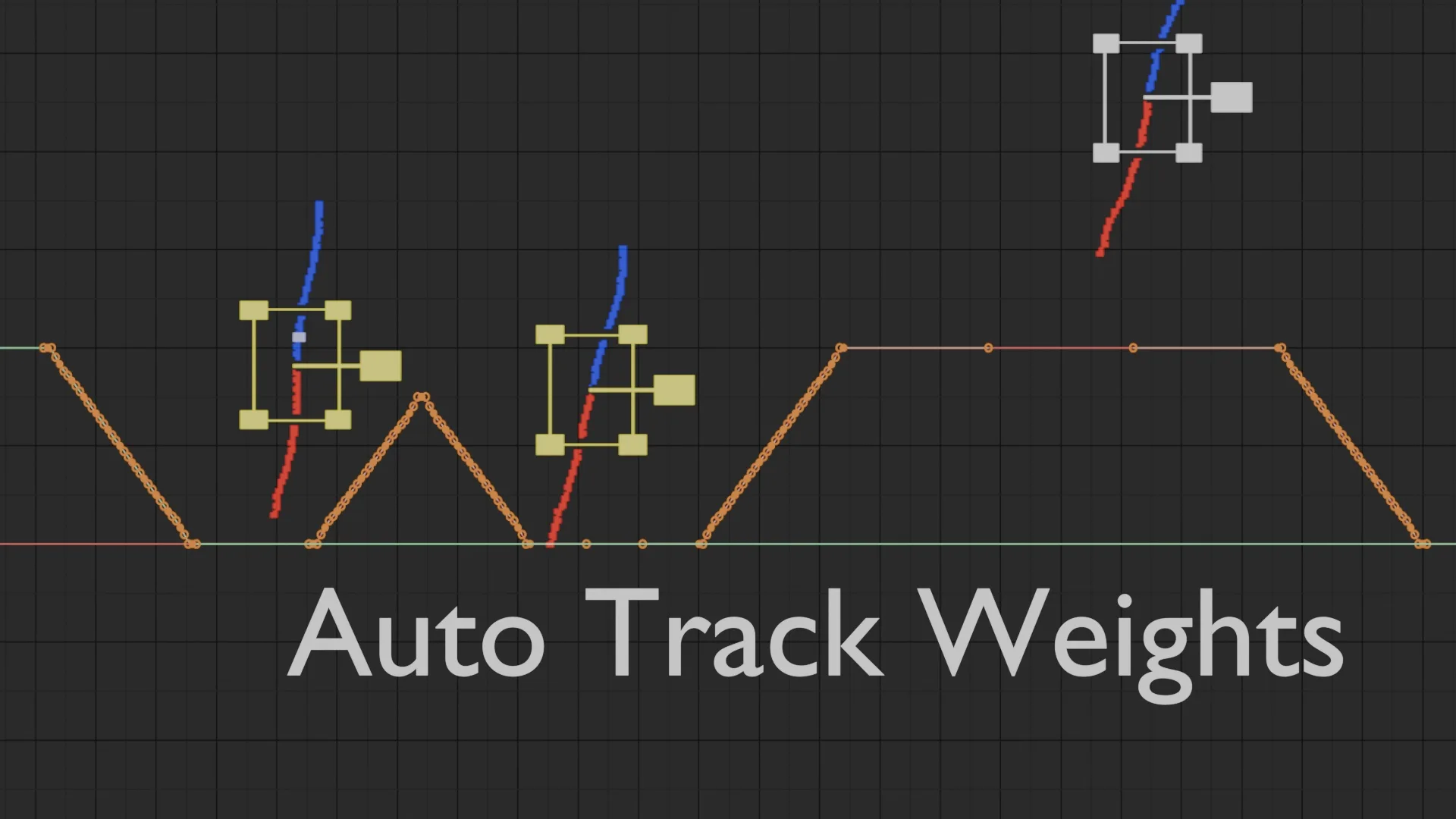
Adjust Blender motion-tracking marker weights with Auto Track Weights. Fade influence across gaps and track edges, then tune Falloff Frames.
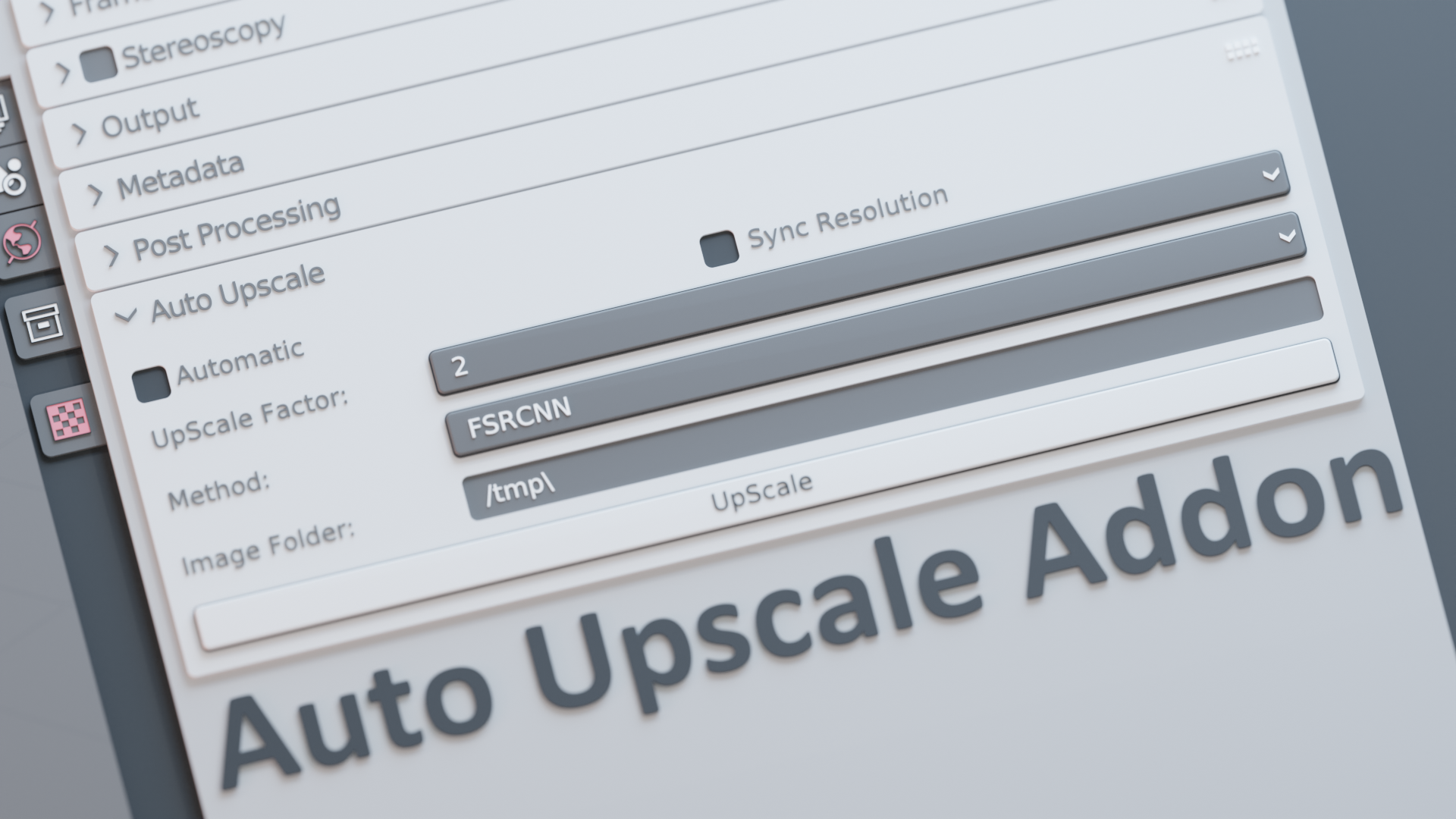
Auto Upscale Addon is for upscaling Blender renders, with automatic or manual modes, 2x, 3x, 4x or 8x scaling, speed or quality focus, and Resolution Sync.
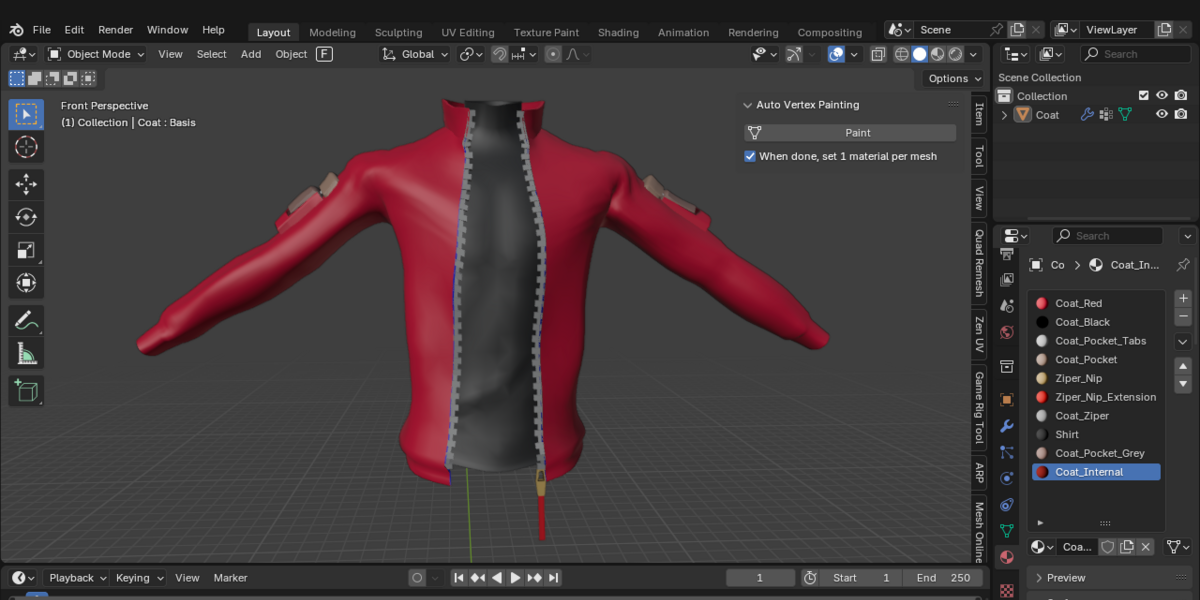
Auto Vertex Painting is a Blender add-on: it sets vertex color IDs by material across separated meshes; v3.0 tries to preserve them for Substance Painter.
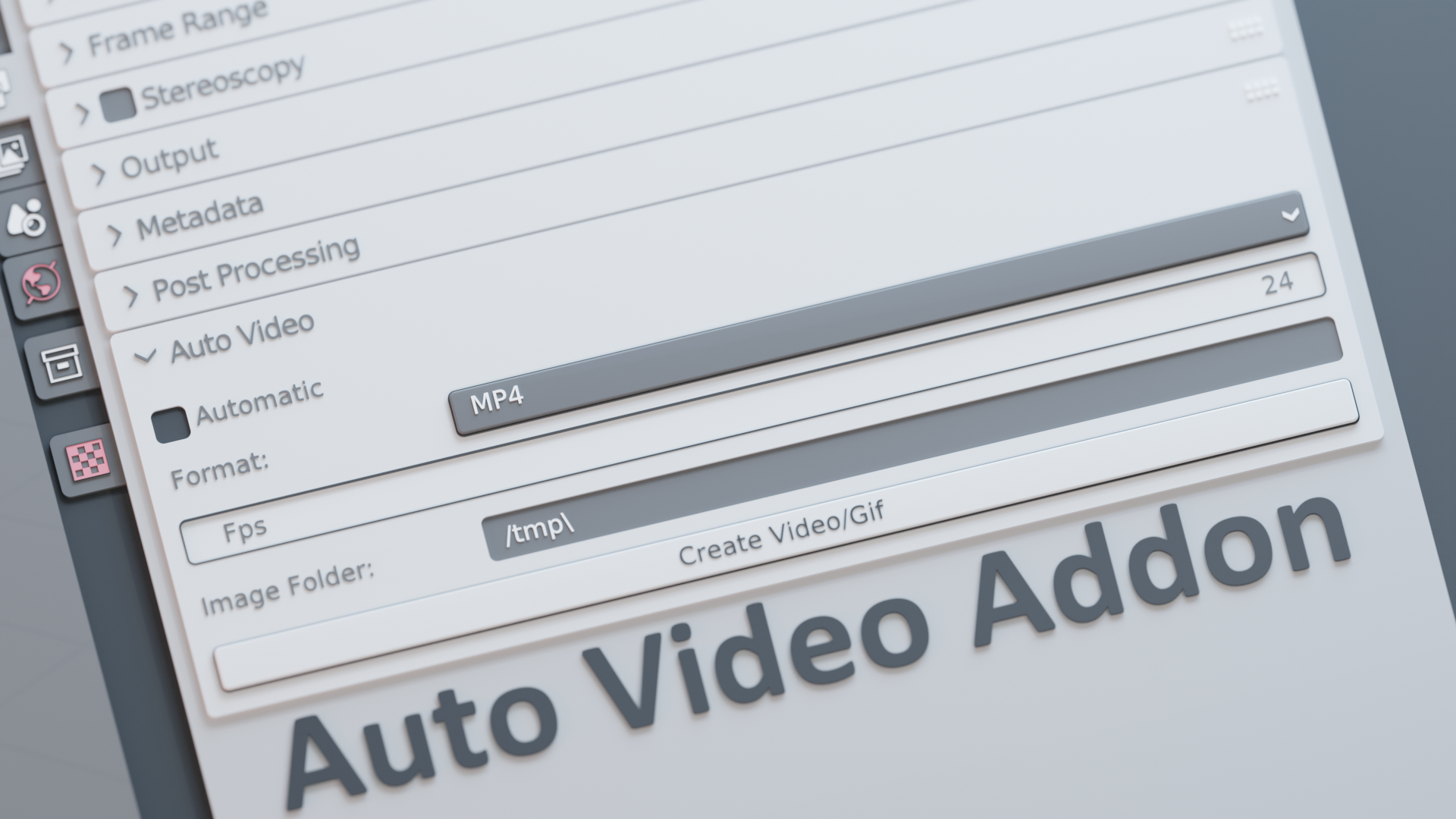
Auto Video Addon is a Blender add-on for converting image sequences to MP4, MOV, AVI, or GIF in manual or automatic mode. Check its version notes.
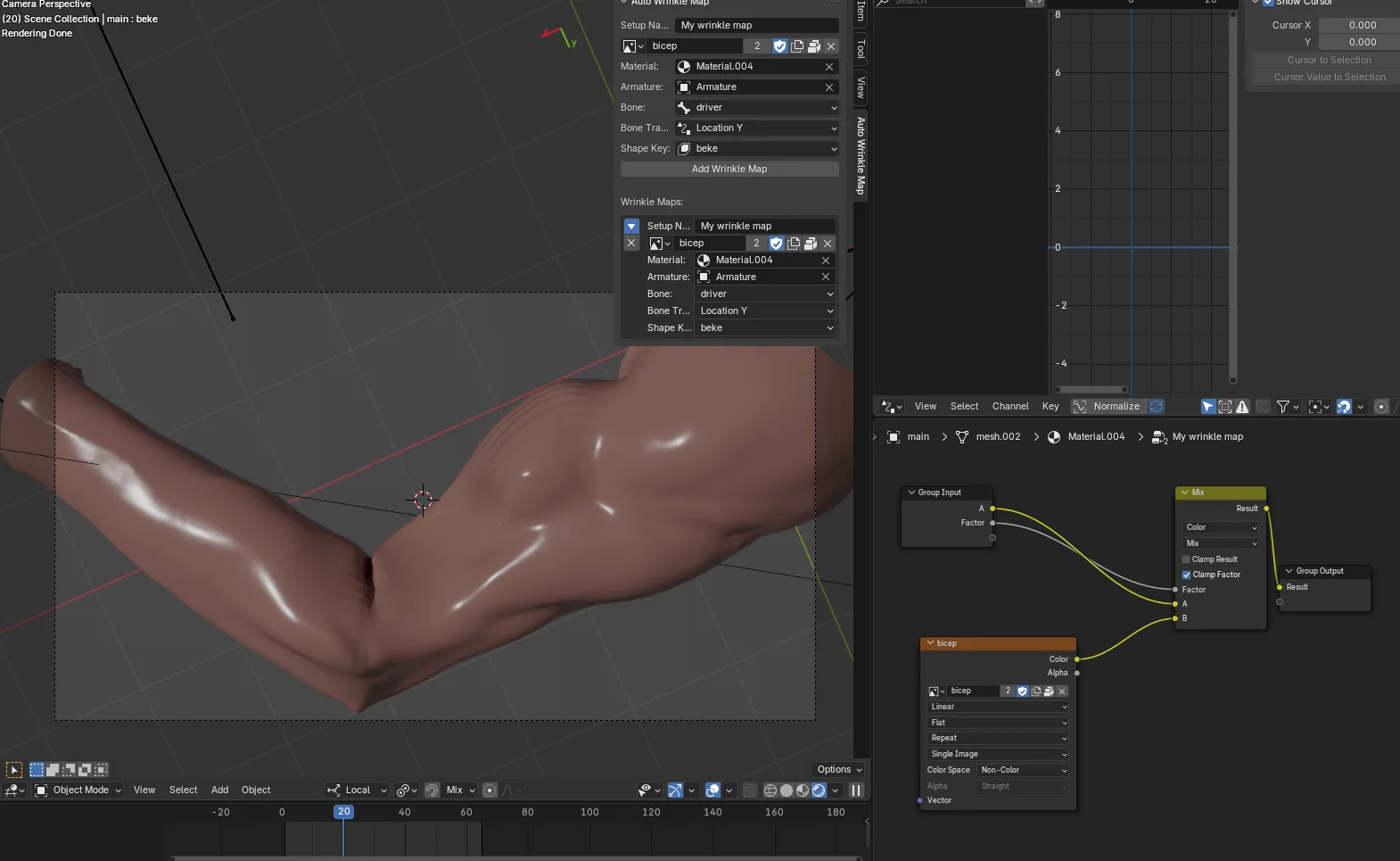
Auto Wrinkle Map is a Blender add-on for one-click, bone-driven wrinkle maps. Version 0.0.7 requires Blender 4.4.0; confirm support before installing.
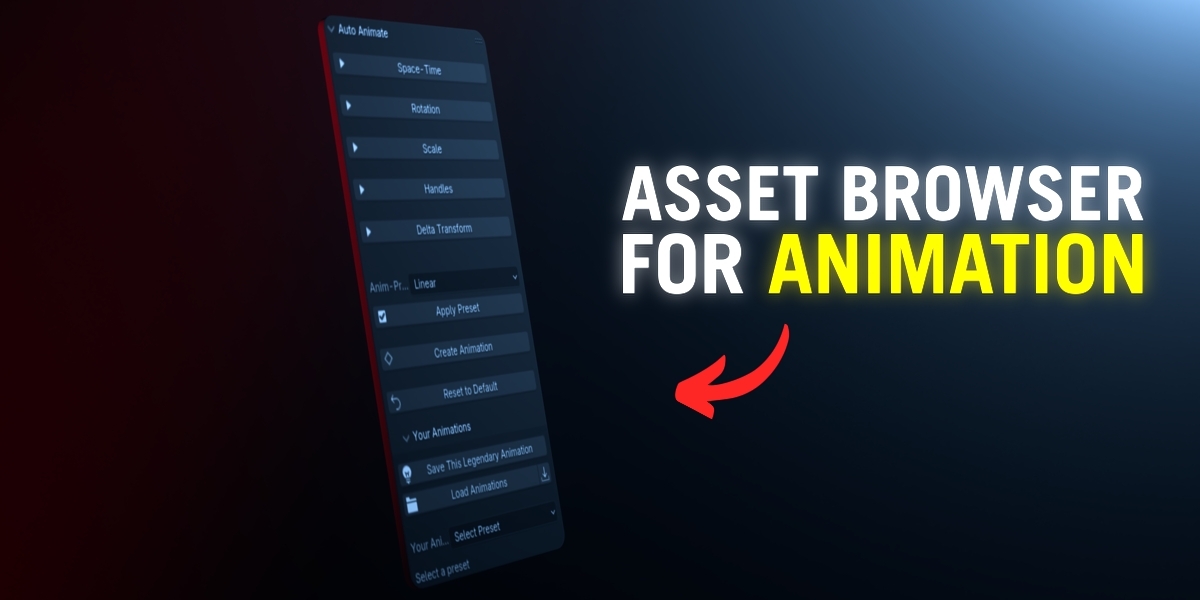
See how Auto-Animate handles animation reuse in Blender, including rig compatibility, scale requirements, and the developer's ZIP installation steps.
Auto-Constraints applies axis constraints across Blender tools from your view angle while preserving manual overrides. Check the supported modes and versions.
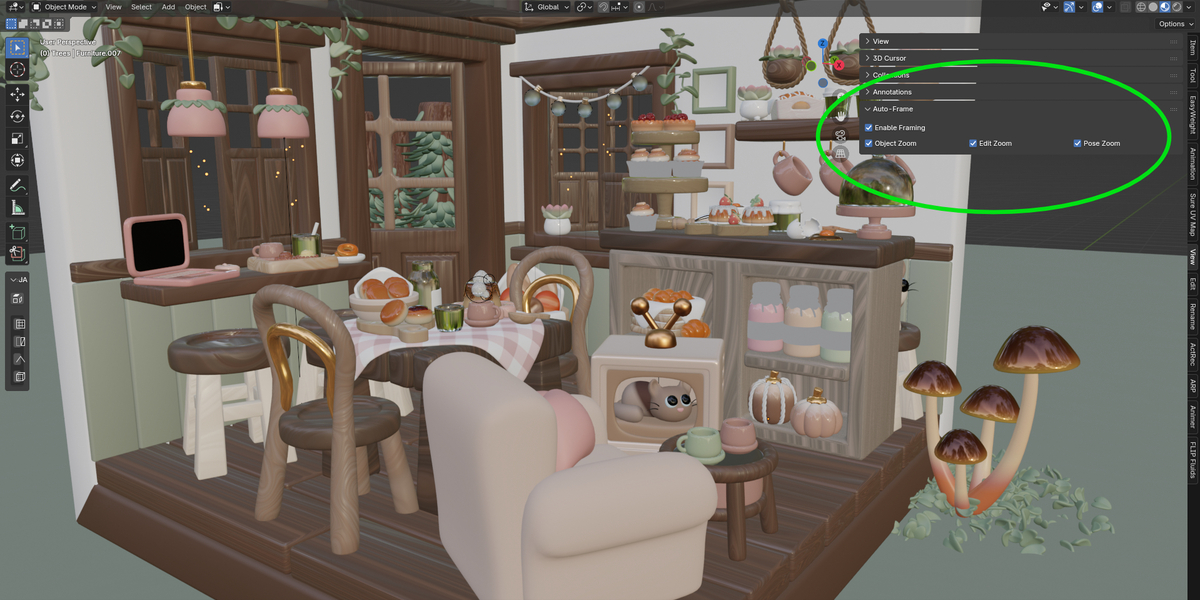
Auto-Frame for Blender frames selected objects, mesh elements, or bones and offers customizable zoom modes. Check Blender compatibility before installing.
Auto-Highlight in Outliner expands Blender's Outliner to reveal your viewport selection. See its controls, version 3.3 features, compatibility, and setup.
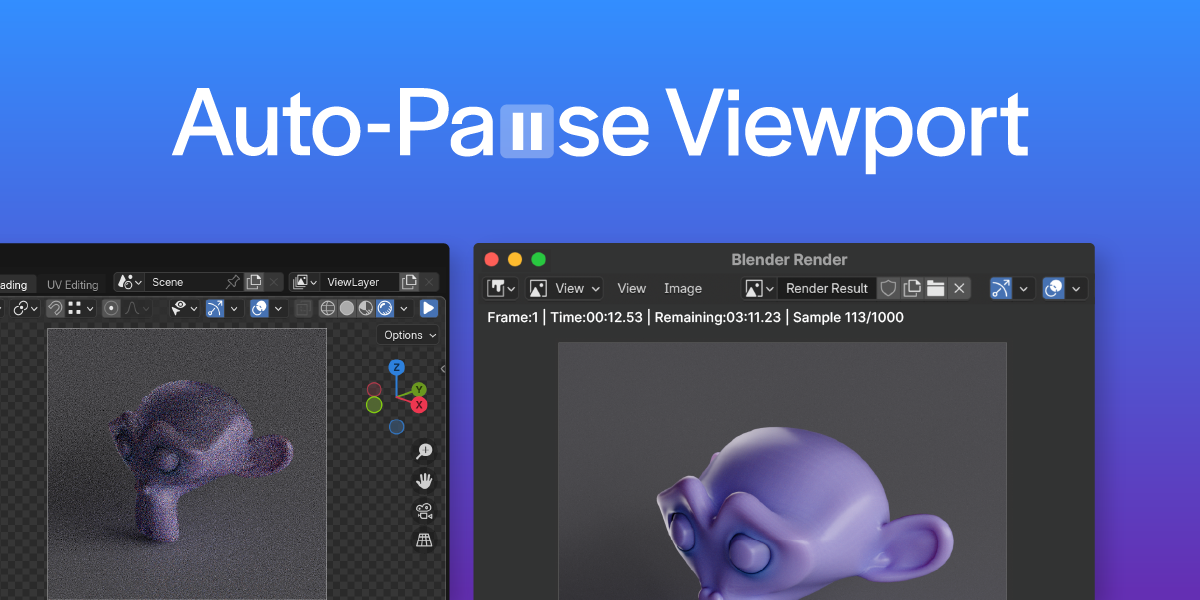
Auto-Pause Viewport pauses Blender’s viewport render during an F12 Cycles render, then resumes it when the render finishes or is canceled.
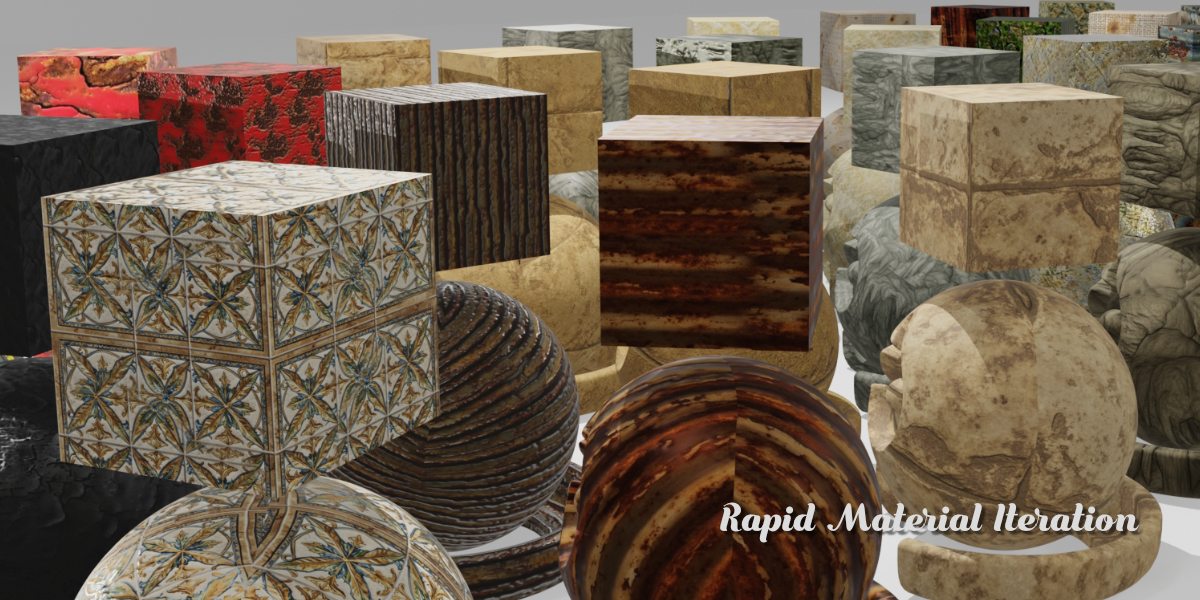
Auto-Pbr is a Blender add-on for tileable PBR sets via ComfyUI and Flux 2 Klein; it builds Blender materials for Blender 5.0 to 5.1, with Cycles and Eevee.
Auto-R Addon creates Blender object rotation animations with a Rotate button. Review listed versions, included assets, and its parent-object limitation.
Browse Blender auto-saves and temporary .blend and .blend1 files in one place. Search by name, sort by date or size, and review storage before cleanup.
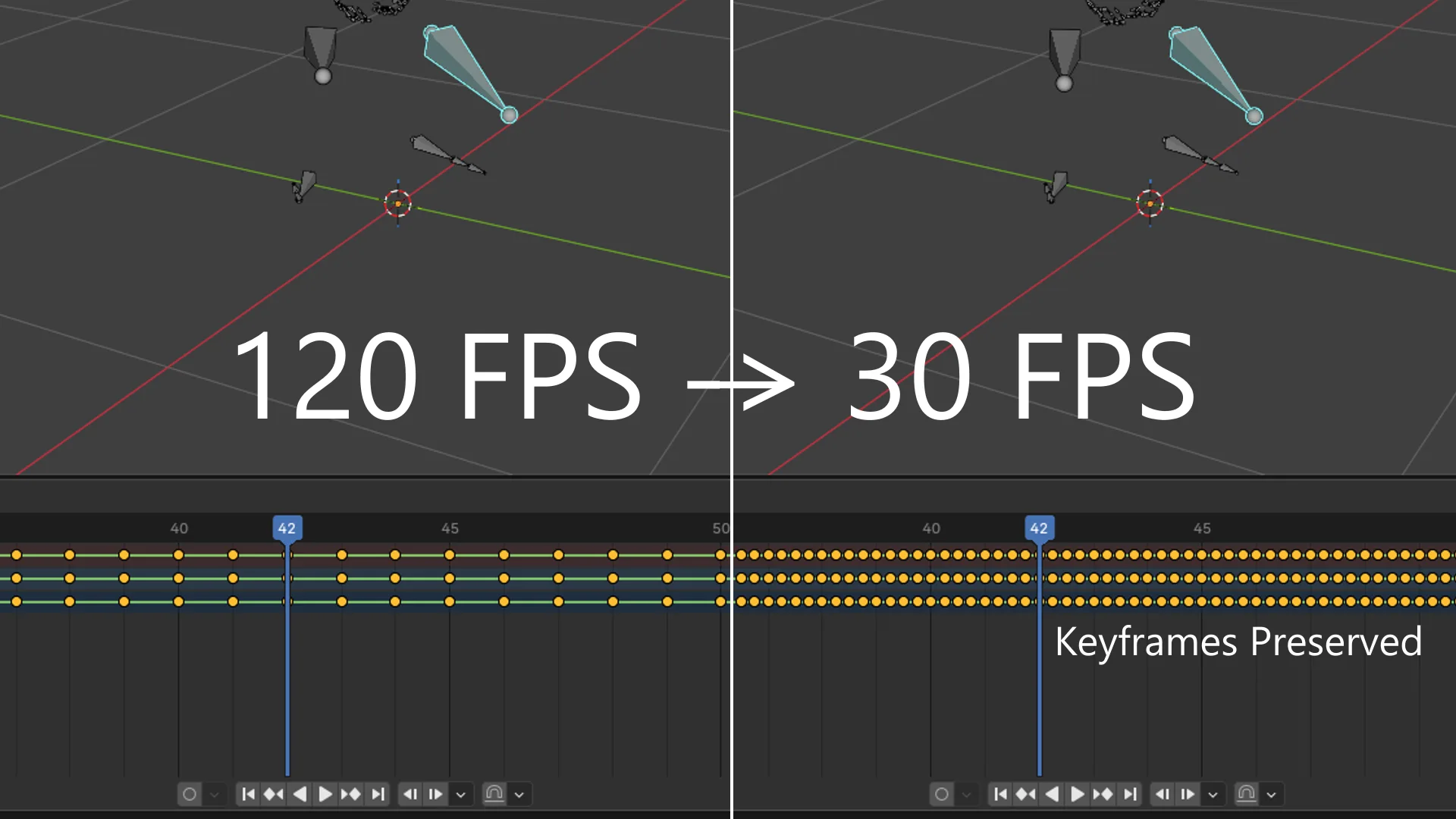
Auto-Scale FPS for Blender scales the timeline and Actions when FPS changes. Check its Blender 5.2.0 minimum version, current release and animation use.
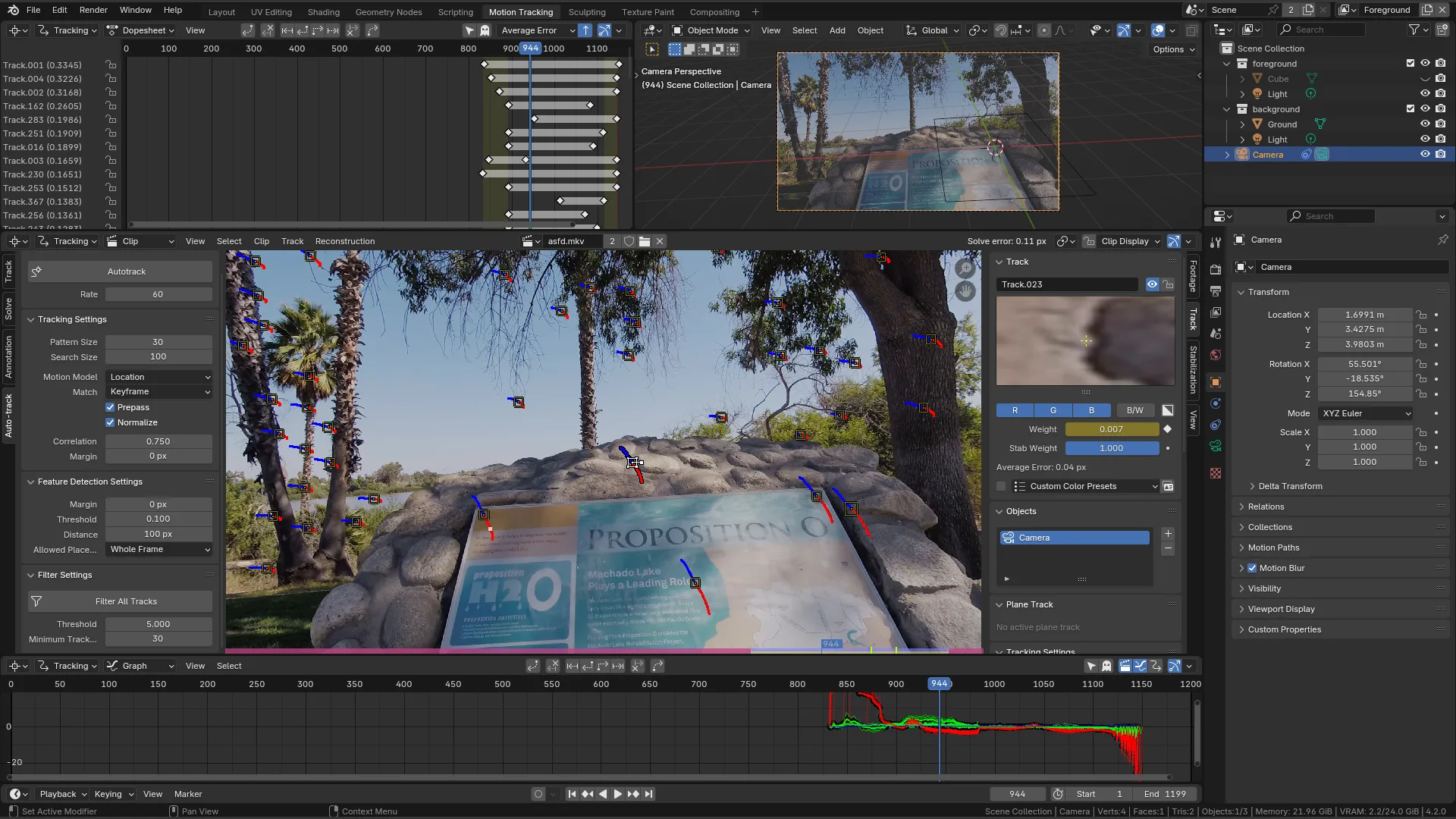
Auto-tracking adds a Blender toolbar for feature detection and forward tracking. The listing sets a 4.2.0 minimum; Blender 5.1 reviews report mixed results.
AutoAOV is a Blender add-on for multi-layer EXR passes and Cycles compositor setup. Version 3.0.2 requires Blender 5.0.0 or newer.