Smartist Macros
Record and replay Blender operations, edit macro presets, bundle .blend assets, and choose stored property values on recall. Read the Smartist Macros docs.
Published software and plugin guides for Blender. Page 162 of 196.
Read the software guideRecord and replay Blender operations, edit macro presets, bundle .blend assets, and choose stored property values on recall. Read the Smartist Macros docs.
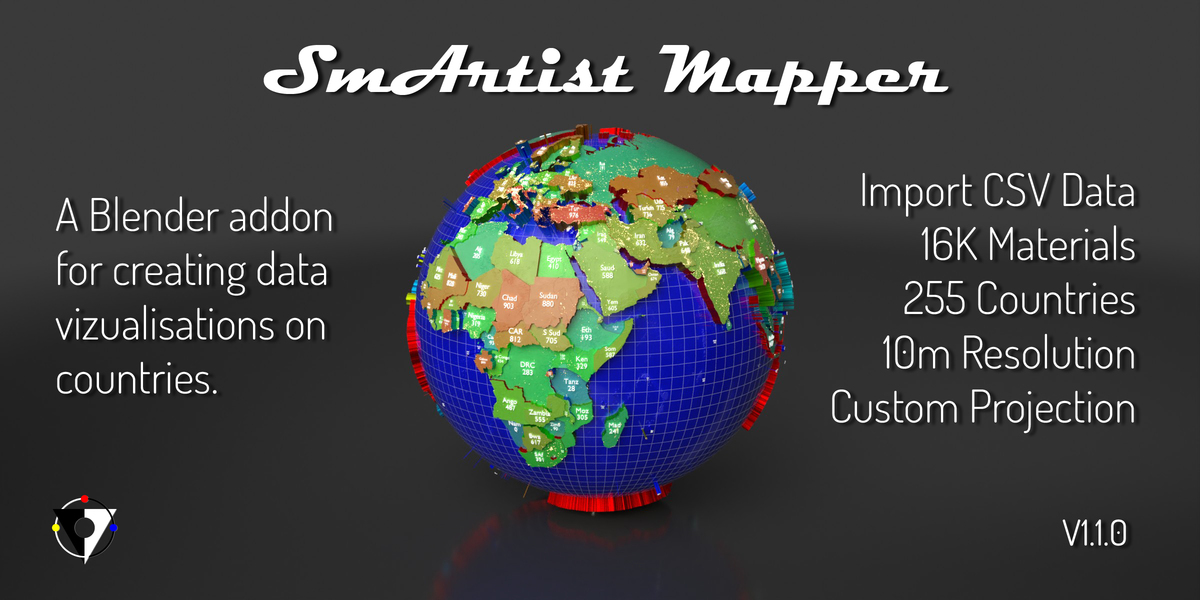
Smartist Mapper is a Blender add-on for CSV country visualizations, with 10m, 50m and 110m mesh scales, Geometry Nodes, custom labels and four projections.
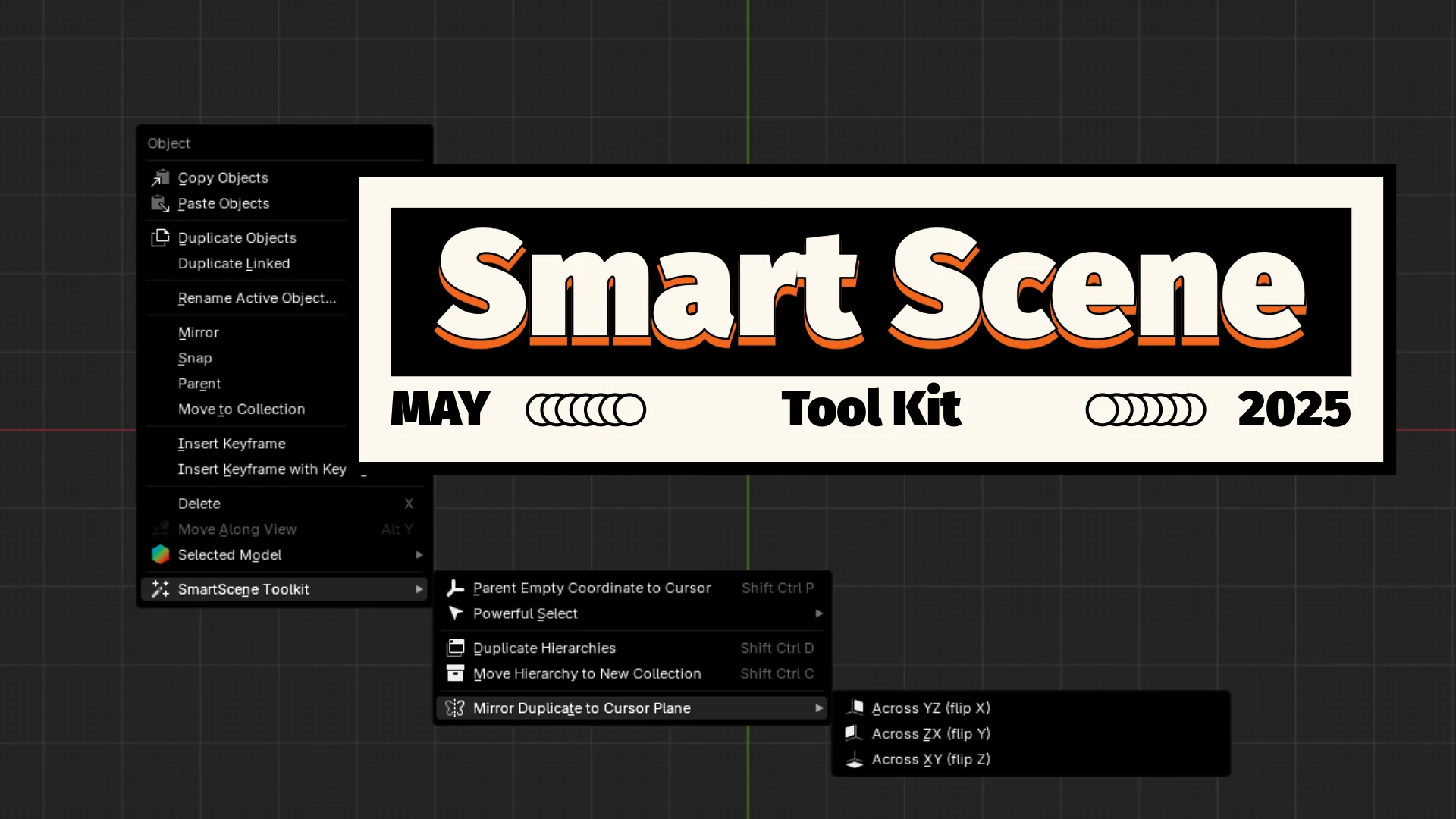
Explore SmartScene Toolkit for Blender scene organization with cursor-based parenting, hierarchy duplication, collection moves and mirroring.
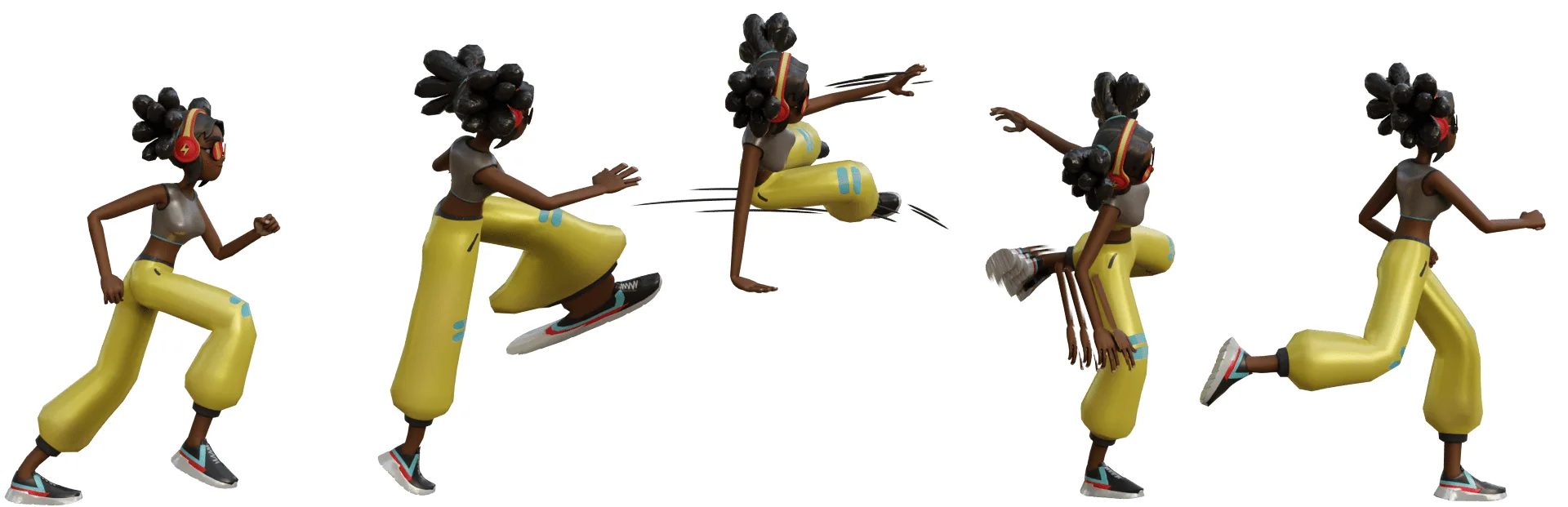
SMEAR for Blender creates elongated in-betweens, motion lines, and multiple in-betweens. Review its bake workflow, controls, compatibility, and license.
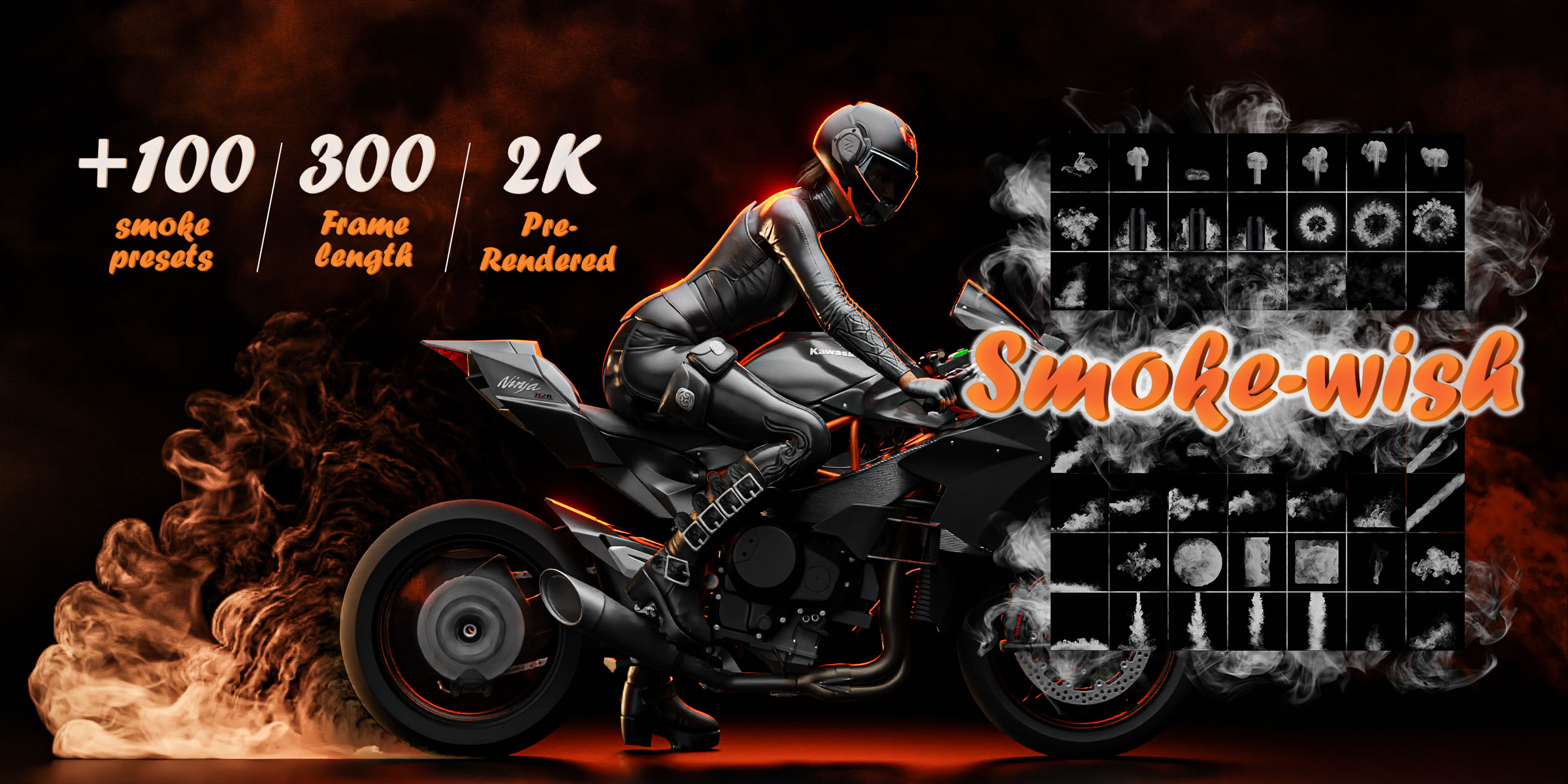
Smoke-Wish is a GPL Blender add-on for smoke, steam, clouds and fire effects, with VDB and preset tags. Blender ranges differ: 4.2 to 5.3 versus 3.3 to 4.3.
Smooth It Out - Camera Animation Smoother Add-On smooths Blender camera keyframes with in-betweens. Learn when to use Revert or Erase; pass counts accumulate.
Manage Blender shading with reusable groups for sharp edges, UV seams, creases, bevel weights and selections. Check the guide for setup and auto grouping.
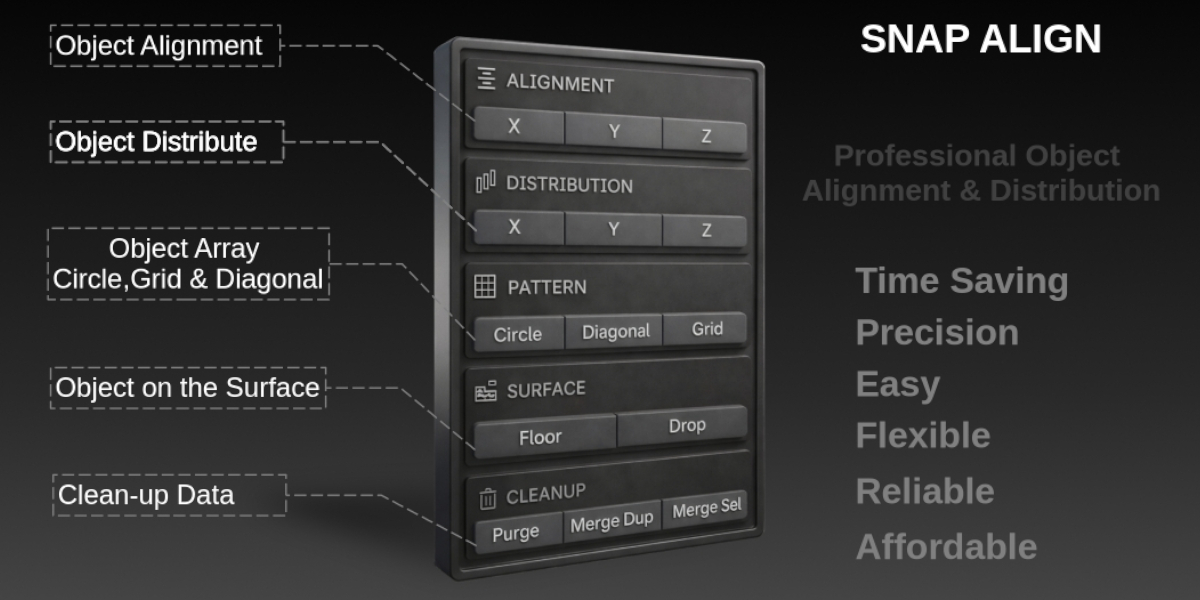
Snap Align for Blender groups object alignment, distribution, patterns, surface snapping, cleanup, and batch renaming. Review its version range and workflow.
Snap Bisect adds vertex and edge-midpoint snapping to Blender's Bisect operator. Review its cut options, Blender 4.2.0 minimum, and installation steps.
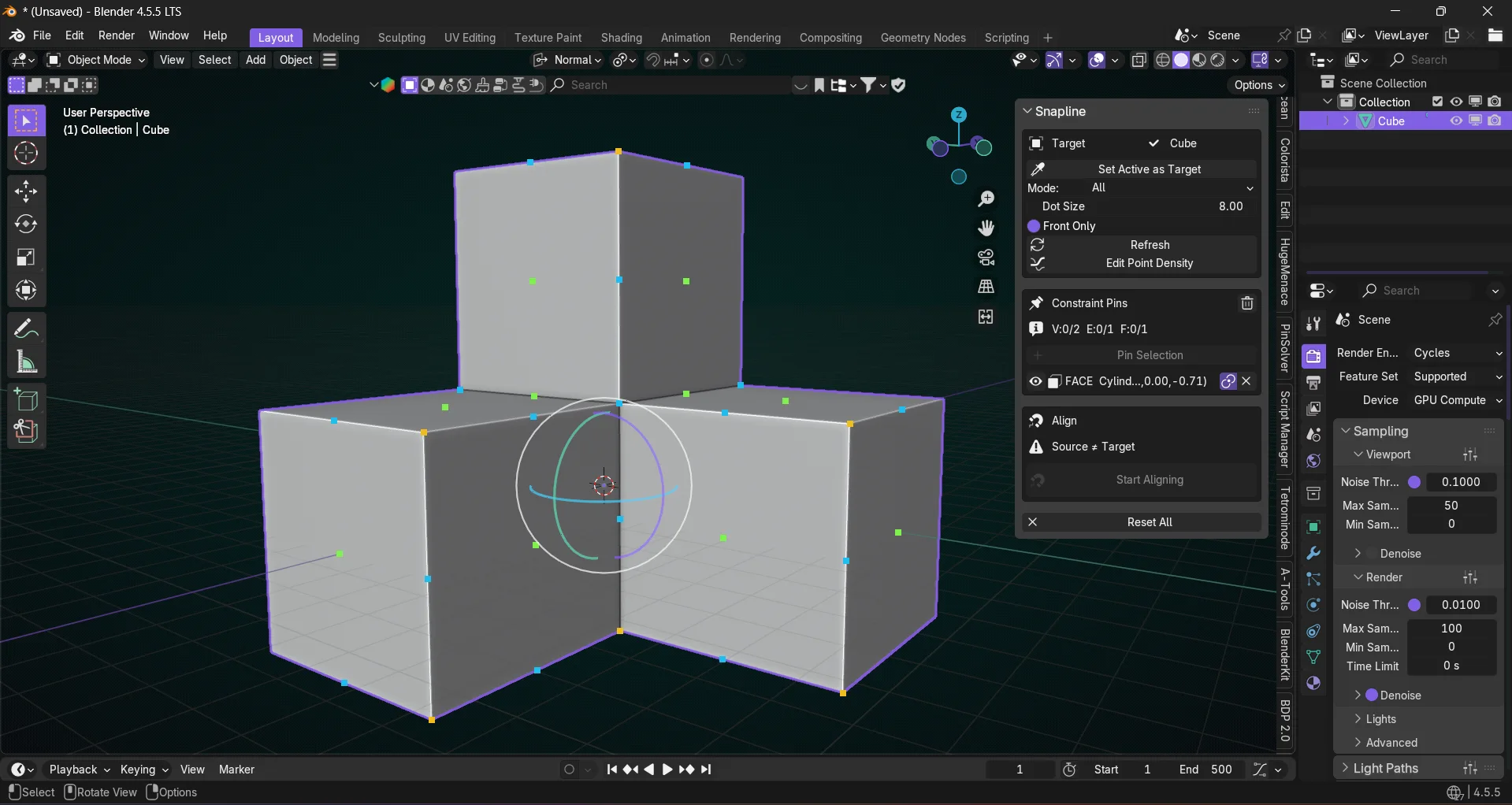
Snap Line Tool extends Blender's Snap controls for mesh work. Check Blender 4.2.0+ compatibility, version 6.8.1, and GPL-3.0-or-later terms.
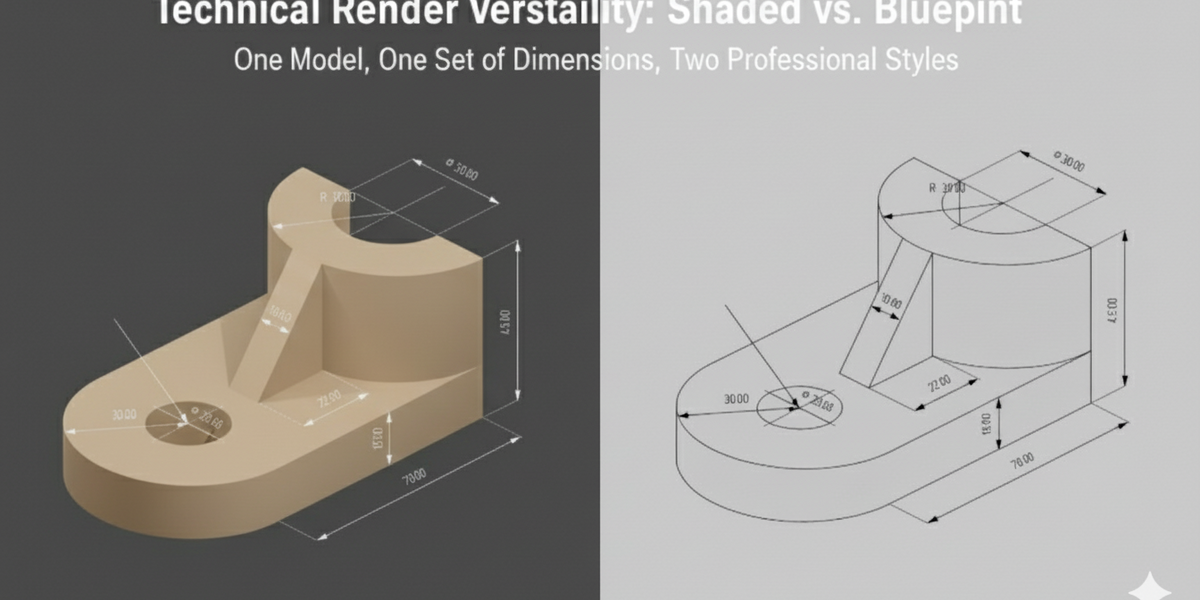
Snap Measure is a Blender add-on for snapping, chained dimensions and measurement-driven modeling, with technical drawing tools. Check compatibility.
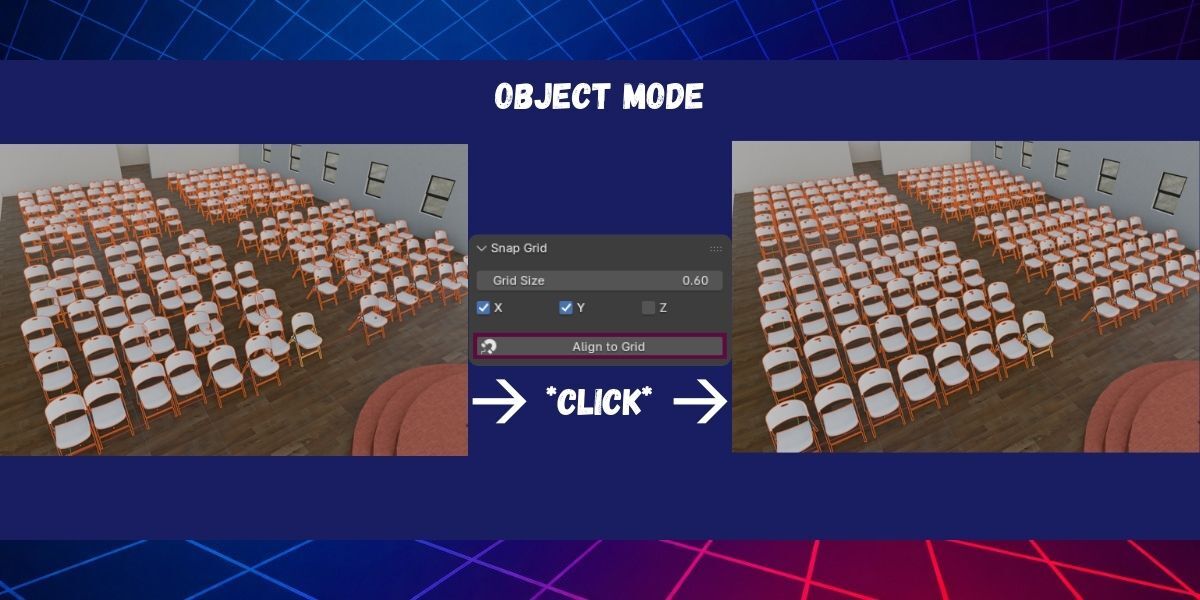
Snap To Custom Grid aligns selected Blender vertices or object origins using custom grid spacing and X/Y/Z toggles in the N-panel, with undo support.
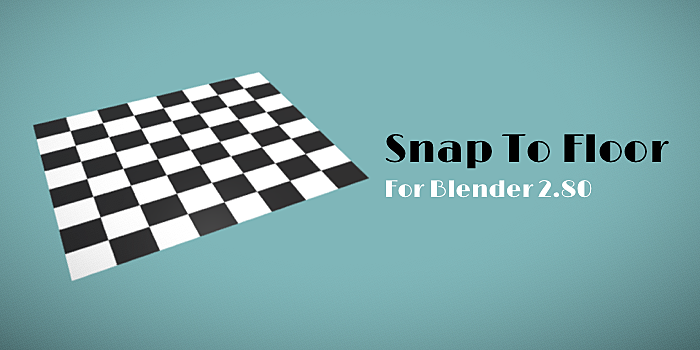
Keep a Blender object on the floor while moving, rotating, or animating. Review the 3D cursor and all-mesh options, then check the developer listing.
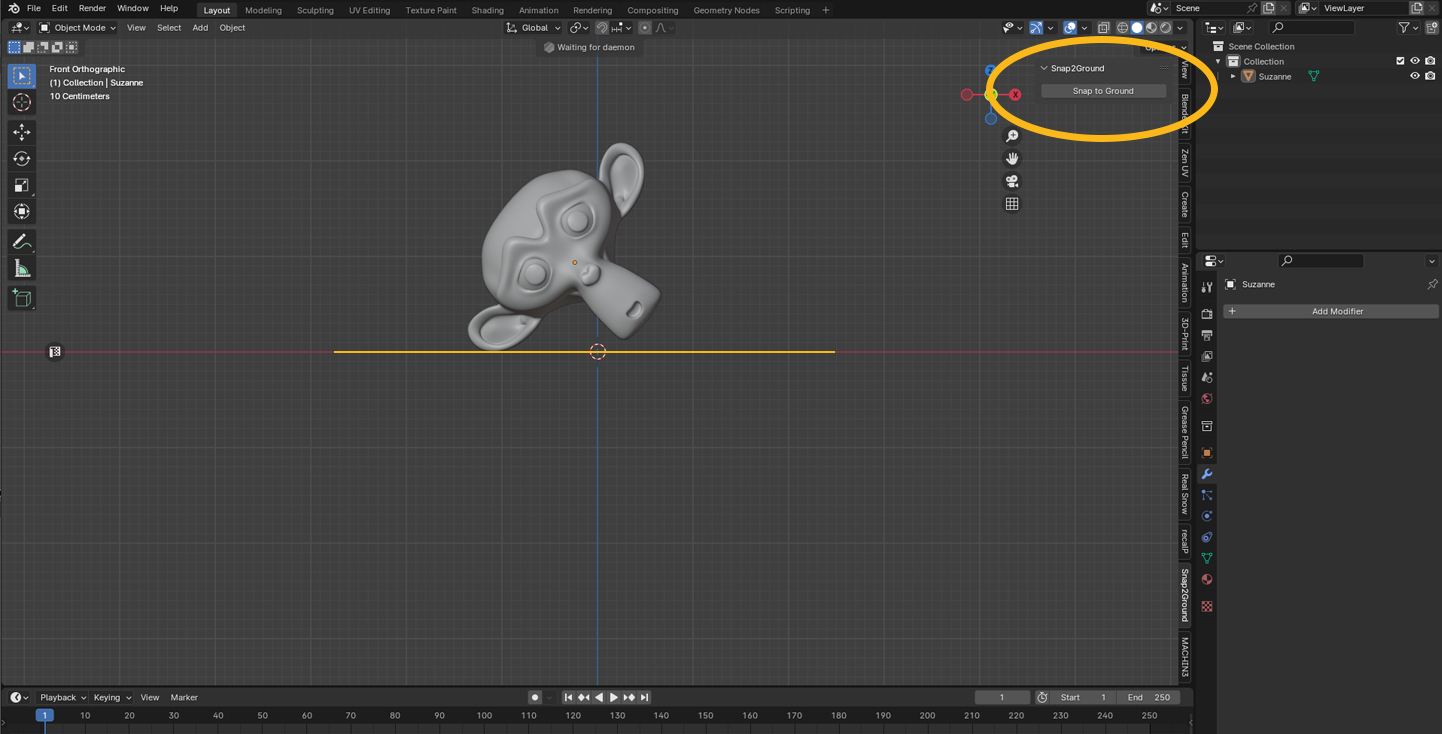
Snap2Ground places selected Blender objects on the ground plane for architectural visualization, landscape design, and animation. Check version support.
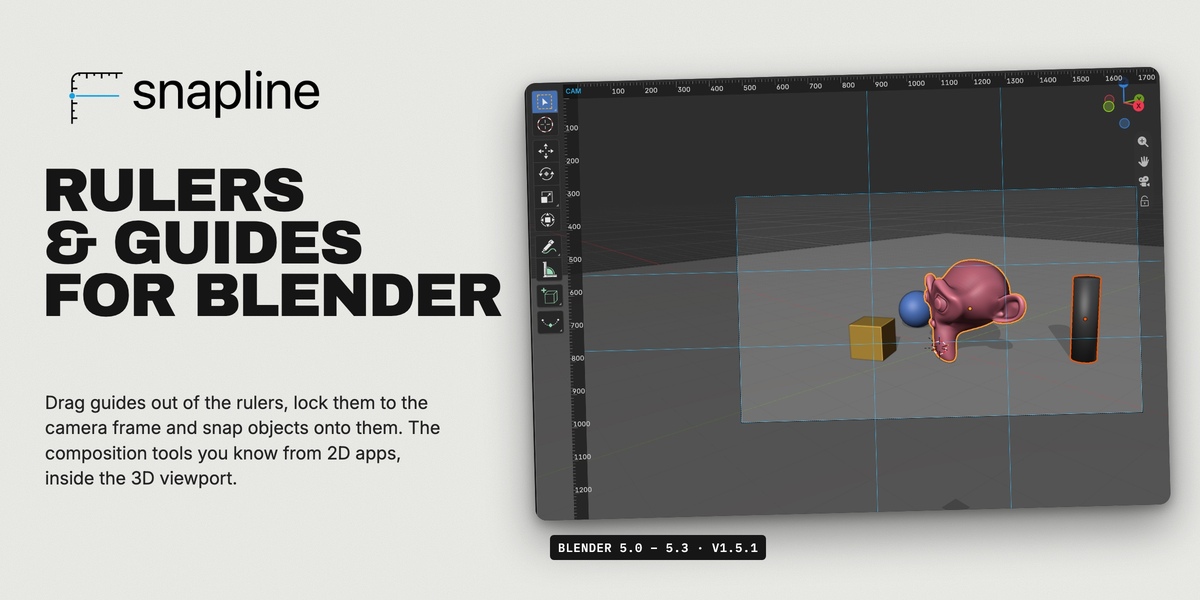
Snapline adds viewport rulers, camera guides, composition presets and object snapping to Blender, with guides kept out of renders. Tested on Blender 5.0 to 5.3.
SnapMesh brings Apple's Object Capture into Blender for Mac photogrammetry. Compare editions, check hardware requirements and set reconstruction options.
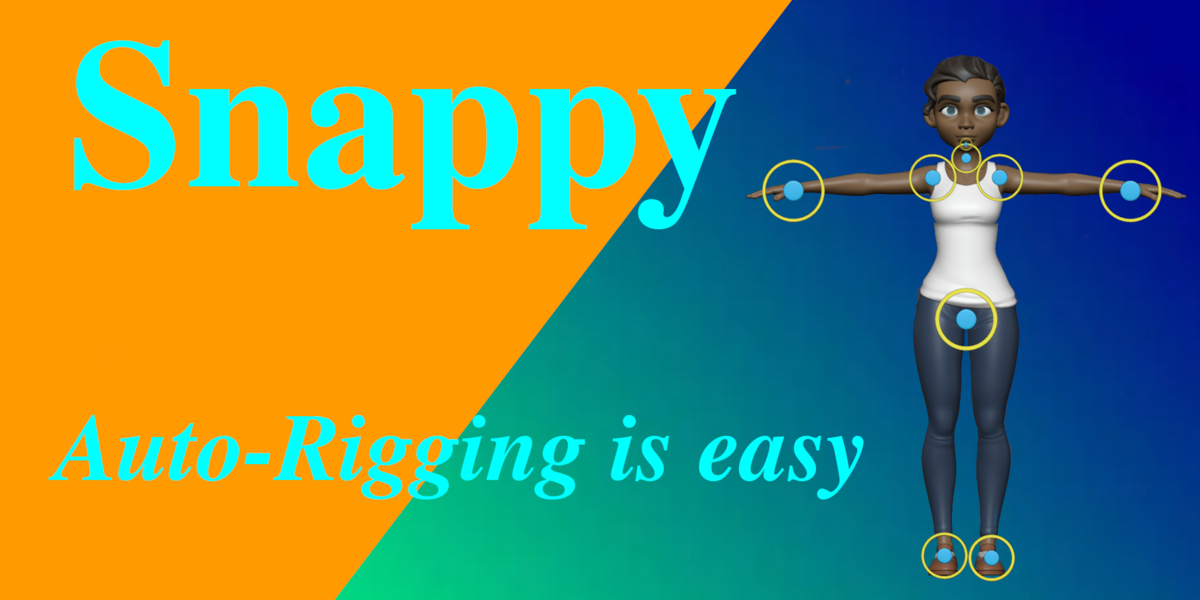
Explore Snappy Rigger's Blender workflow for body detection, binding, facial markers and rig export to FBX or GLTF. Check listed Blender support.
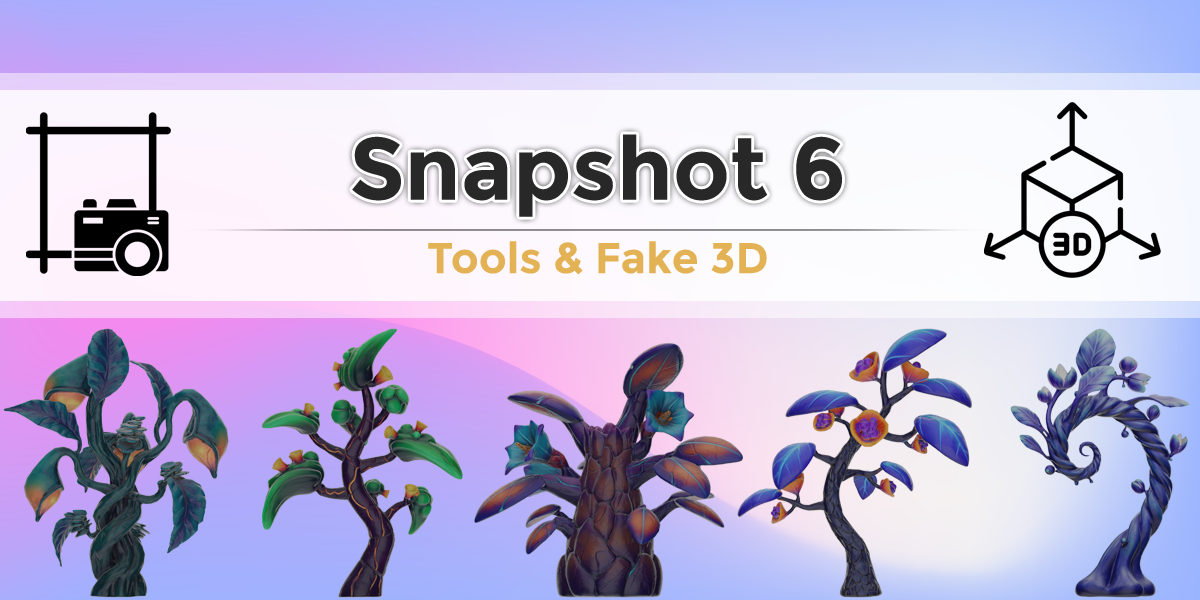
Generate six orthographic views, Fake 3D turntable sequences, and composite banners from Blender meshes with Snapshot 6 Tools by JMS Tools.
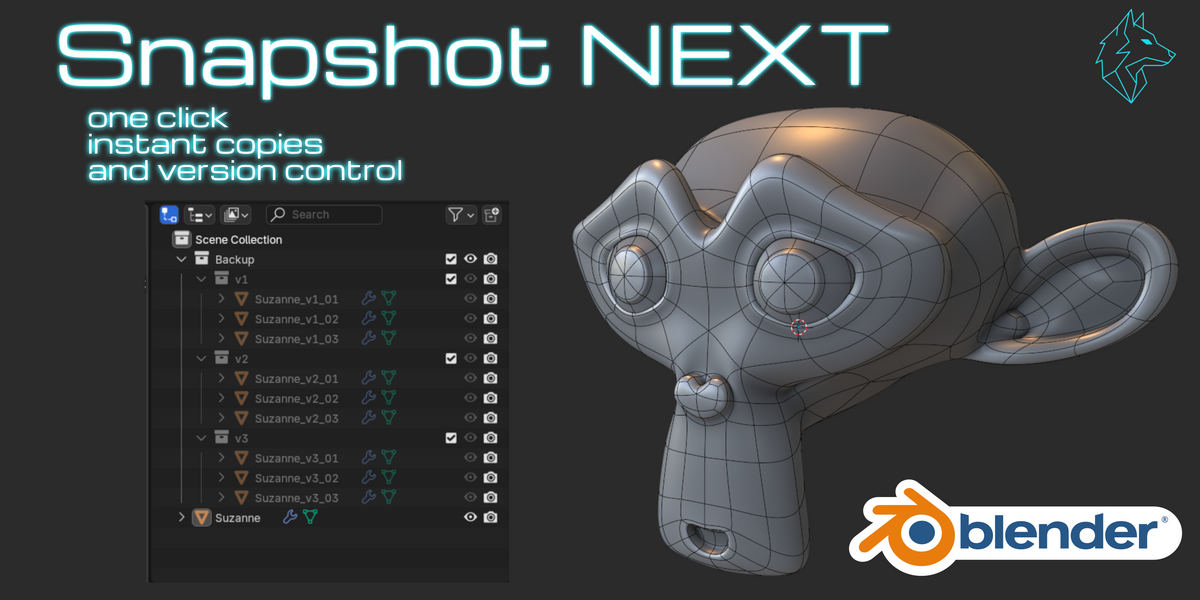
Snapshot Next - One Click Copies And Version Control is a Blender add-on for one-click backups in hidden collections and milestone folders for kitbashing.
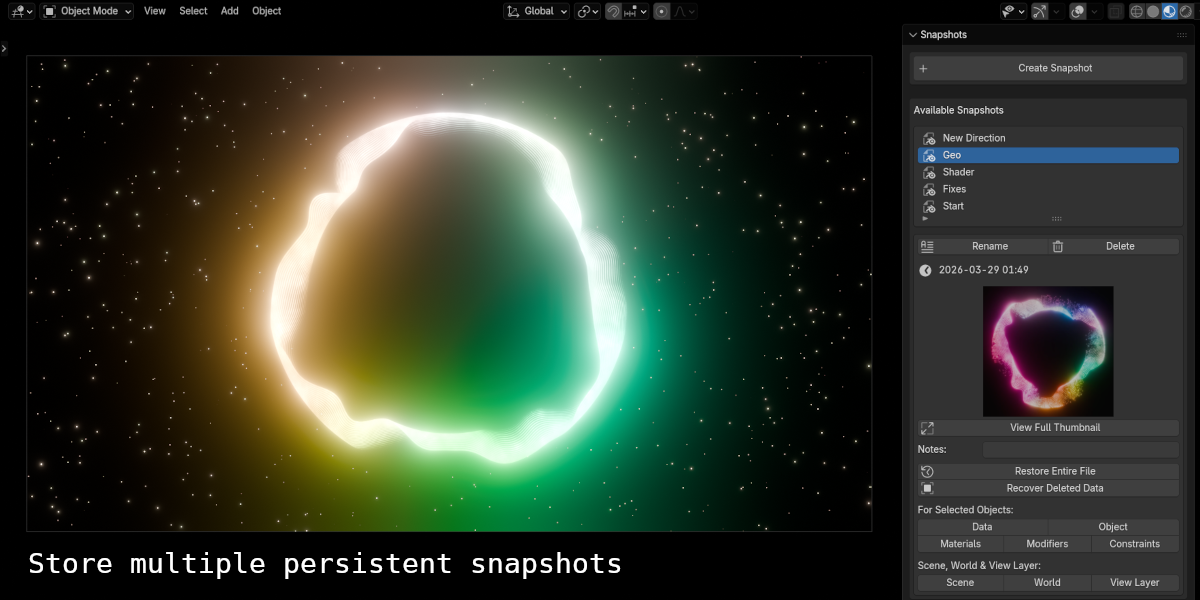
Snapshots - Freedom To Experiment adds Blender project history through partial snapshots, precise restores, animation comparisons and deleted-data recovery.
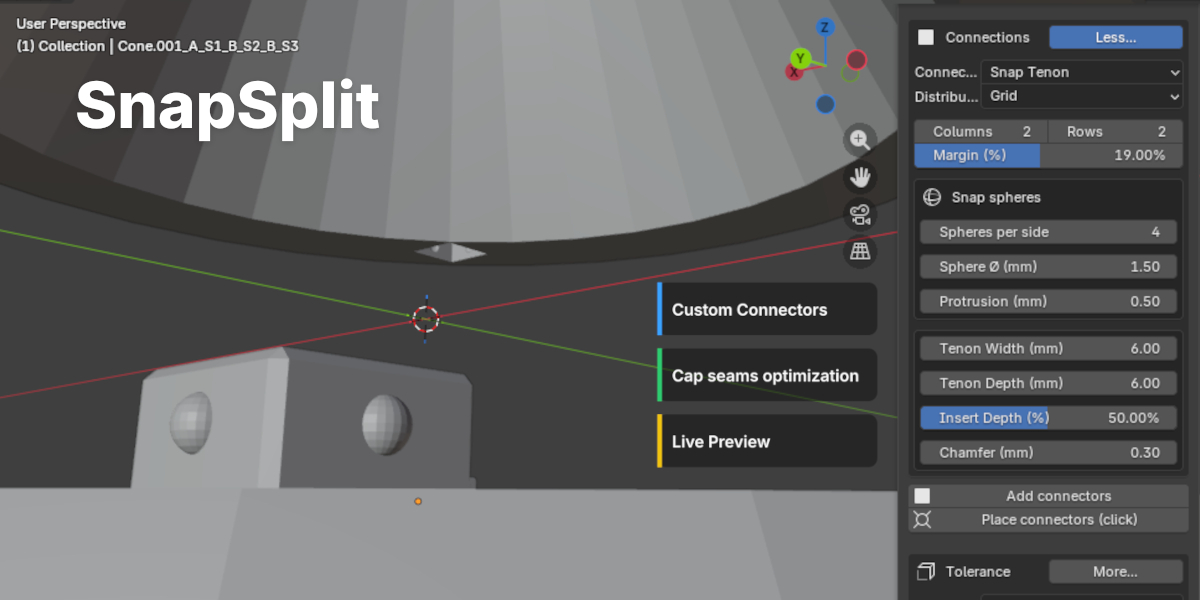
Snapsplit splits oversized Blender models and adds connectors for 3D printing. Review the fit presets and setup notes before testing a small print.
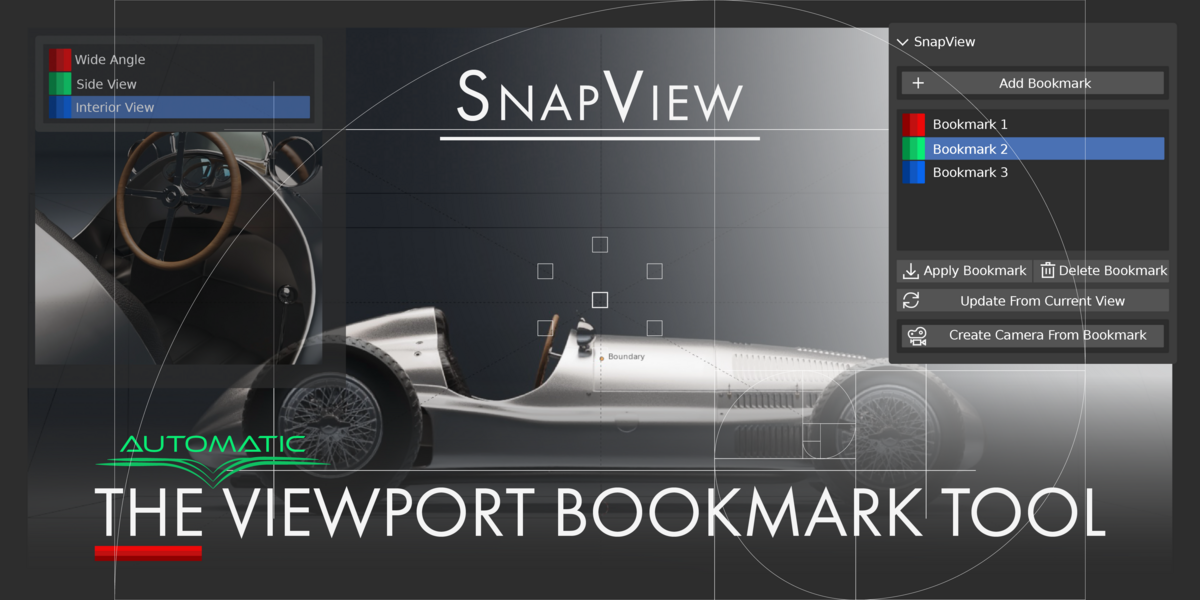
Save Blender viewport angles, shading and overlays as bookmarks, then restore a view or create a matching camera. Check SnapView's Blender version support.