Luca Visual FX Light Kit
Luca Visual FX Light Kit 2.0 adds flicker, regional lighting, color treatments and transitions for FxFactory hosts. Check macOS and host requirements.
Browse published guides by application, developer or task. Check product details before downloading. Page 164 of 337.
Luca Visual FX Light Kit 2.0 adds flicker, regional lighting, color treatments and transitions for FxFactory hosts. Check macOS and host requirements.
Shape 15 light-leak looks with position, color, exposure, blur, and glow controls, then layer generator instances in FxFactory for supported Mac video apps.
Create light backgrounds, overlays, and cut-point transitions with Luca Visual FX Spectrum's two customizable generators for FxFactory hosts on Mac.
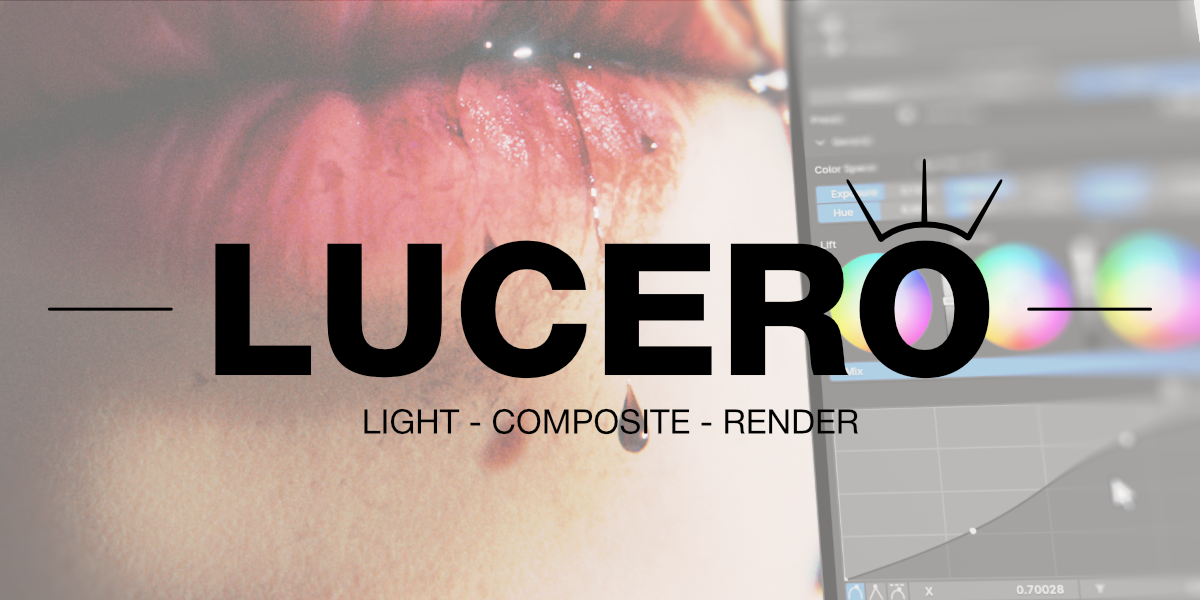
Lucero - Light And Render Manager Add-On is a Blender add-on for lights, GOBOs, HDRs, cameras and compositing. The listed Blender version is 4.5.
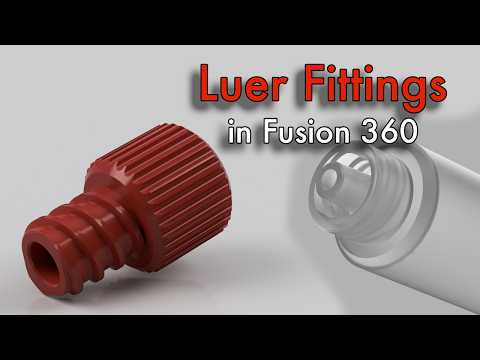
Use Luer Fitting Generator in Autodesk Fusion to create parametric slip and lock fittings, adjust bore and clearance, and review the live preview.
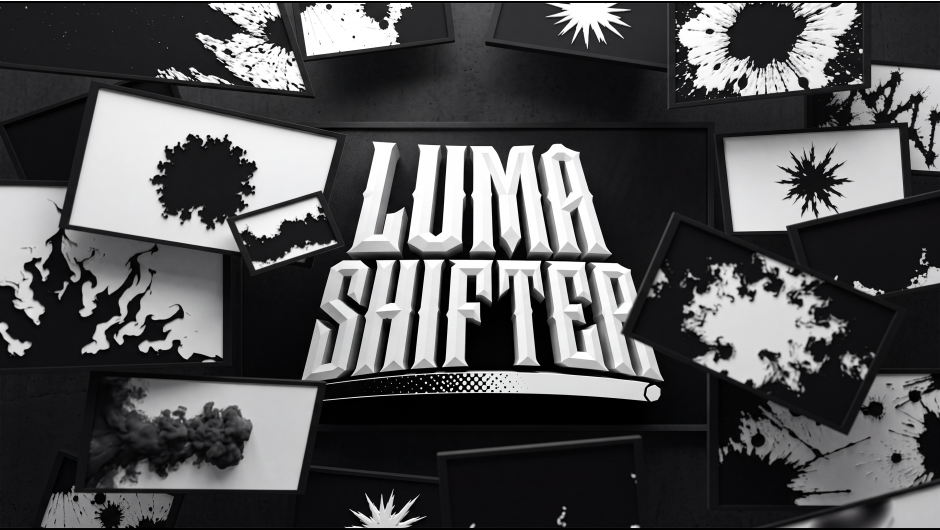
Luma Shifter applies 34 customizable luma matte transitions in After Effects, with controls for speed, scale, position, flipping and randomized flicker.
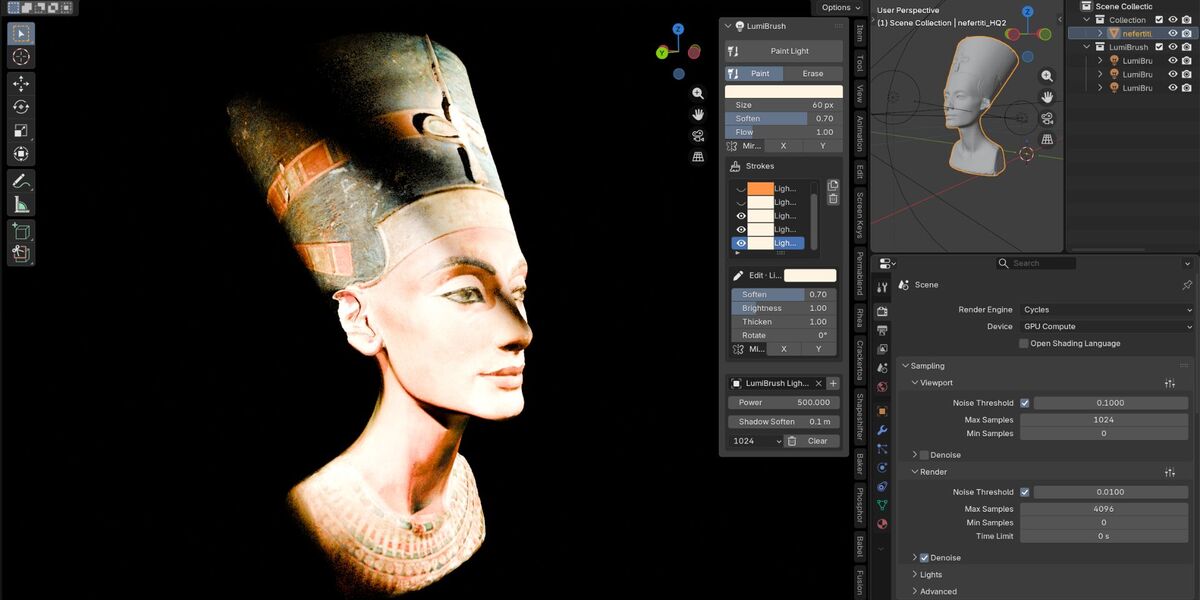
LumiBrush lets you paint lighting in Blender, with shadows, falloff and bounce in Cycles or EEVEE. Check the supported versions and workflow.
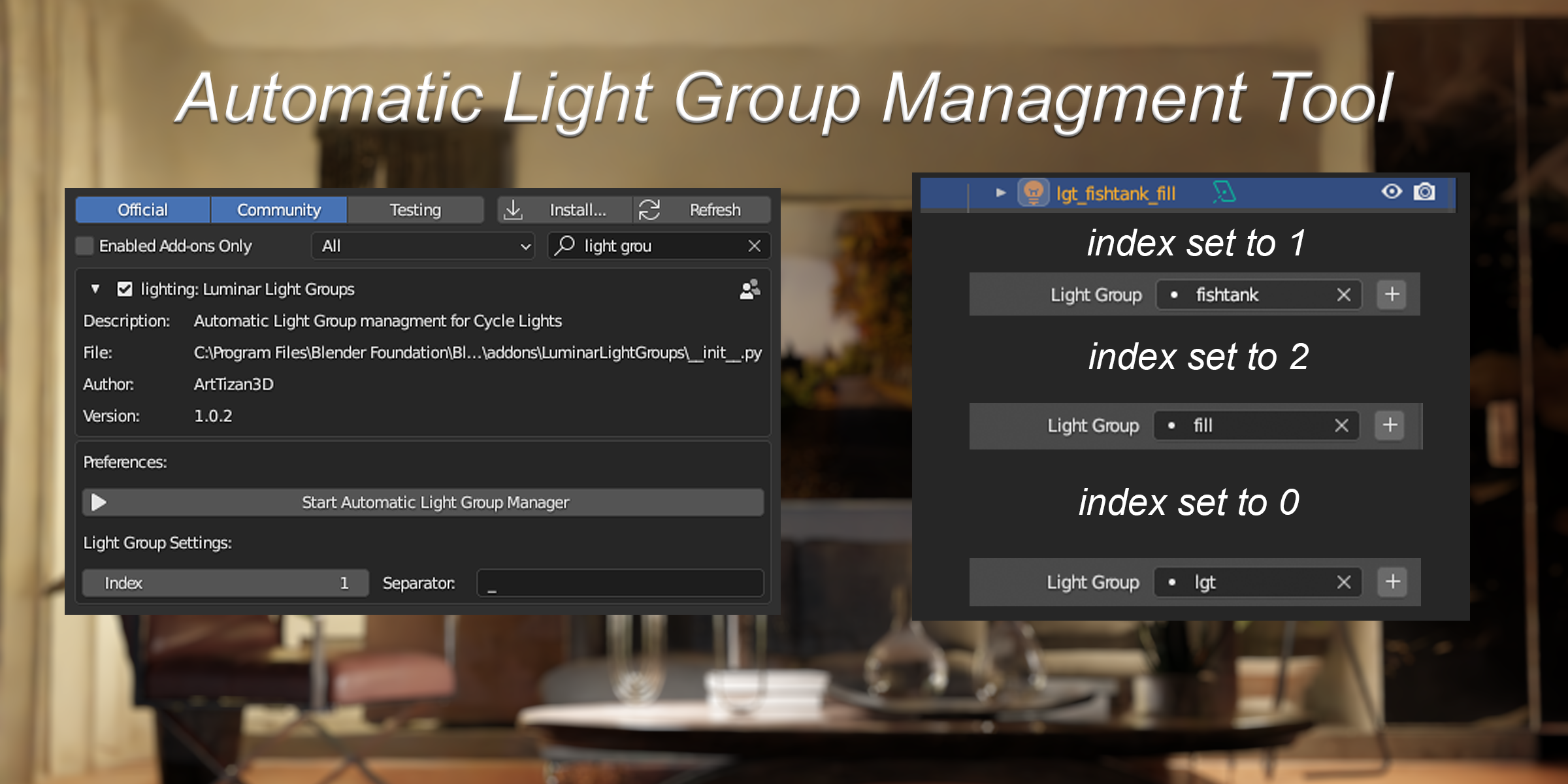
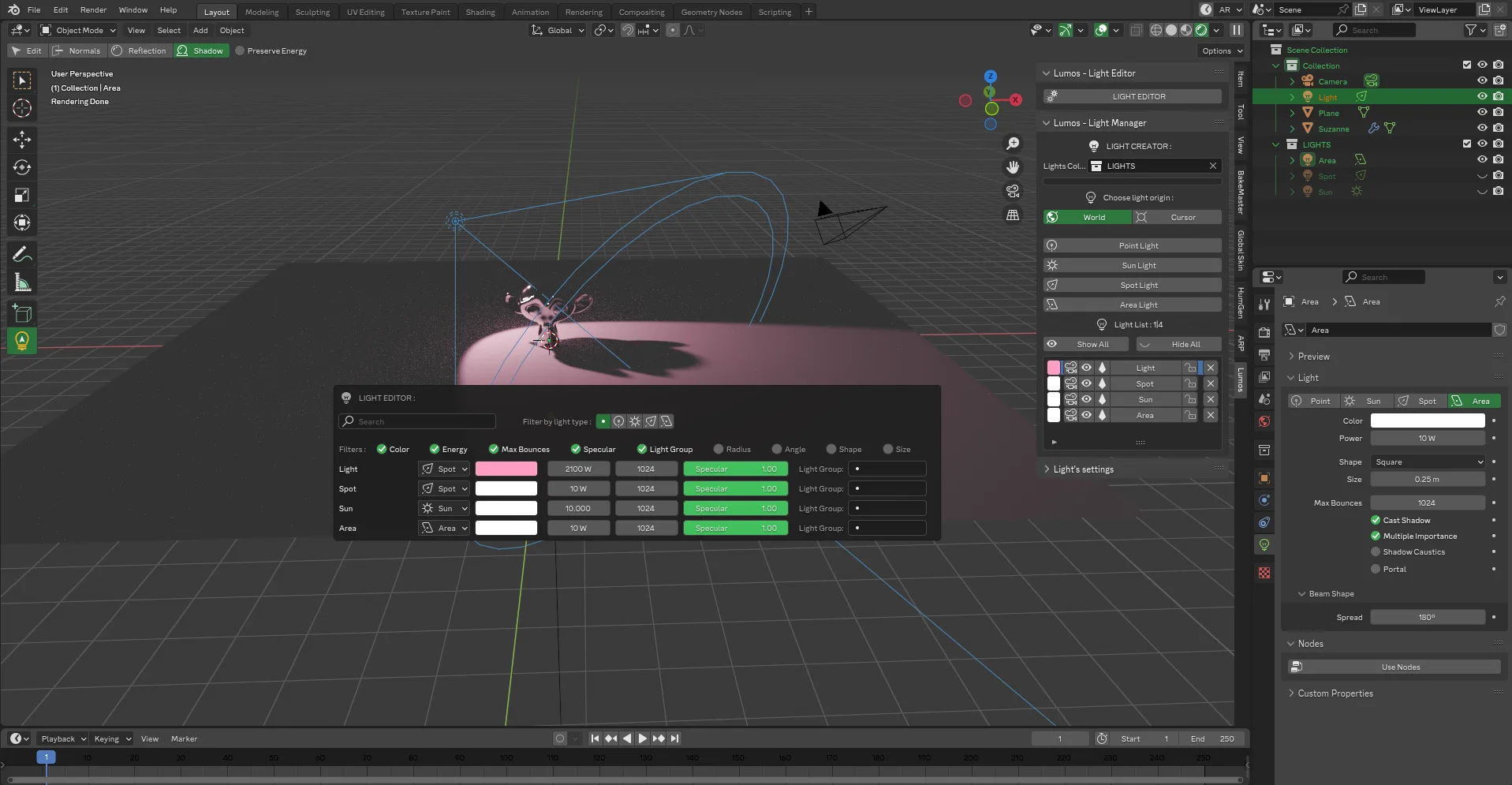
Luminar Light Groups automates Cycles lighting groups in Blender with name-based assignment, live updates, custom separators and a run-once option.
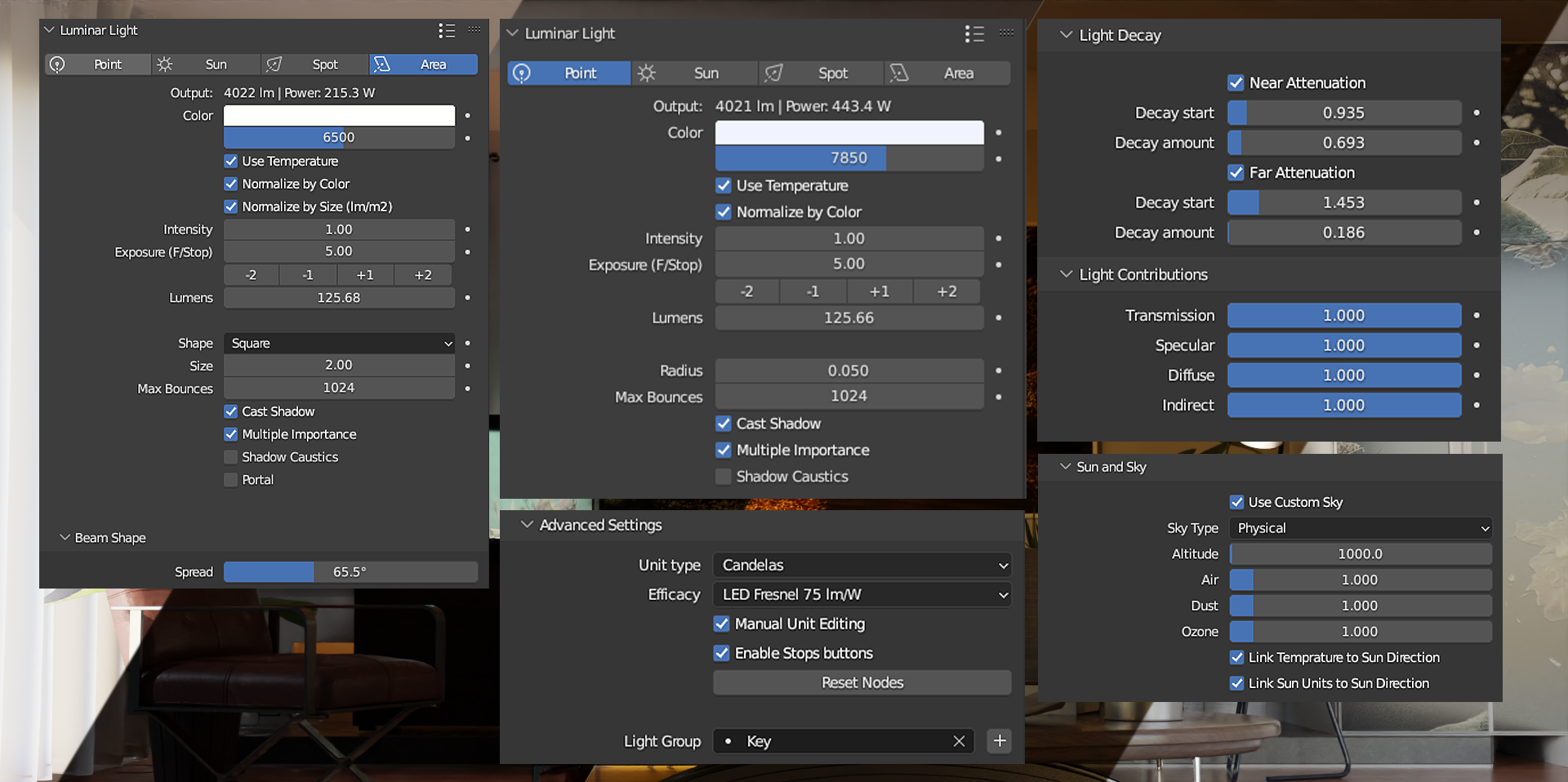
Luminar Lights adds photometric units, Kelvin controls, presets, and custom sun and sky to Blender. Review its Cycles limits and listed versions.
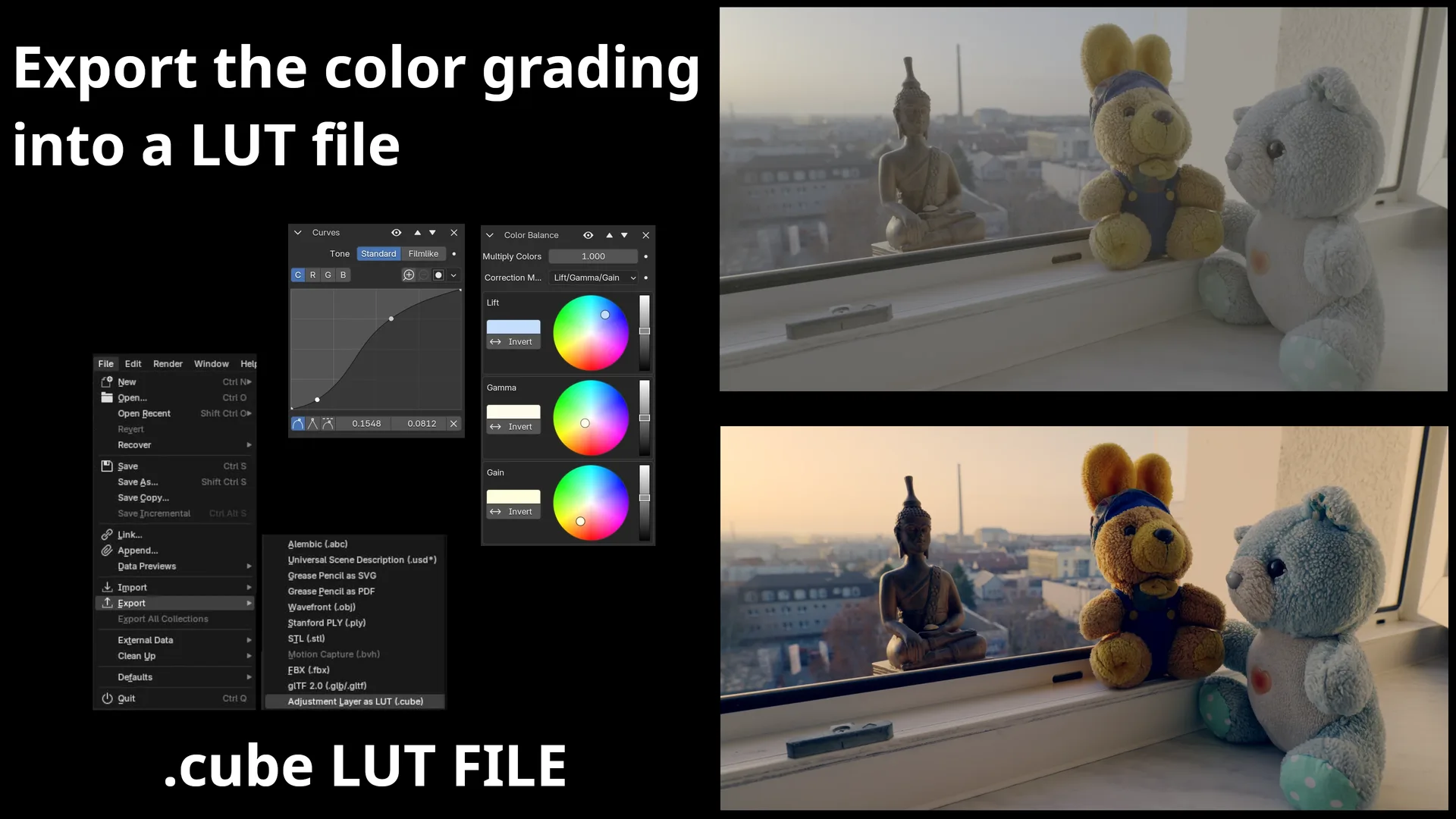
Export Blender VSE color grades as .cube LUTs, choose the grid resolution, and import LUTs as adjustment layers with a specified working color space.
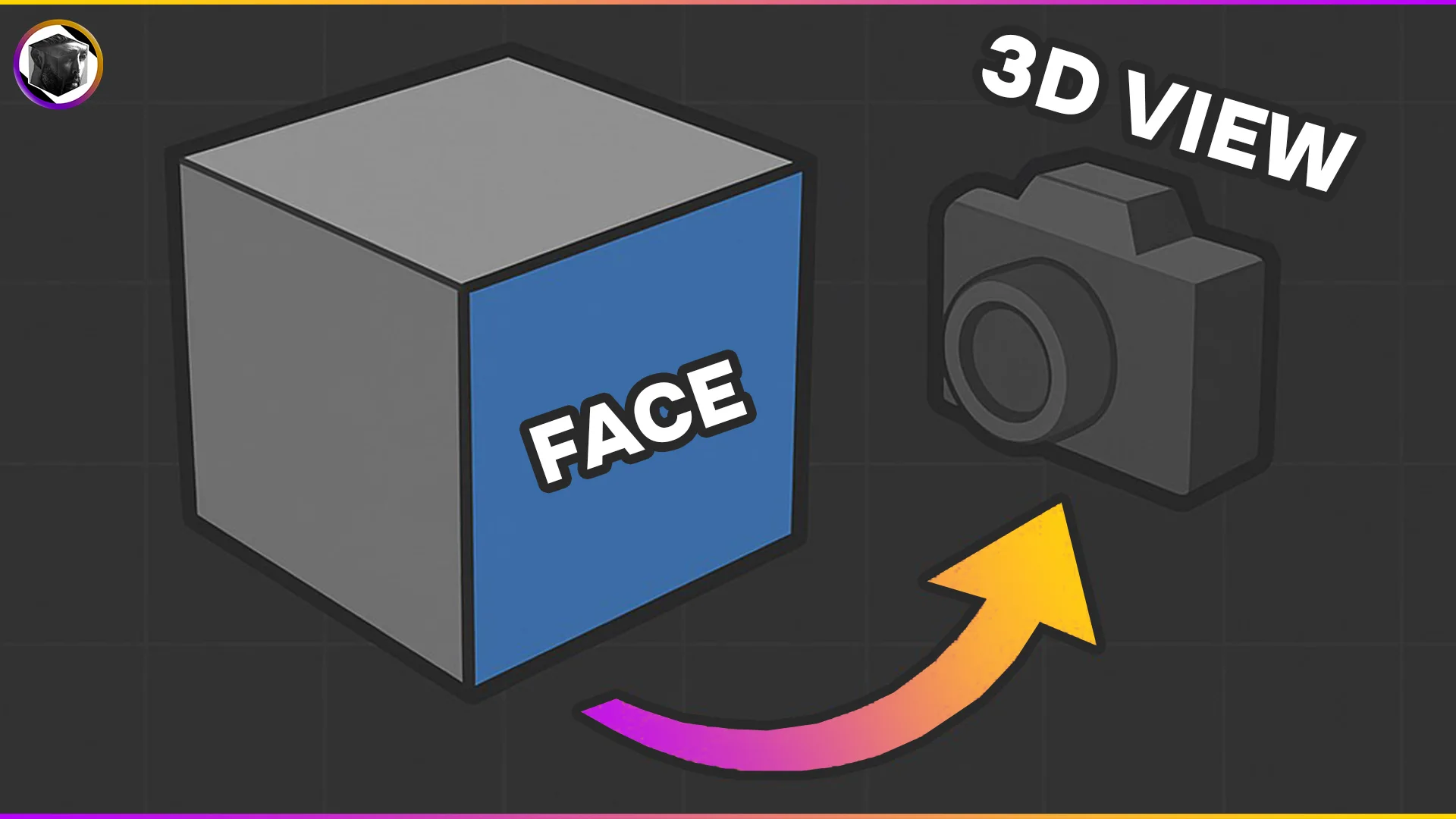
Save viewport positions, align orthographic views to selected faces, and set rotation steps with Lutaya Viewport Camera. Check Blender 4.2+ compatibility.
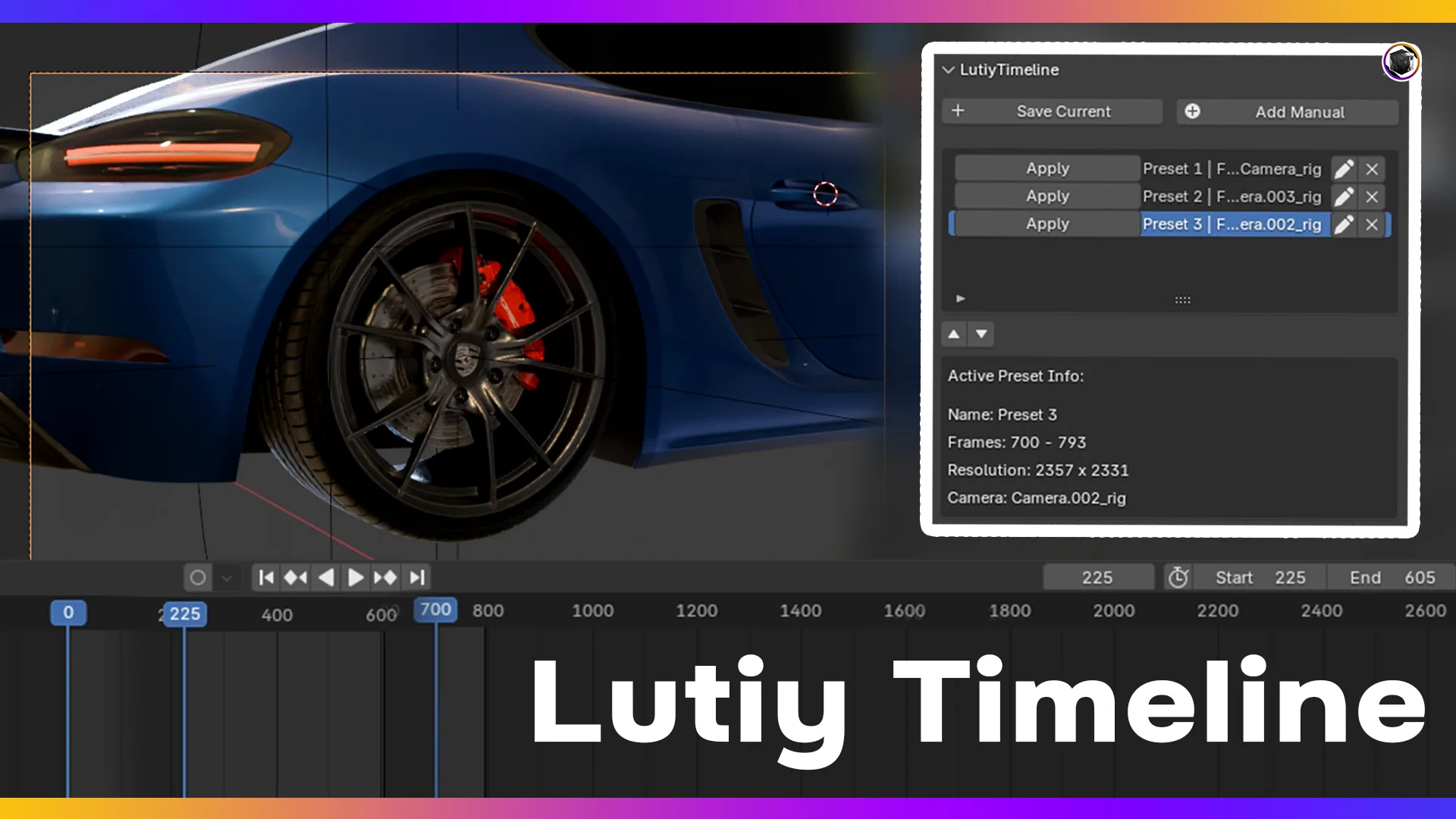
Lutiy Timeline is a Blender add-on for saving camera, frame-range, and resolution presets. It supports manual creation and requires Blender 4.2.0 or newer.
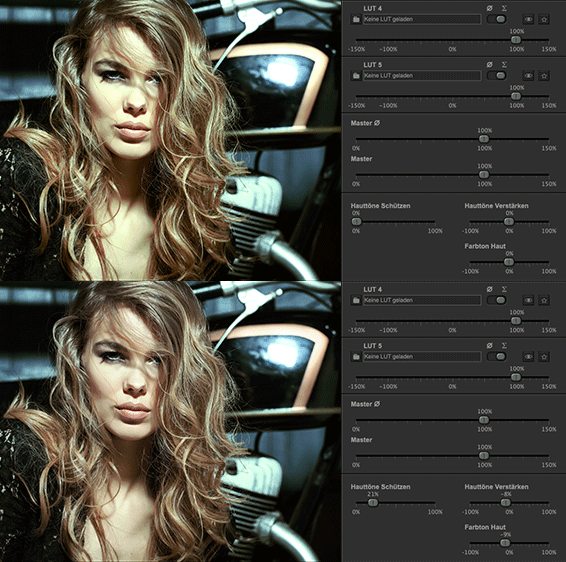
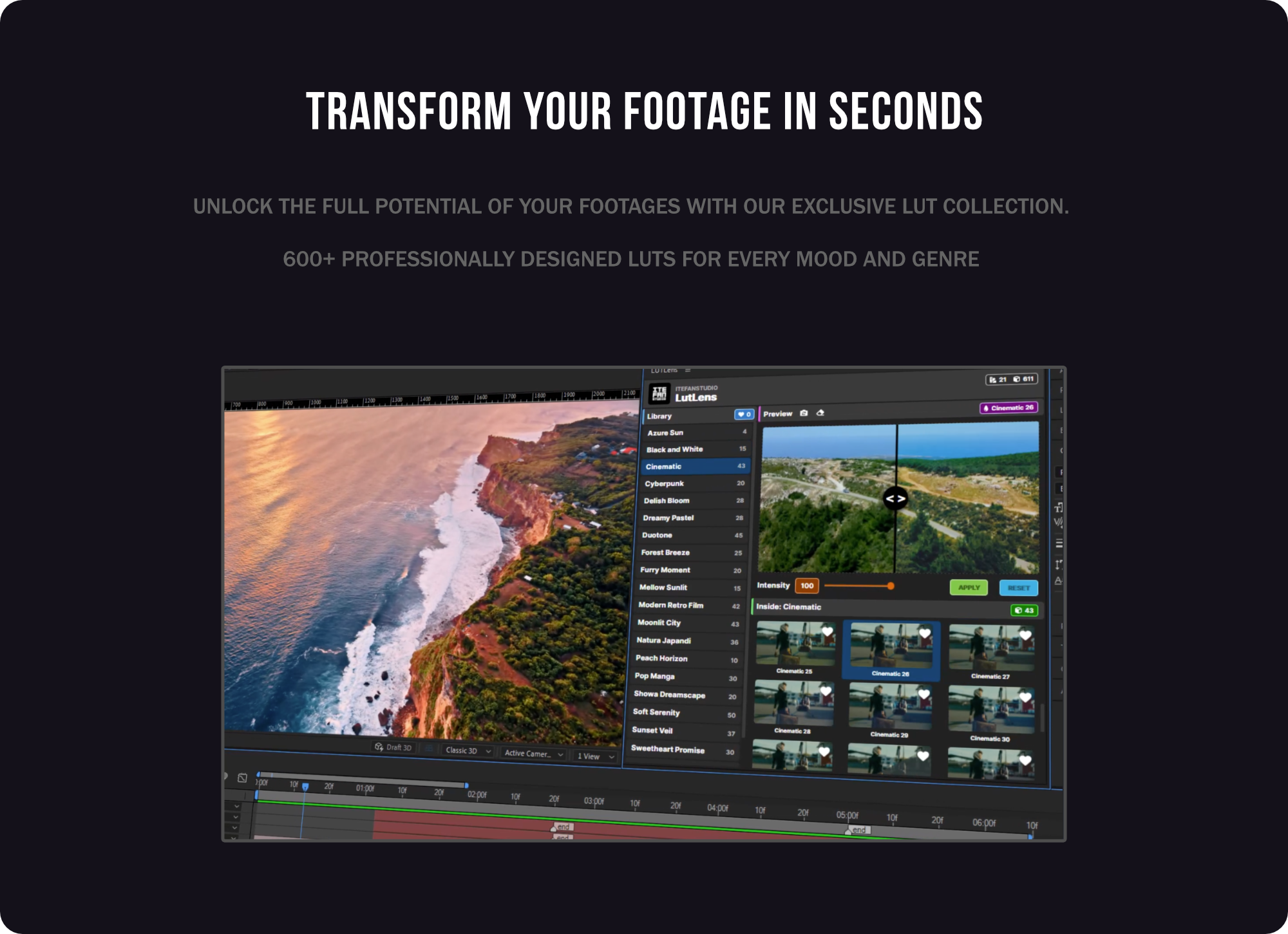
LutLens brings 600+ LUTs in 25 categories to After Effects, with before-and-after previews, one-click use, intensity controls, and bookmark import/export.
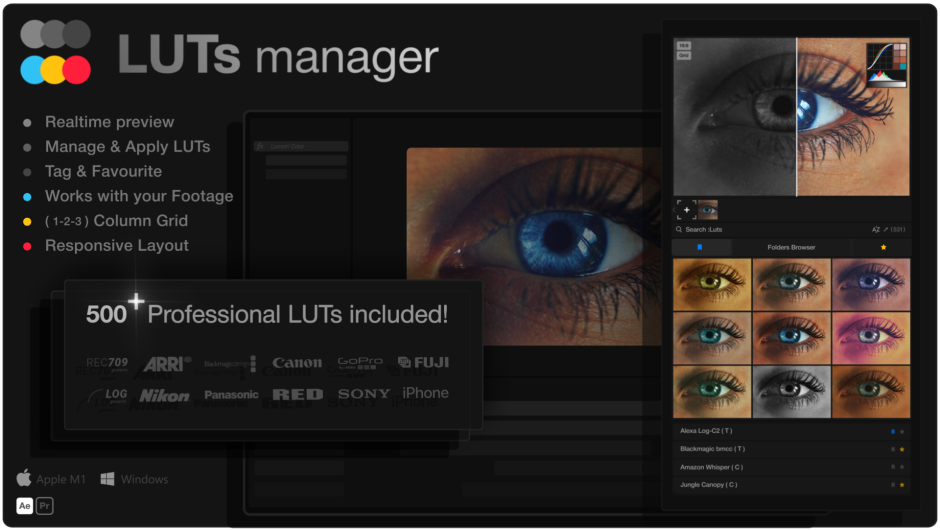
LUTs Manager : Real-Time Bulk LUT Previewer and Organizer is a CEP extension for previewing and organizing LUTs in After Effects and Premiere Pro.
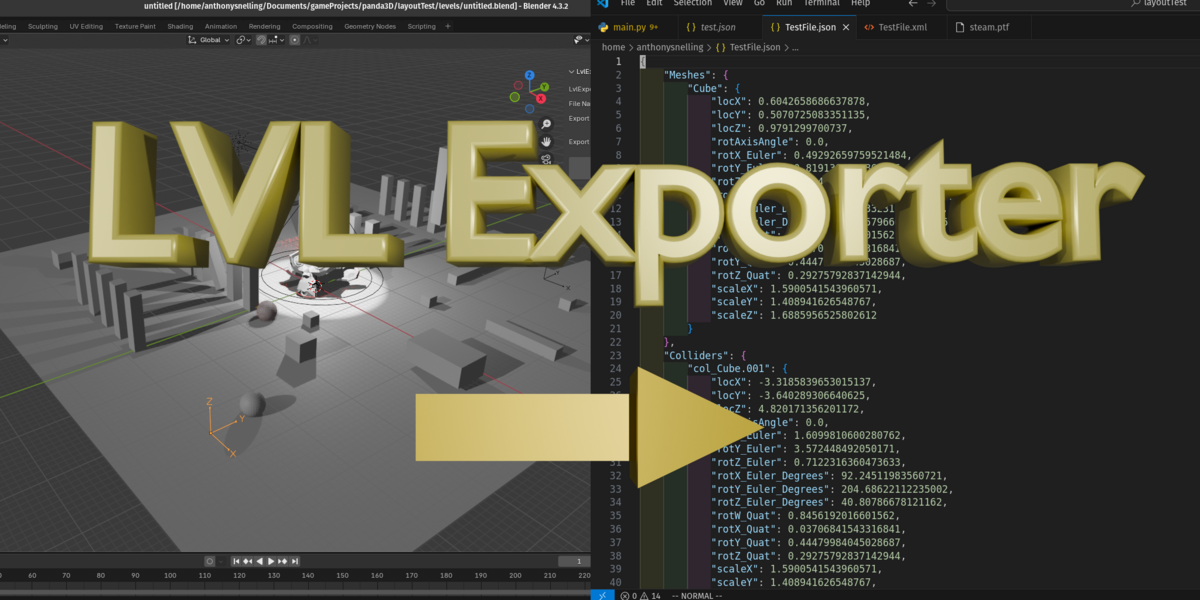
Lvl Exporter - Blender Data To Json Or Xml is a Blender add-on that exports scene data as JSON or XML; your code parses it and builds the target scene.
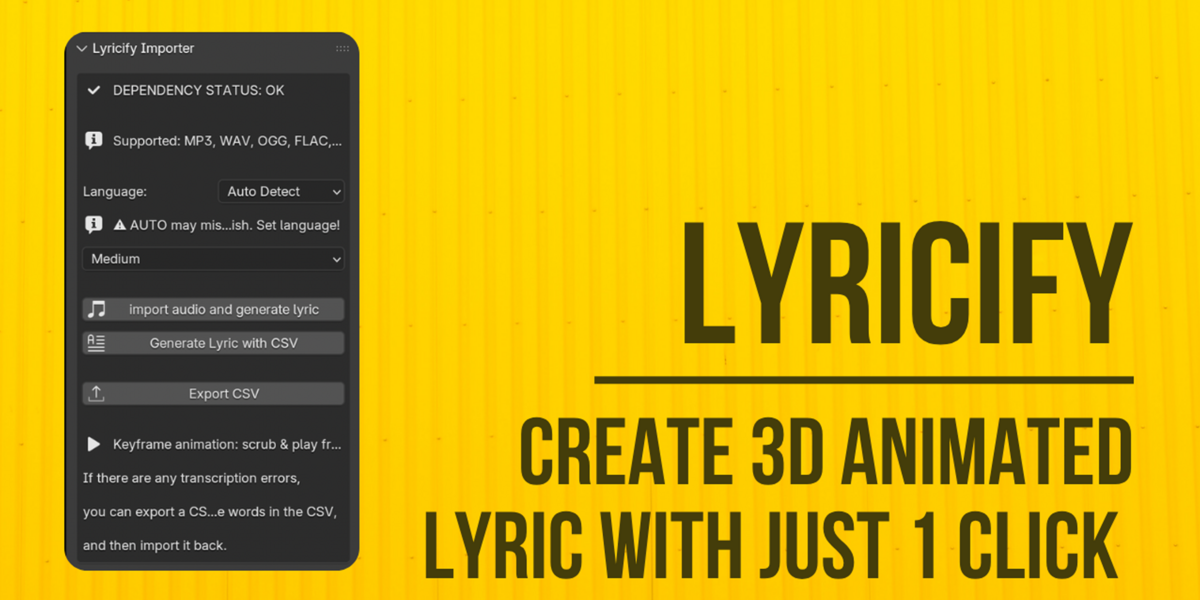
Lyricify is a Blender 4.5+ add-on for timestamped lyrics, physics-based 3D scenes, CSV editing and automatic setup, with Cycles and Eevee support.
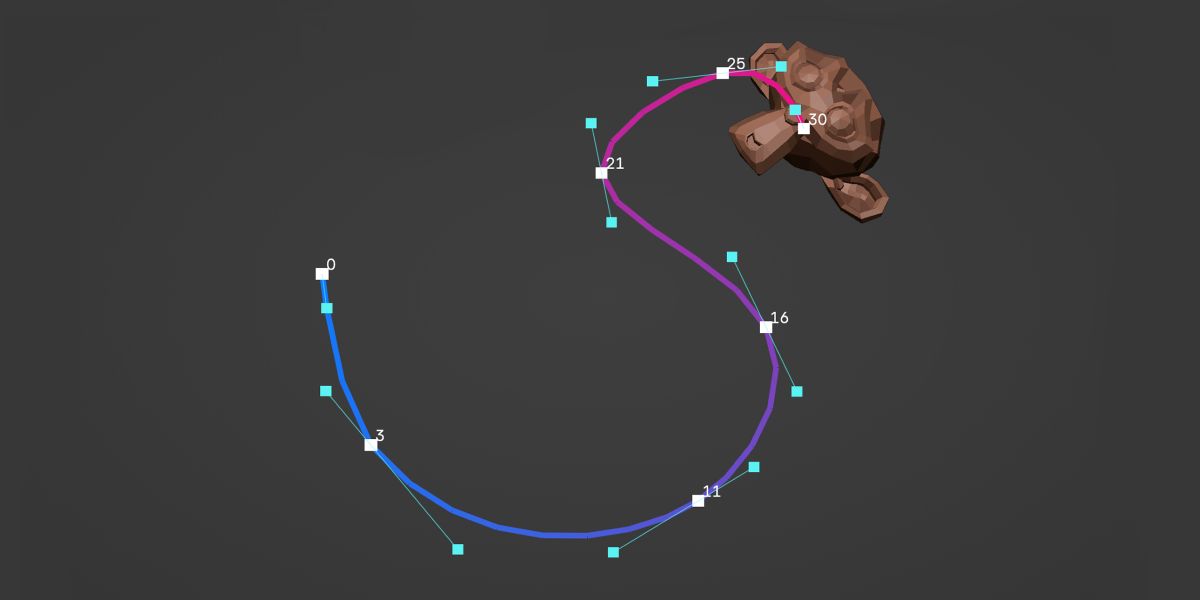
Lz Motion Path is a Blender add-on for editing keyframes on motion paths with axis snapping, timeline controls, and curve handles in the 3D View.
M's Halftone is an After Effects plugin for print-style dots, with shape and sampling controls, supported versions, and single-user or floating license terms.
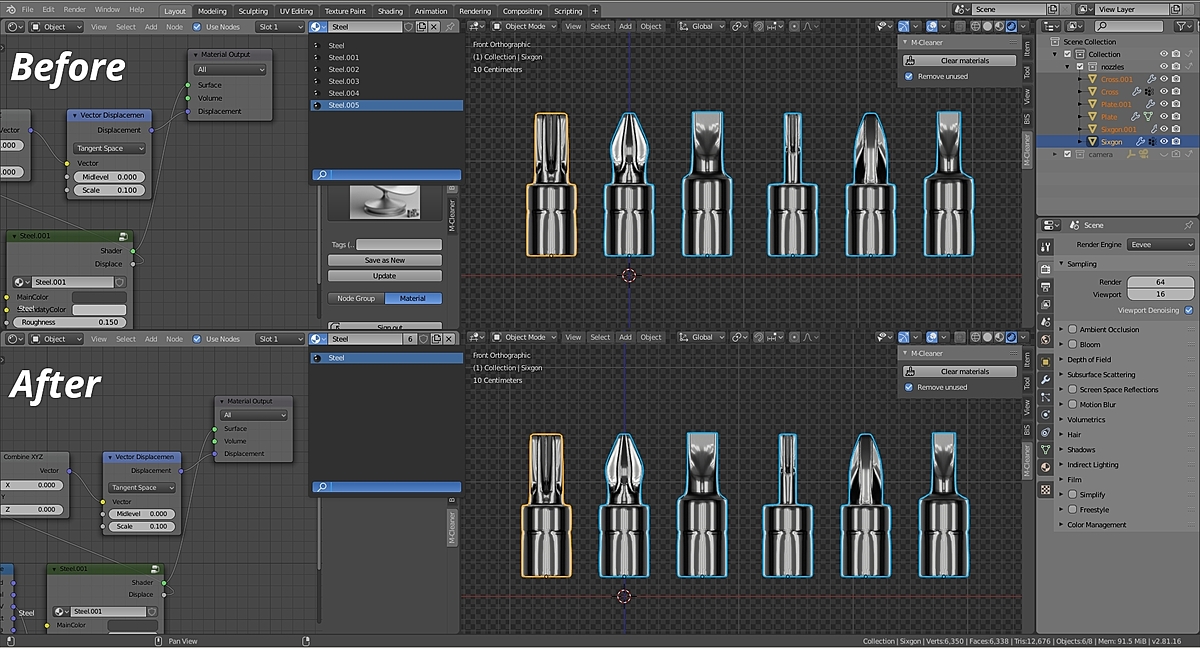
M-Cleaner finds equal Blender materials and reassigns objects to one copy. Review its name-based cleanup option and listed Blender versions before installing.
M-Suzanne_Addon is a Blender add-on with rigging, scatter, snap and timeline tools, plus a fake liquid rig and one-click sharp curve creation.