Marker Master
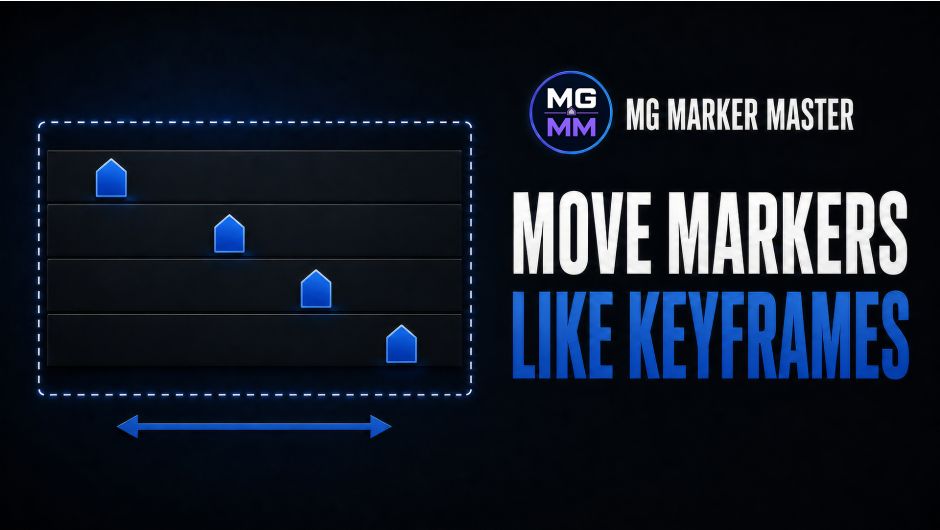
Marker Master links After Effects layer markers to control keyframes for moving, copying, overwriting, and deleting groups across layers, comps, and projects.
Browse published guides by application, developer or task. Check product details before downloading. Page 168 of 337.
Marker Master links After Effects layer markers to control keyframes for moving, copying, overwriting, and deleting groups across layers, comps, and projects.
Marker Remap is an After Effects panel for split-marker retiming and marker management, with project handoff, trial limits, and compatibility details.
Marker Shortcuts are a Blender add-on for keyboard jumps to timeline markers, with full-string shortcuts, bulk numbering tools, and Blender 4.2+ support.
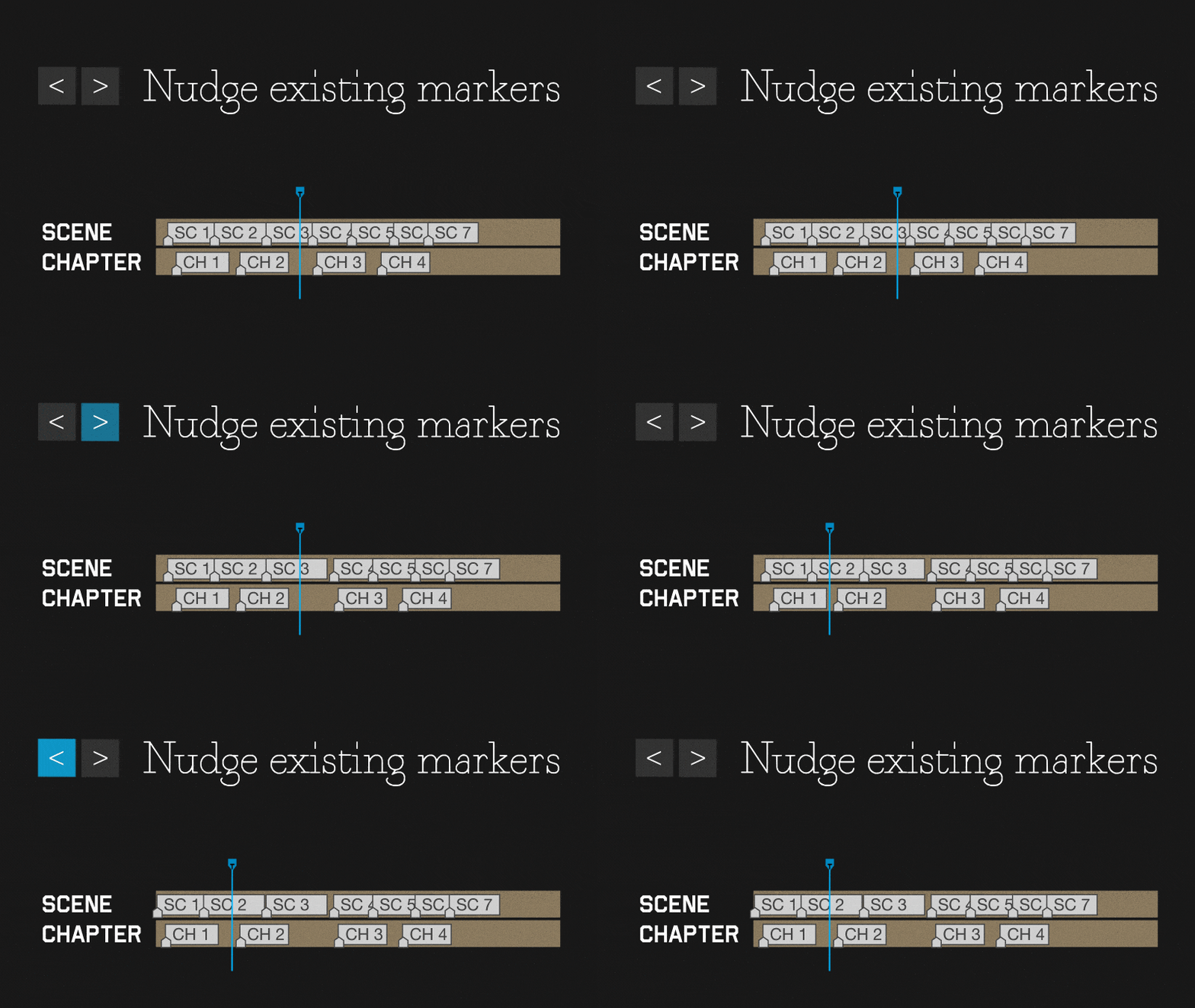
Turn text into After Effects layer markers by letter, word, or comma, set frame spacing, nudge markers, and use custom shorthand or SKIP cues.
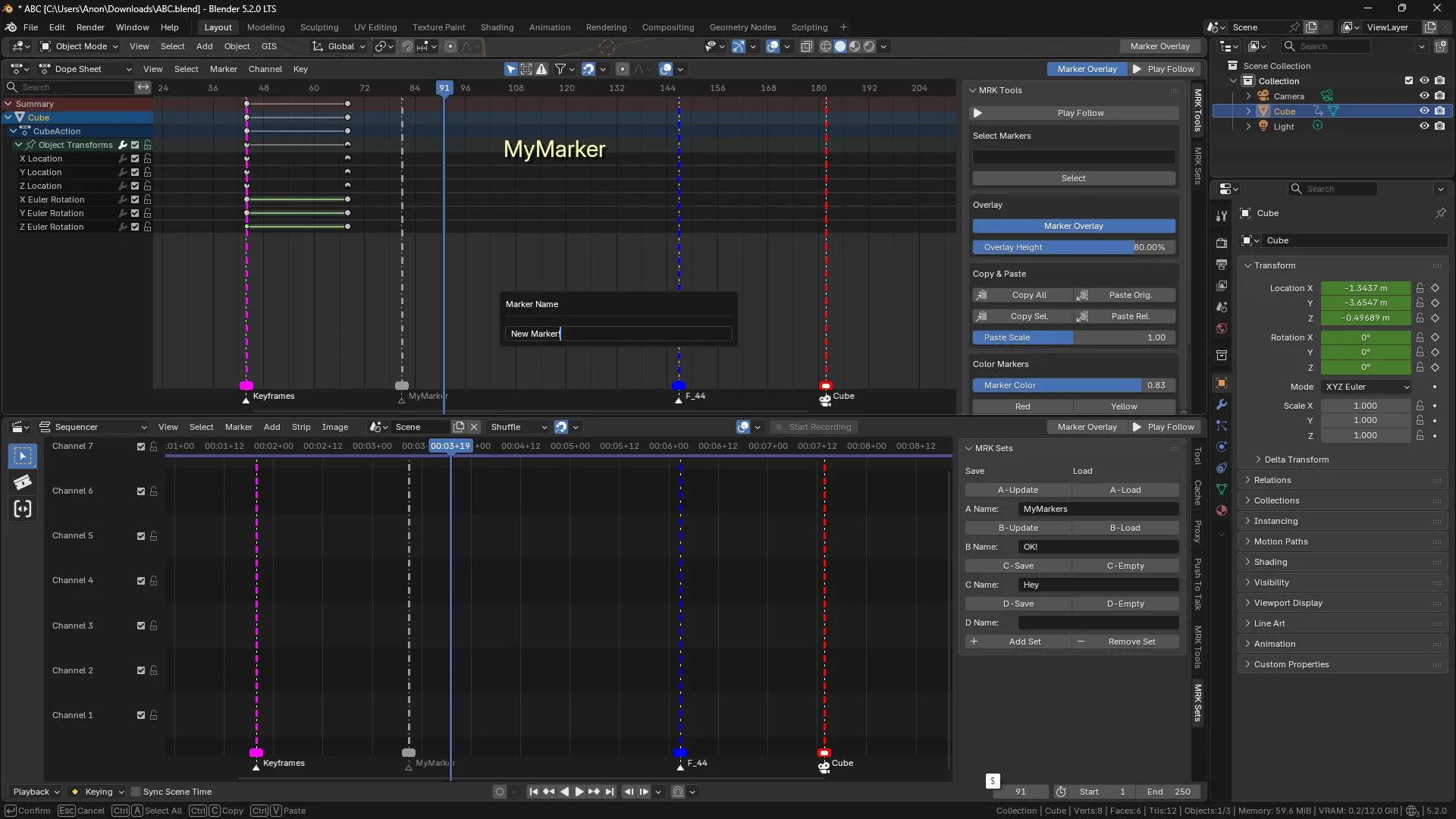
Marker Utilities are tools for marker colors, sets, overlays and playback, with marker-set CSV files and clipboard copying. Check Blender compatibility.
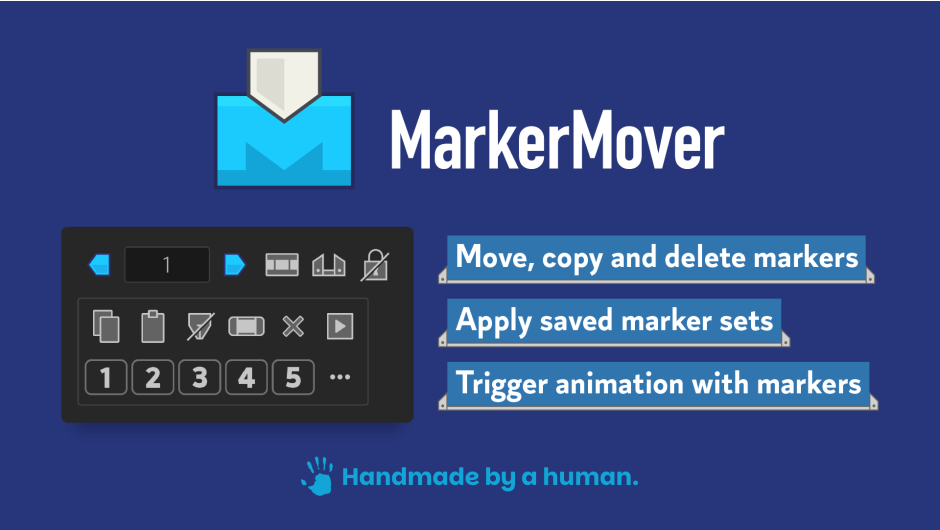
MarkerMover is an After Effects panel for moving and copying markers, saving work-area settings, and using marker triggers to repeat property animation.
Markers Command Center is a Premiere Pro panel for sequence and clip markers, review-note imports, AI timeline edits, and marker exports.
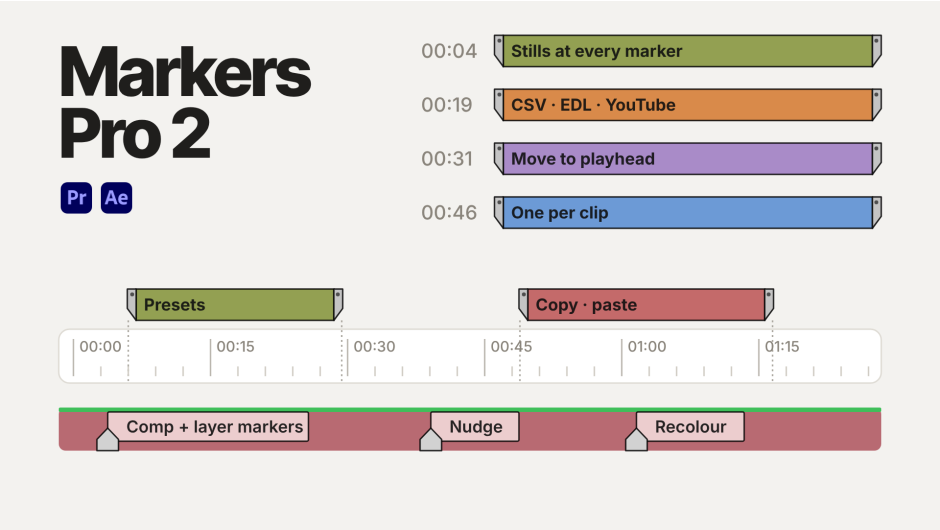
Markers Pro 2 gives Premiere Pro and After Effects editors a visual marker panel for batch renaming, presets, import and export, and still frames.
Markers Sync is an After Effects script for syncing composition and layer markers, with merging and retiming options. Check the license type before buying.
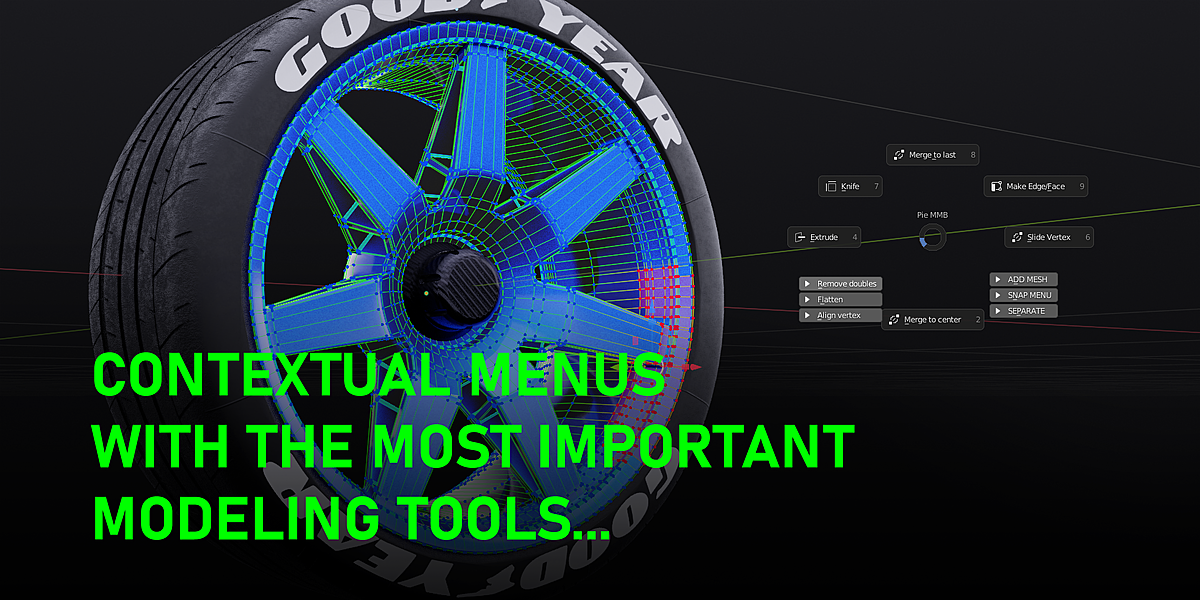
Marking Menus adds shortcut pie menus in Blender for mode switches, contextual actions and modifier presets. Check Blender compatibility before installing.
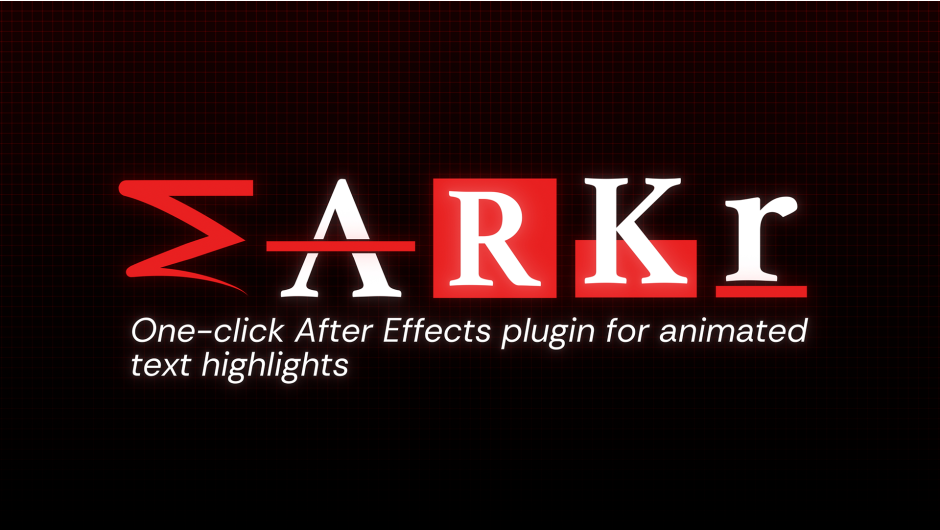
MARKr adds five animated marks to After Effects text, with live-linked edits, adjustable styling, static options, and support from After Effects 2022 onward.
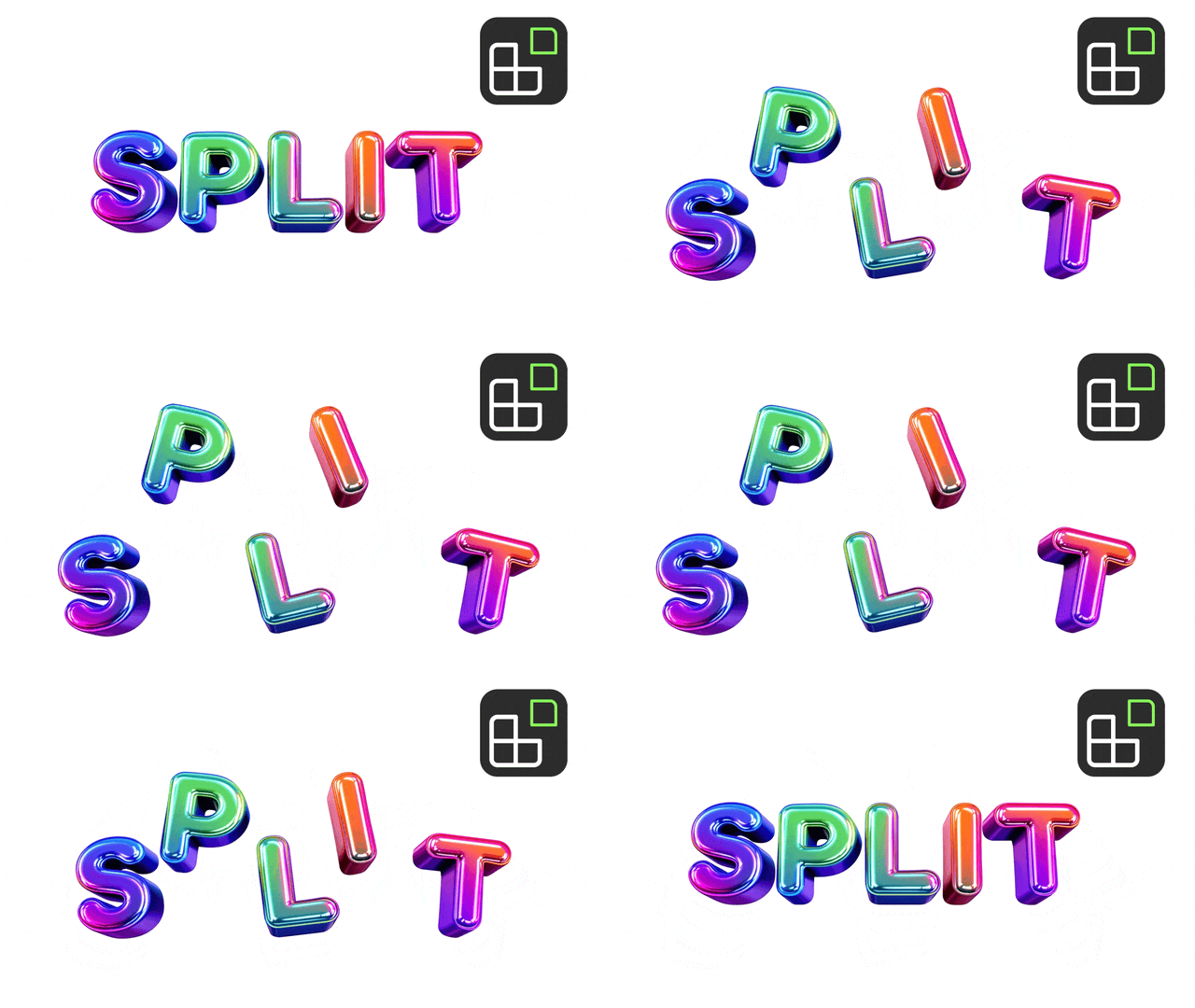
Split After Effects masks into separate layers, batch rename layers, crop precomps to content bounds, and stagger layer start times with Mask & Layer Splitter.
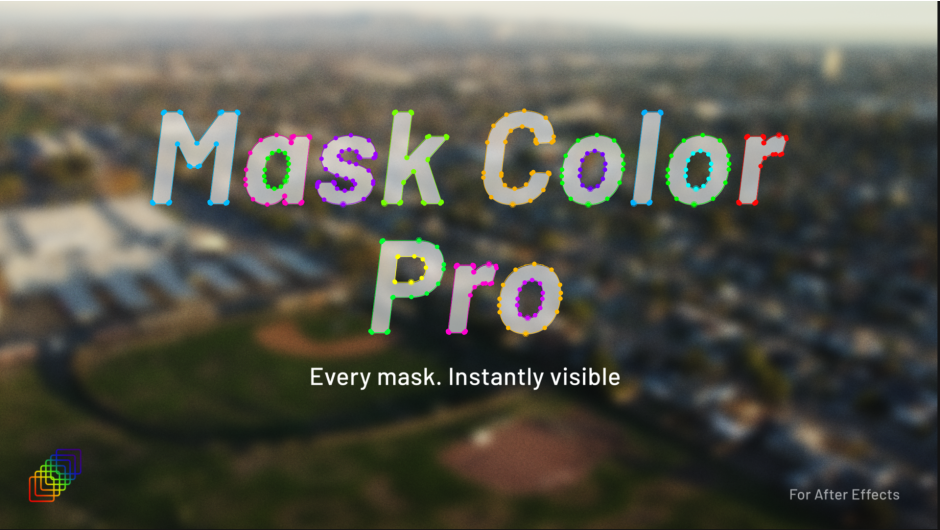
Mask Color Pro keeps After Effects mask outlines visible with automatic contrast, distinct nearby colors, and quick recoloring for existing masks.
Mask Follow tracks characters, objects and names in Premiere Pro, then creates camera-follow motion. See its workflow, requirements and model selection on Mac.
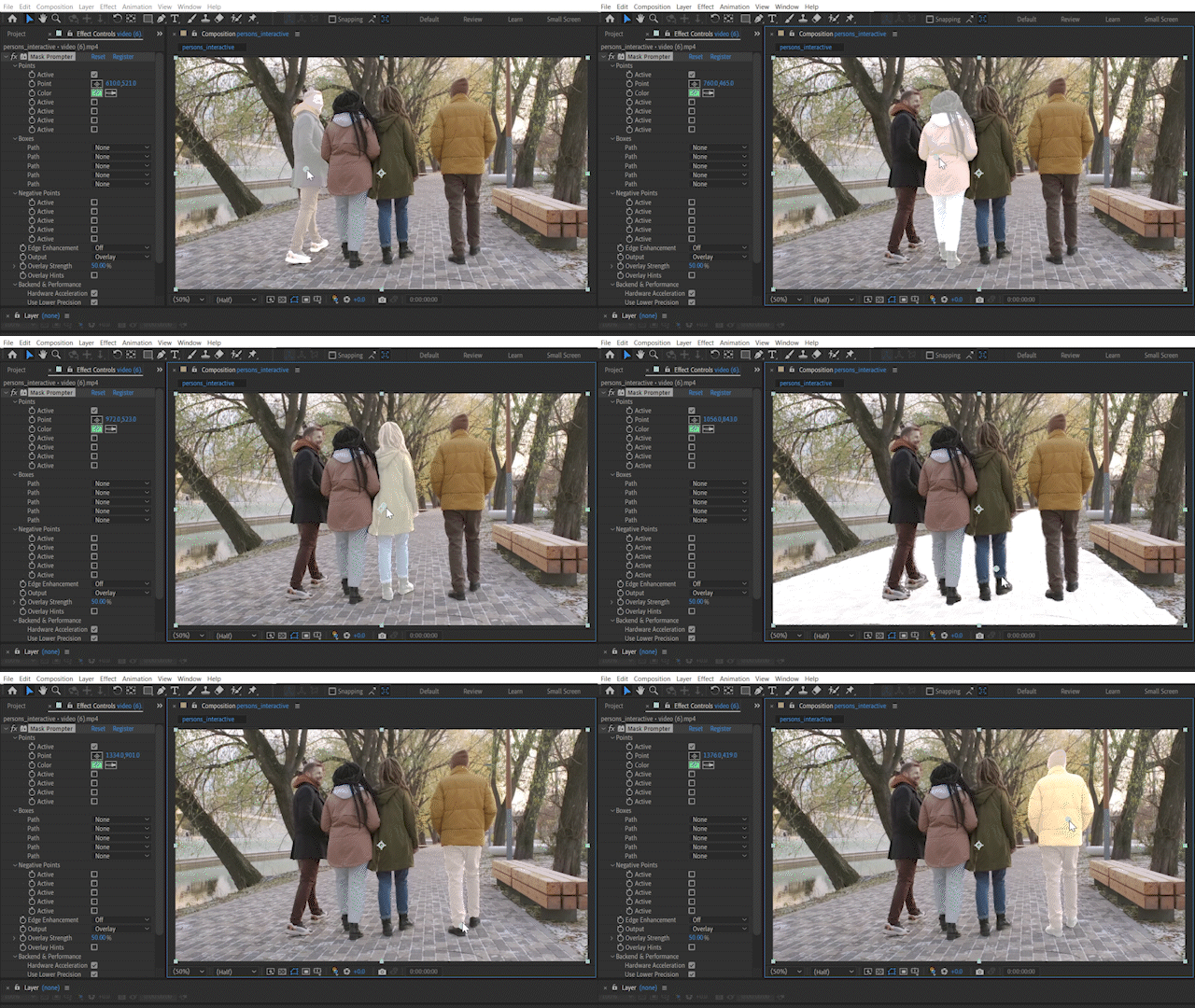
Mask Prompter creates video mattes from text, point, and box prompts in After Effects and Premiere Pro, with local processing and edge refinement controls.
Mask Prompter 3 is an AI matte tool for After Effects and Premiere Pro; Premiere supports text prompts but lacks rectangle masks.
Mask To Transform converts Premiere Pro mask tracking into Transform keyframes. See what its stabilization mode does; check Adobe Exchange for compatibility.
Mask Tools is a Blender add-on for paint layers, procedural grunge, and material effects. Check its listed Blender versions, GPL license, and workflow.
Mask Unlinker lets you move After Effects layers without shifting masks. Learn its unlink and relink steps, 3D limits, compatibility, and license terms.
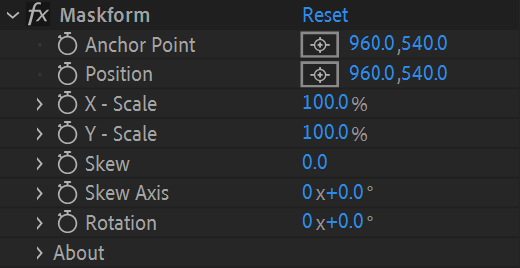
Maskform 2 is an After Effects mask tool with numeric transform controls, mask motion paths, and options to toggle, bake or remove transformations.
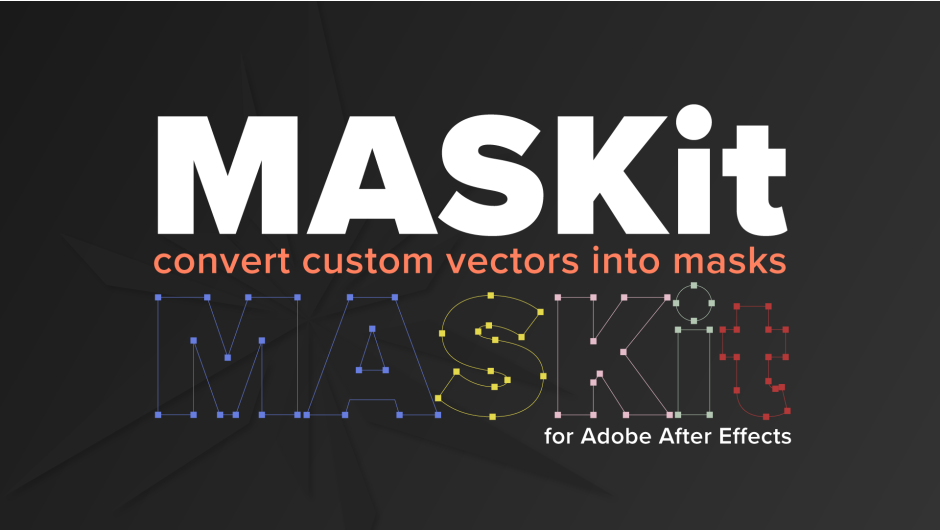
MASKit converts paths from selected After Effects shape layers into named masks. Review its workflow, unsupported shapes, trial limits, and licensing terms.
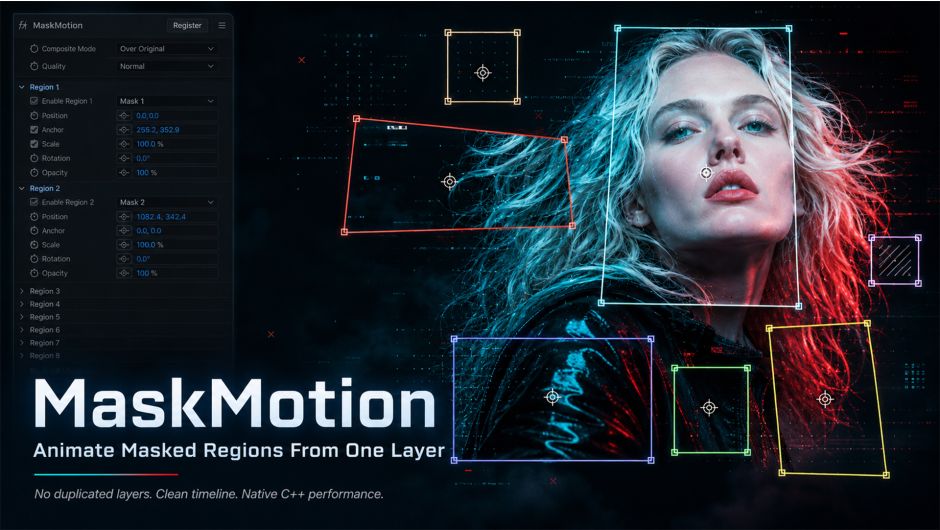
Animate up to eight masked regions on one After Effects layer with independent motion, keyframes and compositing modes. Check layer support and OS requirements.
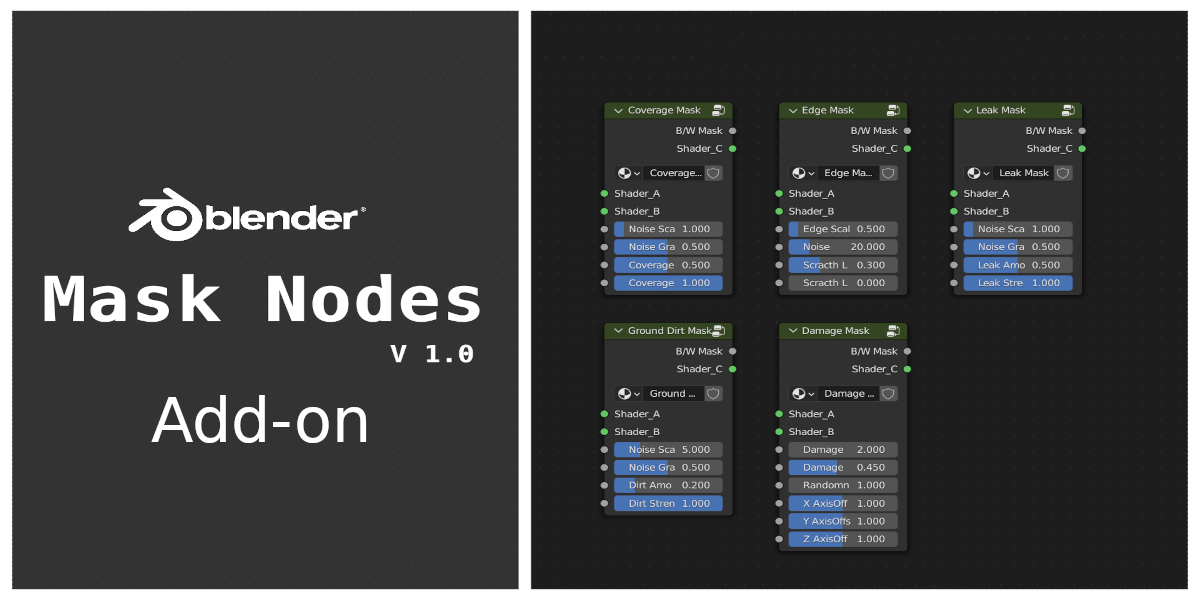
Masknode is a Blender add-on with five procedural masks. In the Shader Editor, enable Use Node to show the Mask category; Edge Mask requires Cycles.
MaskPin fits perspective pins to an After Effects mask, lets you adjust them in the Composition viewer, and renders mask, vertex, pin, and frame guides.