Cam Tools
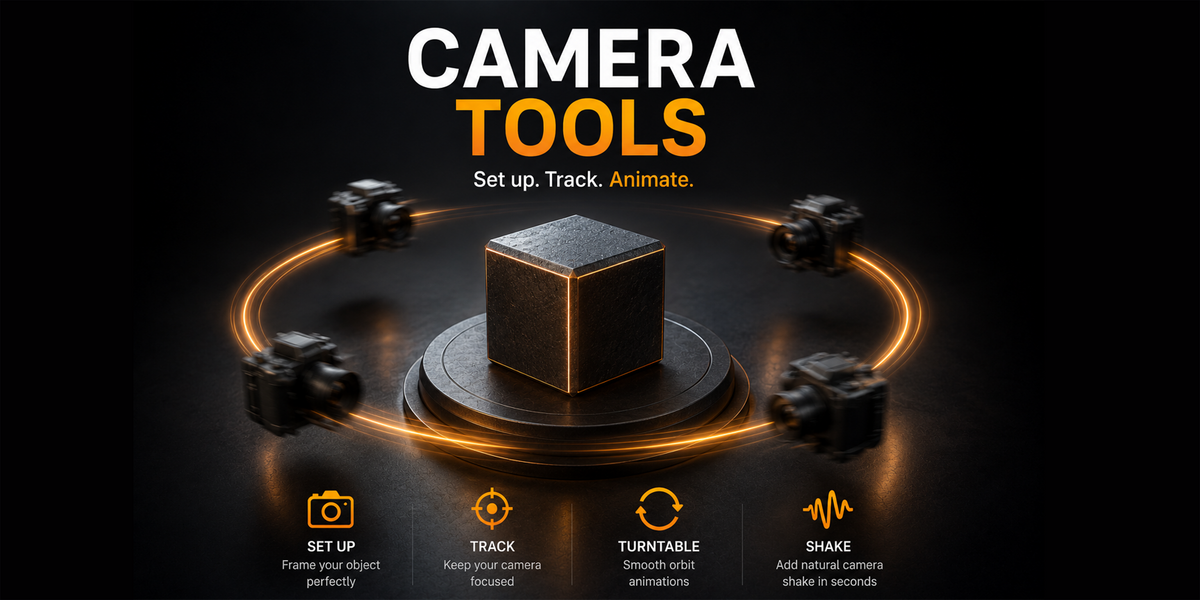
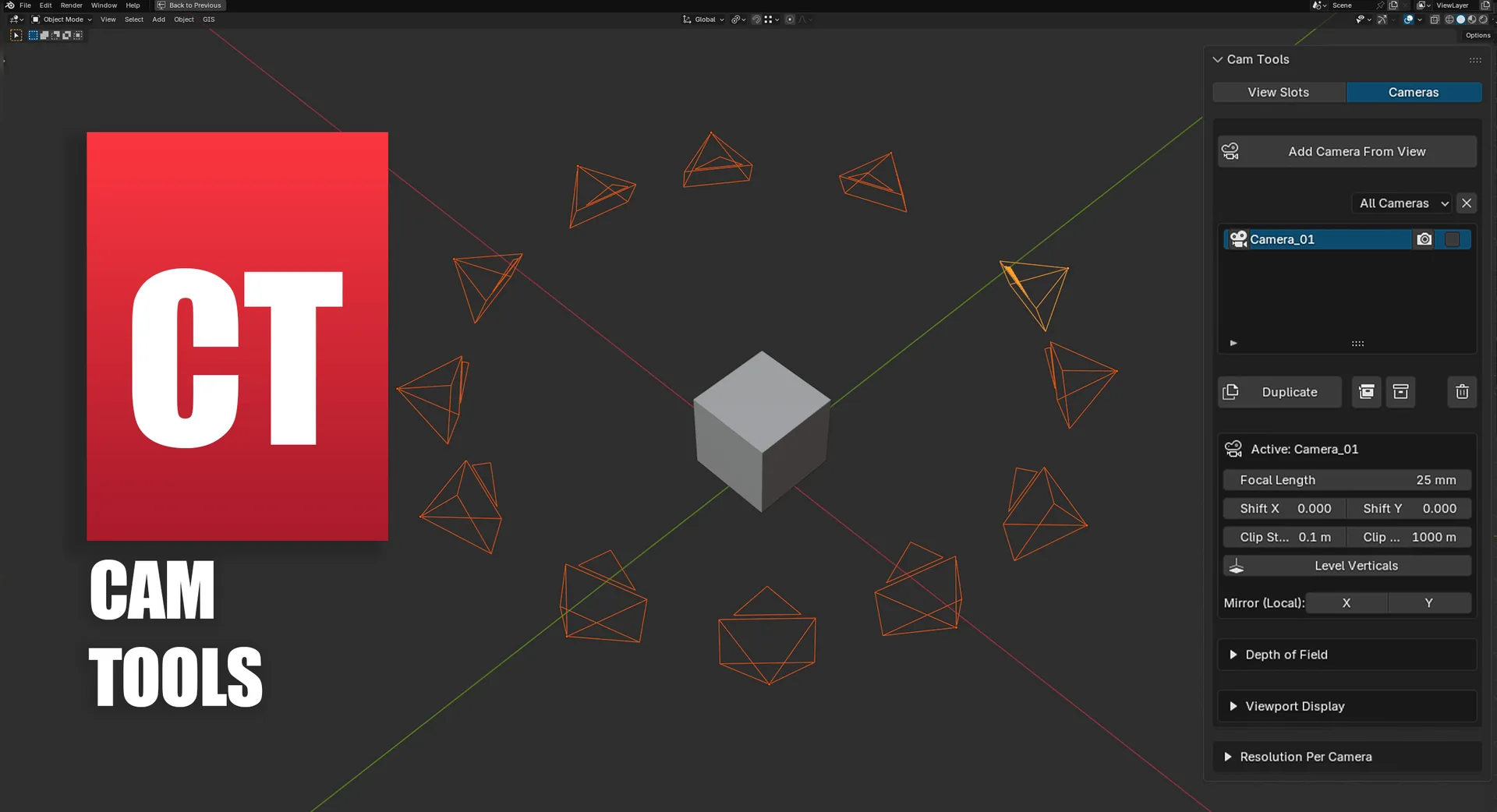
Cam Tools adds viewport framing, camera management, per-camera resolution overrides and saved View Slots to Blender 4.2+. See its controls and setup.
Browse published guides by application, developer or task. Check product details before downloading. Page 58 of 337.
Cam Tools adds viewport framing, camera management, per-camera resolution overrides and saved View Slots to Blender 4.2+. See its controls and setup.
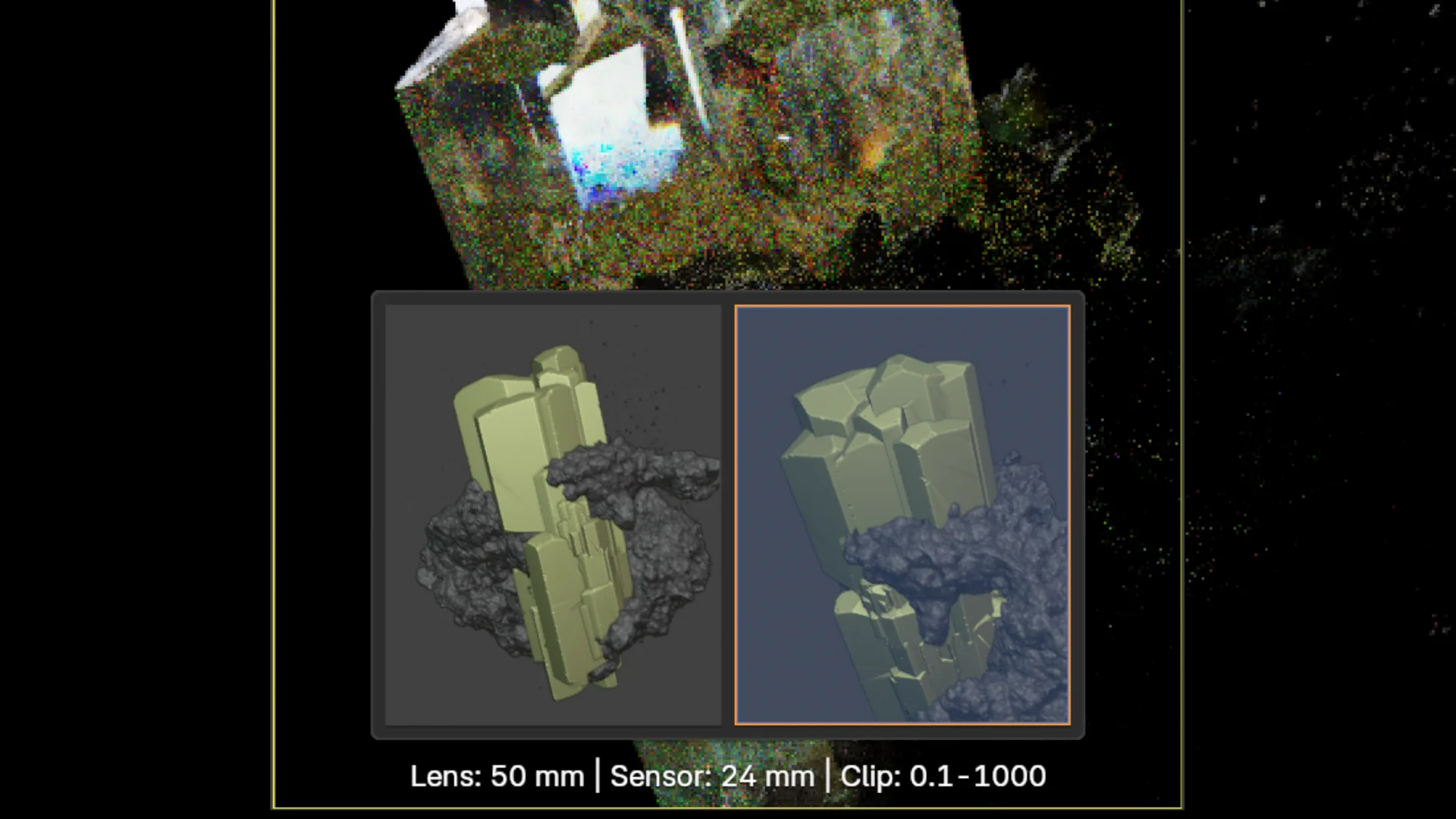
Cam-Fx adds 120 bokeh textures and lens dirt for Cycles renders. Review its camera setup and compositing limits before choosing it for Blender.
Camcontrol - Camera Setup & Framing Tools are for quick Blender camera setup around a selected object, with Track To, turntable rotation, and shake.
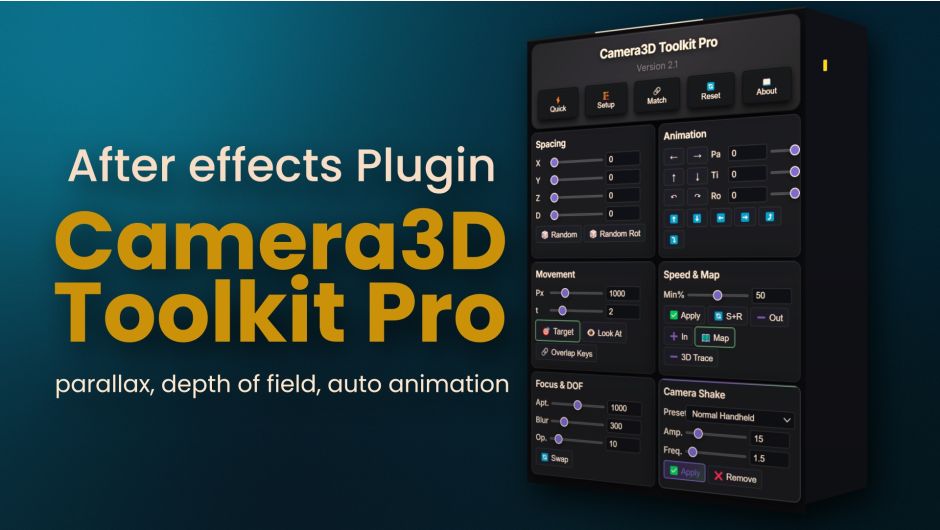
Build After Effects camera moves with one-click targeting, parallax spacing, focus controls, speed ramps, and shake presets. Check licensing and compatibility.
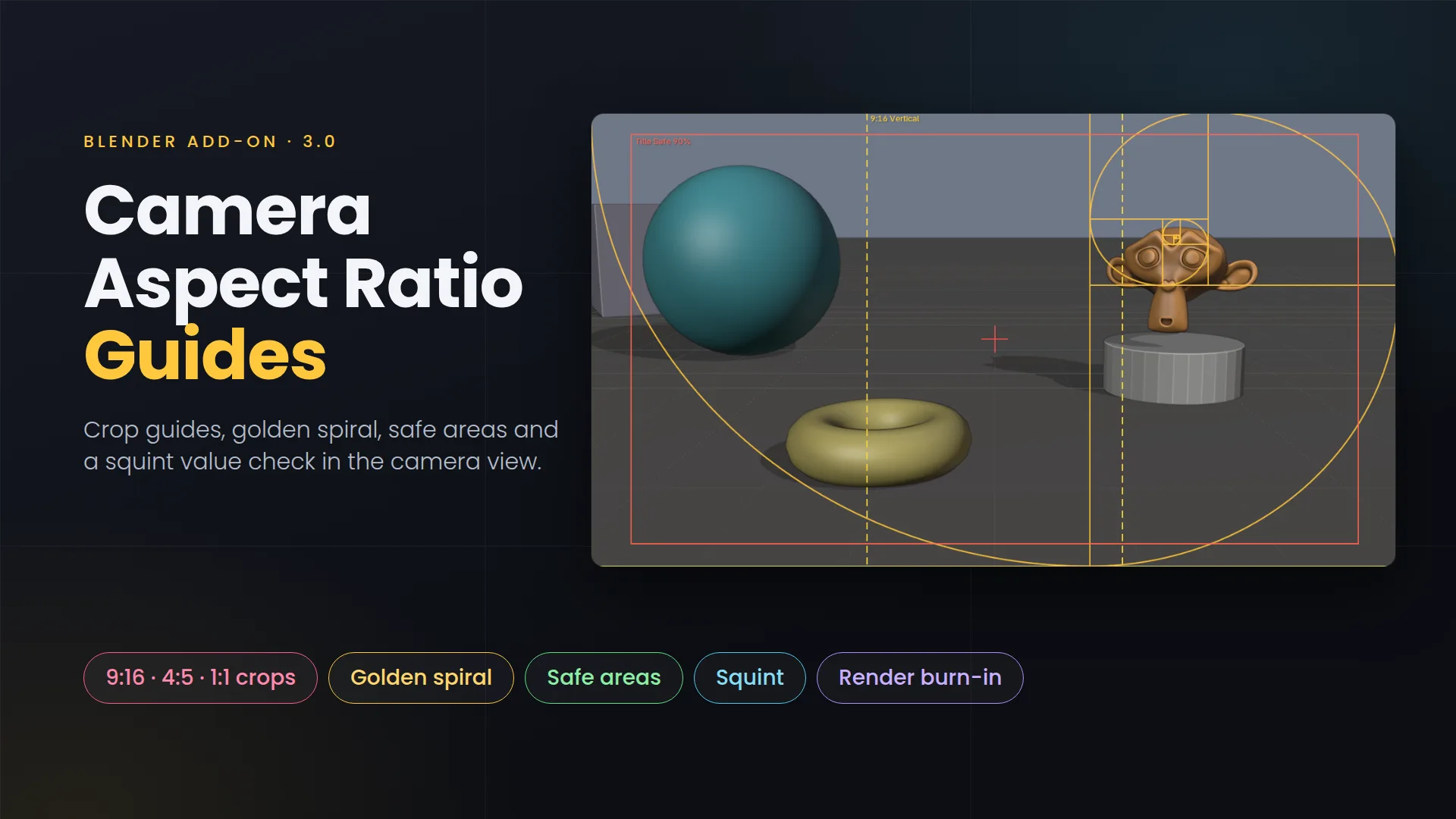
Camera Aspect Ratio Guides are listed for Blender 5.0.0 up to but not including 5.5.0, with frames, safe areas, burn-in and a GPL-3.0-or-later license.
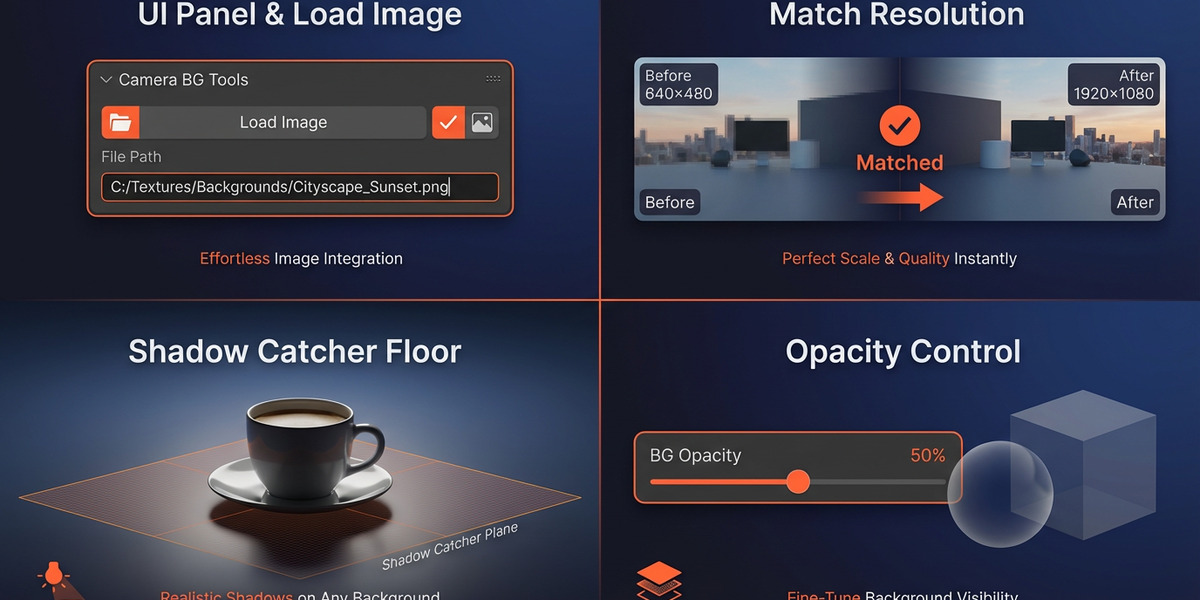
Camera Background is a Blender add-on for background images, preview scaling, and compositor controls. Review its setup steps before downloading.
Manage Blender scene cameras from the N-Panel with Camera Caddy. Switch views, set animated transitions, and adjust focal length and depth of field.
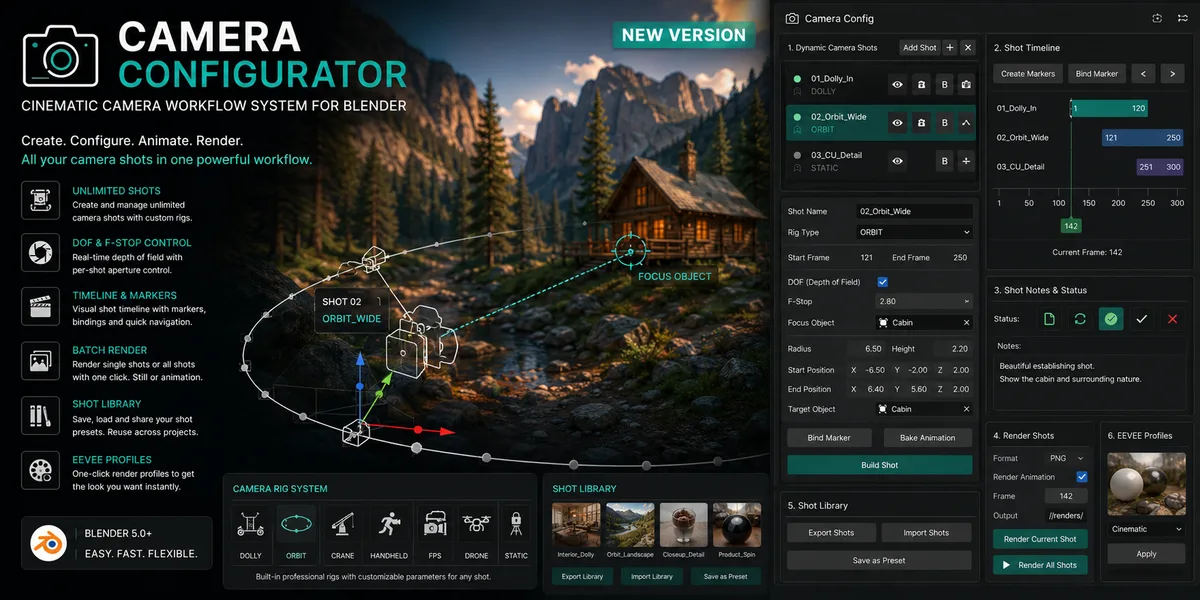
Camera Configurator organizes Blender shots with custom rigs, timeline tools, batch rendering and reusable presets. Check compatibility before installing.
Camera exporter is a 3ds Max script exporting camera position and lens data as ASCII. The catalog lists v2.3.5; see Chuggnut’s site for current details.
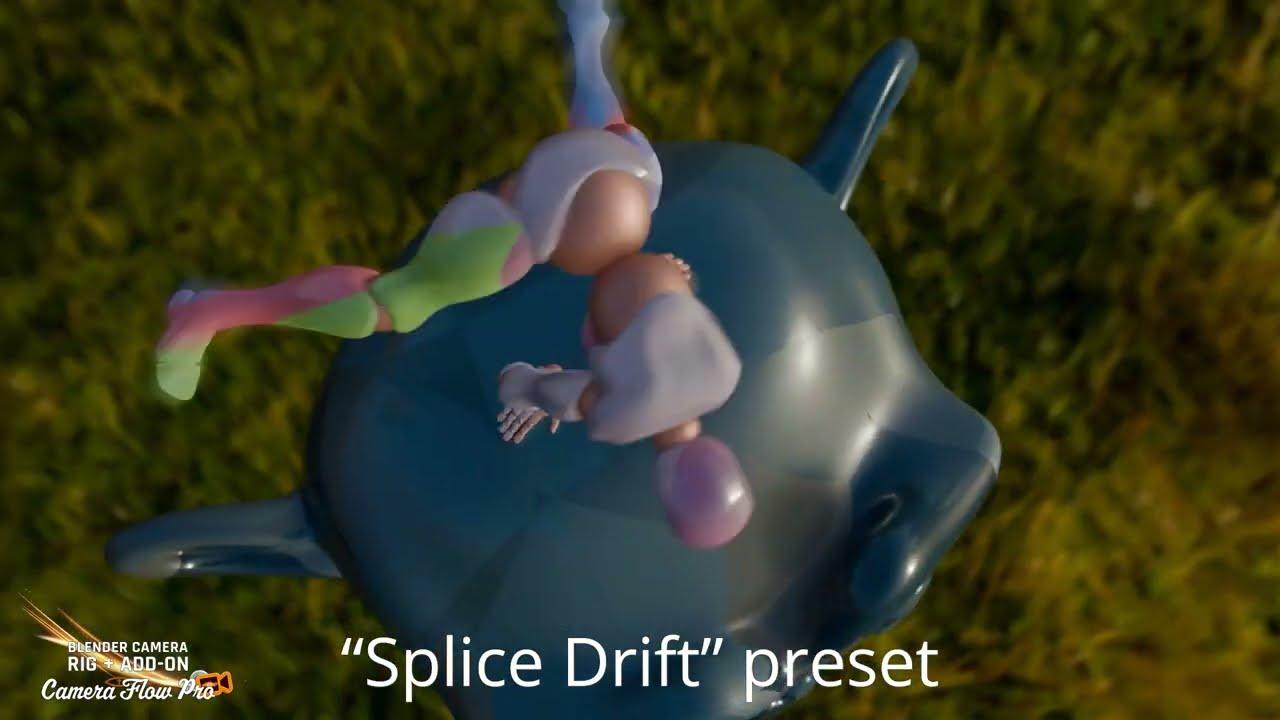
Camera Flow Pro is a Blender camera rig for smooth movement, tracking, looping shake, and keyframe baking. Check its workflow and Blender support.
Camera FX Pro adds speed ramps, shake, dolly zoom, object tracking and rack focus to Blender. Check Blender version support before installing.
Camera Grid is a Blender add-on for browsing and switching scene cameras from a viewport grid. Version 1.8.0 requires Blender 4.5.0 or newer.
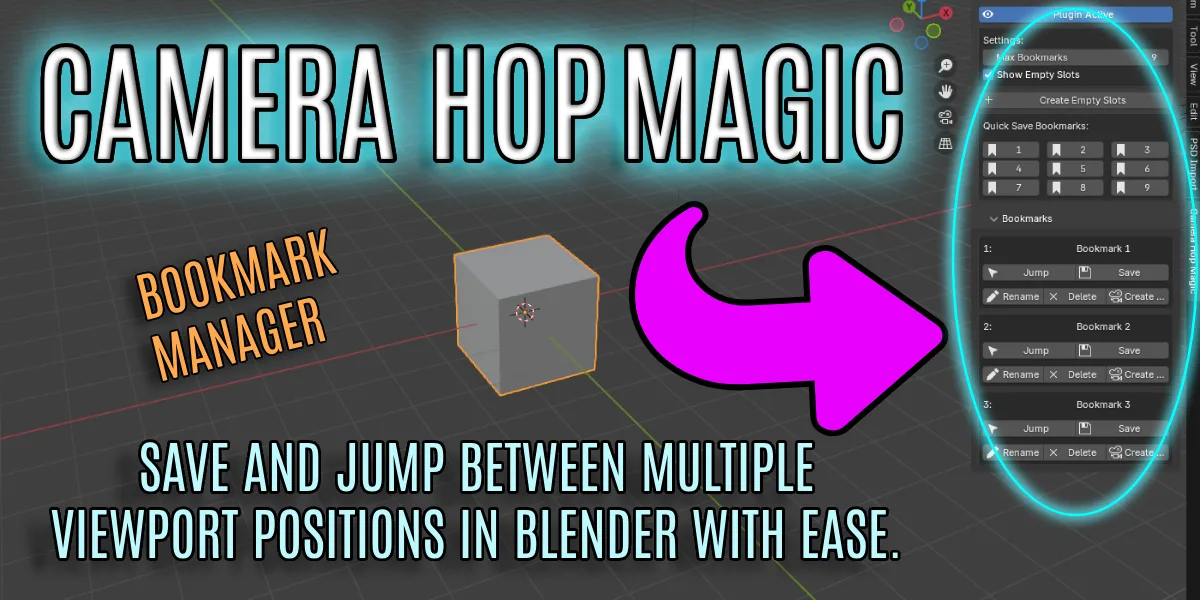
Camera Hop Magic is a Blender add-on for saving viewport bookmarks, revisiting views and creating cameras. Review setup and compatibility.
Camera Instancer links an After Effects camera across compositions, so camera-dependent effects can stay in a precomposition as changes to the source composition's active camera are duplicated in the…
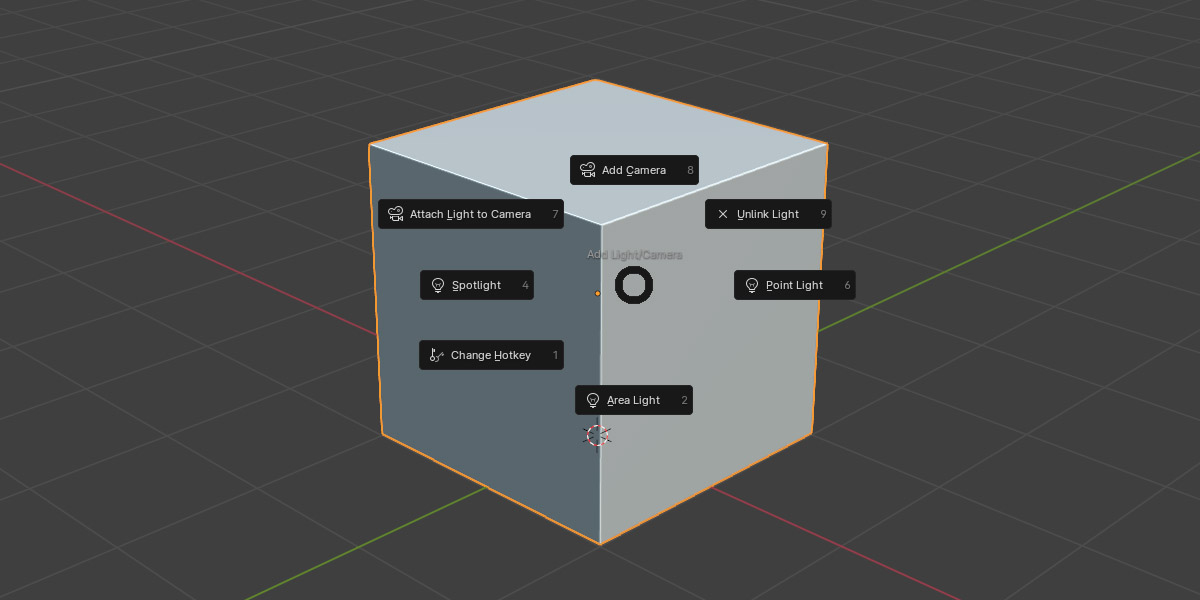
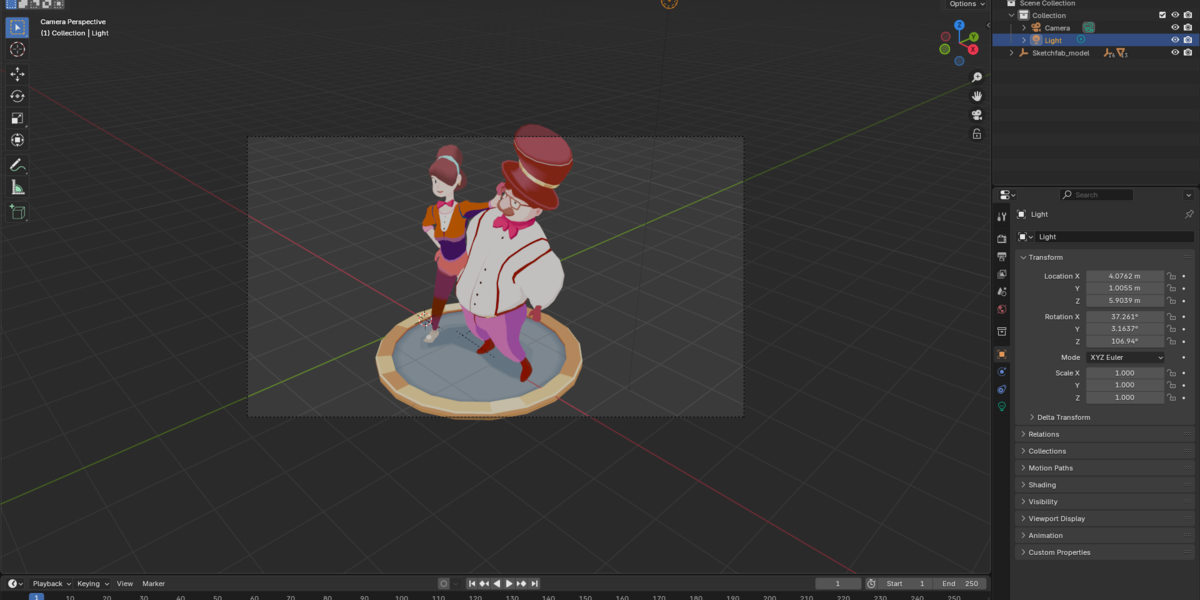
Place a light from Blender's camera view with Camera Light Tools. The pie menu aligns it to a selected object; link light adjusts its position as you rotate.
Camera List Navigator sorts 3ds Max cameras by name, filters by layer, and can match the timeline to keyframes. Check ScriptSpot for the download.
Adjust a Blender camera while keeping its camera view visible. Camera Navigator uses familiar middle-mouse controls to zoom, rotate, and pan.
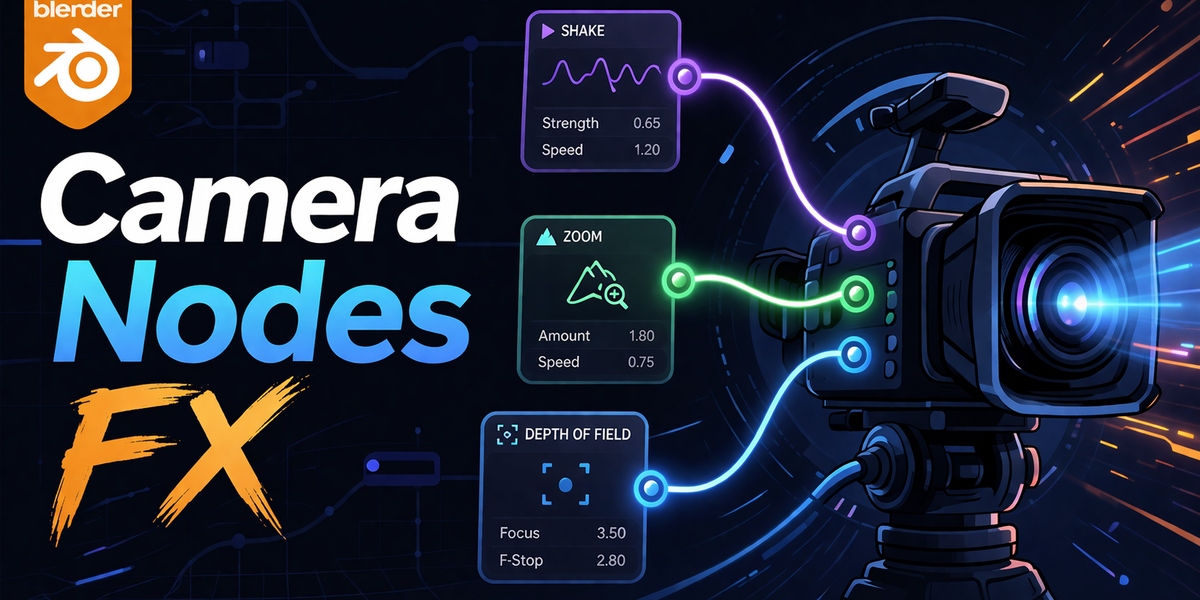
Build Blender camera motion with 78 nodes for shake, orbits, dolly zooms and focus pulls. Mix effects in a visual graph, then bake the rig to keyframes.
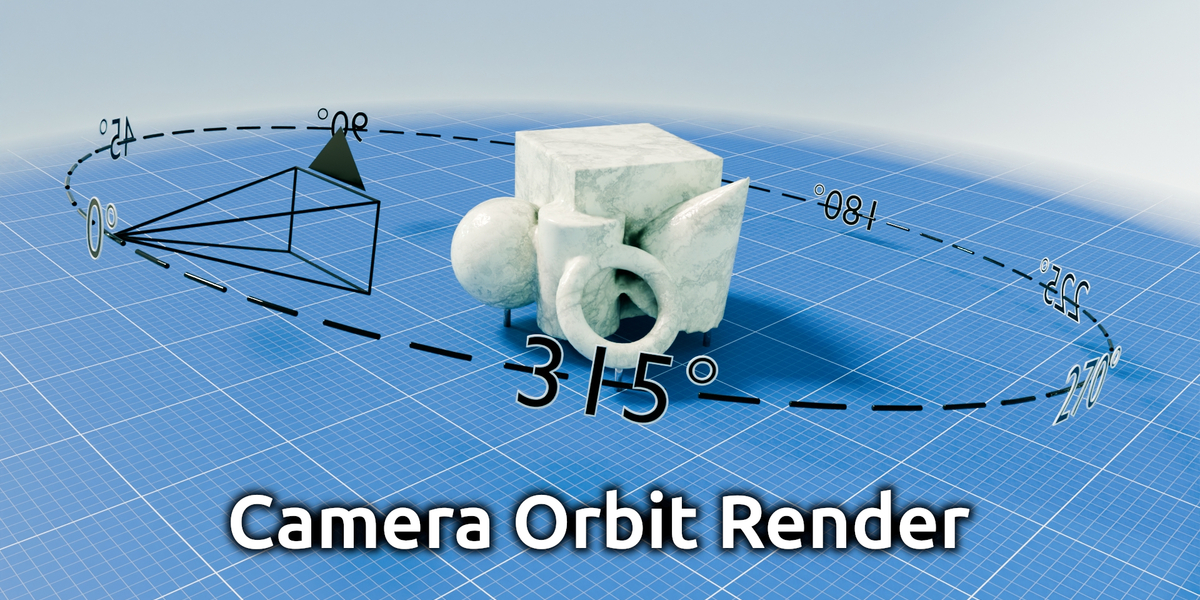
Camera Orbit Render creates Blender image sequences from a camera orbit around the 3D cursor, selected objects, or a custom focus object.
Camera Plane for Blender imports camera-linked image planes, spaces them in depth, manages visibility, and converts objects to camera mapping.
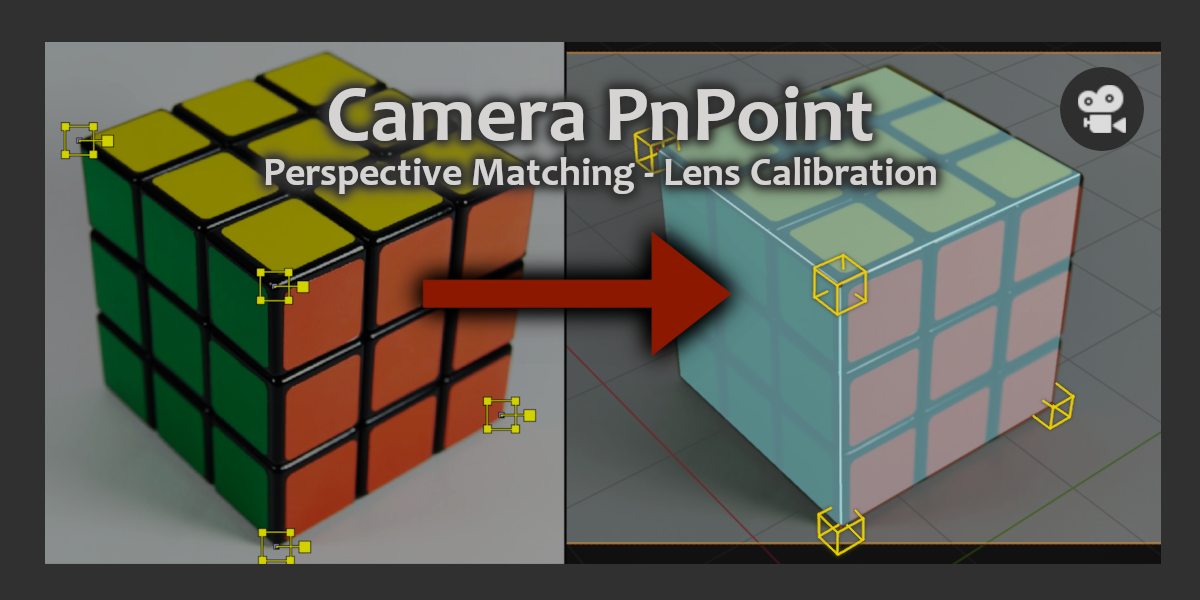
Explore Camera PnPoint: match a Blender camera from one still image with known 3D points, and calibrate focal length, principal point, and radial distortion.
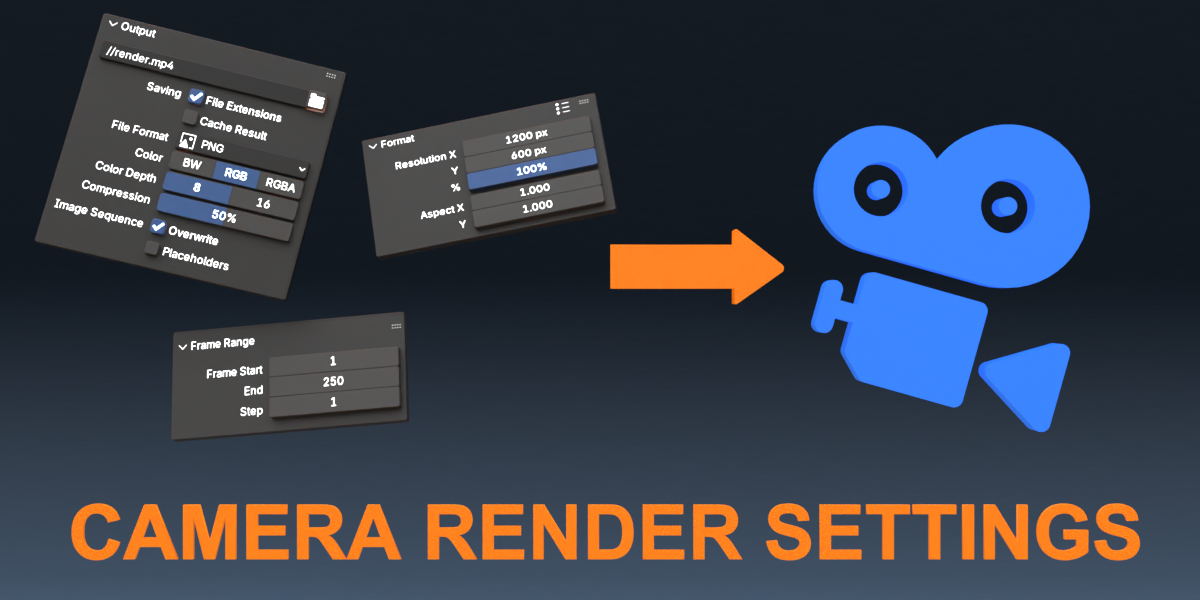
Camera Render Settings assigns output paths, formats, resolution, frame ranges, and engine options per camera, then renders each camera sequentially.
Explore Camera Render Suite for Blender, with studio lighting, DSLR-style exposure, camera animation, saved setups, and batch rendering for Cycles or Eevee.