Save & Recall Transform
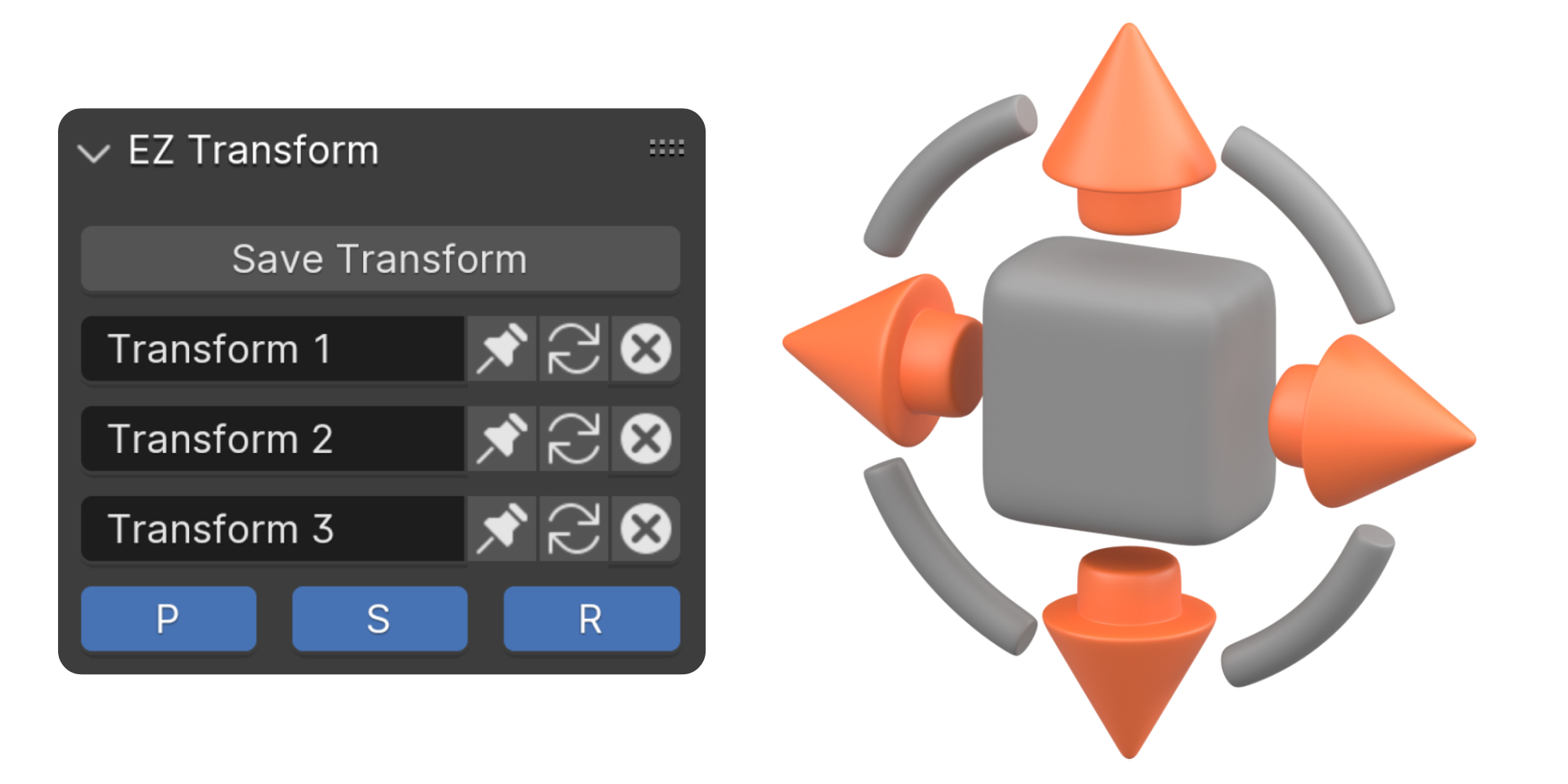
Save & Recall Transform saves Blender location, rotation, and scale as snapshots for objects or camera angles. The listing covers Blender 4.2 through 5.1.
Published software and plugin guides for Blender. Page 149 of 196.
Read the software guideSave & Recall Transform saves Blender location, rotation, and scale as snapshots for objects or camera angles. The listing covers Blender 4.2 through 5.1.
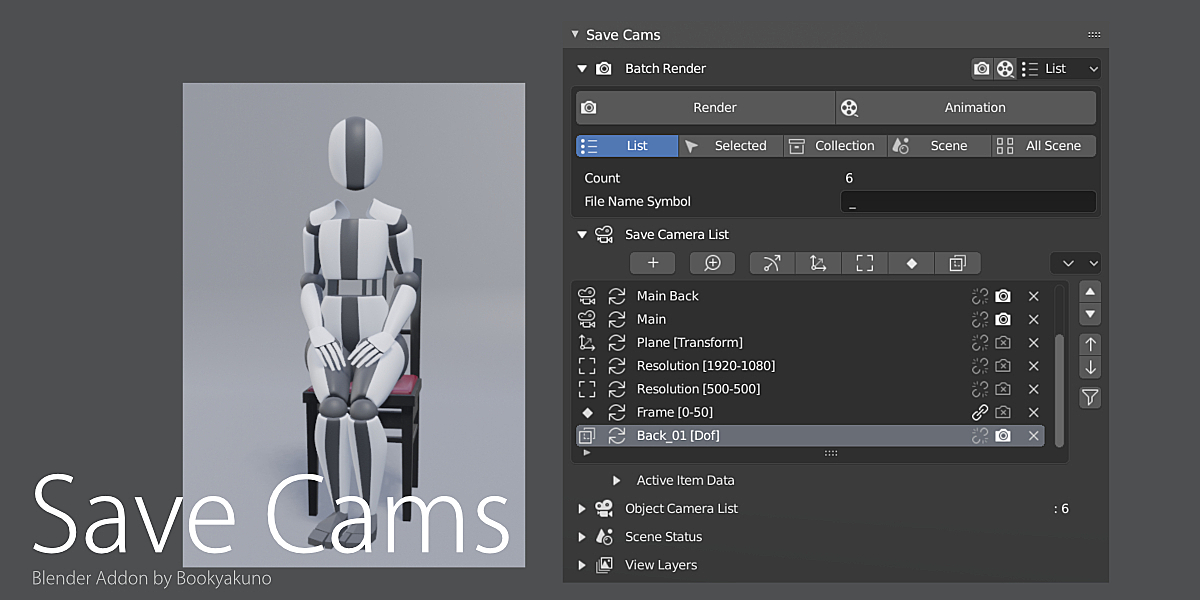
Save Cams stores and reloads camera position, lens, depth of field, resolution and frame range, then batch-renders angles, collections or scenes in Blender.
Save Selected exports chosen objects from a Blender scene to a separate .blend file through File > Export. Review its workflow, license, and version notes.
Save selected objects as a Blender-format file with this add-on. Version 1.0.6 requires Blender 4.2.0 or later; review the official listing.
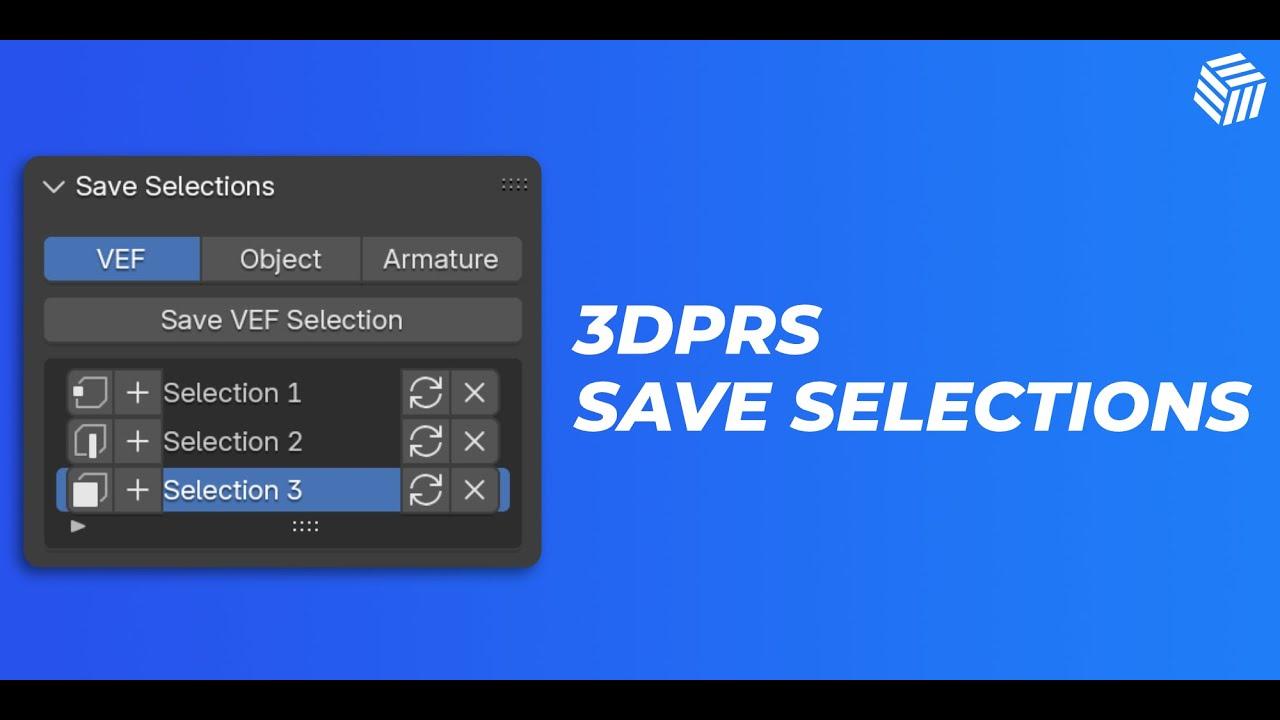
Save Selections stores vertex, edge, face, object and armature sets in Blender for quick recall. Review its controls, GPL license and compatibility.
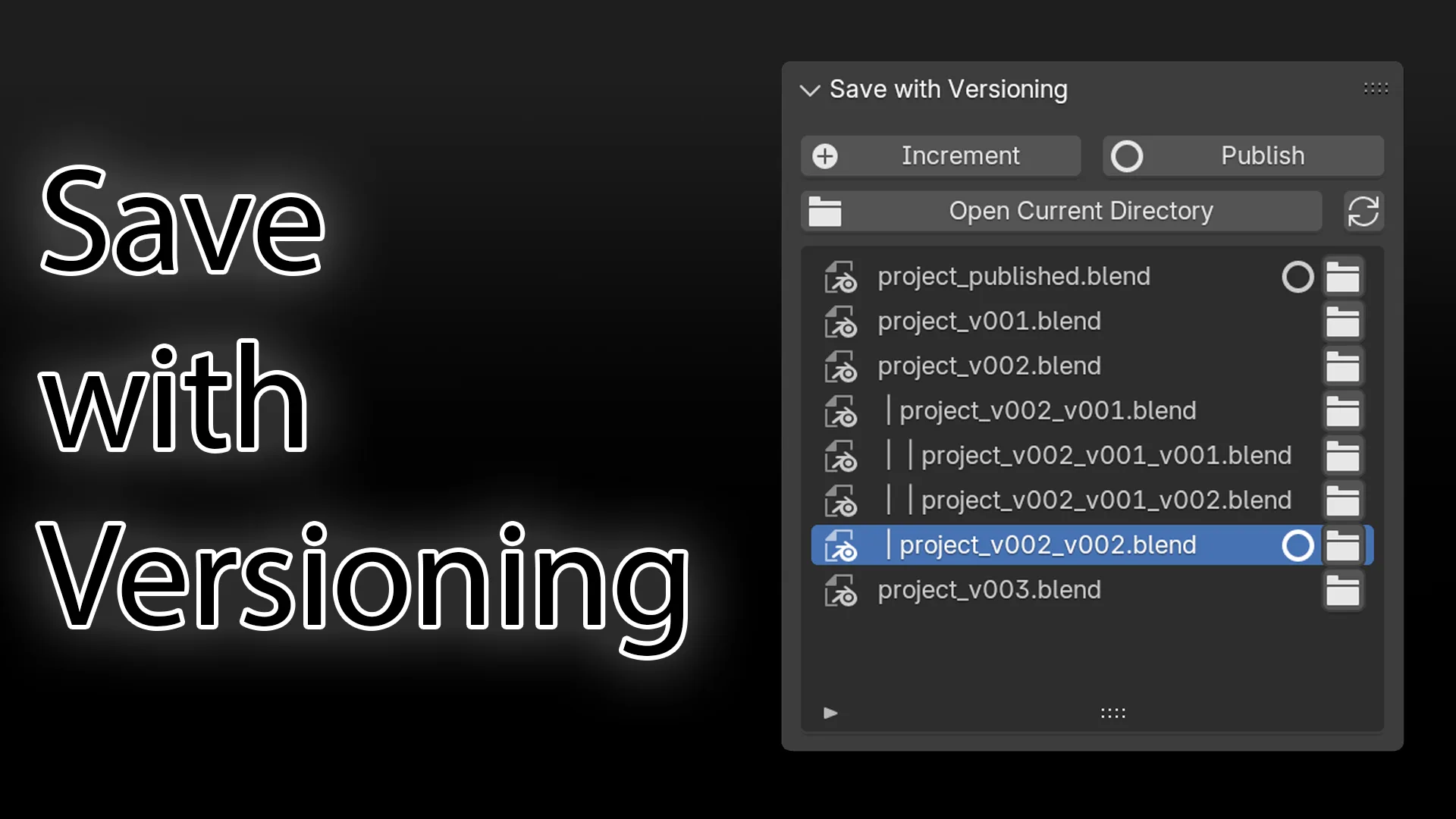
Save with Versioning creates numbered Blender files and a published file for asset links. Check its 2.1.1 release and Blender 4.2.0 minimum.
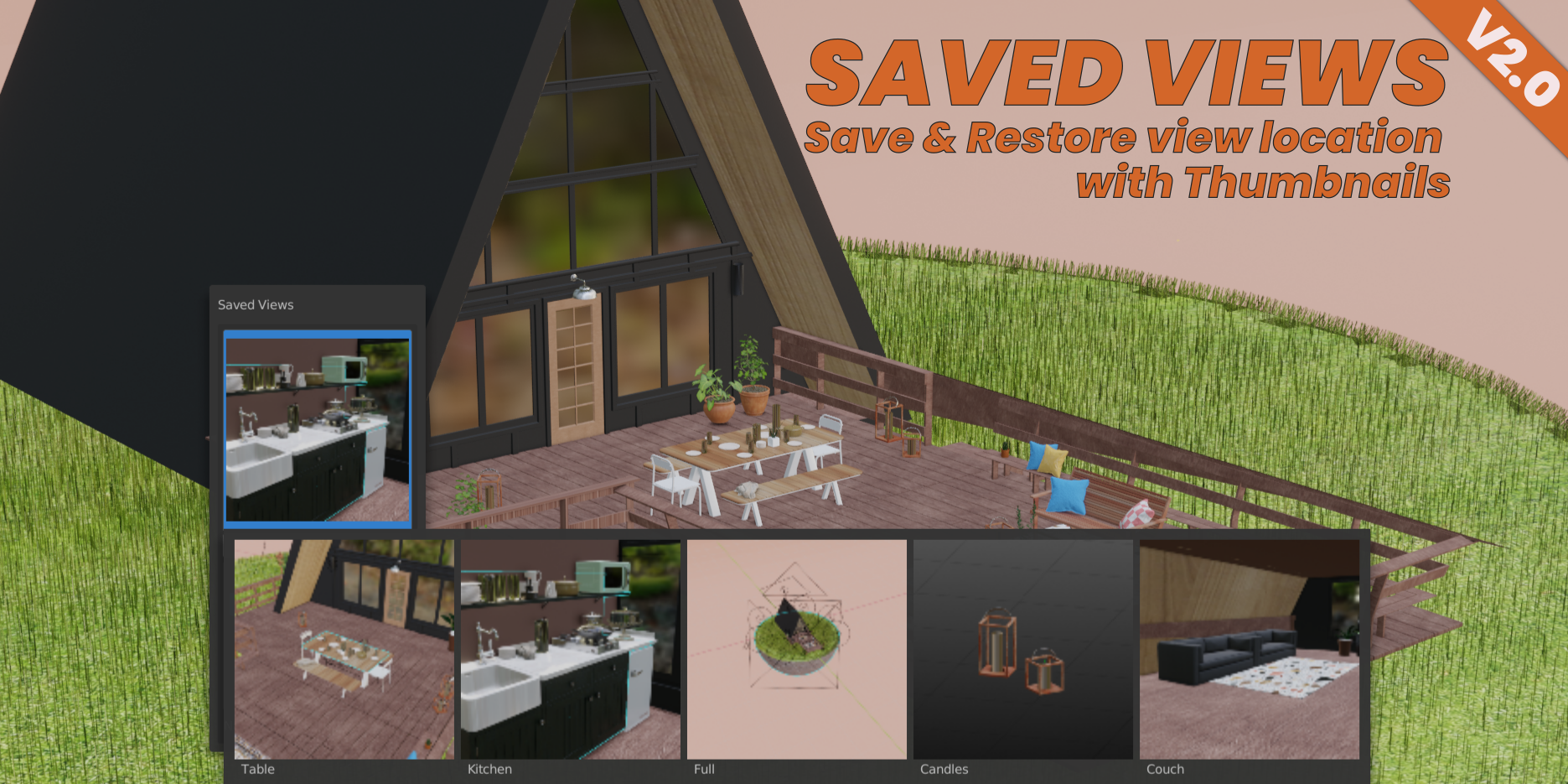
Saved Views for Blender saves viewport positions and rotation, with thumbnails, local view state, camera switching, and quick-save tools.
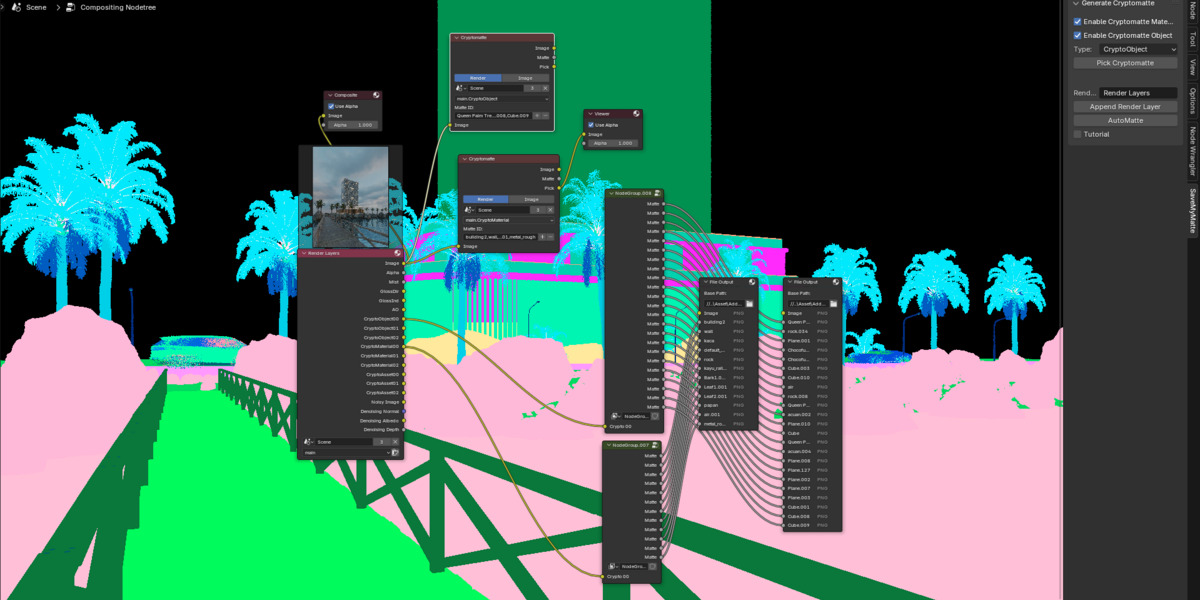
SaveMyMatte separates selected object or material Cryptomatte passes and saves them after rendering in Blender 4.2 to 5.0. Check setup and compatibility.
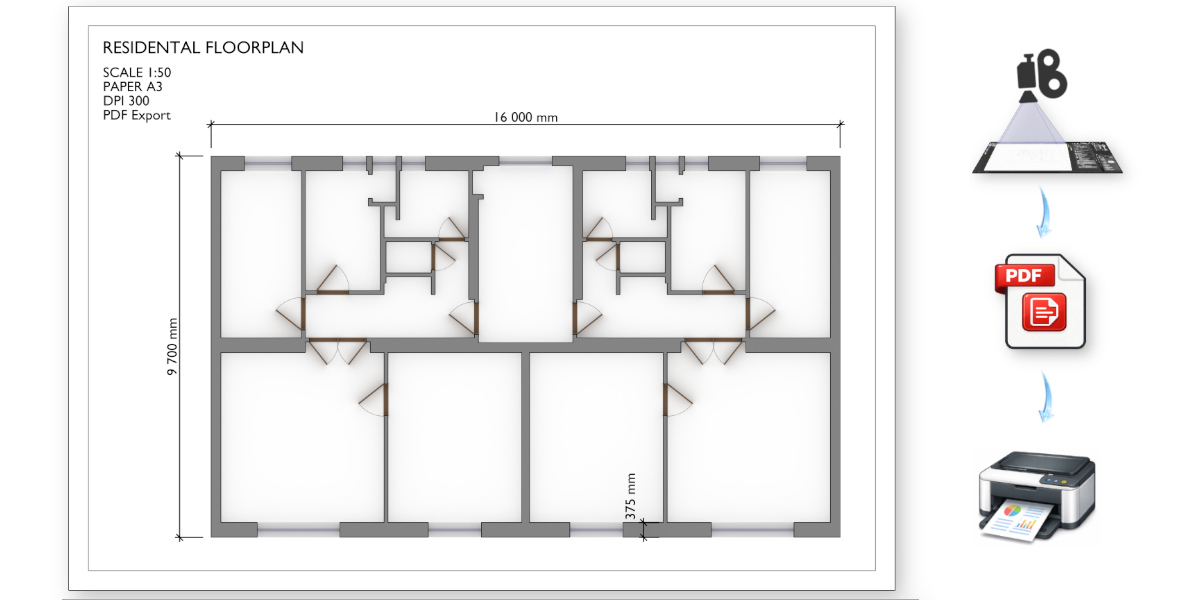
Scale Print Camera calculates Blender’s orthographic view and render resolution from scale, paper size and DPI. Print the true-size PDF at 100%.
Scanify searches selected drives or folders for Blender projects, with live results, filename search, date filters and optional backup-file scanning.
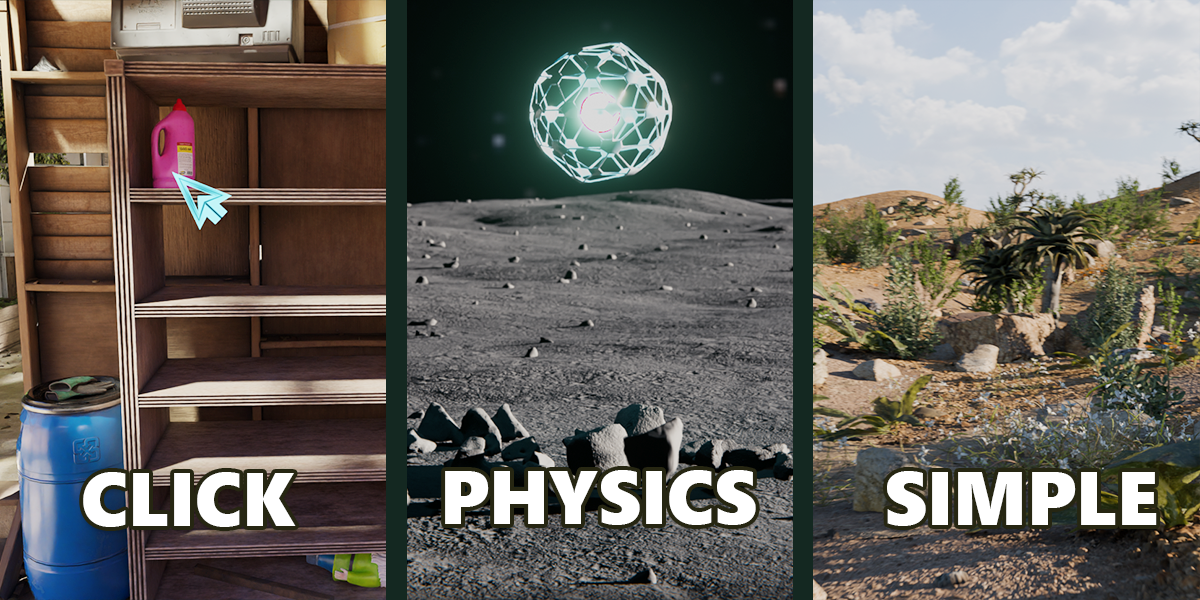
Scatter By Kiri Engine is a free Blender add-on for manual placement, Geometry Nodes coverage and physics-based piles. Blender support is listed as 5.0 to 5.2.
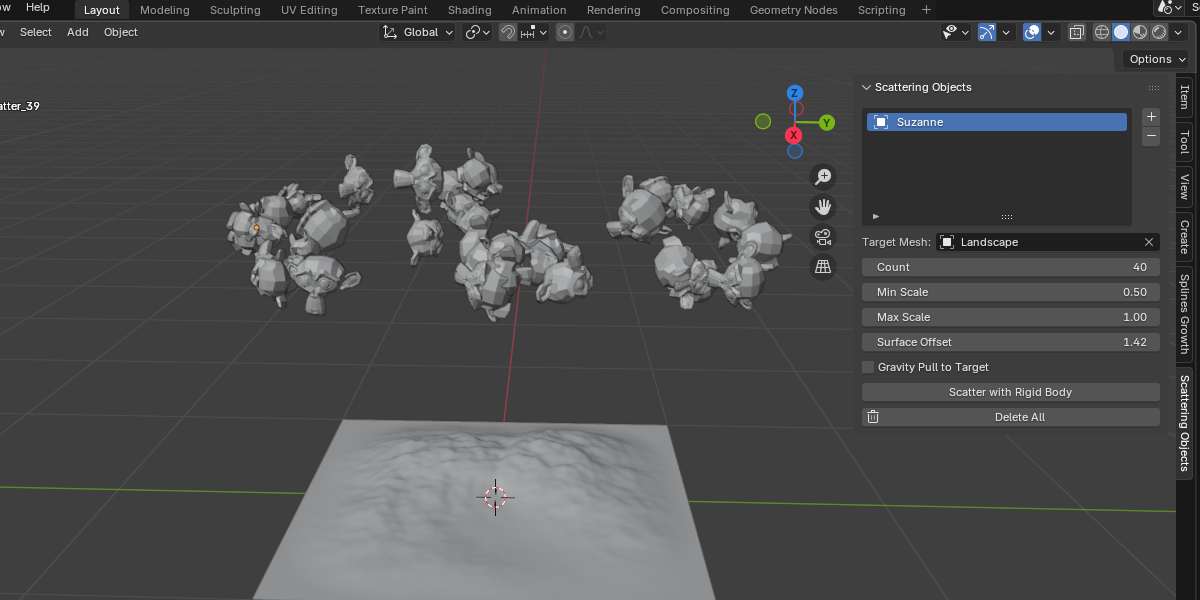
Scatter Objects are a Blender add-on for distributing object instances onto another object. Version 0.2.0 requires at least Blender 4.2.0 and uses GPL-2.0-or-later.
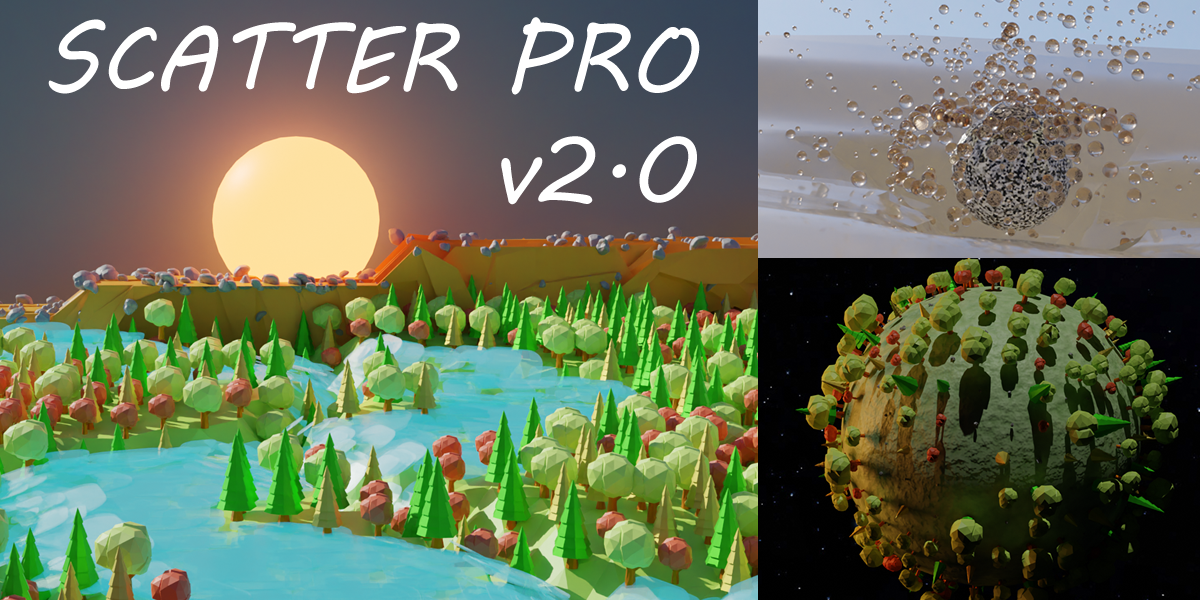
Scatter Pro 2 is a Blender add-on for placing objects on mesh vertices, edges, or faces, with controls for density, rotation, scale and layer updates.
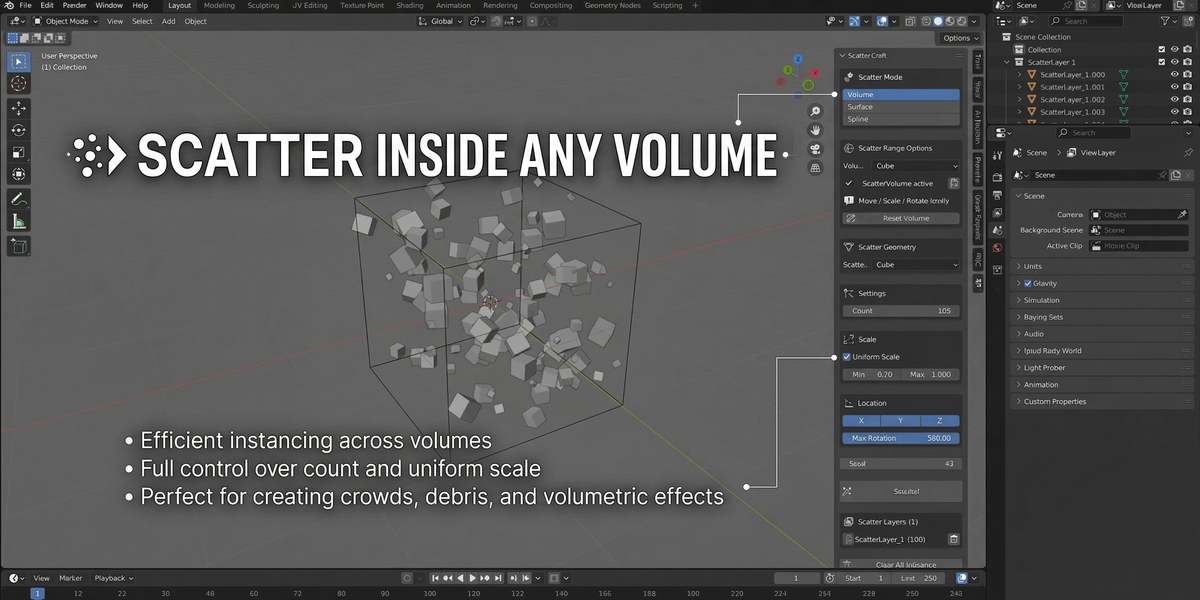
Scattercraft is a Blender add-on for scattering objects in volumes, on surfaces, and along splines, with geometry controls, random variation and named layers.
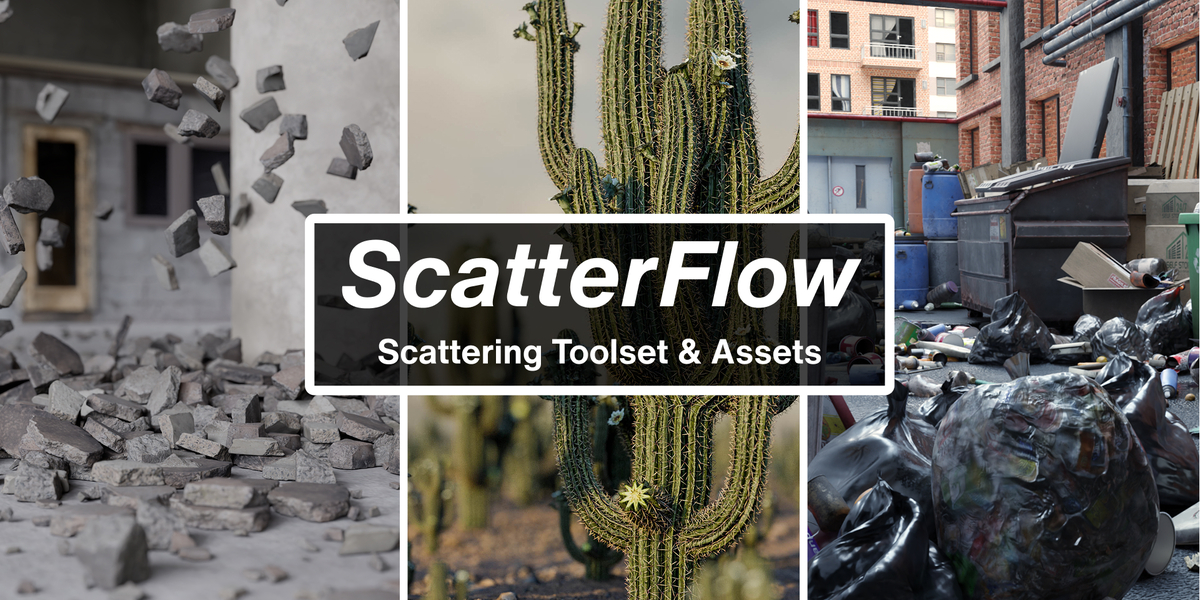
Scatterflow is a Blender add-on for physics-based scattering. Superhive says it is no longer available for purchase; ask Apex Assets about access.
Scatter assets across a Blender target mesh with random rotation and scale, rigid body physics, and optional harmonic gravity. Review setup and controls.
Scene Director is a Blender add-on for lighting, world settings, compositor layers and render planning; version 0.9.5 adds SubD and texture optimization tools.
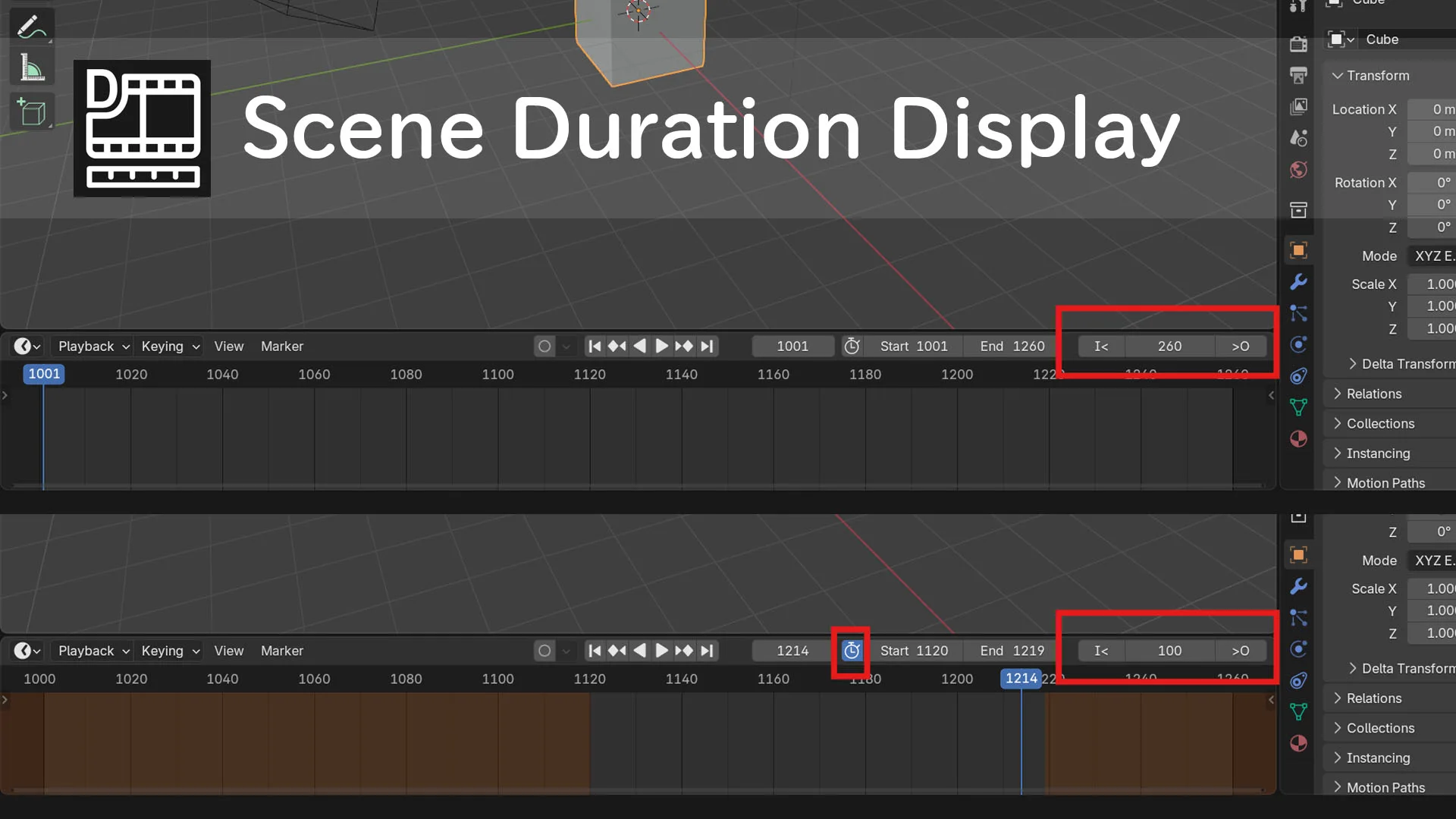
Scene Duration Display is a Blender Timeline field for the scene or preview range duration. Enter a frame count or set preview In and Out from the playhead.
See what Scene Information adds to Blender, where to find its Blend Info Panel, and which versions it supports. Check the current listing before installing.
The Scene MVR (.mvr) and GDTF (.gdtf) add-on imports GDTF fixtures and exchanges MVR scenes in Blender. For version 1.5.4, Blender 4.2.0 is the listed minimum.
See how Scene Retimer uses tagged marker pairs for whole-scene animation, with its Blender 4.2.0 minimum, version 1.0.0, and GPL-3.0-or-later license.
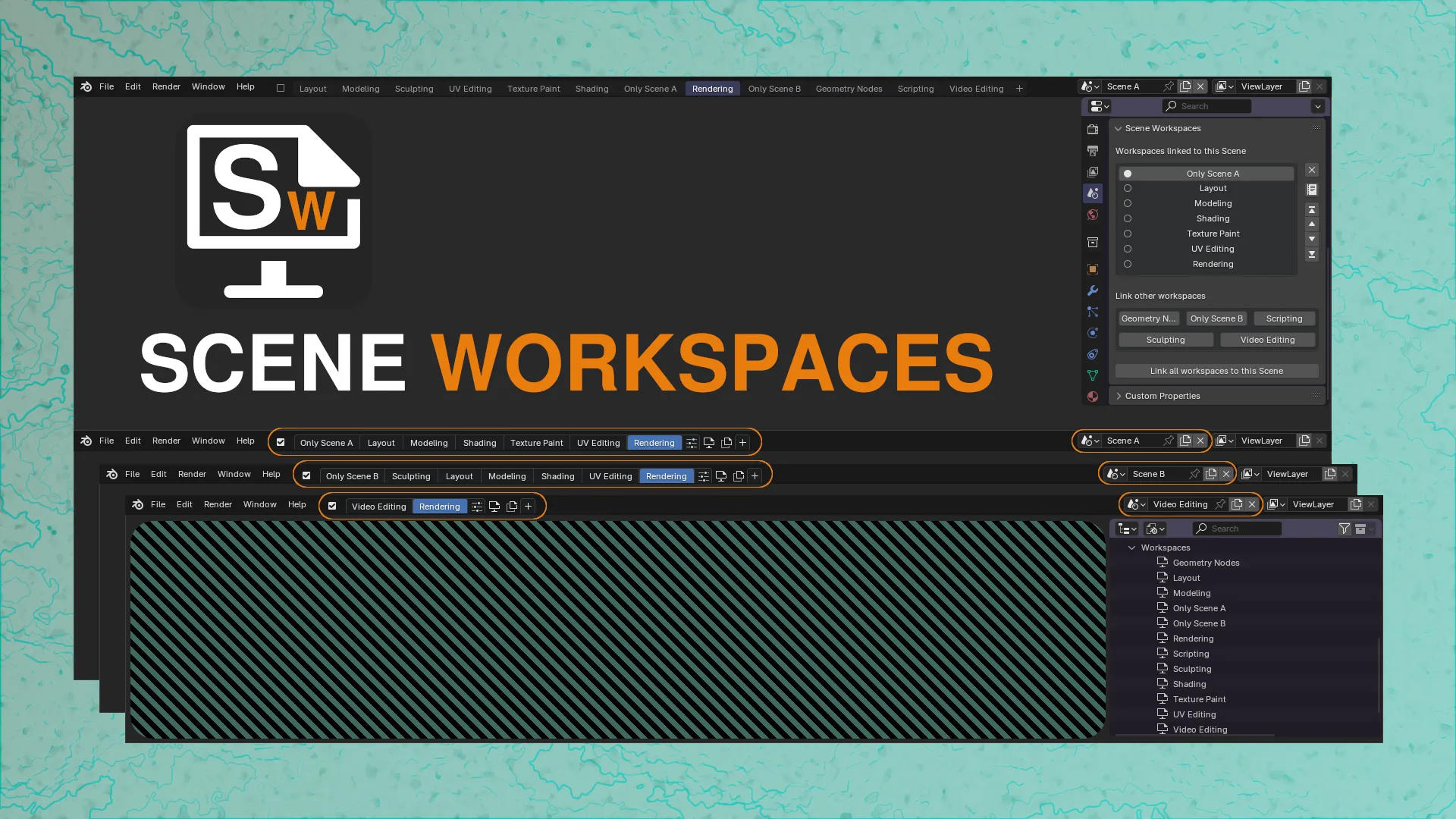
Scene Workspaces are a Blender add-on for filtering and ordering workspaces by scene, with shortcuts and automatic setup for empty lists when enabled.
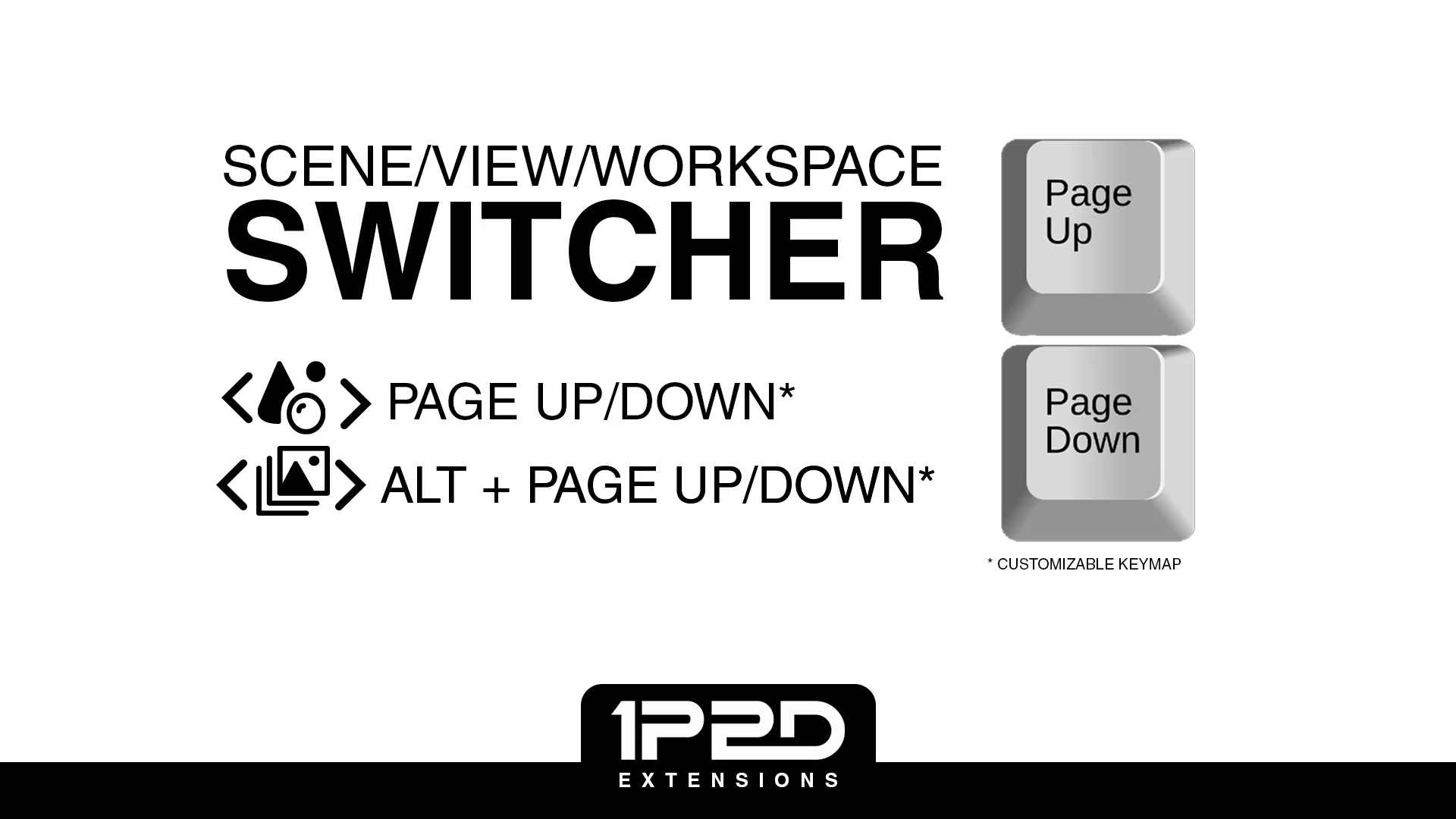
Scene/View/Workspace Switcher is a Blender add-on for scene and view layer shortcuts. The listing gives version 1.1.0 and minimum Blender version 4.2.0.
Explore SceneRunna’s six camera rigs, Cycles and Eevee lighting presets, gobos and props for Blender, plus the version 1.2 features and setup steps.