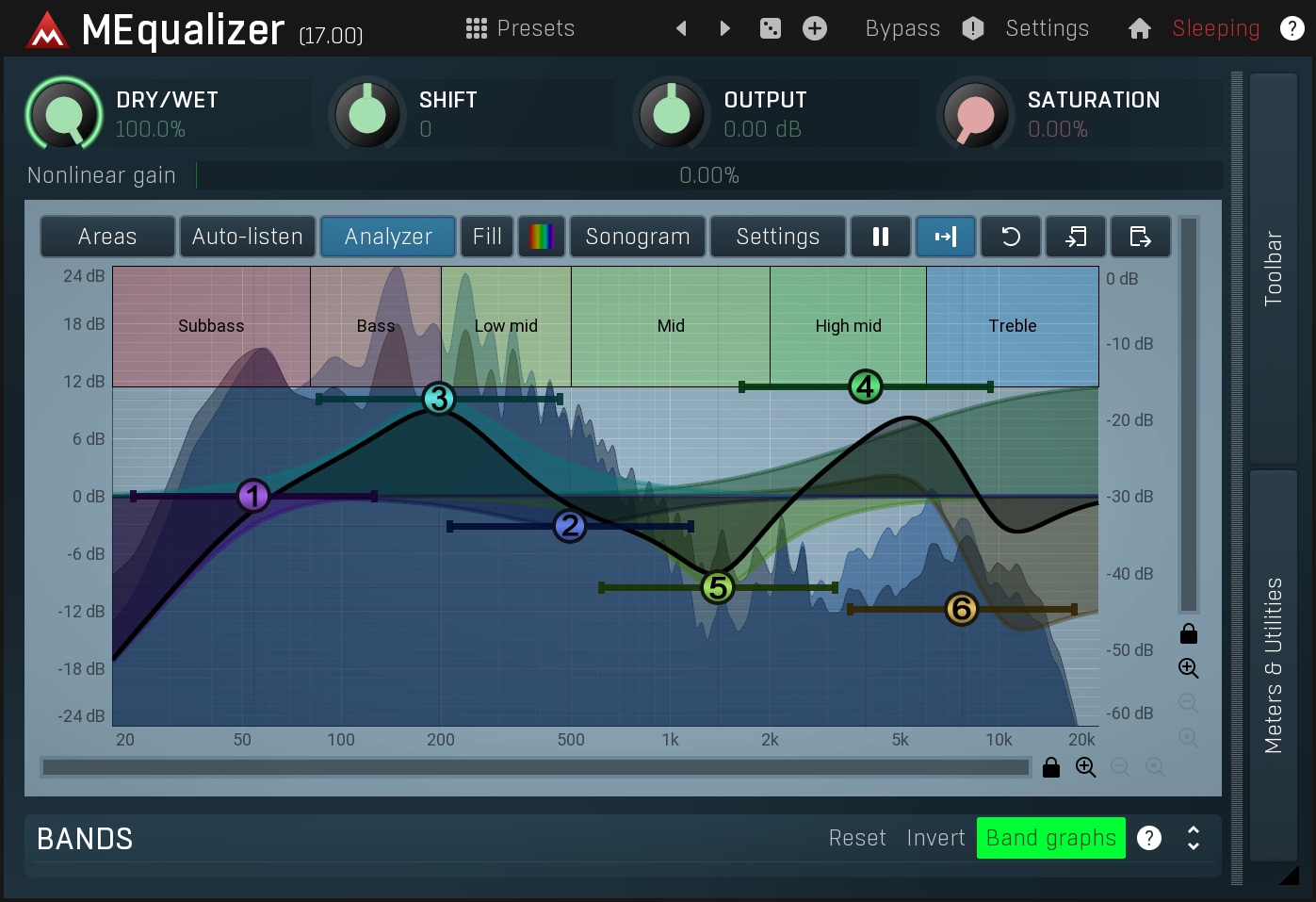
MEqualizer
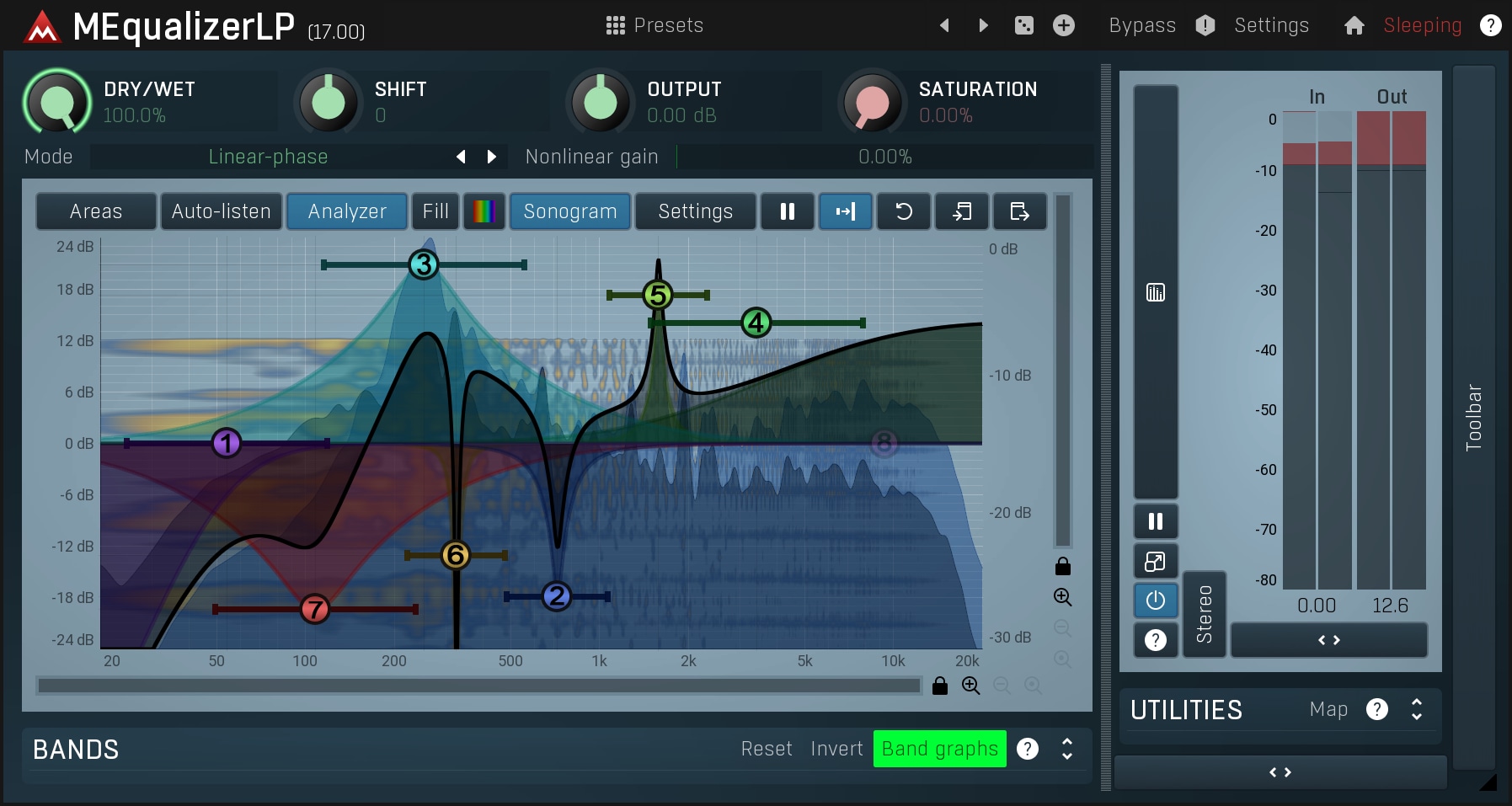
MEqualizer is a six-band equalizer with spectrum analysis, mid/side processing and saturation. It supports surround and Ambisonics when the host allows.
Browse published guides by application, developer or task. Check product details before downloading. Page 175 of 337.
MEqualizer is a six-band equalizer with spectrum analysis, mid/side processing and saturation. It supports surround and Ambisonics when the host allows.
See how MEqualizerLP's three EQ algorithms differ, with filter types, analysis tools, Mid/Side and multichannel processing, plus format and setup limits.
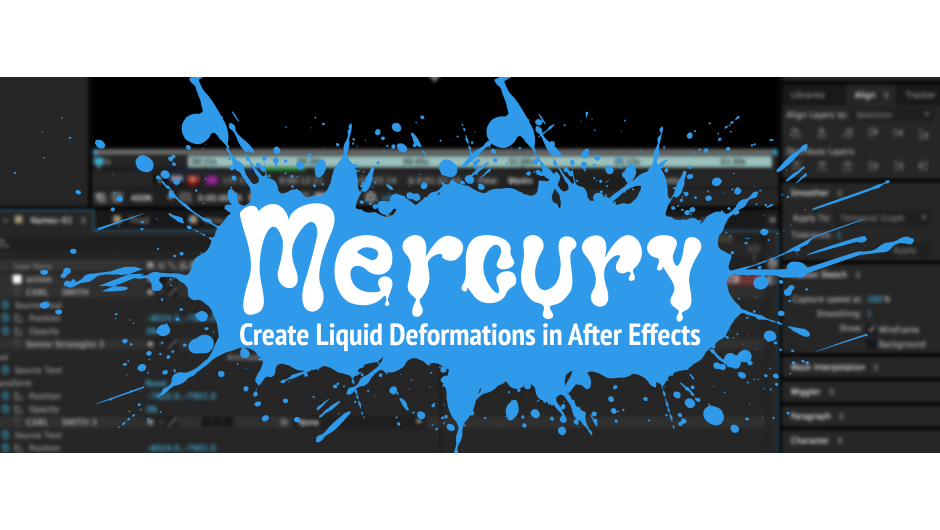
Mercury turns shapes, solids, text, and masks into liquid forms in After Effects, with controls for thickness, merging, separation, and animated edge jiggle.
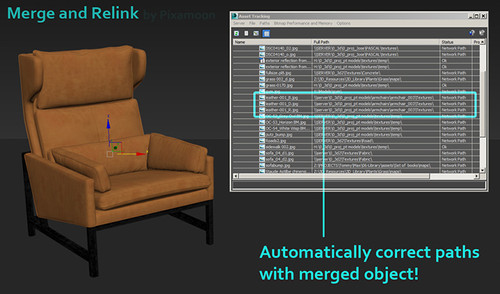
Merge / Relink is a 3ds Max script that relinks assets during merges, searches ordered folder paths and supports nearby, nested or specified asset locations.
Merge Master keeps mesh adhesion live in Blender, with topology and UVs intact until baking. See its workflow, Blender requirements and practical limits.
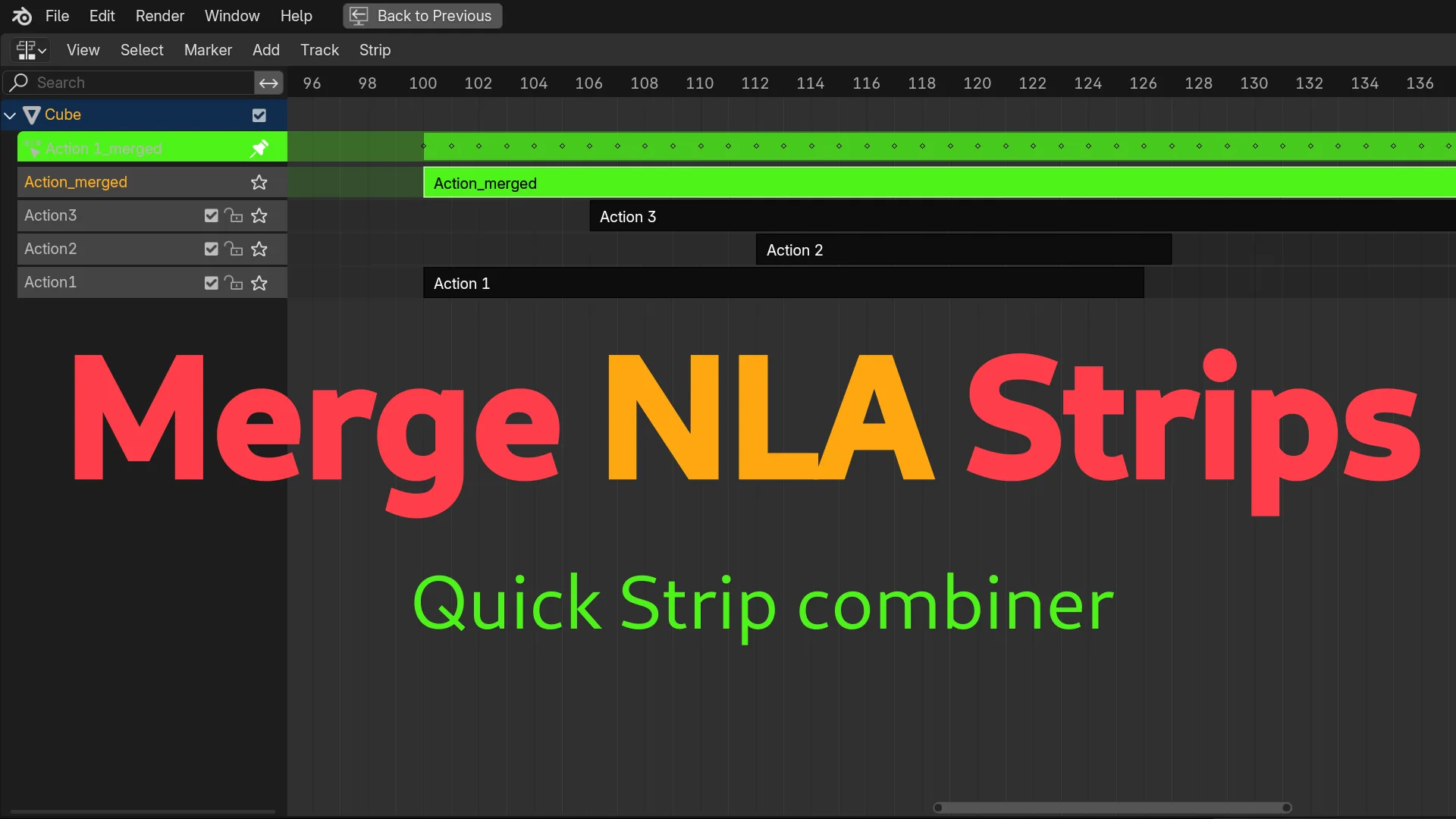
Combine selected strips into one in Blender's NLA editor with Merge NLA Strips by Likkez. Version 1.2.0 supports Blender 4.2.0 and later.
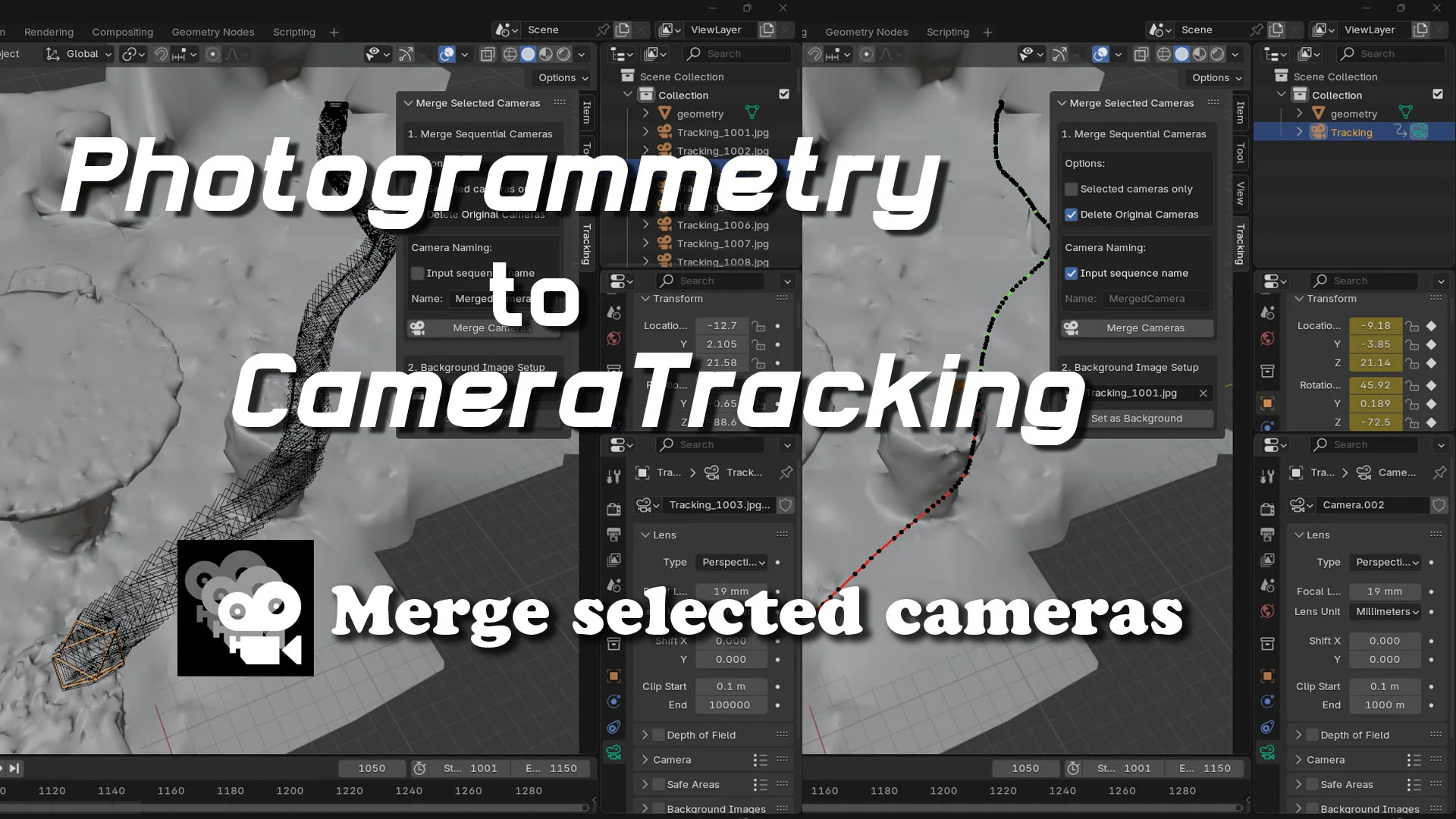
Merge Selected Cameras turns ordered photogrammetry exports into one animated Blender camera, with focal-length and sensor-shift animation.
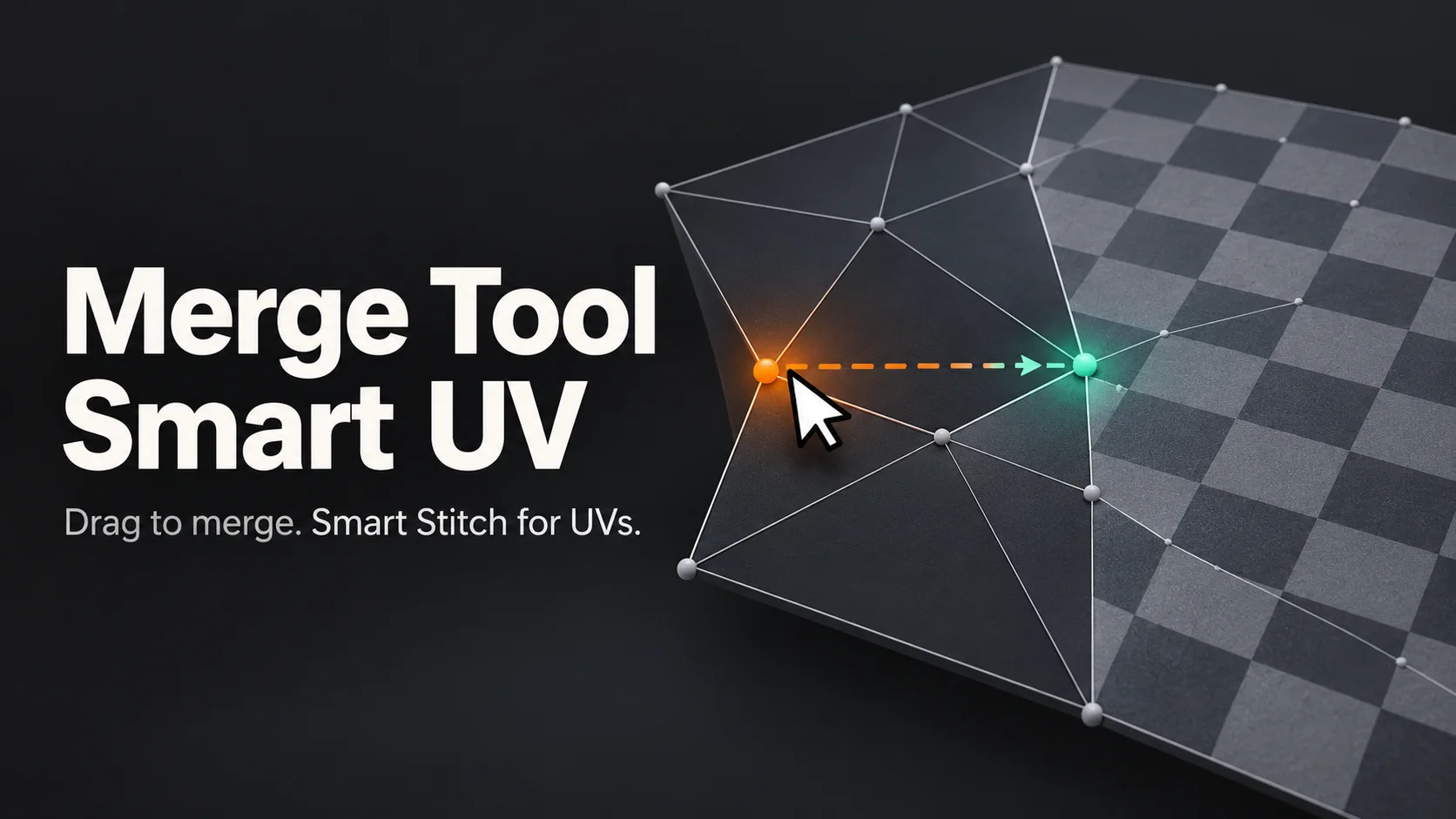
Merge Tool Smart UV drag-merges vertices or edges. Smart Stitch adjusts UVs; Cleanup UV Cracks reconnects small gaps. Version 2.3.3 supports Blender 5.0+.
MergeTools keeps source meshes editable; the Full edition adds Difference cuts, seam controls, material blends, weld beads and baking with a recoverable backup.
Merry Christmas randomly selects one of eight startup greetings, adds viewport snow and mistletoes, and plays looping music with an on/off control in Blender.
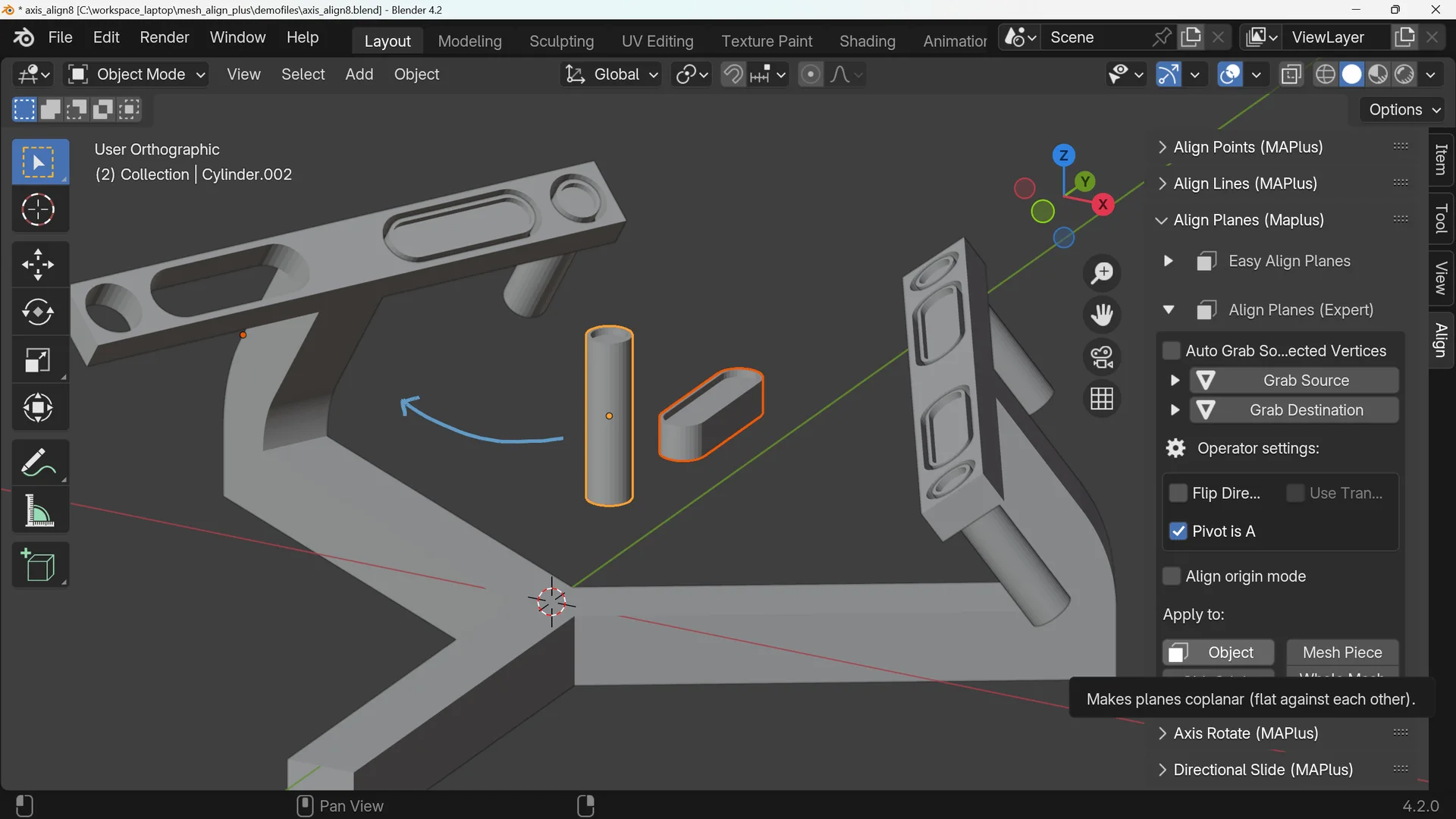
Mesh Align Plus aligns Blender objects and mesh parts from scene geometry. Match points, lines, planes, or edge lengths, and review the tool guide.
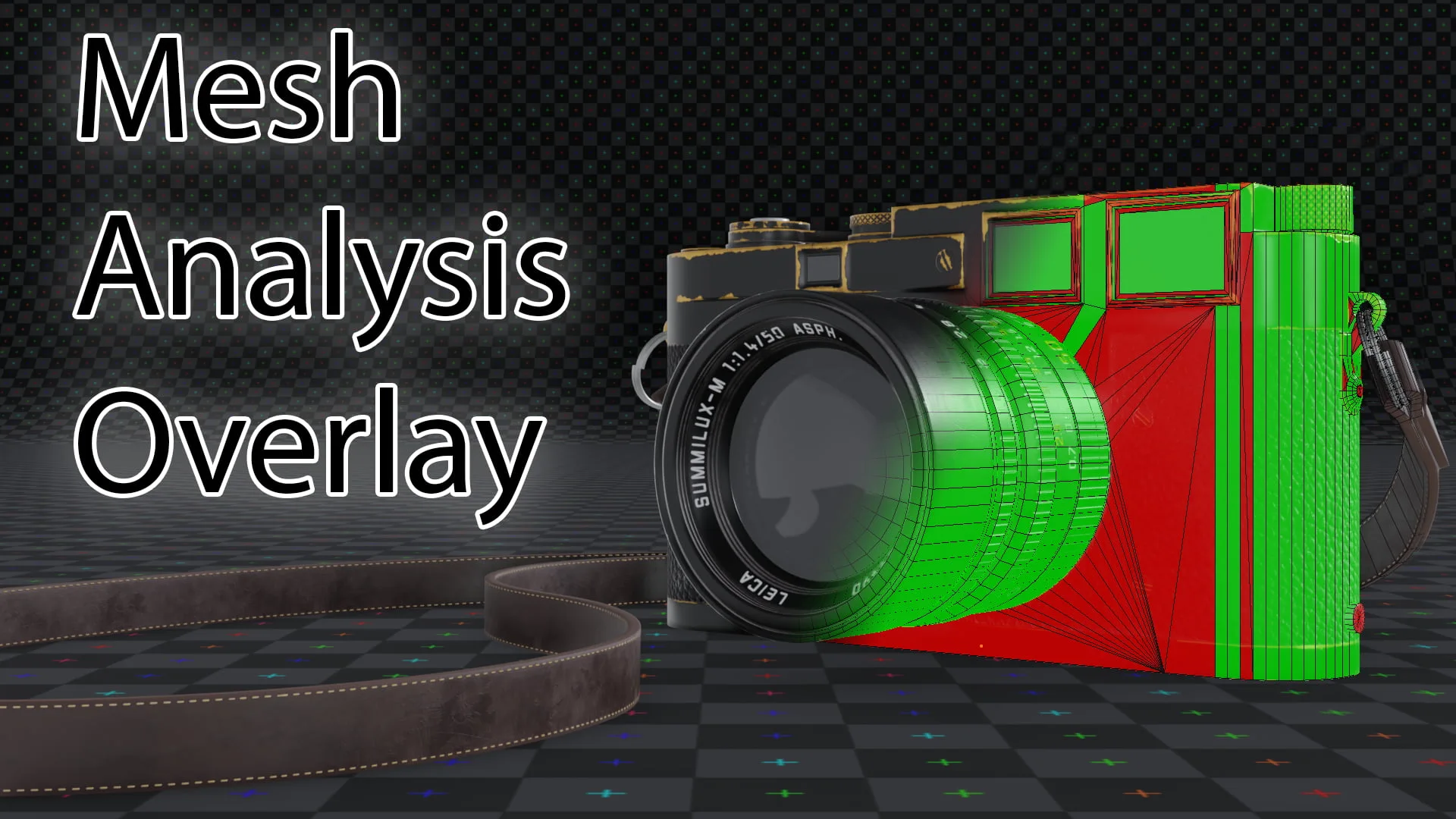
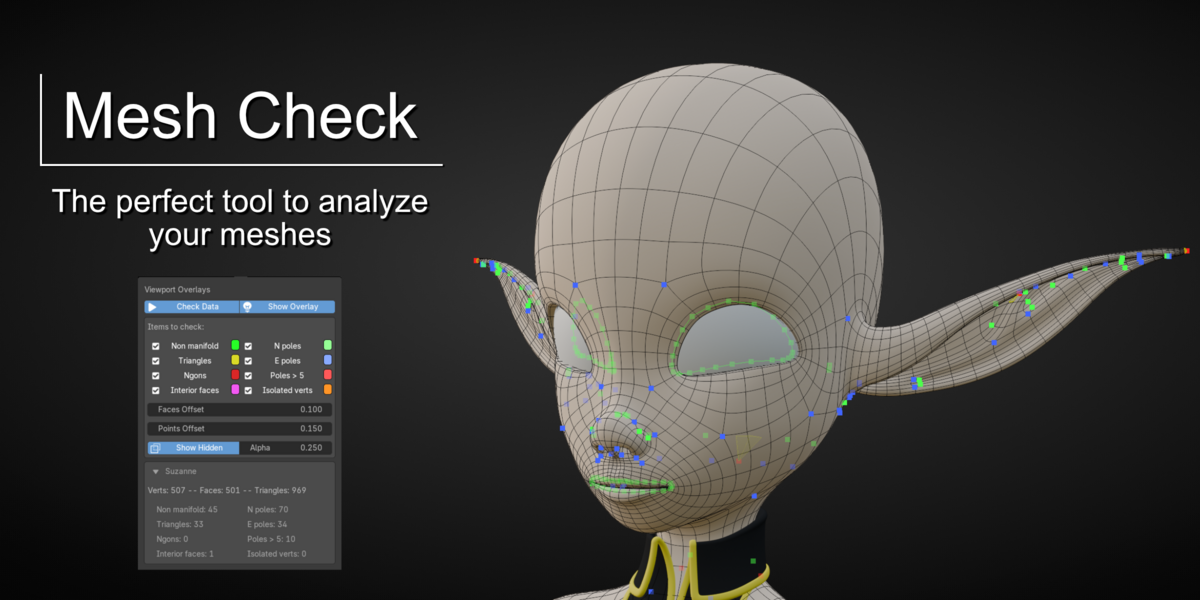
Mesh Analysis Overlay is a Blender add-on for face, edge and vertex overlays. Version 4.2.0 requires Blender 4.5.0 or newer.
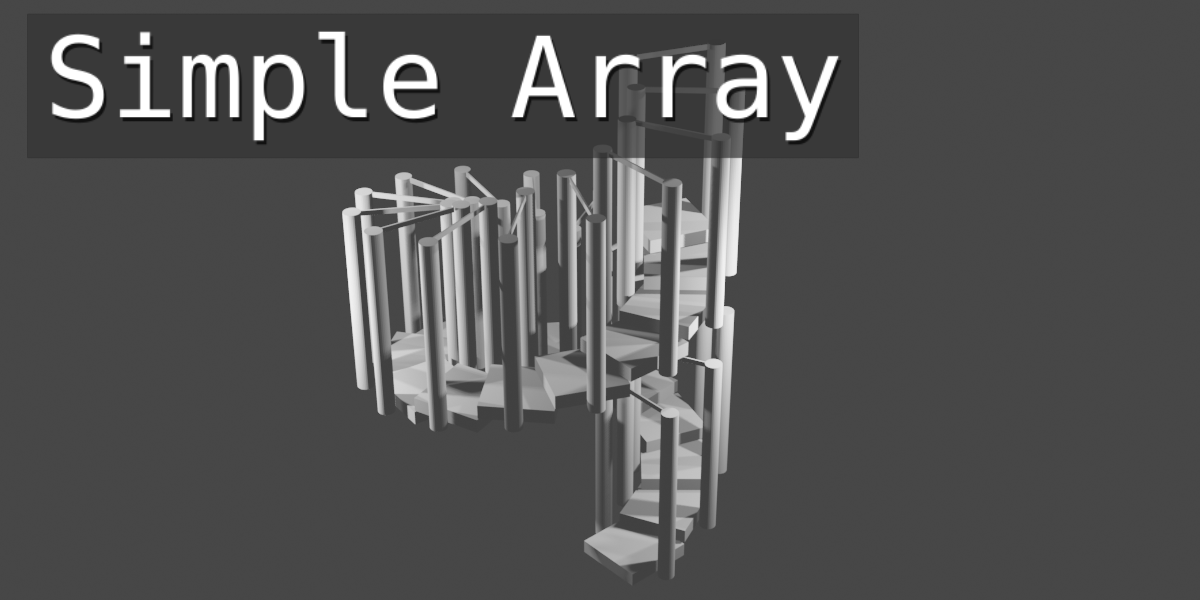
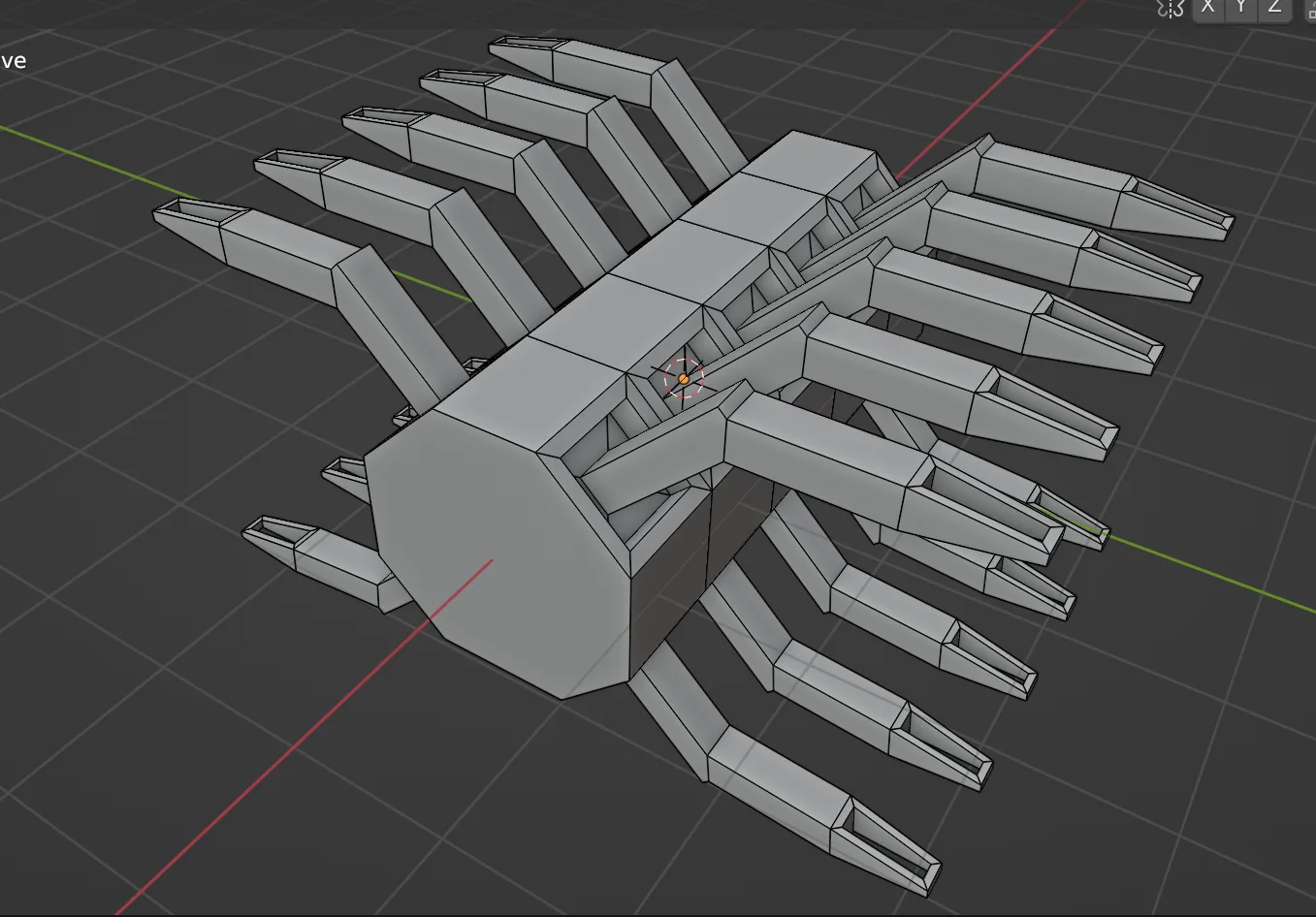
Mesh Array is a Blender add-on for arraying meshes and returning to earlier settings with presets. Its listing gives conflicting Blender version ranges.
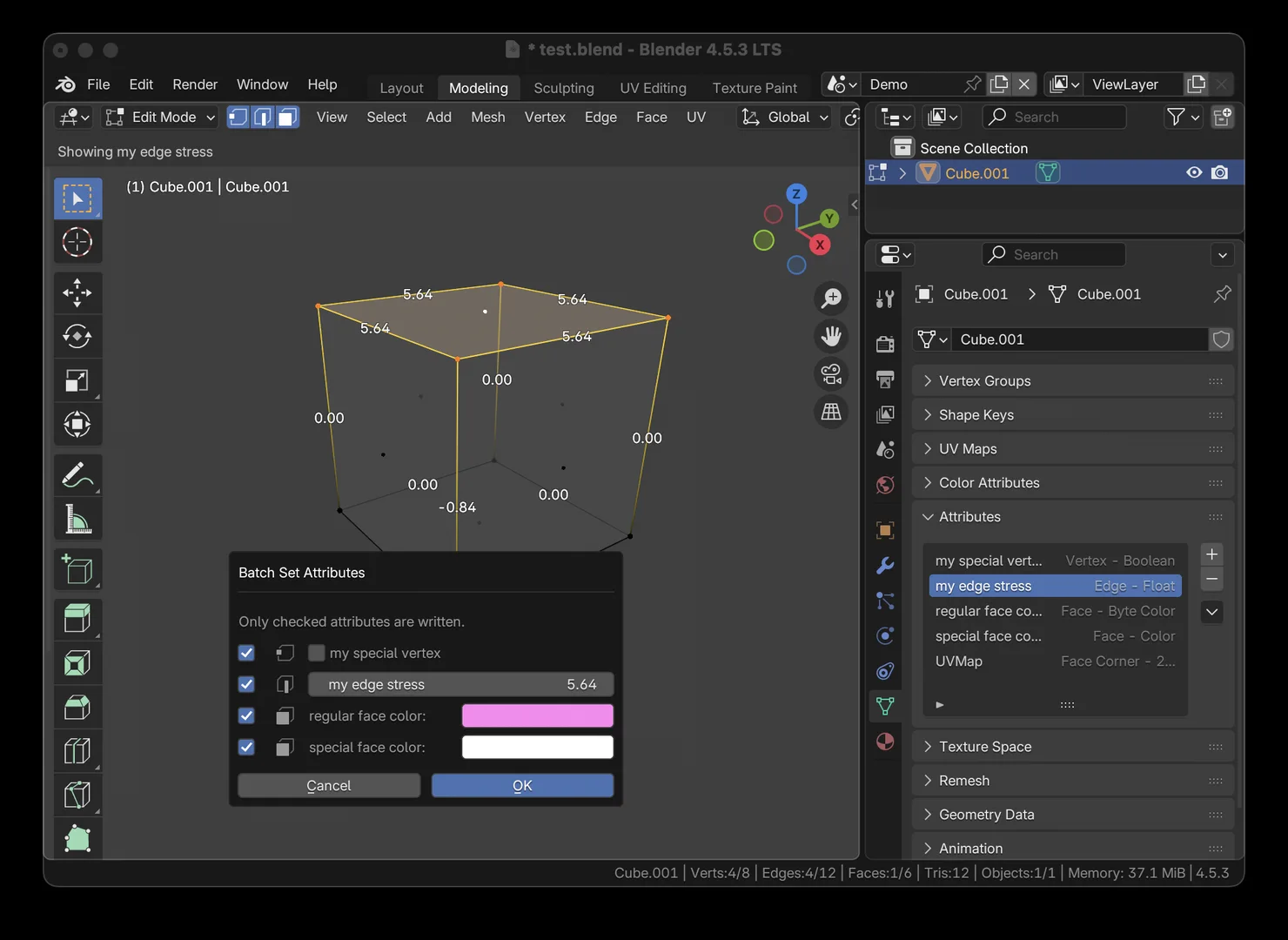
Mesh Attribute Utils displays selected mesh values, sets several attributes at once, renames them, and edits schemas. Requires Blender 4.5.3 or later.
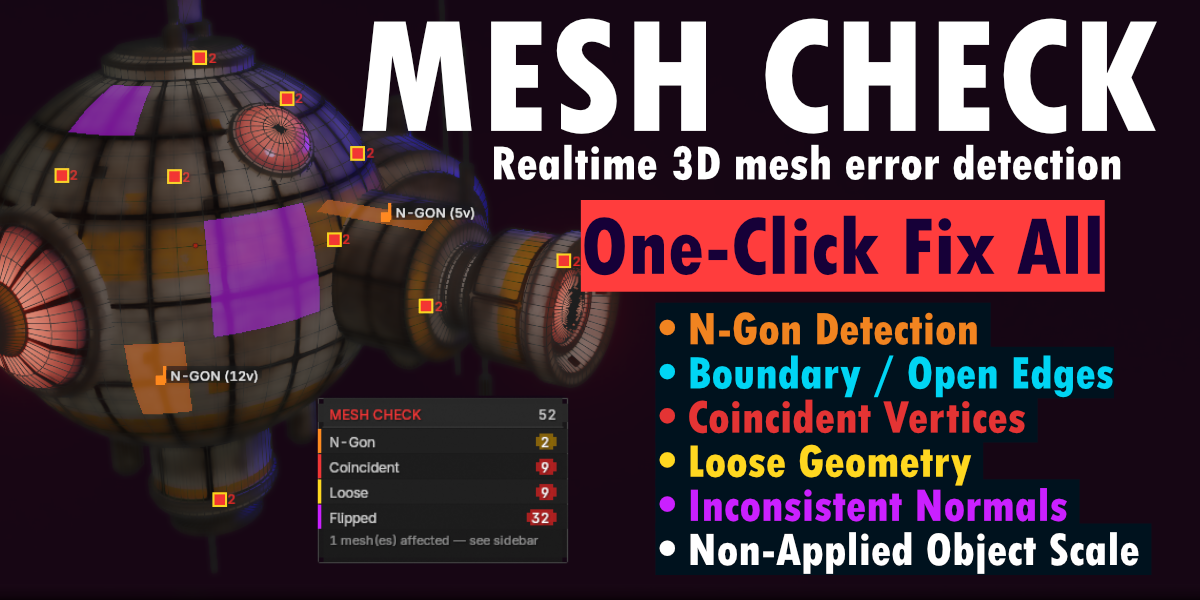
Mesh Check for Blender marks topology issues in the viewport, with targeted, undoable fixes and scanning controls. Check supported versions before installing.
Mesh Check Gpu Edition is a Blender tool for topology checks, per-object counts, hidden highlights and a configurable draw limit on large meshes.
See how Mesh Cleanup Tool handles duplicate vertices, loose geometry, normals and issue selection in Blender, plus its Edit Mode shortcut and version range.
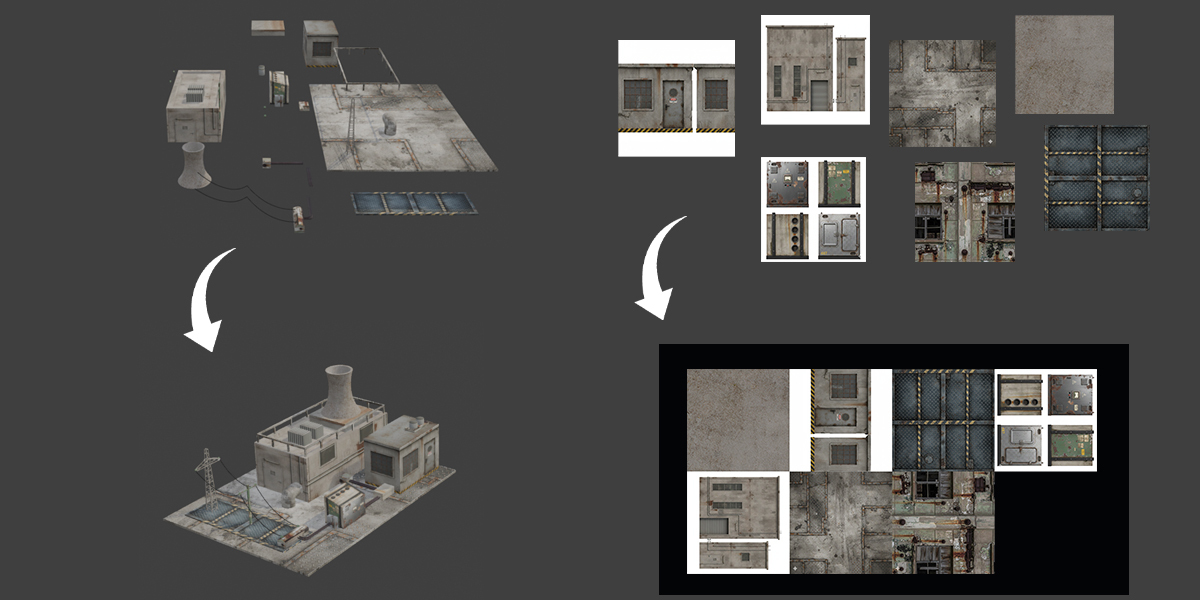
Learn how Mesh Combine joins Blender meshes, remaps UVs, and packs selected PBR maps into atlases, with setup steps and compatibility details.
Mesh Copier copies Blender mesh detail from a closed edge ring or face and can include separated meshes. Review its flat-source limit and setup.
Mesh Designer adds editable procedural primitives and construction history to Blender. Compare Lite and Studio tools, animation support, and edit-mode limits.
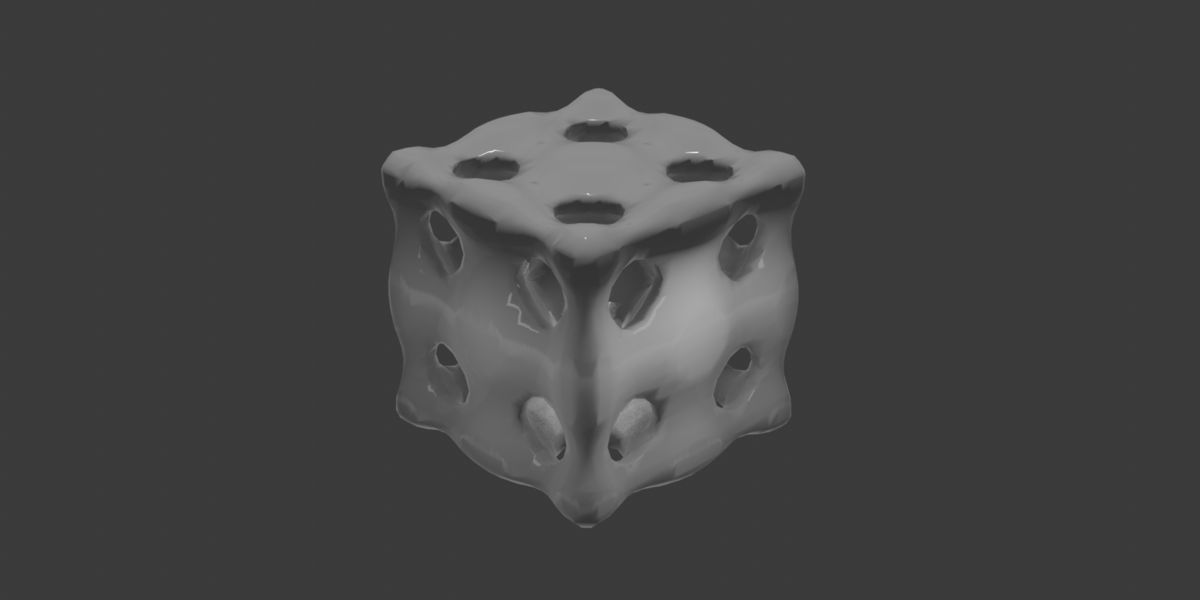
Mesh Encyclopedia for Blender adds 500+ meshes and curves, from polyhedra to minimal surfaces, inside the 3D Viewport. Check listed Blender compatibility.
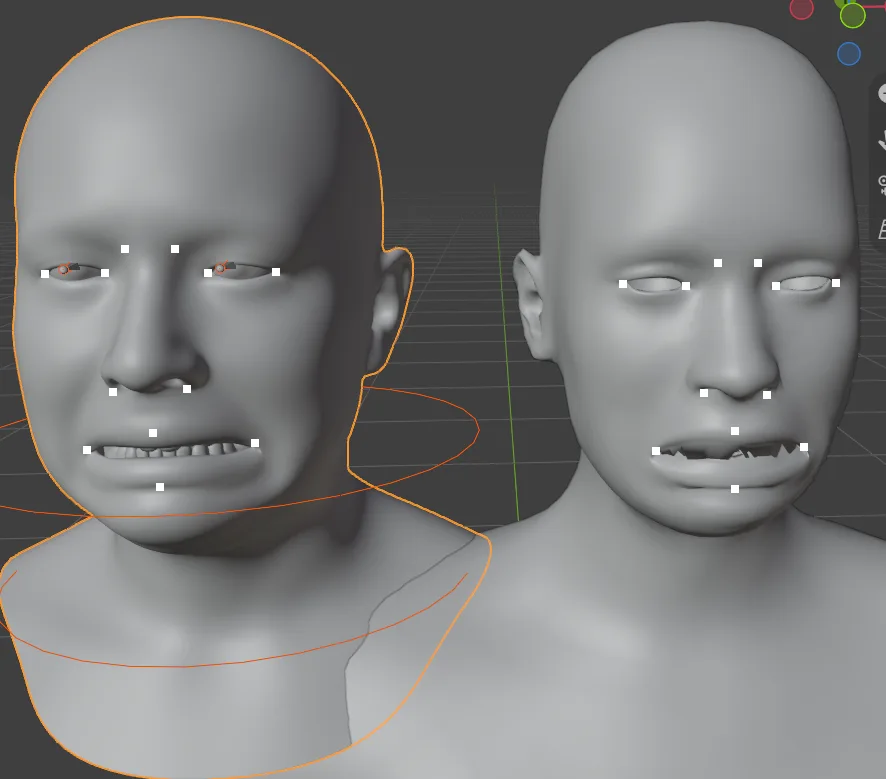
Transfer expressions between differently built Blender meshes with landmark mapping or aligned-surface fitting, then create native shape keys on the target.
Mesh Filters are for combining filters to select faces, edges, and vertices in Blender. The non-destructive add-on supports Blender 4.2 LTS and newer.