Blender guides - Page 113
Published software and plugin guides for Blender. Page 113 of 196.
Read the software guideCatalog results
Nodetree Source
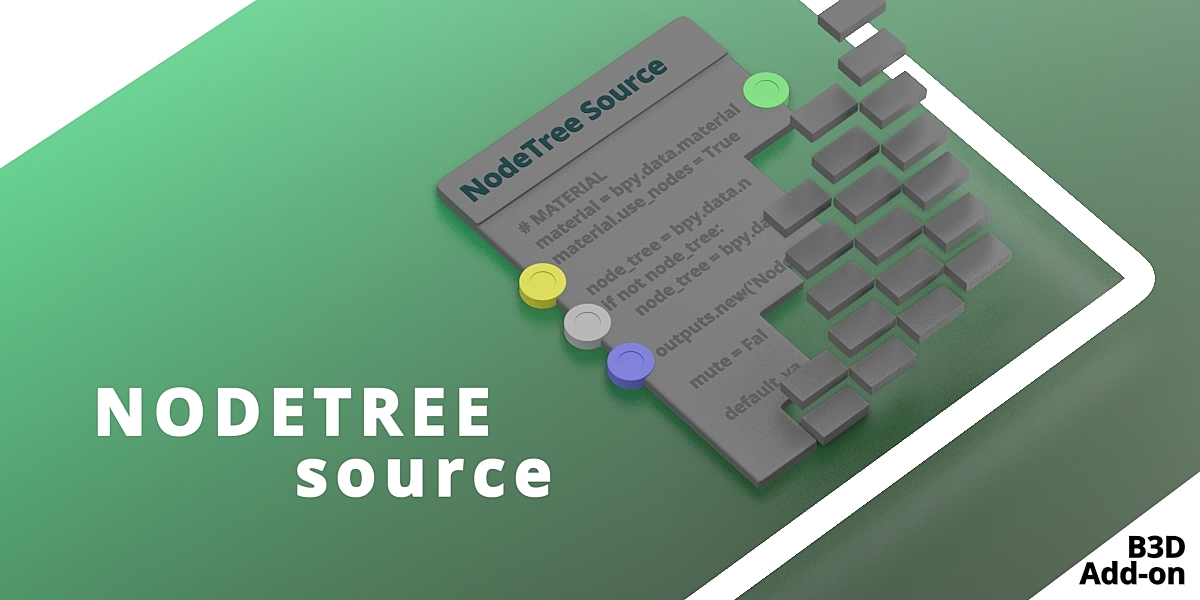
Nodetree Source converts Blender material node trees into Python for reuse or add-on distribution. Check its listed Blender versions before sharing code.
Nodetreestore
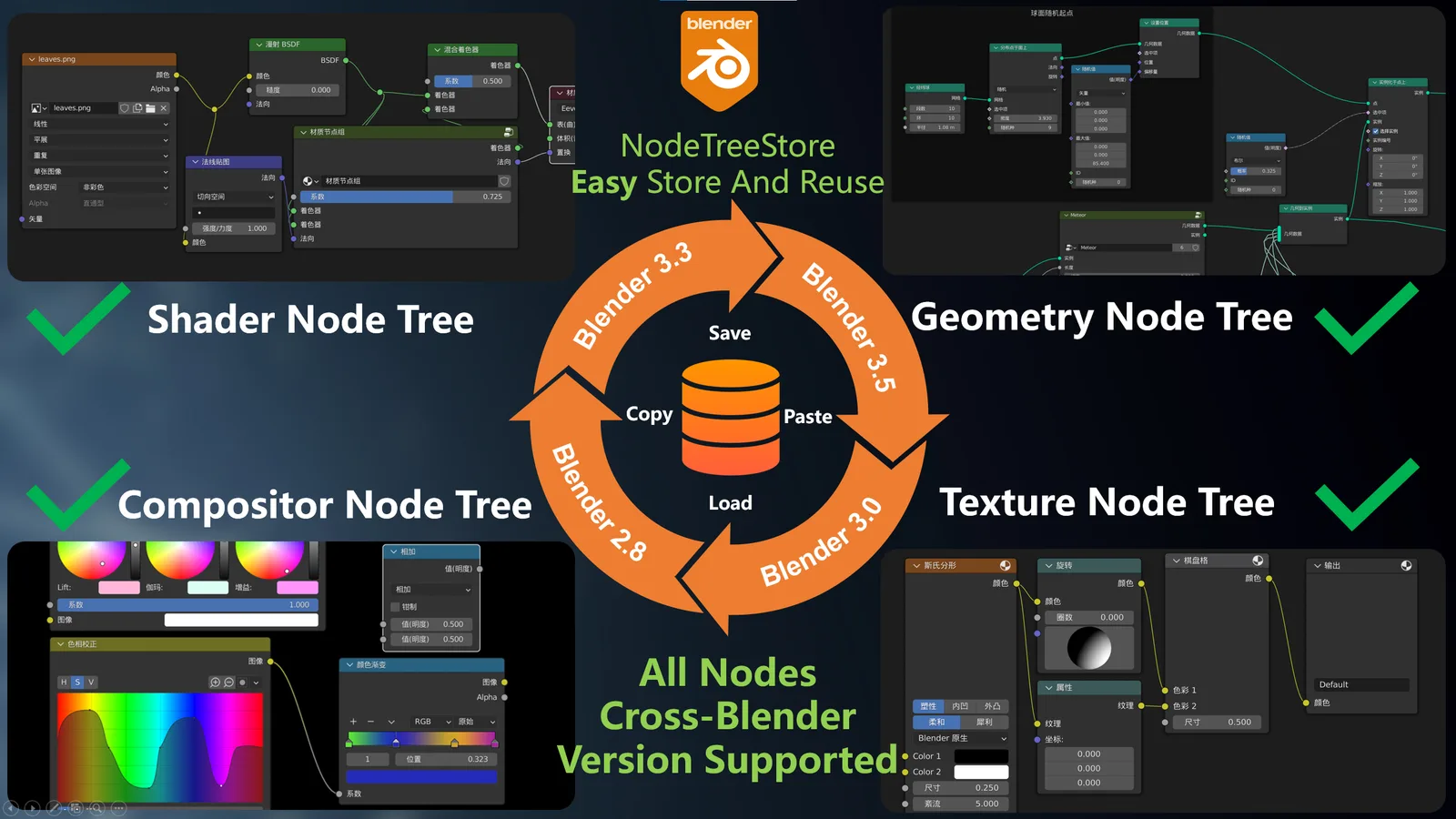
Nodetreestore is a Blender add-on for node presets. Its listing gives Blender support as 2.93 to 5.0; same-type nodes can be reused across versions from 2.8 onward.
Nodevision
Trace node connections on hover with NodeVision for Blender. Adjust line width, toggle Auto-select in the header popover, and use ESC to stop highlighting.

NodeVoidKeeper
NodeVoidKeeper re-centers Blender nodes on save or load. Blender 4.2 is needed for extension install; its zip was tested with Blender 3.6.
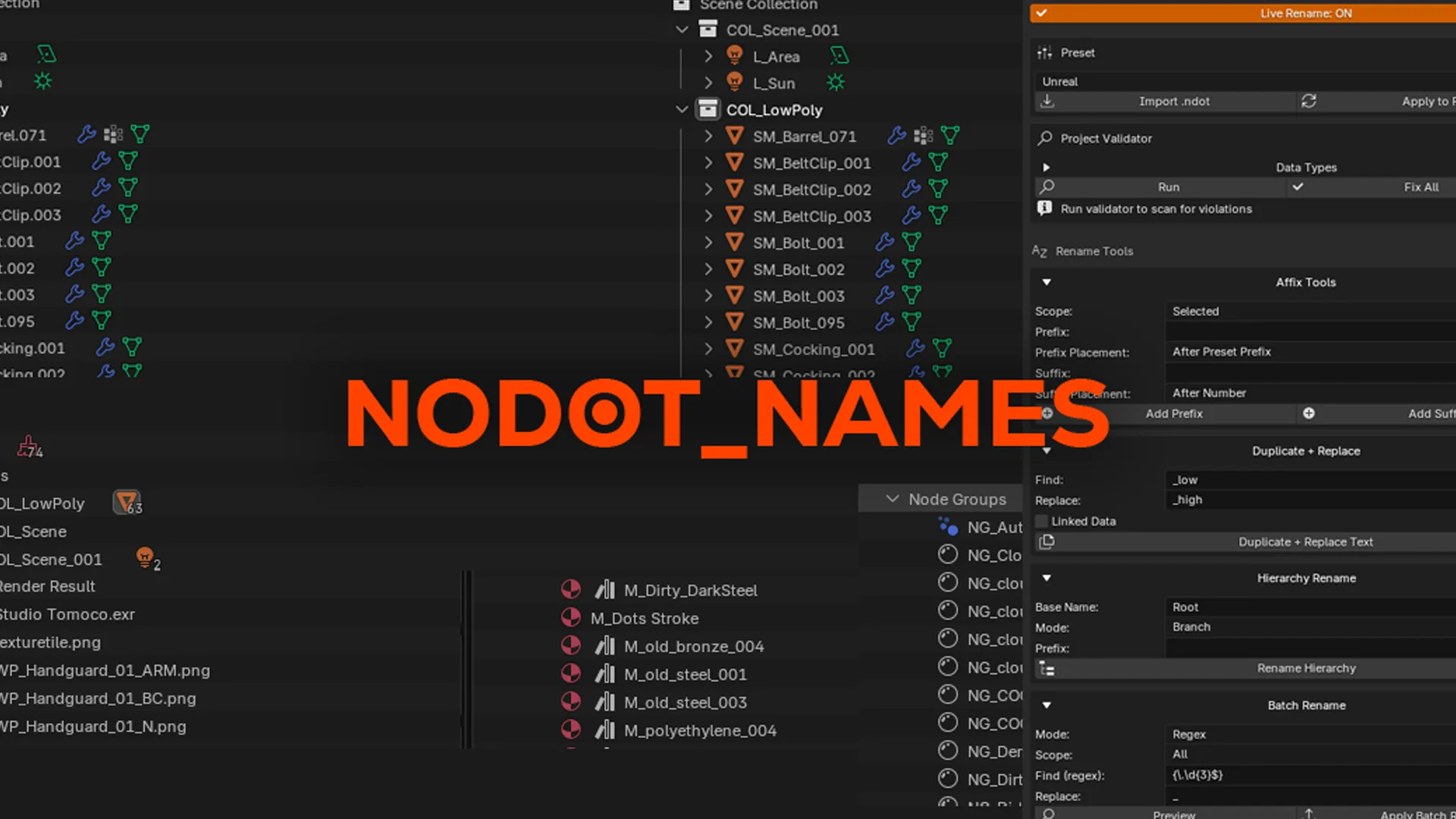
NoDot Names
Manage Blender’s .001 duplicate suffixes with NoDot Names presets, validation and batch rename tools. Check the Blender 4.5+ listing before installing.
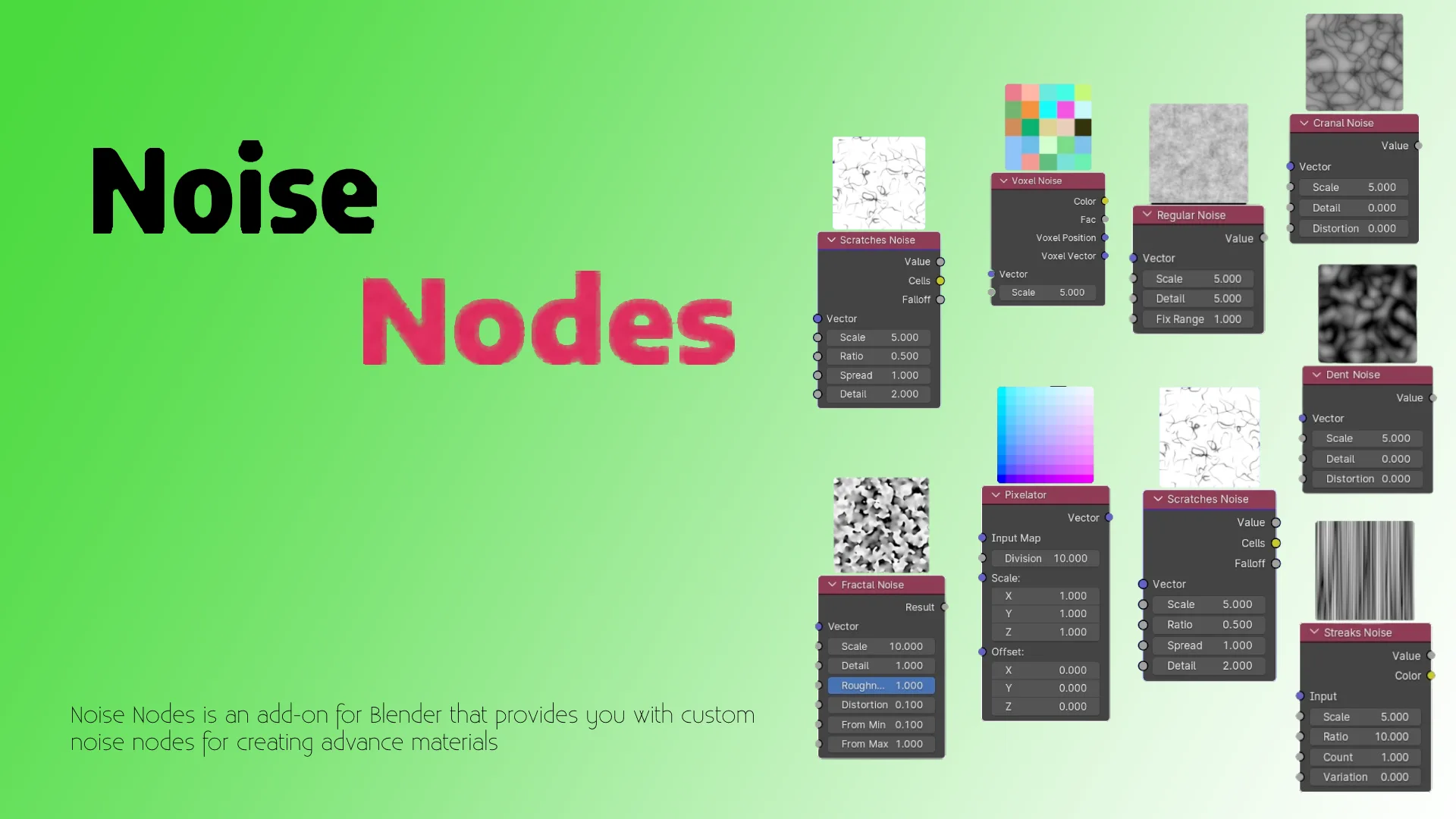
Noise Nodes
Add custom noise nodes to Blender materials with Noise Nodes. Release 0.8.0 lists Blender 4.2.0 as its minimum; check compatibility before installing.
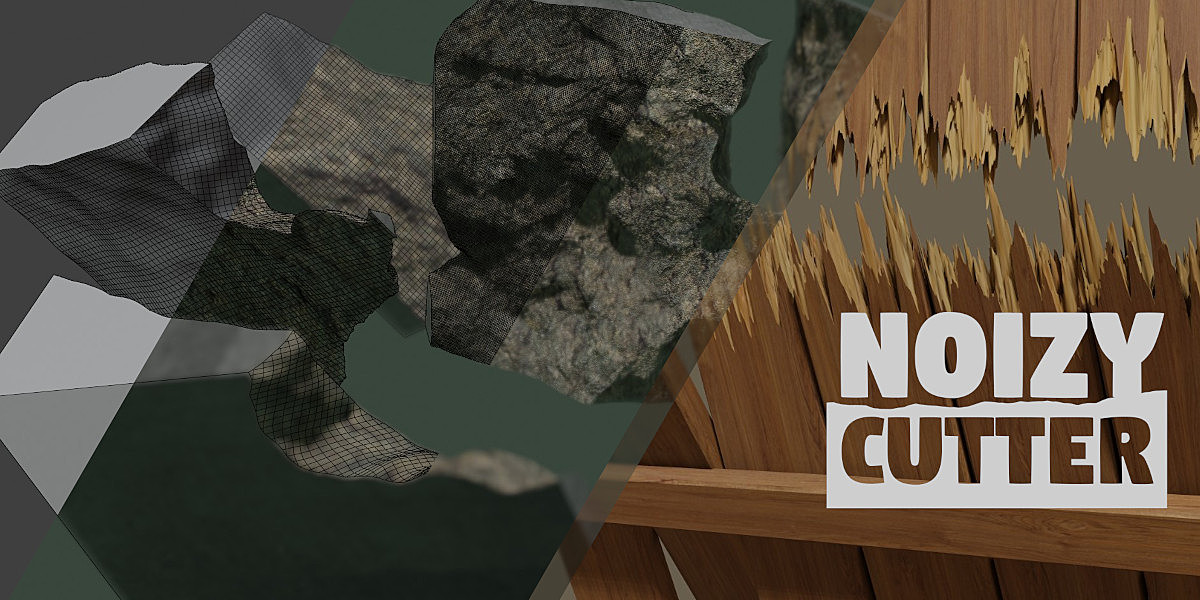
Noisy-Cutter
Cut Blender meshes along a hand-drawn spline with noise or texture displacement. Review the manifold requirement and version notes before downloading.
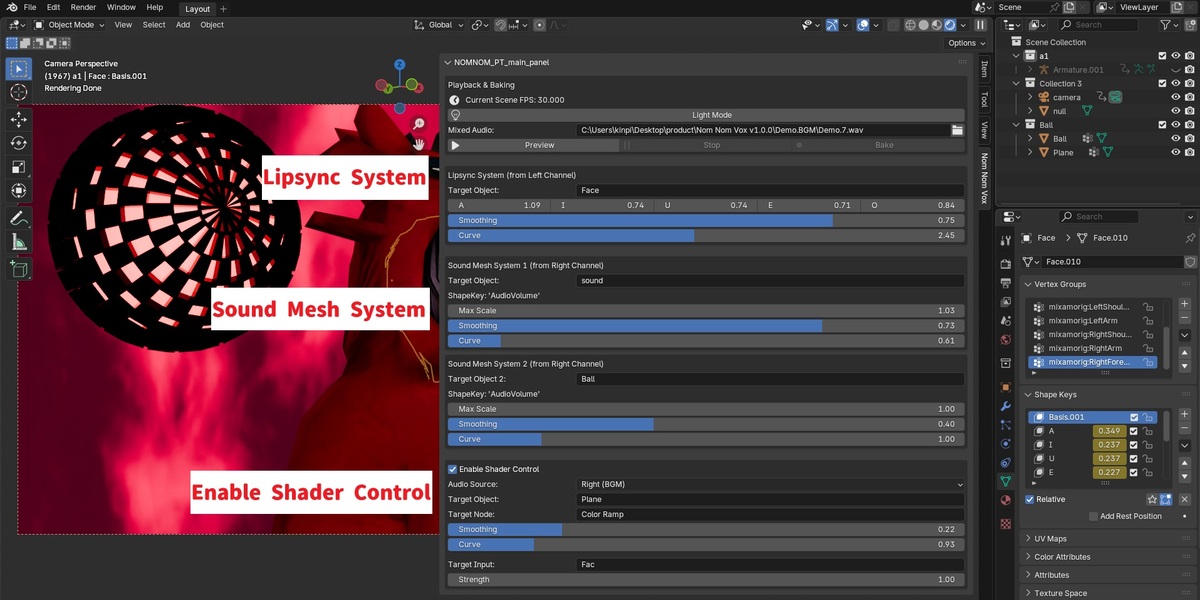
Nom Nom Vox - Stereo Audio-Driven Lipsync & Sound Reactive Animation
Nom Nom Vox drives Blender lipsync and sound-reactive animation from stereo audio. Check its channel setup, Blender range, and Windows requirements.
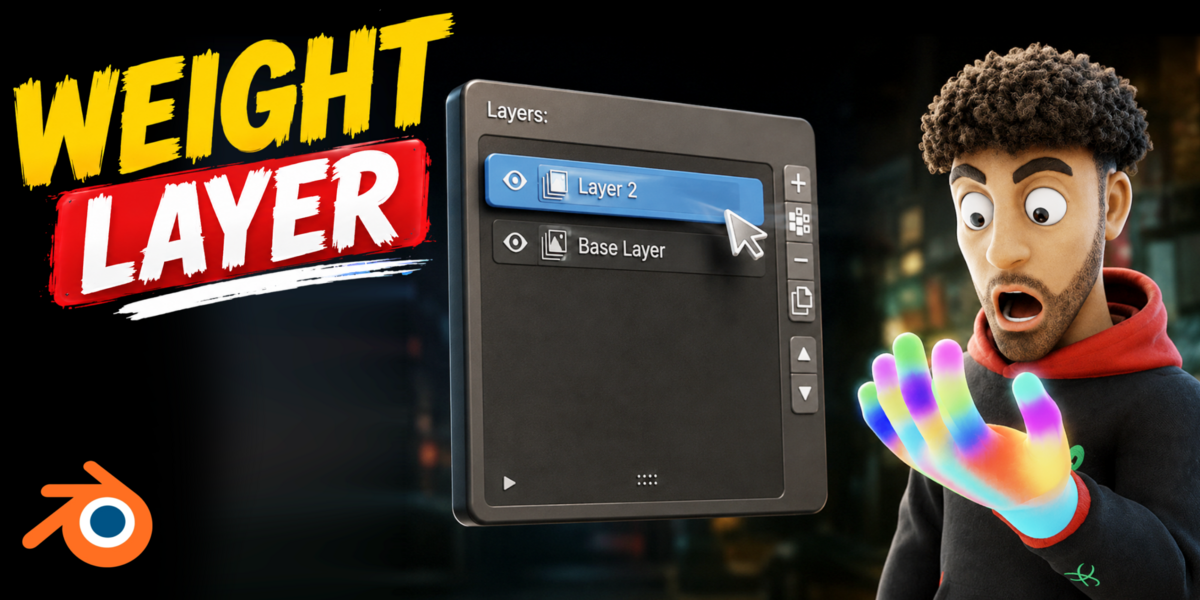
Non-Destructive Weight Layer & Voxel Skinning Add-On
Keep Blender character weights editable in layers with voxel binding, seam welding and mirroring. The listing marks the add-on Alpha and lists Blender 4.5.
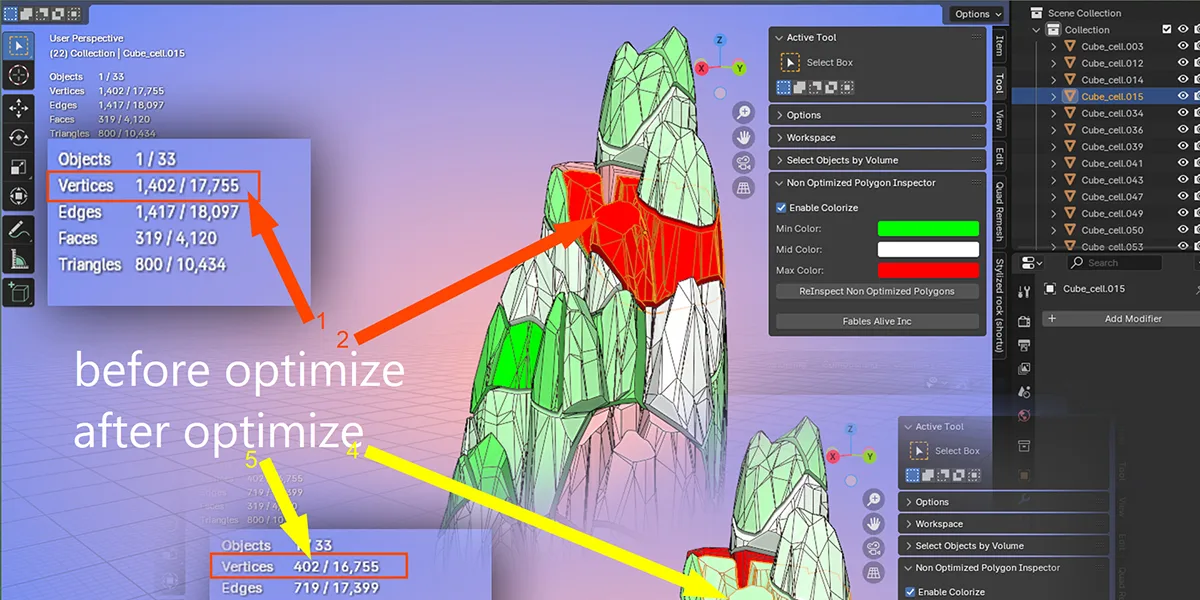
Non-Optimized Polygon Inspector Addon
Non-Optimized Polygon Inspector Addon is a Blender add-on marking non-optimized high polygons red and low ones green by the scene’s polygon count.
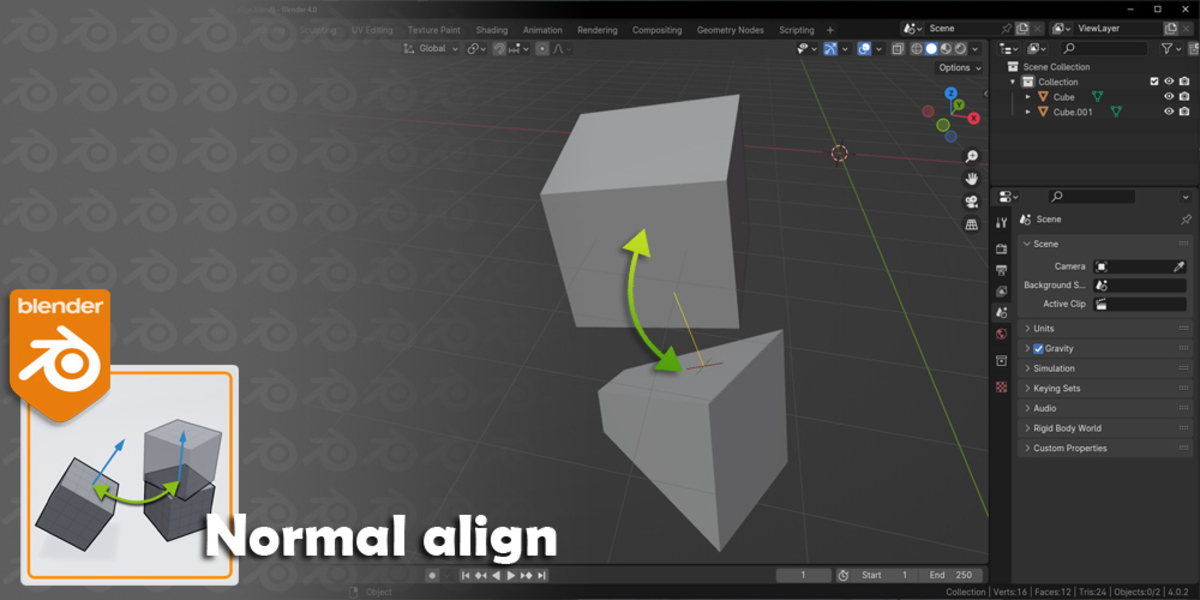
Normal Align
Place two Blender objects with Normal Align. Choose a face, then a point on the target; Ctrl enables vertex snapping; Ctrl + Alt enables edge snapping.
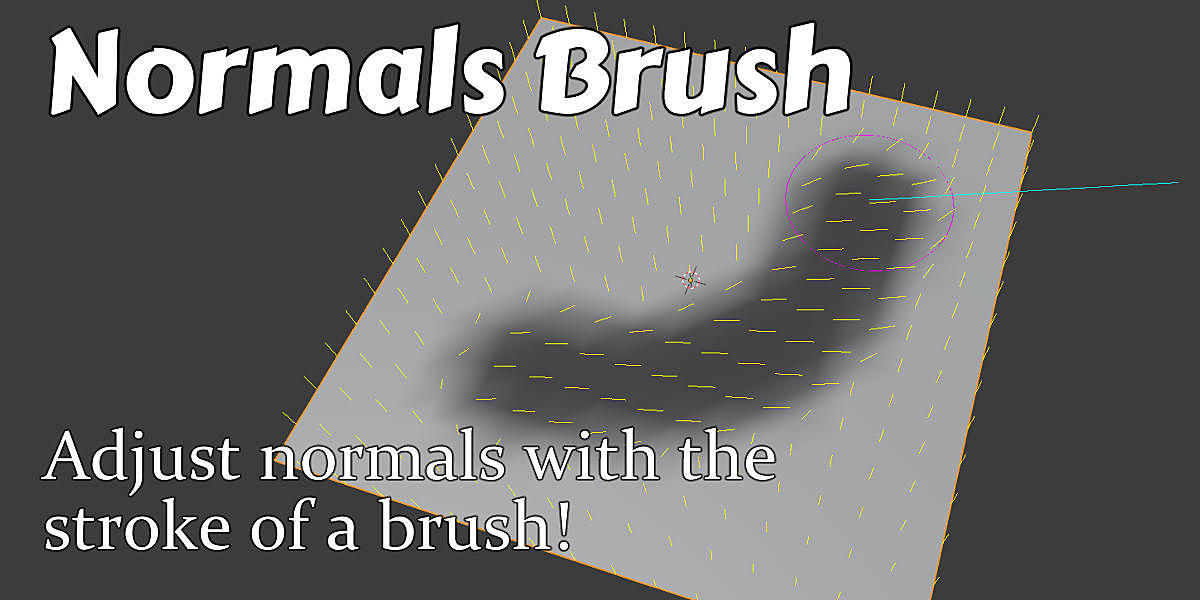
Normal Brush
Normal Brush is a Blender add-on for editing mesh normals with strokes, choosing affected faces, setting or smoothing directions, and fixing seam normals.
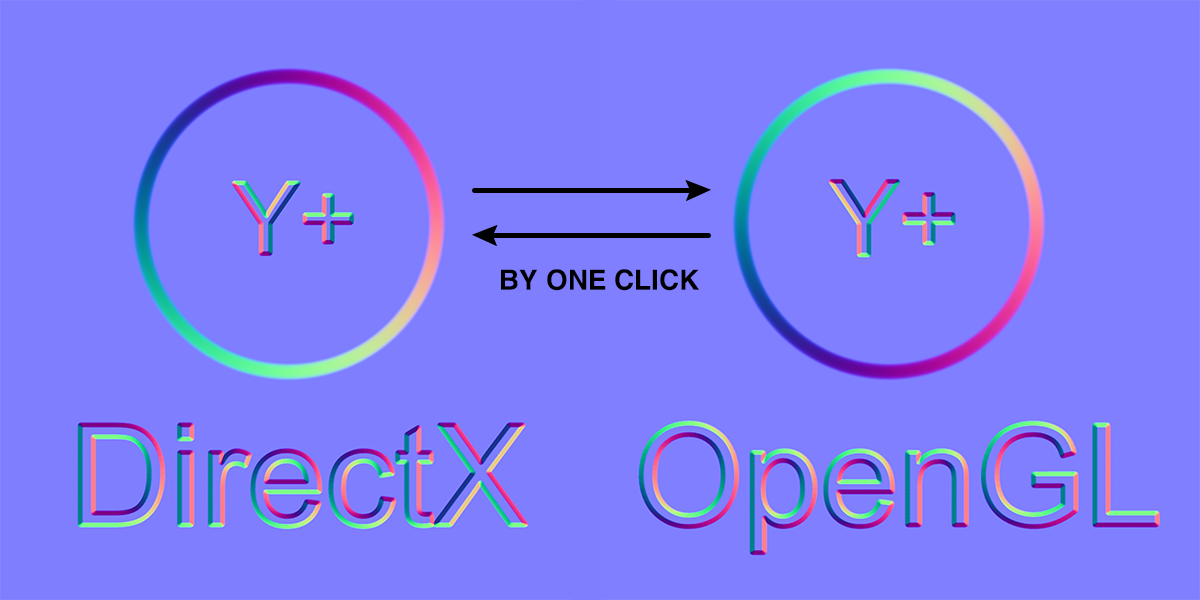
Normal Map Converter
Convert Blender normal maps between OpenGL and DirectX. The add-on flips the green channel and preserves color space, bit depth, and float buffer handling.
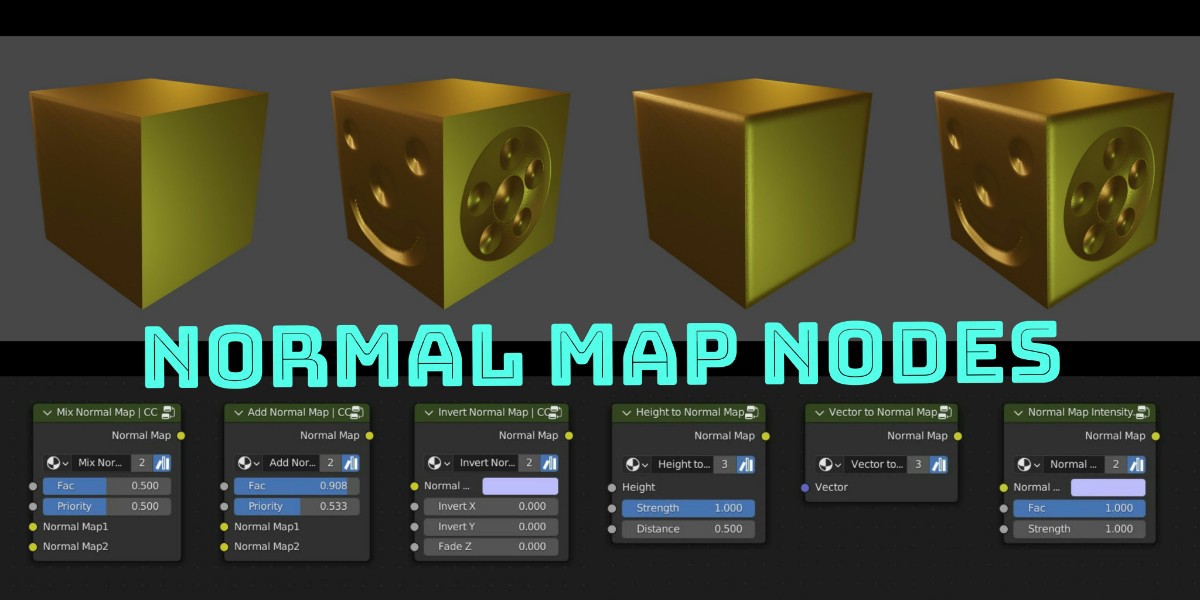
Normal Map Node Tools
Normal Map Node Tools adds Blender shader groups for combining, mixing, inverting, and generating normal maps. Check its node list and supported versions.
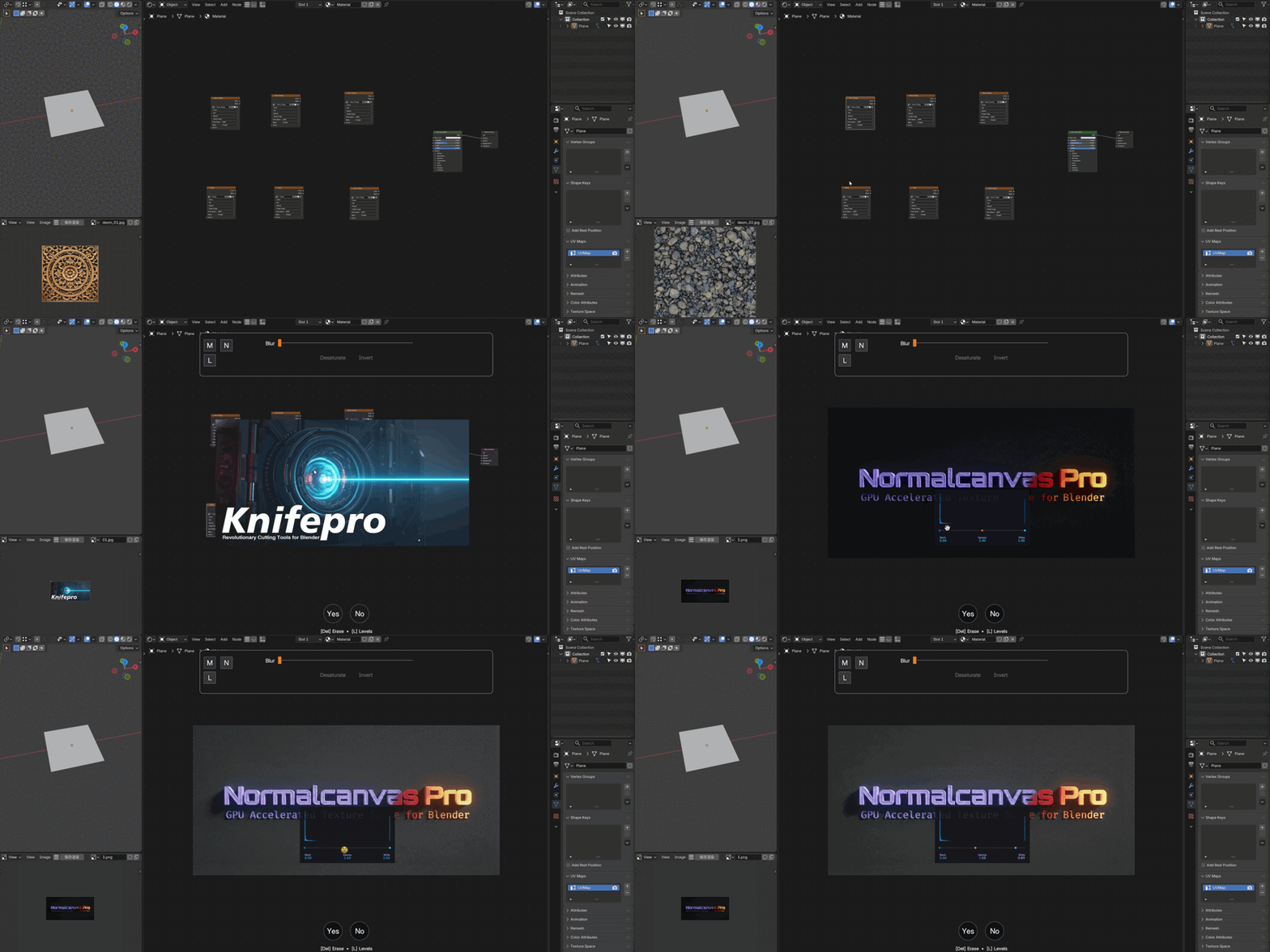
Normalcanvas Pro
Normalcanvas Pro is a Blender texture suite for normal maps, local AI depth estimation, and displacement previews. Check compatibility before installing.
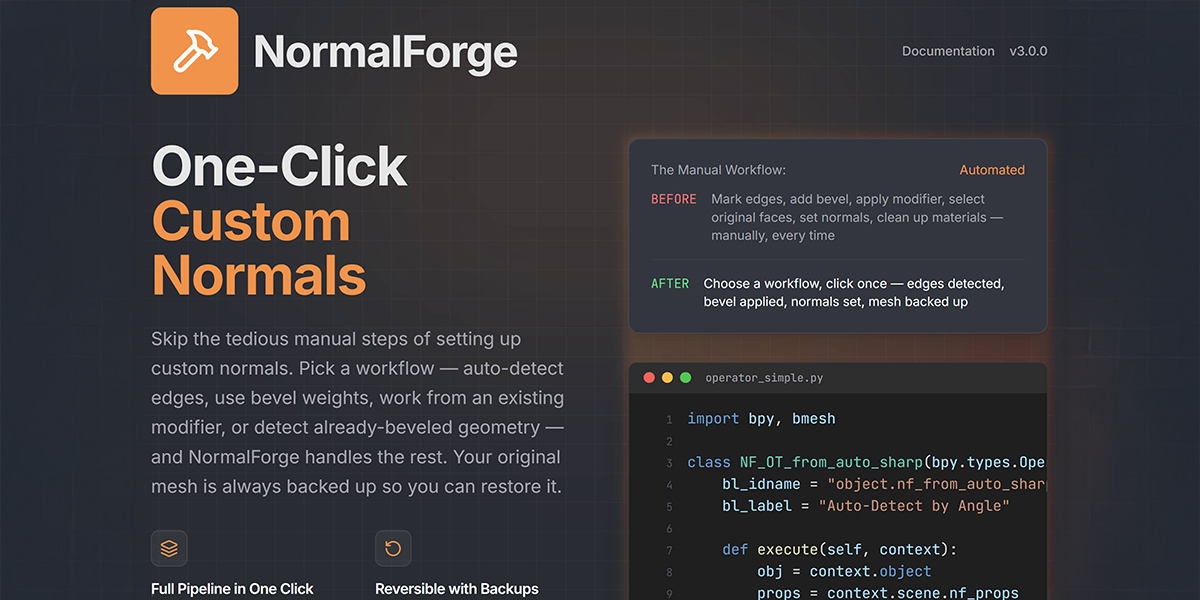
Normalforge
NormalForge automates bevel and custom-normal setup in Blender with four workflows, adjustable settings, and mesh backup and restore. See how it works.

Normalize and Resize Curve Handles
Normalize and Resize Curve Handles sets selected Bezier handles uniformly. Run the operation from Quick Favorites or Menu Search to show the resize gizmo.
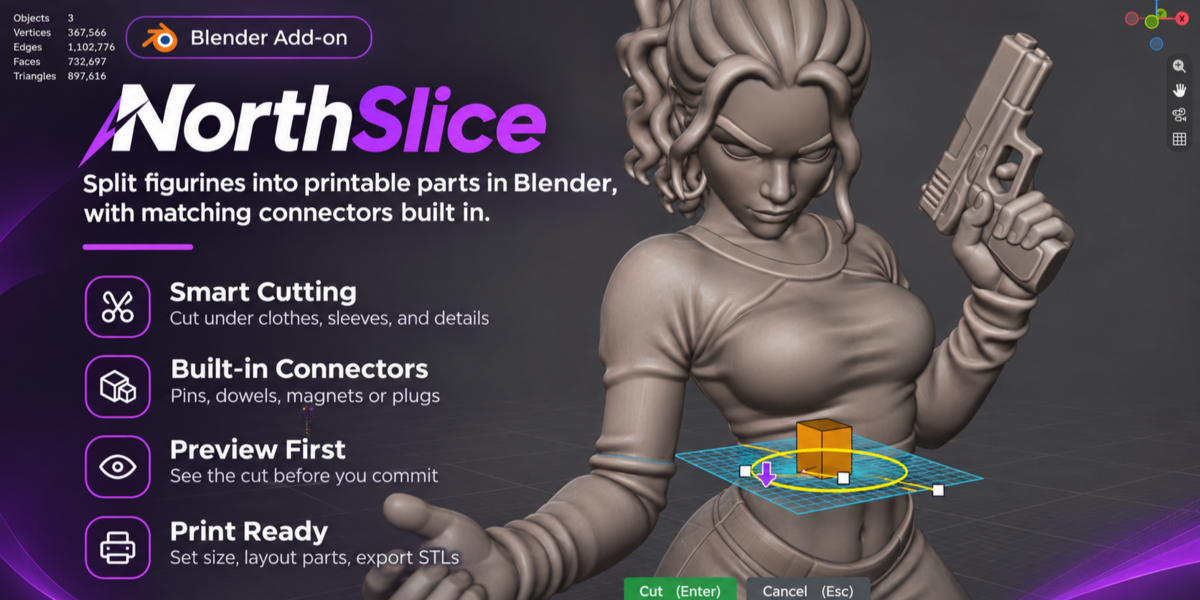
North Slice
North Slice splits figurines in Blender with pins, dowels, or magnet pockets. Preview each cut, then export separate STL or OBJ parts for printing.
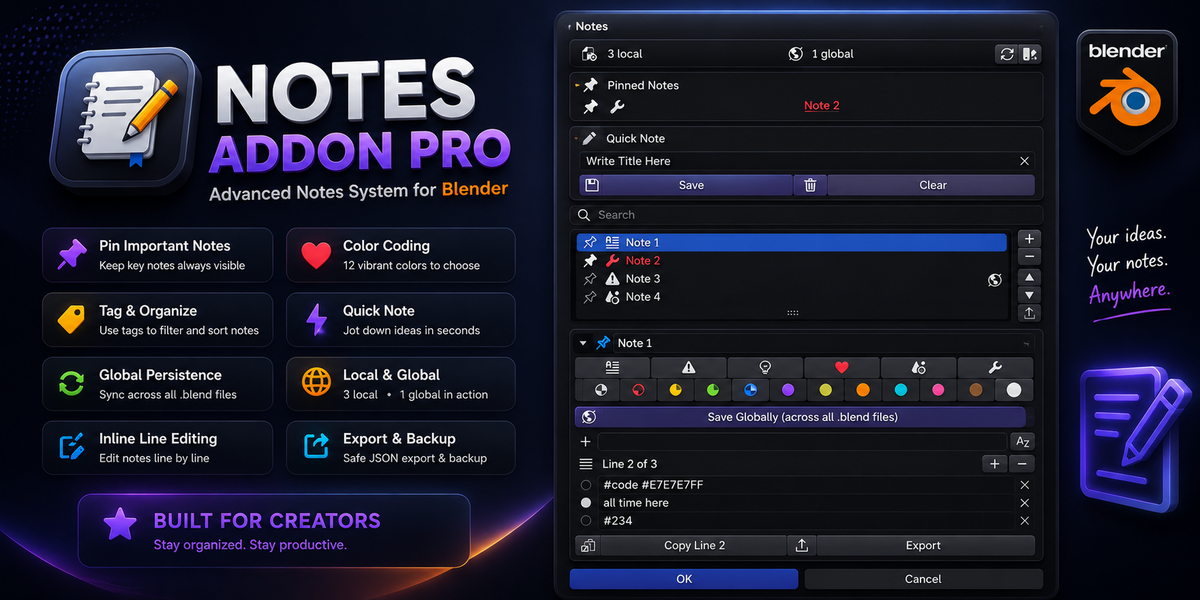
Notes Addon Pro - Advanced Notes System
Notes Addon Pro - Advanced Notes System is a Blender note manager for ideas and tasks; it supports search, pinning, color coding and .txt export.
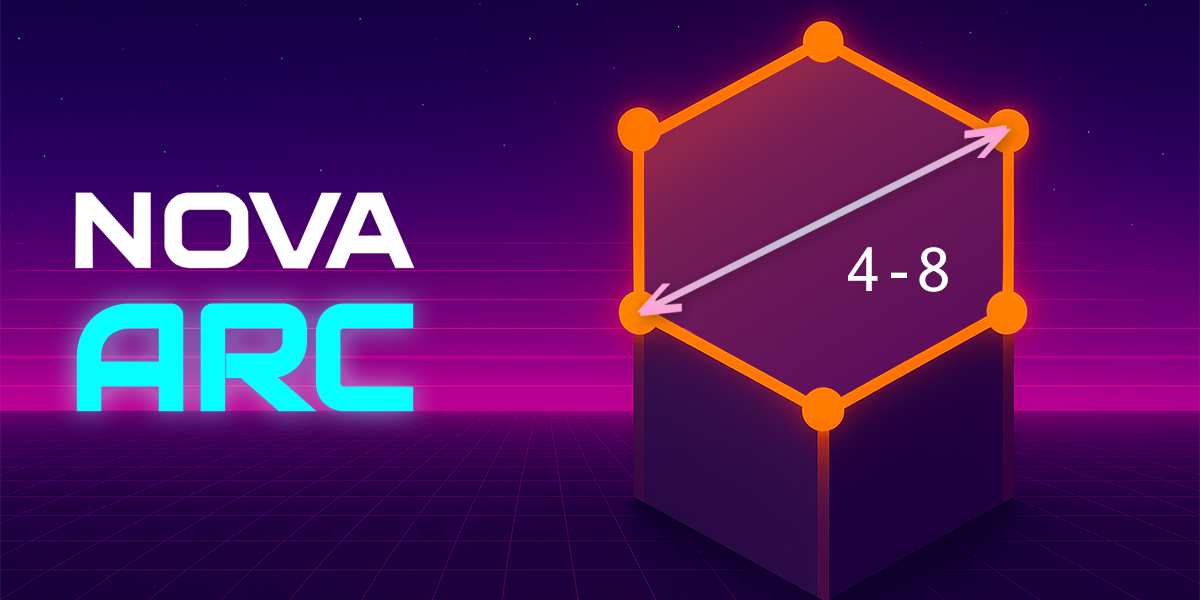
Nova Arc
Measure radii and see segment-count guidance for rounded Blender meshes with Nova Arc. Set units, adjust the viewport overlay, and check Blender compatibility.
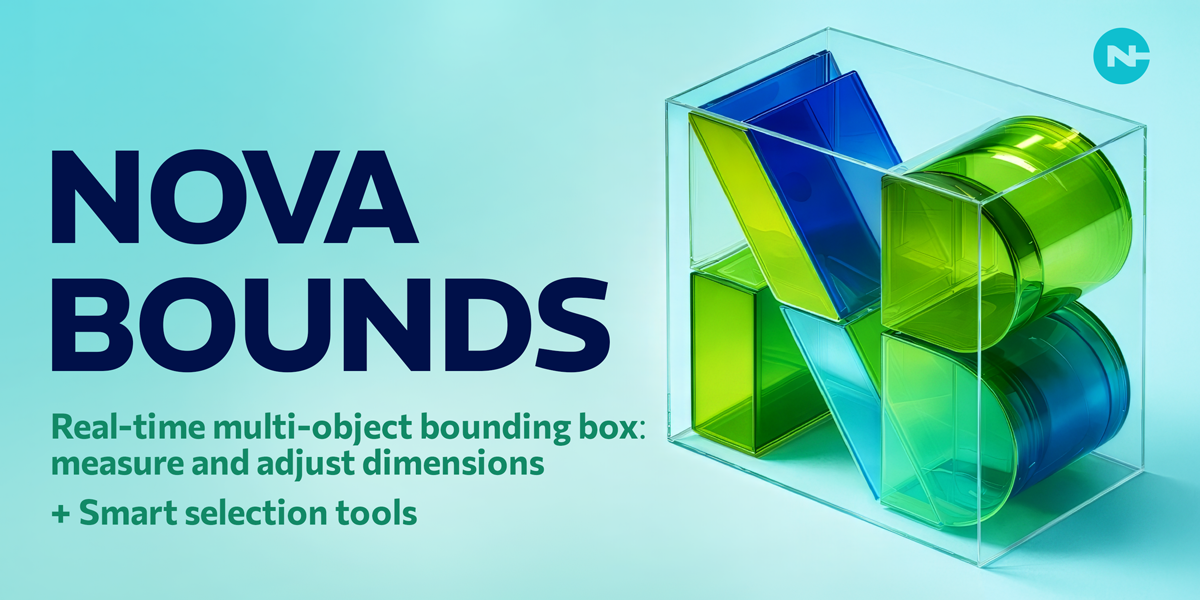
Nova Bounds
Nova Bounds adds live measurements and hierarchy-aware selection in Blender, with a listed Blender 4.2–5.2 range and documented viewport limits.
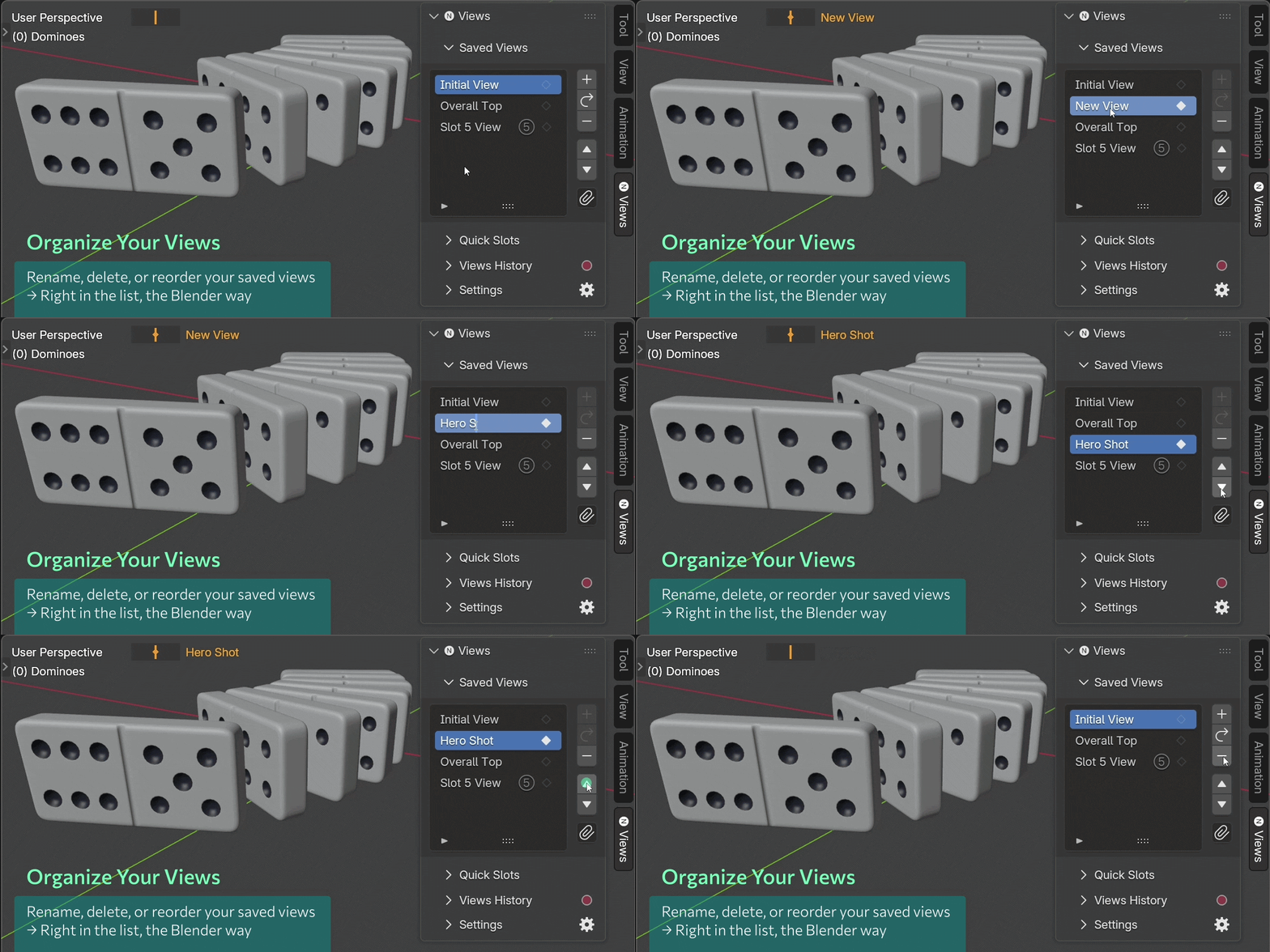
Nova Views
Nova Views are a Blender add-on for viewport history, saved views, and quick-access slots. See setup and indicator options for repeatable scene work.