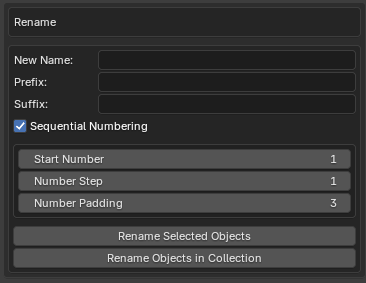
Rename Master
Rename Blender objects by selection or collection with Rename Master, using numbering and text replacement. Blender 4.3 is the listed version.
Published software and plugin guides for Blender. Page 142 of 196.
Read the software guideRename Blender objects by selection or collection with Rename Master, using numbering and text replacement. Blender 4.3 is the listed version.
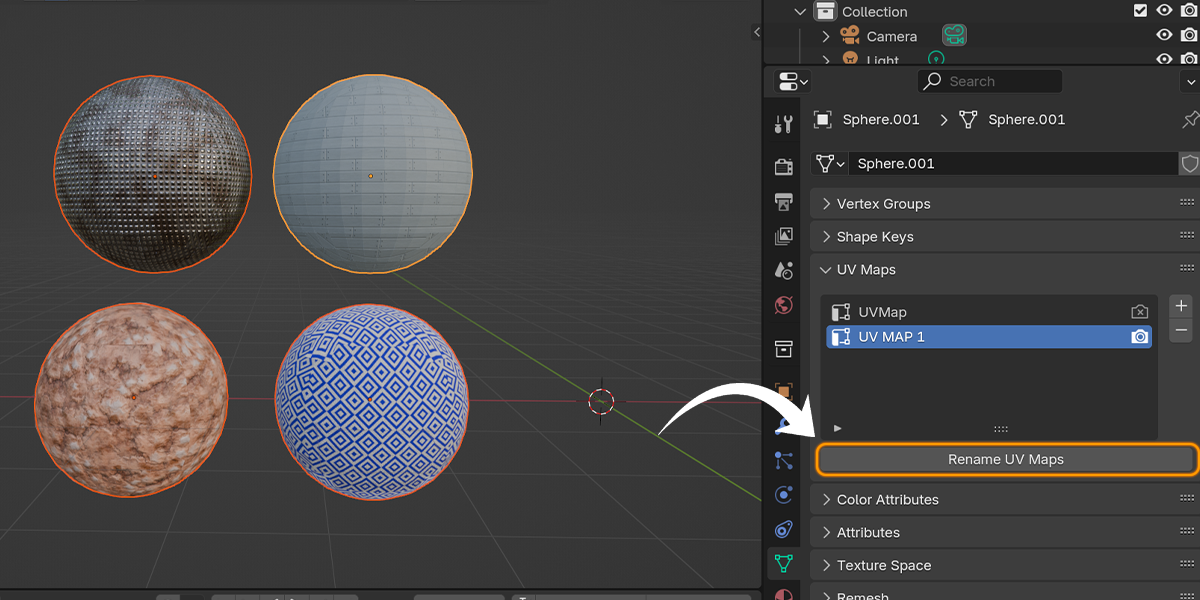
Use Rename Uv Maps to match selected Blender mesh UV names to the active object before joining or exporting from the UV Maps panel.
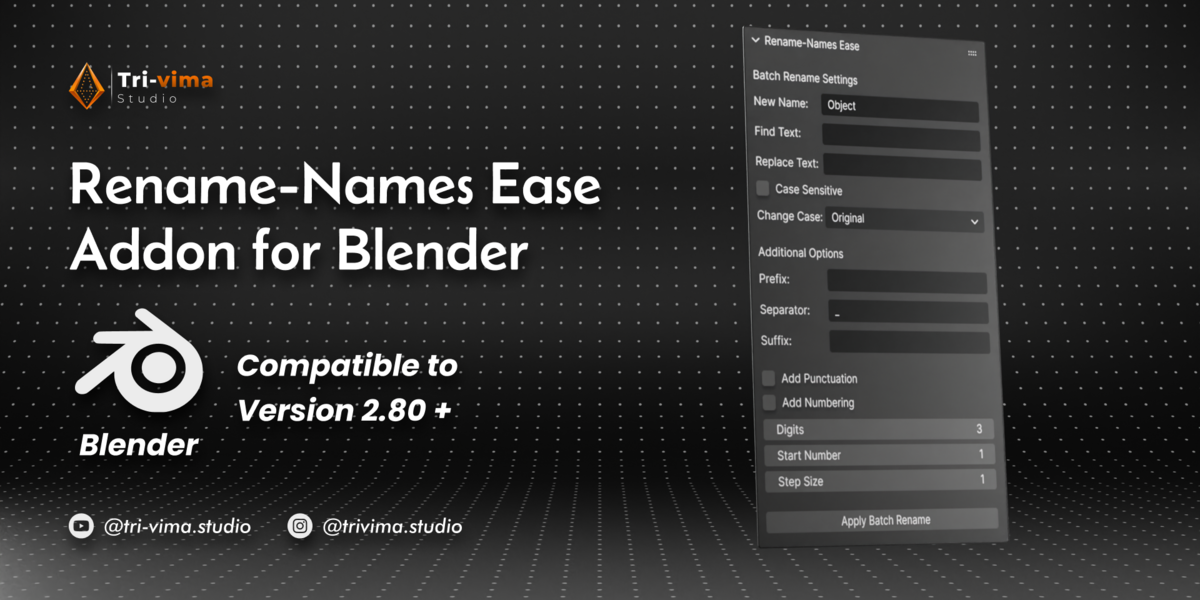
Rename Blender objects in batches with Rename-Names Ease. Review its find-and-replace, case, prefix, suffix and numbering tools before opening the guide.
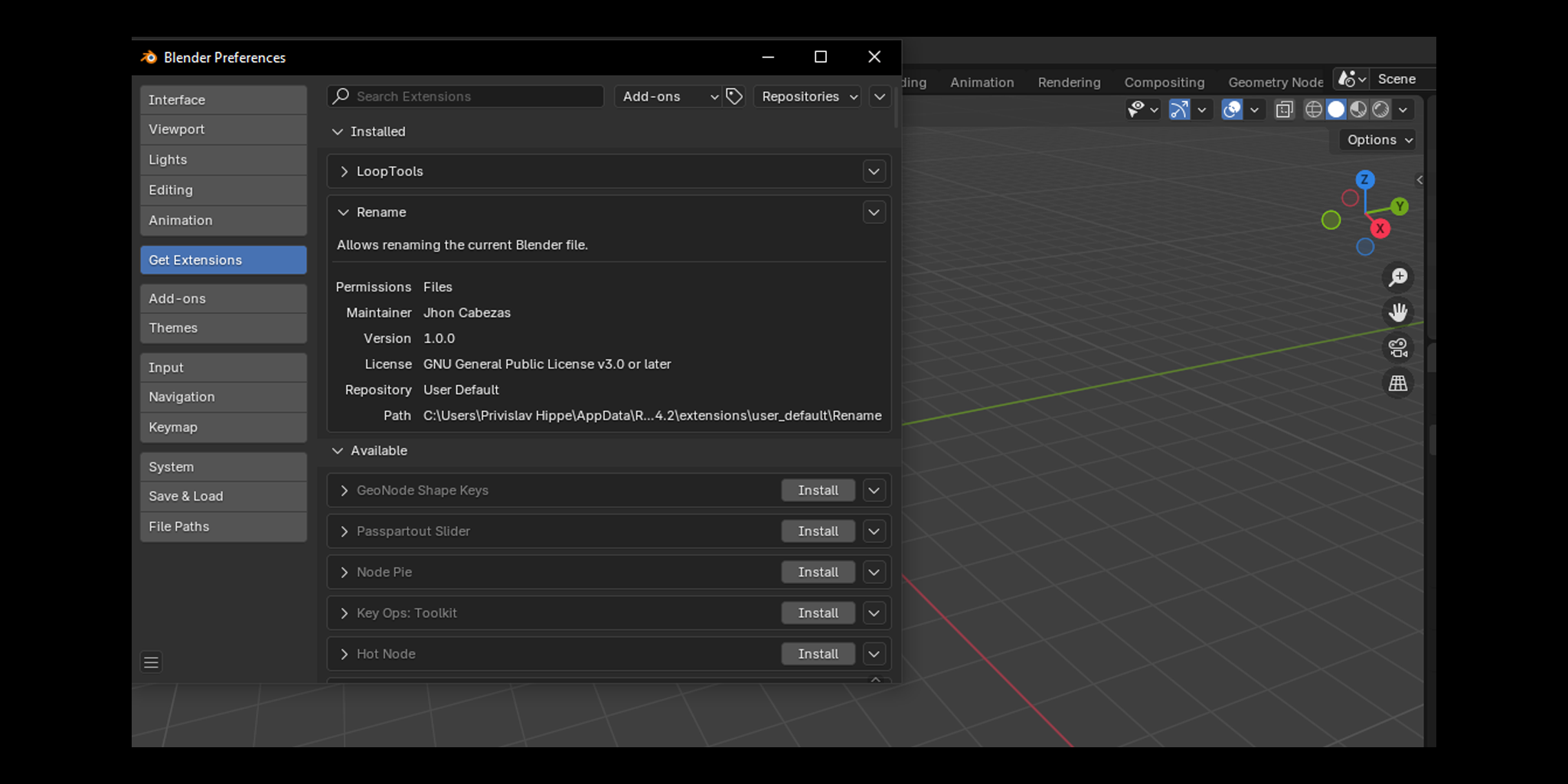
Rename .blend files inside Blender with this focused add-on. Check the listed Blender versions, GPL license and ZIP installation steps before installing.
Render Animated .GIF is a Blender add-on for rendering animated GIFs. Version 1.9.1 requires Blender 4.2.0 or later; check its platforms and license.
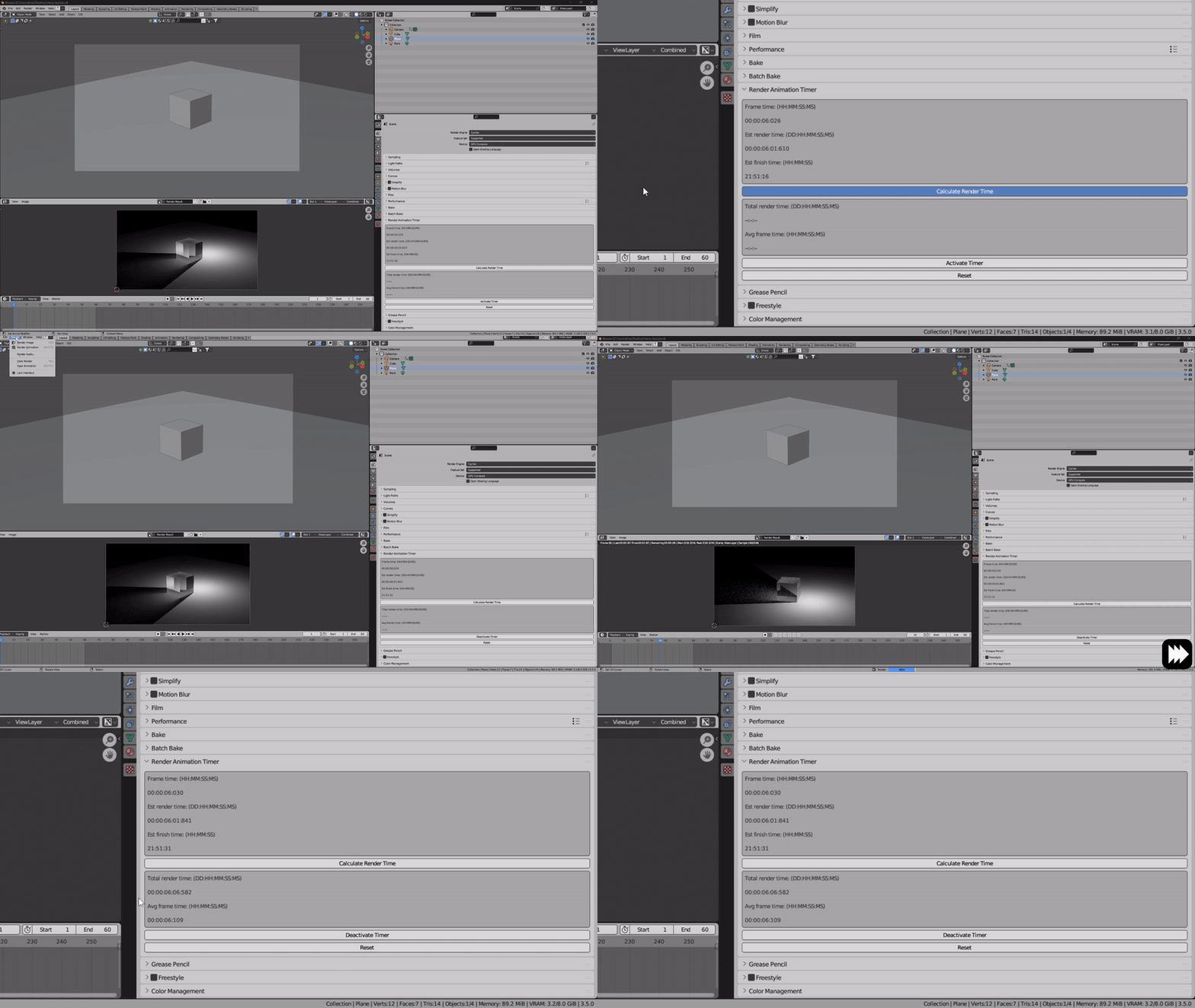
Render Animation Timer estimates Blender animation render times, average frame time and finish time, with electricity estimates in dollars and kWh.
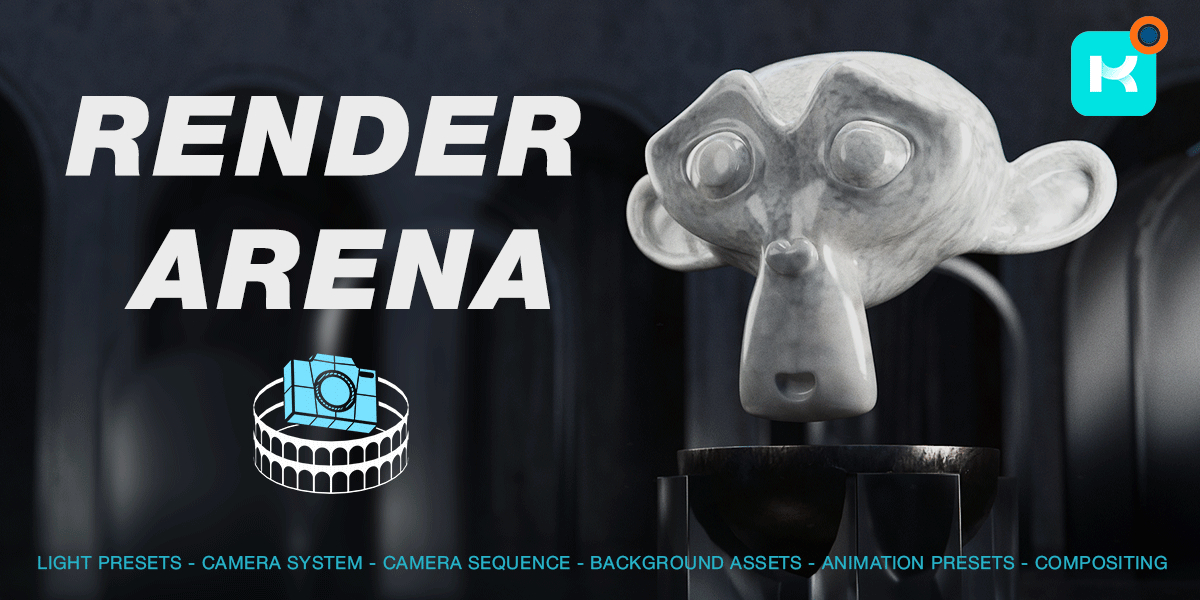
Check whether Render Arena By Kiri Engine fits your Blender setup: review its Cycles workflow, preset options, listed compatibility and documentation.
Render Back 2.6 runs Blender image and animation renders through a generated batch file. Check Windows and version notes before downloading.
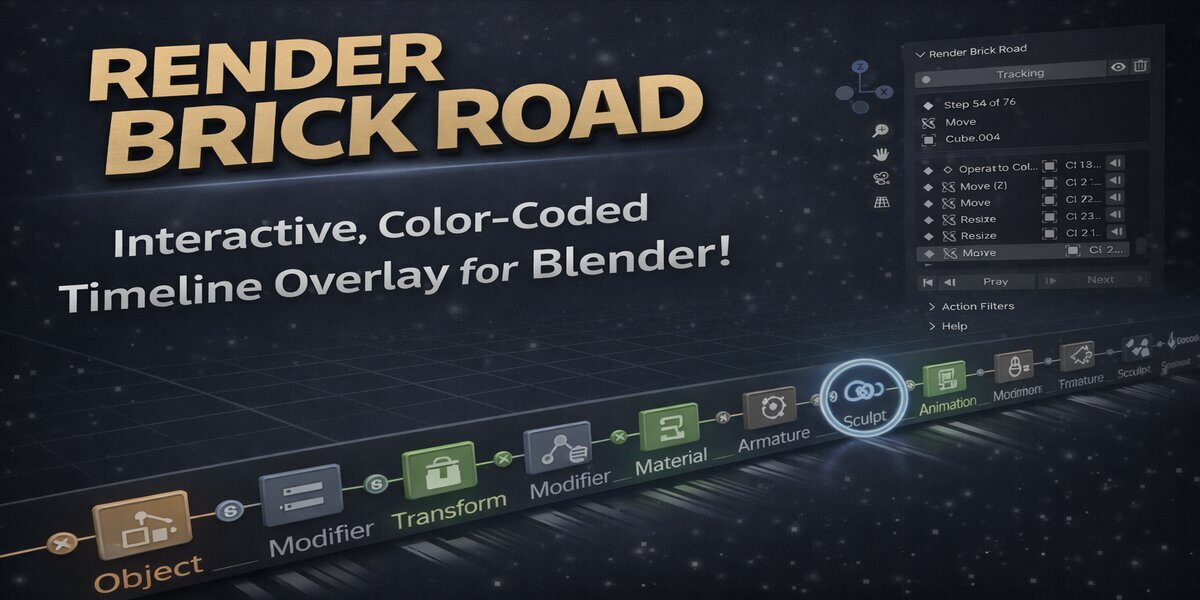
Review Blender modeling steps in a color-coded viewport timeline, filter tracked actions, and navigate undo and redo history with Render Brick Road.
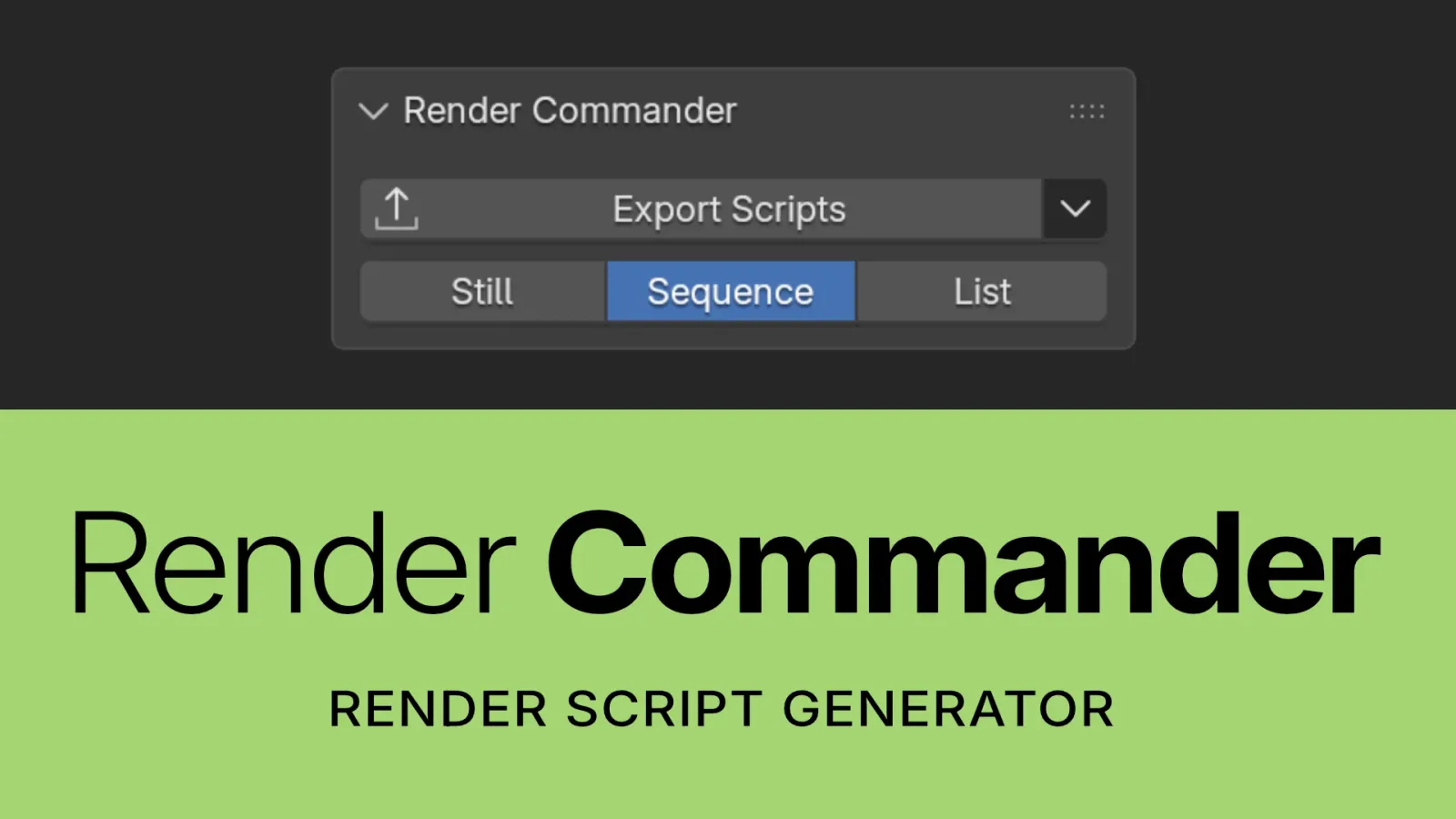
Export Blender render scripts with embedded settings for stills, frame ranges or custom frame lists. Render Commander supports Cycles and EEVEE parallel options.
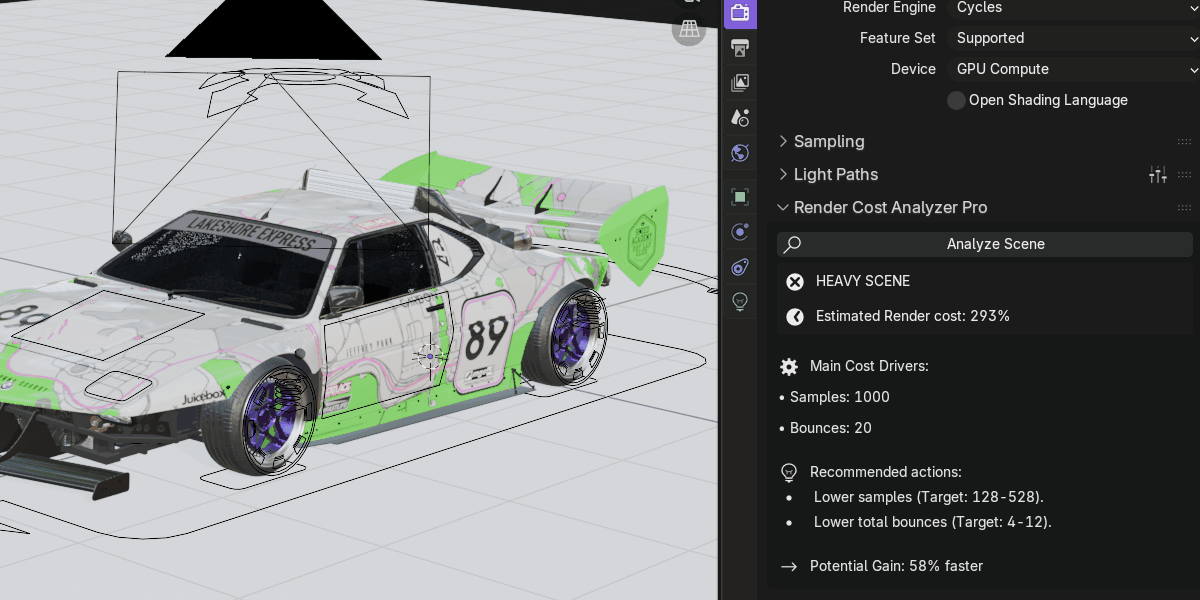
Check Blender render settings against scene complexity with Render Cost Analyzer Pro. Review Cycles and EEVEE load, spot bottlenecks, and read the setup guide.
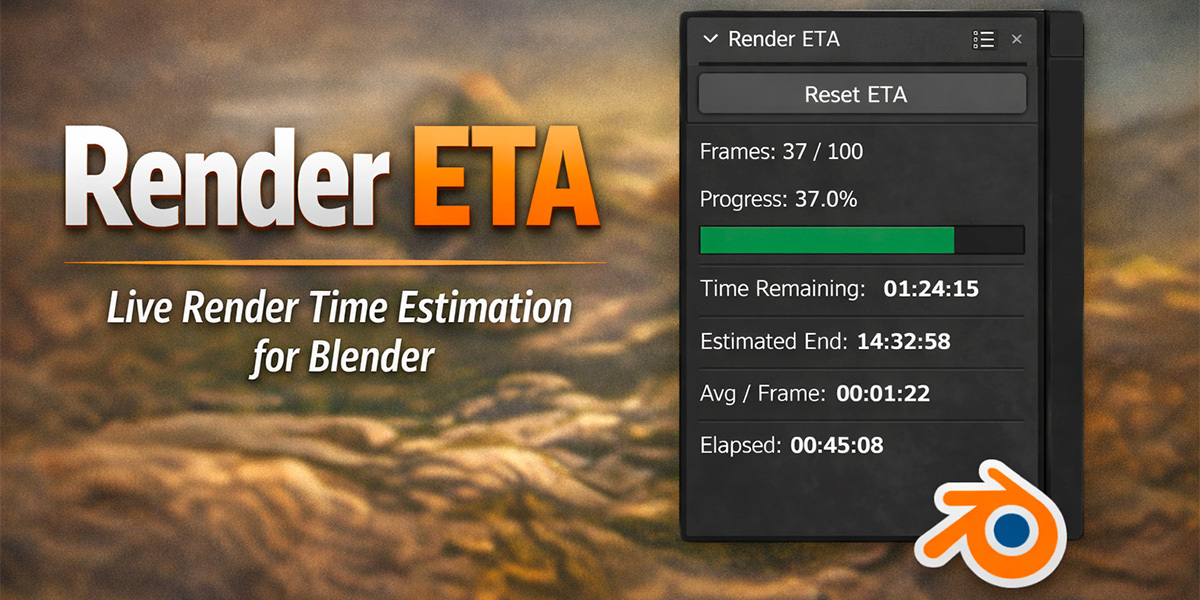
See frame progress, remaining time and estimated completion in Blender's Image Editor. Review smoothing controls, F12 timing and setup steps.
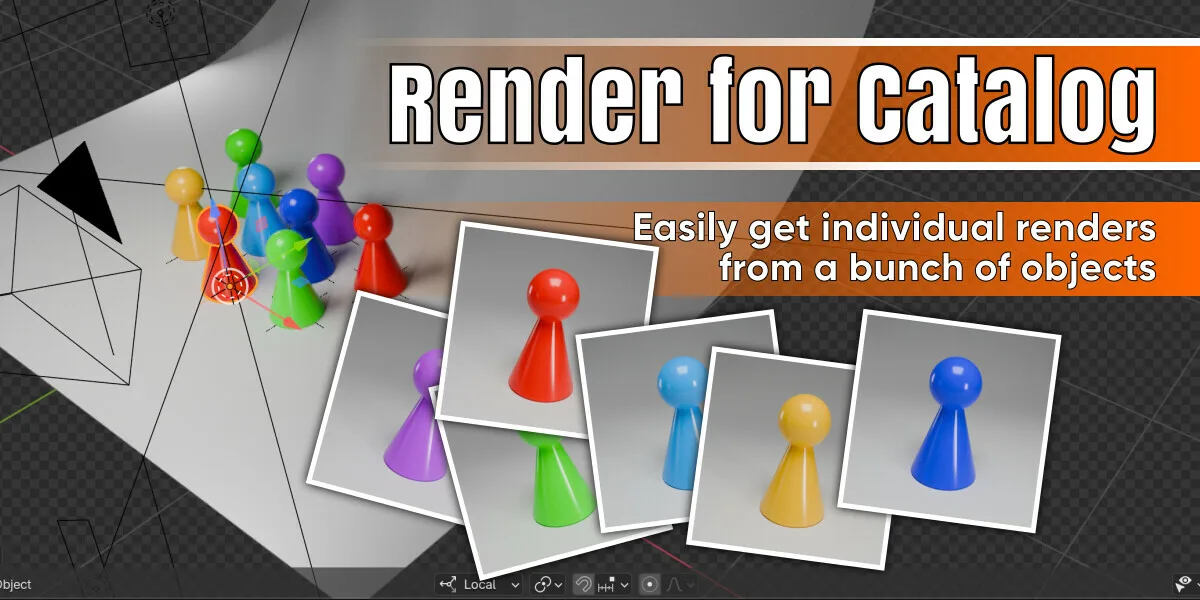
Render For Catalog aligns Blender objects to a reference cube for consistent renders. Review its camera, compositor and animation options.
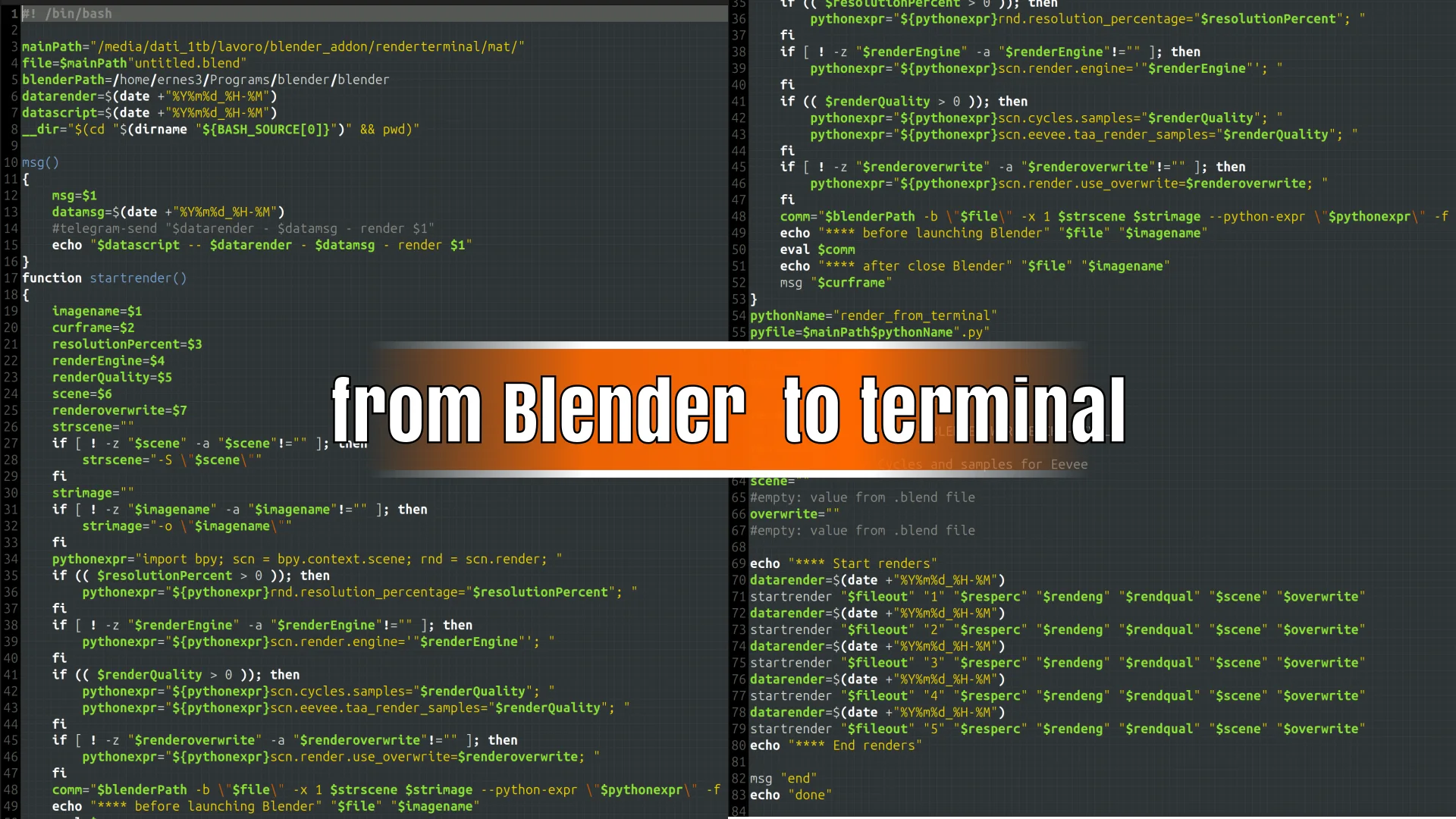
Write Blender render scripts with Render from Terminal, choose frames and overrides, add commands around renders. Windows batch support is poorly tested.
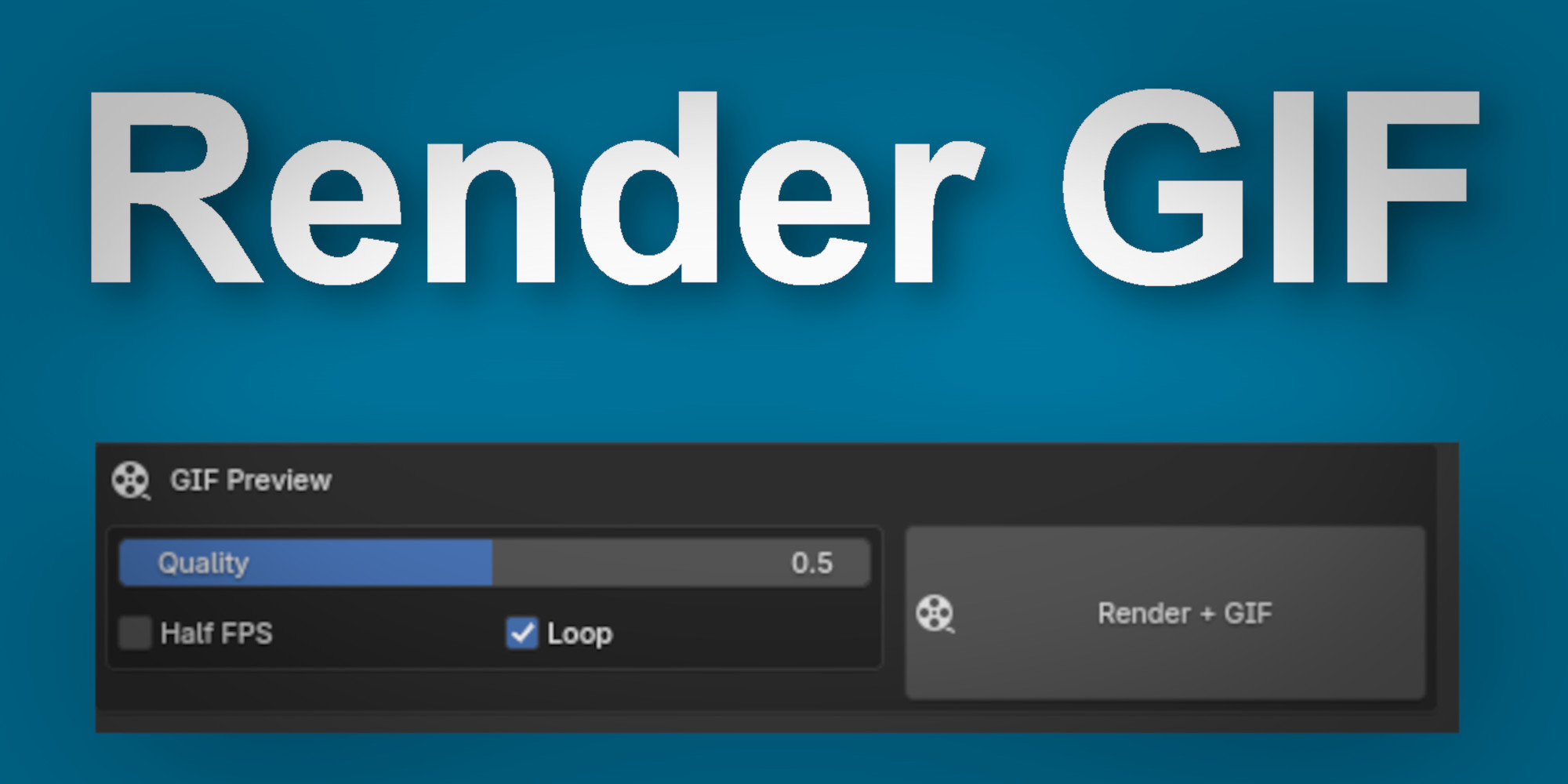
Render Gif is a Blender add-on for GIF output. Set GIF options, render to an empty folder, and find a GIF preview. For Blender 4.2+ on Windows and Mac.
Render GO! saves Blender frames to disk with marker-based names, batch rendering and a live progress bar. Check supported versions and render modes.
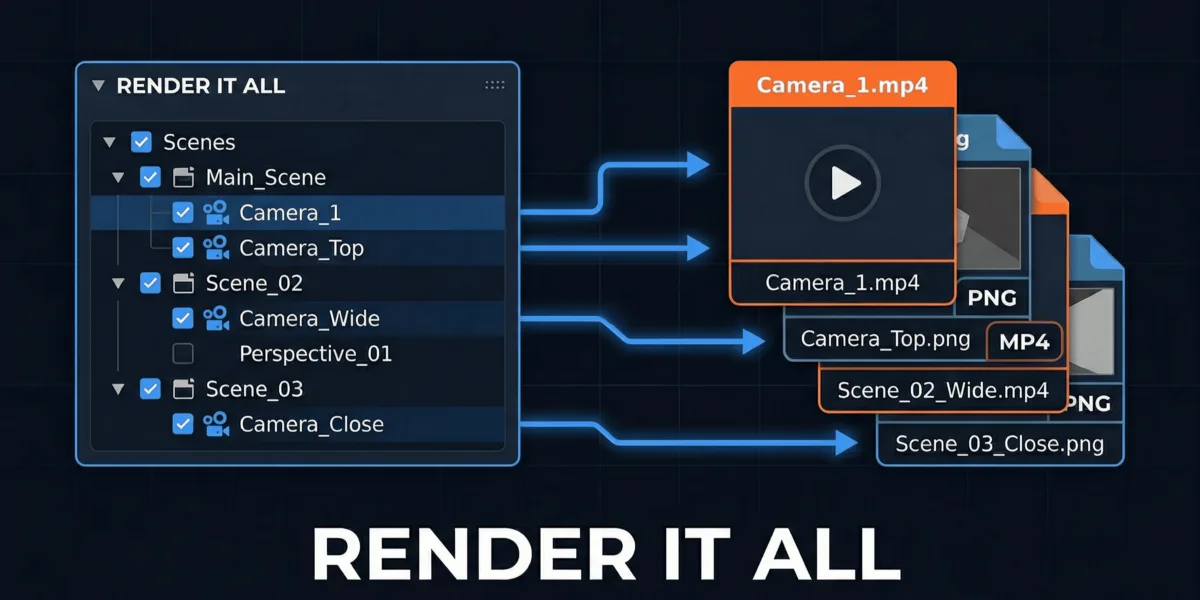
Render It All batch renders selected cameras across Blender scenes, saving stills as PNG and animations as MP4. Check requirements and licensing first.
Render stills or animations from selected Blender cameras and save settings as reusable presets. Check the listed Blender versions before downloading.
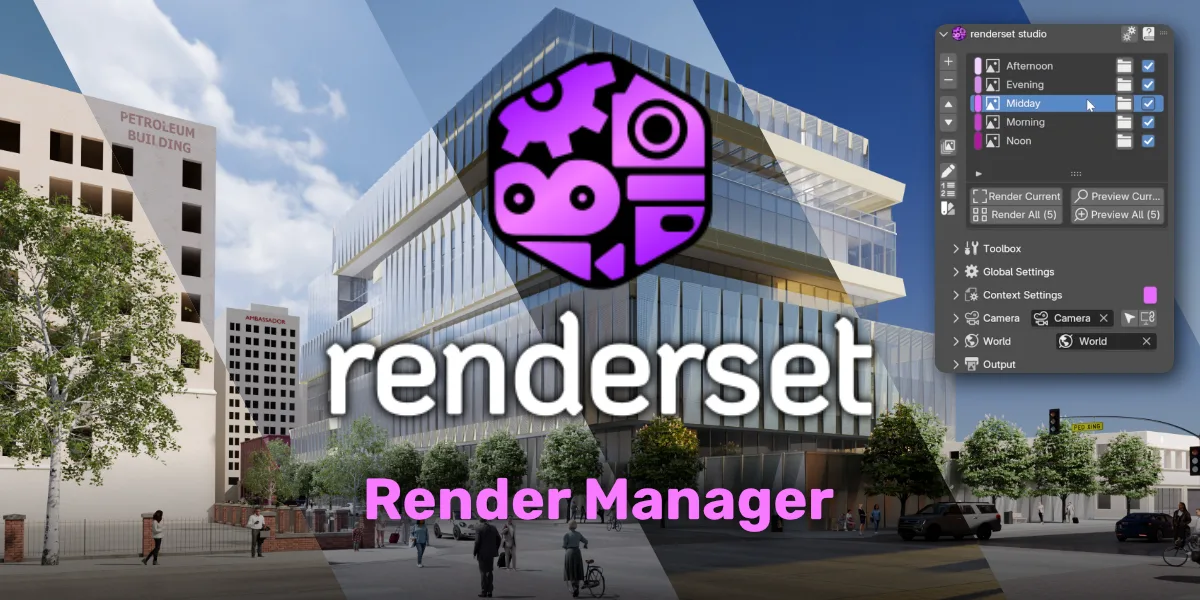
Manage Blender scene variations with Render Manager Addon Renderset: switch contexts, batch render, and name outputs. Check compatibility.
Render Markers are a Blender add-on that saves each marker render to Blender’s Output directory. Check its Blender 3.3 listing and GPL license.
Monitor Blender renders remotely with Render Monitor: Discord status updates, multi-computer tracking, and desktop or mobile notifications.
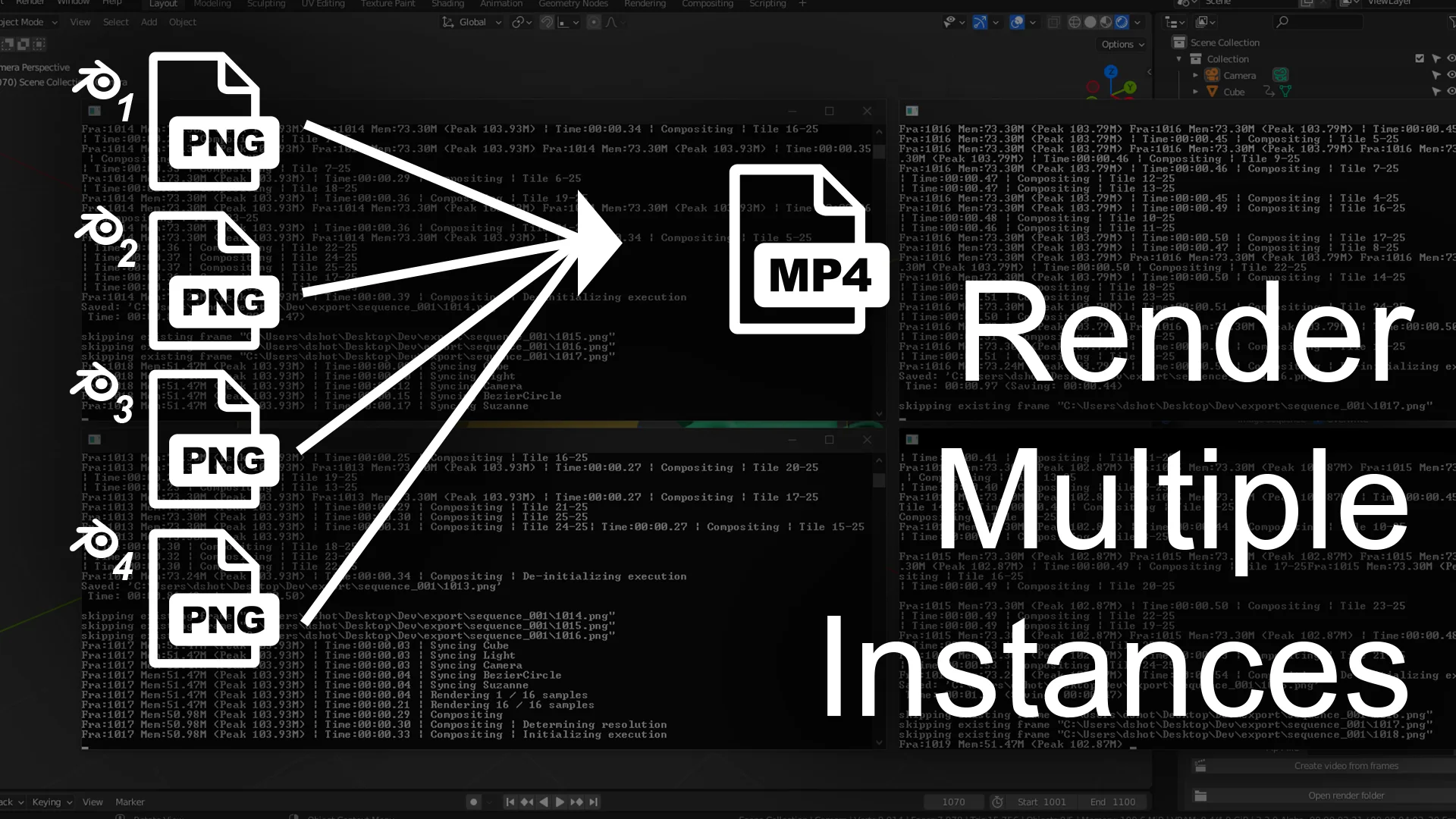
Render Blender animations in the background with Render Multiple Instances; render flipbooks and encode to MP4 with FFmpeg installed. Needs Blender 4.2+.
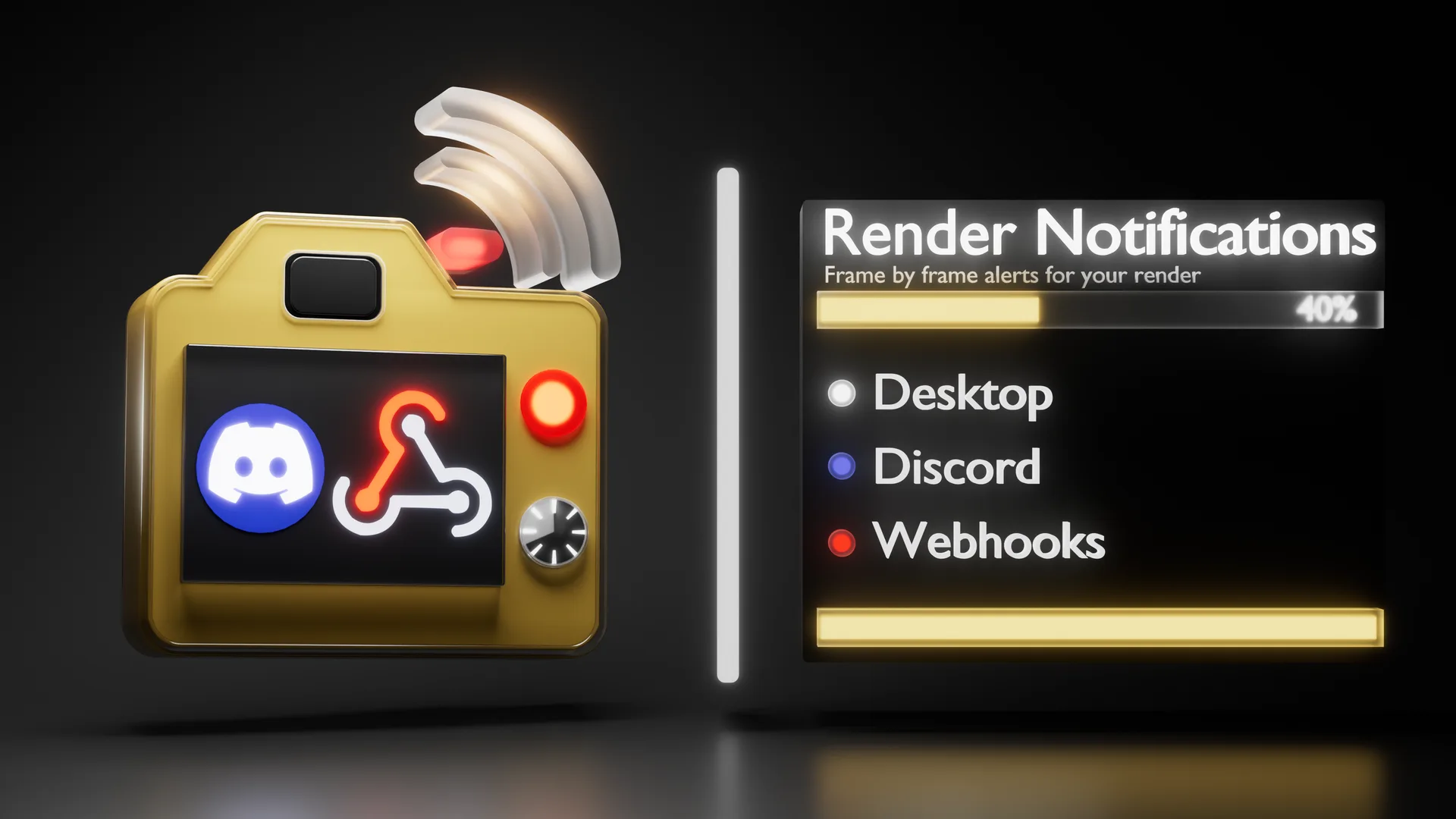
Get Render Notifications for Blender render alerts on desktop or through custom webhooks. Review per-frame estimates and Windows x64 support before installing.