Airplane Hangar Generator for Blender
Airplane Hangar Generator for Blender makes hangars from nine presets, with four aircraft and workshop equipment; review setup and GLB export details.
Published software and plugin guides for Blender. Page 6 of 196.
Read the software guideAirplane Hangar Generator for Blender makes hangars from nine presets, with four aircraft and workshop equipment; review setup and GLB export details.
Retarget armatures, deform mesh variations, and transfer weights or shape keys with Alchemesh for Blender. Check the product page for current version details.
Loop Alembic (.abc) animation in Blender, adjust speed and timing, and randomize a crowd with Alembic Loop Controller (Alc) from Shift4cube.
Alembic To Editable Mesh is a Blender add-on that converts Alembic caches into editable meshes and shape key animation. Review frame and topology limits.
Procedural planets, stars and black holes in Blender with Alien Worlds by FM3D. Check its Cycles focus, Blender compatibility and Mac thumbnail issue.
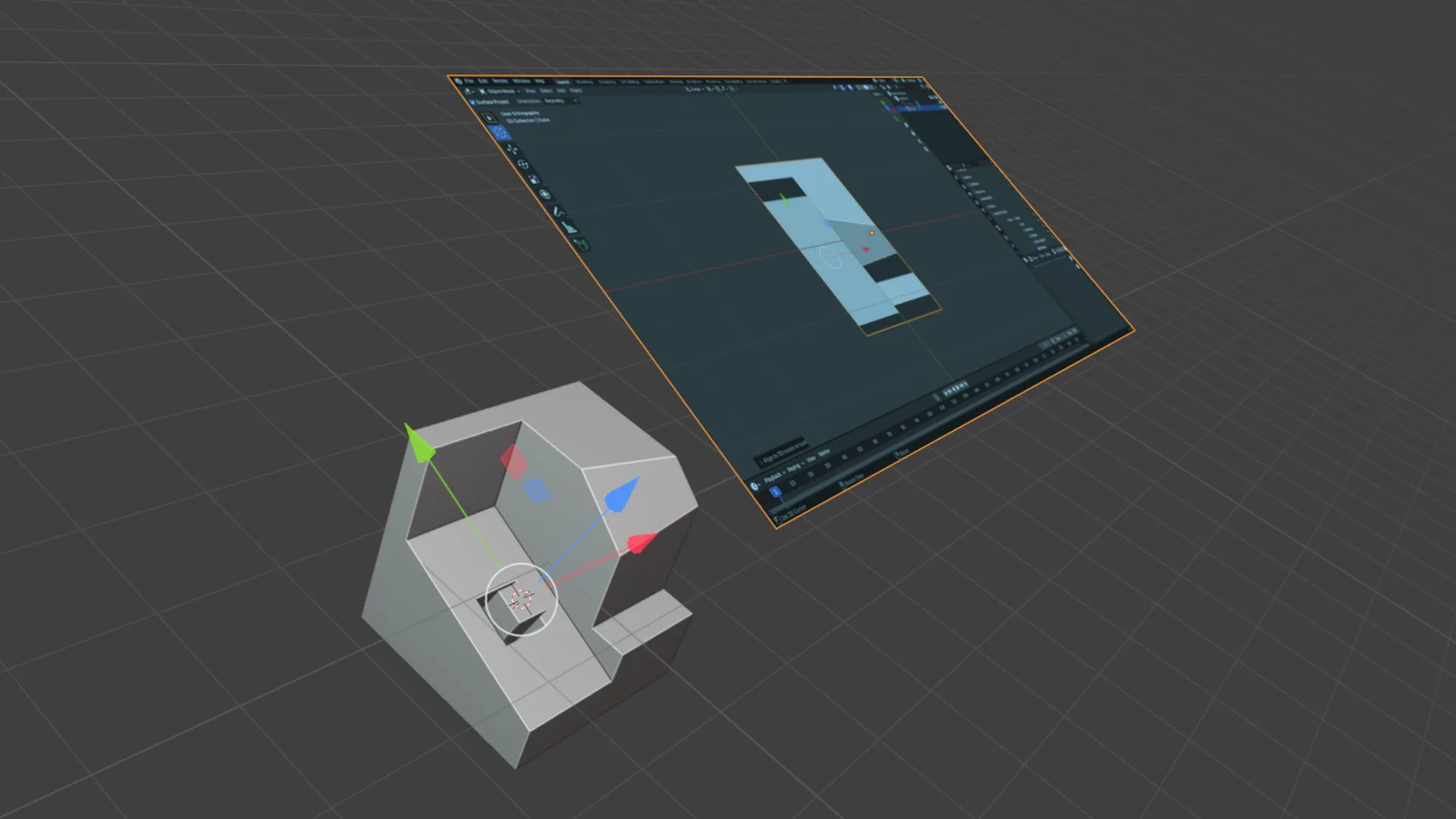
Align Blender's 3D View to the 3D cursor's orientation or an active custom transform orientation with shortcuts or the View menu. Requires Blender 4.2.0+.
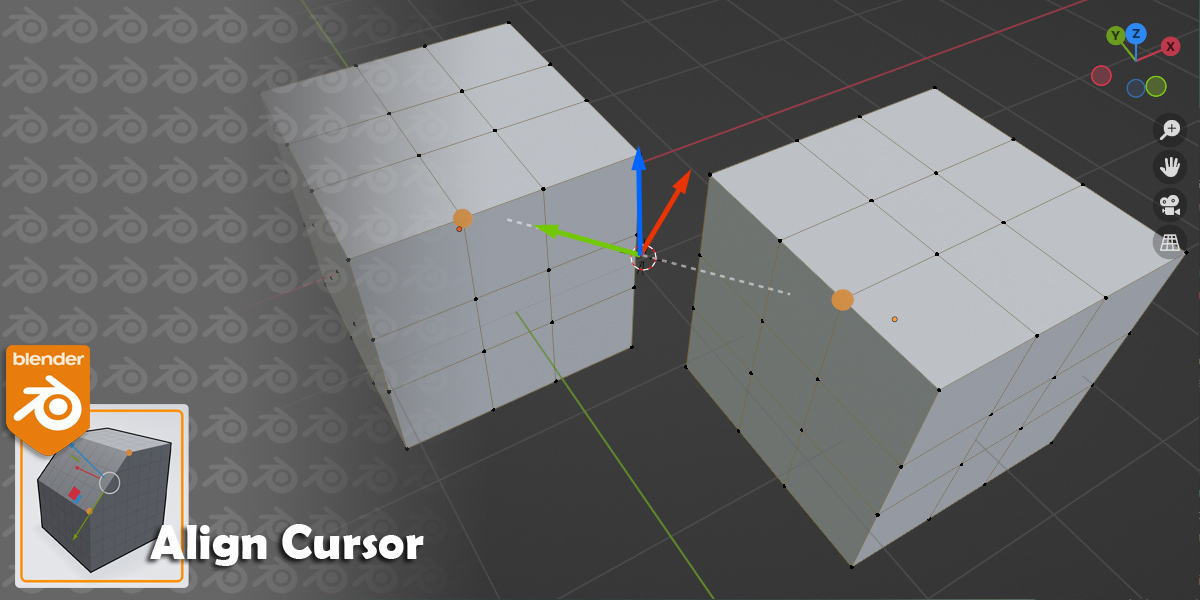
Align Blender’s 3D cursor to objects, mesh elements, or spline knots, with axis controls, single-edge face bias, and an optional snap grid.
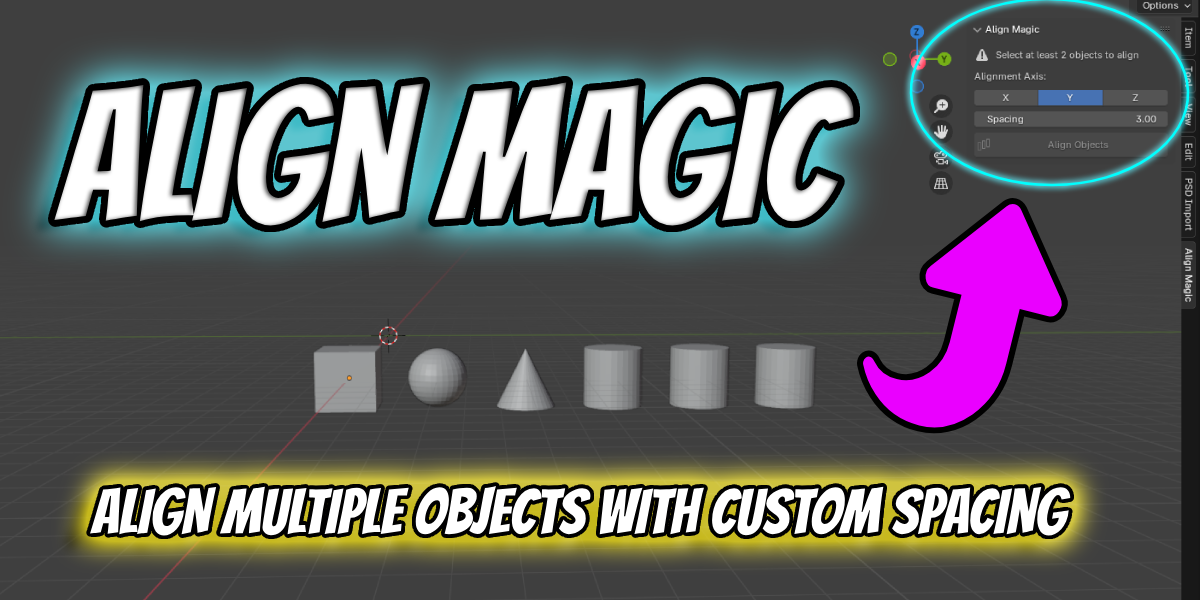
Align Magic for Blender arranges selected objects around an active reference, with X, Y, or Z alignment and positive or negative spacing.
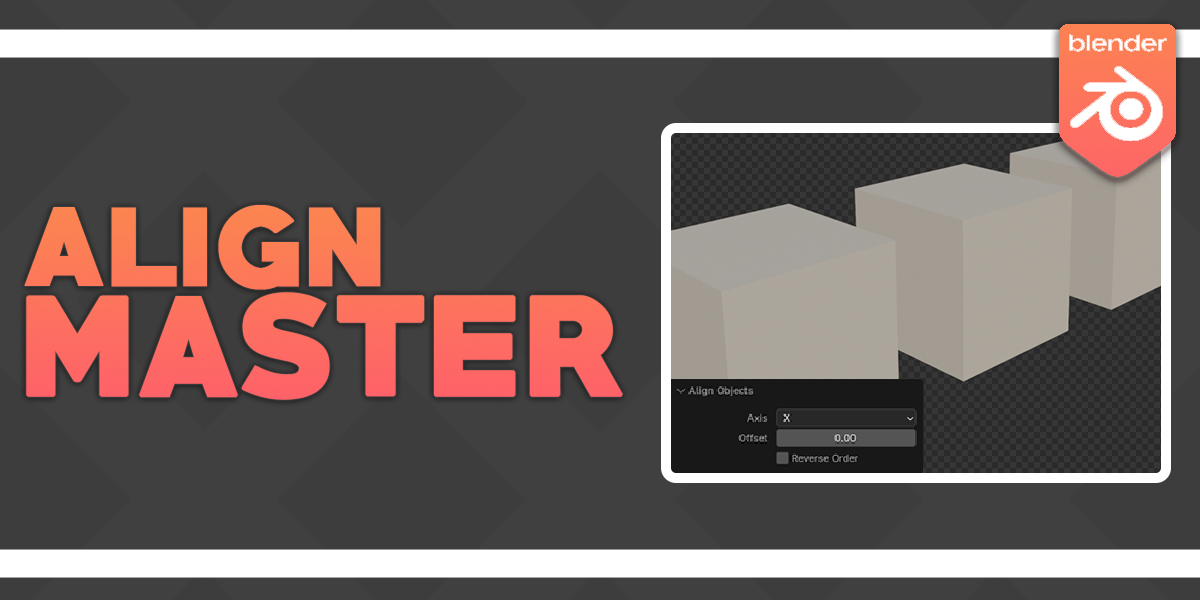
Align selected Blender objects on X, Y, or Z with adjustable spacing and reverse order. See Align Master's controls, listed Blender version, and setup steps.
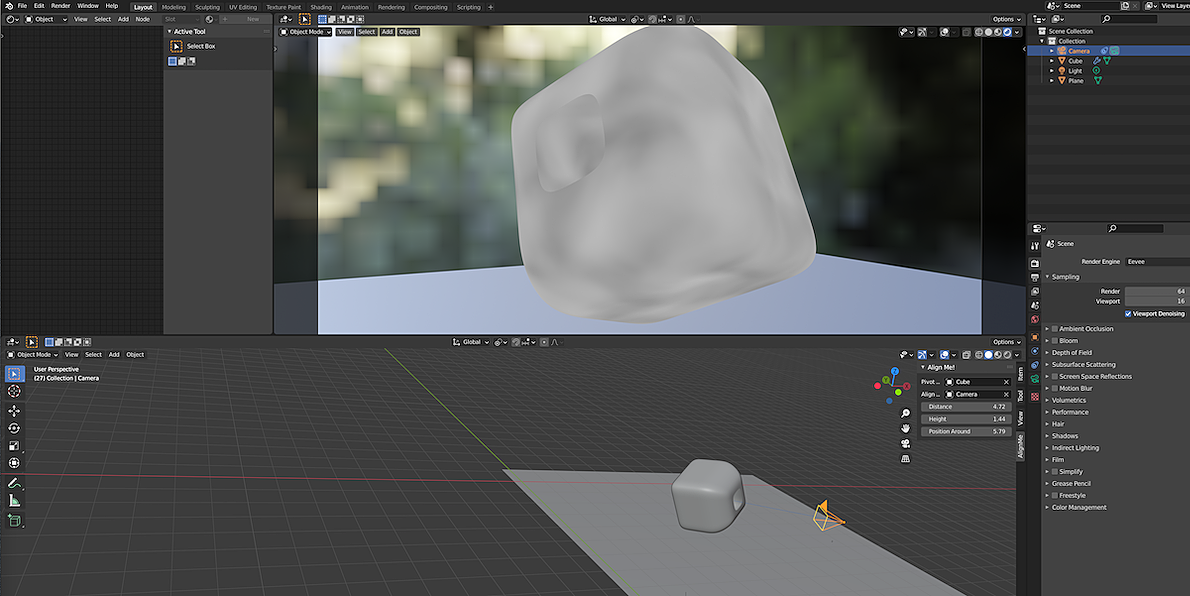
Align Me is a Blender add-on for placing a camera or light around an object with distance, height and position controls. See setup and listed versions.
Align Pro: Axis And Normal is a Blender add-on for object alignment by reference point or surface normal, matching rotation and scale, and equal spacing.
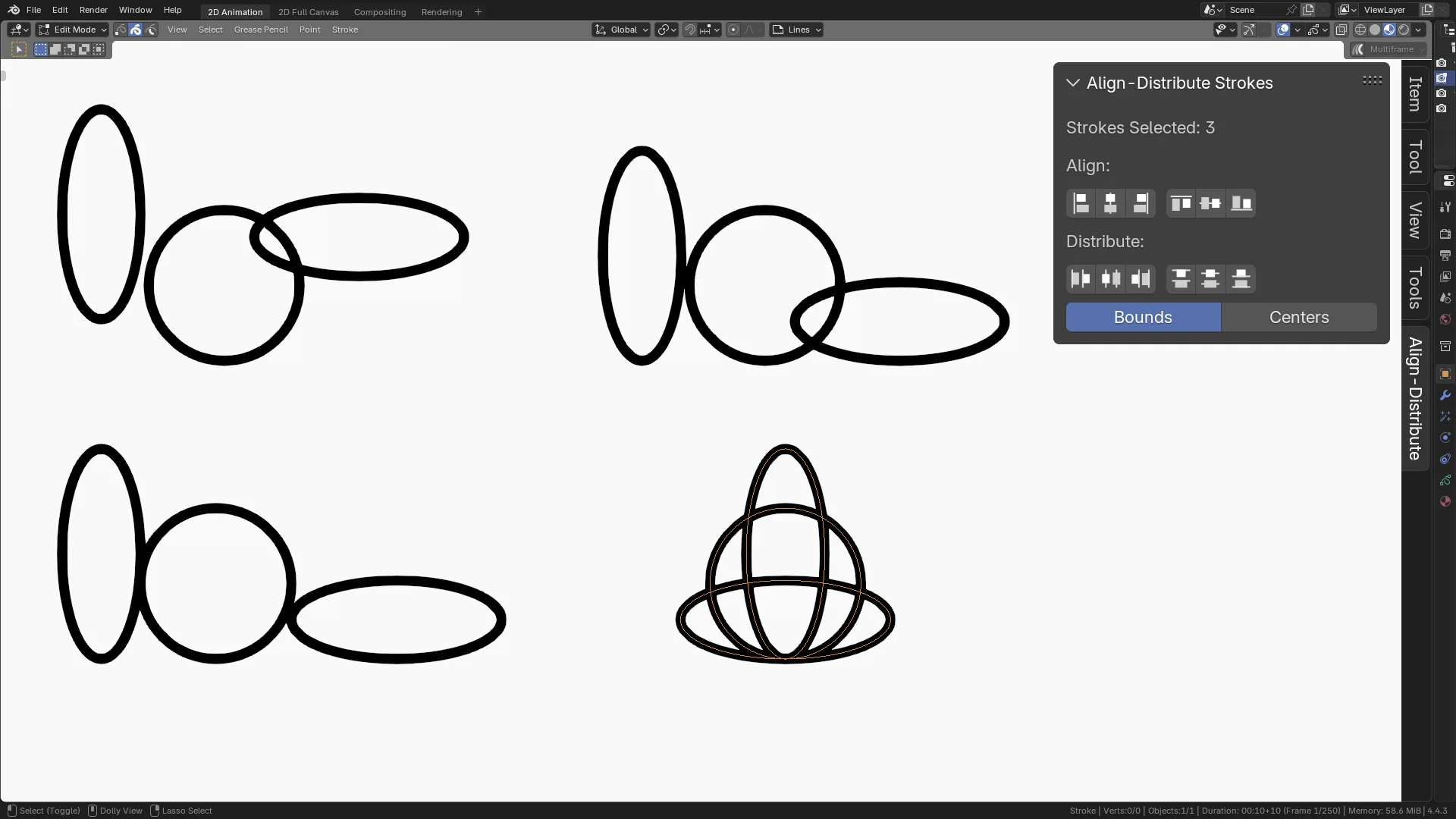
Align-Distribute Grease Pencil Strokes aligns or spaces selected strokes. Version 2.1.0 affects visible, unlocked layers; Blender 4.4+ is required.
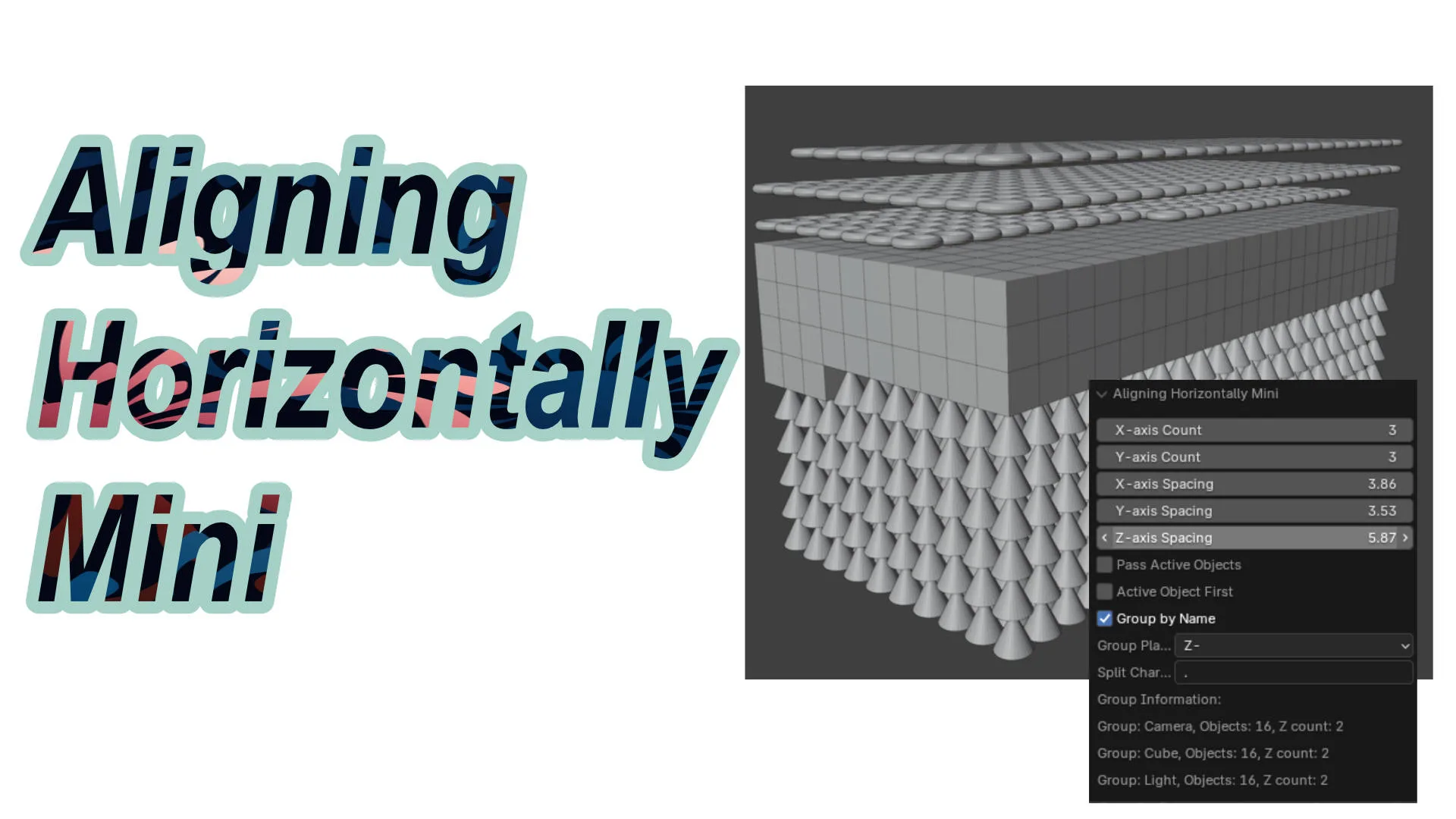
Aligning Horizontally Mini arranges selected Blender objects in a 3D viewport grid, with adjustable X/Y counts, X/Y/Z spacing, and name-based groups.
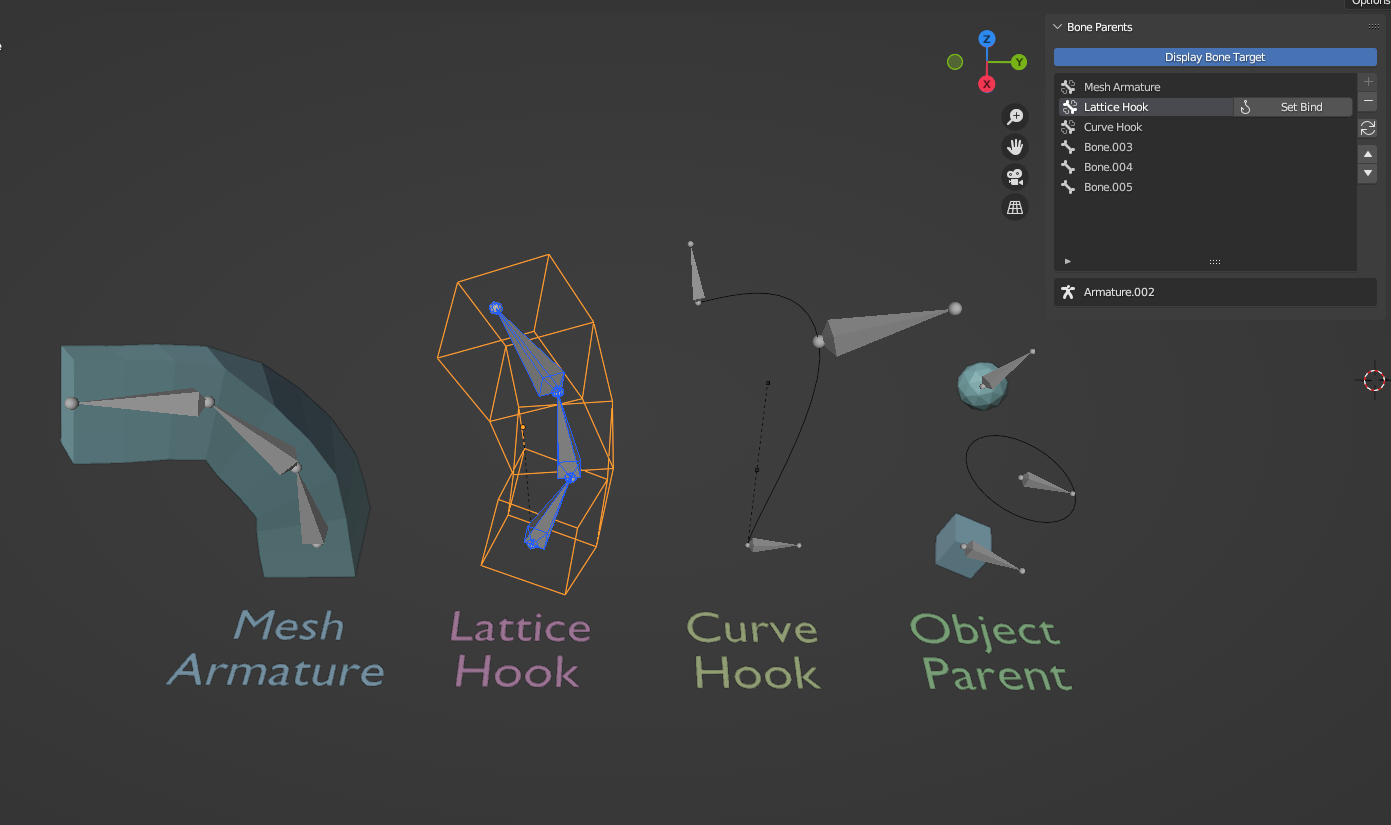
All Bone Parents lists Blender bone targets for object parenting and bone groups for mesh, curve, and lattice bindings. Check compatibility before installing.
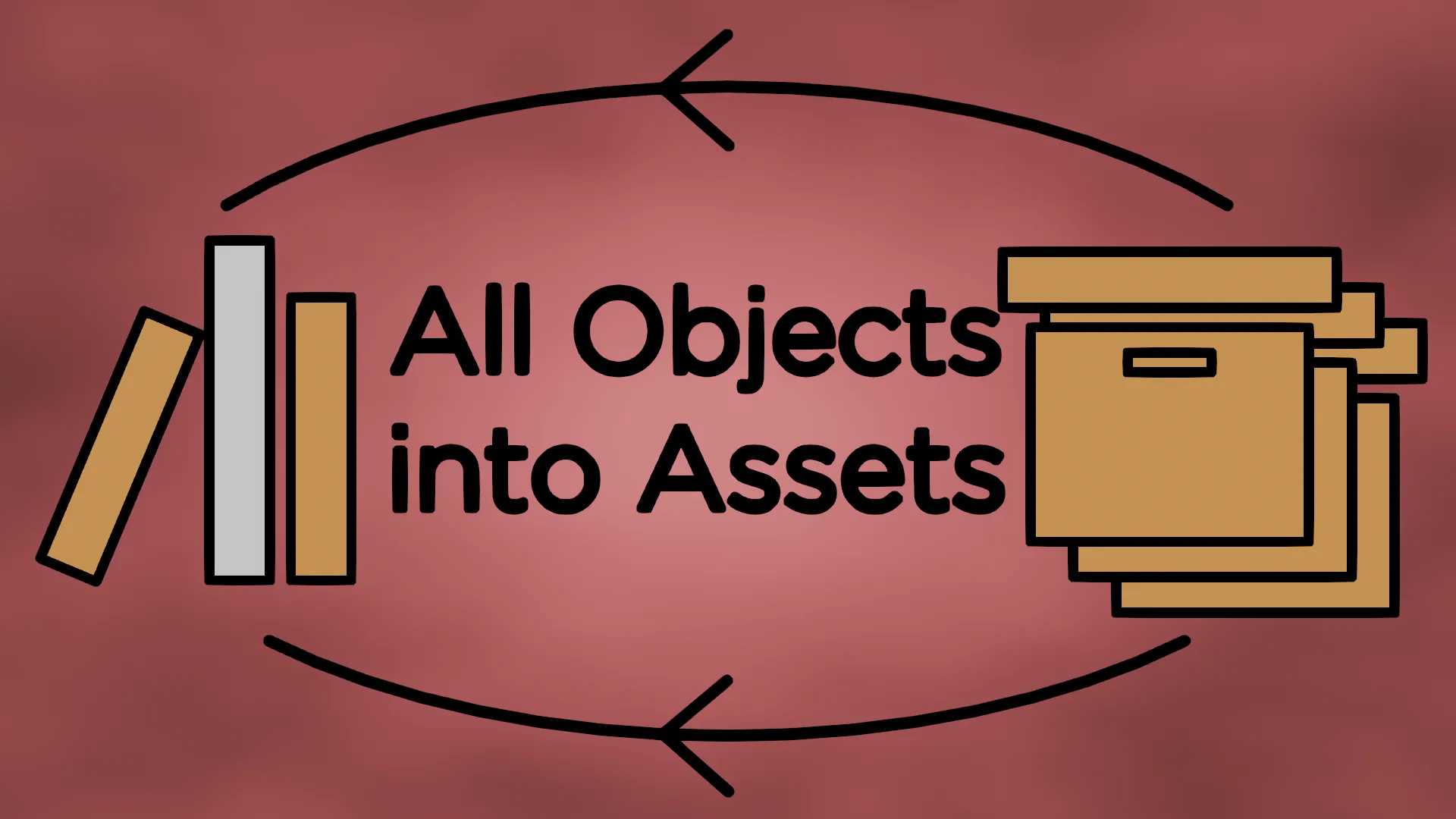
All Objects into Assets marks Blender objects and generated per-parent collections as assets, mirrors Collections into Asset Catalogs, and can refresh previews.
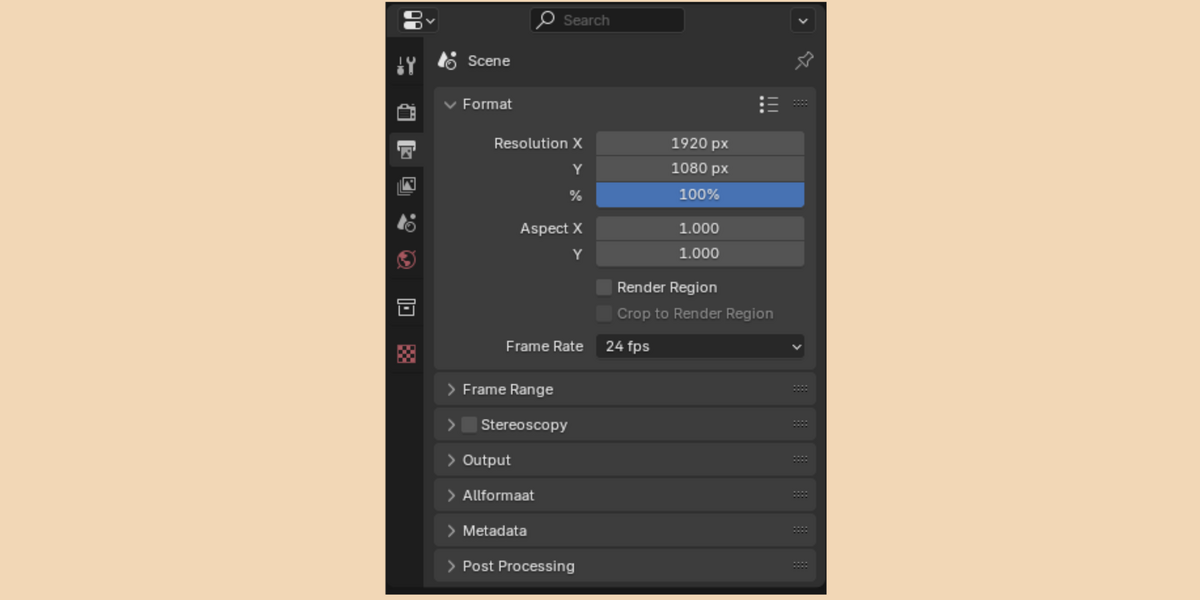
Allformaat: Render Smarter-14 Formats, One Click is a Blender add-on for rendering single frames or animations in two to 14 selected image formats.
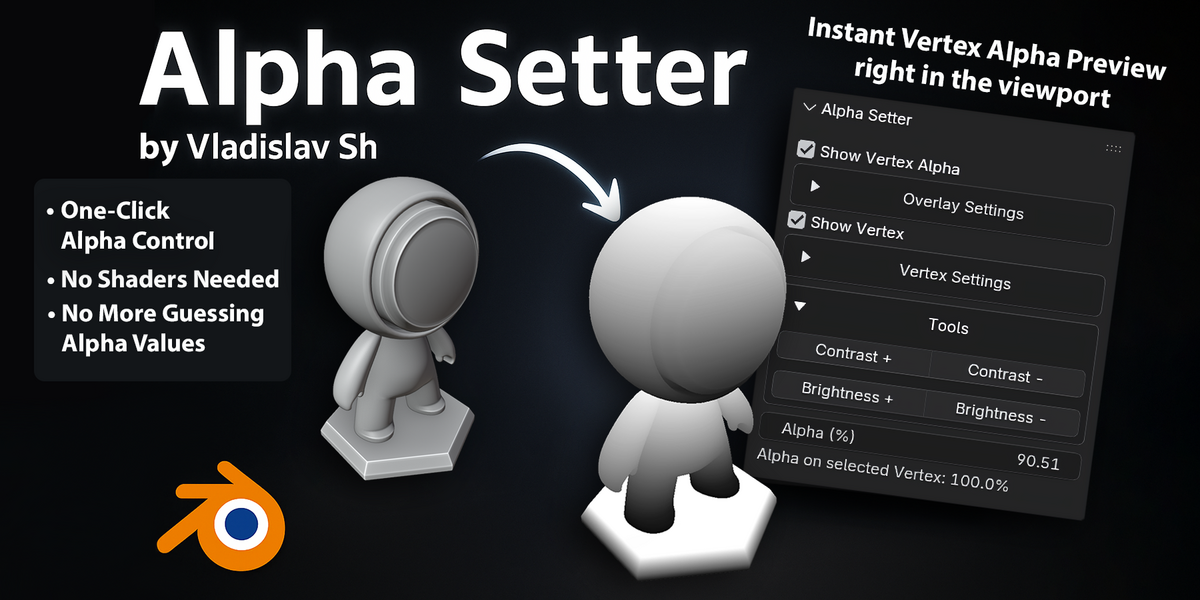
Inspect vertex alpha in Blender's viewport and edit per-vertex values in Edit Mode with Alpha Setter. Review its modes and compatibility on the seller page.
See how Alpha Trees uses four-vertex tree cards. Compare Lite and Pro scattering, culling, and libraries. Check Blender versions before installing.
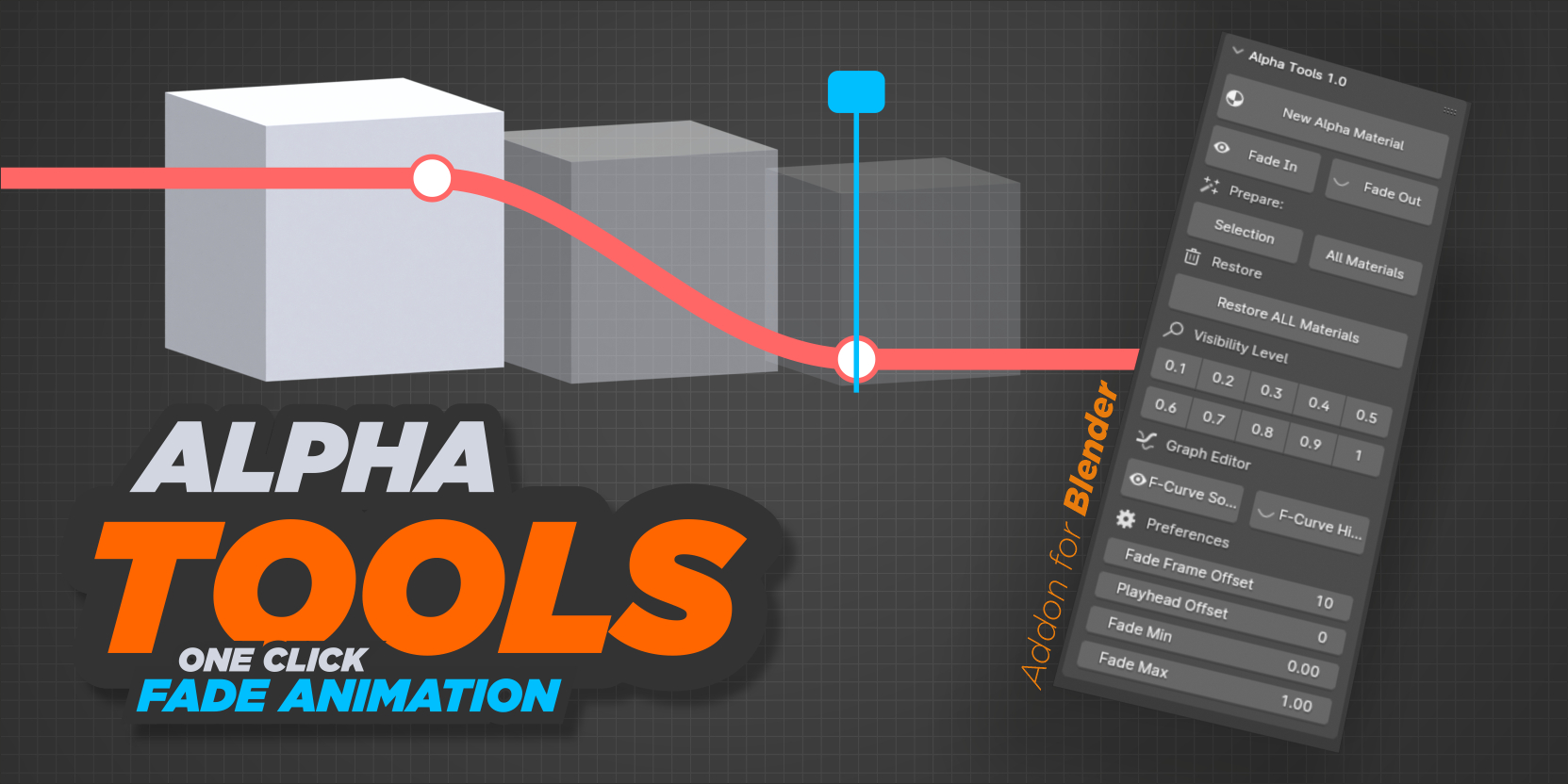
Alpha Tools is a Blender add-on for transparency, material-node setup, alpha adjustment, blend and shadow modes, and fade keyframes.
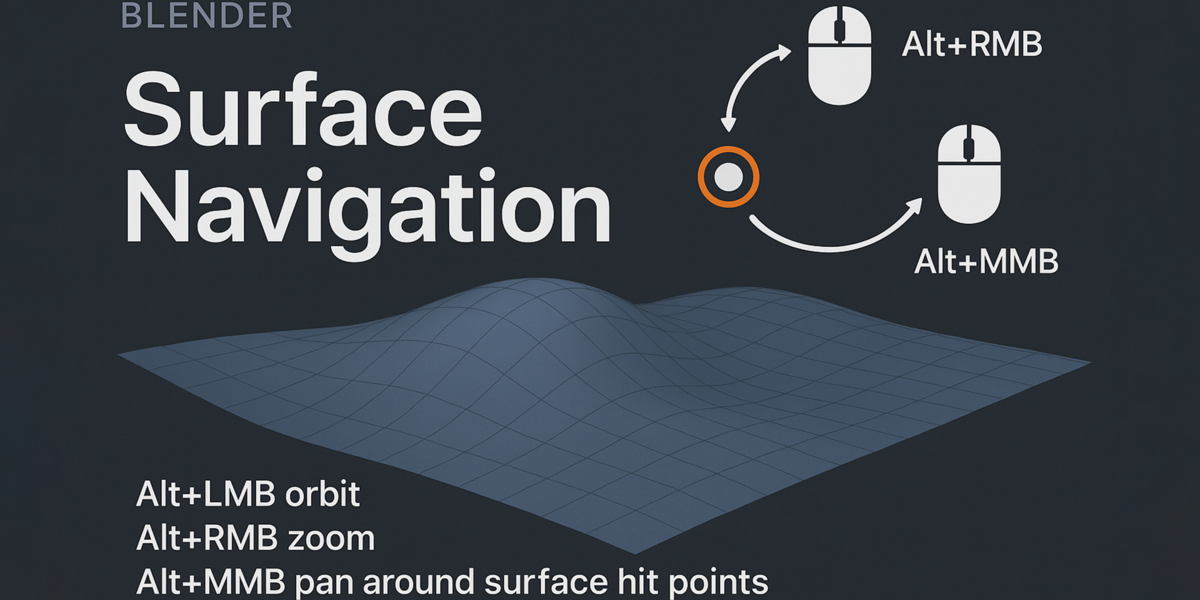
Alt Surface Navigation adds surface-point orbit, zoom, and pan to Blender. Review its Alt plus mouse controls, hit detection settings, and compatibility notes.
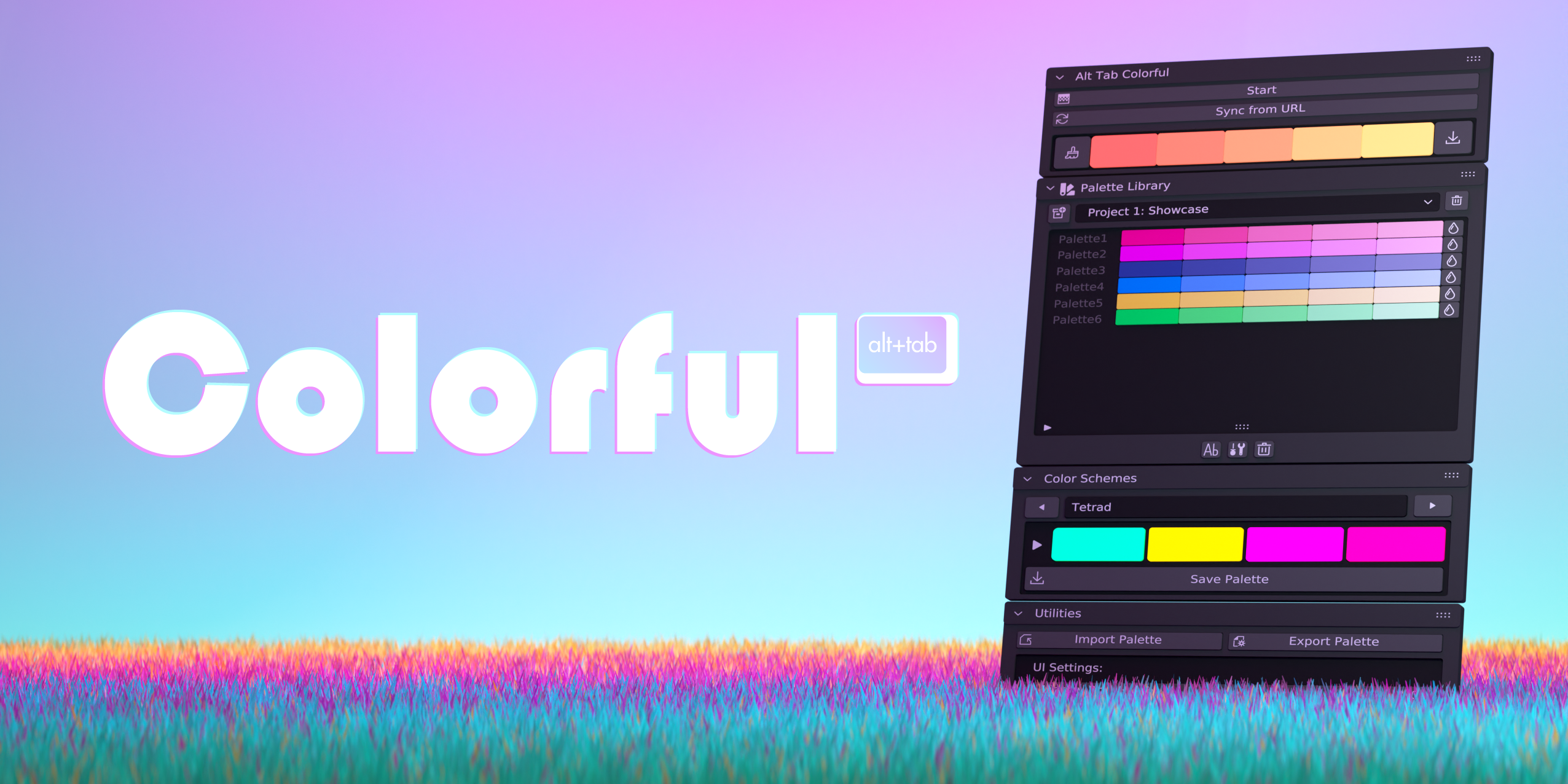
Save and reuse your commonly used colors and palettes inside Blender with Alt Tab Colorful. Review its supported Blender versions, license, and setup resources.