Blender guides - Page 111
Published software and plugin guides for Blender. Page 111 of 196.
Read the software guideCatalog results
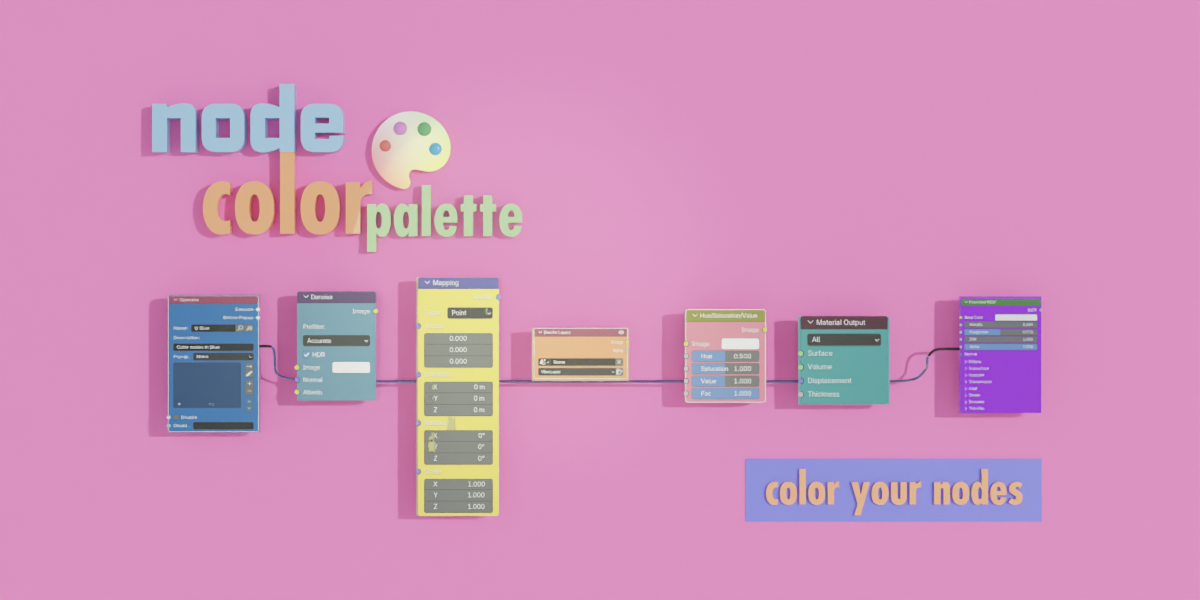
Node Color Palette
Node Color Palette colors Blender nodes in shading, compositing, geometry and visual scripting editors. Review Lite and Studio features and version notes.
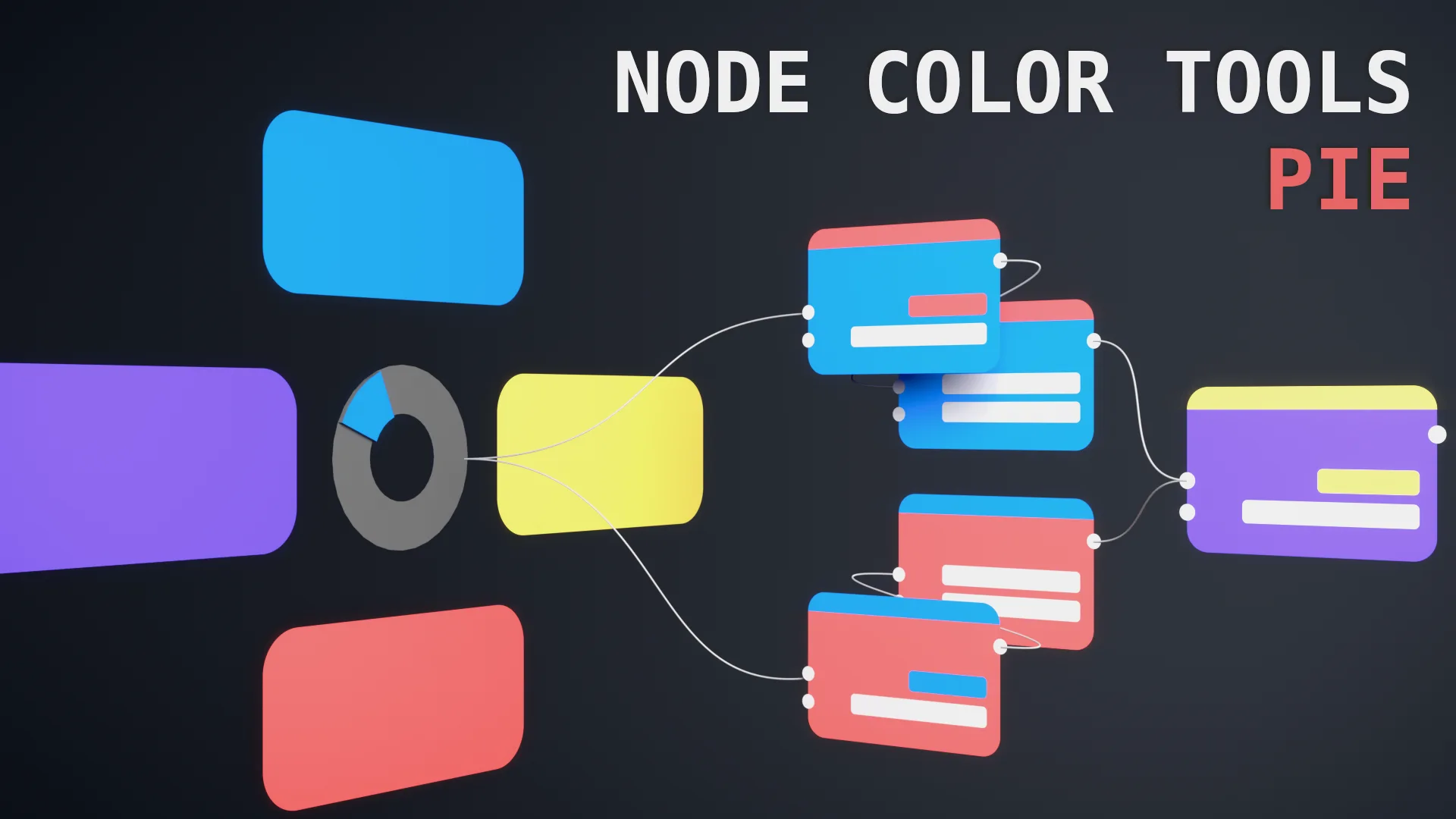
Node Color Tools Pie
Color selected Blender nodes with preset or saved colors, random assignment, copying, and removal. Compare the two pie menus and sidebar controls.
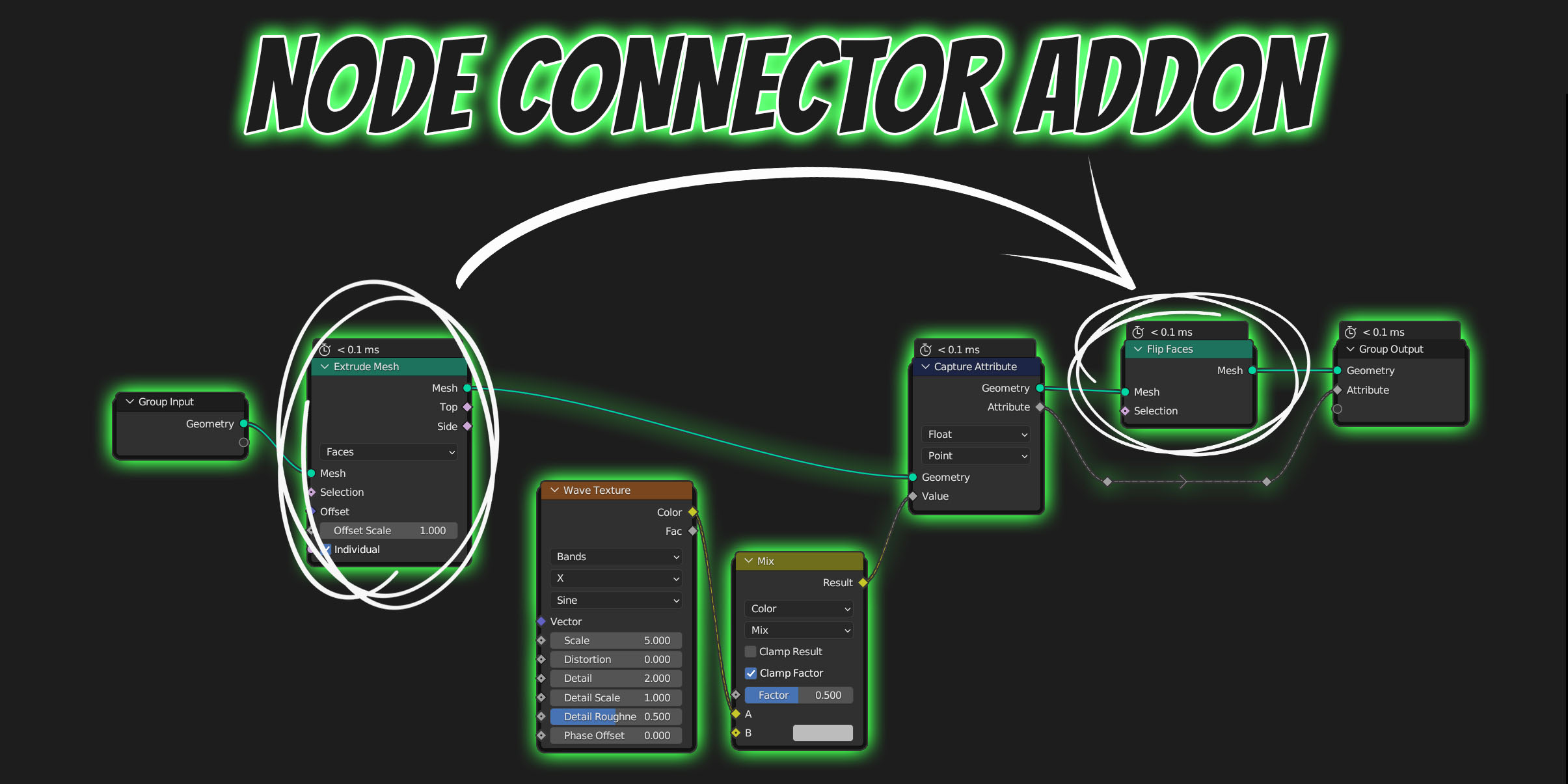
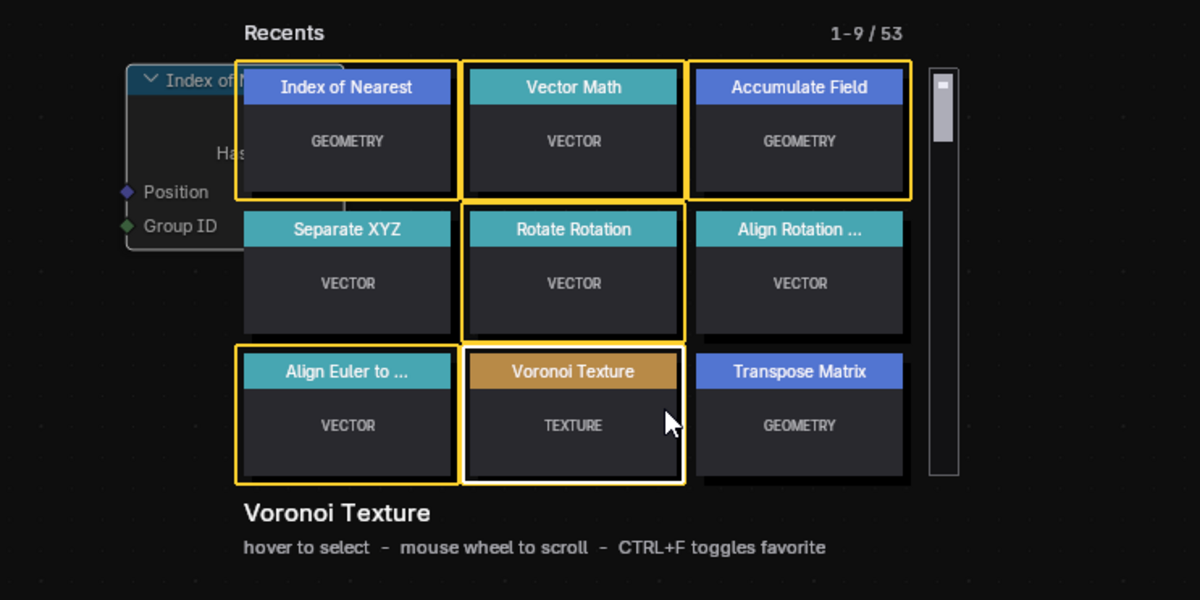
Node Connector Add-On
Connect Blender nodes to up to five saved targets from the N panel, context menu or a shortcut. Check socket options and Blender version details.
Node Differ
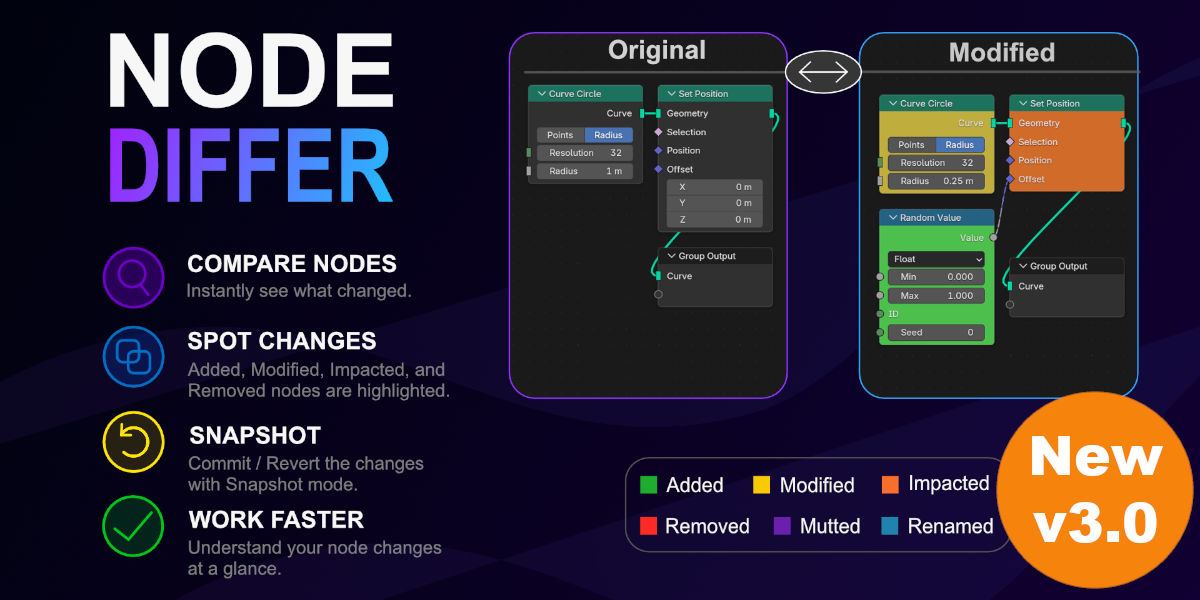
Compare node groups in Node Differ against snapshots, earlier .blend files, or saved versions, then inspect changed settings, connections, and removed nodes.
Node Downstreamer Add-On
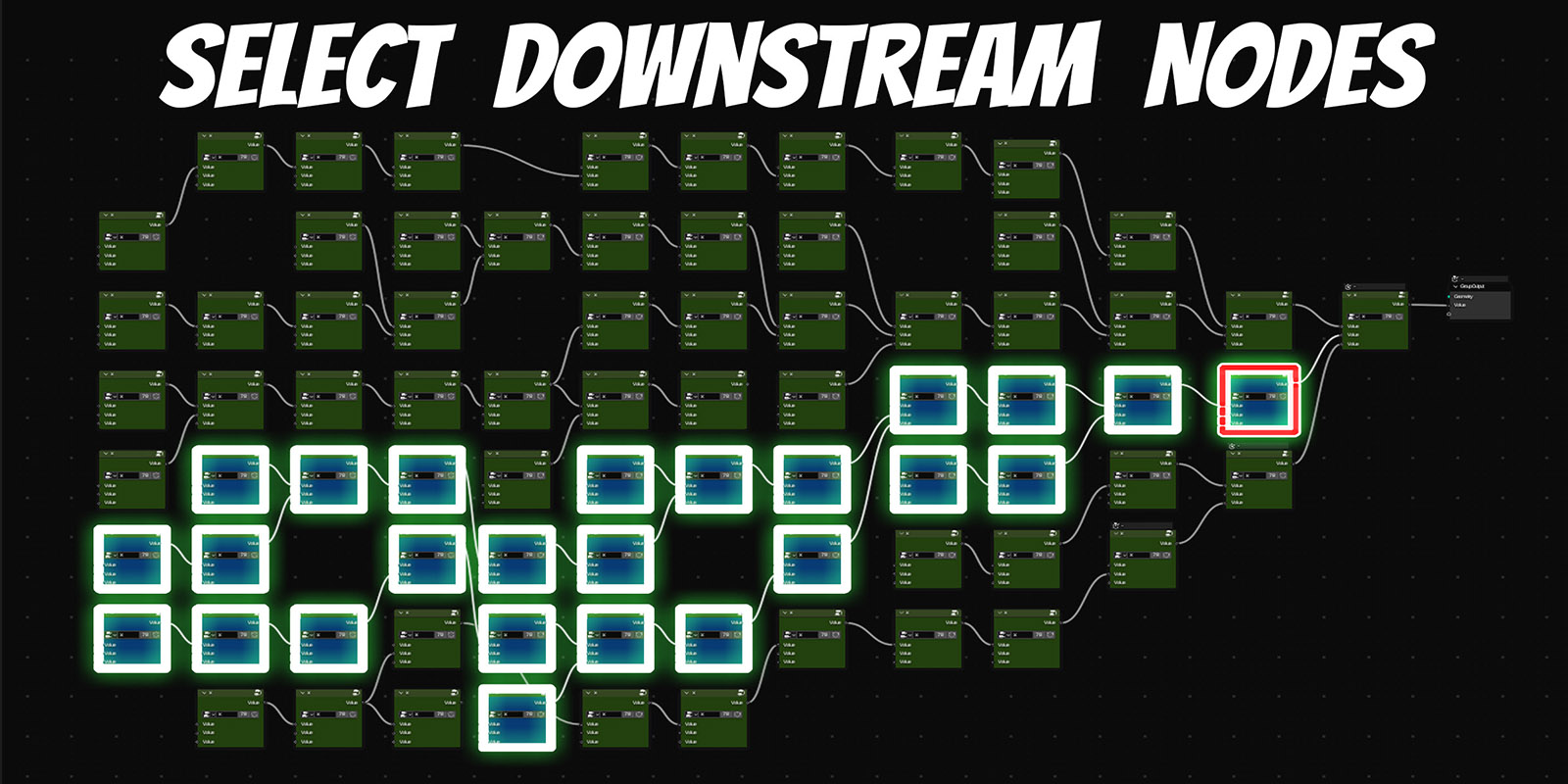
Select Blender nodes upstream or downstream with four operators, one-step choices, and custom shortcuts. Check the listed version before installing.
Node Editor Pro
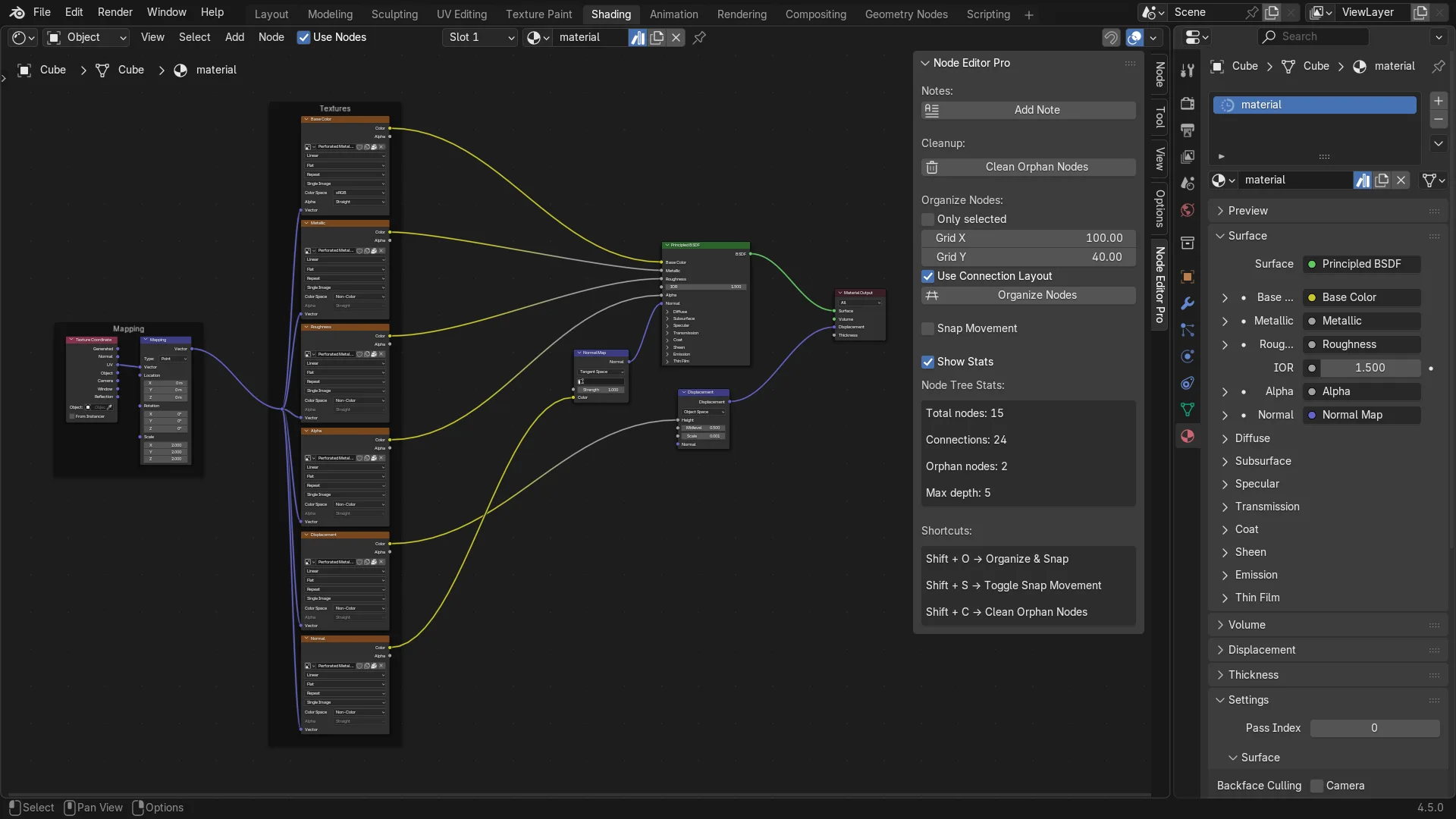
Explore Node Editor Pro for Blender: auto-layout, snapping, cleanup, notes and tree statistics. Version 0.5.0 requires Blender 4.2.0 or later.
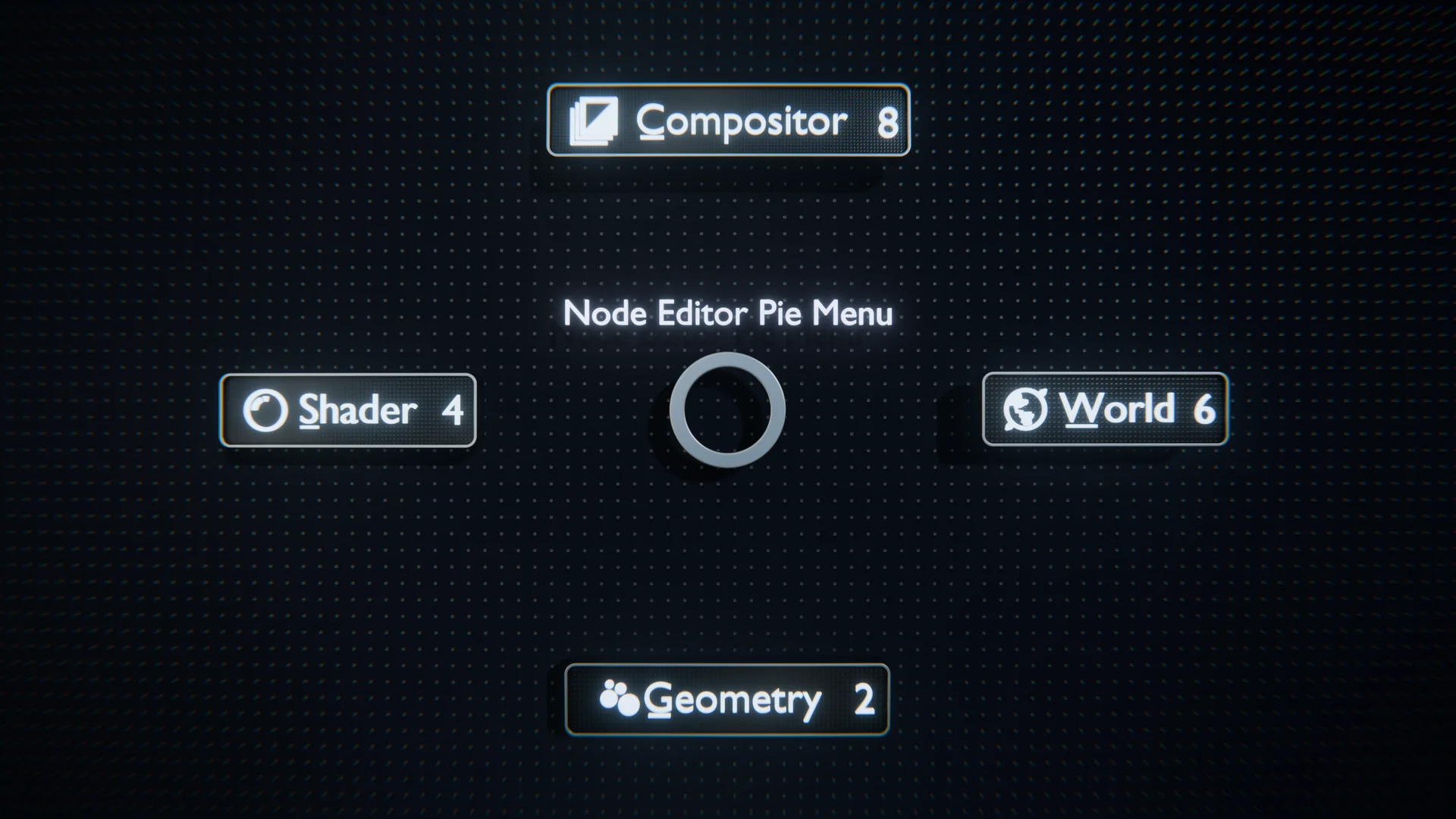
Node Editor Switcher
Node Editor Switcher adds a pie menu, header buttons, and shortcuts for Blender's four node editors. Check compatibility and configure its shortcuts.
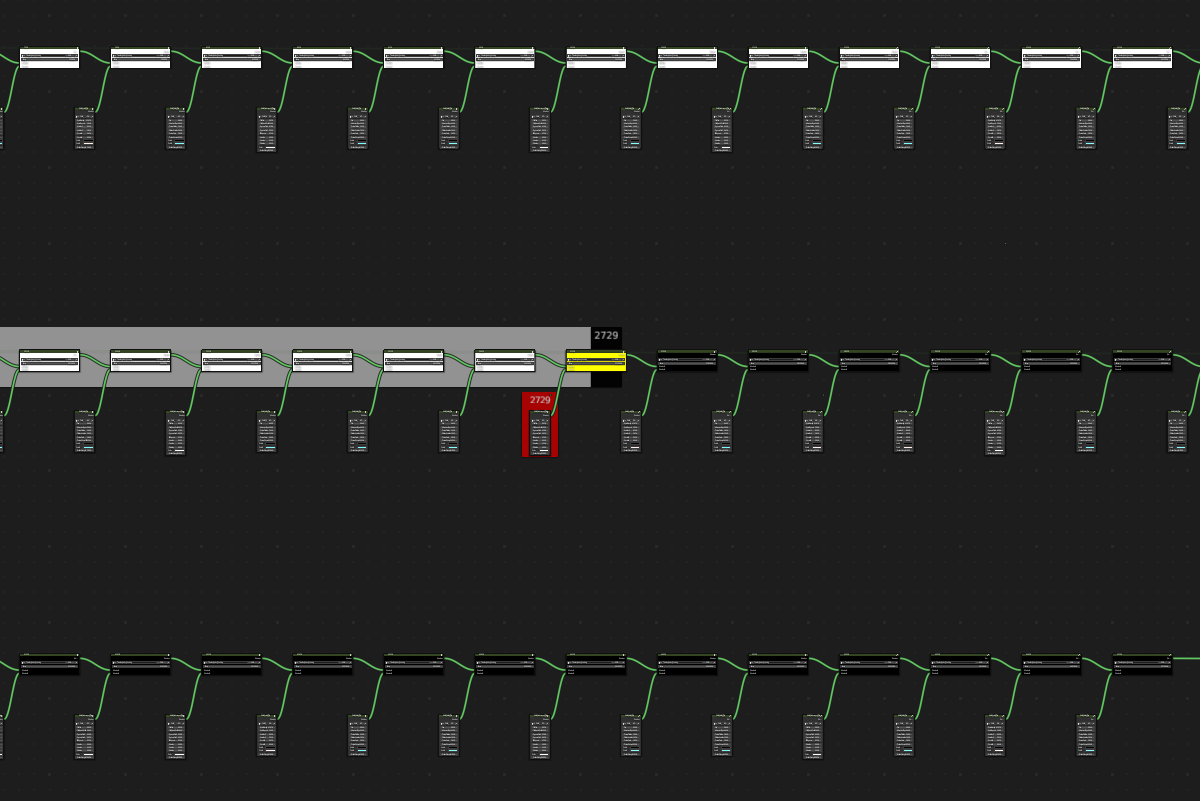
Node Editor Timeline
Control timing inside Blender node editors with marker-based cuts, random frame ranges, node-group timelines and switch controls from GhostVertex.
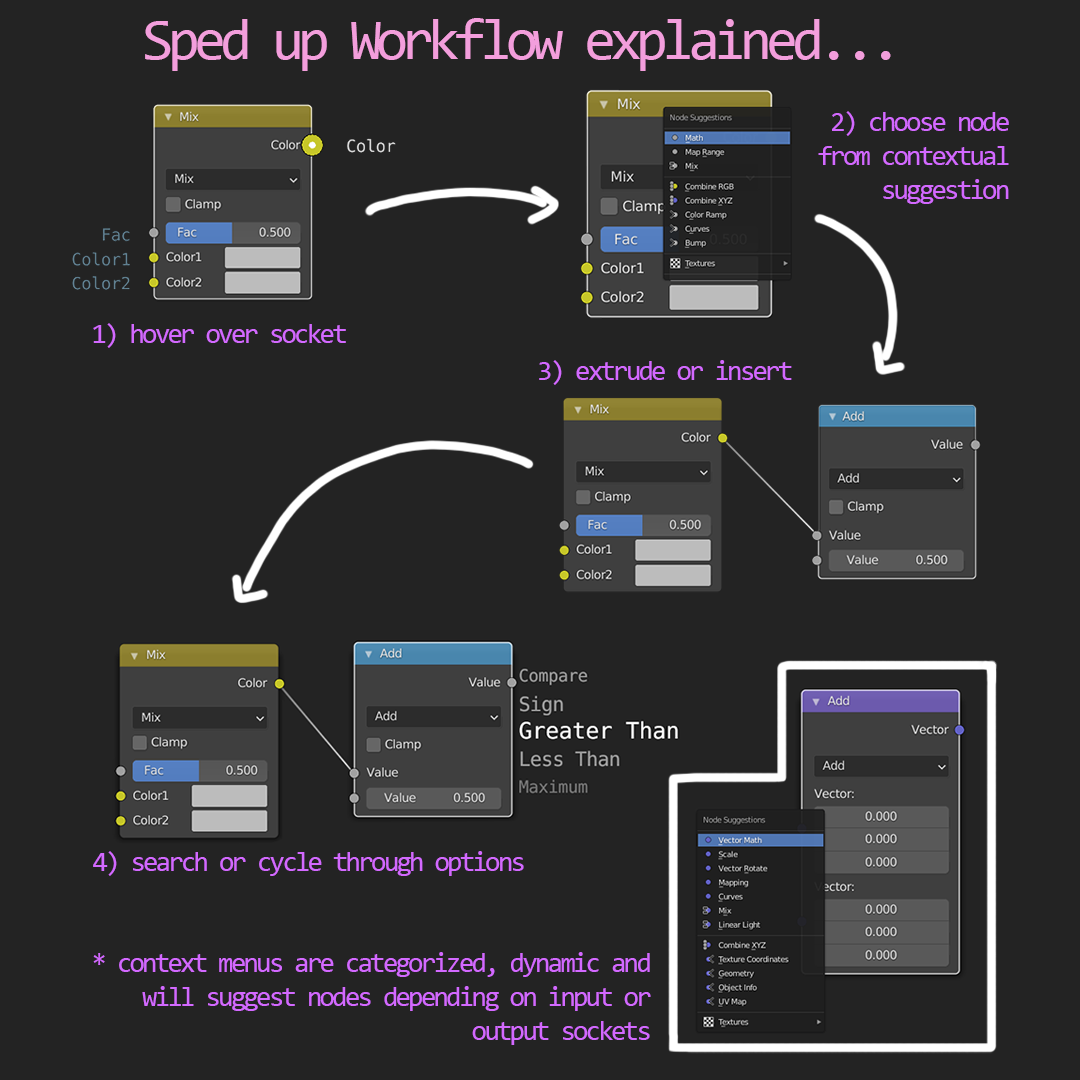
Node Extrude Addon
Add nodes from sockets in Blender’s Shader Editor with Node Extrude Addon. Its listing names Blender 2.93 and says only shader nodes are supported.
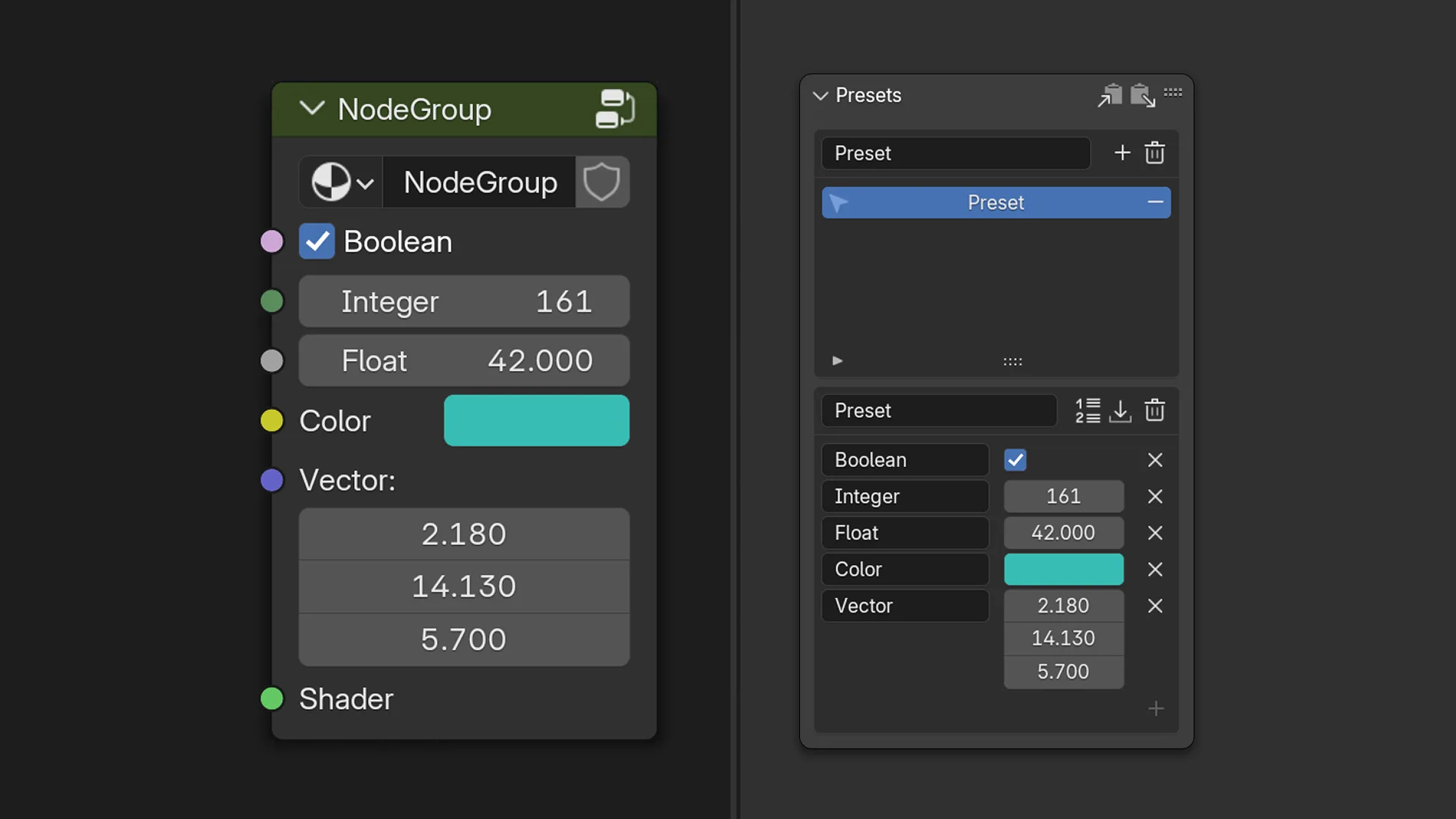
Node Group Presets
Node Group Presets are for saving Blender node group values as presets and copying them between groups or files. Version 0.8.0 requires Blender 4.2.0 or later.

Node Group Utilities
Explore Node Group Utilities for Blender: manage group defaults, reset values, and add custom sockets. Check Blender 4.2+ compatibility and the GPL license.
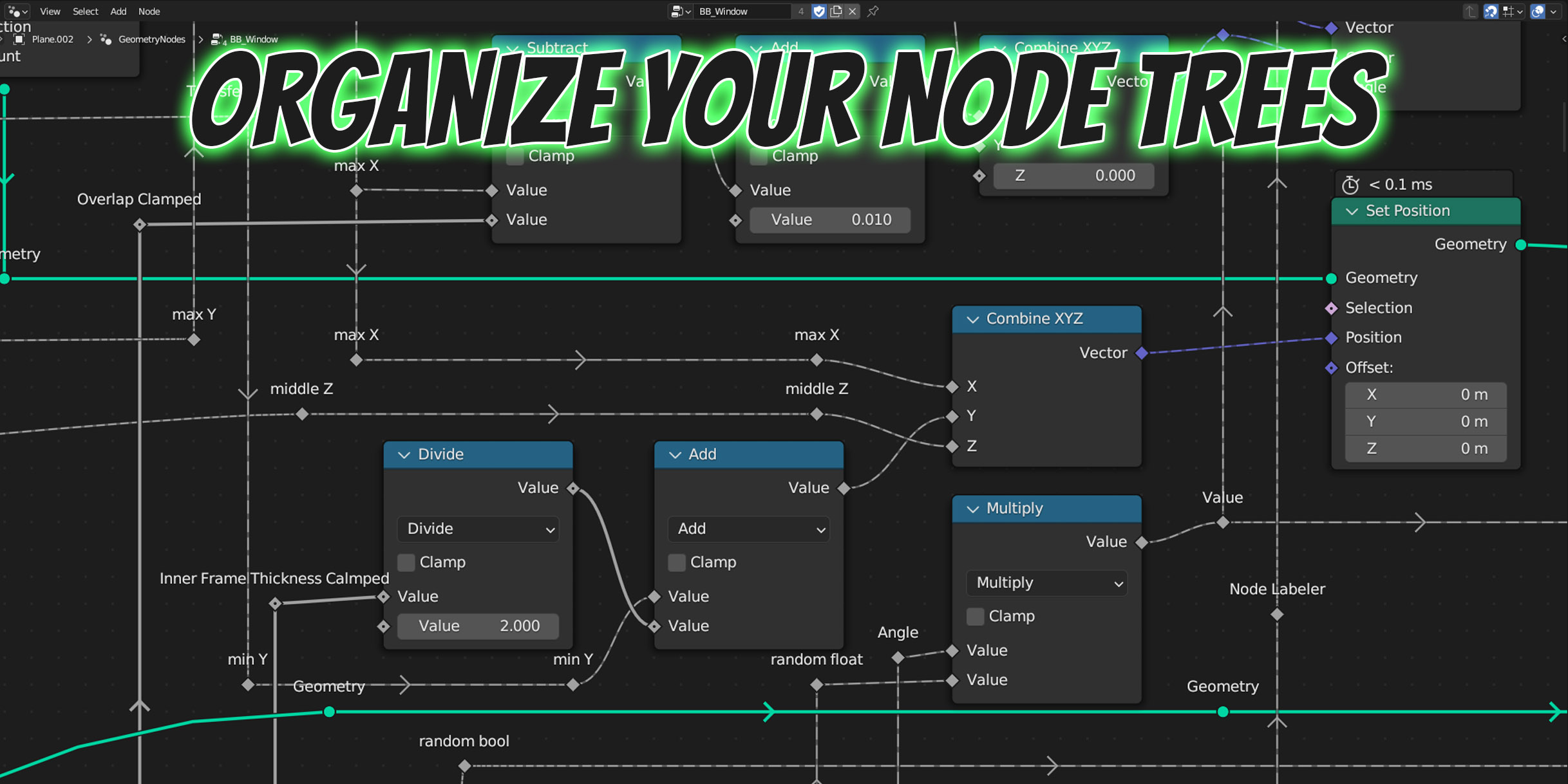
Node Labeler Add-On
Node Labeler Add-On labels selected nodes or Reroutes and clears their labels; it creates a Reroute for each output socket. Check Blender 5.2 support.

Node Mapper
See how Node Mapper maps Blender shader, geometry, compositor, and custom node trees, with click navigation, selection highlights, and N-panel controls.
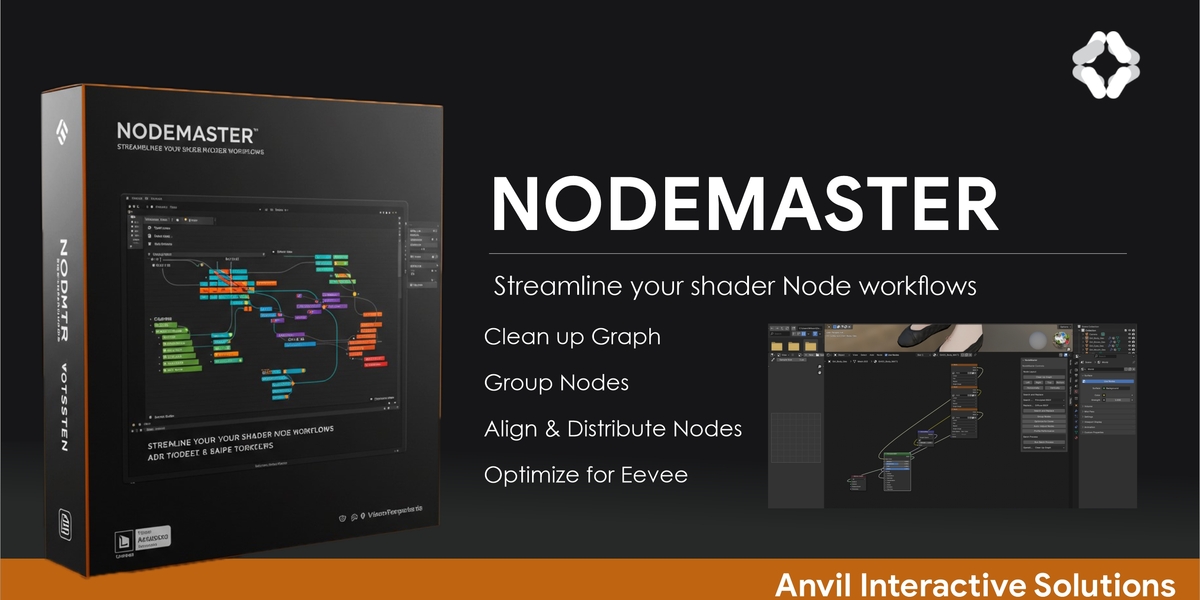
Node Master
Organize Blender shader graphs, batch-process materials, reuse node templates, and review estimated Cycles and Eevee performance with Node Master.
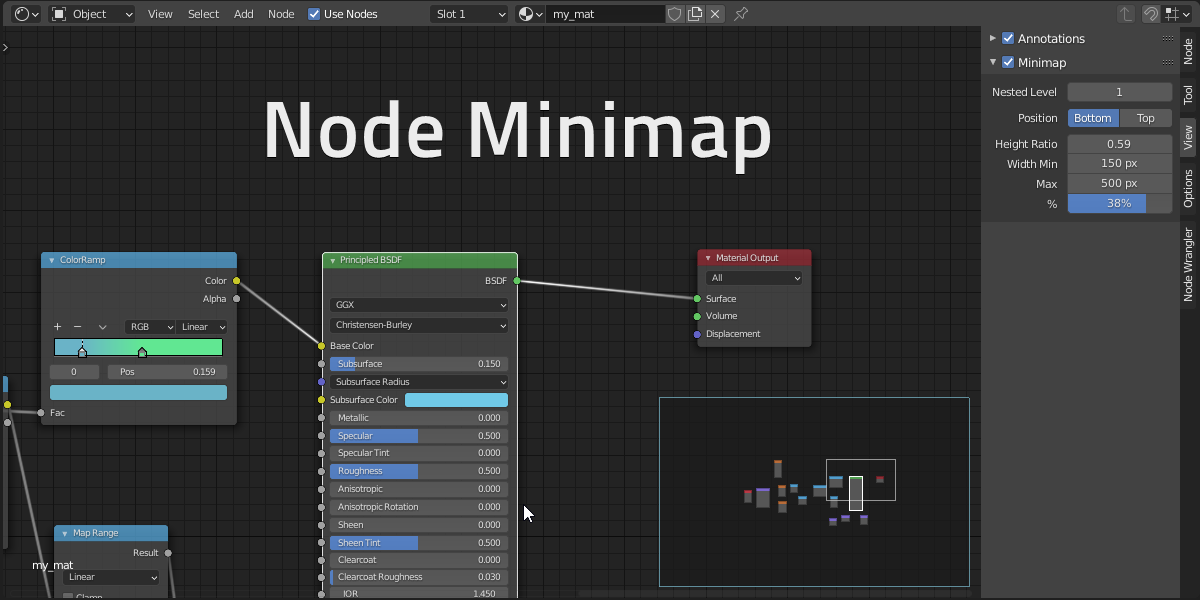
Node Minimap
Navigate Blender node trees with Node Minimap. Move with the middle mouse button, spot active and selected nodes, and adjust map size, colors, and frame depth.
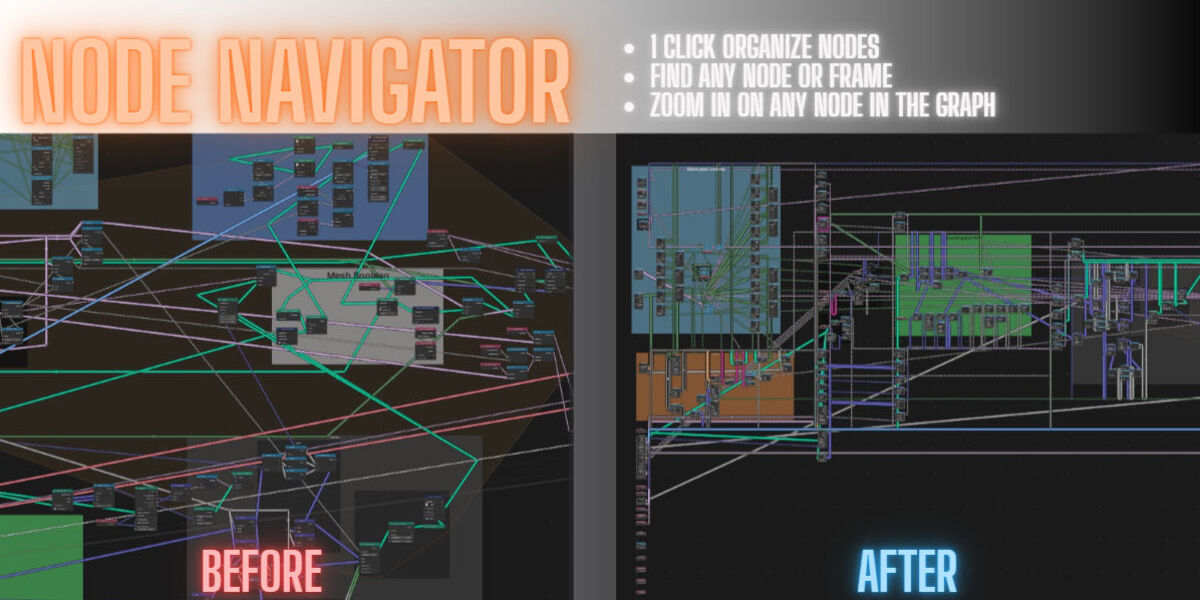
Node Navigator
Explore Node Navigator for Blender: find nodes, filter by frame, format graphs, and check support for Blender 3.6 to 5.2 on Windows, macOS, and Linux.
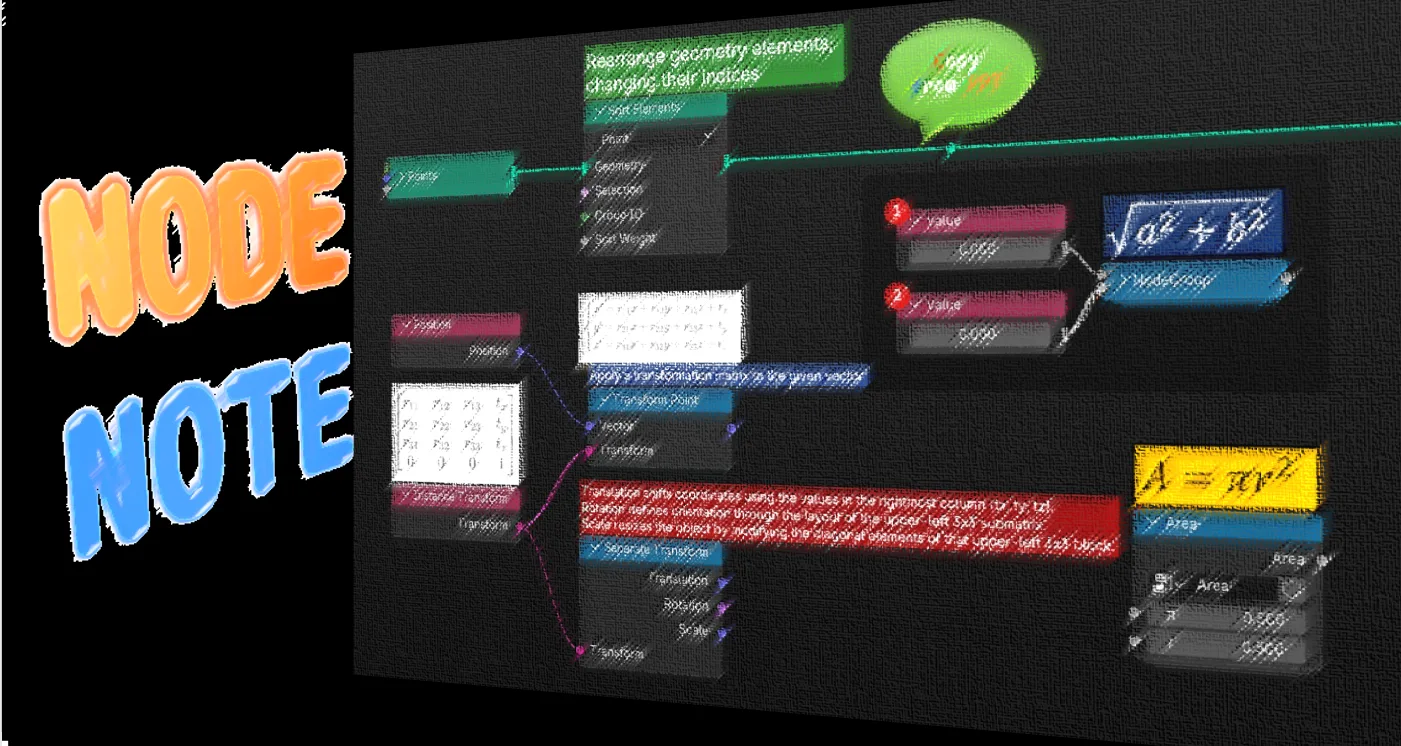
Node Note/节点随记
Add text and clipboard image notes to Blender nodes, then mark them with numbered badges. Node Note/节点随记 is listed with Blender 4.2.0 as its minimum version.
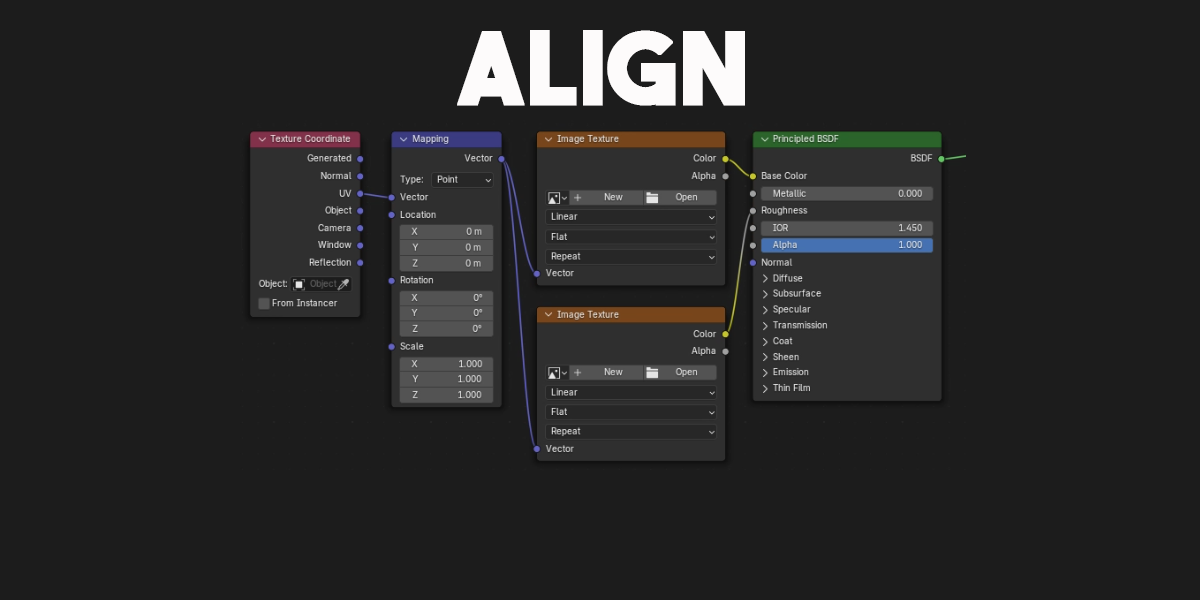
Node Organizer
Align and clean Blender node graphs with Node Organizer. Check supported node trees and Blender versions, then follow the documented install steps.
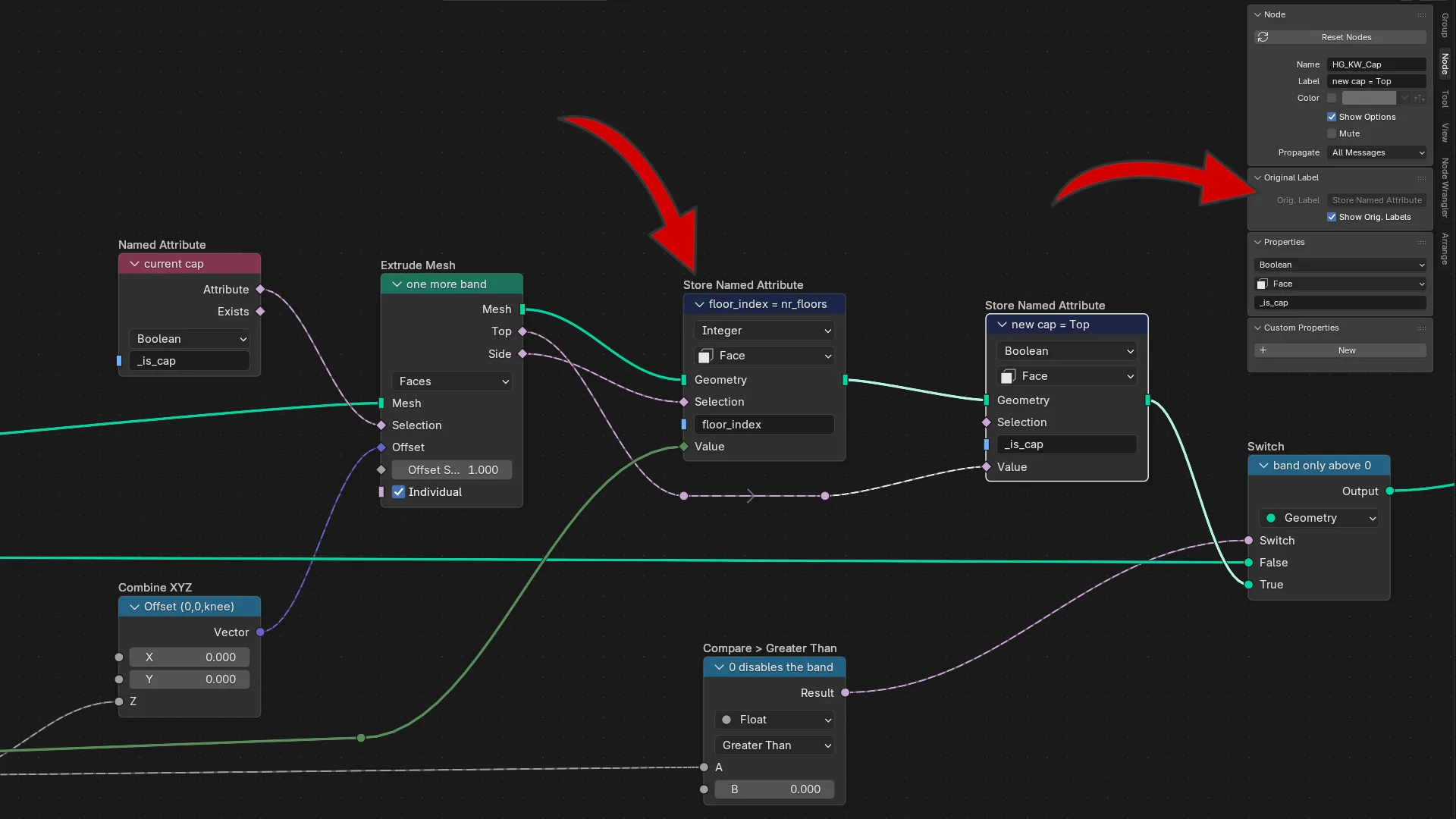
Node Original Labels
Node Original Labels are for keeping node types visible after custom labels replace them. Learn how its sidebar, overlay and saved preference work in Blender.
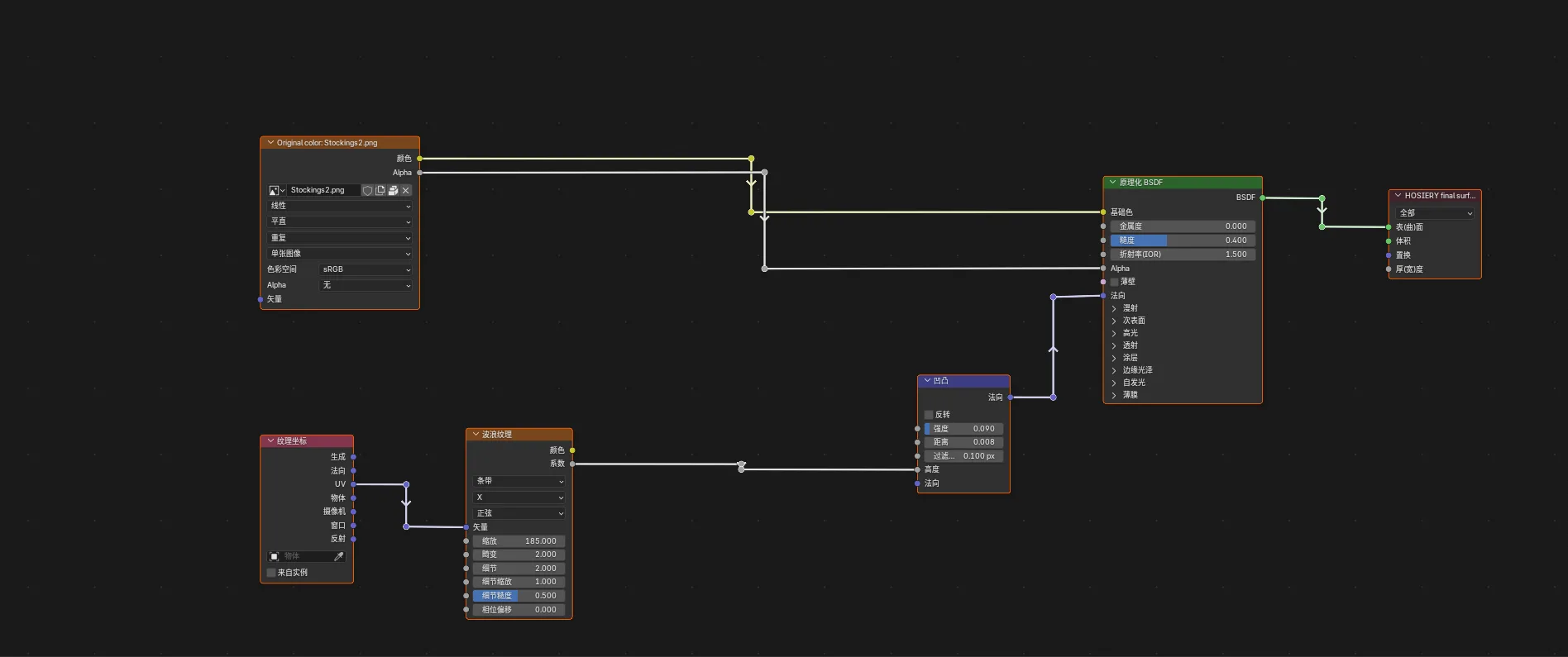
Node Orthogonalizer
Route Blender node links into exact 90-degree paths in Shader, Compositor, and Geometry Nodes. Review its layout tools and Blender 5.2 requirement.
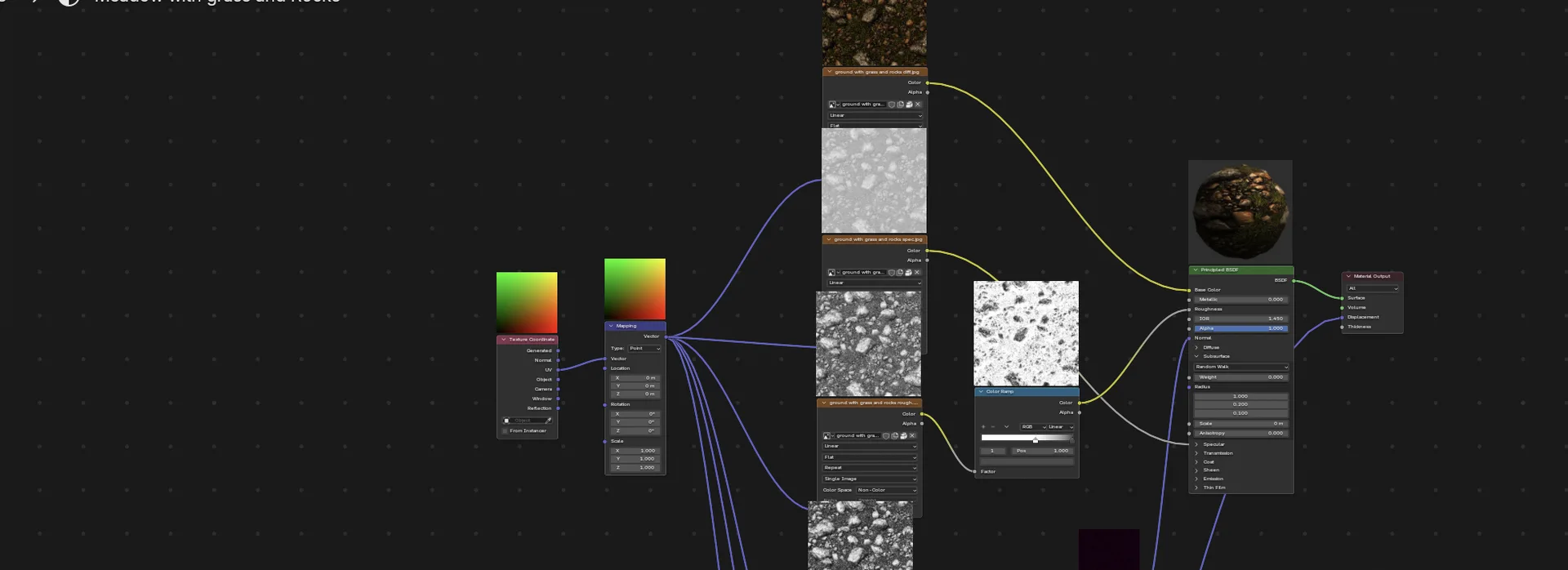
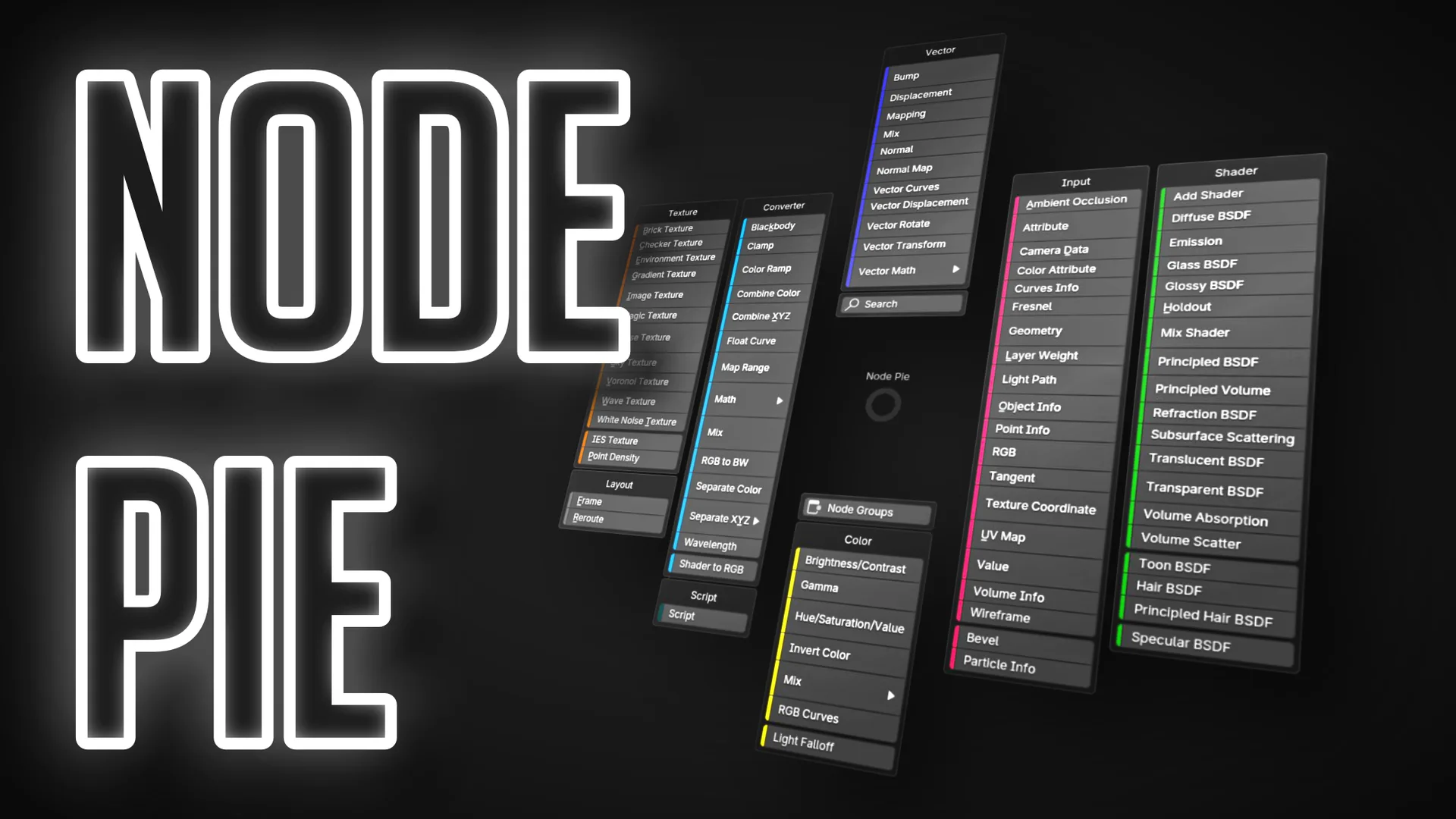
Node Pie
Node Pie replaces Blender’s add-node menu with a pie menu for placing, connecting, or inserting nodes into links. It requires Blender 4.2.0 or later.