Power Paste
Power Paste is a Blender add-on for pasting clipboard images into editors and processing them for height or displacement use with Ctrl+Shift+Alt+V.
Published software and plugin guides for Blender. Page 127 of 196.
Read the software guidePower Paste is a Blender add-on for pasting clipboard images into editors and processing them for height or displacement use with Ctrl+Shift+Alt+V.
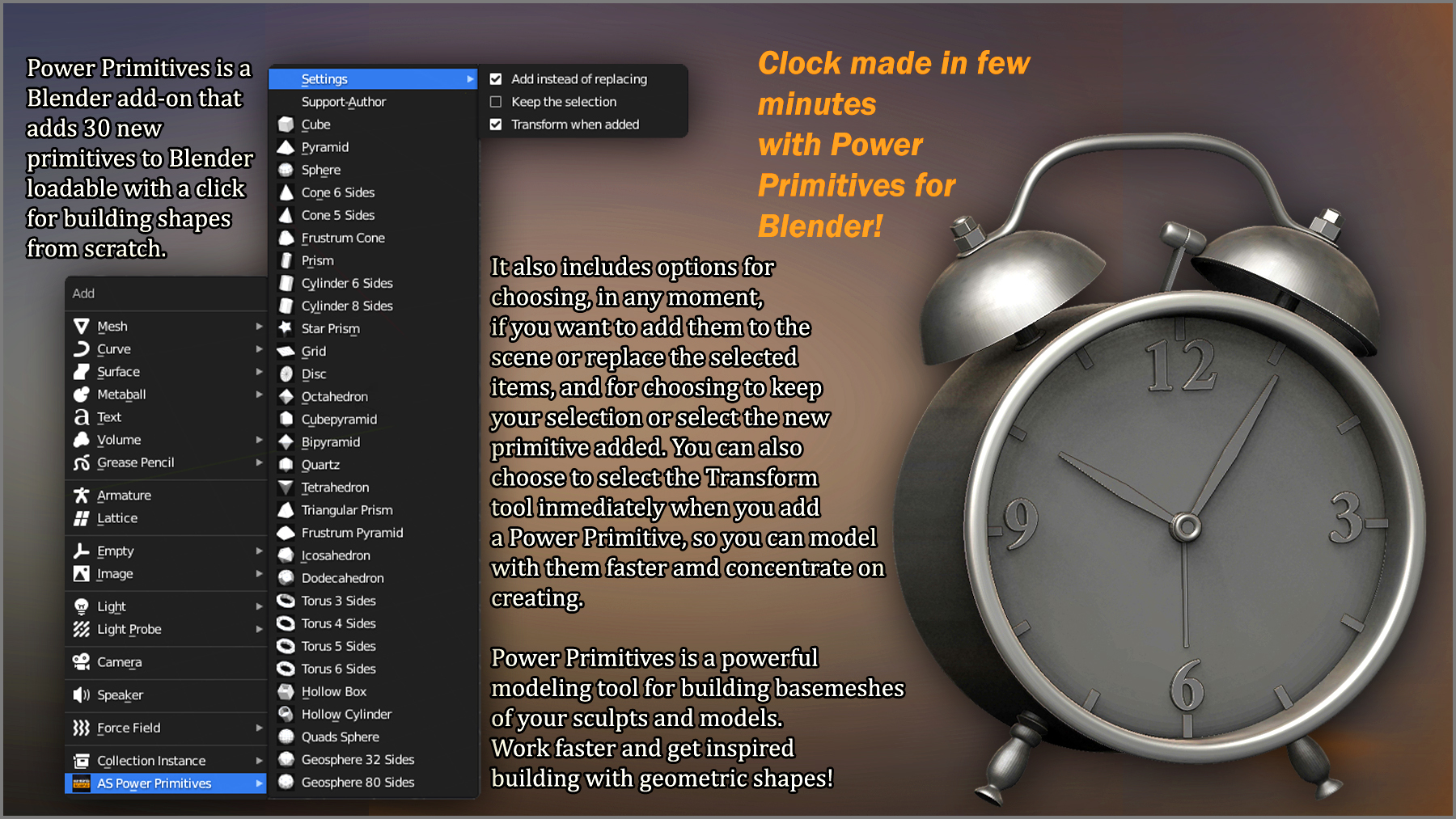
Power Primitives Add-On brings 30 mesh shapes to Blender for low-poly modeling and blocking, with controls for selection, placement, and initial scale.
Explore Power Sequencer for Blender: cut, trim, select and join strips, then add transitions in the Video Sequencer. Check version 2.0.4 compatibility.
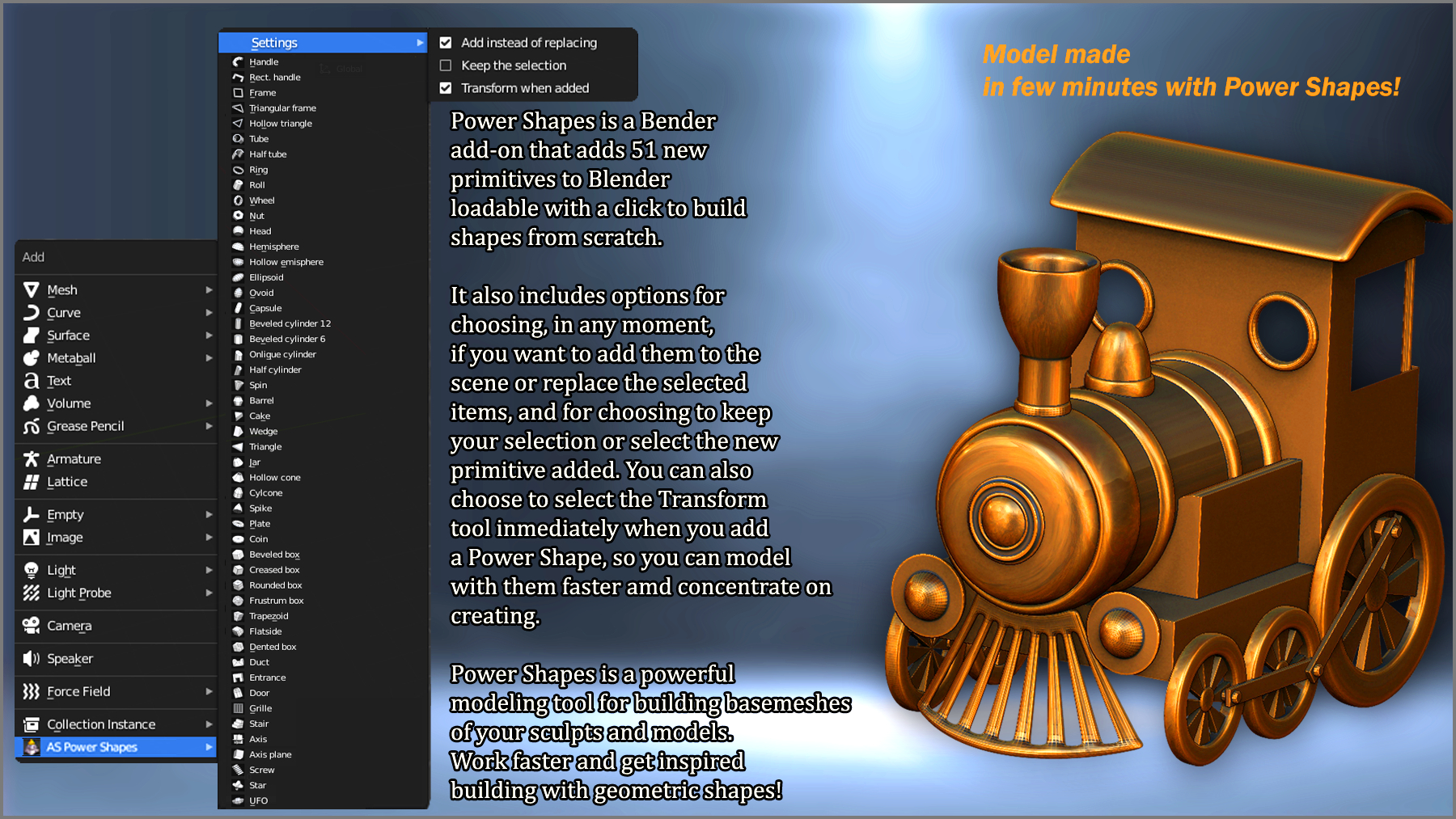
Power Shapes Add-On adds 30 Blender primitives for low-poly work, with selection, transform and scale controls. View the included PDF and video tutorials.
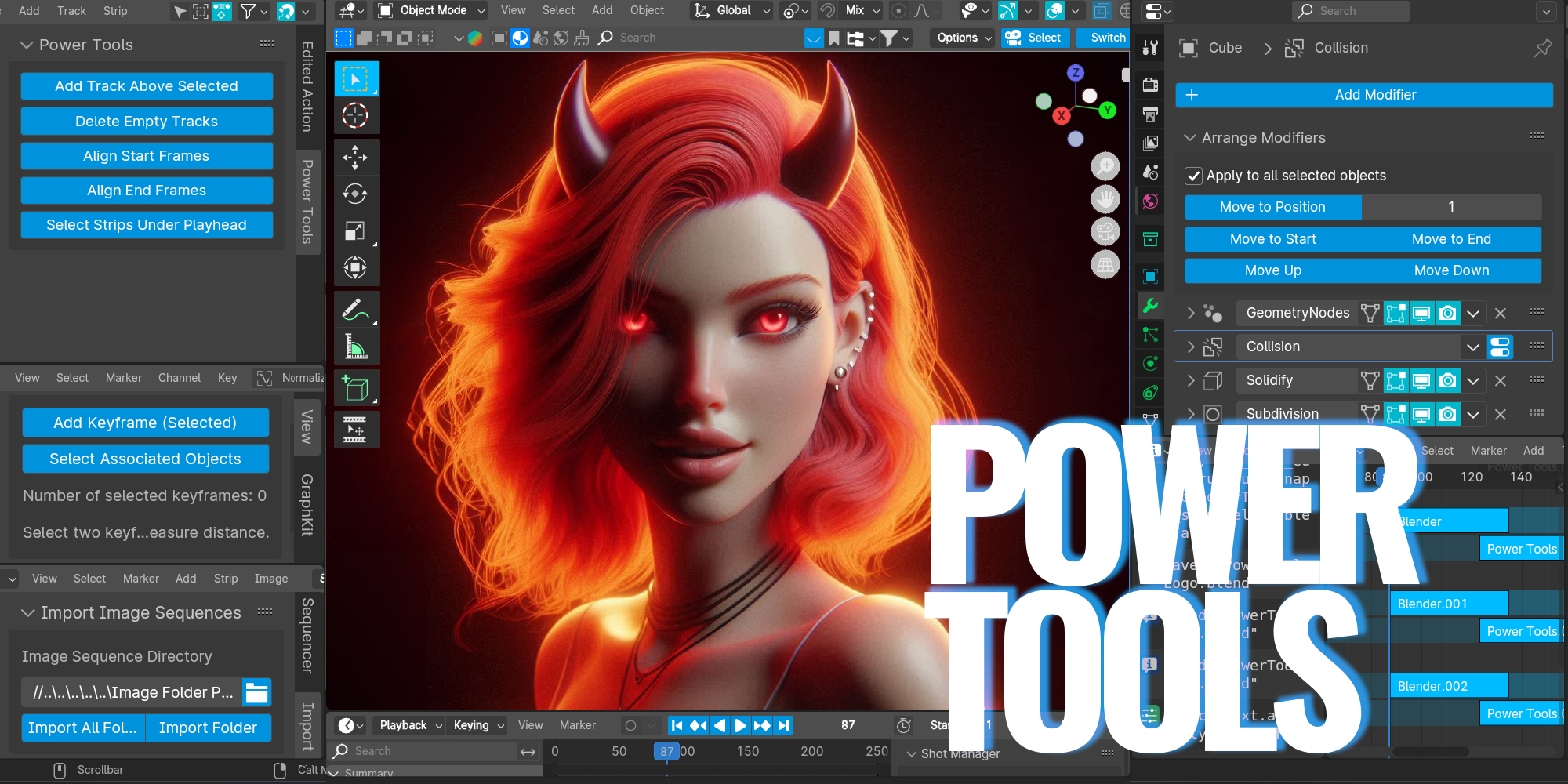
Organize modifiers across selected objects, manage NLA strips, and import video or image sequences in Blender with aPOP's Power Tools add-on.
Back up chosen Blender and add-on preferences with PowerBackup, then restore selected items while leaving others intact. Check its documented limits.
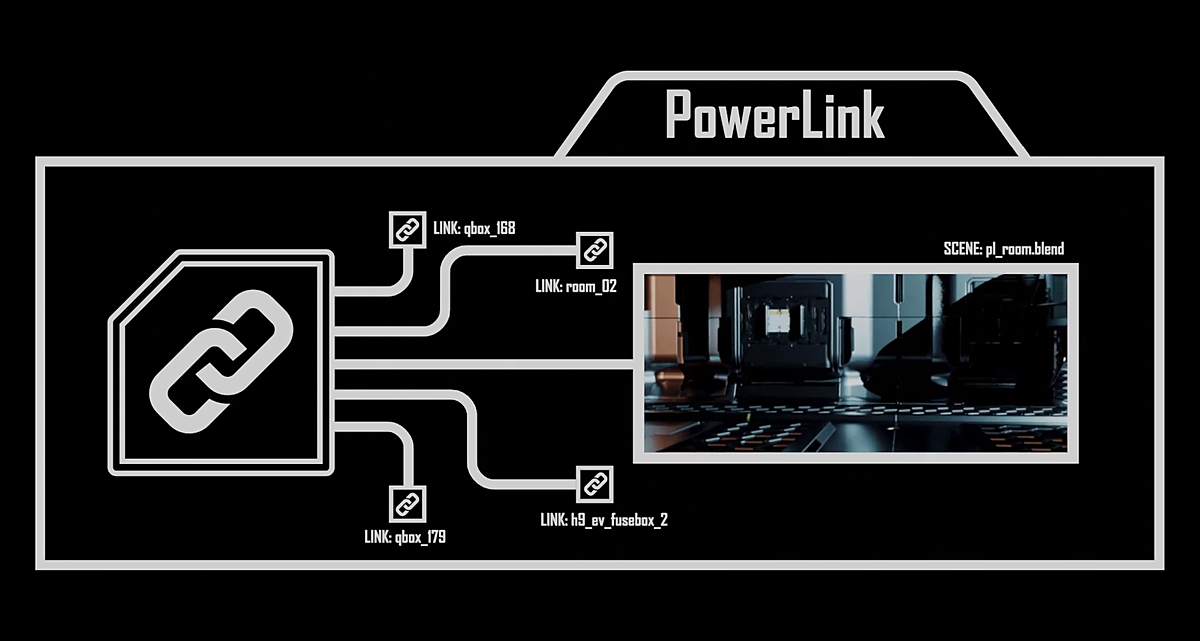
Powerline is a Blender add-on for file versioning, motion capture retargeting, automation and rigging. Check Filemanager dependencies before downloading.
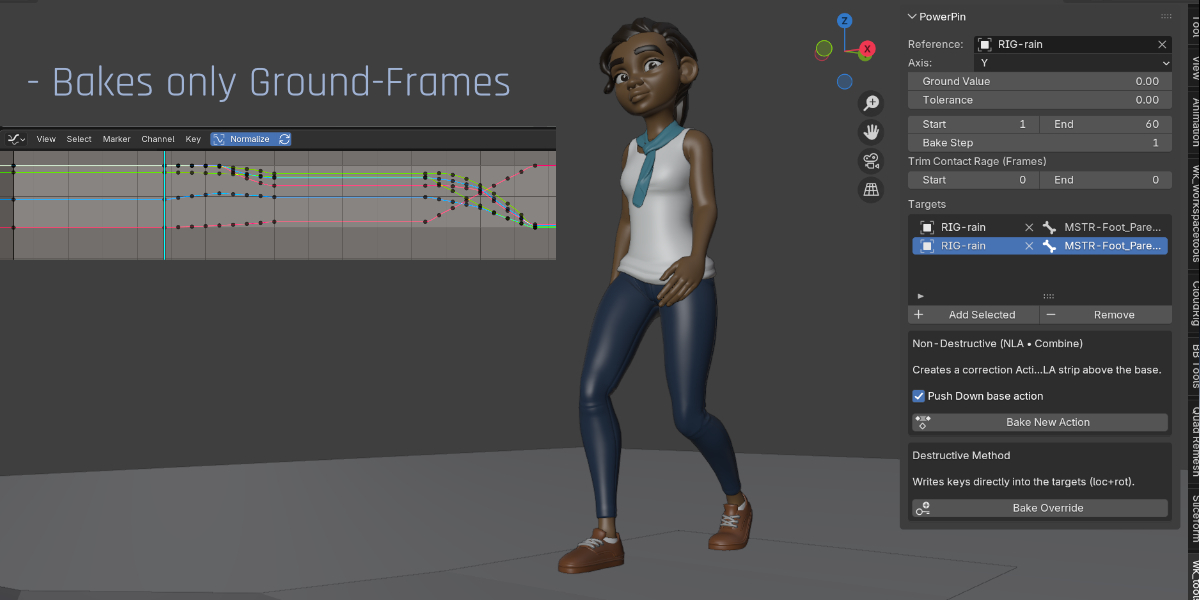
Powerpin for Blender pins feet during walk-cycle contact, then bakes corrections to an NLA strip or F-curves. Review the setup and compatibility details.
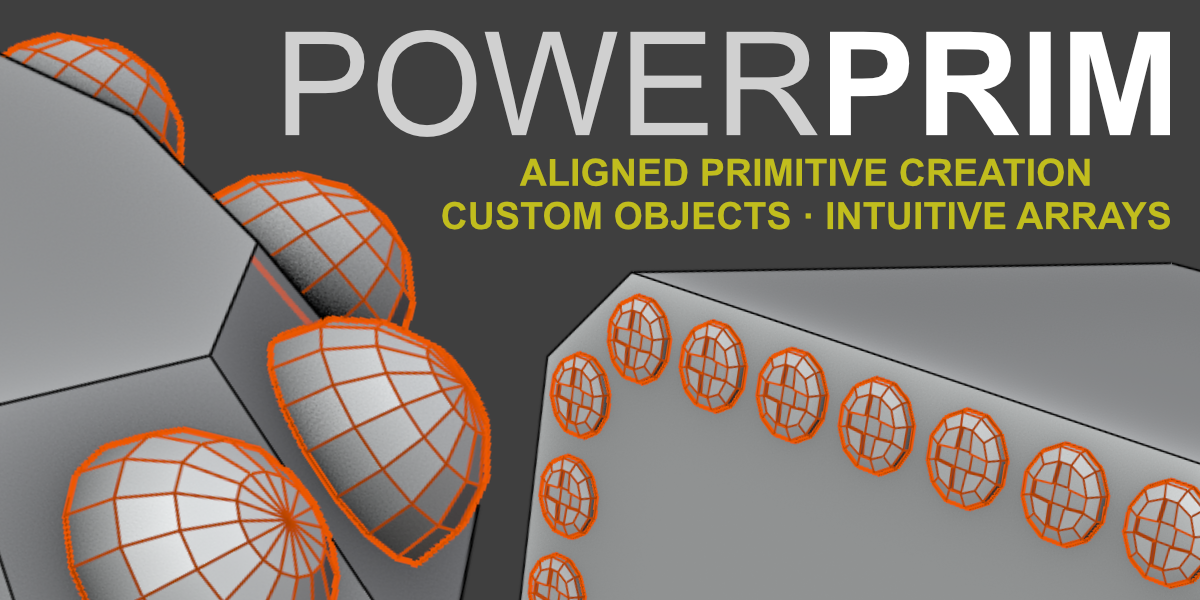
Powerprim places Blender primitives and custom objects on selected faces, edges, or vertices, with array and median placement. Read the documented workflows.
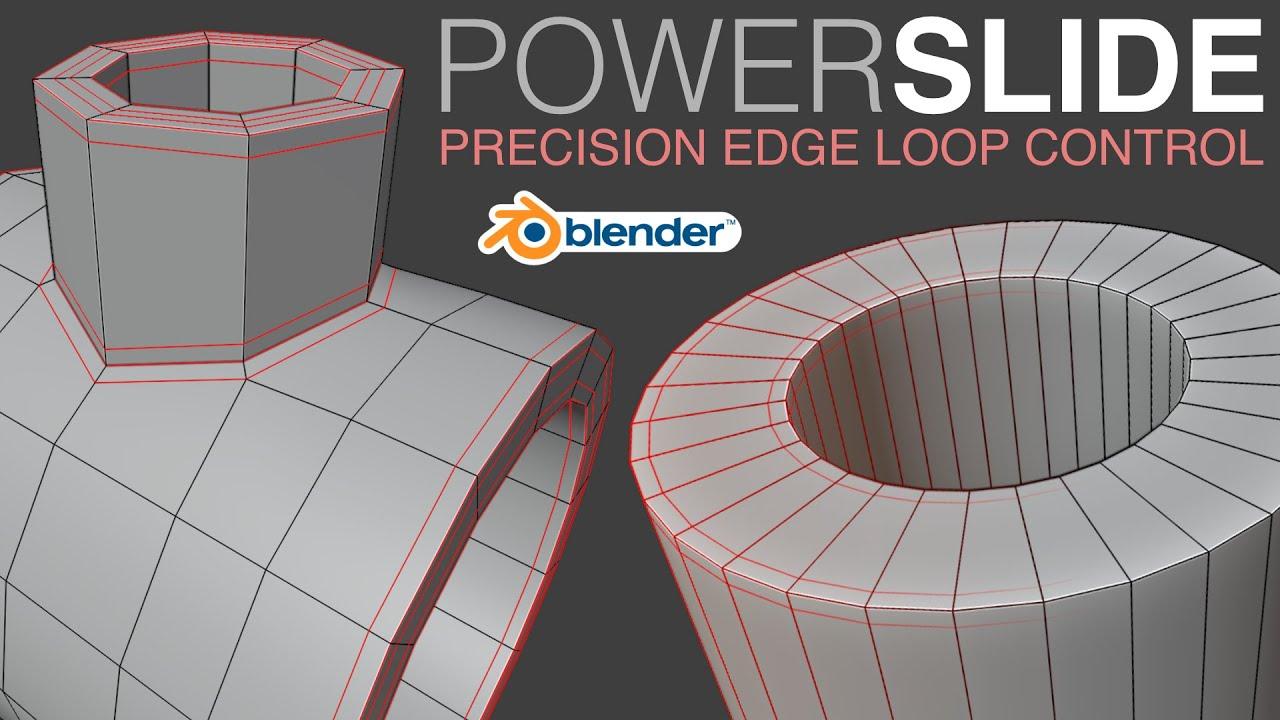
PowerSlide helps Blender modelers reposition subdivision support loops, find full loops from partial selections, and set offsets by mouse or exact distance.
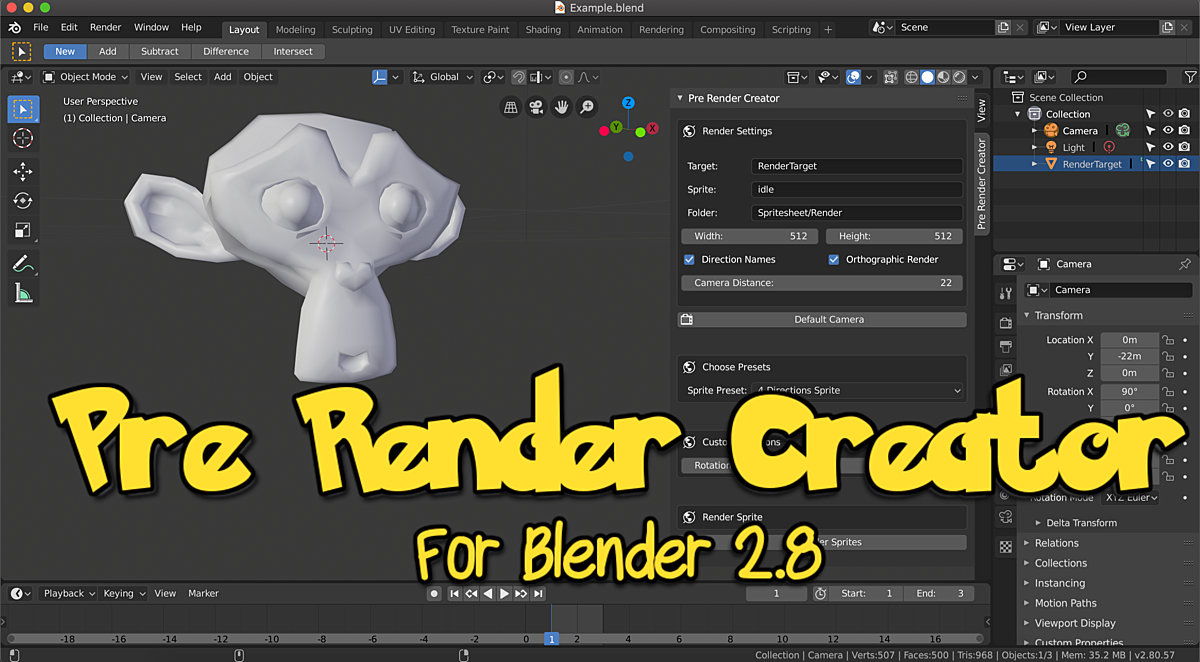
Pre Render Creator - Prc is a Blender script for multi-angle sprite animation, with presets, custom rotation and spritesheet packing in Blender.
See which Blender object is under your cursor before selecting it. Adjust hover sensitivity, choose object types, and manage selections in the 3D Viewport.
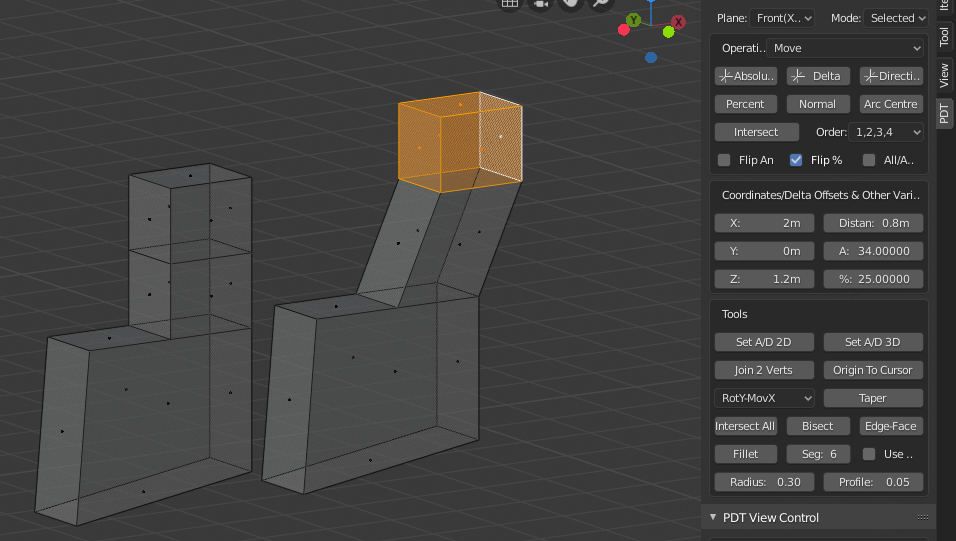
Precision Drawing Tools (PDT) adds coordinate-based mesh operations to Blender. Explore its working planes, directional moves, vertex placement, and extrusion.
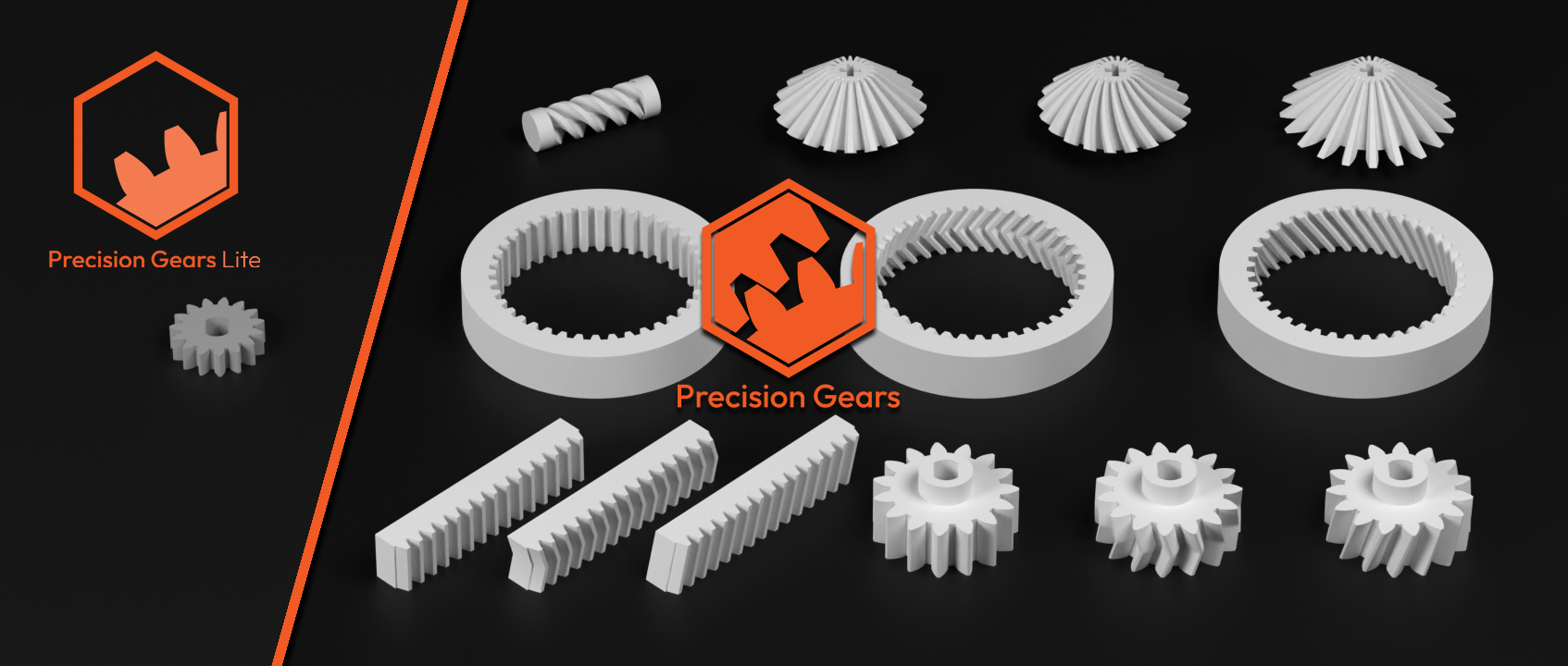
Precision Gears is a Blender add-on for adjustable involute gears, tooth details and animated gear chains. Check beta status and Blender versions.
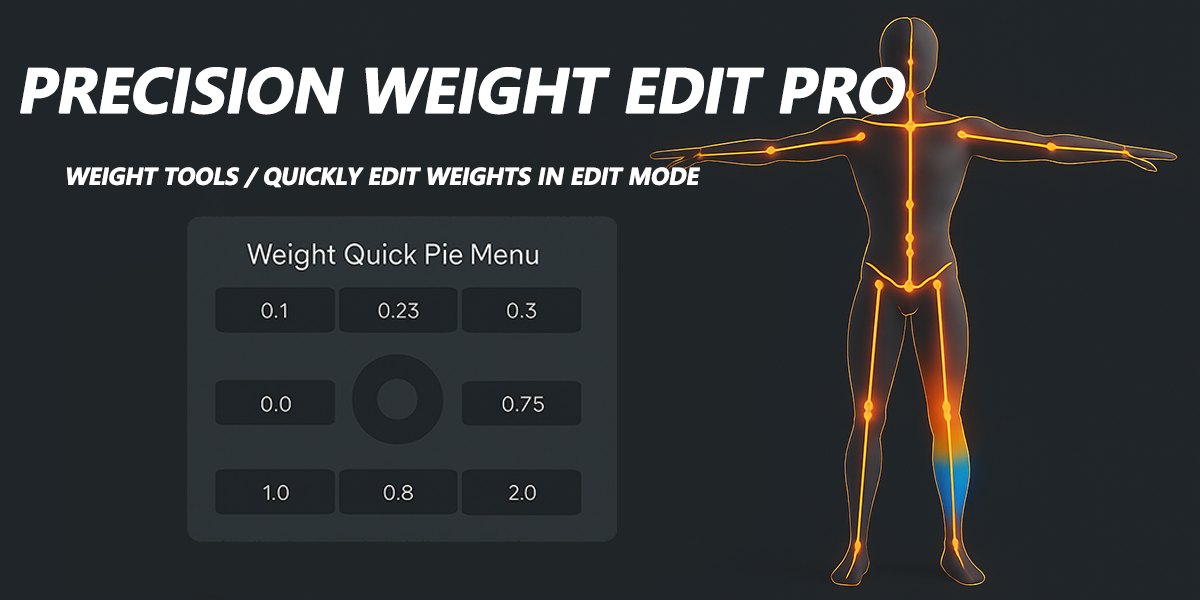
Edit Blender vertex weights with group limits, bone switching, mirroring and transfer modes. Check the Superhive listing for compatibility and license details.
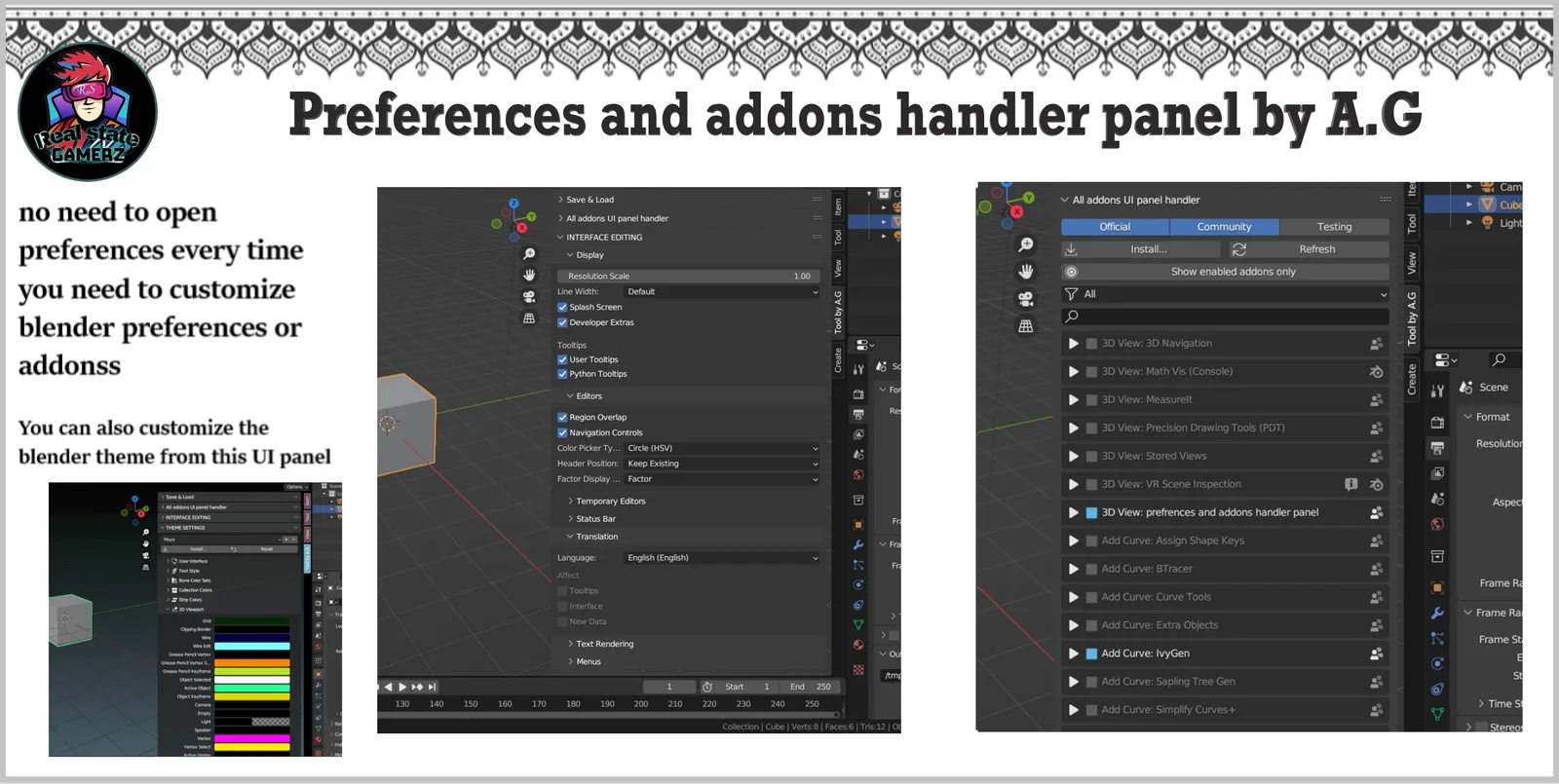
Prefrences And Addons Handler From Ui Panel manages Blender add-ons, themes and some viewport settings; it also saves or loads interface preferences.
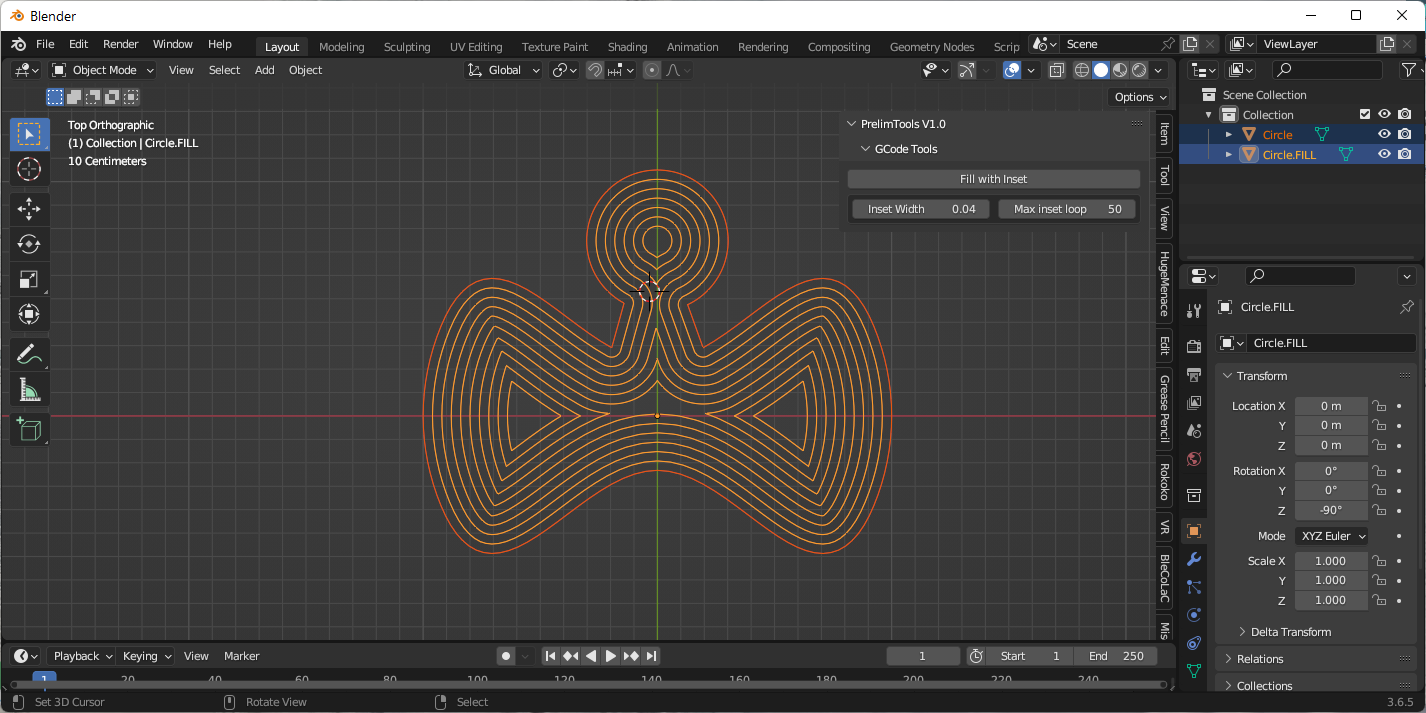
Prelimtools V1.15 creates inset and outset outlines from flat shapes and a wood-bending pattern with adjustable dimensions and gaps. Check Blender versions.
Preselect adds hotkey face selection to Blender, with commands for connected, coplanar, or all faces and an object-mode overlay for Random Flow workflows.
In Blender's Shader, Compositor, and Geometry Nodes editors, Pretty Nodes adds a color palette, reroute tools, frame controls, and node alignment. See details.
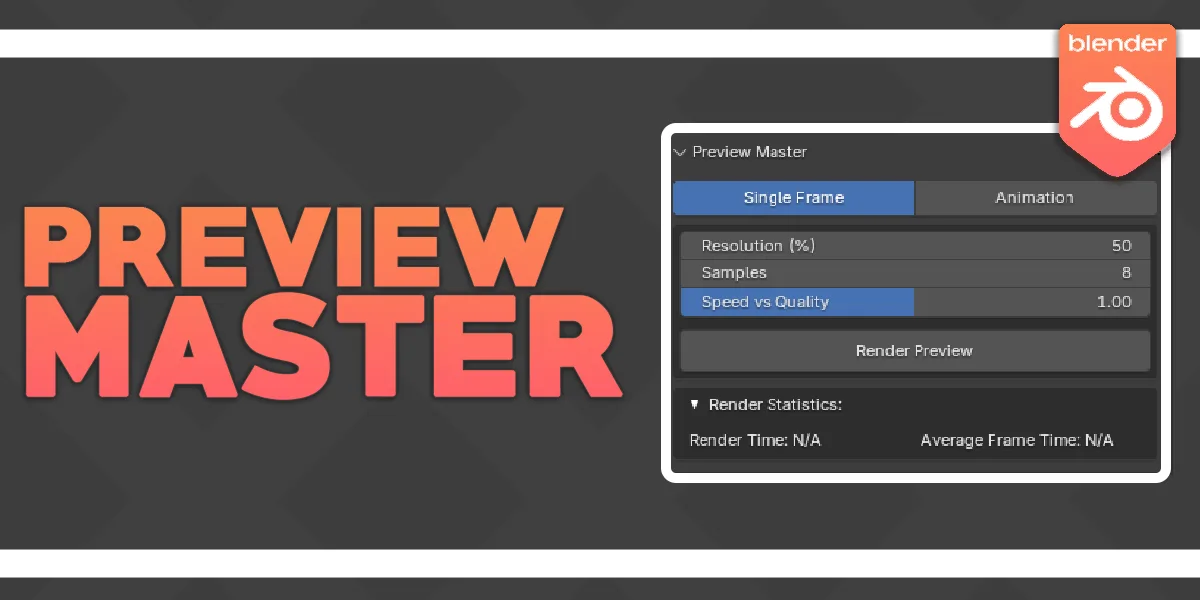
Adjust preview resolution, samples, and quality without changing final render settings. Preview Master is listed for Blender 4.3; see install steps.
Preview Quads shows Blender's Tris to Quads result without changing the source mesh. Check its conversion controls and workflow limits before using it.
Primal turns Blender meshes into quad-dominant topology with controls for density, symmetry and sharp features. See how backup and revert work.