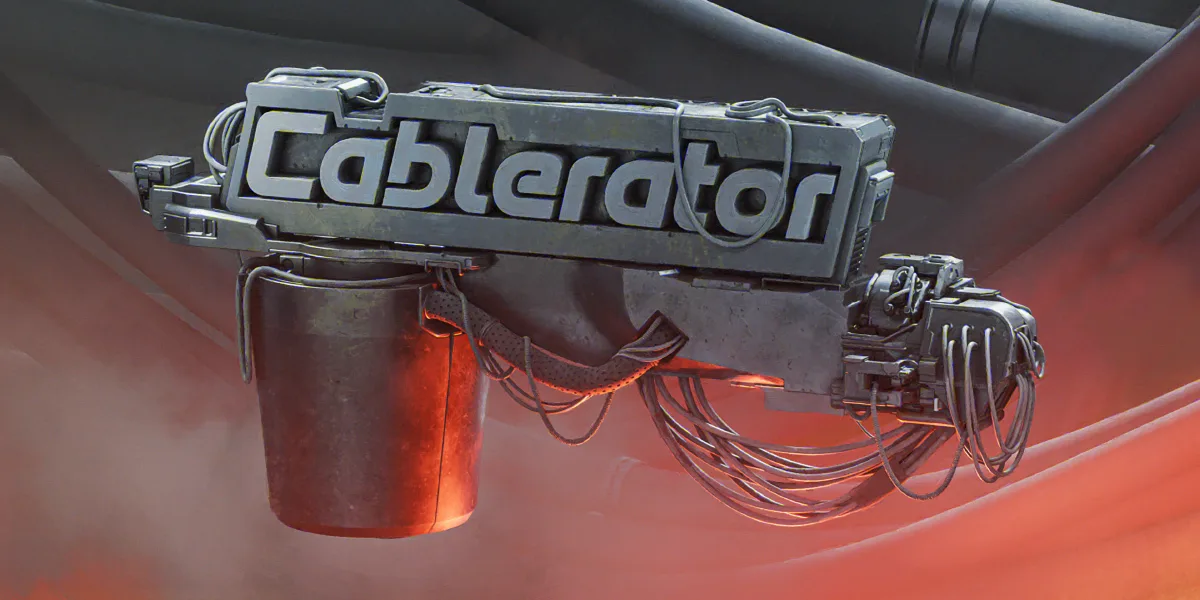
Cablerator
Cablerator creates and edits cables in Blender from geometry, with insulation and beta Rope. Physics simulations often need manual adjustment.
Published software and plugin guides for Blender. Page 33 of 196.
Read the software guideCablerator creates and edits cables in Blender from geometry, with insulation and beta Rope. Physics simulations often need manual adjustment.
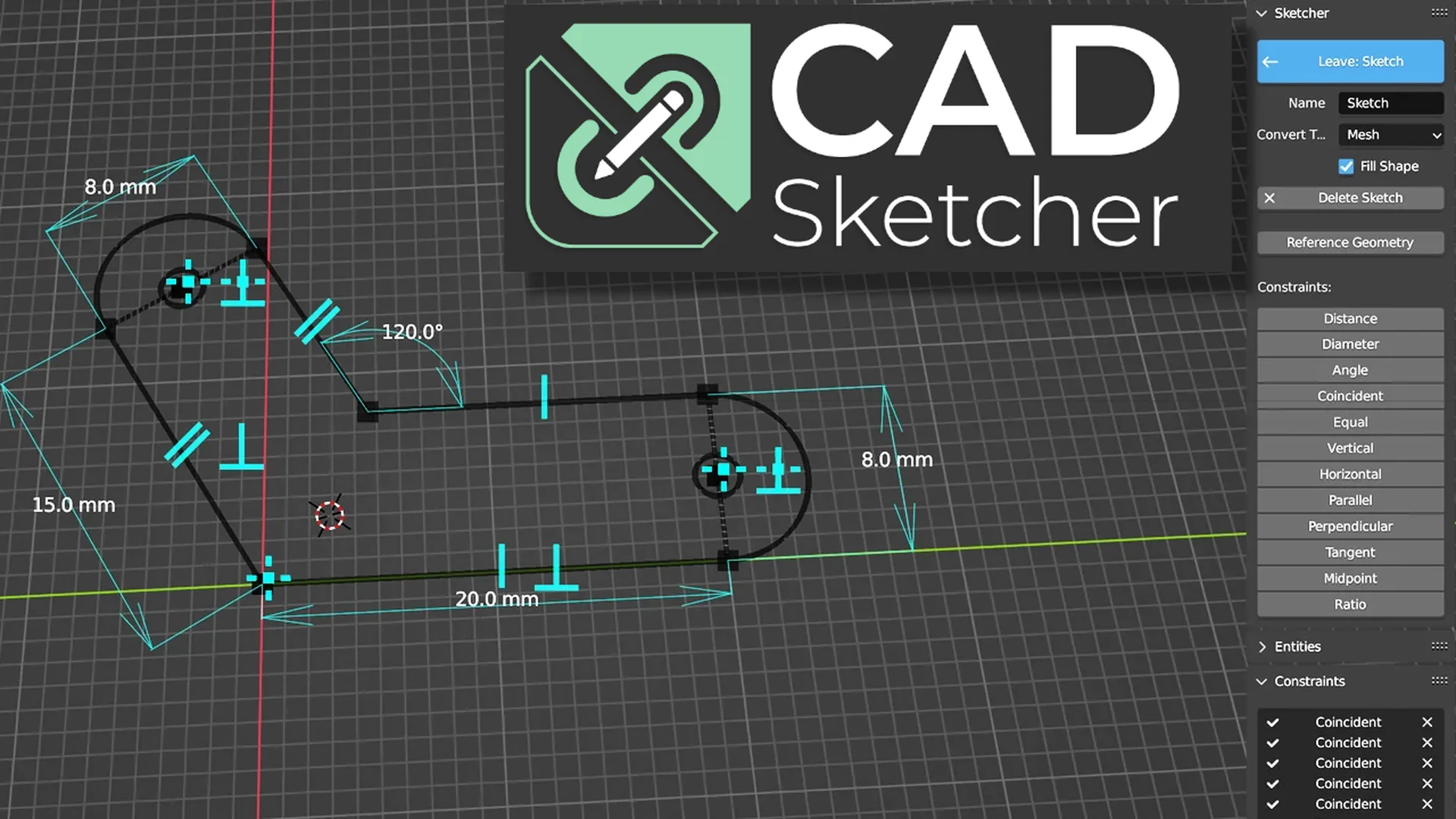
Explore how CAD Sketcher uses dimensions and constraints to define 2D shapes in Blender, then keeps sketches editable as you refine the model.
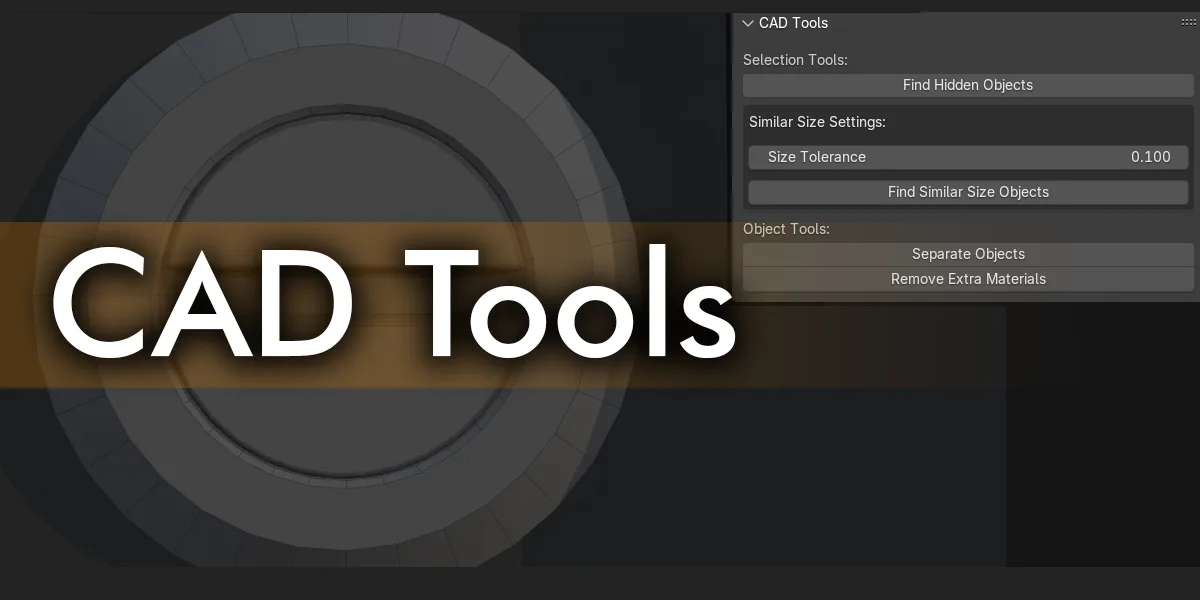
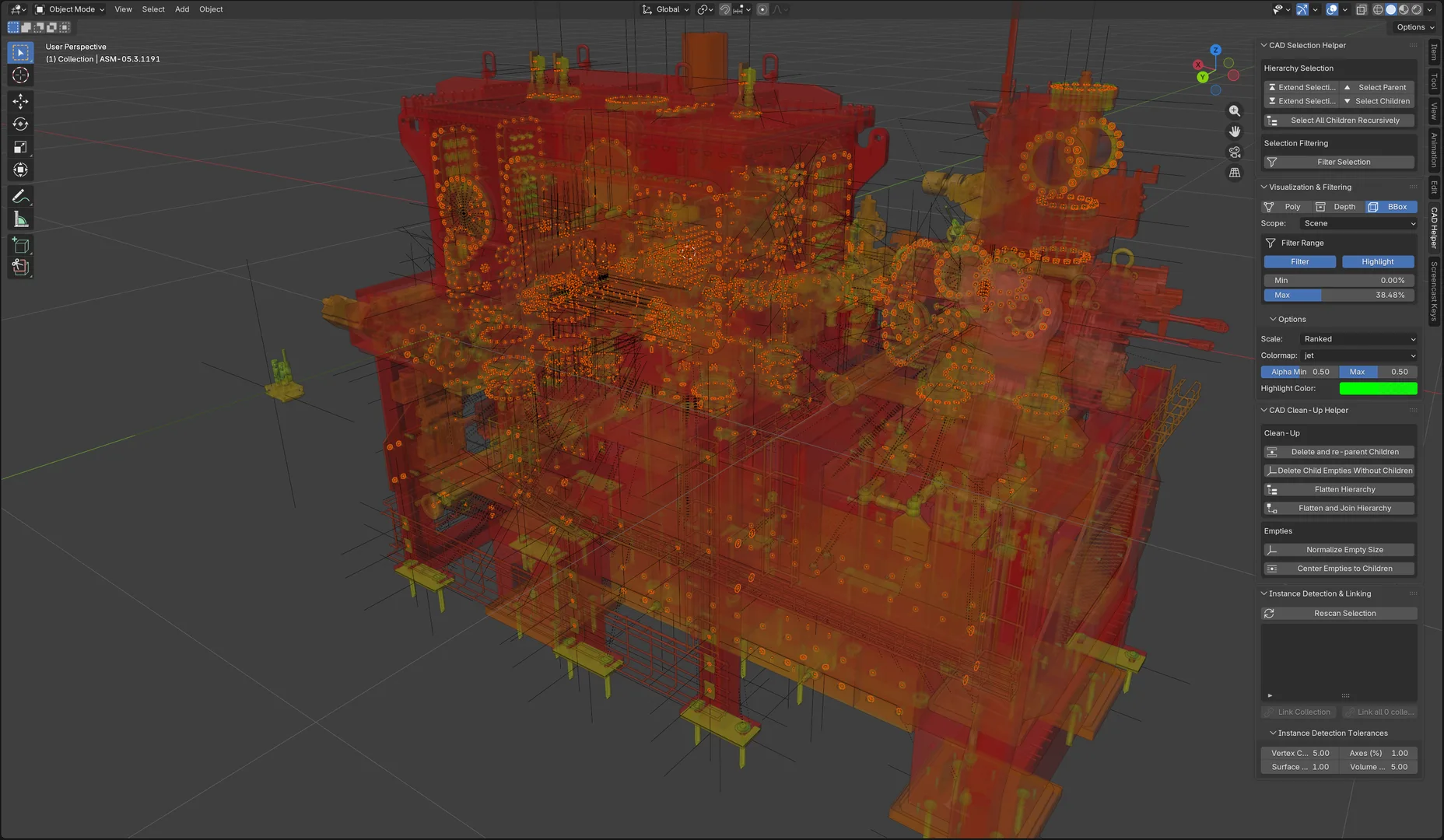
CAD-Helper is a Blender extension for CAD assemblies, with hierarchy, filters, mesh cleanup and instance tools. Version 0.8.0 requires Blender 5.0+.
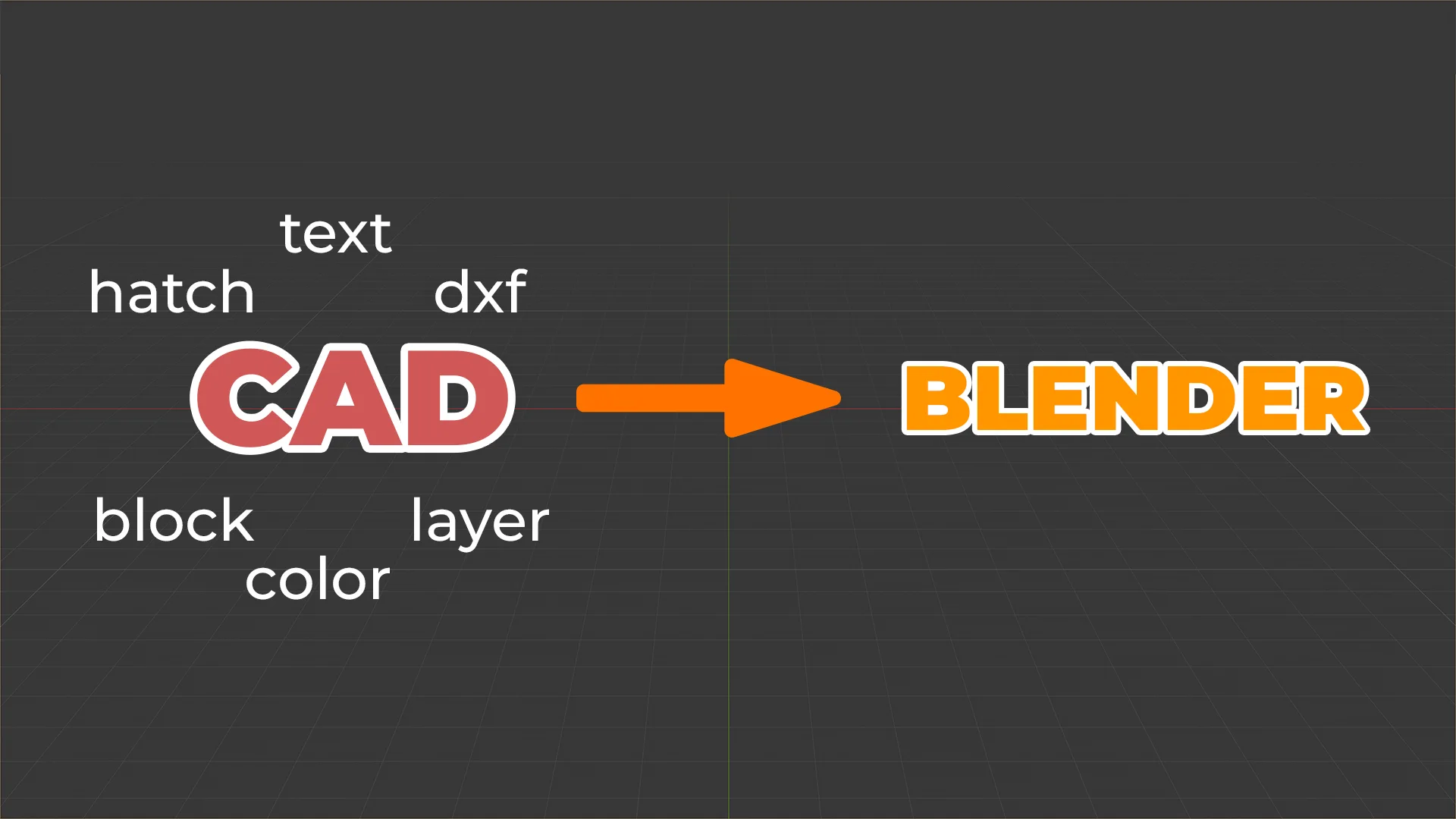
CAD2Cube - DXF Importer is a Blender add-on to import DXF drawings, with layers, units and block instances. Check compatibility before installing.
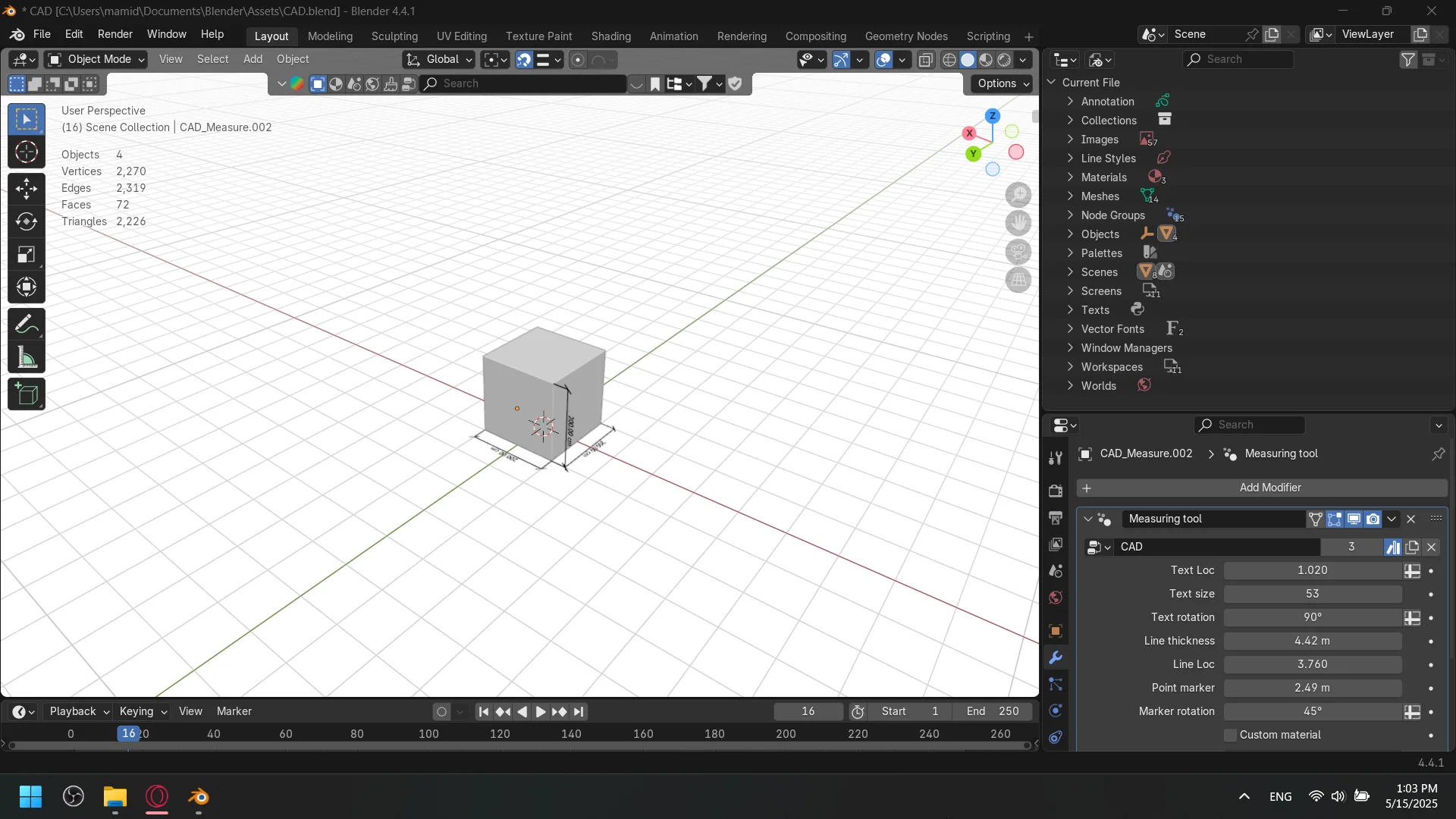
Add X, Y and Z measuring tools to Blender with Cad_Dimensions; adjust their text and use rudimentary imperial conversion. It requires Blender 4.2.0 or newer.
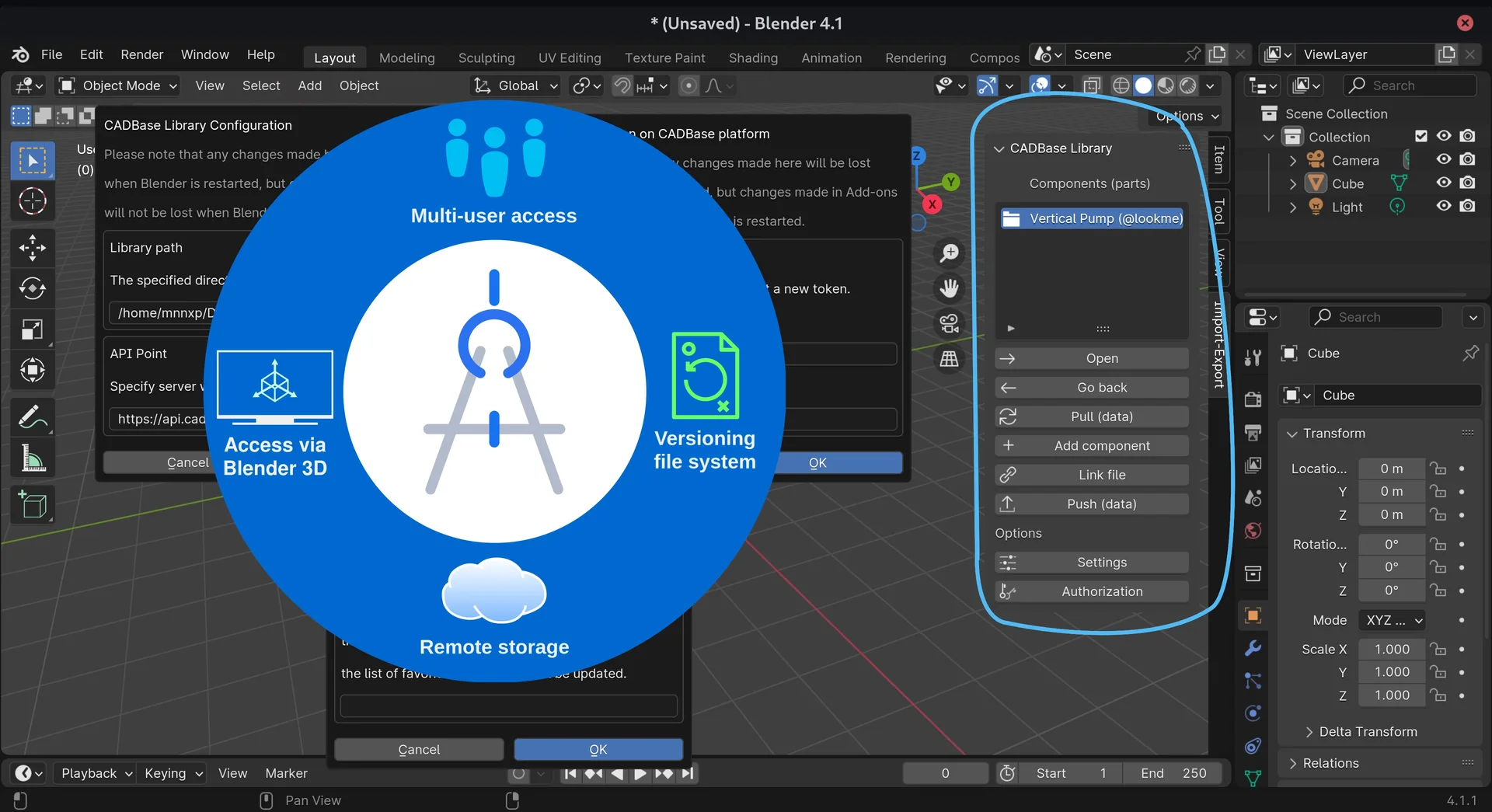
Use CADBase Library to browse components, open modifications, pull Blender file sets, and upload only files from Blender file sets. Review setup steps.
Cake_Particles bakes particle motion into keyframed Blender animations. Version 5.0.0 adds quick FBX and GLB export; check Blender compatibility first.
Cam Anim 3D includes 150+ vertical and horizontal camera animations for Blender. Review its Dolly Camera Rig workflow, render engines, and version notes.
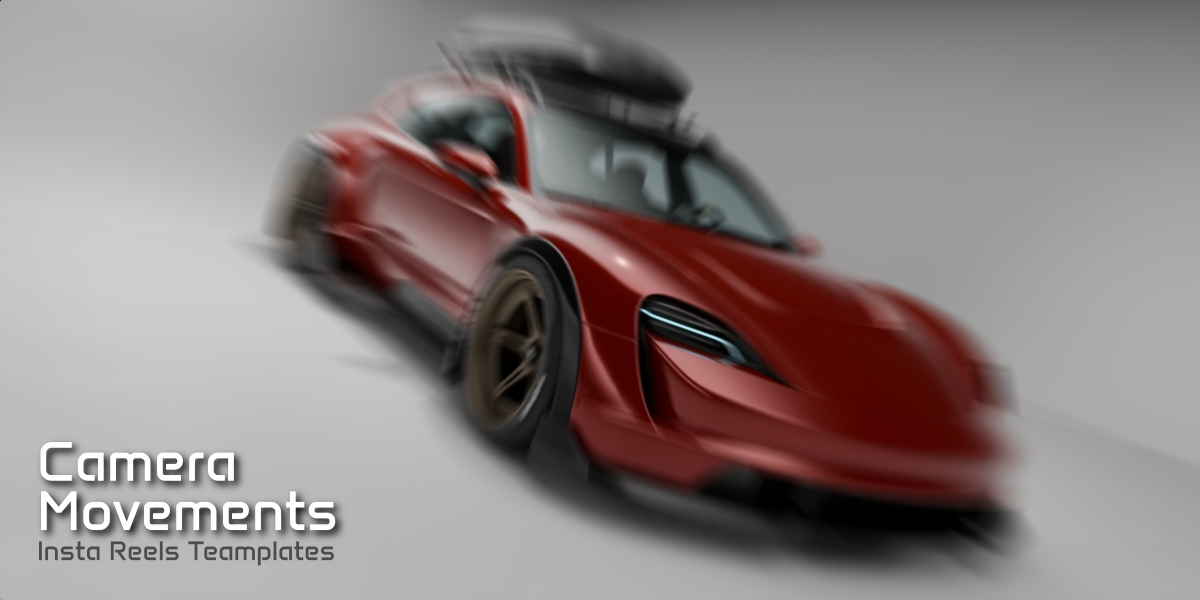
Cam Anim 3D - Project Showcase Camera Movements are Blender animations for orbit, loops, transitions and cinematic shots. Check versions and render engines.
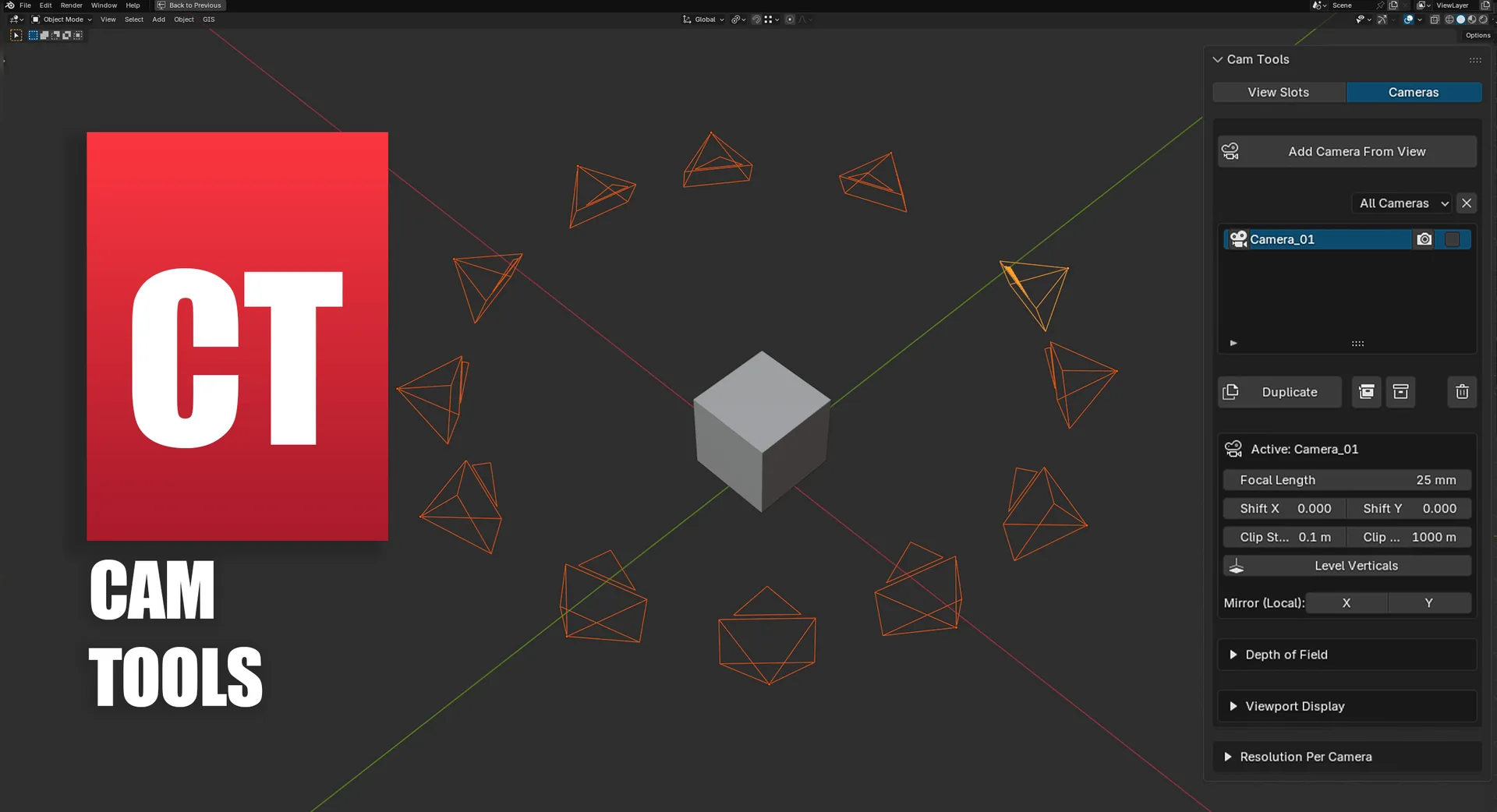
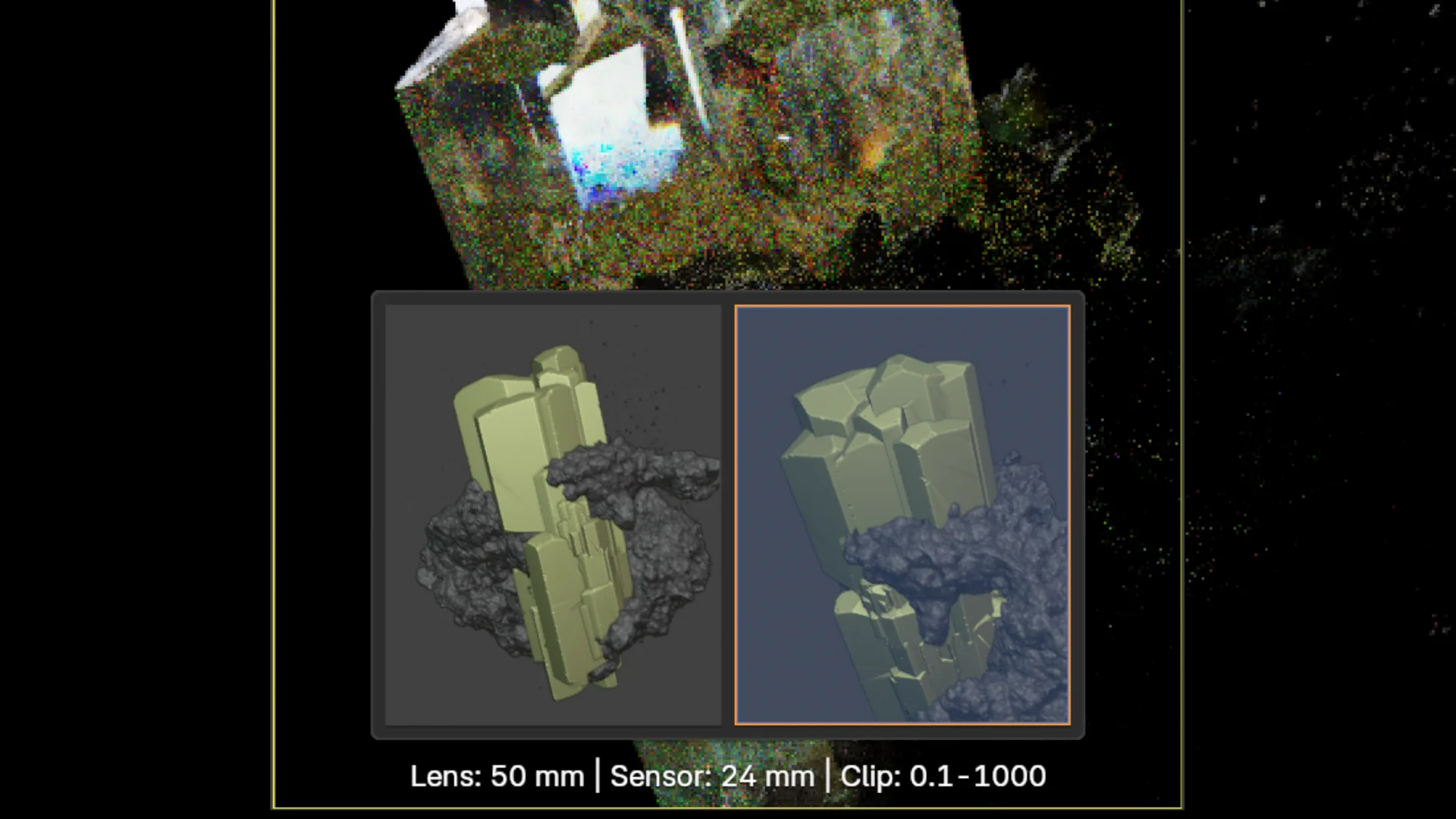
Cam Tools adds viewport framing, camera management, per-camera resolution overrides and saved View Slots to Blender 4.2+. See its controls and setup.
Cam-Fx adds 120 bokeh textures and lens dirt for Cycles renders. Review its camera setup and compositing limits before choosing it for Blender.
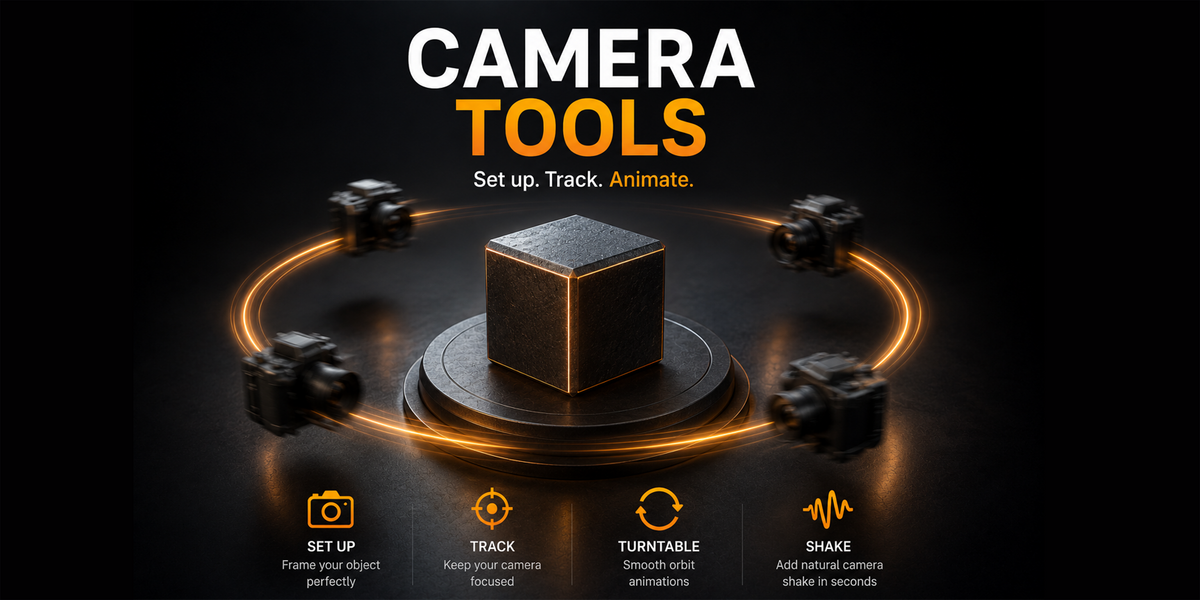
Camcontrol - Camera Setup & Framing Tools are for quick Blender camera setup around a selected object, with Track To, turntable rotation, and shake.
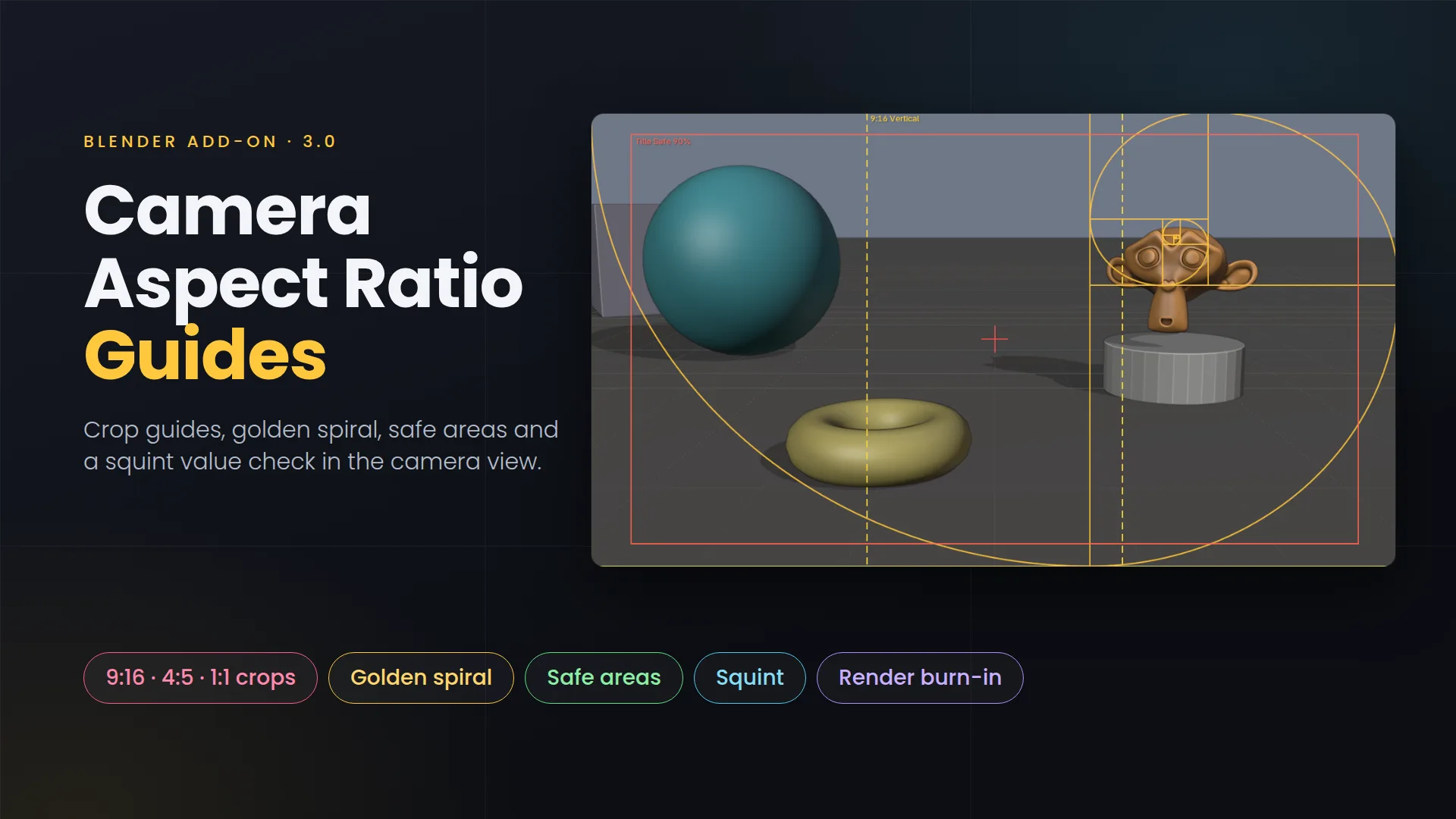
Camera Aspect Ratio Guides are listed for Blender 5.0.0 up to but not including 5.5.0, with frames, safe areas, burn-in and a GPL-3.0-or-later license.
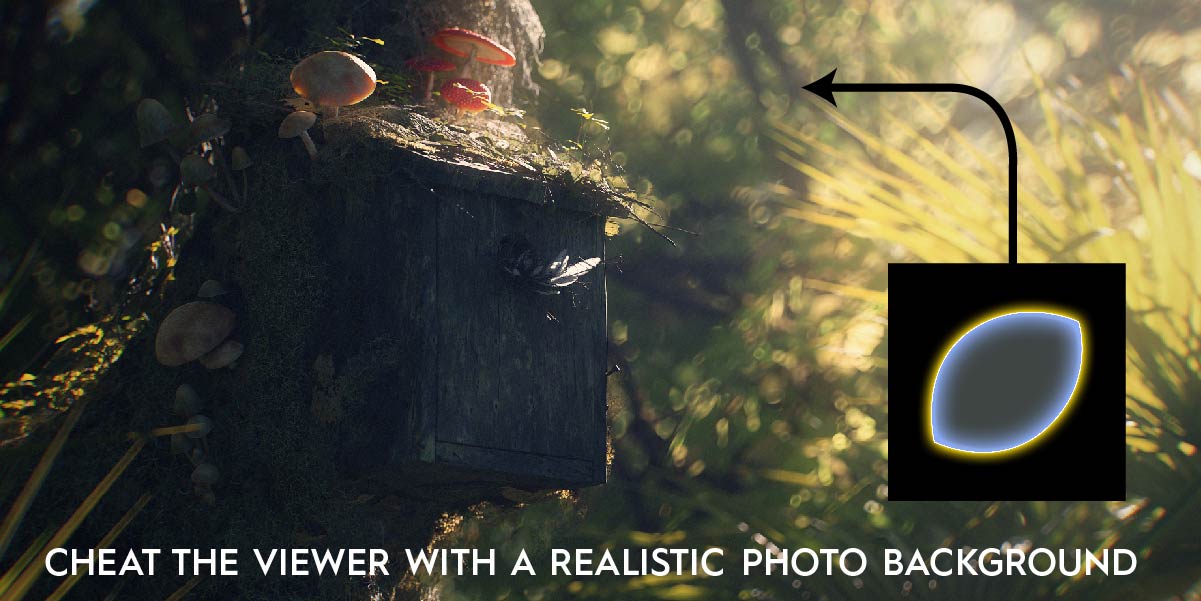
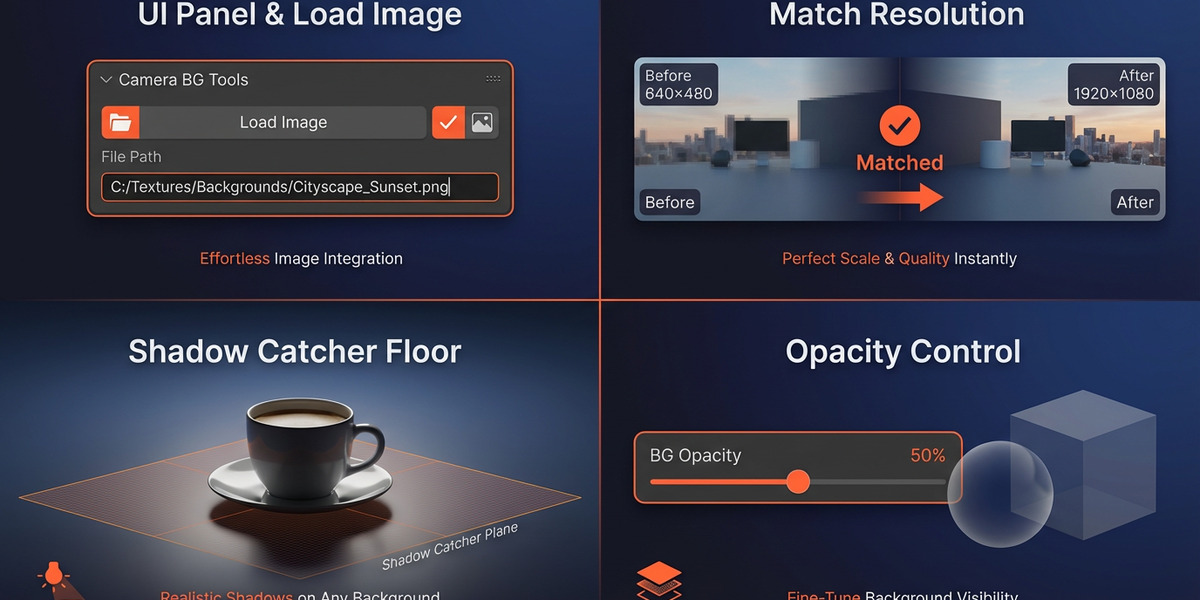
Camera Background is a Blender add-on for background images, preview scaling, and compositor controls. Review its setup steps before downloading.
Manage Blender scene cameras from the N-Panel with Camera Caddy. Switch views, set animated transitions, and adjust focal length and depth of field.
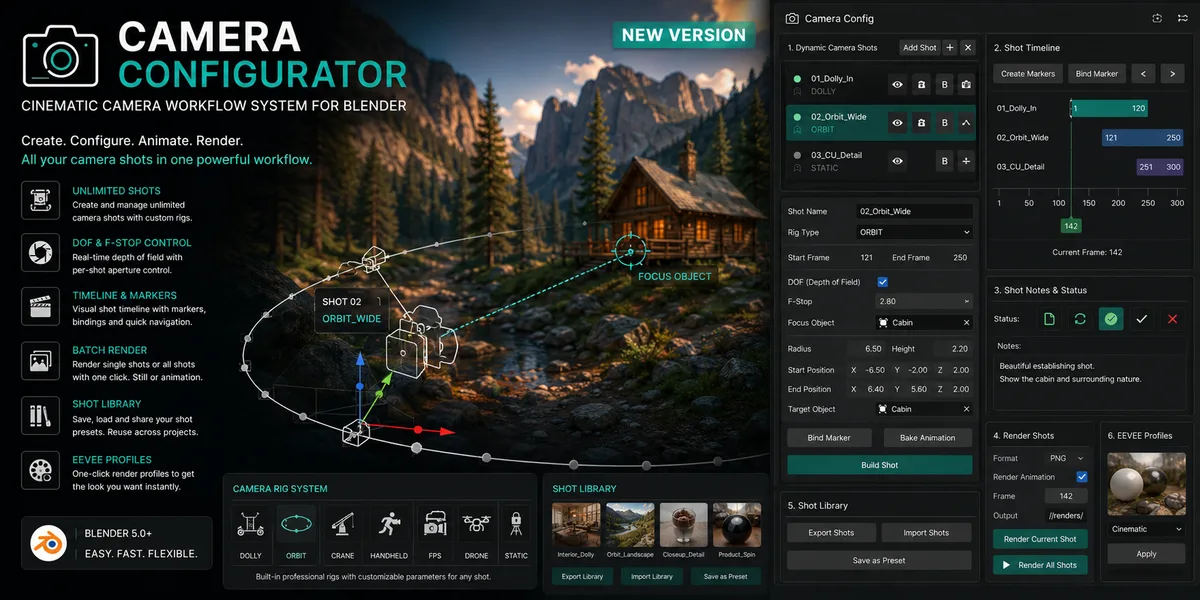
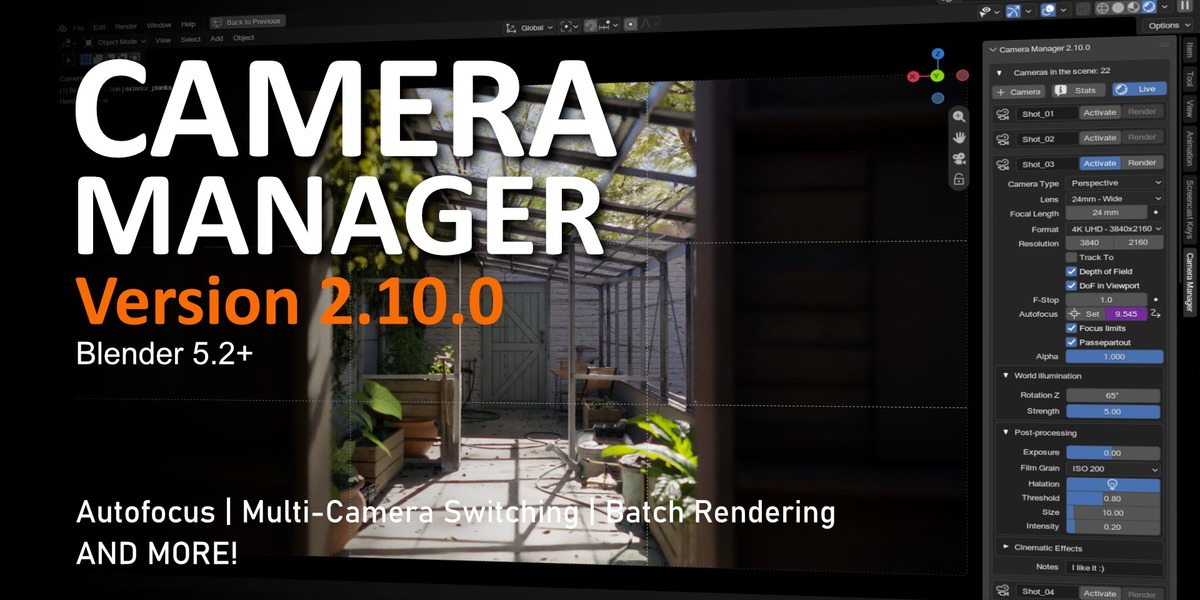
Camera Configurator organizes Blender shots with custom rigs, timeline tools, batch rendering and reusable presets. Check compatibility before installing.
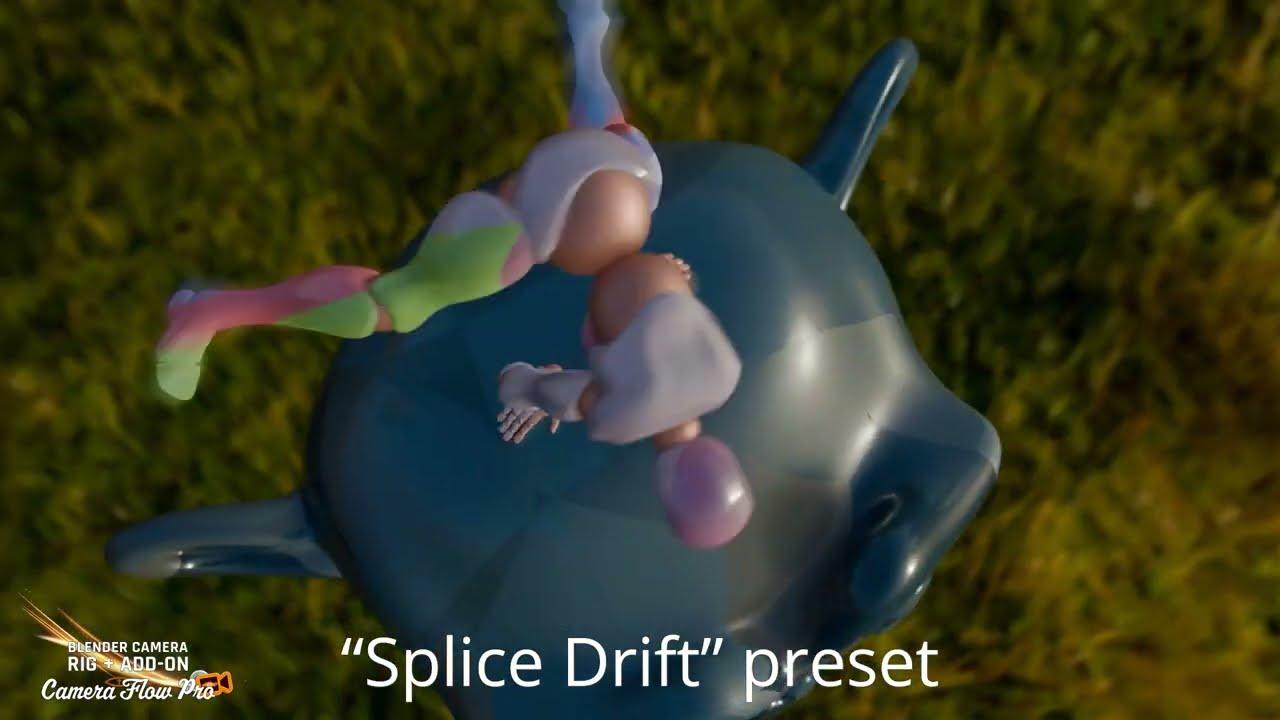
Camera Flow Pro is a Blender camera rig for smooth movement, tracking, looping shake, and keyframe baking. Check its workflow and Blender support.
Camera FX Pro adds speed ramps, shake, dolly zoom, object tracking and rack focus to Blender. Check Blender version support before installing.
Camera Grid is a Blender add-on for browsing and switching scene cameras from a viewport grid. Version 1.8.0 requires Blender 4.5.0 or newer.
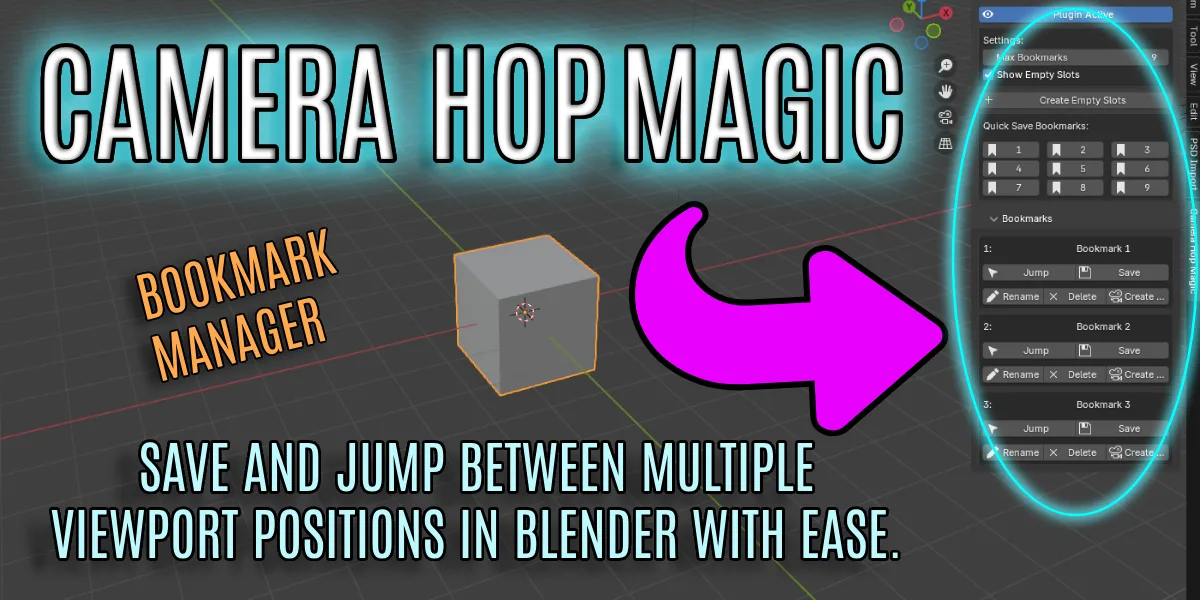
Camera Hop Magic is a Blender add-on for saving viewport bookmarks, revisiting views and creating cameras. Review setup and compatibility.
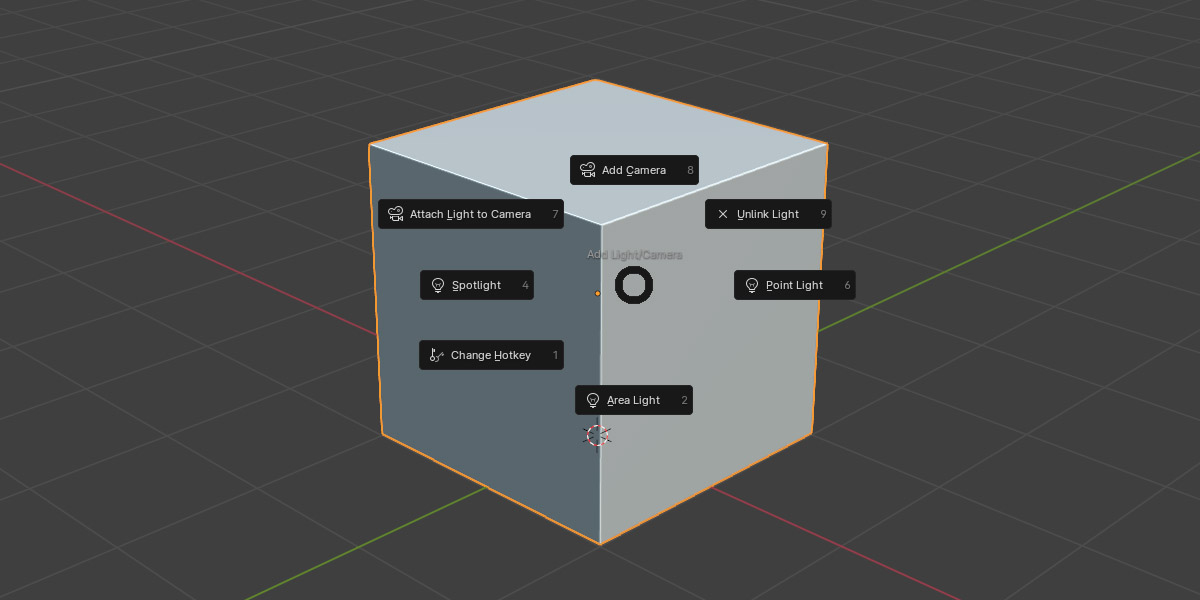
Place a light from Blender's camera view with Camera Light Tools. The pie menu aligns it to a selected object; link light adjusts its position as you rotate.
Adjust a Blender camera while keeping its camera view visible. Camera Navigator uses familiar middle-mouse controls to zoom, rotate, and pan.