MCompare
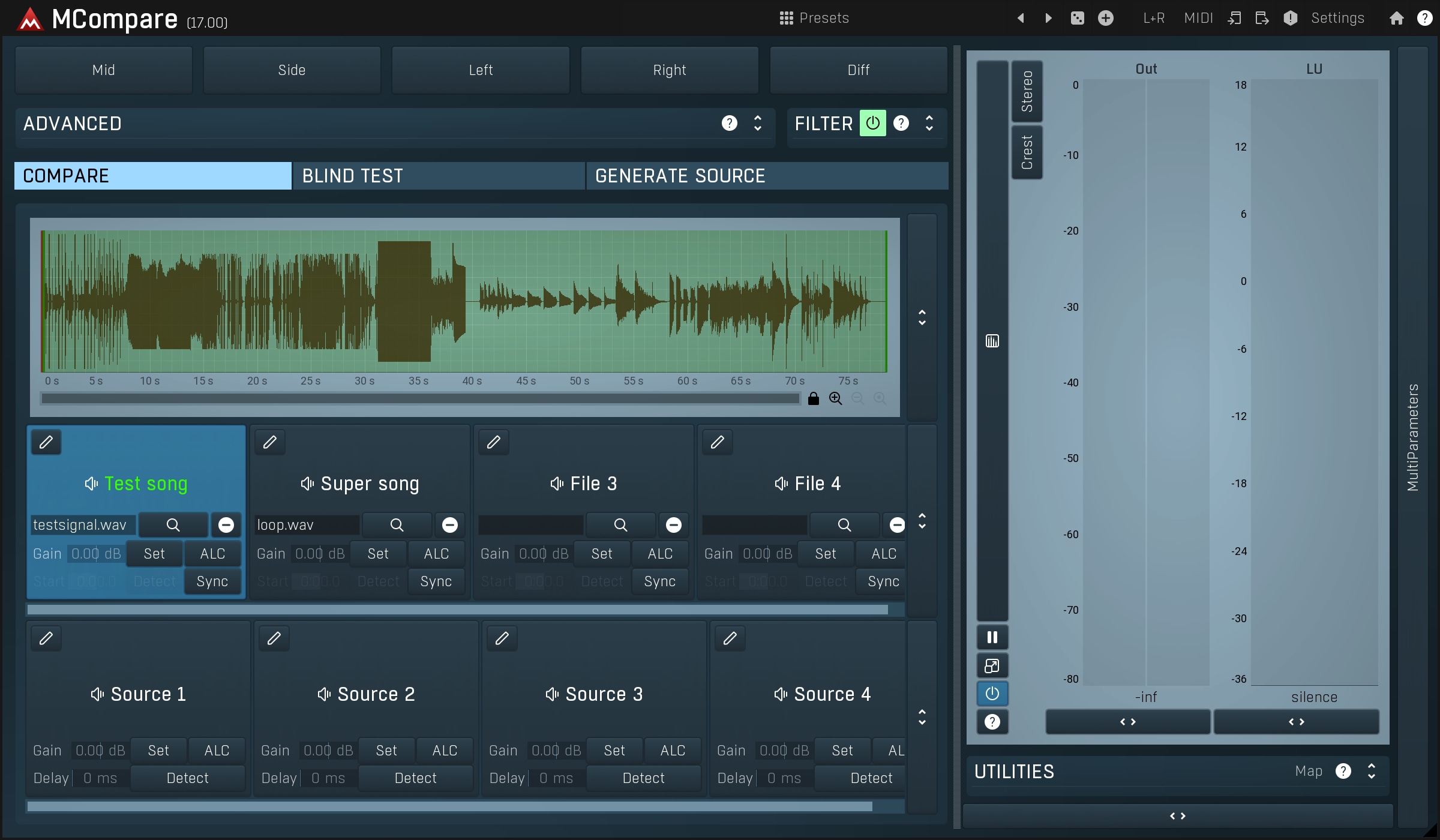
Compare reference tracks, mix versions, and processing stages in MCompare with loudness matching, latency compensation, and sync tools for Windows and macOS.
Developer listing
124 tools attributed to this developer in the catalog.
Developer websiteCompare reference tracks, mix versions, and processing stages in MCompare with loudness matching, latency compensation, and sync tools for Windows and macOS.
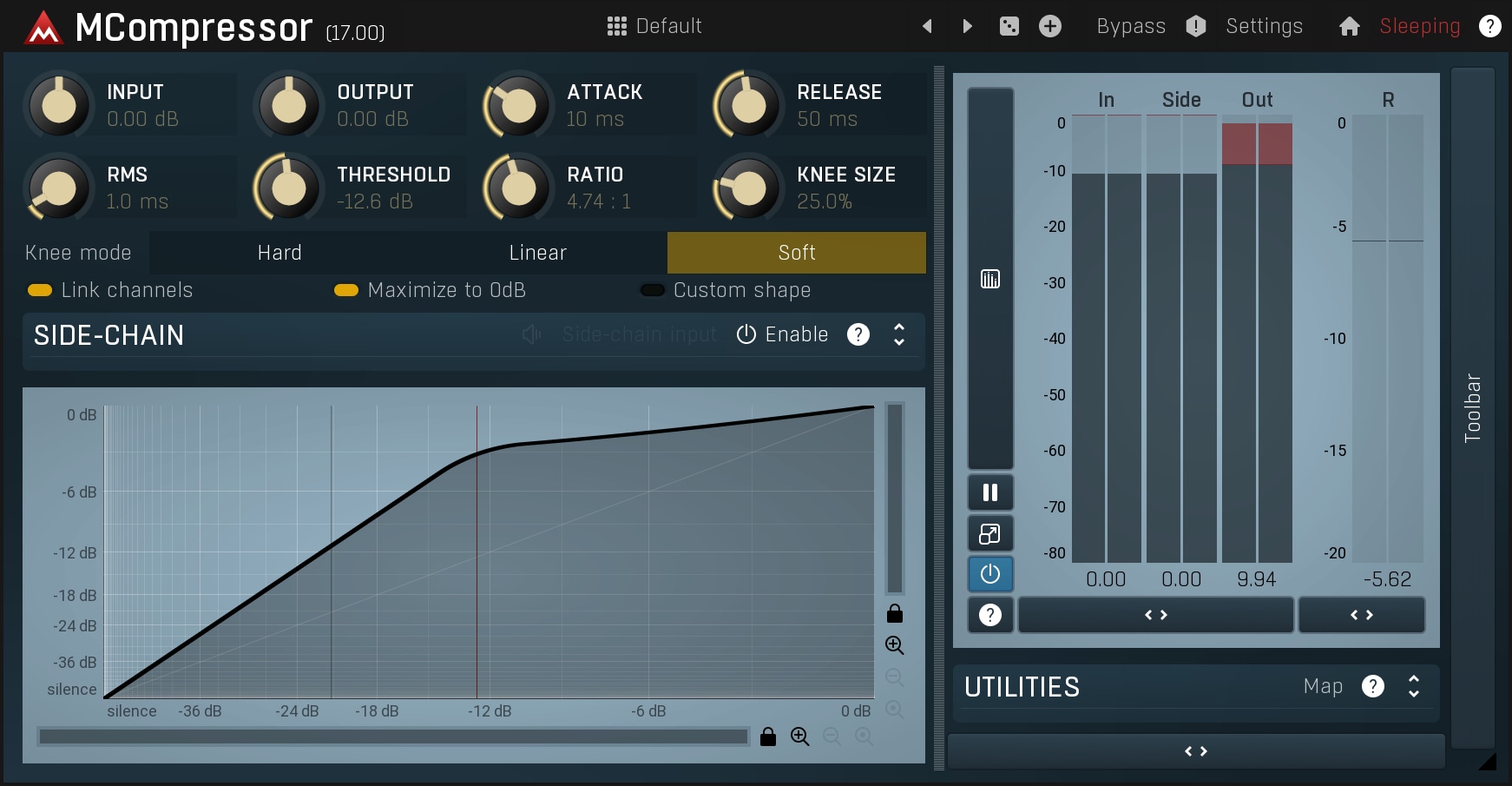
MCompressor is a dynamics processor with editable response curves, filtered and external side-chain inputs, multichannel modes, and adjustable oversampling.
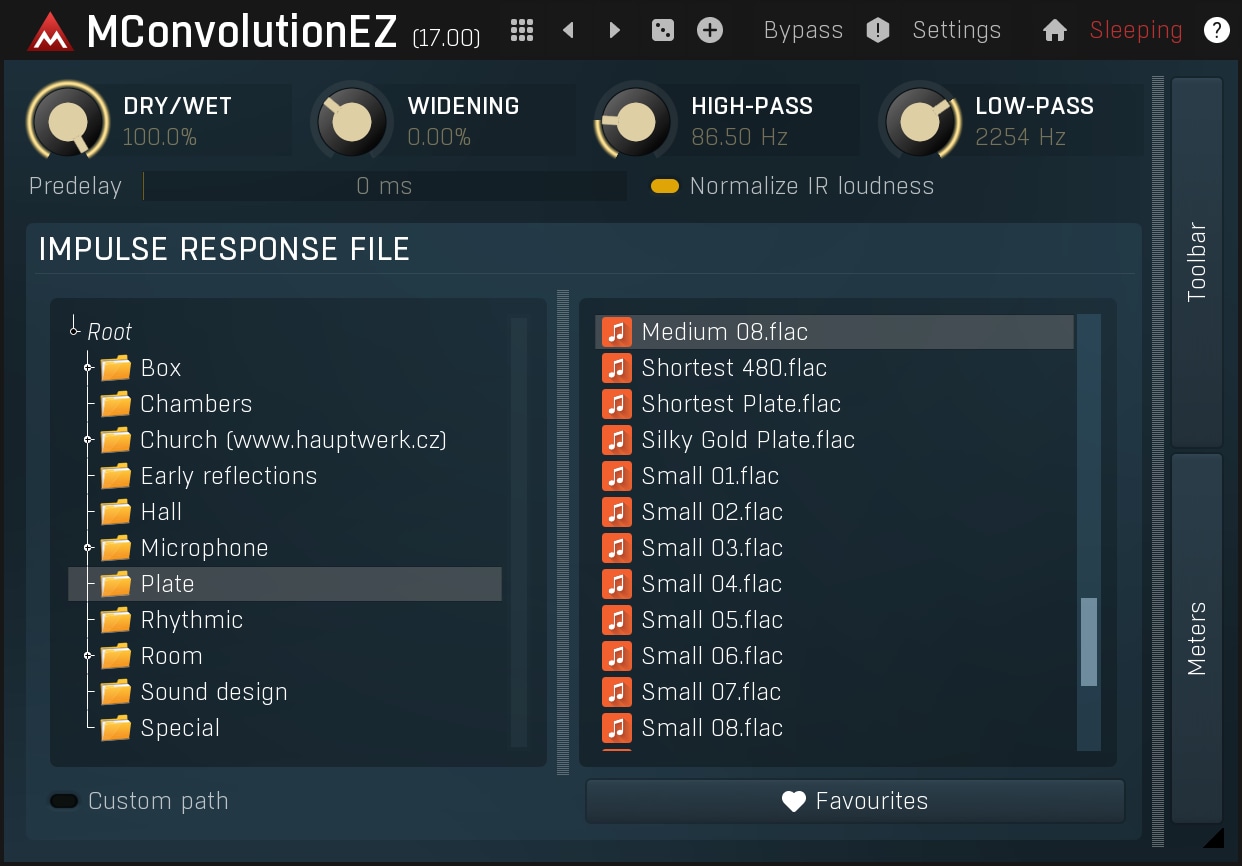
MConvolutionEZ applies factory or user impulse responses for reverb, with stereo, surround and ambisonics options, DAW compatibility and licensing details.
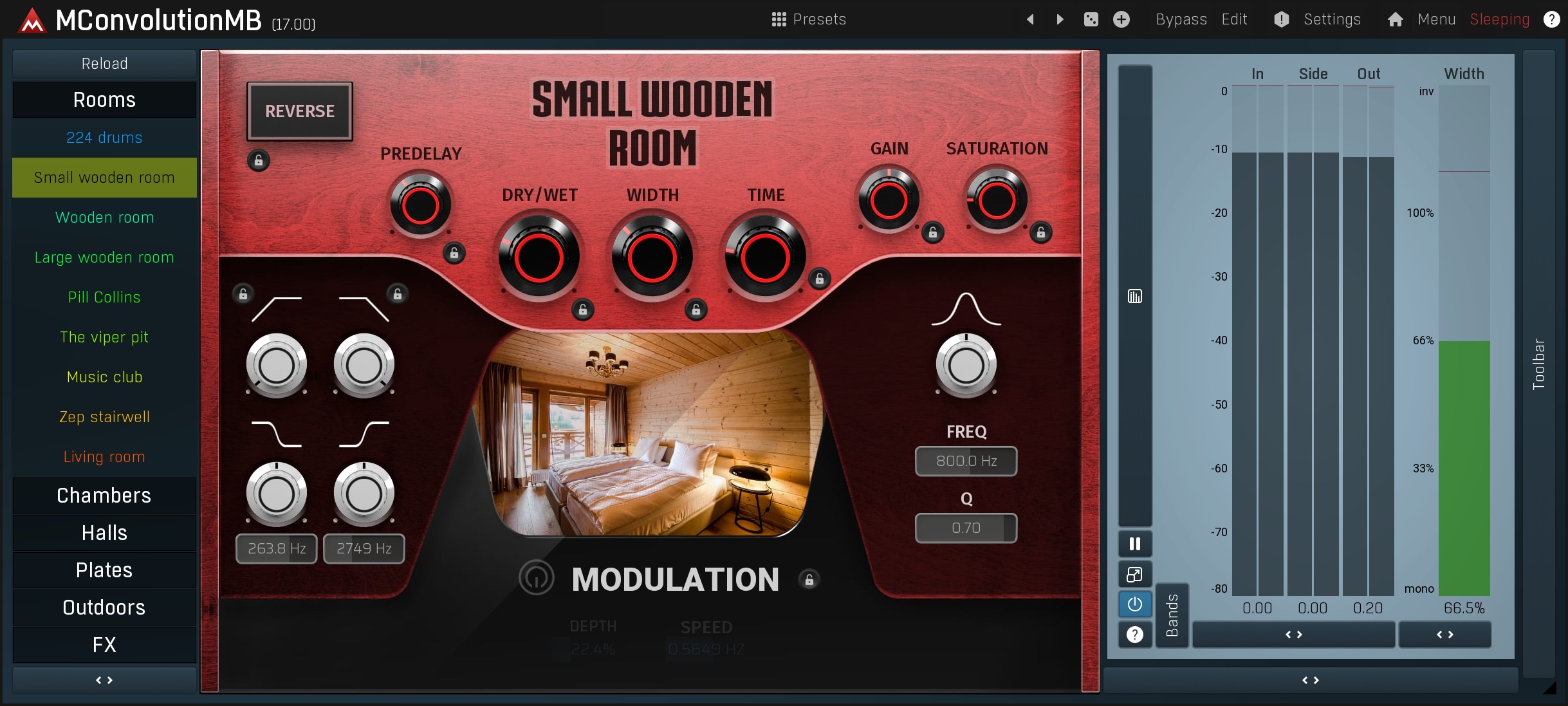
MConvolutionMB blends impulse responses, generated reverbs and filters across up to six bands, with modulation and support for surround and ambisonic audio.
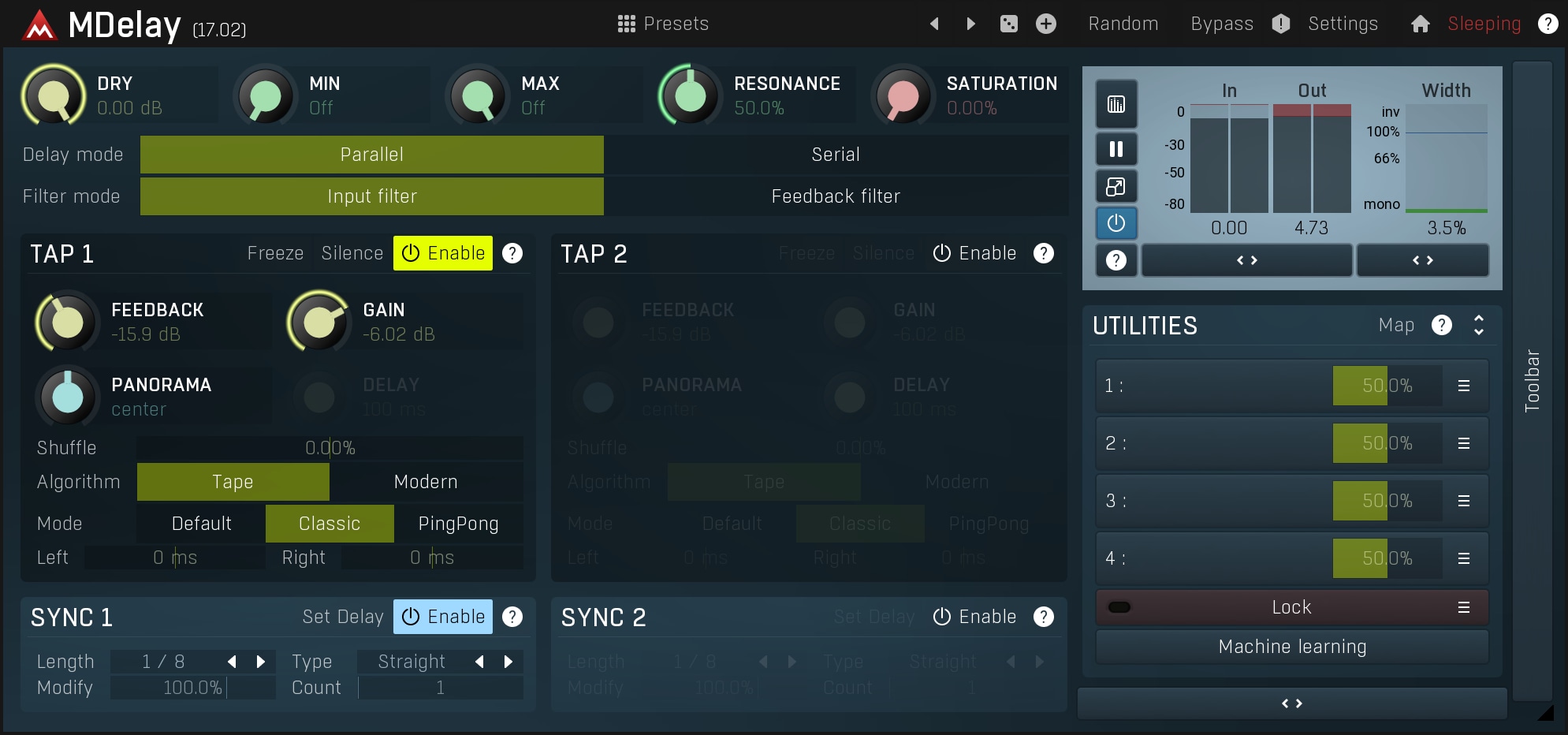
MDelay is a free dual-tap delay plugin with tempo sync, ping-pong echoes, tape or digital algorithms, and feedback filters. Saturation builds on each repeat.
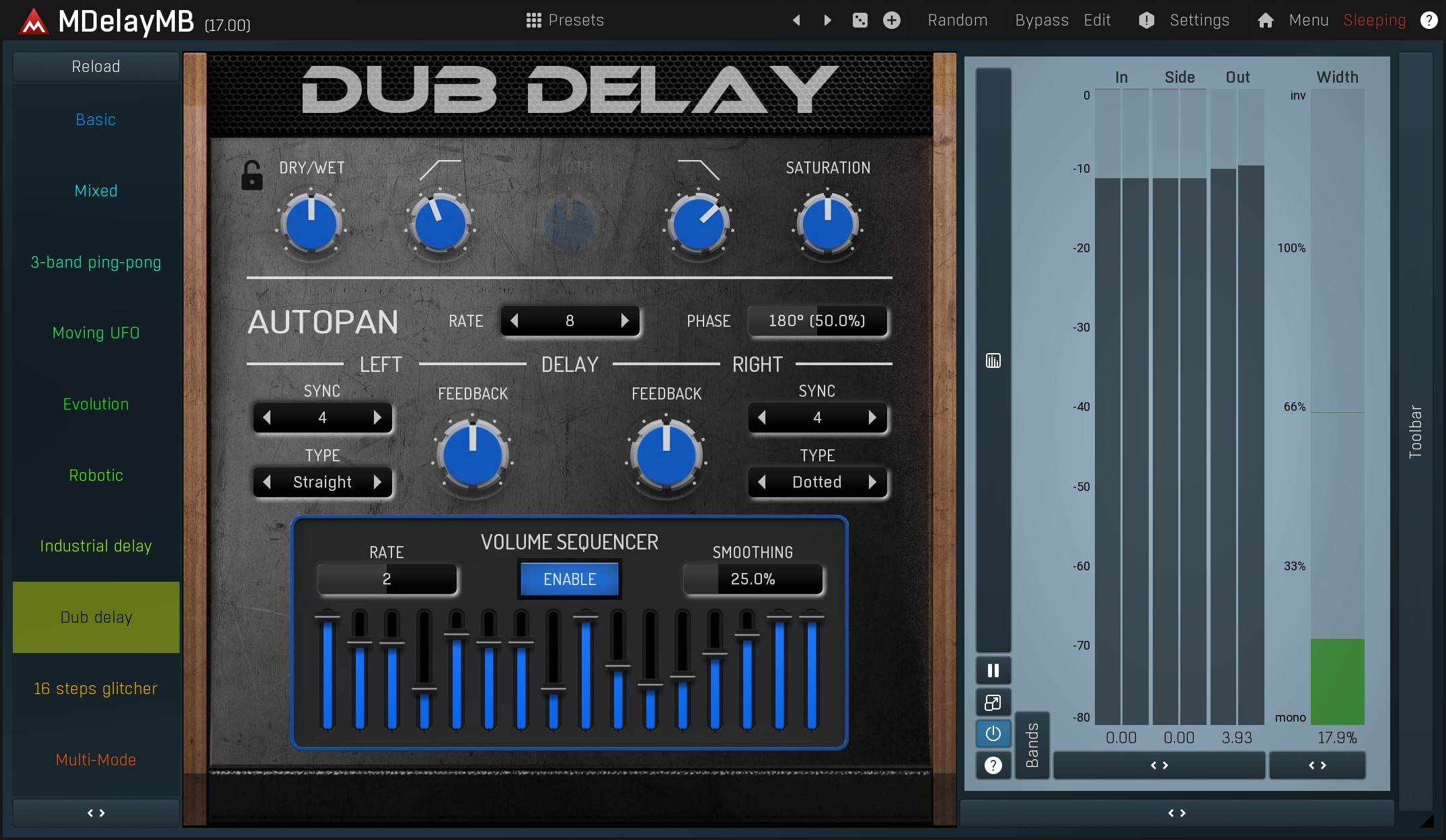
MDelayMB splits audio into up to six bands for distinct echoes, with signal-based crossovers, modulation, host sync, A/B comparison, and Windows/macOS support.
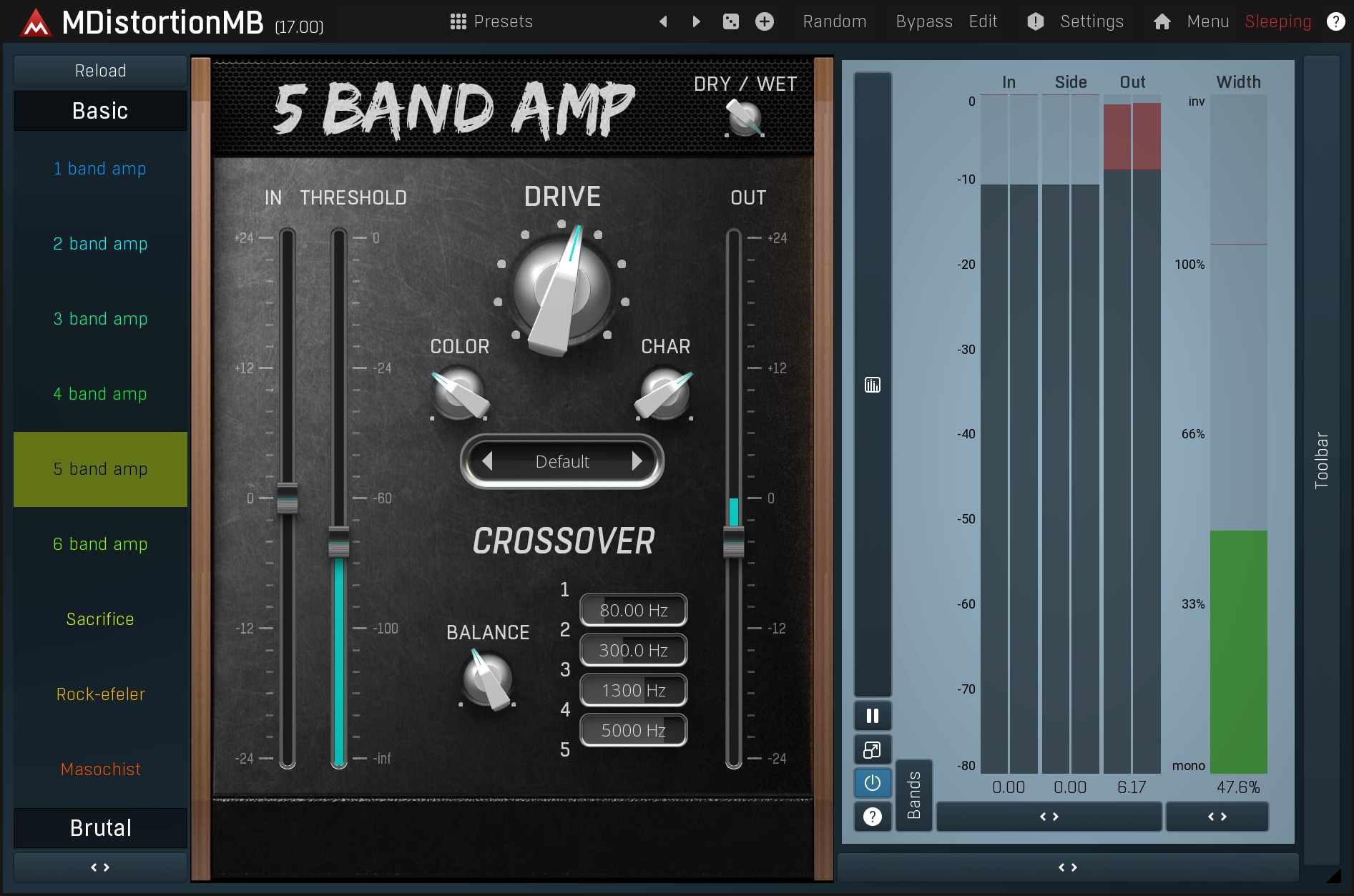
See how MDistortionMB combines amp-style and digital distortion with multiband crossovers, modulation, preset comparison, platform support and trial terms.
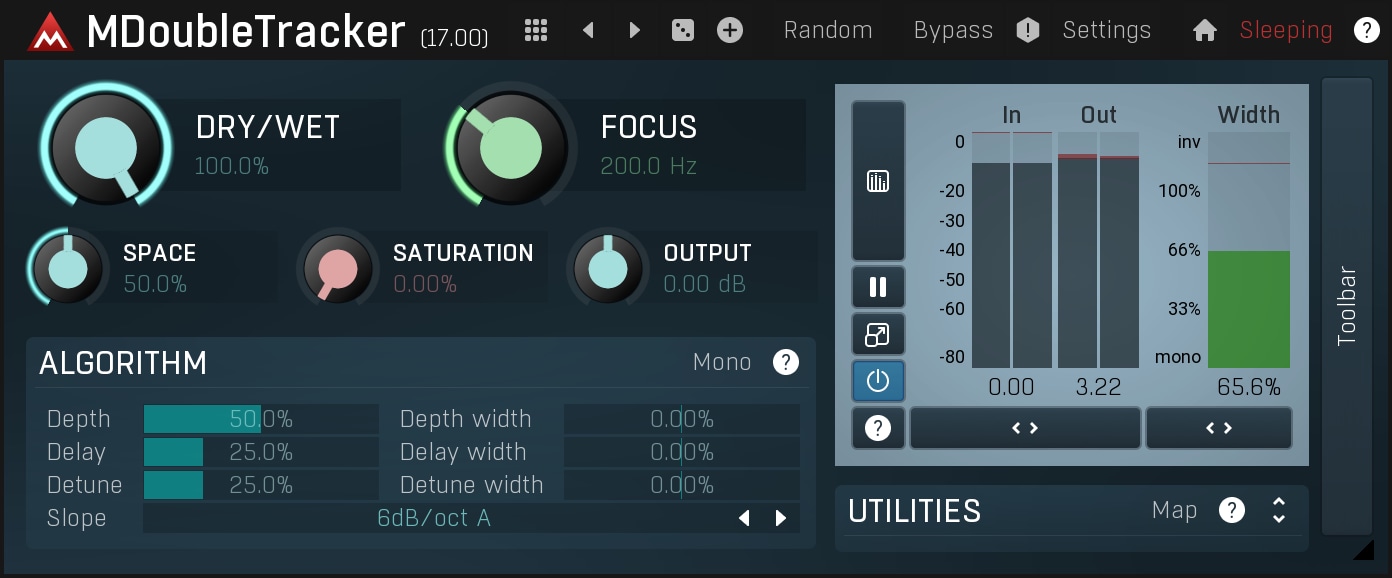
MDoubleTracker builds stereo width from changing delays and pitch shifts. Learn its controls, mono compatibility limits, multichannel modes, and DAW support.
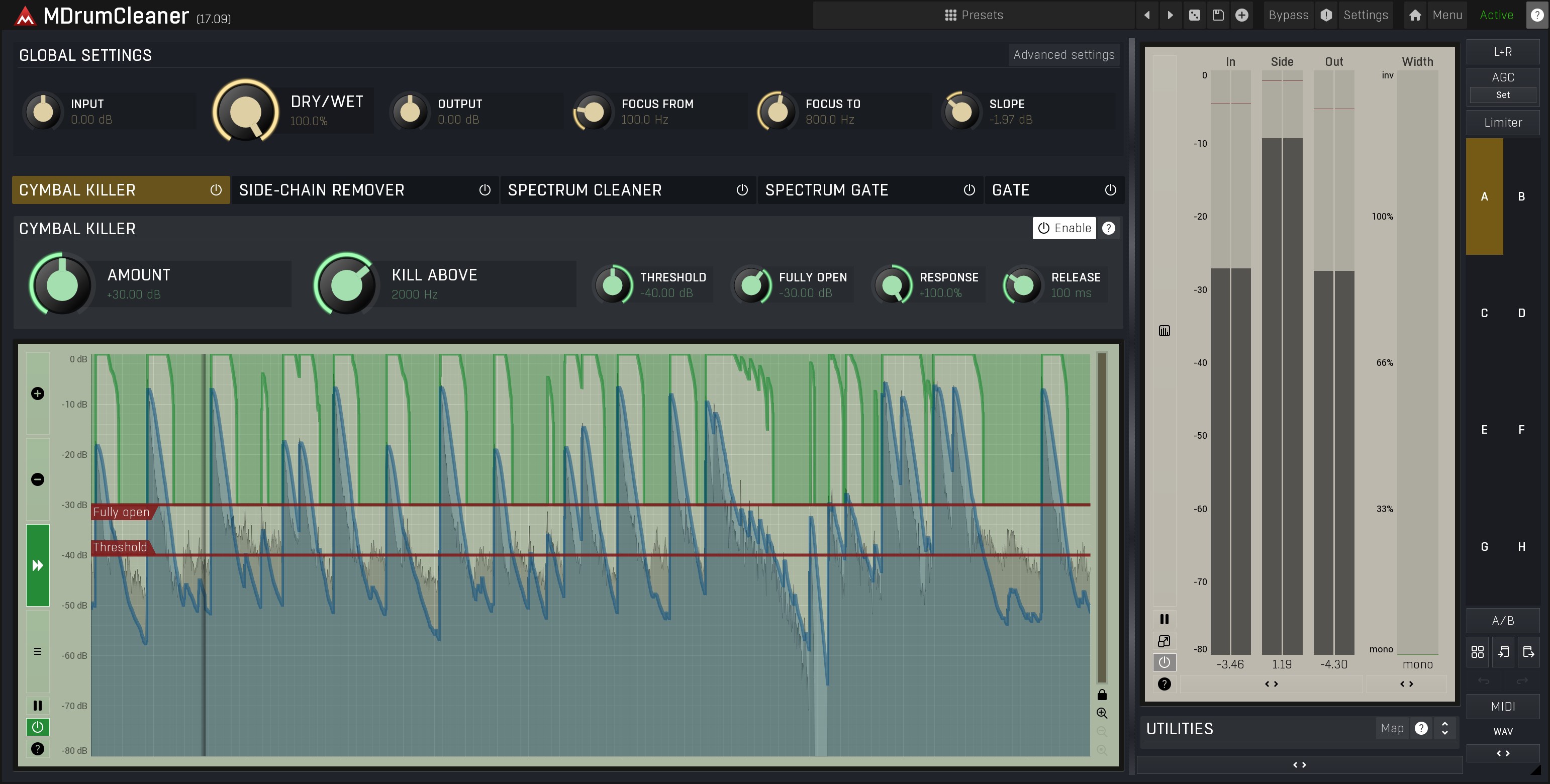
MDrumCleaner’s five tools reduce drum bleed; learn how reference analysis works, what limits live use, supported plug-in formats, and trial terms.
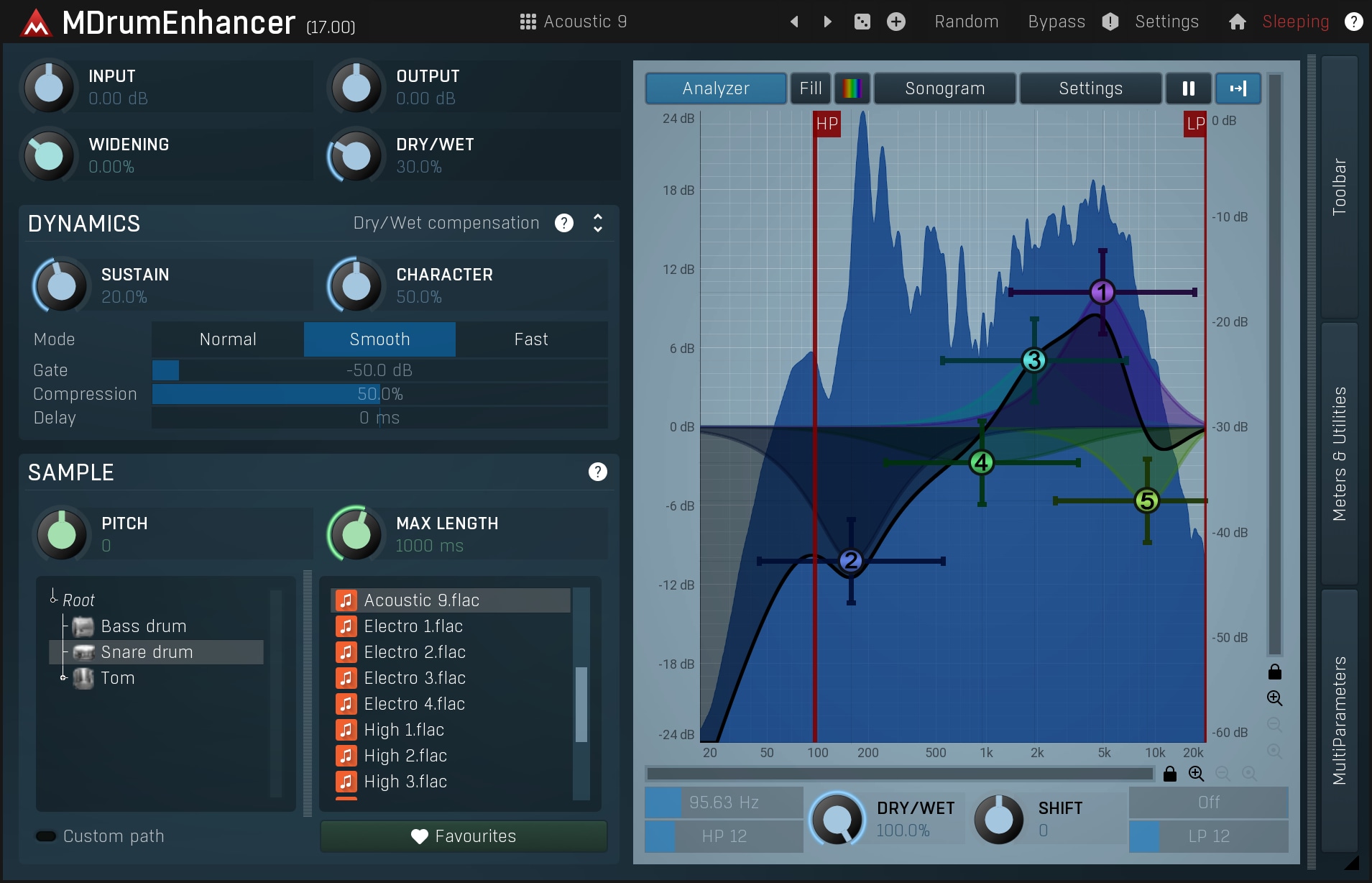
MDrumEnhancer is a sample-guided drum enhancer for kick, snare and toms, with pitch, sustain and filter controls, compatibility and licensing details.
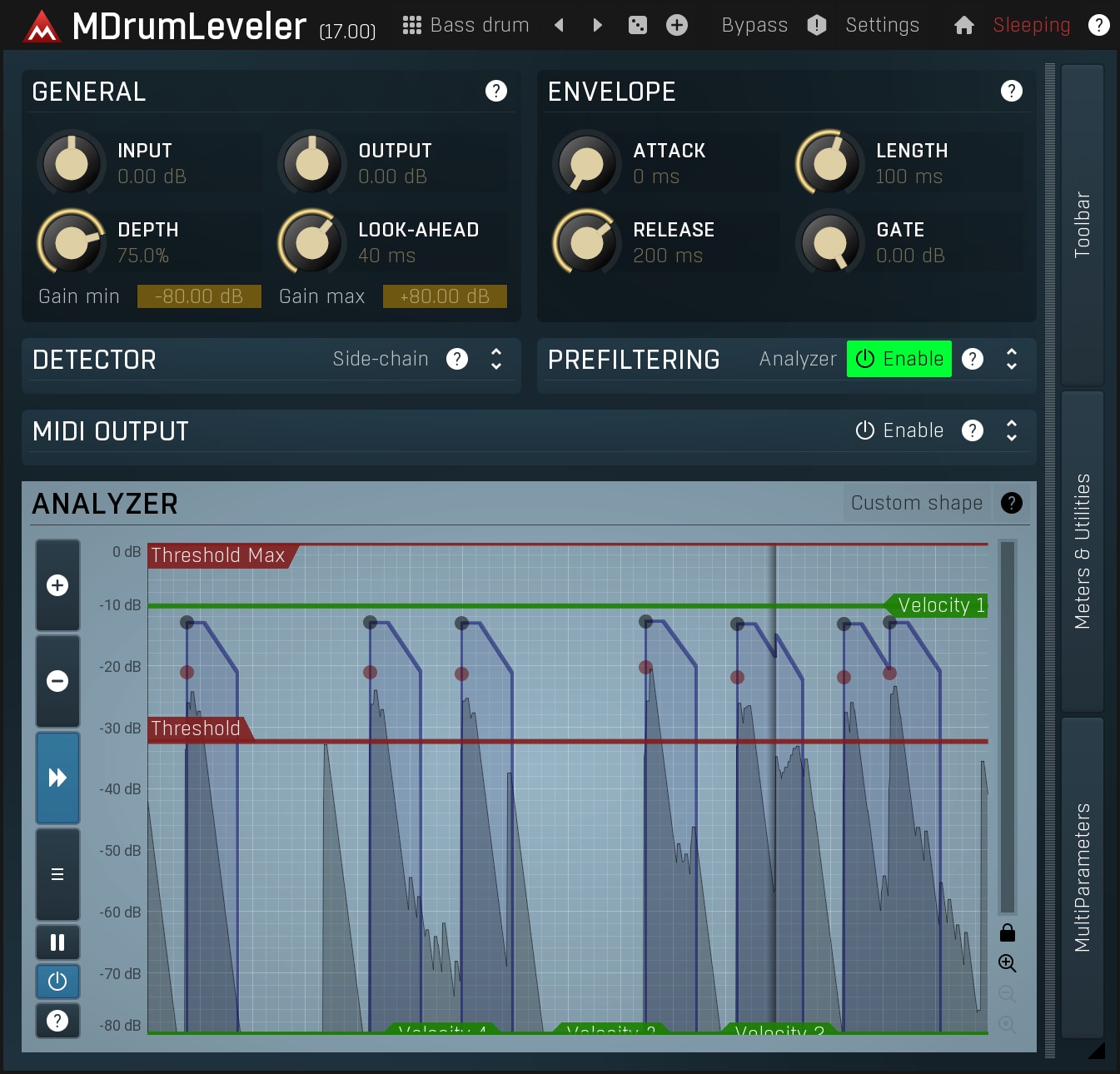
MDrumLeveler evens out drum hits and controls bleed with event-based processing. Learn how its detector, side-chain and look-ahead affect mixing and live use.
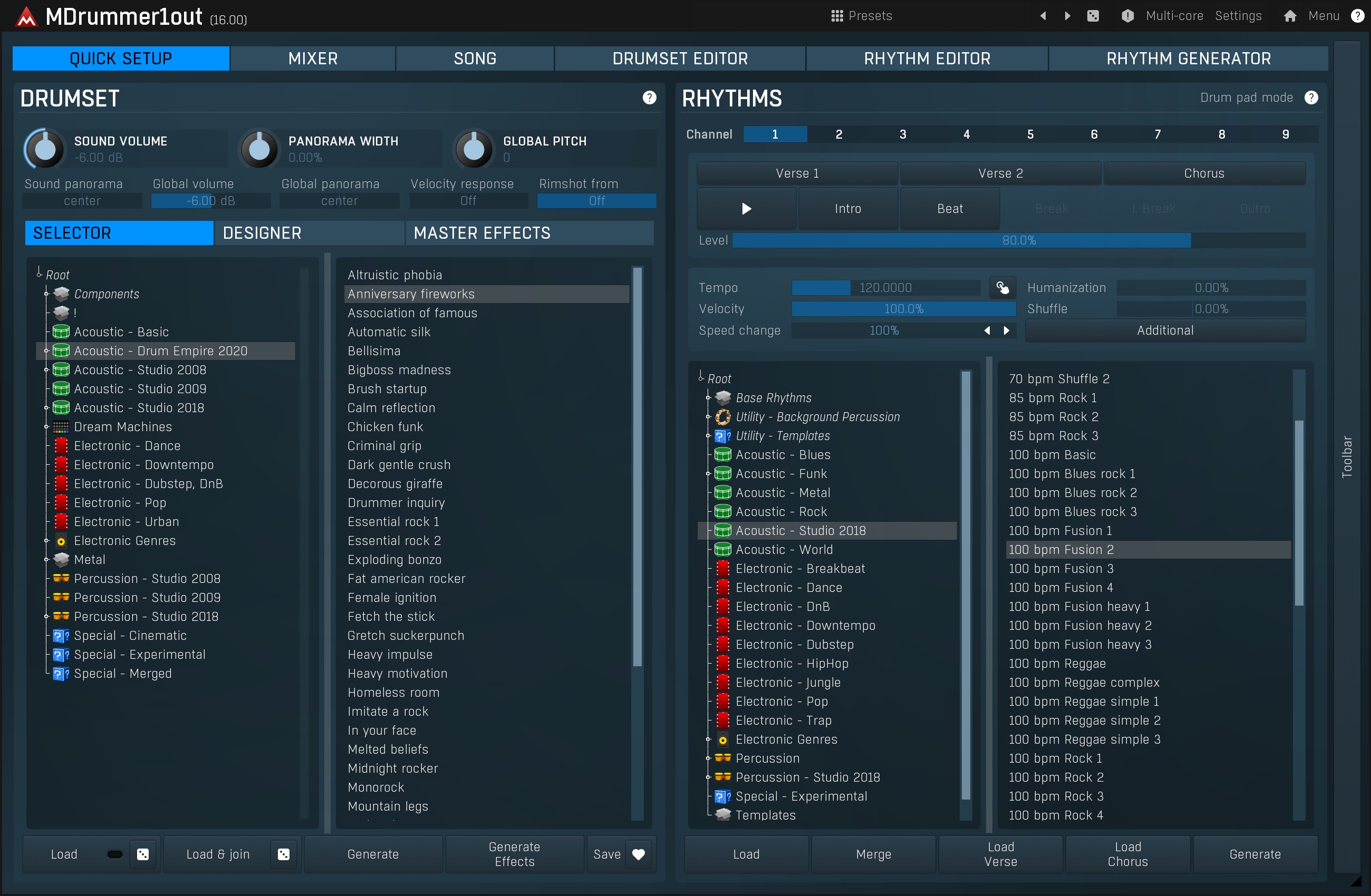
Build drum parts with generated rhythms, editable kits, sample import and MIDI control. Review MDrummer's compatibility, outputs, library packs and licensing.
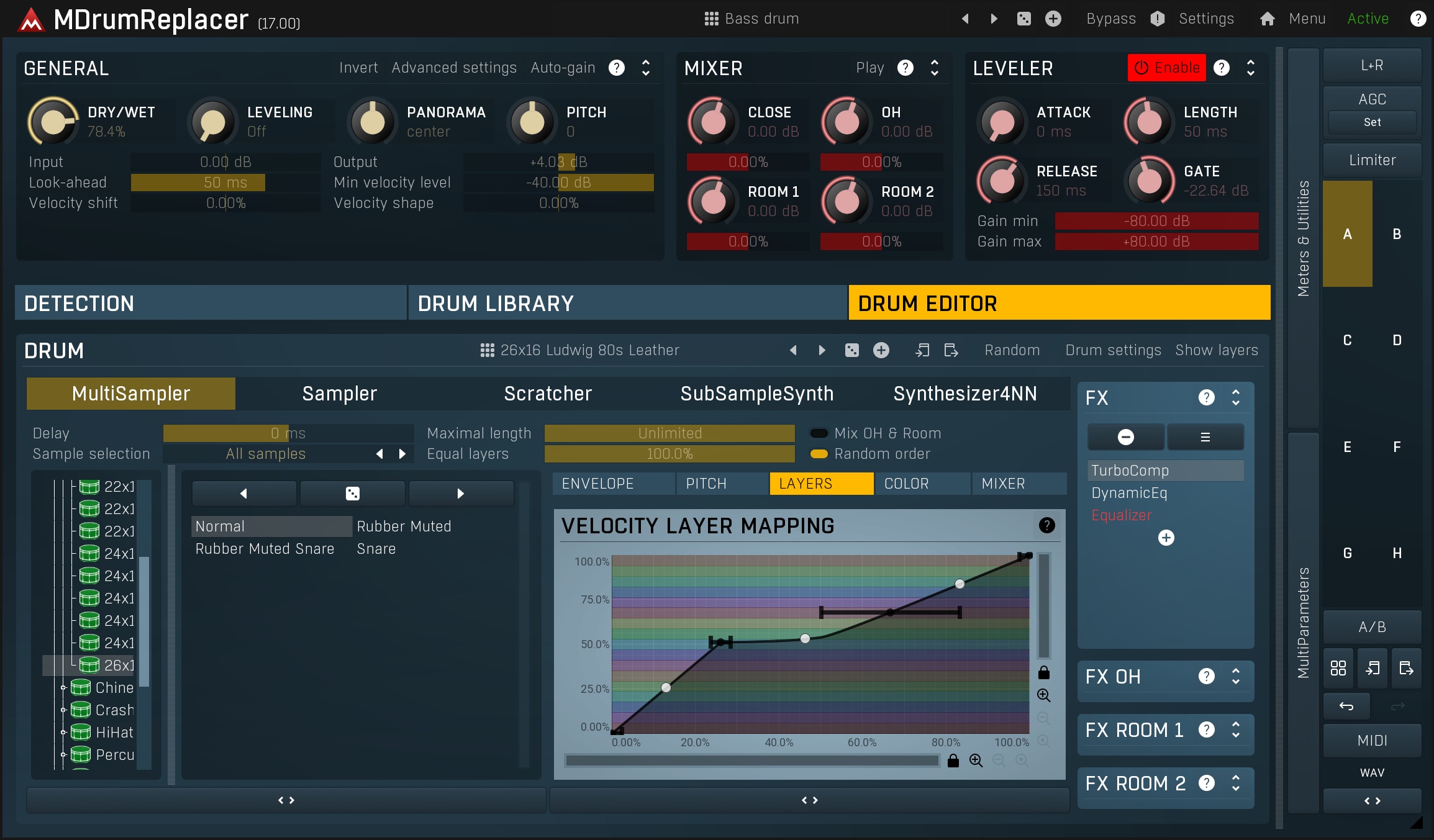
MDrumReplacer detects drum hits for replacement, layering or level correction. See how it handles bleed, MDrummer libraries, supported formats and licensing.
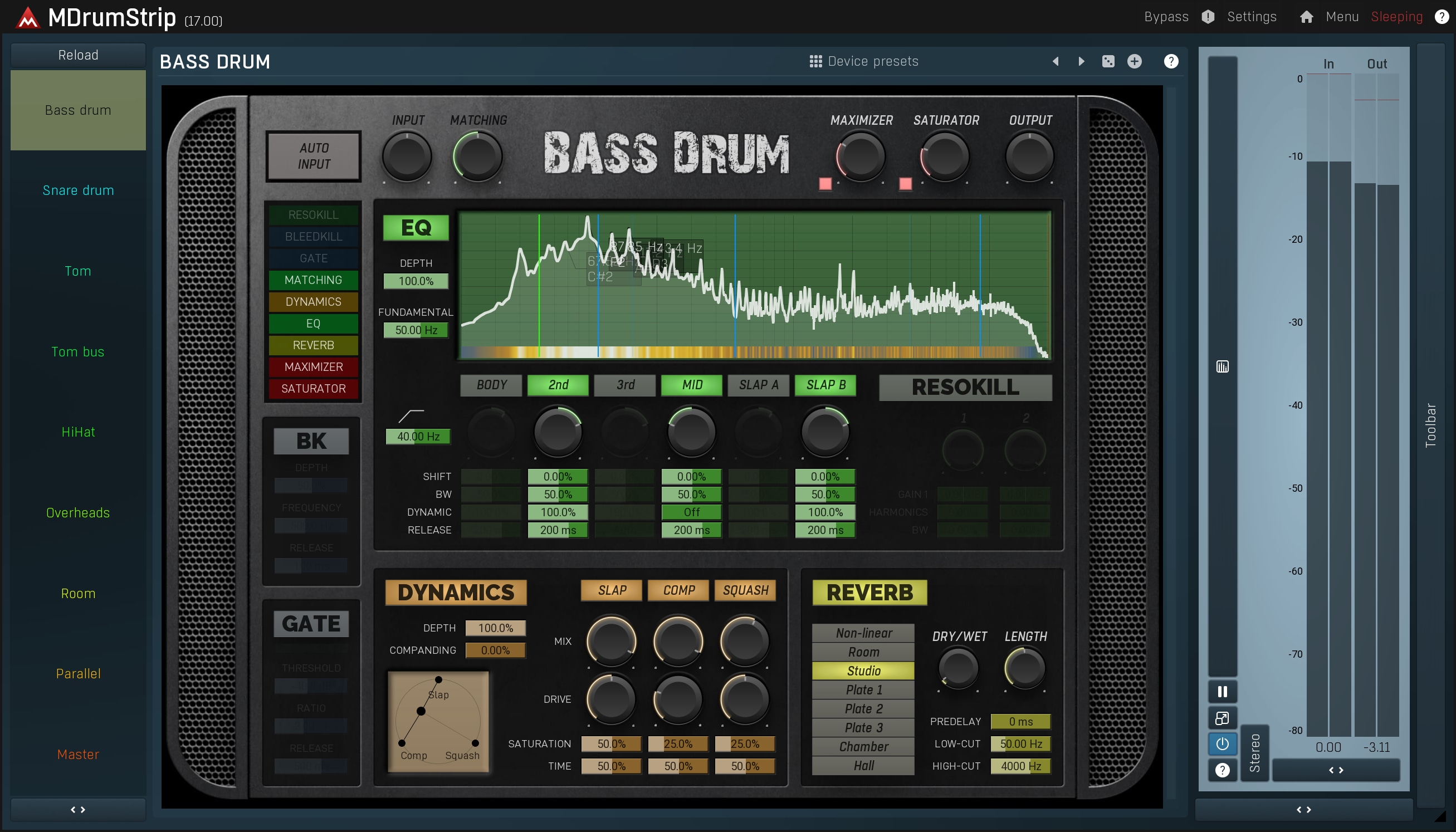
Explore MDrumStrip for acoustic drum mixing, with drum-specific EQ, dynamics, bleed control and reverb across close-mic, overhead, room and bus workflows.
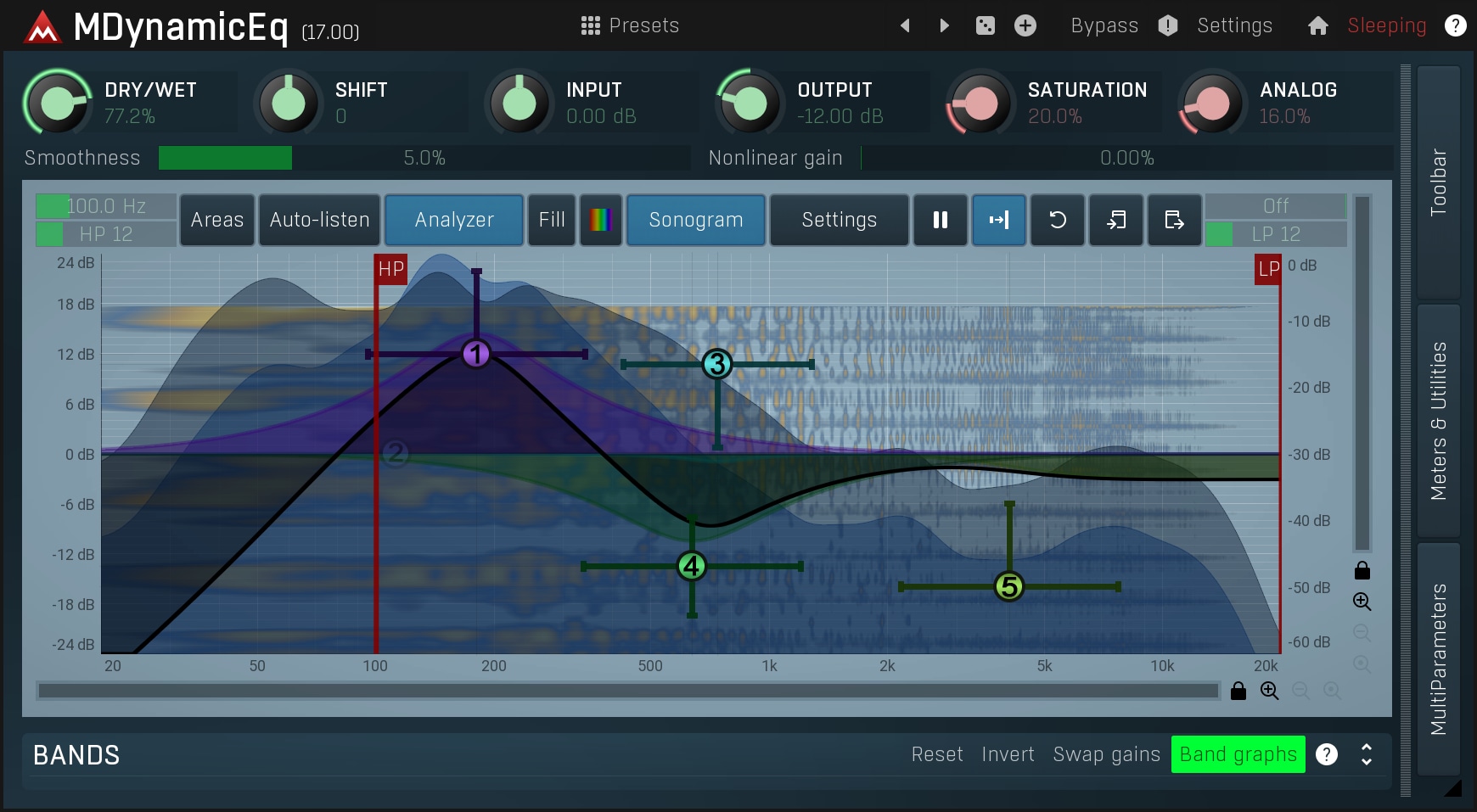
MDynamicEq handles level-dependent EQ, vocal de-essing, kick-triggered bass ducking and mid-side processing. See supported formats, setup needs and limits.
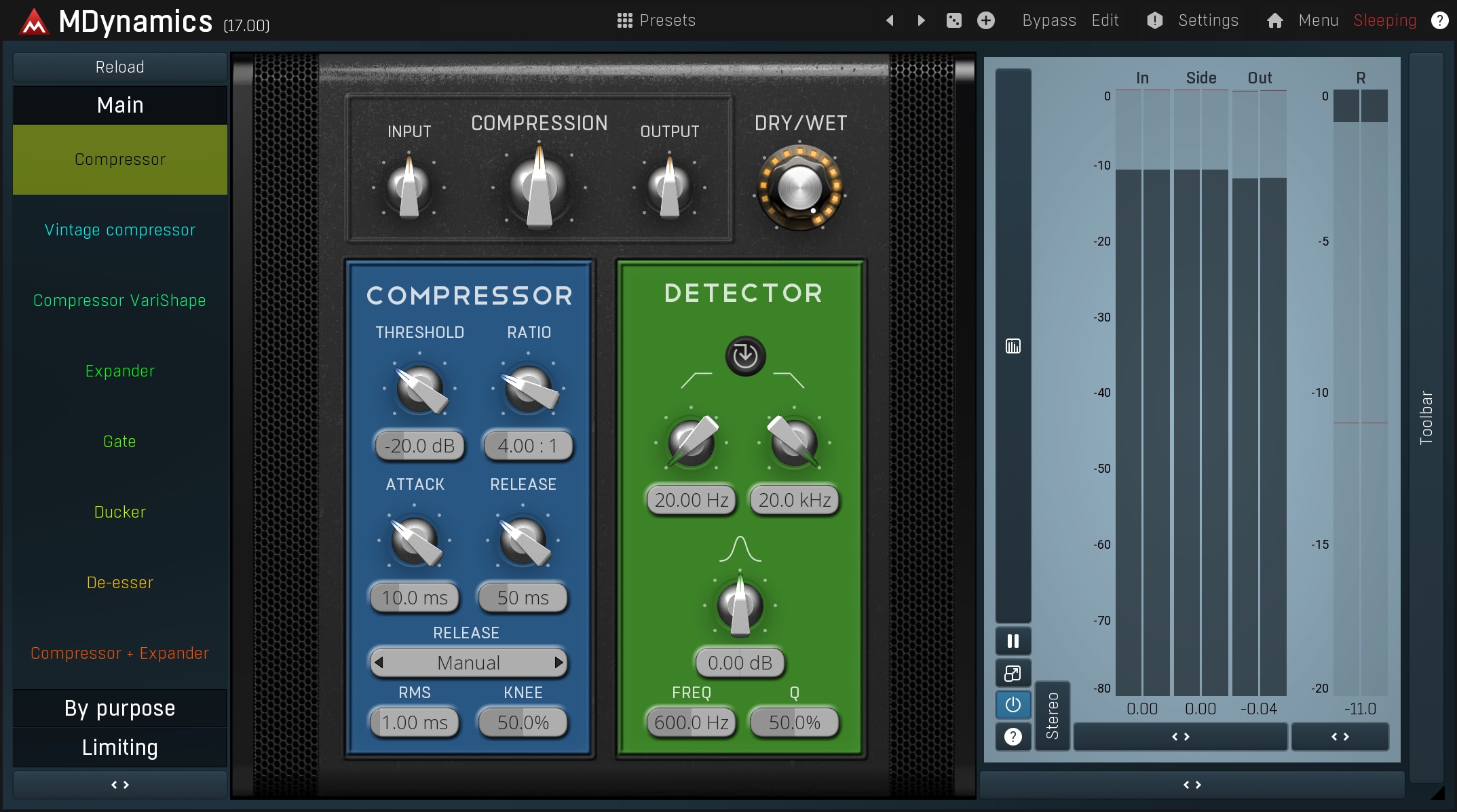
MDynamics handles compression, expansion and gating, with custom curves, detector shaping, side-chain filtering and multichannel support for mix control.
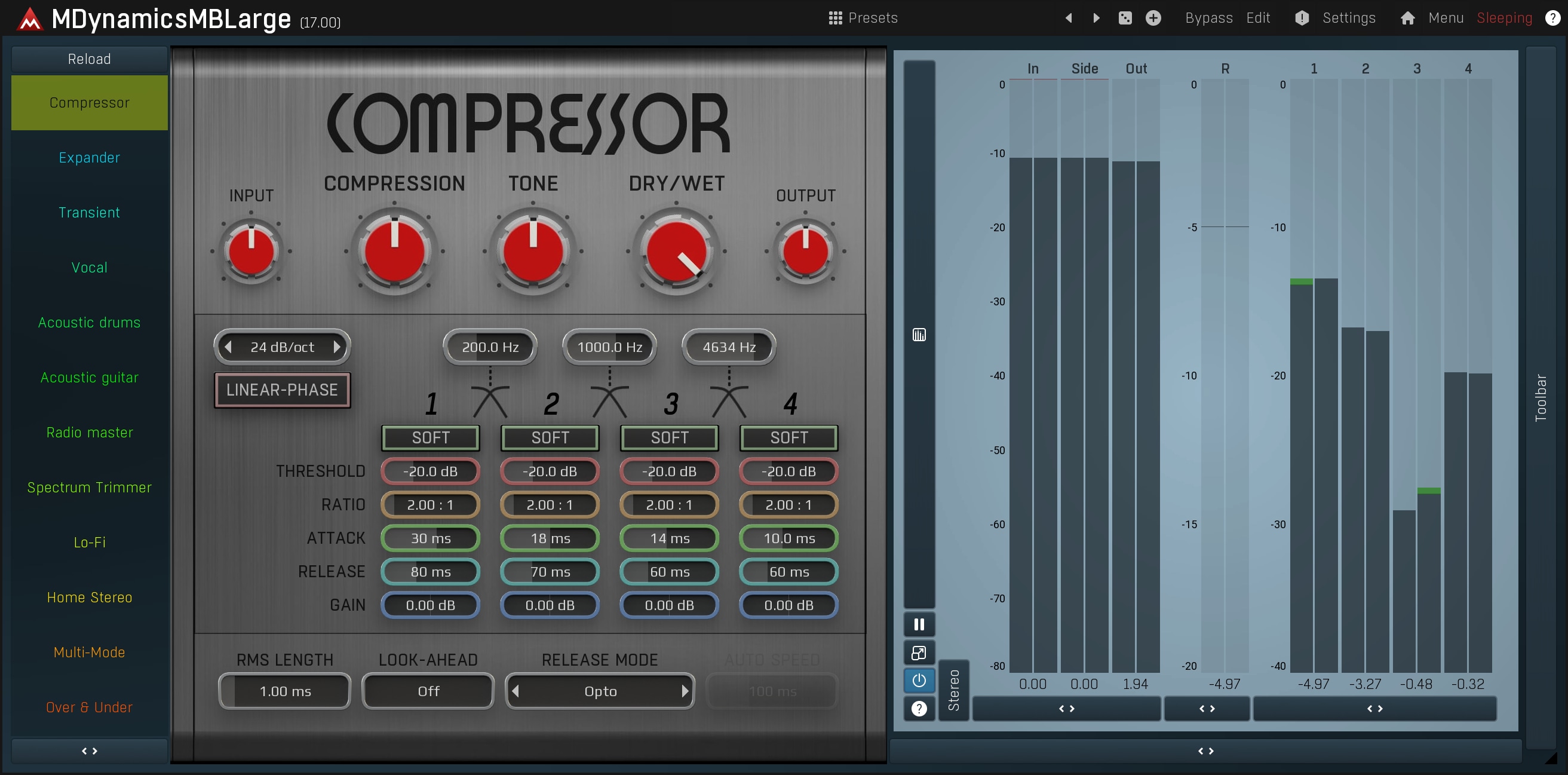
MDynamicsMB splits audio into up to six bands for compression, expansion, gating and side-chain control, with crossover tradeoffs and detector filtering.
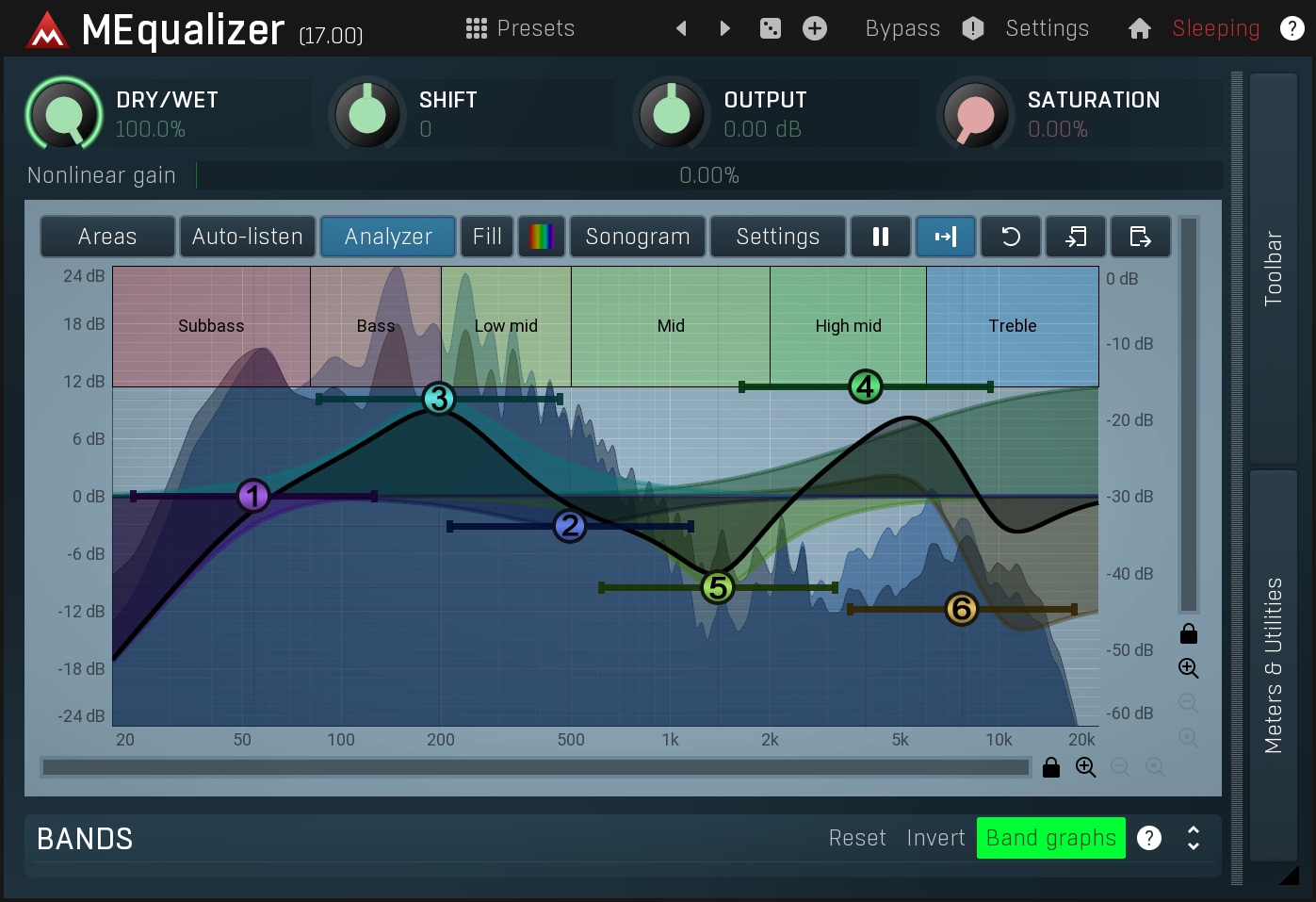
MEqualizer is a six-band equalizer with spectrum analysis, mid/side processing and saturation. It supports surround and Ambisonics when the host allows.
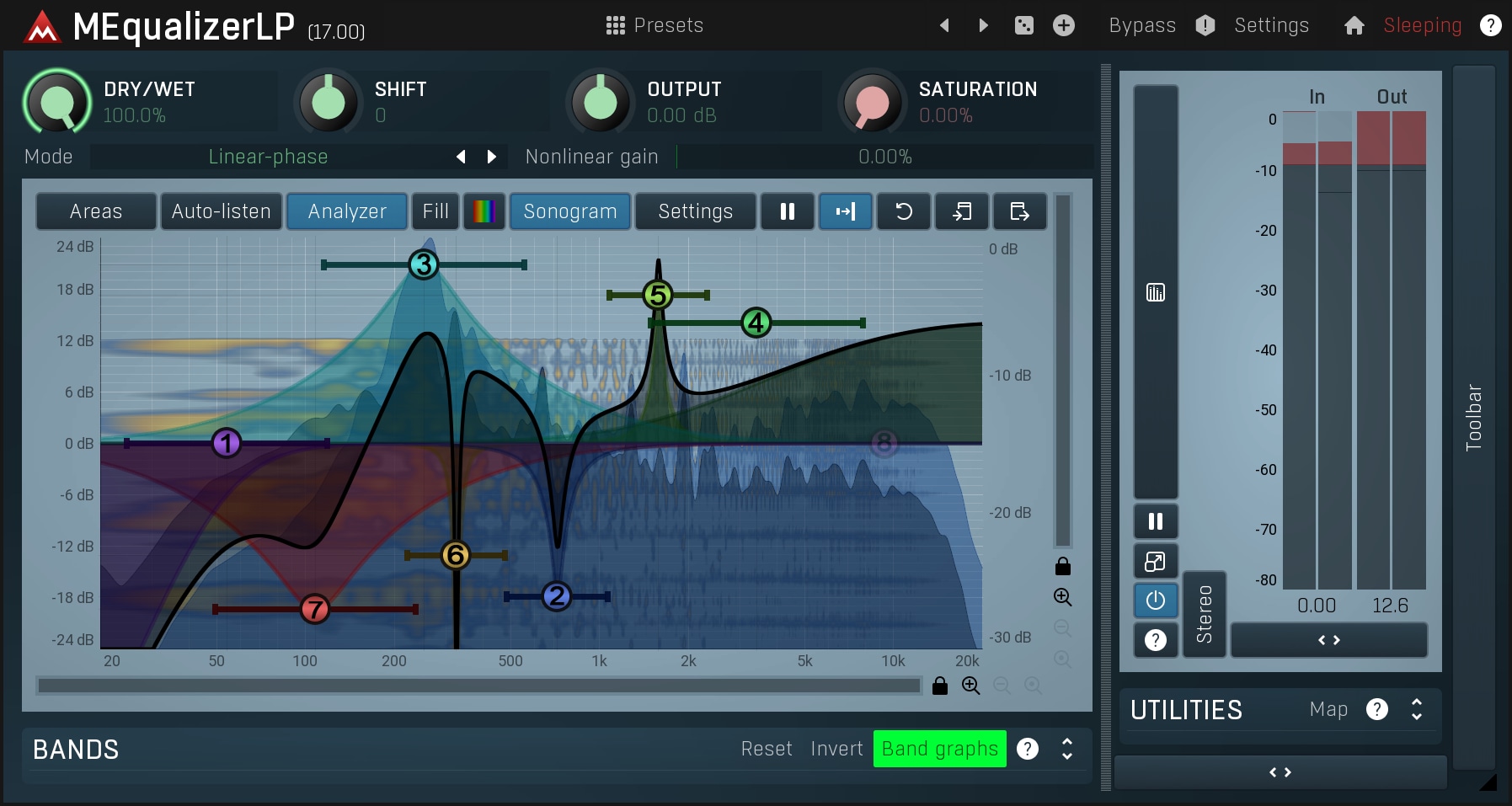
See how MEqualizerLP's three EQ algorithms differ, with filter types, analysis tools, Mid/Side and multichannel processing, plus format and setup limits.
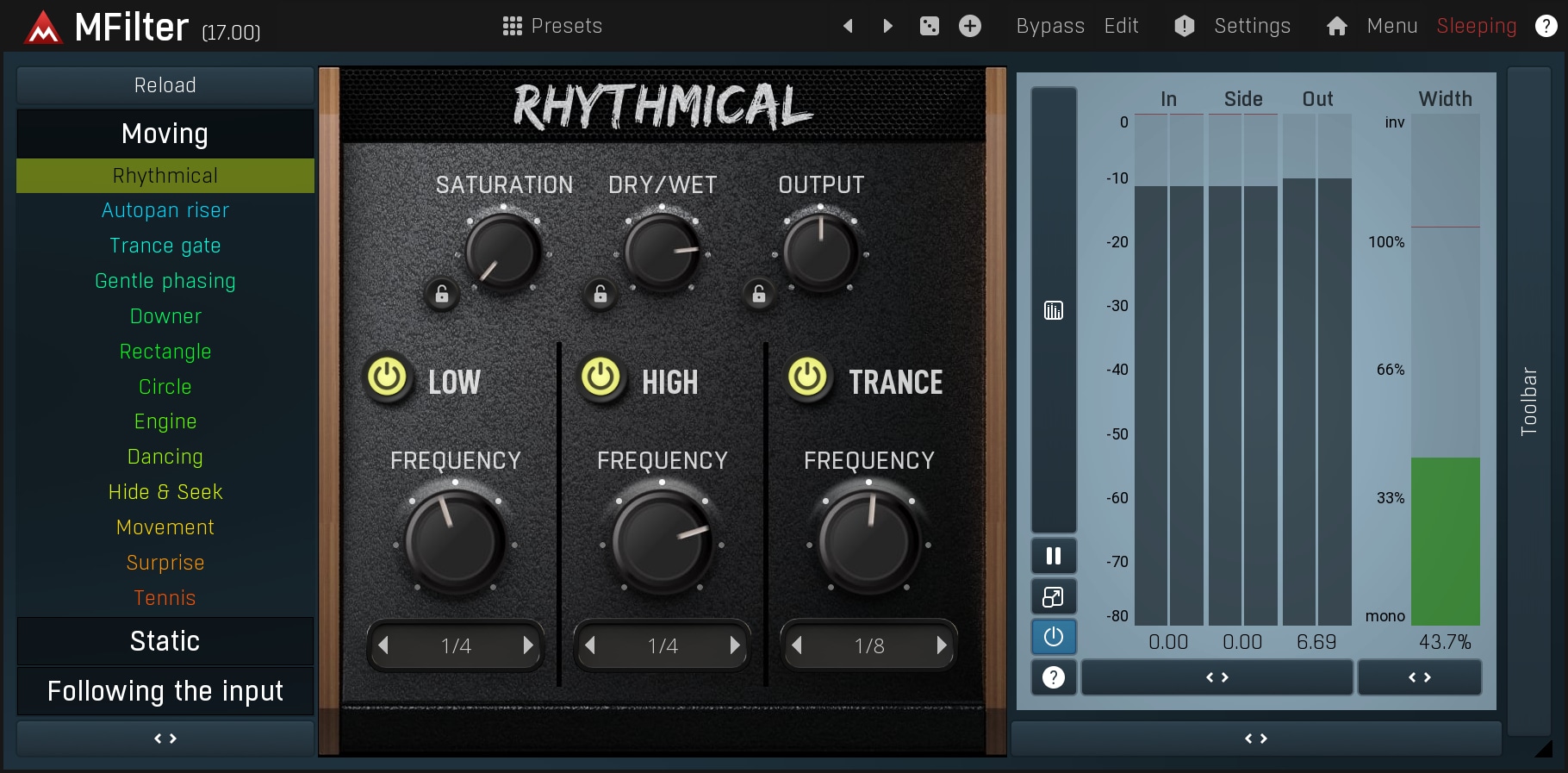
MFilter combines nine filter types per band, four modulators, and spectrum views for shaping static EQ or creating moving filters with sidechain control.
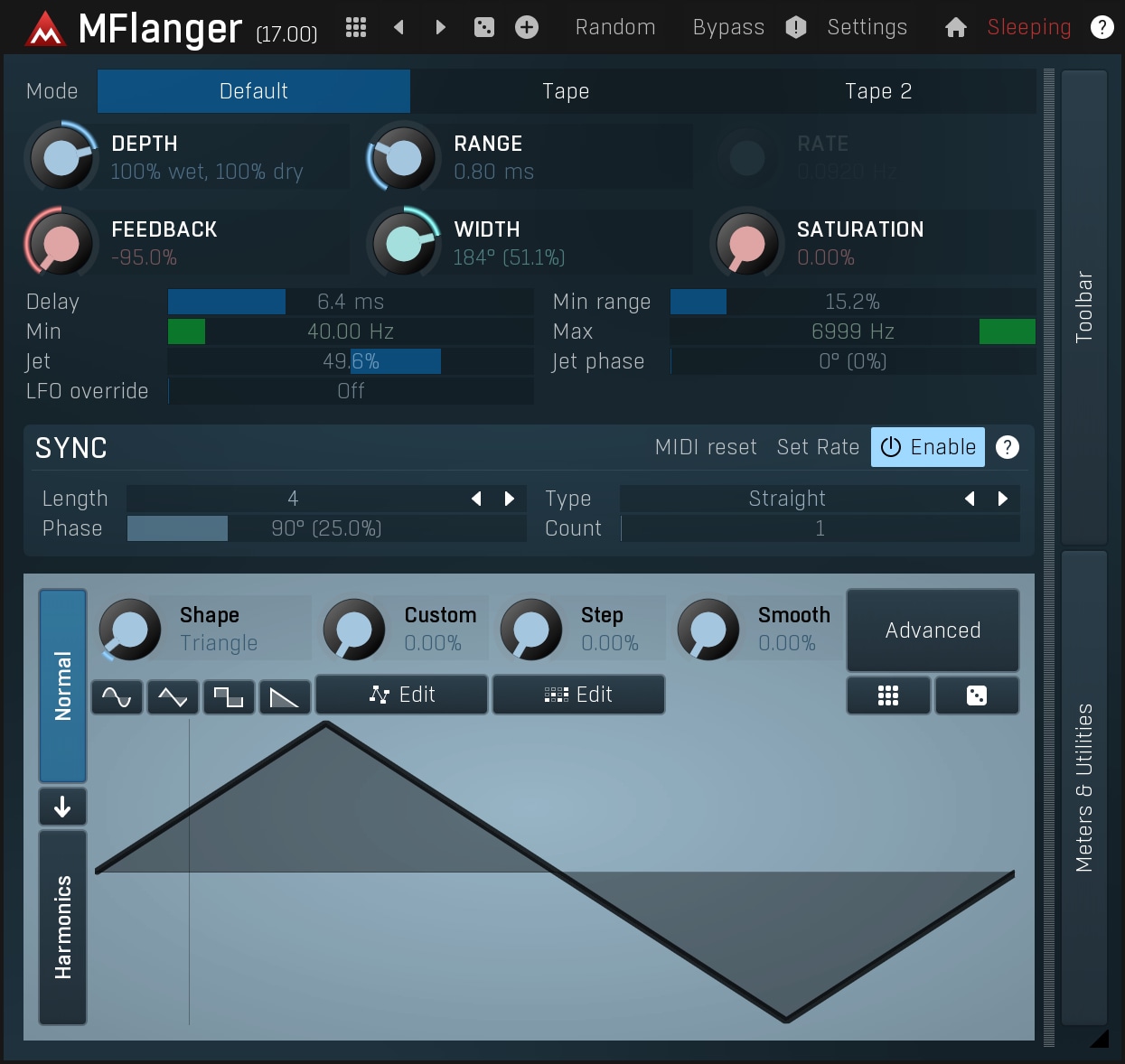
Learn how MFlanger's standard and tape modes, oscillator shaping, tempo sync, stereo controls, and tube saturation fit your workflow on Windows and macOS.
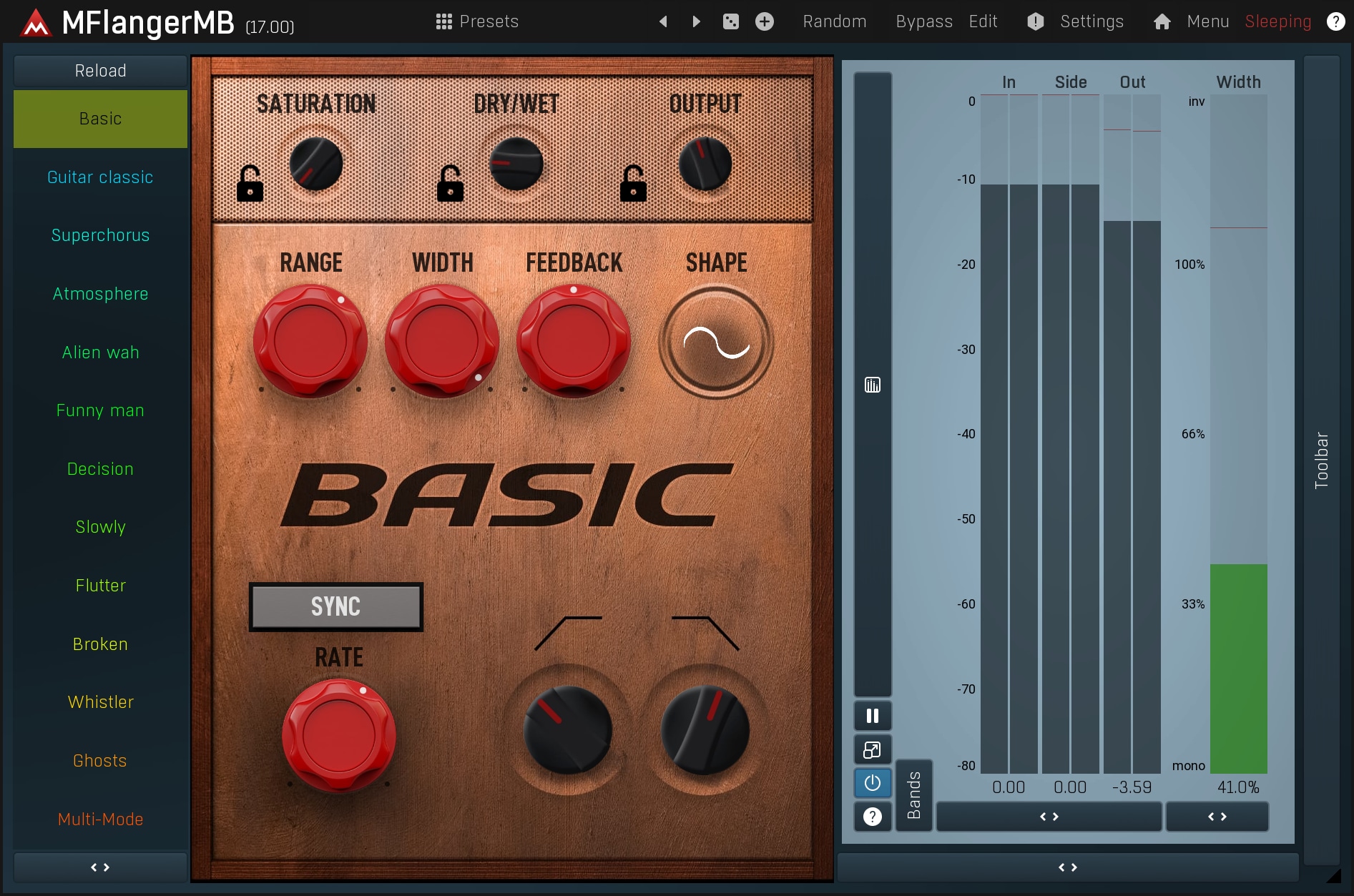
Shape moving flange effects across six bands with custom oscillators, tempo sync and modulation. Check MFlangerMB's formats and activation requirements.
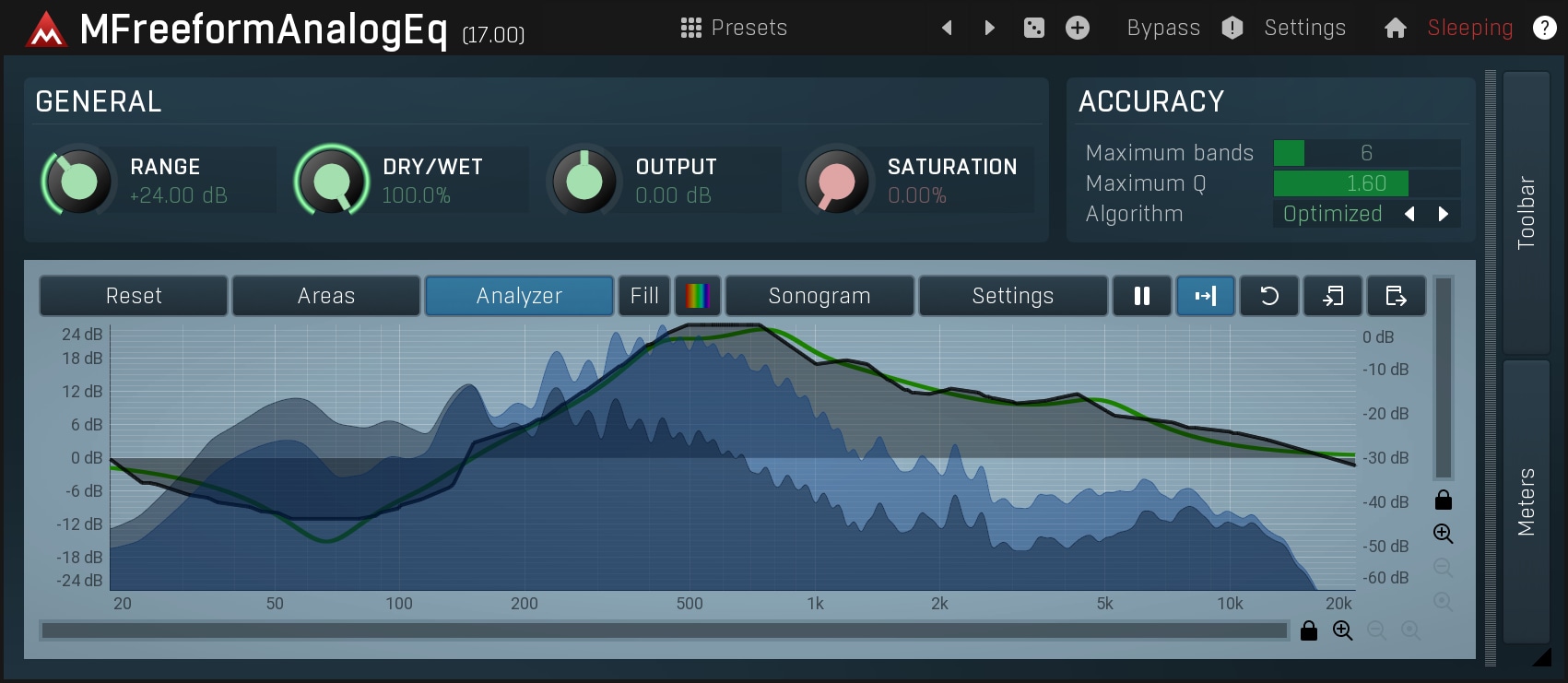
MFreeformAnalogEq is a drawn-curve equalizer that approximates EQ shapes with analog filters. See its controls, analysis tools, channel modes and compatibility.
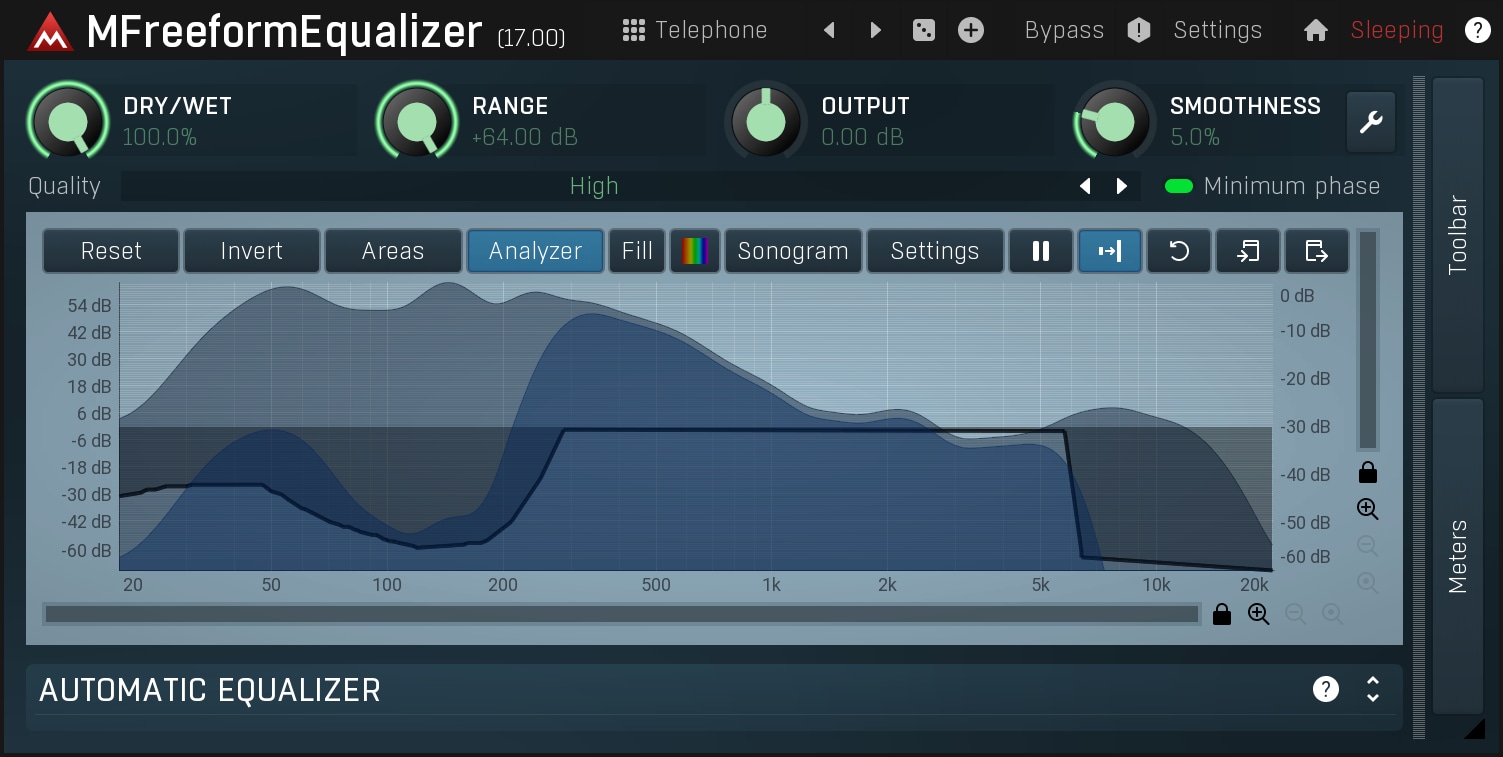
Draw custom EQ curves, match one track to a reference, or reduce spectral clashes. Learn MFreeformEqualizer's workflow, formats, licensing and limits.
Developer attribution comes from the linked product listings. Current product details are available on each product’s website. About our sources